
7 Head of Retail Operations - Omnichannel Retail Cover Letter Templates with Example
This practical guide helps you write a Head of Retail Operations - Omnichannel Retail cover letter and compare seven layouts.
What Makes a Great Head of Retail Operations - Omnichannel Retail Cover Letter in 2026
A strong letter shows how you lead retail, ecommerce and support teams while keeping trading and customer service on track. Its opening should make your interest in the role clear.
Choose evidence that shows your leadership in action, such as coaching colleagues, setting shared trading priorities or improving order hand-offs. Link these examples to the Trust’s need for steady operations and a smooth refit.
The featured example moves from interest in the role to team leadership, a practical fulfilment example and refit planning, then closes with a clear next step; adapt this focused progression while choosing a presentation suited to the employer and communication context.
#1 Simple One Column Format Cover Letter Example
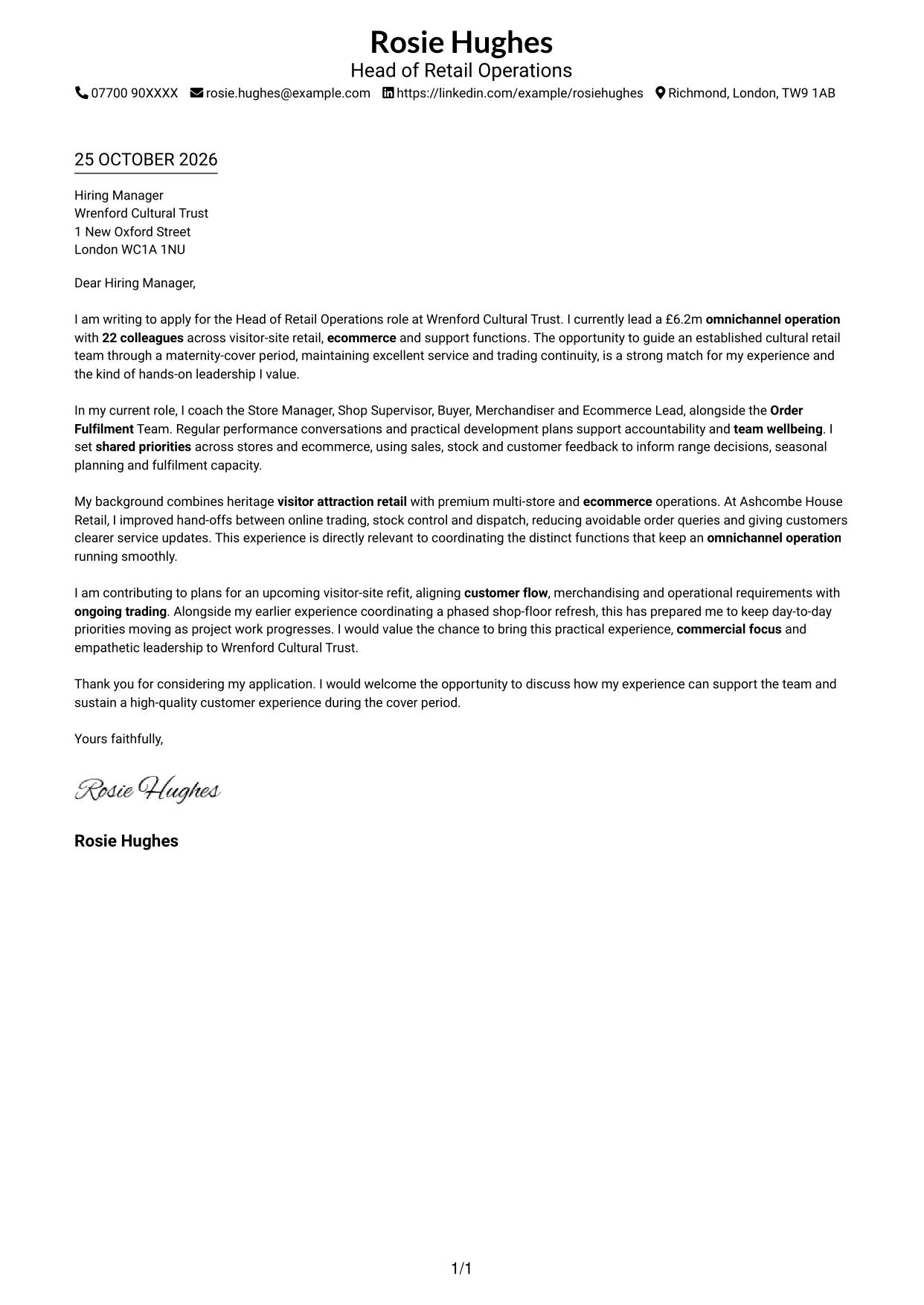
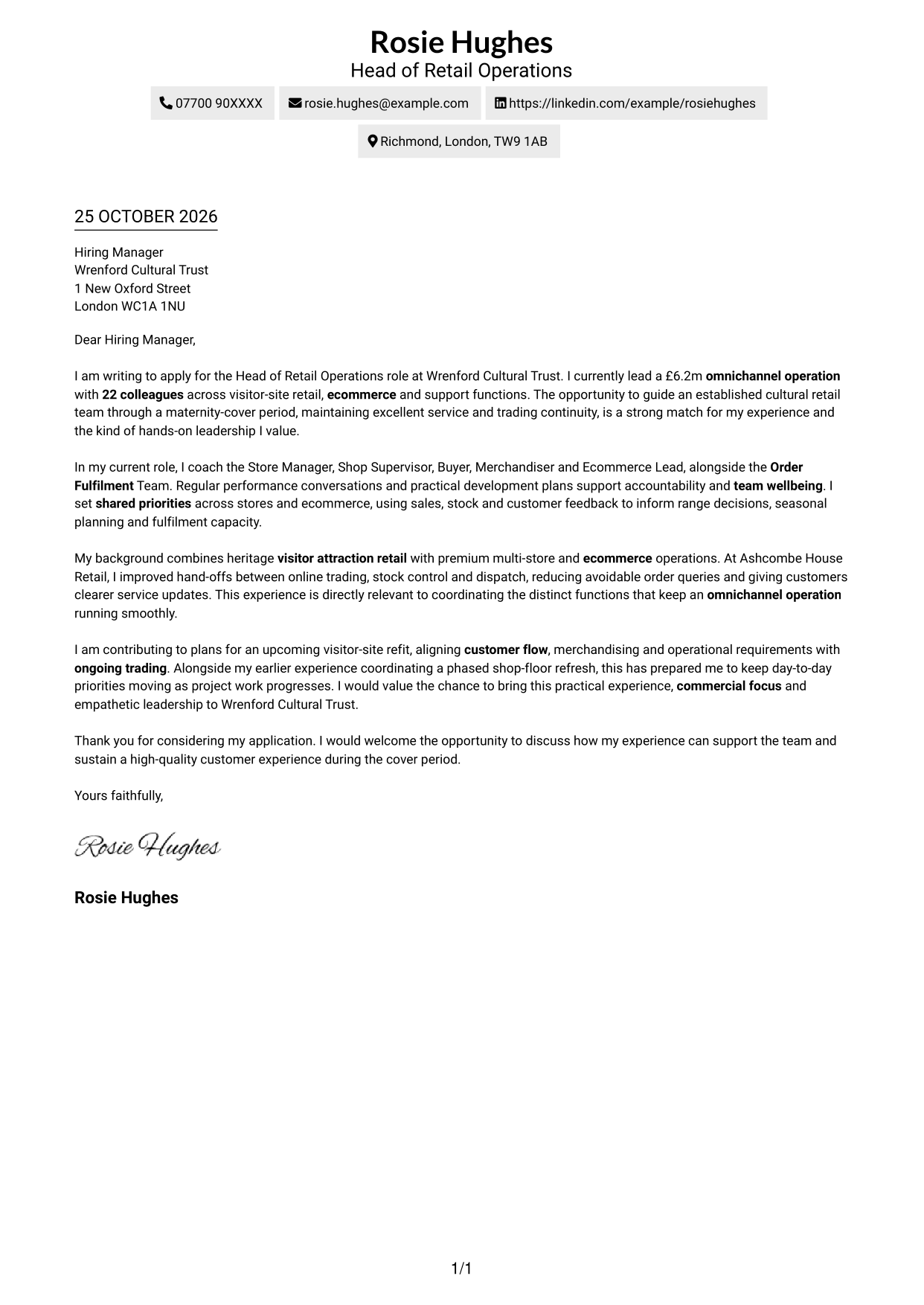
The Simple One Column Format keeps sender details in the header and the letter in one continuous column, a familiar choice for readers who prefer a direct page flow.
Why This Format Works
- Sender details stay in the header, making contact information easy to locate.
- One uninterrupted column lets the reader follow the case from opening to close.
- The paragraphs retain the natural form of a letter without body headings.
Best For
- Single-column correspondence
- Sender details in the header
- One uninterrupted letter argument
- Applications needing a clear case for fit
- Readers who prefer familiar letter order
#2 Two Column Format Cover Letter Example
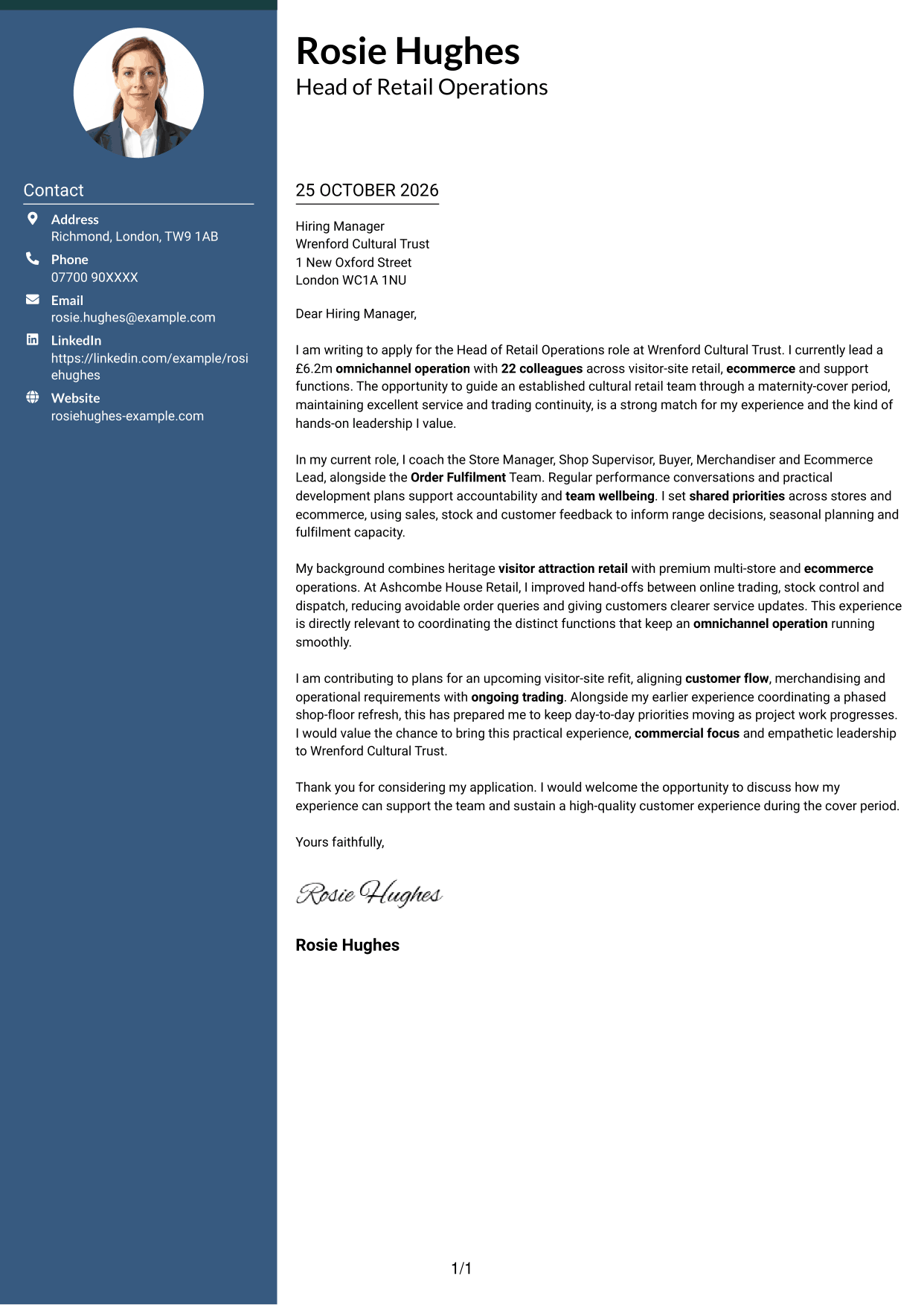
The Two Column Format places contact details in a sidebar beside one continuous letter body, keeping the message intact while contact information remains distinct.
Why This Format Works
- The contact sidebar keeps sender information distinct from the persuasive message.
- Readers can follow motivation, evidence and closing in their natural sequence.
- A single letter body preserves familiar paragraph-based correspondence.
Best For
- Contact details beside the message
- Paragraph-based persuasive letters
- Letters with several linked points
- Applications balancing motivation and evidence
- Readers who prefer a side-by-side layout
#3 Photo Header Two Column Format Cover Letter Example
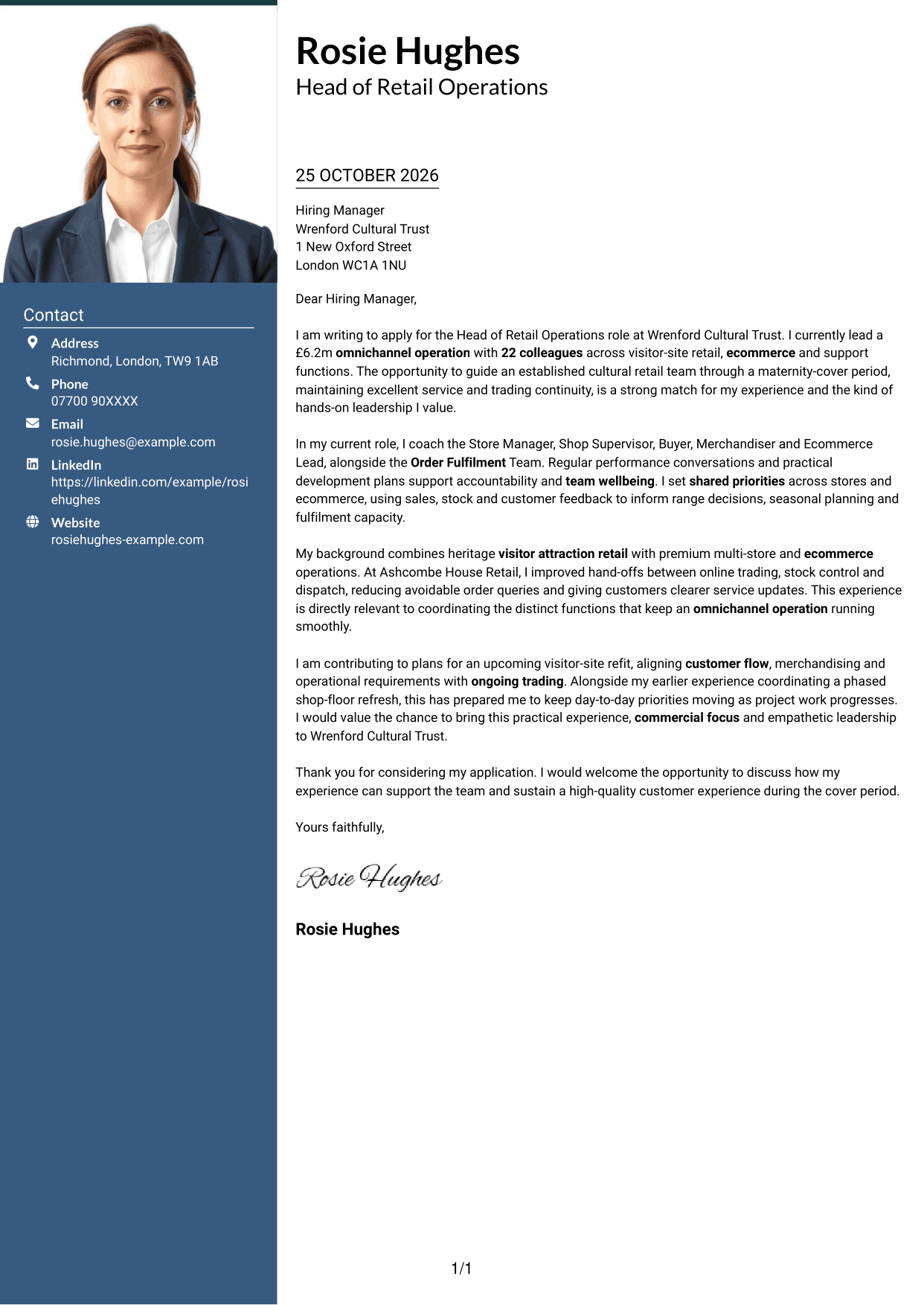
The Photo Header Two Column Format pairs a portrait and contact sidebar with one continuous letter body, presenting a visual sender cue without dividing the message.
Why This Format Works
- The portrait adds a personal visual cue without changing the letter's paragraph structure.
- Contact details remain distinct from the persuasive message in the adjacent sidebar.
- One body lets readers follow motivation, evidence and closing in sequence.
Best For
- Contact details beside the letter
- Portrait-inclusive applications
- Continuous persuasive correspondence
- Letters linking motivation and evidence
- Applications with several supporting points
#4 One Column Format with Photo Cover Letter Example
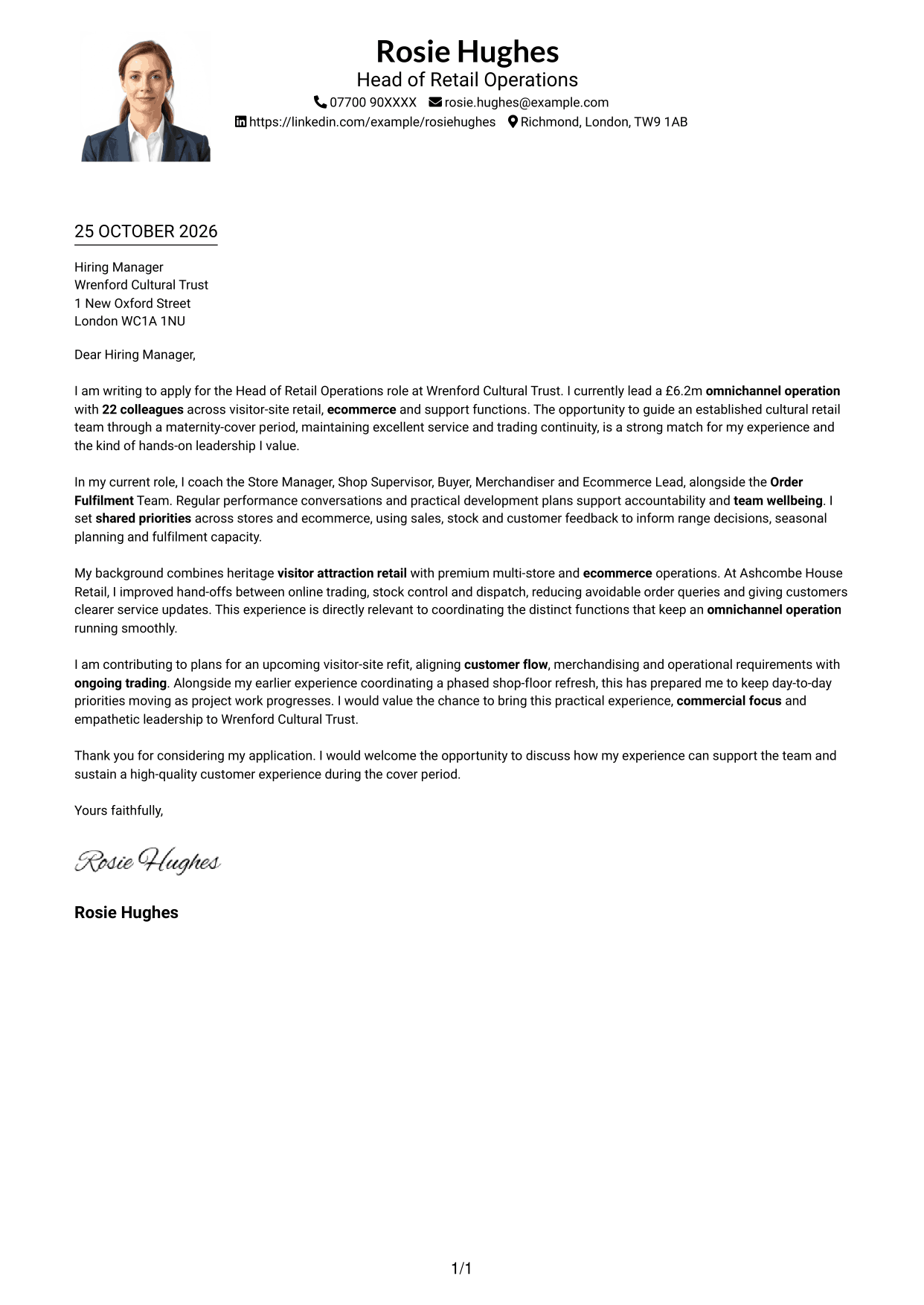
The One Column Format with Photo keeps the letter body in one column and includes a photo, suiting readers who want a personal visual element alongside a direct letter flow.
Why This Format Works
- The portrait adds a personal visual element while the body remains a single column.
- One-column reading keeps the letter's argument together from opening through close.
- Sender details sit in the header rather than a separate contact sidebar.
Best For
- One-column letter layouts
- Portrait-inclusive correspondence
- Applications balancing motivation and evidence
- Letters with a clear opening and close
- Readers preferring a direct letter flow
#5 Simple Two Column Format Cover Letter Example
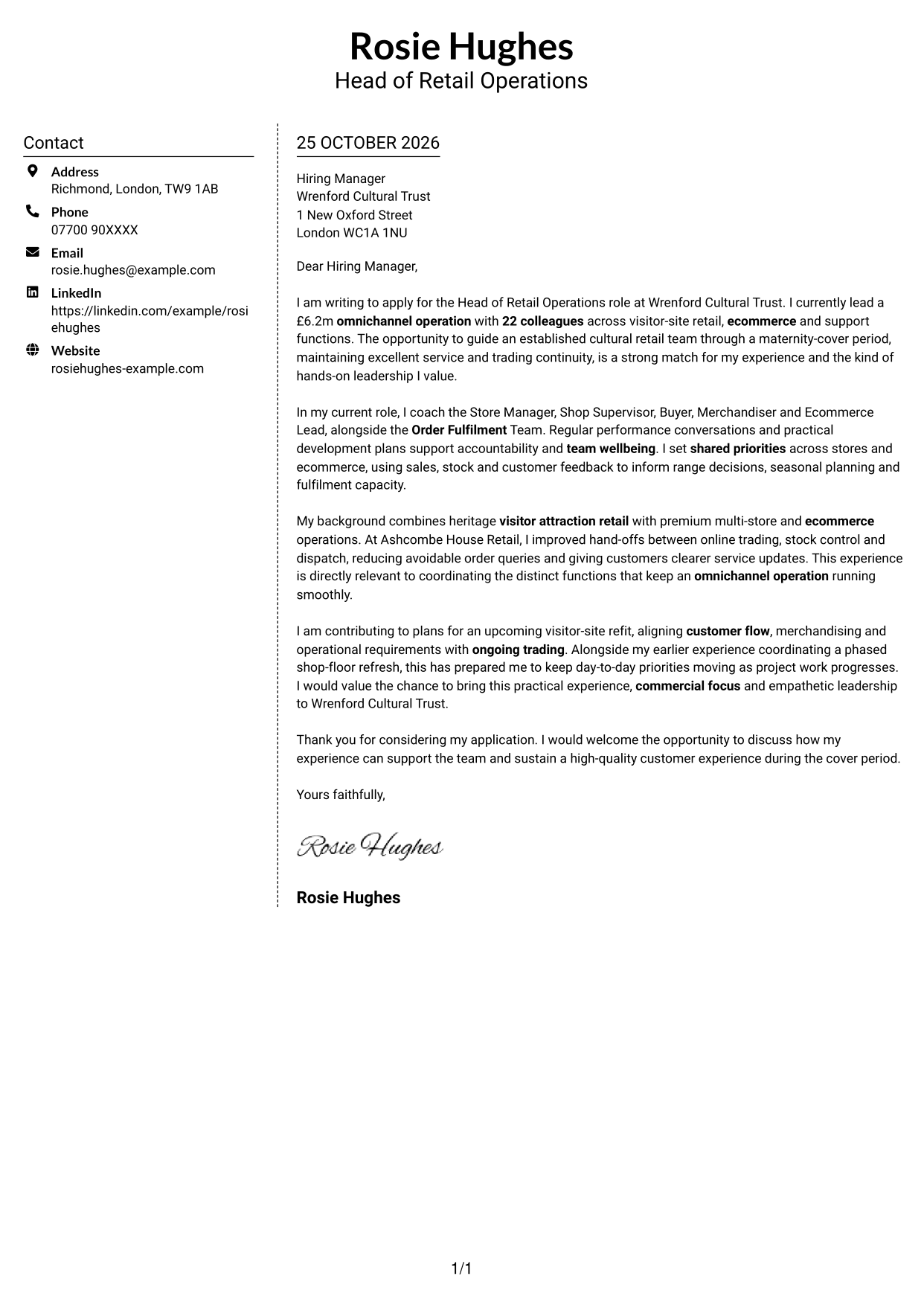
The Simple Two Column Format places contact details beside a single continuous letter body, offering a clear boundary between sender information and the message.
Why This Format Works
- Contact information sits apart from the letter, making sender details easy to find.
- The argument stays in one body rather than splitting across parallel columns.
- Readers can move through the letter's paragraphs in their intended order.
Best For
- Separate contact and message areas
- Letters with a continuous argument
- Applications with connected supporting points
- Paragraph-led persuasive correspondence
- Readers who favour two-column layouts
#6 Modern Icon Format Cover Letter Example
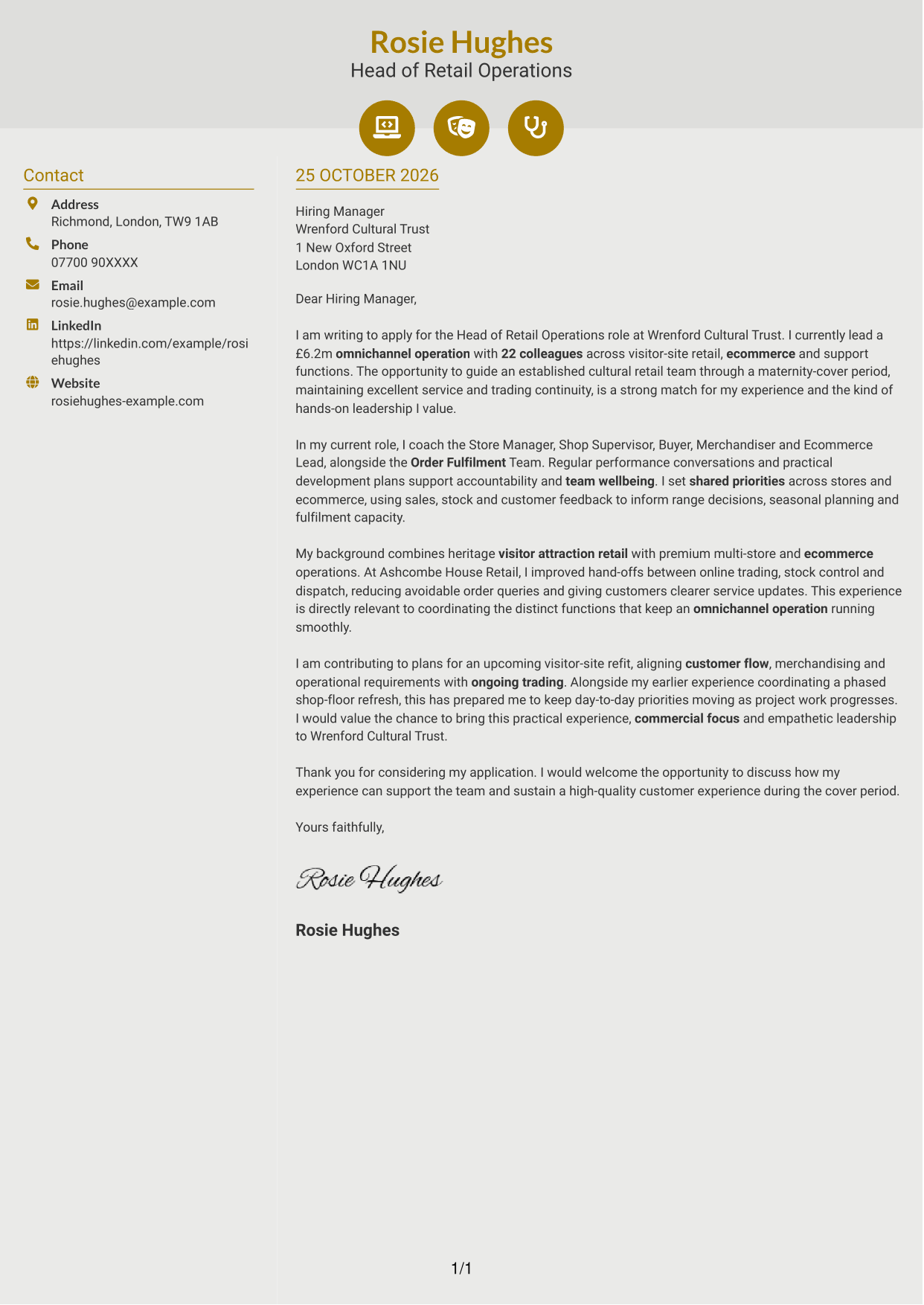
The Modern Icon Format uses two columns, with icons serving as contact cues or header accents while the letter itself stays in one continuous body.
Why This Format Works
- Contact icons help distinguish sender details without labelling the letter's paragraphs.
- The sidebar keeps contact information apart from the continuous letter body.
- The reader can follow the message from its opening through to the close.
Best For
- Icon-led contact details
- A continuous letter without argument headings
- Applications with a clear motivation and case
- Readers who value contact cues
- Two-column contact and message layouts
#7 Creative Two Tone Format Cover Letter Example
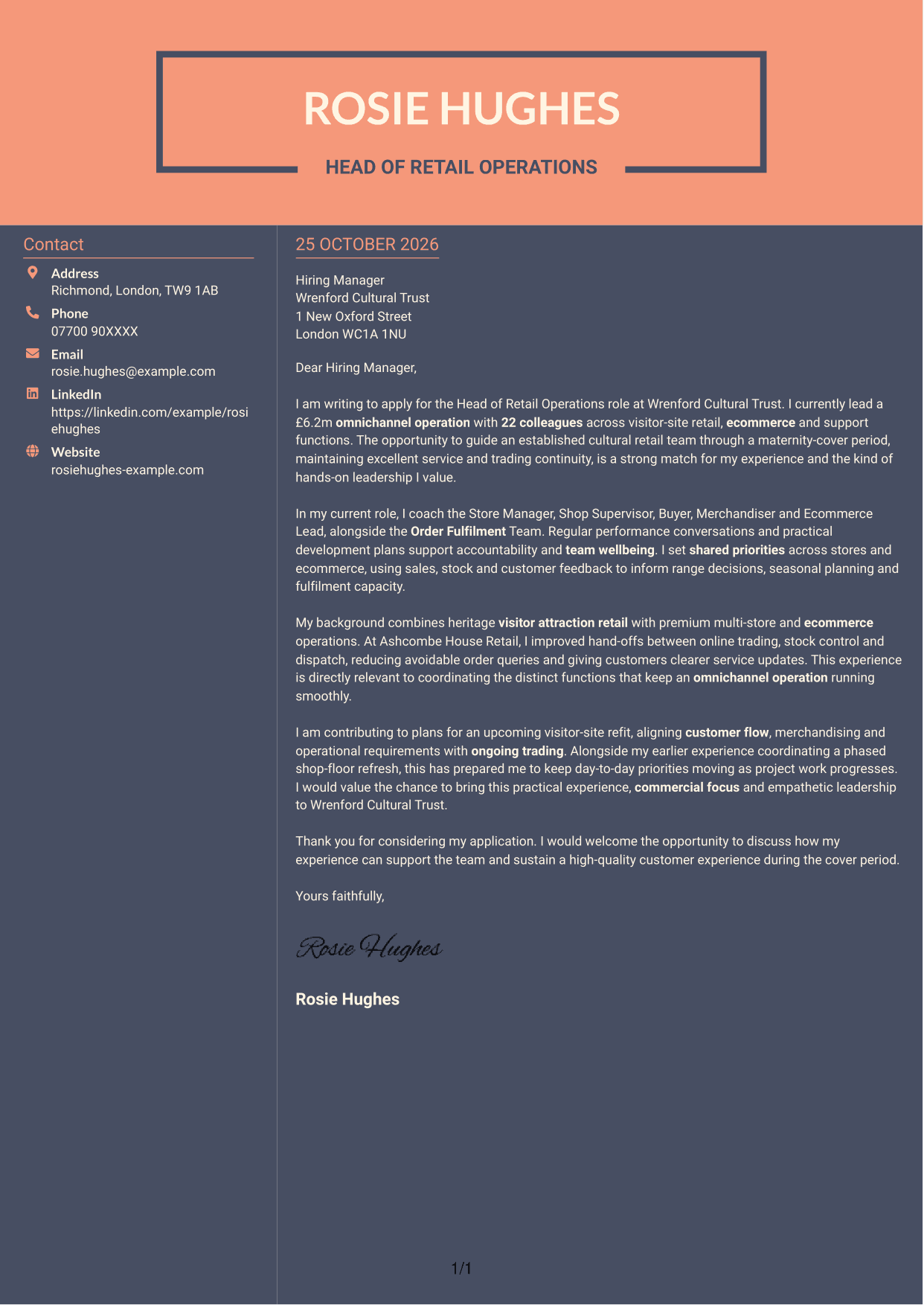
The Creative Two Tone Format sets a contact sidebar beside one continuous letter body, so the argument remains together while sender details sit separately.
Why This Format Works
- The sidebar gives sender information its own place beside the letter.
- Keeping the body continuous helps preserve the natural order of the message.
- The reader can distinguish contact details from the letter's persuasive paragraphs.
Best For
- Contact information beside the message
- Letters with a clear paragraph sequence
- Applications linking motivation to relevant evidence
- A single, uninterrupted letter argument
- Readers who prefer separate contact details
See Also
- 7 Head of Retail Operations - Omnichannel Retail CV Templates with Example
- 7 Regional Head of Retail - Multi-site Retail Operations CV Templates with Example
- 7 Head of Data & Analytics Retail CV Templates with Example
- 7 Head of Security Operations CV Templates with Example
- 7 Area Manager - Multi-site Retail Operations CV Templates with Example
- 7 Assistant Store Manager - Retail Operations CV Templates with Example
- 7 Shift Manager - Bakery Retail Operations CV Templates with Example
- 7 Store Manager - Retail Sales and Store Operations CV Templates with Example
- 7 Regional Head of Retail - Multi-site Retail Operations Cover Letter Templates with Example
- 7 Head of Data & Analytics Retail Cover Letter Templates with Example
Frequently Asked Questions
What should a Head of Retail Operations - Omnichannel Retail cover letter highlight?
Show how your retail leadership supports both physical stores and ecommerce. Useful examples can cover team development, customer service, commercial priorities, fulfilment and continuity during busy periods.
How can I show that my experience fits this role?
Choose a clear example that shows what you did and why it mattered. For instance, explain how you improved hand-offs between online trading, stock control and dispatch, then connect the result to reliable customer service.
How can I explain my interest in Wrenford Cultural Trust?
Make your interest specific and genuine. You could explain why cultural or visitor-site retail appeals to you and how your experience can support the Trust’s team and customers.
How should I structure this cover letter?
Use the opening to name the role and explain your interest. In the body, give focused evidence of team leadership, omnichannel trading and relevant operational work, then close by inviting a conversation.
Should I include every part of my work history?
No. Select the experience that best supports your fit for this role. A few specific examples are easier to follow and more persuasive than a full account of every duty.




