
7 Implementation Manager - Workday Cover Letter Templates with Example
This practical guide to an Implementation Manager - Workday cover letter shows how to present your implementation experience across seven layouts.
What Makes a Great Implementation Manager - Workday Cover Letter in 2026
A strong letter connects your implementation and release experience to the employer’s digital workplace programme. Show how your approach supports readiness, controlled go-lives and reliable service transition.
Choose clear evidence, such as coordinating release roadmaps, preparing environment and tenant readiness checks, or planning cutovers. Link each example to the employer’s needs and explain your interest in its programme.
The featured example moves from interest in the programme to relevant release and readiness evidence, then to a clear close; adapt this focused progression while choosing a presentation suited to the employer and communication context.
#1 Simple One Column Format Cover Letter Example
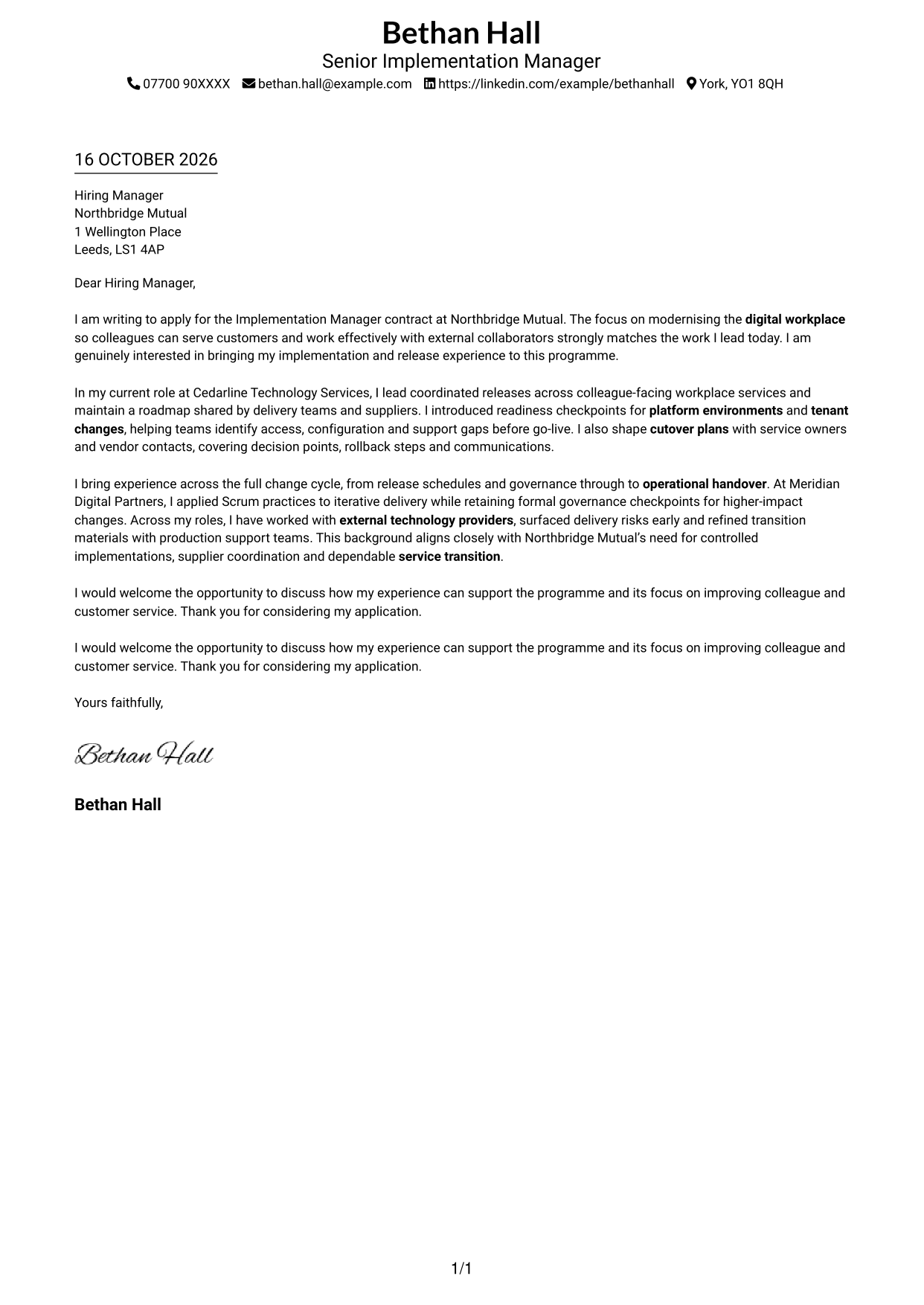
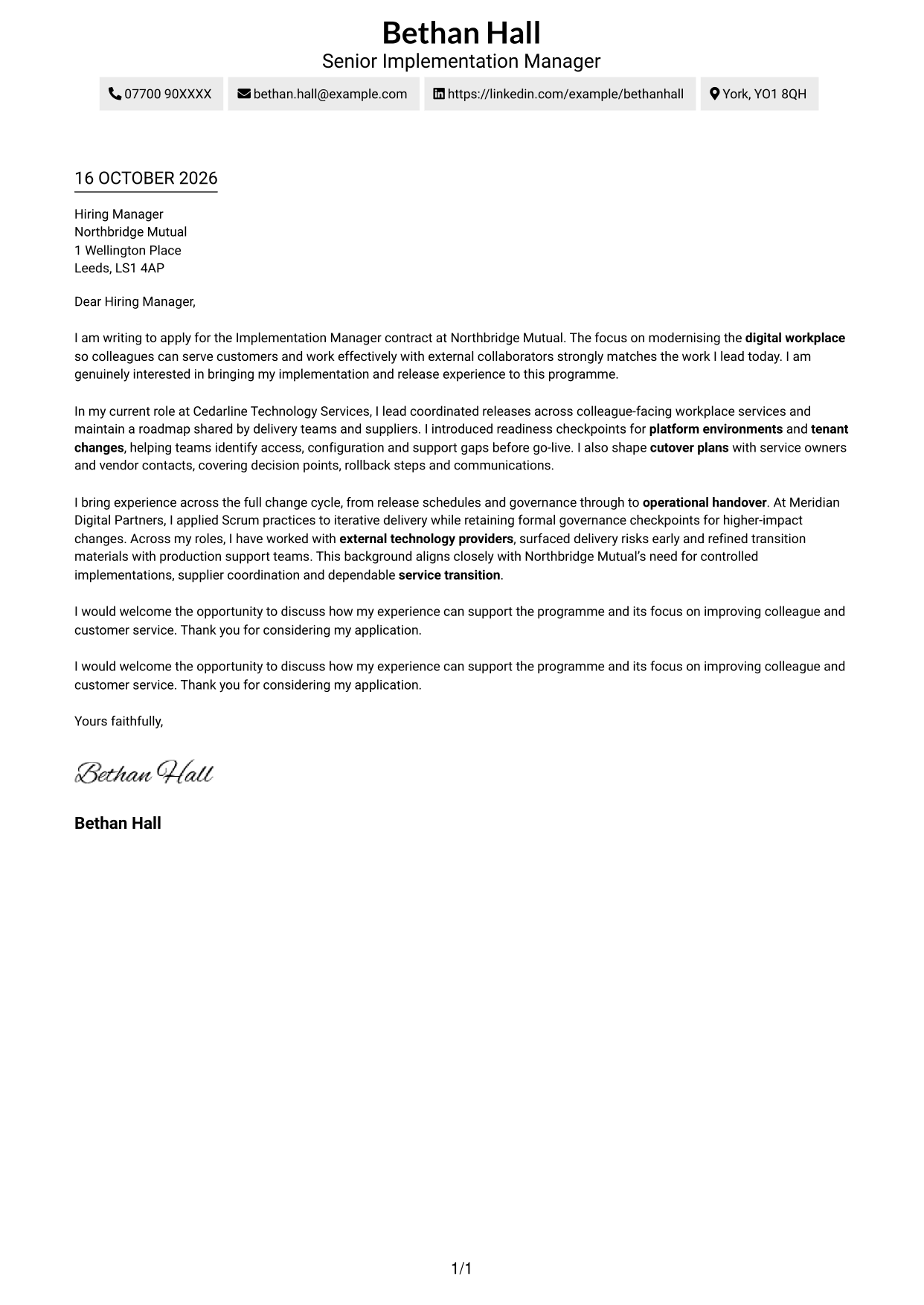
With sender details in the header and one column for the letter, this format keeps the application message easy to follow.
Why This Format Works
- Sender contact details stay in the header, apart from the application message.
- A single letter column gives the paragraphs a clear reading order.
- Unheaded paragraphs keep the correspondence in a familiar letter form.
Best For
- Single-column letter layouts
- Header-based contact details
- Unheaded correspondence
- Direct motivation-to-evidence flow
- Text-led applications
#2 Two Column Format Cover Letter Example
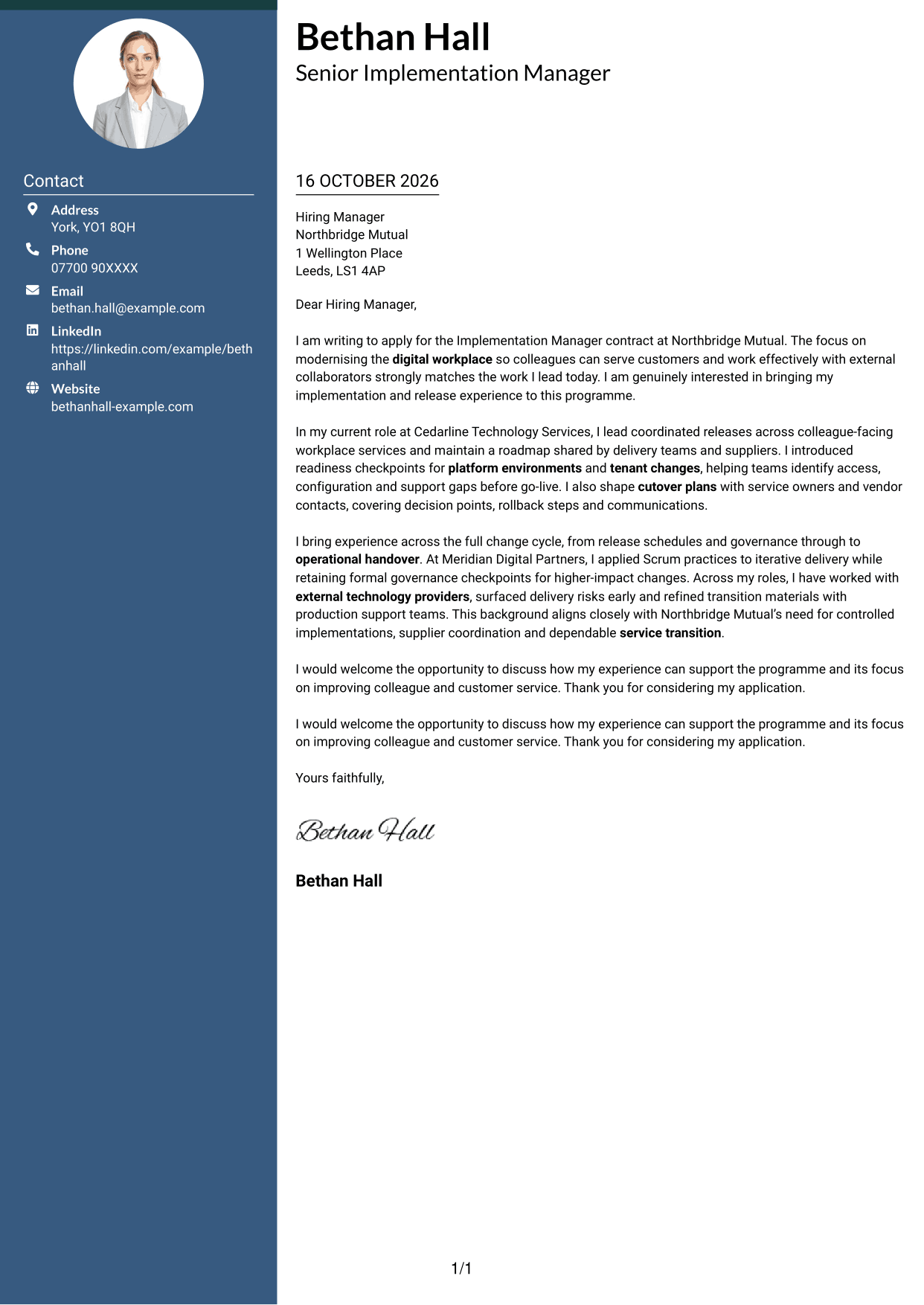
A contact sidebar sits beside one continuous letter column, keeping contact details separate while the application message reads in sequence.
Why This Format Works
- The sidebar gives sender contact details a separate place beside the letter.
- One continuous body keeps motivation, evidence and closing in sequence.
- Unheaded paragraphs preserve the natural form of a cover letter.
Best For
- Contact-sidebar preference
- Continuous letter-body reading
- Unheaded application letters
- Formal employer correspondence
- Multi-paragraph cover letters
#3 Photo Header Two Column Format Cover Letter Example
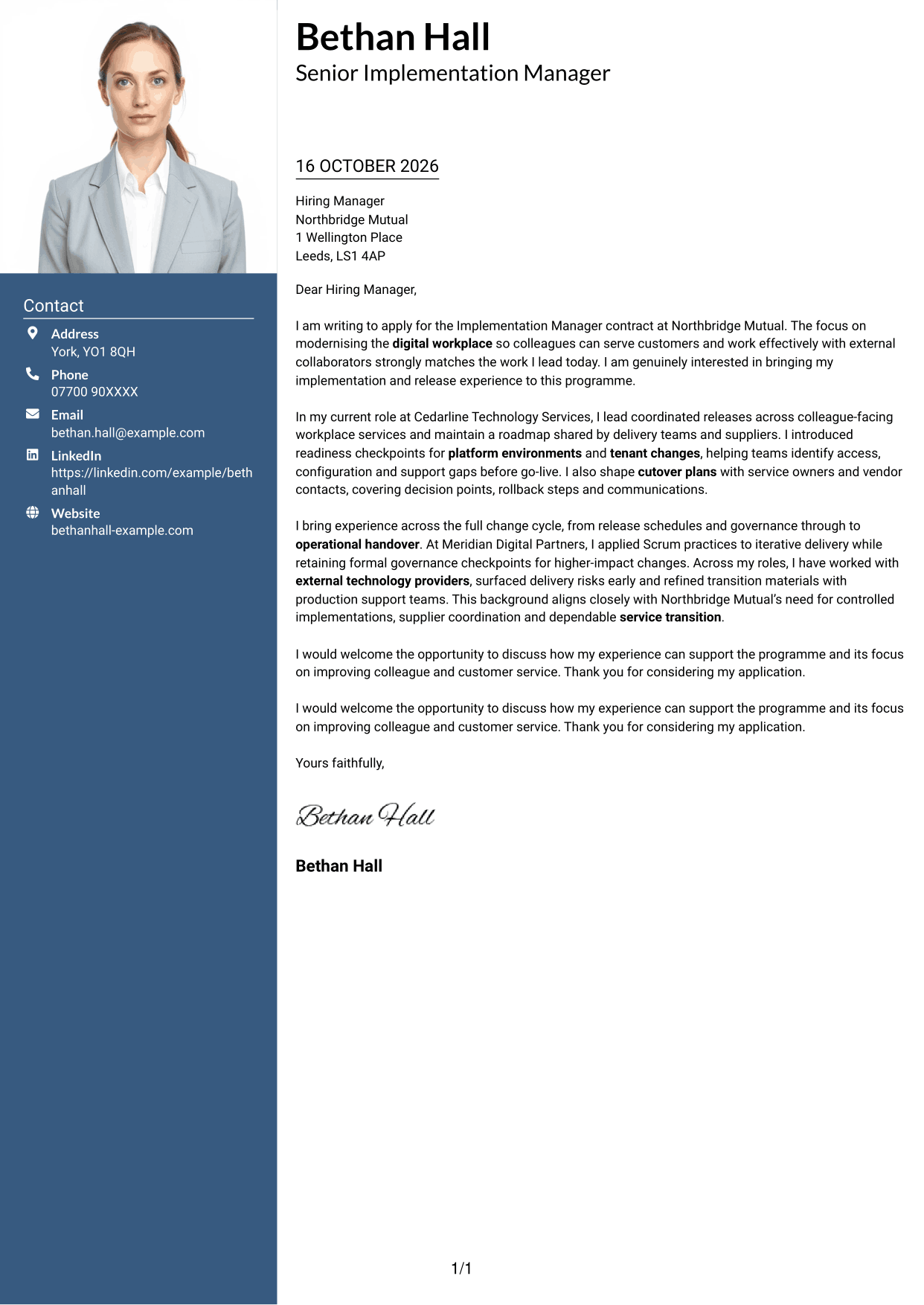
A photo adds a personal visual element to this two-column layout, while the letter remains one continuous body.
Why This Format Works
- The photo adds a personal visual element without changing the letter's message.
- Sidebar details remain separate from the continuous letter body.
- One body column keeps motivation and supporting evidence in a clear order.
Best For
- Photo-inclusive correspondence
- Contact-sidebar preference
- Continuous letter-body reading
- Formal employer applications
- Multi-paragraph cover letters
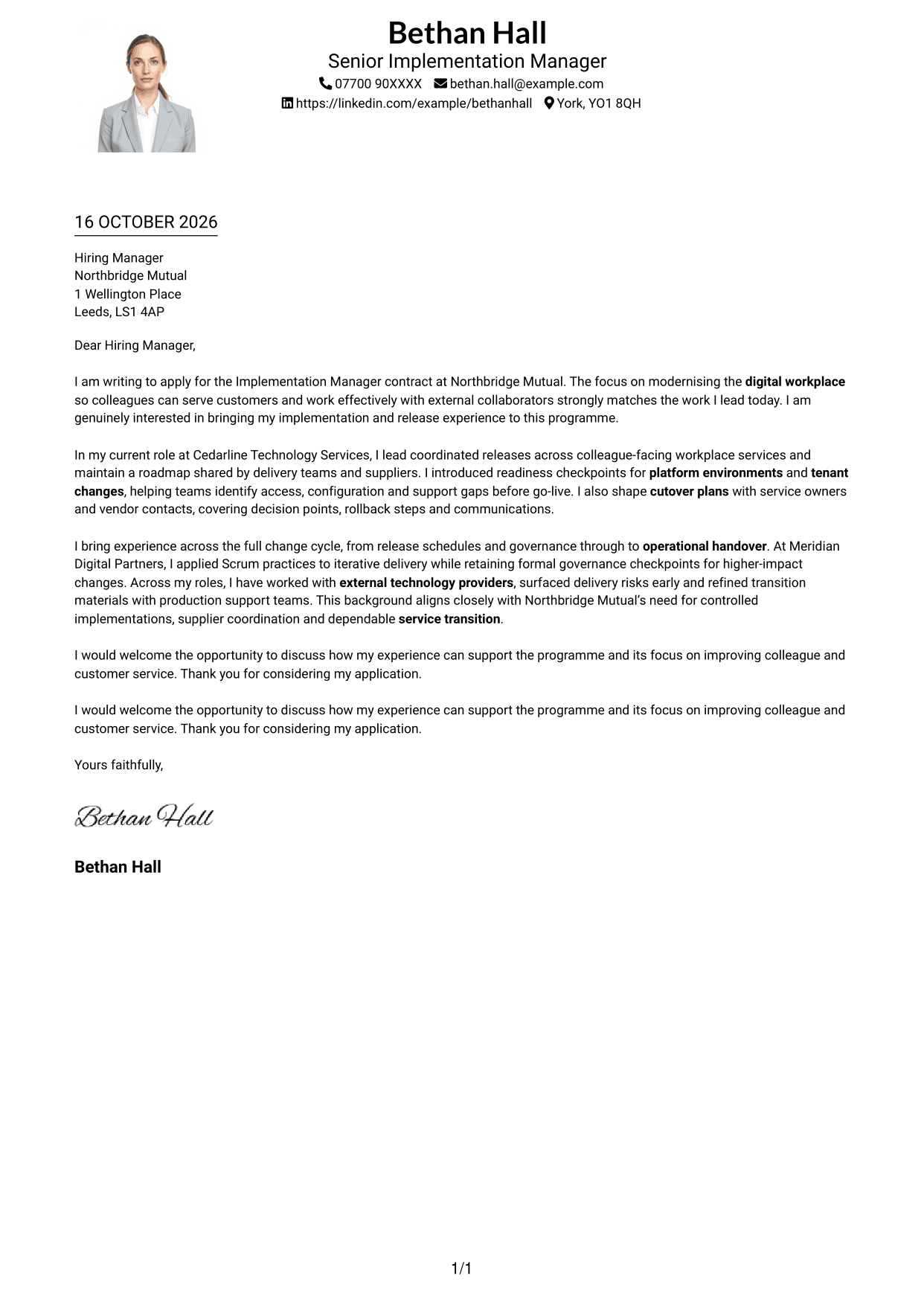
#4 One Column Format with Photo Cover Letter Example
The single-column letter body stays easy to follow, while a photo adds a personal visual element to the page.
Why This Format Works
- The photo adds a personal visual detail while the letter stays in one column.
- Header contact details remain distinct from the message paragraphs.
- Unheaded paragraphs let the opening and closing read as one correspondence.
Best For
- Photo-inclusive letter layouts
- Single-column reading
- Header-based contact details
- Unheaded employer letters
- Formal application correspondence
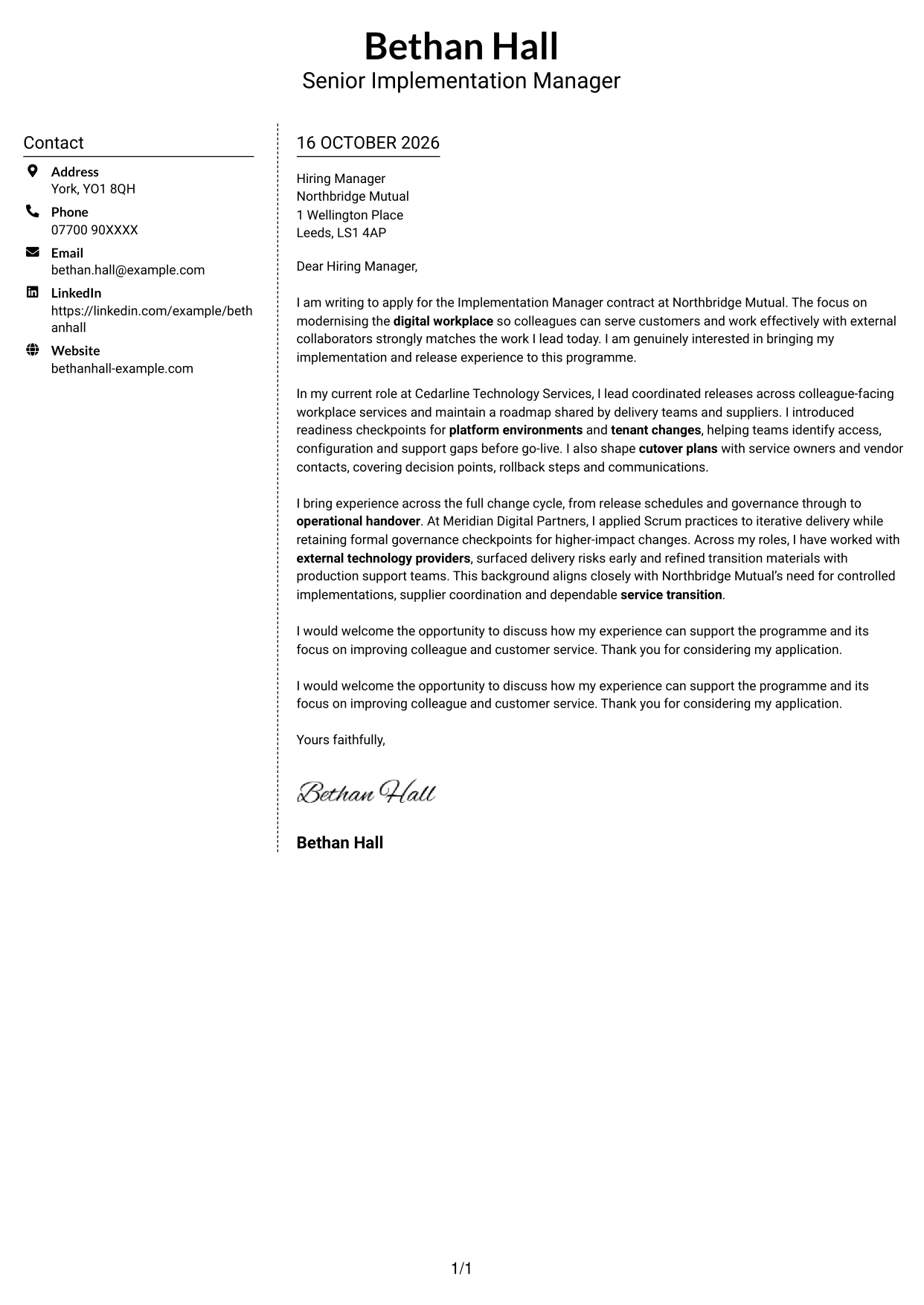
#5 Simple Two Column Format Cover Letter Example
A contact sidebar paired with one continuous letter column suits readers who want sender details beside, but separate from, the message.
Why This Format Works
- Contact details sit in a sidebar, apart from the continuous letter body.
- The single body column keeps the argument in its intended paragraph order.
- Unheaded correspondence maintains a familiar structure for a cover letter.
Best For
- Sender details beside the message
- One-column letter-body preference
- Unheaded correspondence
- Multi-paragraph letter format
- Formal job applications
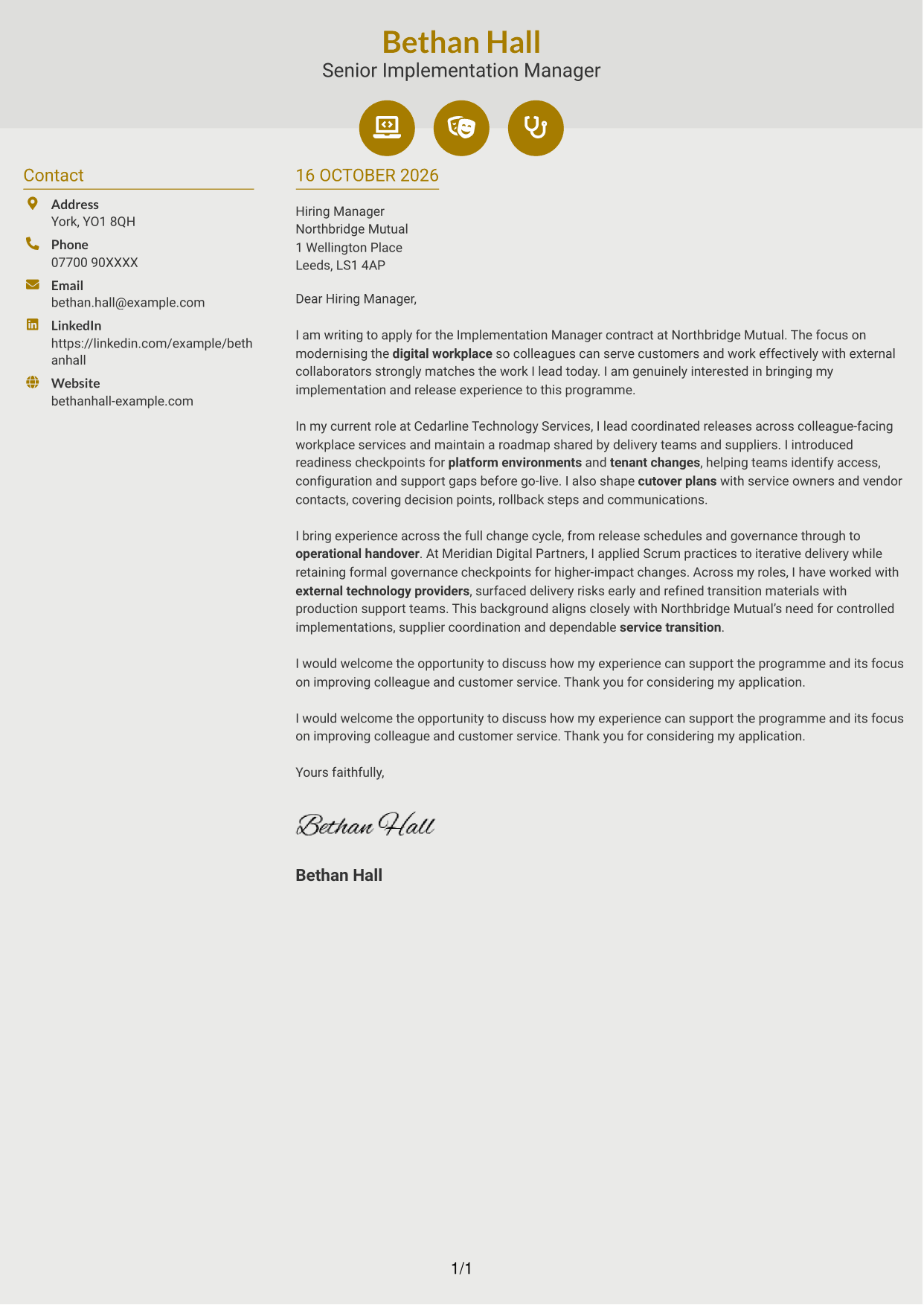
#6 Modern Icon Format Cover Letter Example
Contact icons sit with the sidebar details in this two-column layout, while the letter itself remains a single continuous body.
Why This Format Works
- Contact icons help distinguish sender details without labelling letter paragraphs.
- The sidebar and body occupy separate columns, while the message stays continuous.
- Unheaded paragraphs preserve a direct route from opening to closing.
Best For
- Icon-marked contact details
- One-body letter reading
- Unheaded correspondence
- Multi-paragraph cover letters
- Formal employer applications
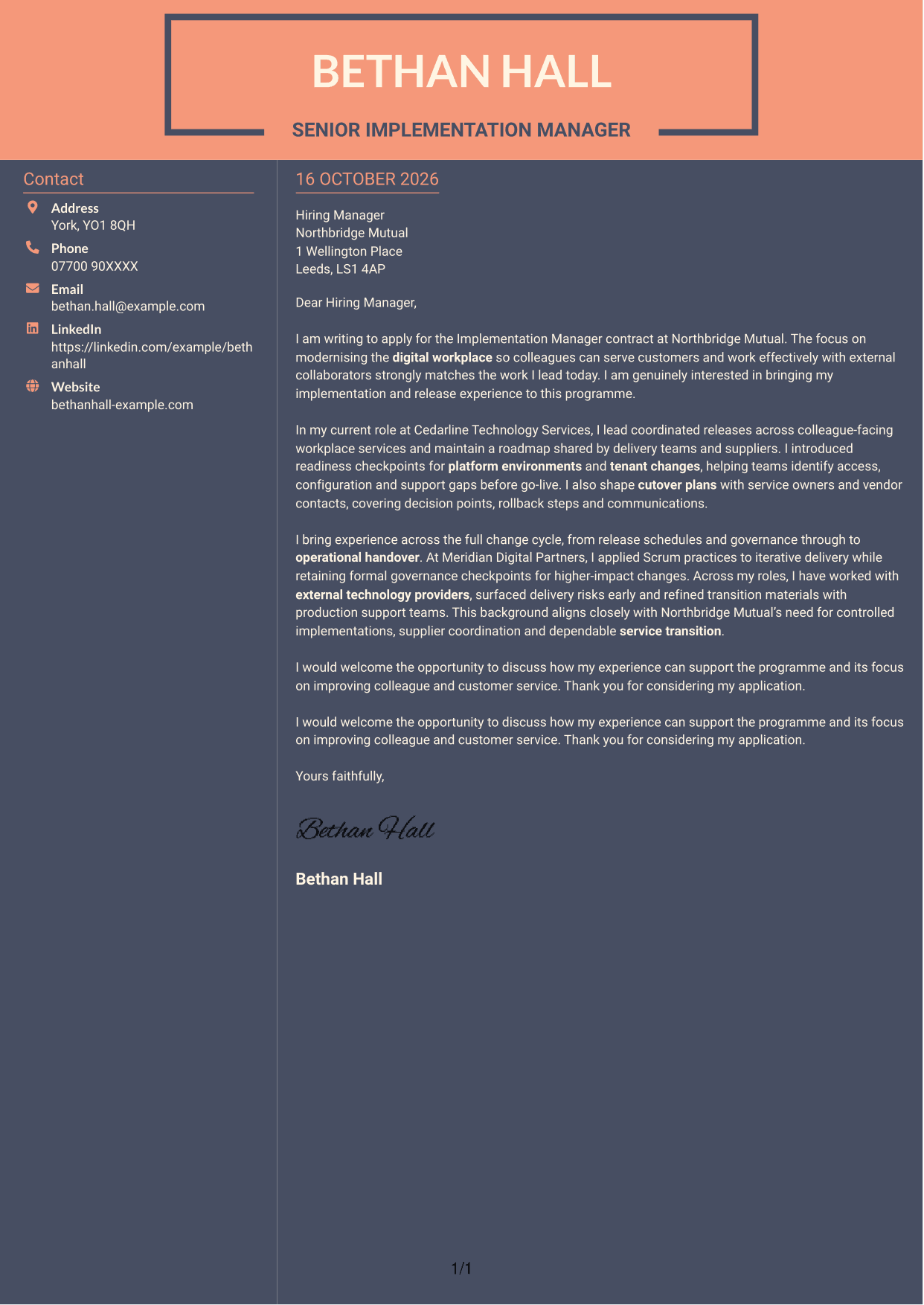
#7 Creative Two Tone Format Cover Letter Example
The contact sidebar sits beside a single continuous letter body, giving readers separate places for contact details and correspondence.
Why This Format Works
- Contact details have their own sidebar beside the continuous letter body.
- One body column lets readers follow the application message in sequence.
- Without paragraph headings, the letter keeps a familiar correspondence form.
Best For
- Sidebar contact presentation
- Continuous letter paragraphs
- Unheaded job applications
- Formal employer correspondence
- Side-by-side page preference
See Also
- 7 Implementation Manager - Workday CV Templates with Example
- 7 New Business Senior Manager - Financial Sponsor Coverage CV Templates with Example
- 7 Assistant Manager - Digital and Cyber Governance CV Templates with Example
- 7 Content Editor - Digital Rewards CV Templates with Example
- 7 Sales Associate - Activewear and Womenswear CV Templates with Example
- 7 Strategic Finance Lead - Technical Finance CV Templates with Example
- 7 Store Manager - Retail Sales and Store Operations CV Templates with Example
- 7 Graduate Analyst - US Funds Tax CV Templates with Example
- 7 Stock Operative - Menswear CV Templates with Example
- 7 Senior Manager - Third Party Assurance Methodology, Reporting and Risk Management CV Templates with Example
Frequently Asked Questions
What should an Implementation Manager - Workday cover letter highlight?
Connect your implementation and release experience to the role’s focus on digital workplace delivery. Use relevant examples of roadmap coordination, environment readiness, cutover planning, supplier work and service transition.
How can I show that I can manage implementation readiness?
Describe how you check environments, tenant changes, access, configuration and support before go-live. You can also explain how you plan decision points, rollback steps and clear communications for a cutover.
How should I describe my delivery approach?
Give a brief example of how you have used waterfall or agile methods, including Scrum, while keeping the right governance controls in place. Explain how that approach helped teams manage changes and delivery risks.
How can I show interest in Northbridge Mutual?
Refer to the stated aim of modernising the digital workplace so colleagues can serve customers and work with external partners. Explain why that aim interests you and how your implementation experience could support it.
What is a clear structure for this cover letter?
Use the opening to name the role and explain your interest. In the body, give focused evidence of release planning, readiness and service transition, then close by restating your interest and welcoming a discussion.




