
7 Independent Construction Assessor - Building Control and Fire Safety Cover Letter Templates with Example
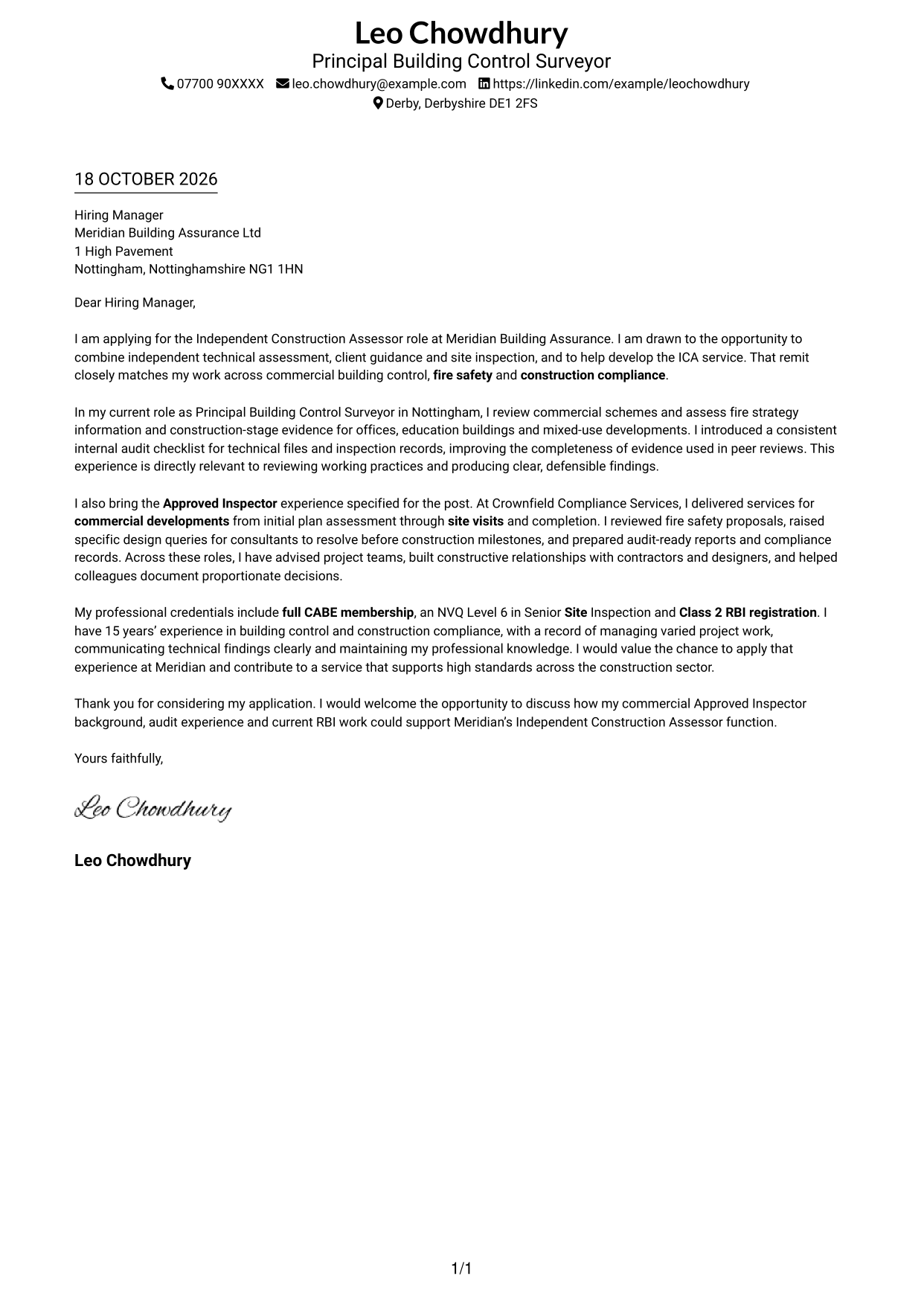
This guide helps you write an Independent Construction Assessor - Building Control and Fire Safety cover letter and compare seven layouts.
What Makes a Great Independent Construction Assessor - Building Control and Fire Safety Cover Letter in 2026
A strong letter makes a clear case for your fit through commercial building control, fire safety and construction compliance evidence. Open with your interest in the role and the work you can contribute.
Use specific examples, such as an audit process you improved or a fire safety review you completed. Link that evidence to the employer’s need for clear assessments, practical client guidance and reliable site inspection.
The featured example moves from interest in the role to relevant audit and Approved Inspector evidence, then closes with a clear request to discuss fit; adapt this focused progression and choose a presentation suited to the employer and communication context.
#1 Simple One Column Format Cover Letter Example
The Simple One Column Format keeps sender details in the header and the letter in one continuous body, giving the opening, evidence and closing a direct reading path.
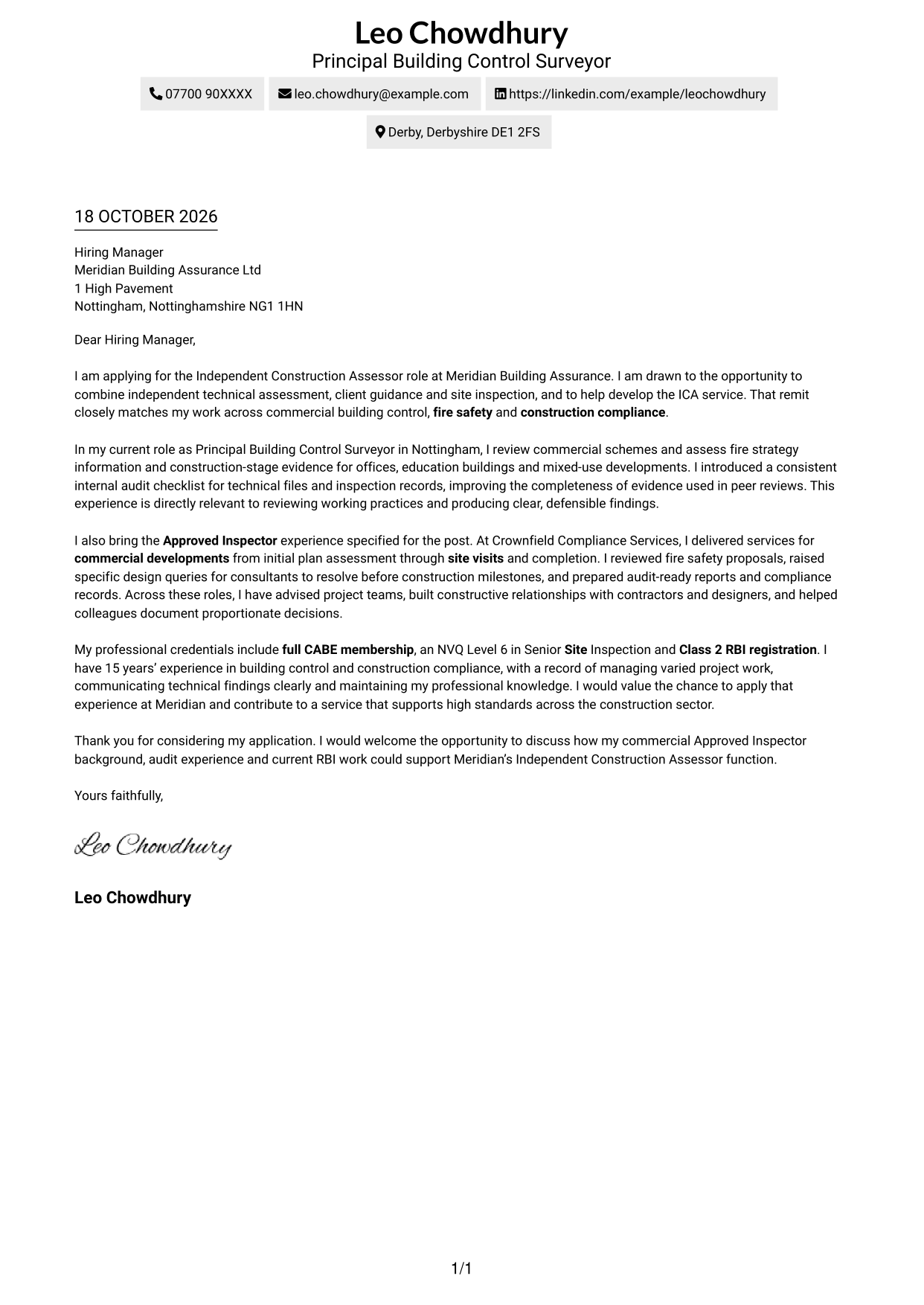
Why This Format Works
- Sender details sit in the header, leaving the letter body clear and focused.
- The reviewer can follow one direct path from the opening to the closing.
- Continuous paragraphs keep the motivation and supporting evidence together.
Best For
- Single-column reading preference
- Letters with a direct argument
- Clear sender details in the header
- Applications with several supporting points
- A simple, restrained layout
#2 Two Column Format Cover Letter Example
The Two Column Format places contact details in a sidebar beside one continuous letter body, separating contact information from the message without splitting its argument.
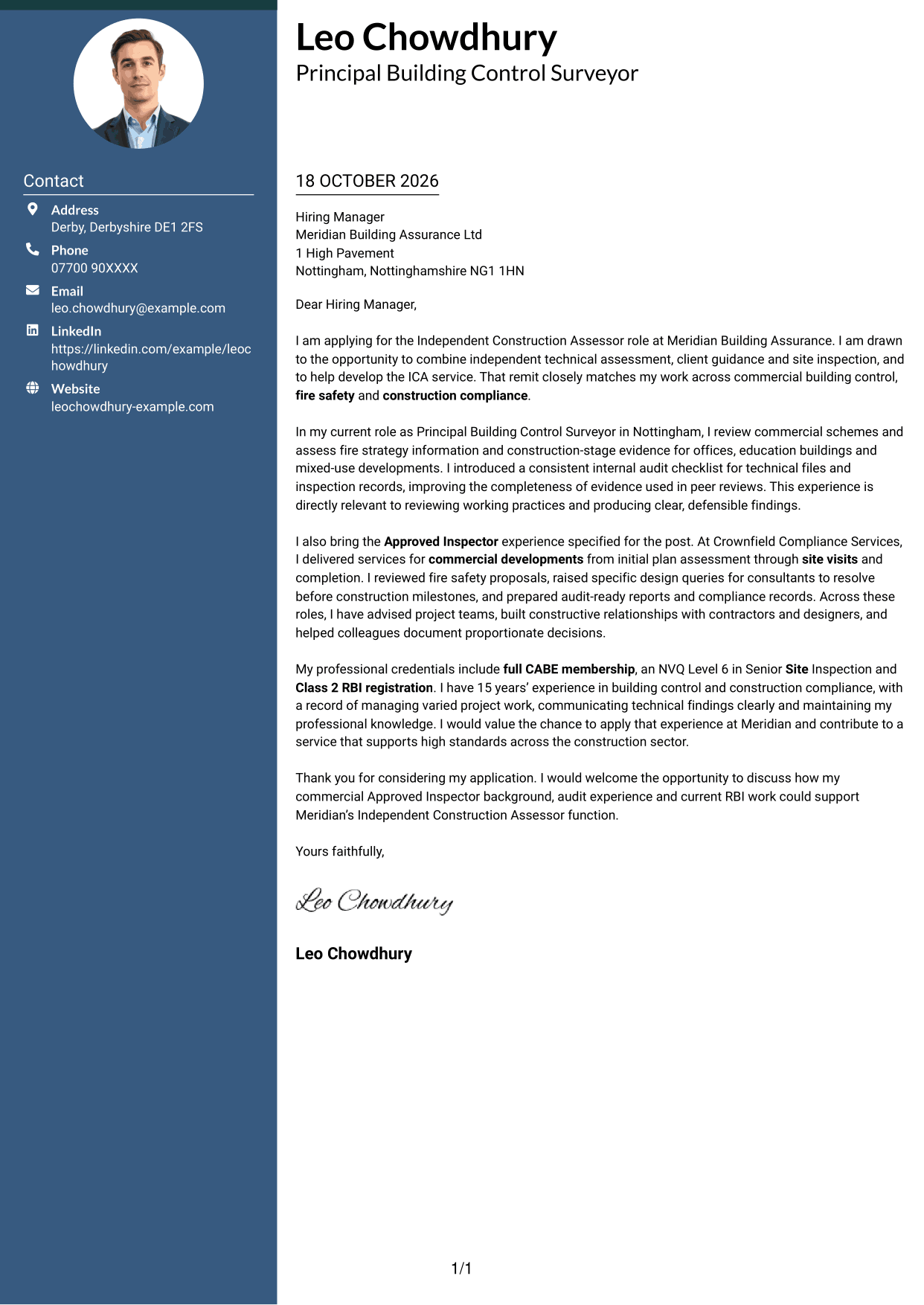
Why This Format Works
- The contact sidebar keeps sender details apart from the letter’s argument.
- A single body lets the reviewer follow the opening, evidence and close in order.
- The separate areas make contact information easy to locate.
Best For
- Contact details beside the letter
- A clear separation of contact and message
- One continuous argument
- Letters with a compact opening
- Readers who prefer distinct content areas
#3 Photo Header Two Column Format Cover Letter Example
The Photo Header Two Column Format combines a photo header with a contact sidebar and one continuous letter body, keeping the message together while giving the page a personal visual touch.
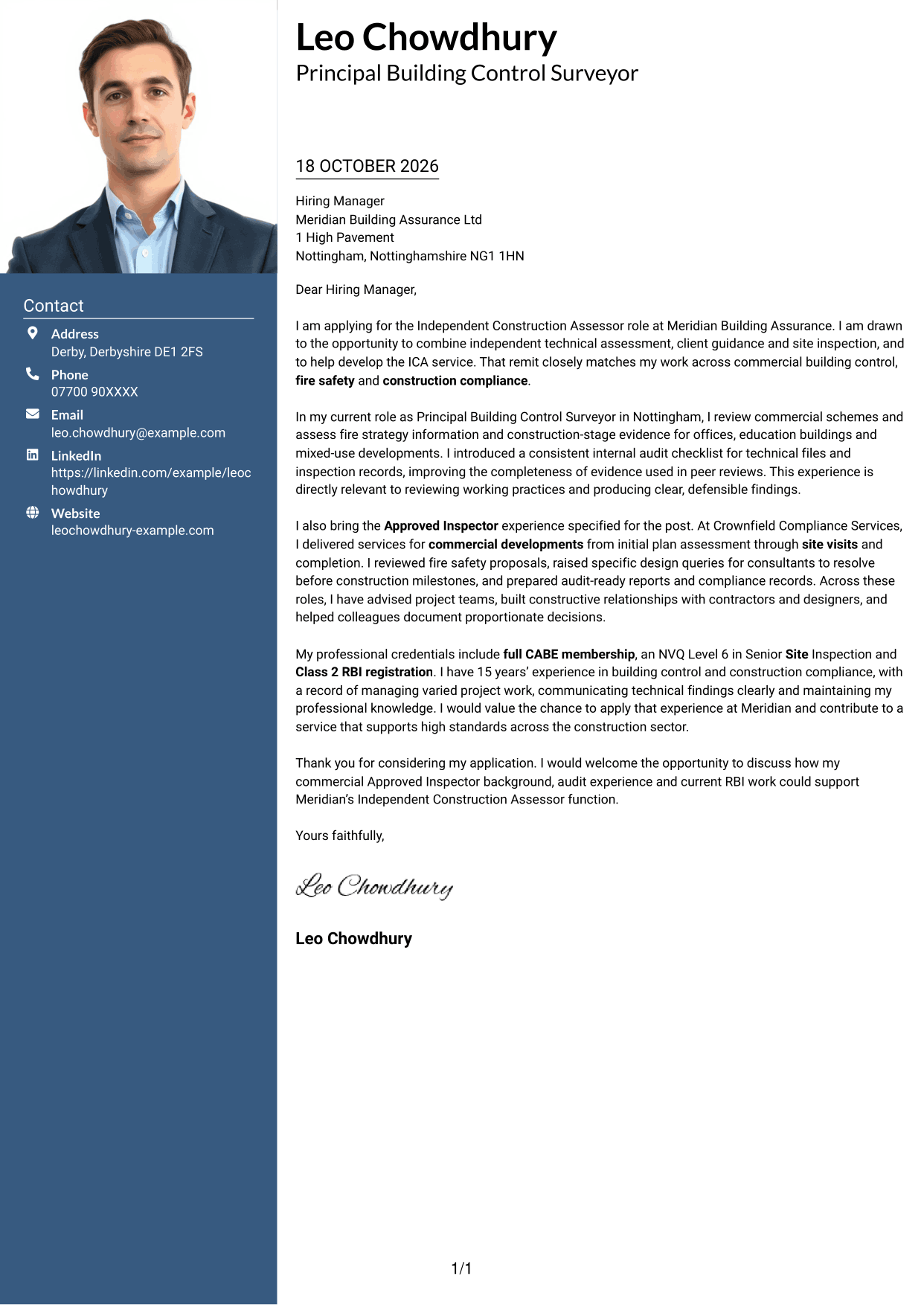
Why This Format Works
- The sidebar separates contact details from the letter’s continuous argument.
- A single body keeps the opening, supporting points and closing in reading order.
- The photo adds a personal visual feature without dividing the message.
Best For
- A photo in the header
- Contact details set apart from the message
- A continuous letter body
- Applications where a personal visual touch suits the sender
- A clear opening-to-close reading order
#4 One Column Format with Photo Cover Letter Example
The One Column Format with Photo keeps the letter in one continuous body and presents the sender details in the header with a photo, combining a direct reading path with a personal visual feature.
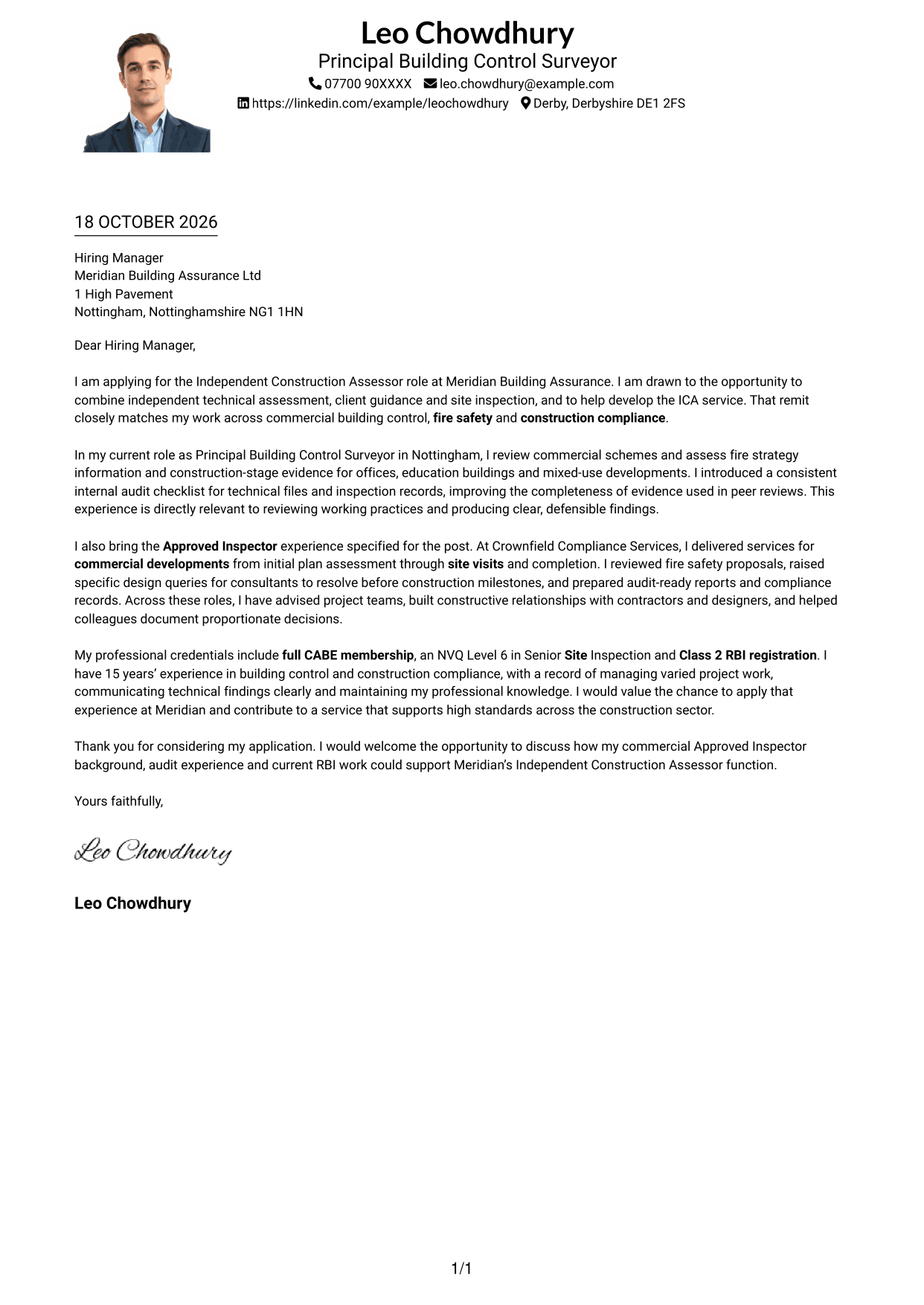
Why This Format Works
- Sender details and the photo stay in the header, apart from the message.
- The single body carries the reviewer from the opening through the closing.
- Continuous paragraphs keep the reasons for applying and supporting evidence together.
Best For
- A photo with sender details in the header
- One-column letter reading
- A personal touch in the header
- Letters with a continuous argument
- A straightforward message layout
#5 Simple Two Column Format Cover Letter Example
The Simple Two Column Format sets contact details in a sidebar beside one continuous letter body, giving the page a clear division while keeping the message intact.
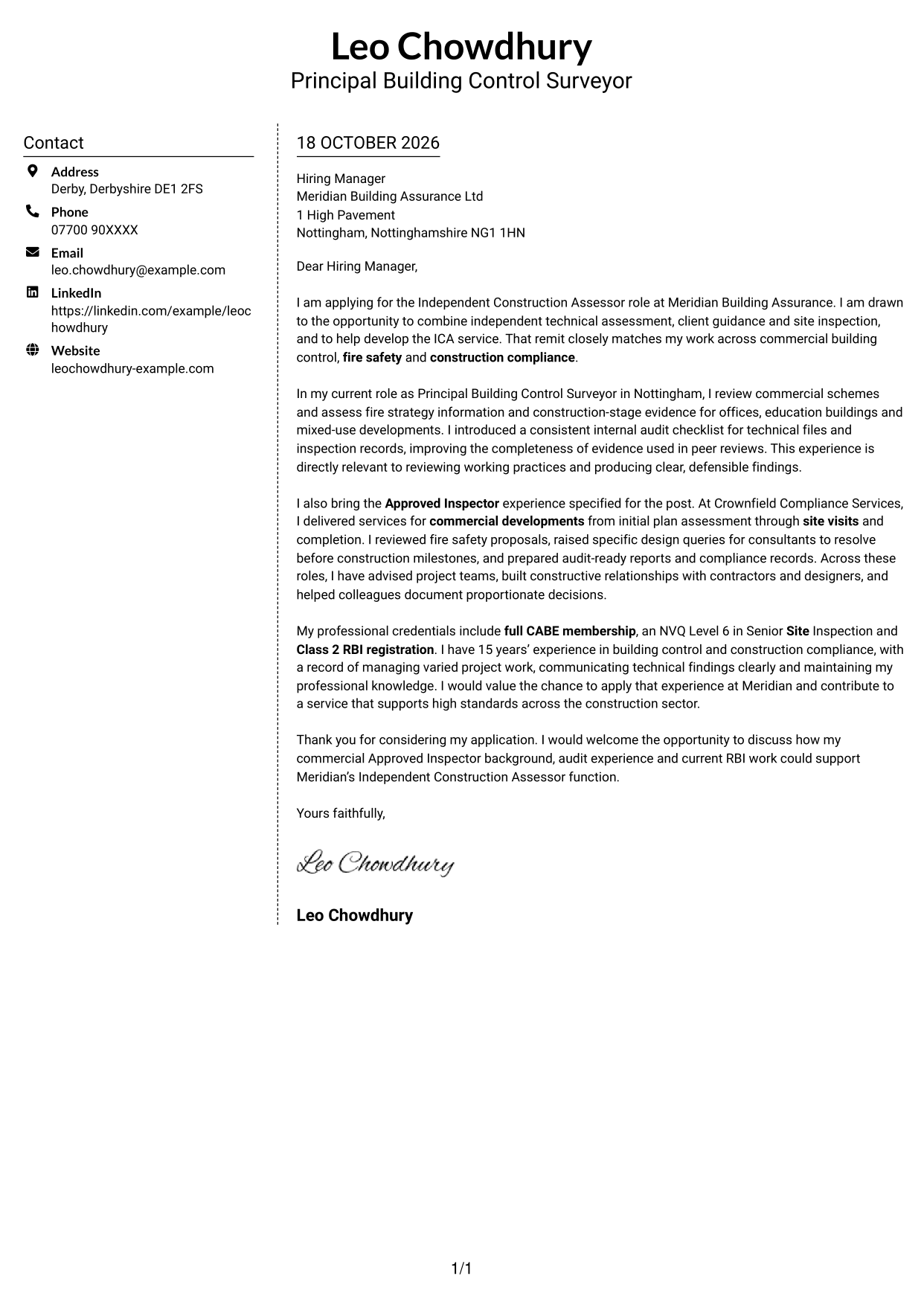
Why This Format Works
- The sidebar gives contact details a separate place beside the letter.
- One continuous body keeps the reasoning in a clear sequence.
- The reviewer can distinguish contact information from the message at a glance.
Best For
- A simple sidebar and letter layout
- Contact details separate from the message
- A single continuous argument
- Letters with clear paragraph flow
- Readers who want a distinct contact area
#6 Modern Icon Format Cover Letter Example
The Modern Icon Format uses two columns, with contact details in a sidebar and one continuous letter body; icons serve as contact cues or header decoration, not as labels for the argument.
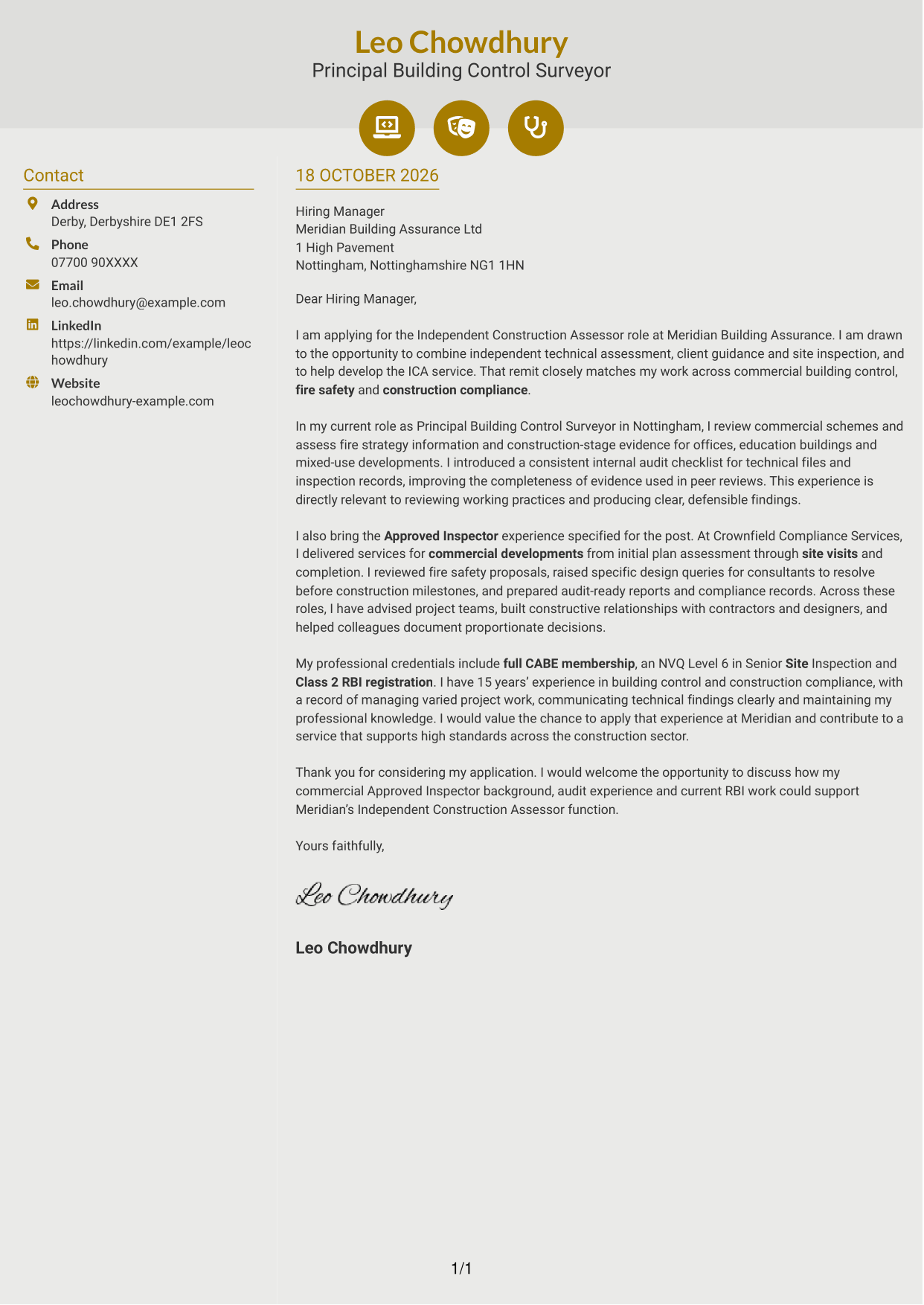
Why This Format Works
- The sidebar separates contact details while the letter remains one connected message.
- Contact icons can make those details easier to identify.
- The body carries the reviewer through the opening, evidence and closing in order.
Best For
- Contact details with visual cues
- A separate contact sidebar
- One connected letter argument
- A modern header with decorative icons
- A clear distinction between contact and message
#7 Creative Two Tone Format Cover Letter Example
The Creative Two Tone Format places contact details in a sidebar beside one continuous letter body, offering a two-column presentation while keeping the message in a single sequence.
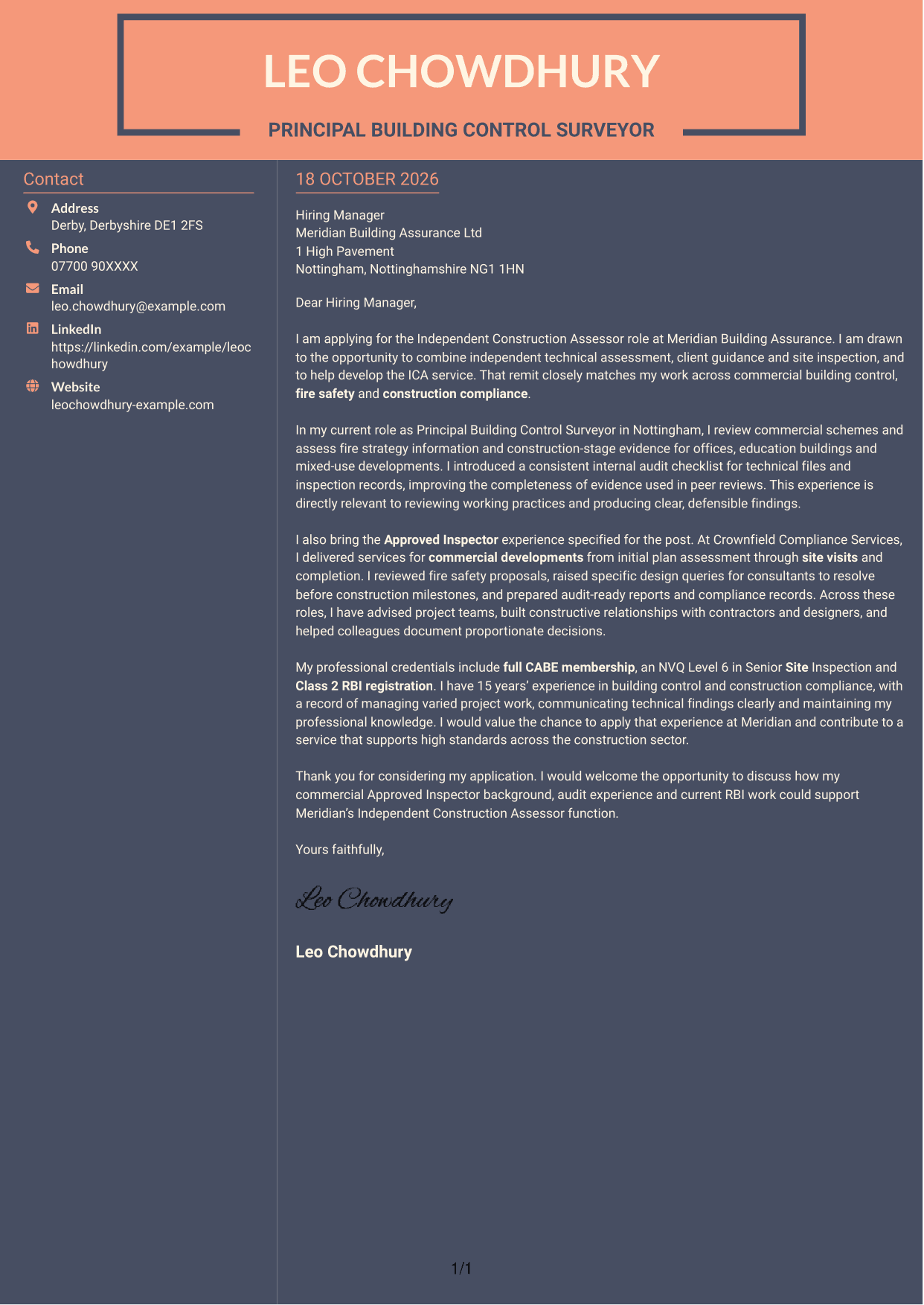
Why This Format Works
- The sidebar sets sender contact details apart from the letter itself.
- A continuous body keeps the opening, case for fit and closing connected.
- The two-column arrangement gives contact information and message distinct places.
Best For
- A two-column page structure
- Contact details beside the message
- One continuous letter argument
- A distinct contact area
- Letters that need a clear reading sequence
See Also
- 7 Independent Construction Assessor - Building Control and Fire Safety CV Templates with Example
- 7 Cleaner - Construction Site Cleaning CV Templates with Example
- 7 Quantity Surveyor - Residential Construction CV Templates with Example
- 7 Senior Buying Manager - Fashion Retail CV Templates with Example
- 7 Head of Data & Analytics Retail CV Templates with Example
- 7 Machine Operative - Chilled Food Production CV Templates with Example
- 7 Payments Co-ordinator - Accounts Payable CV Templates with Example
- 7 Housing Officer - Resident and Estate Management CV Templates with Example
- 7 Cleaner - Construction Site Cleaning Cover Letter Templates with Example
- 7 Quantity Surveyor - Residential Construction Cover Letter Templates with Example
Frequently Asked Questions
What should an Independent Construction Assessor - Building Control and Fire Safety cover letter highlight?
Show how your experience supports commercial building control, fire safety assessment and construction compliance. Give relevant evidence of audits, clear reporting, site inspection and communication with clients or project teams.
How can I show that my experience fits this role?
Choose one or two specific examples and explain your actions and their value. You could describe how you reviewed fire strategy information, improved technical file records or helped project teams resolve compliance issues.
How should I explain my interest in the employer?
Connect your motivation to the role’s mix of independent assessment, client guidance and site inspection. If you have a genuine reason for wanting to work with Meridian Building Assurance Ltd, include a specific point about its work or approach.
What is a clear way to structure this cover letter?
Start with the role and your reason for applying. Use the body to support your fit with focused evidence, then close by restating your interest and inviting a discussion.
Should I include every part of my work history?
No. Select the experience that best supports your case for this position. Focus on relevant commercial assessment, inspection, audit and client communication rather than listing every duty.




