
7 Infrastructure Solutions Architect CV Templates with Example
This guide shows you how to create an Infrastructure Solutions Architect CV that makes your contribution clear. You will learn how to organise your evidence and choose a professional format that is easy to review.
For this role, show how you turn customer needs into secure, resilient infrastructure and cloud designs. Use clear examples of technical workshops, high- and low-level designs, bid support and work with engineering, security and delivery teams.
Compare the example in 7 layouts using the PNG image previews, then open one in the editor to customise it. The guide also covers ATS readability, key CV sections and relevant terms such as Microsoft Azure, Microsoft 365, VMware, hybrid cloud, Zero Trust and IT/OT security.
What Makes a Great Infrastructure Solutions Architect CV in 2026
A strong CV links architecture decisions to customer needs and delivery outcomes. Make your designs, technical direction and contribution to infrastructure change easy to scan.
Use concise bullets and relevant terms, such as high-level and low-level design, cloud transformation, VMware/vSAN, security architecture and bid support. Add figures only when you can support them.
Note: CV examples are for educational purposes only. Use only information that accurately reflects your experience and qualifications. References to real organisations do not imply affiliation or endorsement.
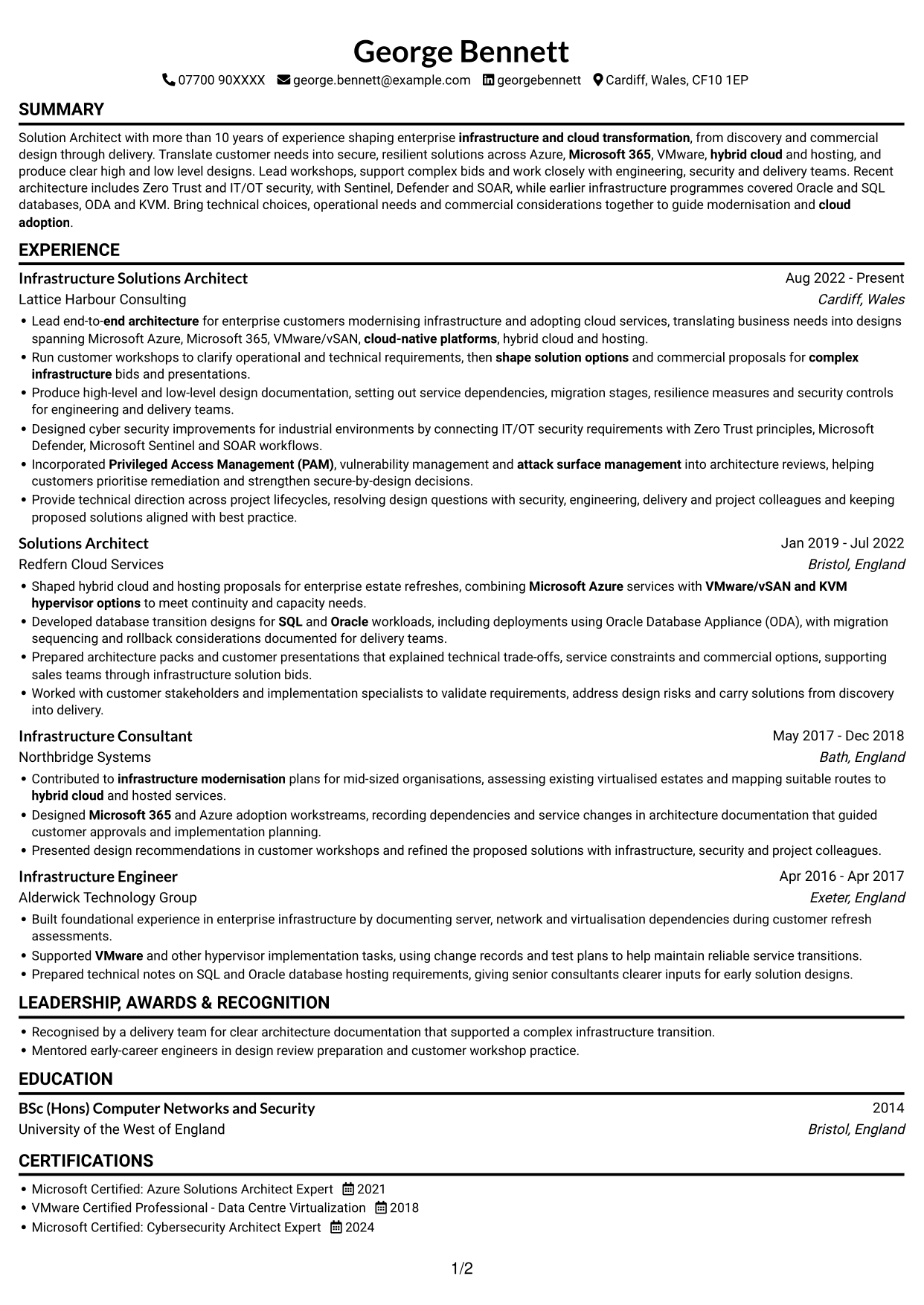
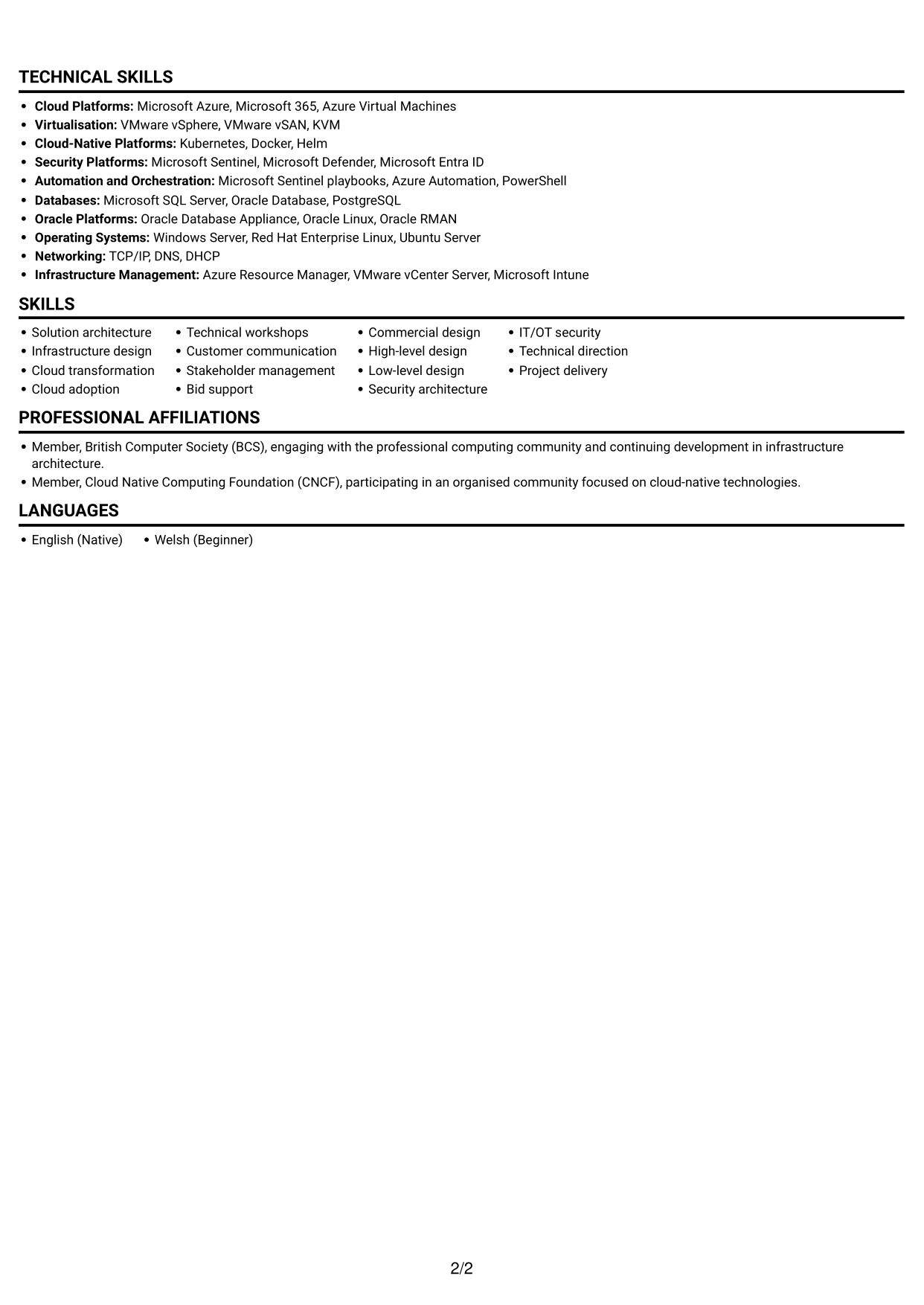
#1 Simple One Column Format CV Example
The single-column layout keeps the CV content in one reading path, which suits a straightforward review of detailed career history.
Why This Format Works
- A single content column gives career history a clear, uninterrupted reading order.
- Reviewers can follow role entries and supporting bullets without changing columns.
- Education and certifications remain within the same direct review path.
Best For
- Chronological career histories
- Detailed experience bullets
- Single-column reading preference
- Education and credentials sections
- Straightforward section navigation
CV Keywords
- infrastructure architecture
- Solution architecture
- Lead end-to-end architecture for enterprise customers modernising infrastructure and adopting cloud services
- shape solution options and commercial proposals for complex infrastructure bids
- Produce high-level and low-level design documentation
- low-level design documentation
- Microsoft Azure
- Microsoft 365
- VMware
- vSAN
- hybrid cloud
- cloud-native platforms
- Shaped hybrid cloud and hosting proposals
- Stakeholder management
- Run customer workshops to clarify operational and technical requirements
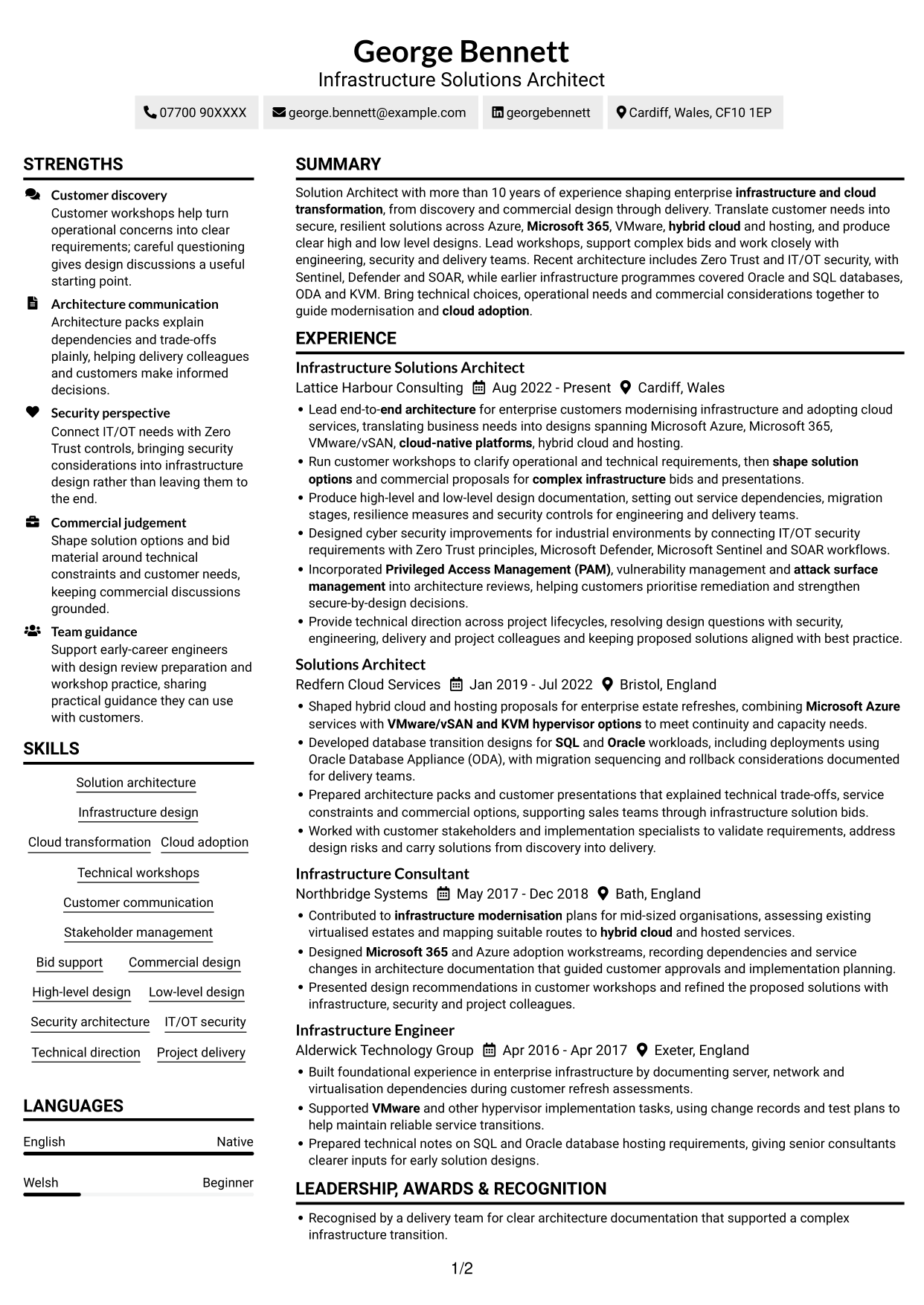
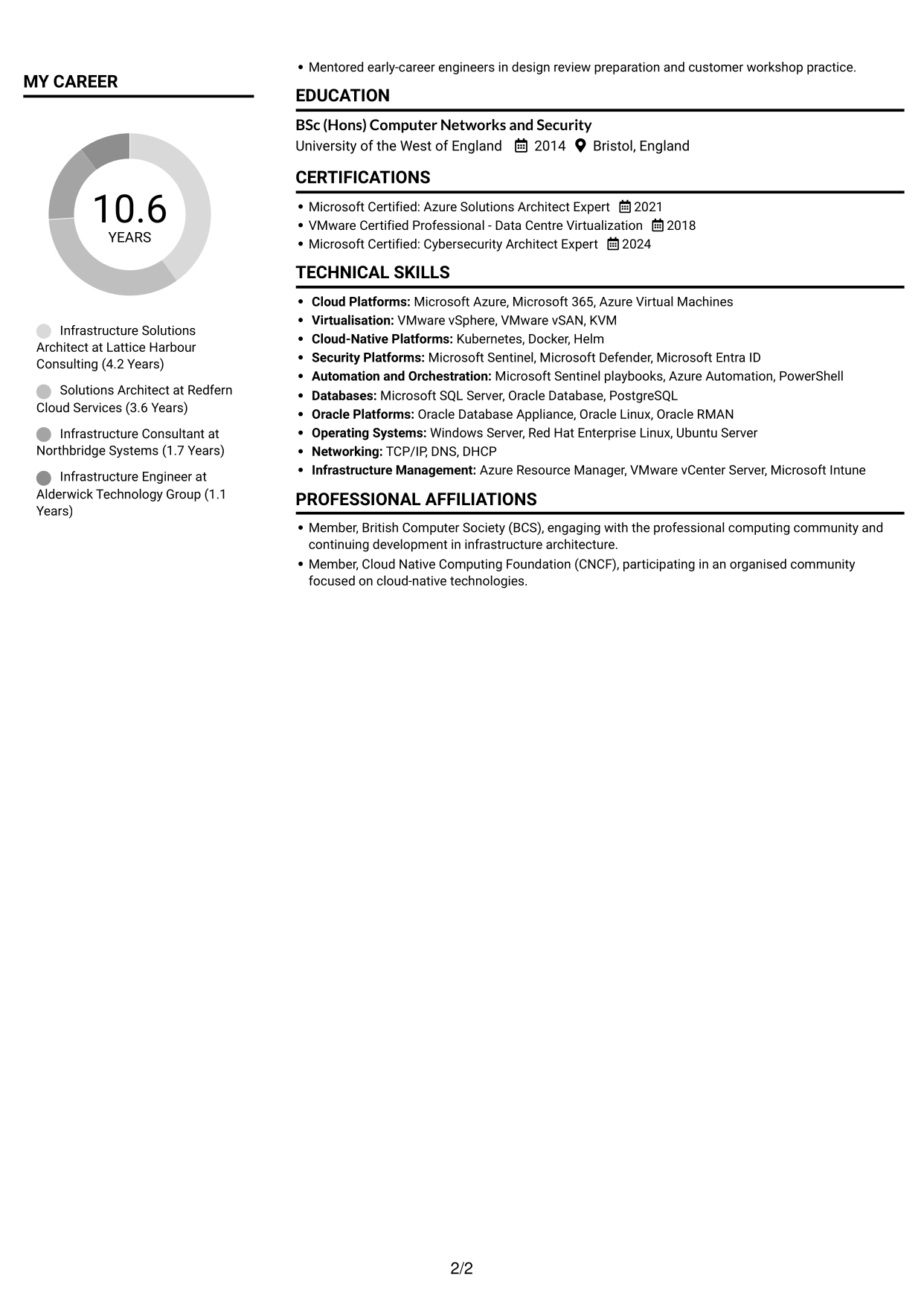
#2 Simple Two Column Format CV Example
The two-column body creates distinct areas for CV content, giving reviewers another way to scan experience and supporting details.
Why This Format Works
- Two columns give career history and supporting sections distinct areas to scan.
- The split layout can accommodate skills and credentials alongside detailed role entries.
- Reviewers can move between content areas while keeping the CV's structure in view.
Best For
- Experience with supporting sections
- Skills and credentials alongside work history
- Two-area reading preference
- Detailed role descriptions
- CVs with varied section content
#3 Plain One Column with Shaded Labels CV Example
The one-column structure keeps the CV information in a single reading sequence, making it suitable for reviews that follow sections from top to bottom.
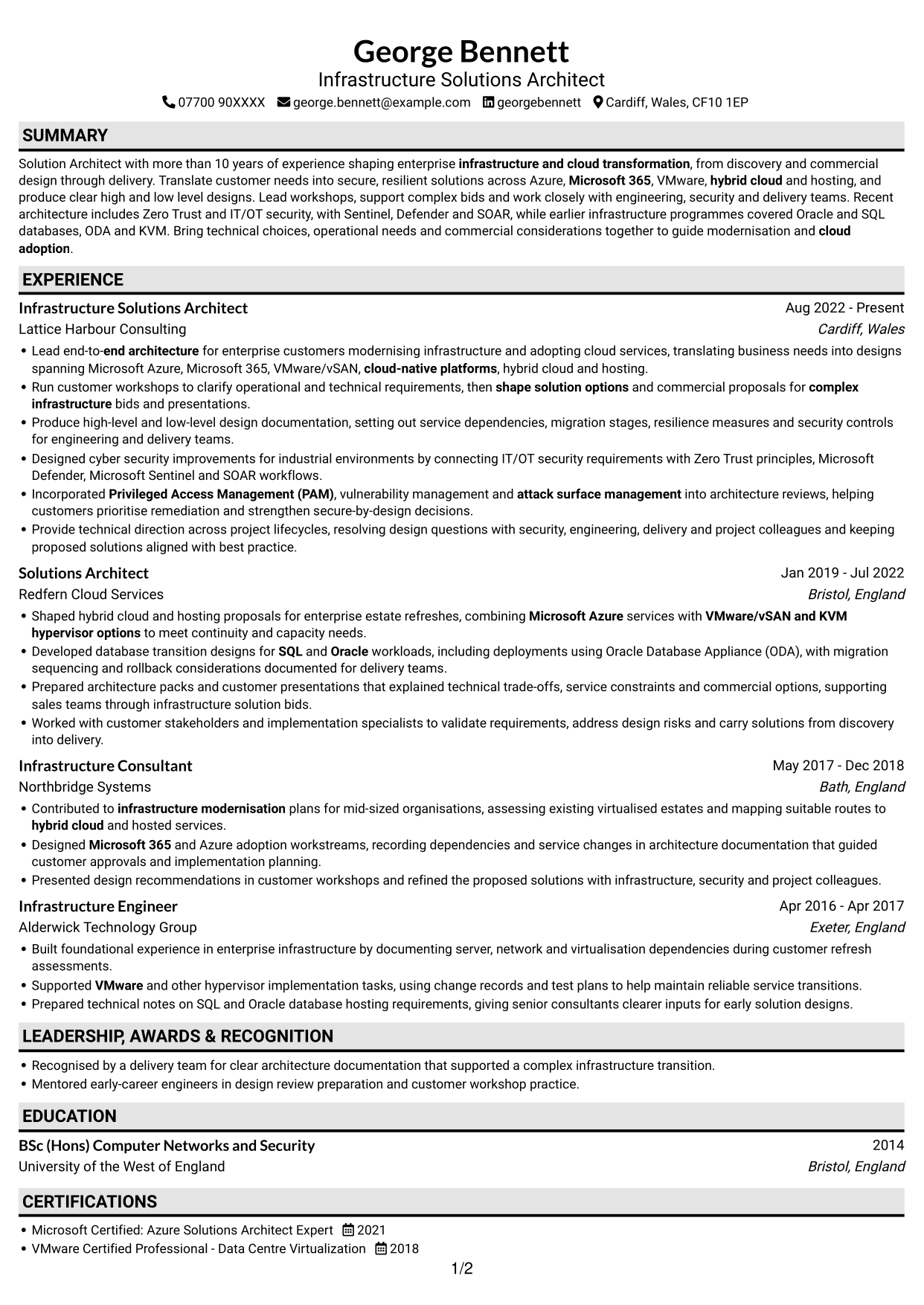
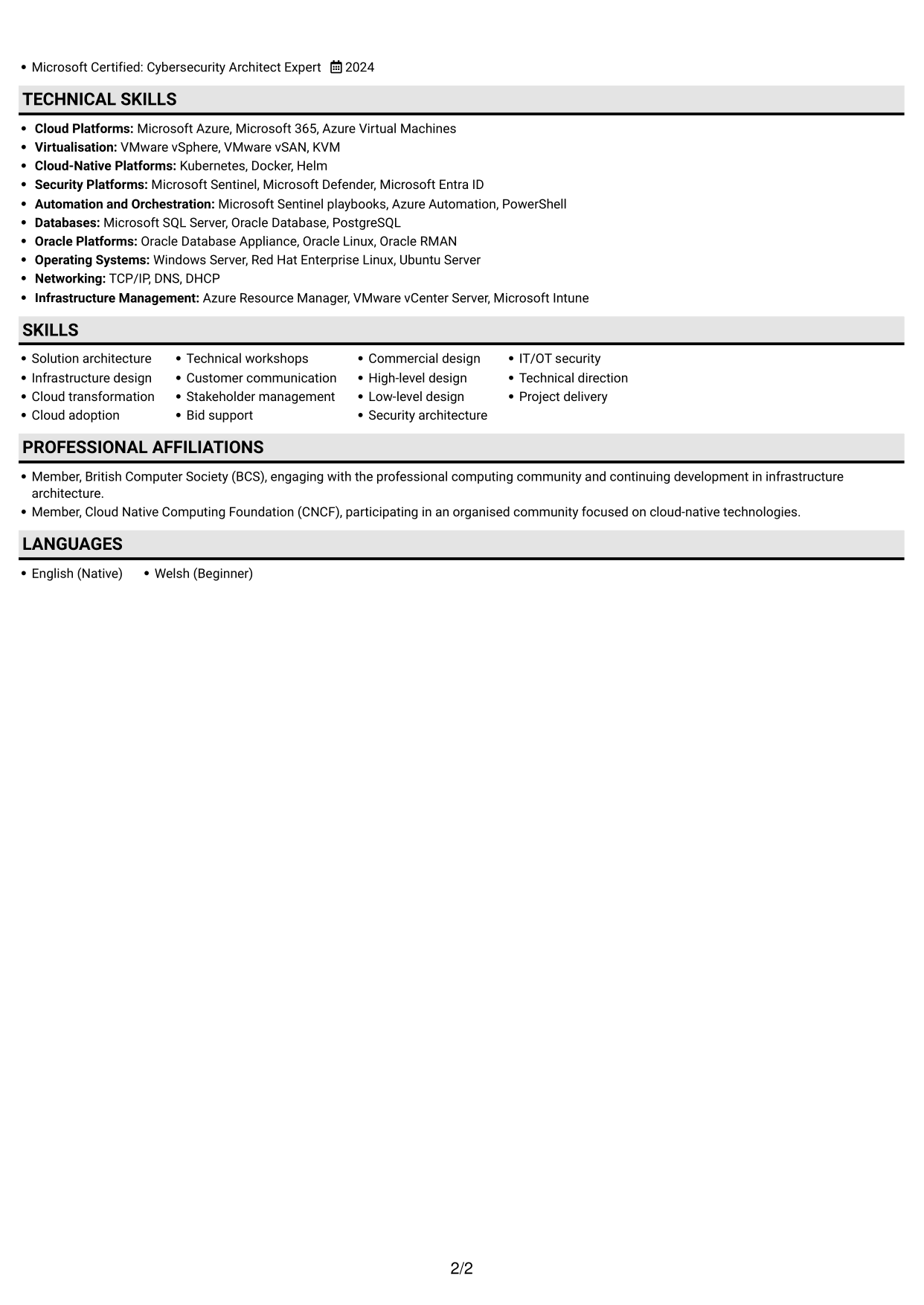
Why This Format Works
- A single column lets reviewers follow experience entries in their displayed order.
- The continuous layout keeps skills and career history within one reading path.
- Education and professional credentials remain part of the same section sequence.
Best For
- Top-to-bottom CV reviews
- Ordered career histories
- Skills alongside experience
- Education and certification details
- Single-column content preference
#4 One Column Format with Photo Right CV Example
A single-column CV body is paired with a photo, offering a portrait-based visual choice while keeping the content in one reading path.
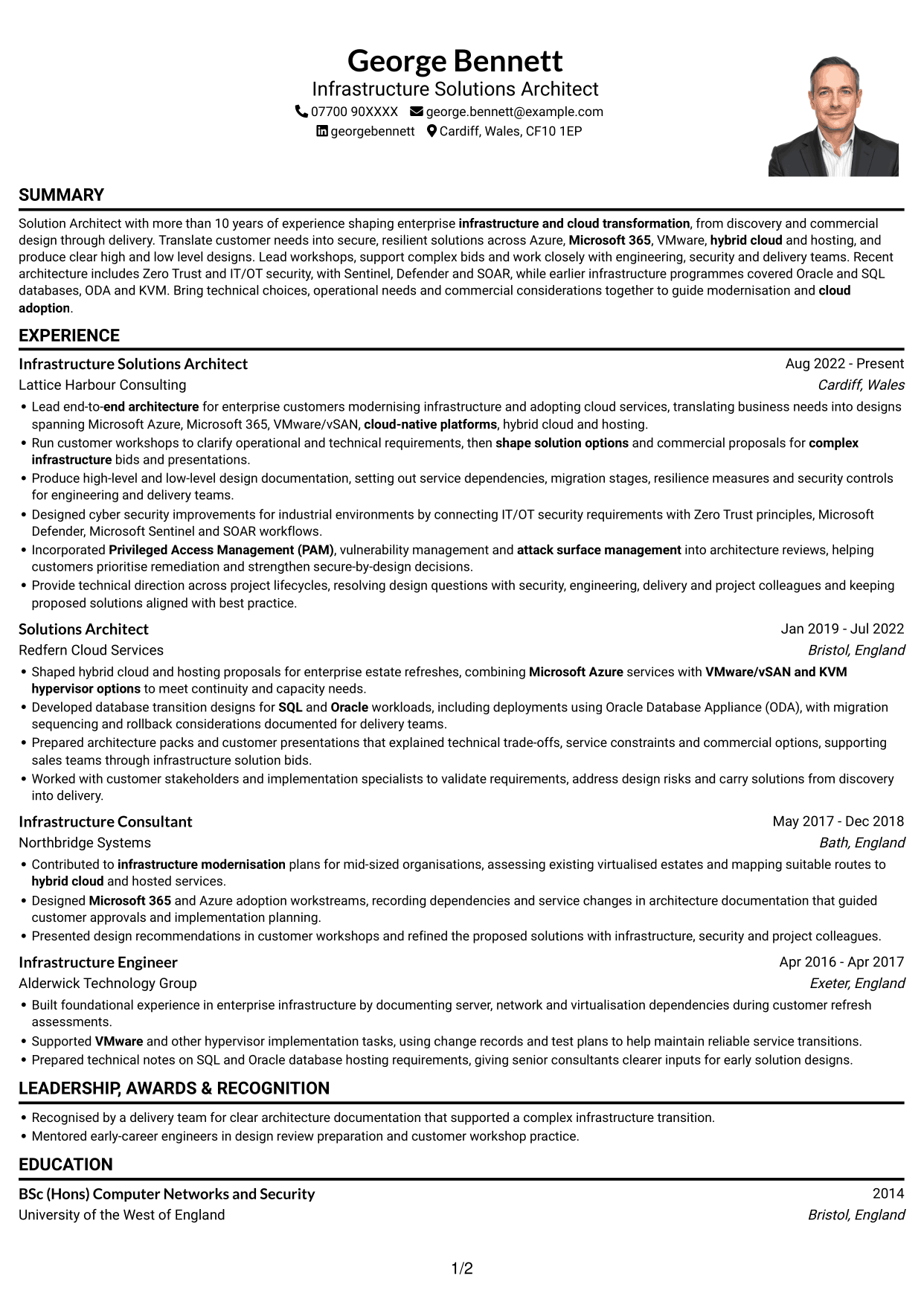
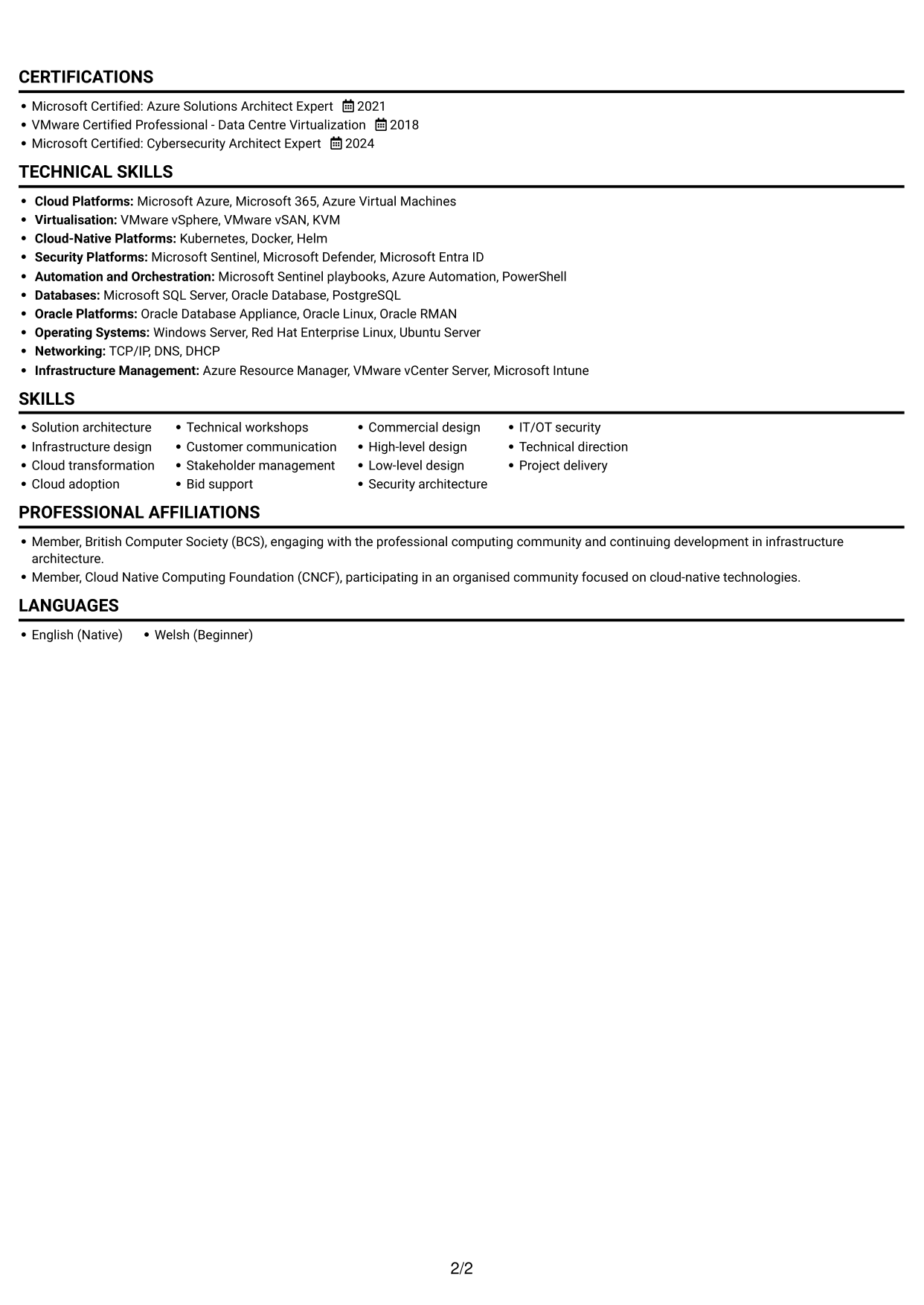
Why This Format Works
- The one-column body keeps work history in a clear reading sequence.
- Role descriptions remain together as reviewers follow career progression.
- The photo adds a personal visual element without dividing the CV body.
Best For
- CVs with a portrait
- Single-column reading preference
- Sequential work histories
- Detailed role descriptions
- Photo-inclusive presentation
#5 Clean Two Column Sidebar Format CV Example
The two-column layout separates CV content into distinct areas, helping reviewers scan work history and supporting sections in a structured way.
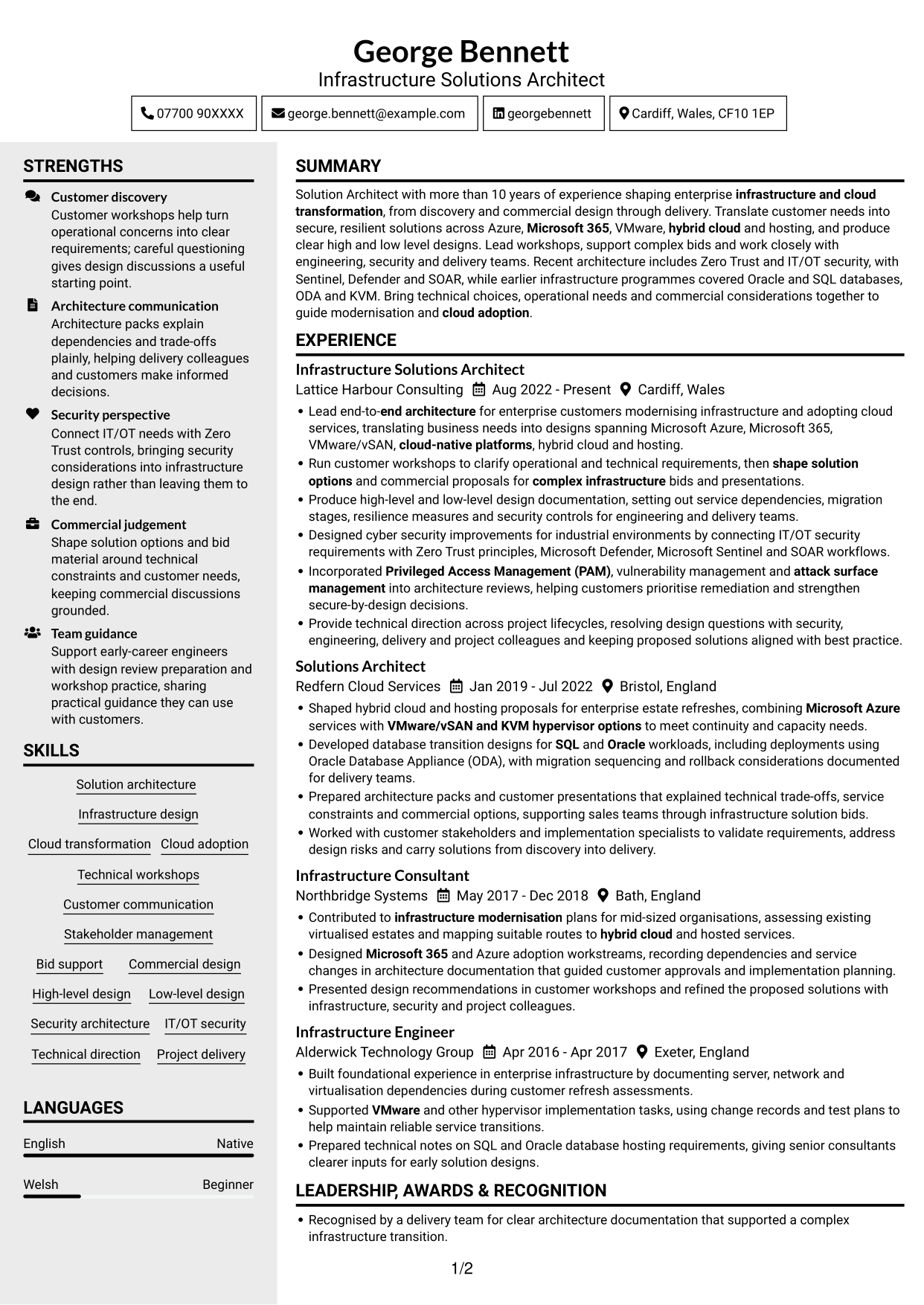
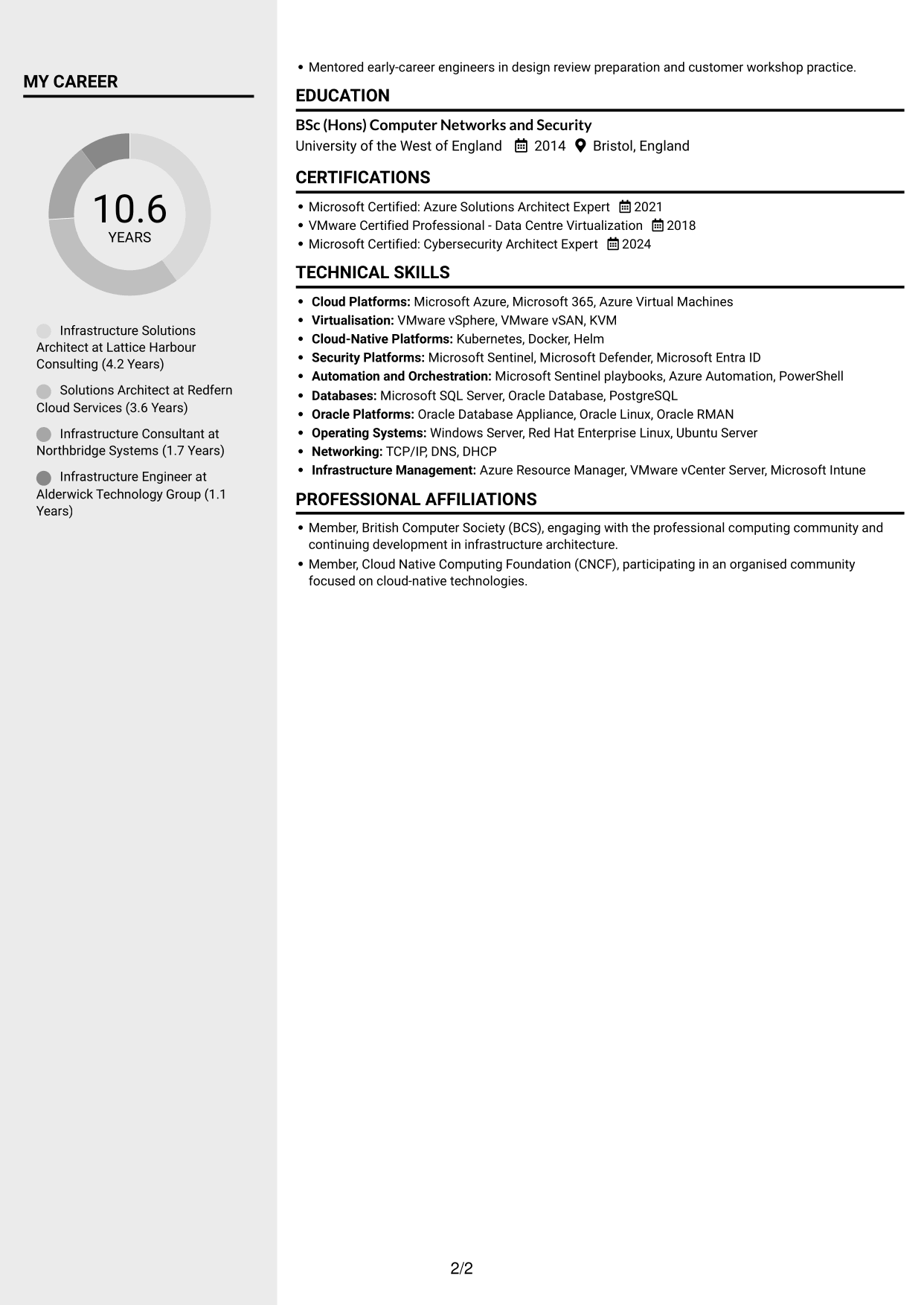
Why This Format Works
- Distinct columns help reviewers find experience and supporting information separately.
- The two-area structure gives skills and credentials space beside career details.
- Reviewers can return to role history without searching through one long content stream.
Best For
- Separate experience and supporting details
- Skills with career history
- CVs with several content sections
- Two-area scanning preference
- Structured information review
#6 Two Column Format CV Example
The two-column body offers separate areas for CV information, a practical choice when readers need to scan different sections without relying on one long column.
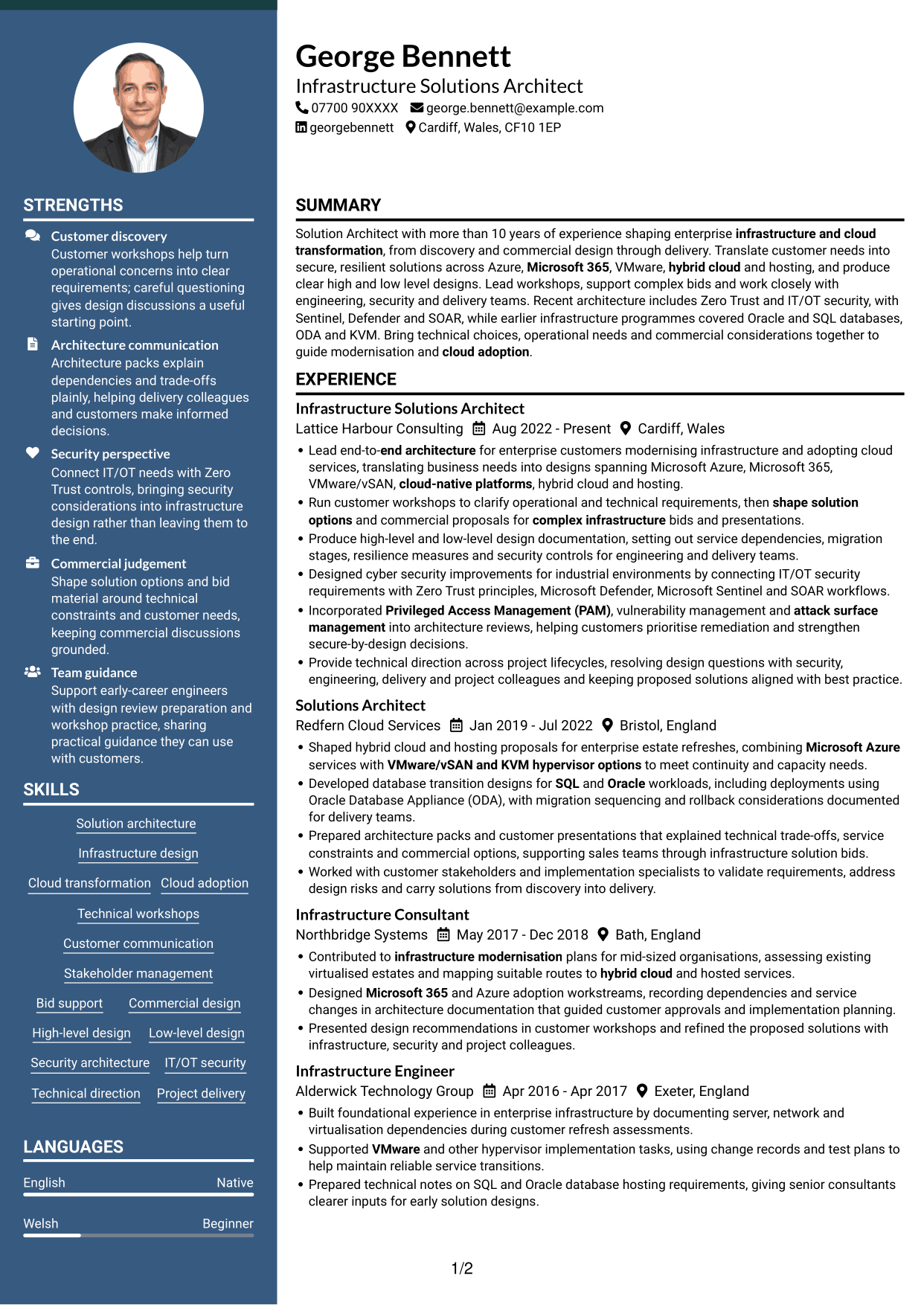
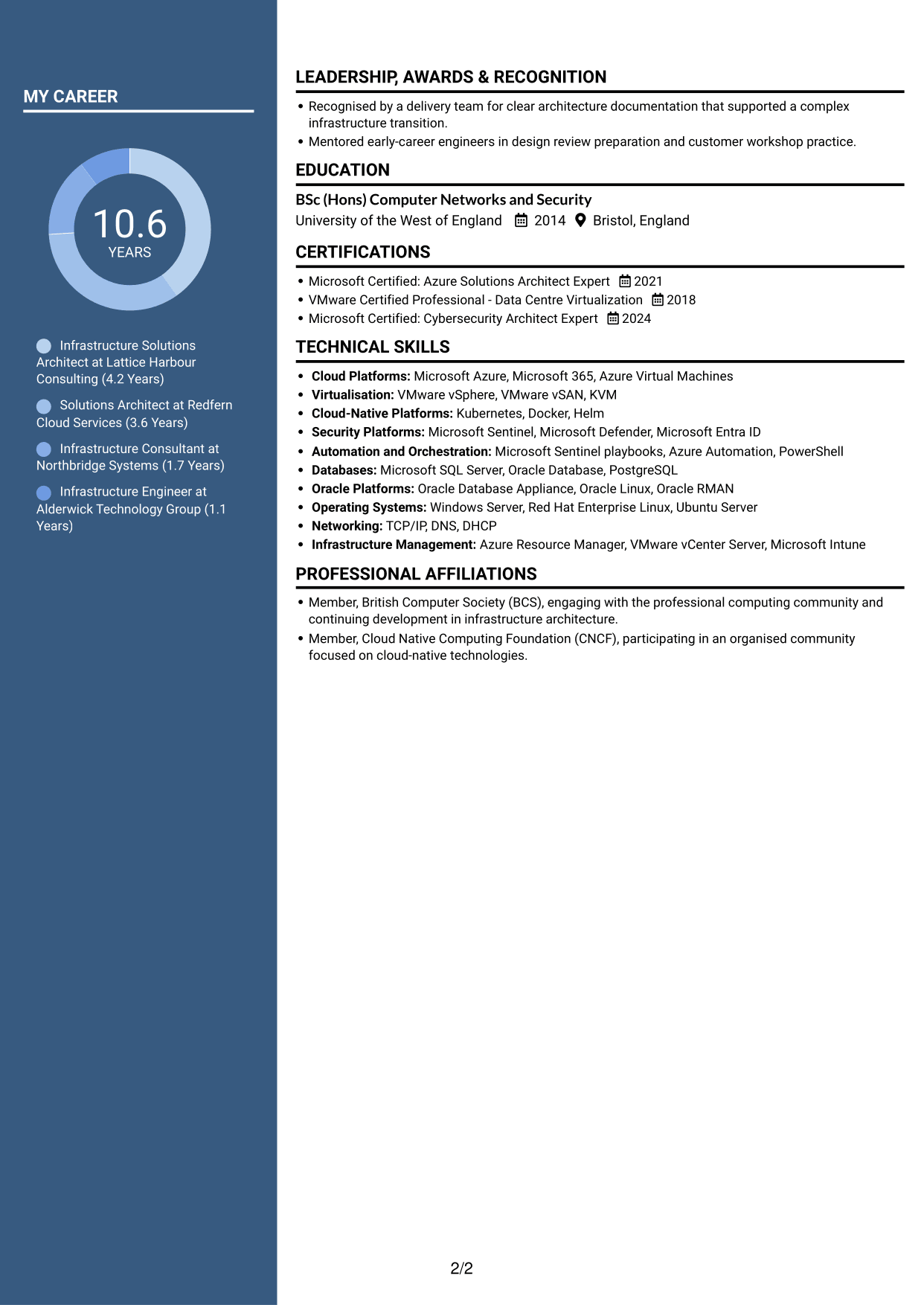
Why This Format Works
- Separate columns make career details and other sections easier to distinguish.
- The layout can present skills and education apart from extended role entries.
- Reviewers can scan distinct areas and then return to relevant experience.
Best For
- CVs with extended role entries
- Separate skills and education sections
- Distinct content areas
- Quick section-by-section review
- Two-column reading preference
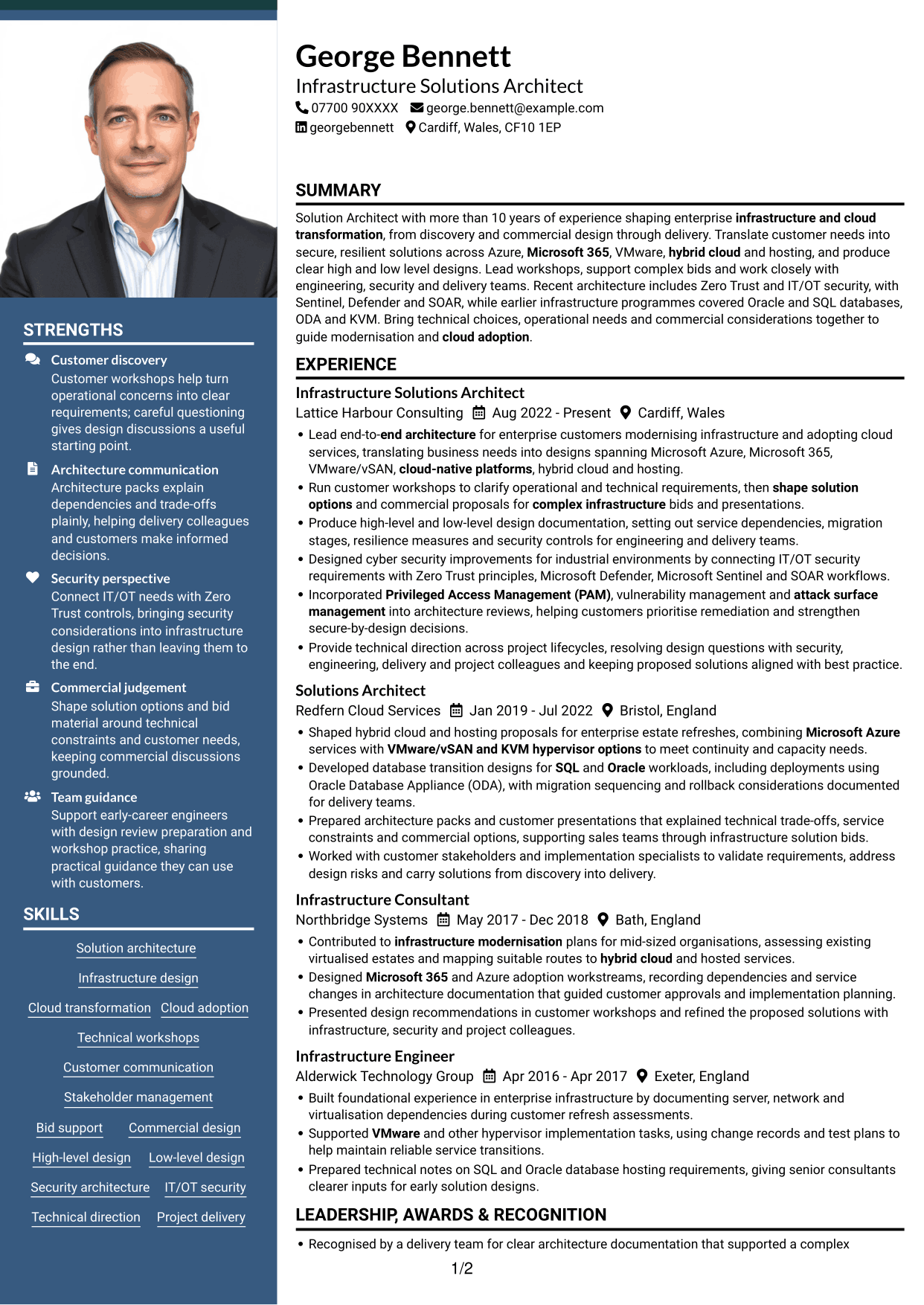
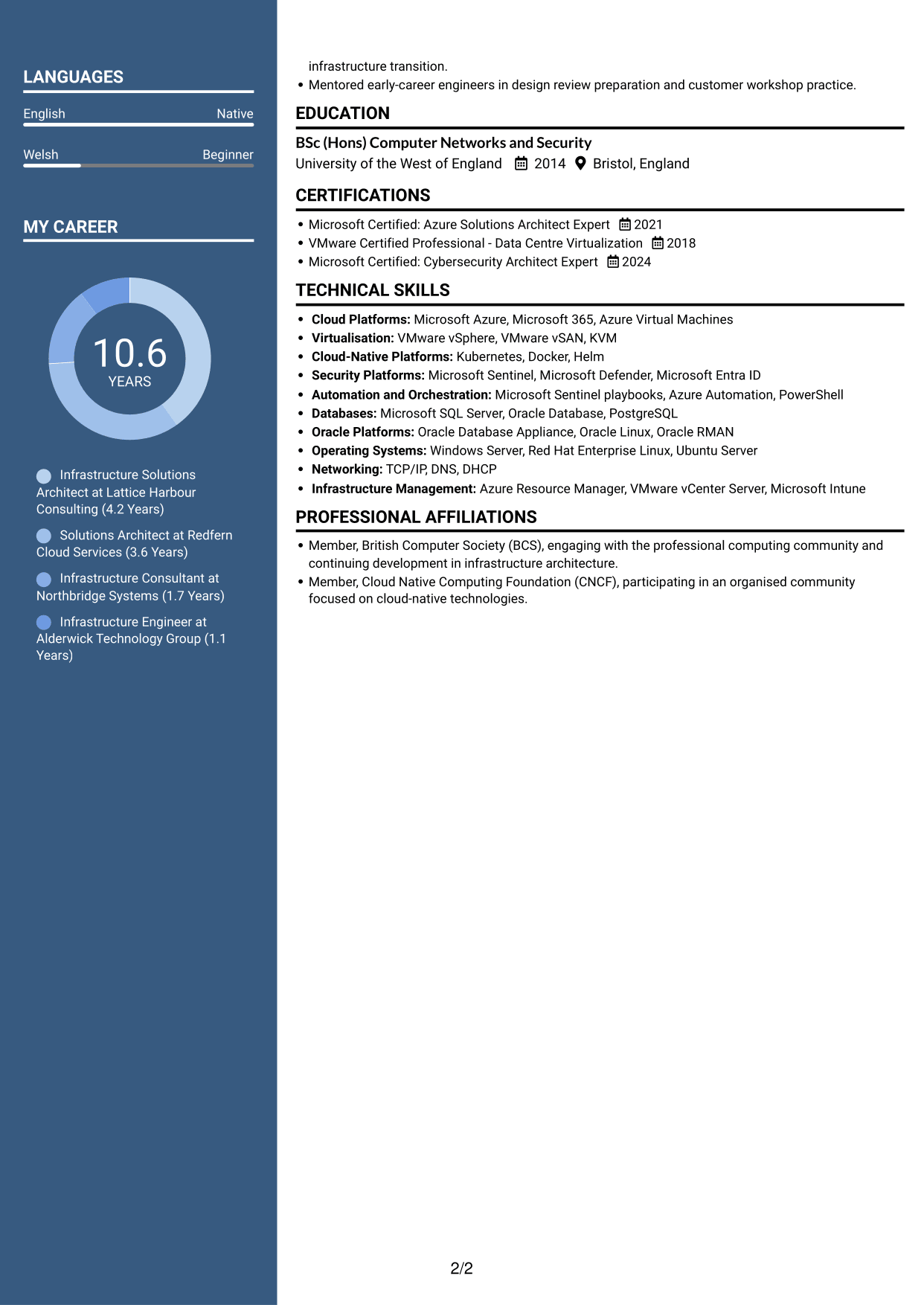
#7 Photo Header Two Column Format CV Example
The two-column body includes a photo in the CV design, combining divided content areas with a portrait-based visual choice.
Why This Format Works
- Two columns separate career information into distinct areas for scanning.
- Experience entries retain a clear sequence within the broader structure.
- The photo adds a visual point of identification to the CV.
Best For
- CVs with a portrait
- Two-column content preference
- Experience with supporting sections
- Clear career history sequence
- Visual identification in the header
Why Build Your Infrastructure Solutions Architect CV with ResumeInMinutes
ResumeInMinutes helps you organise architecture experience, technical skills and education in a clear CV. Compare PNG image previews, then open an example in the editor to customise its content and layout.
- Professional CV layouts
- Clear, readable section structure
- Space for role-specific keywords
- Organised skills and experience
- PNG image previews
- CV customisation in the editor
Choose a format that makes your architecture decisions and delivery work easy to follow. Keep the focus on customer needs, secure design, technical choices and business outcomes.
See Also
- 7 ISP Solution Architect - IT Infrastructure and Service Management CV Templates with Example
- 7 AI Solution Architect - Agentic AI CV Templates with Example
- 7 Commercial SAP Solution Architect CV Templates with Example
- 7 Data & Analytics Solution Architect - Cloud Data Platforms CV Templates with Example
- 7 Data Protection Solution Architect CV Templates with Example
- 7 Data & Solution Architect - Defence CV Templates with Example
- 7 Data Solution Architect - Reinsurance CV Templates with Example
- 7 Digital Solution Architect - Financial Services CV Templates with Example
- 7 Infrastructure Solutions Architect Cover Letter Templates with Example
- 7 ISP Solution Architect - IT Infrastructure and Service Management Cover Letter Templates with Example
Frequently Asked Questions
Are these Infrastructure Solutions Architect CV templates ATS-friendly?
The examples use clear headings and sections to support scanning. Include relevant terms naturally, such as Microsoft Azure, Microsoft 365, VMware, high-level design, hybrid cloud and security architecture.
Are these separate CV examples or different layouts of one example?
This page shows one role-focused CV example in different layouts. Compare the PNG image previews, then open an example in the editor to customise it.
What should an Infrastructure Solutions Architect CV include?
Include a focused summary, relevant experience, skills, education and certifications. Show how you turn customer requirements into infrastructure designs, document technical decisions, support bids and work with delivery teams.
Which CV layout works well for this role?
Choose a layout with clear headings and an easy-to-follow order for experience, skills and education. A simple structure helps readers find your design work and technical expertise quickly.
How can I show infrastructure architecture achievements on my CV?
Use concise bullet points to explain the customer need, your action and the result. Add supported measures for outcomes such as migration progress, service resilience or delivery improvements when you have reliable figures.
Should I include a photo on my CV?
For UK applications, a photo is usually not needed. Use the space for relevant architecture experience, technical skills and evidence of your contribution instead.




