
7 Java Software Engineer - Cross-Domain Security Cover Letter Templates with Example
This guide helps you write a focused Java Software Engineer - Cross-Domain Security cover letter and compare seven layouts.
What Makes a Great Java Software Engineer - Cross-Domain Security Cover Letter in 2026
A strong letter connects your Java experience to the demands of secure, cross-domain software. Open with a clear reason for applying, then show how you can contribute across design, development, testing and support.
Use specific evidence, such as building secure services, improving deployment consistency or investigating complex incidents. Link your examples to the employer’s work and explain why its cross-domain security focus interests you.
The featured example moves from interest in cross-domain security to relevant technical evidence, team contribution and a clear close; adapt this focused progression while choosing a presentation that suits the employer and communication context.
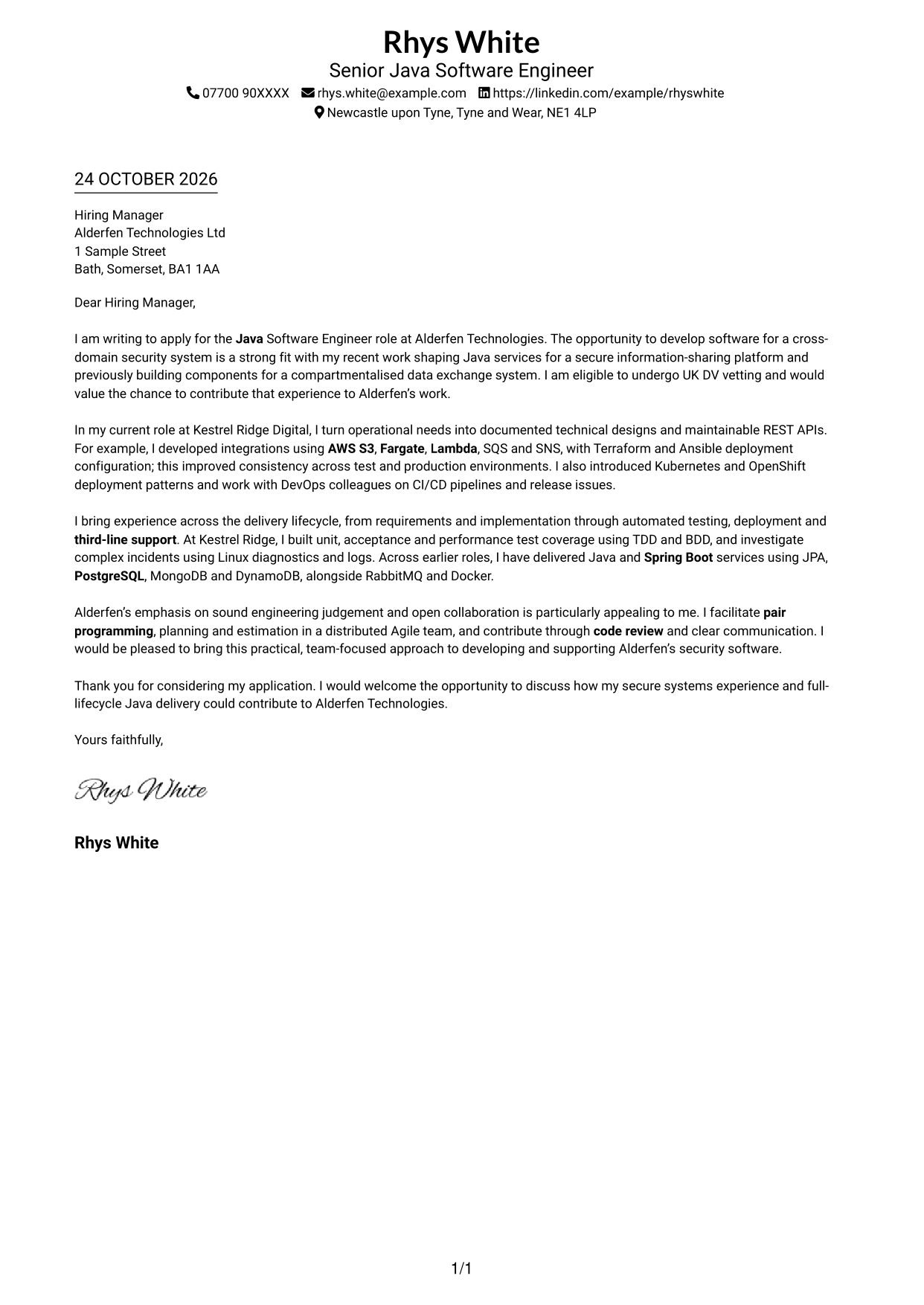
#1 Simple One Column Format Cover Letter Example
The Simple One Column Format keeps the cover letter in one clear text column, a direct choice for readers who prefer a familiar page layout.
Why This Format Works
- One column keeps the opening, supporting case and close in a clear reading order.
- Sender details remain in the header, separate from the letter's main paragraphs.
- Without a portrait, the page gives visual priority to the written message.
Best For
- Single-column letter layouts
- Header-based contact details
- Uninterrupted paragraph flow
- Photo-free applications
- Text-led introductions
#2 Two Column Format Cover Letter Example
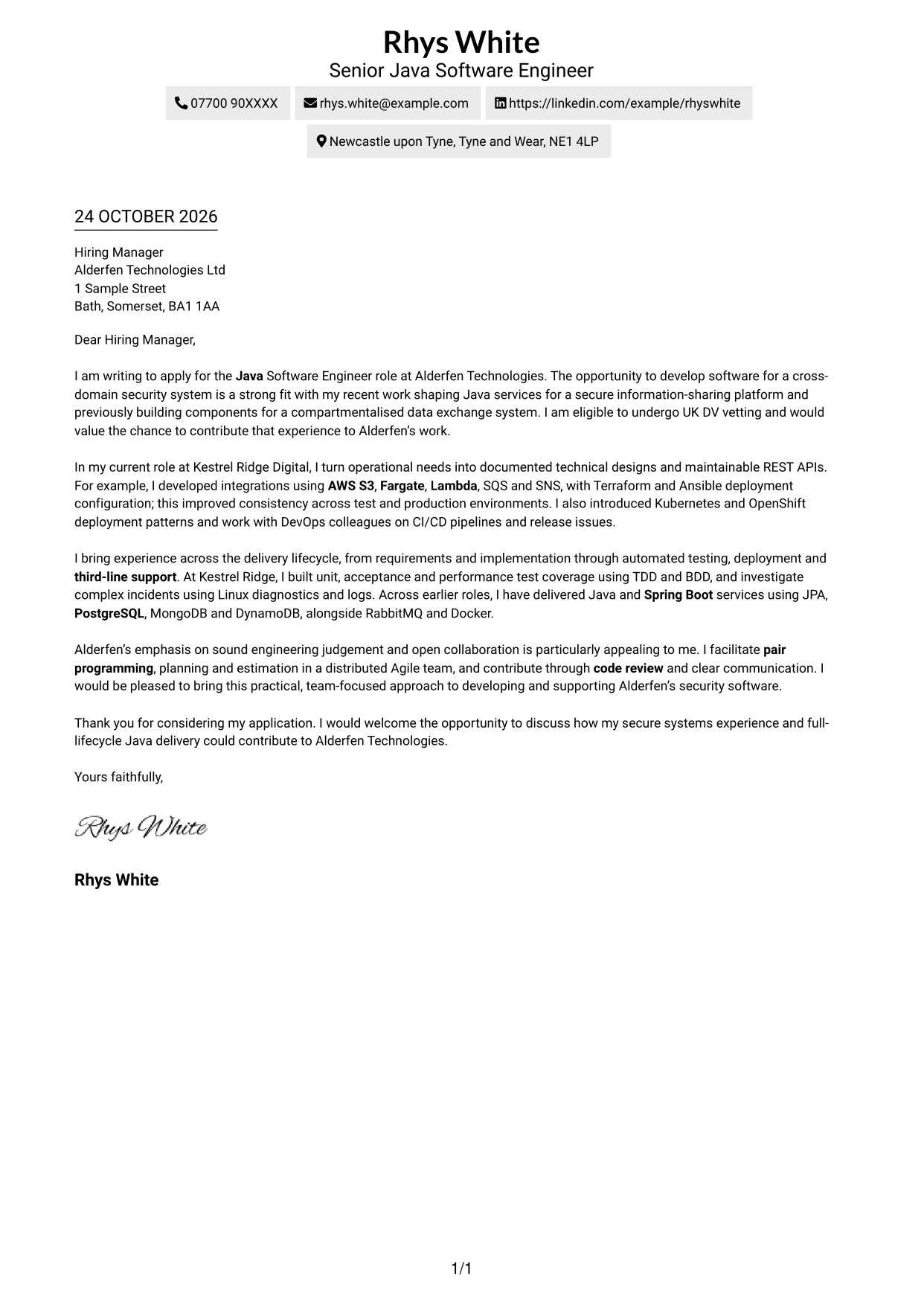
The Two Column Format sets contact details beside a single, continuous letter body, giving practical details their own place without dividing the message.
Why This Format Works
- Contact details sit apart from the main text, making them easy to find again.
- One uninterrupted body lets the reviewer follow motivation, evidence and closing in sequence.
- No portrait keeps the emphasis on the written exchange.
Best For
- Separate contact information
- Continuous letter text
- Side-by-side page organisation
- Photo-free letters
- Quick contact reference
#3 Photo Header Two Column Format Cover Letter Example
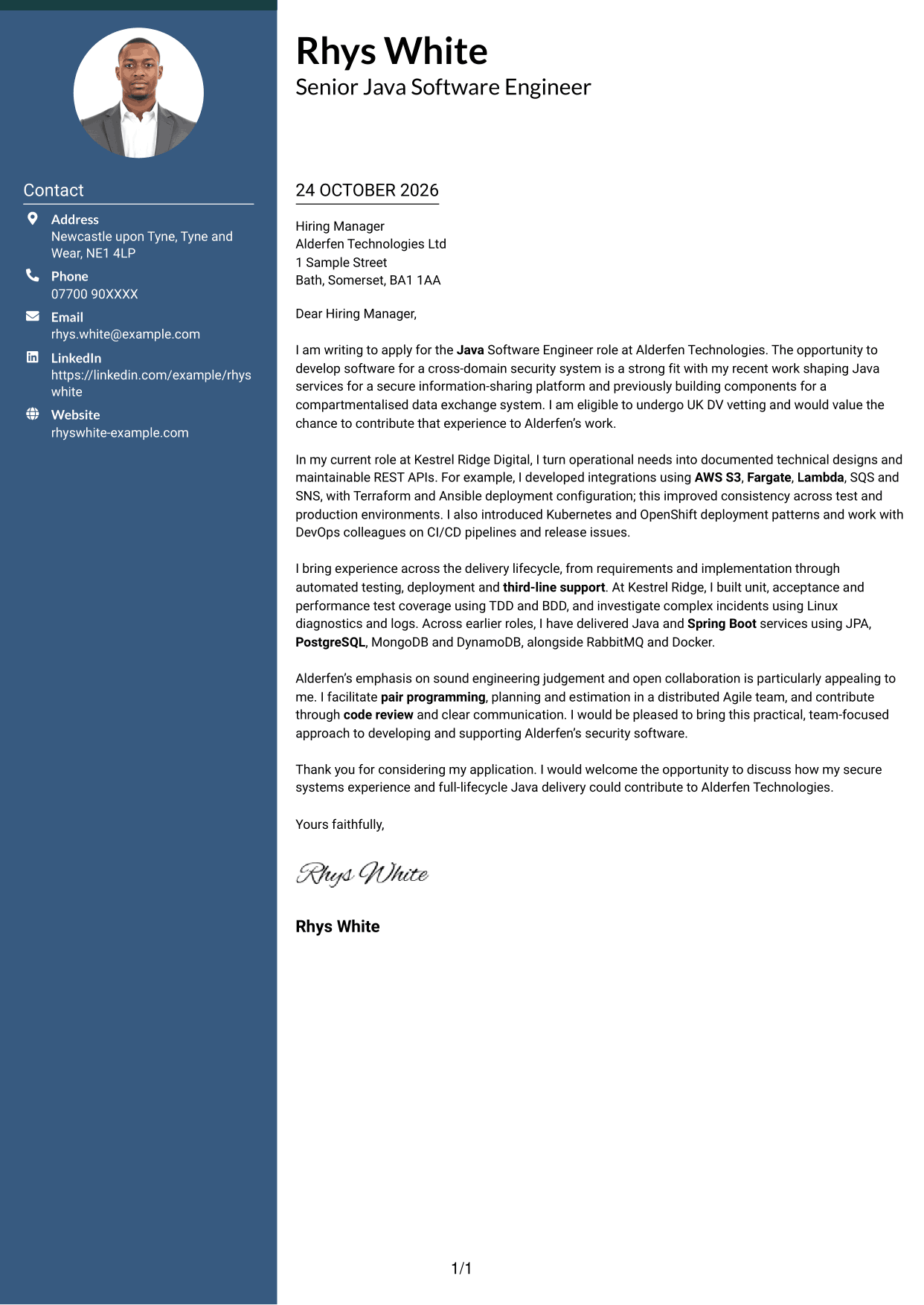
The Photo Header Two Column Format pairs a portrait with a contact sidebar and one continuous letter column for readers who want a visible personal image.
Why This Format Works
- Contact details remain distinct from the letter, while the body reads as one column.
- The portrait offers a visible personal touch without breaking the paragraph sequence.
- One continuous text column keeps motivation and supporting points together.
Best For
- Portrait-led headers
- Contact sidebar layouts
- Single-column letter text
- Paragraph-based persuasion
- Applications with a photo
#4 One Column Format with Photo Cover Letter Example
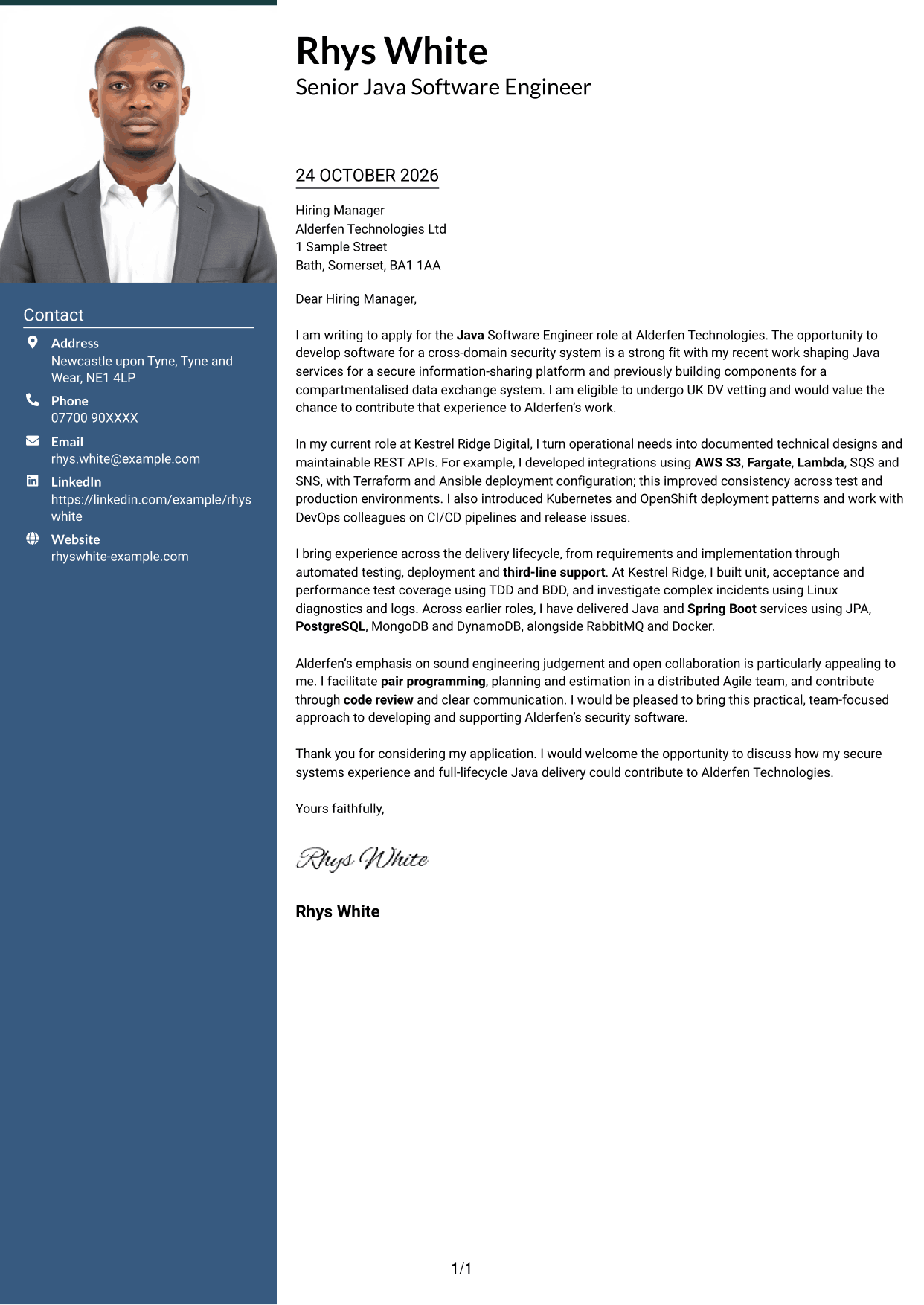
The One Column Format with Photo keeps the letter text in one column and includes a portrait, combining a direct reading path with a personal visual element.
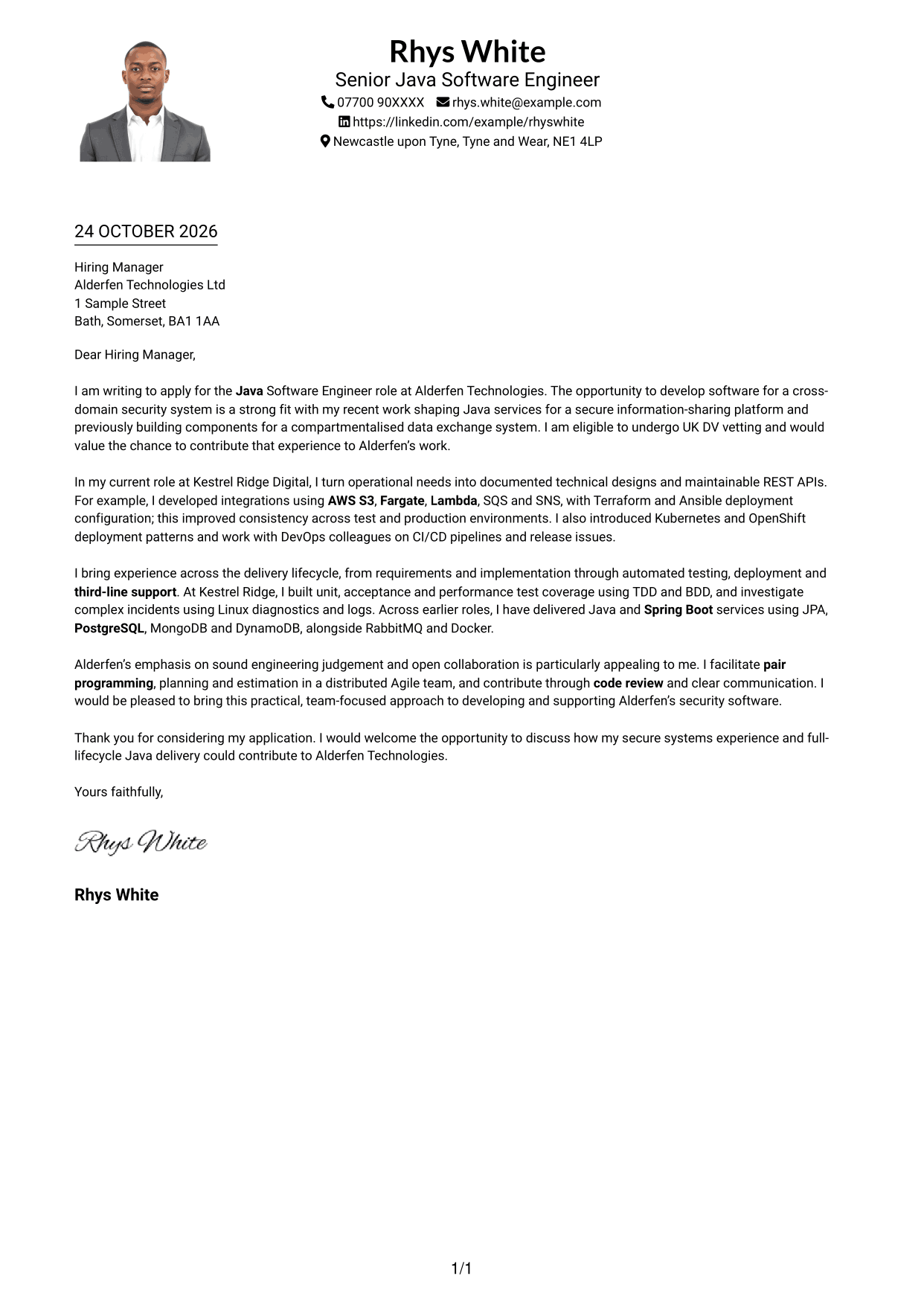
Why This Format Works
- One text column gives the argument a direct route from opening to close.
- Header contact details stay separate from the letter's persuasive paragraphs.
- The portrait offers a visual choice for applications that include a photo.
Best For
- One-column letter reading
- Portrait-inclusive layouts
- Header contact details
- Direct paragraph order
- Photo-led personal introductions
#5 Simple Two Column Format Cover Letter Example
The Simple Two Column Format places a contact sidebar alongside the full letter body, making it a clear option for separating details from the message.
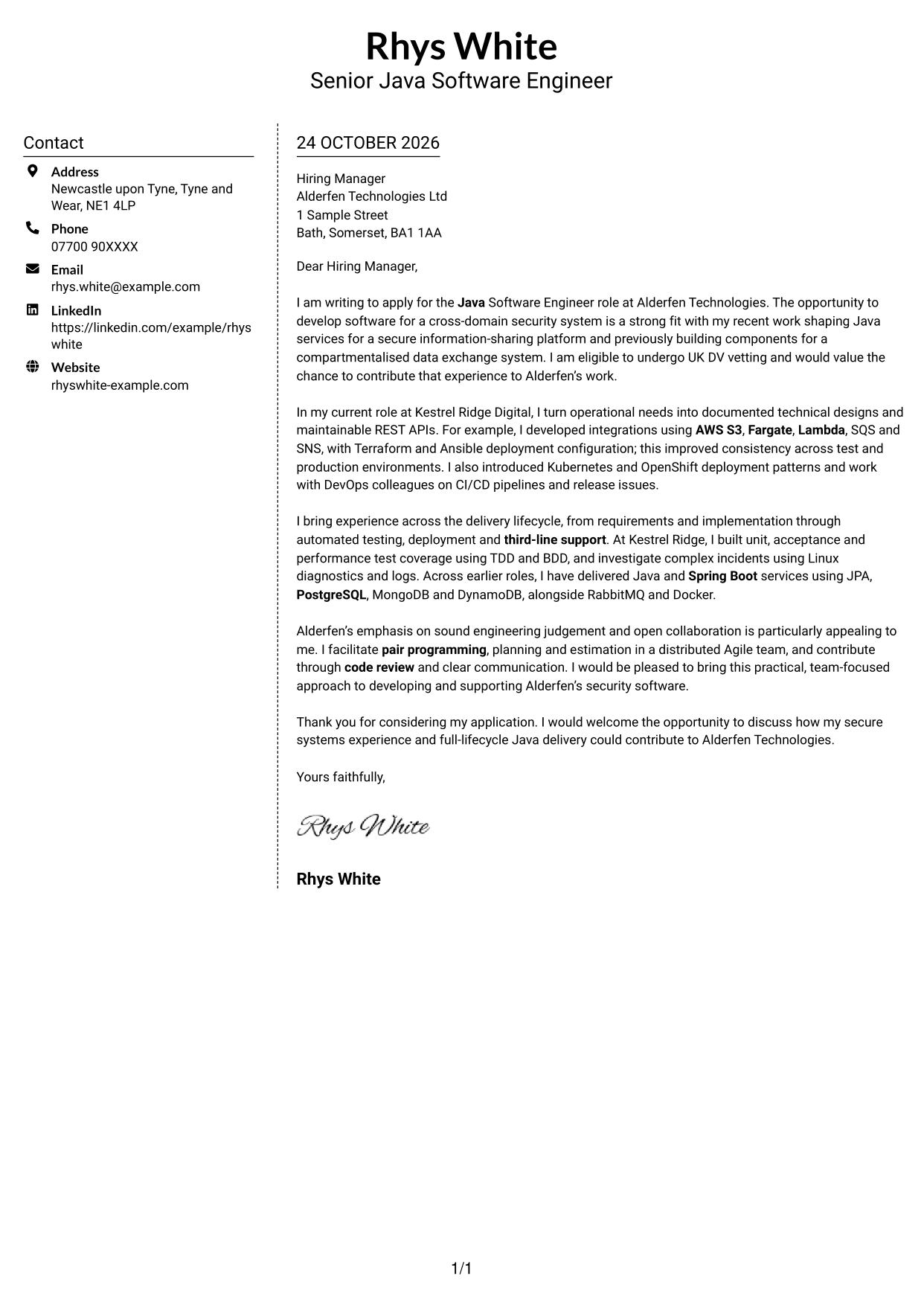
Why This Format Works
- Contact information has its own sidebar, leaving the letter body intact.
- Paragraphs remain together in one body column for a steady reading order.
- Photo-free styling suits applicants who want the focus on the written case.
Best For
- Contact details beside the letter
- Single-column body text
- Steady paragraph reading
- Photo-free documents
- Clear separation of practical details
#6 Modern Icon Format Cover Letter Example
The Modern Icon Format uses contact cues in a sidebar beside one continuous letter column, so the icons support contact details rather than label the argument.
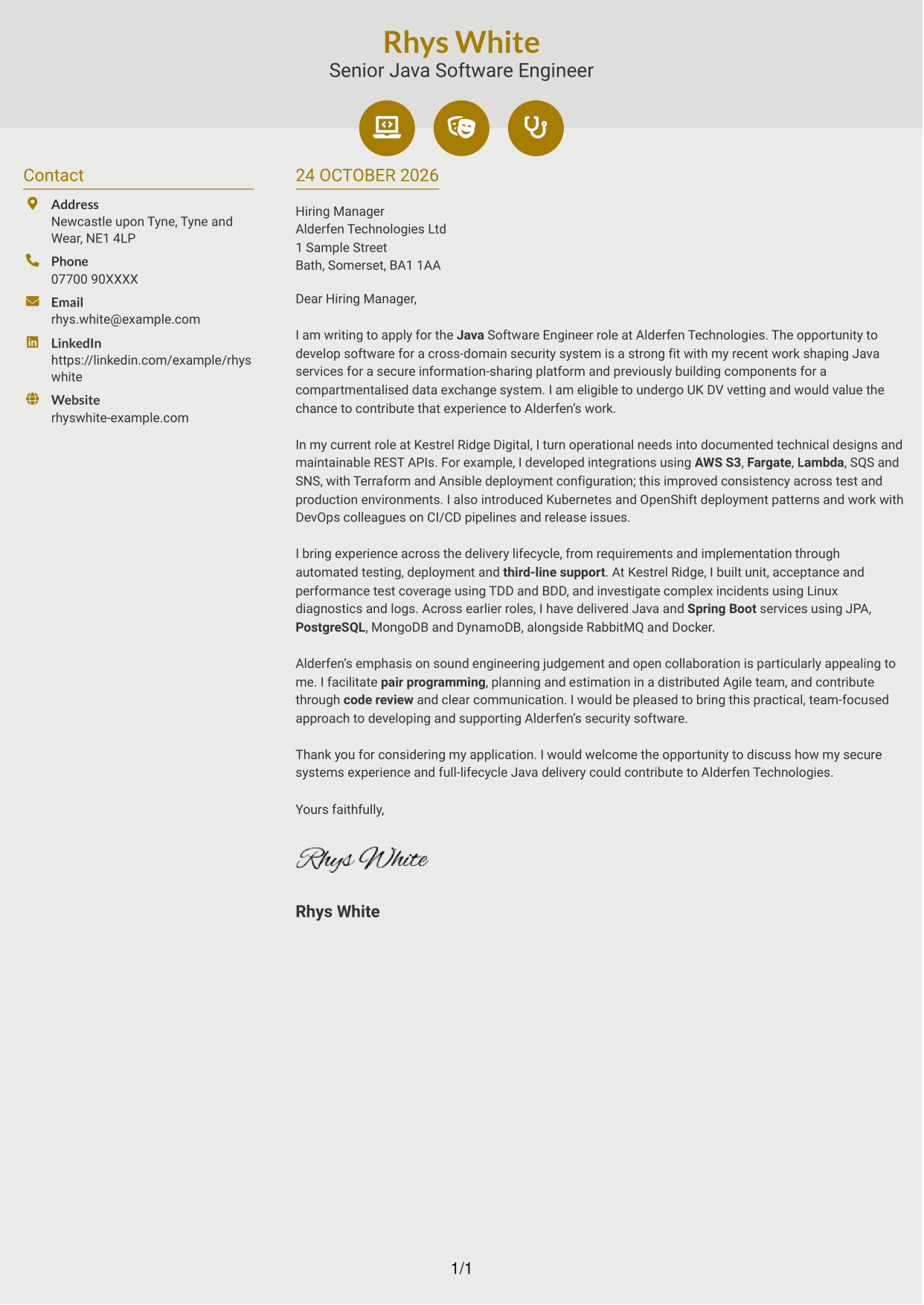
Why This Format Works
- Contact icons help distinguish practical details from the letter's main text.
- One body column keeps the opening, evidence and close in paragraph order.
- The photo-free layout leaves the contact cues as the header's visual accents.
Best For
- Icon-led contact details
- Two-column page organisation
- Continuous letter paragraphs
- Photo-free applications
- Visual contact cues
#7 Creative Two Tone Format Cover Letter Example
The Creative Two Tone Format sets contact details beside a single letter body, offering a two-column arrangement for readers who want the page divided without splitting the message.
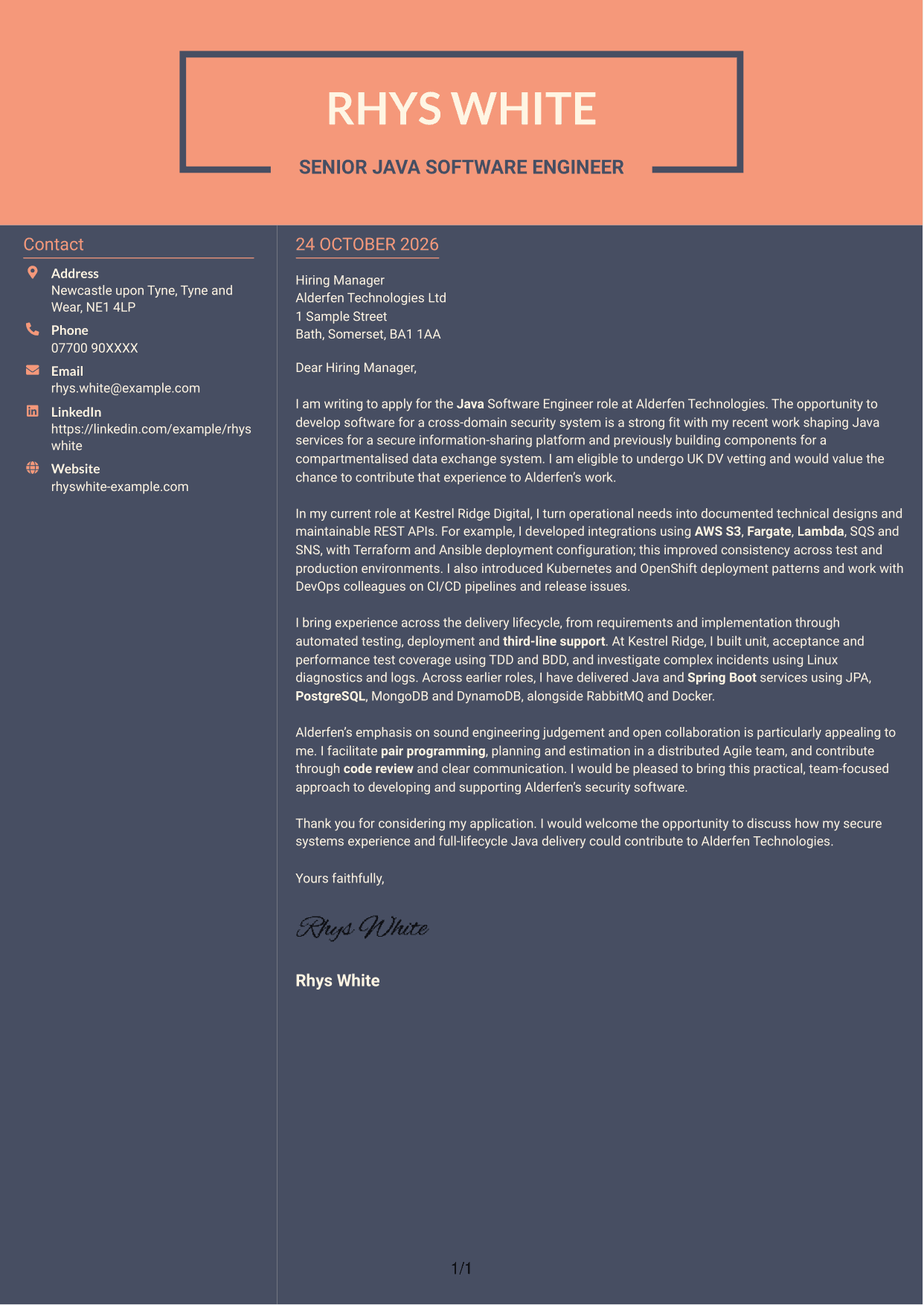
Why This Format Works
- Contact details and letter text occupy separate columns, making each area easy to locate.
- The continuous body carries the message from motivation through evidence to closing.
- Without a portrait, the layout keeps attention on contact details and written content.
Best For
- Separated contact and letter areas
- Continuous argument in one body
- Two-column reading preference
- Photo-free correspondence
- Clear contact information
See Also
- 7 Java Software Engineer - Cross-Domain Security CV Templates with Example
- Full Stack Lead Software Engineer CV Guide (Java, Spring Boot, AWS) (Examples + Free PDF Downloads)
- 7 Lead Software Engineer - Java, Spring Boot, AWS CV Templates with Example
- 7 Principal Software Engineer - Java and Enterprise Integration CV Templates with Example
- Principal Software Engineer CV Guide (Java, AWS) (Examples + Free PDF Downloads)
- 7 Software Engineer - High-Performance Java / Low Latency CV Templates with Example
- 7 AI Software Engineer CV Templates with Example
- 7 Associate Backend Software Engineer - Network Modelling CV Templates with Example
- 7 Lead Software Engineer - Java, Spring Boot, AWS Cover Letter Templates with Example
- 7 Principal Software Engineer - Java and Enterprise Integration Cover Letter Templates with Example
Frequently Asked Questions
What should a Java Software Engineer - Cross-Domain Security cover letter highlight?
Show how your Java work relates to secure systems and reliable software delivery. Relevant evidence may include REST APIs, automated testing, deployment support and clear handling of complex service issues.
How can I show my experience is relevant to cross-domain security?
Choose an example involving secure information sharing, compartmentalised systems or dependable communication between services. Explain your contribution and the result, such as more consistent deployments or clearer failure handling.
How should I explain my interest in Alderfen Technologies?
Connect your interest to Alderfen’s cross-domain security work and the chance to build and support secure software. Keep the reason specific and genuine, rather than relying on broad praise of the company.
How should I structure this cover letter?
Use the opening to name the role and explain your interest. In the body, give focused evidence of your Java delivery and teamwork, then close by restating your interest and inviting a discussion.
Should I include every technology I have used?
No. Select the tools and methods that best support your examples and the role. For instance, explain how Java, testing, AWS services or deployment tools helped you deliver or support a secure service.




