
7 Junior AI Engineer - AI and Data CV Templates with Example
This guide shows you how to create a clear, focused CV for a Junior AI Engineer - AI and Data role. It helps you organise relevant evidence and choose a format that makes your skills and projects easy to review.
For this role, explain how you prepare data, check its quality and turn analysis into clear findings. Show practical work with Excel, SQL, Python, Tableau and Microsoft Power BI, and describe introductory AI work accurately.
Explore the example presented in 7 layouts, compare the PNG image previews and open a preferred example in the editor to customise it. You will also find guidance on ATS readability, useful CV sections and relevant keywords, including SQL query optimisation, data-quality checks and AI use-case evaluation.
What Makes a Great Junior AI Engineer - AI and Data CV in 2026
A strong CV makes data preparation, analysis and project work easy to scan. Clear bullets show what you did and how you checked or shared the results.
Use relevant terms such as SQL query optimisation, Python data cleaning, Tableau dashboards and Microsoft Power BI. Include supported details about your projects, training and certifications.
Note: CV examples are for educational purposes only. Use only information that accurately reflects your experience and qualifications. References to real organisations do not imply affiliation or endorsement.
#1 Simple One Column Format CV Example
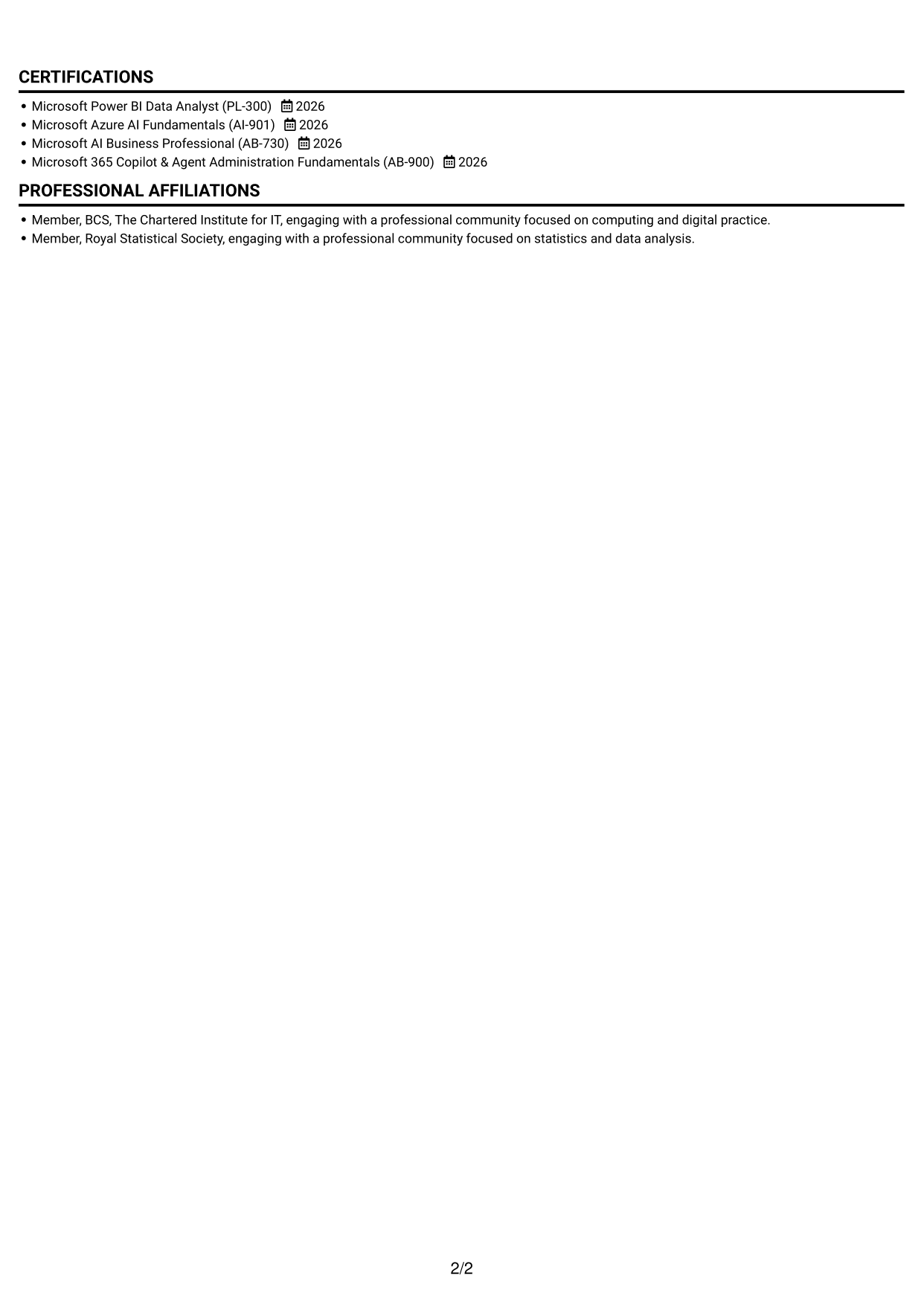
The one-column layout keeps the CV on a single reading path, a useful choice when you want reviewers to follow its sections in sequence.
Why This Format Works
- One-column reading order lets reviewers follow experience, education and skills without switching between areas.
- Project bullets can be read in sequence, keeping methods and outcomes together.
- Clear section breaks help reviewers locate qualifications, training and project work.
Best For
- Straight-through section reading
- Project-led experience evidence
- Skills and education in one sequence
- Several distinct CV sections
- Text-first document presentation
CV Keywords
- Wrote and optimised SQL queries
- applying Excel, SQL and Python to organise, clean and manipulate a retail dataset
- Microsoft Power BI
- Tableau dashboards
- Excel
- Data Visualisation
- Data quality checks
- Dataset preparation
- Dashboard development
- Microsoft Azure AI Fundamentals
- Microsoft 365 Copilot & Agent Administration Fundamentals (AB-900)
- Microsoft AI Business Professional
- Evaluated introductory AI business scenarios
- Microsoft Power BI Data Analyst (PL-300)
- Azure AI Fundamentals (AI-901)
#2 Simple Two Column Format CV Example
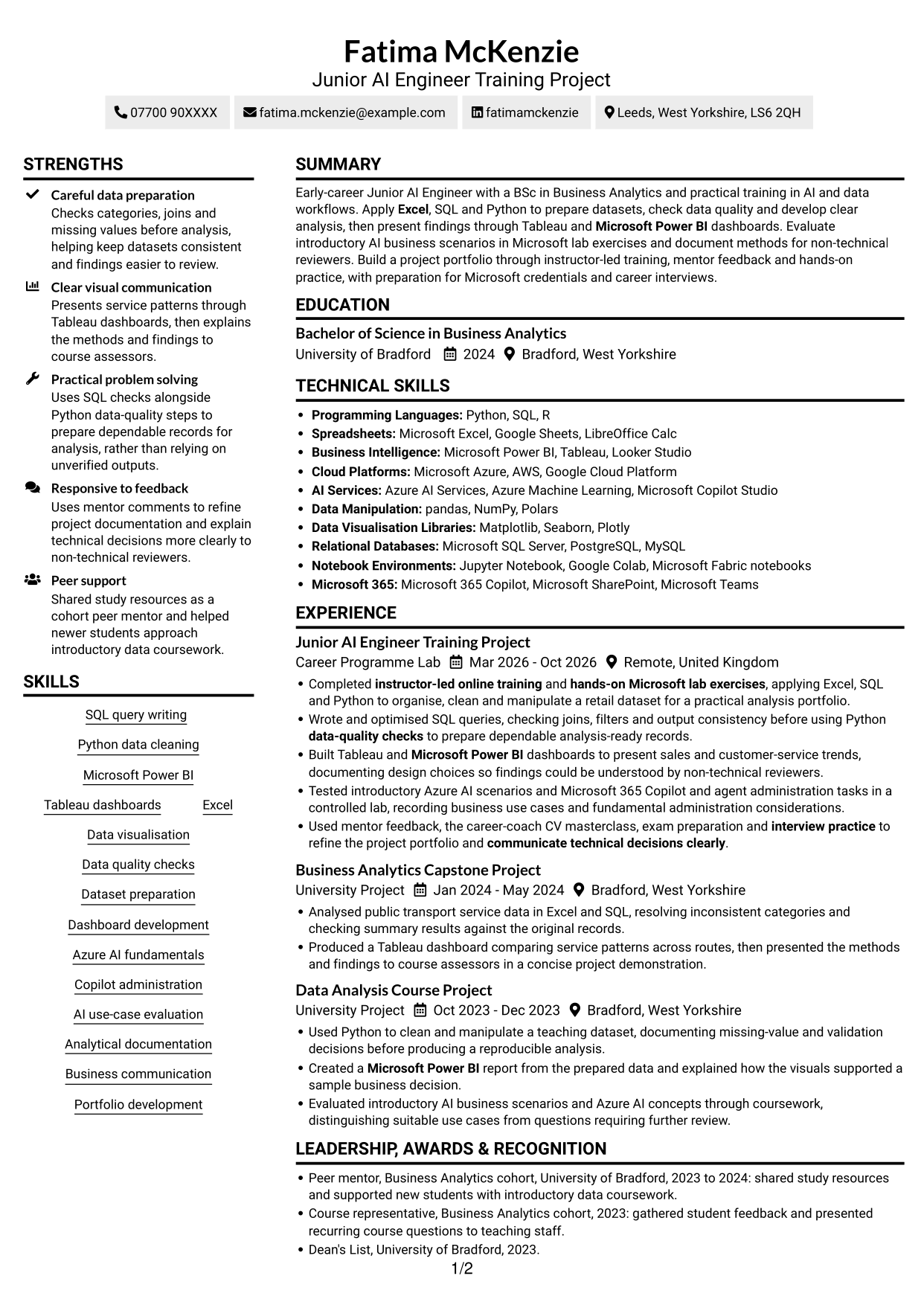
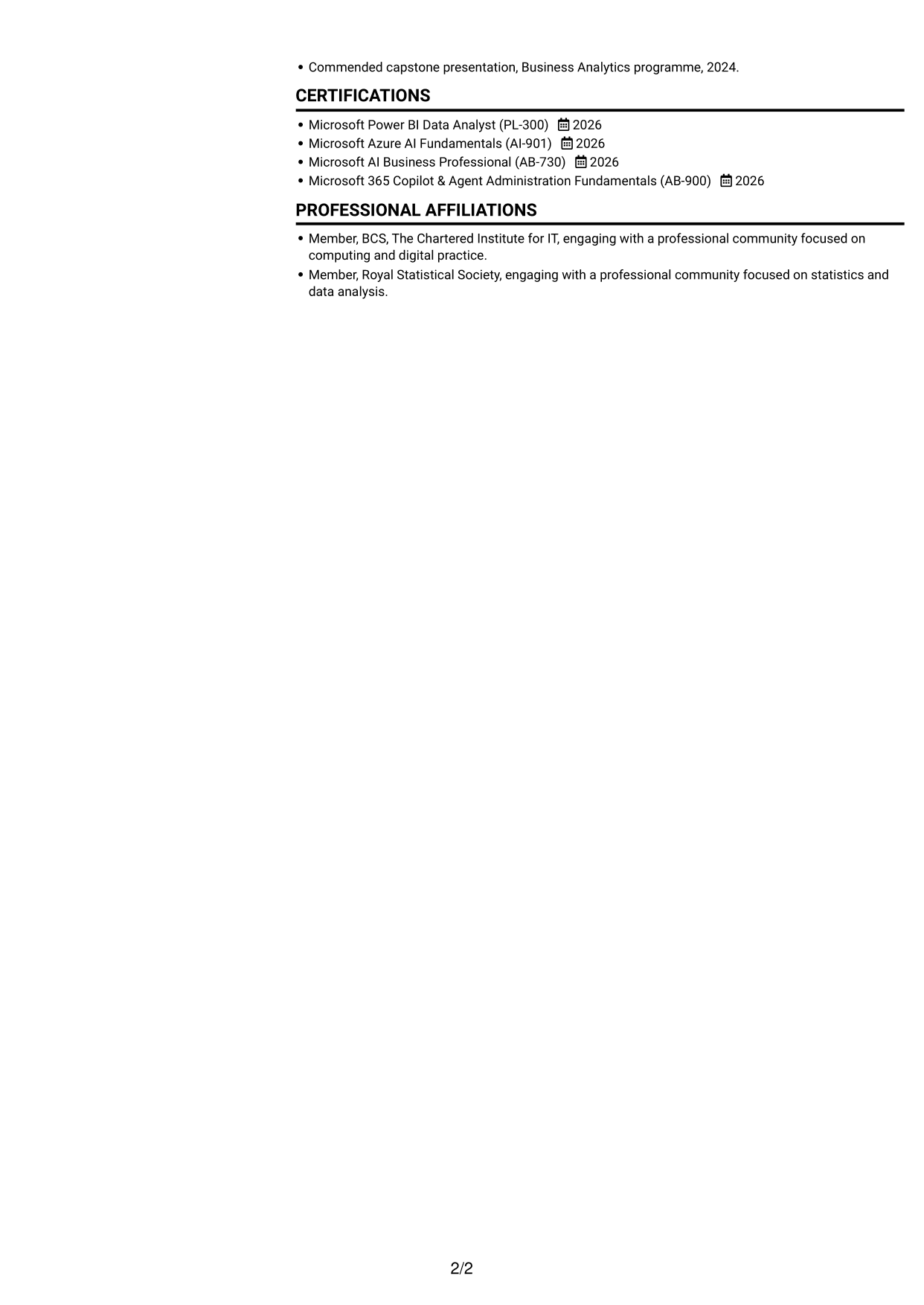
The two-column body gives information separate reading areas, which can suit a CV with experience alongside supporting sections.
Why This Format Works
- Two columns give experience and supporting sections separate areas, helping reviewers compare them.
- Distinct content areas keep project evidence, skills and education easy to scan.
- The layout groups more information across the page without forcing one long reading path.
Best For
- Side-by-side information review
- Project evidence with supporting sections
- CVs with several content areas
- Compact skills and education sections
- Separate experience and qualification details
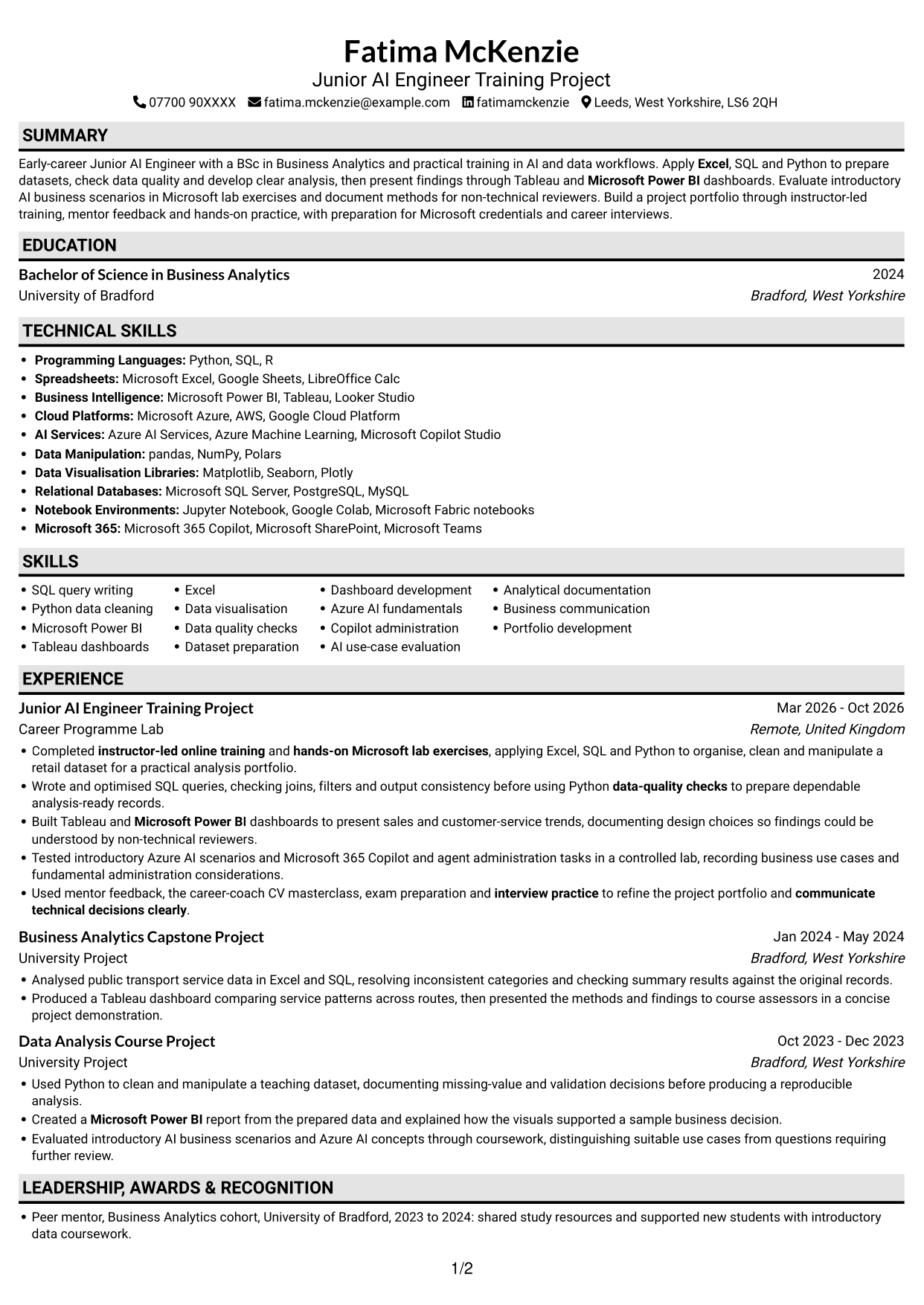
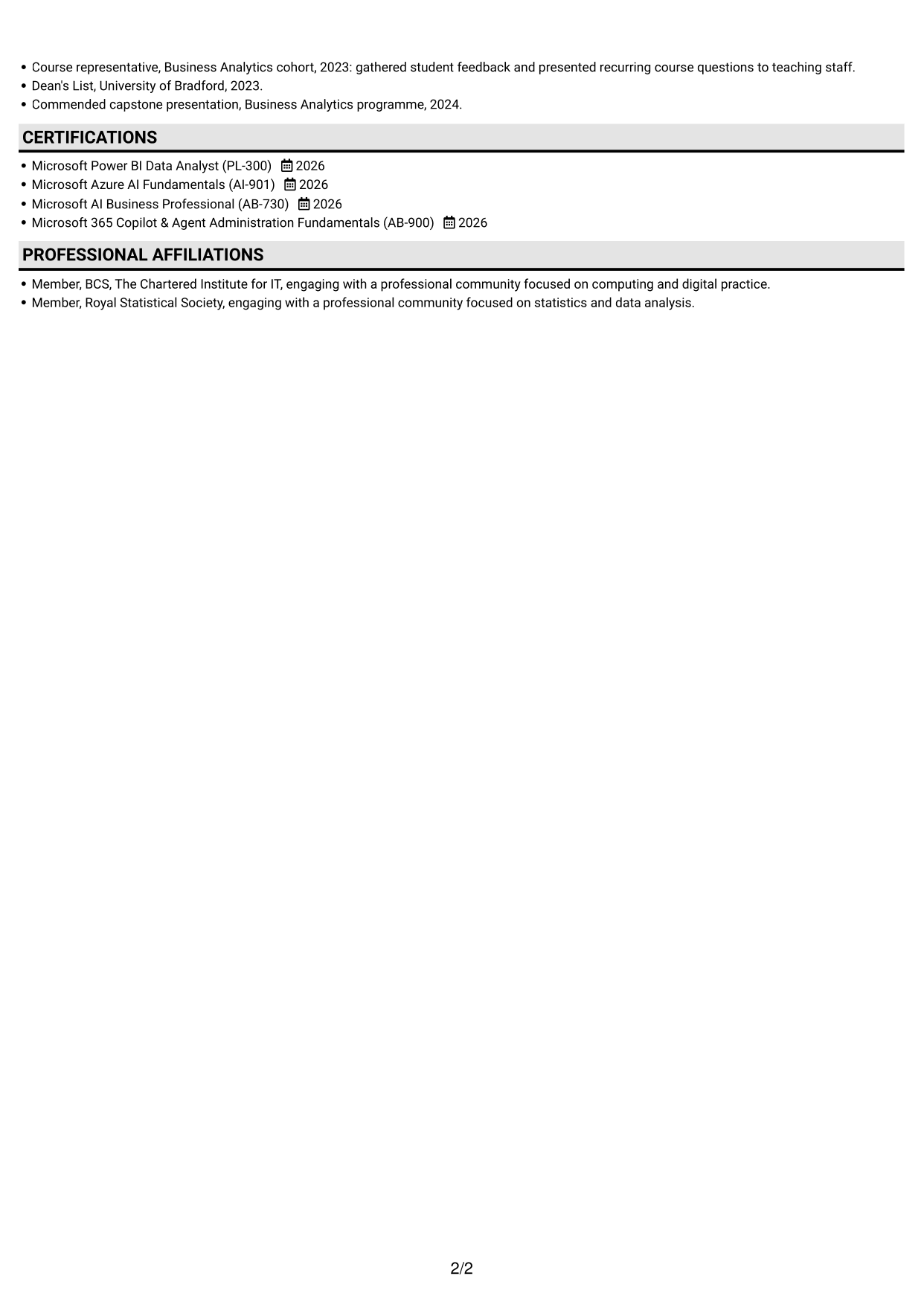
#3 Plain One Column with Shaded Labels CV Example
Its one-column body keeps section content in a single reading path, a practical option for a CV that benefits from straightforward review.
Why This Format Works
- The single-column structure lets reviewers follow project experience without moving between separate content areas.
- Education and credentials remain part of the same overall reading sequence.
- A direct reading path supports close review of methods, results and supporting details.
Best For
- Single-path CV reading
- Close review of project work
- Education alongside experience
- Detailed supporting information
- Straightforward section order
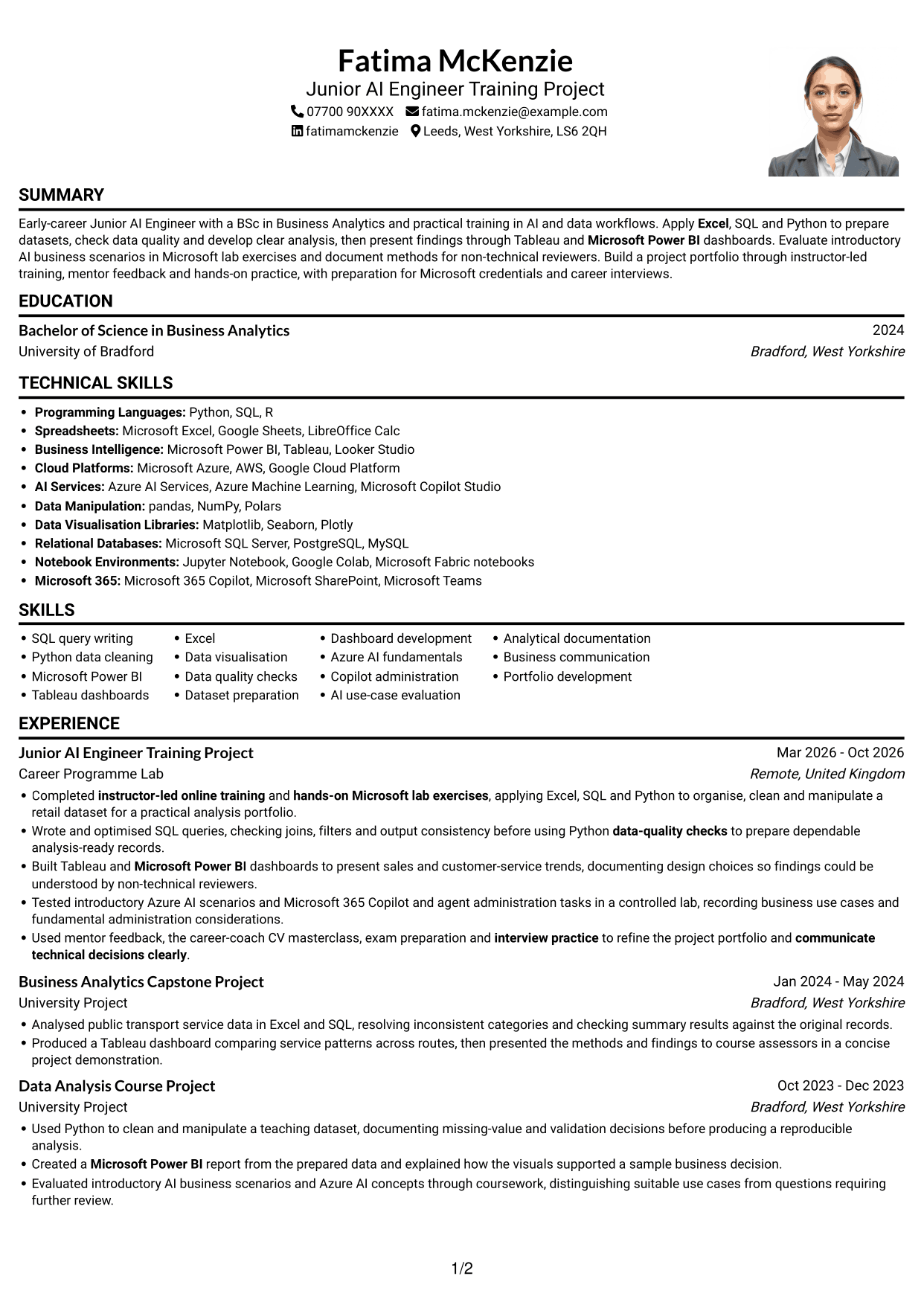
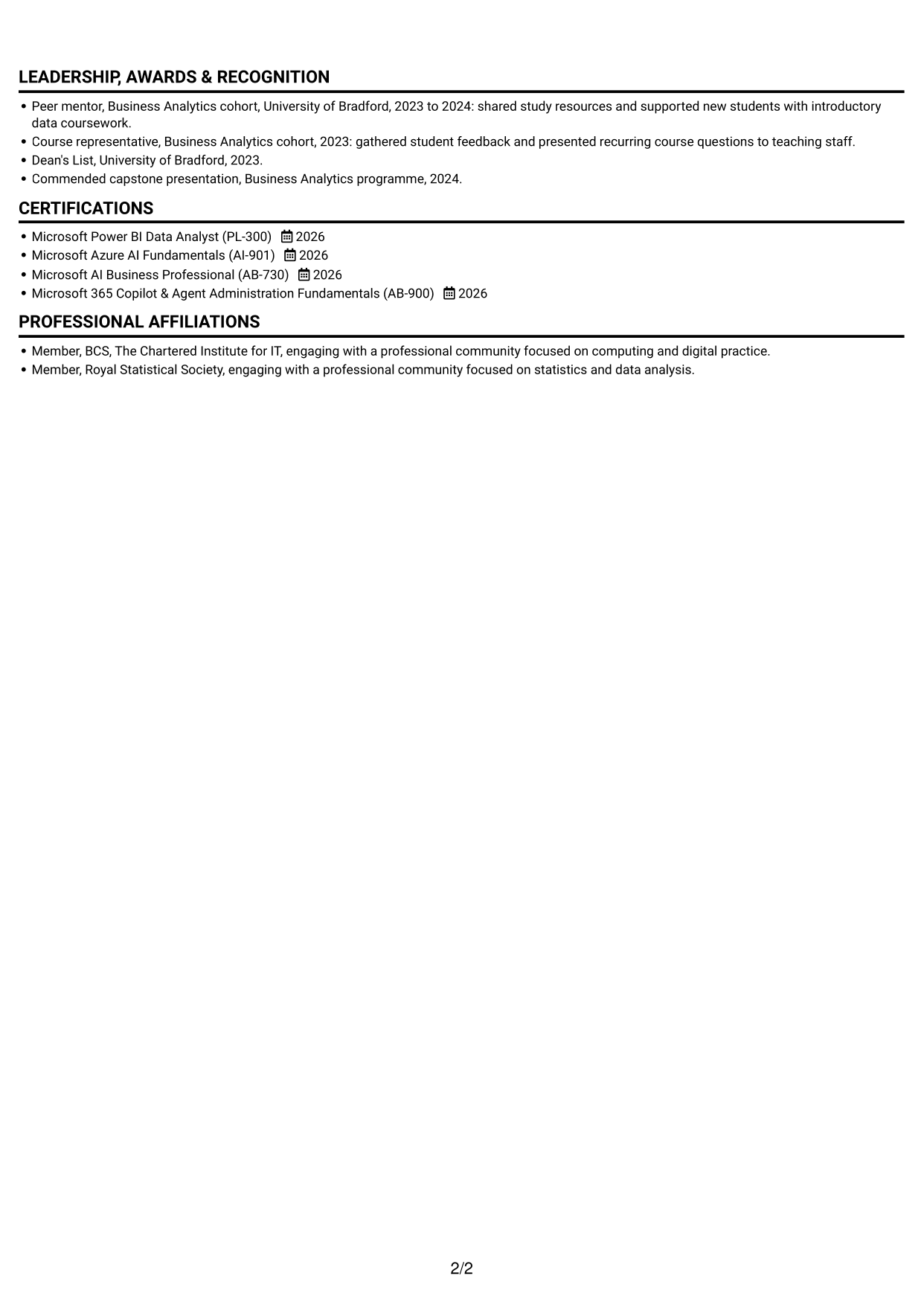
#4 One Column Format with Photo Right CV Example
A right-side photo adds a portrait to the one-column body, suiting a CV where a visible personal image is preferred.
Why This Format Works
- The one-column body gives project experience a consistent reading order from section to section.
- Education, skills and credentials can be reviewed within the same content flow.
- A portrait sits apart from the written details rather than breaking the CV into columns.
Best For
- Right-side portrait preference
- One-column content review
- Project-based experience details
- Education and credentials together
- CVs with a visible portrait
#5 Clean Two Column Sidebar Format CV Example
The two-column body places CV content in separate areas, a helpful choice when readers need to move between experience and supporting details.
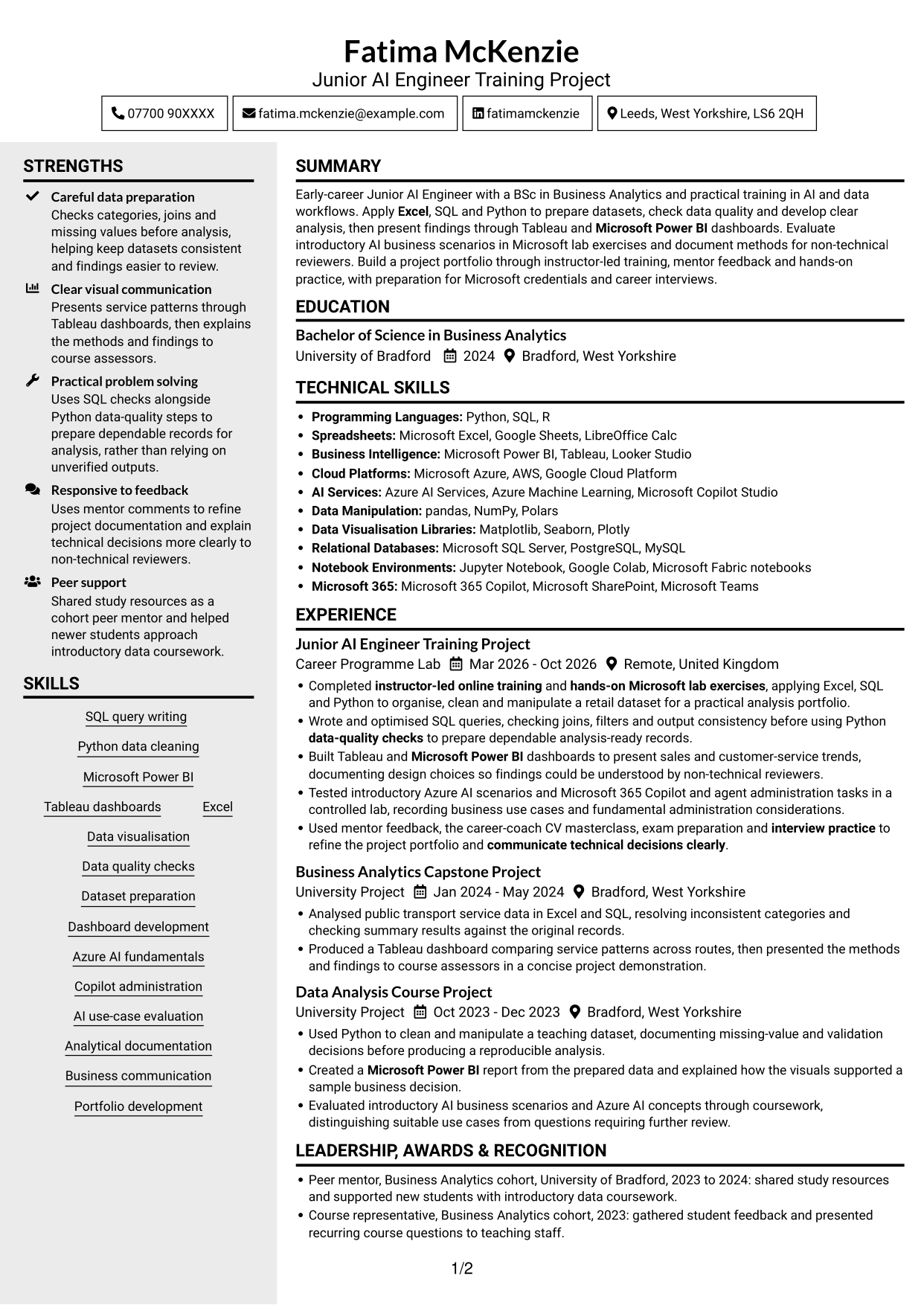
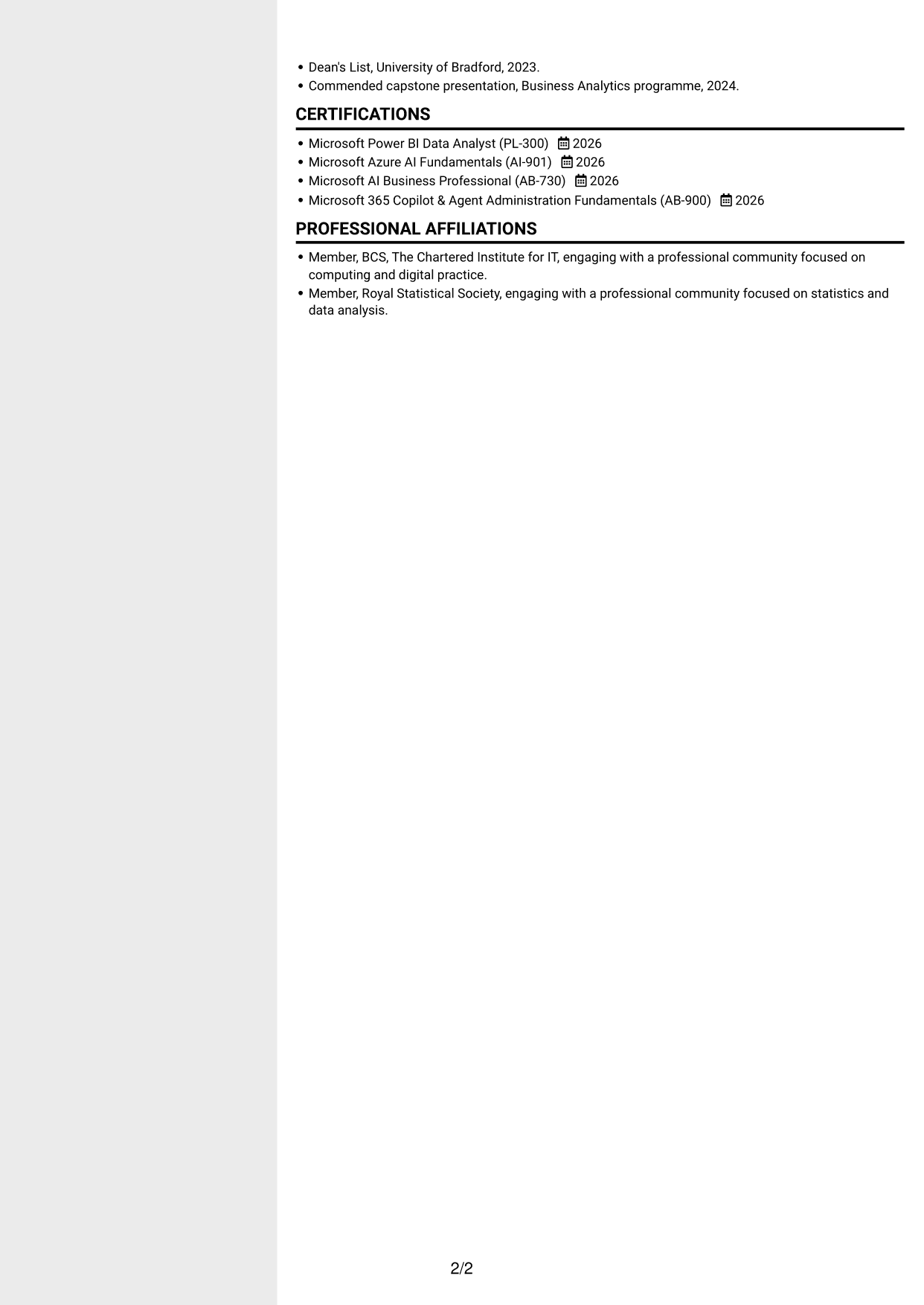
Why This Format Works
- Separate columns give project work and supporting sections distinct areas for review.
- Skills and education can be found without reading every experience bullet first.
- The layout offers an alternative to a single continuous column of CV content.
Best For
- Separate experience and supporting details
- Quick access to skills
- Project work with education
- Multiple CV content areas
- Two-part information review
#6 Two Column Format CV Example
This two-column body offers parallel areas for CV information, making it a good fit when a reviewer may need to compare sections.
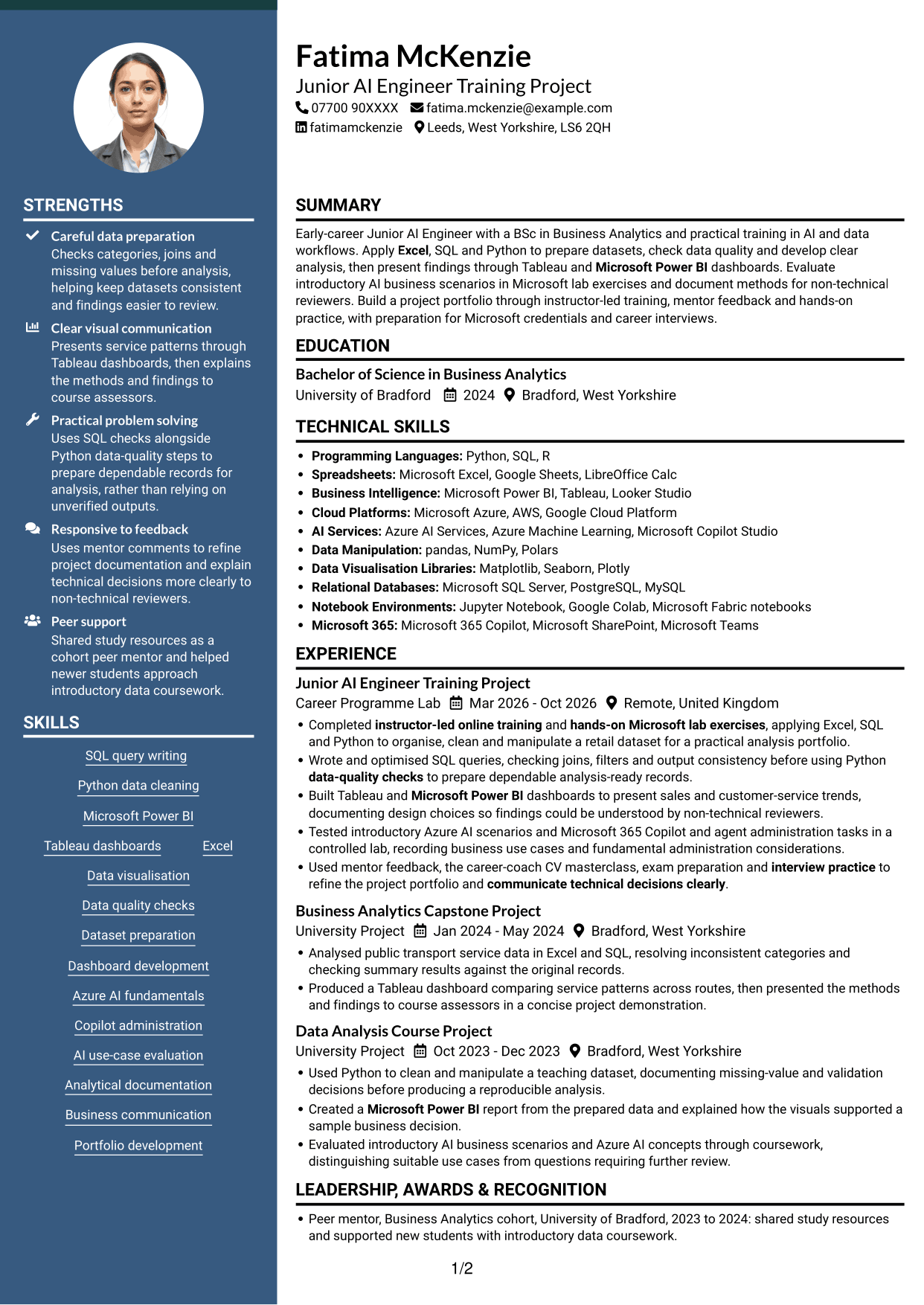
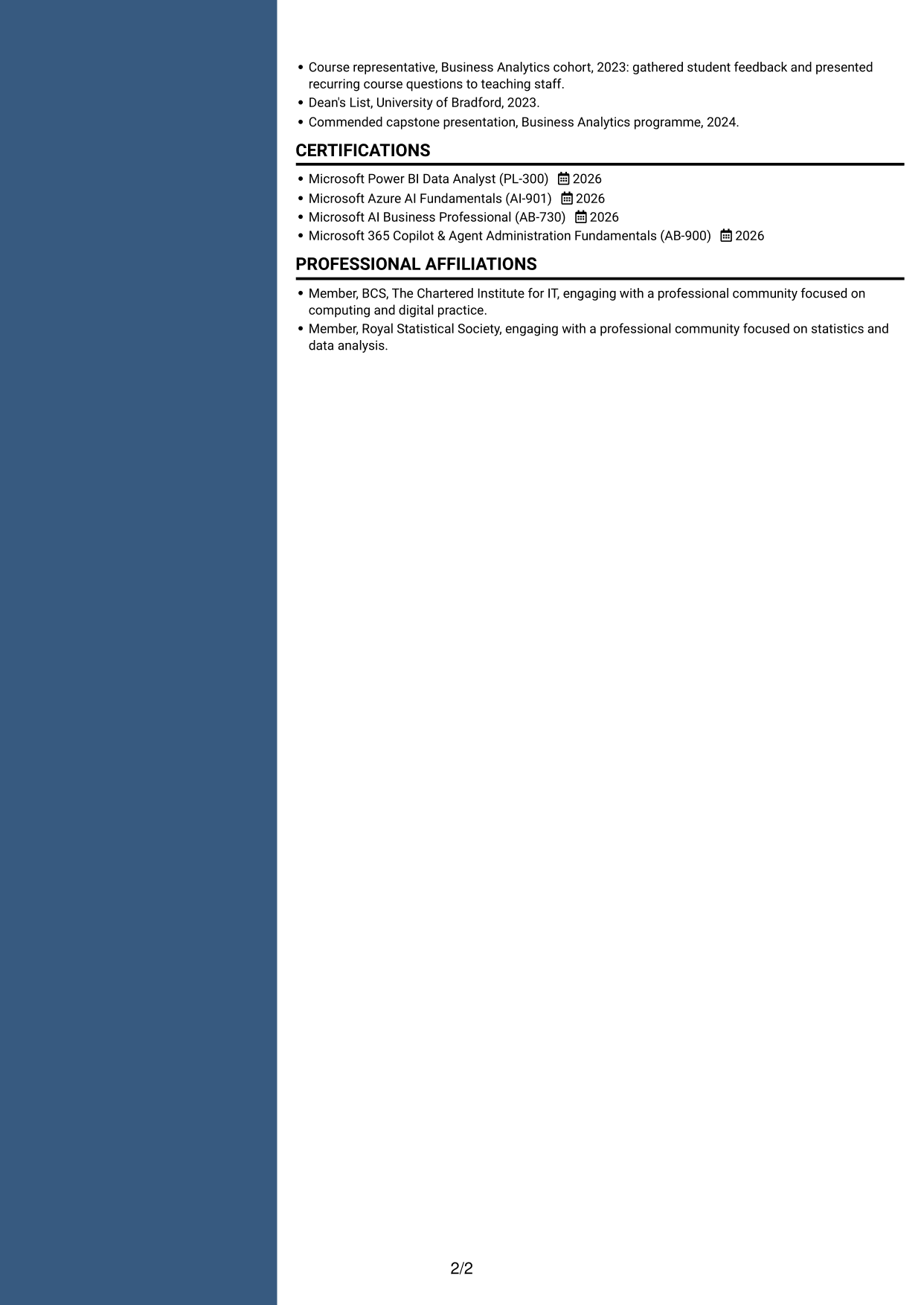
Why This Format Works
- Parallel areas let reviewers compare experience details with other CV sections.
- Project evidence can be read alongside qualifications without one long sequence of content.
- The two-column structure suits a CV containing several kinds of supporting information.
Best For
- Comparing CV sections
- Project evidence beside qualifications
- Several types of supporting information
- Skills and experience review
- Parallel content organisation
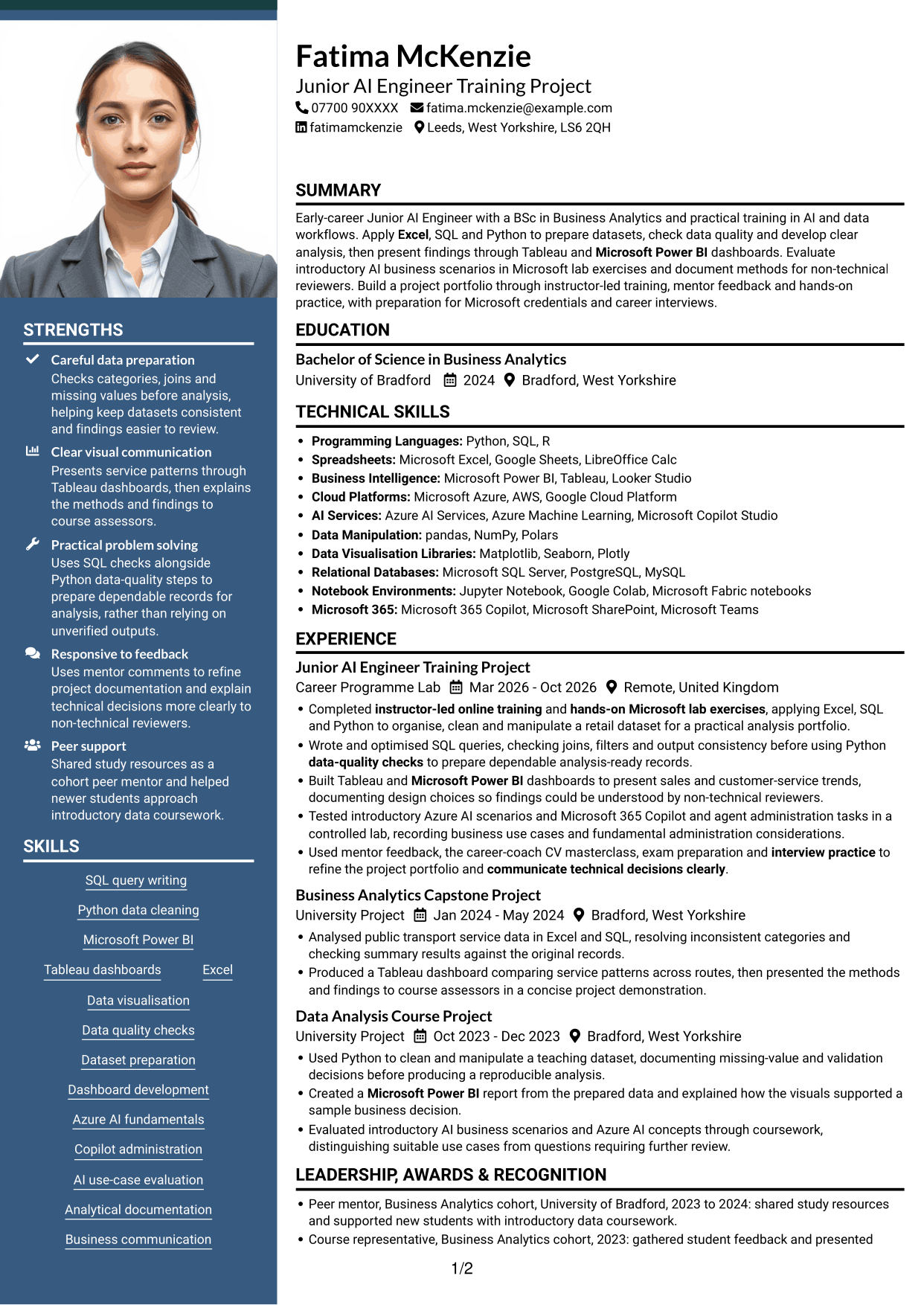
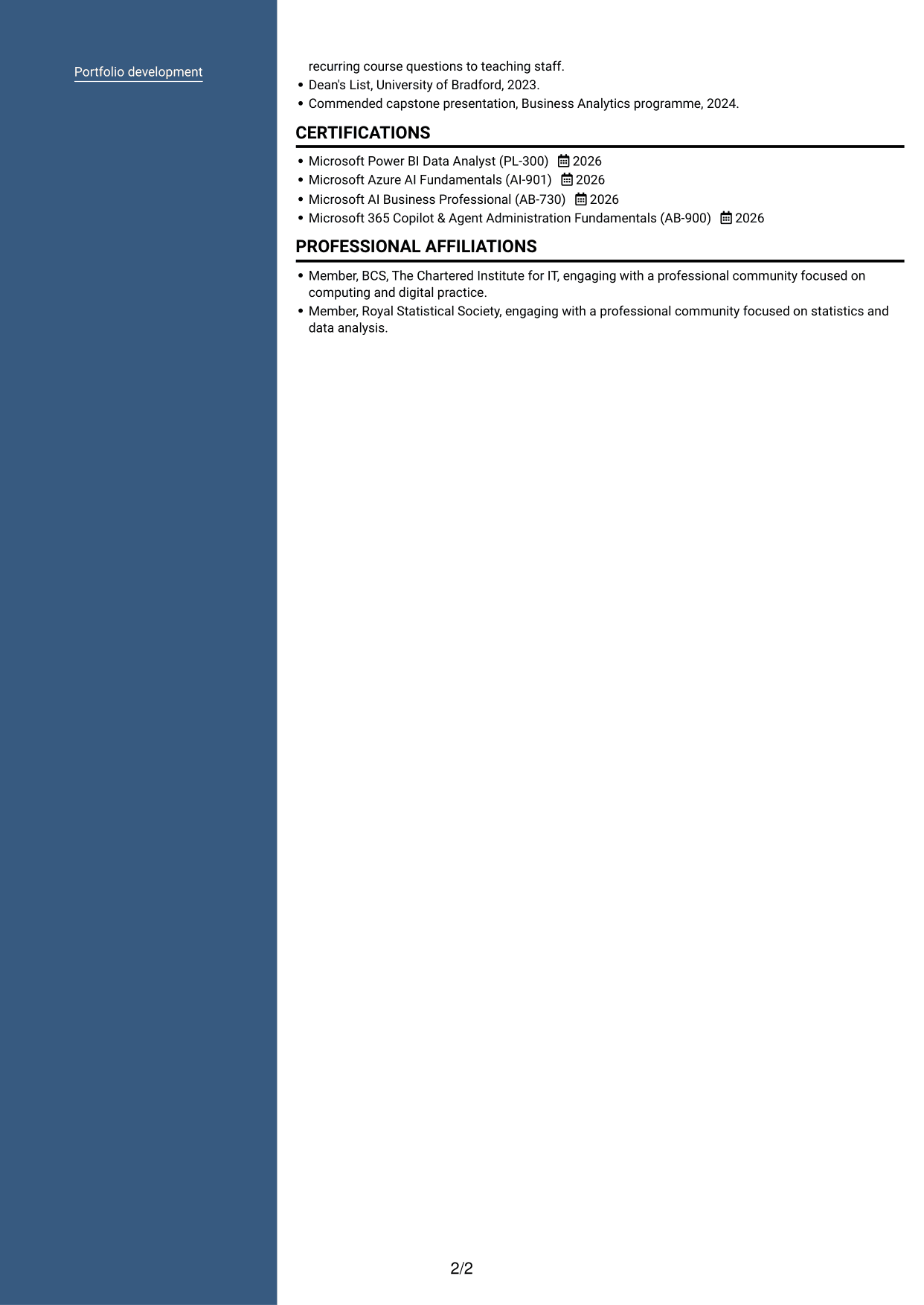
#7 Photo Header Two Column Format CV Example
The photo header pairs a visible portrait with a two-column body, suiting a CV where readers prefer both a photo and grouped content.
Why This Format Works
- Two columns give experience and supporting sections distinct areas within the CV.
- The portrait stays in the header, separate from the details in the body.
- Grouped content helps reviewers move between project work, skills and education.
Best For
- Photo header preference
- Grouped CV content
- Project work and supporting details
- Two-column section review
- Visible portrait with organised sections
Why Build Your Junior AI Engineer - AI and Data CV with ResumeInMinutes
ResumeInMinutes helps you organise your skills, projects, education and experience in a clear CV. Compare PNG image previews, then open an example in the editor to customise its content and layout.
- Different CV layouts
- Clear, readable section structure
- Space for role-specific keywords
- Organised skills and project evidence
- PNG image previews
- CV customisation in the editor
Choose a format that makes your data work easy to follow. Keep the focus on your methods, checks, tools and findings.
See Also
- 7 Principal Full-Stack Software Engineer - Python, Data and AI CV Templates with Example
- 7 Software Engineer - Python and AI Solutions CV Templates with Example
- 7 Trainee AI Engineer - Generative AI and Machine Learning CV Templates with Example
- Full Stack Lead Software Engineer CV Guide (Java, Spring Boot, AWS) (Examples + Free PDF Downloads)
- Principal Software Engineer CV Guide (Java, AWS) (Examples + Free PDF Downloads)
- 7 Python Engineer - LLM Applications CV Templates with Example
- 7 Systems Engineer - Defence Training Systems CV Templates with Example
- 7 Director, US Funds Tax CV Templates with Example
- 7 Junior AI Engineer - AI and Data Cover Letter Templates with Example
- 7 Principal Full-Stack Software Engineer - Python, Data and AI Cover Letter Templates with Example
Frequently Asked Questions
Are these Junior AI Engineer - AI and Data CV templates ATS-friendly?
The examples use clear headings and sections that support easy scanning. Add relevant terms naturally, such as Python data cleaning, SQL query optimisation, dashboard development and data-quality checks.
Are these separate CV examples or different layouts of one example?
This page shows one role-focused CV example in different layouts. Compare the PNG image previews, then open an example in the editor to customise it.
What should a Junior AI Engineer - AI and Data CV include?
Include a focused summary, relevant skills, project or experience details, education and certifications. Explain how you prepared data, checked results, built dashboards or evaluated AI use cases.
Which CV layout works well for this role?
Choose a format with clear headings and a simple order for skills, projects, experience and education. This helps readers find key information quickly.
How can I show data and AI project work on my CV?
Use concise bullet points to describe the task, the tools you used and the result. For example, explain how SQL checks and Python data-quality steps helped prepare records for analysis, if this reflects your own work.
Should I include a photo on my CV?
A photo is usually not needed on a UK CV. Use the space for relevant skills, project evidence and achievements instead.




