
7 Junior Architect - Revit Design Cover Letter Templates with Example
This practical guide helps you create a Junior Architect - Revit Design cover letter and compare seven layouts.
What Makes a Great Junior Architect - Revit Design Cover Letter in 2026
A strong letter connects your Revit design work with the role’s needs. Open with your interest, then explain how your technical drawing and coordination experience can support project delivery.
Use clear evidence, such as developing coordinated Revit models, checking drawing quality or working with consultants. Link each example to the practice’s project range and explain why its multidisciplinary work and opportunity for greater responsibility appeal to you.
The featured Junior Architect - Revit Design example moves from role interest to relevant project evidence, employer alignment and a clear close; adapt this focused progression while choosing a presentation suited to the employer and communication context.
#1 Simple One Column Format Cover Letter Example
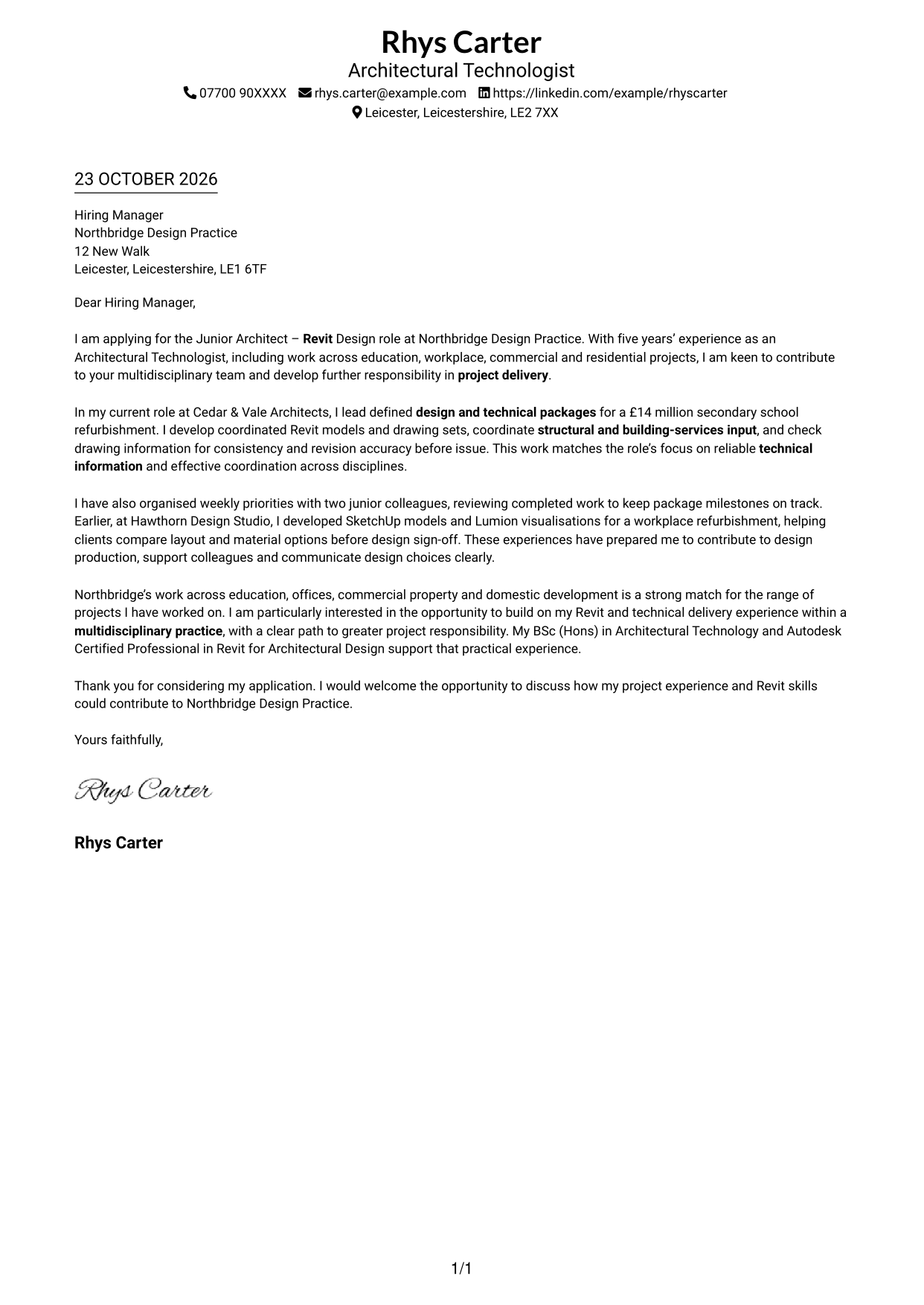
The Simple One Column Format keeps sender details in the header and the letter body in one column, giving the message a direct reading path.
Why This Format Works
- Sender details sit in the header, keeping contact information apart from the letter's argument.
- One continuous body lets the opening, supporting examples and close read in sequence.
- Without a parallel body column, reviewers follow a single reading path.
Best For
- Single-column application letters
- Applications with several project examples
- Letters with contact details in the header
- Applications with a clear opening and close
- Revit design applications
#2 Two Column Format Cover Letter Example
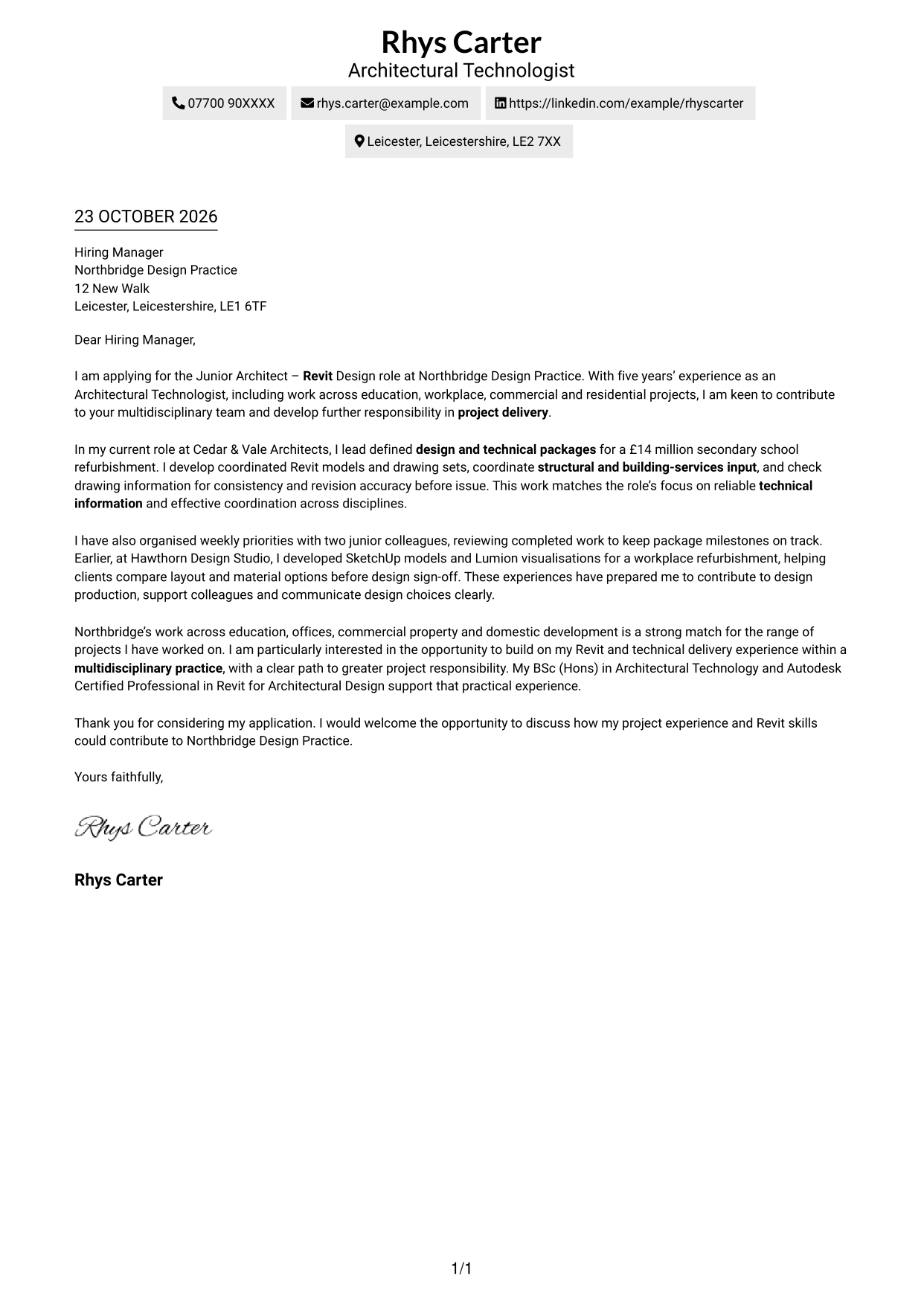
The Two Column Format places a contact sidebar beside the continuous letter body, keeping sender details distinct from the message.
Why This Format Works
- The contact sidebar keeps sender information separate from the letter's main message.
- Opening, project evidence and closing stay together rather than splitting across columns.
- Reviewers can return to contact details without losing the letter's reading order.
Best For
- Letters needing a separate contact area
- Applications combining motivation and project evidence
- Project examples explained in paragraph form
- Multidisciplinary practice applications
- Revit-focused design applications
#3 Photo Header Two Column Format Cover Letter Example
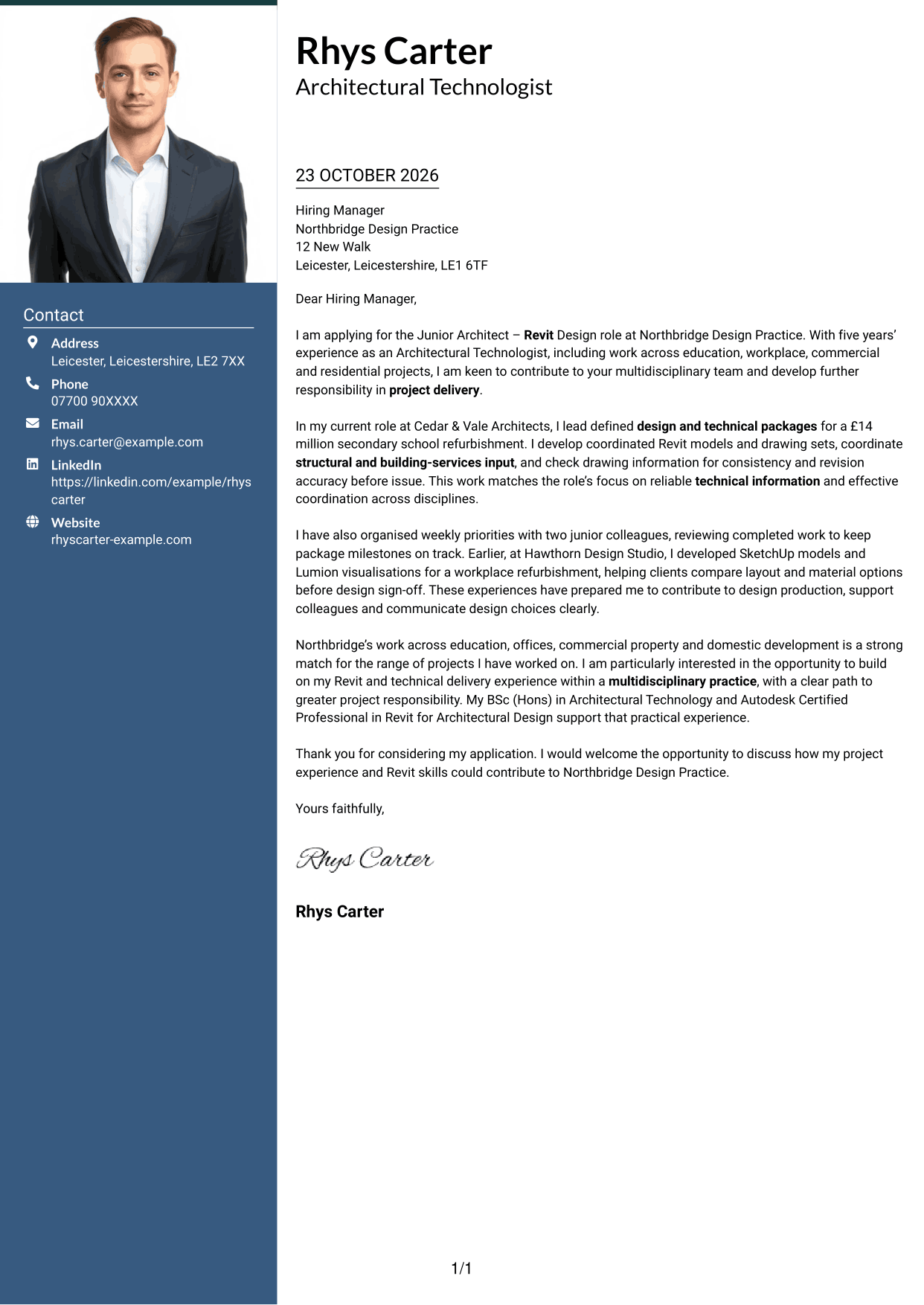
The Photo Header Two Column Format pairs a portrait and contact sidebar with one continuous letter body, offering a photo-led header presentation.
Why This Format Works
- A portrait adds a personal visual element without changing the letter's continuous body.
- The contact sidebar keeps sender details apart from the application message.
- The single letter column lets reviewers follow the case for fit in order.
Best For
- Photo-led professional correspondence
- Letters with a separate contact sidebar
- Applications with project evidence in prose
- Applications to multidisciplinary practices
- Revit design applications
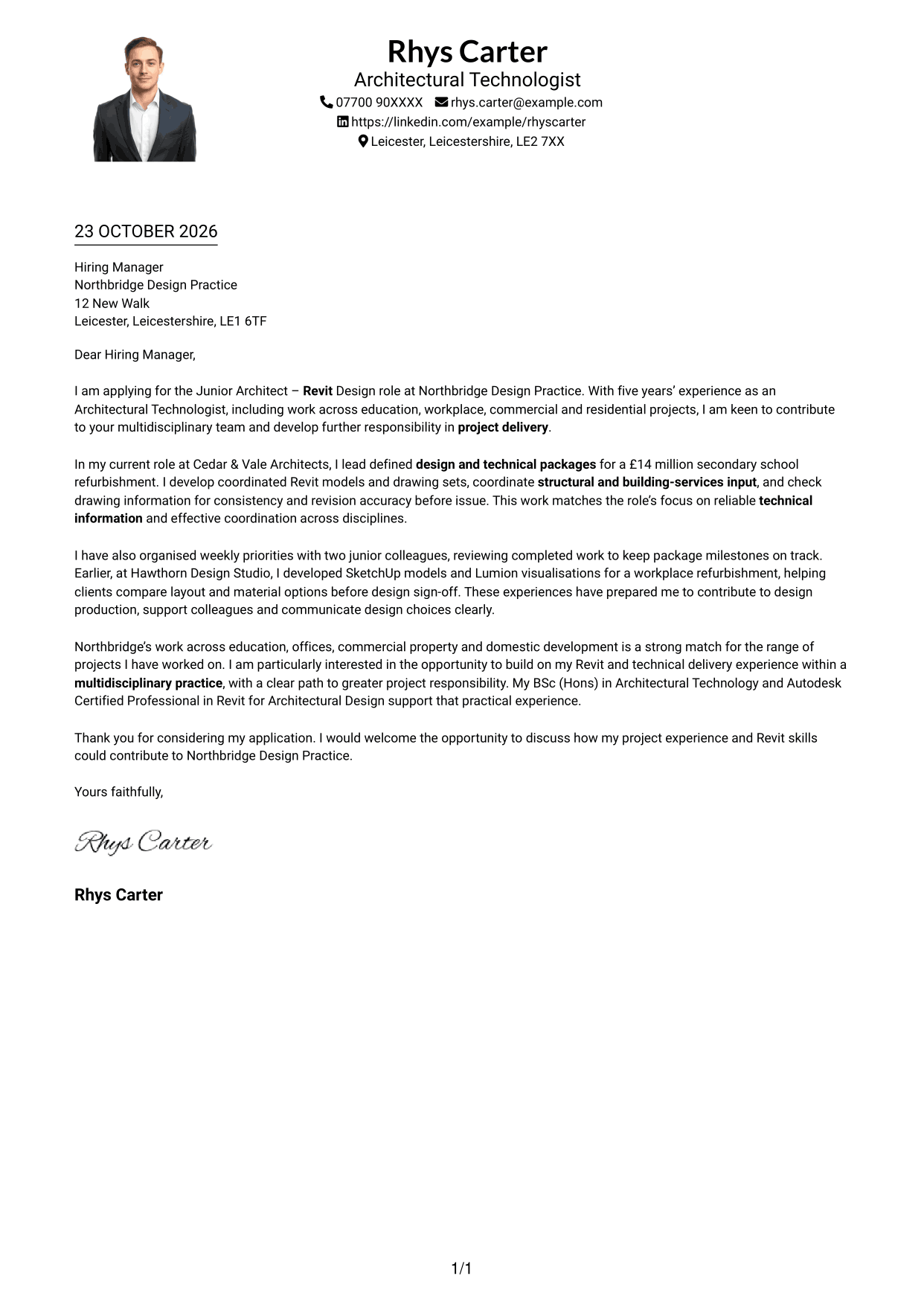
#4 One Column Format with Photo Cover Letter Example
The One Column Format with Photo places a portrait with the header while keeping the letter body in one column for a direct reading route.
Why This Format Works
- The portrait provides a visual introduction while the letter remains a continuous message.
- Header-based sender details sit apart from the body of the application.
- A single text column keeps the opening, evidence and close in reading order.
Best For
- Single-column letters with a portrait
- Photo-led applicant presentation
- Applications with a continuous case for fit
- Letters with header-based contact details
- Revit design applications
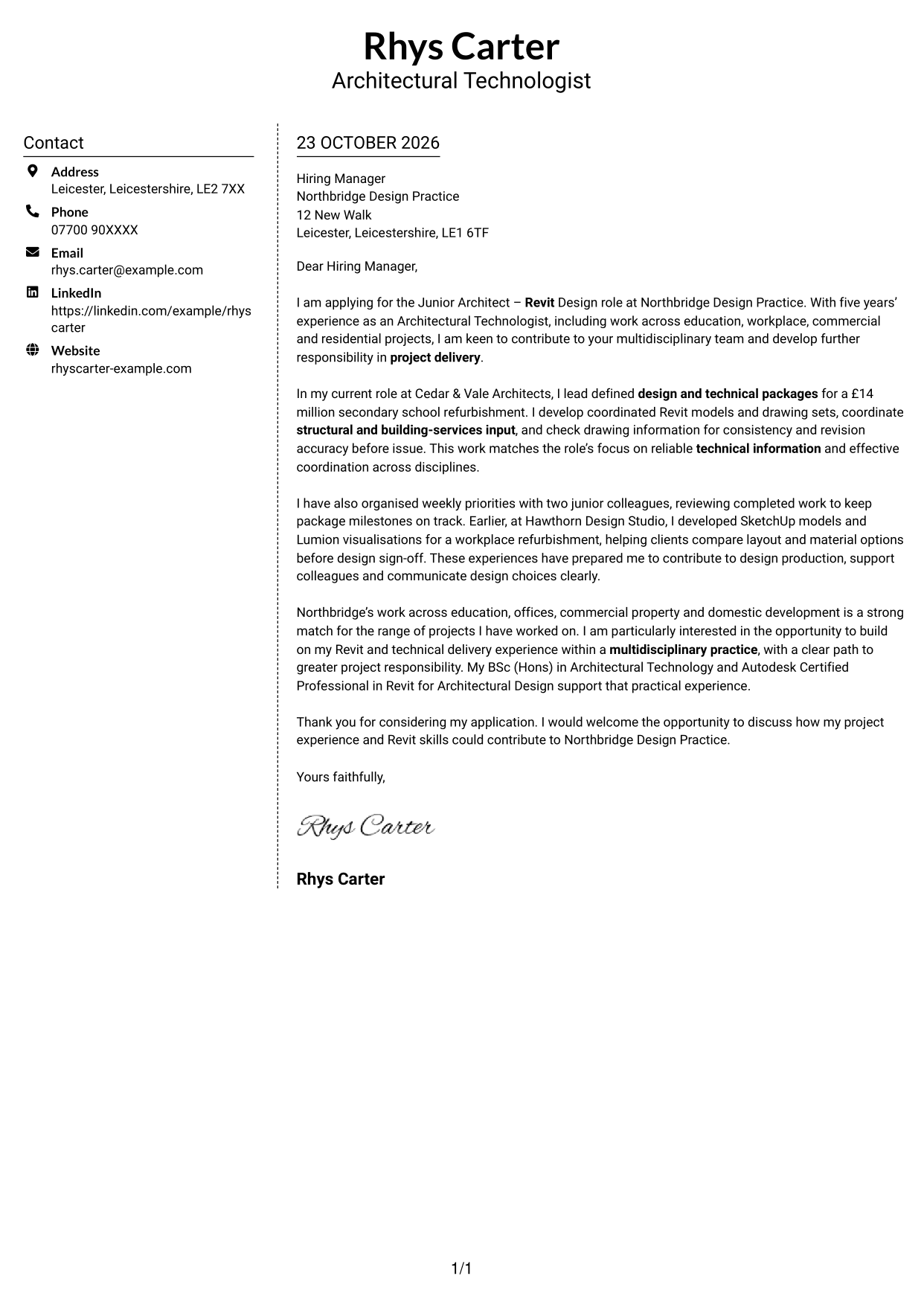
#5 Simple Two Column Format Cover Letter Example
The Simple Two Column Format sets a contact sidebar beside the uninterrupted letter body, separating correspondence details from the application message.
Why This Format Works
- The sidebar gives sender details a separate place beside the letter body.
- The opening, supporting examples and close remain in one connected sequence.
- Reviewers can distinguish contact information from the message at a glance.
Best For
- Letters with a distinct contact sidebar
- Applications with a connected paragraph argument
- Project evidence explained in context
- Multidisciplinary practice applications
- Revit design applications
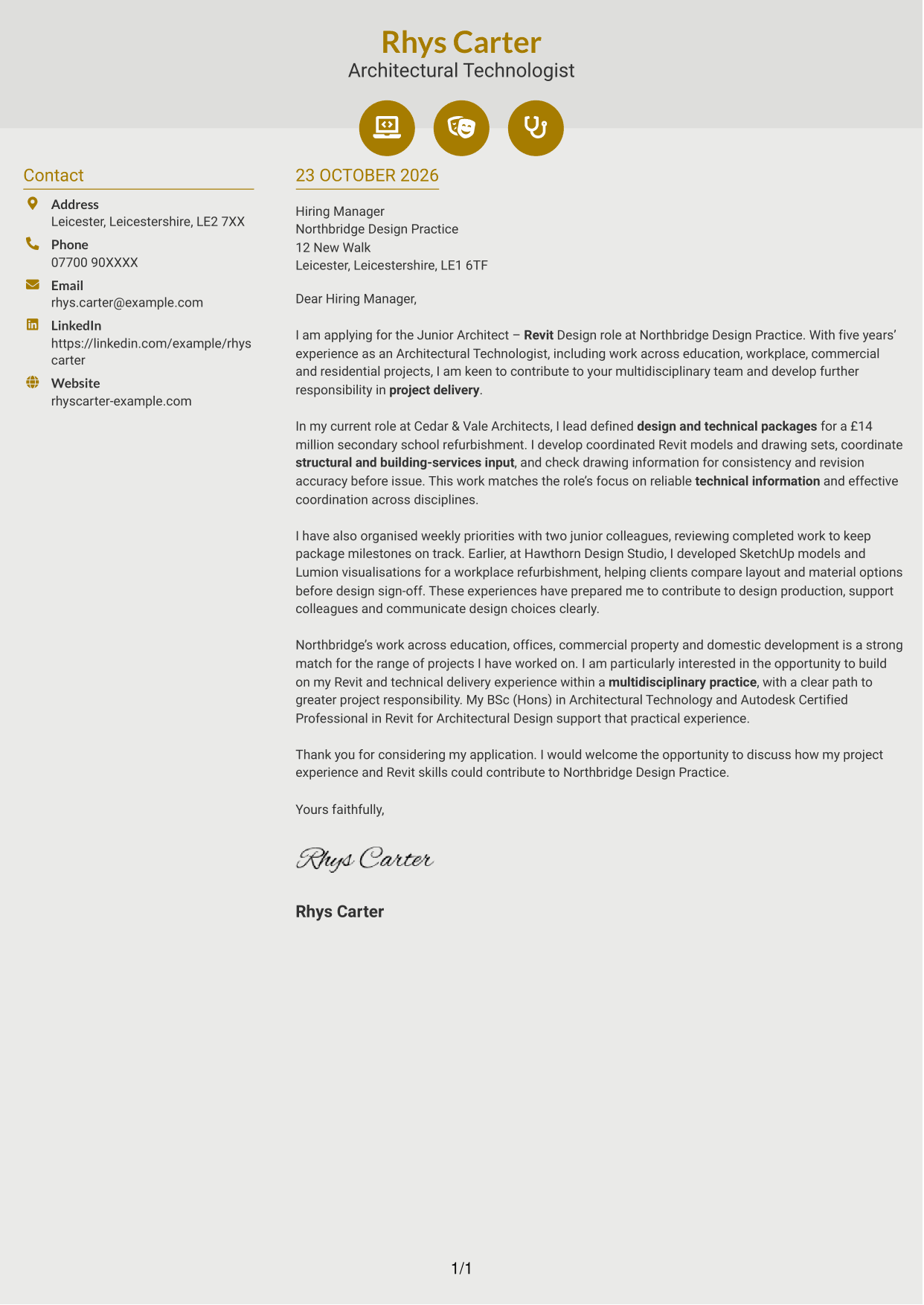
#6 Modern Icon Format Cover Letter Example
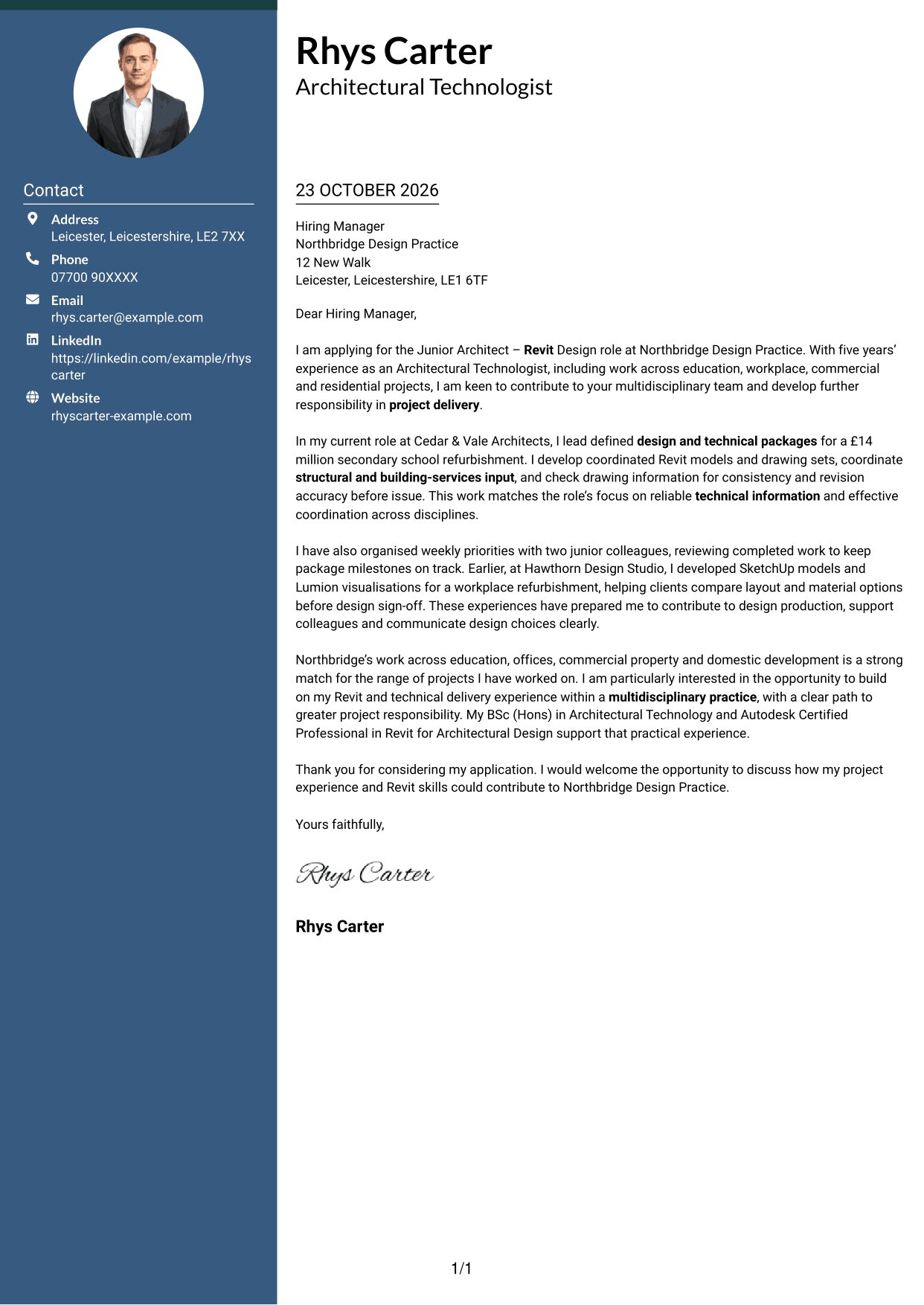
The Modern Icon Format uses a contact sidebar with icons as cues for contact details, while the letter itself remains a continuous body.
Why This Format Works
- Contact icons act as visual cues for sender details, not letter arguments.
- The sidebar and letter body give contact details and correspondence separate areas.
- The continuous prose keeps the application message in a clear reading order.
Best For
- Letters with icon-led contact details
- Applications with project evidence in prose
- Applications with a continuous letter argument
- Multidisciplinary practice applications
- Revit design applications
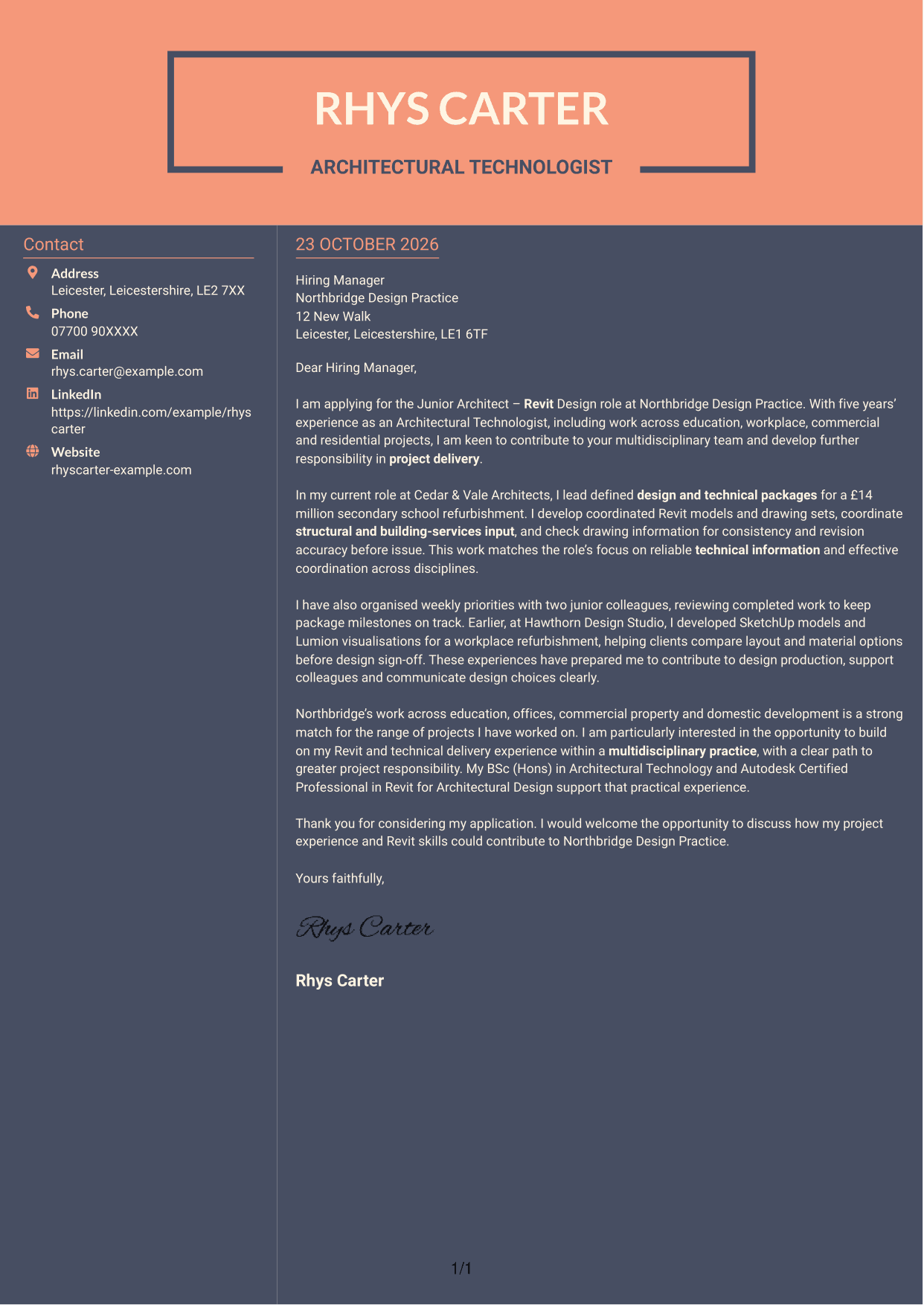
#7 Creative Two Tone Format Cover Letter Example
The Creative Two Tone Format arranges the contact sidebar beside one continuous letter body, keeping correspondence details apart from the message.
Why This Format Works
- Sender details have a dedicated sidebar, separate from the application letter.
- The letter body keeps motivation, examples and closing paragraphs together.
- A single body column gives reviewers one clear route through the message.
Best For
- Letters with a separate contact sidebar
- Applications bringing motivation and evidence together
- Several project examples in paragraph form
- Correspondence with a clear reading order
- Revit-focused design applications
See Also
- 7 Junior Architect - Revit Design CV Templates with Example
- 7 Senior Landscape Architect - Landscape Planning and Design CV Templates with Example
- 7 AI Solution Architect - Agentic AI CV Templates with Example
- 7 AI Solution Architect - GCP / Agentic AI CV Templates with Example
- 7 Architect - Retail and Commercial CV Templates with Example
- 7 Associate Architect - Architectural Project Delivery CV Templates with Example
- 7 Associate Architect - Education and Healthcare CV Templates with Example
- 7 Business Architect - Capability and Operating Model CV Templates with Example
- 7 Senior Landscape Architect - Landscape Planning and Design Cover Letter Templates with Example
- 7 AI Solution Architect - Agentic AI Cover Letter Templates with Example
Frequently Asked Questions
What should a Junior Architect - Revit Design cover letter highlight?
Show how your Revit work supports accurate design information and smooth project delivery. You might discuss coordinated models, technical drawings, consultant input or drawing quality checks, using examples that reflect your own experience.
How can I show that my experience fits this role?
Choose a project example that demonstrates relevant work and explain your contribution. For instance, describe how you coordinated design information or checked revisions, then show how this helped the team meet its project needs.
How should I explain my interest in Northbridge Design Practice?
Refer to a genuine point about its work across education, offices, commercial property and domestic development. You can also explain why the chance to grow your project responsibility within a multidisciplinary team interests you.
How should I organise this cover letter?
Begin with the role and your reason for applying. Use the body to give focused evidence of Revit, coordination and project delivery, then connect your interests to the practice and close politely.
Should I include every project I have worked on?
No. Select the examples that best support your fit for this position. A focused account of relevant work is easier for a hiring manager to assess than a full list of duties.




