
7 Junior CAD Technician - Civil Engineering Cover Letter Templates with Example
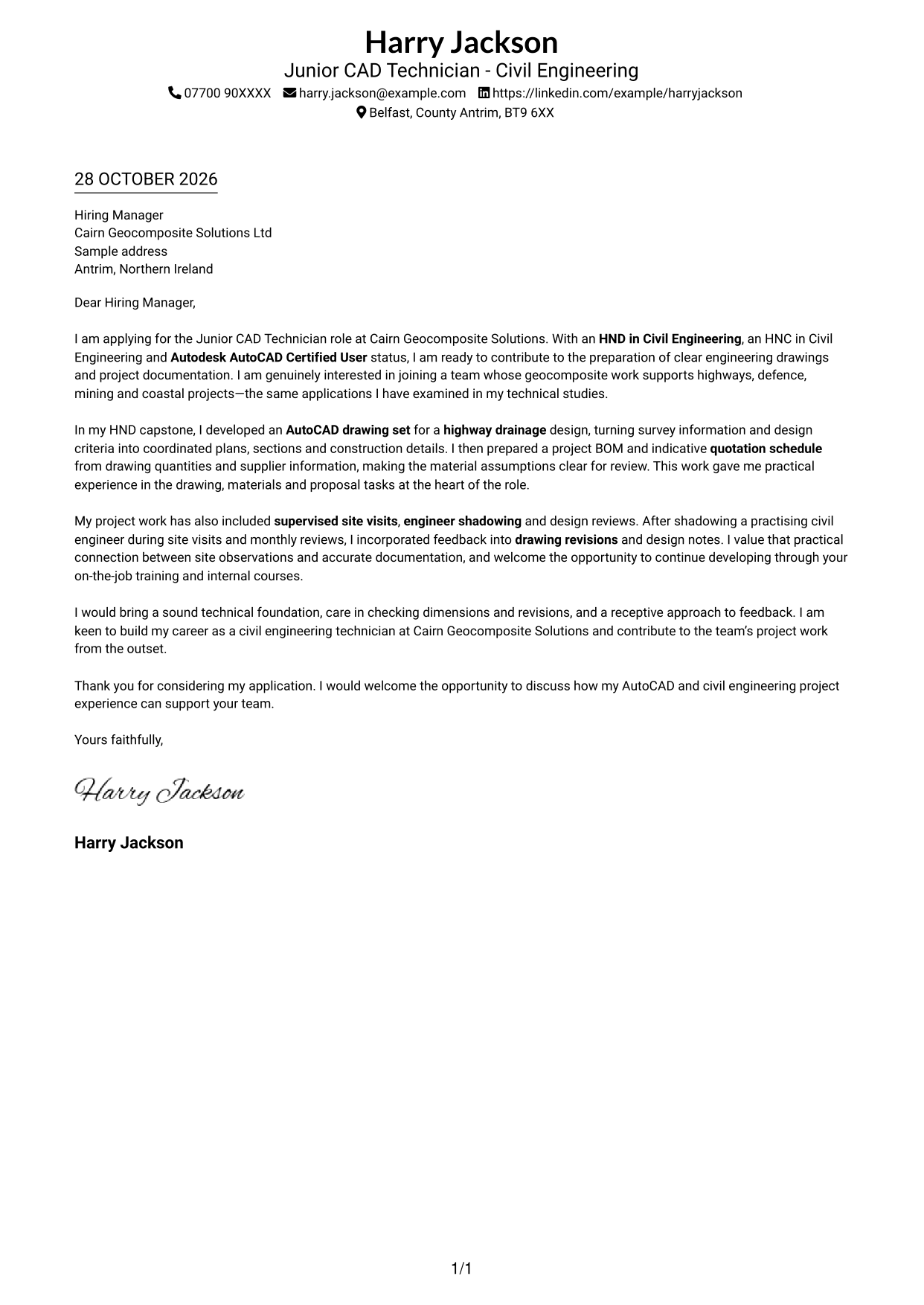
This practical guide helps you create a Junior CAD Technician - Civil Engineering cover letter, with seven layouts to compare and advice on presenting relevant drawing and project evidence.
What Makes a Great Junior CAD Technician - Civil Engineering Cover Letter in 2026
A strong letter links your interest in the role to clear evidence of AutoCAD drawing and civil engineering project work. It shows how you can help prepare useful drawings and project documents.
Choose examples such as turning survey information into coordinated drawings or preparing a bill of materials and quotation schedule. Explain how these examples match the employer’s work, and why its geocomposite applications interest you.
The featured example moves from role interest and relevant qualifications to drawing and project evidence, then closes with a clear statement of fit; adapt this focused progression while choosing a presentation suited to the employer and communication context.
#1 Simple One Column Format Cover Letter Example
A single text column keeps the letter body together beneath the sender details, making this format a good choice for a direct reading route through the application.
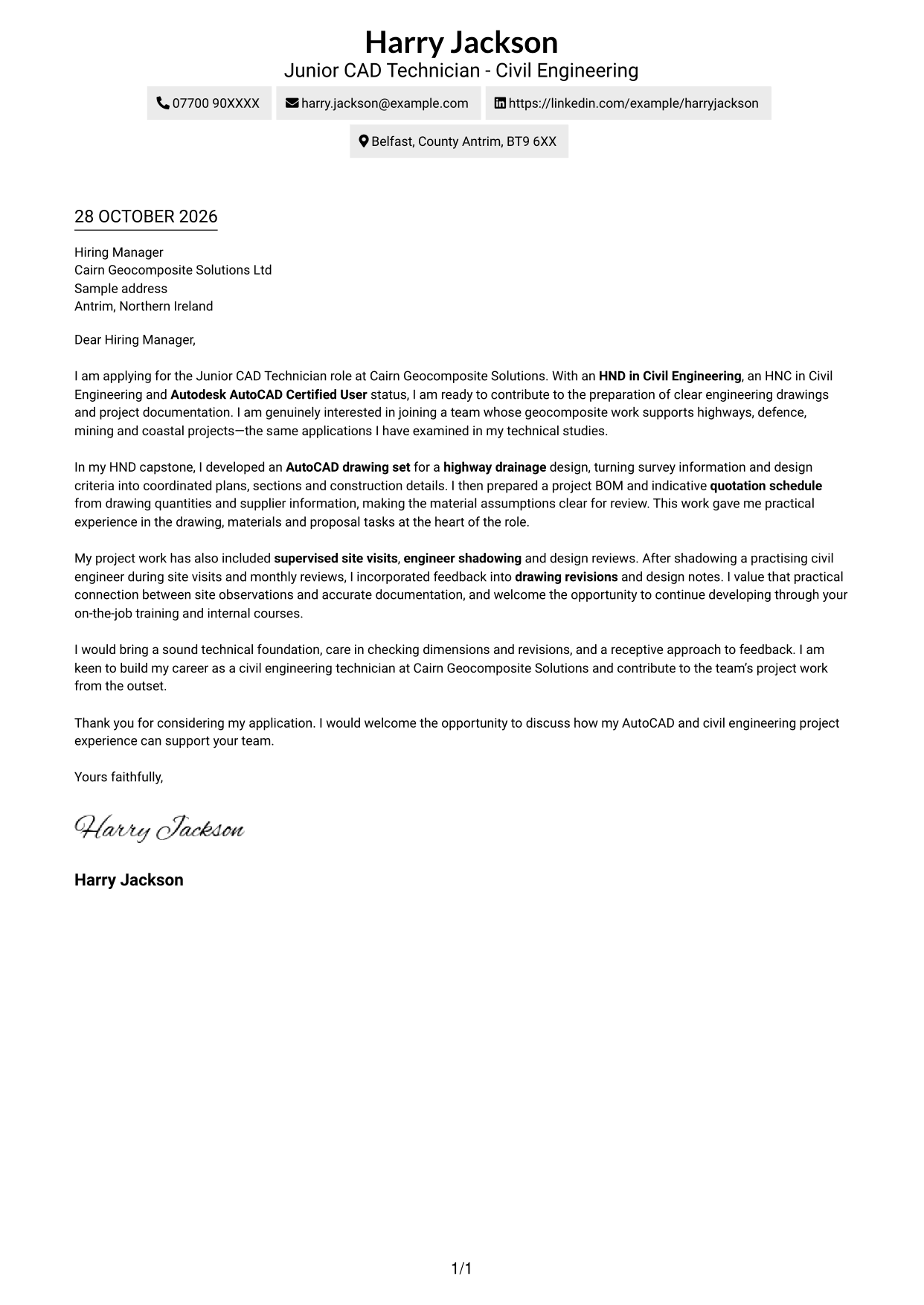
Why This Format Works
- Sender details in the header give the reviewer a clear point of reference.
- The continuous text column lets readers follow motivation, evidence and closing in order.
- A portrait-free page suits applicants who prefer the written case to lead.
Best For
- Single-column letter reading
- Continuous application narratives
- Header-based contact details
- Text-led application presentation
- Technical project correspondence
#2 Two Column Format Cover Letter Example
A contact sidebar sits beside one continuous letter body, giving contact information its own reference area while keeping the application argument in a single reading column.
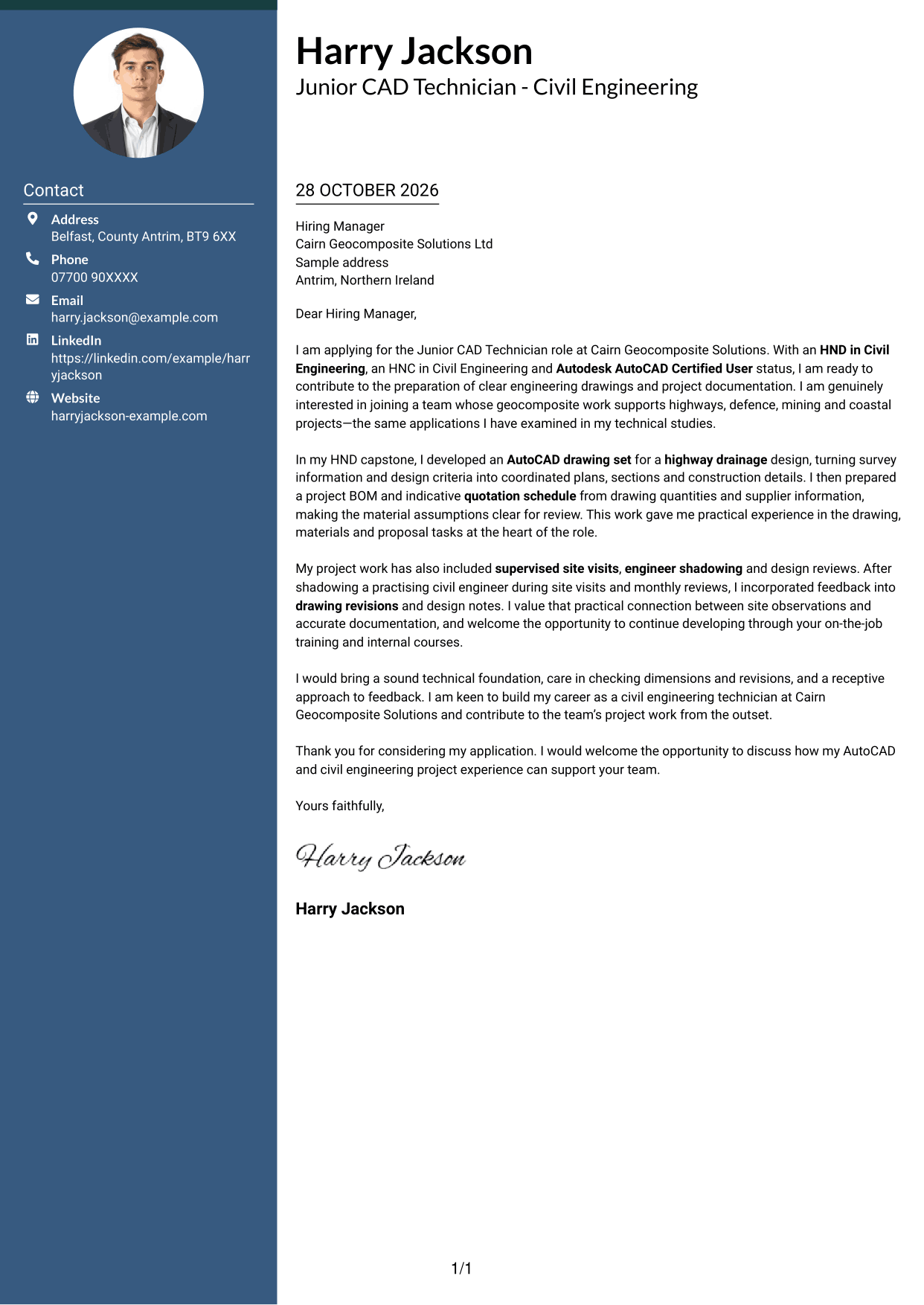
Why This Format Works
- The sidebar keeps contact details apart from the letter's persuasive text.
- The main column carries motivation, project evidence and closing in one sequence.
- A separate contact area gives reviewers a steady reference while reading the message.
Best For
- Contact details beside letter text
- Continuous application arguments
- Letters with several evidence paragraphs
- Easy access to sender information
- AutoCAD role applications
#3 Photo Header Two Column Format Cover Letter Example
A portrait accompanies the two-column layout, where a contact sidebar sits beside the continuous letter body for readers who want a photo and separate contact details.
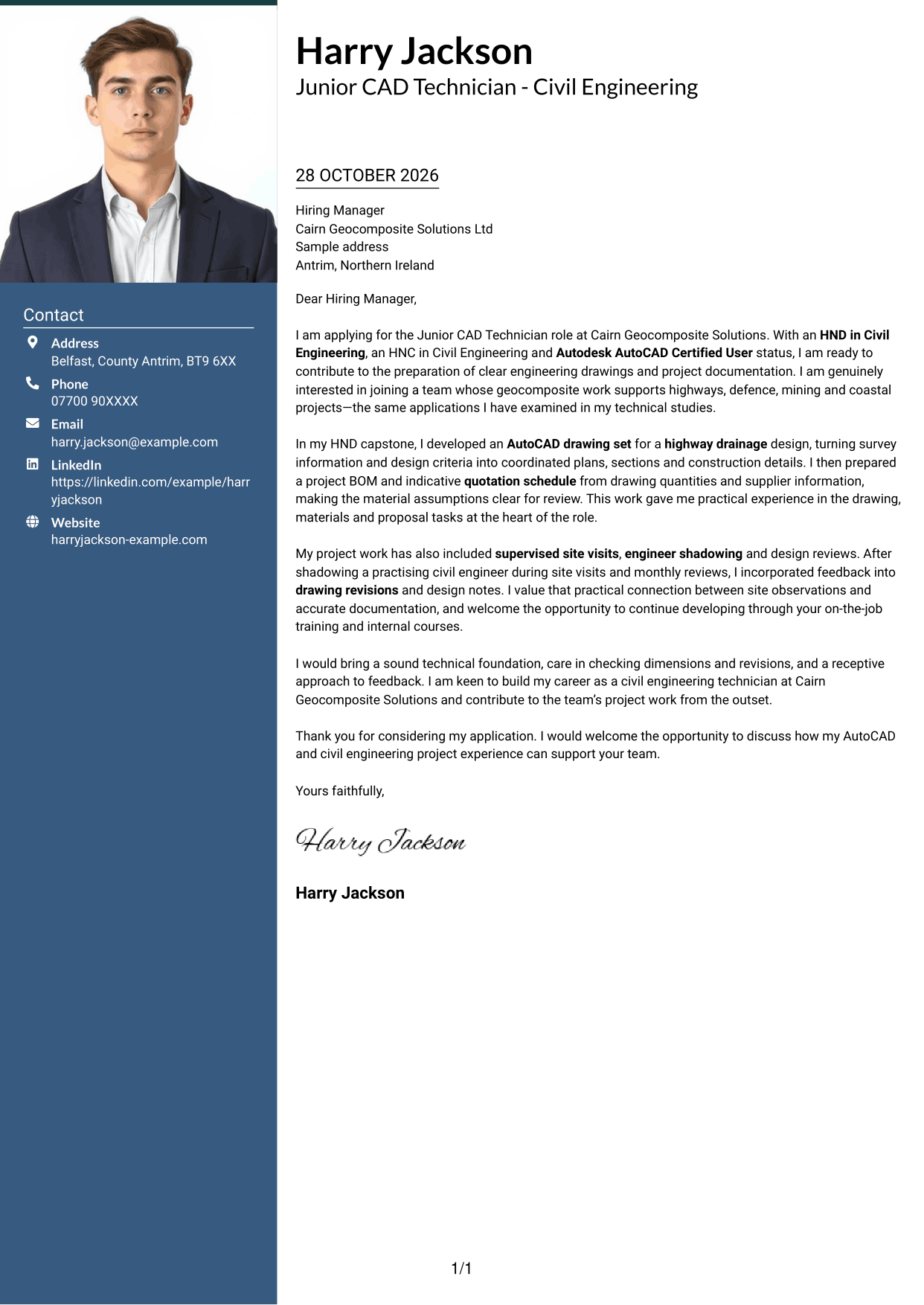
Why This Format Works
- The portrait offers a photo-inclusive style without dividing the letter's argument.
- Contact details sit apart from the body, leaving the main text in one column.
- The continuous paragraphs carry the reader from motivation through evidence to closing.
Best For
- Photo-inclusive applications
- Contact details beside letter text
- Single-column letter arguments
- Paragraph-led evidence
- Civil engineering applications
#4 One Column Format with Photo Cover Letter Example
A portrait accompanies a one-column letter, offering a photo-inclusive option while keeping the letter body in a direct, continuous reading path.
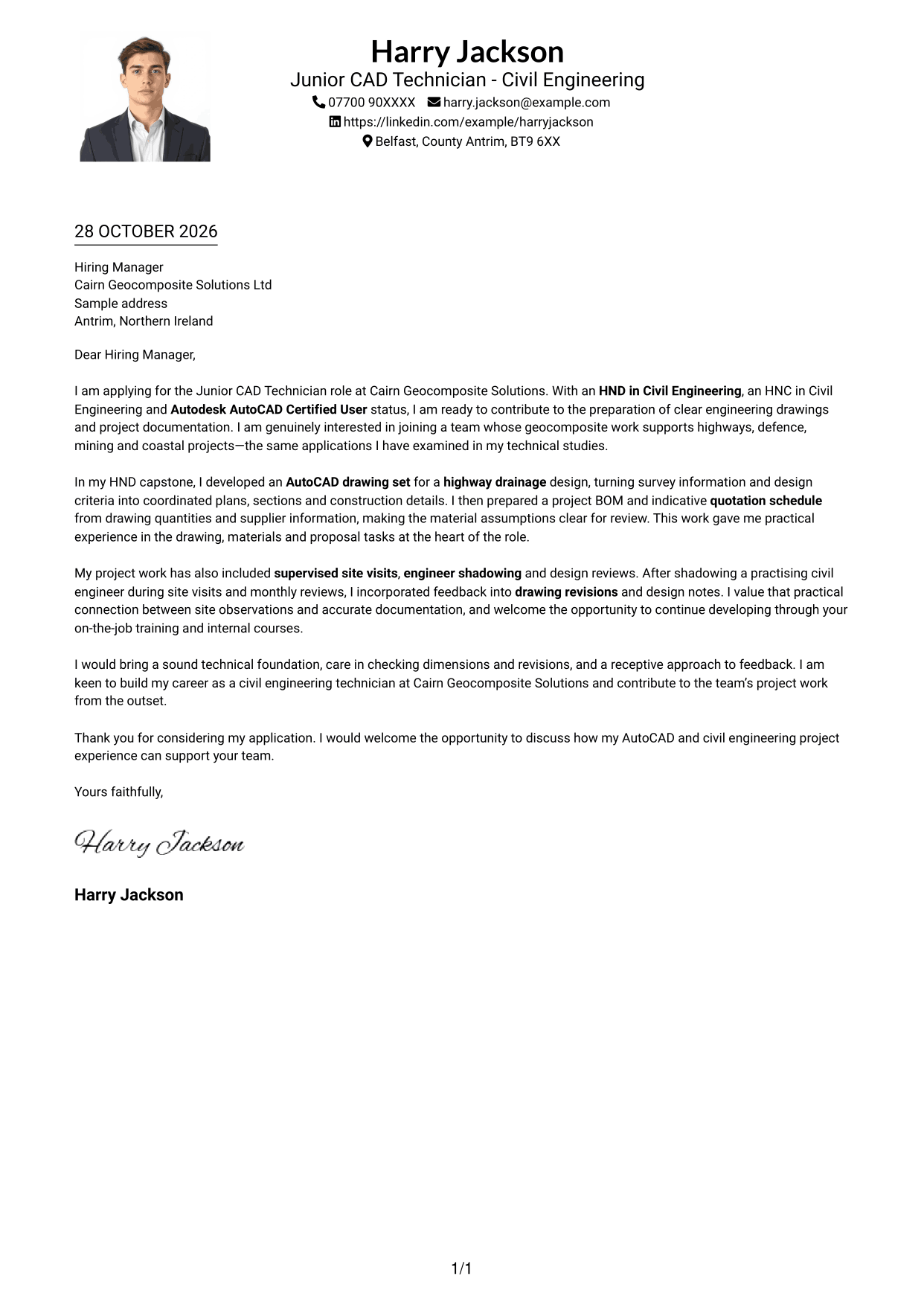
Why This Format Works
- The portrait provides a visual choice for applicants who want a photo included.
- Sender details in the header remain distinct from the letter's paragraphs.
- One text column keeps motivation, supporting evidence and closing together.
Best For
- Portrait-inclusive correspondence
- Single-column application letters
- Header-based contact details
- Direct paragraph reading
- Technical project correspondence
#5 Simple Two Column Format Cover Letter Example
A contact sidebar paired with one letter column gives sender details a separate reference area, while the application text remains continuous.
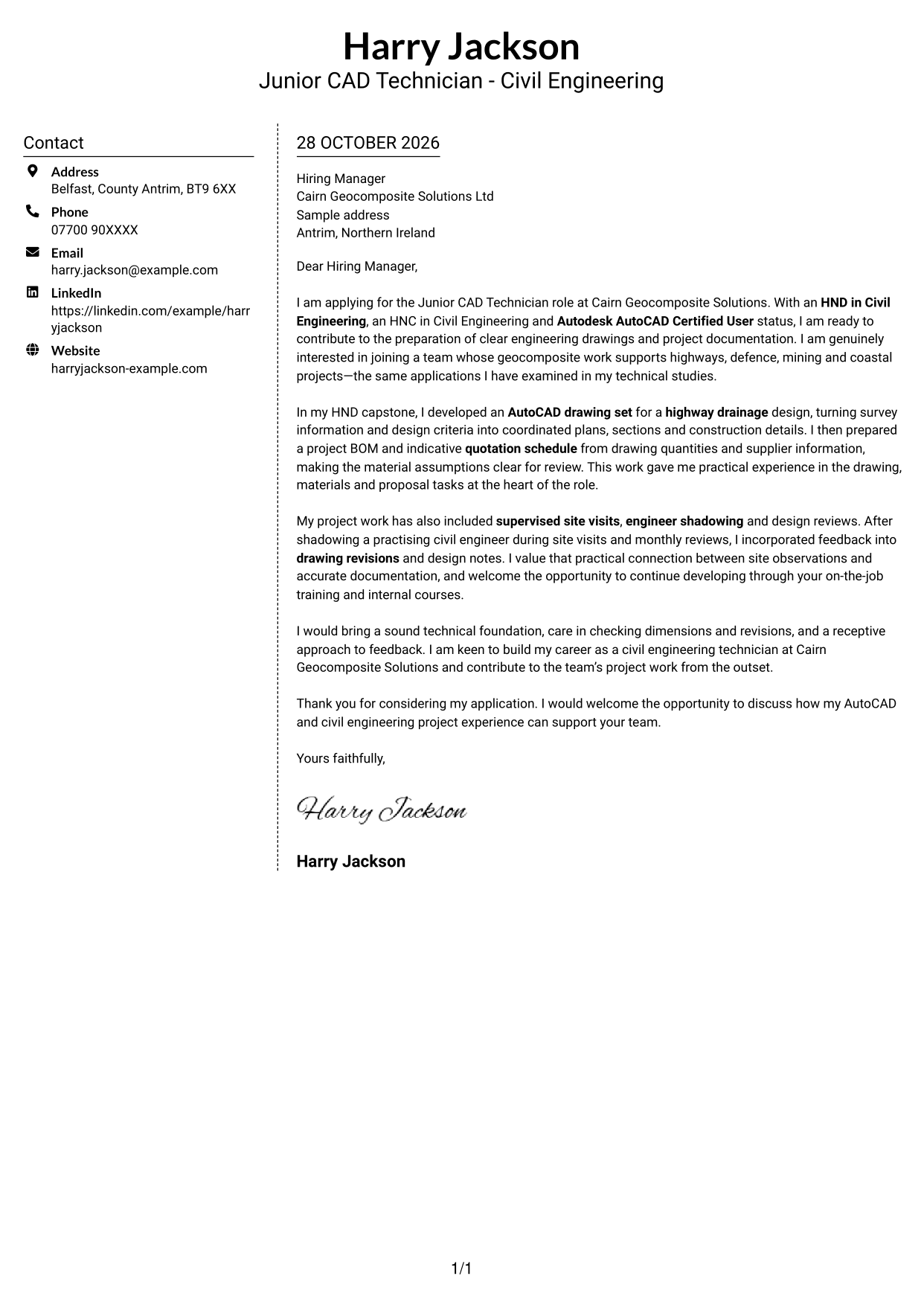
Why This Format Works
- The sidebar places sender details outside the persuasive letter text.
- A single body column keeps the opening, evidence and closing in order.
- Readers can refer to contact information without mistaking it for part of the message.
Best For
- Separate contact reference
- Continuous letter narratives
- Contact-heavy correspondence
- Applications with several paragraphs
- Civil engineering project applications
#6 Modern Icon Format Cover Letter Example
Contact icons and decorative header accents accompany the two-column layout, while the letter remains a single continuous text column.
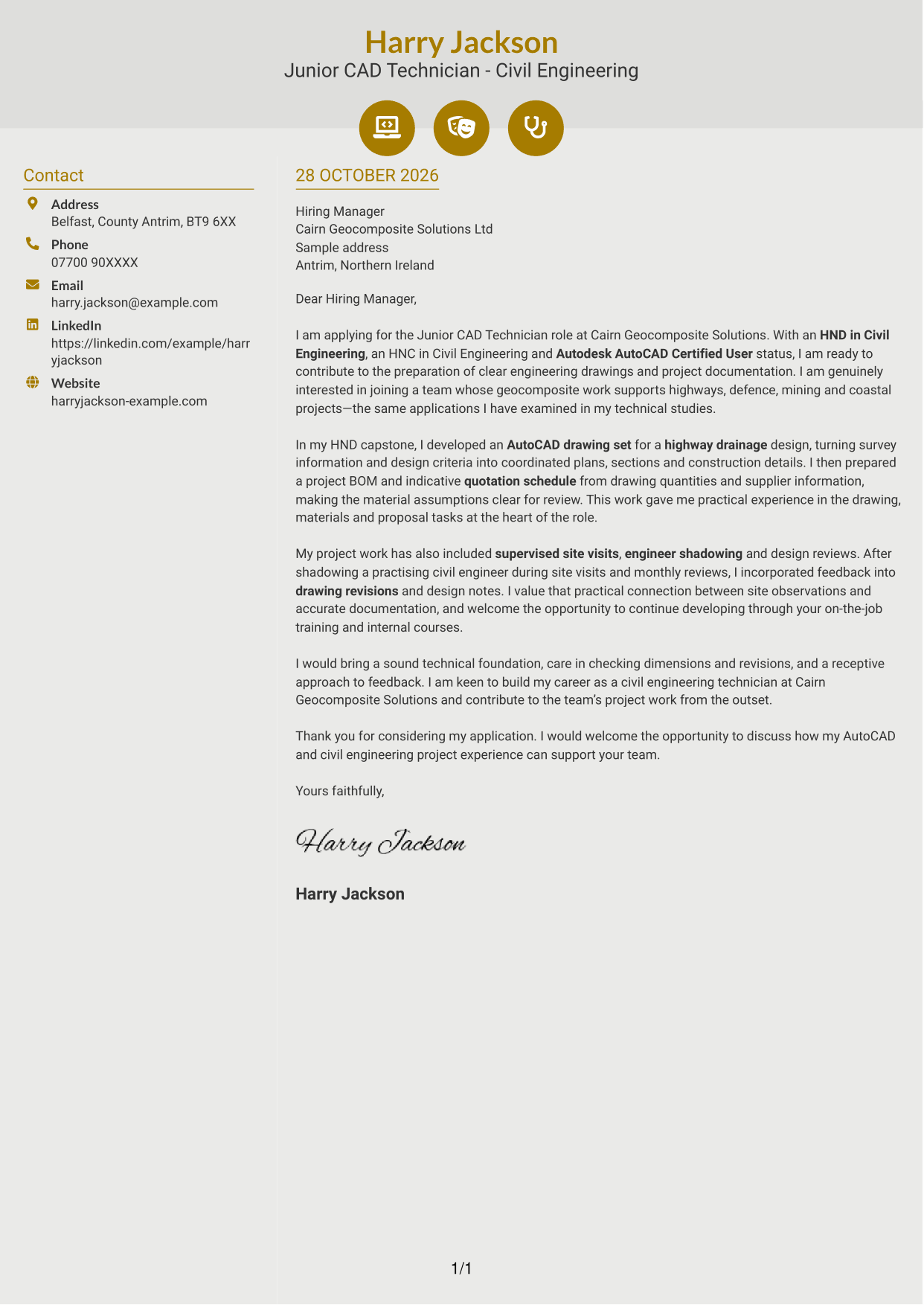
Why This Format Works
- Icons act as cues for contact details, not labels for letter paragraphs.
- The contact sidebar leaves the main column for the full application message.
- One continuous body keeps motivation, evidence and closing connected.
Best For
- Icon-led contact details
- Two-column correspondence
- Continuous application narratives
- Contact cues in the header
- Technical role applications
#7 Creative Two Tone Format Cover Letter Example
A contact sidebar sits alongside a single continuous letter body, offering a separate place for sender details while keeping the application message together.
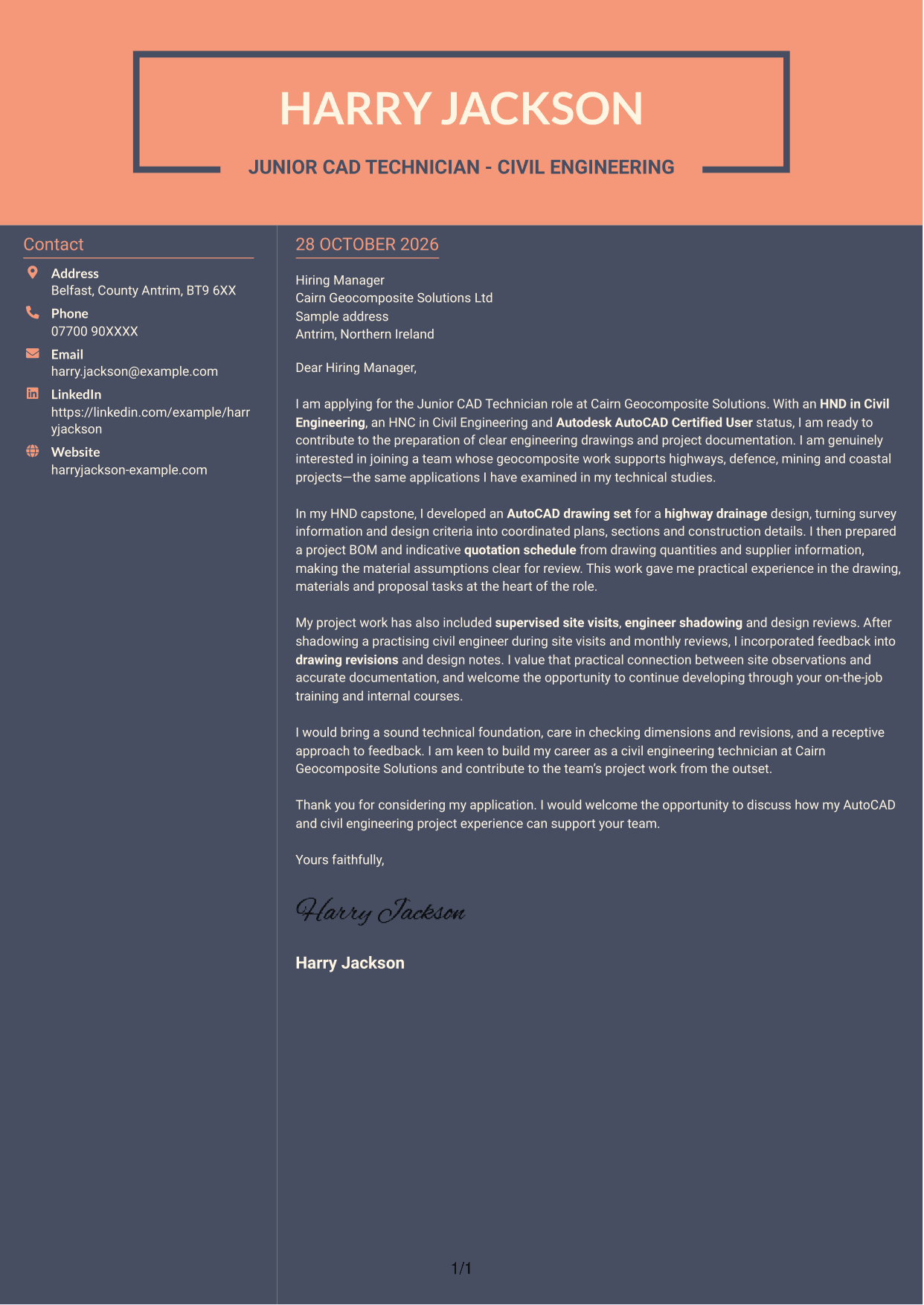
Why This Format Works
- Contact information has its own area beside the application text.
- The main column keeps the message in one continuous reading sequence.
- A clear boundary helps readers distinguish contact details from the letter itself.
Best For
- Sidebar contact information
- One-column letter bodies
- Applications with a clear narrative
- Easy contact detail reference
- Project documentation letters
See Also
- 7 Junior CAD Technician - Civil Engineering CV Templates with Example
- 7 Accounts Technician - Practice Accounts and Tax CV Templates with Example
- 7 Motor Vehicle Technician - Ford Vehicles CV Templates with Example
- 7 Senior Project Engineer - Rail and Civil Engineering CV Templates with Example
- 7 Compliance Officer - Drainage and Wastewater Operations CV Templates with Example
- 7 Chartered Structural Engineer CV Templates with Example
- 7 Geotechnical Engineer - Ground Investigation and Design CV Templates with Example
- 7 Civil Design Engineer - Water and Wastewater Infrastructure CV Templates with Example
- 7 Accounts Technician - Practice Accounts and Tax Cover Letter Templates with Example
- 7 Motor Vehicle Technician - Ford Vehicles Cover Letter Templates with Example
Frequently Asked Questions
What should a Junior CAD Technician - Civil Engineering cover letter highlight?
Connect your interest in the role to relevant evidence, such as AutoCAD drawings, civil engineering study, bills of materials or quotation preparation. You can also explain how site visits, drawing checks or design feedback have informed your project work.
How can I make my project evidence relevant to this role?
Describe a specific task and what it helped you produce. For example, explain how you turned survey information and design criteria into a highway drainage drawing set, then prepared a bill of materials and quotation schedule for review.
How should I explain my interest in Cairn Geocomposite Solutions?
Refer to the company’s work across highways, defence, mining or coastal projects. Link that focus to relevant technical study or project work, and explain why contributing to its drawing and project documentation interests you.
What is a clear way to structure this cover letter?
Open with the role, your relevant technical foundation and a genuine reason for applying. Use the body for focused drawing, materials or site evidence, then close by stating how you hope to contribute and inviting a discussion.
Should I include every project or qualification in my cover letter?
No. Select the most relevant evidence for this position. A focused example of AutoCAD drawing, project documentation or applying feedback will usually make your case more clearly than a full account of every task.




