
7 Lead Software Engineer - Java, Spring Boot, AWS Cover Letter Templates with Example
This practical guide to a Lead Software Engineer - Java, Spring Boot, AWS cover letter presents seven layouts to help you make a clear case for your fit.
What Makes a Great Lead Software Engineer - Java, Spring Boot, AWS Cover Letter in 2026
A strong letter links hands-on engineering to clear technical leadership, showing how you guide secure, reliable software delivery. Open with a genuine reason for applying and make your fit easy to understand.
Use focused evidence, such as leading Java and Spring Boot microservices, improving testing and delivery, or coaching engineers. Connect that evidence to the employer’s work supporting public services and explain why that work matters to you.
The featured example moves from interest in the role to technical evidence, leadership and a clear close; adapt this focused progression while choosing a presentation suited to the employer and communication context.
#1 Simple One Column Format Cover Letter Example
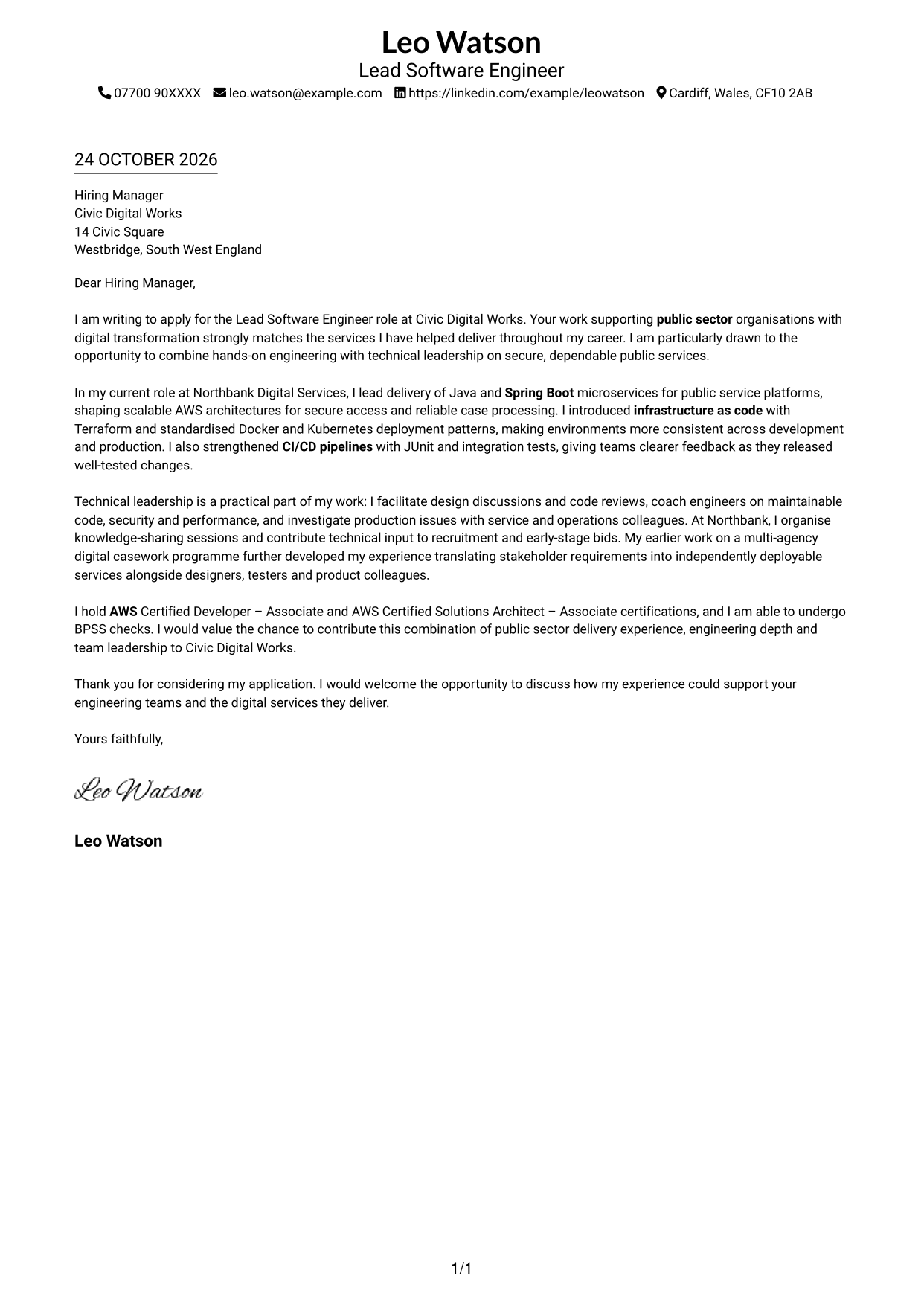
The Simple One Column Format places sender details in the header above a single, uninterrupted letter body, giving the message a direct reading path.
Why This Format Works
- A single reading path helps reviewers follow motivation, supporting evidence and the closing in order.
- Sender details stay in the header, apart from the letter's persuasive paragraphs.
- Without a portrait, the page keeps its visual attention on the written message.
Best For
- Single-path letter reading
- Unheaded paragraph structure
- Contact details in the header
- Text-led applications
- Concise persuasive letters
#2 Two Column Format Cover Letter Example
The Two Column Format sets a contact sidebar beside one continuous letter body, keeping key details close while leaving the message intact.
Why This Format Works
- A separate contact sidebar makes sender details easy to locate.
- One continuous body keeps motivation, evidence and closing in a natural order.
- Paragraphs have no section headings, so the message reads as a letter.
Best For
- Contact details beside the message
- A continuous letter argument
- Unheaded paragraphs
- Quick access to sender information
- Applications favouring a structured page
#3 Photo Header Two Column Format Cover Letter Example
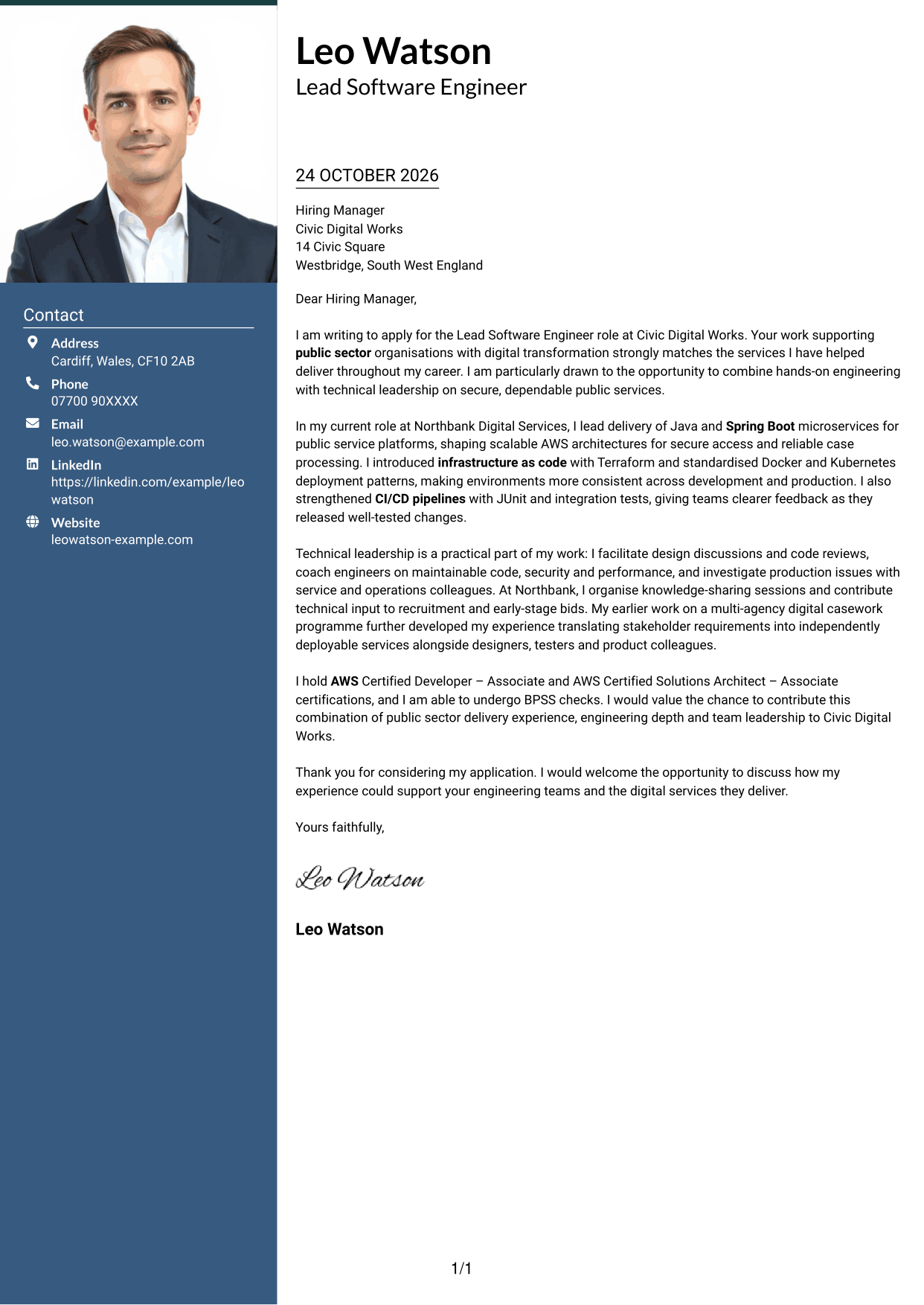
The Photo Header Two Column Format combines a portrait in the header with a contact sidebar beside one continuous letter body.
Why This Format Works
- A portrait gives the header a personal visual element without changing the letter's argument.
- The sidebar keeps sender details apart from the message paragraphs.
- The continuous body lets the closing follow the supporting evidence naturally.
Best For
- A portrait in the header
- Contact details beside the letter
- A single continuous argument
- Applications with a photo preference
- Clear separation of sender and message
#4 One Column Format with Photo Cover Letter Example
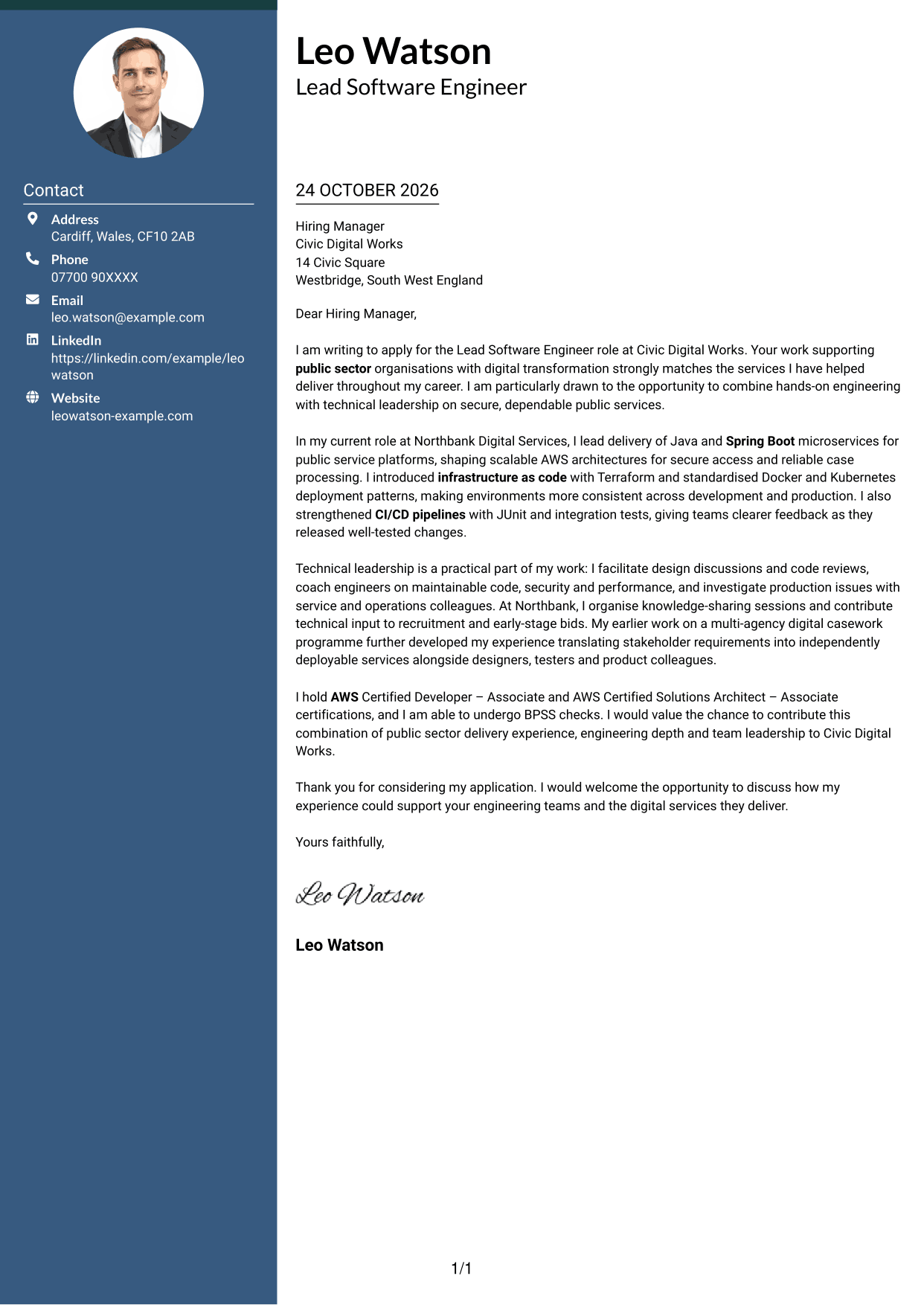
The One Column Format with Photo pairs a portrait with one continuous letter body, adding a personal visual element without dividing the message.
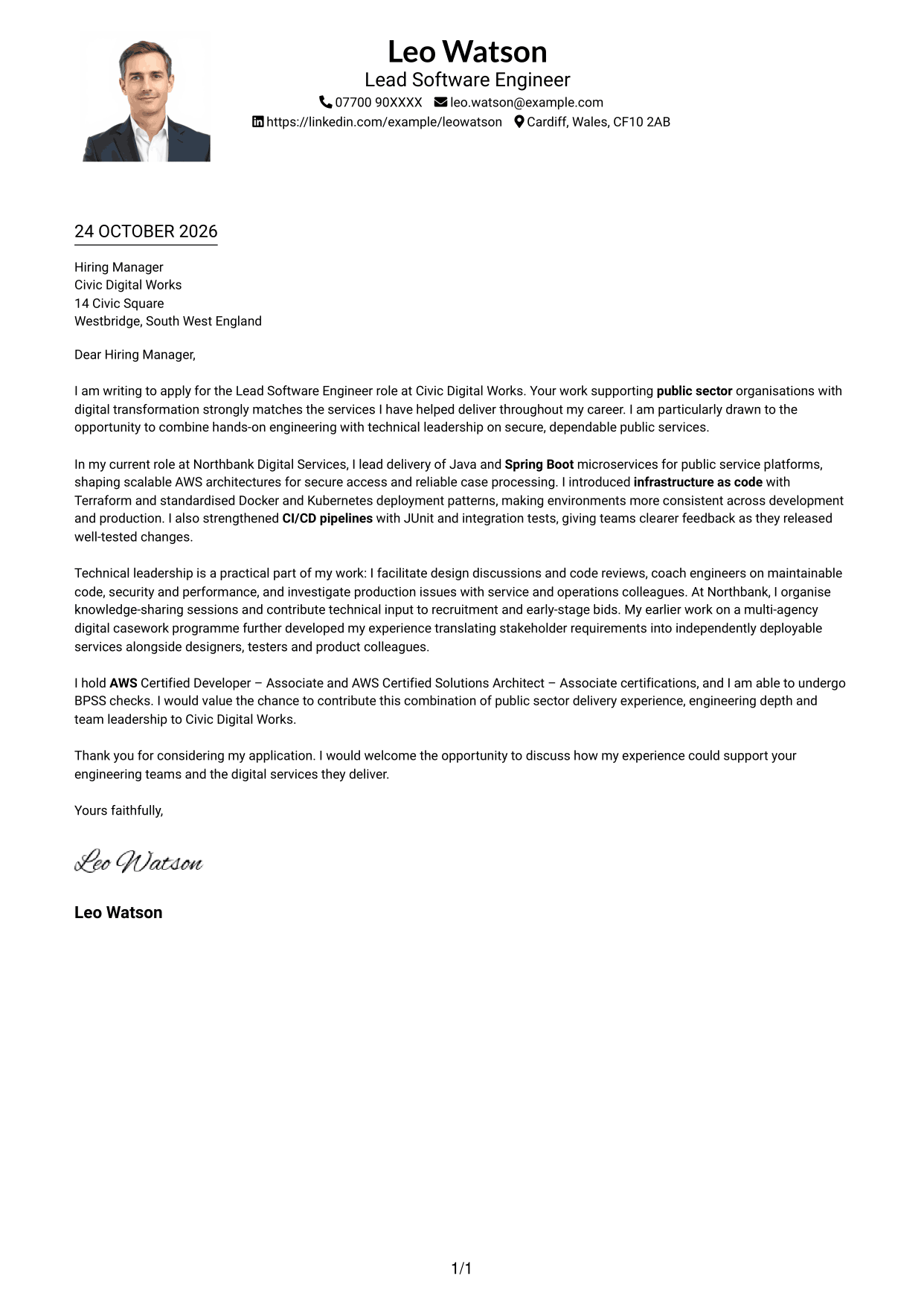
Why This Format Works
- The single-column body gives the opening, evidence and closing one clear reading route.
- A portrait adds a visual point of personal identification alongside the letter.
- Sender details in the header remain distinct from the persuasive paragraphs.
Best For
- A one-route letter structure
- A portrait with the message
- Sender details in the header
- Letters with connected paragraphs
- Applications where a photo is preferred
#5 Simple Two Column Format Cover Letter Example
The Simple Two Column Format places sender details in a contact sidebar, with the letter itself remaining a single, continuous body.
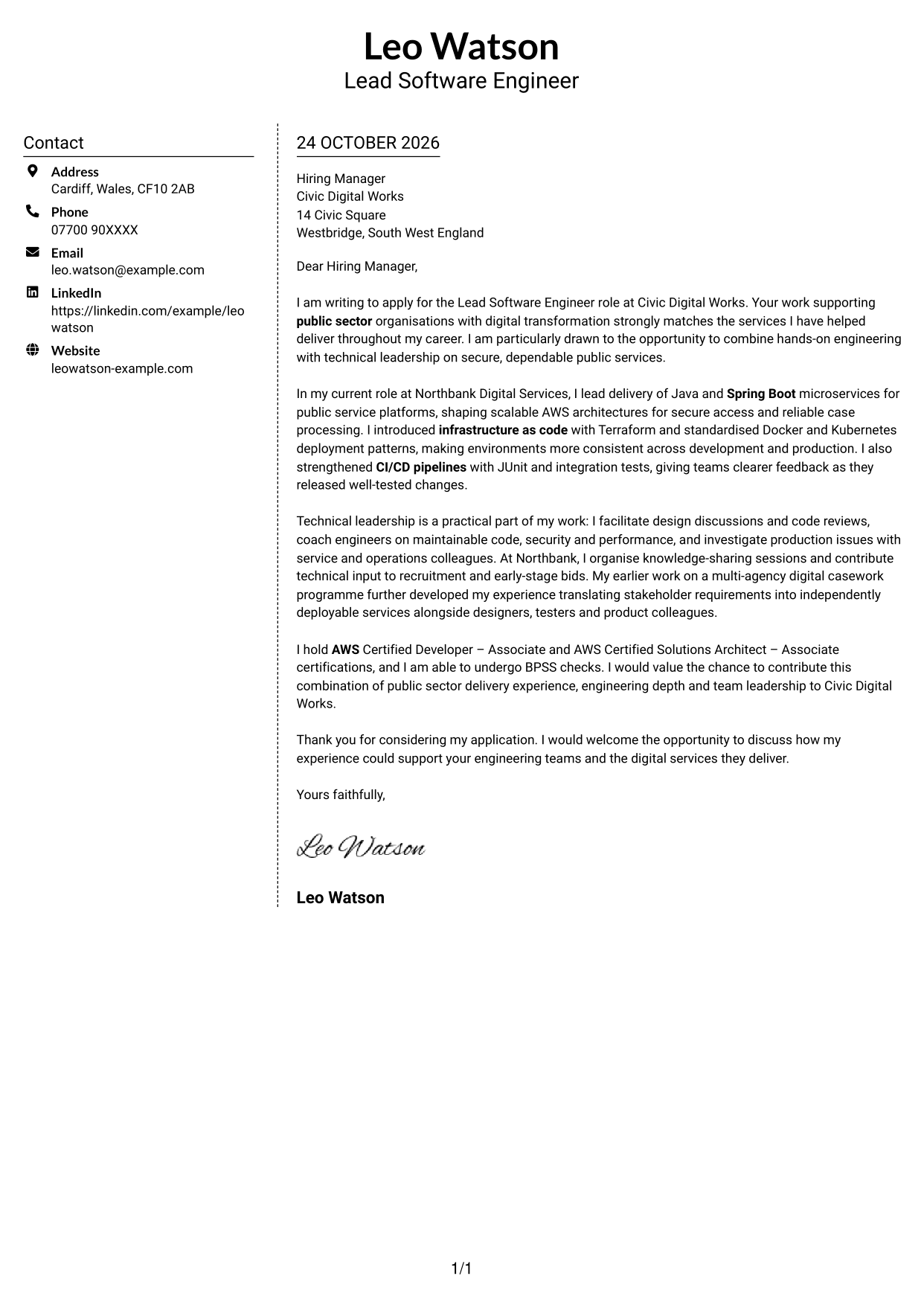
Why This Format Works
- The contact sidebar separates practical sender details from the main message.
- A continuous letter body keeps the argument together from its opening to its close.
- Without section headings, the paragraphs retain the feel of a direct letter.
Best For
- Sender details in a separate area
- A connected opening and closing
- Unheaded letter paragraphs
- Straightforward contact access
- Text-focused applications without a portrait
#6 Modern Icon Format Cover Letter Example
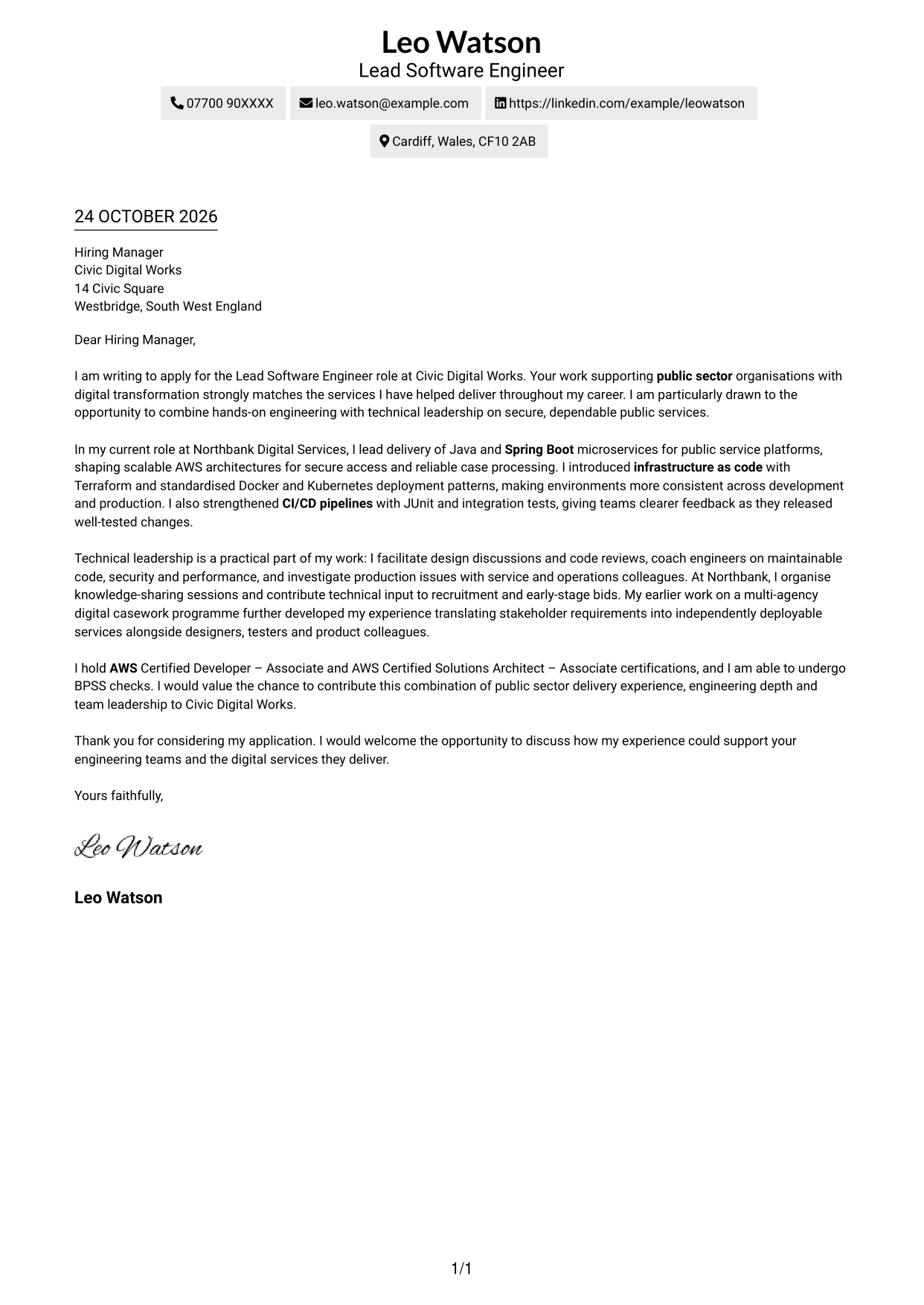
The Modern Icon Format uses two columns, with contact details beside one continuous letter body and icons serving as cues for those details.
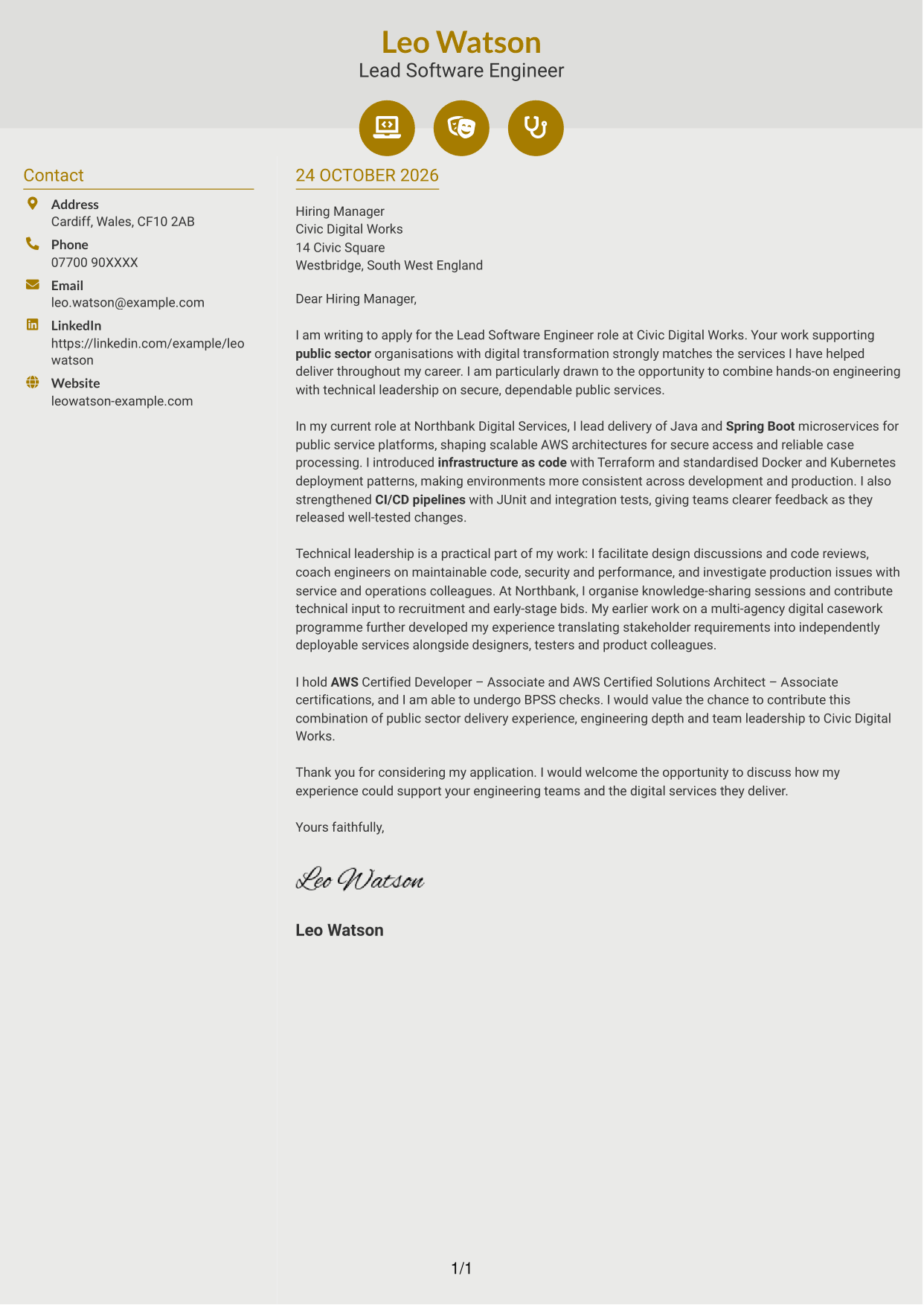
Why This Format Works
- Contact icons help distinguish sender details from the letter's paragraphs.
- The sidebar leaves the motivation, evidence and closing together in one body.
- A clear contact area lets reviewers find sender information without interrupting the message.
Best For
- Icon cues for contact details
- A sidebar beside the letter
- One uninterrupted argument
- Quick access to sender information
- Applications with a modern visual preference
#7 Creative Two Tone Format Cover Letter Example
The Creative Two Tone Format pairs a contact sidebar with one continuous letter body, keeping the message together beside its key details.
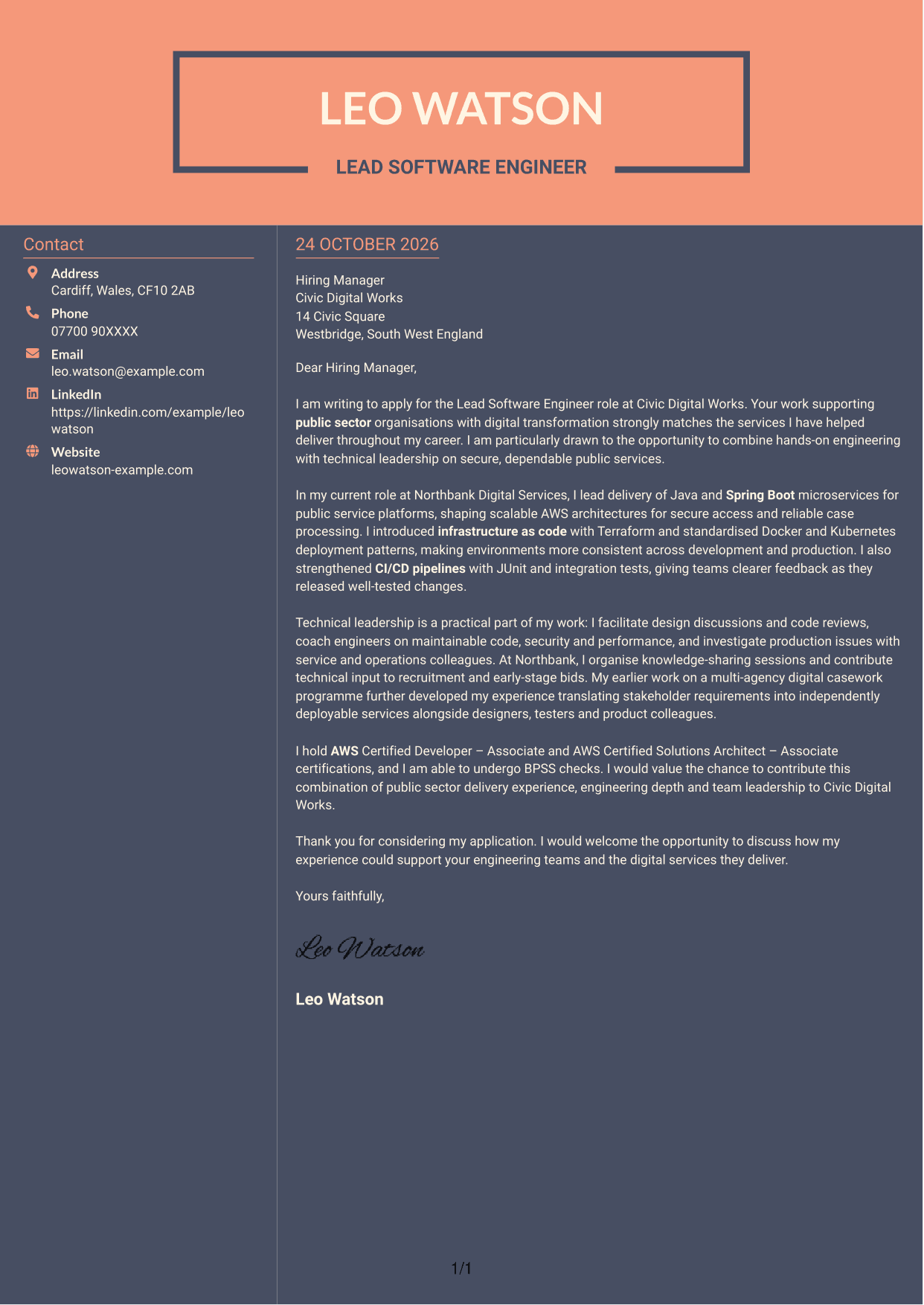
Why This Format Works
- The sidebar gives sender details a separate place beside the letter.
- Keeping all paragraphs in one body preserves the message's natural progression.
- The opening and closing remain part of the same uninterrupted argument.
Best For
- Contact information beside the message
- A continuous persuasive letter
- A clear opening-to-close sequence
- Separate sender and letter areas
- Applications suited to a two-column page
See Also
- Full Stack Lead Software Engineer CV Guide (Java, Spring Boot, AWS) (Examples + Free PDF Downloads)
- 7 Lead Software Engineer - Java, Spring Boot, AWS CV Templates with Example
- Principal Software Engineer CV Guide (Java, AWS) (Examples + Free PDF Downloads)
- 7 Java Software Engineer - Cross-Domain Security CV Templates with Example
- 7 Principal Software Engineer - Java and Enterprise Integration CV Templates with Example
- 7 Software Engineer - High-Performance Java / Low Latency CV Templates with Example
- 7 AI Software Engineer CV Templates with Example
- 7 Associate Backend Software Engineer - Network Modelling CV Templates with Example
- 7 Java Software Engineer - Cross-Domain Security Cover Letter Templates with Example
- 7 Principal Software Engineer - Java and Enterprise Integration Cover Letter Templates with Example
Frequently Asked Questions
What should a Lead Software Engineer - Java, Spring Boot, AWS cover letter highlight?
Show how your engineering work and leadership support secure, dependable services. Useful examples may cover Java and Spring Boot microservices, AWS, automated testing, delivery processes, and guidance for other engineers.
How can I show technical leadership in my cover letter?
Describe specific actions, such as guiding design discussions, reviewing code, coaching engineers, or sharing knowledge. Explain how your approach supports maintainable software and reliable delivery.
How should I explain my interest in Civic Digital Works?
Connect your interest to the organisation’s work supporting public sector digital transformation. Explain why delivering secure and dependable public services appeals to you, using a genuine link to your own professional focus.
How should I structure this cover letter?
Start with your reason for applying, then give relevant technical evidence and examples of leadership. Close by restating your interest and inviting a conversation about how you could contribute.
Which examples should I choose for this role?
Select a few examples that connect directly to the position, such as improving testing and CI/CD, supporting AWS services, or helping engineers grow. Keep each example focused on your contribution and its value to service delivery.




