
7 Lead Solution Architect - Cloud Migration Cover Letter Templates with Example
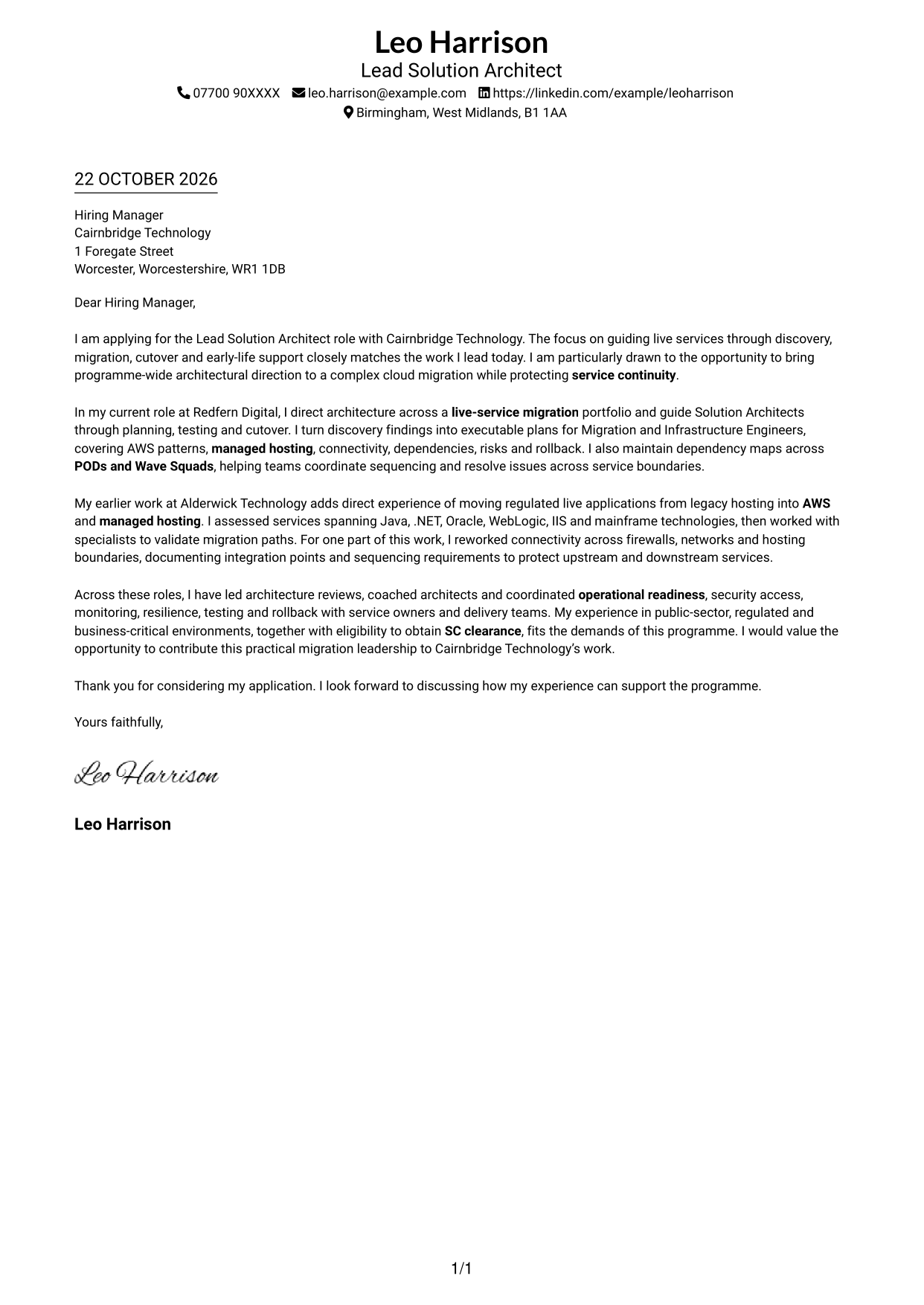
This guide helps you write a focused Lead Solution Architect - Cloud Migration cover letter and compare seven layouts for presenting migration leadership clearly.
What Makes a Great Lead Solution Architect - Cloud Migration Cover Letter in 2026
A strong letter connects your interest in the role with clear examples of leading live-service migration from discovery through cutover and early-life support. Show how you guide architects while protecting service continuity.
Use evidence such as turning discovery findings into practical plans, managing service dependencies or restoring connectivity across hosting boundaries. Link that experience to the employer’s need for sound decisions, careful governance and reliable migration delivery.
The featured example follows a focused progression from role interest to current migration leadership, a specific connectivity example and a clear close. Adapt this approach while choosing a presentation that suits the employer and communication context.
#1 Simple One Column Format Cover Letter Example
The Simple One Column Format keeps sender details in the header above one continuous letter body, giving the argument a direct reading path.
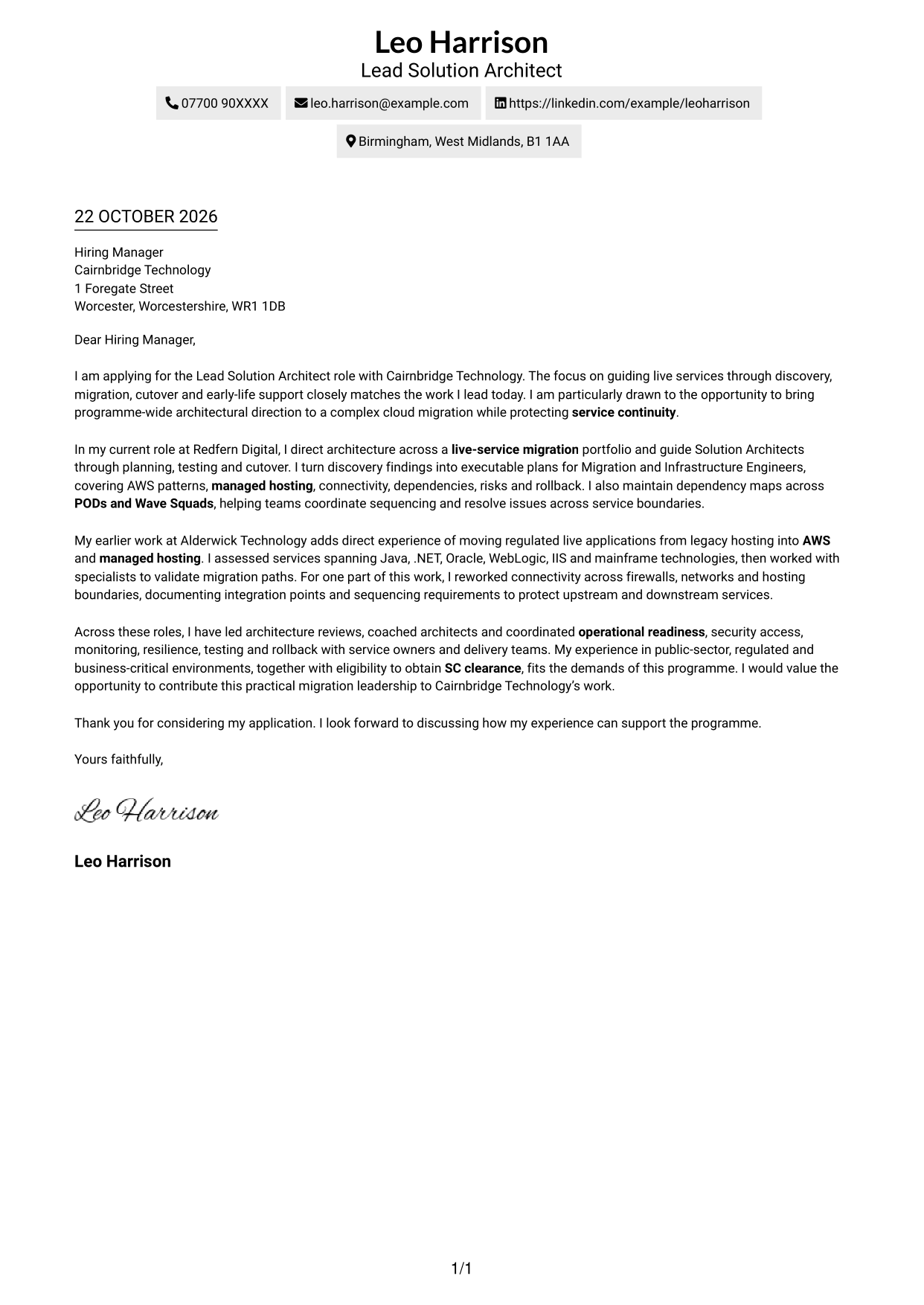
Why This Format Works
- Sender details stay apart from the argument, so the greeting and closing remain easy to follow.
- The opening, supporting paragraphs and sign-off share one clear top-to-bottom reading order.
- Unlabelled paragraphs preserve a natural letter tone from greeting through sign-off.
Best For
- Single-column letter preference
- Header-based sender details
- Continuous paragraph correspondence
- Direct top-to-bottom reading
- Photo-free letter layouts
#2 Two Column Format Cover Letter Example
The Two Column Format places contact details in a sidebar beside the continuous letter body, keeping practical information distinct from the message.
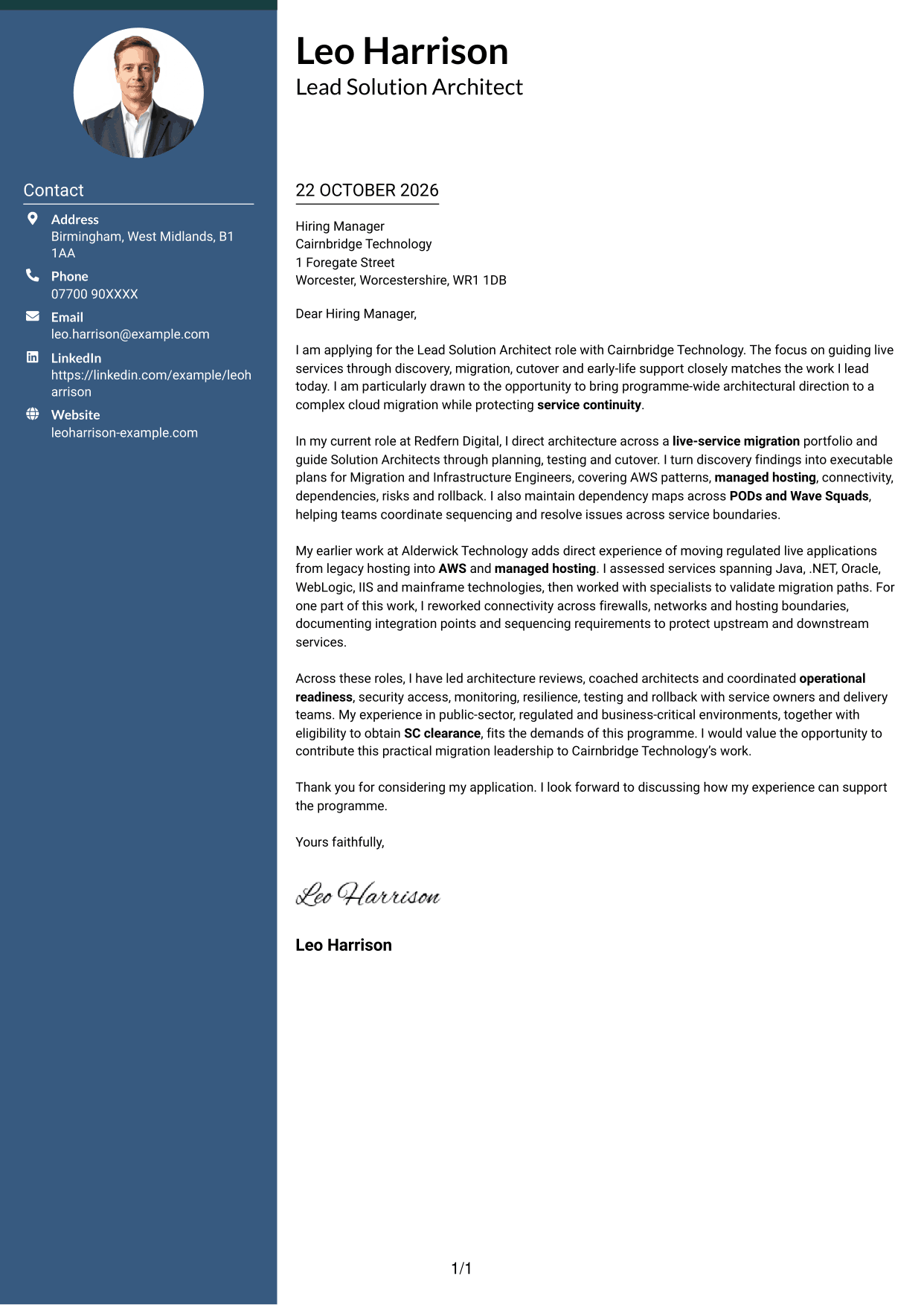
Why This Format Works
- The contact sidebar gives sender information a separate, easy-to-find place.
- One continuous body carries the opening, supporting points and close in sequence.
- The paragraphs keep a personal letter tone without labels dividing the message.
Best For
- Contact details beside the letter
- Uninterrupted letter arguments
- No-heading correspondence
- Photo-free two-column layouts
- Readers preferring separate contact access
#3 Photo Header Two Column Format Cover Letter Example
The Photo Header Two Column Format pairs a portrait-led header with a contact sidebar and one continuous letter body, creating a personal visual point of entry.
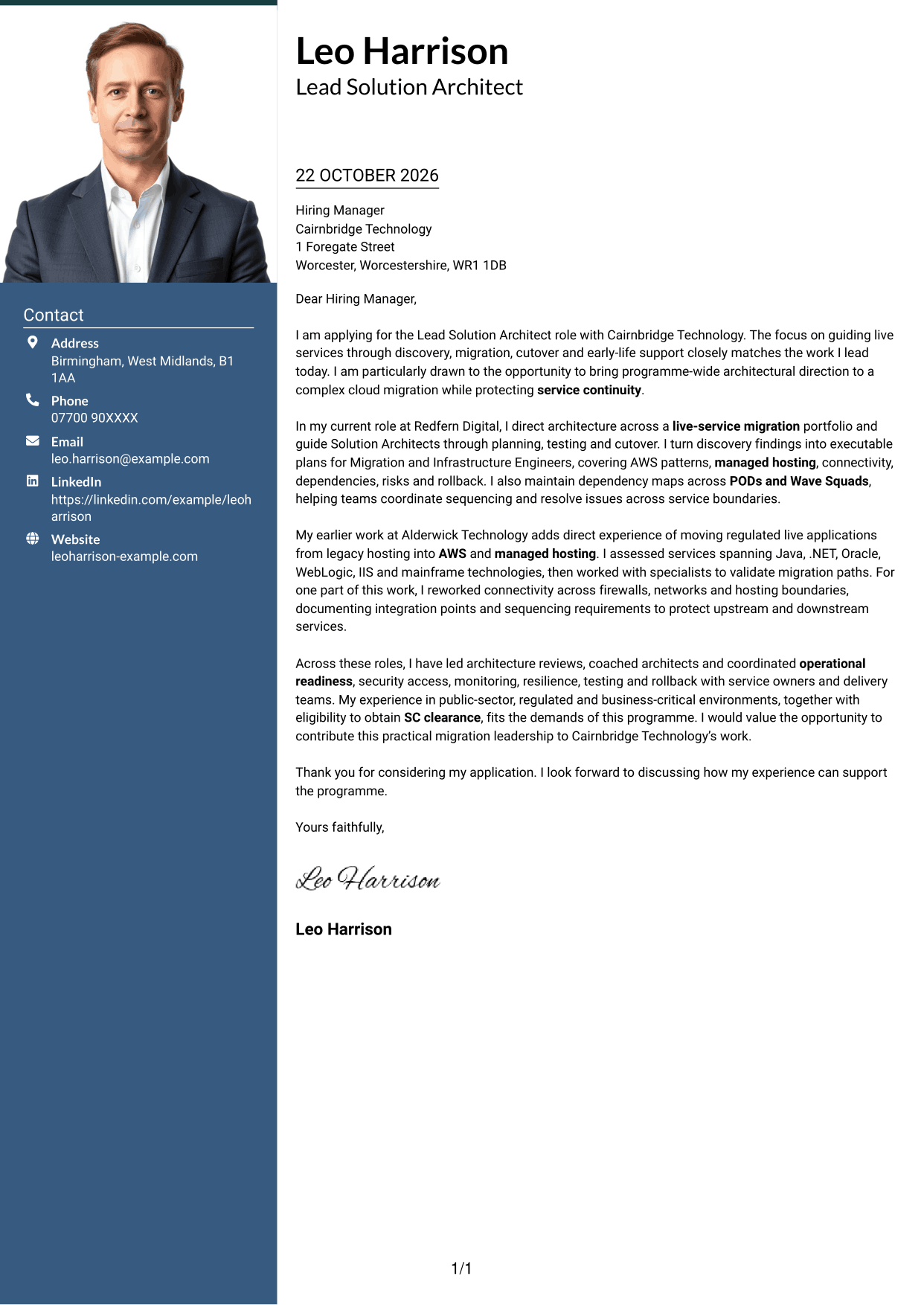
Why This Format Works
- Contact details sit apart from the letter, keeping the main message in one body.
- The portrait adds a personal visual element without interrupting the letter’s paragraph flow.
- Continuous paragraphs carry the greeting, case and close without section labels.
Best For
- Portraits included in the header
- Contact details beside the message
- Continuous persuasive paragraphs
- Two-column reading preference
- Photo-led letter presentation
#4 One Column Format with Photo Cover Letter Example
The One Column Format with Photo places a portrait in the header above a single continuous letter body, combining a personal visual introduction with a direct reading path.
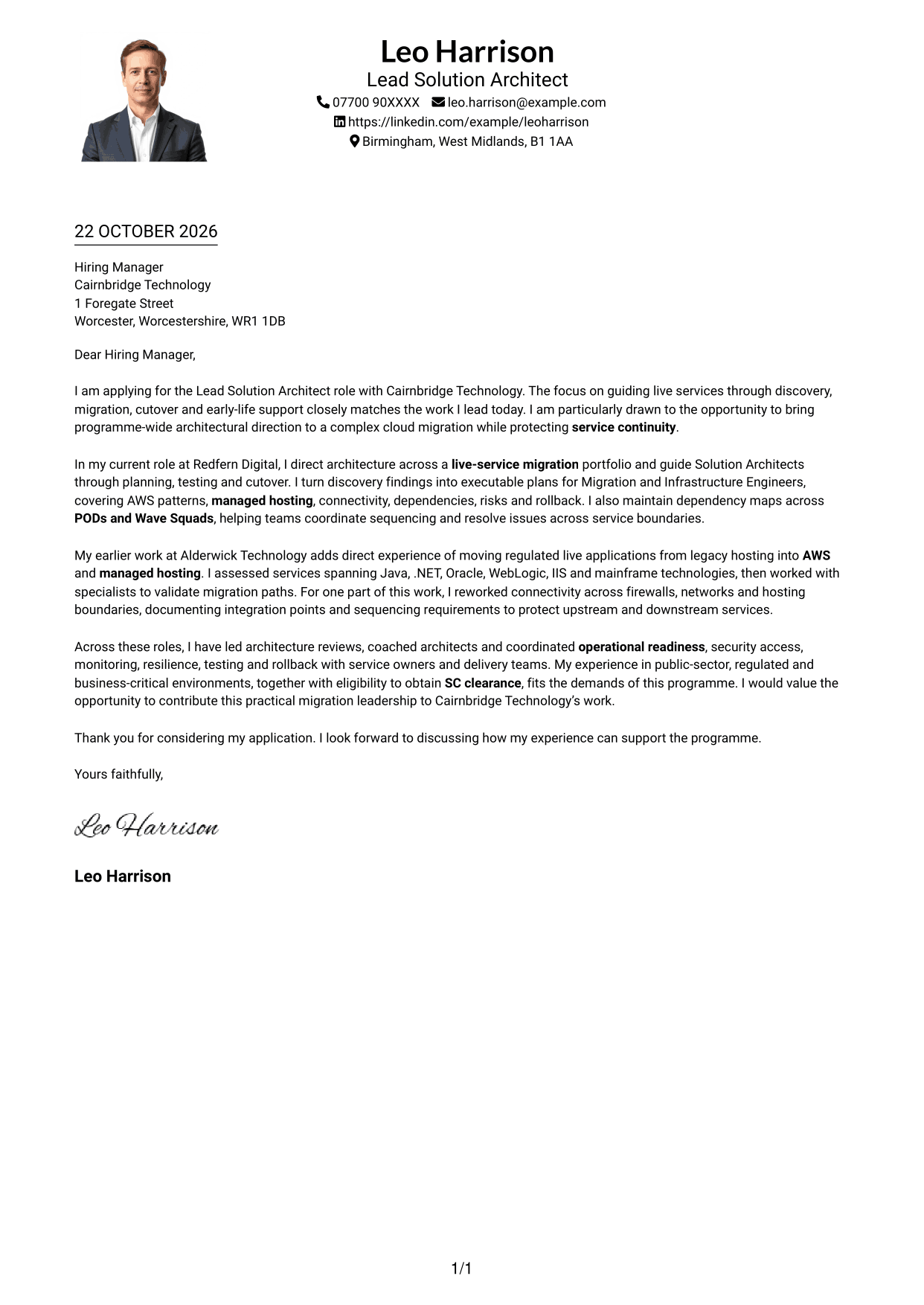
Why This Format Works
- The portrait gives the header a personal visual element, separate from the letter’s case.
- A single text column keeps the message in a straightforward reading sequence.
- Sender details in the header remain distinct from the continuous paragraphs.
Best For
- Portrait in the letter header
- Single-column reading preference
- Direct paragraph sequence
- Header-based contact details
- Photo-inclusive correspondence
#5 Simple Two Column Format Cover Letter Example
The Simple Two Column Format keeps contact details in a sidebar and the persuasive message in one continuous body, making their roles easy to distinguish.
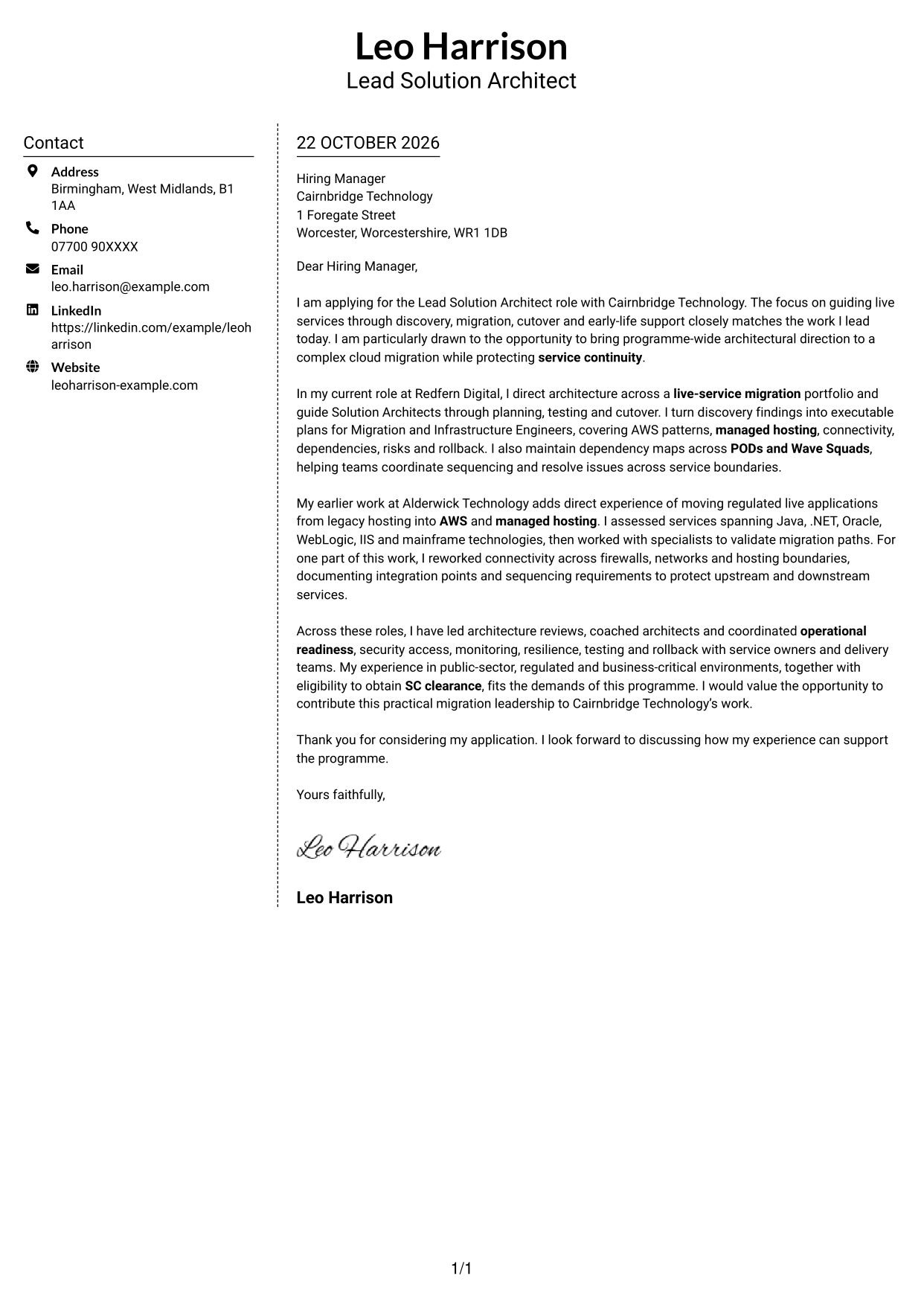
Why This Format Works
- A separate contact area lets readers find sender information without searching the letter.
- The argument remains together in one body, rather than being split between columns.
- Paragraphs without section labels retain the familiar shape of a personal letter.
Best For
- Contact sidebar beside the message
- Continuous letter arguments
- Unlabelled paragraph structure
- Photo-free correspondence
- Readers who prefer two columns
#6 Modern Icon Format Cover Letter Example
The Modern Icon Format uses icons as contact-detail cues and header accents, with a sidebar beside the continuous letter body.
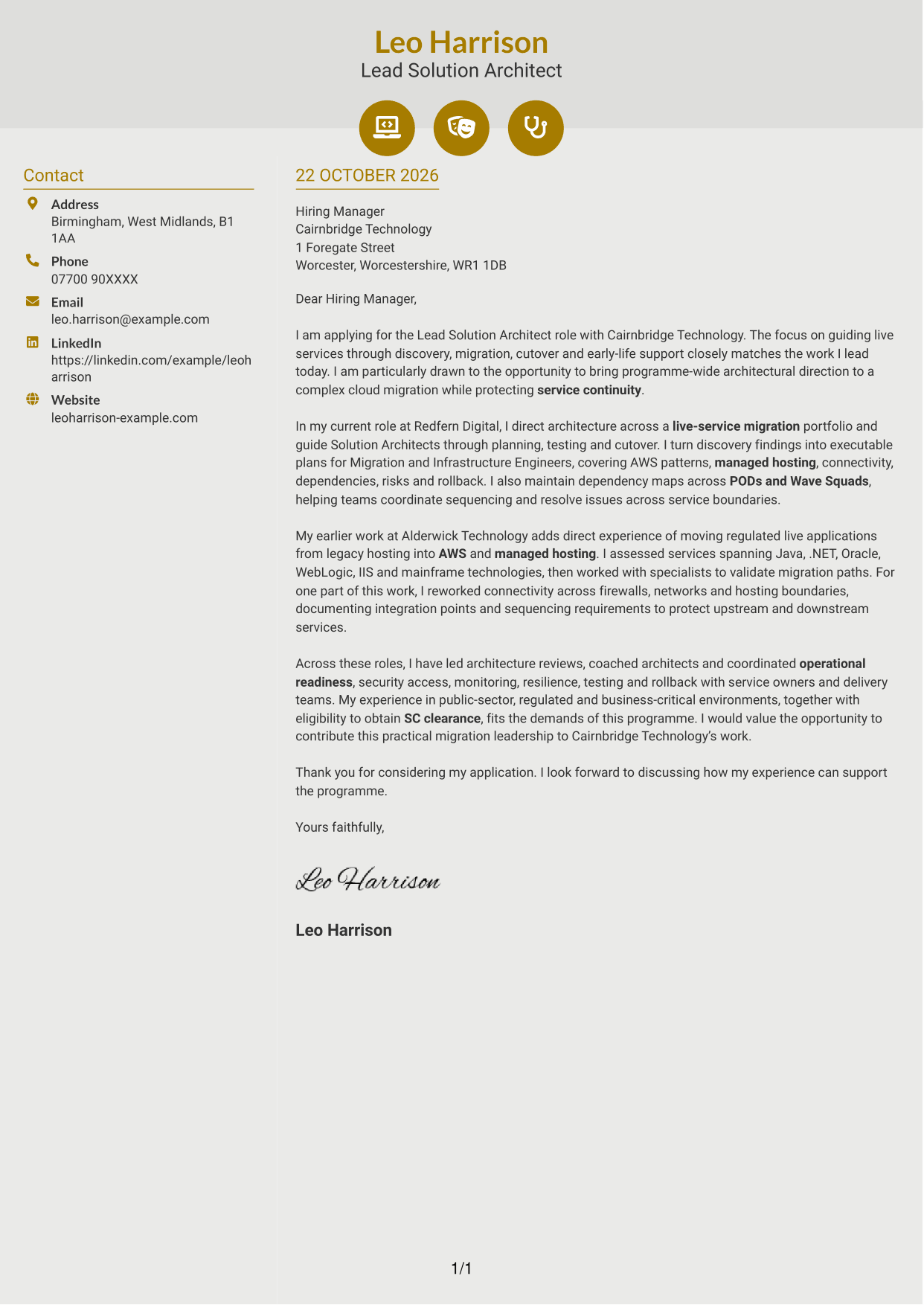
Why This Format Works
- Contact-detail cues help distinguish sender information from the letter’s main text.
- The sidebar keeps practical details separate while the argument remains in one body.
- The continuous paragraphs let the message move naturally from greeting to close.
Best For
- Icon cues for contact details
- Sidebar contact presentation
- Continuous letter paragraphs
- Clear greeting-to-close sequence
- Photo-free two-column layouts
#7 Creative Two Tone Format Cover Letter Example
The Creative Two Tone Format places a contact sidebar alongside one continuous letter body, keeping practical details distinct from the persuasive message.
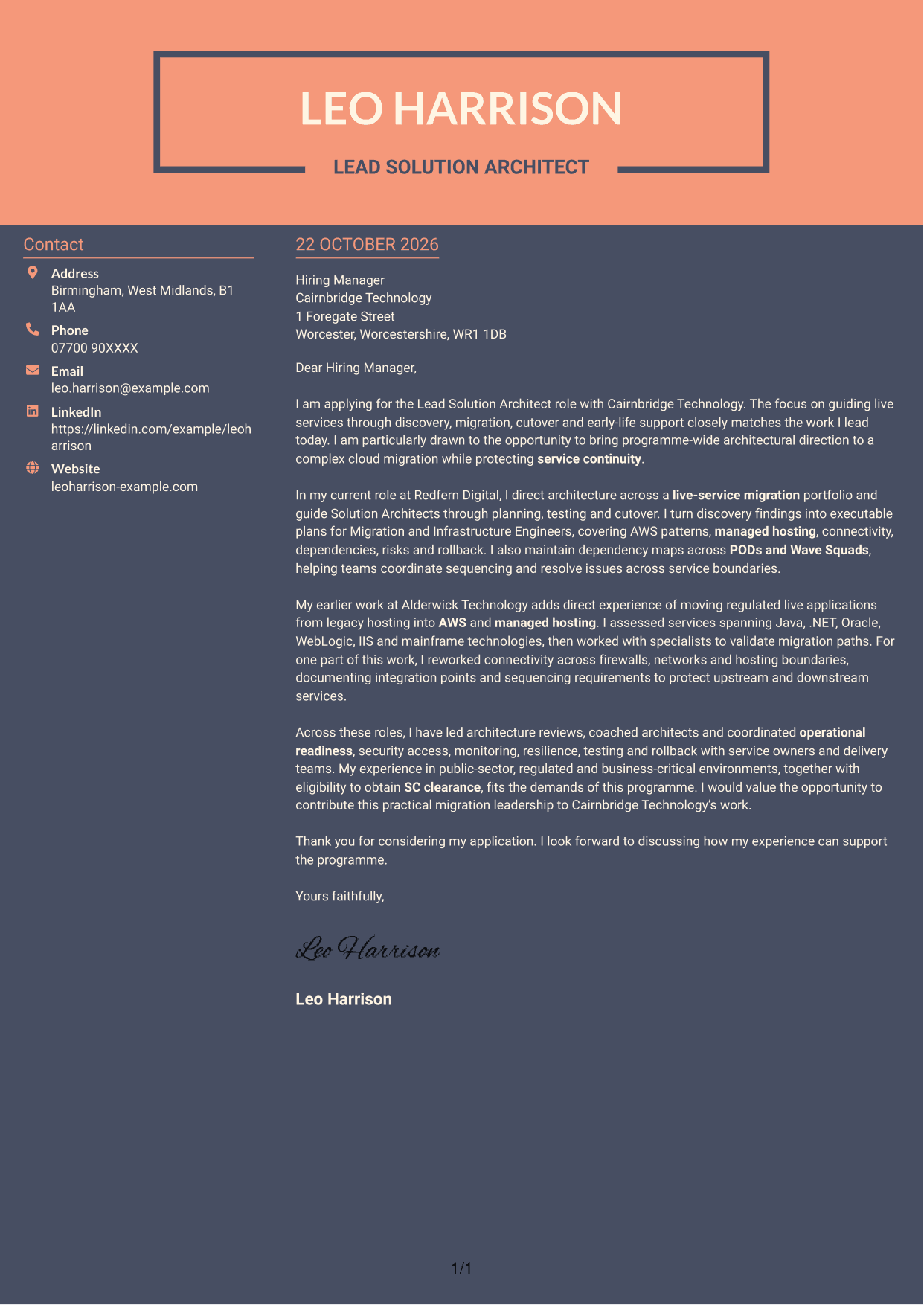
Why This Format Works
- The sidebar gives contact information its own place beside the letter.
- One continuous body keeps the opening, supporting points and close in order.
- The paragraphs remain free of headings that could interrupt the letter’s tone.
Best For
- Separate contact and message areas
- One-body letter structure
- Unlabelled persuasive correspondence
- Two-column reading preference
- Photo-free letter layouts
See Also
- 7 Lead Solution Architect - Cloud Migration CV Templates with Example
- 7 Lead Solutions Architect - Legacy-to-Cloud Migration CV Templates with Example
- 7 Data & Analytics Solution Architect - Cloud Data Platforms CV Templates with Example
- 7 AI Solution Architect - Agentic AI CV Templates with Example
- 7 Commercial SAP Solution Architect CV Templates with Example
- 7 Data Protection Solution Architect CV Templates with Example
- 7 Data & Solution Architect - Defence CV Templates with Example
- 7 Data Solution Architect - Reinsurance CV Templates with Example
- 7 Lead Solutions Architect - Legacy-to-Cloud Migration Cover Letter Templates with Example
- 7 Data & Analytics Solution Architect - Cloud Data Platforms Cover Letter Templates with Example
Frequently Asked Questions
What should a Lead Solution Architect - Cloud Migration cover letter highlight?
Show how you lead live services through migration planning, testing, cutover and early-life support. Give relevant evidence of guiding architects, managing dependencies and balancing delivery needs with service continuity.
How can I show that my migration experience is relevant?
Choose a specific example that explains what you did and why it mattered. You might describe turning discovery findings into an executable plan, coordinating service dependencies or resolving a connectivity issue across firewalls and hosting boundaries.
How should I explain my interest in the employer?
Connect your interest to the work described for the role, such as leading a complex cloud migration while protecting live services. Avoid claims about the organisation that you cannot verify.
What is a clear way to structure this cover letter?
Open with the role and a genuine reason for applying. Use the body to present focused evidence of migration leadership and role fit, then close by restating your interest and inviting further discussion.
Should I include every part of my work history?
No. Select the experience that best supports your fit for this position, such as migration planning, architectural governance or cutover readiness. A few clear examples are easier to follow than a full account of every responsibility.




