
7 Marketing Executive - Student Recruitment Marketing Cover Letter Templates with Example
This practical guide to a Marketing Executive - Student Recruitment Marketing cover letter shows you how to present your motivation and relevant evidence across seven layouts.
What Makes a Great Marketing Executive - Student Recruitment Marketing Cover Letter in 2026
A strong letter links your interest in student recruitment to clear, student-focused course promotion. Its opening should show why the role fits, while the body explains how your campaign and event work can support the College’s aims.
Use specific evidence, such as coordinating recruitment campaigns across channels or creating Open Day communications with colleagues. Show how your approach can keep course information useful, consistent and engaging for prospective students.
The featured example moves from motivation and role fit to a focused Open Day example, then to supporting experience and a clear close; adapt this progression while choosing a presentation suited to the employer and communication context.
#1 Simple One Column Format Cover Letter Example
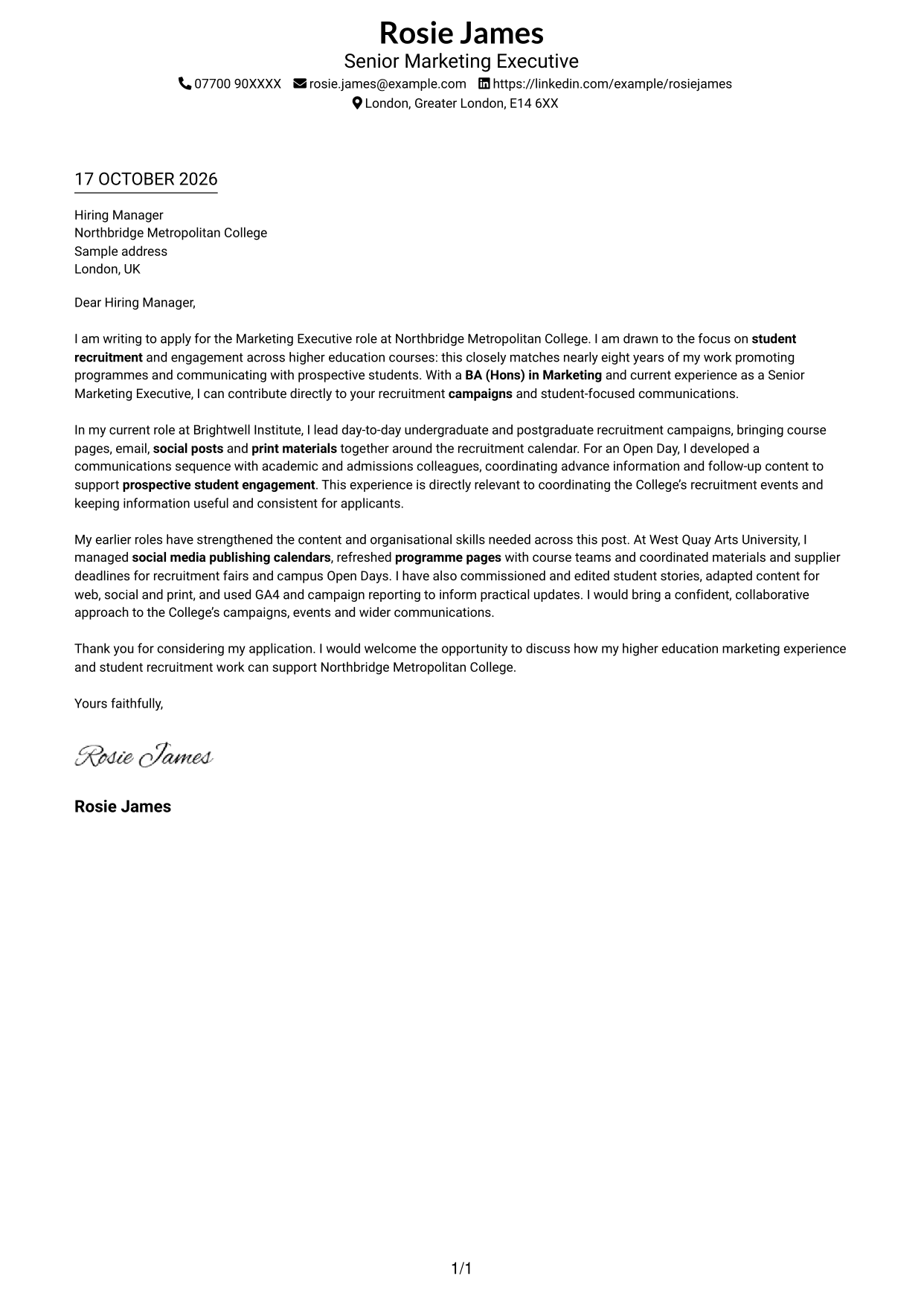
Simple One Column Format keeps sender details and the continuous letter body in one clear reading path.
Why This Format Works
- A single text column gives the reviewer one direct route through the letter.
- Sender details sit with the letter rather than in a separate sidebar.
- The one-column page keeps attention on the written application.
Best For
- Single-column correspondence
- Header-based contact details
- Continuous paragraph arguments
- Text-led applications
- Letters without a contact sidebar
#2 Two Column Format Cover Letter Example
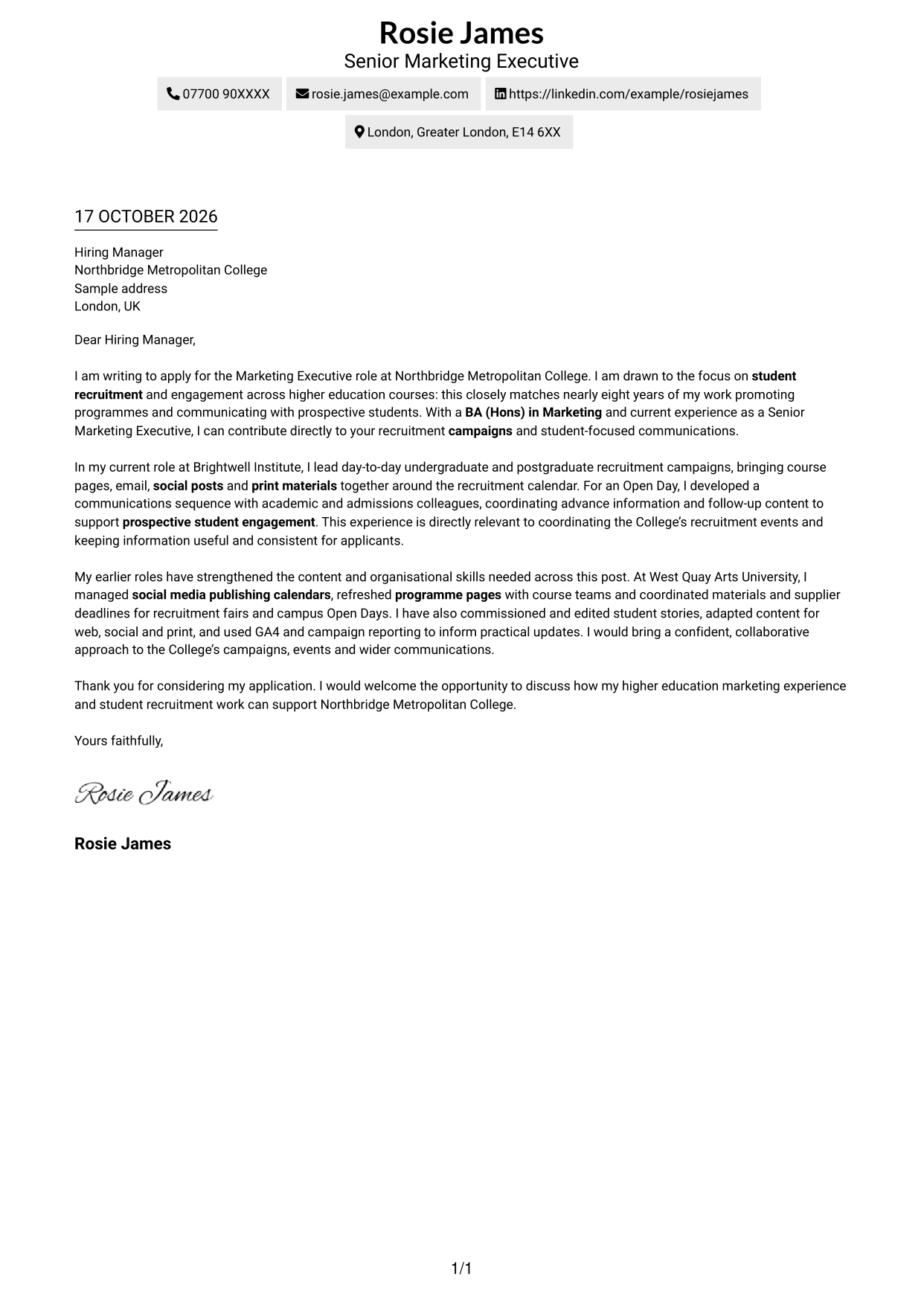
Two Column Format places a contact sidebar beside one continuous letter body, separating contact details from the application argument.
Why This Format Works
- The sidebar makes sender details easy to find without interrupting the letter.
- One uninterrupted text column carries the opening, evidence and close in order.
- Contact information stays distinct from the main correspondence.
Best For
- Separate sender and letter areas
- Continuous letter text
- Easy-to-find contact details
- Two-column page organisation
- Paragraph-led applications
#3 Photo Header Two Column Format Cover Letter Example
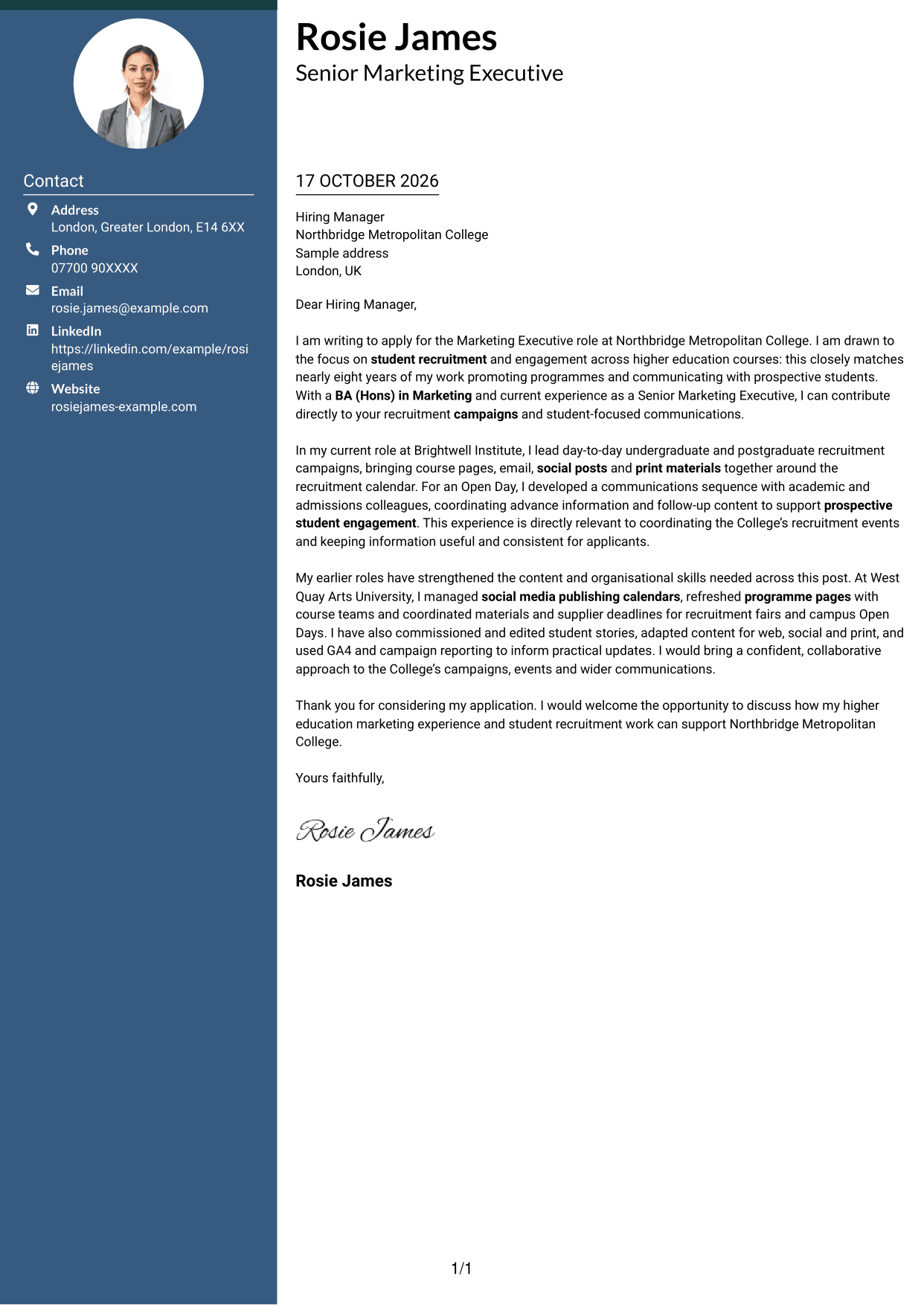
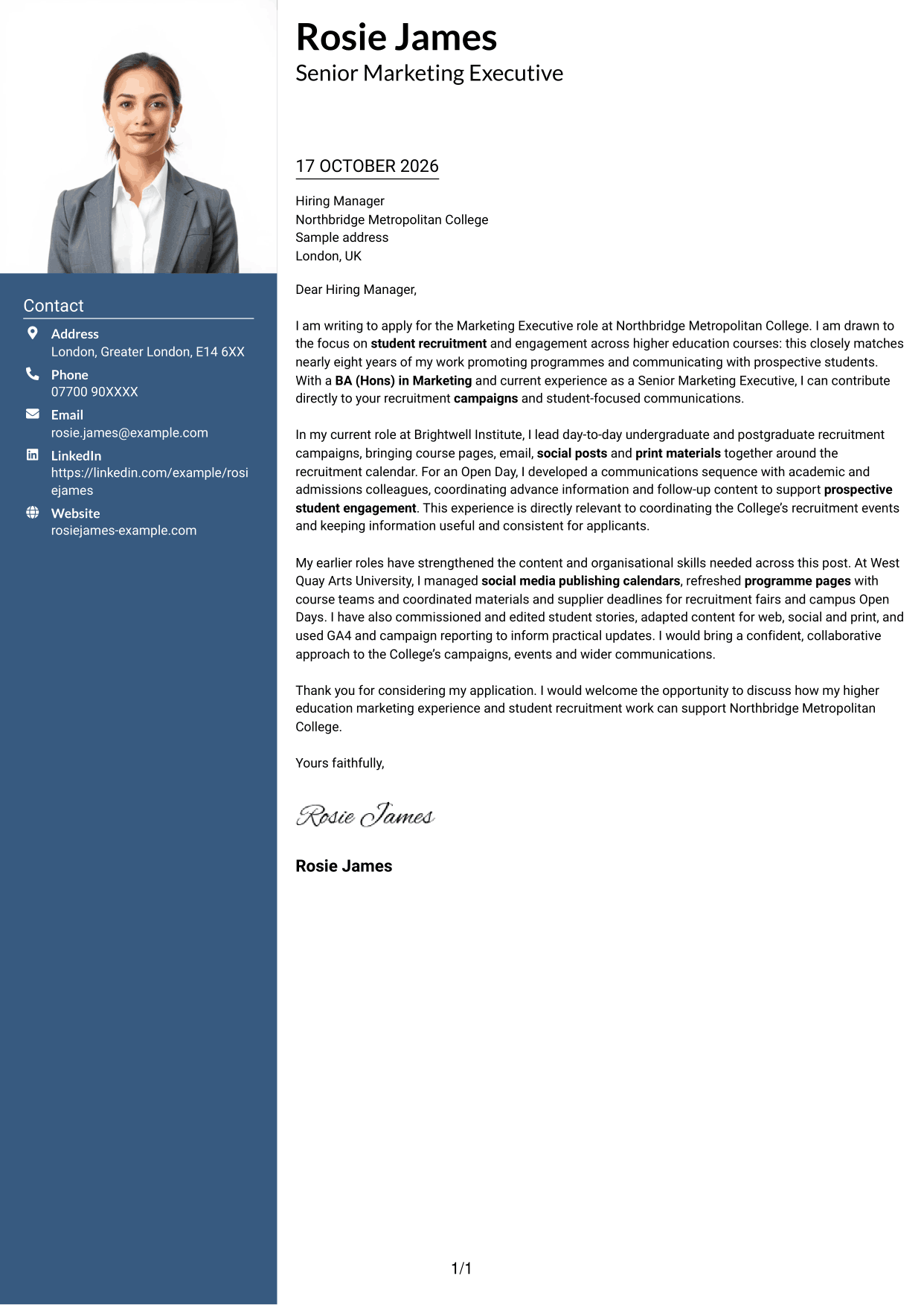
Photo Header Two Column Format places a portrait in the header and a contact sidebar beside the letter, suiting applications where a visible portrait is preferred.
Why This Format Works
- A portrait in the header provides a clear visual point of identification.
- The contact sidebar separates sender details from the letter's main text.
- A single letter column keeps the argument together from opening to close.
Best For
- Portrait in the header
- Separate contact and letter areas
- Continuous paragraph correspondence
- Two-column reading order
- Applications with a visible portrait
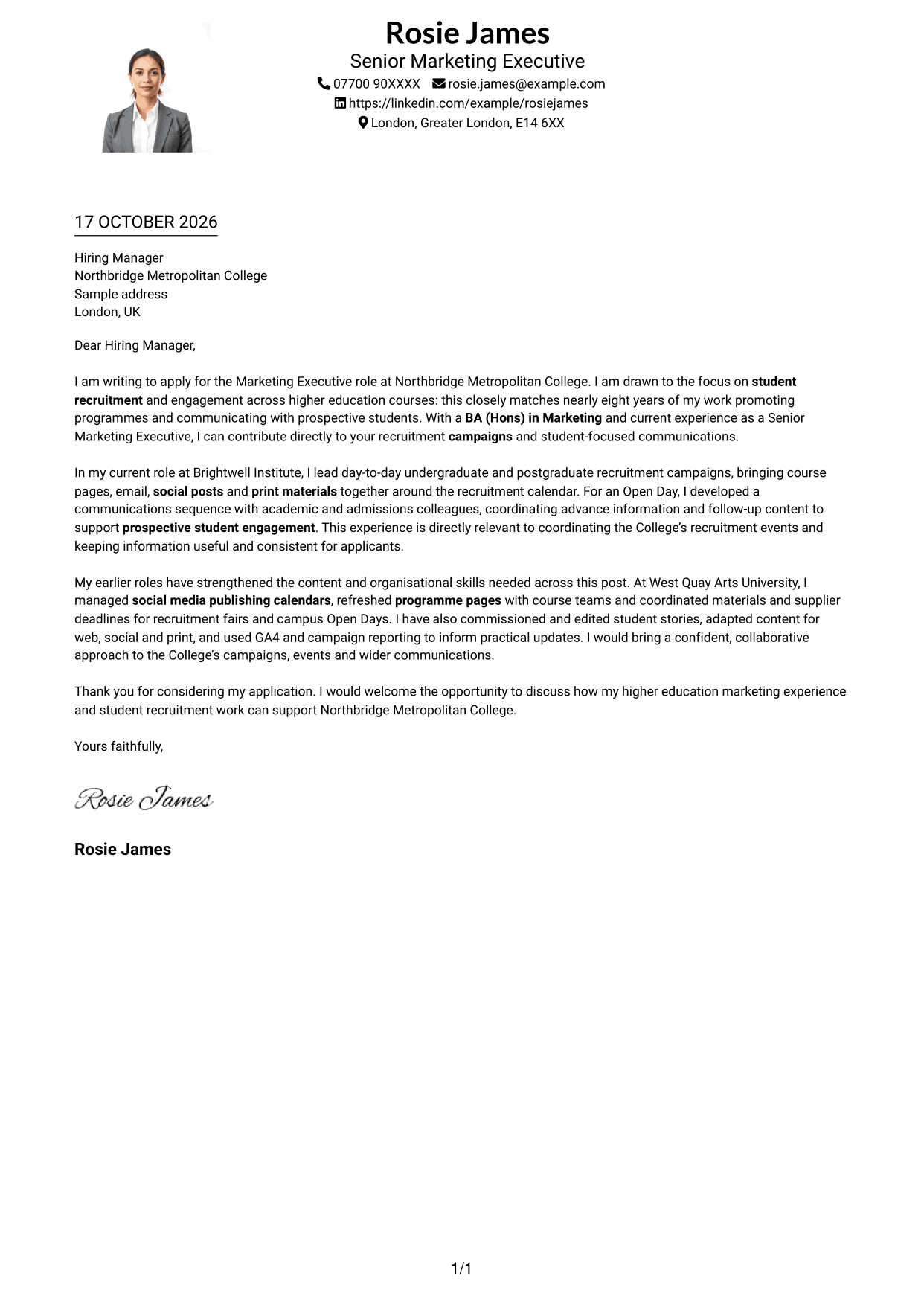
#4 One Column Format with Photo Cover Letter Example
One Column Format with Photo keeps the letter in one reading column and includes a portrait, for readers who prefer a single text path.
Why This Format Works
- The single-column body gives the reviewer one clear route through the letter.
- A portrait adds a visual element without dividing the letter into columns.
- Sender details and correspondence remain within the same overall reading path.
Best For
- Single-column letter reading
- Applications including a portrait
- One continuous text path
- Header-based sender details
- Paragraph-led correspondence
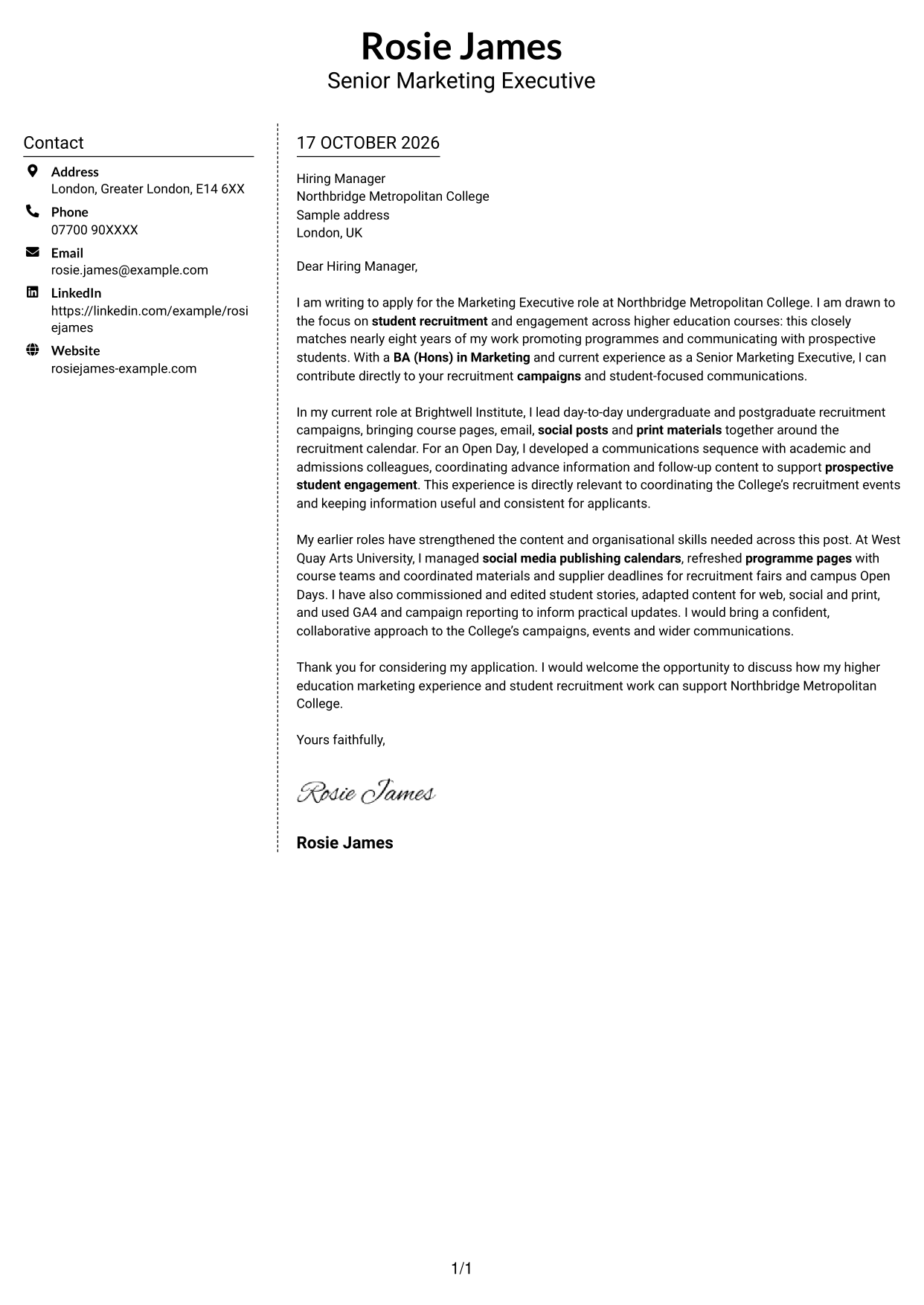
#5 Simple Two Column Format Cover Letter Example
Simple Two Column Format keeps contact details in a sidebar and the letter in one continuous column, making the two areas easy to distinguish.
Why This Format Works
- The contact sidebar gives sender details a distinct place beside the letter.
- The main column keeps the opening, supporting points and closing together.
- A continuous letter body avoids splitting the argument across parallel columns.
Best For
- Contact sidebar beside the letter
- One-column letter argument
- Distinct contact area
- Continuous application correspondence
- Two-column page layout
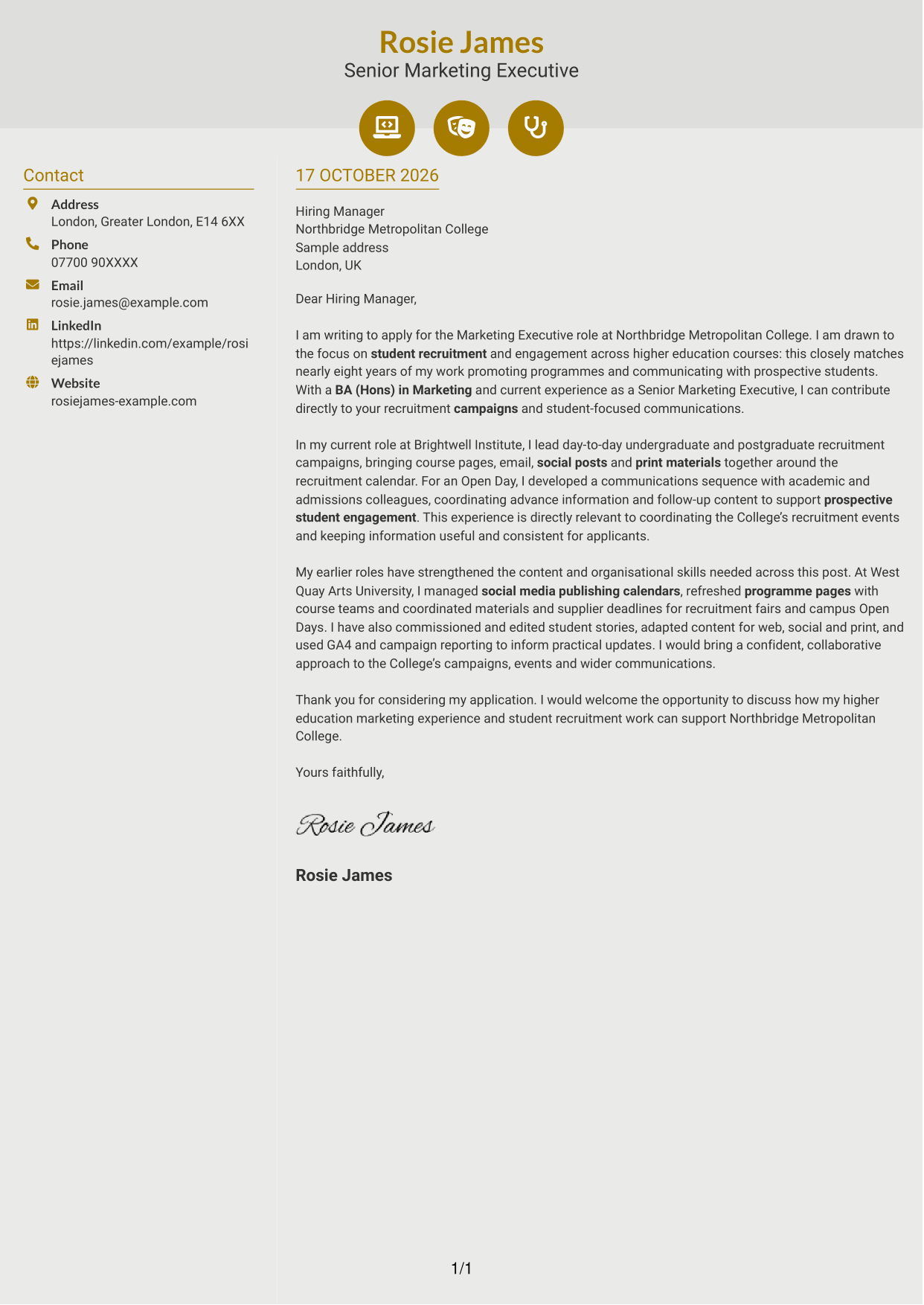
#6 Modern Icon Format Cover Letter Example
Modern Icon Format uses icons as contact cues beside a continuous letter column, helping readers locate sender details without breaking the letter's flow.
Why This Format Works
- Icons cue contact details, helping reviewers find sender information at a glance.
- The sidebar keeps those details apart from the letter's continuous body.
- One letter column carries the application argument from opening through close.
Best For
- Icon-cued contact details
- Separate sender information
- Continuous letter column
- Quick contact detail checks
- Single-flow application correspondence
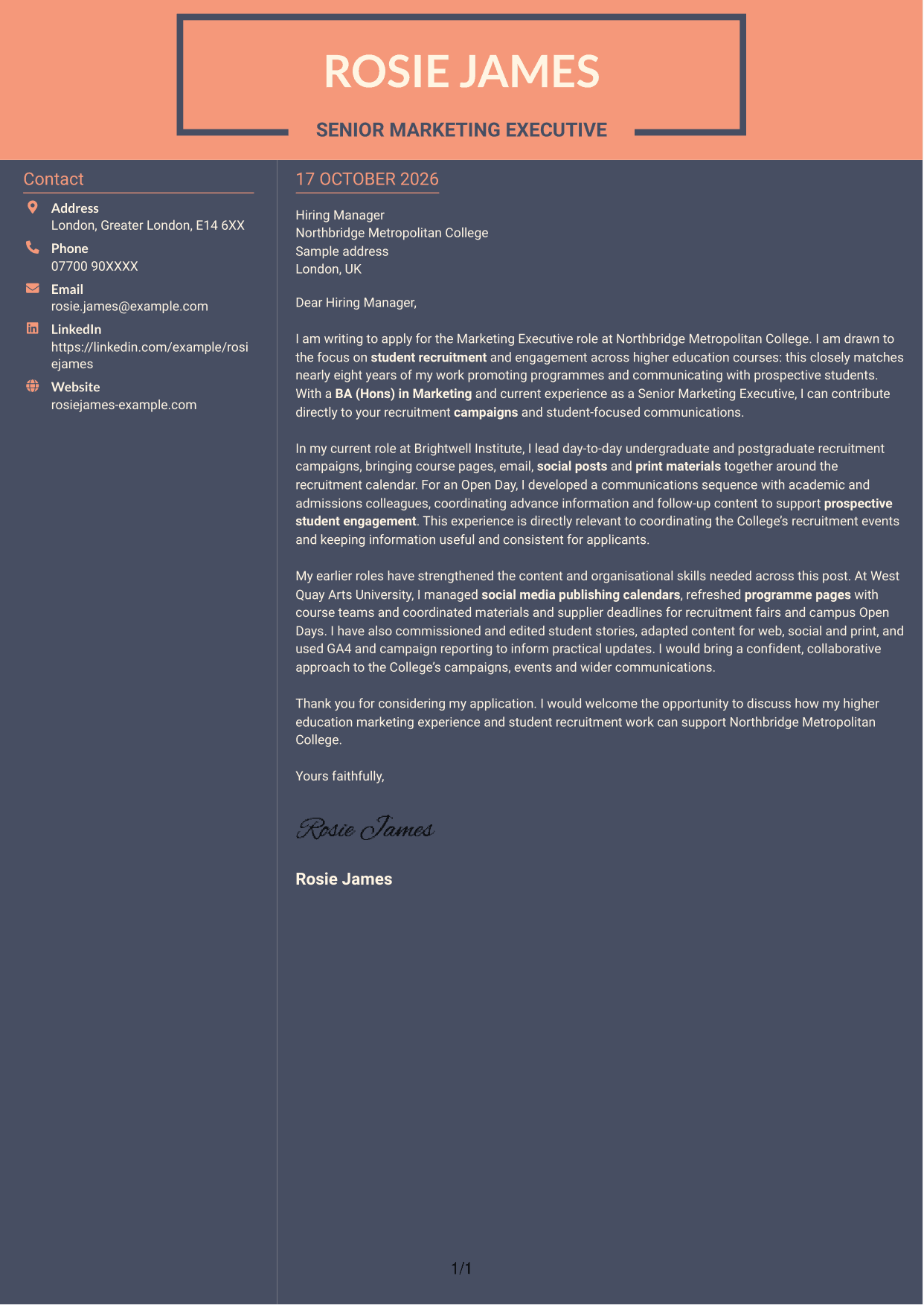
#7 Creative Two Tone Format Cover Letter Example
Creative Two Tone Format sets contact details in a sidebar beside the continuous letter body, a useful choice when readers want those areas distinct.
Why This Format Works
- A separate contact area lets the reviewer locate sender details quickly.
- The letter stays in one continuous column, keeping its paragraphs together.
- Side-by-side areas distinguish contact information from the application text.
Best For
- Separate contact and letter areas
- Continuous paragraph text
- Two-column reading order
- Clear access to sender details
- Text-led application letters
See Also
- 7 Marketing Executive - Student Recruitment Marketing CV Templates with Example
- 7 Operations Planning Manager - Rail Maintenance CV Templates with Example
- 7 Postgraduate Administrator - Admissions and Student Support CV Templates with Example
- 7 Cash Reconciliation Assistant - Retail and Wholesale Accounts CV Templates with Example
- 7 Associate, US Funds Tax CV Templates with Example
- 7 Associate - Export, Trade and Commodity Finance CV Templates with Example
- 7 Clinical Trainer - Robotic-Assisted Knee Surgery CV Templates with Example
- 7 Retail Assistant - Fashion Retail CV Templates with Example
- 7 Programme Coordinator - Adult English and Maths Projects CV Templates with Example
- 7 Audit Assistant Manager - Real Estate CV Templates with Example
Frequently Asked Questions
What should a Marketing Executive - Student Recruitment Marketing cover letter highlight?
Show how your marketing work supports student recruitment and engagement. Relevant examples may include coordinating course campaigns, creating clear content for different channels, promoting events and keeping programme information up to date.
How can I show that my experience fits this role?
Choose one or two examples that show your contribution. You could explain how you coordinated campaign content or worked with academic and admissions colleagues on Open Day communications, then connect that work to the needs of prospective students.
How should I explain my interest in student recruitment marketing?
Be clear about what draws you to promoting higher education courses and supporting prospective students. Link that reason to the work described in the role, rather than relying on general praise of the College.
What is a clear way to structure this cover letter?
Open by naming the role and giving your main reason for applying. Use the body to connect relevant campaign and event examples to the role, then close by restating your interest and welcoming a discussion.
Should I include every part of my marketing experience?
No. Focus on the experience that best shows your fit for student recruitment marketing. A few relevant examples of campaign delivery, content creation or event support can make your case more clearly than a full work history.




