
7 Mid Python Developer - Reporting and API Engineering Cover Letter Templates with Example
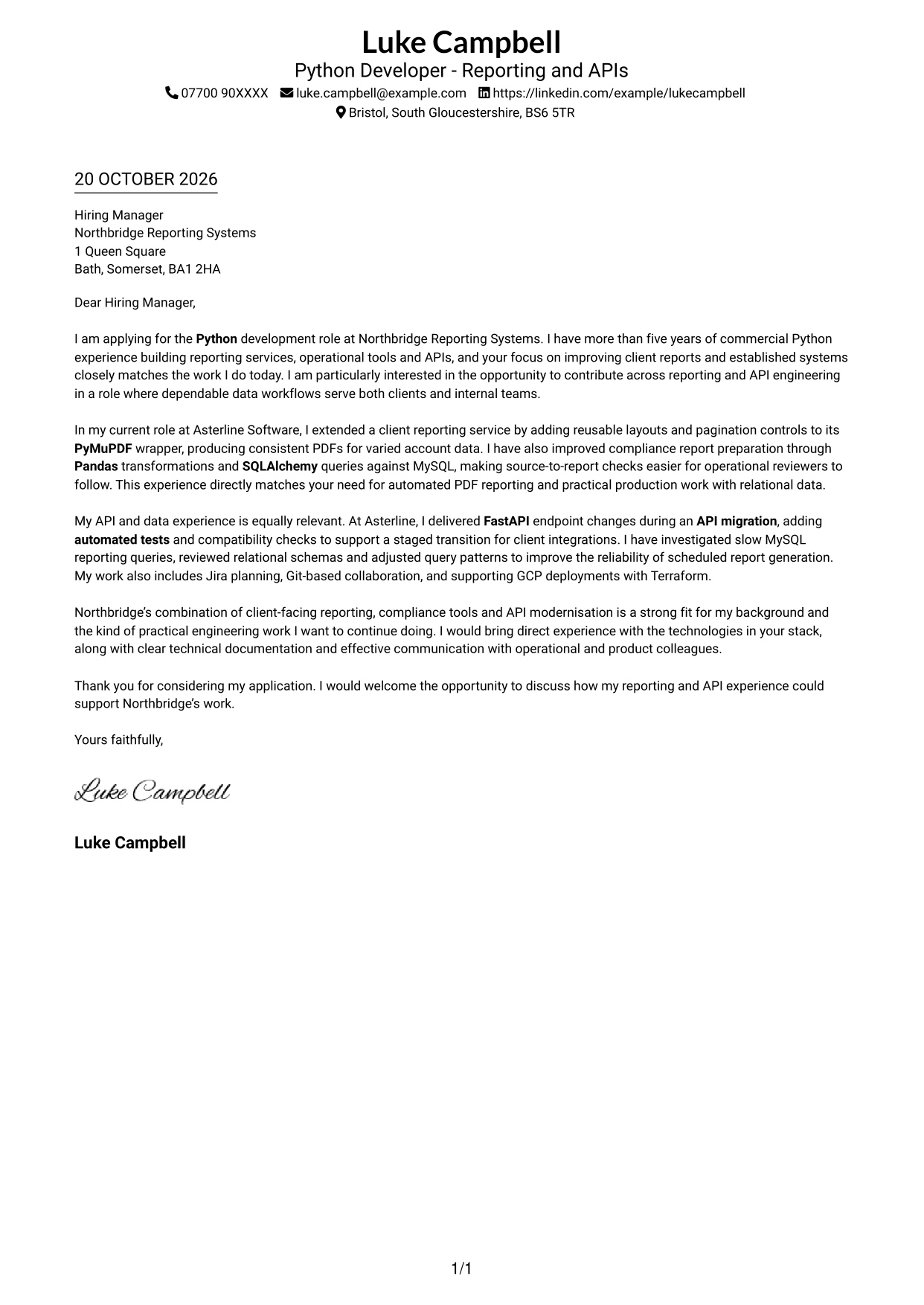
This guide to a Mid Python Developer - Reporting and API Engineering cover letter shows how to present your role fit across seven layouts.
What Makes a Great Mid Python Developer - Reporting and API Engineering Cover Letter in 2026
A strong letter links your Python reporting and API experience to the role’s needs. Open with a clear reason for applying, then show how your work can support reliable reporting and API improvements.
Use specific evidence, such as extending a PyMuPDF reporting wrapper, improving compliance workflows with Pandas and SQLAlchemy, or testing FastAPI migration changes. Explain how your approach fits the employer’s work and why the role interests you.
The featured example moves from interest in the role to focused evidence about PDF reporting, compliance workflows and API changes, then closes with a clear invitation to discuss fit; adapt this progression and choose a presentation that suits the employer and communication context.
#1 Simple One Column Format Cover Letter Example
A single-column layout keeps the sender details in the header and the letter body in one direct reading path.
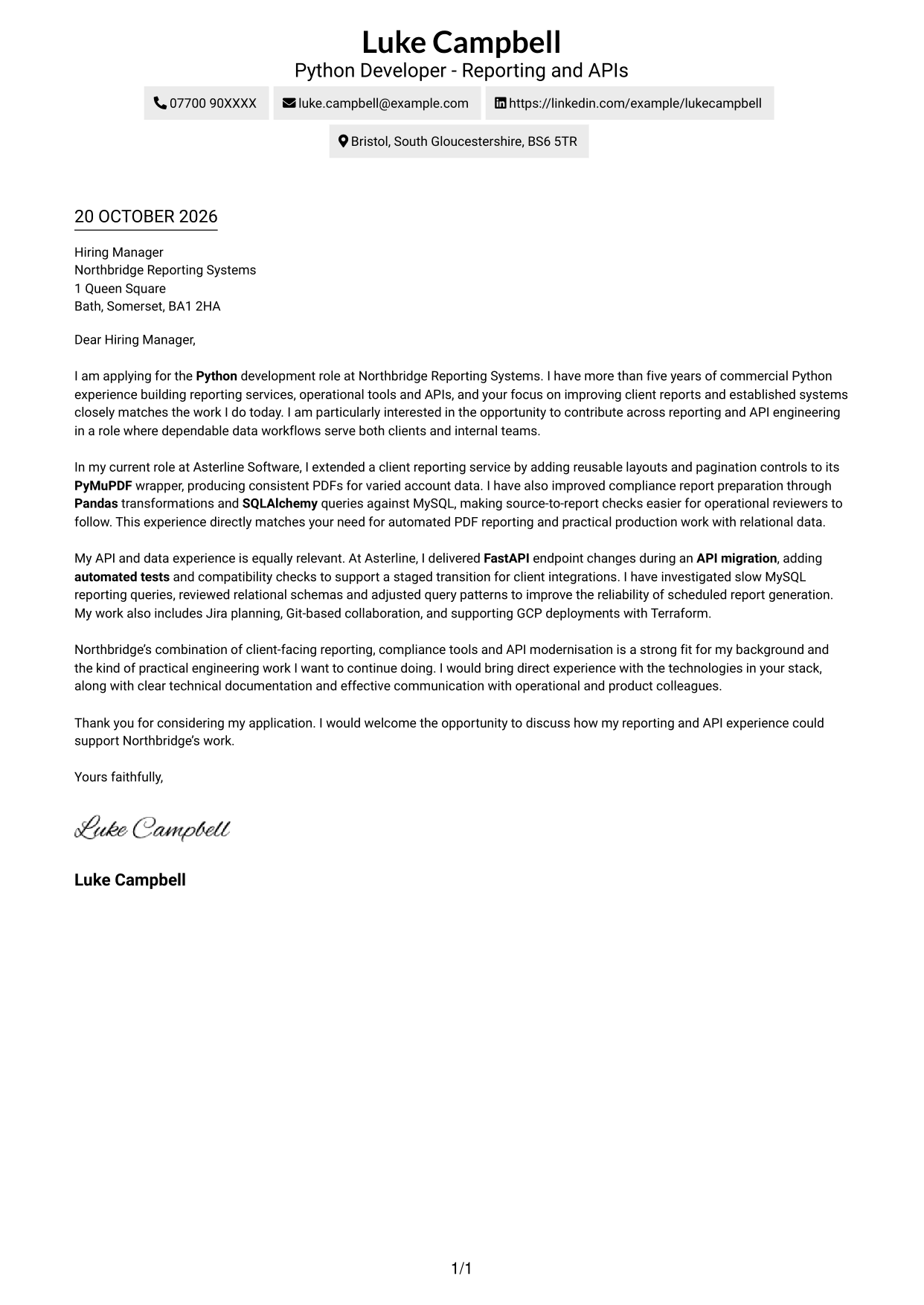
Why This Format Works
- The header keeps sender details apart from the continuous letter body.
- One reading path lets the reviewer follow motivation, evidence and closing in order.
- Without a photo, the page gives its visual space to the written case.
Best For
- Paragraph-led application letters
- A single reading path
- Sender details in the header
- Written motivation and evidence
- Photo-free letter layouts
#2 Two Column Format Cover Letter Example
A contact sidebar sits beside one continuous letter column, keeping contact details apart from the application’s persuasive message.
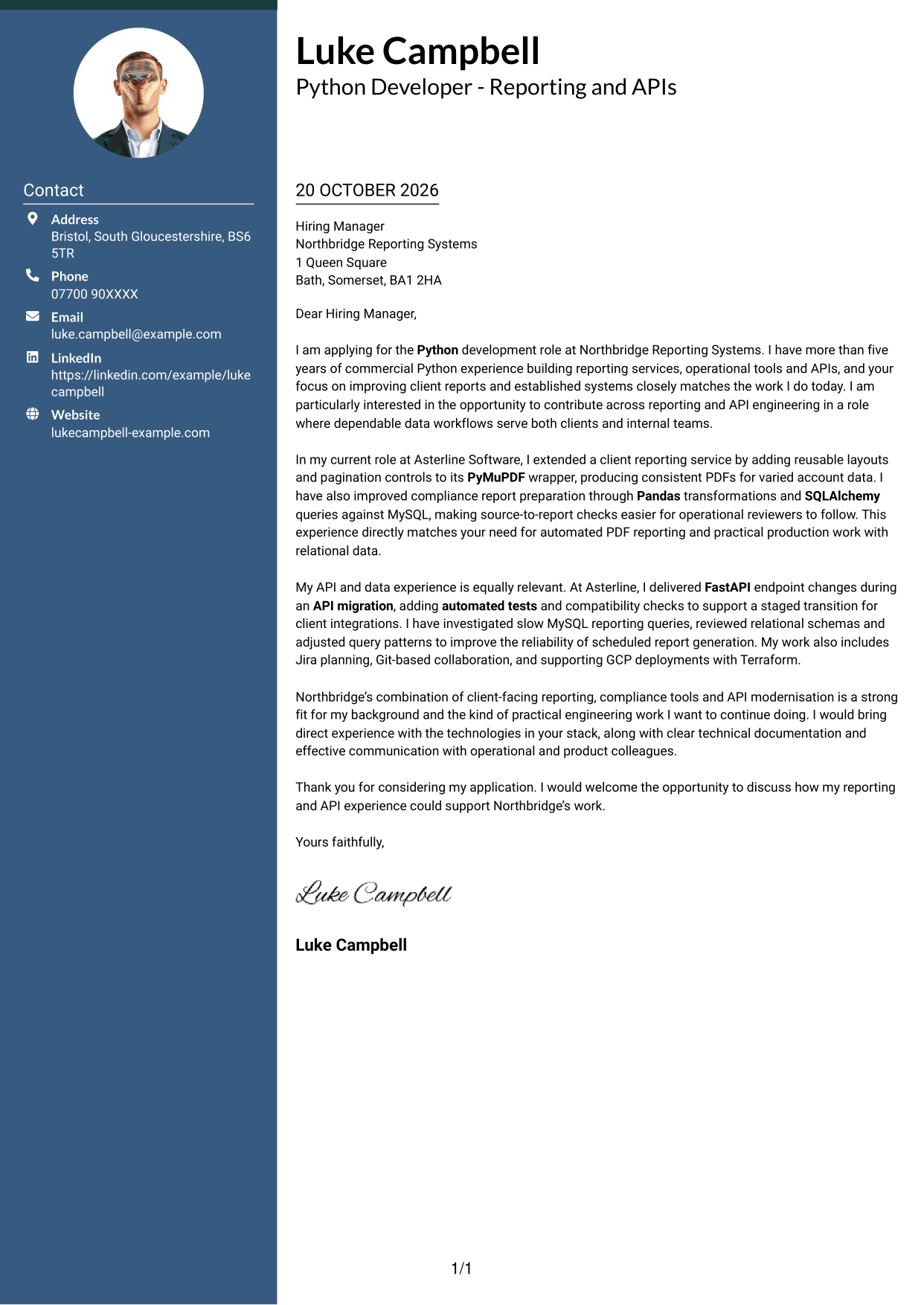
Why This Format Works
- Contact details stay apart from the letter’s persuasive message in the sidebar.
- The single body column lets the reviewer follow each paragraph in sequence.
- With no photo, the page keeps attention on written communication.
Best For
- Contact details easy to locate
- Unbroken persuasive paragraphs
- Sender information beside letter text
- Text-focused applications without a portrait
- Letters with a clear reading order
#3 Photo Header Two Column Format Cover Letter Example
The photo header adds a personal visual detail, while the contact sidebar and single letter column keep details and argument distinct.
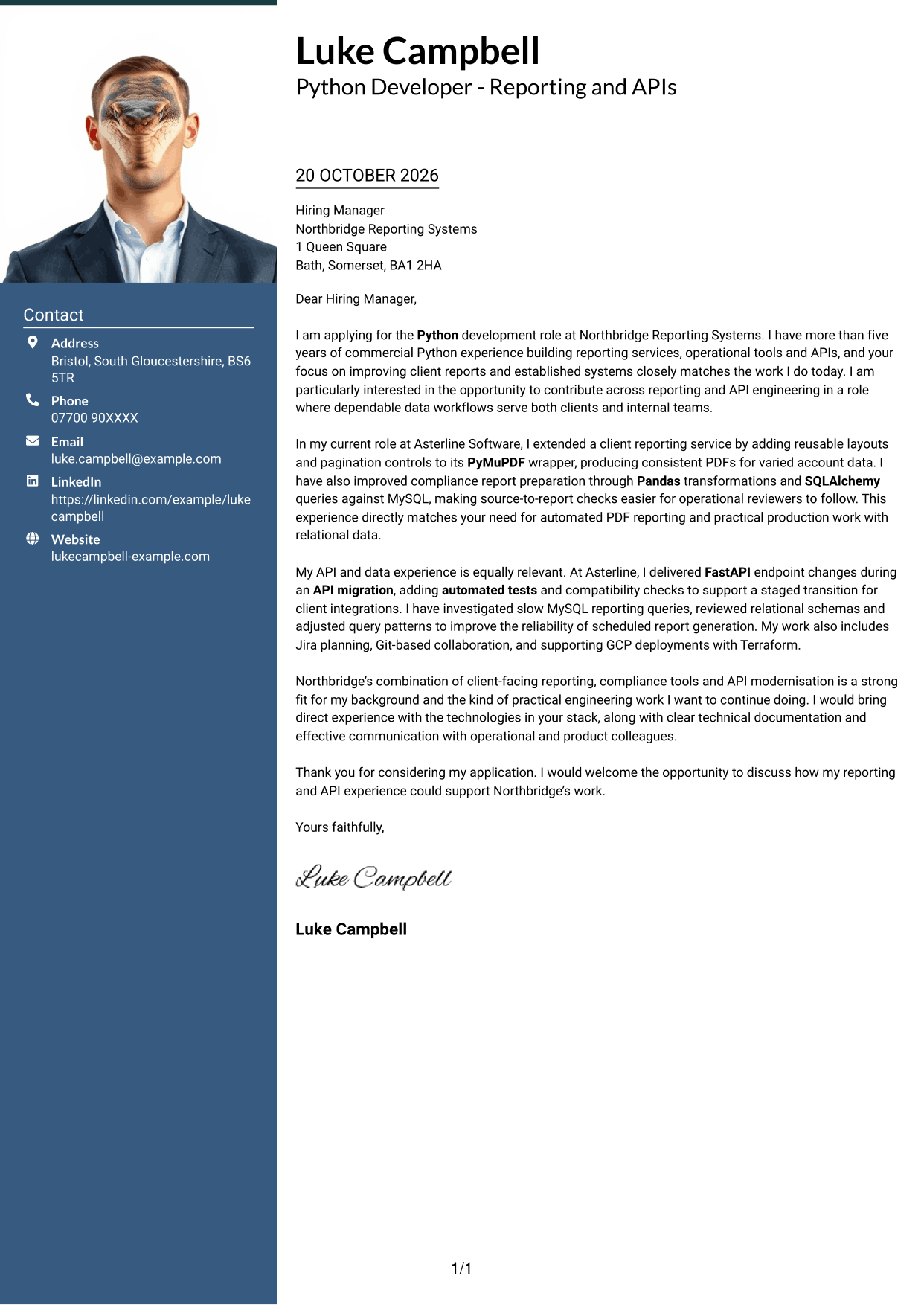
Why This Format Works
- The photo header adds a personal visual detail before the letter begins.
- Contact details remain separate while the argument stays in one body column.
- Continuous paragraphs preserve the letter’s progression from motivation to closing.
Best For
- Applications where a portrait is expected
- Contact details separate from letter text
- Continuous paragraph arguments
- A clear reading order
- Letters with concise contact information
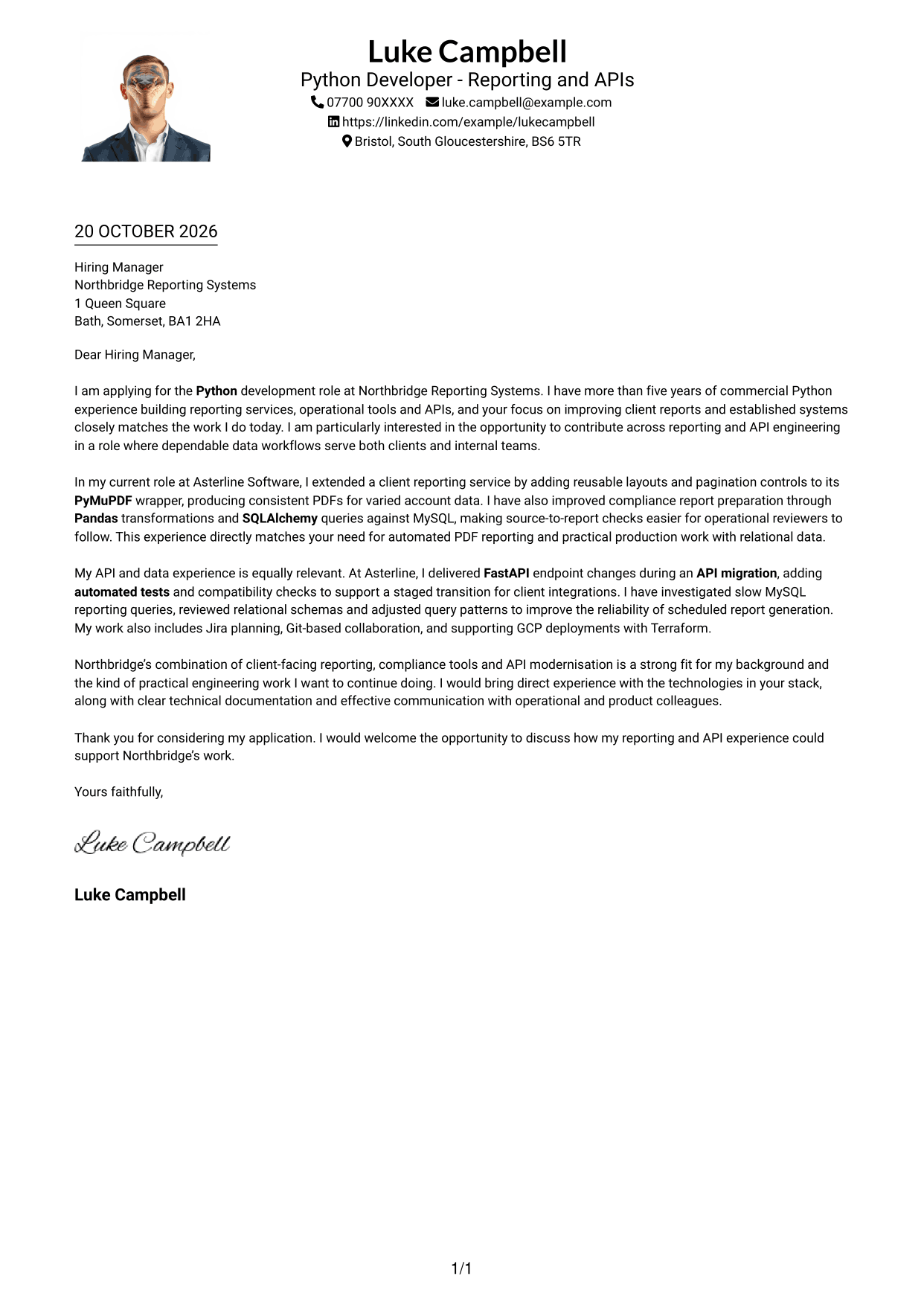
#4 One Column Format with Photo Cover Letter Example
A single-column letter includes a photo while keeping the message in a straightforward top-to-bottom order.
Why This Format Works
- The photo adds a personal visual element without changing the single-column letter body.
- Sender details in the header leave the message to carry the full case.
- One reading path keeps the opening, supporting examples and close in sequence.
Best For
- Portrait-inclusive single-column letters
- A straightforward reading path
- Sender details in the header
- Continuous persuasive text
- Applications where a photo is requested
#5 Simple Two Column Format Cover Letter Example
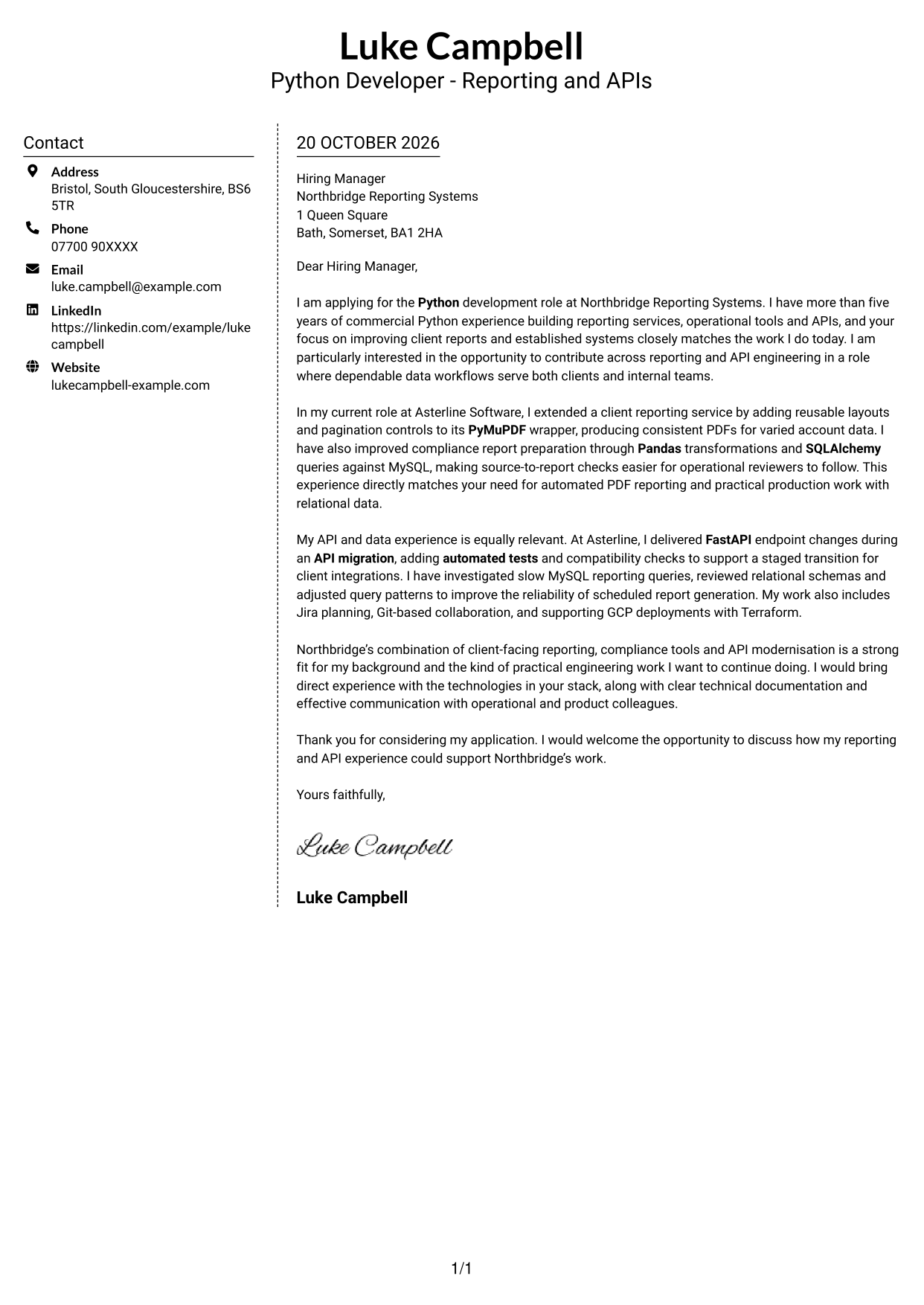
The contact sidebar gives sender details their own column, while the letter itself remains one continuous sequence.
Why This Format Works
- Sender details occupy a separate sidebar, leaving the letter text uninterrupted.
- The reviewer can follow motivation and evidence down one continuous body column.
- Without a portrait, the design keeps attention on the written application.
Best For
- Contact information in a separate column
- A continuous letter body
- Text-first application documents
- Clear separation of sender and message
- Photo-free letter layouts
#6 Modern Icon Format Cover Letter Example
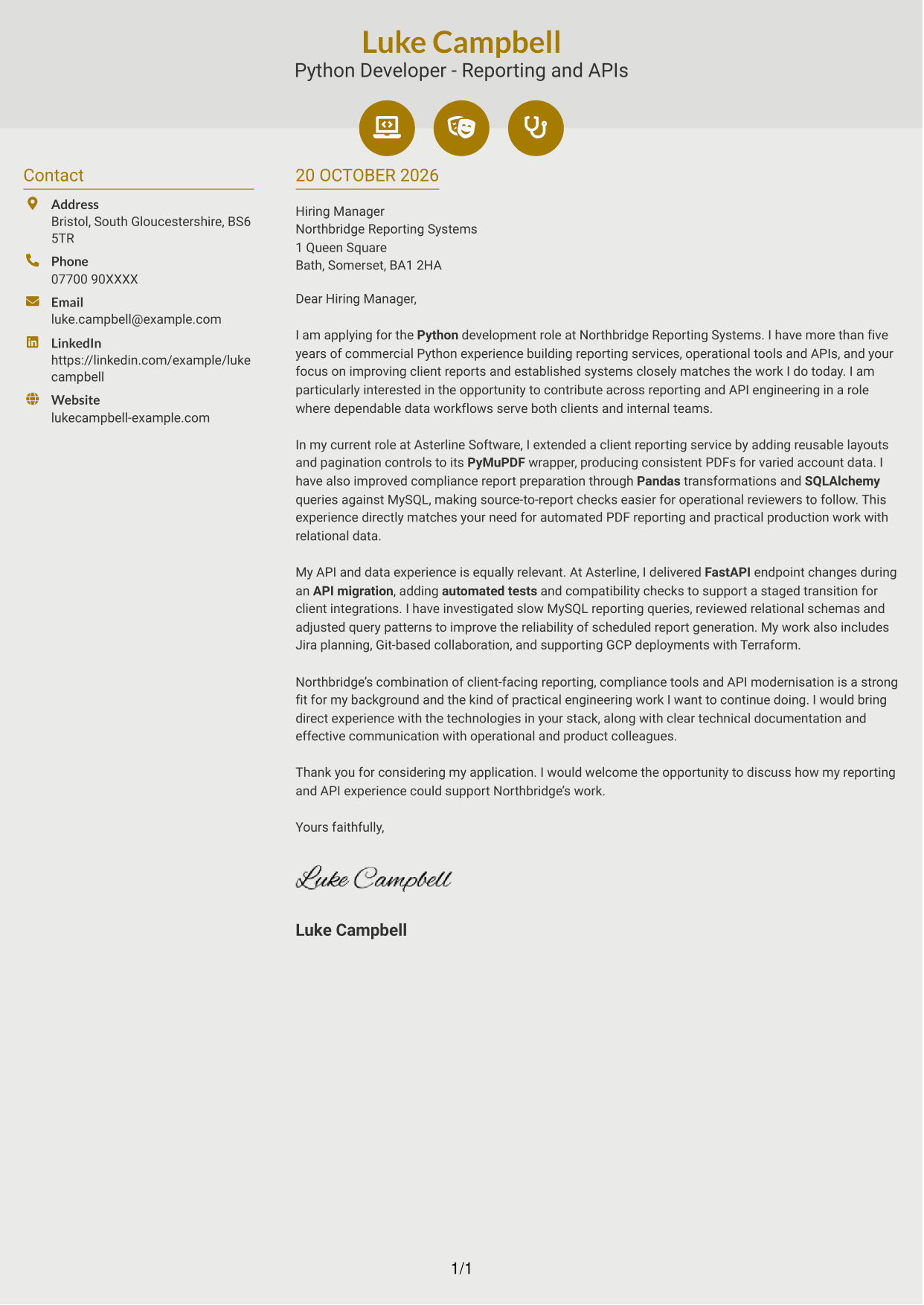
Contact icons add visual cues to the sidebar, while the main column carries the complete letter without section labels.
Why This Format Works
- Contact icons identify practical details without labelling the letter’s argument.
- Separate columns distinguish sender information from the continuous persuasive message.
- One body column keeps motivation, evidence and closing in a natural sequence.
Best For
- Contact details with visual cues
- One continuous letter column
- A clear distinction between contact and message
- Paragraph-led application letters
- Applications without a portrait
#7 Creative Two Tone Format Cover Letter Example
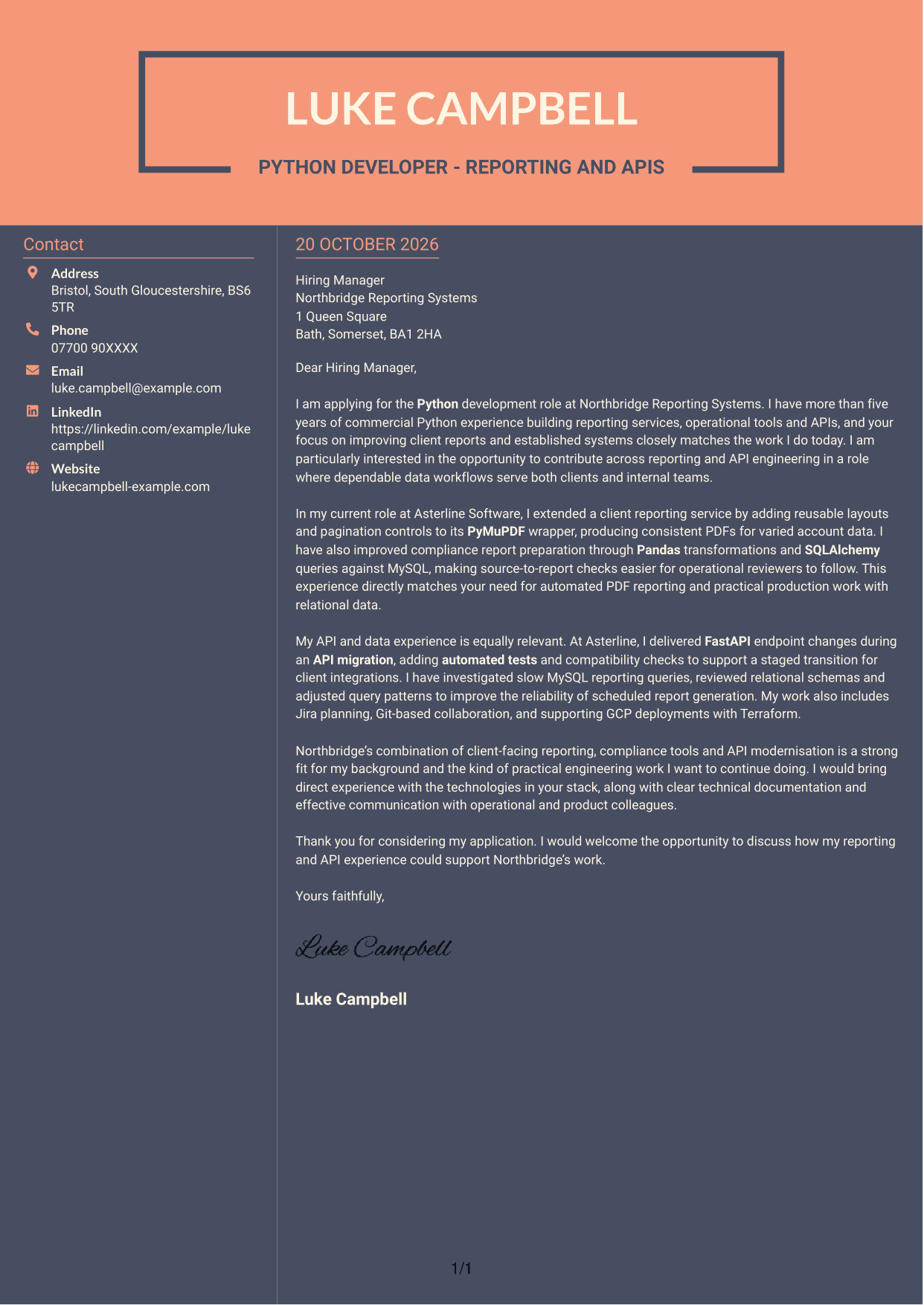
The contact details have their own column beside the continuous letter body, keeping the sender information distinct from the message.
Why This Format Works
- Contact details have their own column beside the continuous letter body.
- Keeping argument paragraphs together lets reviewers follow motivation through to the close.
- No photo leaves the written message as the page’s visual focus.
Best For
- Contact details apart from letter text
- A continuous persuasive message
- Clear reading from opening to close
- Text-led application documents
- Photo-free letter layouts
See Also
- 7 Mid Python Developer - Reporting and API Engineering CV Templates with Example
- 7 Graduate / Junior Developer - Python, Linux, C# and Java CV Templates with Example
- 7 Infrastructure Python Developer CV Templates with Example
- 7 Junior Python Developer CV Templates with Example
- 7 Python Developer - AI / LLM Platform CV Templates with Example
- 7 Python Django Developer CV Templates with Example
- 7 Senior Python Developer - Cloud Automation CV Templates with Example
- 7 Senior Python Developer CV Templates with Example
- 7 Graduate / Junior Developer - Python, Linux, C# and Java Cover Letter Templates with Example
- 7 Infrastructure Python Developer Cover Letter Templates with Example
Frequently Asked Questions
How can I make my reporting experience relevant to this role?
Describe a specific reporting task, the steps you took and the result. For example, explain how you used Pandas, SQLAlchemy or MySQL to make data checks clearer or scheduled reports more reliable.
How should I explain my API experience?
Choose a clear example of an endpoint change or API migration. State how you tested the change and how your work helped support a safe transition for users or connected services.
How can I show interest in the employer?
Refer to the role’s mix of client reporting, compliance tools and API modernisation. Explain which part interests you and connect it to the contribution you would like to make.
What is a clear way to structure this cover letter?
Open with the role and your reason for applying. Use the body to give focused evidence about reporting and API work, then close by restating your interest and inviting further discussion.




