
7 Office Administrator - Engineering Service Coordination CV Templates with Example
This guide shows you how to create an Office Administrator - Engineering Service Coordination CV that presents your relevant strengths clearly. You will learn how to organise your evidence and choose a professional layout that is easy to review.
For this role, make scheduling, engineer support and customer service easy to find. Use clear examples of diary management, fault triage, London postcode knowledge, CRM records and job administration, with results where you can support them.
Compare the example presented in 7 layouts using the PNG image previews, then open a preferred example in the editor to customise it. The guide also explains how to make your CV easy for people and applicant tracking systems to scan.
What Makes a Great Office Administrator - Engineering Service Coordination CV in 2026
A strong CV puts service coordination, office administration and engineer support near the top. Use concise experience bullets to show how you schedule work, handle enquiries and keep jobs moving.
Include relevant terms such as reactive repairs, planned maintenance, fault triage, CRM records, work orders and compliance paperwork. Add figures only when you can verify them.
Note: CV examples are for educational purposes only. Use only information that accurately reflects your experience and qualifications. References to real organisations do not imply affiliation or endorsement.
#1 Plain Two Column Format CV Example
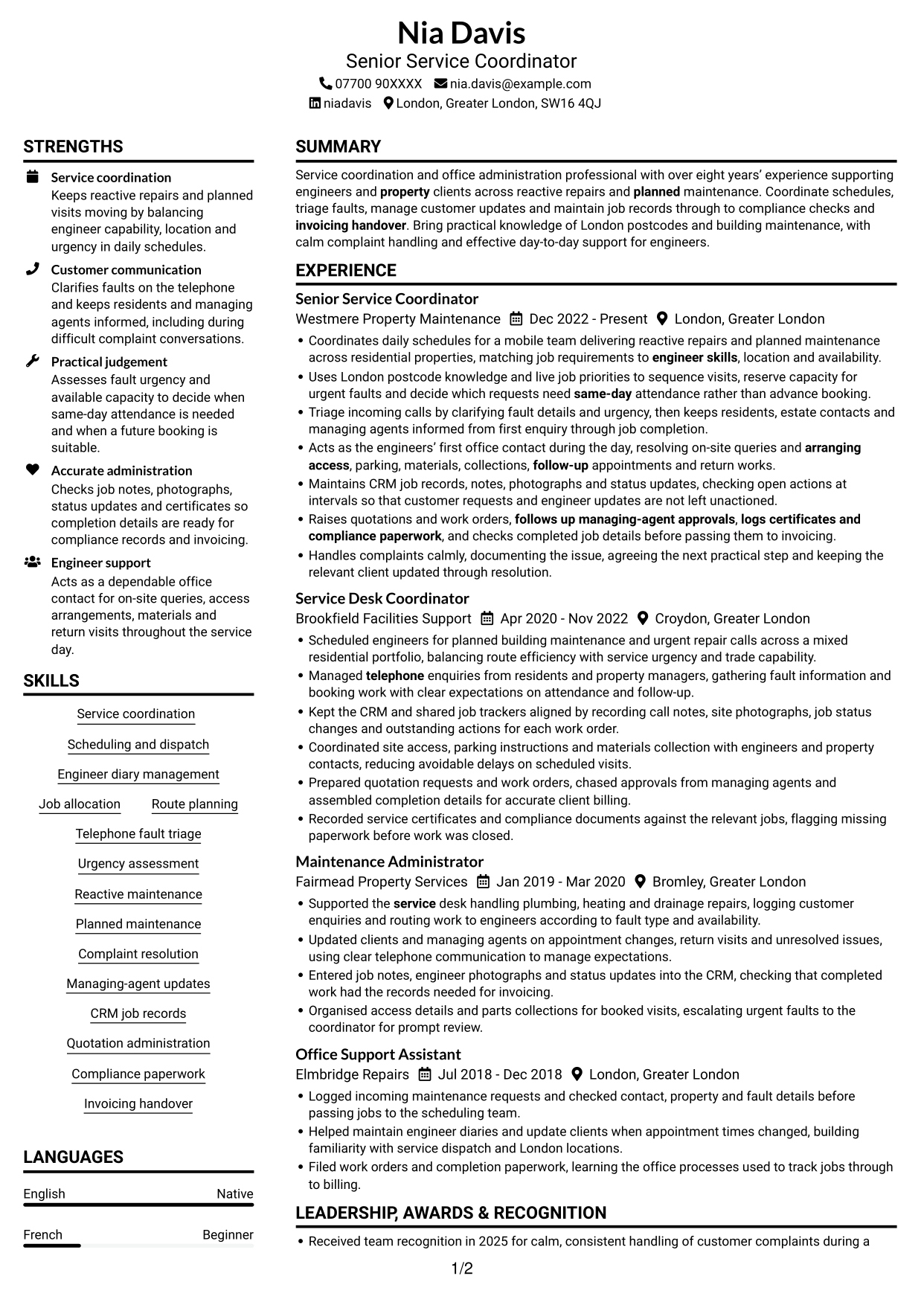
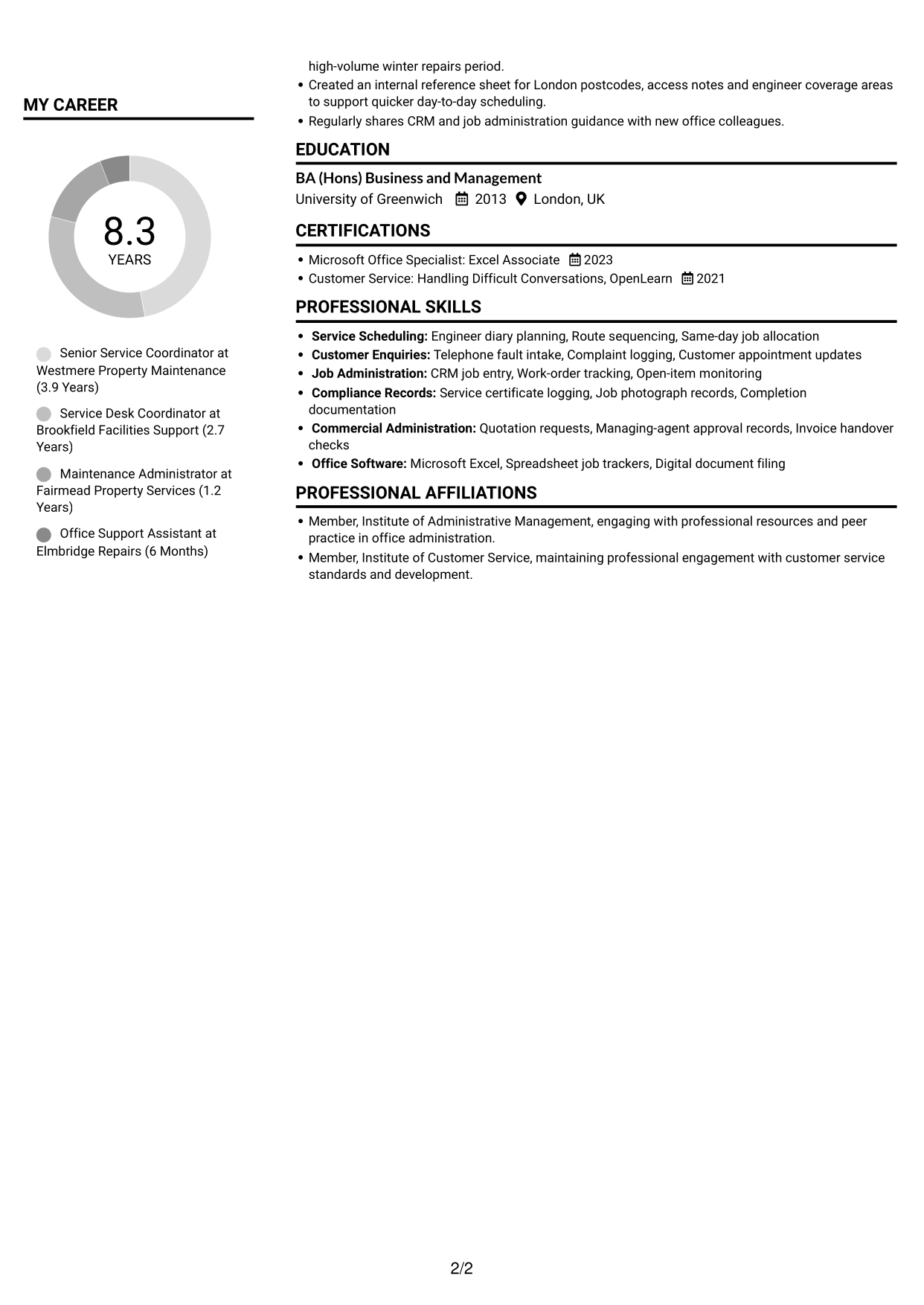
Plain Two Column Format uses two content columns, offering a clear choice for readers who prefer information arranged in separate areas.
CV Snapshot
- Senior Service Coordinator
- Over eight years’ experience in service coordination and office administration
- BA (Hons) Business and Management, University of Greenwich
- Microsoft Office Specialist: Excel Associate, 2023
Why This Format Works
- Separate content areas help reviewers find experience and supporting details without searching the full CV.
- Distinct section breaks make education, certifications and career history easier to identify.
- Two reading areas can keep skills and qualifications distinct from detailed role entries.
Best For
- CVs with several content sections
- Career history alongside supporting details
- Quick access to skills and qualifications
- Detailed work histories with clear section groups
- Readers comparing experience and credentials
CV Keywords
- Service coordination
- Scheduling and dispatch
- Coordinates daily schedules for a mobile team delivering reactive repairs and planned maintenance across residential properties
- matching job requirements to engineer skills, location and availability
- Route planning
- Managed telephone enquiries from residents and property managers
- fault triage
- Urgency assessment
- decide which requests need same-day attendance rather than advance booking
- Planned maintenance
- Handles complaints calmly, documenting the issue, agreeing the next practical step and keeping the relevant client updated through resolution.
- keeps residents, estate contacts and managing agents informed from first enquiry through job completion
- Engineer support
- arranging access, parking, materials, collections, follow-up appointments and return works
- arranging access, parking
#2 Simple One Column Format CV Example
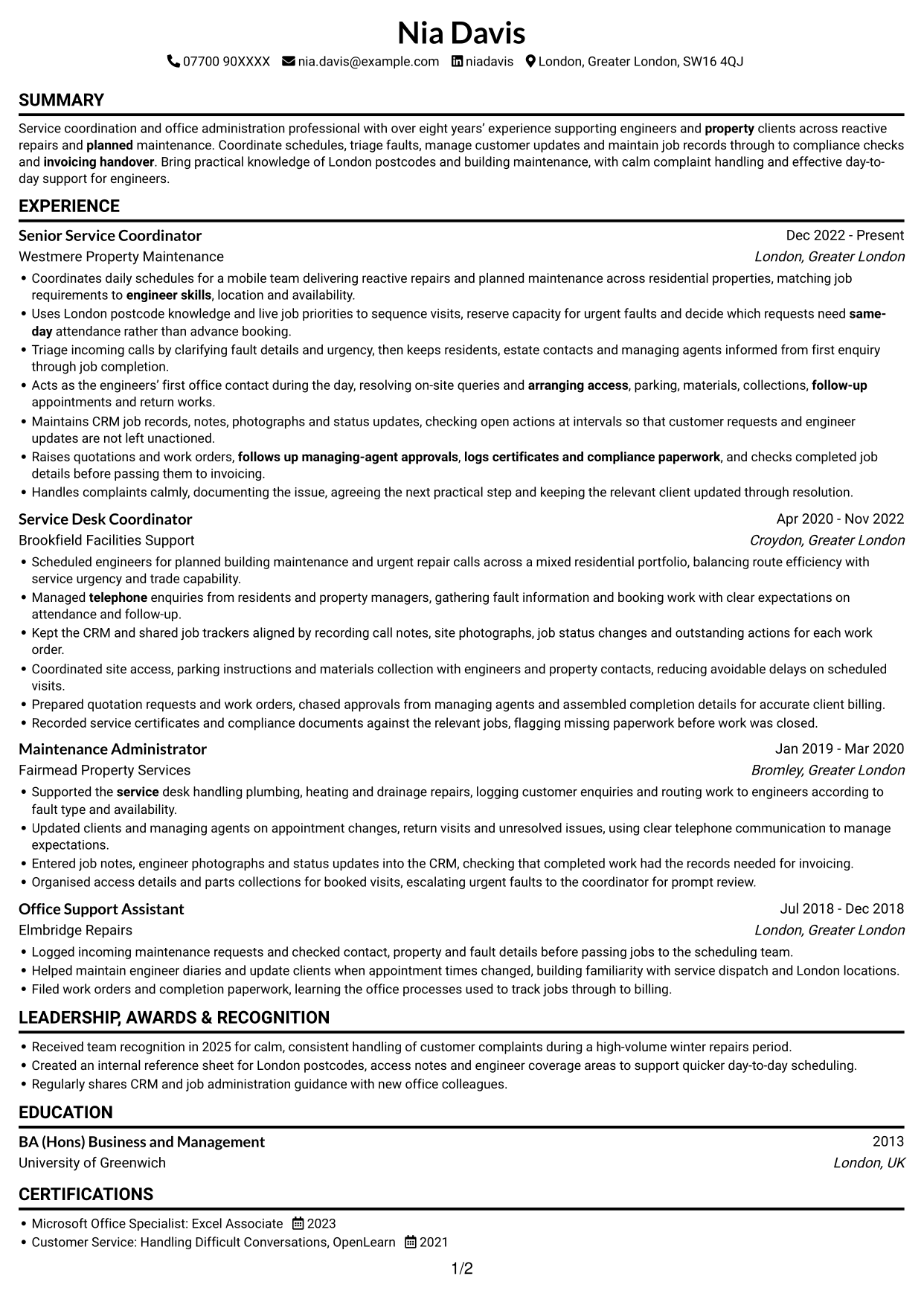
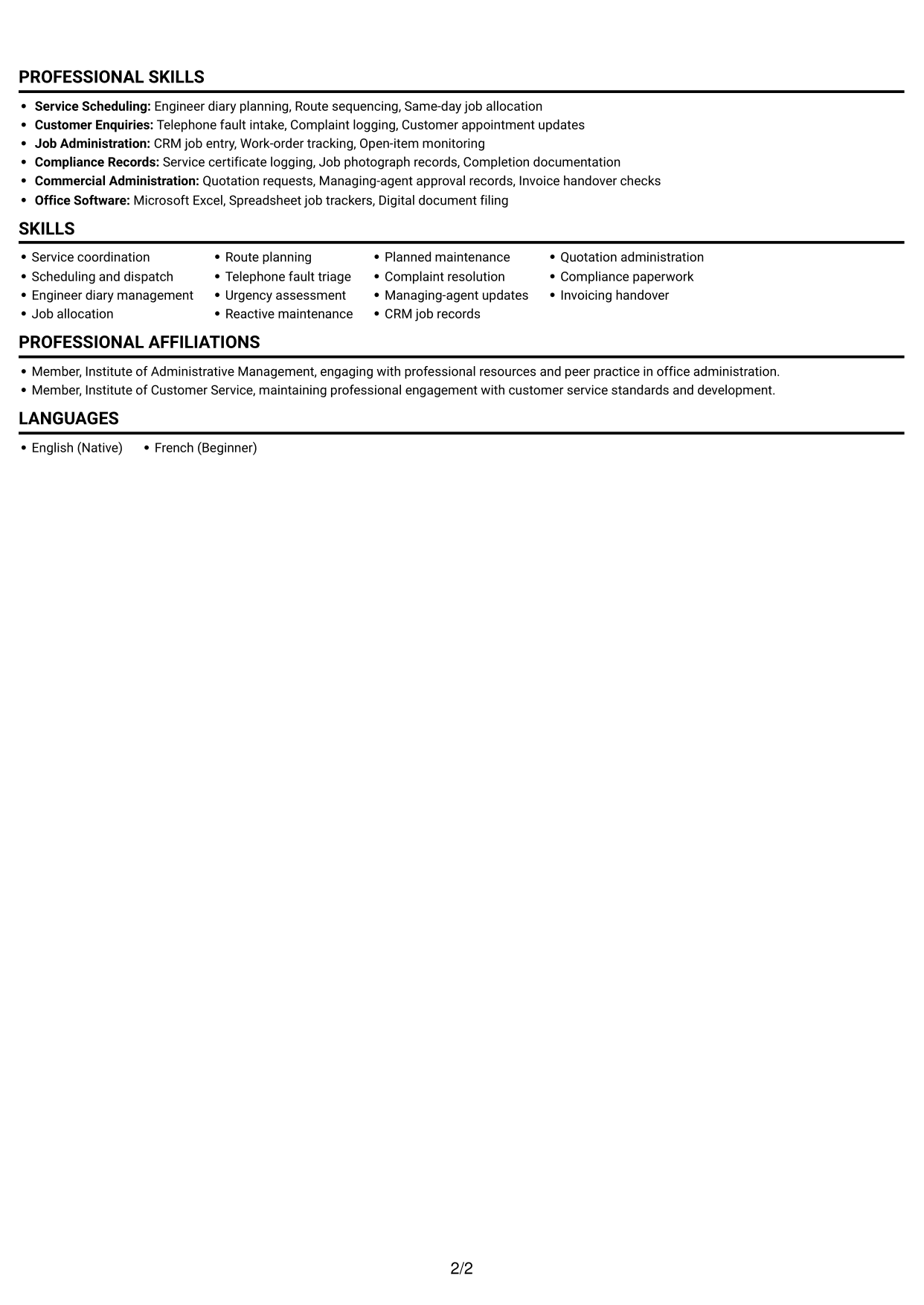
Simple One Column Format keeps the CV in a single reading column, suiting readers who prefer to follow each section in sequence.
Why This Format Works
- A single reading path helps reviewers follow career progression from one role to the next.
- Section order gives education and certifications a clear place after career details.
- Full-width entries allow experience and achievement bullets to be read in sequence.
Best For
- Chronological work histories
- CVs needing a clear top-to-bottom order
- Section-by-section recruiter review
- Detailed role entries in sequence
- Straightforward education and certification records
#3 Clean Two Column Sidebar Format CV Example
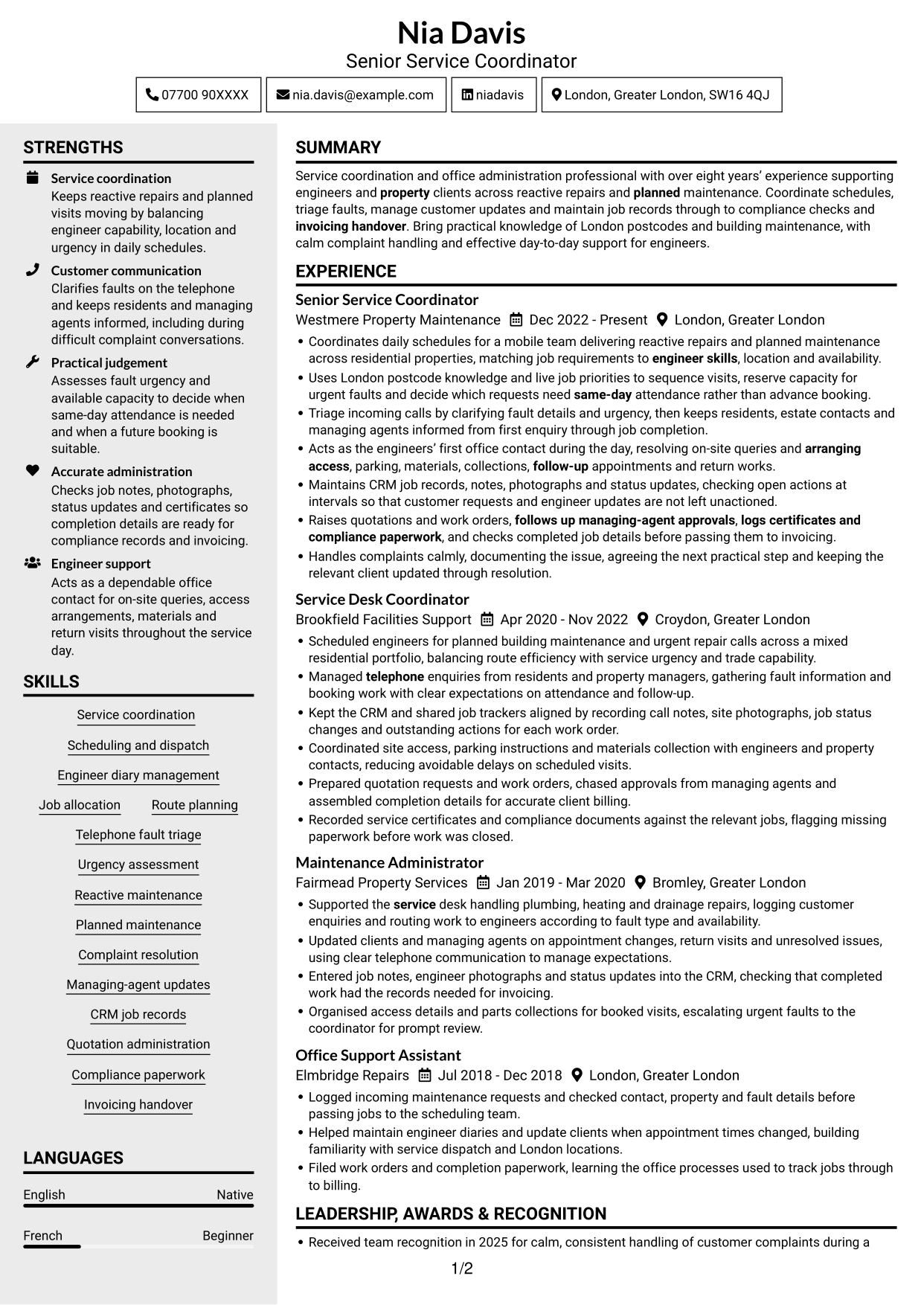
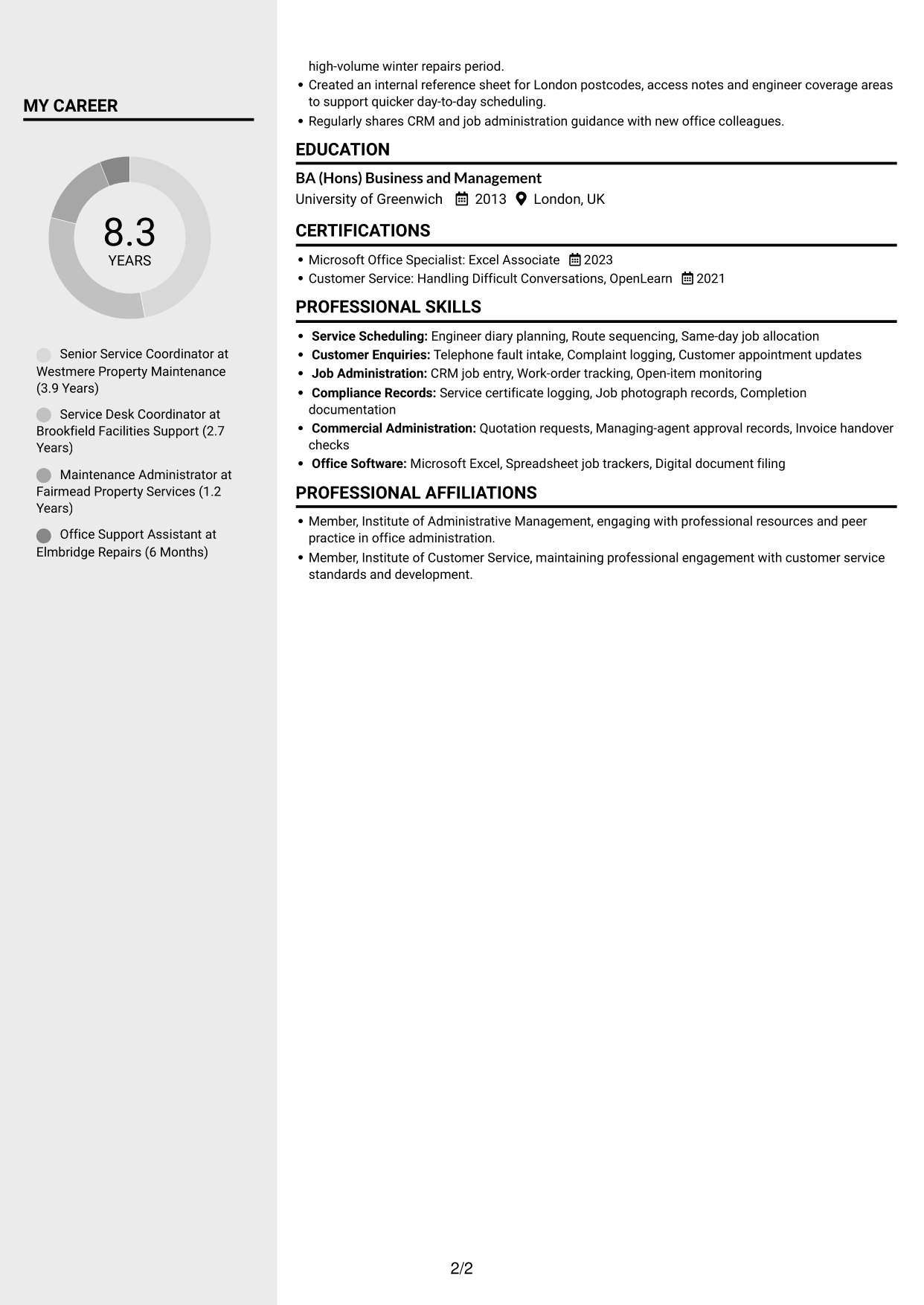
Clean Two Column Sidebar Format divides the CV into two content columns, a practical option for readers who want information grouped across the page.
Why This Format Works
- Grouped content helps reviewers move between career history and other CV sections.
- Separate areas make skills and credentials easier to locate during a quick review.
- Two columns provide a clear structure for experience, education and supporting details.
Best For
- CVs with varied section types
- Career history with supporting information
- Readers locating skills and credentials
- Applications with both experience and education
- Grouped details across two reading areas
#4 Two Column Format CV Example
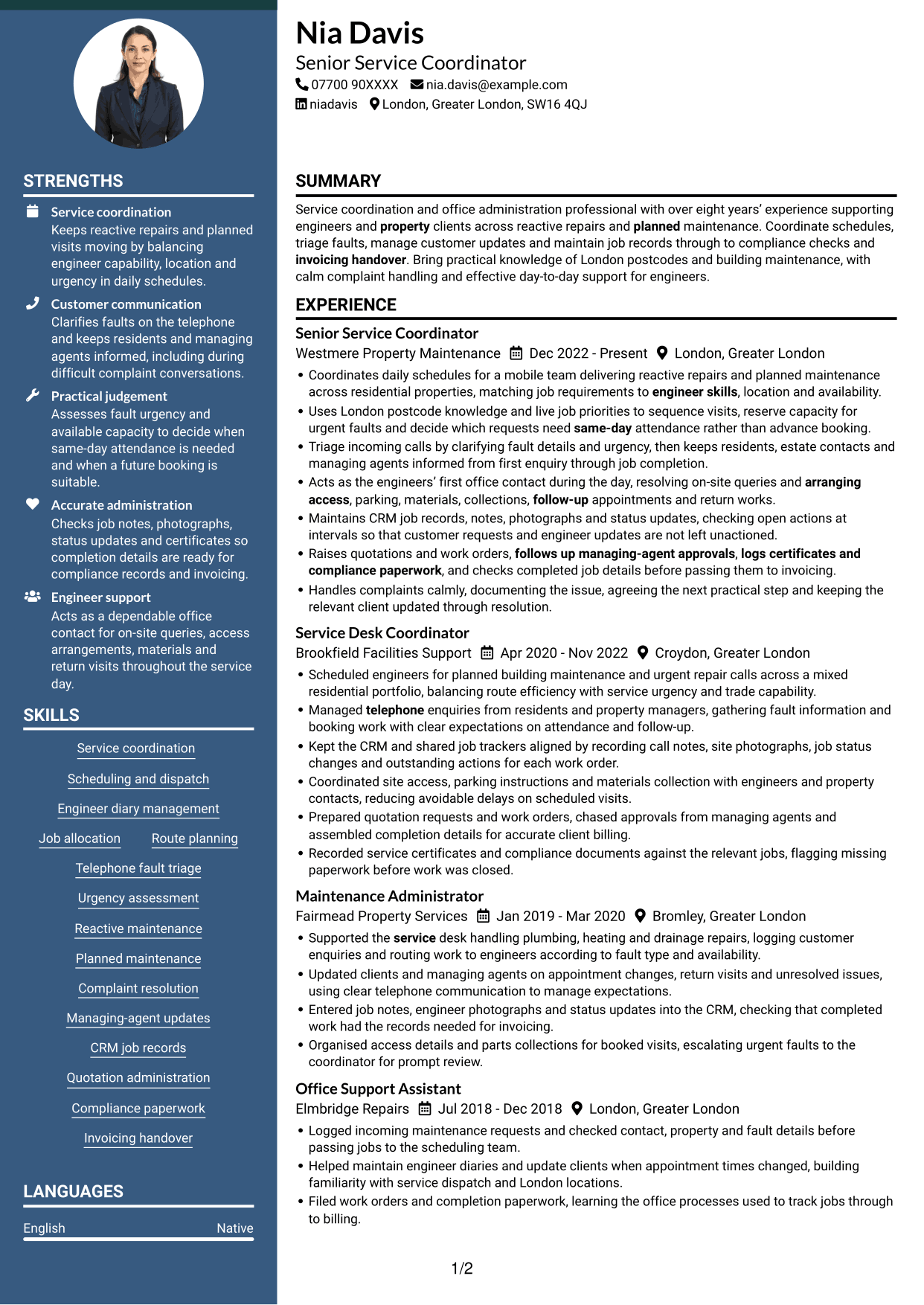
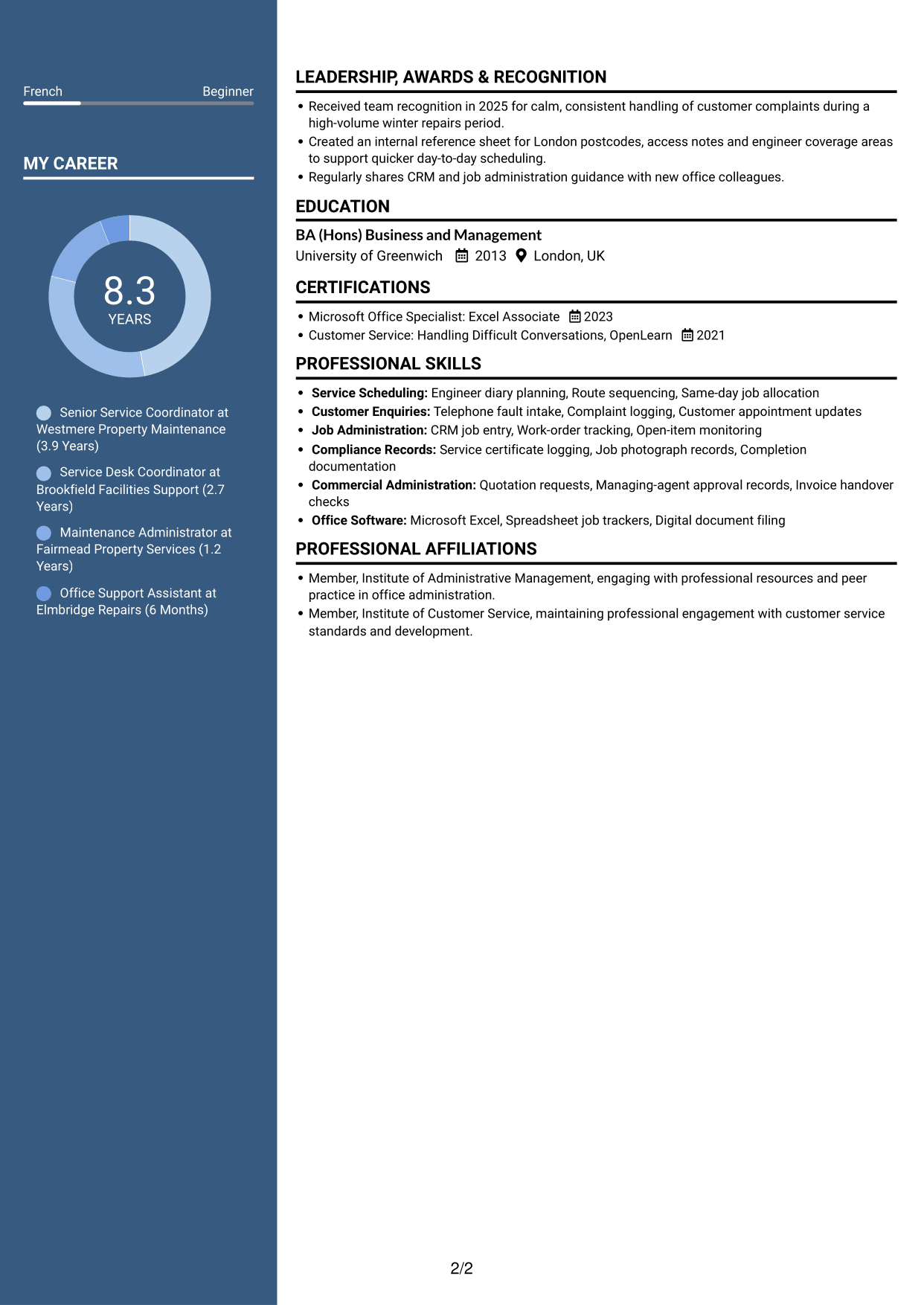
Two Column Format places CV content in two reading areas, helping readers choose a layout that separates information across the page.
Why This Format Works
- The two reading areas help distinguish career history from other supporting sections.
- Reviewers can locate education and certifications without reading every experience entry first.
- Clear section grouping supports quick checks of achievements, skills and work history.
Best For
- CVs with detailed experience
- Quick checks of education and credentials
- Career history with several supporting sections
- Readers comparing skills and work history
- Information arranged in two reading areas
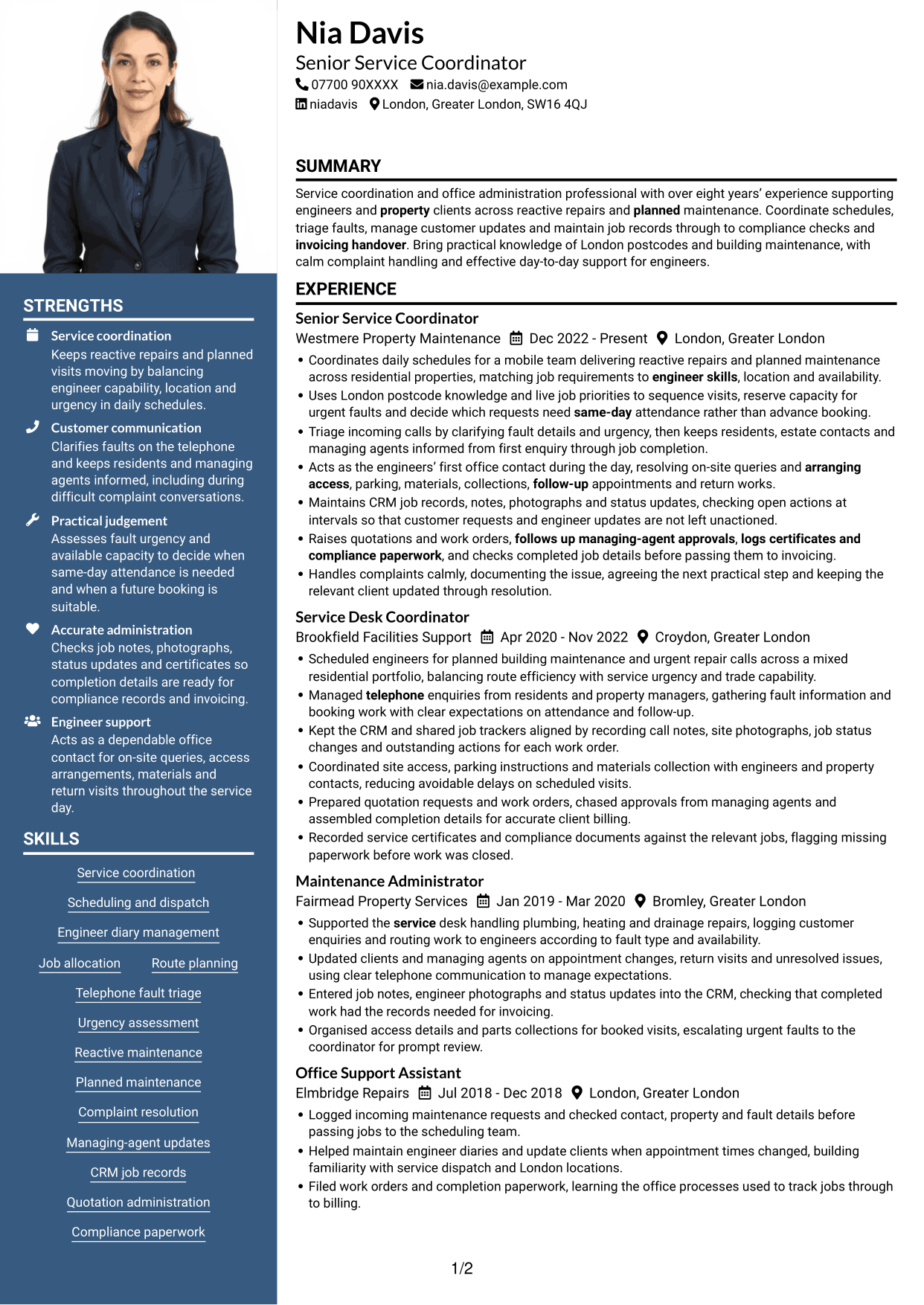
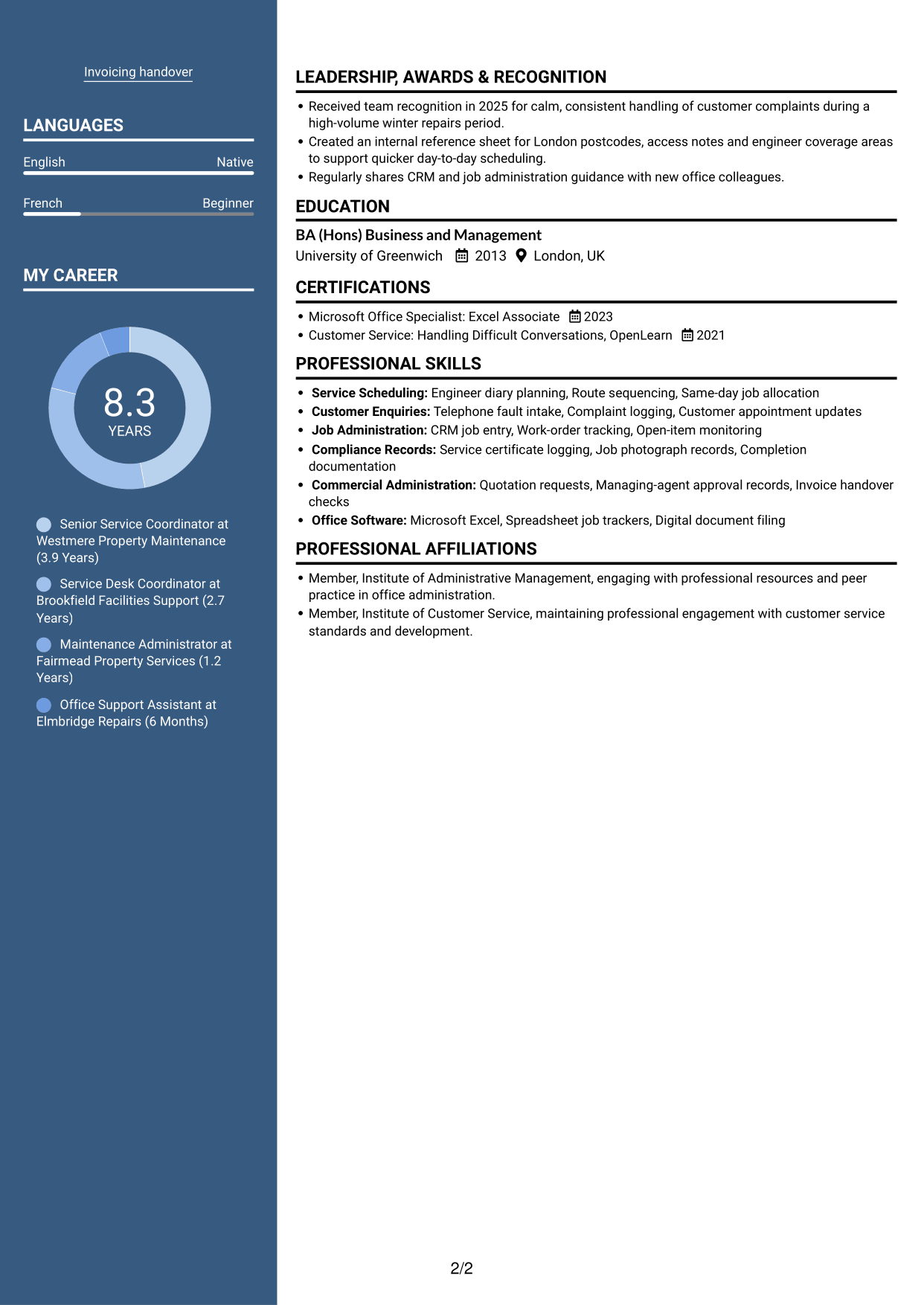
#5 Photo Header Two Column Format CV Example
Photo Header Two Column Format combines a portrait with two content columns, suiting readers who want a photo included alongside a divided CV layout.
Why This Format Works
- Two content areas help reviewers distinguish career details from other CV sections.
- Section grouping makes qualifications and education easier to find during a brief review.
- A portrait provides a visual identifier while experience remains organised in the CV.
Best For
- CVs where a portrait is preferred
- Career details with supporting sections
- Readers seeking quick access to qualifications
- Applications with education and experience
- Two-column content with a visual identifier
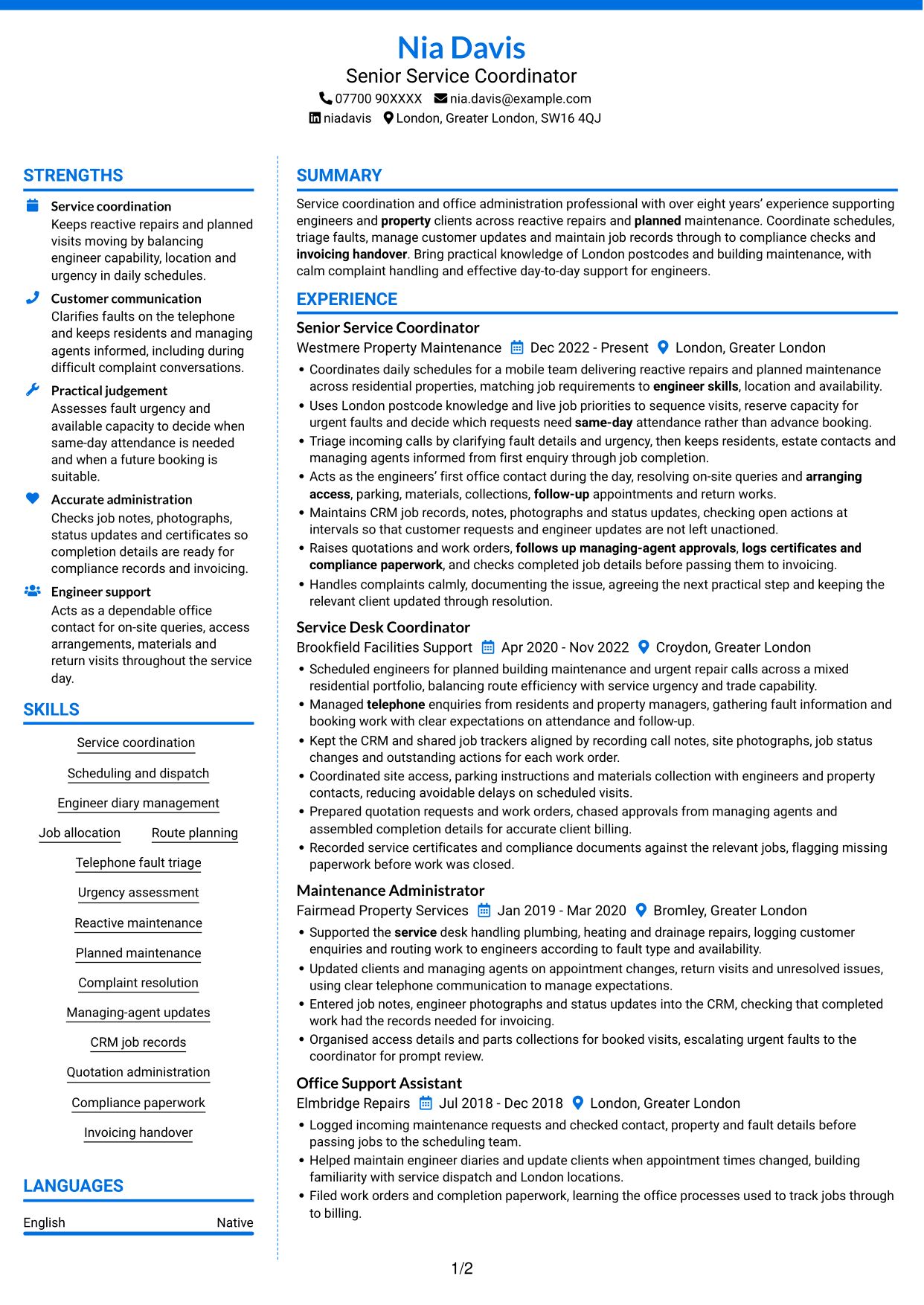
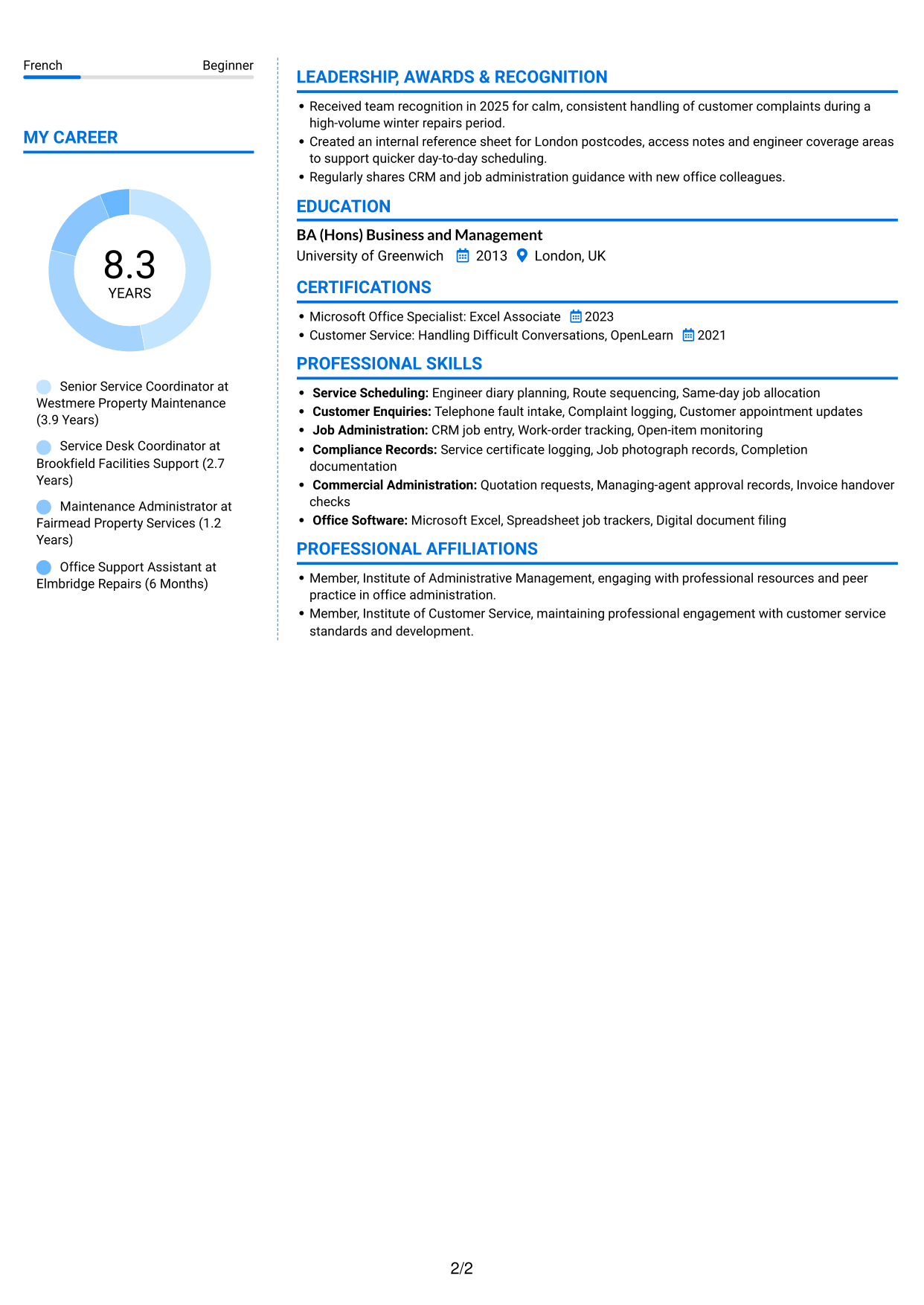
#6 Coloured Two Column Format CV Example
Coloured Two Column Format arranges the CV in two content columns, giving readers who prefer divided information a format to consider.
Why This Format Works
- The two-column structure separates career history from supporting CV information.
- Distinct content areas help reviewers find skills, education and credentials more directly.
- Section grouping keeps experience details and achievements easier to compare.
Best For
- CVs with several supporting sections
- Experience paired with related details
- Readers locating education and credentials
- Work histories with achievement details
- Information split across two content areas
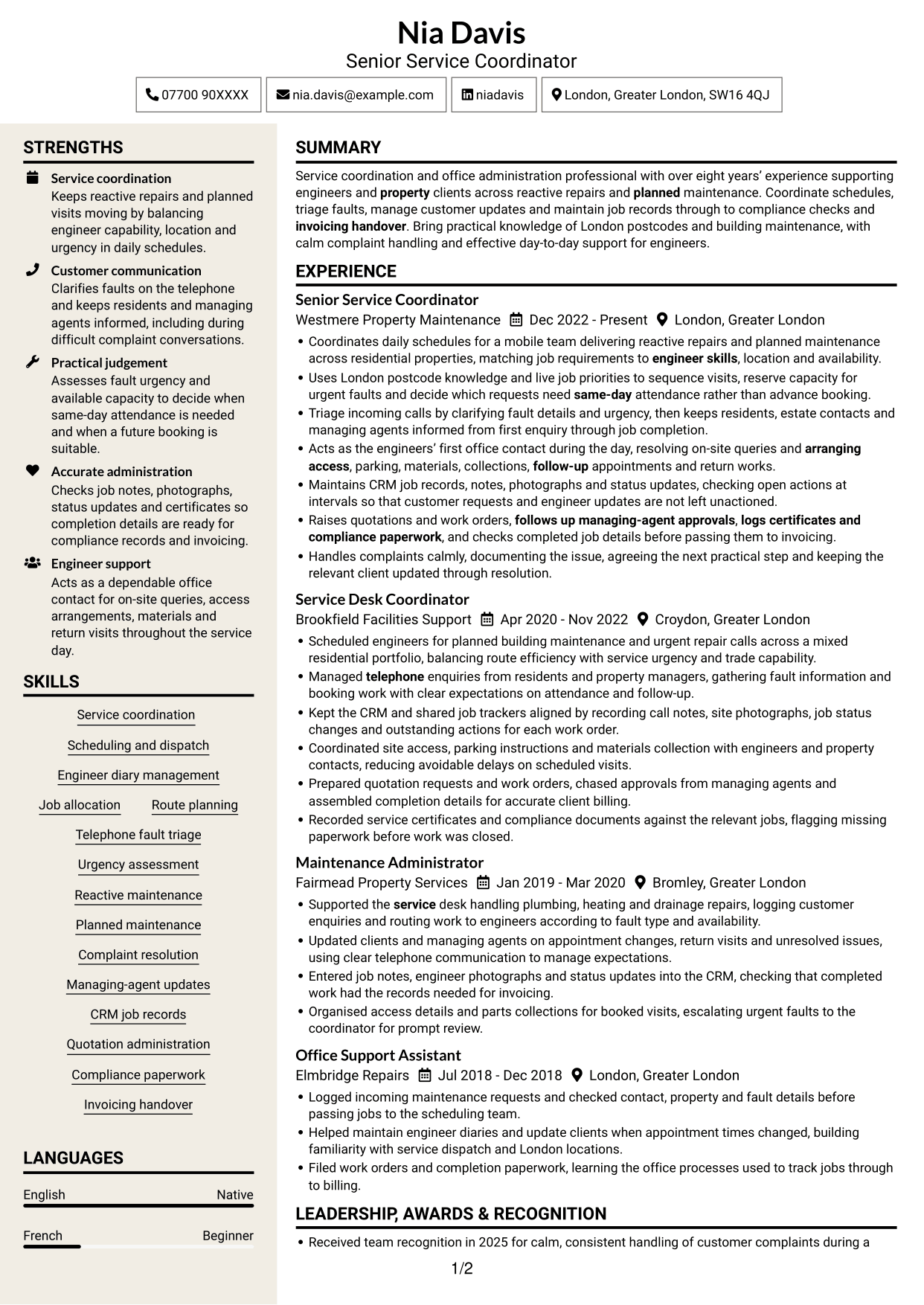
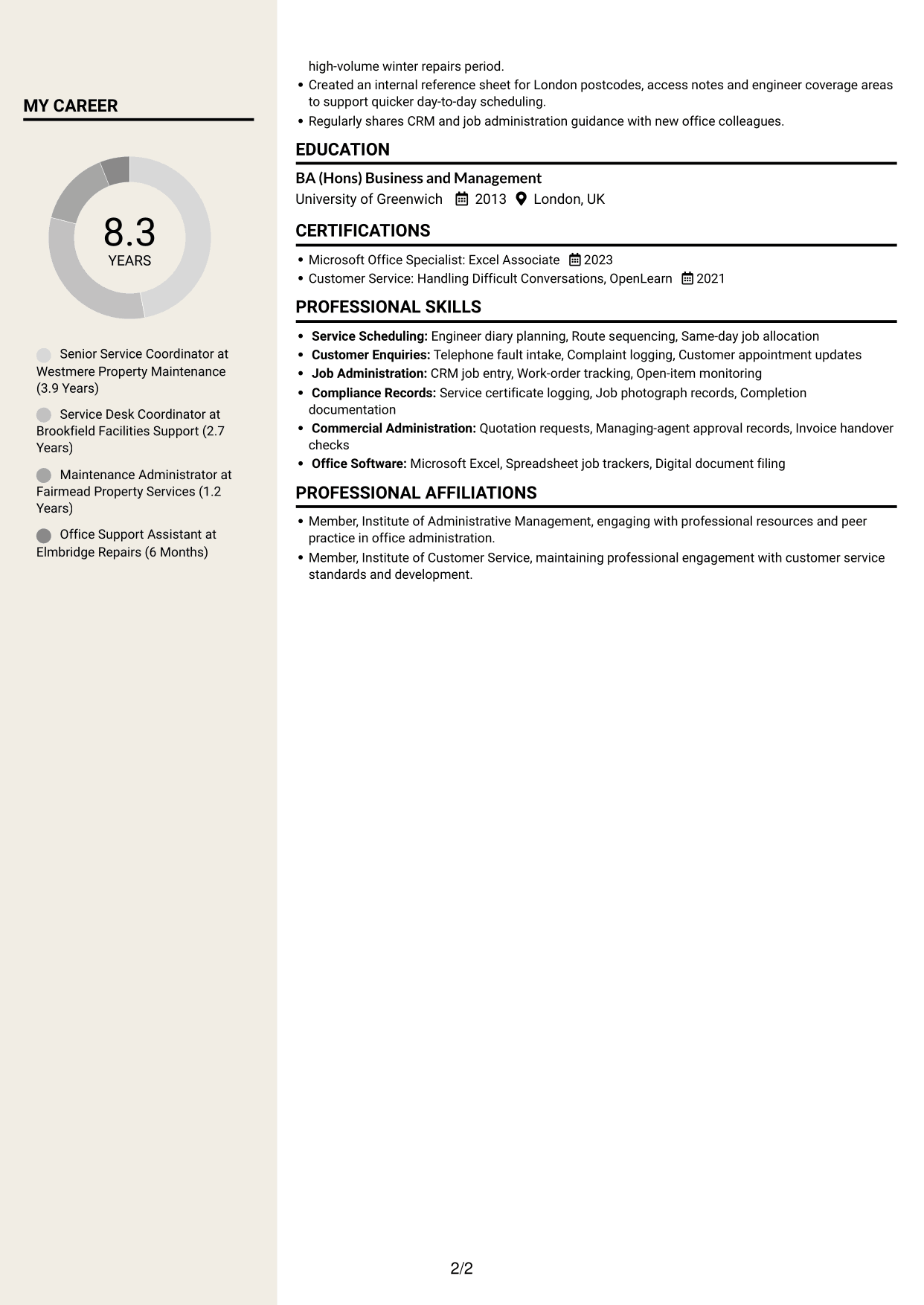
#7 Stylish Two Column Designer Format CV Example
Stylish Two Column Designer Format uses two content columns, giving readers who favour a divided layout another way to organise CV sections.
Why This Format Works
- Separate reading areas help reviewers distinguish role history from supporting details.
- Grouped sections make skills and qualifications easier to scan apart from experience.
- The two-column arrangement gives education, credentials and career details clear content areas.
Best For
- CVs with distinct content groups
- Readers scanning skills separately from experience
- Career details with education and credentials
- Work histories alongside supporting information
- Two-column section organisation
Why Build Your Office Administrator - Engineering Service Coordination CV with ResumeInMinutes
ResumeInMinutes helps you organise your service coordination experience, skills and education into a clear CV. Compare PNG image previews, then open an example in the editor to customise its content and layout.
- Professional CV layouts
- Clear, readable section structure
- Space for role-specific keywords
- Organised skills and experience
- PNG image previews
- CV customisation in the editor
Choose a format that makes your scheduling, customer updates and job administration easy to follow. Keep your evidence specific, accurate and relevant to engineering service coordination.
See Also
- 7 Service Administrator - Ophthalmology Patient Administration CV Templates with Example
- 7 Accounts Administrator - Accounts and Payroll CV Templates with Example
- 7 Accounts Administrator - Payroll and Finance CV Templates with Example
- 7 Clinical Administrator CV Templates with Example
- 7 Credit Control Administrator Apprentice CV Templates with Example
- 7 Credit Control Administrator Apprentice - Dealer Accounts and Cash Management CV Templates with Example
- 7 Postgraduate Administrator - Admissions and Student Support CV Templates with Example
- 7 Research Grants Administrator - Post-Award Finance CV Templates with Example
- 7 Office Administrator - Engineering Service Coordination Cover Letter Templates with Example
- 7 Service Administrator - Ophthalmology Patient Administration Cover Letter Templates with Example
Frequently Asked Questions
Are these Office Administrator - Engineering Service Coordination CV templates ATS-friendly?
The examples use clear headings and sections to support scanning. Add relevant terms naturally, such as scheduling and dispatch, telephone fault triage, CRM records, compliance paperwork and invoicing handover.
Are these separate CV examples or different layouts of one example?
This page shows one role-focused CV example in different layouts. Compare the PNG image previews, then open an example in the editor to customise it.
What should an Office Administrator - Engineering Service Coordination CV include?
Include a focused summary, relevant experience, skills and education. Show how you manage engineer schedules, assess fault urgency, update customers, maintain job records and follow work through to completion.
Which CV layout works well for this role?
Choose a layout with clear headings and an easy-to-follow order for experience, skills and education. A simple structure helps readers find your service coordination evidence quickly.
How can I show service coordination achievements on my CV?
Use concise bullet points to explain the task, your contribution and the result. You could describe how you prioritised urgent jobs, coordinated access or kept records ready for compliance checks and invoicing.
Should I include a photo on my CV?
For UK applications, a photo is usually not needed. Use the space for relevant experience, skills and results instead.




