
7 Omnichannel Territory Manager Cover Letter Templates with Example
This practical guide helps you write an Omnichannel Territory Manager cover letter, with seven layouts to compare and tailor.
What Makes a Great Omnichannel Territory Manager Cover Letter in 2026
A strong letter links territory work, partner relationships and omnichannel retail knowledge to the role. Make your opening direct, then show how you can support stronger sales and customer loyalty.
Use clear evidence, such as Samsung Mobile (MX) training, sales insight and contact centre activity. Connect your examples to the employer’s focus on partner performance and explain why that work interests you.
The featured example moves from role interest to current territory work, omnichannel evidence and a clear close; adapt this focused progression while choosing a presentation that suits the employer and communication context.
#1 Simple One Column Format Cover Letter Example
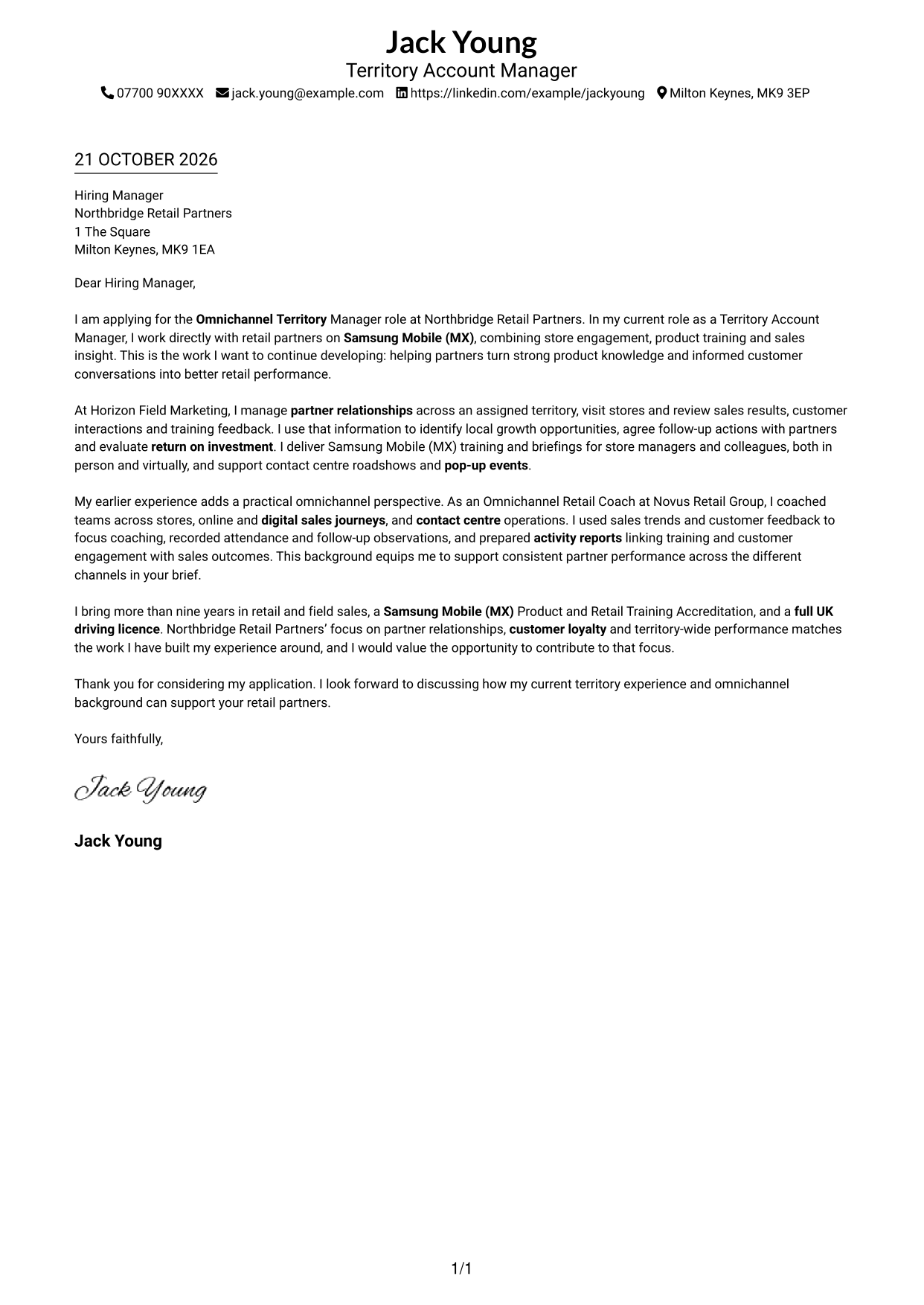
A single-column presentation keeps sender details and the letter in one straightforward reading path.
Why This Format Works
- Sender details and the letter share one column, giving the document a direct reading order.
- Continuous paragraphs let the opening, supporting points and closing build in sequence.
- Without a photo, attention stays on the written message and its tone.
Best For
- Single-column reading preference
- Contact details in the main column
- Photo-free applications
- Continuous paragraph-based letters
- Text-led application presentation
#2 Two Column Format Cover Letter Example
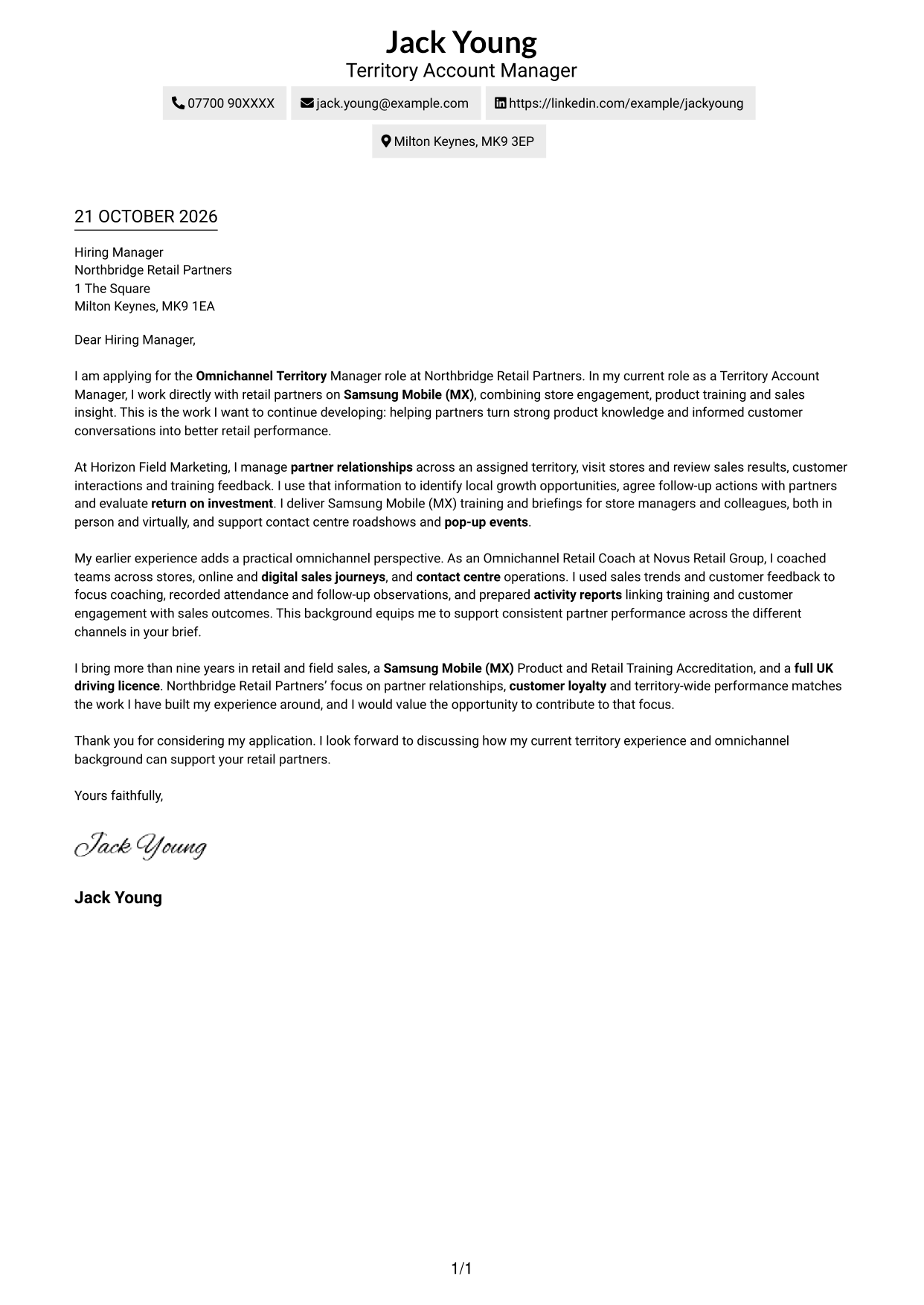
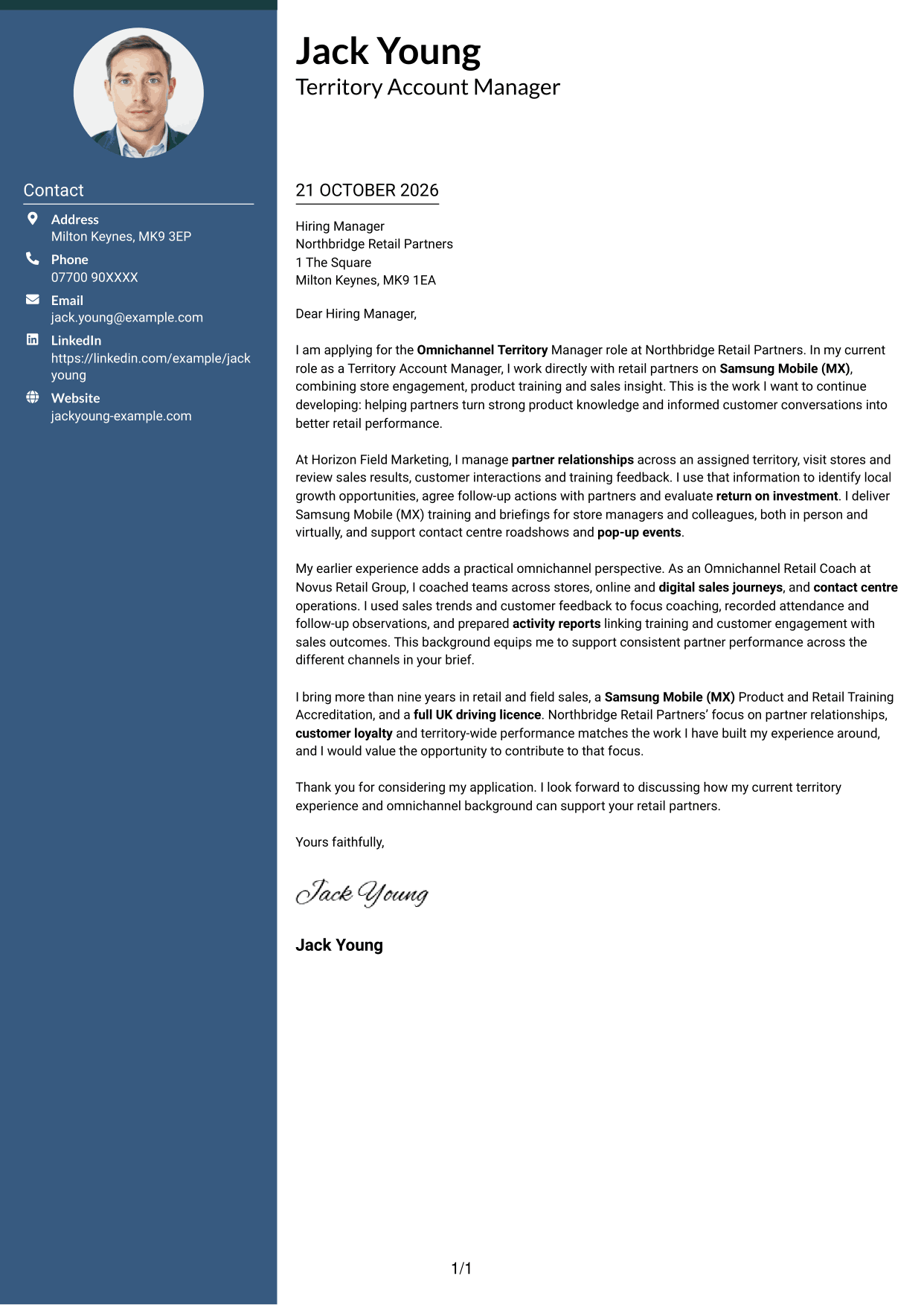
A contact sidebar sits beside one continuous letter body, keeping correspondence details distinct from the message.
Why This Format Works
- Contact details sit apart from the letter, making correspondence information easy to locate.
- One continuous body keeps the opening, evidence and close in a single reading sequence.
- The photo-free layout suits readers who prefer a letter without a portrait.
Best For
- Separate contact reference
- One continuous letter argument
- Sidebar-and-body reading order
- Photo-free letter layouts
- Applications with concise sender details
#3 Photo Header Two Column Format Cover Letter Example
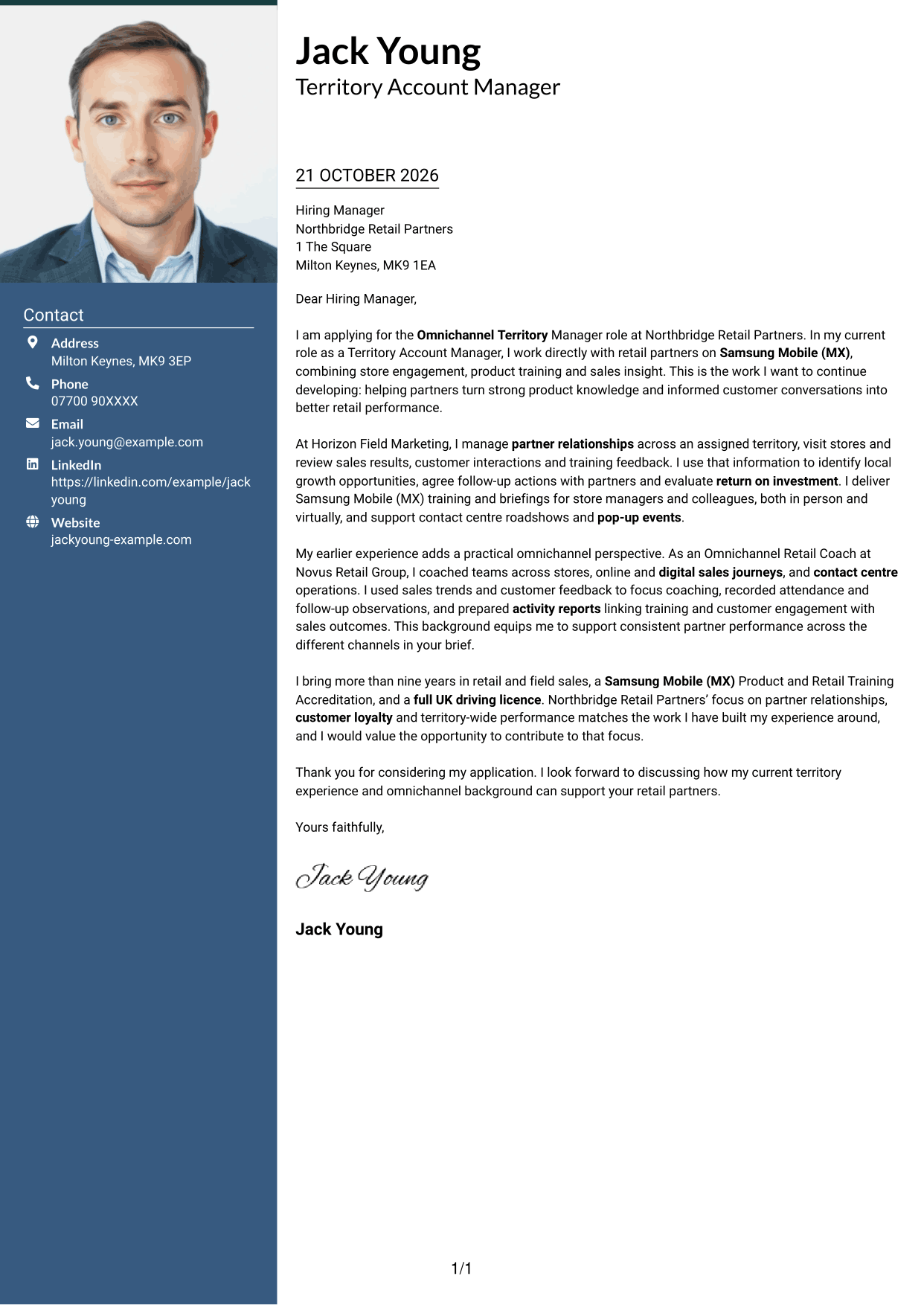
This two-column layout includes a photo and keeps the letter in one continuous body beside the contact sidebar.
Why This Format Works
- The contact sidebar gives correspondence details a separate place beside the letter.
- The uninterrupted body lets the opening, supporting case and close read as one message.
- A photo offers a visible personal touch for readers who prefer that presentation.
Best For
- Photo-inclusive applications
- Contact details set apart
- One continuous letter body
- Side-by-side contact and message
- A visible personal touch
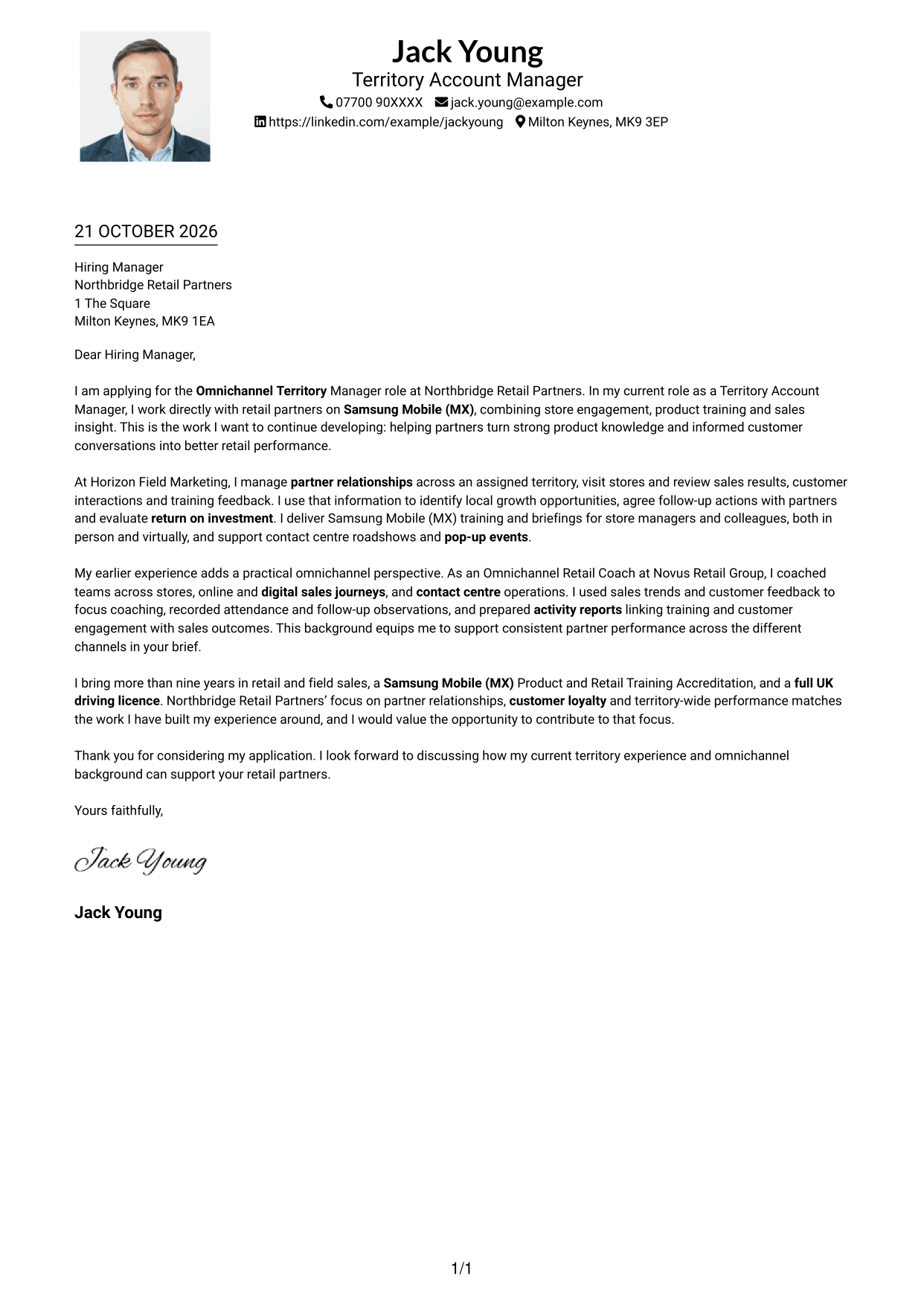
#4 One Column Format with Photo Cover Letter Example
The one-column layout includes a photo, while sender details and the letter follow a single reading path.
Why This Format Works
- Sender details and letter text share one column, keeping the document's order easy to follow.
- The letter's continuous paragraphs carry the message from opening through to the close.
- A photo adds a visual element without dividing the letter body into columns.
Best For
- One-column letter flow
- Photo-inclusive presentation
- Sender details with the letter
- Continuous paragraph structure
- Applications favouring a single text column
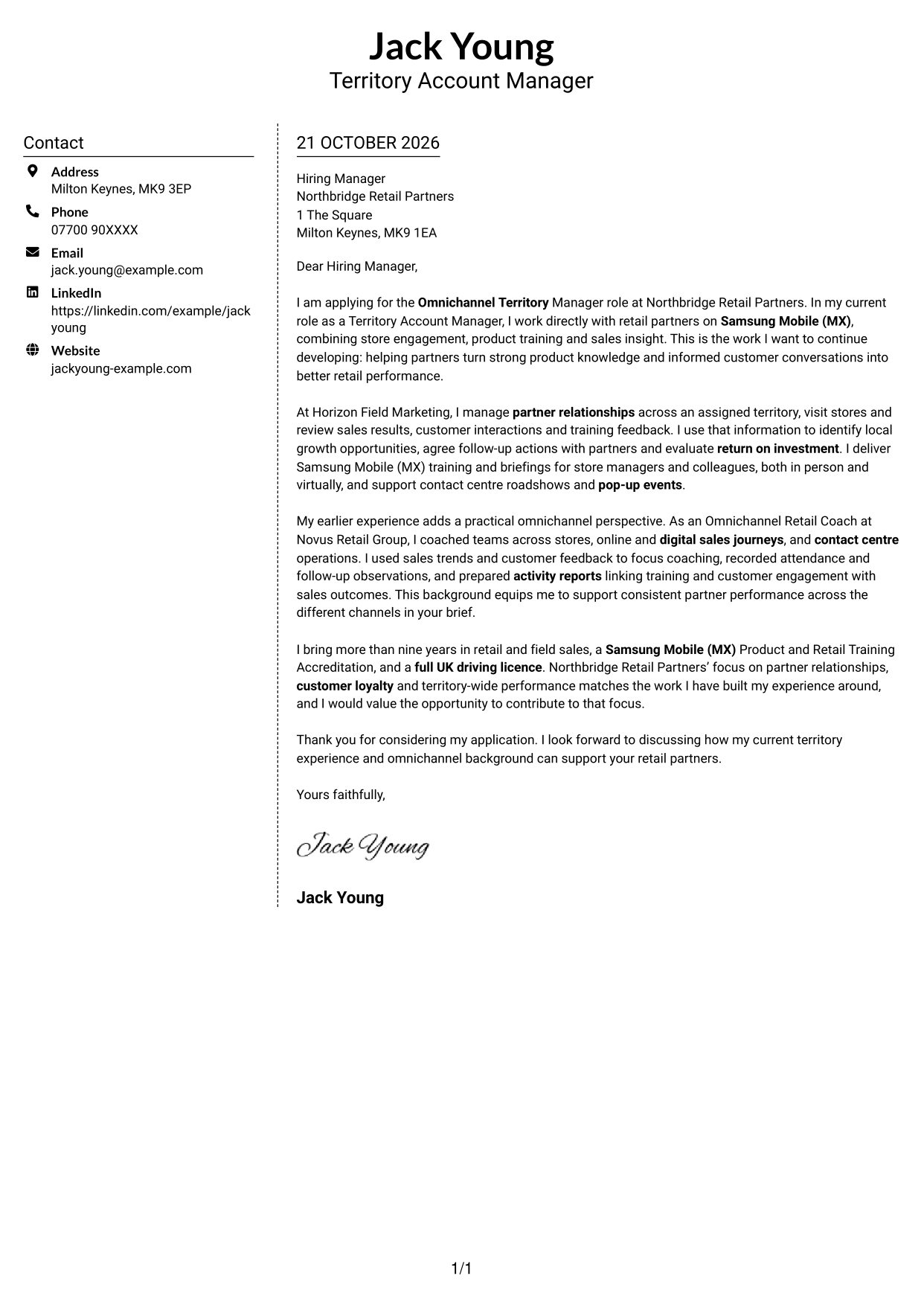
#5 Simple Two Column Format Cover Letter Example
Contact information occupies a sidebar beside the uninterrupted letter text, keeping correspondence details distinct from the case.
Why This Format Works
- The sidebar separates contact information from the message without dividing the letter's argument.
- A single letter body lets each paragraph develop the application case in order.
- The photo-free presentation keeps the page focused on written correspondence.
Best For
- Contact details in a sidebar
- A continuous letter argument
- Photo-free correspondence
- Clear separation of contact and message
- Paragraph-led applications
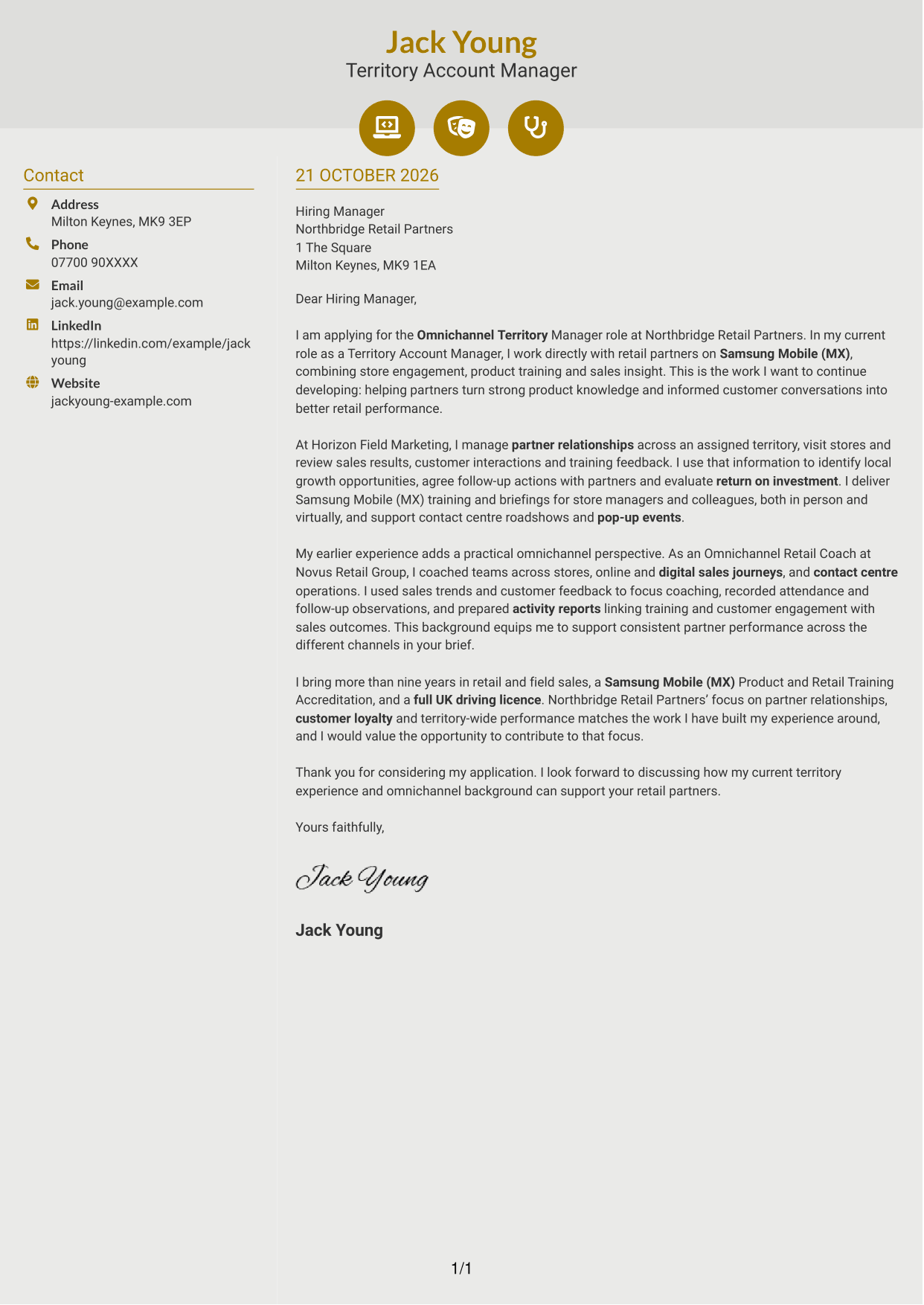
#6 Modern Icon Format Cover Letter Example
Contact icons sit within a two-column layout, while the letter remains one continuous body beside the contact sidebar.
Why This Format Works
- Contact icons cue the relevant details without labelling parts of the letter's argument.
- The sidebar keeps sender information apart from the continuous letter body.
- The body reads as one message, so its opening and closing stay connected.
Best For
- Icon-cued contact details
- A distinct contact sidebar
- One continuous message
- Two-column correspondence layout
- Letters without a portrait
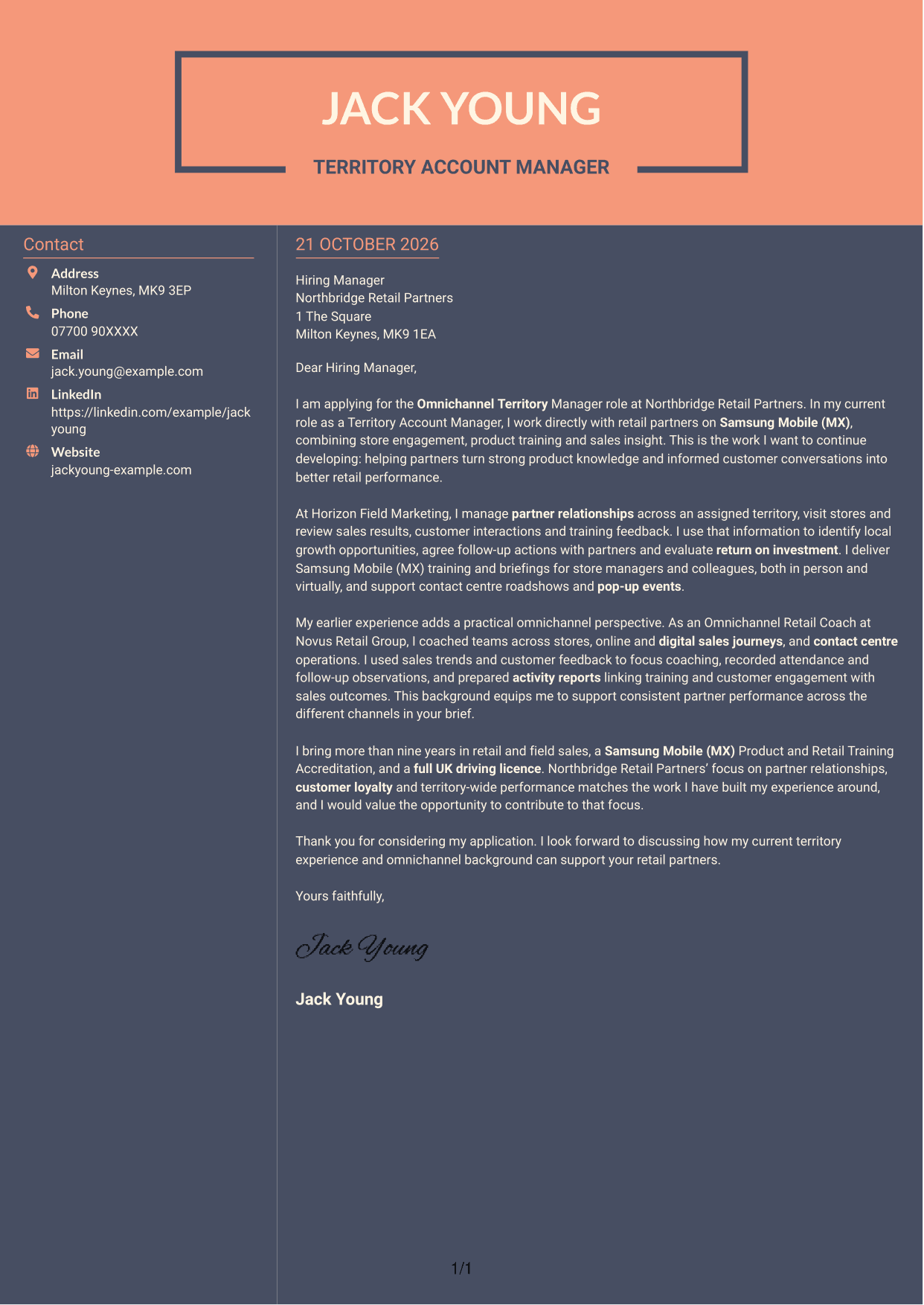
#7 Creative Two Tone Format Cover Letter Example
Contact details and the continuous letter body sit in separate columns, distinguishing correspondence information from the message.
Why This Format Works
- The sidebar gives contact details a dedicated place beside the letter.
- One continuous body keeps the opening, supporting points and close together in reading order.
- The photo-free layout leaves the letter's wording as the main visual content.
Best For
- Separate contact information
- A single flowing letter body
- Photo-free applications
- Side-by-side page organisation
- Wording-led correspondence
See Also
- 7 Omnichannel Territory Manager CV Templates with Example
- 7 Treasury Analyst - Cash and Collateral Management CV Templates with Example
- 7 International Scholarships Administrator CV Templates with Example
- 7 Academic Resource Planning Coordinator - Workload Data CV Templates with Example
- 7 Regulatory Complaint Handler - Financial Services CV Templates with Example
- 7 Reception Administrator CV Templates with Example
- 7 Due Diligence Officer - Third-Party Relationship Risk CV Templates with Example
- 7 EMA Assembler CV Templates with Example
- 7 Development Services Officer - Planning Applications CV Templates with Example
- 7 CRM Manager - Student Recruitment Marketing CV Templates with Example
Frequently Asked Questions
What should an Omnichannel Territory Manager cover letter highlight?
Show how you build partner relationships and support retail performance across channels. Relevant examples may cover territory planning, Samsung Mobile (MX) product knowledge, sales insight, training and customer engagement.
How can I show that my experience fits this role?
Choose one or two clear examples from your work. Explain how you used sales results, customer feedback or training follow-up to agree practical actions with retail partners.
How should I explain my interest in the employer?
Refer to the employer’s stated focus on partner relationships, customer loyalty or territory performance. Explain why that work matters to you and link it to relevant experience you can support with evidence.
What is a clear way to structure this cover letter?
Open by naming the role and giving a clear reason for applying. Use the body to connect your territory and omnichannel experience to the role, then close with a concise statement of interest.
Should I include every part of my work history?
No. Focus on the experience that best shows your fit for this role, such as partner management, product training, sales insight or work across retail and contact centre channels.




