
7 Operations Administrator - Depot and Route Coordination Cover Letter Templates with Example
This guide to an Operations Administrator - Depot and Route Coordination cover letter shows how to make a clear case for your fit through seven layouts.
What Makes a Great Operations Administrator - Depot and Route Coordination Cover Letter in 2026
A strong letter links your interest in the role to accurate depot administration, order handling and route clear-downs. A focused opening helps the reader see your fit from the start.
Use specific evidence, such as checking order details, recording route exceptions or keeping SCOs informed. Connect that experience to the employer’s need for reliable paperwork, prompt communication and smooth coordination across depot teams.
The featured example follows a focused progression from interest in the role, to relevant operational evidence, to employer alignment and a clear close. Adapt this flow while choosing a presentation that suits the employer and communication context.
#1 Simple One Column Format Cover Letter Example
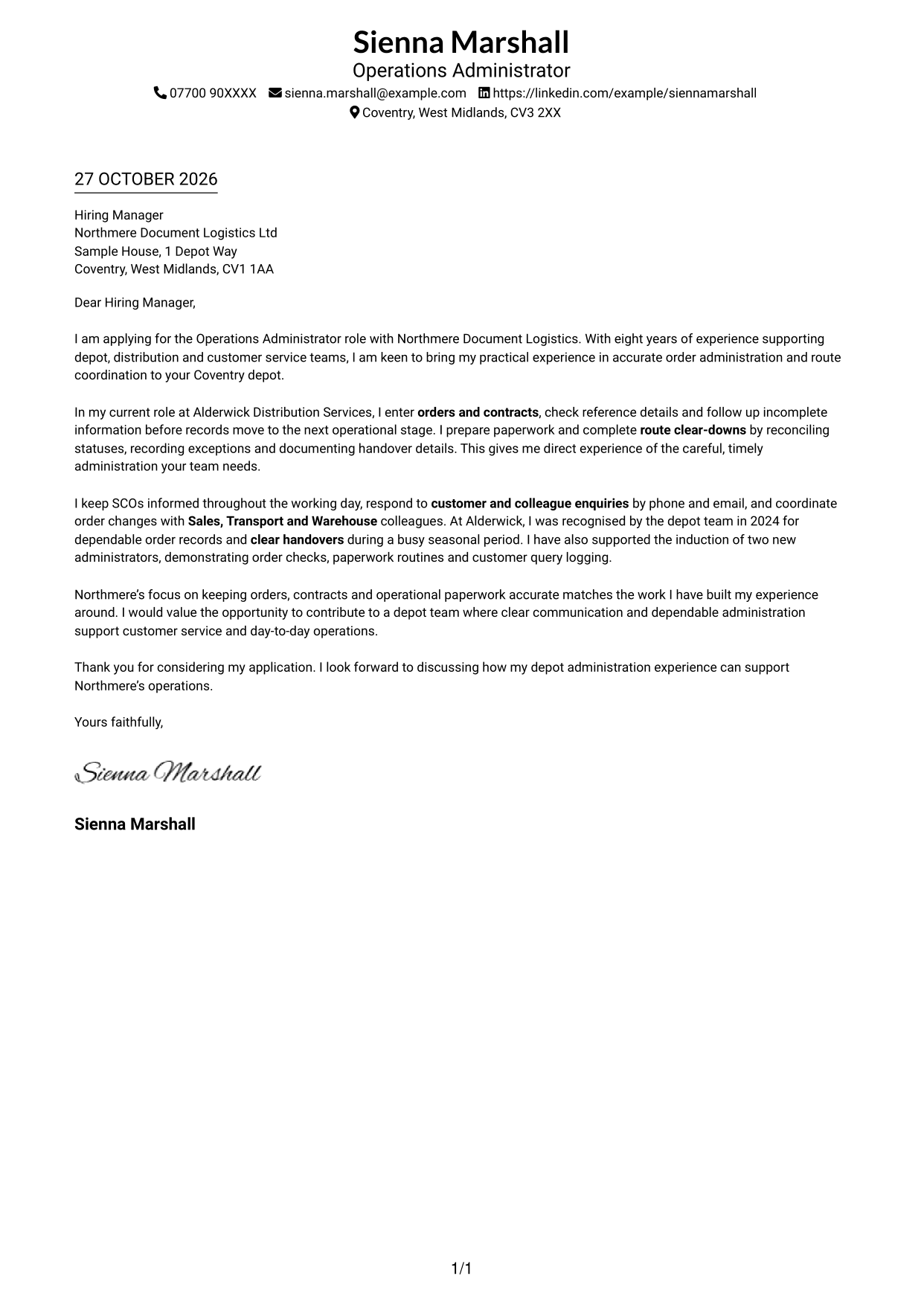
A single-column layout places sender details in the header and the letter below, giving readers a direct path through the message.
Why This Format Works
- The header keeps contact details easy to find before the letter begins.
- One continuous body lets readers follow the message from opening to close.
- A single reading path suits letters with a clear, direct structure.
Best For
- Single-column reading preference
- Header-based contact details
- Direct letter structure
- Text-led applications
- Layouts without a portrait
#2 Two Column Format Cover Letter Example
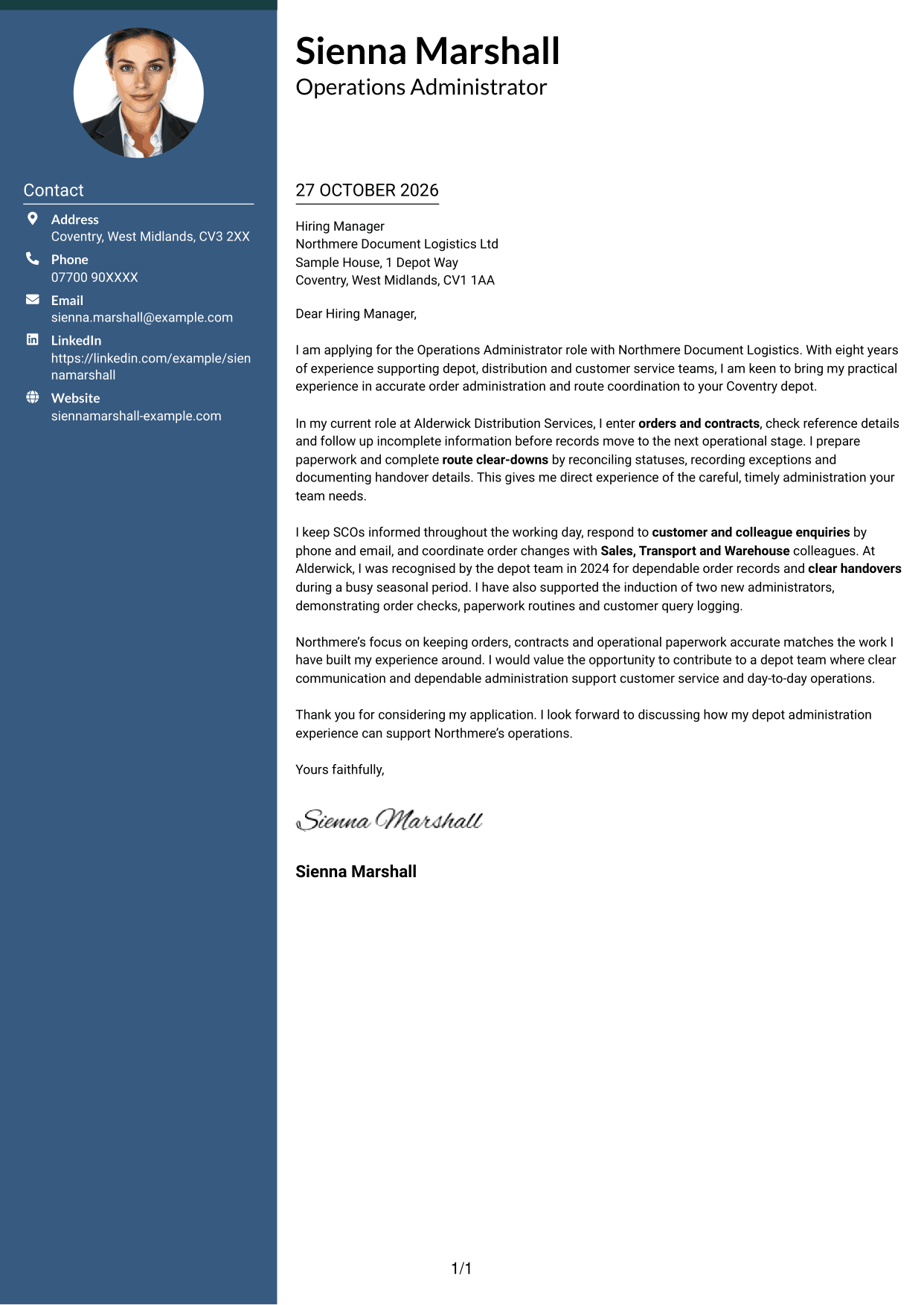
A contact sidebar sits beside one continuous letter body, keeping practical details separate from the message.
Why This Format Works
- The sidebar makes contact information quick to locate without interrupting the letter.
- A continuous body keeps the opening, supporting points and close in reading order.
- Separate areas give contact details and the message distinct places on the page.
Best For
- Contact sidebar preference
- Separate contact and message areas
- Continuous letter reading
- Quick access to sender details
- Applications without a portrait
#3 Photo Header Two Column Format Cover Letter Example
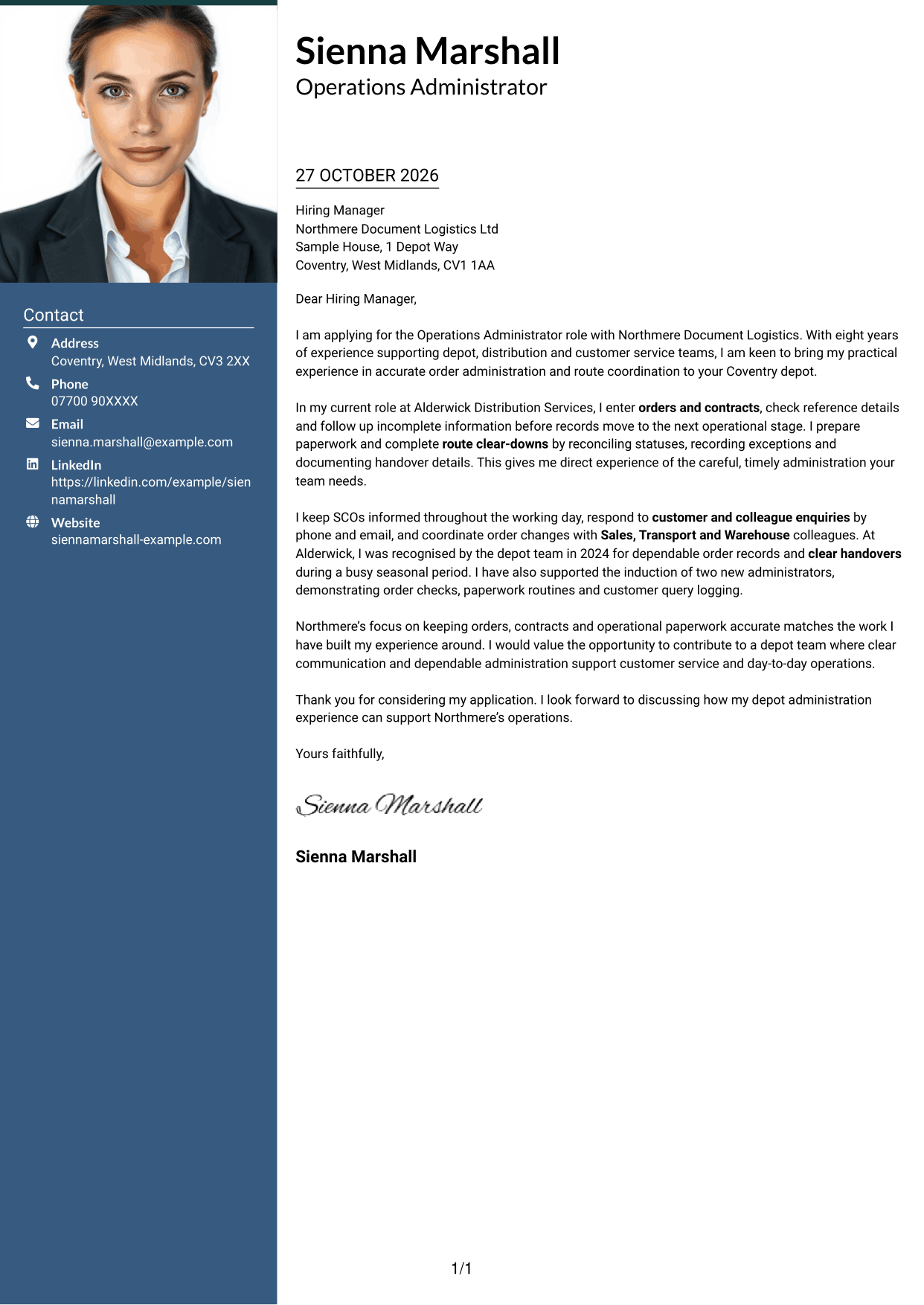
A portrait appears with the contact details in this two-column layout, while the letter remains one continuous body.
Why This Format Works
- The sidebar gathers contact details apart from the letter’s main message.
- One continuous body preserves the natural order of the letter’s points.
- The portrait offers a visible personal touch for readers who prefer one.
Best For
- Portrait-led contact presentation
- Sidebar contact details
- Continuous letter body
- Personal visual touch
- Two-column page organisation
#4 One Column Format with Photo Cover Letter Example
A portrait joins the sender details in the header, with the letter arranged below in one column.
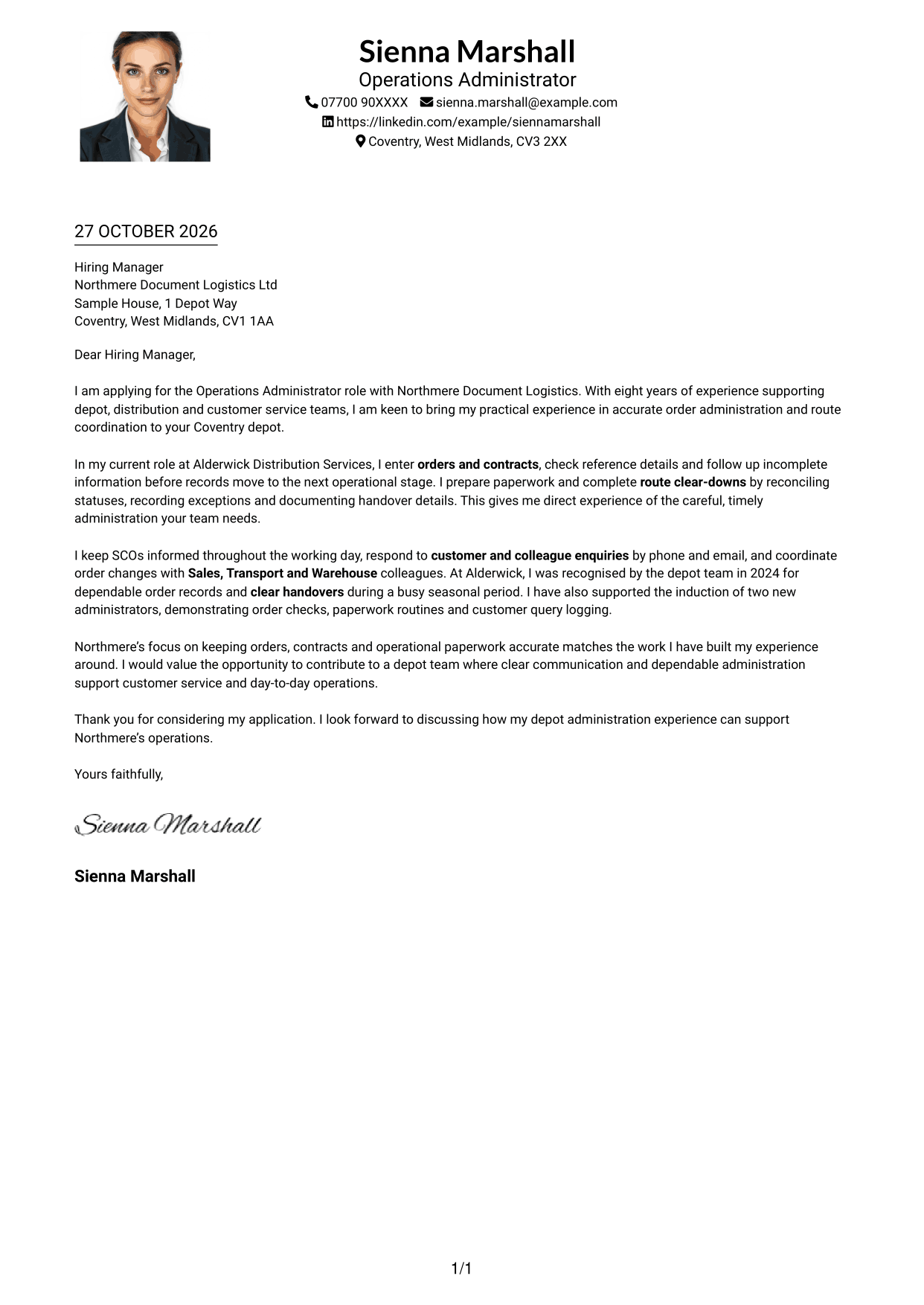
Why This Format Works
- The header brings the portrait and contact details together above the message.
- A single column keeps each letter paragraph in a straightforward reading sequence.
- The letter body stays continuous, with no parallel text area beside it.
Best For
- Portrait in the header
- One-column letter layout
- Contact details above the message
- Straightforward reading sequence
- Personal header presentation
#5 Simple Two Column Format Cover Letter Example
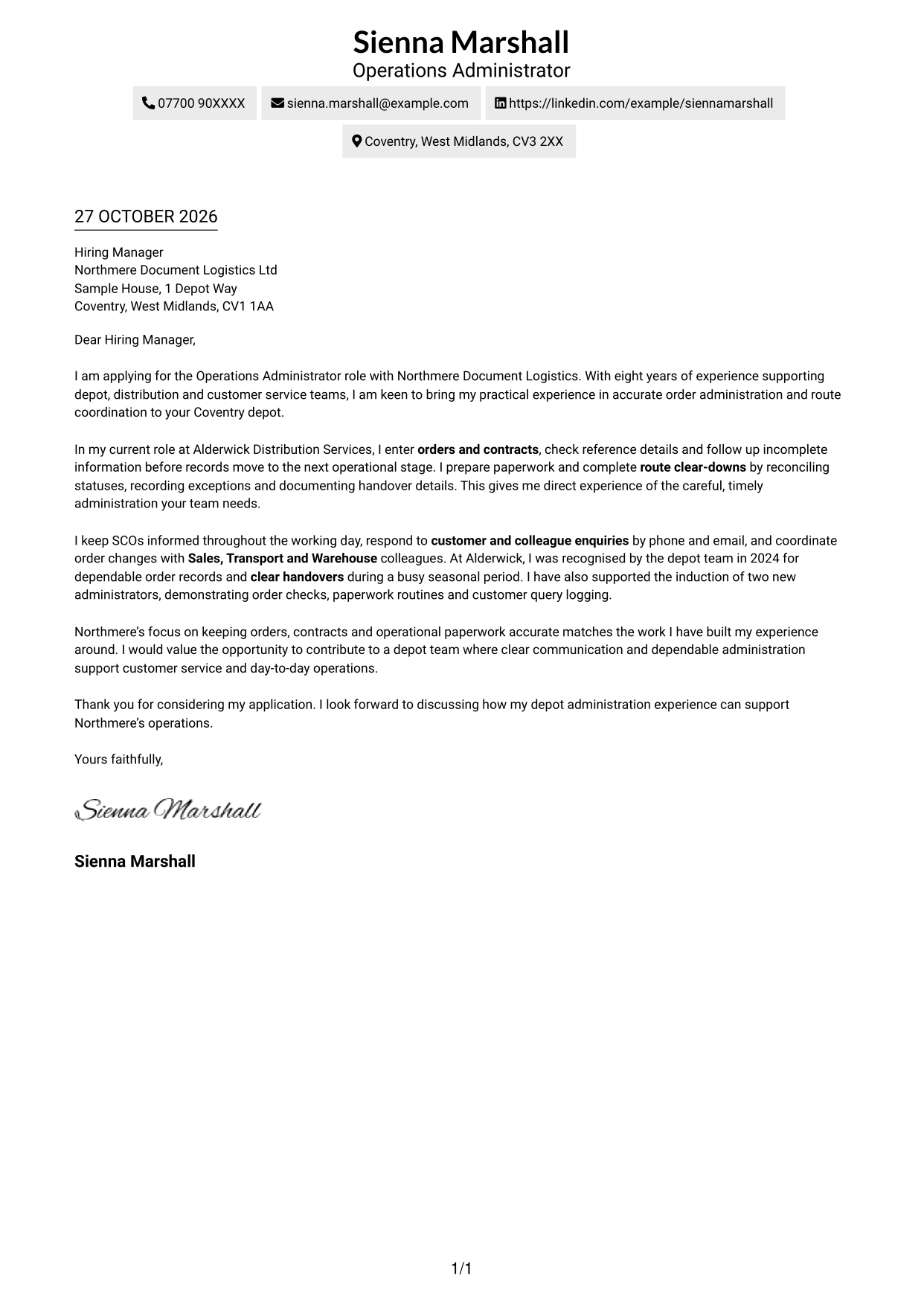
The contact sidebar and continuous letter body occupy separate columns, giving each a clear place on the page.
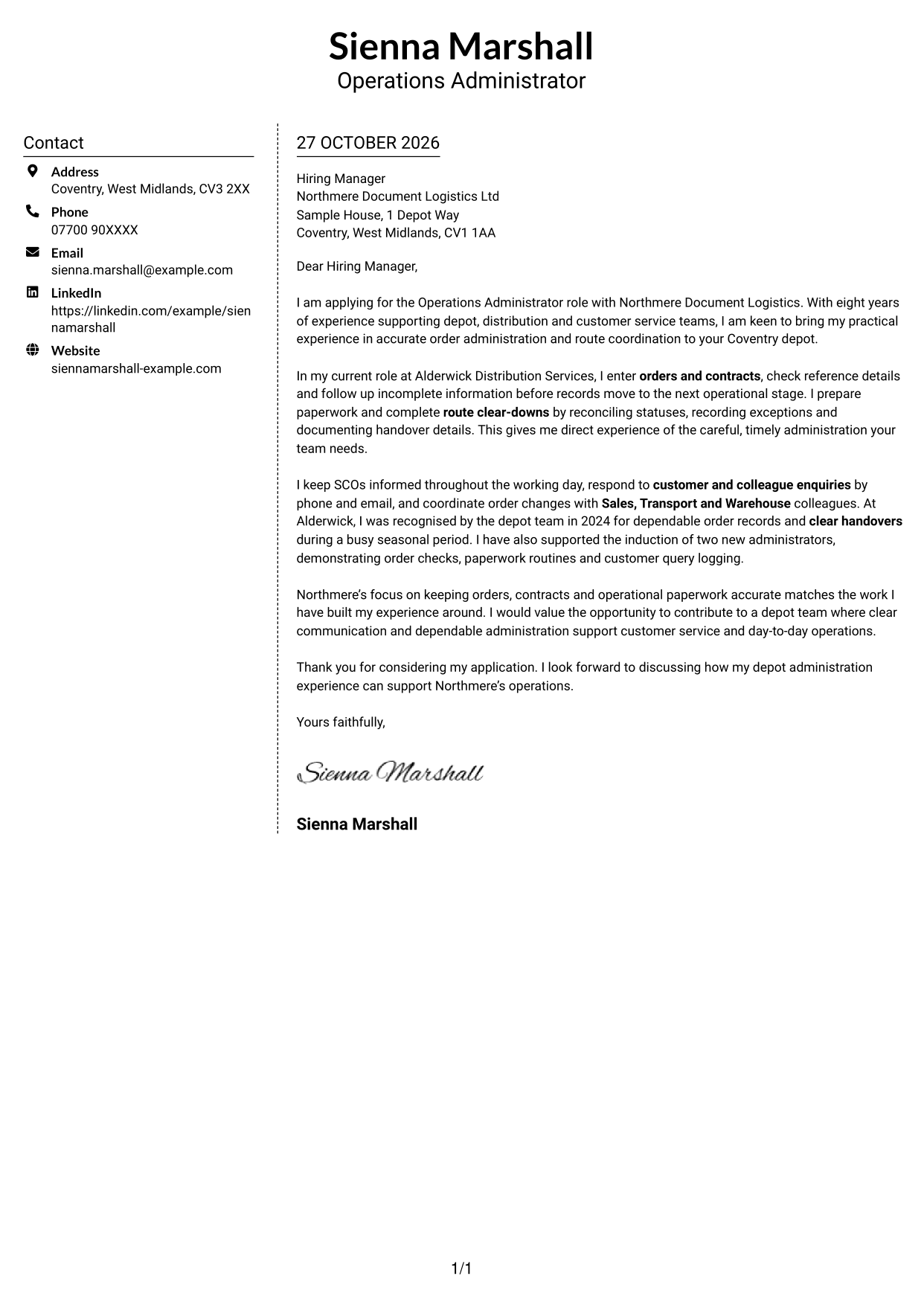
Why This Format Works
- The sidebar separates contact information from the letter without splitting its paragraphs.
- The main body keeps the message in one uninterrupted sequence.
- Two distinct areas make it clear where practical details end and the letter begins.
Best For
- Sidebar contact presentation
- Separate page areas
- Uninterrupted letter body
- Easy-to-find sender details
- No-portrait layouts
#6 Modern Icon Format Cover Letter Example
This two-column format uses contact cues in the sidebar, leaving the letter itself as one continuous body.
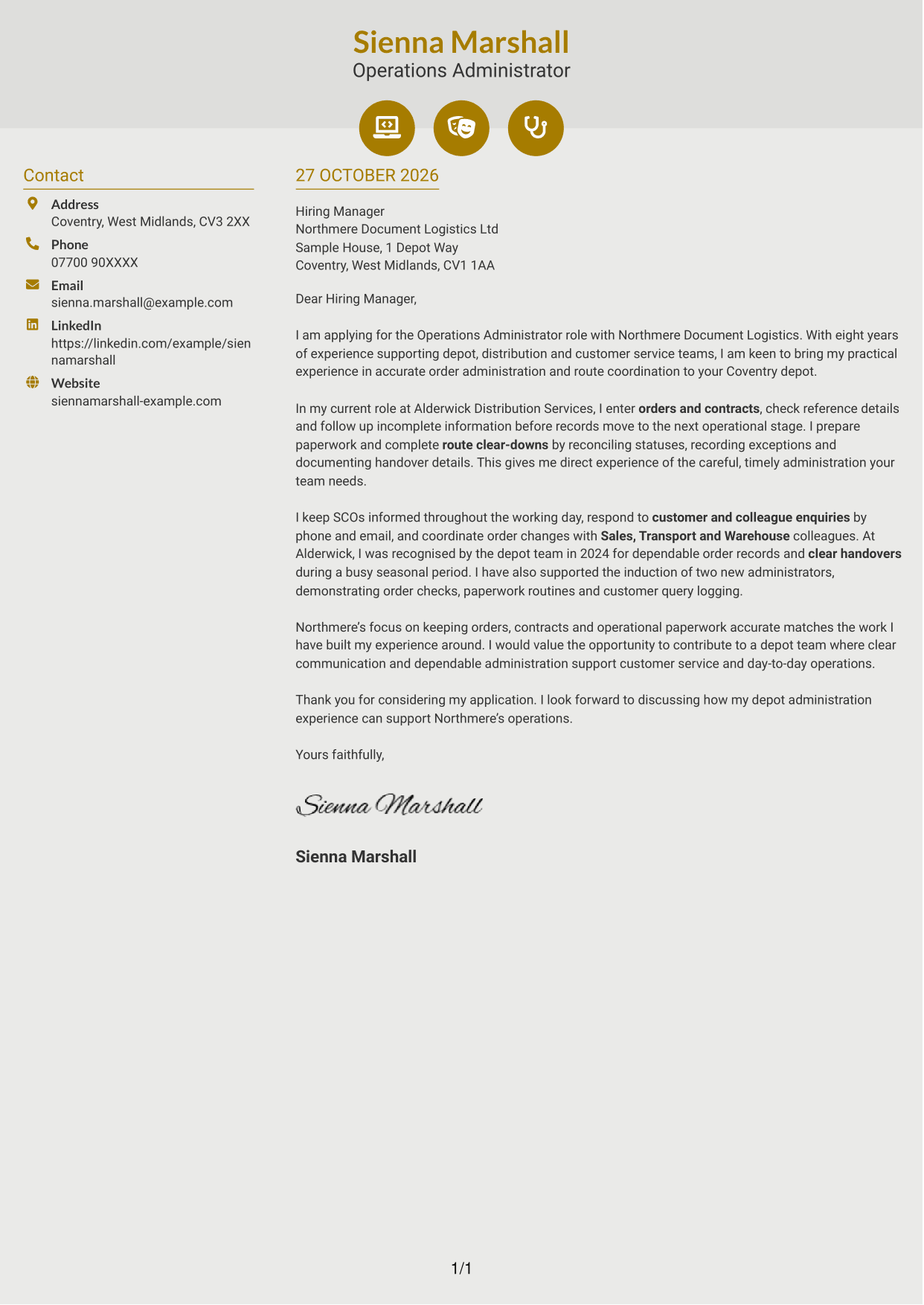
Why This Format Works
- Contact cues help readers identify practical details without labelling the letter’s argument.
- The single letter body keeps opening, motivation and closing in natural order.
- The sidebar gives contact information a consistent place beside the message.
Best For
- Icon-led contact details
- Two-column organisation
- Continuous letter reading
- Quick contact reference
- Layouts without a portrait
#7 Creative Two Tone Format Cover Letter Example
A two-column arrangement keeps contact details apart from the continuous letter, making each area easy to distinguish.
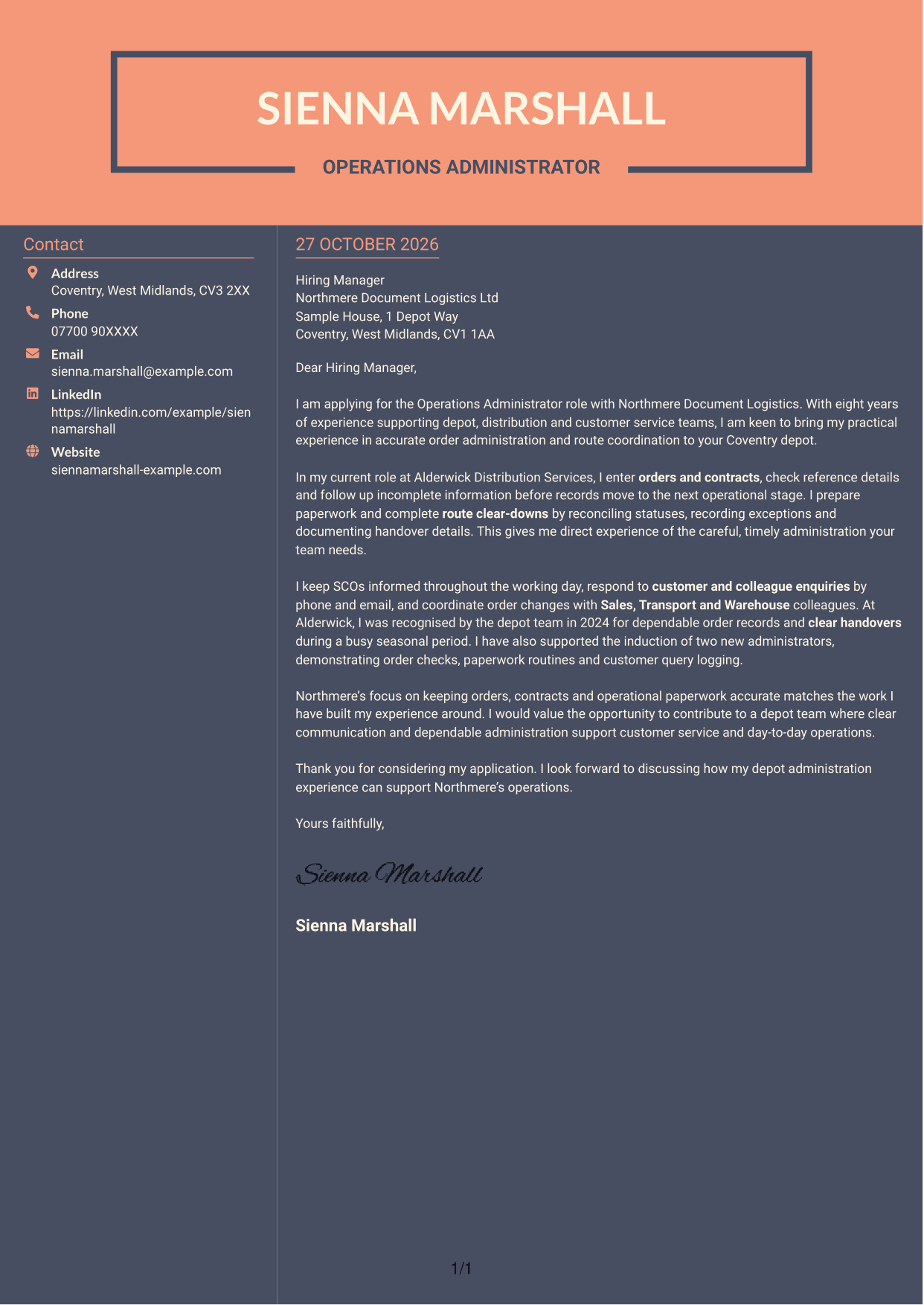
Why This Format Works
- Contact information has its own area, separate from the letter’s main text.
- The continuous body lets readers follow the message without switching columns.
- Distinct columns provide a clear boundary between sender details and letter content.
Best For
- Distinct contact area
- Two-column page structure
- Unbroken letter text
- Clear division of page content
- No-portrait applications
See Also
- 7 Operations Administrator - Depot and Route Coordination CV Templates with Example
- 7 Administrator - Programme Coordination CV Templates with Example
- 7 Diagnostic Imaging Administrator - Patient Coordination CV Templates with Example
- 7 Office Administrator - Engineering Service Coordination CV Templates with Example
- 7 Accounts Administrator - Accounts and Payroll CV Templates with Example
- 7 Accounts Administrator - Payroll and Finance CV Templates with Example
- 7 Accounts Payable Administrator - Supplier Payments CV Templates with Example
- 7 Apprenticeship Administrator - Compliance and Records CV Templates with Example
- 7 Administrator - Programme Coordination Cover Letter Templates with Example
- 7 Diagnostic Imaging Administrator - Patient Coordination Cover Letter Templates with Example
Frequently Asked Questions
What should an Operations Administrator - Depot and Route Coordination cover letter highlight?
Show how your experience relates to accurate order and contract entry, paperwork, route clear-downs and depot priorities. You can also explain how you communicate with SCOs, customers and colleagues.
How can I make my experience relevant to this role?
Choose one or two clear examples that show how you checked order details, followed up missing information or recorded route exceptions. Explain how your actions supported accurate handovers or timely service.
How should I explain my interest in the employer?
Refer to a genuine detail about the role or the employer’s depot operations. Link it to the work you are interested in doing, such as keeping records accurate and helping teams meet customer needs.
What is a clear way to structure this cover letter?
Open with the role and your reason for applying. Use the body to show relevant order, paperwork, route and communication experience, then close by restating your interest and inviting a discussion.
Should I include every part of my work history?
No. Focus on the experience that best shows your fit for this position. A few relevant examples can make your letter clearer and more persuasive than a full account of every duty.




