
US English


7 Payments Co-ordinator - Accounts Payable CV Templates with Example
By Ria · Last Updated On 17 October 2026
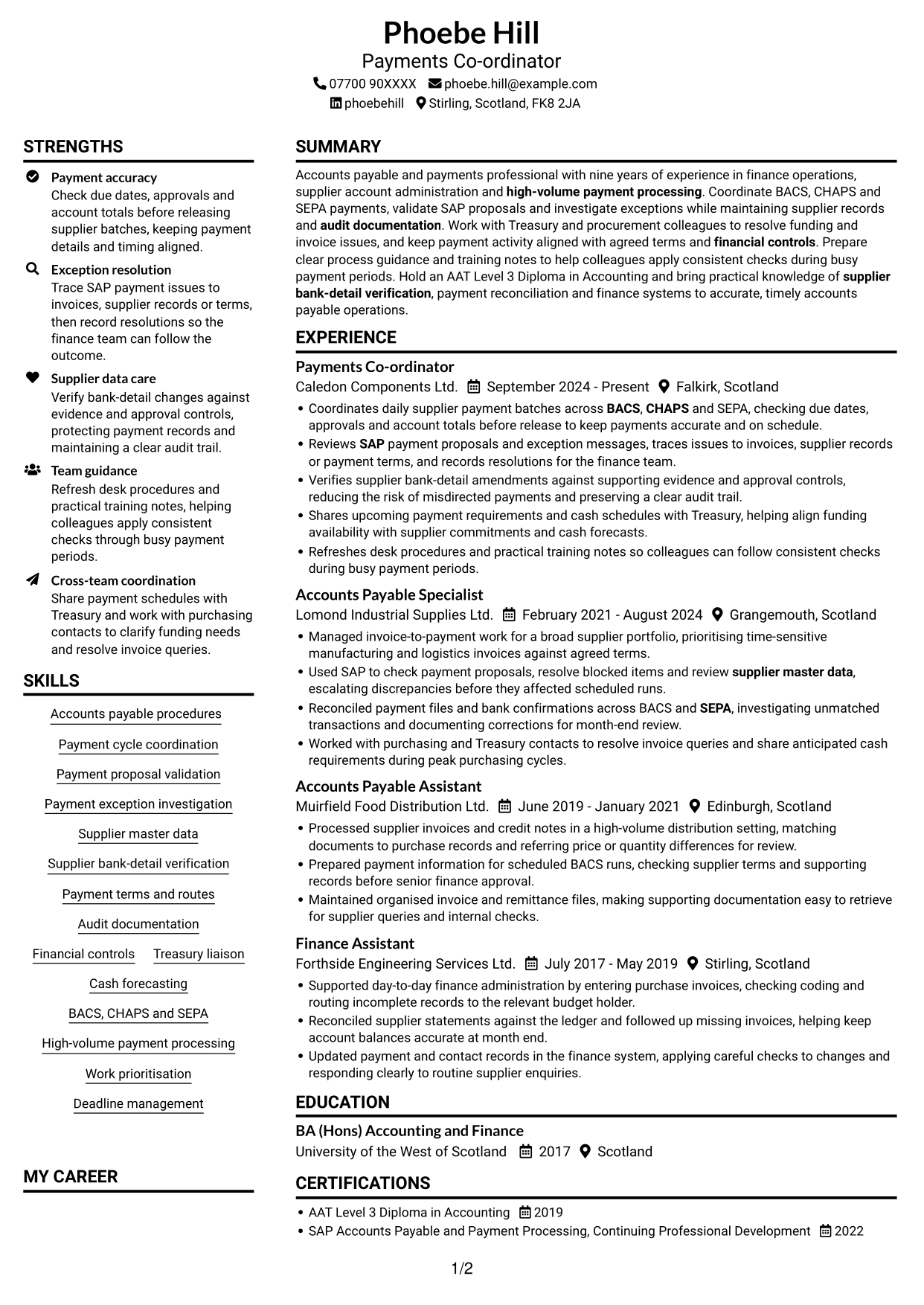
CV example — page 1

This guide shows you how to create a Payments Co-ordinator - Accounts Payable CV that is clear, focused and easy to review. You will learn how to organise relevant evidence and present your payment work with care.

A strong CV for this role shows how you coordinate payment cycles, check SAP proposals and keep supplier records accurate. Clear bullet points can also explain how you investigate exceptions, follow financial controls and work with Treasury on cash needs.

Compare the PNG image previews of the example presented in 7 layouts, then open a preferred version in the editor to customise it. The guidance covers ATS readability, useful CV sections and role-specific terms such as BACS, CHAPS, SEPA, supplier bank-detail verification and audit documentation.

What Makes a Great Payments Co-ordinator - Accounts Payable CV in 2026

A strong CV makes payment checks, exception handling and supplier record controls easy to find. Use clear sections and focused bullets to show how you support accurate, timely payment runs.

Include relevant terms such as SAP payment proposals, BACS, CHAPS, SEPA and Treasury liaison. Add measurable results only when you can support them with evidence.

Note: CV examples are for educational purposes only. Use only information that accurately reflects your experience and qualifications. References to real organisations do not imply affiliation or endorsement.

#1 Plain Two Column Format CV Example

Plain Two Column Format separates the CV into two reading areas, making it useful when experience and supporting details both need space.
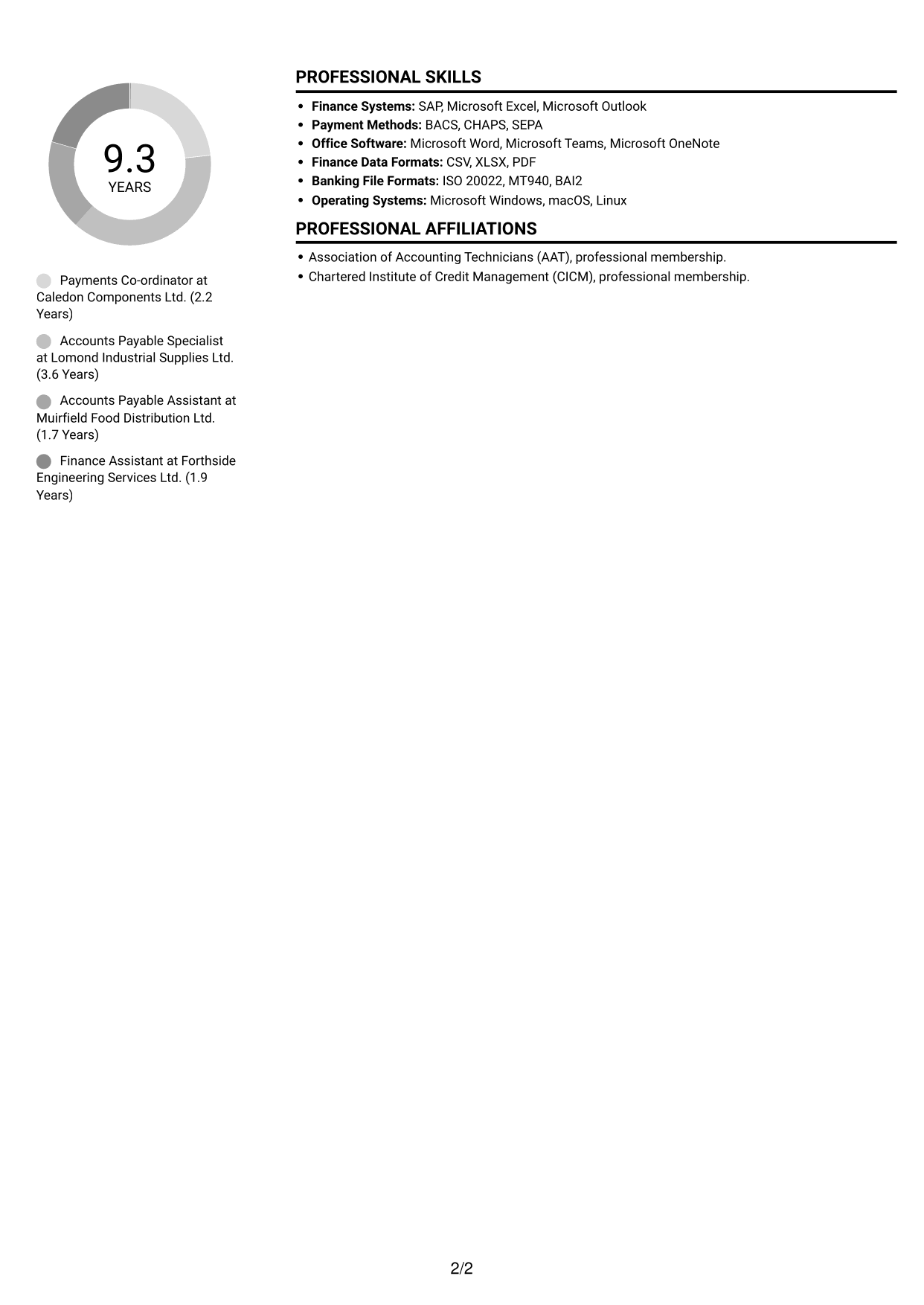
 
CV example — page 1   CV example — page 2

CV Snapshot

  • Target role: Payments Co-ordinator
  • Nine years of experience in finance operations and payment processing
  • AAT Level 3 Diploma in Accounting
  • Experience coordinating BACS, CHAPS and SEPA payments

Why This Format Works

  • Separate areas can distinguish career history from supporting skills and qualifications.
  • Two columns give reviewers clear places to find experience and education.
  • The layout can accommodate detailed work history alongside other useful CV sections.

Best For

  • CVs with several career stages
  • Detailed experience and skills
  • Chronological career histories
  • Section-by-section review
  • Qualifications alongside work history

CV Keywords

  • Accounts payable procedures
  • Payment cycle coordination
  • BACS
  • CHAPS
  • SEPA
  • SAP
  • Payment proposal validation
  • Payment exception investigation
  • Supplier master data
  • Supplier bank-detail verification
  • Payment terms and routes
  • Audit documentation
  • Financial controls
  • Treasury liaison
  • Cash forecasting
See all keywords
 

#2 Simple One Column Format CV Example

Simple One Column Format keeps the CV in one reading order, which suits readers who prefer to follow each section from top to bottom.
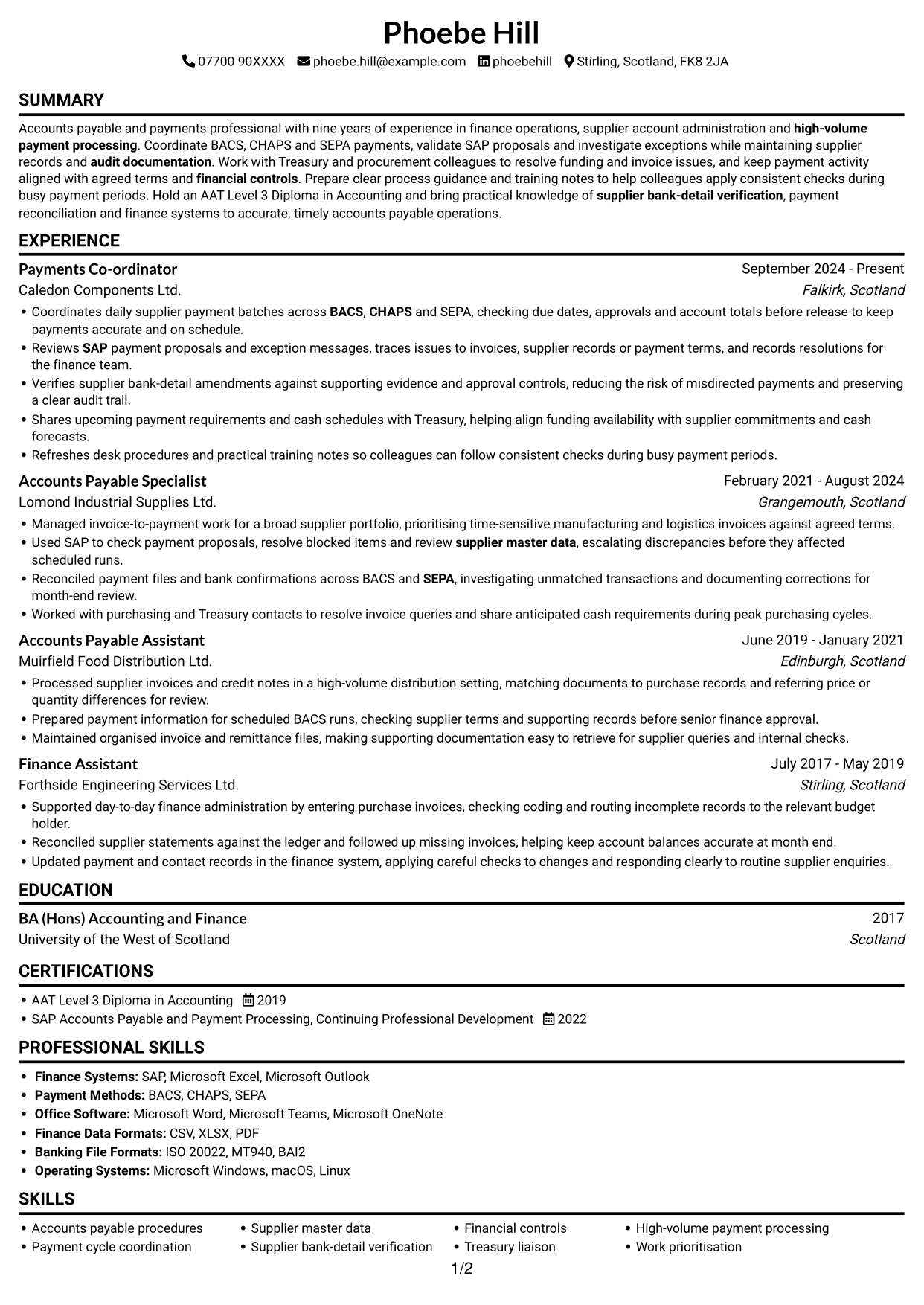

 
CV example — page 1   CV example — page 2

Why This Format Works

  • A single column lets reviewers follow career progression in a clear sequence.
  • Work history and achievements can be read without switching between columns.
  • The straightforward flow suits CVs with detailed role descriptions and supporting sections.

Best For

  • Chronological career histories
  • Detailed role-by-role evidence
  • CVs with several experience entries
  • Top-to-bottom reading preference
  • Skills and qualifications in sequence
 

#3 Clean Two Column Sidebar Format CV Example

Clean Two Column Sidebar Format uses two content columns, a practical choice when the CV needs distinct areas for career history and supporting details.
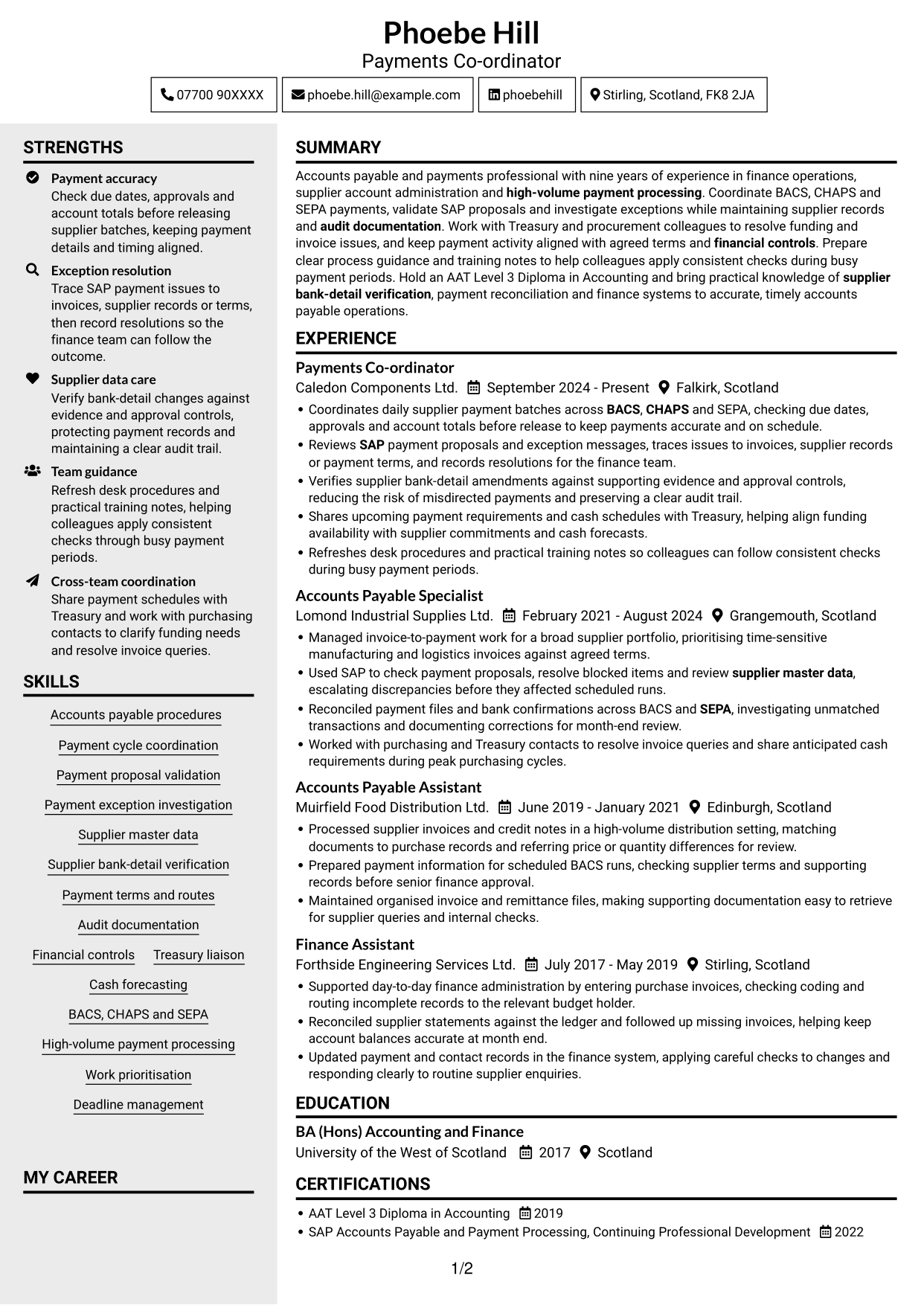
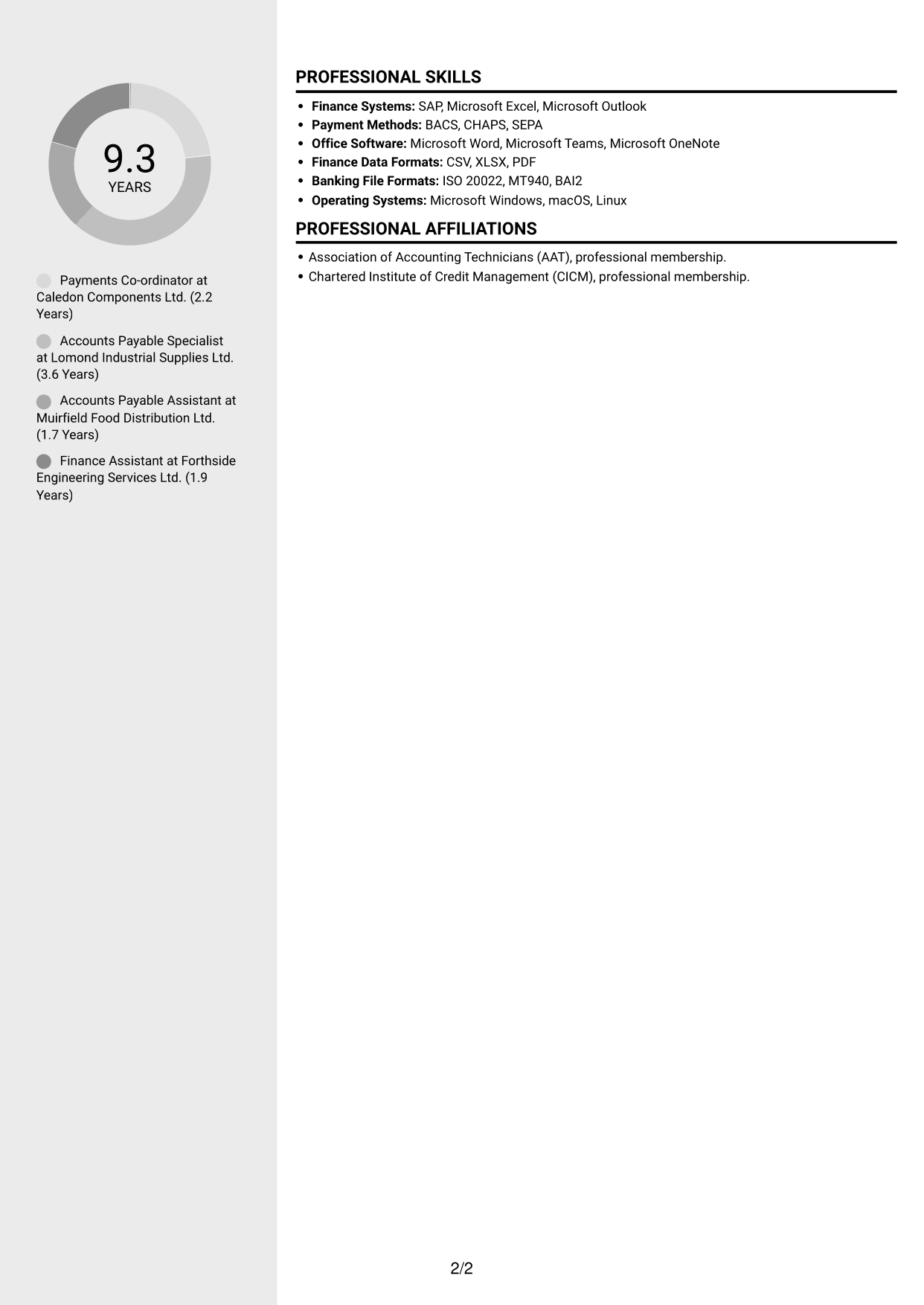
 
CV example — page 1   CV example — page 2

Why This Format Works

  • Separate content areas help reviewers distinguish experience from skills and education.
  • The two-column structure gives career history and supporting information their own reading spaces.
  • Reviewers can locate different CV sections without losing the overall context.

Best For

  • Career history with supporting details
  • Skills and education alongside experience
  • CVs with several distinct sections
  • Readers comparing experience and credentials
  • Organised section-by-section review
 

#4 Two Column Format CV Example

Two Column Format gives the CV two reading areas, making it a useful option when experience and other sections need to be easy to locate.
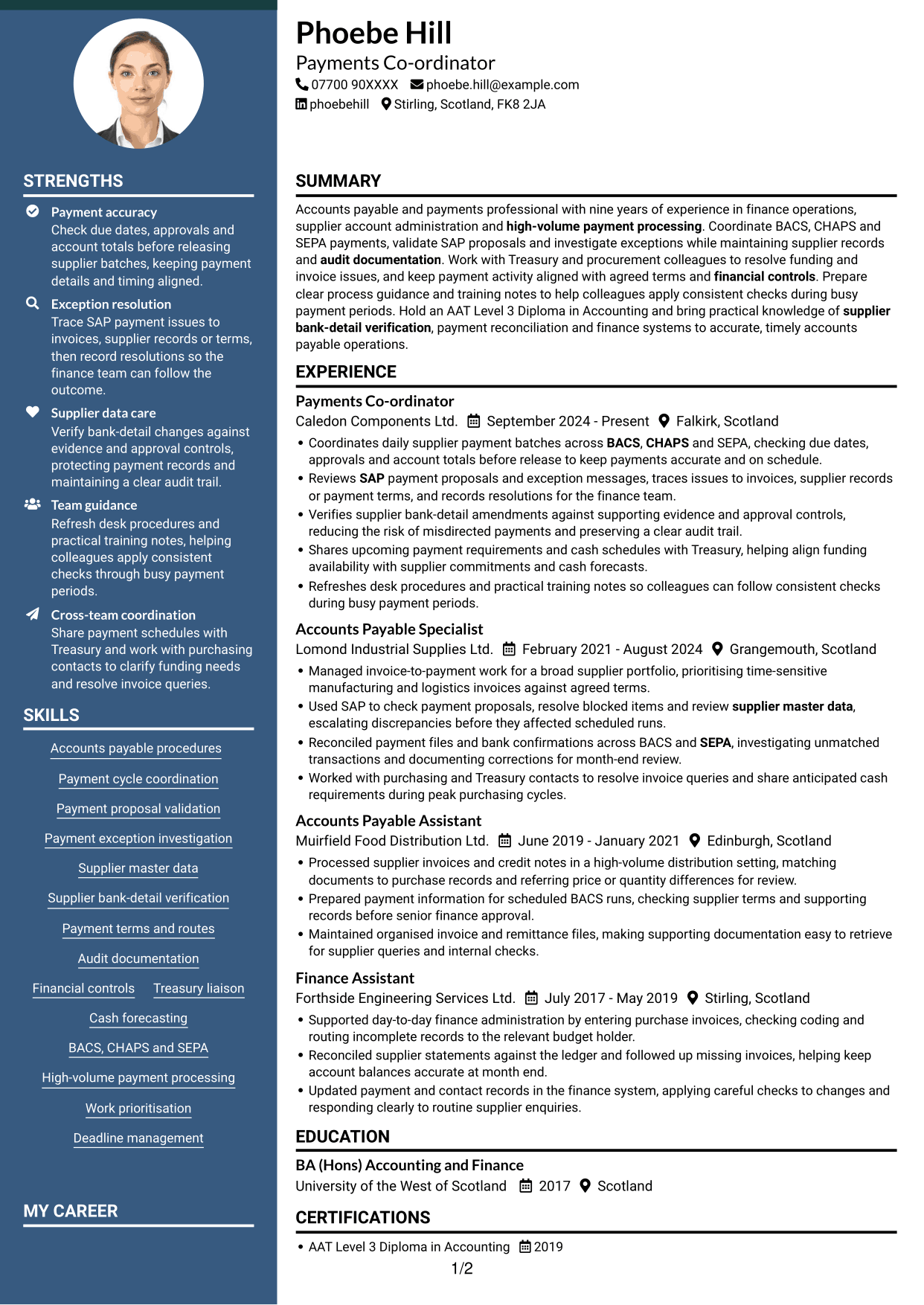
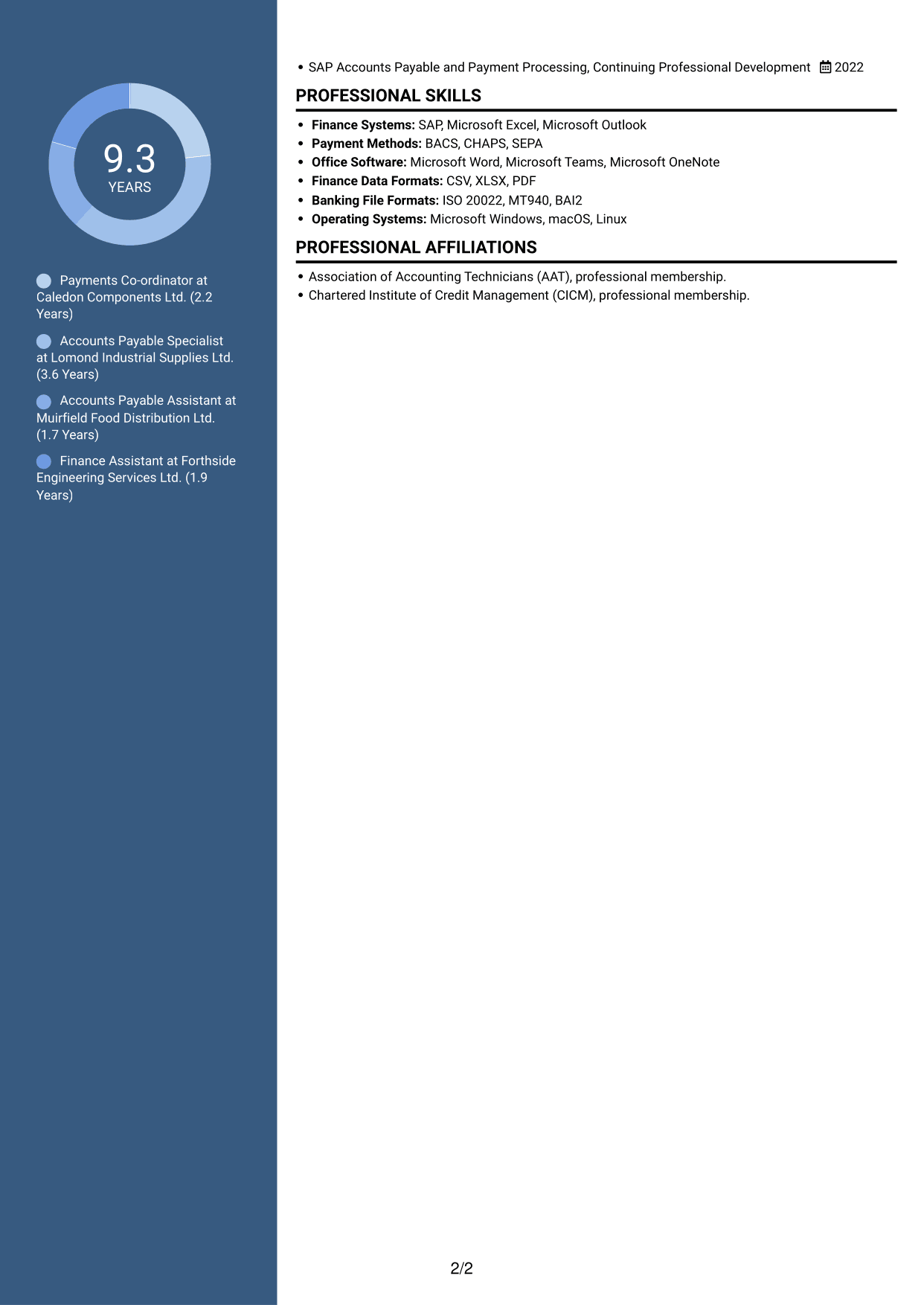
 
CV example — page 1   CV example — page 2

Why This Format Works

  • The two-column body helps reviewers move between experience and supporting qualifications.
  • Distinct reading areas can make skills and education easier to locate.
  • This structure can present a broad work history with other CV sections.

Best For

  • Broad work histories
  • Experience with supporting qualifications
  • CVs with several content areas
  • Quick access to skills and education
  • Readers who prefer divided sections


#5 Photo Header Two Column Format CV Example

Photo Header Two Column Format combines a header photo with a two-column body, for readers who want a portrait alongside clearly divided CV content.
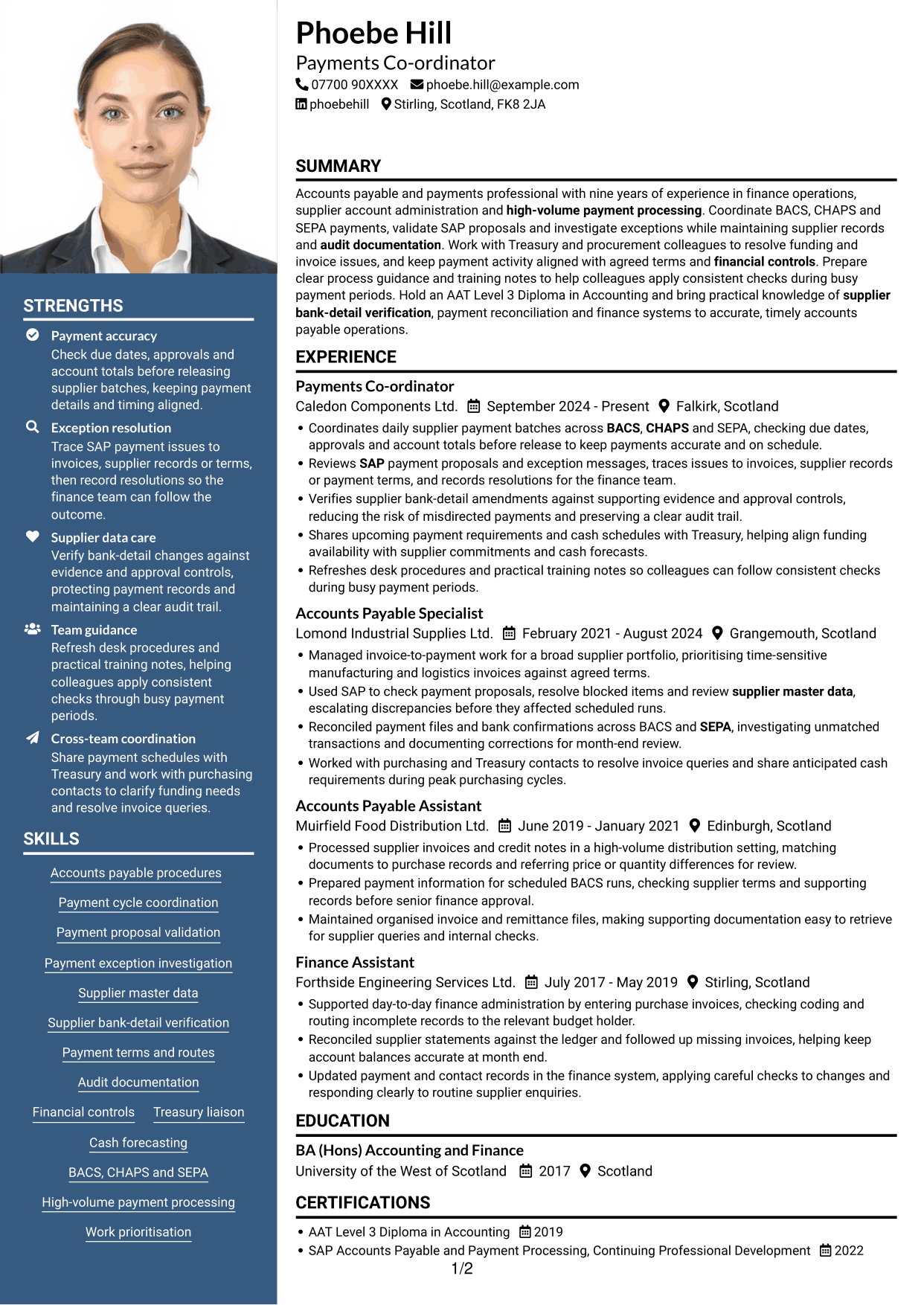
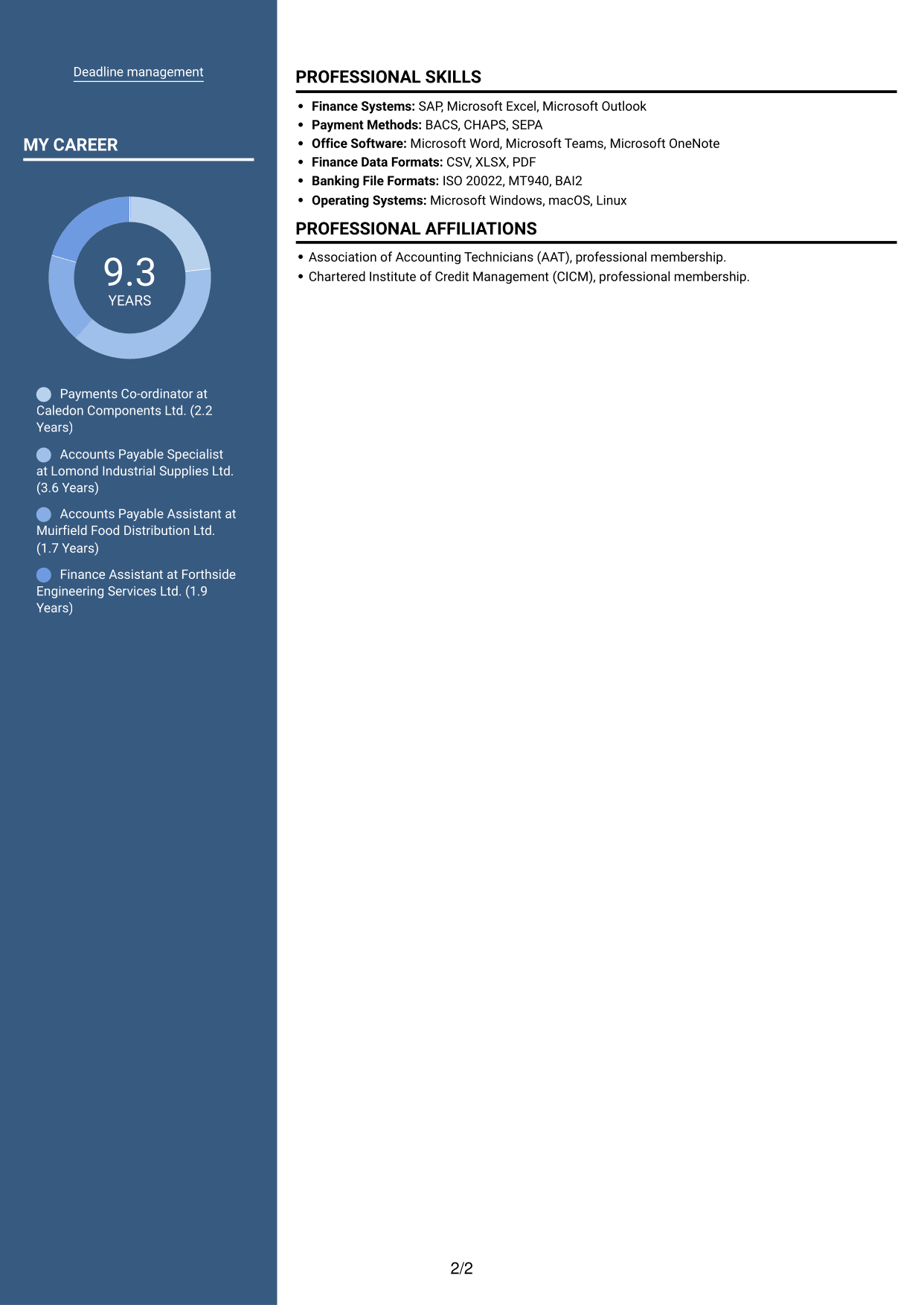
 
CV example — page 1   CV example — page 2

Why This Format Works

  • Two body columns give reviewers separate areas for experience and supporting information.
  • The header photo offers a visible portrait without changing the CV's reading order.
  • Distinct content areas can keep education and skills easy to find.

Best For

  • CVs where a portrait is preferred
  • Experience alongside supporting details
  • Several sections to review
  • Skills and education in separate areas
  • Readers who value divided content
 

#6 Coloured Two Column Format CV Example

Coloured Two Column Format presents the CV in two columns, a useful choice when readers want separate areas for experience and supporting information.
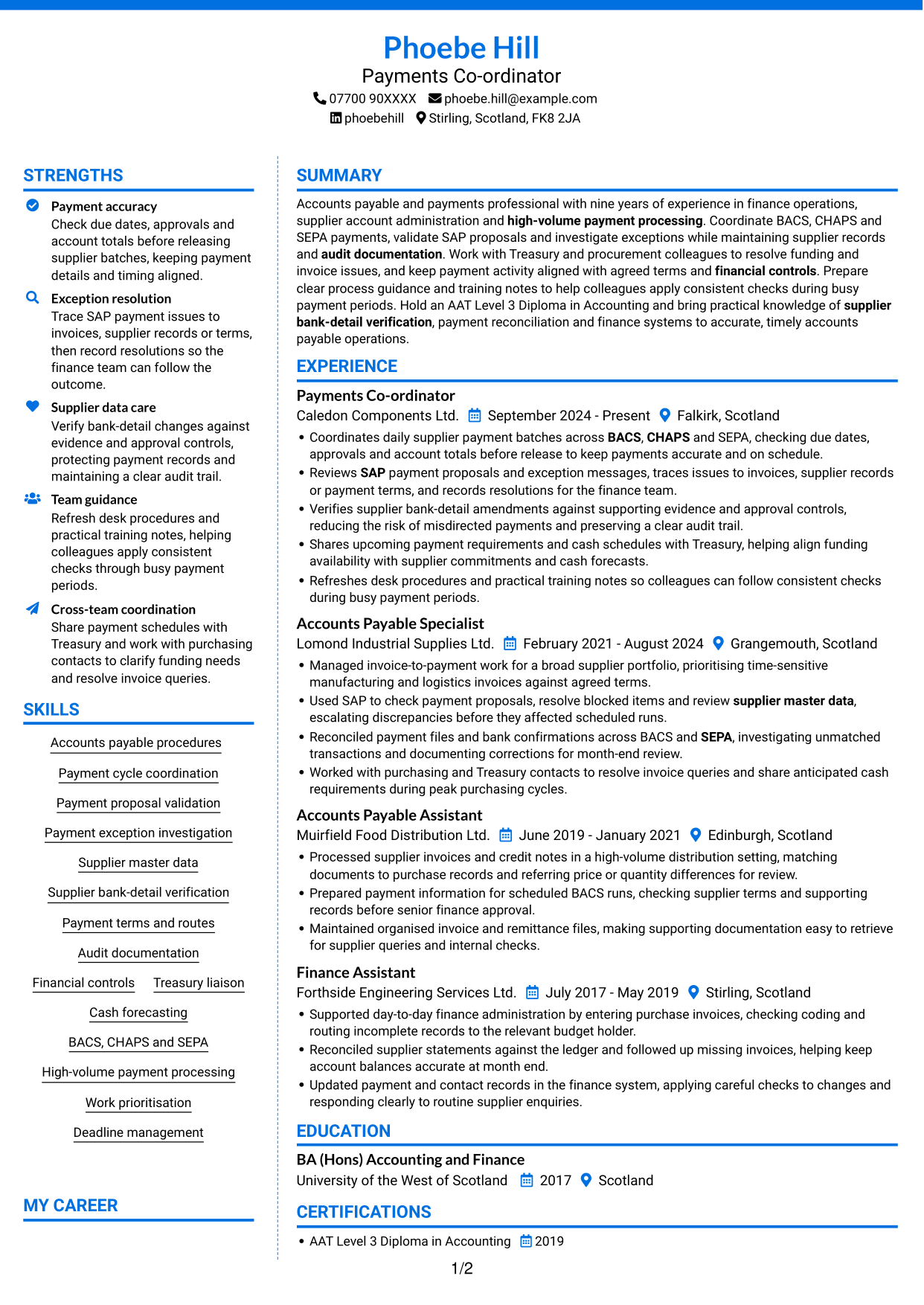
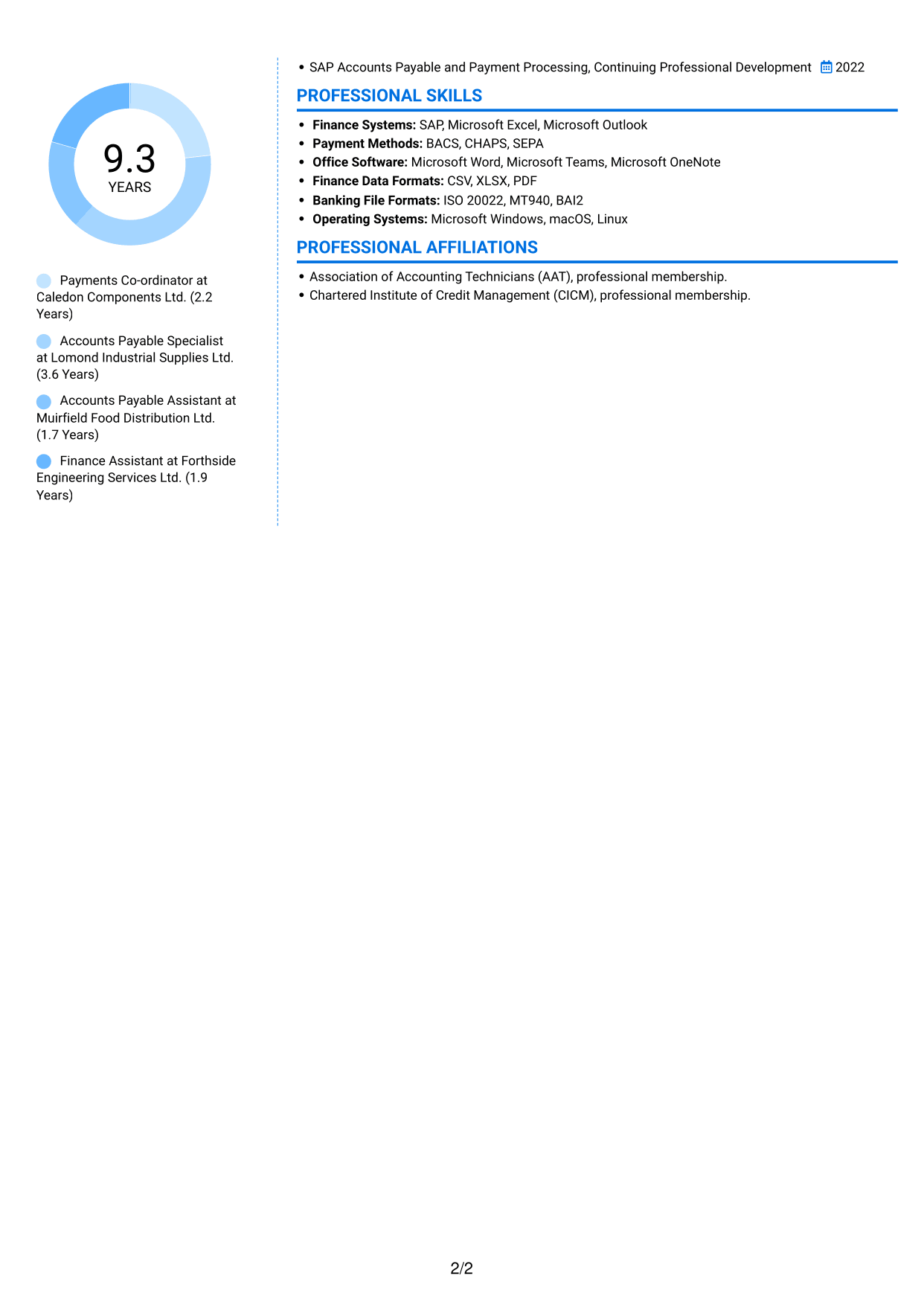
 
CV example — page 1   CV example — page 2

Why This Format Works

  • The two-column body separates career history from other sections for easier review.
  • Reviewers can locate skills and qualifications without reading each section as one block.
  • Separate areas can make a CV with varied experience easier to navigate.

Best For

  • Varied career histories
  • Experience and skills in distinct areas
  • CVs with several supporting sections
  • Readers who prefer divided content
  • Education and credentials alongside work history
 

#7 Stylish Two Column Designer Format CV Example

Stylish Two Column Designer Format arranges the CV in two columns, giving readers a clear way to move between career history and supporting information.
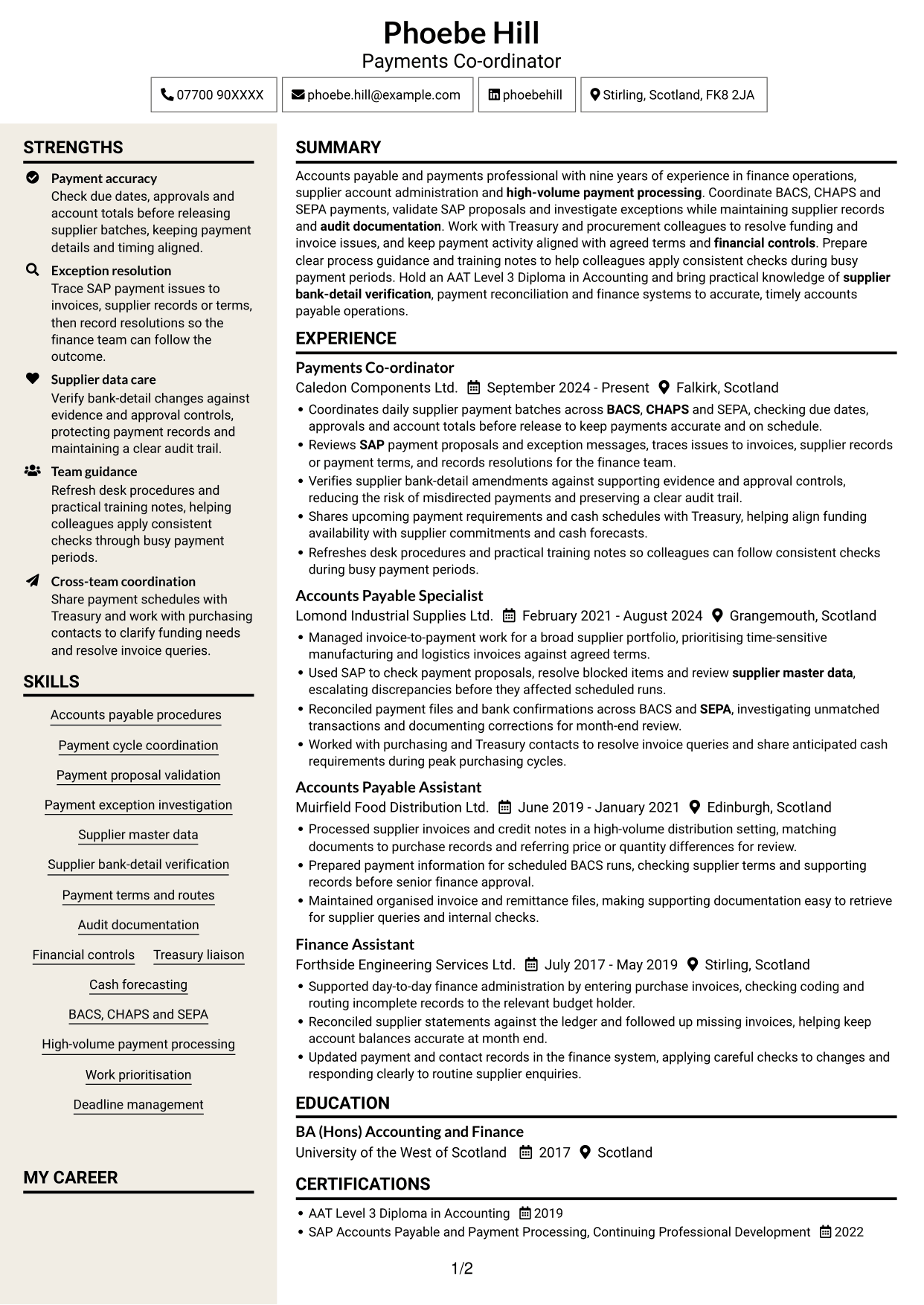
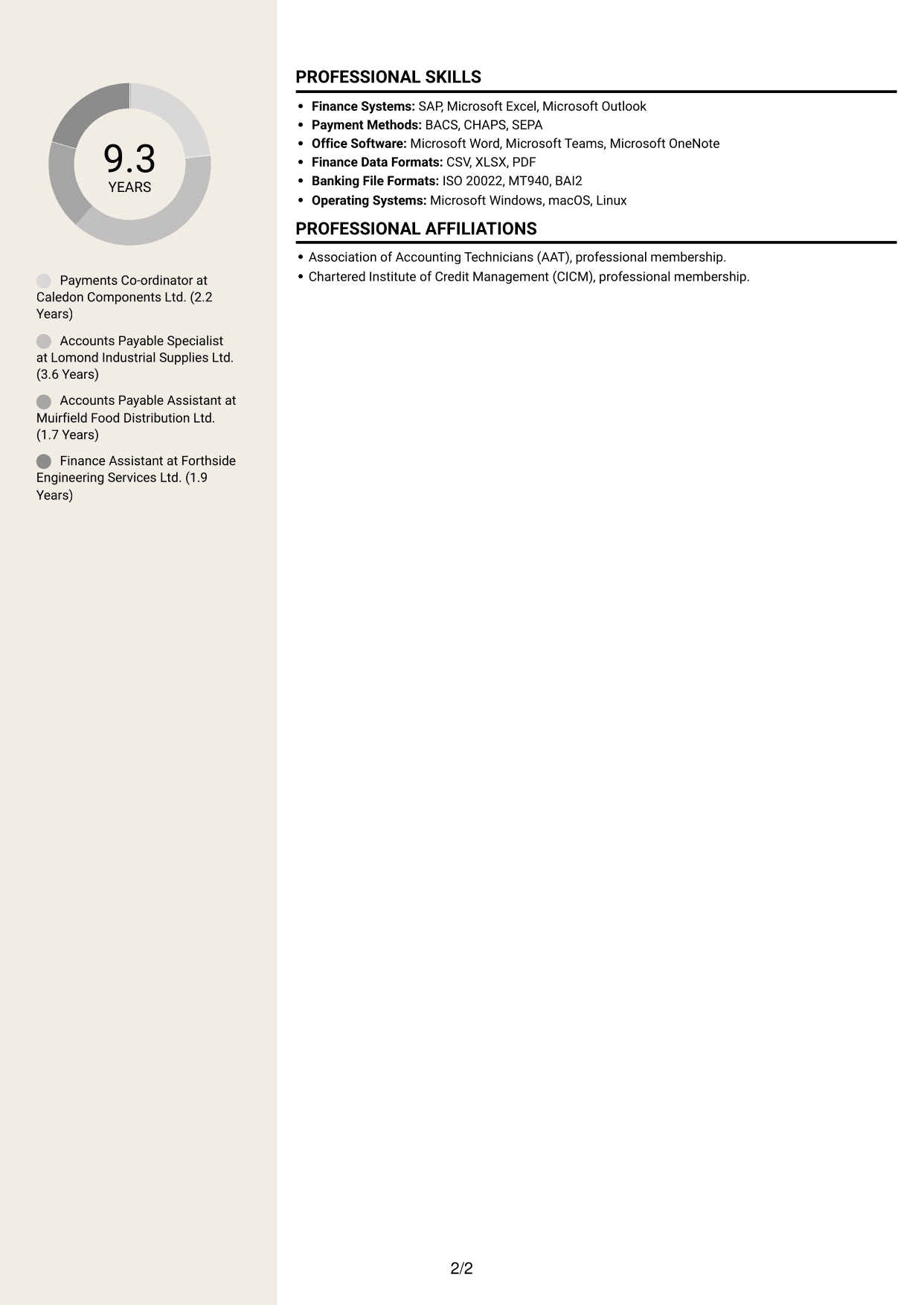
 
CV example — page 1   CV example — page 2

Why This Format Works

  • Two reading areas help reviewers distinguish work experience from other CV sections.
  • The layout gives skills, education and credentials space alongside career history.
  • Reviewers can move between sections while keeping the full CV in view.

Best For

  • Career history with related sections
  • Skills and credentials alongside experience
  • CVs with multiple information areas
  • Readers who prefer a two-column view
  • Easy movement between CV sections


Why Build Your Payments Co-ordinator - Accounts Payable CV with ResumeInMinutes

ResumeInMinutes helps you organise accounts payable experience, skills and education in a clear CV. Compare PNG image previews, then open an example in the editor to customise its content and layout.

  • Different CV layouts
  • Clear, readable section structure
  • Space for role-specific keywords
  • Organised skills and experience
  • PNG image previews
  • CV customisation in the editor

Choose a format that makes your payment work easy to follow. Keep attention on payment checks, SAP exceptions, supplier data and accurate records.


See Also


Frequently Asked Questions

Are these Payments Co-ordinator - Accounts Payable CV templates ATS-friendly?

The examples use clear headings and sections that are easy to scan. Include relevant terms naturally, such as accounts payable procedures, SAP, BACS, CHAPS, SEPA and supplier bank-detail verification.

Are these separate CV examples or different layouts of one example?

This page shows one role-focused CV example in different layouts. Compare the PNG image previews, then open an example in the editor to customise it.

What should a Payments Co-ordinator - Accounts Payable CV include?

Include a focused profile, relevant experience, skills, education and certifications. Show how you coordinate payment runs, check proposals, investigate exceptions, maintain supplier records and keep audit documents.

Which CV layout works well for this role?

Choose a layout with clear headings and an easy-to-follow order for experience, skills and education. A simple structure helps recruiters and applicant tracking systems find key details.

How can I show payment coordination achievements on my CV?

Use concise bullet points to explain the task, your action and the result. Include supported figures where available, such as payment volumes, error reductions or improvements to processing time.

Should I include a photo on my CV?

For UK applications, a photo is usually not needed. Use the space for relevant experience, skills and measurable results instead.


ATS Score 97%

How we calculate this score

  • Keywords: 60% of the total. AI extracts keywords from your job description. If you do not provide one, a standard job description for the title matching your CV is used. This is not a match to a specific vacancy.
  • Text-based CV: 20%. The text CV assessed here receives 100 for this part.
  • CV quality: 20%. We start at 100 and subtract points for issues found by our CV checks, down to a minimum of zero.
  • Keyword coverage = 100 × (confirmed matches + 0.8 × possible matches) ÷ total keywords, rounded and capped at 100. Possible matches still need checking. Saved generation audits use their saved keyword percentage.
  • Final score = 60% of keyword coverage + 20% of the text score + 20% of the quality score, rounded to a whole number. Without keywords, no overall ATS score is available.

What this score means

Our scores are estimates, not employer ratings. They may contain errors and do not guarantee accurate parsing, a ranking, an interview, or a job. Check your document against the employer’s requirements. You are responsible for relying on this score.

Terms and Conditions

Score weights: Keywords 60% · Text based CV 20% · CV quality 20%

Keywords: 23 matched + 2 possible of 25 (98%) · CV quality: 90%

CV quality 90% · Weight 20% · Issues (1)

Details
  • ✓Name present: Phoebe Hill
  • ✓Email format: phoebe.hill@example.com
  • ✗Phone format: 07700 90XXXX
  • ✓Experience 1: Job title: Payments Co-ordinator
  • ✓Experience 1: Company name: Caledon Components Ltd.
  • ✓Experience 1: Work location: Falkirk, Scotland
  • ✓Experience 1: Employment dates: September 2024 - Present
  • ✓Experience 1: Description or achievements: Present
  • ✓Experience 2: Job title: Accounts Payable Specialist
  • ✓Experience 2: Company name: Lomond Industrial Supplies Ltd.
  • ✓Experience 2: Work location: Grangemouth, Scotland
  • ✓Experience 2: Employment dates: February 2021 - August 2024
  • ✓Experience 2: Description or achievements: Present
  • ✓Experience 3: Job title: Accounts Payable Assistant
  • ✓Experience 3: Company name: Muirfield Food Distribution Ltd.
  • ✓Experience 3: Work location: Edinburgh, Scotland
  • ✓Experience 3: Employment dates: June 2019 - January 2021
  • ✓Experience 3: Description or achievements: Present
  • ✓Experience 4: Job title: Finance Assistant
  • ✓Experience 4: Company name: Forthside Engineering Services Ltd.
  • ✓Experience 4: Work location: Stirling, Scotland
  • ✓Experience 4: Employment dates: July 2017 - May 2019
  • ✓Experience 4: Description or achievements: Present
  • ✓No placeholder fields
  • ✓No repeated achievement bullets
  • ✓No empty bullets

Header: Check the phone number: “07700 90XXXX”. Use 7–15 digits, with an optional country code.

Expand details to review the checks.

Text Based CV 100% · Weight 20%

Parsed text
Phoebe Hill
Payments Co-ordinator
07700 90XXXX
phoebehill
Stirling, Scotland, FK8 2JA
phoebe.hill@example.com
STRENGTHS
Payment accuracy
Check due dates, approvals and account totals before releasing supplier batches, keeping payment details and timing aligned.
Exception resolution
Trace SAP payment issues to invoices, supplier records or terms, then record resolutions so the finance team can follow the outcome.
Supplier data care
Verify bank-detail changes against evidence and approval controls, protecting payment records and maintaining a clear audit trail.
Team guidance
Refresh desk procedures and practical training notes, helping colleagues apply consistent checks through busy payment periods.
Cross-team coordination
Share payment schedules with Treasury and work with purchasing contacts to clarify funding needs and resolve invoice queries.
SUMMARY
Accounts payable and payments professional with nine years of experience in finance operations, supplier account administration and high-volume payment processing. Coordinate BACS, CHAPS and SEPA payments, validate SAP proposals and investigate exceptions while maintaining supplier records and audit documentation. Work with Treasury and procurement colleagues to resolve funding and invoice issues, and keep payment activity aligned with agreed terms and financial controls. Prepare clear process guidance and training notes to help colleagues apply consistent checks during busy payment periods. Hold an AAT Level 3 Diploma in Accounting and bring practical knowledge of supplier bank-detail verification, payment reconciliation and finance systems to accurate, timely accounts payable operations.
EXPERIENCE
Payments Co-ordinator
Caledon Components Ltd.
September 2024 - Present
Falkirk, Scotland
Coordinates daily supplier payment batches across BACS, CHAPS and SEPA, checking due dates, approvals and account totals before release to keep payments accurate and on schedule.
Reviews SAP payment proposals and exception messages, traces issues to invoices, supplier records or payment terms, and records resolutions for the finance team.
Verifies supplier bank-detail amendments against supporting evidence and approval controls, reducing the risk of misdirected payments and preserving a clear audit trail.
Shares upcoming payment requirements and cash schedules with Treasury, helping align funding availability with supplier commitments and cash forecasts.
Refreshes desk procedures and practical training notes so colleagues can follow consistent checks during busy payment periods.
Accounts Payable Specialist
Lomond Industrial Supplies Ltd.
February 2021 - August 2024
Grangemouth, Scotland
Managed invoice-to-payment work for a broad supplier portfolio, prioritising time-sensitive manufacturing and logistics invoices against agreed terms.
Used SAP to check payment proposals, resolve blocked items and review supplier master data, escalating discrepancies before they affected scheduled runs.
Reconciled payment files and bank confirmations across BACS and SEPA, investigating unmatched transactions and documenting corrections for month-end review.
Worked with purchasing and Treasury contacts to resolve invoice queries and share anticipated cash requirements during peak purchasing cycles.
Accounts Payable Assistant
Muirfield Food Distribution Ltd.
June 2019 - January 2021
Edinburgh, Scotland
Processed supplier invoices and credit notes in a high-volume distribution setting, matching documents to purchase records and referring price or quantity differences for review.
Prepared payment information for scheduled BACS runs, checking supplier terms and supporting records before senior finance approval.
Maintained organised invoice and remittance files, making supporting documentation easy to retrieve for supplier queries and internal checks.
Finance Assistant
Forthside Engineering Services Ltd.
July 2017 - May 2019
Stirling, Scotland
Supported day-to-day finance administration by entering purchase invoices, checking coding and routing incomplete records to the relevant budget holder.
Reconciled supplier statements against the ledger and followed up missing invoices, helping keep account balances accurate at month end.
Updated payment and contact records in the finance system, applying careful checks to changes and responding clearly to routine supplier enquiries.
SKILLS
Financial controls
High-volume payment processing
Payment exception investigation
Supplier bank-detail verification
Accounts payable procedures
Payment proposal validation
Payment cycle coordination
Payment terms and routes
BACS, CHAPS and SEPA
Deadline management
Audit documentation
Supplier master data
Work prioritisation
Cash forecasting
Treasury liaison
EDUCATION
BA (Hons) Accounting and Finance
University of the West of Scotland
2017
Scotland
MY CAREER
9.3Years
Payments Co-ordinator at Caledon Components Ltd. (2.2 Years)
Accounts Payable Specialist at Lomond Industrial Supplies Ltd. (3.6 Years)
Accounts Payable Assistant at Muirfield Food Distribution Ltd. (1.7 Years)
Finance Assistant at Forthside Engineering Services Ltd. (1.9 Years)
CERTIFICATIONS
AAT Level 3 Diploma in Accounting
2019
SAP Accounts Payable and Payment Processing, Continuing Professional Development
2022
PROFESSIONAL SKILLS
Finance Systems: SAP, Microsoft Excel, Microsoft Outlook
Payment Methods: BACS, CHAPS, SEPA
Office Software: Microsoft Word, Microsoft Teams, Microsoft OneNote
Finance Data Formats: CSV, XLSX, PDF
Banking File Formats: ISO 20022, MT940, BAI2
Operating Systems: Microsoft Windows, macOS, Linux
PROFESSIONAL AFFILIATIONS
Association of Accounting Technicians (AAT), professional membership.
Chartered Institute of Credit Management (CICM), professional membership.

Matched keywords (23)

  • Accounts payable procedures
  • Payment cycle coordination
  • BACS
  • CHAPS
  • SEPA
  • SAP
  • Payment proposal validation
  • Payment exception investigation
  • Supplier master data
  • Supplier bank-detail verification
  • Payment terms and routes
  • Audit documentation
  • Financial controls
  • Treasury liaison
  • Cash forecasting
  • High-volume payment processing
  • finance operationsOriginal keyword in JD: Accounts and finance operations
  • Check due dates, approvals and account totals before releasing supplier batches, keeping payment details and timing aligned.Original keyword in JD: Attention to detail
  • Refresh desk procedures and practical training notes, helping colleagues apply consistent checks through busy payment periods.Original keyword in JD: Organisation
  • Share payment schedules with Treasury and work with purchasing contacts to clarify funding needs and resolve invoice queries.Original keyword in JD: Communication
  • Work prioritisation
  • Deadline management
  • SAP, Microsoft Excel, Microsoft OutlookOriginal keyword in JD: IT systems and software

Missing keywords (0)

No missing keywords.

Possible matches (2)

  • Cash availability and funding coordination80% credit: 3.20 percentage points of 4.00 possible.
  • Process guidance and training materials80% credit: 3.20 percentage points of 4.00 possible.
Disclaimer: All names, images, contact information, employment histories, achievements, security clearances, military credentials, and other qualifications shown in this content are fictional and used for illustrative purposes only. Any resemblance to actual persons, living or deceased, is purely coincidental.

CV and cover letter examples and recommendations in this article reflect general best practices and professional experience and are provided for guidance only. Results may vary based on role, industry, region, and hiring organisation.

Content Accuracy and Verification: To the fullest extent permitted by applicable law, we do not represent or warrant that CV or cover letter guidance, examples, recommendations, or related information are accurate, complete, current, error-free, or suitable for any particular purpose. You are responsible for independently reviewing and verifying the information before relying on it.

ATS and Cover Letter Scores: ATS scores are estimates calculated using our own formula, informed by publicly available guidance on CV formatting and keyword matching. They are not scores issued or endorsed by an ATS provider or employer. Cover letter scores are also our own assessments. Parsing, weighting, screening criteria, and results vary between systems, employers, job descriptions, and document formats. No score guarantees successful parsing, a particular ranking, an interview, or employment. Use scores as general guidance and independently check your documents against the employer’s requirements. To the fullest extent permitted by applicable law, we accept no liability for errors in scores or parsing, or losses arising from reliance on these assessments. Nothing in this notice excludes liability or limits consumer rights that cannot lawfully be excluded or limited.

Terms and Conditions
 
> JP 1 1
PDF Footer and Margins Setup
The margins are applied to the document, and the footer appears in both the preview and the PDF

Footer Font Settings

Are you applying for a specific job
so we can tailor your CV to it?
Are you applying for a specific job
so we can tailor your cover letter to it?

Your data stays private and is never used for training.Privacy Policy

Type your details as text to generate a personalised CV Type your details as text to generate a personalised cover letter
Website link found! Ready to create CV from:

Your data stays private and is never used for training.Privacy Policy

Drag the into the box to verify you're human.
Drop here

My CVs

Showing {number_of_files} files (out of {total_of_all_files} total)
Name File Type Last Modified: Description:

Rename File

Filename already exists!

Delete Files

Warning: This action is irreversible. Once you click submit, the files will be permanently deleted.

Heading text
Upload From Computer Upload
Select From Existing
LinkedIn
Drag & Drop files anywhere in this tab, or

Uploaded Files

Delete Name Last Updated Use This File
Select this to use the file for generating your CV and cover letter. Only one source—uploaded file, selected file, or LinkedIn text—can be used.

My Files

CVs or cover letters you create will appear here. No files available yet.
Delete Name Last Updated Use This File
Select this to use the file for generating your CV and cover letter. Only one source—uploaded file, selected file, or LinkedIn text—can be used.

Add LinkedIn Profile PDF

You can download your LinkedIn profile as a PDF by opening linkedin.com in a web browser, clicking your profile photo, selecting the “More” or “Resources” button, and choosing “Save to PDF.” You can then attach the PDF using the Upload From Computer tab.

Paste Your LinkedIn Profile Text

If you have copied the LinkedIn profile text, paste it below. See how to copy your profile from LinkedIn

Select this to use the LinkedIn profile text for generating your CV and covering letter. Only one source—uploaded file, selected file, or LinkedIn text—can be used.

Try these controls

<
>


