
7 Personal Assistant - School Governance Cover Letter Templates with Example
This practical guide to a Personal Assistant - School Governance cover letter shows you how to present relevant experience and motivation across seven layouts.
What Makes a Great Personal Assistant - School Governance Cover Letter in 2026
A strong letter links your interest in the role to the support it needs, including governance coordination, meeting preparation and confidential administration. Make your opening clear about why this work matters to you.
Use specific evidence, such as preparing agendas and reports, managing GovernorHub papers or keeping policy records current. Show how your approach supports accurate governance, and explain why the employer’s focus on its Executive Headteacher and governing body appeals to you.
The featured example moves from interest in the role to governance and executive support, then closes with motivation and a clear next step; adapt this focused progression while choosing a presentation suited to the employer and communication context.
#1 Simple One Column Format Cover Letter Example
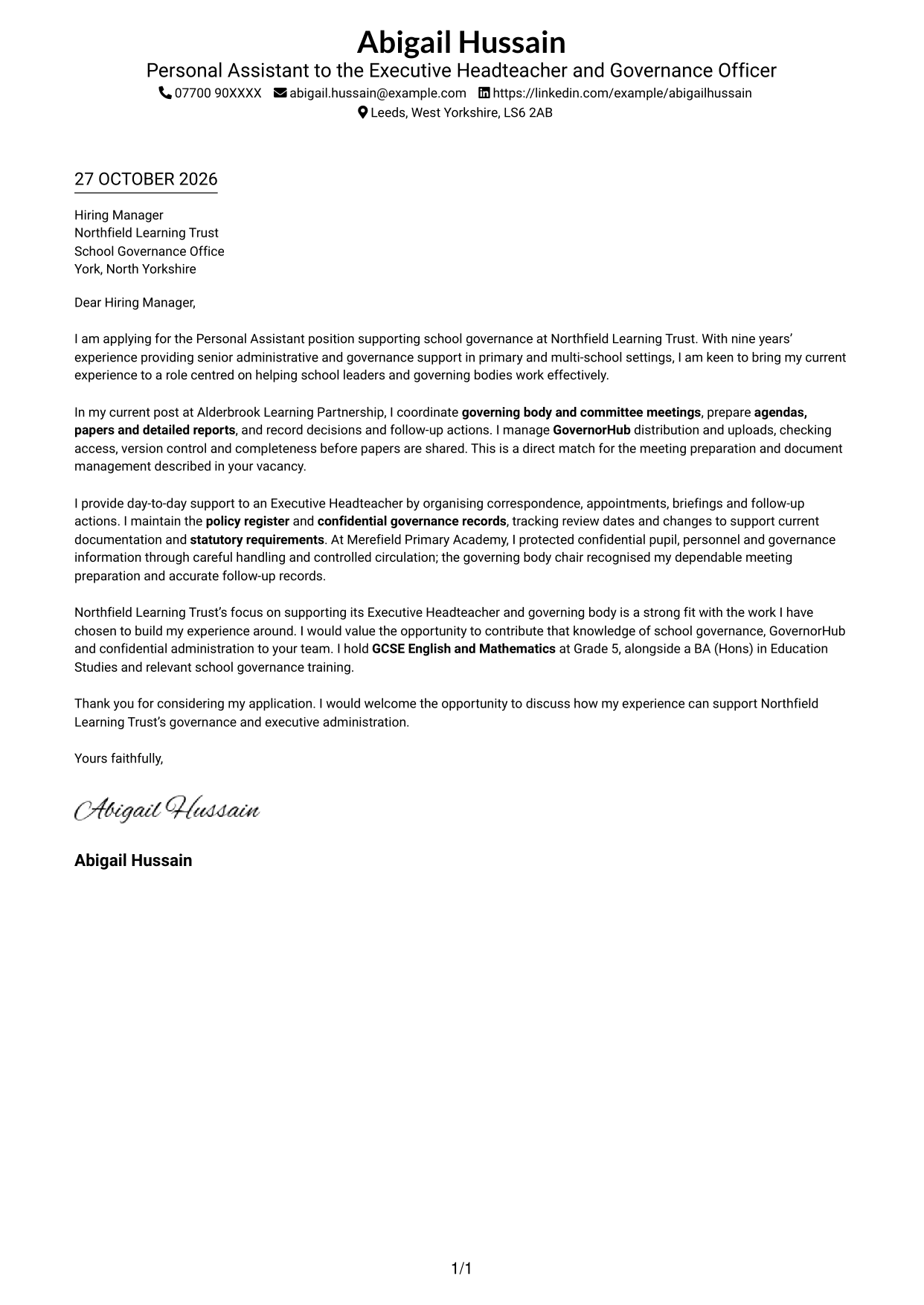
The Simple One Column Format keeps sender details in the header and the letter in one continuous reading path.
Why This Format Works
- Sender details remain in the header, separate from the letter’s main text.
- The reviewer can follow one uninterrupted sequence from opening to closing.
- All paragraphs share one reading lane, with no parallel text area.
Best For
- Single-column page layouts
- Header-based sender details
- Multi-paragraph application letters
- Readers who prefer one text lane
- Formal business correspondence
#2 Two Column Format Cover Letter Example
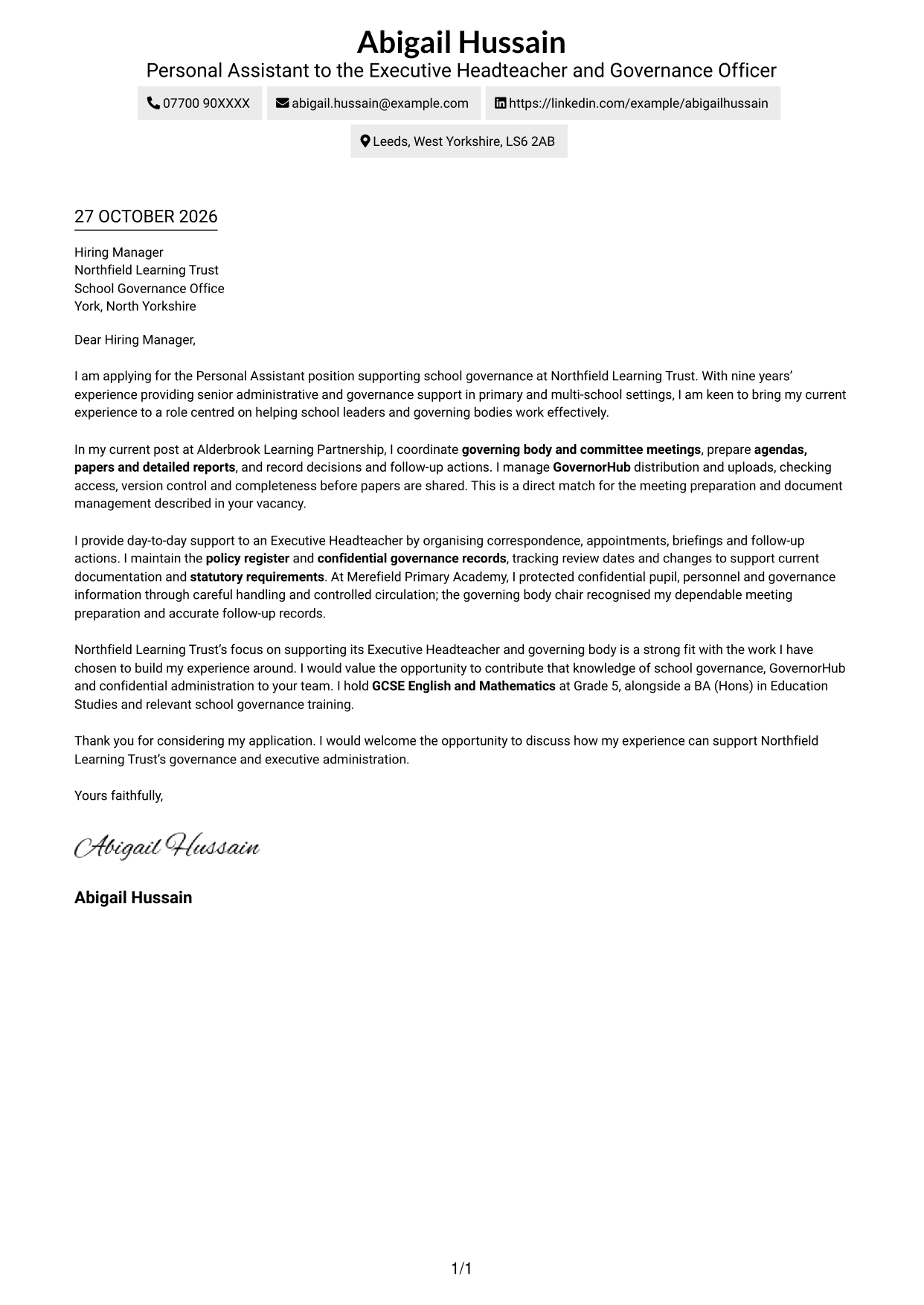
A contact sidebar sits beside the uninterrupted letter body in the Two Column Format.
Why This Format Works
- Contact details sit beside the letter body, rather than within its paragraphs.
- One continuous text area carries the message from its opening to its close.
- Side-by-side placement suits readers who want sender information visible alongside the letter.
Best For
- Contact details beside the message
- Letters with several body paragraphs
- Sender information kept in view
- A distinct contact area
- Side-by-side page layouts
#3 Photo Header Two Column Format Cover Letter Example
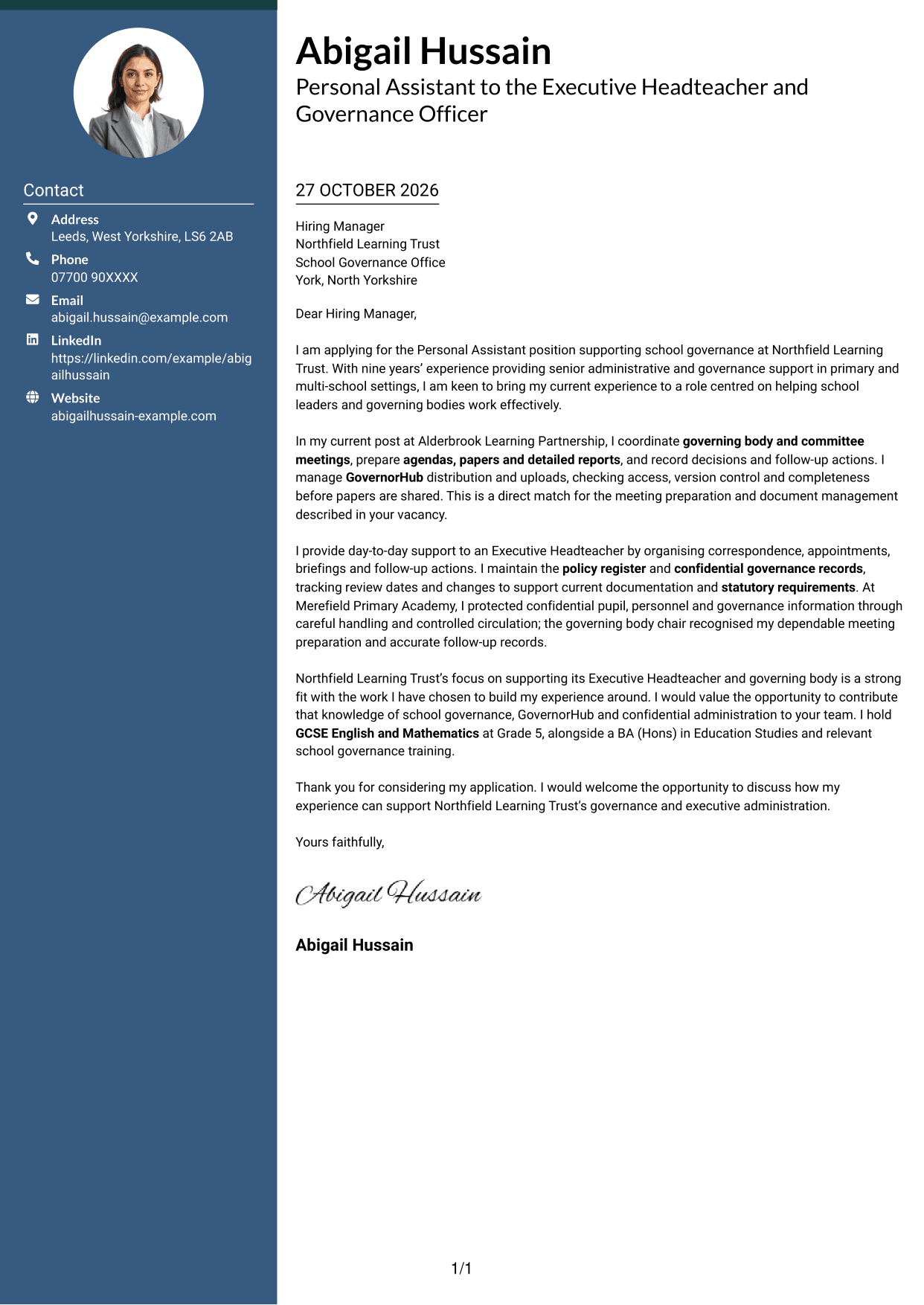
A portrait is included in this two-column layout, alongside a contact sidebar and one continuous letter body.
Why This Format Works
- The portrait adds a personal visual element without dividing the letter’s argument.
- Contact information occupies its own sidebar beside the continuous letter body.
- Reviewers can read every paragraph in sequence within the main text area.
Best For
- Two-column page layouts
- Letters that include a portrait
- Contact details beside the message
- Continuous paragraph arguments
- A personal visual introduction
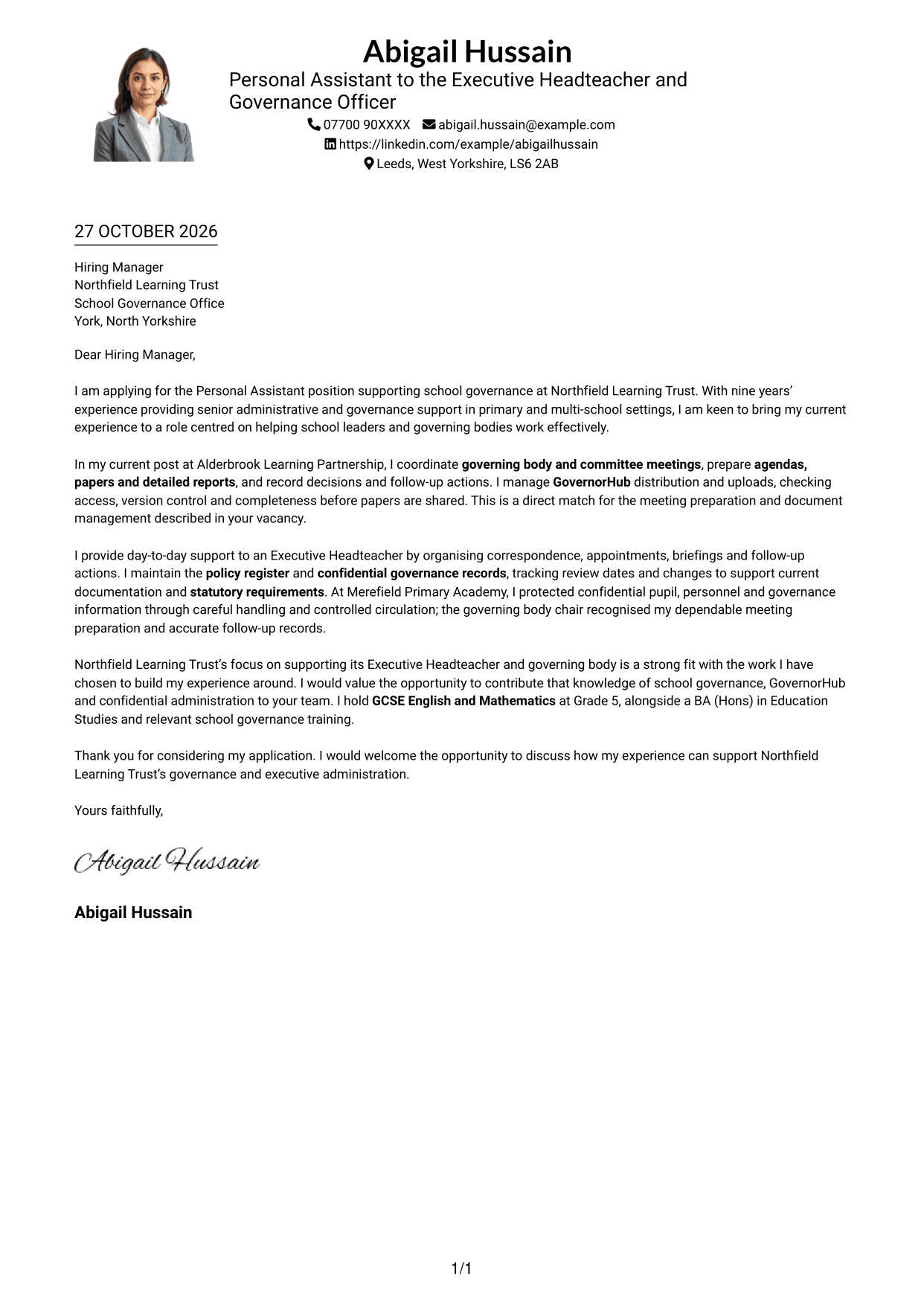
#4 One Column Format with Photo Cover Letter Example
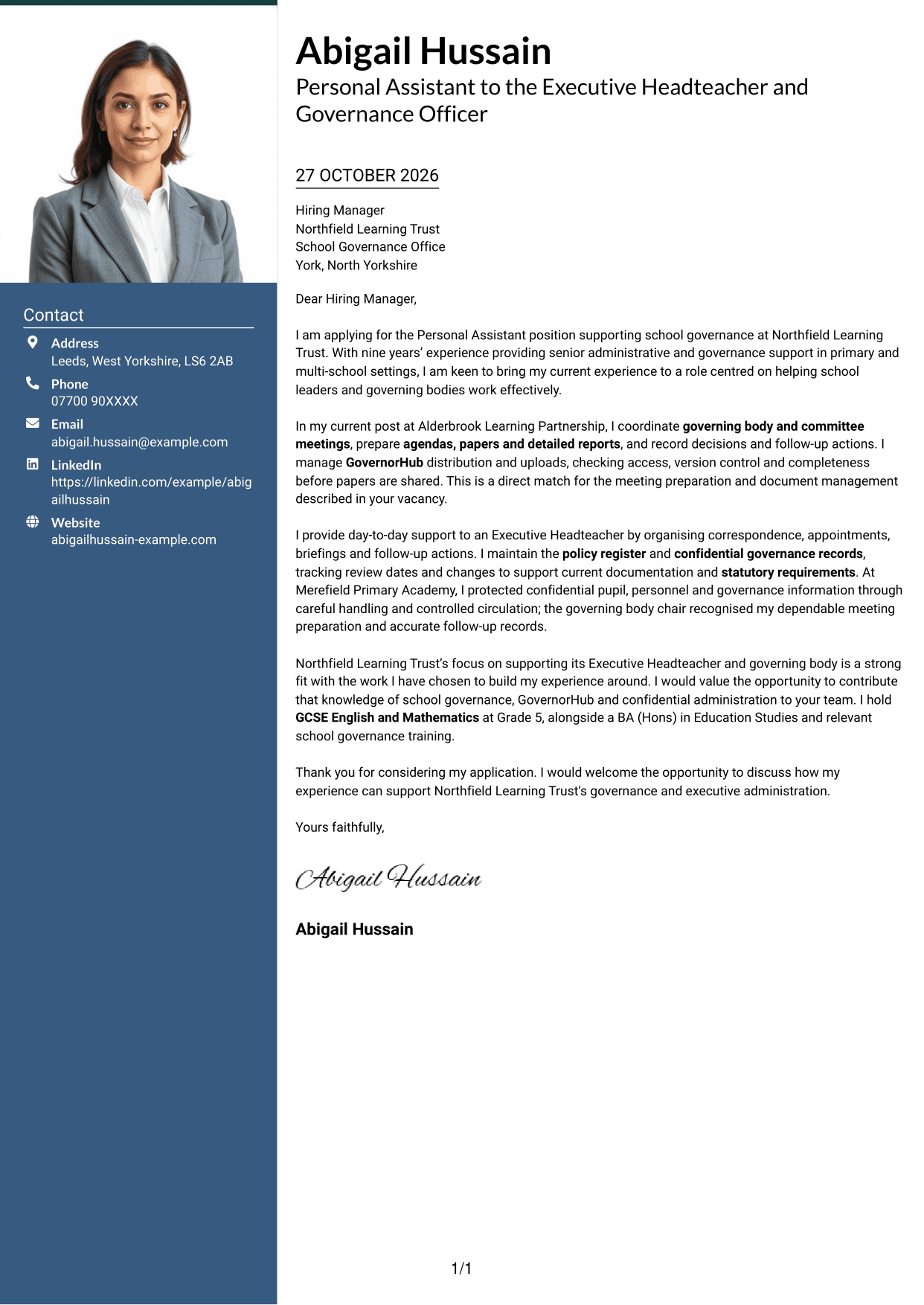
The One Column Format with Photo includes a portrait while keeping the message in continuous paragraphs.
Why This Format Works
- The photo provides a visual point of identification within the single-column design.
- Sender details in the header remain distinct from the letter paragraphs.
- One reading lane keeps the opening, supporting case and close in sequence.
Best For
- Single-column page preference
- Letters including a sender portrait
- Header-based contact details
- Multi-paragraph correspondence
- Straight-through letter reading
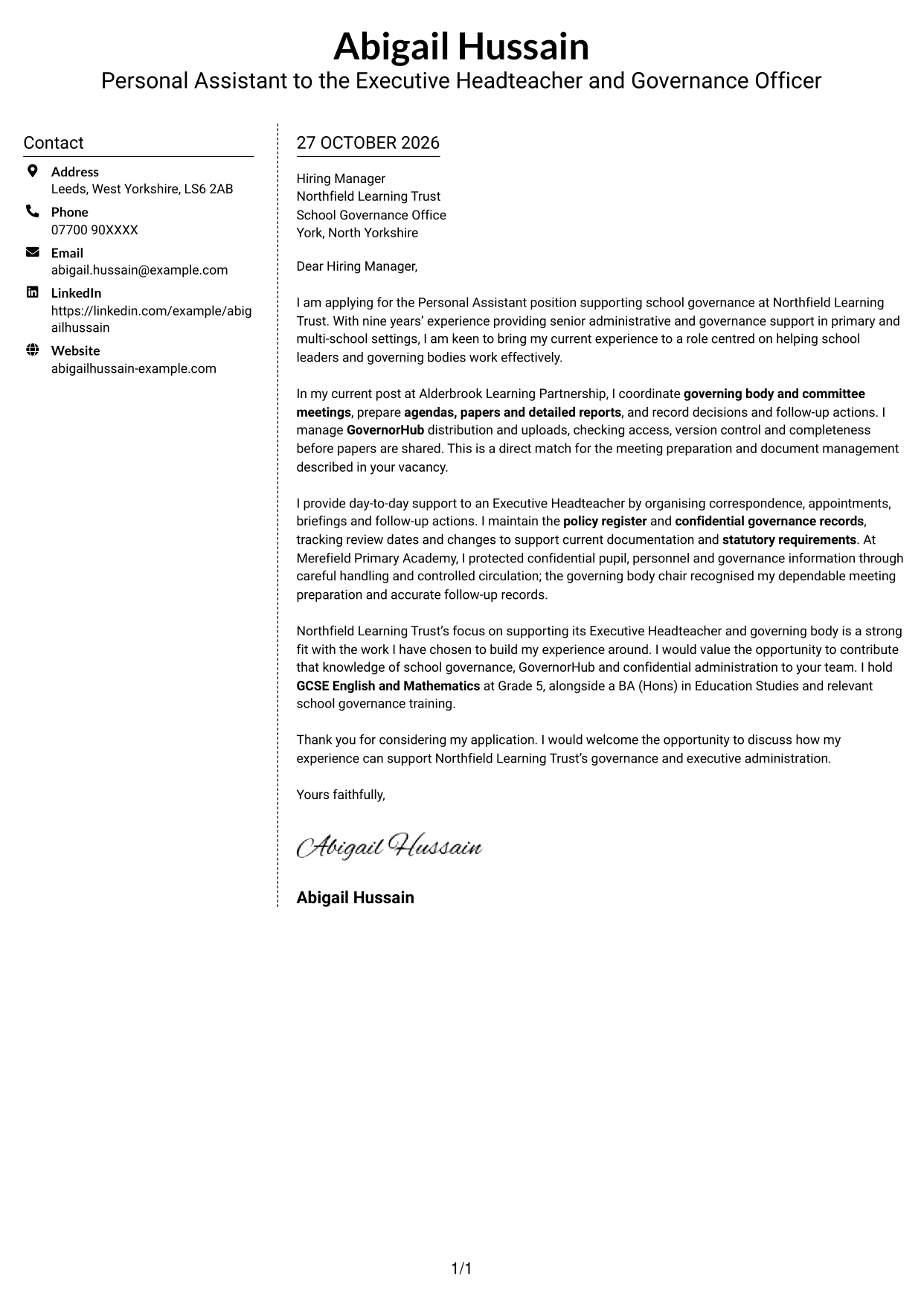
#5 Simple Two Column Format Cover Letter Example
The Simple Two Column Format places contact details in a sidebar beside one continuous letter body.
Why This Format Works
- Separate contact details leave the main text area clear for the letter.
- The continuous body lets the message develop without argument headings.
- The side-by-side layout gives the letter a clearly defined main area.
Best For
- A separate contact sidebar
- Letters with detailed supporting points
- Continuous paragraph correspondence
- Clear sender identification
- Two-column page layouts
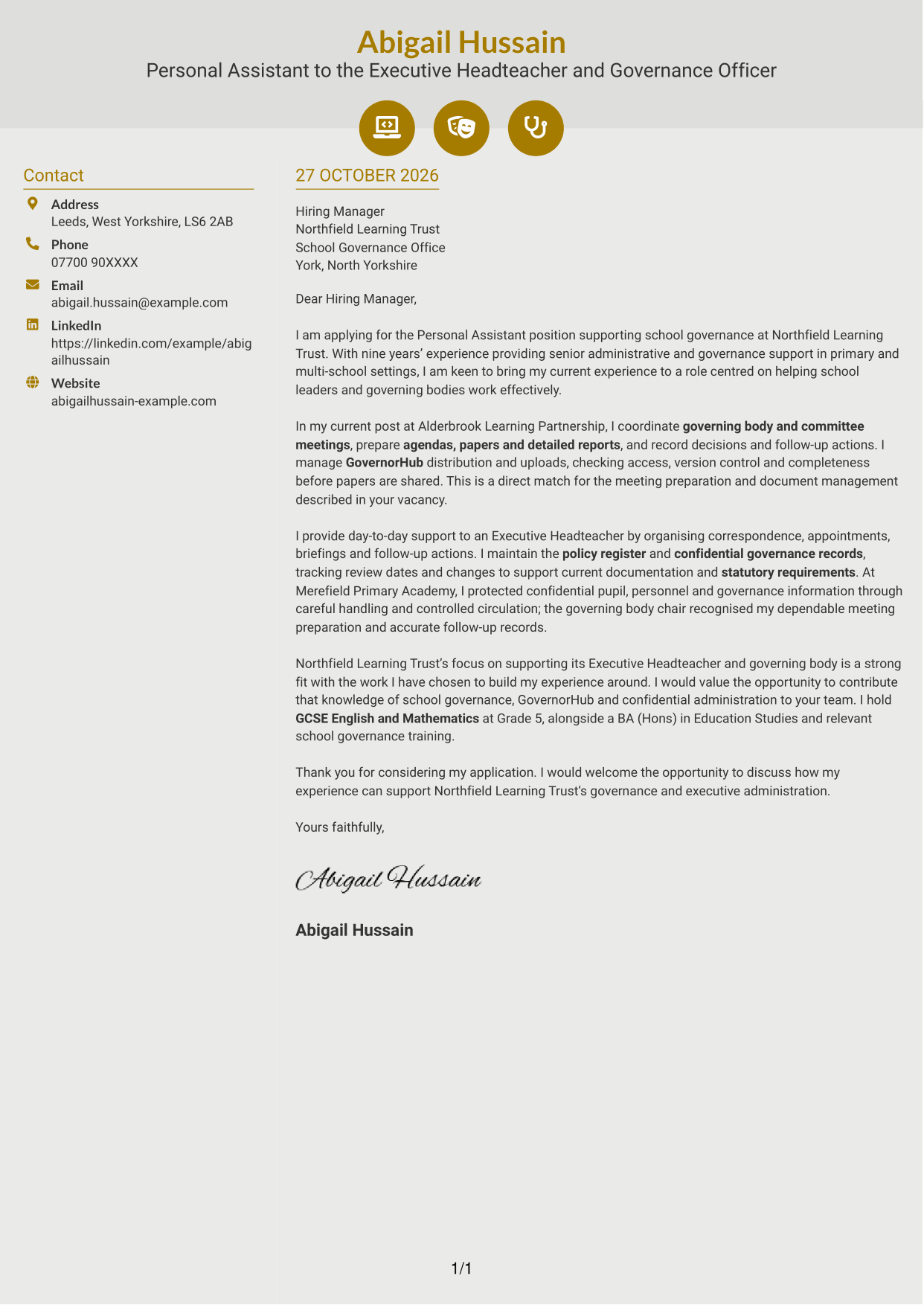
#6 Modern Icon Format Cover Letter Example
Contact icons add visual cues beside sender information, while a sidebar sits beside the continuous letter body.
Why This Format Works
- Contact icons distinguish sender details from the continuous letter text.
- One main text area keeps the letter’s argument in paragraph order.
- Decorative header icons add visual detail without labelling parts of the argument.
Best For
- Icon-led contact details
- A separate contact sidebar
- Letters with continuous paragraphs
- Readers who value visual contact cues
- Two-column page layouts
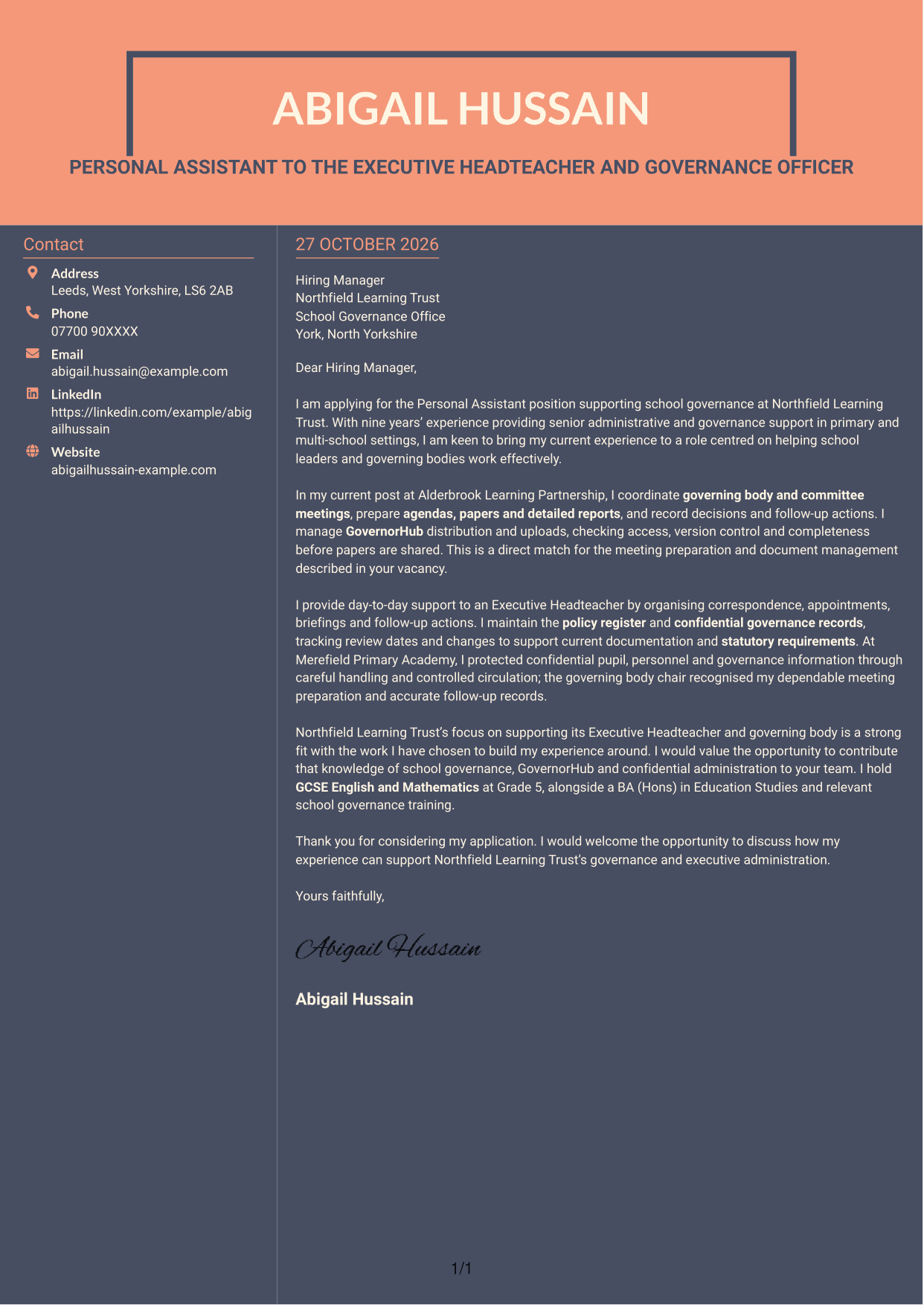
#7 Creative Two Tone Format Cover Letter Example
The Creative Two Tone Format places a contact sidebar alongside one continuous letter body in a two-column layout.
Why This Format Works
- Contact details occupy a sidebar, leaving the letter body in one continuous area.
- The opening, supporting points and close remain paragraphs rather than labelled sections.
- Readers can keep sender information in view beside the main message.
Best For
- Contact details alongside the letter
- Letters with several supporting paragraphs
- A continuous argument in paragraph form
- Side-by-side information areas
- Readers who want contact details in view
See Also
- 7 Personal Assistant - School Governance CV Templates with Example
- 7 Tax Assistant - Personal and Corporate Tax CV Templates with Example
- 7 Assistant Manager - Digital and Cyber Governance CV Templates with Example
- 7 Transformation & Operations Assistant Manager - Audit Governance CV Templates with Example
- 7 Admin Assistant - School Administration CV Templates with Example
- 7 Administrative Assistant - School Administration CV Templates with Example
- 7 After School Club Assistant CV Templates with Example
- 7 Accounts Assistant - Accounts Payable and Accounts Receivable CV Templates with Example
- 7 Tax Assistant - Personal and Corporate Tax Cover Letter Templates with Example
- 7 Assistant Manager - Digital and Cyber Governance Cover Letter Templates with Example
Frequently Asked Questions
What should a Personal Assistant - School Governance cover letter highlight?
Show how your administrative work supports school leaders and governing bodies. Relevant examples can include arranging meetings, preparing papers and reports, managing GovernorHub documents, maintaining policy records and handling confidential information.
How can I show my experience is relevant to this role?
Choose a clear example that explains what you did and how it helped. For instance, describe how you checked meeting papers before sharing them, tracked actions or kept policy records accurate and current.
How should I explain my interest in the employer?
Refer to a genuine reason you are interested in supporting the Executive Headteacher and governing body. Then connect that interest to the governance and administrative work you can offer.
How should I structure this cover letter?
Open by naming the role and giving your main reason for applying. Use the body to show relevant governance and confidential administrative support, then close by restating your interest and welcoming a discussion.
Should I mention my GCSE English and Mathematics results?
If you meet the stated requirement, a brief mention can confirm your eligibility. Keep the main focus on examples of high-level administrative support, meeting preparation and careful handling of information.




