
7 Practice Accountant / Accounts Senior - Accounts and Tax CV Templates with Example
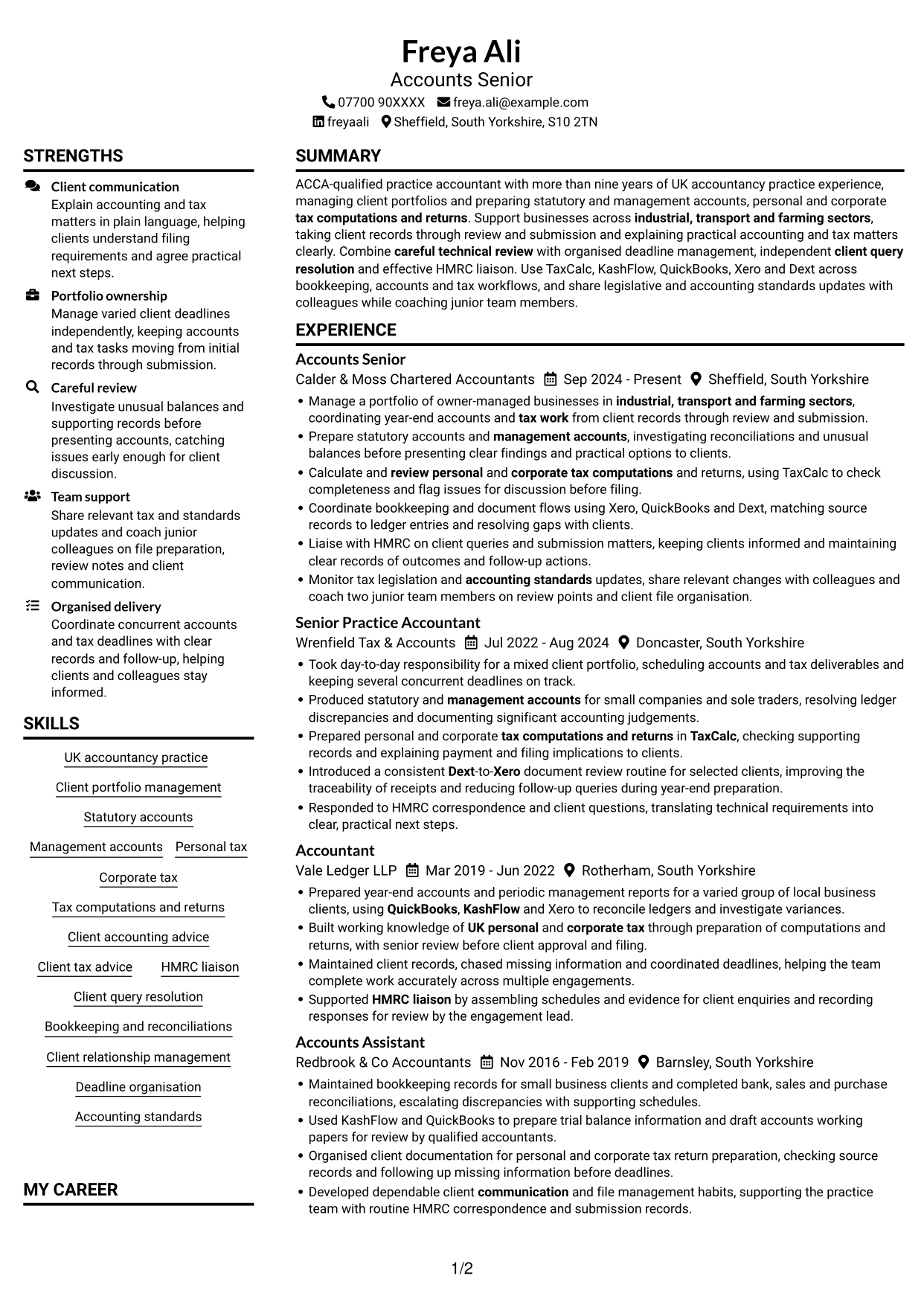
This practical guide shows you how to create a Practice Accountant / Accounts Senior - Accounts and Tax CV that presents your expertise clearly. Learn how to organise your evidence so recruiters can review your accounts, tax and client portfolio work with ease.
Show how you manage client work from records through review and submission. Use concise bullets to explain your statutory and management accounts, personal and corporate tax, HMRC liaison, and advice to clients.
Explore the example presented in 7 layouts, compare the PNG image previews, and open a preferred example in the editor to customise it. The guidance covers ATS-friendly structure and role-specific terms, including ACCA, TaxCalc, KashFlow, QuickBooks, Xero and Dext.
What Makes a Great Practice Accountant / Accounts Senior - Accounts and Tax CV in 2026
A strong CV makes portfolio ownership, account preparation and tax work easy to scan. It shows how you manage client deadlines and resolve accounting issues.
Use specific bullets and relevant terms, such as statutory accounts, management accounts, tax computations, HMRC liaison and accounting software. Include measurable results only when you can support them.
Note: CV examples are for educational purposes only. Use only information that accurately reflects your experience and qualifications. References to real organisations do not imply affiliation or endorsement.
#1 Plain Two Column Format CV Example
The Plain Two Column Format uses two parallel content areas, giving reviewers a practical way to scan career history and supporting sections.
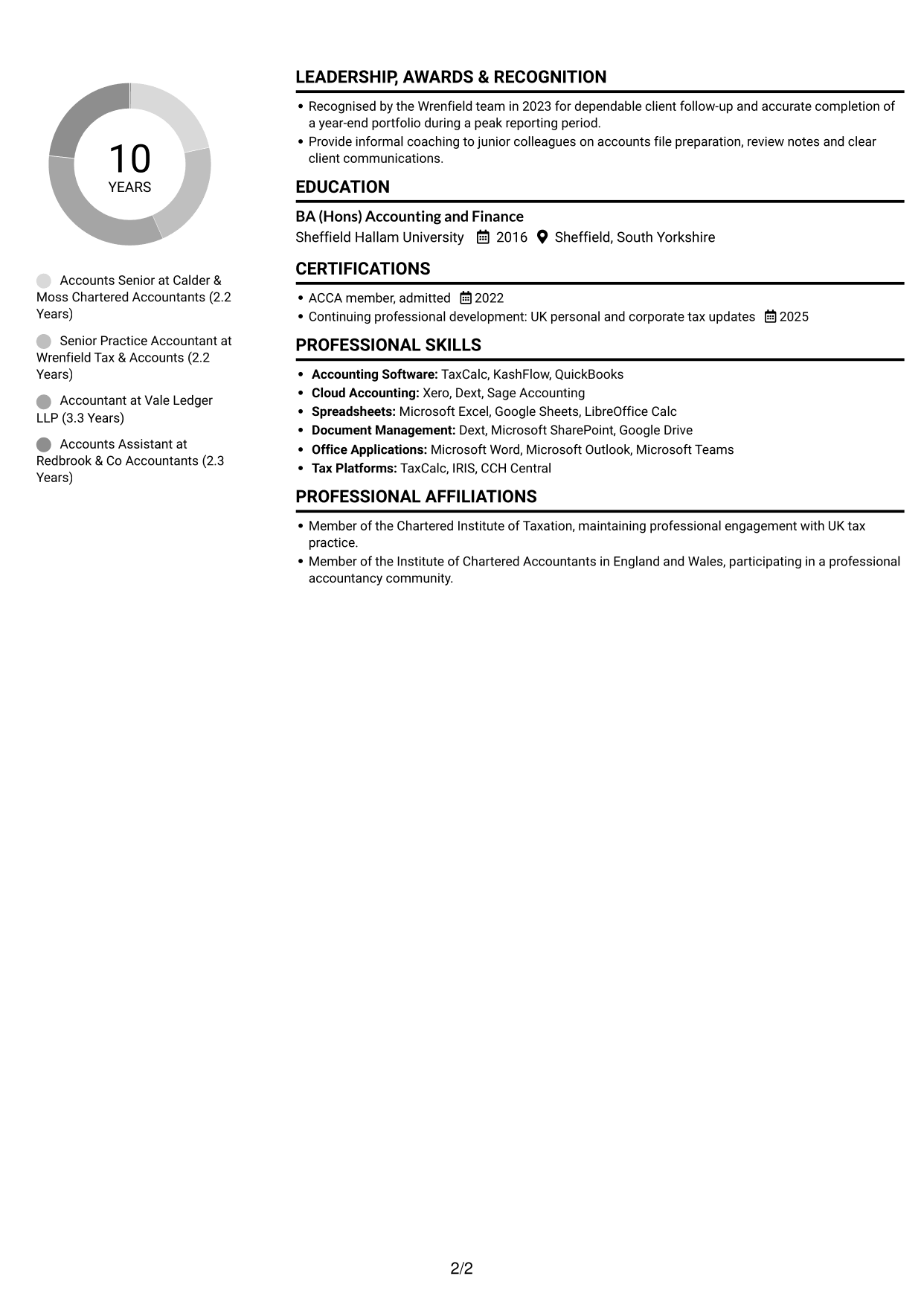
CV Snapshot
- ACCA member, admitted 2022
- More than nine years in UK accountancy practice
- Client portfolios across industrial, transport and farming sectors
- Statutory and management accounts, plus personal and corporate tax
Why This Format Works
- Two-column reading order helps reviewers follow career progression across successive roles.
- Separate content areas keep education and ACCA credentials distinct from work history.
- Clear section boundaries make skills and professional development easier to locate.
Best For
- CVs with several roles to scan
- Career histories with supporting credentials
- Applications balancing experience and education
- Related sections presented side by side
- Readers who prefer a compact layout
CV Keywords
- ACCA member, admitted
- Client portfolio management
- Prepare statutory accounts
- Management accounts
- UK personal and corporate tax through preparation of computations and returns
- Tax computations and returns
- Calculate and review personal and corporate tax computations and returns
- Client relationship management
- coordinating year-end accounts and tax work from client records through review and submission
- HMRC liaison
- TaxCalc
- KashFlow
- QuickBooks
- Xero
- Dext
#2 Simple One Column Format CV Example
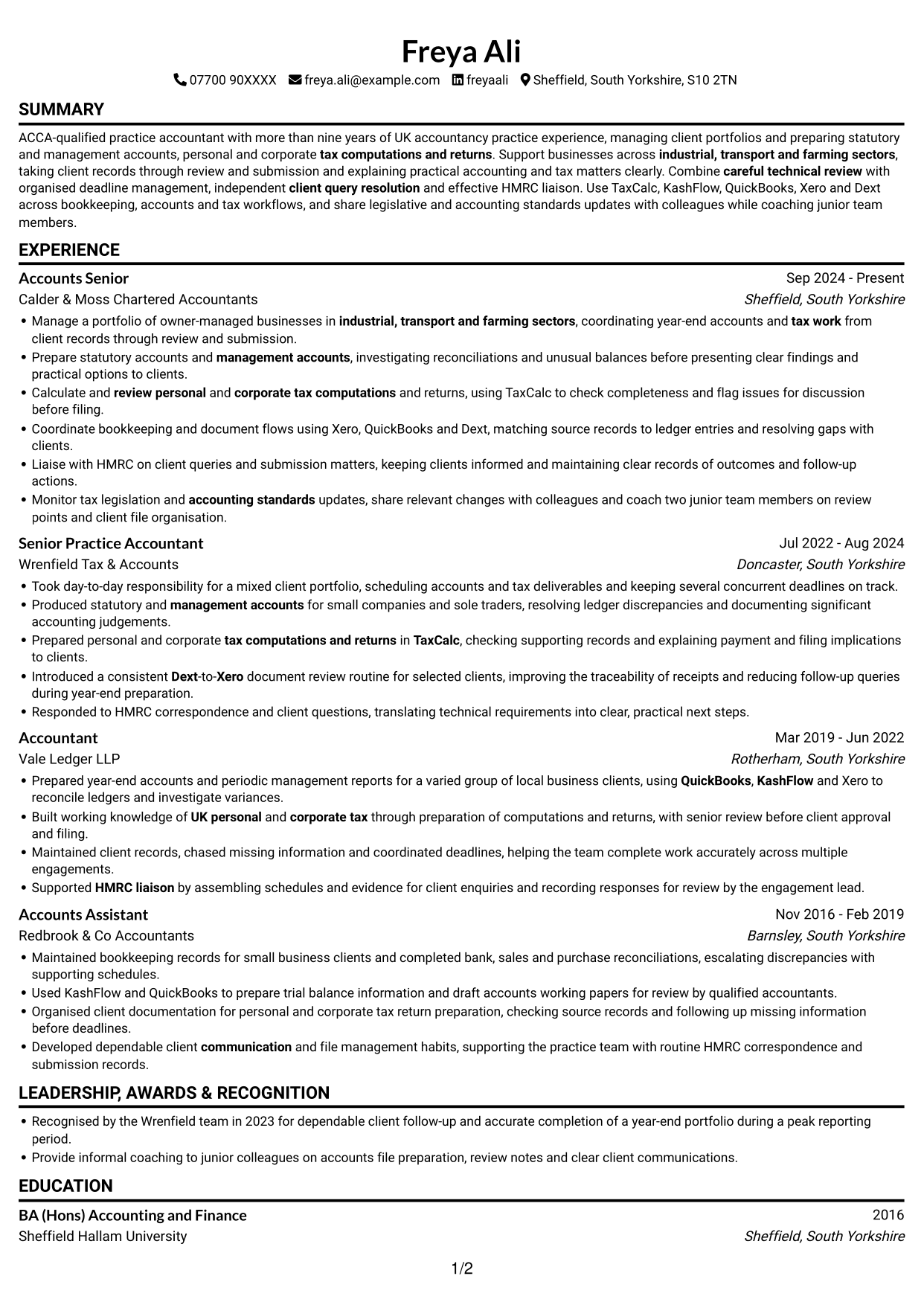
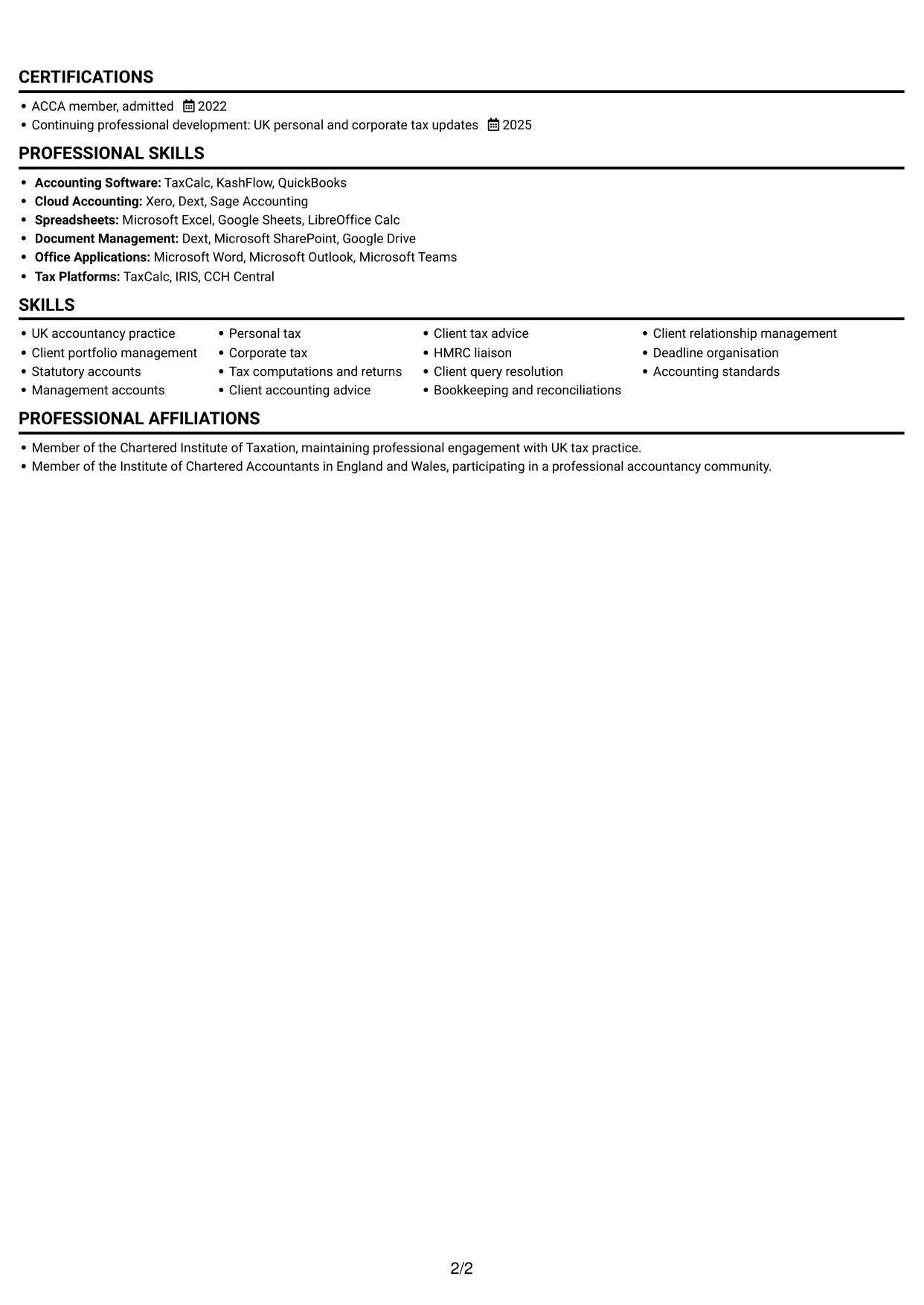
The Simple One Column Format keeps CV content in one vertical reading path, making each section easy to follow in sequence.
Why This Format Works
- One vertical reading path lets reviewers follow career progression from role to role.
- Sequential sections give education and professional qualifications a predictable place in the review.
- Skills and achievements can be read in context with the surrounding career history.
Best For
- CVs with a clear role-by-role history
- Readers who prefer a vertical sequence
- Career details read from top to bottom
- Education alongside professional experience
- Straightforward section-by-section review
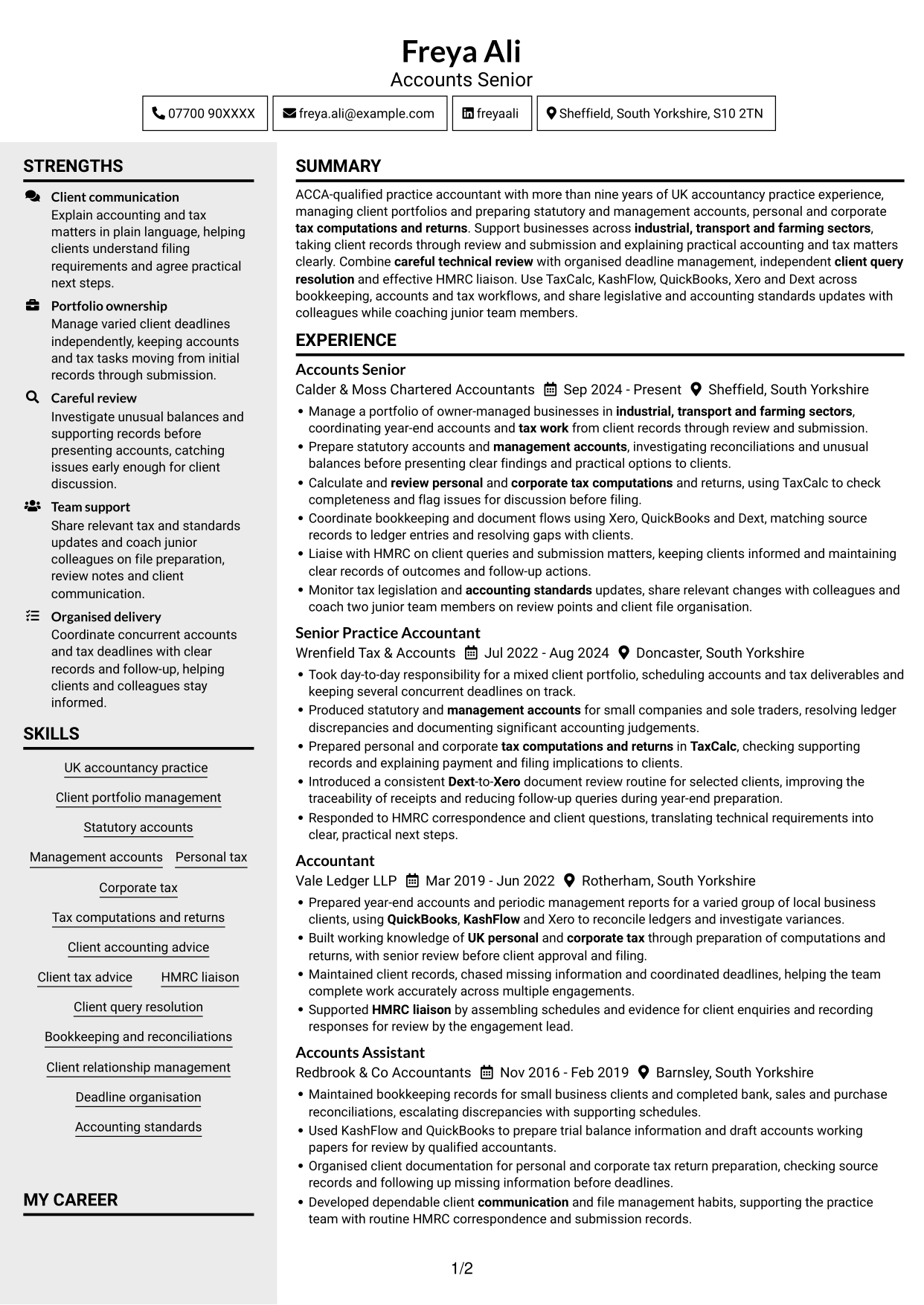
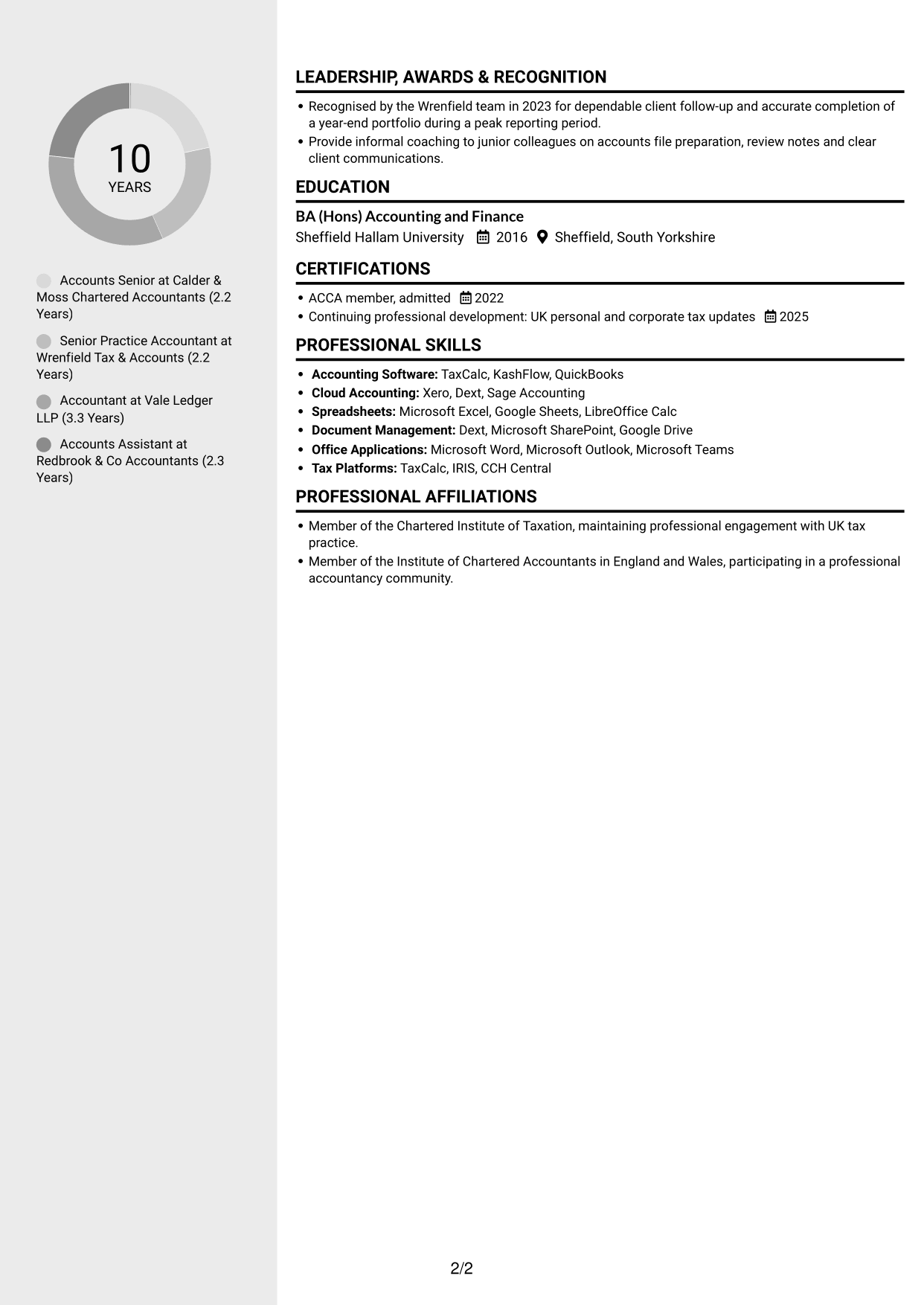
#3 Clean Two Column Sidebar Format CV Example
The Clean Two Column Sidebar Format places CV content in two columns, suited to readers who want career details and related sections kept apart.
Why This Format Works
- A clear reading order helps reviewers trace progression across several practice roles.
- Education and credentials remain distinct from the detail of work history.
- Separate section areas help readers find skills and professional development.
Best For
- Career histories with supporting details
- CVs with several professional sections
- Readers who value distinct content areas
- Experience paired with education and credentials
- Quick access to skills and development
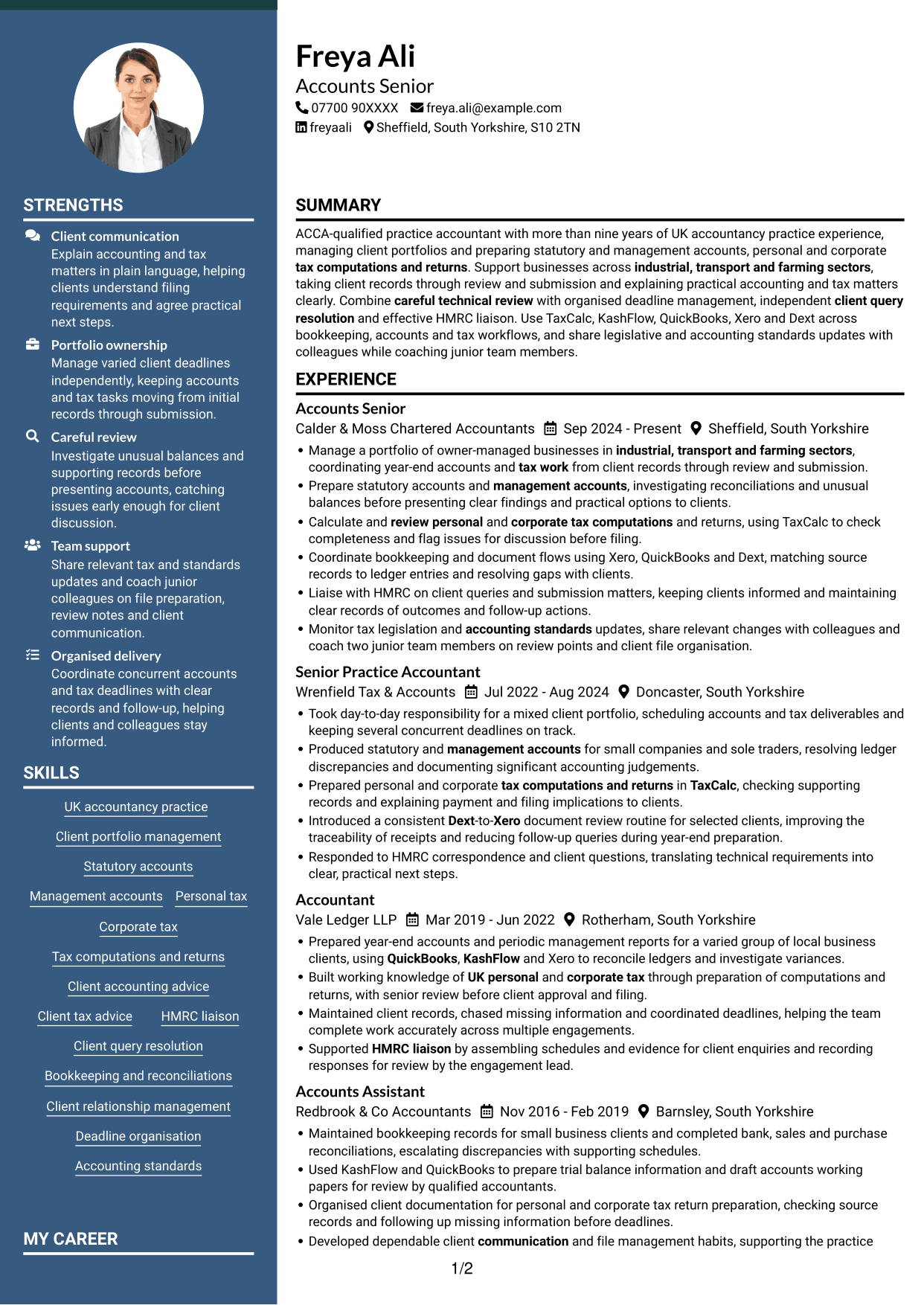
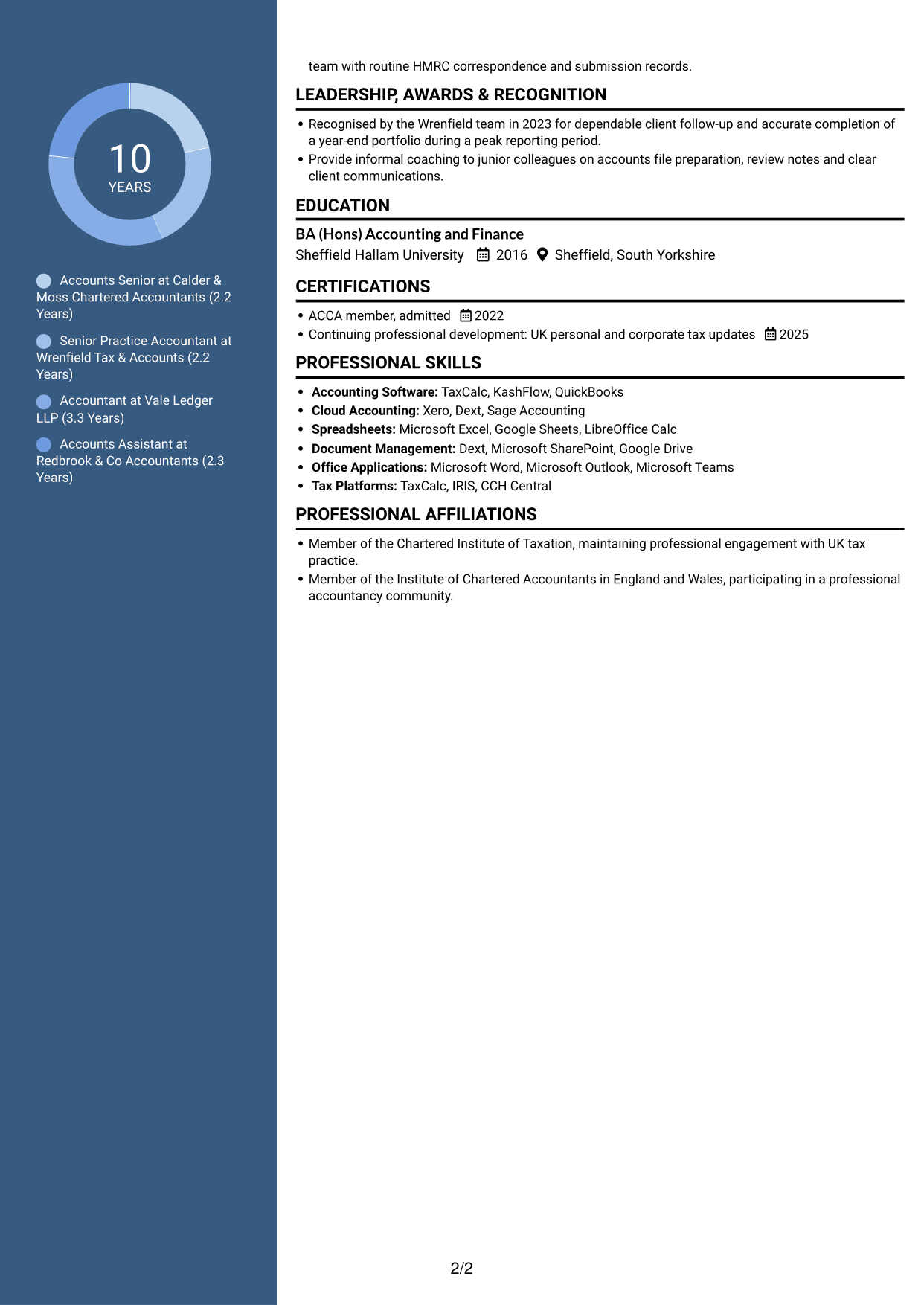
#4 Two Column Format CV Example
The Two Column Format presents the CV across two columns, making it easier to compare career history with supporting information.
Why This Format Works
- Two-column reading order helps readers connect experience with supporting qualifications.
- Career progression remains easy to follow across successive practice roles.
- Distinct content areas help reviewers locate education and professional development.
Best For
- CVs with experience and qualifications
- Several roles presented in clear order
- Readers comparing related content areas
- Education alongside a detailed work history
- Applications with multiple supporting sections
#5 Photo Header Two Column Format CV Example
The Photo Header Two Column Format pairs a header portrait with two-column content, a useful choice when photo presentation matters alongside clear section separation.
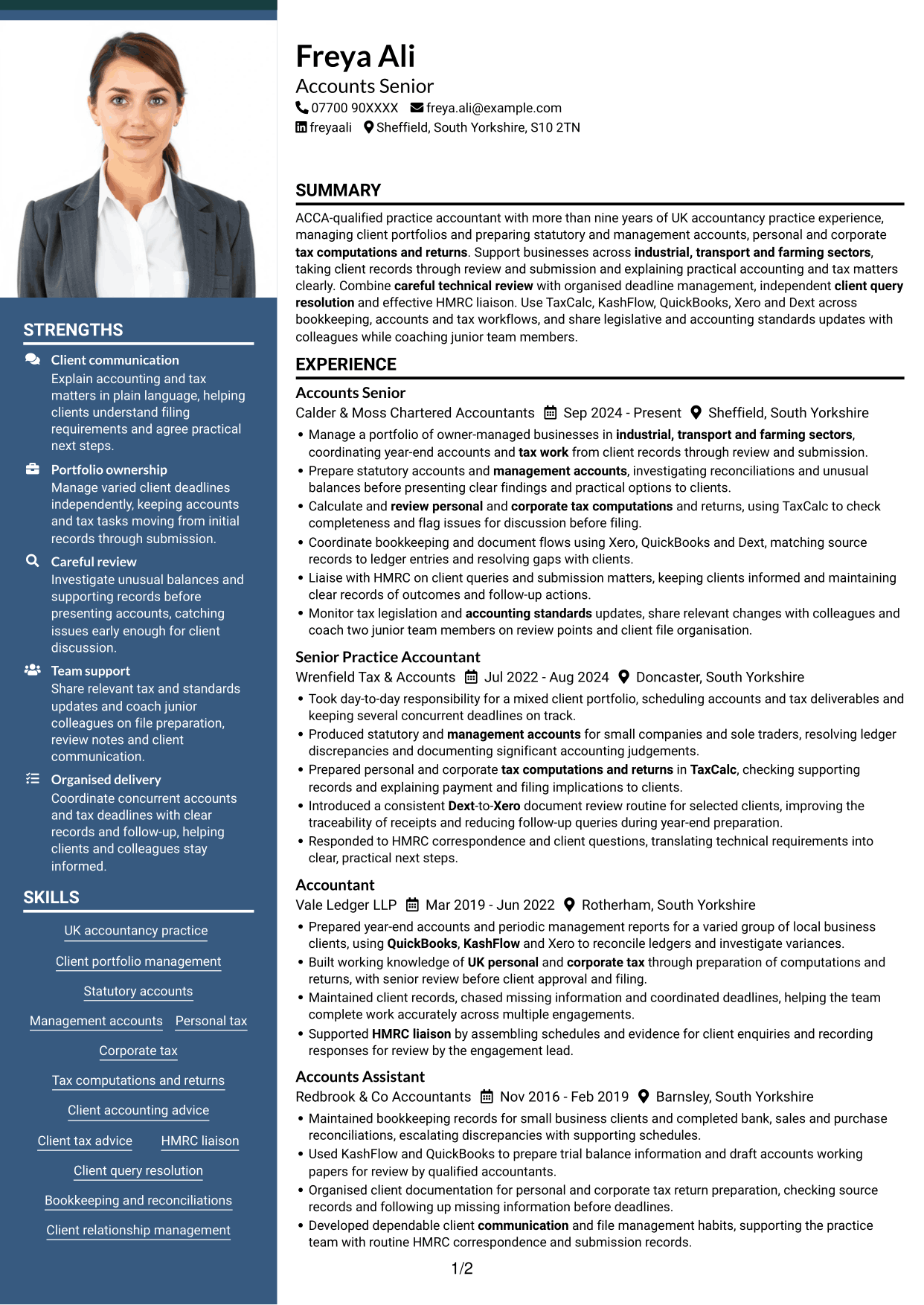
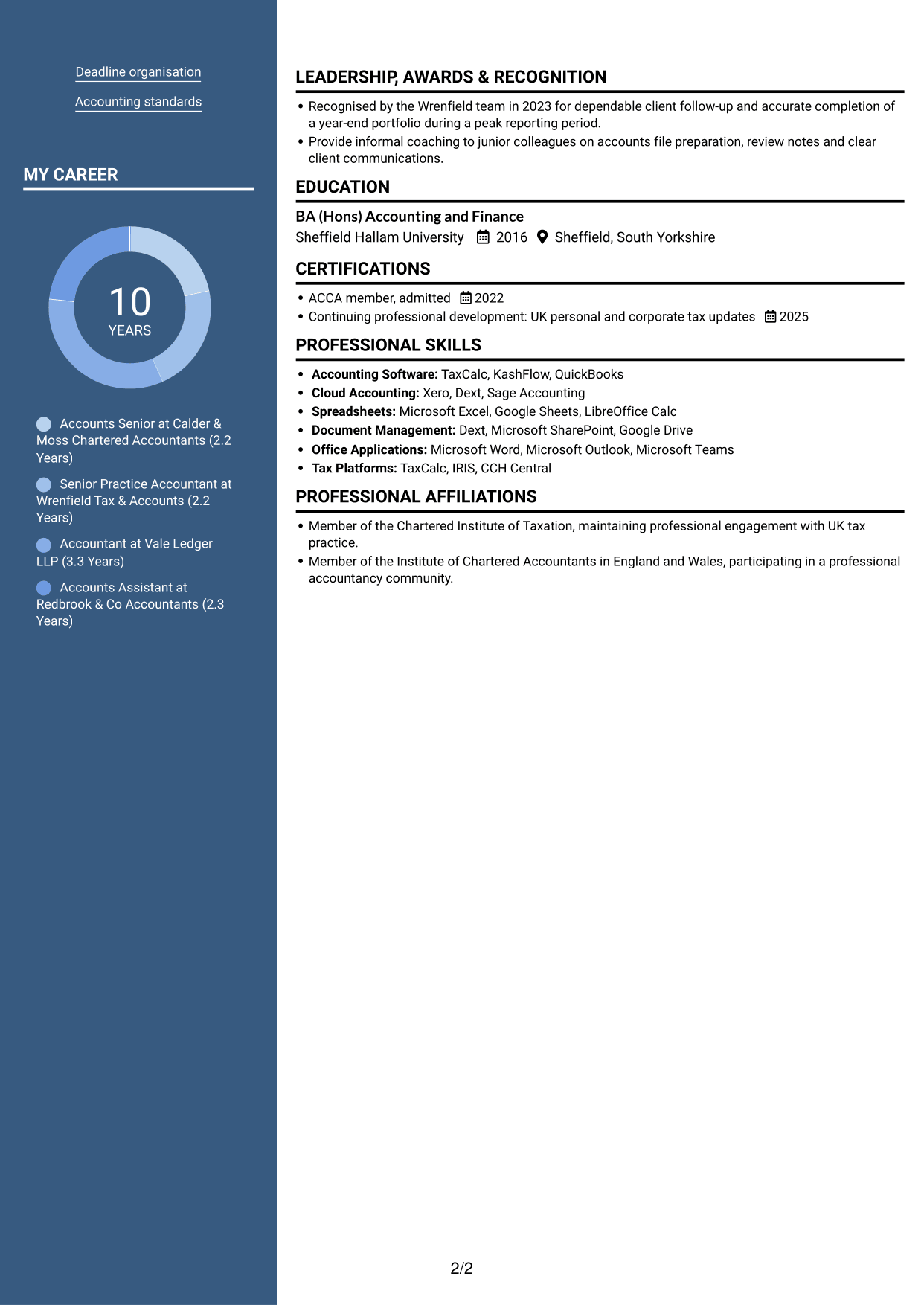
Why This Format Works
- Two-column reading order separates career history from supporting credentials for quick review.
- Chronological roles help reviewers trace progression across the practice career.
- The content areas keep skills distinct from role-by-role experience.
Best For
- CVs where a portrait is appropriate
- Career history with supporting credentials
- Readers who favour a two-column layout
- Several roles in chronological order
- Skills and experience shown as separate areas
#6 Coloured Two Column Format CV Example
The Coloured Two Column Format uses two columns to separate CV content, offering a direct structure for readers who prefer distinct information areas.
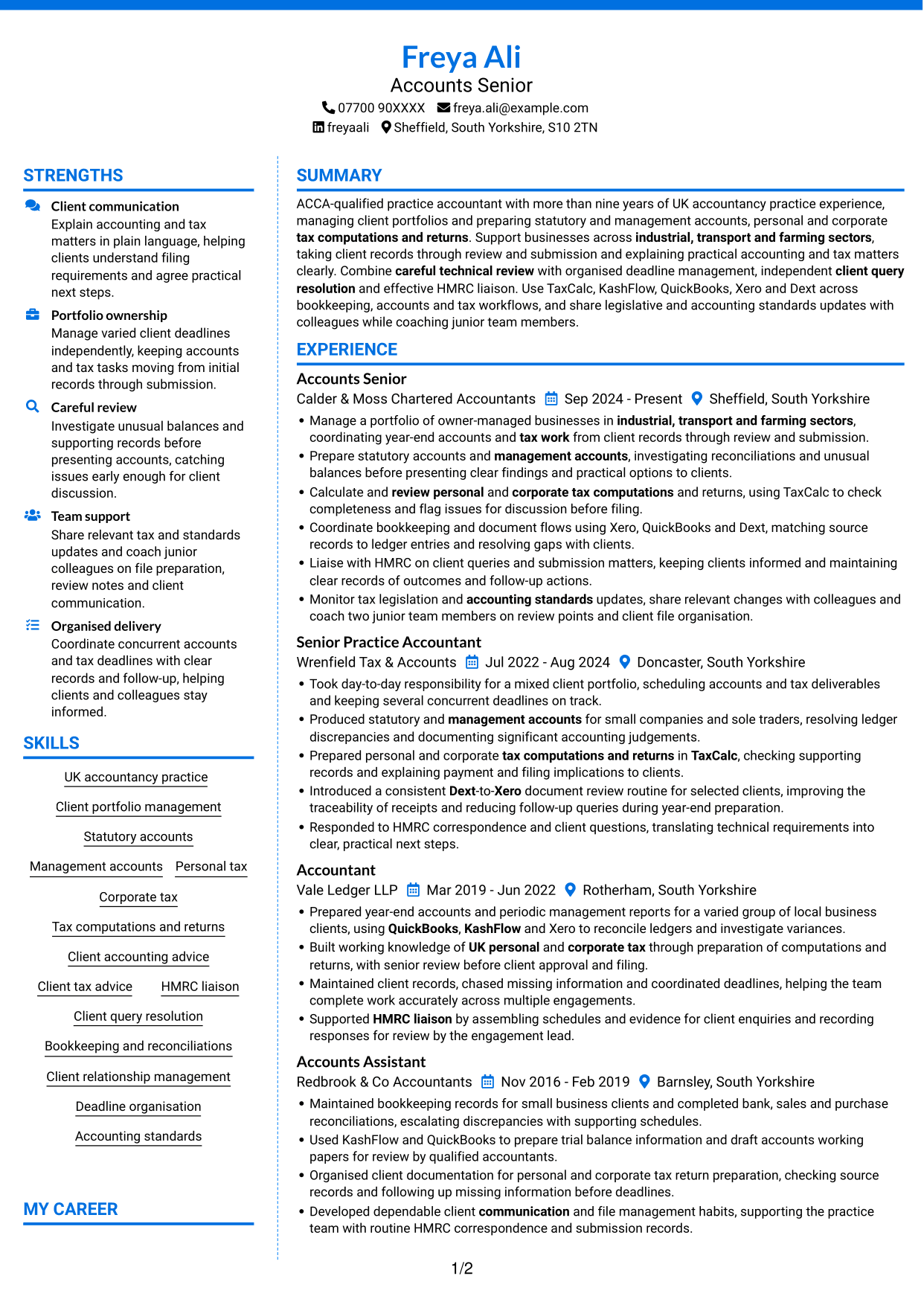
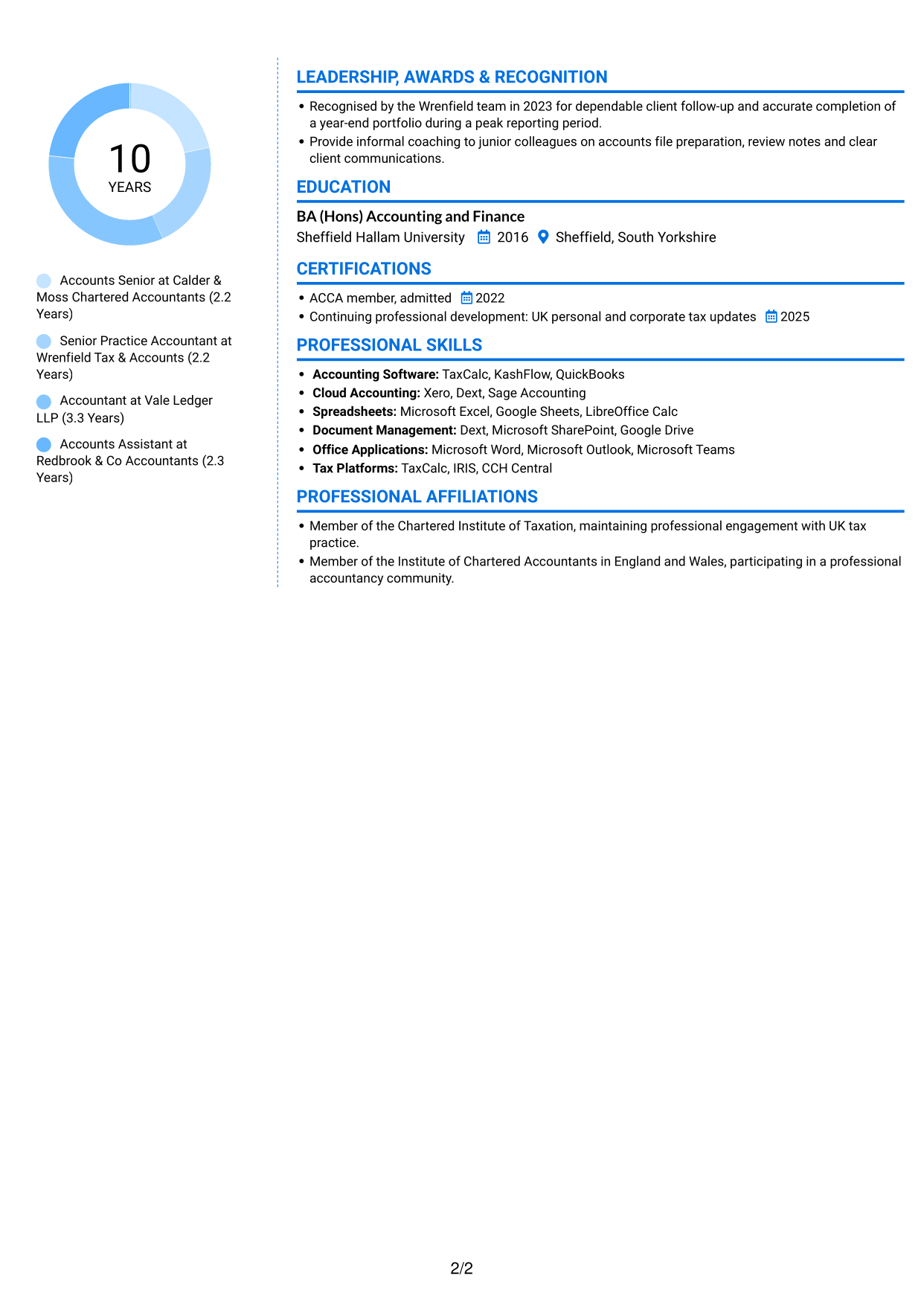
Why This Format Works
- Two-column reading order gives career progression a clear path across roles.
- Separate areas help reviewers distinguish experience from education and credentials.
- Skills remain easy to locate without interrupting the review of career history.
Best For
- CVs with distinct information areas
- Career histories spanning several roles
- Education and credentials beside experience
- Readers who prefer separated content
- Skills listed apart from work history
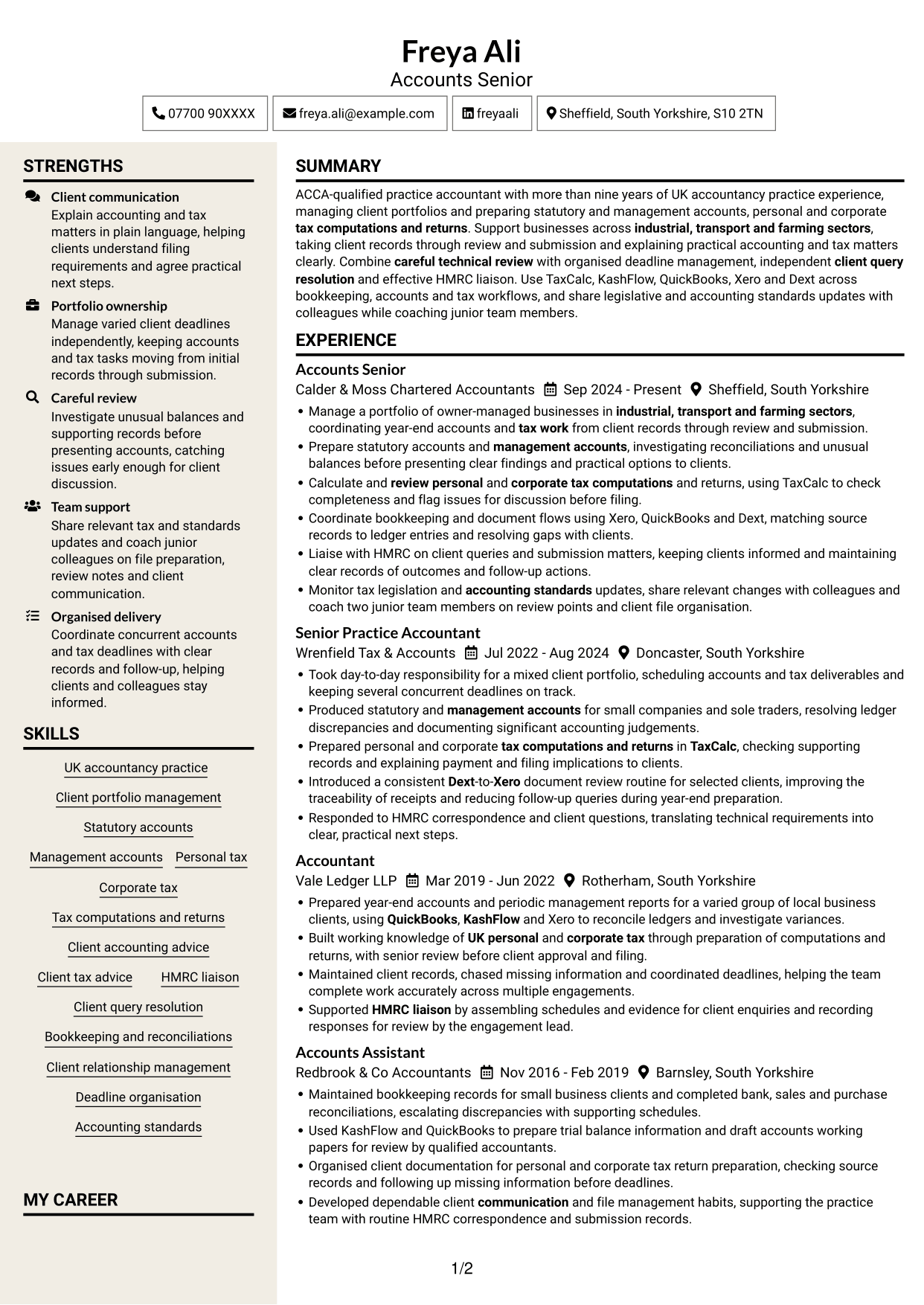
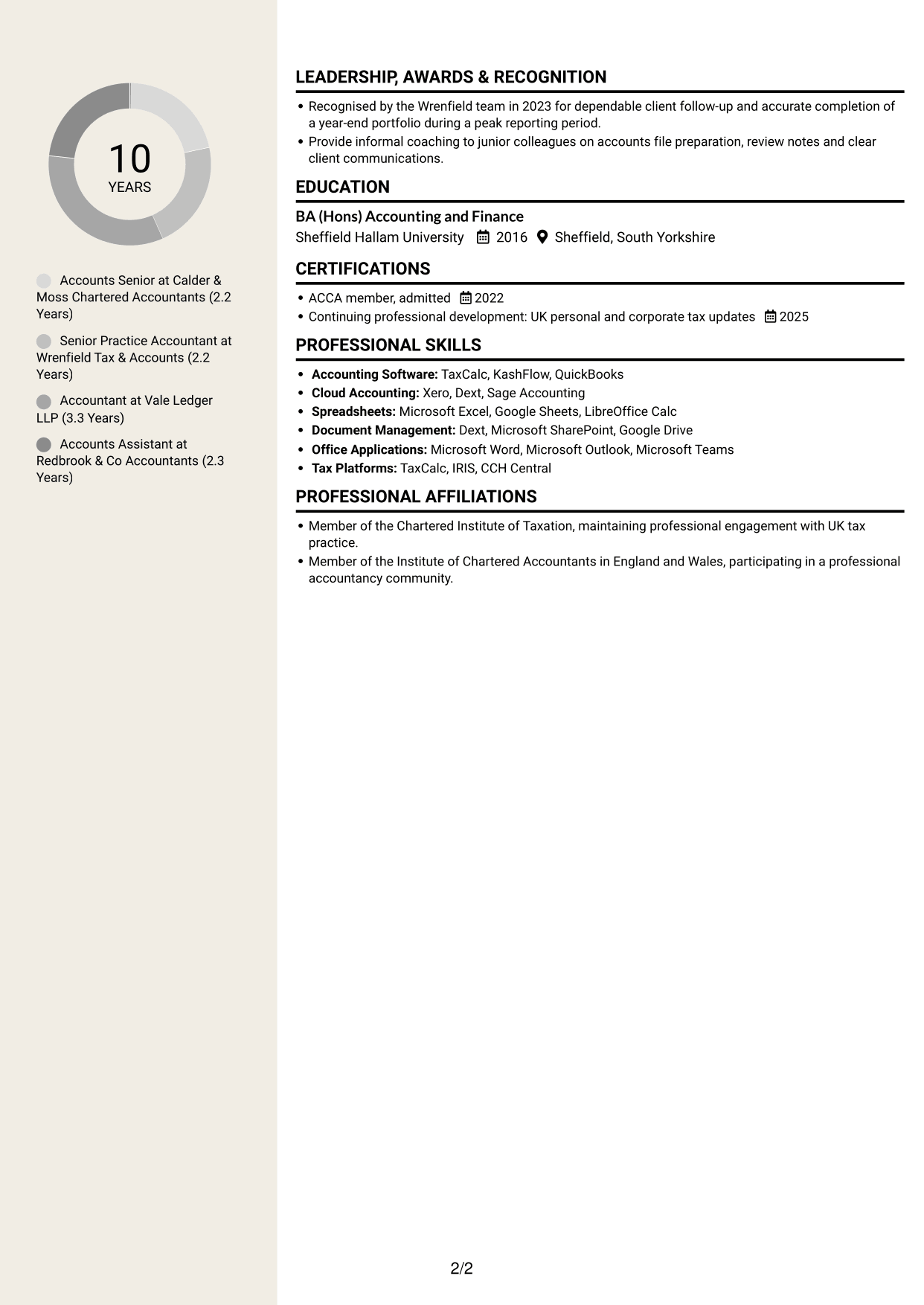
#7 Stylish Two Column Designer Format CV Example
The Stylish Two Column Designer Format organises CV content in two columns, a practical choice for readers who want career details beside supporting sections.
Why This Format Works
- Two columns let reviewers move between career history and supporting qualifications.
- Role-by-role organisation makes career progression straightforward to trace.
- Separate content areas make education and skills easier to find during review.
Best For
- CVs with experience and supporting qualifications
- Career histories arranged role by role
- Readers who want separate content areas
- Education and skills beside work history
- Applications with several relevant sections
Why Build Your Practice Accountant / Accounts Senior - Accounts and Tax CV with ResumeInMinutes
ResumeInMinutes helps you arrange accounts and tax experience, skills and education in a clear CV. Compare PNG image previews, then open an example in the editor to customise its content and layout.
- Different CV layouts
- Clear, readable section structure
- Space for relevant keywords
- Organised skills and experience
- PNG image previews
- CV customisation in the editor
Choose the format that makes your client portfolio and technical work easiest to follow. Keep the focus on accounts, tax, clear client advice and careful review.
See Also
- 7 Business Services Senior Accountant - Year-End Accounts, Tax and VAT CV Templates with Example
- 7 Senior Accountant - Year-End Accounts and Tax CV Templates with Example
- 7 Accountant / Bookkeeper - Residential Property Management Accounts CV Templates with Example
- 7 Assistant Management Accountant - Group Reporting CV Templates with Example
- 7 Financial Accountant - Financial Reporting and Compliance CV Templates with Example
- 7 Group Management Accountant CV Templates with Example
- 7 Trainee Accountant - Bookkeeping and Accounting CV Templates with Example
- 7 Global People Business Partner Marine and Offshore CV Templates with Example
- 7 Practice Accountant / Accounts Senior - Accounts and Tax Cover Letter Templates with Example
- 7 Business Services Senior Accountant - Year-End Accounts, Tax and VAT Cover Letter Templates with Example
Frequently Asked Questions
Are these Practice Accountant / Accounts Senior - Accounts and Tax CV templates ATS-friendly?
The examples use clear headings and sections to support scanning. Include relevant terms naturally, such as statutory accounts, management accounts, personal and corporate tax, HMRC liaison and accounting software.
Are these separate CV examples or different layouts of one example?
This page shows one role-focused CV example in different layouts. Compare the PNG image previews, then open an example in the editor to customise it.
What should a Practice Accountant / Accounts Senior - Accounts and Tax CV include?
Include a focused summary, relevant experience, skills, education and professional qualifications. Show how you prepare accounts, handle tax computations and returns, manage client work and liaise with HMRC.
Which CV layout works well for this role?
Choose a layout with clear headings and a simple order for experience, skills and education. A readable structure helps recruiters and applicant tracking systems find key details.
How can I show accounts and tax achievements on my CV?
Use concise bullet points to explain the task, your contribution and the result. Add supported details, such as portfolio scope, improved document checks or accurate completion during a busy reporting period.
Should I include a photo on my CV?
For UK applications, a photo is usually not needed. Use the space for relevant experience, skills and measurable results instead.




