
7 Project Architect - RIBA Project Delivery Cover Letter Templates with Example
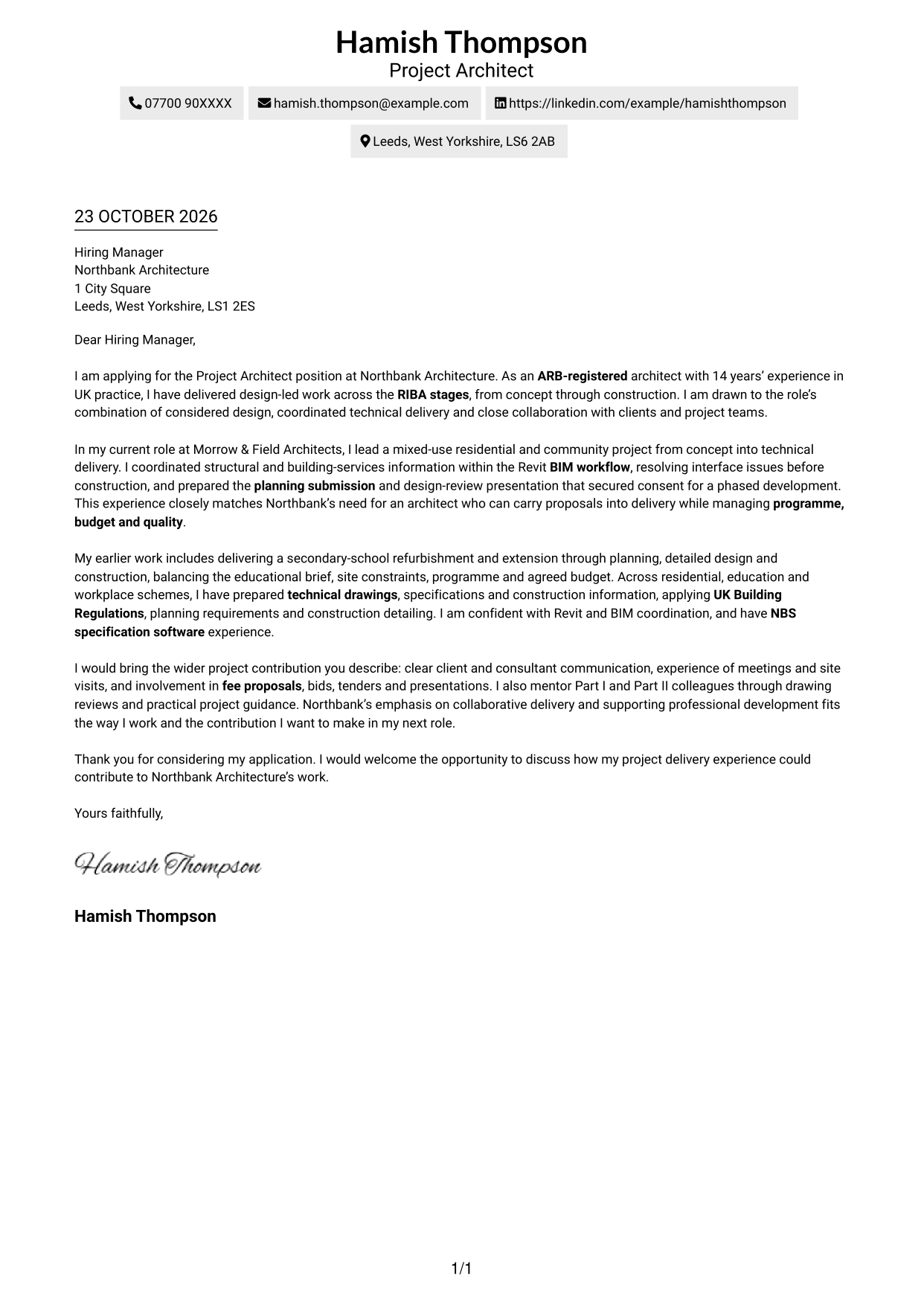
This Project Architect - RIBA Project Delivery cover letter guide compares seven layouts and shows how to present role fit with clear project evidence.
What Makes a Great Project Architect - RIBA Project Delivery Cover Letter in 2026
A strong letter links design judgement with reliable delivery across RIBA work stages. Its opening should state your interest and the value you offer.
Use concise evidence of planning consent, coordinated Revit and BIM work, and technical delivery under UK Building Regulations. Connect those examples to the practice’s needs and explain why its collaborative approach matters to you.
The featured example moves from clear role interest to project evidence, wider team contribution and a focused close; adapt this progression while choosing a presentation suited to the employer and communication context.
#1 Simple One Column Format Cover Letter Example
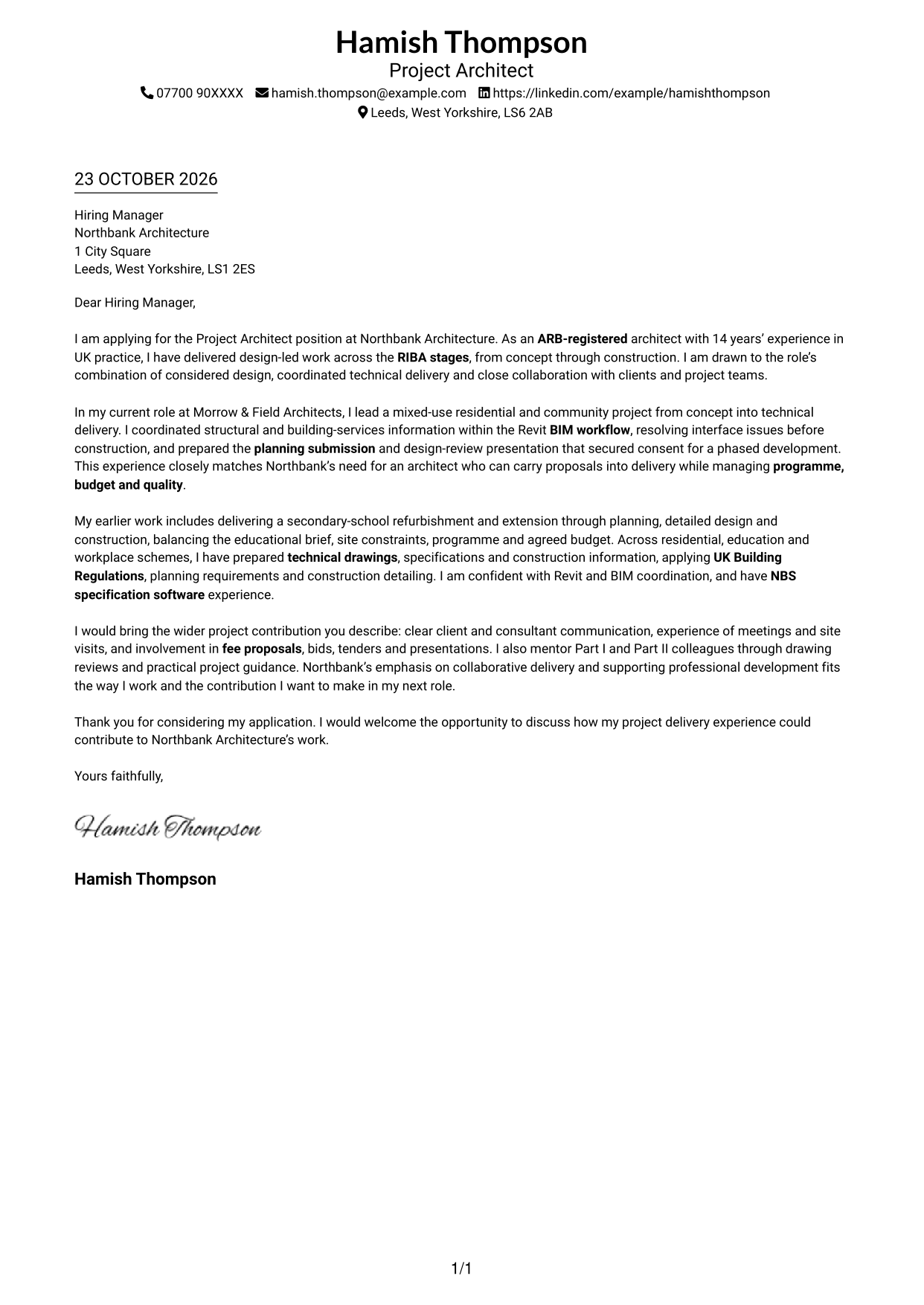
The Simple One Column Format keeps sender details and the letter in one column, giving the message a direct reading path.
Why This Format Works
- Sender details and the letter share one column, keeping the reading order direct.
- Continuous paragraphs let the opening, case and closing read as one argument.
- The photo-free page keeps the presentation centred on written correspondence.
Best For
- Single-column letter reading
- Sender details in the header
- Continuous persuasive paragraphs
- Photo-free correspondence
- Straightforward letter presentation
#2 Two Column Format Cover Letter Example
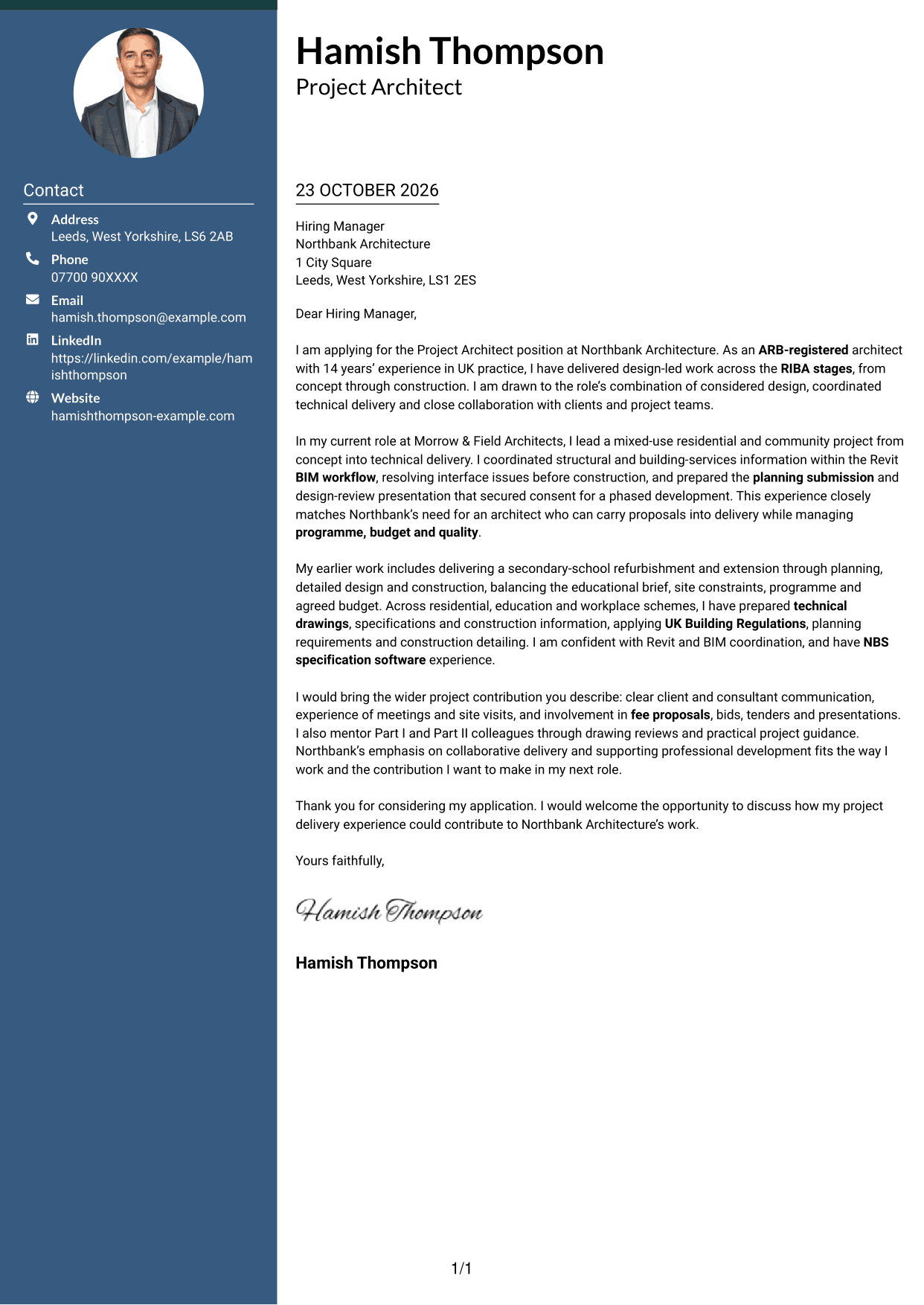
The Two Column Format places contact details in a sidebar beside one continuous letter body, keeping contact information separate from the message.
Why This Format Works
- The contact sidebar keeps sender information distinct from the letter's persuasive paragraphs.
- A single body column preserves the intended order of the opening, case and close.
- The side-by-side arrangement suits readers who want contact details readily available.
Best For
- Sidebar contact reference
- Single-column letter body
- Portrait-free correspondence
- Letters with several contact details
- Separate contact and message areas
#3 Photo Header Two Column Format Cover Letter Example
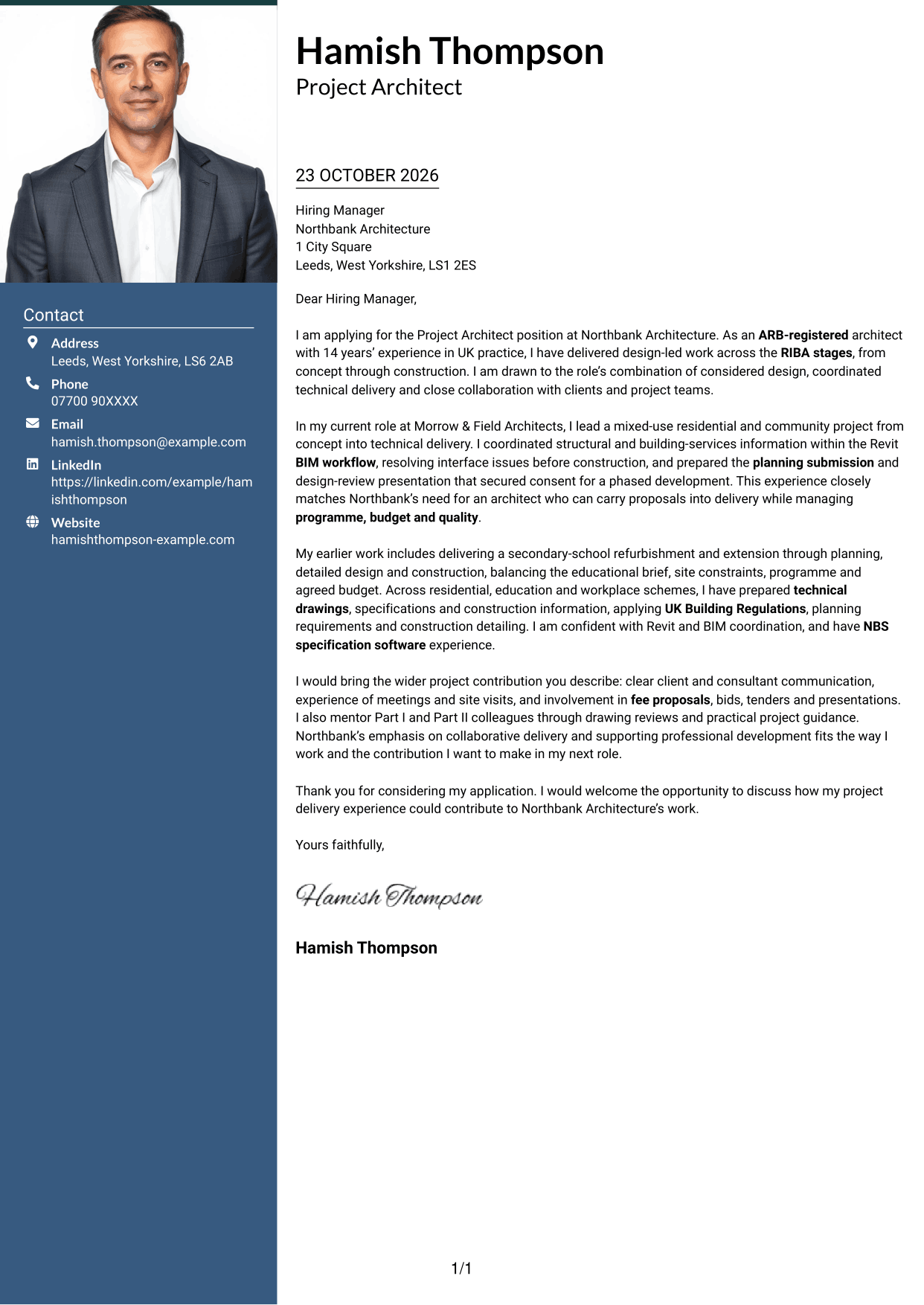
The Photo Header Two Column Format pairs a portrait with a contact sidebar and a continuous letter body for readers who want a photo alongside a separate message area.
Why This Format Works
- The contact sidebar separates sender details from the continuous letter body.
- A single body column keeps the letter's paragraphs in their intended order.
- The header portrait adds a personal visual cue without changing the letter's case.
Best For
- Header portrait preference
- Contact details in a sidebar
- Single-column letter argument
- Paragraph-led application writing
- Applications with a visual sender cue
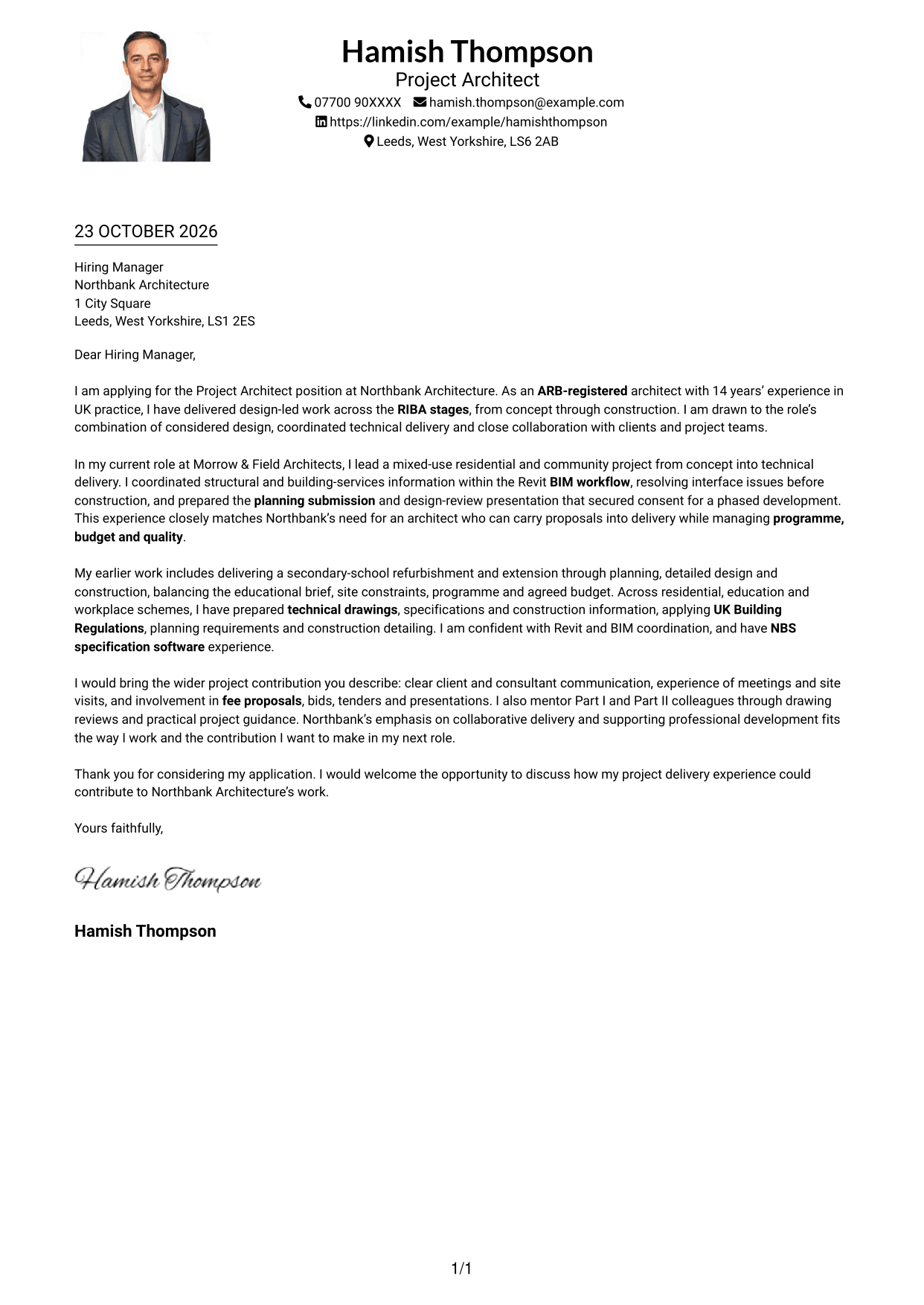
#4 One Column Format with Photo Cover Letter Example
The One Column Format with Photo keeps the letter in one column and includes a portrait, combining a direct reading path with a personal visual element.
Why This Format Works
- A single reading path keeps the letter's paragraphs in their intended order.
- Sender details remain with the message rather than in a separate contact sidebar.
- The portrait provides a personal visual element alongside the written case.
Best For
- Single-column letter reading
- Portrait-inclusive correspondence
- Sender details in the header
- Paragraph-based application letters
- A personal visual element
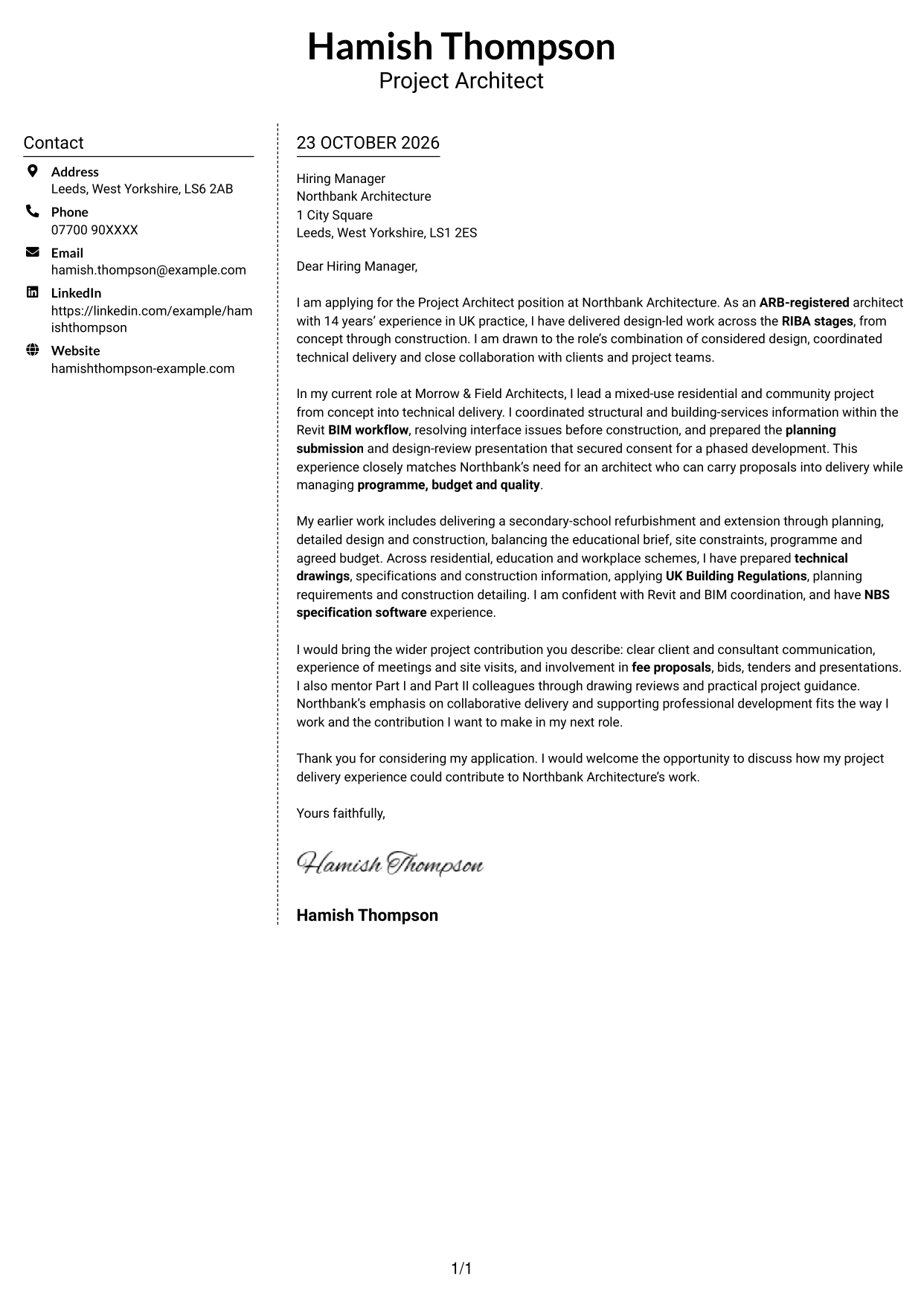
#5 Simple Two Column Format Cover Letter Example
The Simple Two Column Format places contact details alongside a single continuous letter body, offering a clear distinction between the contact area and the message.
Why This Format Works
- The contact sidebar gives sender details a separate place beside the letter.
- One body column keeps the opening, supporting case and close in sequence.
- The layout offers a clear contact reference without dividing the written argument.
Best For
- Contact details beside the letter
- One-column message text
- Continuous persuasive correspondence
- Quick sender detail reference
- Portrait-free application documents
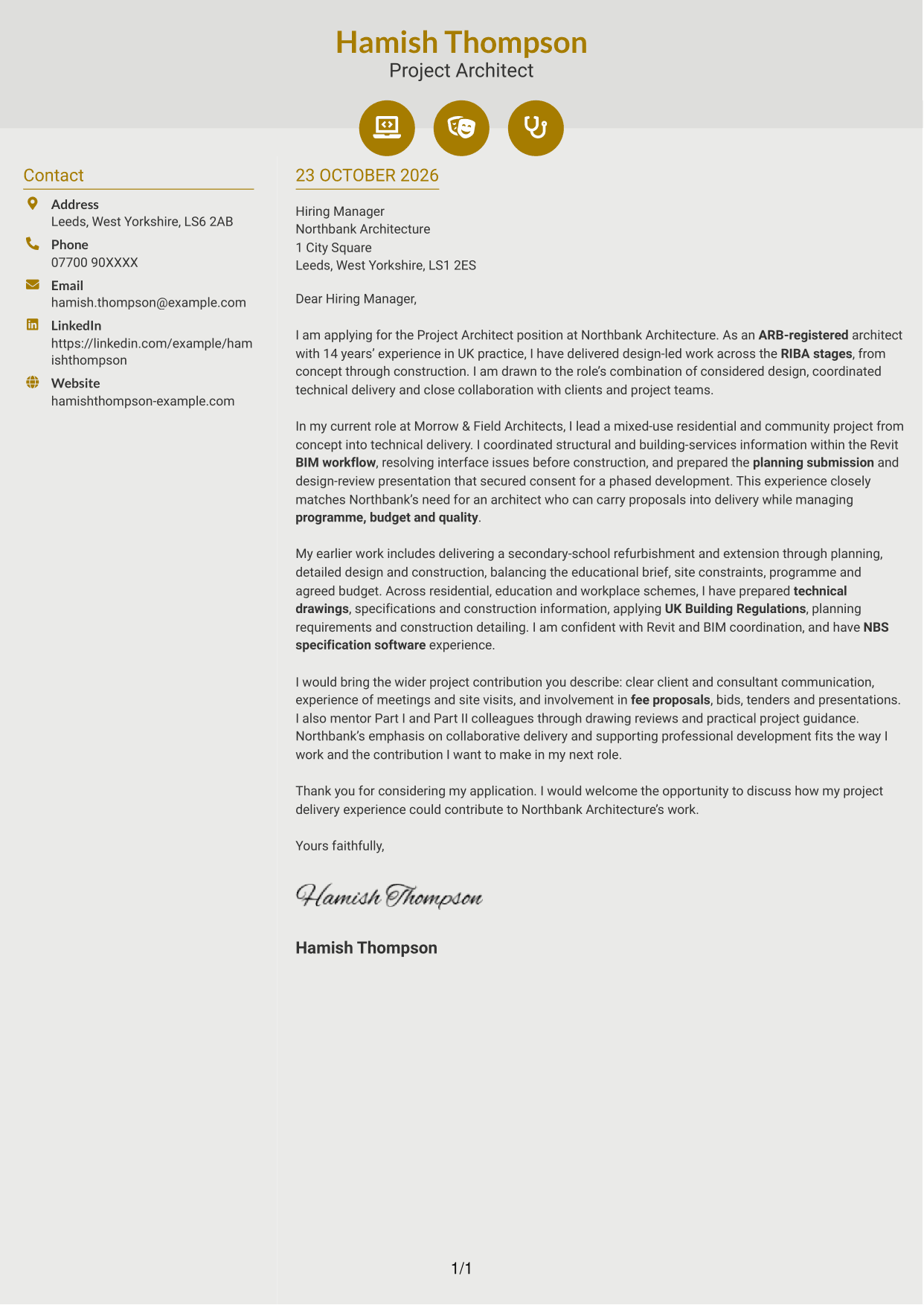
#6 Modern Icon Format Cover Letter Example
The Modern Icon Format uses two columns for a contact sidebar and one continuous letter body, with icons serving as contact cues or decorative header accents.
Why This Format Works
- The sidebar keeps contact information apart from the letter's continuous paragraphs.
- Icons can help distinguish contact details without labelling parts of the argument.
- The single-column letter body preserves a clear sequence from opening to close.
Best For
- Icon-led contact details
- A separate contact sidebar
- Single-column letter body
- Continuous application arguments
- Readers who prefer visual contact cues
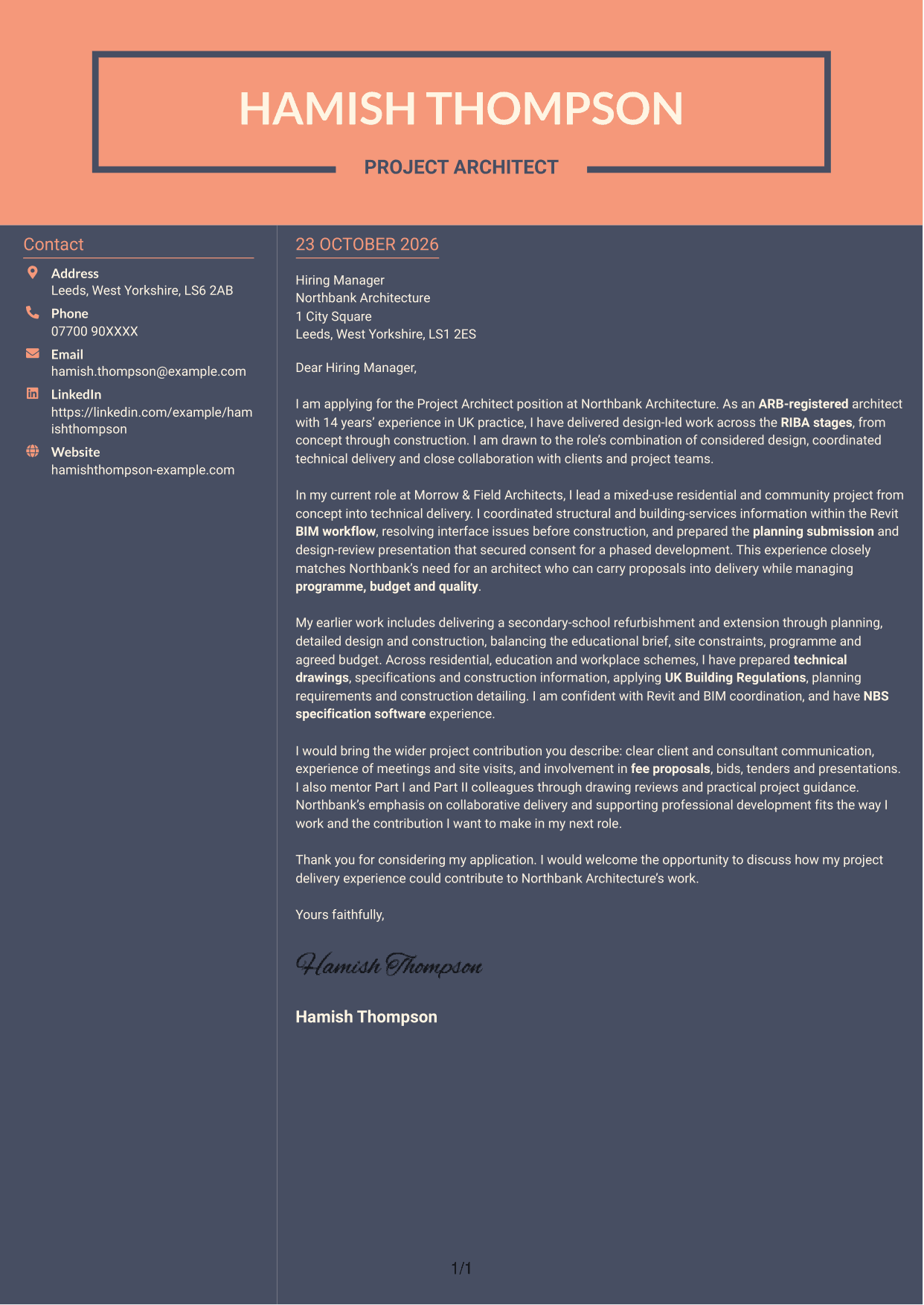
#7 Creative Two Tone Format Cover Letter Example
The Creative Two Tone Format sets contact details in a sidebar beside one continuous letter body, separating the contact area from the written message.
Why This Format Works
- Contact information has its own area, apart from the continuous letter body.
- The letter remains in one column, keeping its paragraphs together in reading order.
- Separate columns make it easy to distinguish contact details from correspondence.
Best For
- Distinct contact and message areas
- Single-column letter paragraphs
- Contact details for quick reference
- Continuous persuasive writing
- Portrait-free correspondence
See Also
- 7 Project Architect - RIBA Project Delivery CV Templates with Example
- 7 Associate Architect - Architectural Project Delivery CV Templates with Example
- 7 AI Solution Architect - Agentic AI CV Templates with Example
- 7 AI Solution Architect - GCP / Agentic AI CV Templates with Example
- 7 Architect - Retail and Commercial CV Templates with Example
- 7 Associate Architect - Education and Healthcare CV Templates with Example
- 7 Business Architect - Capability and Operating Model CV Templates with Example
- 7 Chief Architect Financial Services CV Templates with Example
- 7 Associate Architect - Architectural Project Delivery Cover Letter Templates with Example
- 7 AI Solution Architect - Agentic AI Cover Letter Templates with Example
Frequently Asked Questions
What should a Project Architect - RIBA Project Delivery cover letter highlight?
Show how your design and technical work supports delivery across RIBA work stages. Useful evidence can include planning submissions, consultant coordination, UK Building Regulations and clear communication with clients and project teams.
How can I make my project experience relevant to this role?
Choose examples that show your contribution and the result. You could describe coordinating Revit and BIM information, or explain how a planning submission and design-review presentation helped secure consent for a phased development.
How should I explain my interest in Northbank Architecture?
Refer to a genuine point in the role description, such as its focus on collaborative project delivery or professional development. Explain how that approach fits the contribution you want to make.
How should I structure this cover letter?
Open with the position and your main reason for applying. Use the body to give focused project evidence, then close by restating your interest and inviting a discussion.
Should I include every project in my cover letter?
No. Select a small number of relevant examples that show your fit for this Project Architect role. Focus on the decisions, coordination and outcomes that matter to the employer.




