
7 Python Engineer - LLM Applications Cover Letter Templates with Example
This guide helps you write a Python Engineer - LLM Applications cover letter and compare seven layouts.
What Makes a Great Python Engineer - LLM Applications Cover Letter in 2026
A strong letter links your motivation to production LLM work and shows how you can build secure, dependable Python services. Make your opening clear about the role and why this work interests you.
Use specific evidence, such as taking LLM services from prototypes into production or delivering FastAPI backends, RAG and enterprise search. Connect your example to the employer’s public-sector work and the needs of its teams.
The featured Python Engineer - LLM Applications example moves from motivation to practical evidence of secure LLM delivery, team alignment and a clear close; adapt this focused progression while choosing a presentation that suits the employer and communication context.
#1 Simple One Column Format Cover Letter Example
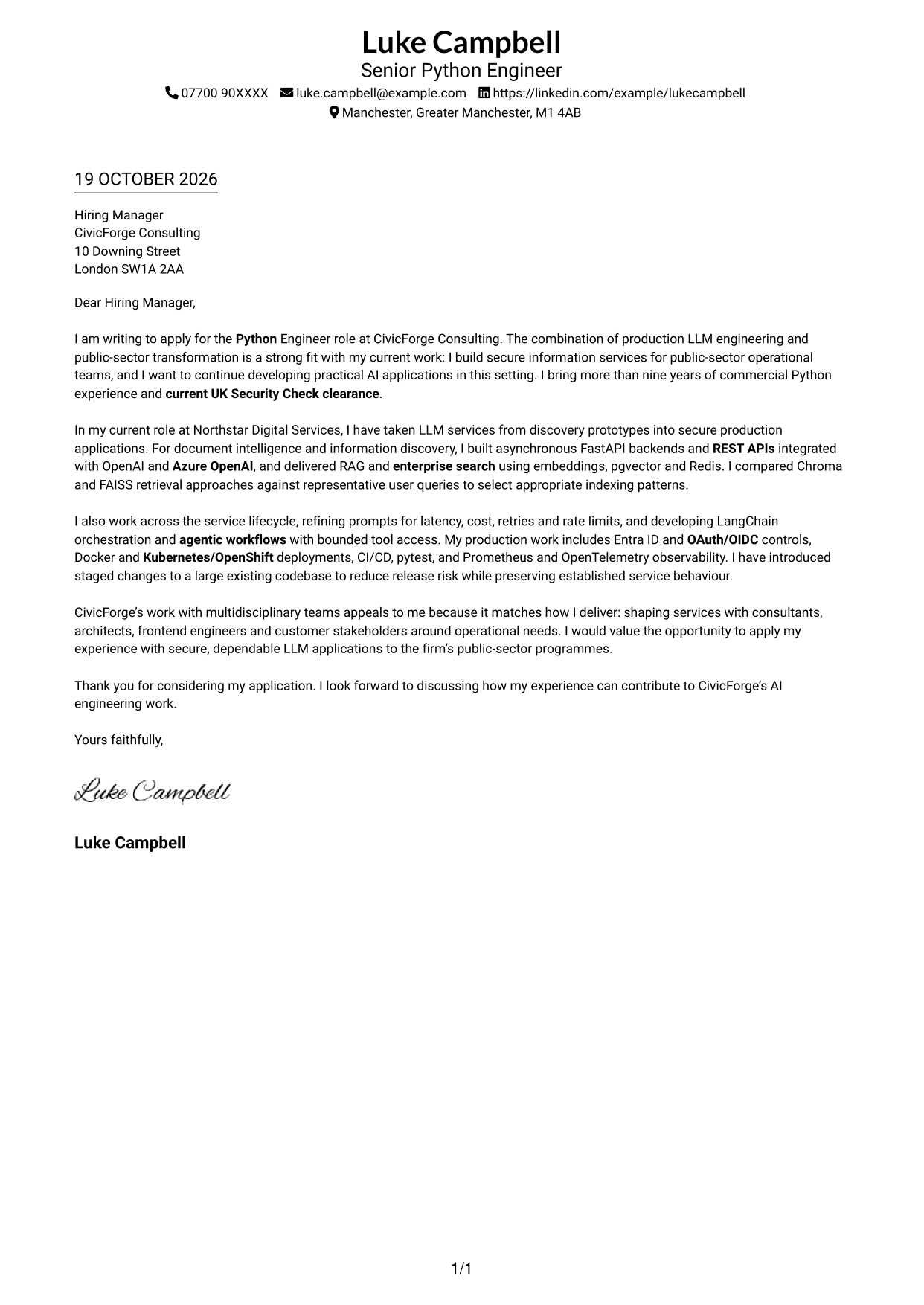
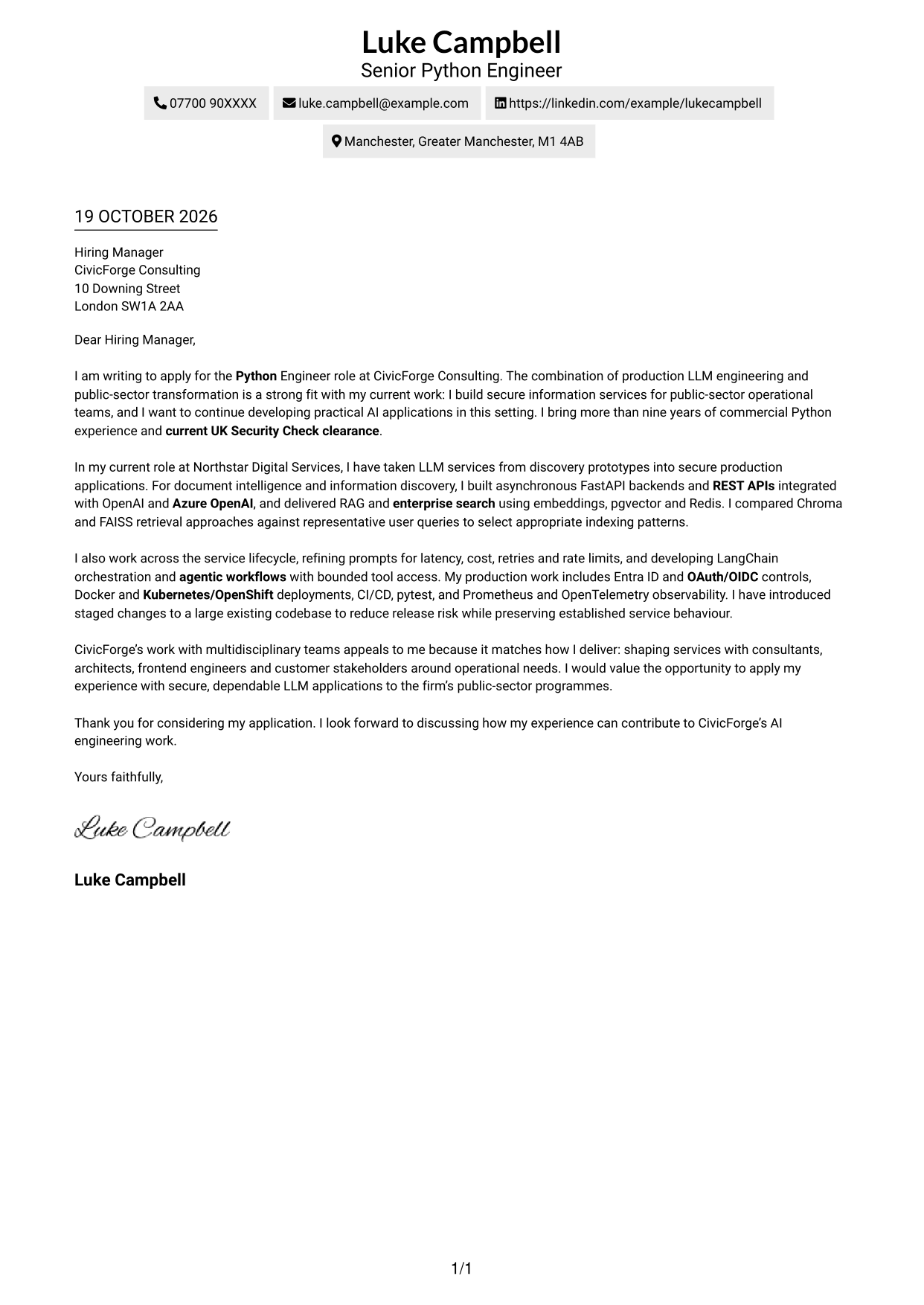
The Simple One Column Format keeps sender details in the header and the letter in one continuous column, a direct choice for readers who want to follow the message from opening to close.
Why This Format Works
- The single column carries the opening, evidence and closing in their written order.
- Sender details stay in the header rather than beside the letter paragraphs.
- Without argument headings, the prose itself guides each change of point.
Best For
- Single-column letter reading
- Sender details in the header
- Messages with several connected paragraphs
- Letters without a contact sidebar
- Python engineering applications
#2 Two Column Format Cover Letter Example
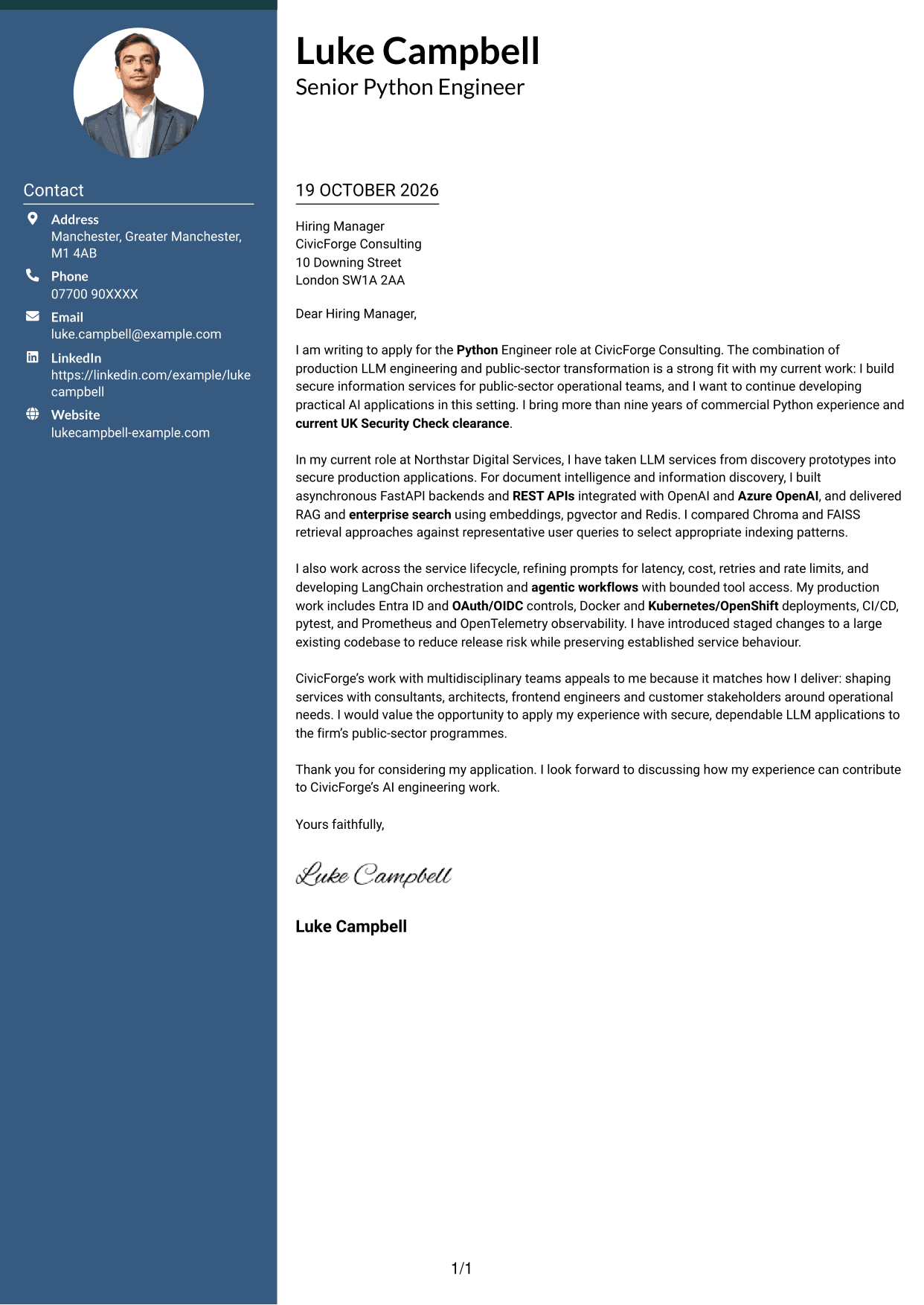
The Two Column Format places contact details beside a single continuous letter body, giving sender information its own space while keeping the argument in one reading column.
Why This Format Works
- A contact sidebar keeps sender details apart from the continuous letter body.
- The body remains one column, so its argument is not split across parallel areas.
- Without section headings, paragraph wording carries the reader through the case.
Best For
- Contact details beside the message
- One-column letter-body reading
- Messages with connected paragraphs
- Applications needing a distinct contact area
- Python engineering applications
#3 Photo Header Two Column Format Cover Letter Example
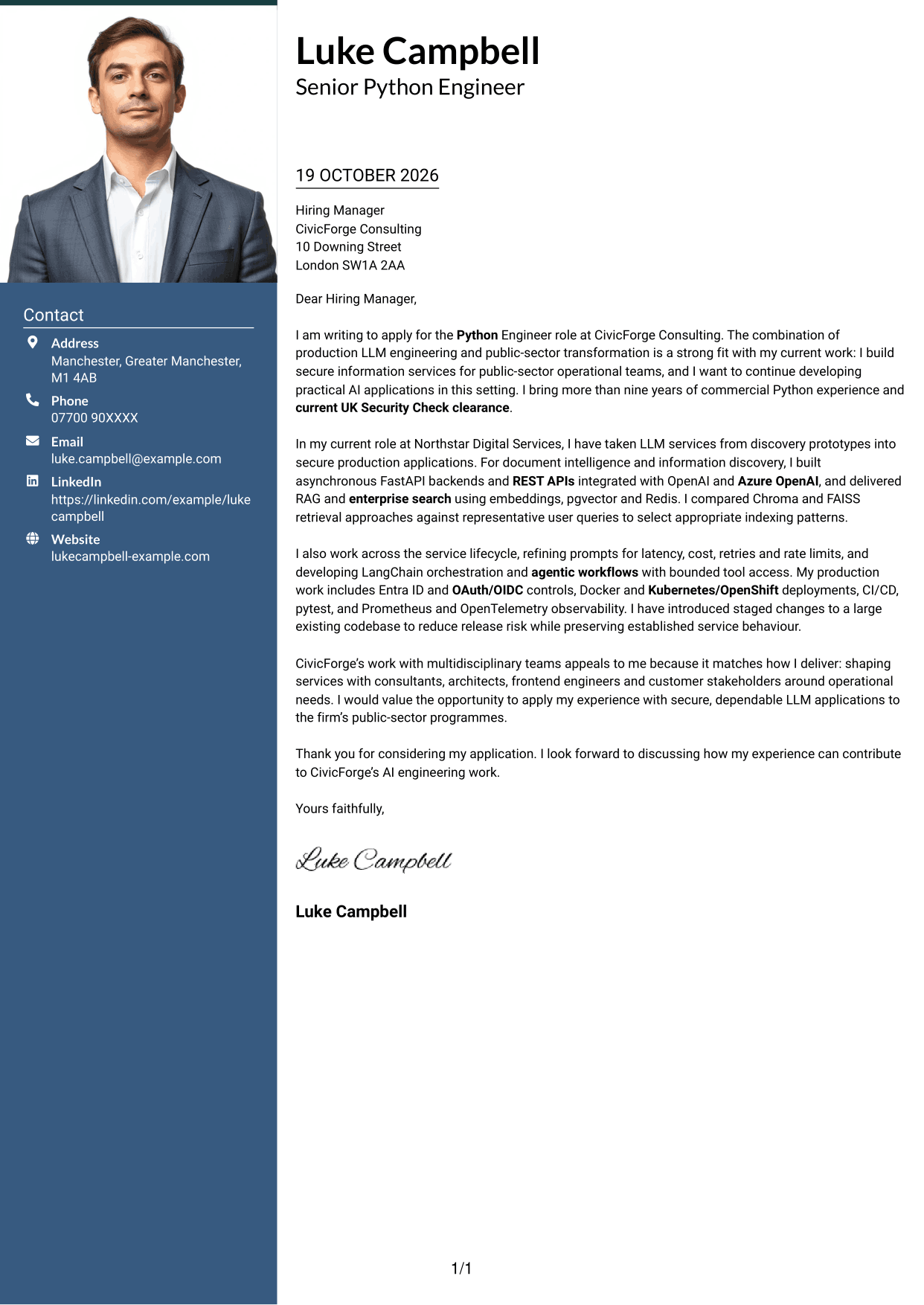
The Photo Header Two Column Format combines a contact sidebar and a portrait with one continuous letter column, suiting readers who want a personal image alongside an uninterrupted message.
Why This Format Works
- The contact sidebar separates sender details from the letter's persuasive paragraphs.
- One letter column keeps the opening, evidence and closing together.
- An included portrait offers a visual element alongside the written message.
Best For
- Letters including a portrait
- Contact details apart from the message
- One-column letter-body reading
- Paragraph-led explanations
- Python engineering applications
#4 One Column Format with Photo Cover Letter Example
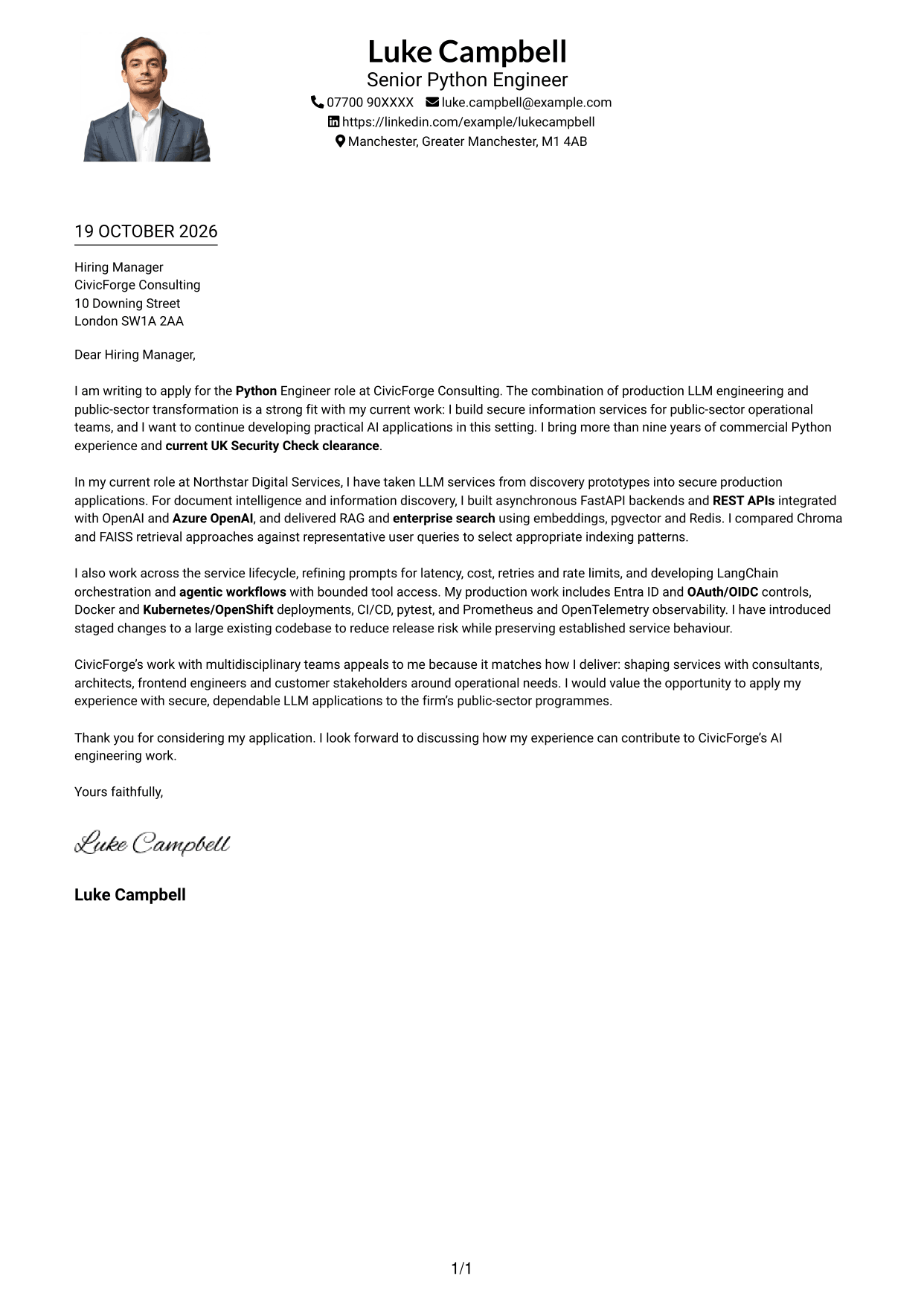
The One Column Format with Photo presents the letter in one continuous column and includes a portrait, a practical choice for readers who prefer a direct reading path with a personal visual element.
Why This Format Works
- One column keeps the letter's opening, evidence and close in one reading path.
- Header contact details remain separate from the message paragraphs.
- The portrait adds a visual element without dividing the letter body.
Best For
- Single-column reading preference
- Letters that include a portrait
- Header-based sender information
- Opening-to-close paragraph flow
- Public-sector AI applications
#5 Simple Two Column Format Cover Letter Example
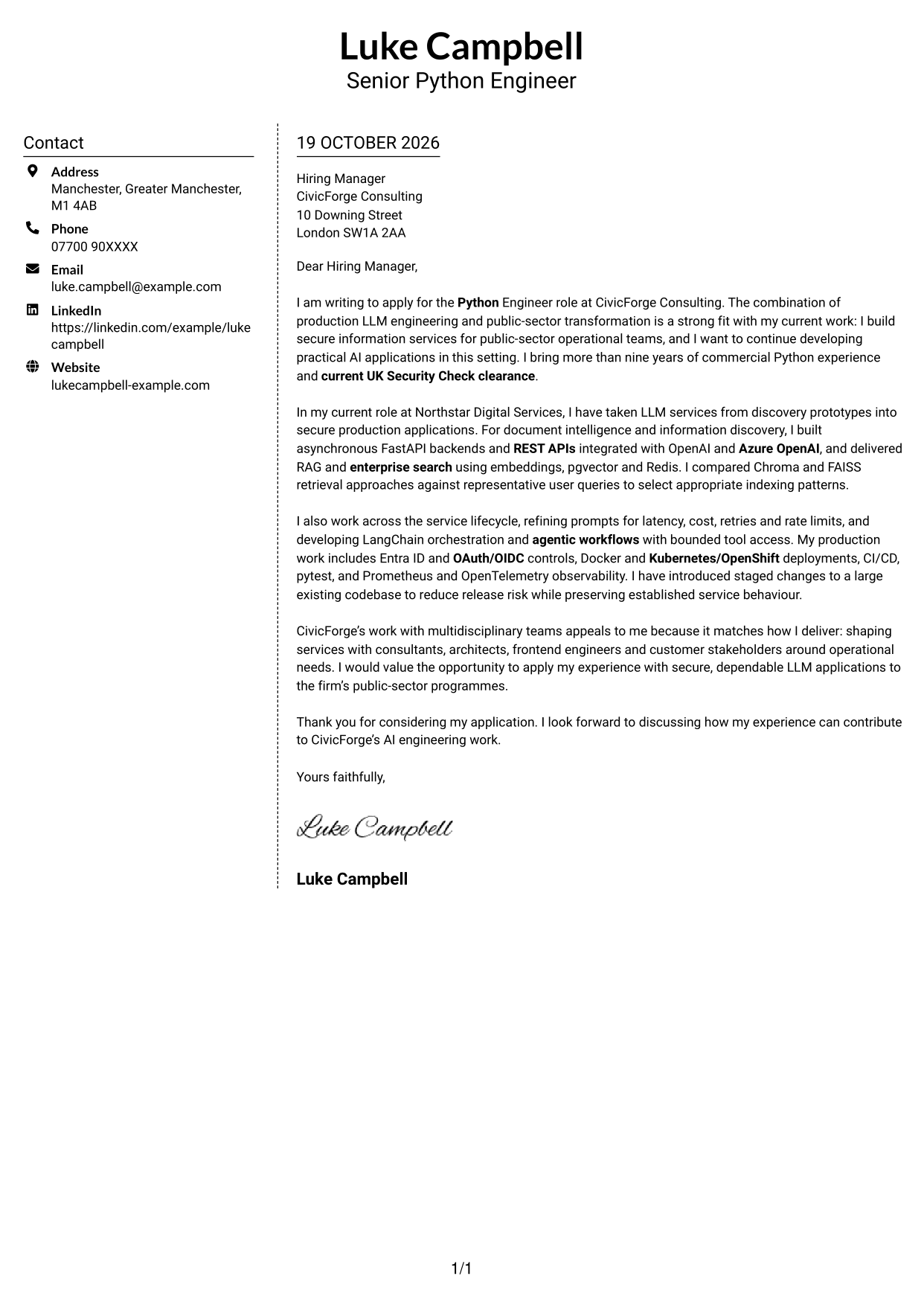
The Simple Two Column Format sets contact details in a sidebar beside one continuous letter body, keeping practical information distinct from the message without splitting its paragraphs.
Why This Format Works
- The sidebar gives sender contact details a clear place beside the message.
- A single body column keeps the written case in sequence.
- Paragraphs carry the argument, with no section headings to interrupt the prose.
Best For
- Contact information in a sidebar
- Unbroken letter-body reading
- Applications centred on a written case
- Messages without argument headings
- Public-sector transformation roles
#6 Modern Icon Format Cover Letter Example
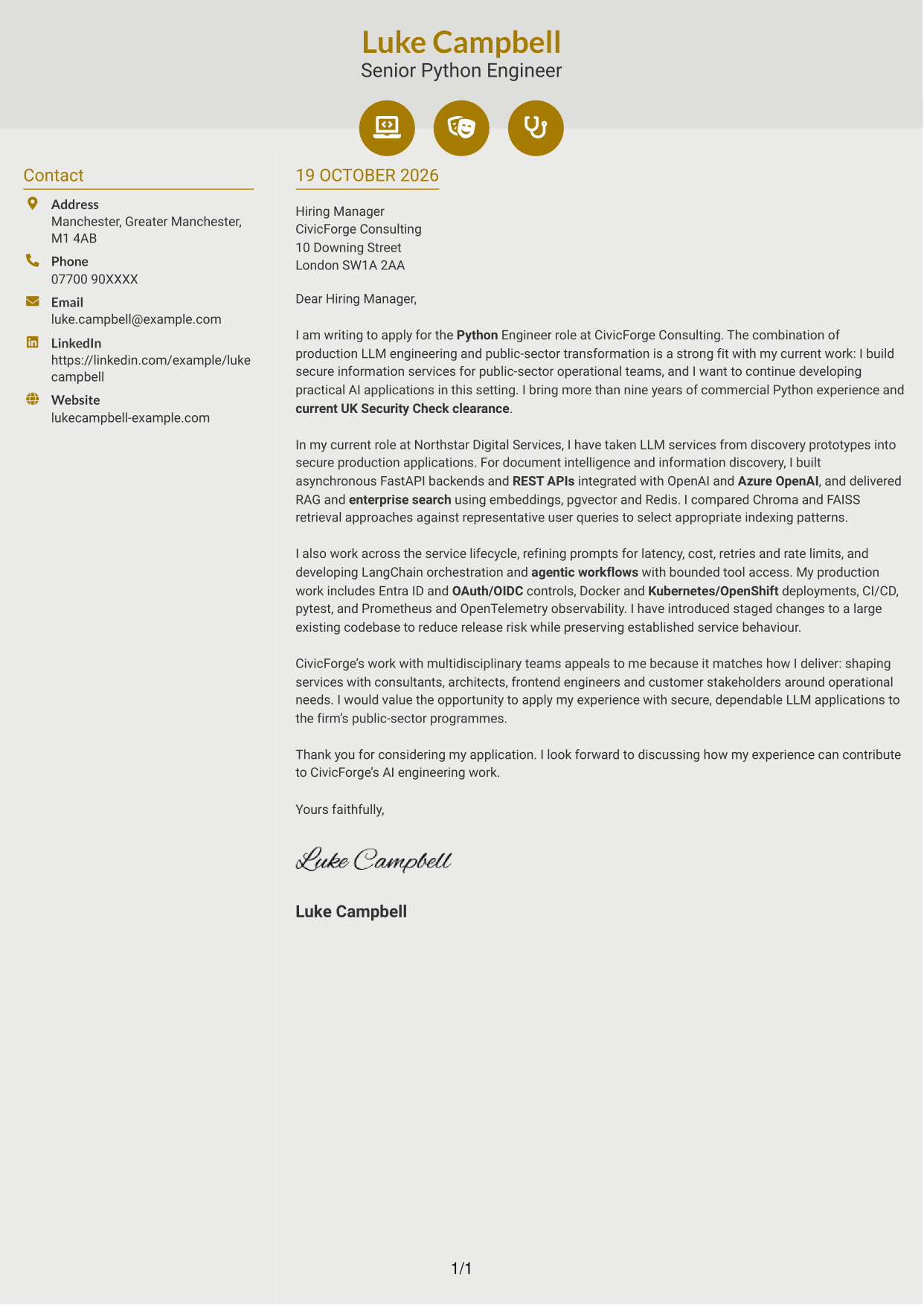
The Modern Icon Format pairs a contact sidebar with one continuous letter column and uses icons for contact details or header accents, helping readers distinguish practical details from the message.
Why This Format Works
- Contact-detail icons distinguish sender information from the letter's prose.
- The sidebar stays separate while the argument remains in one continuous body.
- Paragraphs, rather than headings, carry the message from opening to close.
Best For
- Icon-led contact details
- Sidebar-and-body organisation
- Continuous letter paragraphs
- Messages without argument headings
- Consulting applications
#7 Creative Two Tone Format Cover Letter Example
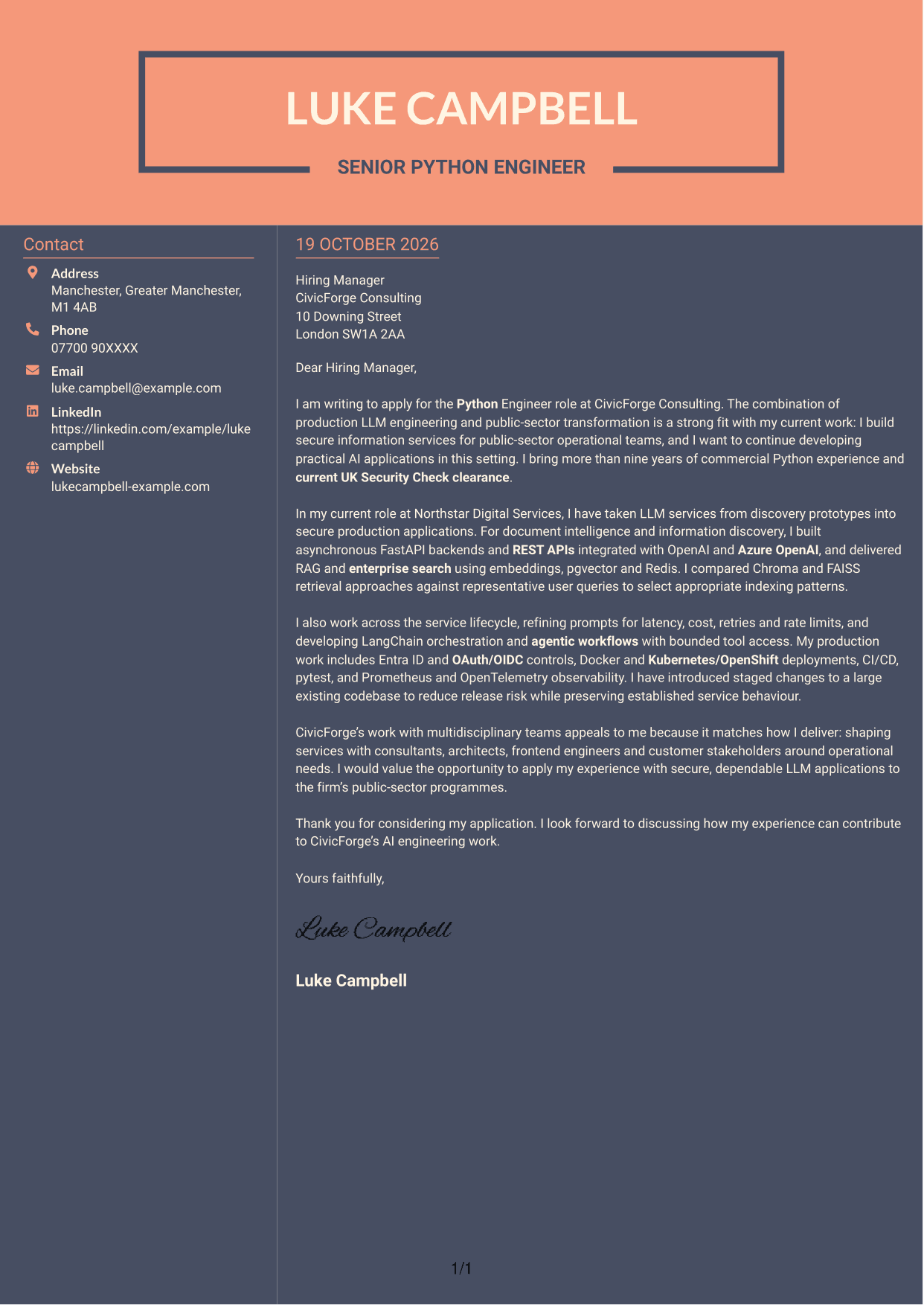
The Creative Two Tone Format places contact details in a sidebar beside one continuous letter column, a suitable choice for readers who want separate contact information and a connected written message.
Why This Format Works
- The contact sidebar leaves the letter body as one uninterrupted column.
- Sender details have a separate place, apart from the persuasive paragraphs.
- Without argument headings, the letter's wording connects its points.
Best For
- Two-column letter layouts
- Separate contact information
- Uninterrupted argument paragraphs
- Applications without body headings
- Public-sector AI programmes
See Also
- 7 Python Engineer - LLM Applications CV Templates with Example
- 7 Software Engineer - Python and AI Solutions CV Templates with Example
- Full Stack Lead Software Engineer CV Guide (Java, Spring Boot, AWS) (Examples + Free PDF Downloads)
- Principal Software Engineer CV Guide (Java, AWS) (Examples + Free PDF Downloads)
- 7 Senior Python Developer CV Templates with Example
- 7 Head of Contracts - Erasmus+ Programme CV Templates with Example
- 7 Shift Manager - Bakery Retail Operations CV Templates with Example
- 7 Manager - Funds Tax CV Templates with Example
- 7 Area Manager - Multi-site Retail Operations CV Templates with Example
- 7 Software Engineer - Python and AI Solutions Cover Letter Templates with Example
Frequently Asked Questions
What should a Python Engineer - LLM Applications cover letter highlight?
Show how your Python work supports dependable LLM applications. Useful evidence may include production services, FastAPI and asynchronous APIs, model integrations, RAG, enterprise search, security or reliability.
How can I show that my LLM experience is relevant?
Describe a real example from discovery through production. Explain your role, the choices you made and how you considered factors such as latency, cost, retries or retrieval quality.
How can I connect my experience with CivicForge Consulting’s work?
Relate your experience with secure, information-focused services to the company’s public-sector programmes. Explain why this work appeals to you, and show how you work with consultants, architects, engineers and customer stakeholders.
How should I structure this cover letter?
Open with the role and a clear reason for applying. Use the body to give focused evidence of production LLM delivery and role fit, then close by restating your interest and inviting a discussion.
Should I include every part of my work history?
No. Choose the examples that best support your fit for this position. A few clear details about relevant services, decisions and team work will be more useful than a full account of every duty.




