
7 Reception Administrator Cover Letter Templates with Example
This practical guide to a Reception Administrator cover letter shows how to present relevant healthcare reception experience across seven layouts.
What Makes a Great Reception Administrator Cover Letter in 2026
A strong letter makes a clear case for your fit, with a focused opening, relevant evidence and a courteous close. Show how a calm, organised approach supports helpful front-of-house service.
Use specific examples of handling enquiries, coordinating appointments or keeping confidential records accurate. Link your evidence to the employer’s community health setting, and check the accompanying job description for details to address.
The featured example moves from interest in the role to relevant reception evidence, motivation and a clear close; adapt this focused progression while choosing a presentation that suits the employer and communication context.
#1 Simple One Column Format Cover Letter Example
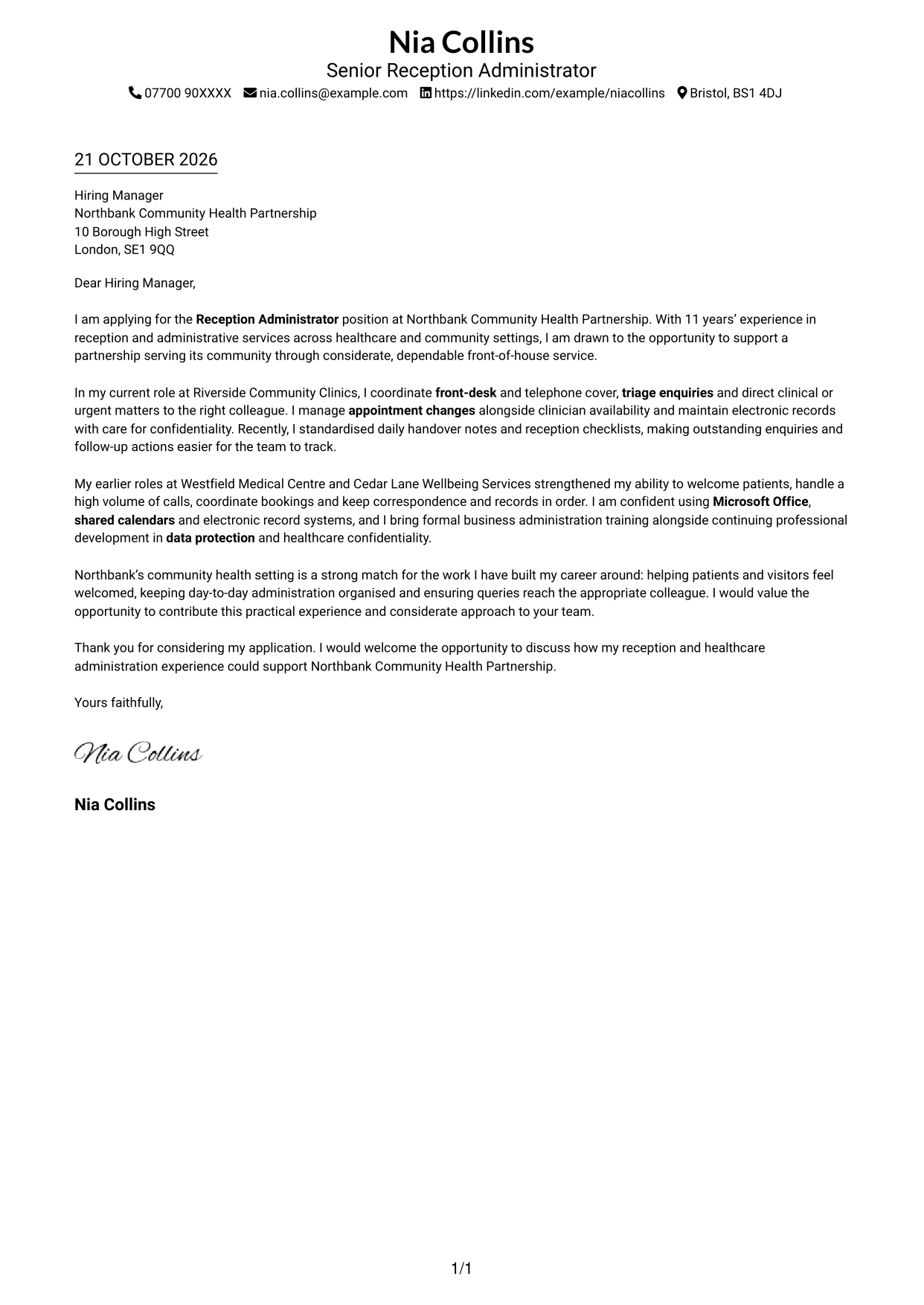
A one-column layout keeps sender details in the header and the letter body together in a direct reading path.
Why This Format Works
- Sender details in the header stay separate from the message below.
- One letter column keeps every paragraph in a direct reading sequence.
- Without section headings, motivation and evidence remain part of one message.
Best For
- A direct top-to-bottom reading path
- Sender details kept in the header
- A letter without argument headings
- A compact contact and message layout
- Continuous paragraphs from opening to close
#2 Two Column Format Cover Letter Example
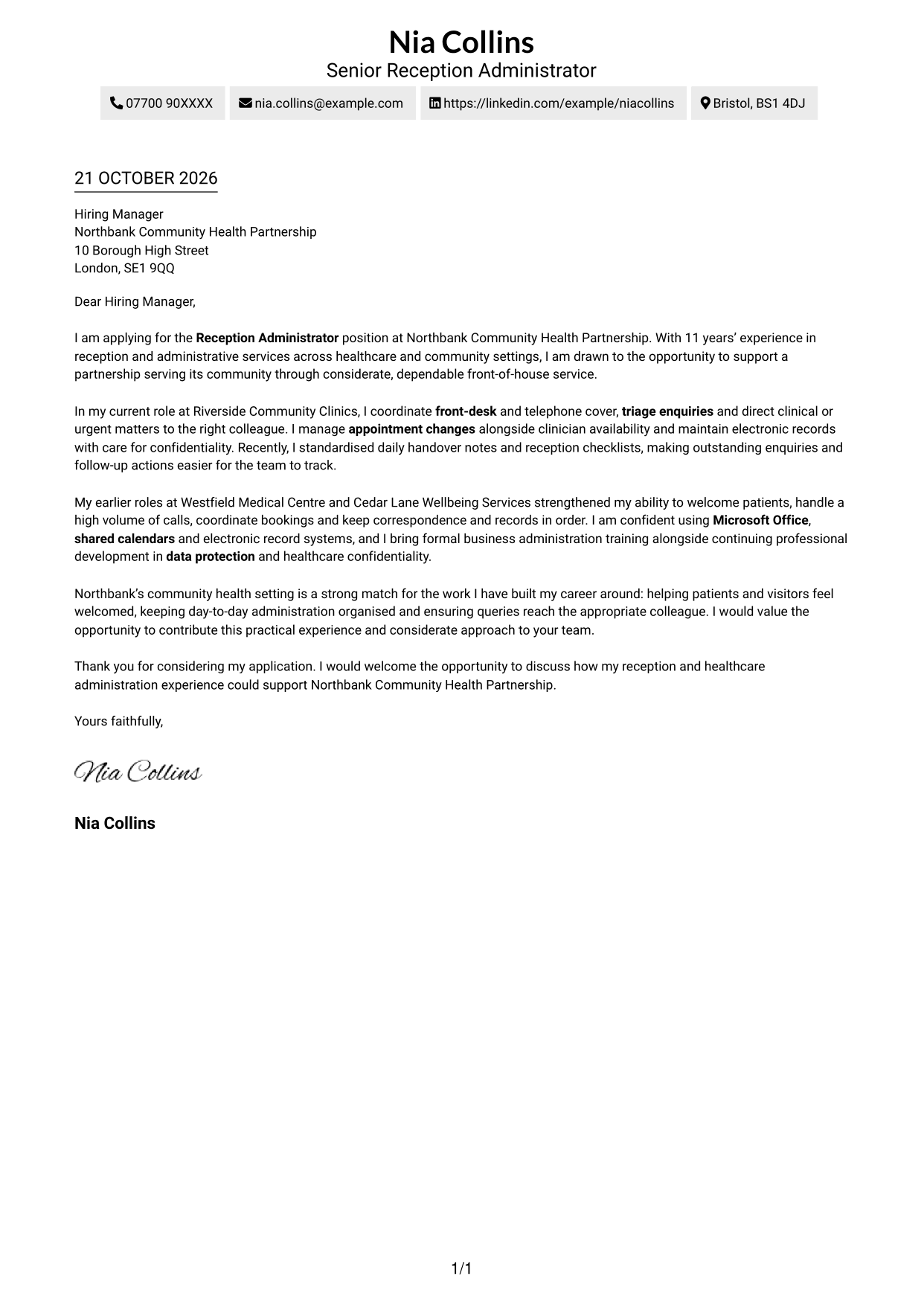
A contact sidebar sits beside one continuous letter body, keeping correspondence details apart from the message.
Why This Format Works
- Contact details in the sidebar remain distinct from the letter's persuasive content.
- One body column lets the opening, evidence and closing follow in order.
- With no argument headings, paragraphs preserve a natural letter-style progression.
Best For
- Contact details in a separate sidebar
- A continuous letter in one body column
- Clear separation of contact and message
- Opening-to-close paragraph flow
- A layout without a sender photo
#3 Photo Header Two Column Format Cover Letter Example
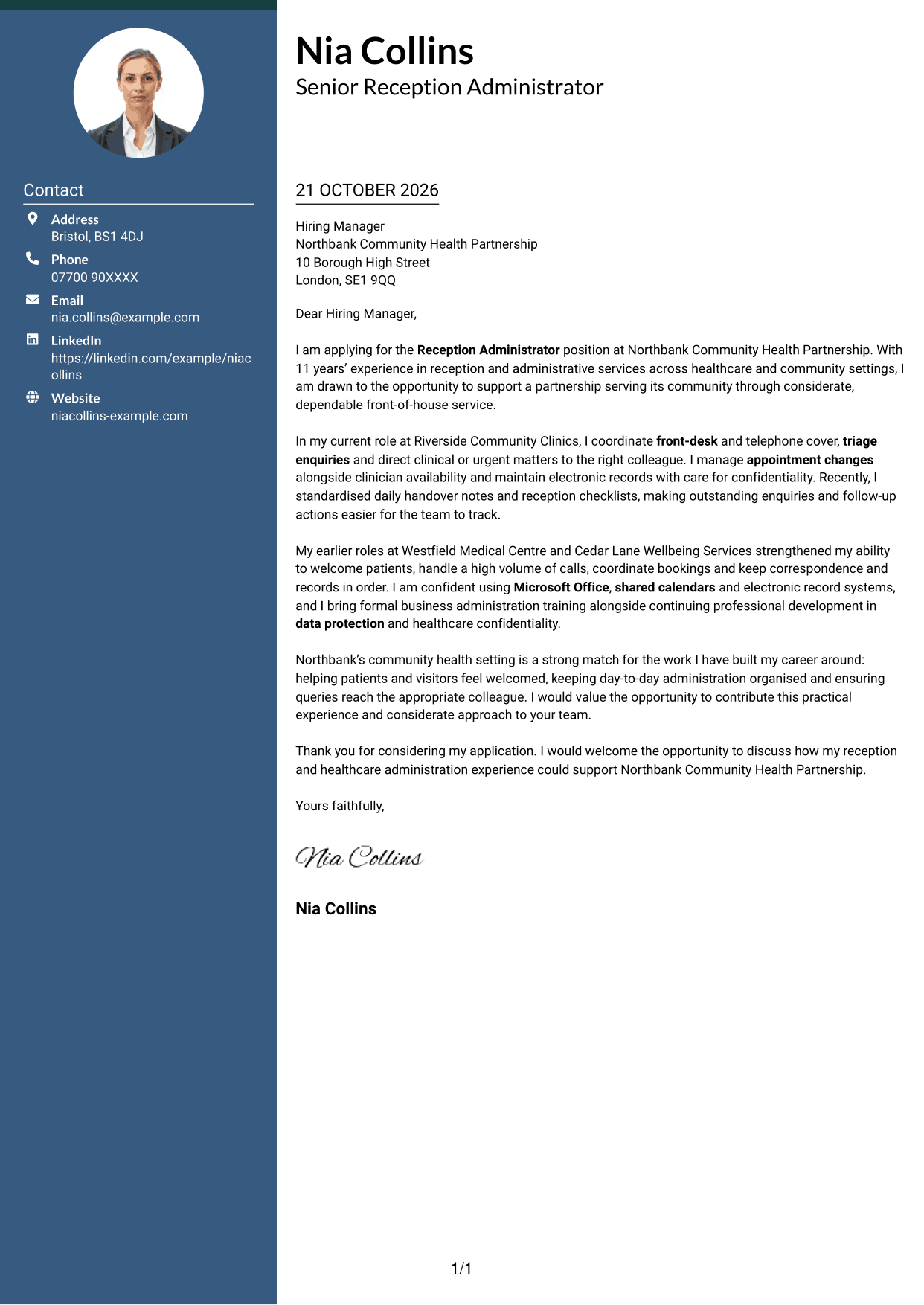
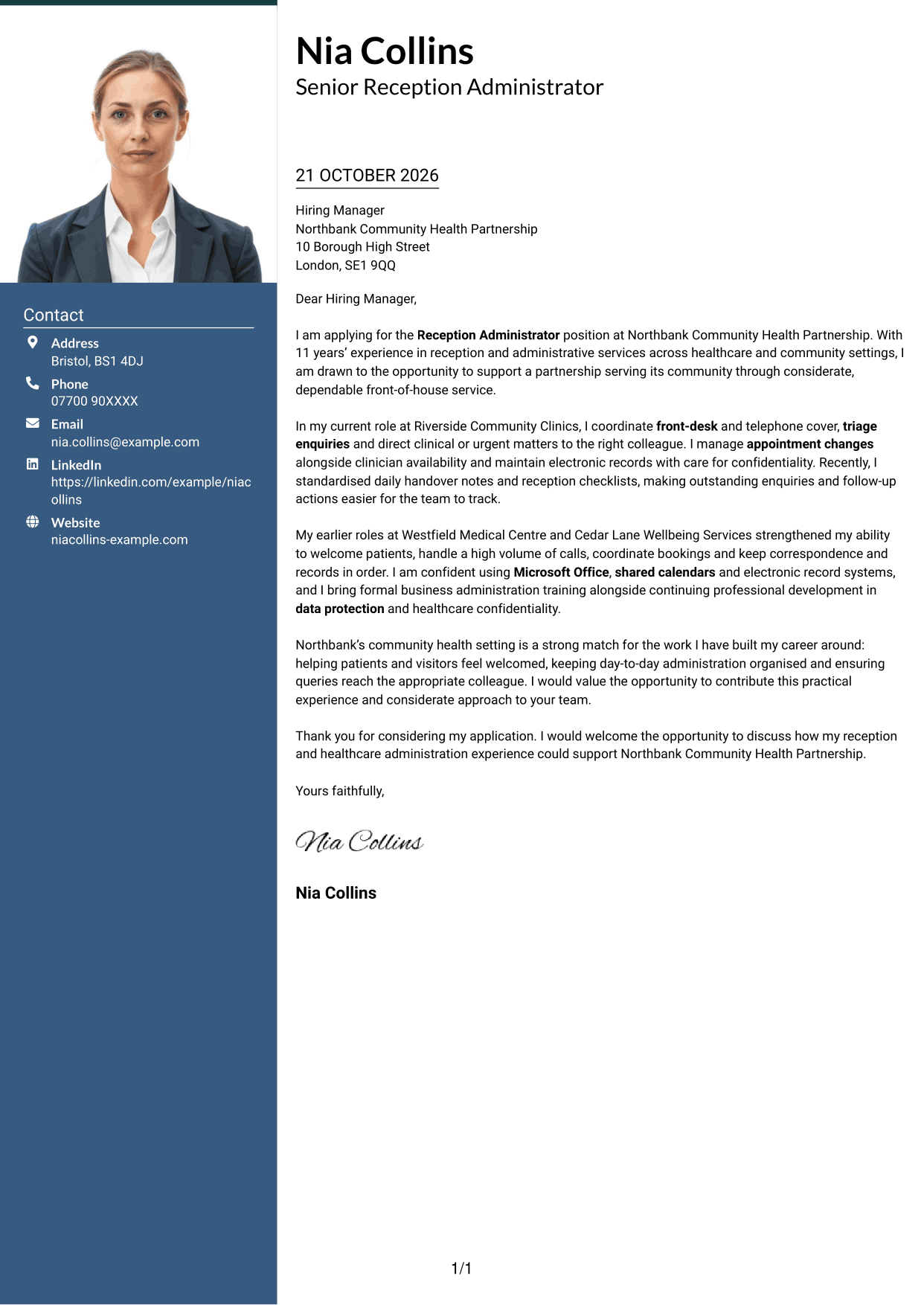
The two-column page pairs a contact sidebar with a sender photo, while the letter remains one continuous body.
Why This Format Works
- The sidebar gives sender details a place apart from the letter's message.
- A single body column keeps the opening and closing in the same reading path.
- The sender photo adds a personal visual element without changing the letter's structure.
Best For
- A sender photo alongside contact details
- Contact information separate from the message
- One uninterrupted letter body
- A personal visual touch in the header
- A clear route through the letter
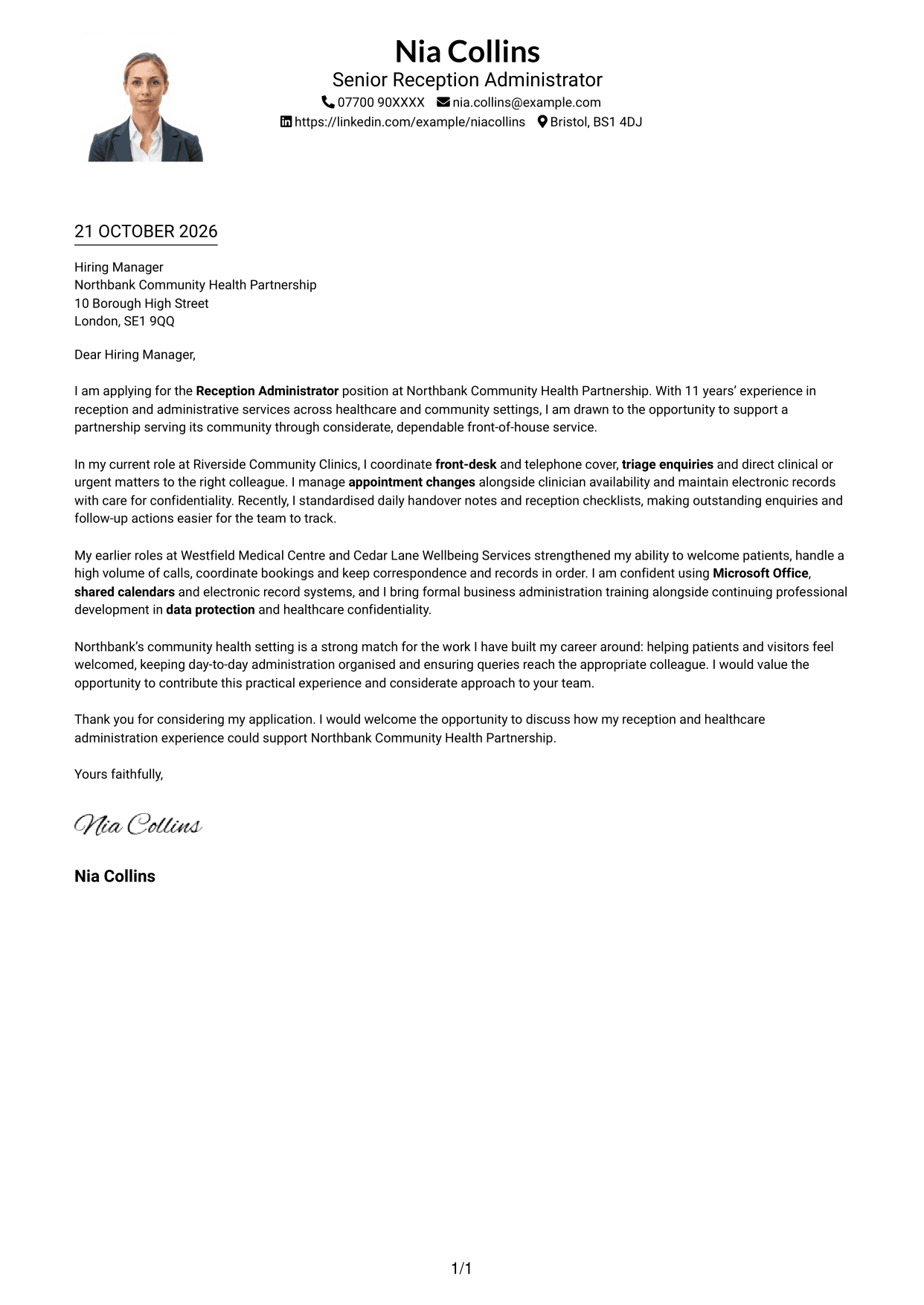
#4 One Column Format with Photo Cover Letter Example
A sender photo accompanies a single-column letter, adding a personal visual touch without splitting the message.
Why This Format Works
- Sender details stay in the header, apart from the text carrying the application.
- A single body column lets each paragraph follow the preceding point.
- The photo adds visual interest without dividing the message into sections.
Best For
- A single-column letter body
- A sender photo with the letter
- Paragraphs read in one sequence
- A header with contact details
- A message without argument headings
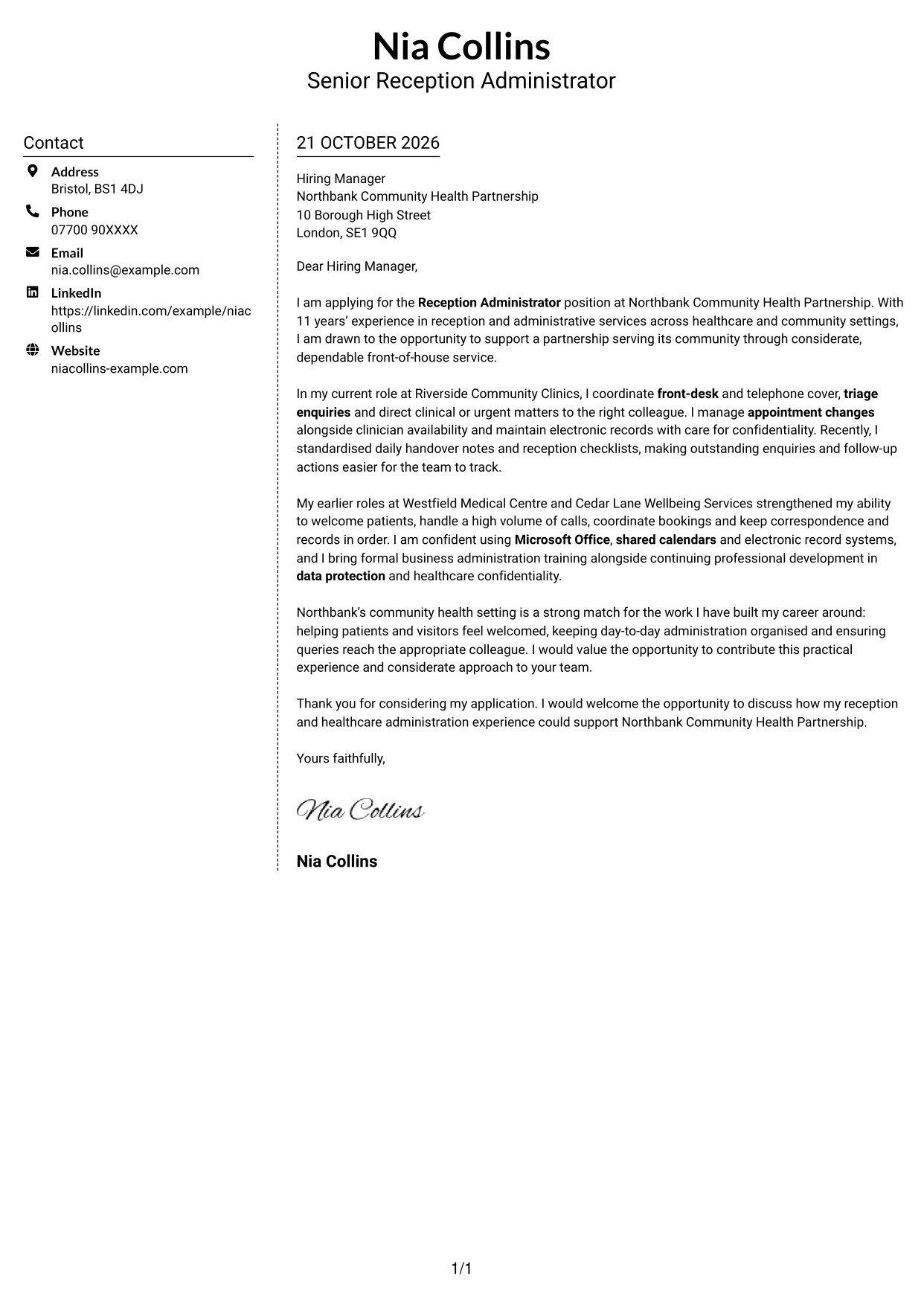
#5 Simple Two Column Format Cover Letter Example
A contact sidebar gives sender details their own space beside the single continuous letter body.
Why This Format Works
- The sidebar keeps contact information distinct from the paragraphs addressed to the employer.
- A single letter column prevents the message from being split across body columns.
- Without section headings, the letter reads as one connected communication.
Best For
- Contact details with their own sidebar
- A letter that stays in one body column
- One connected written message
- A clear division between contact and text
- A layout without a sender photo
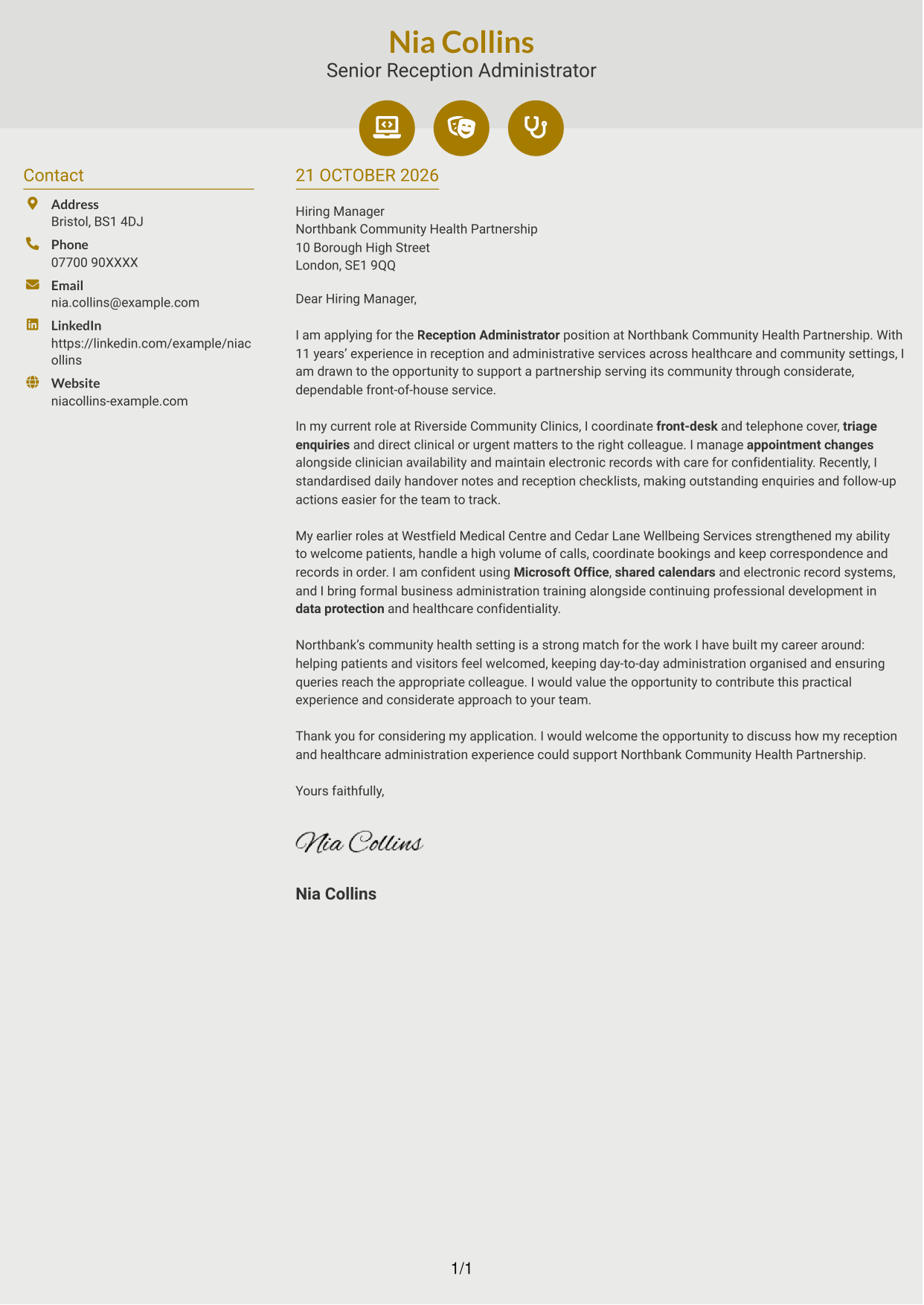
#6 Modern Icon Format Cover Letter Example
Contact icons provide visual cues for details in the sidebar, while the letter stays in one continuous body.
Why This Format Works
- Contact icons help distinguish contact details from the letter's written message.
- The sidebar and body column keep correspondence details apart from the argument.
- Without headings, the paragraphs carry the reader from application to closing.
Best For
- Icon cues beside contact details
- Contact information in a sidebar
- A continuous body for the full message
- A clear opening-to-closing sequence
- A letter layout without a photo
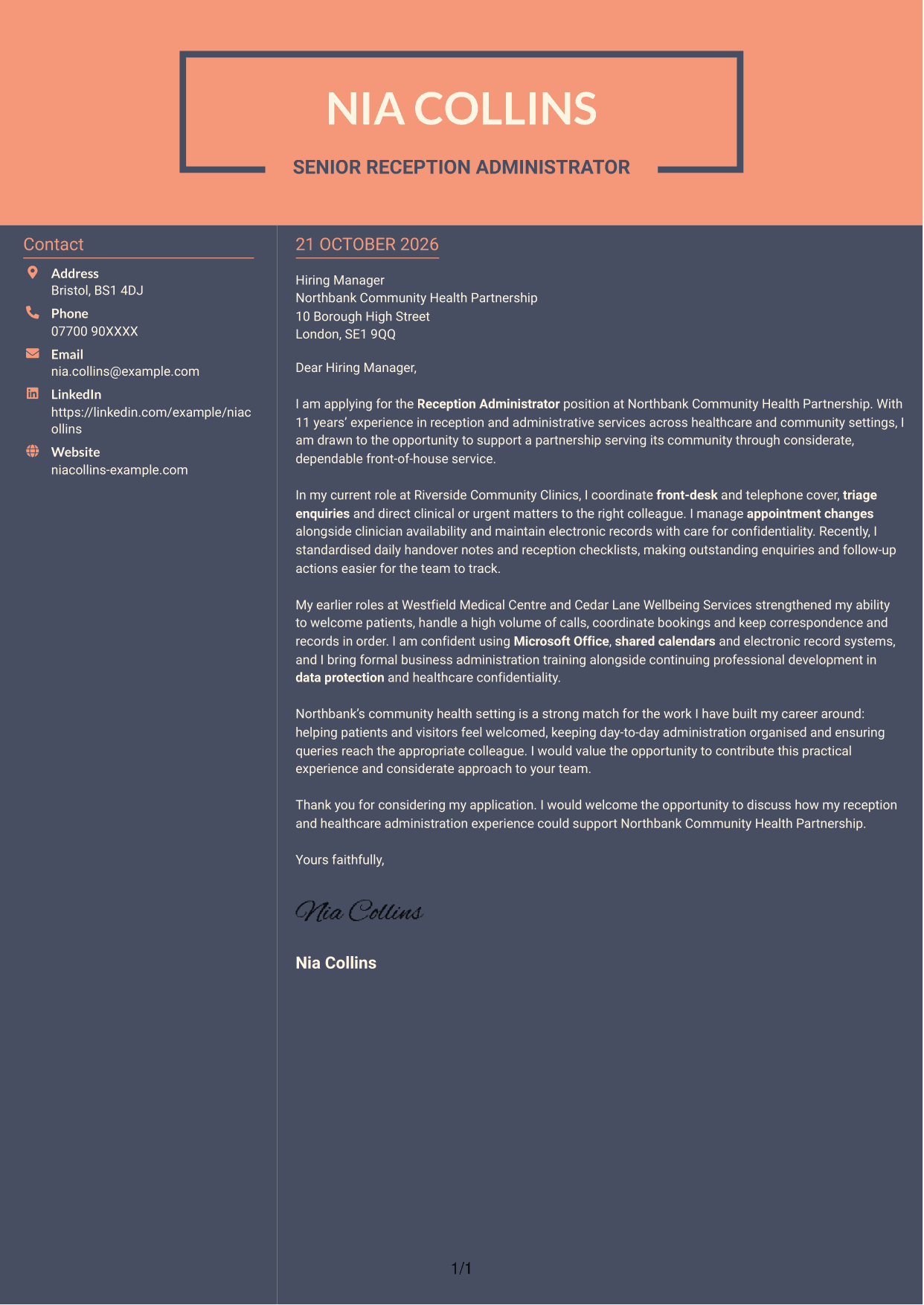
#7 Creative Two Tone Format Cover Letter Example
The two-column arrangement gives contact details a separate sidebar beside the letter's continuous body.
Why This Format Works
- A separate contact area keeps sender details distinct from the letter itself.
- The body remains in one column, so paragraphs follow a straightforward reading order.
- No section headings interrupt the letter's connected message.
Best For
- A separate place for contact details
- A continuous letter body beside the sidebar
- A straightforward paragraph reading order
- A letter without internal headings
- A layout that does not use a photo
See Also
- 7 Reception Administrator CV Templates with Example
- 7 Front of House Coordinator - Corporate Reception CV Templates with Example
- 7 Guest Services Ambassador - Corporate Reception CV Templates with Example
- 7 Accounts Administrator - Accounts and Payroll CV Templates with Example
- 7 Accounts Administrator - Payroll and Finance CV Templates with Example
- 7 Apprenticeship Administrator - Compliance and Records CV Templates with Example
- 7 Business Administrator Apprentice - Vehicle and Asset Finance CV Templates with Example
- 7 Clinical Administrator CV Templates with Example
- 7 Front of House Coordinator - Corporate Reception Cover Letter Templates with Example
- 7 Guest Services Ambassador - Corporate Reception Cover Letter Templates with Example
Frequently Asked Questions
What should a Reception Administrator cover letter highlight?
Show how your approach supports welcoming front-of-house service and organised administration. Relevant examples may include handling telephone enquiries, coordinating appointments, maintaining confidential records and passing queries to the right colleague.
How can I make my experience relevant to a Reception Administrator role?
Choose one or two clear examples from reception or administrative work. Explain what you did, such as managing appointment changes or improving handover notes, and how it helped colleagues track enquiries and follow-up actions.
How should I explain my interest in a community health employer?
Refer to a verified detail about the organisation or its services, if one is available. Connect that point to your interest in considerate service for patients and visitors, without making claims about the employer that you cannot support.
What is a clear way to structure this cover letter?
Open by naming the Reception Administrator role and giving a clear reason for applying. Use the body for relevant reception examples and your motivation, then close politely and invite a conversation.
Should I include every part of my work history?
No. Select the duties and examples that best show your fit for this role. A few specific points about service, organisation and communication will keep the letter focused.




