
7 Regulatory Complaint Handler - Financial Services Cover Letter Templates with Example
This practical guide helps you create a Regulatory Complaint Handler - Financial Services cover letter and compare its seven layouts.
What Makes a Great Regulatory Complaint Handler - Financial Services Cover Letter in 2026
A strong letter shows how you investigate regulated complaints and explain fair outcomes clearly. Its opening should state your interest in the role and the value you can offer.
Use focused evidence, such as reviewing account histories, resolving credit or billing disputes, and handling sensitive conversations with empathy. Connect that evidence to the employer’s need for accurate decisions, clear communication and reliable case follow-up.
The featured example moves from interest in the role to investigation work, clear customer communication and a focused close; adapt this progression while choosing a presentation that suits the employer and communication context.
#1 Simple One Column Format Cover Letter Example
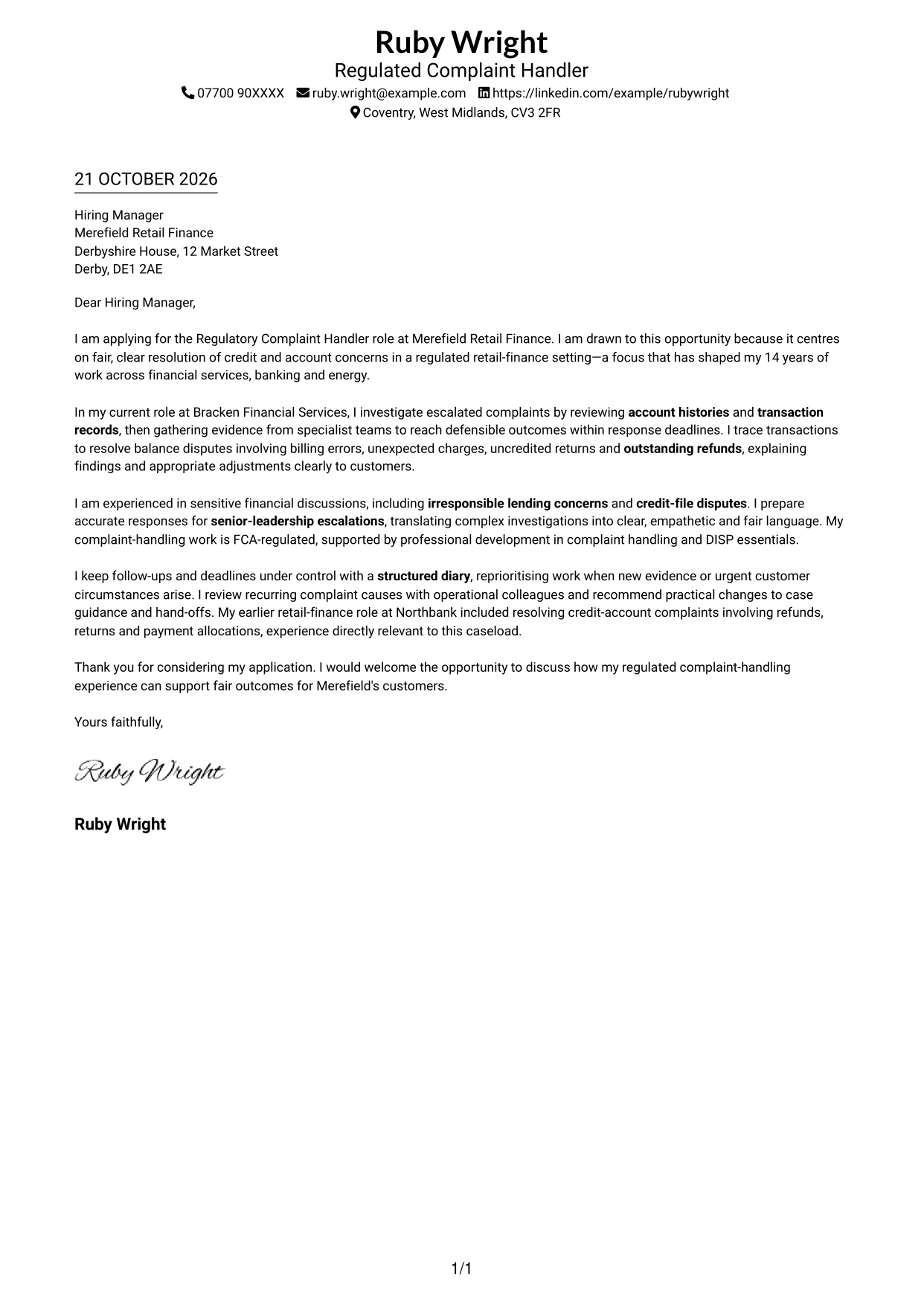
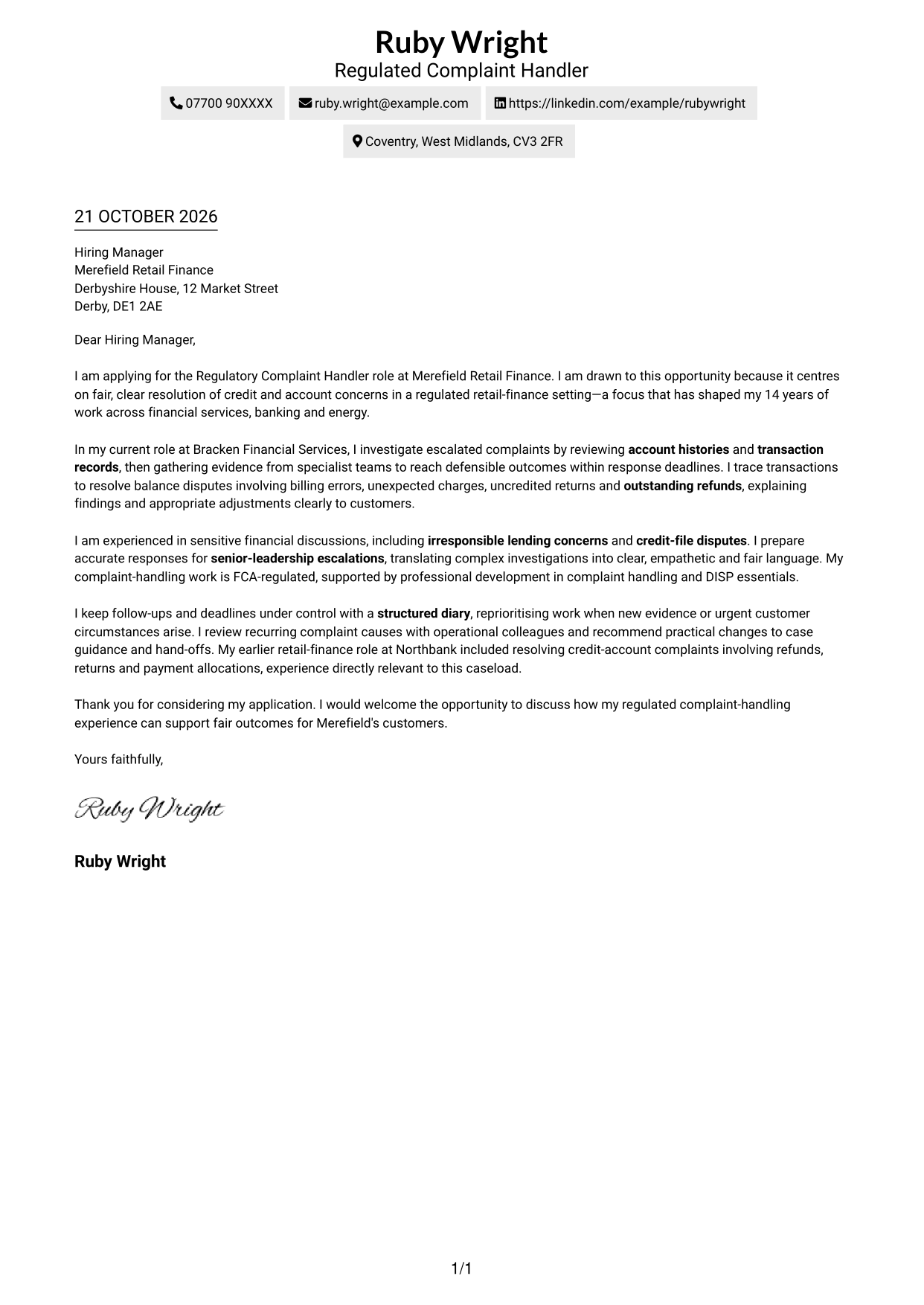
A single-column layout keeps sender details in the header and the letter body on one clear reading path.
Why This Format Works
- Sender details in the header keep contact information apart from the letter's message.
- One text column gives the opening, supporting points and closing a direct reading order.
- The uninterrupted body lets reviewers consider the application as one connected message.
Best For
- Single-column letter preference
- Header-led contact details
- Sequential paragraph reading
- Detailed complaint explanations
- Applications focused on fair outcomes
#2 Two Column Format Cover Letter Example
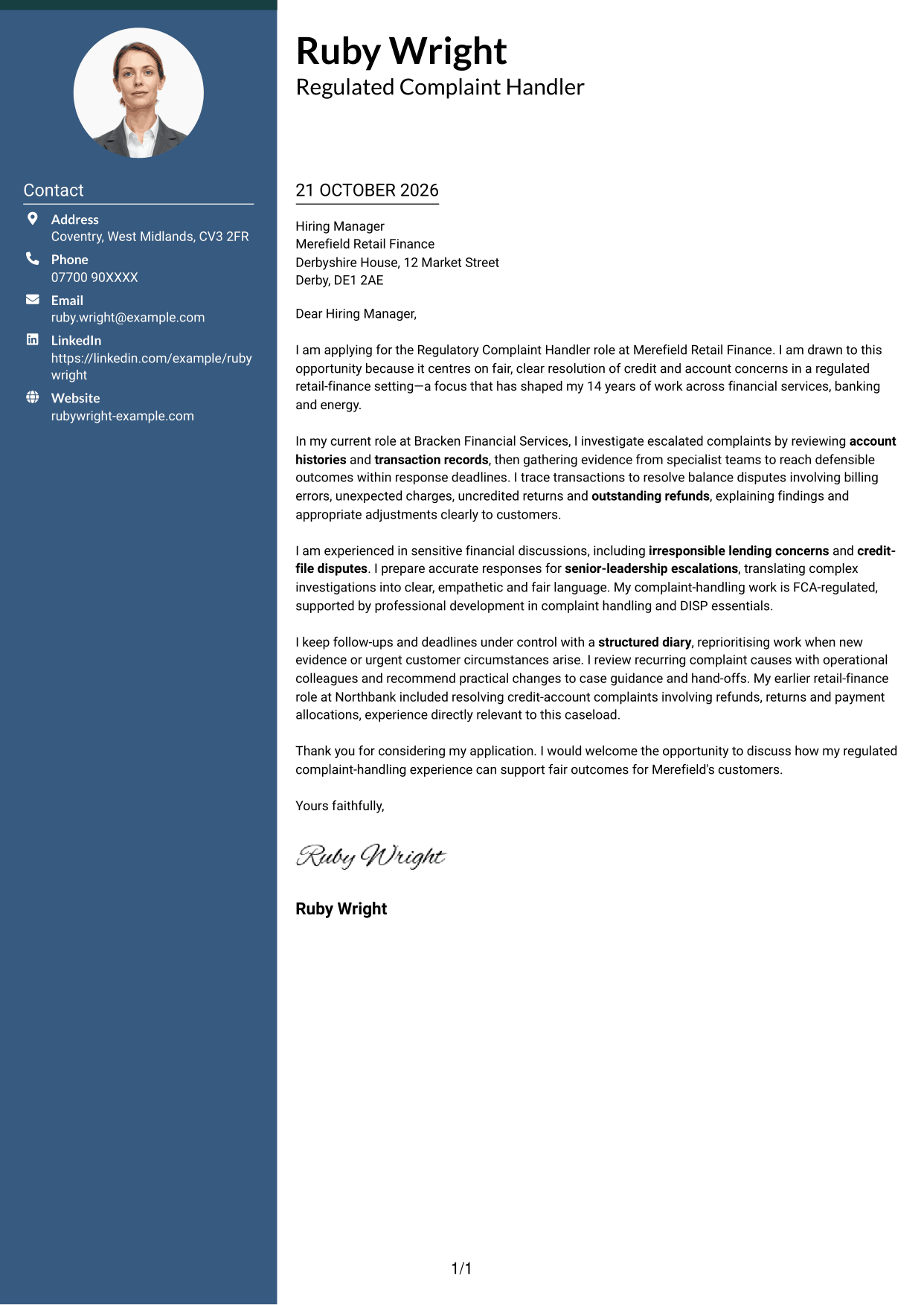
A contact sidebar sits beside one continuous letter body, keeping contact details apart while the argument stays together.
Why This Format Works
- The contact sidebar keeps sender details easy to find beside the letter.
- A continuous body lets reviewers follow motivation, evidence and closing in sequence.
- The argument remains in one column rather than splitting across parallel text areas.
Best For
- Separate contact and message
- Continuous persuasive prose
- Letters with supporting evidence
- Quick access to sender details
- Sensitive financial correspondence
#3 Photo Header Two Column Format Cover Letter Example
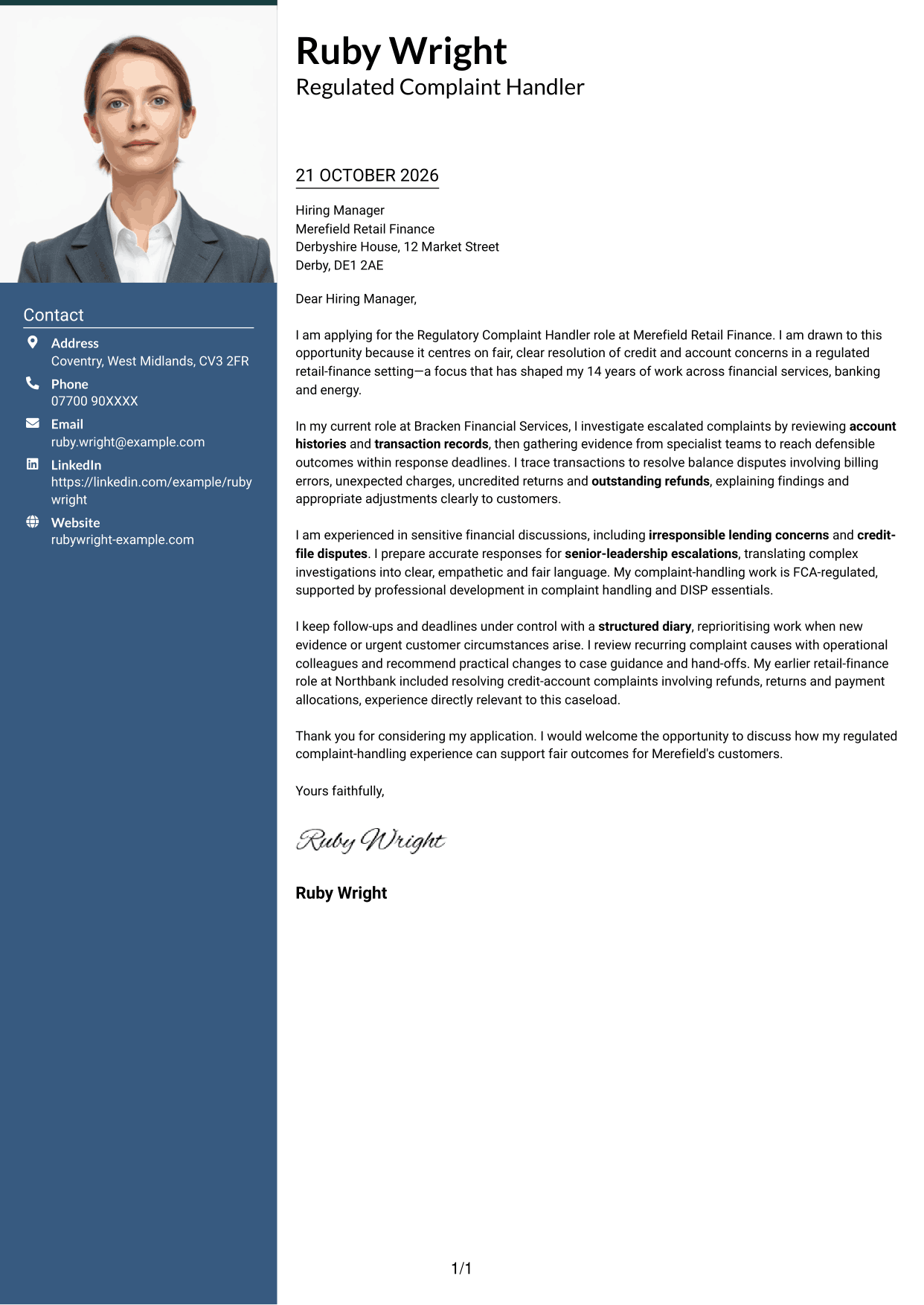
A photo header adds a portrait to the two-column contact layout, while the letter itself remains one continuous body.
Why This Format Works
- The portrait provides a visual option for applications where a photo is preferred.
- Contact details sit beside the message, separate from its persuasive text.
- The continuous body keeps the opening, supporting points and closing together.
Best For
- Photo-inclusive correspondence
- Portrait-led header preference
- Contact details beside the letter
- Single-stream letter reading
- Detailed explanations within the letter
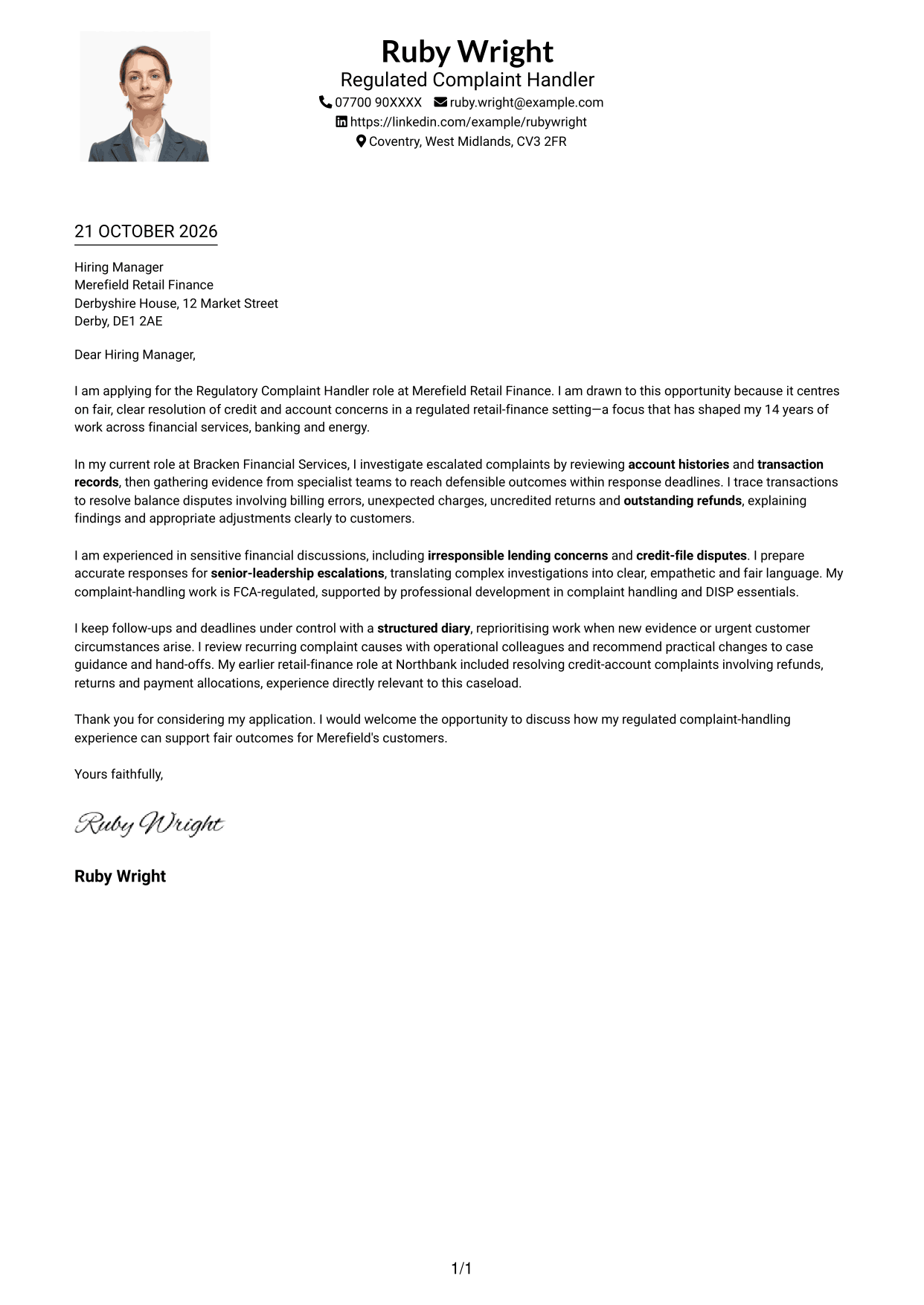
#4 One Column Format with Photo Cover Letter Example
A one-column layout includes a photo while keeping the letter's paragraphs on a single reading path.
Why This Format Works
- The photo offers a visual choice without adding a second text column.
- One reading path helps reviewers follow the message from opening to closing.
- Continuous paragraphs keep motivation and supporting evidence together.
Best For
- Photo within a single-column design
- One-path paragraph reading
- Letters with a clear opening and close
- Personal visual presentation
- Evidence-led applications
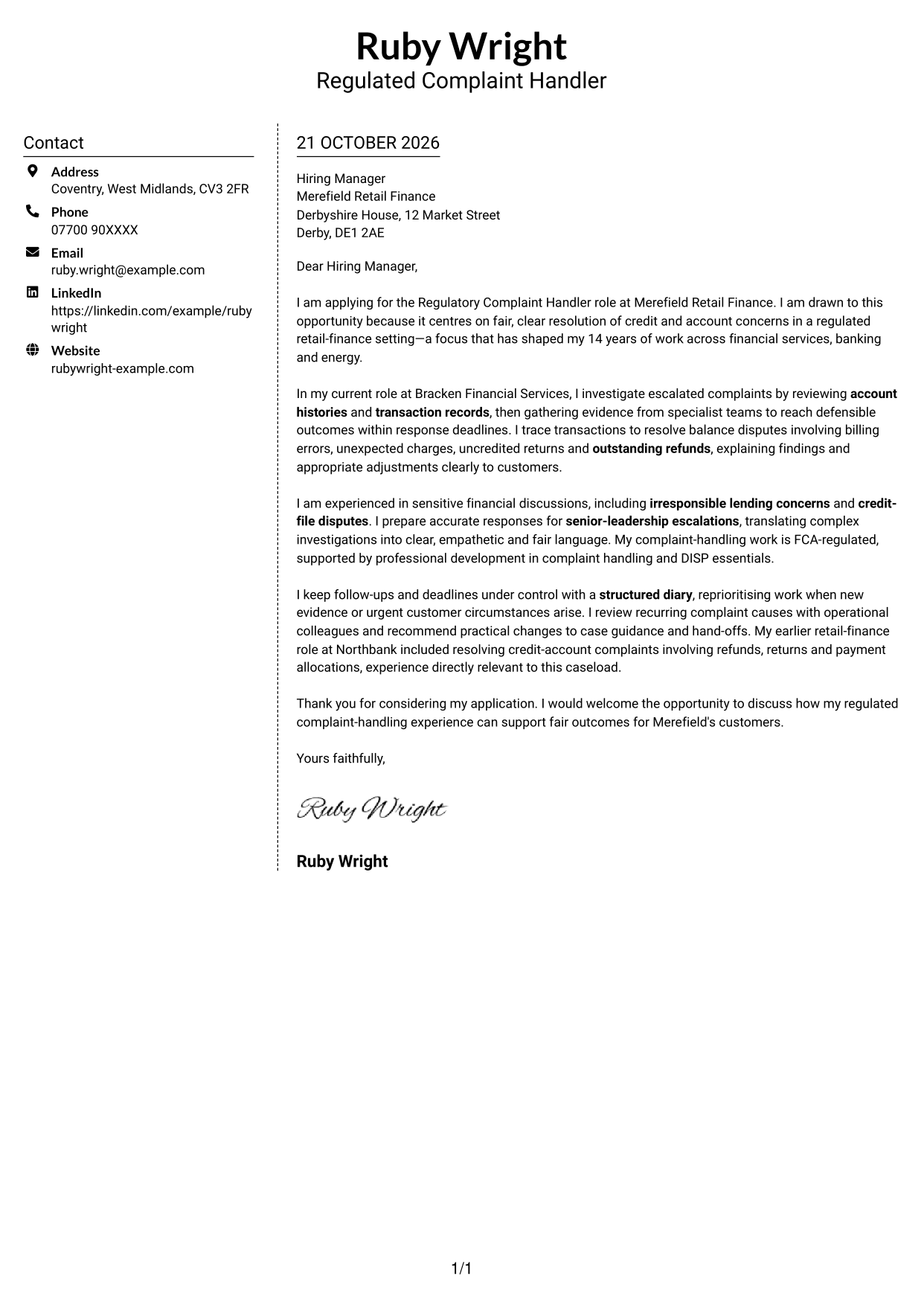
#5 Simple Two Column Format Cover Letter Example
A two-column arrangement places contact details beside the uninterrupted letter body, separating correspondence information from the message.
Why This Format Works
- The contact area gives sender details a place beside the letter.
- The message remains in one body, so its paragraphs are read in order.
- Contact information stays distinct from the application text.
Best For
- Contact sidebar preference
- Uninterrupted letter paragraphs
- Clear contact and message separation
- Letters with detailed supporting context
- Fair-outcome application messages
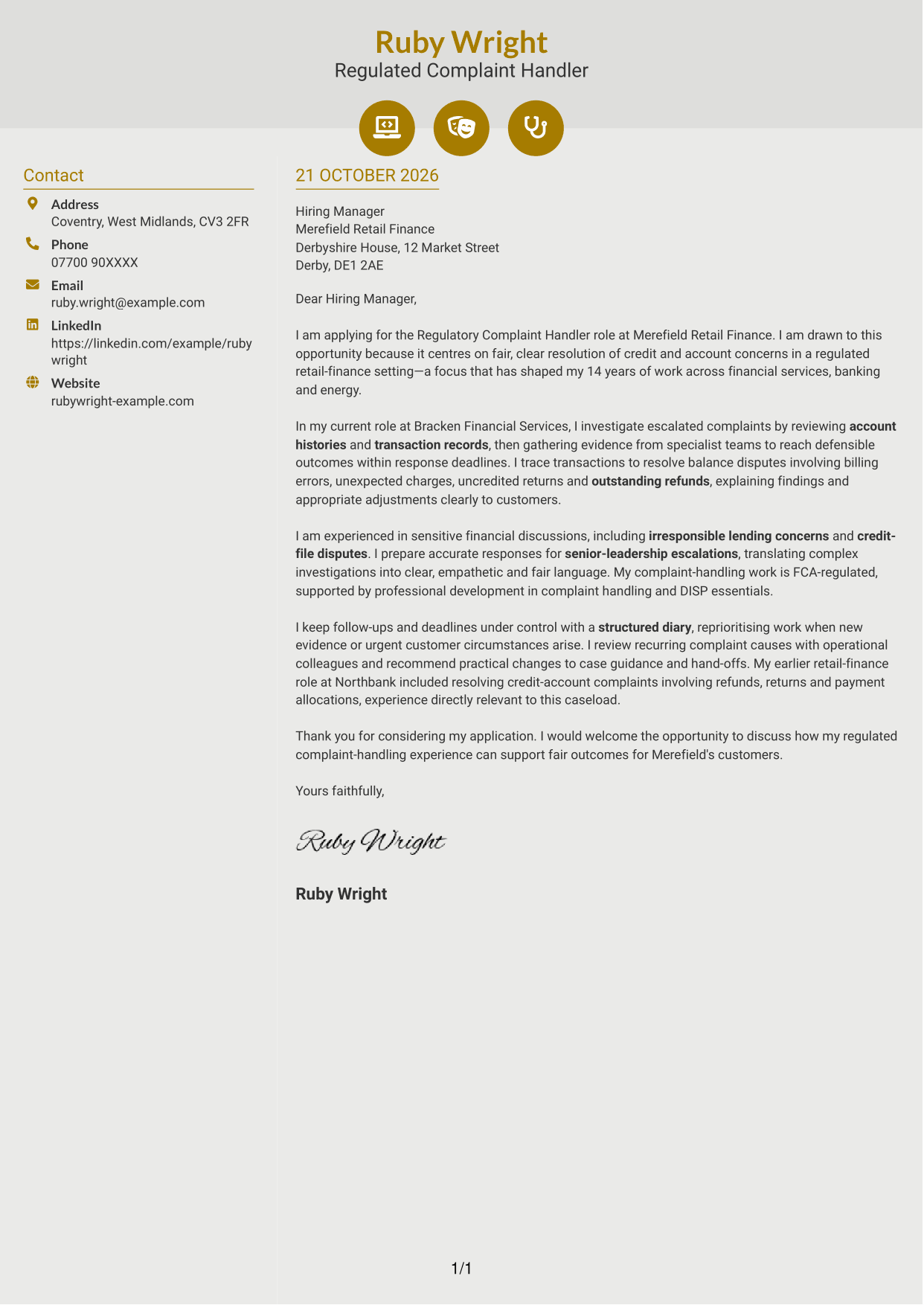
#6 Modern Icon Format Cover Letter Example
Contact icons and decorative header accents add visual cues beside the continuous letter body, without labelling its argument.
Why This Format Works
- Contact icons help distinguish contact details from the letter's message.
- Header accents provide a visual detail without dividing the body into argument sections.
- The letter stays together in one continuous body for a clear reading sequence.
Best For
- Icon-marked contact details
- Decorative header cues
- One continuous letter body
- Visual contact navigation
- Text-led application messages
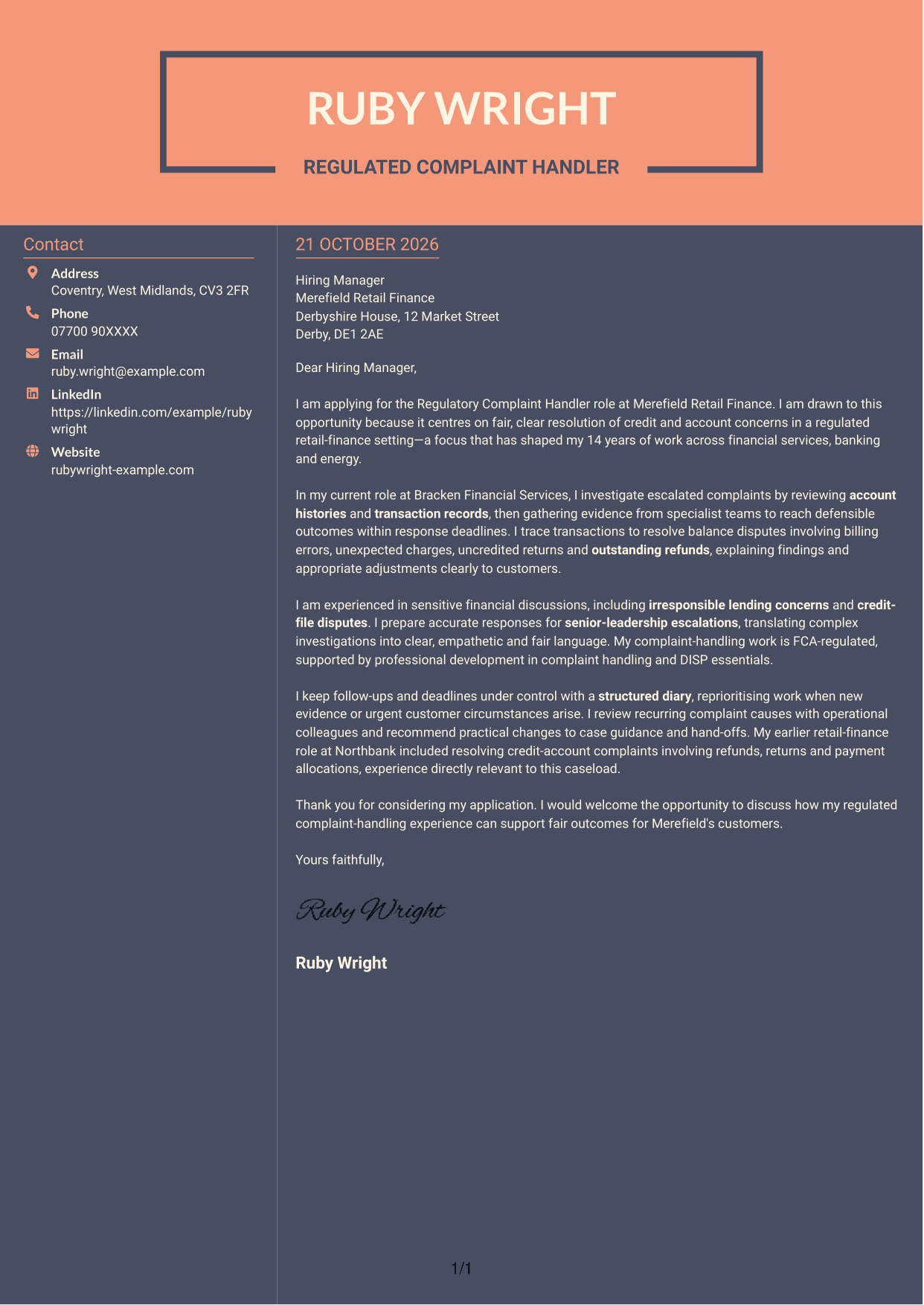
#7 Creative Two Tone Format Cover Letter Example
The two-column layout places contact details beside the continuous letter body, giving contact information a separate area.
Why This Format Works
- The sidebar keeps sender details apart from the text of the application.
- One continuous body lets reviewers follow the letter's reasoning in sequence.
- The separate contact area leaves the message free of parallel body text.
Best For
- Two-column contact organisation
- Continuous letter prose
- Separate sender details
- Letters with several evidence paragraphs
- Clear application correspondence
See Also
- 7 Regulatory Complaint Handler - Financial Services CV Templates with Example
- 7 Risk & Assurance Advisor - Internal Audit and Regulatory Compliance CV Templates with Example
- 7 Treasury Analyst - Cash and Collateral Management CV Templates with Example
- 7 International Scholarships Administrator CV Templates with Example
- 7 Academic Resource Planning Coordinator - Workload Data CV Templates with Example
- 7 Reception Administrator CV Templates with Example
- 7 Due Diligence Officer - Third-Party Relationship Risk CV Templates with Example
- 7 EMA Assembler CV Templates with Example
- 7 Omnichannel Territory Manager CV Templates with Example
- 7 Risk & Assurance Advisor - Internal Audit and Regulatory Compliance Cover Letter Templates with Example
Frequently Asked Questions
What should a Regulatory Complaint Handler - Financial Services cover letter highlight?
Show how you gather evidence, investigate account concerns and explain decisions in a fair, clear way. Relevant examples may include credit-file disputes, billing errors, refunds, sensitive financial discussions and case follow-up.
How can I show that my experience fits this role?
Choose one or two relevant cases and explain what you reviewed, how you reached an outcome and how you kept the customer informed. You can also describe how you worked with colleagues or managed response deadlines.
How should I explain my interest in the employer?
Link your interest to the role’s focus on fair outcomes, clear customer communication and regulated financial services. Explain how your approach would support those priorities at Merefield Retail Finance.
What is a clear way to structure this cover letter?
Open with the role and your reason for applying. Use the body to give focused evidence of complaint investigation and communication, then close by restating your interest and welcoming a discussion.
Should I include every part of my work history?
No. Select the experience that best supports your fit for this role, such as regulated complaint handling, account investigations or resolving customer disputes. A few clear examples will keep your letter focused.




