
7 Reserve Officer - Habitat Management Cover Letter Templates with Example
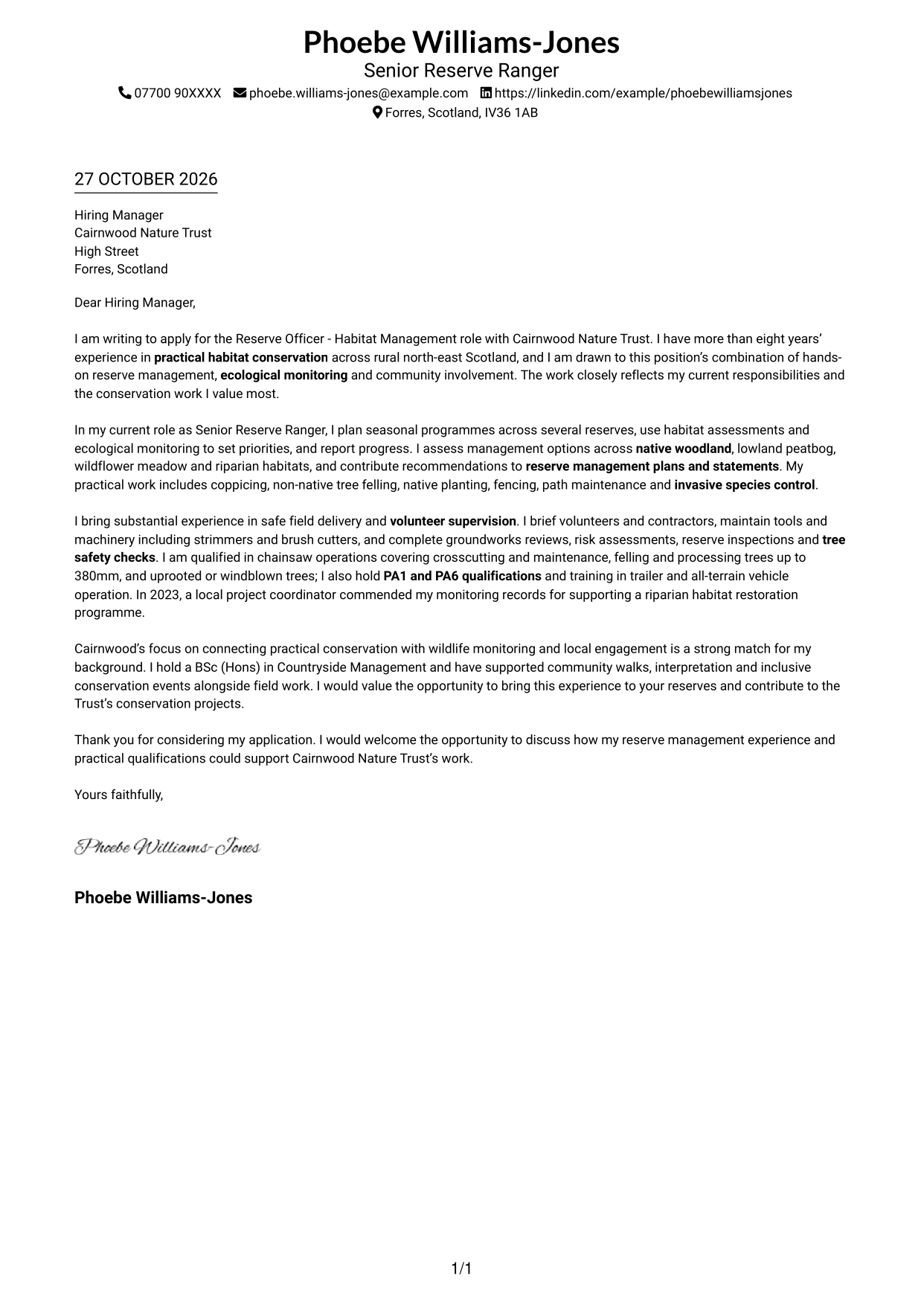
This practical guide helps you write a Reserve Officer - Habitat Management cover letter and compare its approach across seven layouts.
What Makes a Great Reserve Officer - Habitat Management Cover Letter in 2026
A strong letter links your interest in habitat conservation to the work of managing reserves, monitoring wildlife and supporting volunteers. Open with a clear reason for applying, then show how your experience fits the role.
Use specific evidence, such as planning seasonal work across different habitats, carrying out safety checks or guiding volunteer teams. Explain why the Trust’s mix of practical conservation and community engagement matters to you.
The featured Reserve Officer - Habitat Management example moves from role interest to practical reserve work, safe delivery and employer fit, then closes with a clear next step; adapt this focused progression and choose a presentation suited to the employer and communication context.
#1 Simple One Column Format Cover Letter Example
A single column keeps sender details and the continuous letter body on one reading path, suiting readers who prefer a straightforward page.
Why This Format Works
- Sender details and the letter share one column, creating a direct reading order.
- Paragraph breaks keep motivation, evidence and closing easy to follow.
- The photo-free page keeps the sender and message as its visible elements.
Best For
- Single-column reading preference
- Header-based sender details
- Unheaded letter correspondence
- Photo-free application documents
- Letters with a direct message
#2 Two Column Format Cover Letter Example
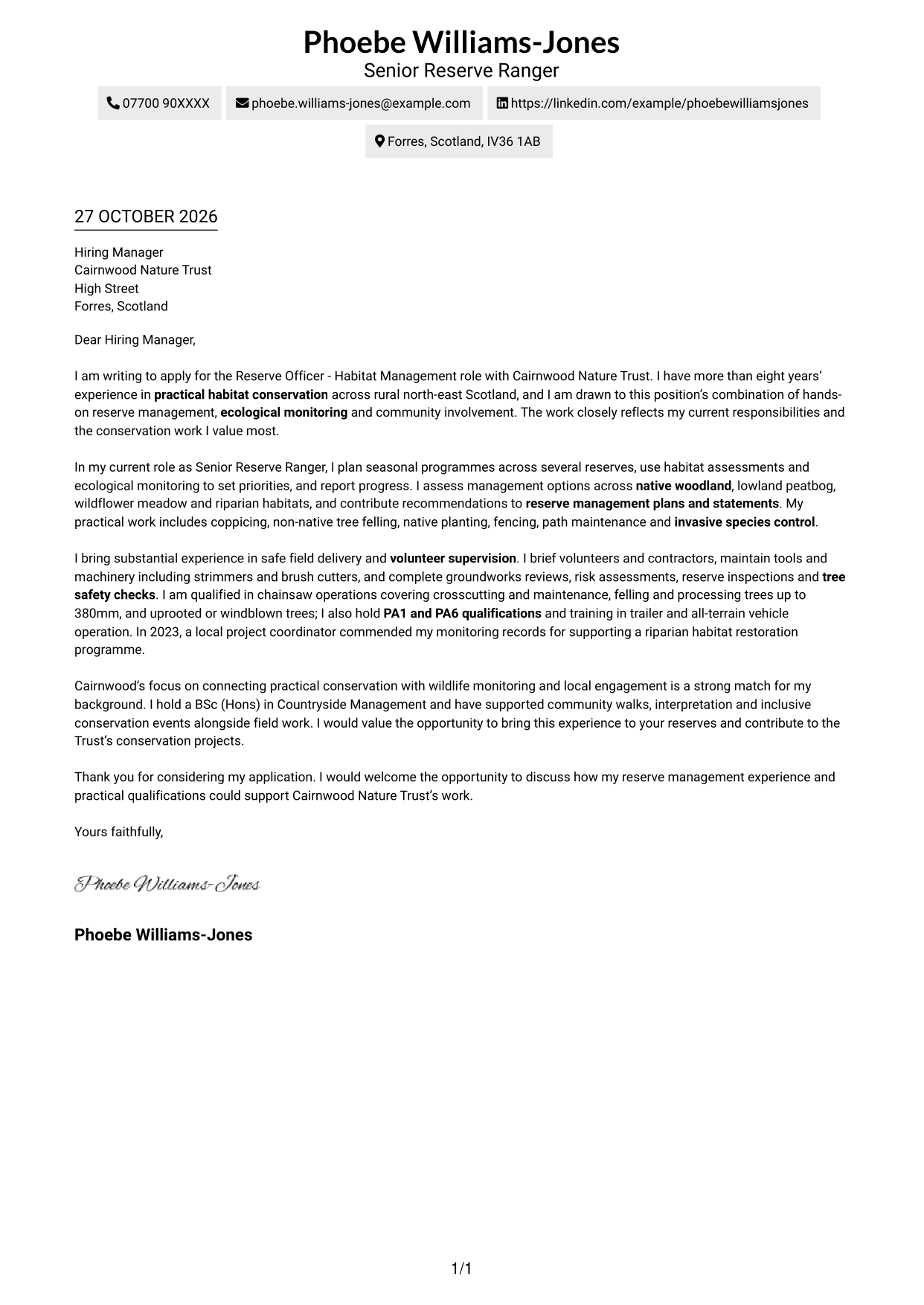
A contact sidebar sits beside the continuous letter body, giving contact details their own place while the message stays together.
Why This Format Works
- The contact sidebar gives sender details a clear place beside the letter.
- One unheaded body lets motivation and evidence unfold in paragraph order.
- No headings keep the message recognisable as a personal letter, not a report.
Best For
- Contact sidebar preference
- Continuous letter body
- Unheaded correspondence
- Letters with several contact methods
- Two-column page preference
#3 Photo Header Two Column Format Cover Letter Example
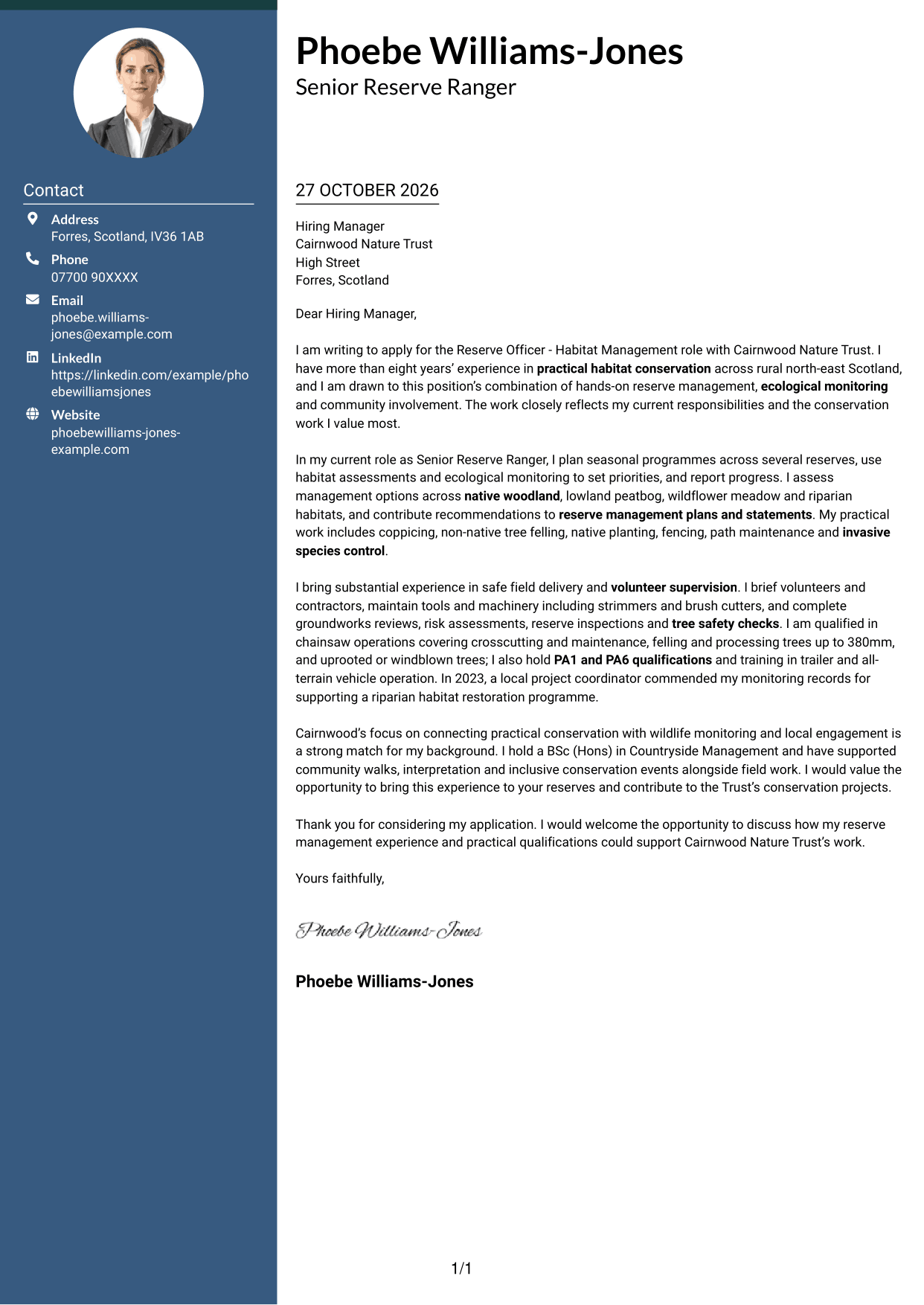
This two-column layout includes a photo and keeps contact details apart from the continuous letter, for readers who value a portrait-led presentation.
Why This Format Works
- Contact details sit in a sidebar, leaving the letter body in one uninterrupted column.
- An accompanying photo adds a personal visual element without changing the message.
- Unheaded paragraphs preserve a familiar letter form from greeting through closing.
Best For
- Applications where a portrait is welcome
- Contact sidebar layouts
- One-column letter arguments
- Unheaded personal correspondence
- Letters with several contact methods
#4 One Column Format with Photo Cover Letter Example
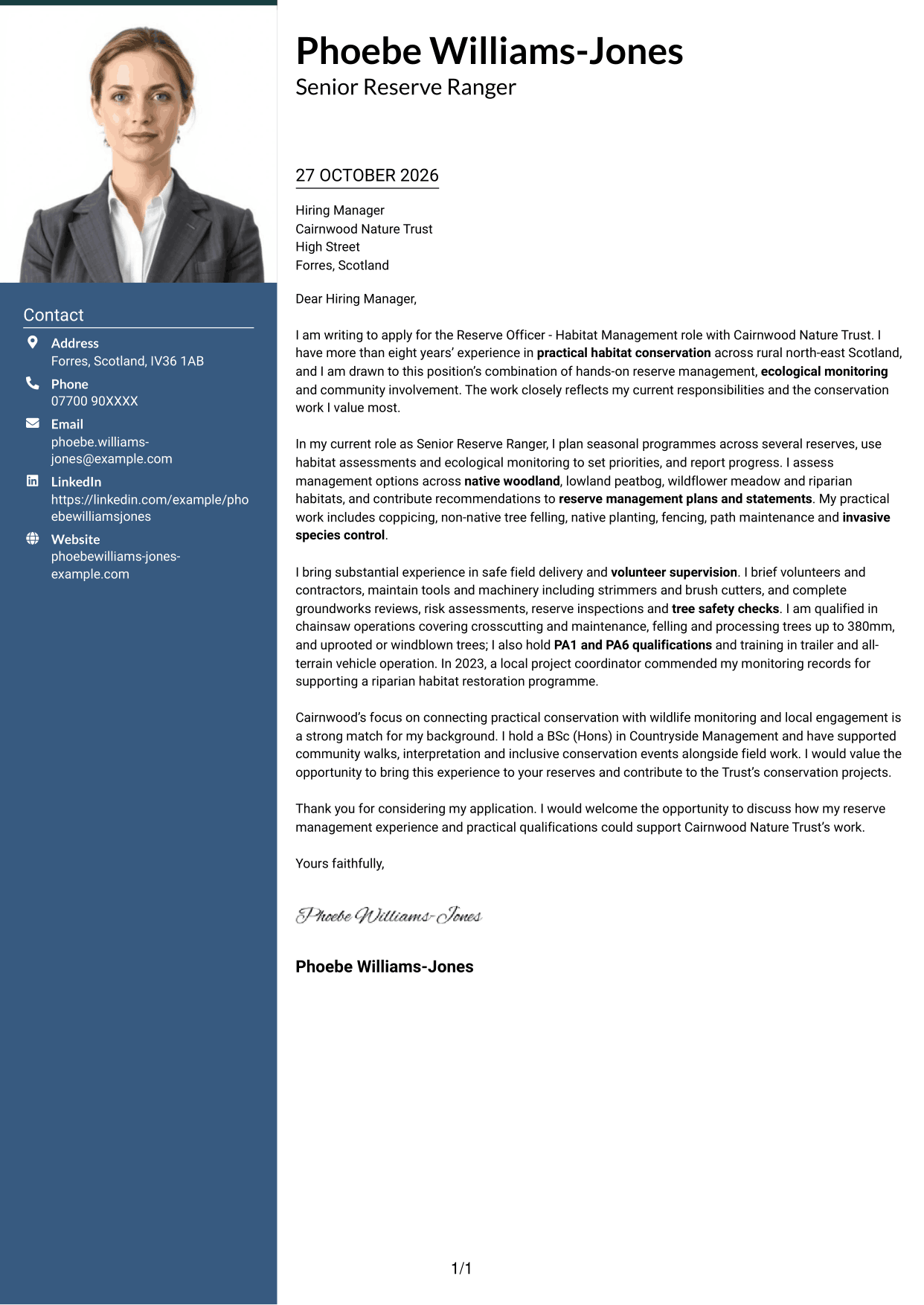
A photo appears in this single-column design, while sender details and the continuous letter body share one reading path.
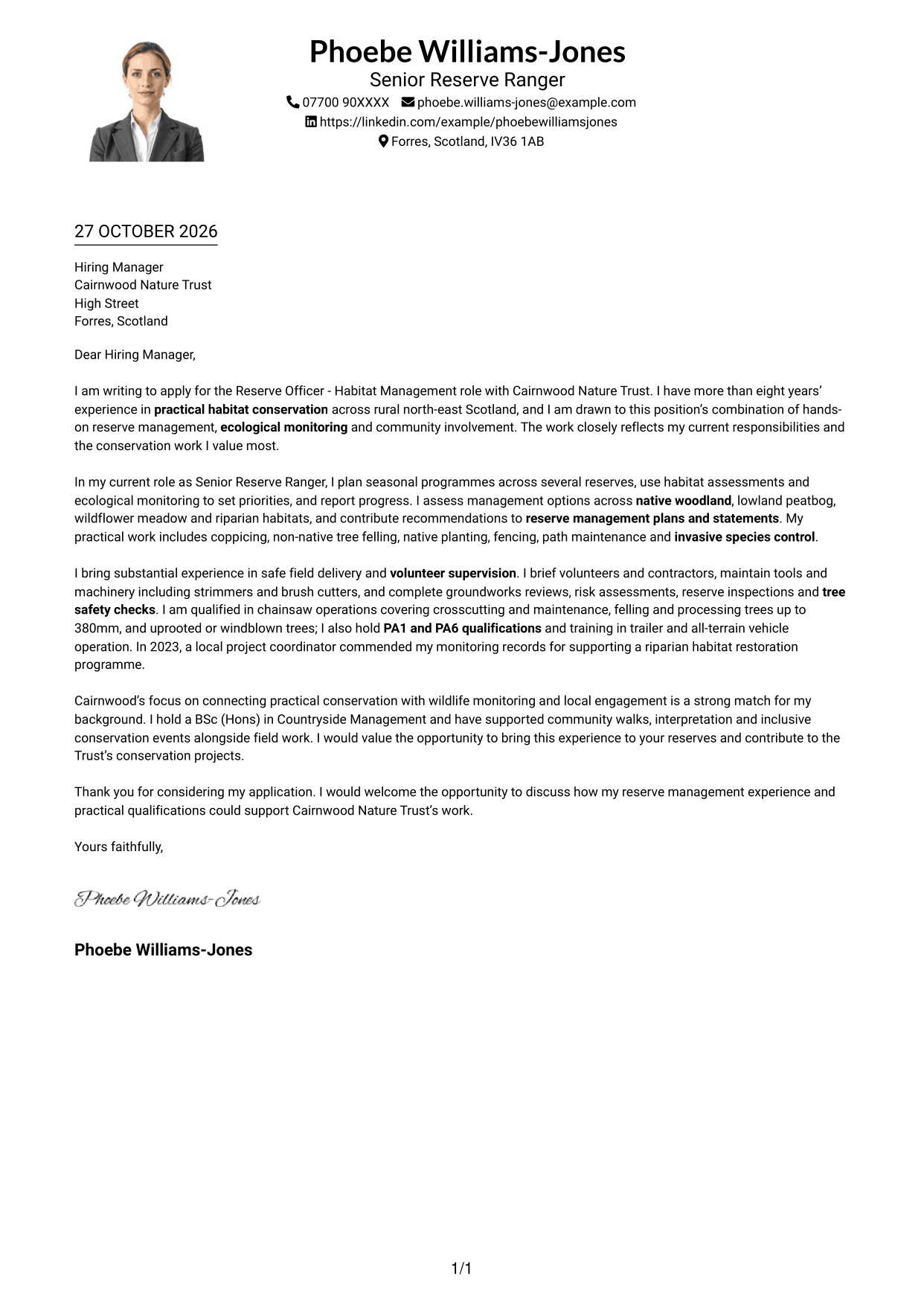
Why This Format Works
- Sender details and the unheaded letter sit within one column, preserving a direct reading path.
- The included photo adds a personal visual feature alongside the text.
- Paragraphs keep motivation, supporting evidence and the request for discussion in letter form.
Best For
- Single-column letter preference
- Applications where a portrait is welcome
- Header-based sender details
- Unheaded letter paragraphs
- Text-led motivation and evidence
#5 Simple Two Column Format Cover Letter Example
A contact sidebar sits alongside one continuous letter body, a useful choice when sender details should remain distinct from the message.
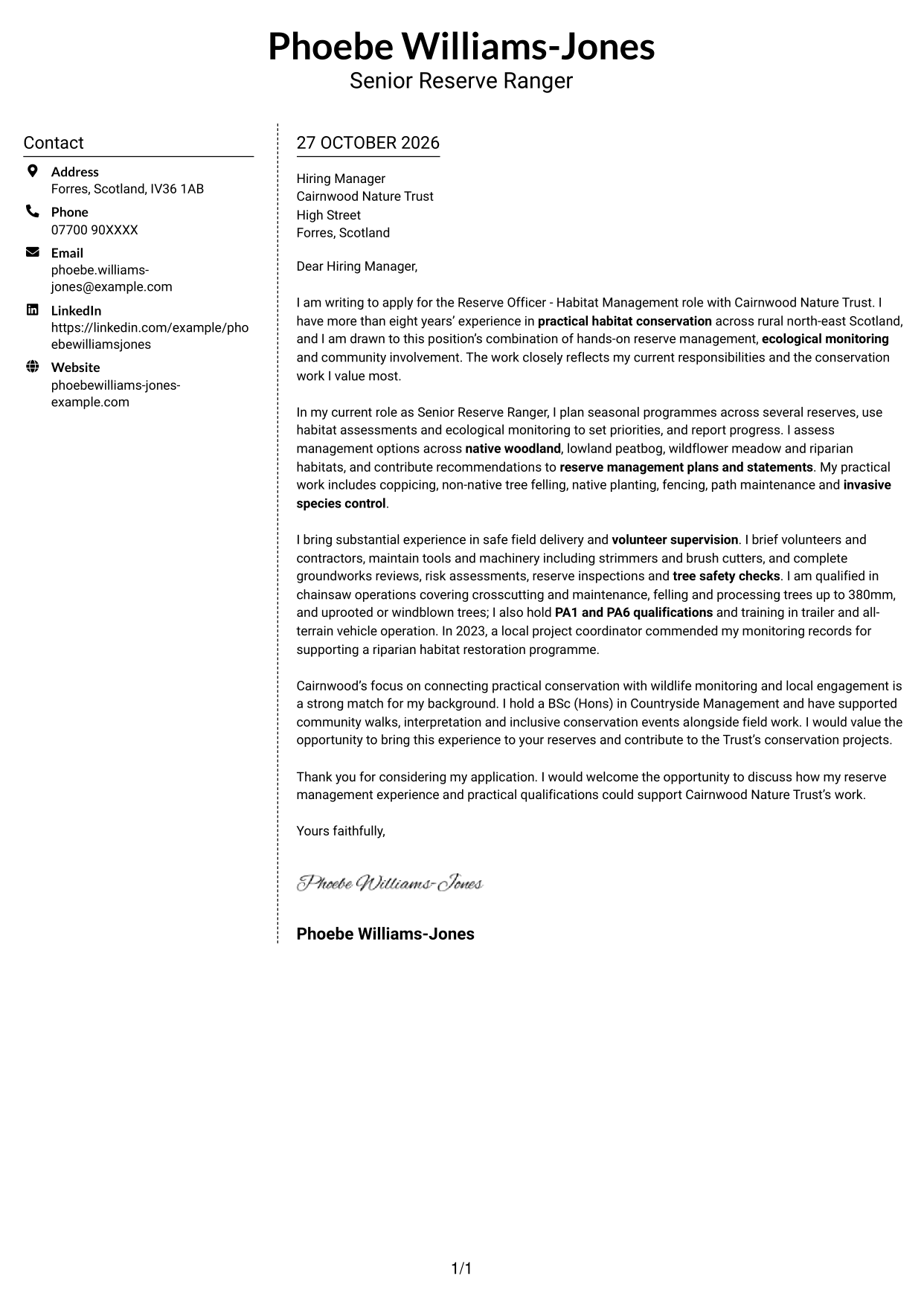
Why This Format Works
- The sidebar gives contact details a separate place without dividing the letter body.
- Paragraph order keeps the application rationale and evidence connected.
- Without argument headings, the letter retains a familiar correspondence style.
Best For
- Separate contact information
- Continuous letter paragraphs
- Unheaded correspondence
- Several sender contact details
- Side-by-side page organisation
#6 Modern Icon Format Cover Letter Example
Contact cues use icons in this two-column layout, while the letter remains one continuous body, suiting readers who welcome visual prompts for sender details.
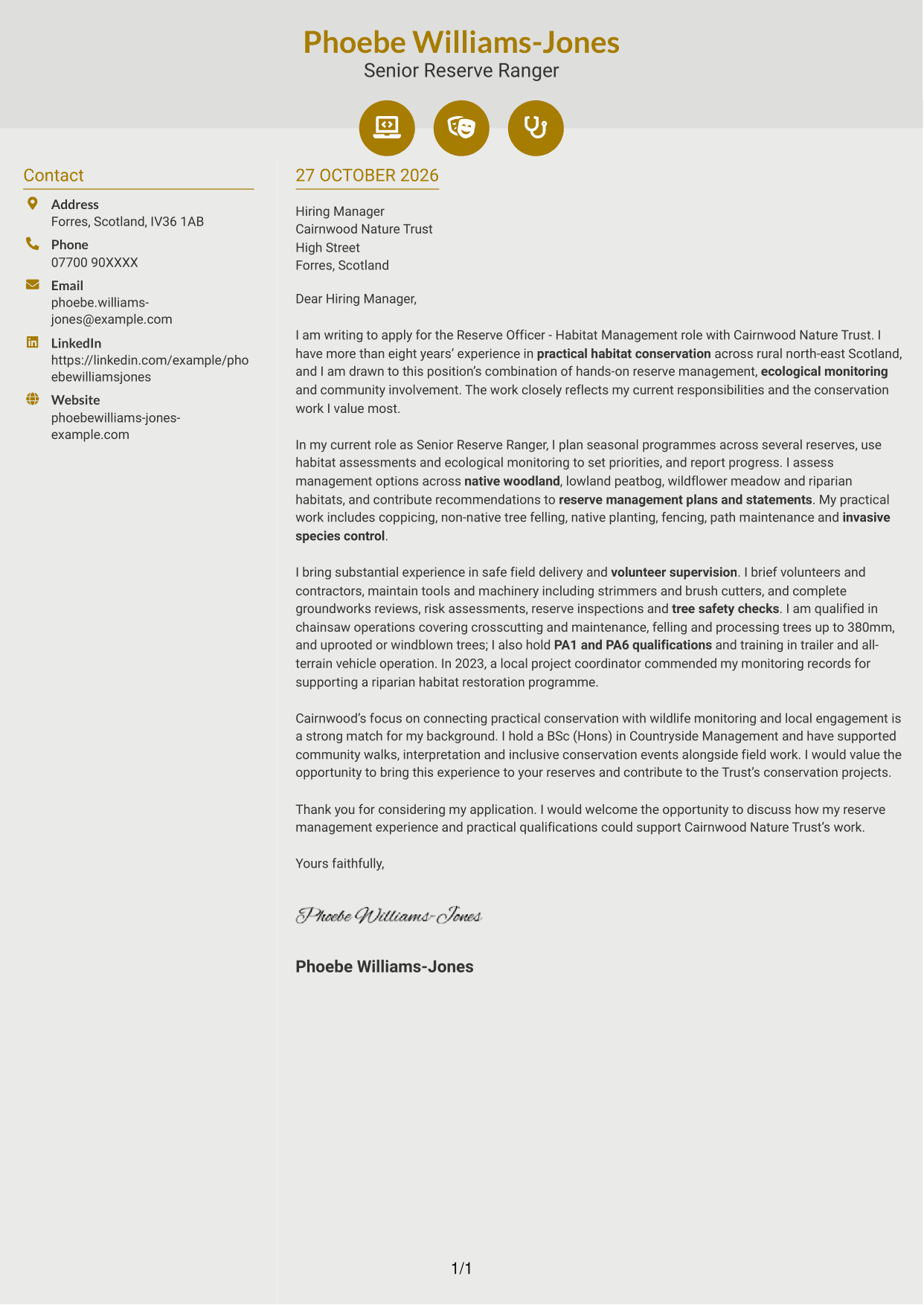
Why This Format Works
- Icons cue contact details, while the two-column layout keeps them beside the letter.
- One continuous body lets the case develop without icons marking argument stages.
- Unheaded paragraphs keep attention on the wording rather than labelled sections.
Best For
- Icon cues for contact details
- Two-column page organisation
- Unheaded letter paragraphs
- One continuous letter argument
- Readers who prefer visual contact prompts
#7 Creative Two Tone Format Cover Letter Example
A contact sidebar and continuous letter body occupy separate columns, suiting readers who want sender details distinct from the message.
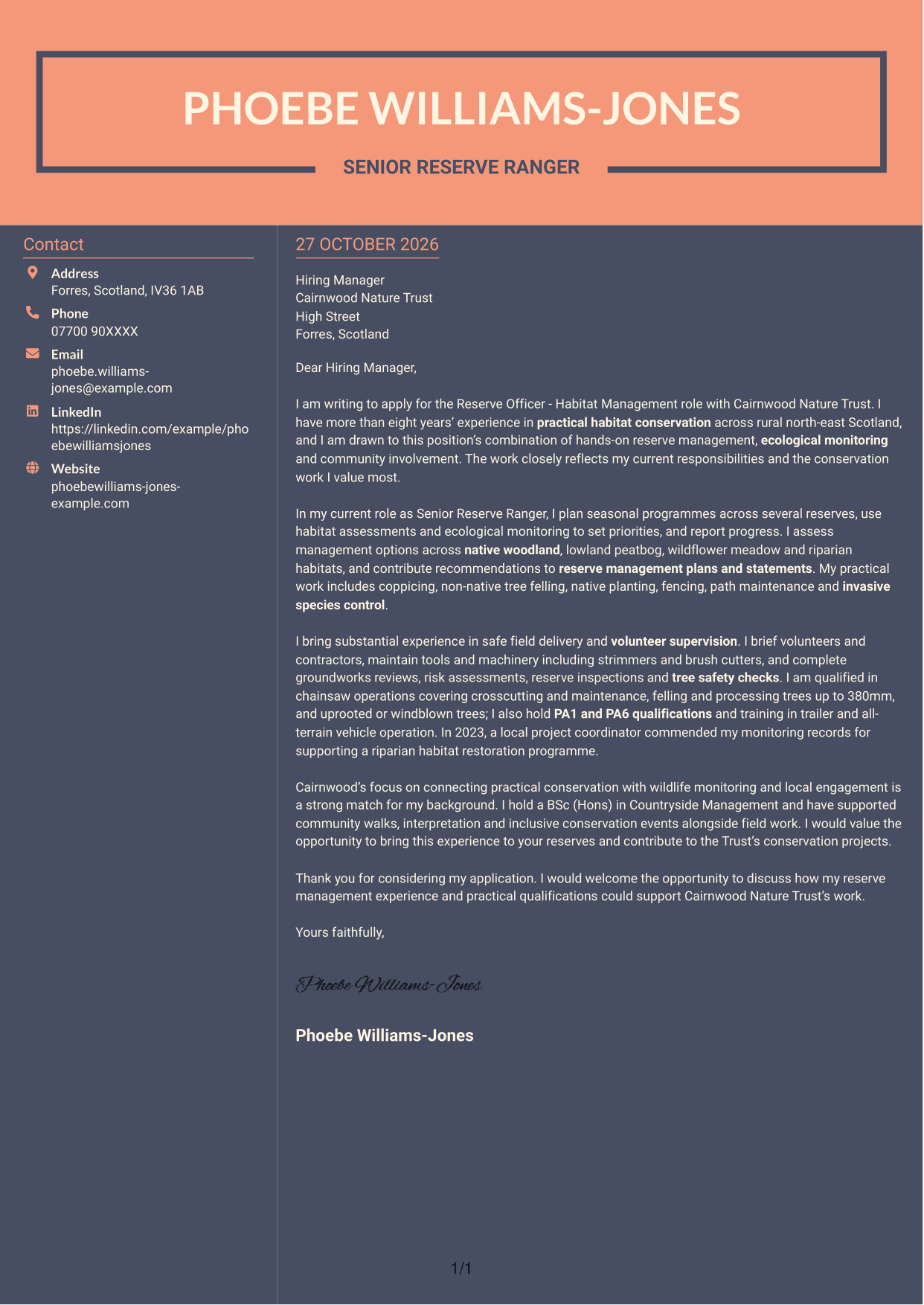
Why This Format Works
- The contact area sits beside the letter, keeping sender details apart from its message.
- The letter's paragraphs remain together, so its case can develop without interruption.
- Unheaded paragraphs preserve a familiar letter shape from opening to sign-off.
Best For
- Sidebar contact presentation
- Continuous letter body
- Unheaded correspondence
- Separate sender and message areas
- Two-column reading preference
See Also
- 7 Reserve Officer - Habitat Management CV Templates with Example
- 7 Admin Officer - Court Administration CV Templates with Example
- 7 Application Support Officer - Oracle Cloud ERP CV Templates with Example
- 7 Attendance & Admin Officer - School Administration CV Templates with Example
- 7 Attendance & Family Liaison Officer CV Templates with Example
- 7 Attendance Officer - Student Attendance Administration CV Templates with Example
- 7 Business Support Officer - Operations Support CV Templates with Example
- 7 Compliance Assurance Officer - FCA-Regulated Financial Services CV Templates with Example
- 7 Admin Officer - Court Administration Cover Letter Templates with Example
- 7 Application Support Officer - Oracle Cloud ERP Cover Letter Templates with Example
Frequently Asked Questions
What should a Reserve Officer - Habitat Management cover letter highlight?
Show how your experience supports practical habitat care, ecological monitoring and volunteer activity. Relevant examples may include planning work across woodland, peatbog, meadow or riparian sites, and contributing to reserve plans.
How can I show that my experience fits this role?
Choose one or two clear examples and explain what you did and why it mattered. You could describe how you planned seasonal conservation work, guided volunteers or used monitoring records to inform habitat management.
How should I explain my interest in Cairnwood Nature Trust?
Connect your motivation to the Trust’s stated focus on practical conservation, wildlife monitoring and community involvement. If a particular reserve or project interests you, mention it only when you can explain why it matters to you.
What is a clear way to structure this cover letter?
Use the opening to name the role and explain your interest. In the body, give focused evidence of habitat work, safe field practice and volunteer support, then close by restating your interest and inviting a discussion.
Which practical qualifications should I mention?
Include qualifications that are relevant to the role and that you hold, such as chainsaw, PA1 or PA6 qualifications, or trailer and all-terrain vehicle training. Keep the focus on how these support safe, practical work on reserves.




