
7 Sales Associate - Activewear and Womenswear Cover Letter Templates with Example
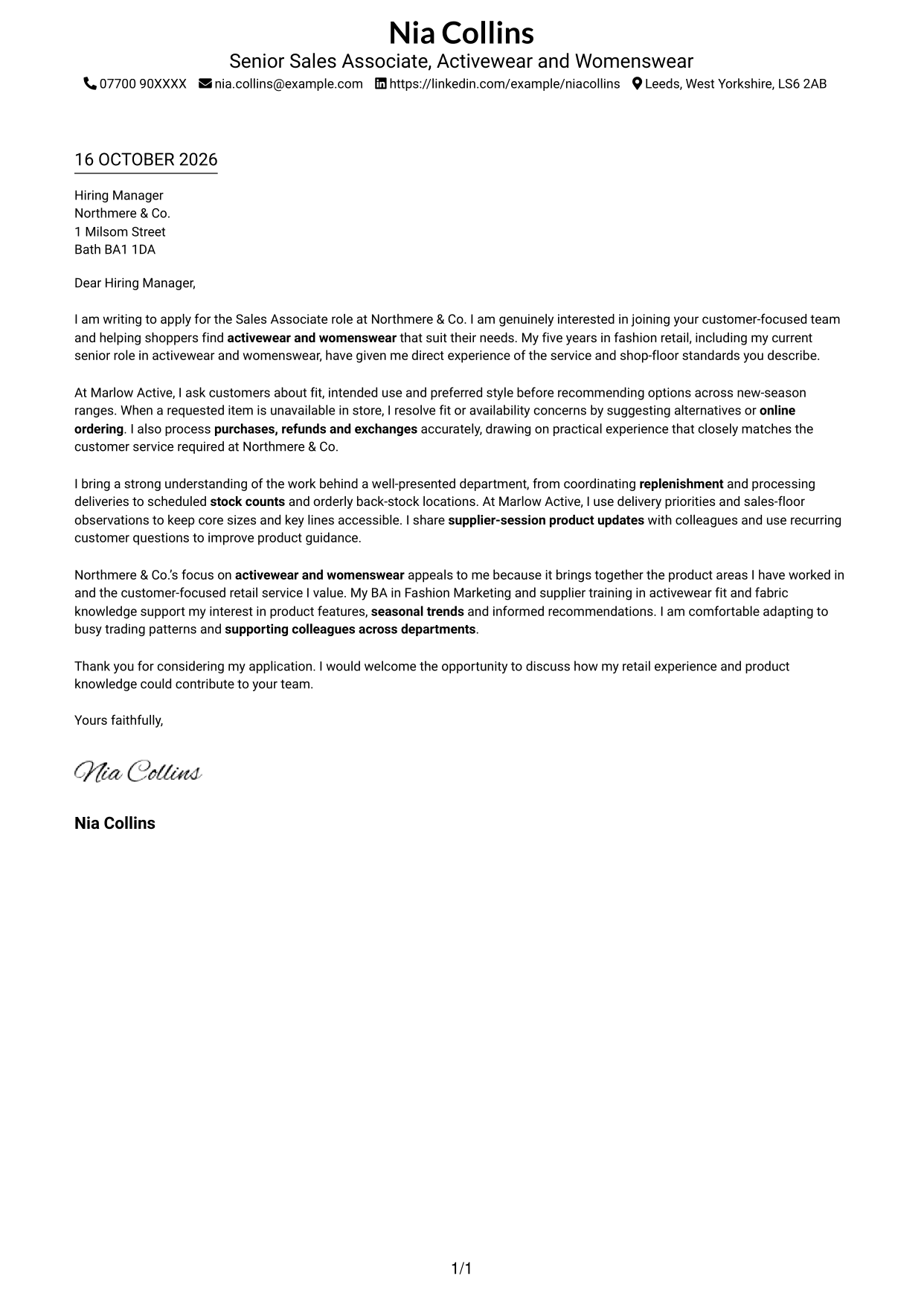
This guide helps you write a focused Sales Associate - Activewear and Womenswear cover letter, with seven layouts to compare.
What Makes a Great Sales Associate - Activewear and Womenswear Cover Letter in 2026
A strong letter shows how you understand shoppers’ needs and recommend activewear or womenswear with care. Make your interest in the role clear from the opening.
Use brief examples of product guidance, purchases, returns or stock-floor work to show your value. Link your evidence to the employer’s focus on helpful service, product knowledge and a well-presented department.
The featured example follows a focused progression from role interest to customer service, product knowledge and a clear close. Adapt that flow while choosing a presentation suited to the employer and communication context.
#1 Simple One Column Format Cover Letter Example
Simple One Column Format places sender details in the header above one continuous letter body, giving the message a direct reading order.
Why This Format Works
- Sender details stay in the header, apart from the letter’s persuasive message.
- Reviewers can follow one clear route from greeting through the closing.
- Unlabelled paragraphs keep the opening, supporting points and sign-off in letter form.
Best For
- Straightforward letter layouts
- A single reading path
- Header-based contact details
- Connected persuasive paragraphs
- Photo-free correspondence
#2 Two Column Format Cover Letter Example
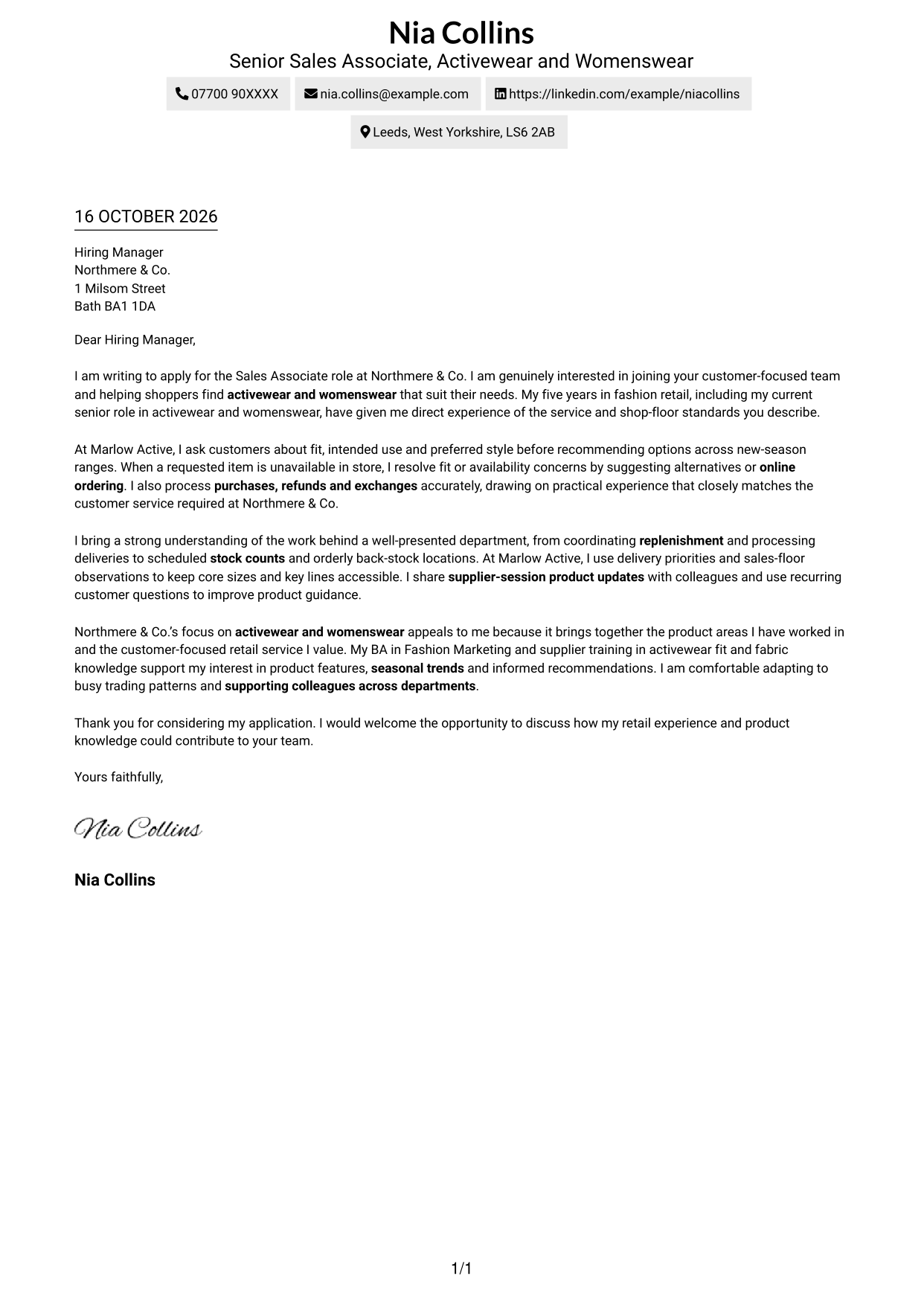
Two Column Format places a contact sidebar beside one continuous letter body, keeping contact information separate from the message.
Why This Format Works
- Contact details sit apart from the message, so readers can locate them quickly.
- One continuous body keeps the opening, reasons and closing in natural order.
- Without argument headings, the message retains a personal, conventional letter tone.
Best For
- Side-by-side contact and message
- Multi-paragraph persuasive letters
- Contact-first page layouts
- Continuous letter arguments
- Photo-free applications
#3 Photo Header Two Column Format Cover Letter Example
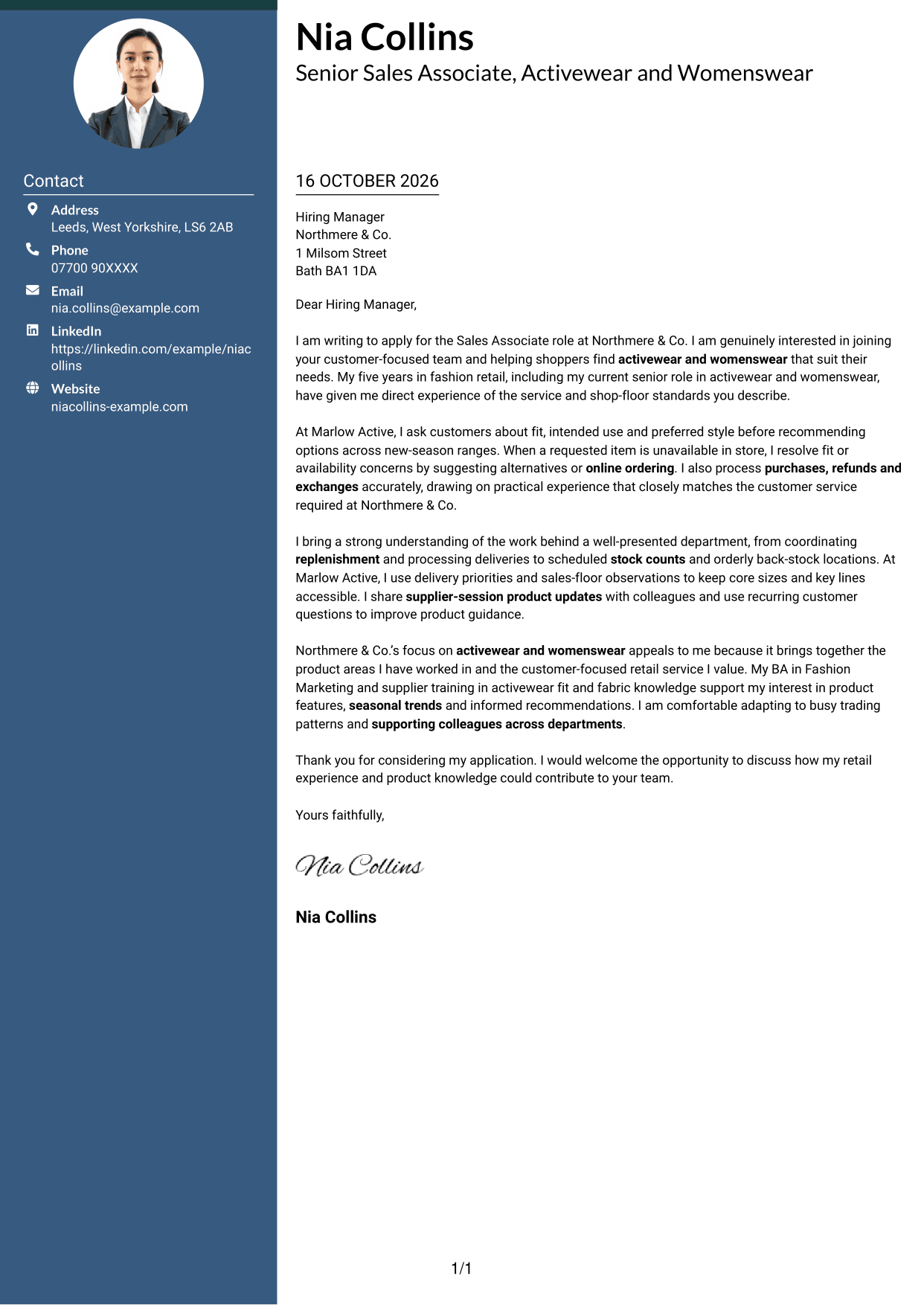
Photo Header Two Column Format pairs a header portrait with a contact sidebar and continuous letter body, for readers who prefer a portrait-led page.
Why This Format Works
- Contact information in the sidebar remains distinct from the letter’s central message.
- Paragraphs can be read in sequence without parallel columns splitting the case.
- The header portrait adds a personal visual element for readers who prefer one.
Best For
- Header portrait presentation
- Contact details beside the message
- Sequential letter reading
- Several supporting paragraphs
- Applications where a photo is preferred
#4 One Column Format with Photo Cover Letter Example
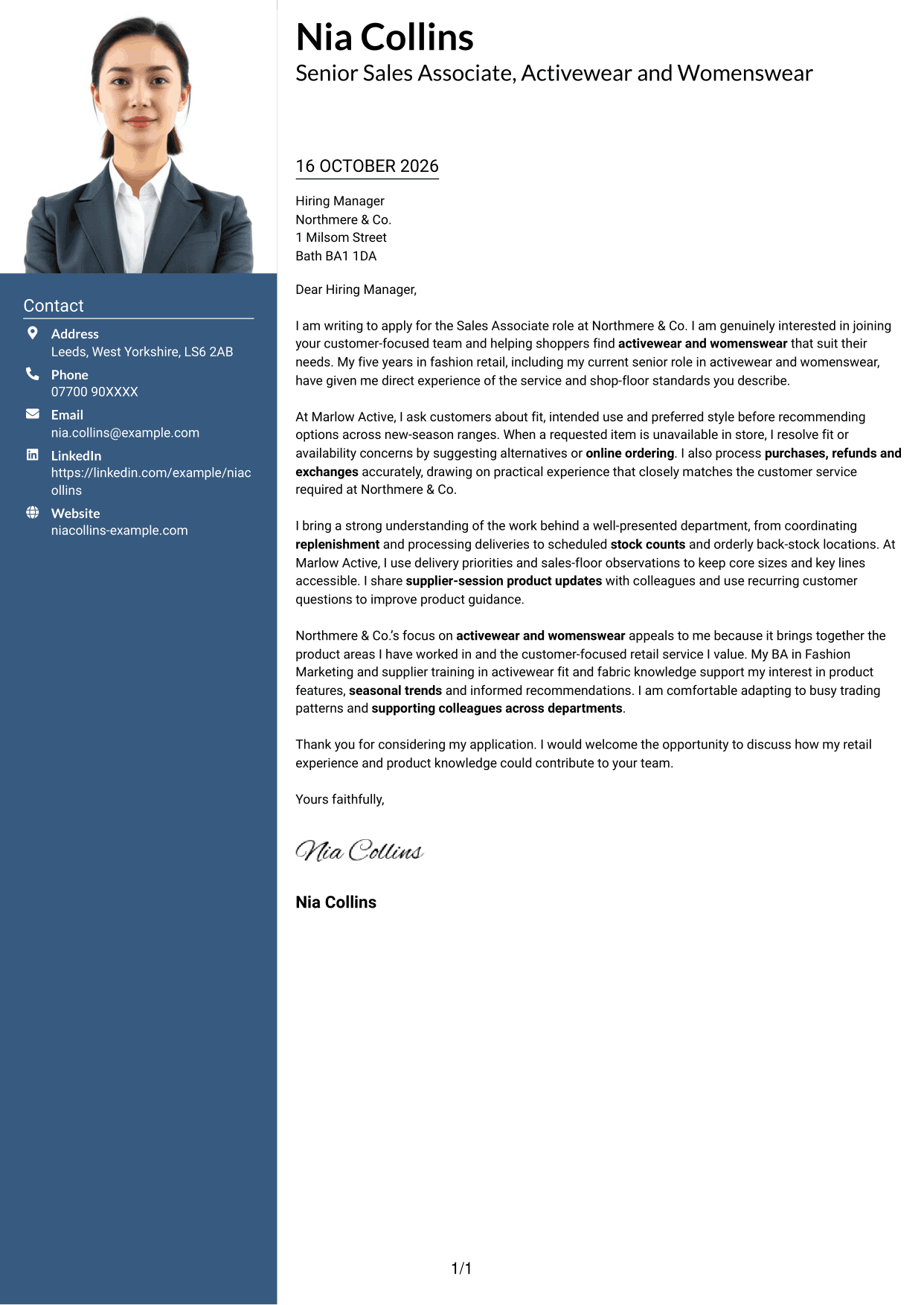
One Column Format with Photo places a portrait in the header above a single continuous letter body, giving the page a personal visual feature.
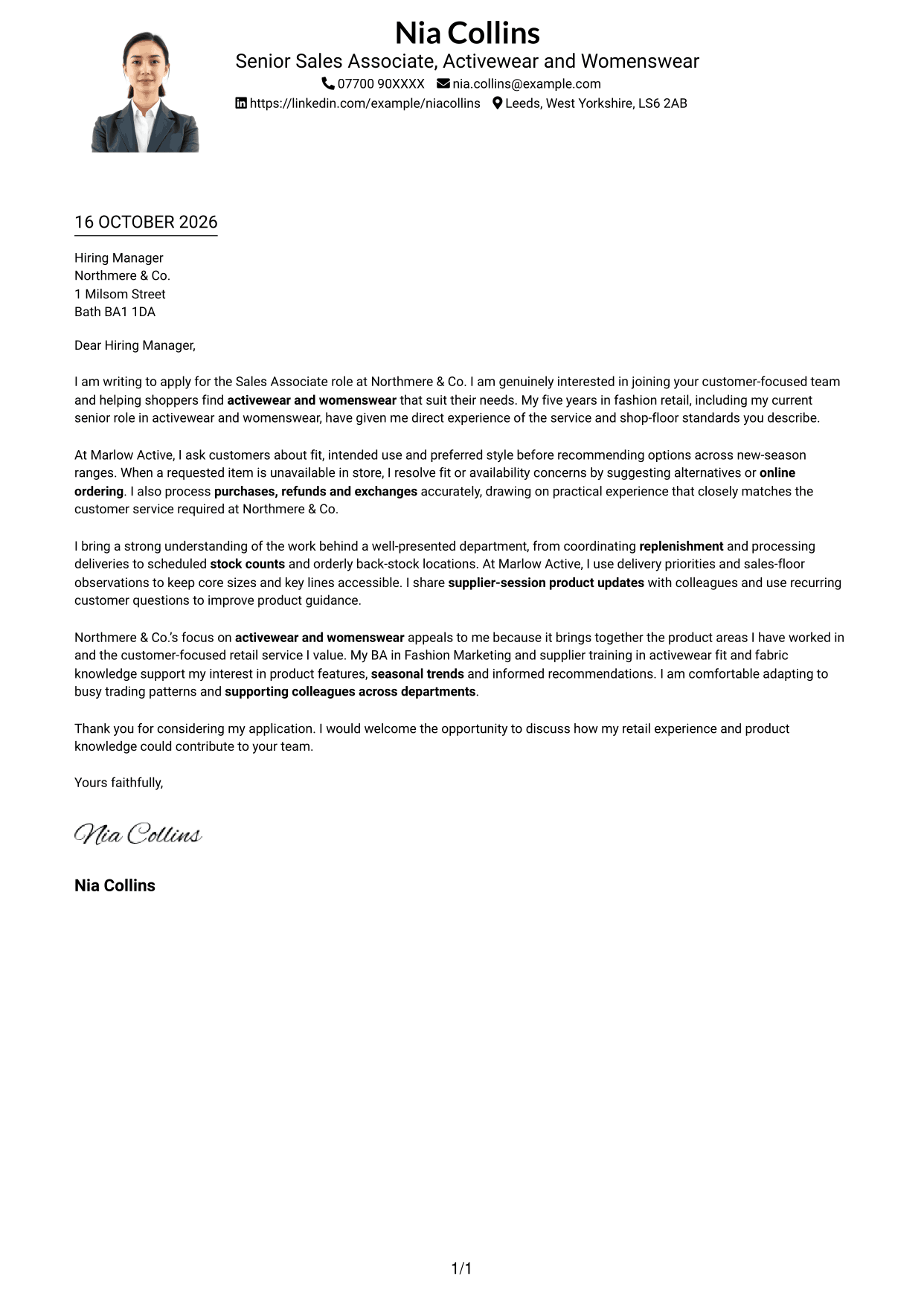
Why This Format Works
- The header portrait adds a clear visual element without splitting the letter body.
- Contact details and message follow one page-wide reading route.
- Connected paragraphs keep the reasons and closing together without argument labels.
Best For
- Portrait-led letter headers
- A page-wide reading route
- Connected letter paragraphs
- Personal visual presentation
- Photo-inclusive applications
#5 Simple Two Column Format Cover Letter Example
Simple Two Column Format gives contact details a sidebar beside the continuous letter body, offering a clear separation between details and message.
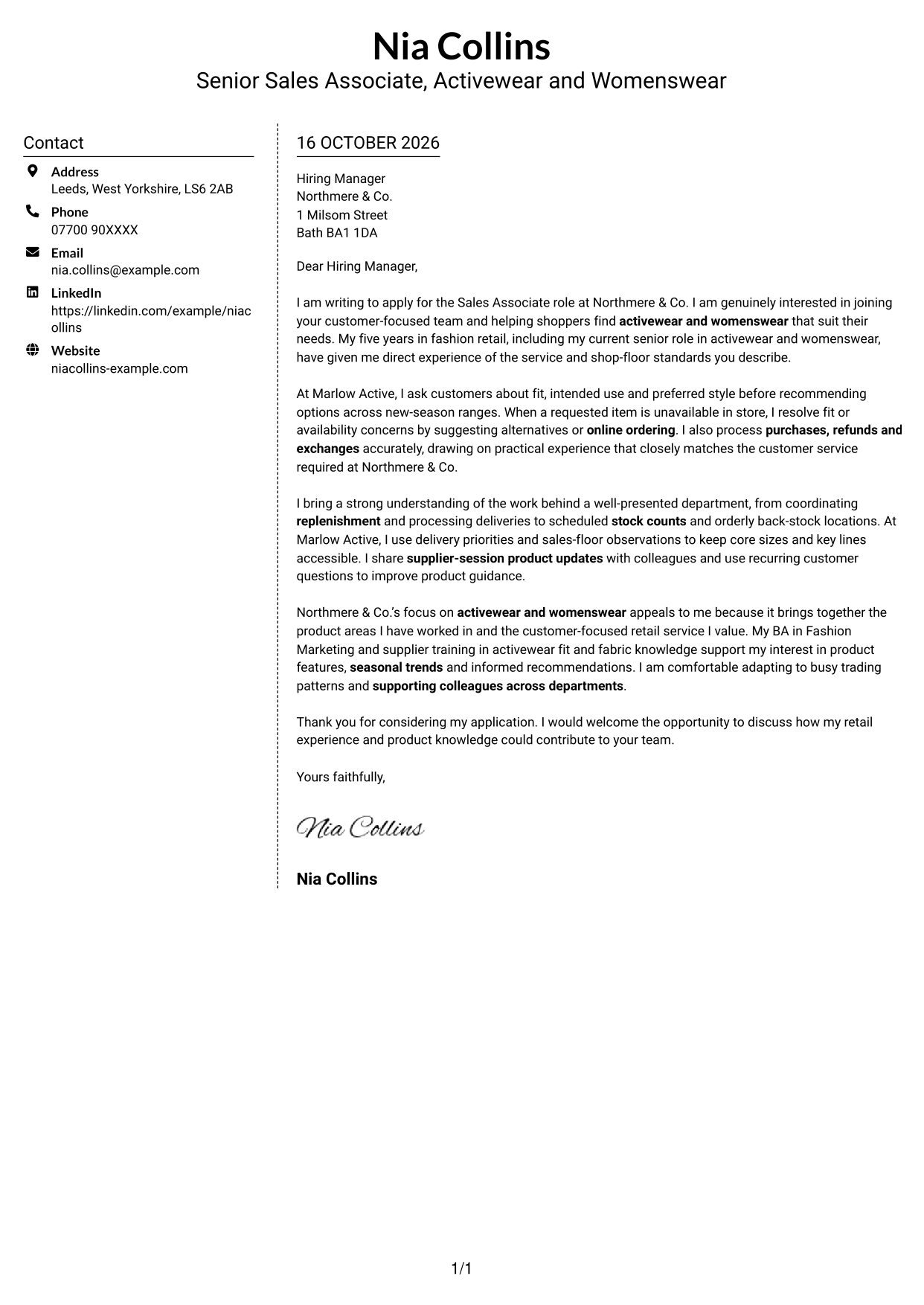
Why This Format Works
- A dedicated sidebar keeps contact information separate from the persuasive paragraphs.
- The letter body remains continuous, so its points unfold in order.
- The photo-free layout suits applications where a portrait is not wanted.
Best For
- Contact details in a sidebar
- Continuous paragraph-based letters
- A photo-free page
- Clear contact and message separation
- Persuasive letters with several points
#6 Modern Icon Format Cover Letter Example
Modern Icon Format uses contact cues in a sidebar beside one continuous letter body, helping readers distinguish details from the message.
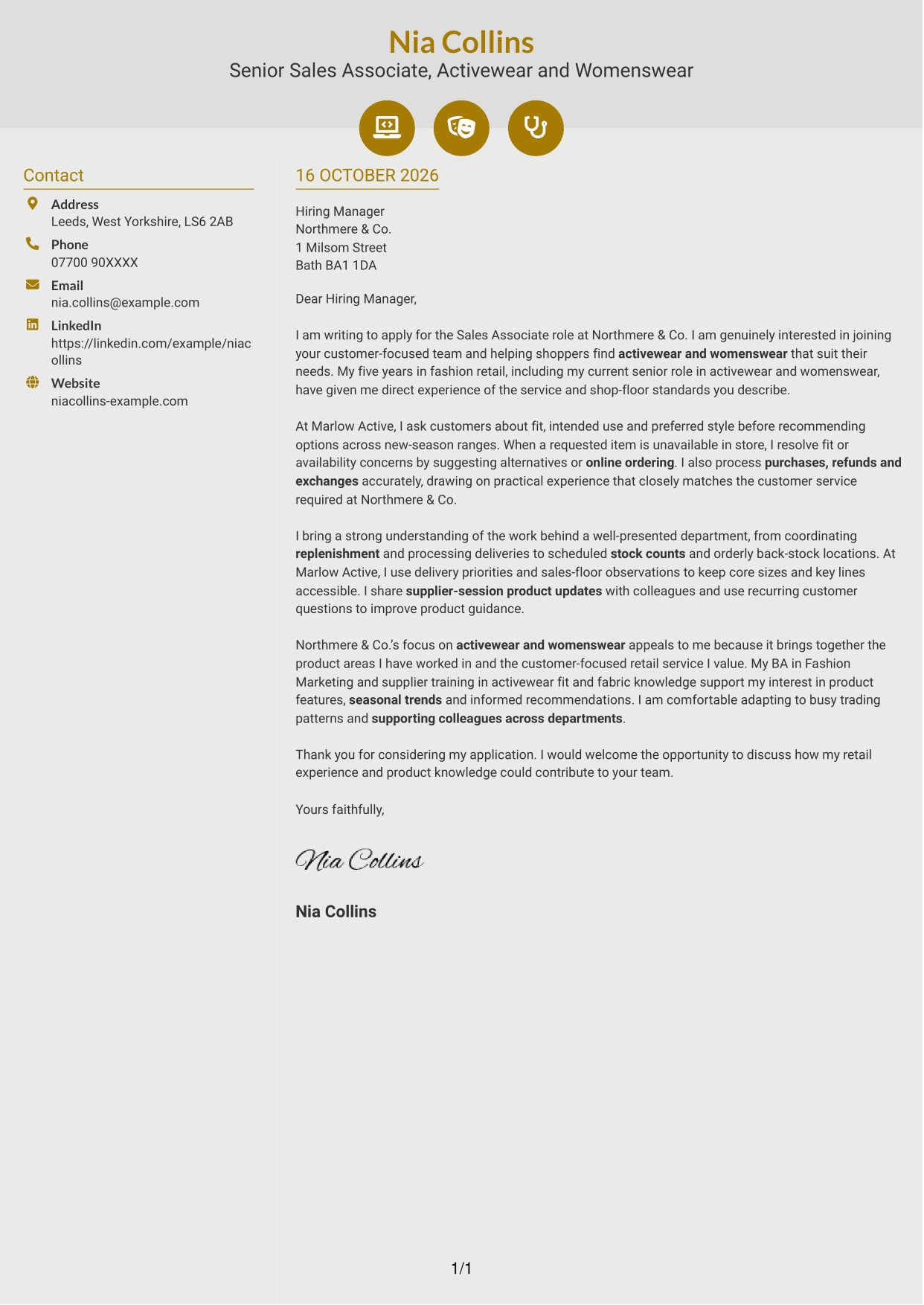
Why This Format Works
- Contact icons act as cues for details, not for letter arguments.
- Separate contact and body columns keep the message in one continuous route.
- Decorative header accents add visual interest without dividing the persuasive paragraphs.
Best For
- Contact details with visual cues
- A continuous letter body
- Two-column page preferences
- Photo-free correspondence
- Paragraph-led application messages
#7 Creative Two Tone Format Cover Letter Example
Creative Two Tone Format sets a contact sidebar beside one uninterrupted letter body, keeping the sender details apart from the written case.
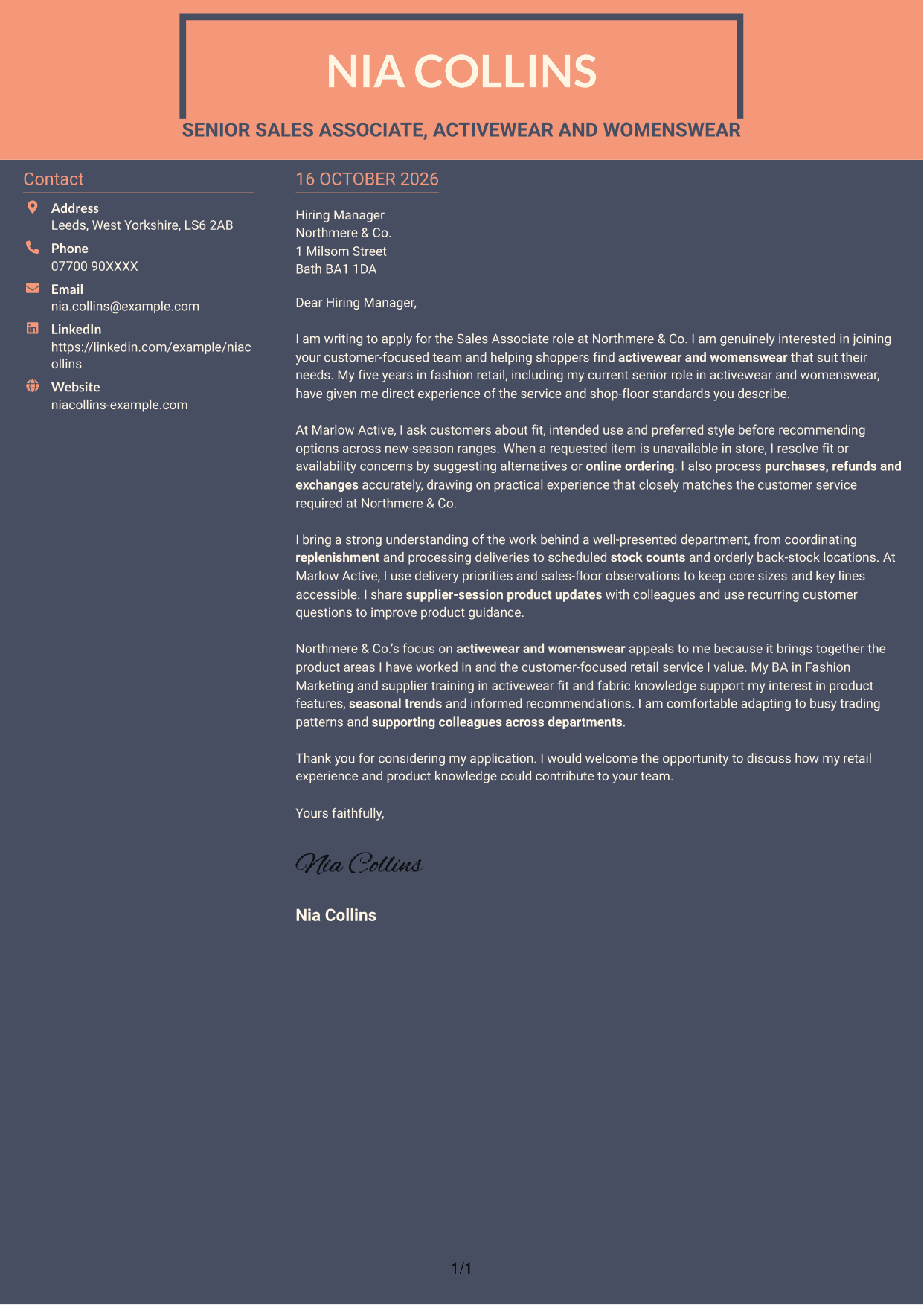
Why This Format Works
- The sidebar gives contact information a distinct place beside the letter.
- One uninterrupted body lets the message develop through connected paragraphs.
- Readers can move from the contact area to the letter without argument headings.
Best For
- Contact details beside letter text
- Connected paragraph arguments
- Two-column page preferences
- Letters with several supporting paragraphs
- Photo-free applications
See Also
- 7 Sales Associate - Activewear and Womenswear CV Templates with Example
- 7 Senior Sales Manager - Digital Fund Services CV Templates with Example
- 7 Store Manager - Retail Sales and Store Operations CV Templates with Example
- 7 New Business Senior Manager - Financial Sponsor Coverage CV Templates with Example
- 7 Assistant Manager - Digital and Cyber Governance CV Templates with Example
- 7 Content Editor - Digital Rewards CV Templates with Example
- 7 Strategic Finance Lead - Technical Finance CV Templates with Example
- 7 Graduate Analyst - US Funds Tax CV Templates with Example
- 7 Senior Sales Manager - Digital Fund Services Cover Letter Templates with Example
- 7 Store Manager - Retail Sales and Store Operations Cover Letter Templates with Example
Frequently Asked Questions
What should a Sales Associate - Activewear and Womenswear cover letter highlight?
Show how you build trust, learn what a shopper needs and suggest suitable activewear or womenswear. You can also mention relevant experience with purchases, refunds, exchanges, online order options or keeping merchandise ready for customers.
How can I show that my retail experience fits this role?
Choose a clear example that shows how you helped a customer choose a product or solved a fit or availability concern. Explain what you did, then connect it to the service this role calls for.
How should I explain my interest in Northmere & Co.?
Refer to the role’s focus on activewear and womenswear and its emphasis on customer service. Explain why those areas interest you and how your product knowledge or supplier training can support informed recommendations.
How should I structure this cover letter?
Use the opening to name the role and explain your interest. In the body, give focused examples of customer advice and relevant shop-floor work. Close by thanking the reader and welcoming a conversation.
Should I include every part of my retail work history?
No. Focus on the experience that best shows your fit for this position, such as helping customers choose products, handling transactions or supporting replenishment. A few relevant examples keep the letter clear and personal.




