
7 School Administrator - Business Support Cover Letter Templates with Example
This practical guide helps you write a School Administrator - Business Support cover letter, with seven layouts to help you present your school administration experience clearly.
What Makes a Great School Administrator - Business Support Cover Letter in 2026
A strong letter connects your interest in the role with the careful support a busy school needs. Show how you can help colleagues, families and visitors through clear, reliable administration.
Use relevant evidence, such as managing confidential pupil and staff records, supporting admissions and HR tasks, or following safeguarding procedures. Link your examples to the school’s needs and explain why its all-through setting interests you.
The featured example moves from interest in the role to current school administration duties, a specific admissions example, safeguarding credentials and a clear close; adapt this focused progression while choosing a presentation suited to the employer and communication context.
#1 Simple One Column Format Cover Letter Example
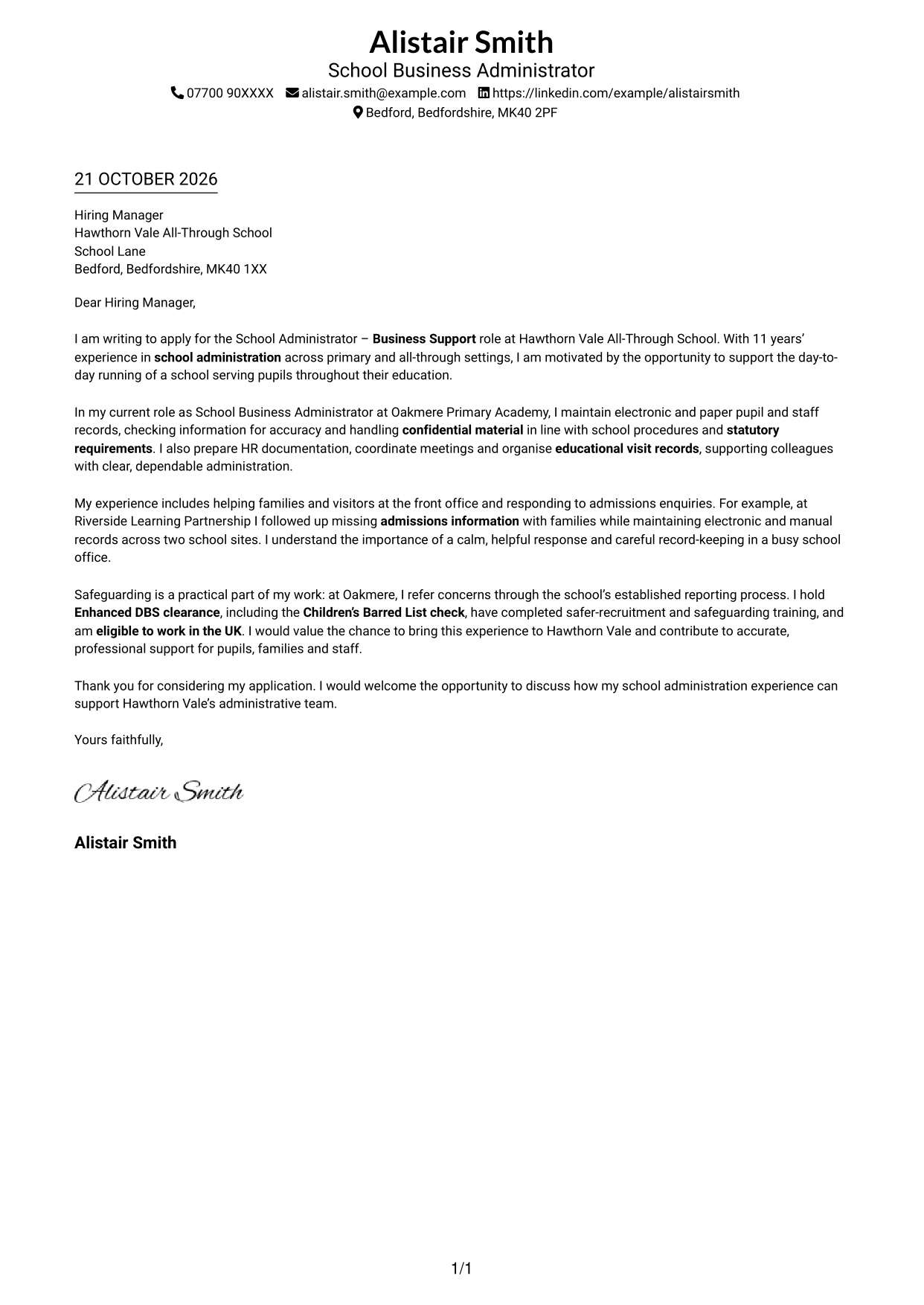
The Simple One Column Format keeps sender details in the header and the letter in one column, suiting a direct, text-led presentation.
Why This Format Works
- One reading path carries the opening, supporting points and closing in sequence.
- Without a contact sidebar, the page gives its main area to the letter.
- Paragraph breaks help distinguish motivation, evidence and the final request.
Best For
- Single-column letter pages
- Direct reading order
- Paragraph-led correspondence
- Header-based sender details
- Text-focused application letters
#2 Two Column Format Cover Letter Example
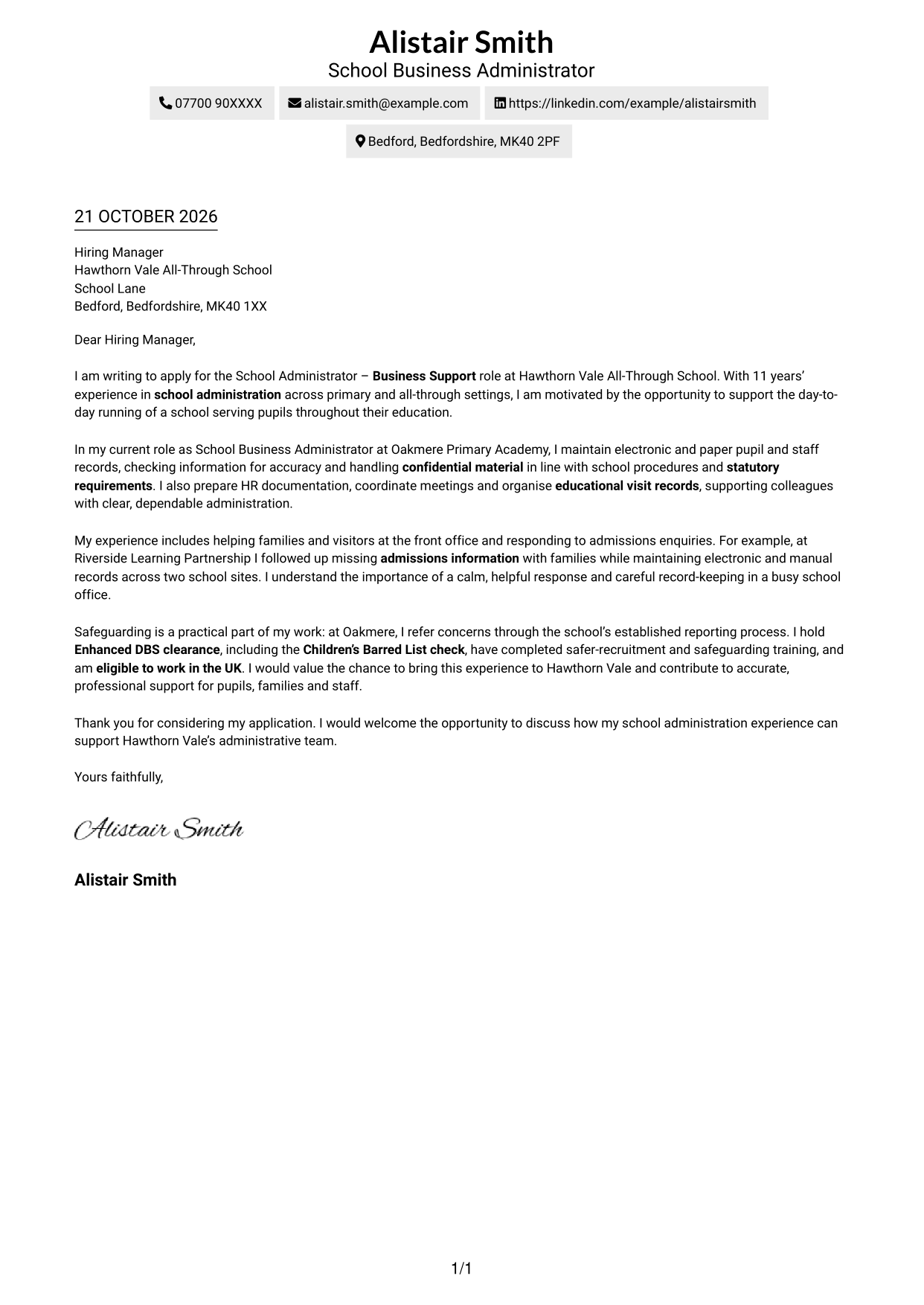
The Two Column Format places a contact sidebar beside one continuous letter body, suiting readers who want contact details apart from the message.
Why This Format Works
- The sidebar makes sender details easy to locate without interrupting the letter.
- A continuous body keeps motivation, evidence and closing in a natural sequence.
- Separate page areas give contact information and correspondence distinct places.
Best For
- Readers who prefer a contact sidebar
- A continuous letter body
- Multi-paragraph persuasive letters
- Sender details easy to locate
- Correspondence with a clear opening and close
#3 Photo Header Two Column Format Cover Letter Example
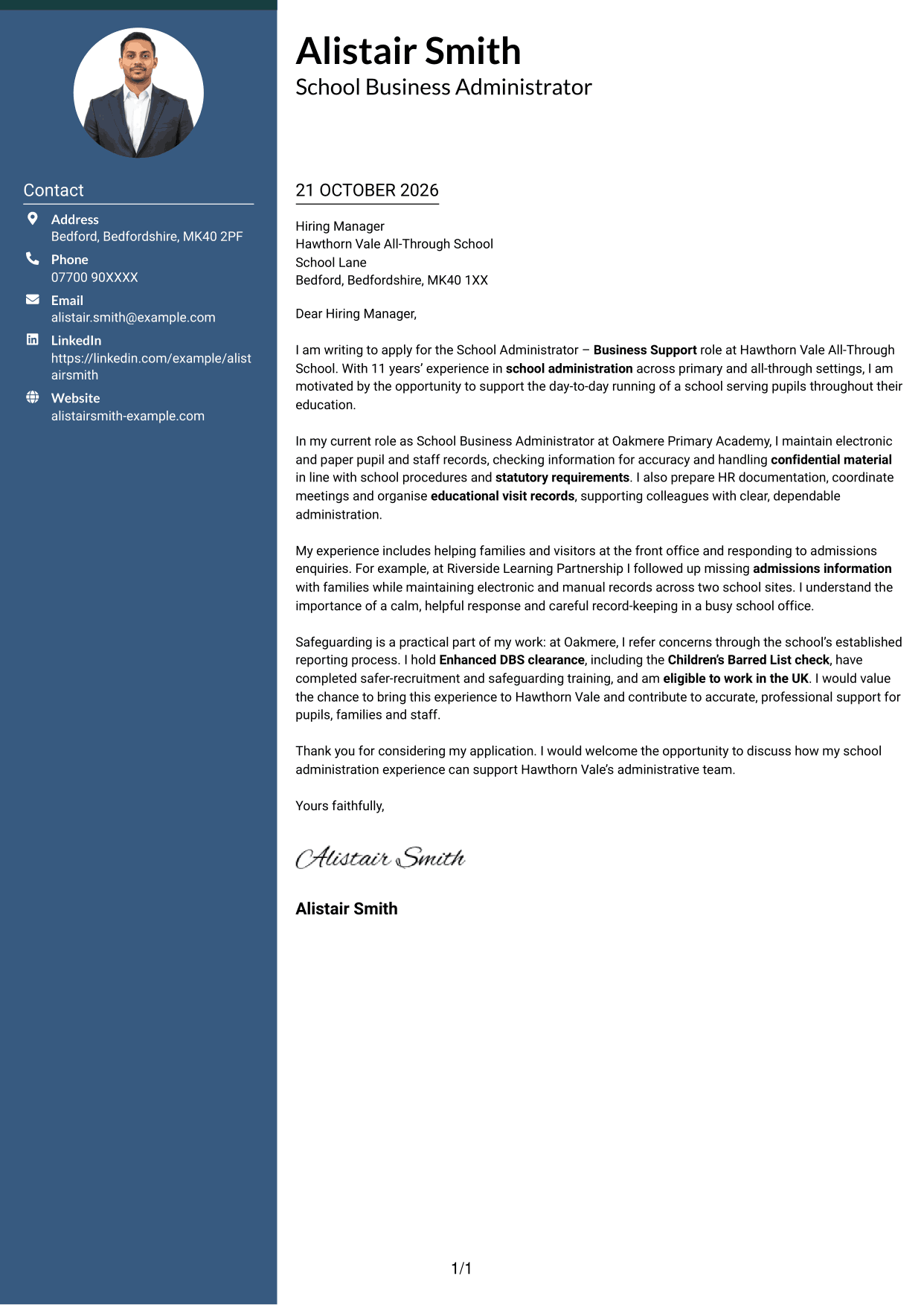
The Photo Header Two Column Format pairs a portrait with a contact sidebar beside one continuous letter body, suiting applications where a photo is preferred.
Why This Format Works
- The portrait offers a visible design choice for readers who prefer a photo-led header.
- Contact details sit apart from the paragraphs, leaving the letter’s message intact.
- One continuous body keeps the application’s reasoning together from start to finish.
Best For
- Applications where a portrait is wanted
- Contact details in a sidebar
- Continuous paragraph-based letters
- Readers who favour photo headers
- Letters with a clear closing request
#4 One Column Format with Photo Cover Letter Example
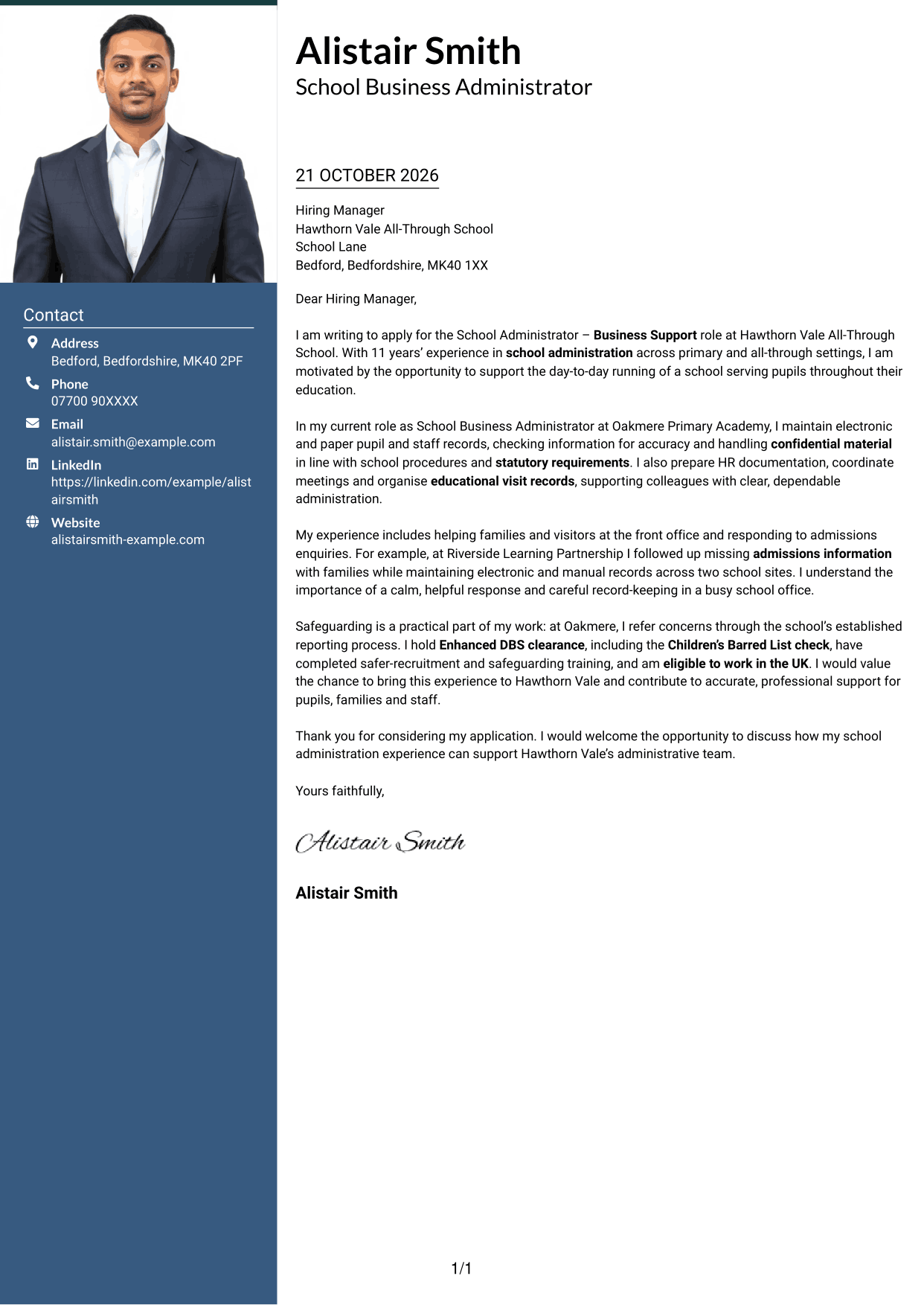
The One Column Format with Photo keeps the letter in one column and includes a portrait, suiting readers who want a photo with a direct page layout.
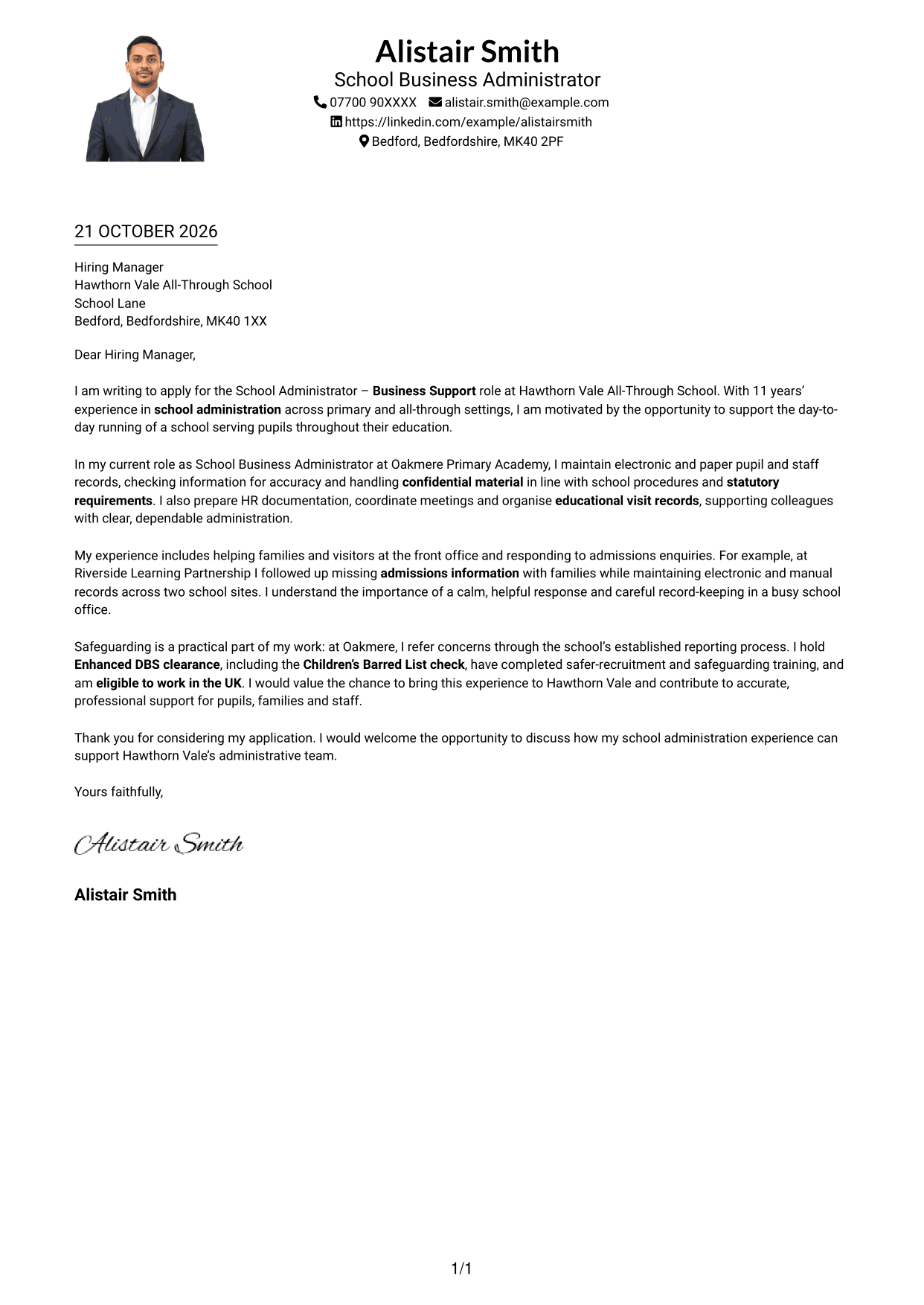
Why This Format Works
- The single-column body presents motivation, evidence and closing in a straightforward order.
- A portrait adds a visible header feature without dividing the letter paragraphs.
- The page keeps sender details and correspondence within one overall column.
Best For
- One-column correspondence with a portrait
- Readers who prefer a direct page layout
- Letters with several supporting paragraphs
- Photo-led header presentation
- Paragraph-based application letters
#5 Simple Two Column Format Cover Letter Example
The Simple Two Column Format places a contact sidebar beside one continuous letter body, offering separate areas for sender details and correspondence without a photo.
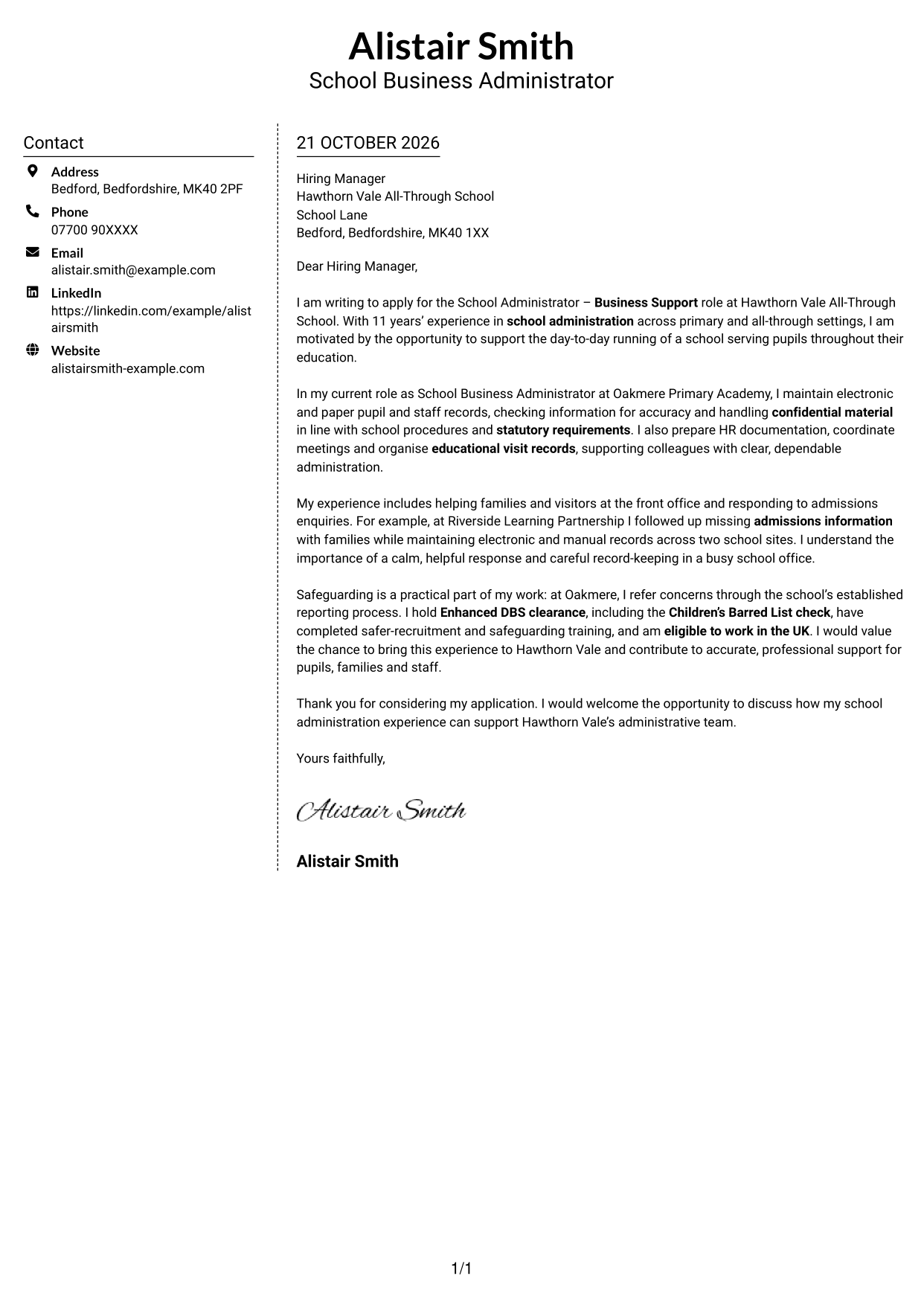
Why This Format Works
- Contact information has its own area while the message remains in continuous paragraphs.
- The letter body preserves the link between its opening and final request.
- Two page areas let readers distinguish sender details from the correspondence.
Best For
- Letters without a portrait
- Contact information beside the message
- A continuous letter argument
- Readers who prefer a divided page layout
- Formal correspondence with a clear sign-off
#6 Modern Icon Format Cover Letter Example
Modern Icon Format uses a contact sidebar with icons as detail cues beside one continuous letter body, suiting readers who value visual contact markers.
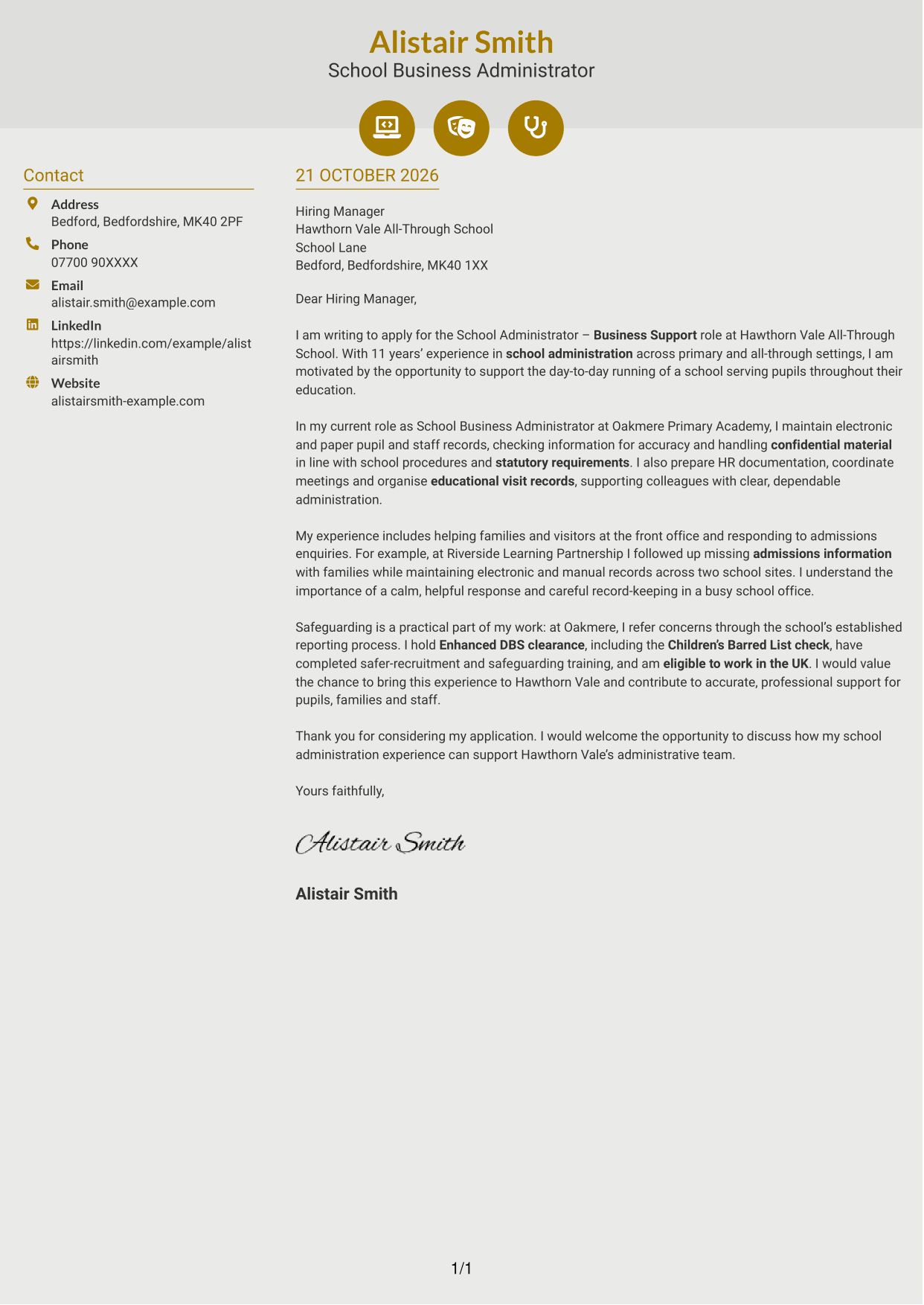
Why This Format Works
- Contact icons help distinguish communication details from the main message.
- The letter stays in ordinary paragraphs, keeping its argument continuous.
- Separate page areas give sender details and correspondence clear locations.
Best For
- Readers who value contact icons
- Contact details grouped in a sidebar
- Continuous paragraph-based correspondence
- Letters with distinct opening and closing paragraphs
- A two-area page arrangement
#7 Creative Two Tone Format Cover Letter Example
The Creative Two Tone Format places a contact sidebar beside one continuous letter body, a two-area arrangement for readers who want sender details apart from the message.
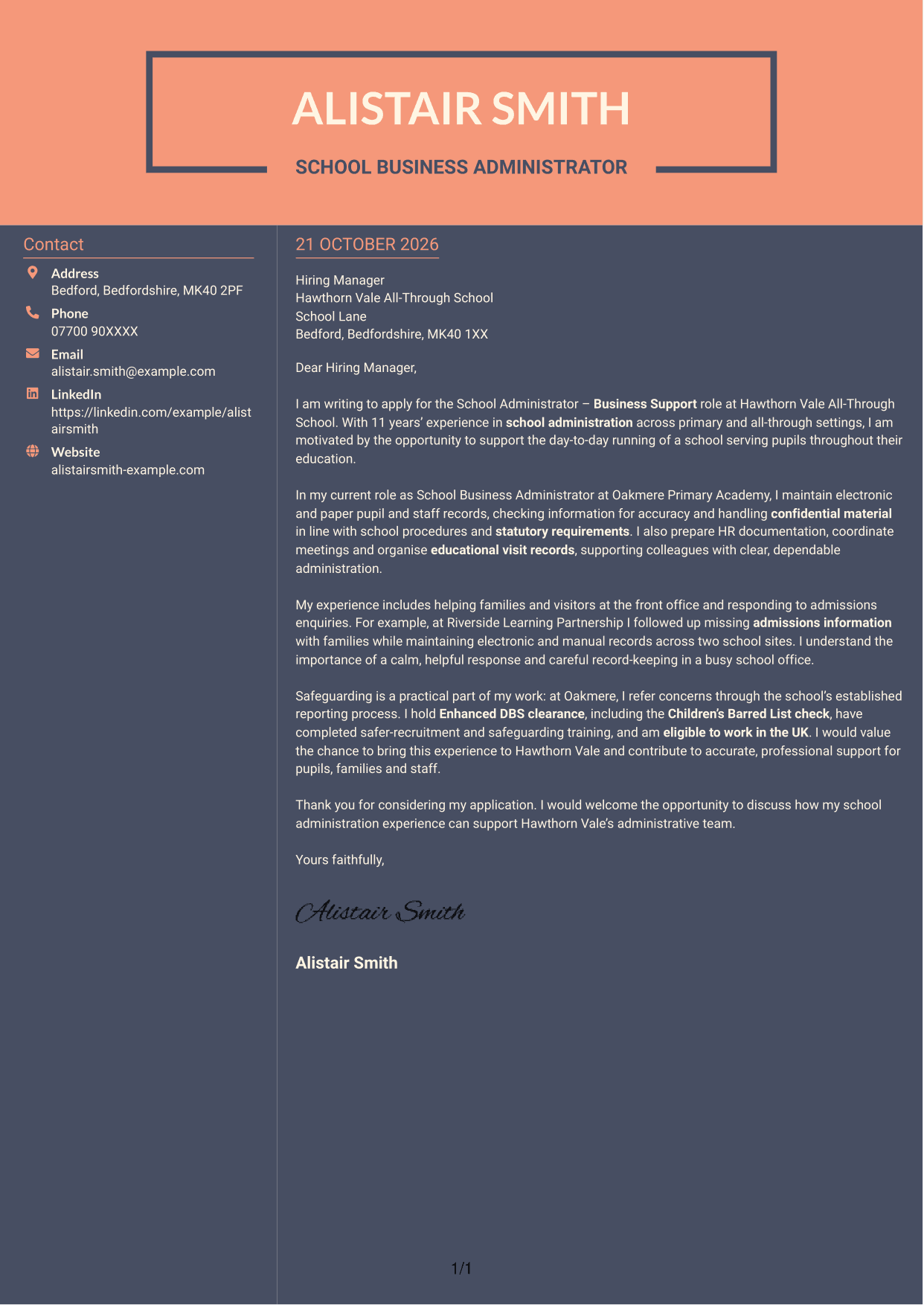
Why This Format Works
- The sidebar gives contact details a separate place from the letter’s paragraphs.
- A single continuous body keeps the opening, supporting points and closing connected.
- Readers can distinguish sender information from the main correspondence at a glance.
Best For
- Contact information apart from letter paragraphs
- Readers who prefer a sidebar
- Letters with several supporting points
- A continuous main message
- Applications needing clear sender details
See Also
- 7 School Administrator - Business Support CV Templates with Example
- 7 School Office Administrator - Attendance and Pupil Administration CV Templates with Example
- 7 Postgraduate Administrator - Admissions and Student Support CV Templates with Example
- 7 Business Administrator Apprentice - Vehicle and Asset Finance CV Templates with Example
- 7 Admin Assistant - School Administration CV Templates with Example
- 7 Administrative Assistant - School Administration CV Templates with Example
- 7 After School Club Assistant CV Templates with Example
- 7 Accounts Administrator - Accounts and Payroll CV Templates with Example
- 7 School Office Administrator - Attendance and Pupil Administration Cover Letter Templates with Example
- 7 Postgraduate Administrator - Admissions and Student Support Cover Letter Templates with Example
Frequently Asked Questions
What should a School Administrator - Business Support cover letter highlight?
Show how your administrative work can support a busy school. Relevant examples may include accurate and confidential records, HR administration, admissions, meeting coordination, educational visits, family communications and safeguarding procedures.
How can I make my school administration experience relevant?
Choose a clear example that matches the role’s duties. For instance, explain how you checked pupil records, followed up missing admissions information or prepared meeting papers, then show how your actions supported colleagues or families.
How should I show interest in an all-through school?
Explain what appeals to you about supporting a school that serves pupils throughout their education. Link that interest to the practical contribution you could make through organised administration and helpful communication.
How should I structure this cover letter?
Open by naming the role and giving a clear reason for applying. Use the body to connect your school administration experience to the main duties, then close by restating your interest and inviting a conversation.
Should I include every administrative duty in my cover letter?
No. Select a few examples that best match the role, such as records, admissions or safeguarding. A focused letter helps the employer see how your experience relates to the work.




