
7 Security Solutions Architect Cover Letter Templates with Example
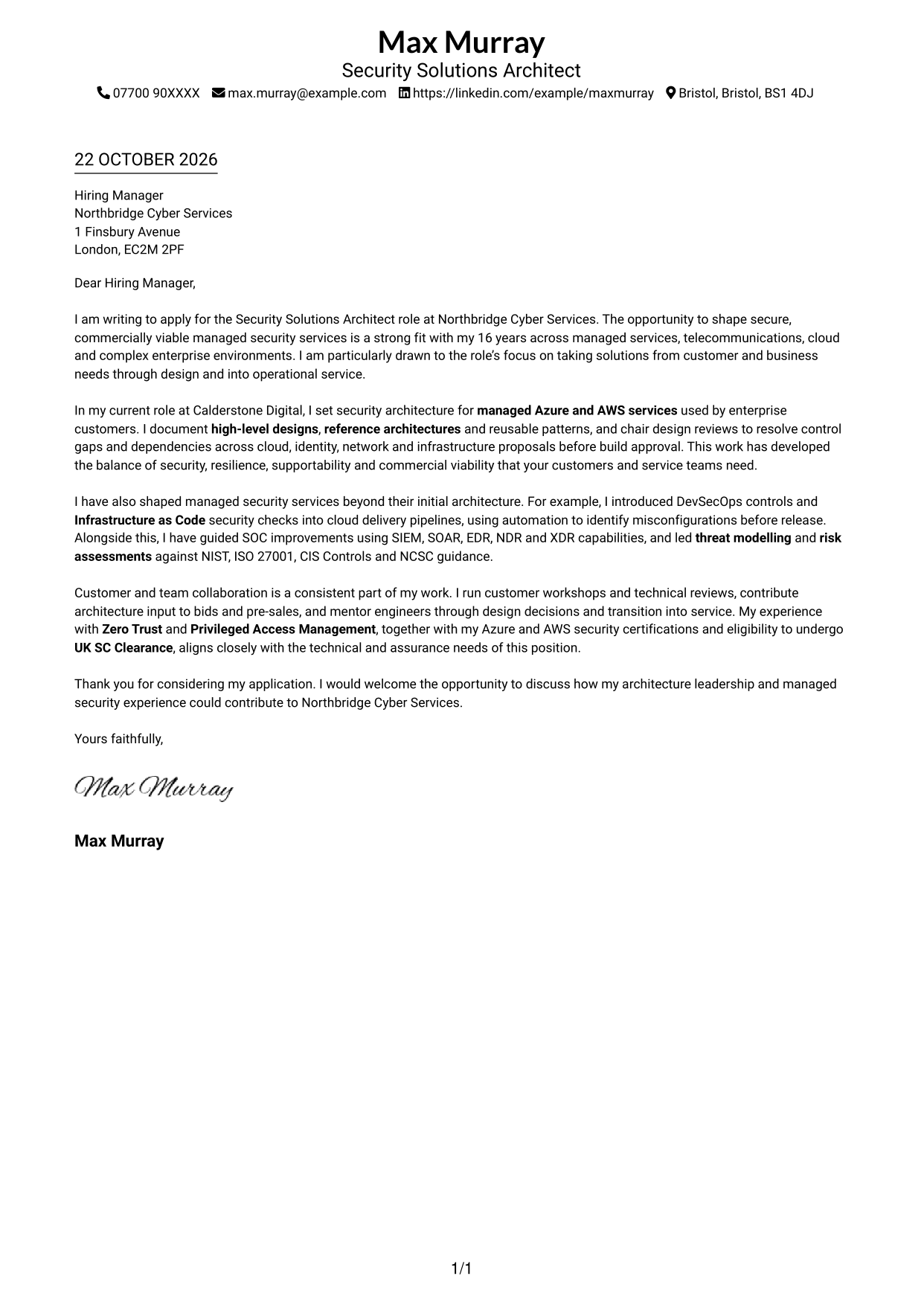
This practical guide to a Security Solutions Architect cover letter helps you use the examples and seven layouts to make your role fit clear.
What Makes a Great Security Solutions Architect Cover Letter in 2026
A strong letter explains how your security architecture work can help shape secure, resilient and supportable services. Use a clear opening, focused evidence in the body and a direct closing.
Choose examples that show your approach to design reviews, cloud security, risk or customer discussions. Link them to the employer’s needs, and explain why the work and service focus interest you.
The featured example follows a focused progression from interest in the role to architectural evidence, practical delivery and a clear close; adapt it while choosing a presentation that suits the employer and communication context.
#1 Simple One Column Format Cover Letter Example
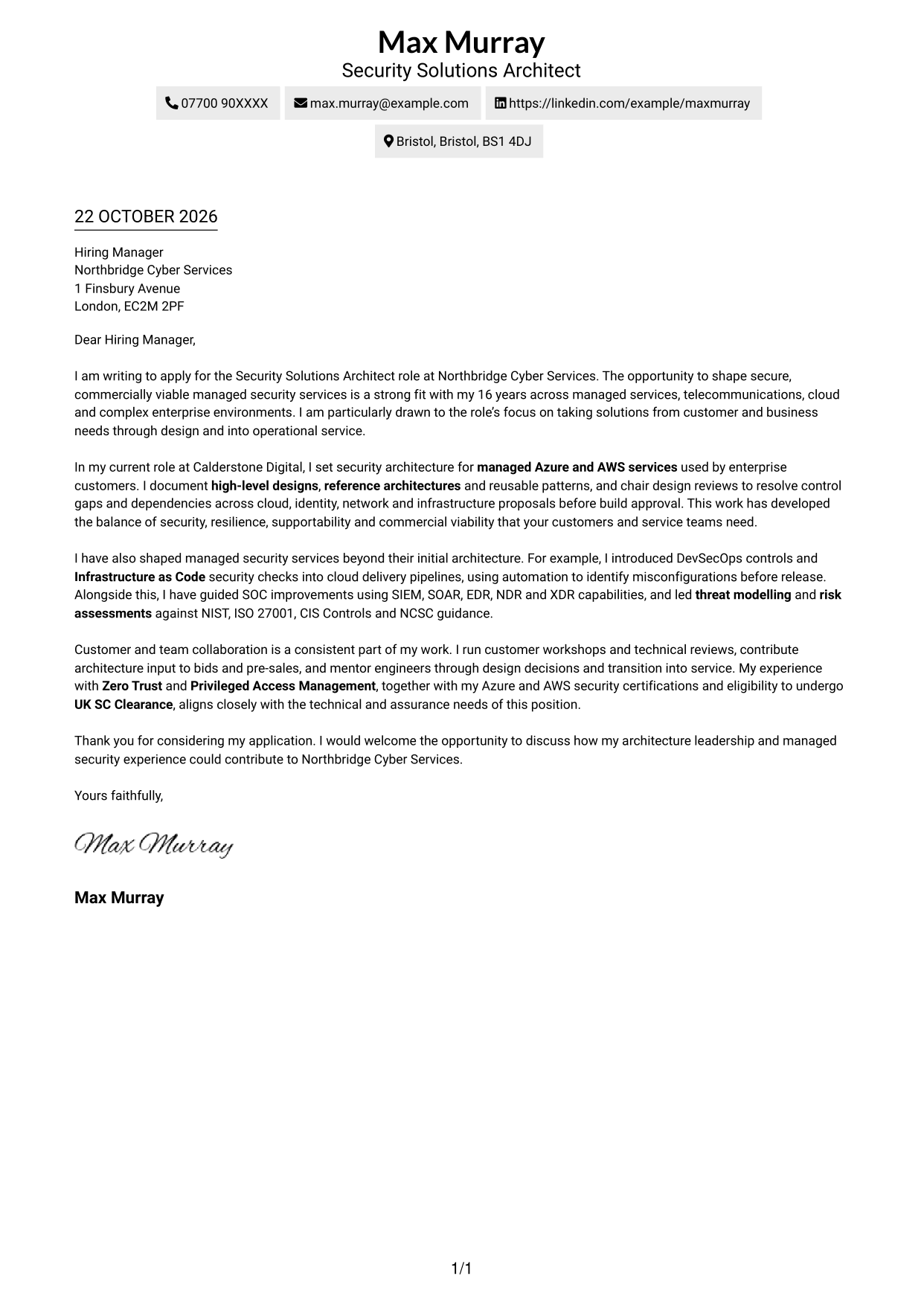
The Simple One Column Format keeps sender details in the header and the letter in one column, giving the message a direct reading path.
Why This Format Works
- Sender details in the header remain easy to locate without interrupting the letter.
- One body carries the opening, supporting points and closing in natural order.
- The single-column layout suits readers who prefer a familiar letter format.
Best For
- One-column page layouts
- Contact details in the header
- Letters with continuous paragraphs
- Readers who prefer a direct reading order
- Applications centred on written argument
#2 Two Column Format Cover Letter Example
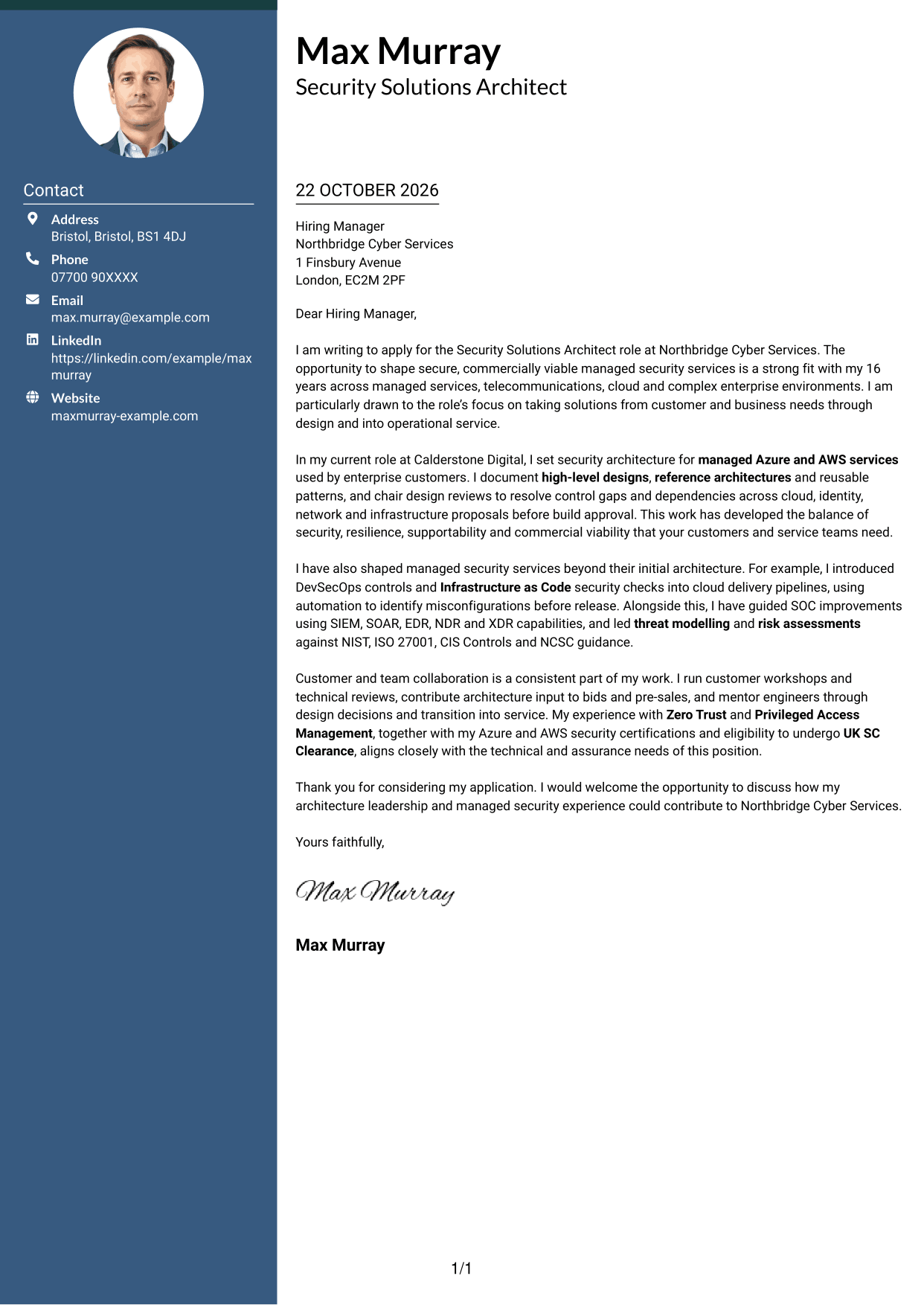
The Two Column Format places a contact sidebar beside one continuous letter body, keeping sender details apart from the message.
Why This Format Works
- The sidebar keeps sender information apart from the letter's argument.
- Motivation, supporting evidence and closing remain together in one body.
- The letter uses prose rather than headings to label argument stages.
Best For
- Separate sender and message areas
- Quick access to contact information
- Letters with one continuous argument
- Readers who prefer a sidebar
- Applications with clear motivation and evidence
#3 Photo Header Two Column Format Cover Letter Example
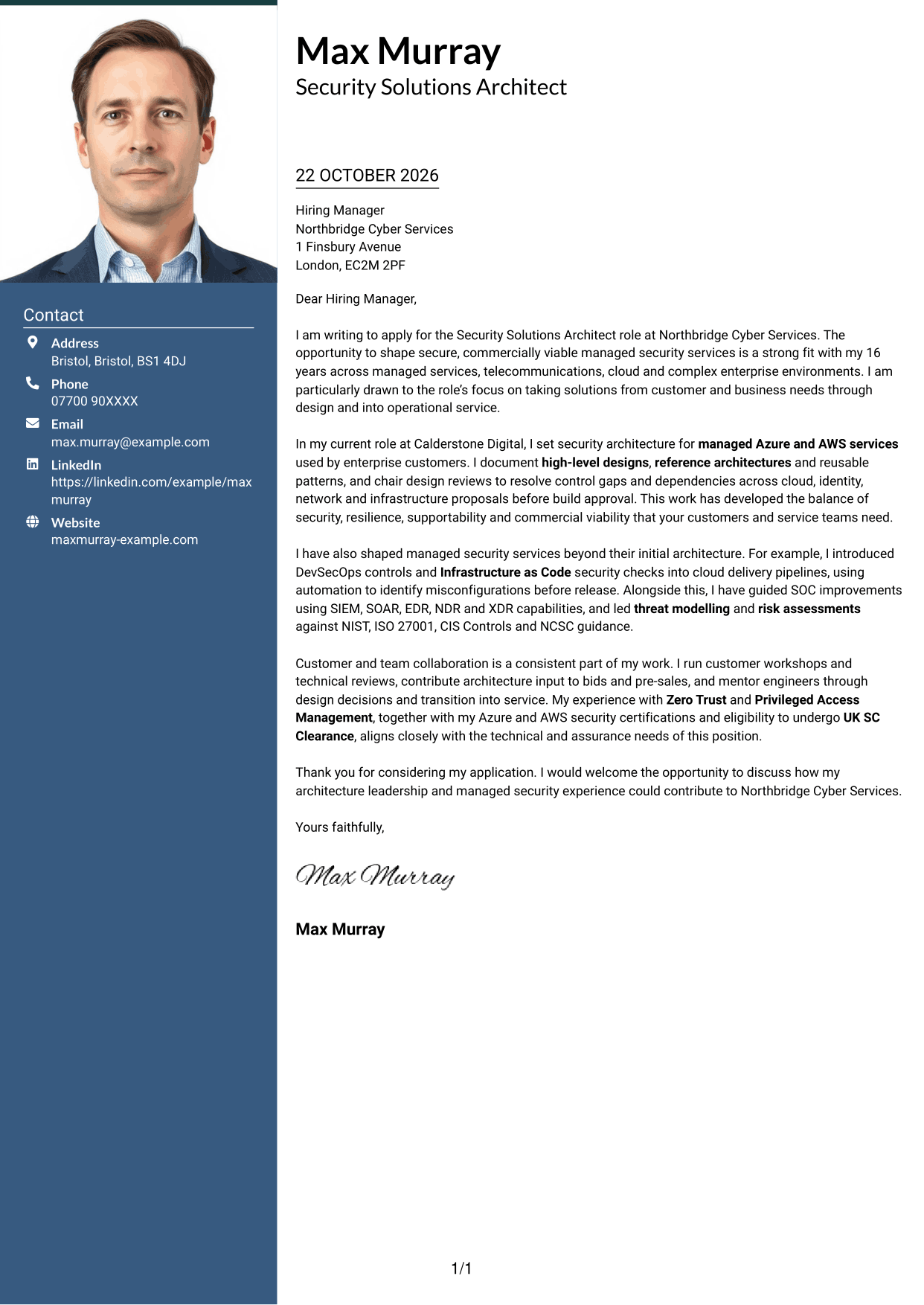
The Photo Header Two Column Format sets a contact sidebar beside one continuous letter body and includes a photo for a personal visual touch.
Why This Format Works
- The contact sidebar keeps sender details distinct from the letter's paragraphs.
- The body carries motivation, evidence and closing without argument headings.
- An included photo adds a visual point of identification to the page.
Best For
- Photo-inclusive letter layouts
- Side-by-side contact and message areas
- Letters with a continuous body
- Readers who want a visible portrait
- Applications with detailed supporting points
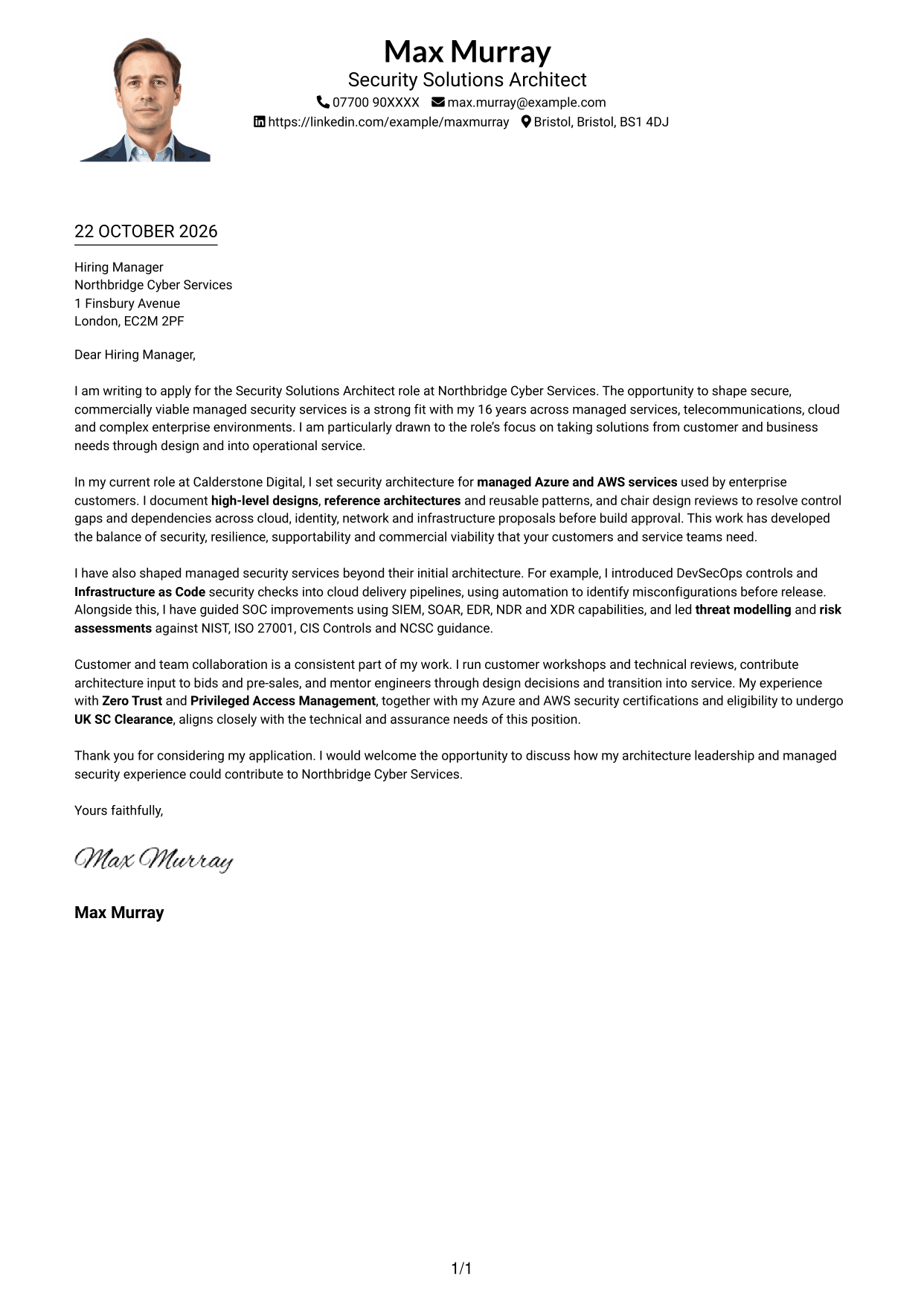
#4 One Column Format with Photo Cover Letter Example
The One Column Format with Photo keeps sender details in the header and the continuous letter body in one column, with a photo as an additional visual element.
Why This Format Works
- Header details remain easy to find before readers move into the letter.
- A single body lets readers follow the message from opening to closing.
- The photo adds a visual element without changing the letter's prose.
Best For
- Single-column letter pages
- Photo-inclusive applications
- Header-based sender details
- Letters without a contact sidebar
- Readers who prefer uninterrupted prose
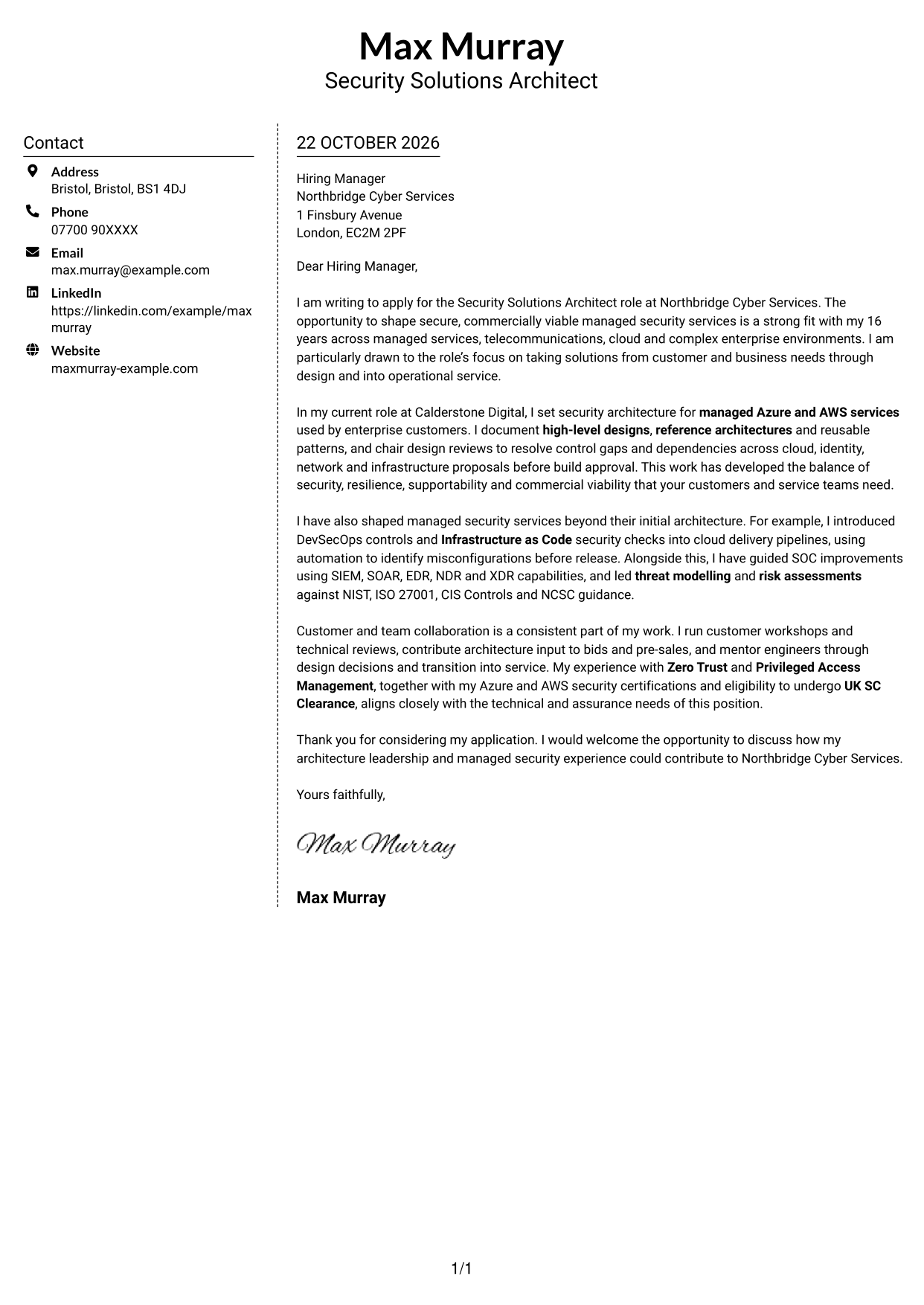
#5 Simple Two Column Format Cover Letter Example
The Simple Two Column Format gives contact details a sidebar beside the continuous letter body, separating sender information from the message.
Why This Format Works
- A dedicated sidebar offers a clear place to find contact details.
- The letter's paragraphs stay together instead of splitting across columns.
- No headings divide the prose into labelled argument sections.
Best For
- Sidebar contact details
- Two-column page preference
- Letters kept in one body
- Messages without labelled argument stages
- Applications with substantial written detail
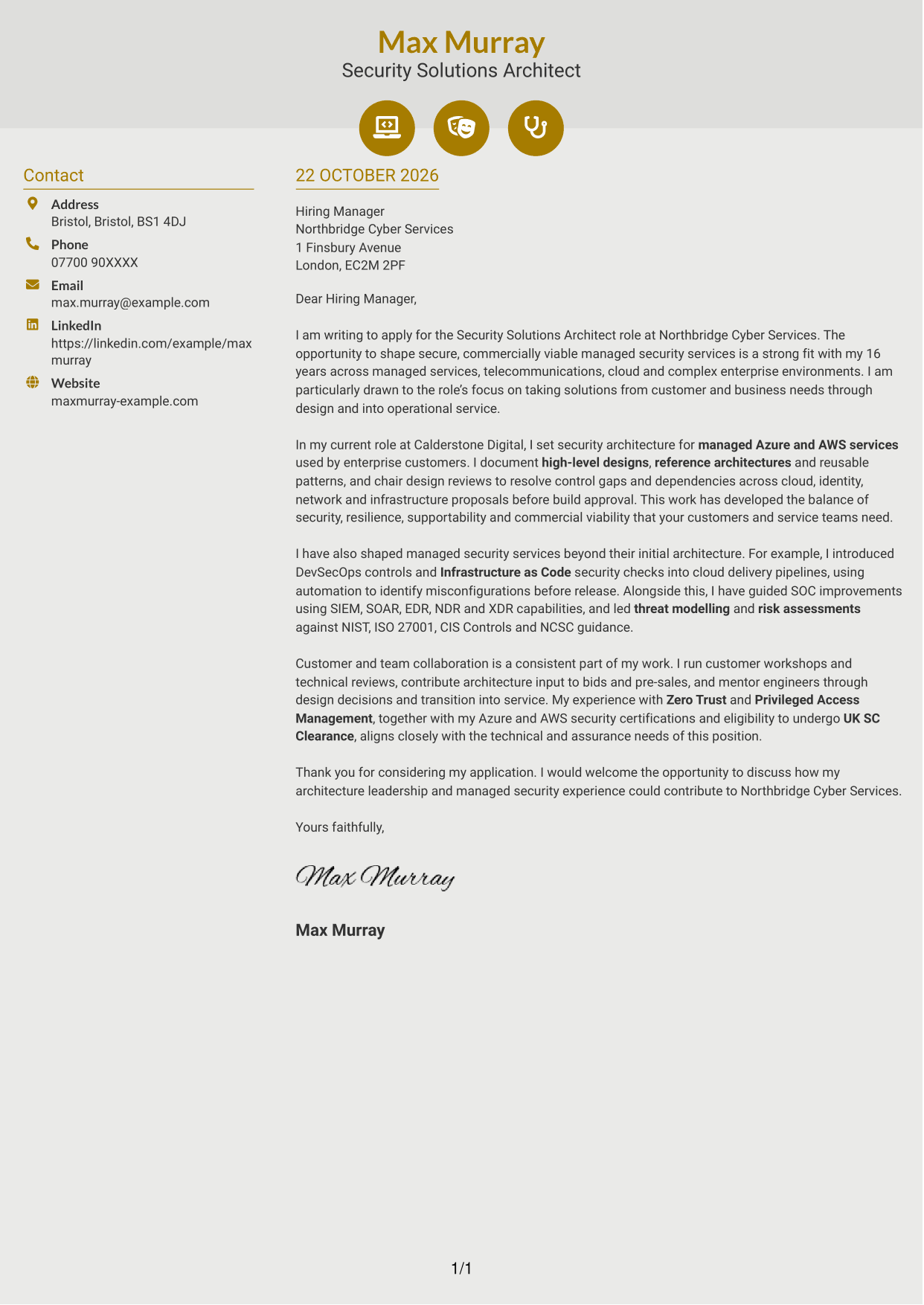
#6 Modern Icon Format Cover Letter Example
The Modern Icon Format uses a contact sidebar beside one continuous letter body, with icons serving as cues for contact details and header accents.
Why This Format Works
- Contact icons help readers recognise sender details without labelling letter content.
- The sidebar separates contact information from the continuous paragraphs.
- The message remains prose, not a set of labelled argument stages.
Best For
- Icon-cued contact details
- Letters with a continuous body
- Readers who prefer two columns
- Applications without argument headings
- Contact information that should stand out
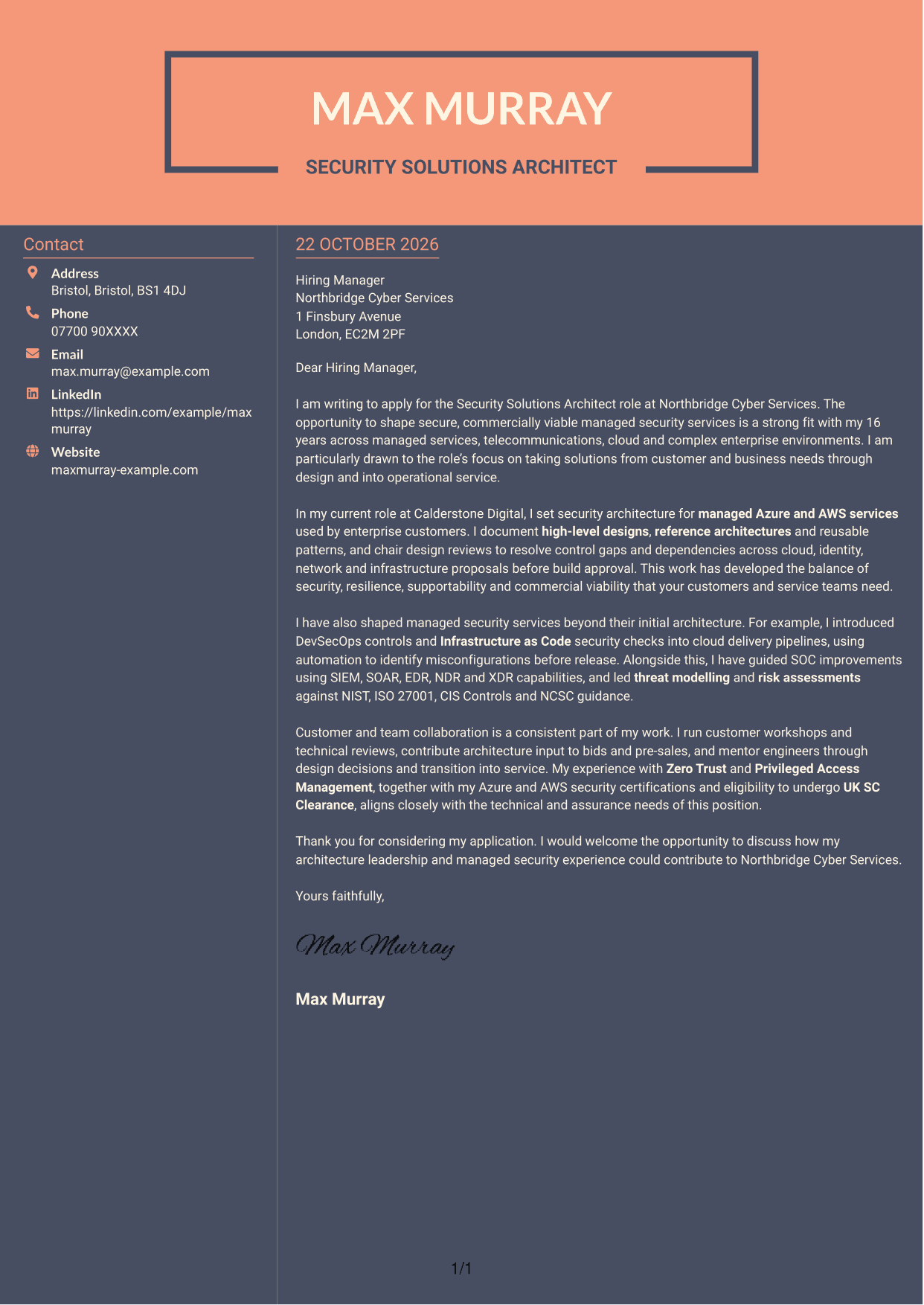
#7 Creative Two Tone Format Cover Letter Example
The Creative Two Tone Format places sender contact details in a sidebar beside one continuous letter body, giving each part its own column.
Why This Format Works
- The two areas keep sender contact details apart from the letter itself.
- A continuous body lets the full message read in paragraph order.
- The sidebar offers a distinct location for contact information.
Best For
- Side-by-side letter layouts
- Clear separation of contact and message
- Readers who prefer a continuous argument
- Applications with several supporting points
- A distinct area for sender details
See Also
- 7 Security Solutions Architect CV Templates with Example
- 7 AI Solution Architect - Agentic AI CV Templates with Example
- 7 Commercial SAP Solution Architect CV Templates with Example
- 7 Data & Analytics Solution Architect - Cloud Data Platforms CV Templates with Example
- 7 Data Protection Solution Architect CV Templates with Example
- 7 Data & Solution Architect - Defence CV Templates with Example
- 7 Data Solution Architect - Reinsurance CV Templates with Example
- 7 Digital Solution Architect - Financial Services CV Templates with Example
- 7 AI Solution Architect - Agentic AI Cover Letter Templates with Example
- 7 Commercial SAP Solution Architect Cover Letter Templates with Example
Frequently Asked Questions
What should a Security Solutions Architect cover letter highlight?
Show how your design work supports secure, resilient and workable services. Useful evidence may include architecture reviews, cloud security, risk assessment, service transition and customer-facing work.
How can I make my experience relevant to this role?
Choose a specific example that shows your contribution and its purpose. You might explain how you resolved a design risk, improved a cloud delivery check or guided a service towards operational handover.
How should I explain my interest in the employer?
Connect your interest to the work described, such as designing managed security services and taking solutions from customer needs through to service delivery. Add a company-specific reason only if it is genuine.
What is a clear way to structure this cover letter?
Open by naming the role and explaining your interest. Use the body for relevant architecture evidence and customer or team work, then close with thanks and an invitation to discuss your fit.
Should I include every part of my work history?
No. Focus on the experience that best supports your fit for this position. A small number of relevant examples can make your message clearer and more persuasive.




