
7 Senior Architect - Education Cover Letter Templates with Example
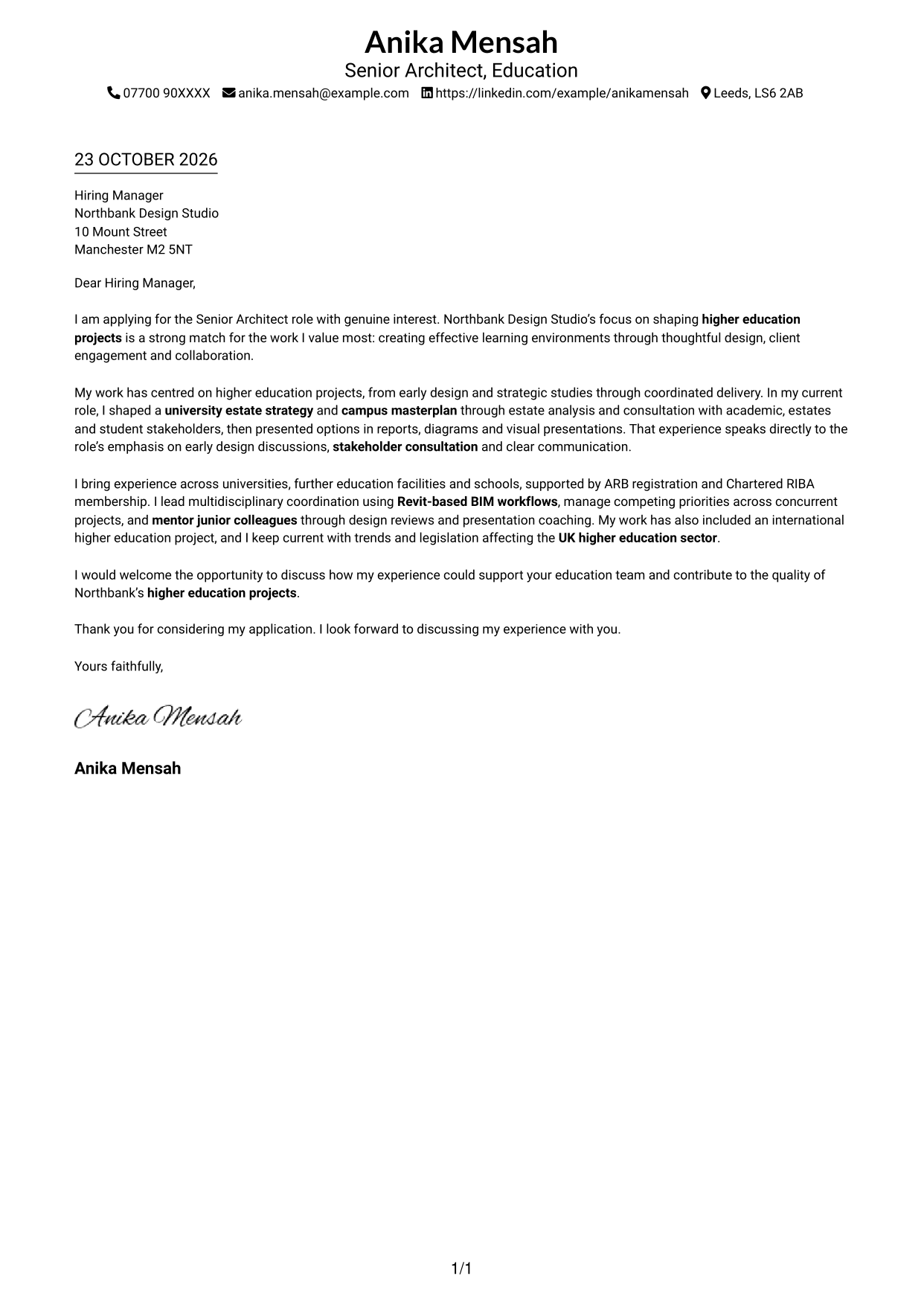
This practical guide helps you shape a persuasive Senior Architect - Education cover letter, with seven layouts to compare for presenting your design leadership and role fit.
What Makes a Great Senior Architect - Education Cover Letter in 2026
A strong letter links your design leadership to the creation of effective higher education environments. Make your opening clear about your interest in the role and the value you would bring.
Use focused evidence, such as shaping a university estate strategy, consulting with campus stakeholders or coordinating design work through Revit-based BIM. Show how your approach fits the employer’s work and supports clear, thoughtful design decisions.
The featured example moves from clear role interest to evidence of campus planning, stakeholder work and design coordination, then closes with a direct invitation to discuss fit; adapt this focused progression and choose a presentation suited to the employer and communication context.
#1 Simple One Column Format Cover Letter Example
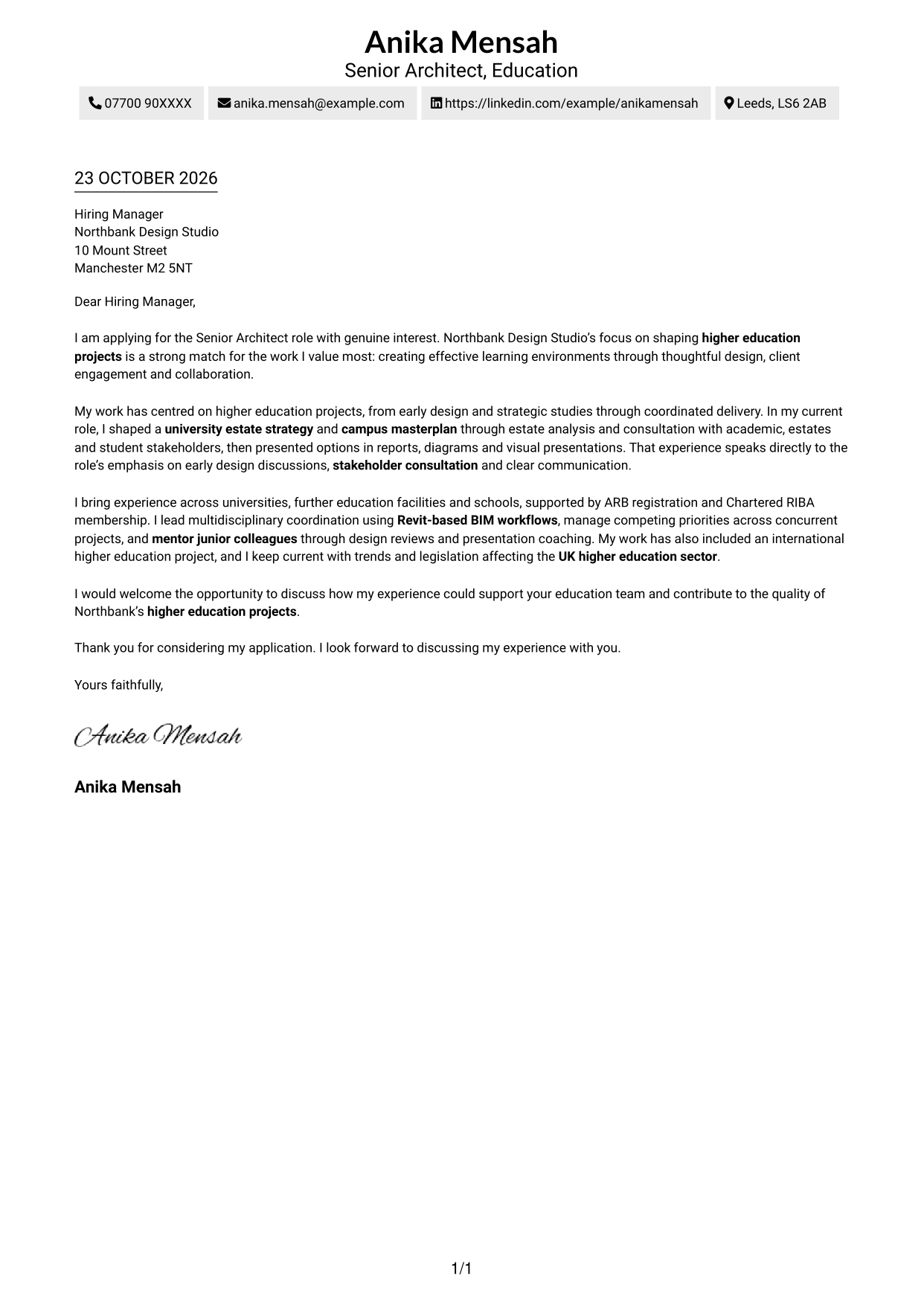
The single-column page keeps the sender details and continuous letter body in one reading path, for a direct, familiar presentation.
Why This Format Works
- Sender details sit in the header, so reviewers can find contact information before reading.
- The single-column body keeps the opening, supporting points and closing in order.
- Without argument headings, the message retains the familiar shape of a formal letter.
Best For
- Single-column letter reading
- Sender details in the header
- Paragraph-led applications
- Direct opening-to-closing flow
- Formal correspondence without argument headings
#2 Two Column Format Cover Letter Example
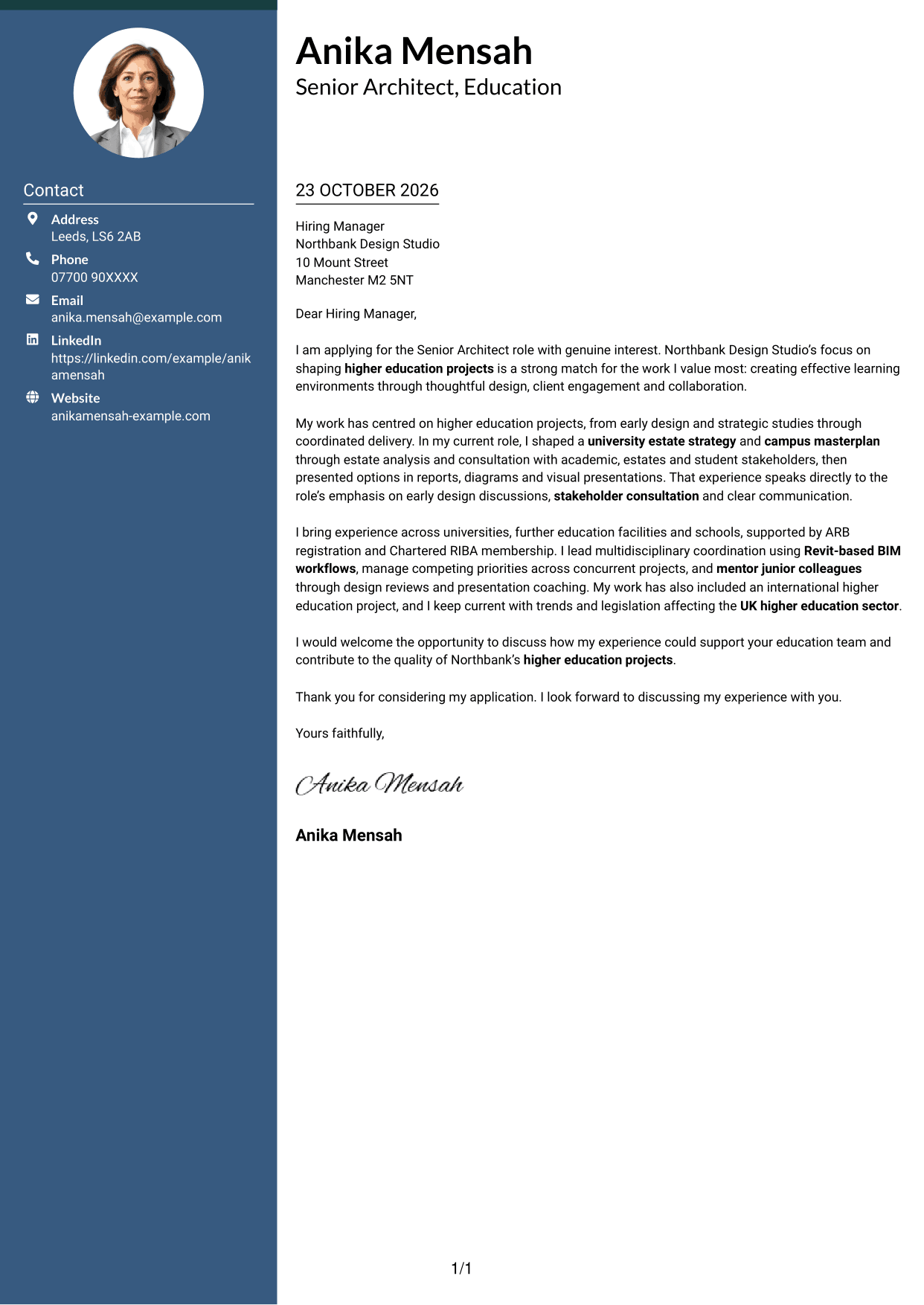
The two-column layout places contact details beside one continuous letter body, keeping the sender information distinct from the message.
Why This Format Works
- Contact details occupy a sidebar, apart from the letter's continuous argument.
- The body keeps the opening, supporting paragraphs and closing in one column.
- With no argument headings, the paragraphs read as a direct message to the employer.
Best For
- Contact sidebar beside the letter
- Continuous, unheaded letter prose
- Single-column argument within two columns
- Letters with several points to explain
- Photo-free correspondence
#3 Photo Header Two Column Format Cover Letter Example
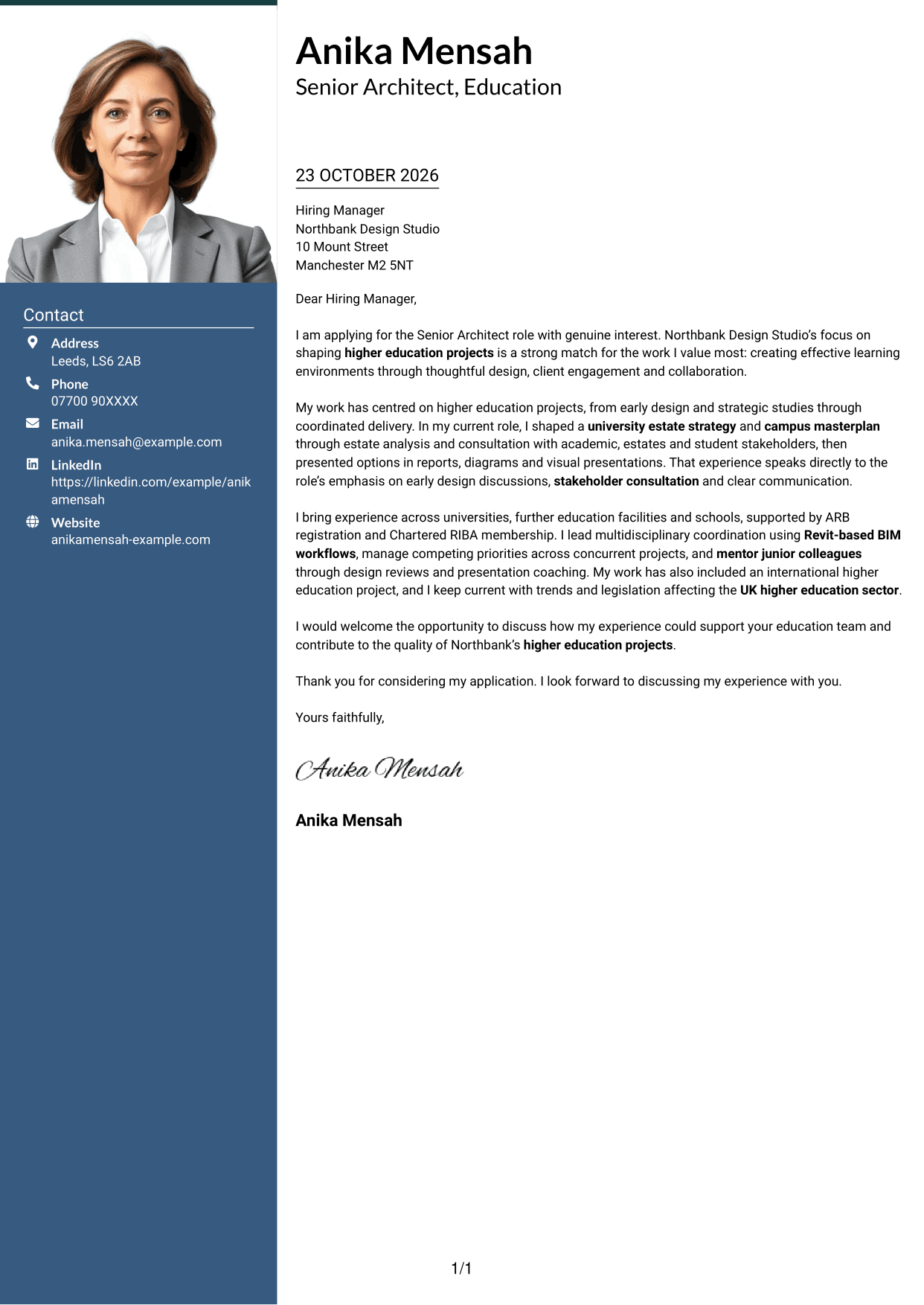
The two-column layout includes a photo alongside the contact sidebar, while the letter itself remains one continuous body.
Why This Format Works
- Contact details have a separate sidebar, while the letter remains one continuous body.
- Opening, evidence and closing stay together rather than splitting across columns.
- The photo offers a portrait option without changing the letter's paragraph order.
Best For
- Portrait included with correspondence
- Contact sidebar beside the letter
- Single-column letter body
- Applications with several supporting points
- Unheaded, paragraph-led communication
#4 One Column Format with Photo Cover Letter Example
The one-column layout includes a photo and keeps the sender details in the header, for a direct letter presentation.
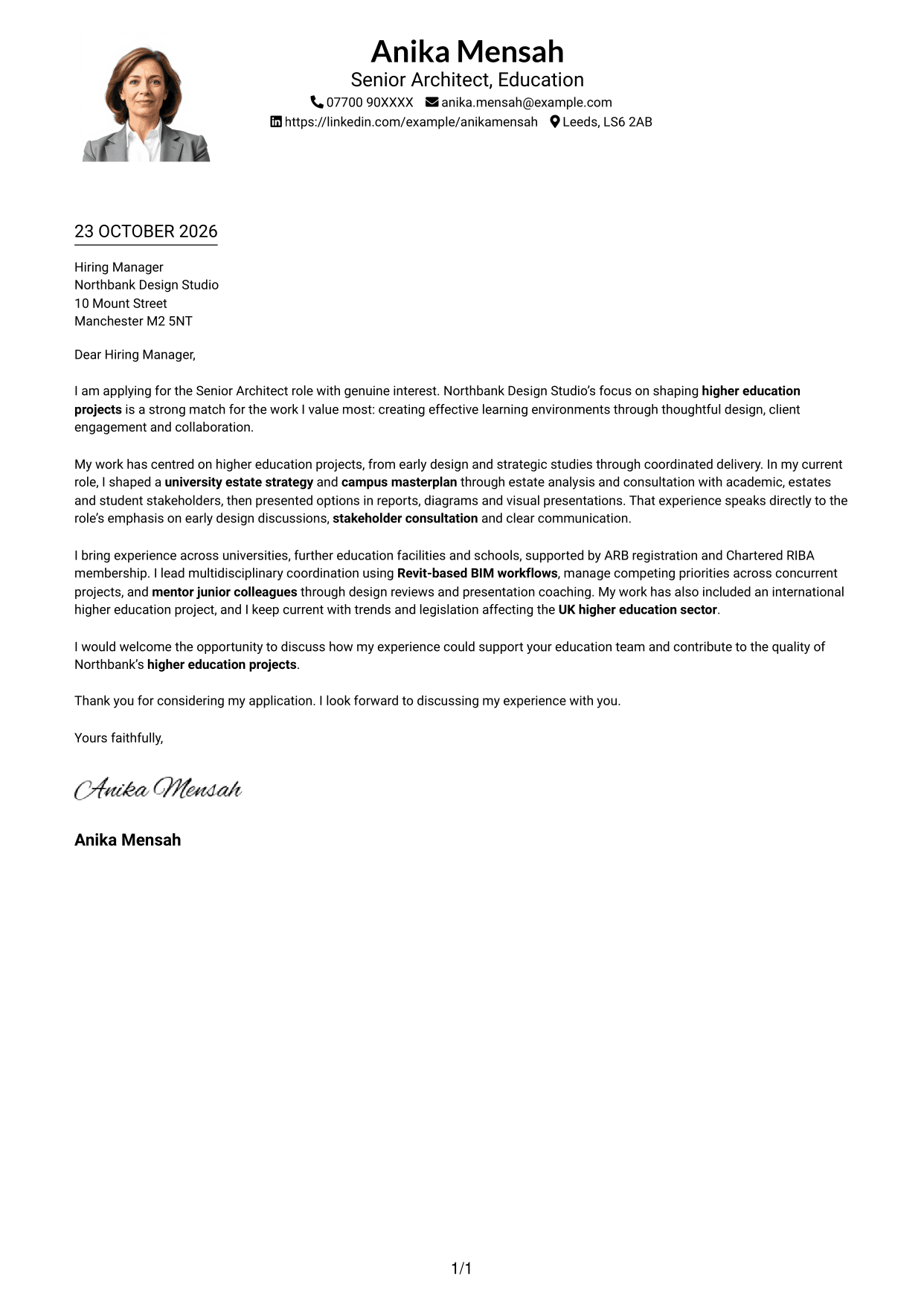
Why This Format Works
- Sender details remain in the header, and the letter follows one column.
- Opening, evidence and closing stay in a single continuous body.
- The photo provides a visual choice, while the message remains paragraph-led.
Best For
- One-column letter reading
- Photo included in the layout
- Sender details in the header
- Paragraph-led application letters
- Direct, unheaded correspondence
#5 Simple Two Column Format Cover Letter Example
The two-column design keeps contact details in a sidebar beside one continuous letter body, separating reference information from the message.
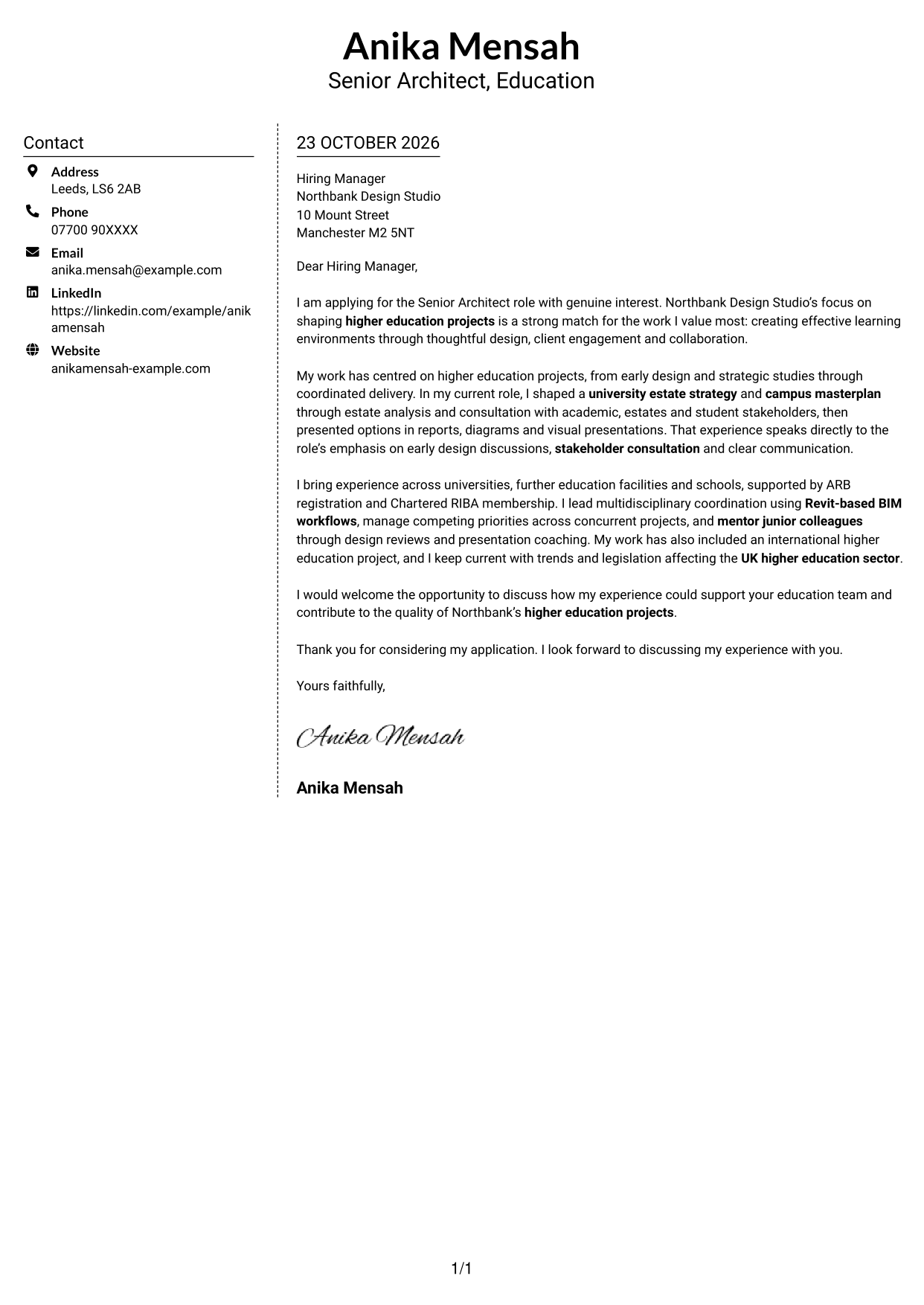
Why This Format Works
- Contact information has its own sidebar, separate from the argument in the letter.
- All letter paragraphs stay in a single body column, preserving their intended order.
- Without section headings, the message keeps a personal, continuous letter form.
Best For
- Contact details in a sidebar
- Continuous letter prose
- Letters with several points to connect
- Photo-free correspondence
- Paragraph-led formal applications
#6 Modern Icon Format Cover Letter Example
The two-column layout uses icons as contact cues, keeping sender details apart from the continuous letter body.
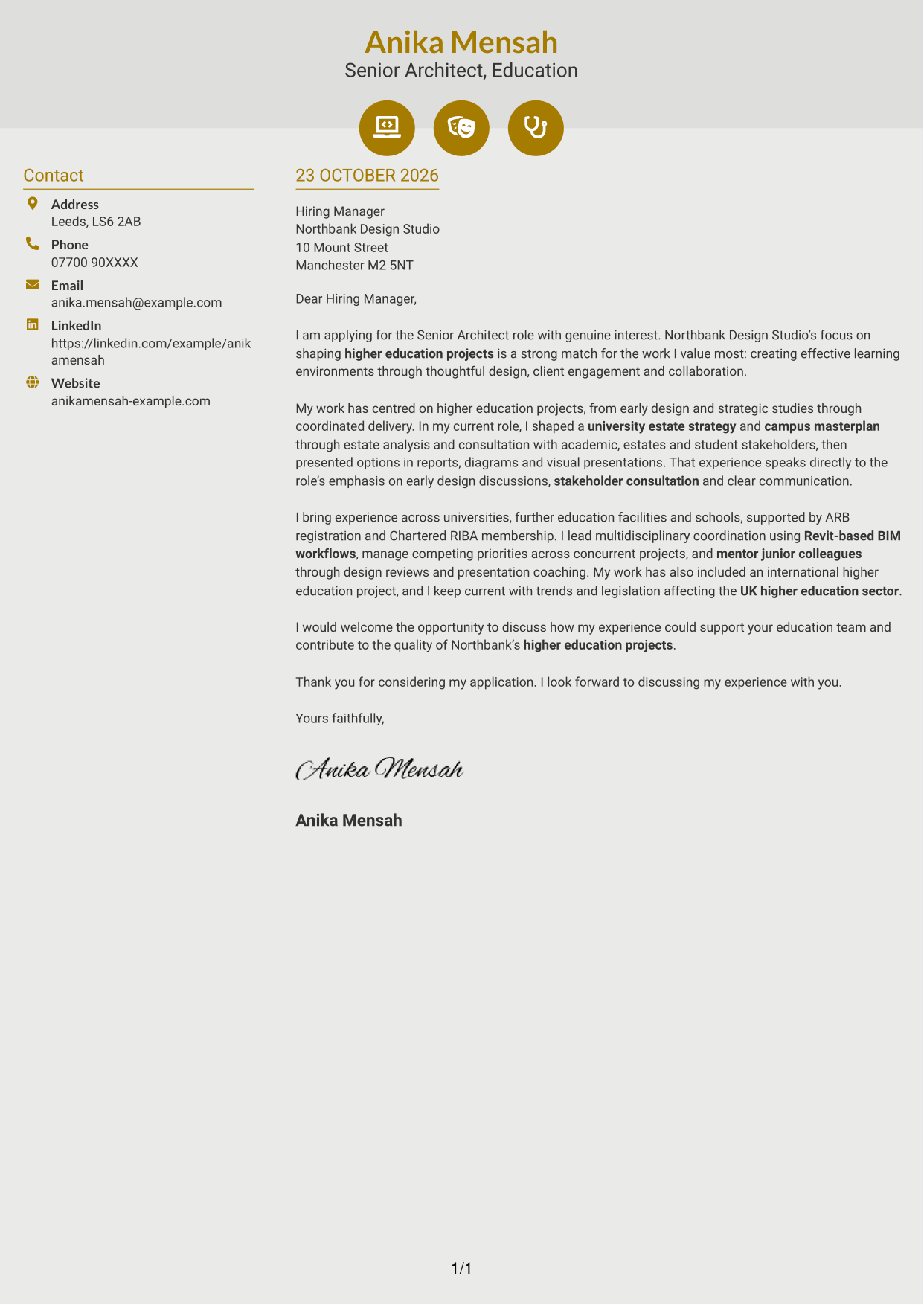
Why This Format Works
- Contact icons help distinguish sender details from the continuous letter body.
- Two columns keep contact information apart while the message remains one column.
- Opening, supporting points and closing follow one unbroken paragraph sequence.
Best For
- Icon cues for contact details
- Separate contact sidebar
- One-column letter body
- Readers who like small visual cues
- Unheaded, paragraph-based correspondence
#7 Creative Two Tone Format Cover Letter Example
The two-column layout gives contact details a separate place beside the letter, while the message stays in one continuous body.
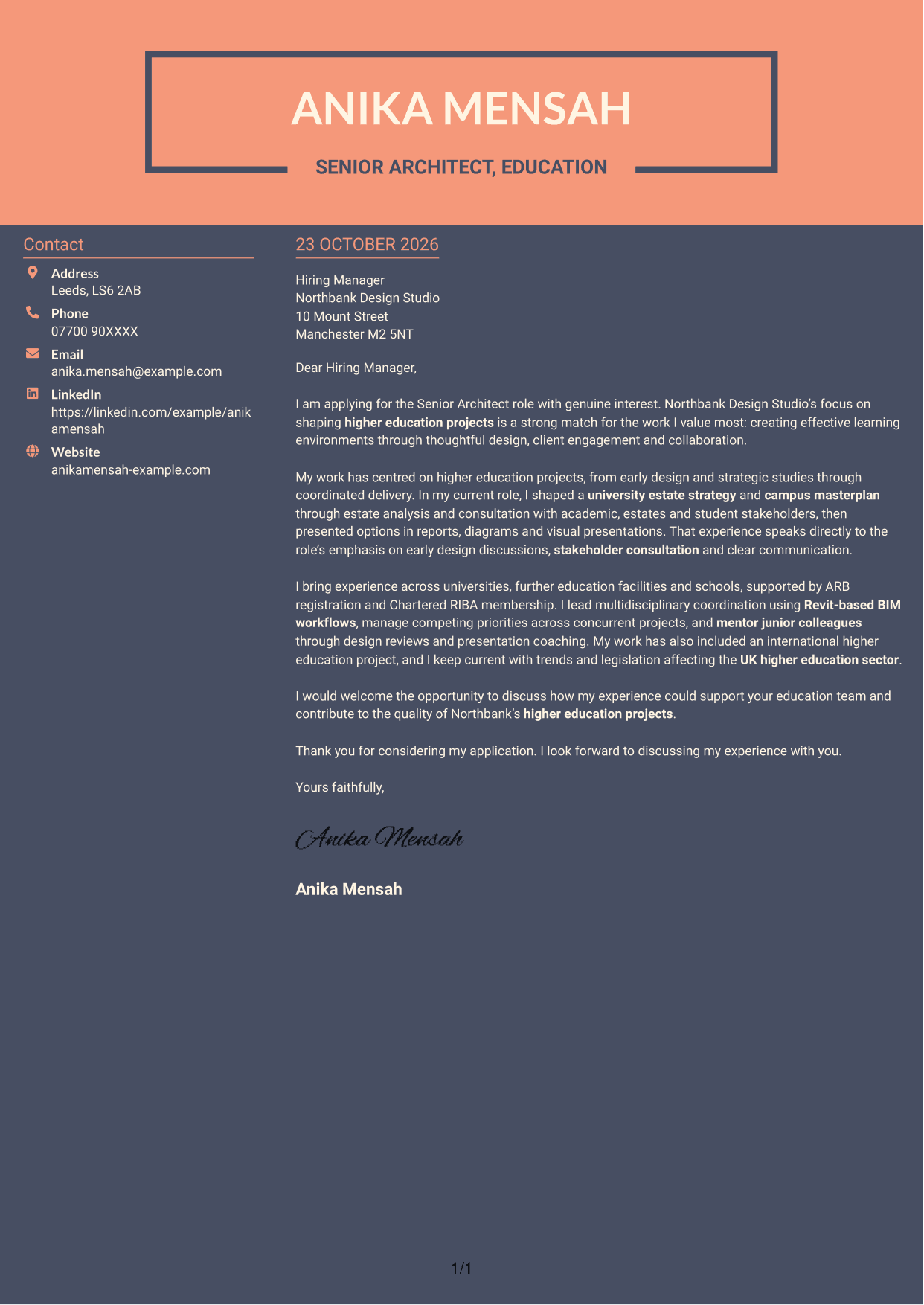
Why This Format Works
- The separate contact area keeps sender information apart from the letter's argument.
- No argument headings interrupt the letter's progression from interest to closing.
- The body stays in one column, so its paragraphs follow a clear reading order.
Best For
- Distinct contact placement
- Continuous body without argument headings
- One-column letter body beside contact details
- Multi-paragraph applications
- Photo-free two-column letters
See Also
- 7 Associate Architect - Education and Healthcare CV Templates with Example
- 7 Senior Architect - Education and Residential CV Templates with Example
- 7 Senior Architect - Education CV Templates with Example
- 7 AI Solution Architect - Agentic AI CV Templates with Example
- 7 AI Solution Architect - GCP / Agentic AI CV Templates with Example
- 7 Architect - Retail and Commercial CV Templates with Example
- 7 Associate Architect - Architectural Project Delivery CV Templates with Example
- 7 Business Architect - Capability and Operating Model CV Templates with Example
- 7 Associate Architect - Education and Healthcare Cover Letter Templates with Example
- 7 Senior Architect - Education and Residential Cover Letter Templates with Example
Frequently Asked Questions
What should a Senior Architect - Education cover letter highlight?
Show how your design leadership supports higher education projects and effective learning environments. Relevant examples may include campus masterplanning, university estate strategy, client briefing, stakeholder consultation and multidisciplinary coordination.
How can I show that my experience fits this role?
Choose one or two clear examples that match the work, such as presenting campus planning options or guiding early design discussions. Explain what you contributed and how it helped clients and project teams make informed decisions.
How should I explain my interest in Northbank Design Studio?
Connect your interest to the studio’s focus on higher education projects and effective learning environments. Explain why this work matters to you and how your approach to design, client engagement and collaboration could support the team.
How should I structure this cover letter?
Open with the role and a clear reason for applying. Use the body to show relevant design and client work, then close by restating your interest and inviting a conversation.
Should I include every part of my work history?
No. Select the experience that best shows your fit for this Senior Architect - Education role. A few specific examples are more useful than a full account of every responsibility.




