
7 Senior Bookkeeper Media Cover Letter Templates with Example
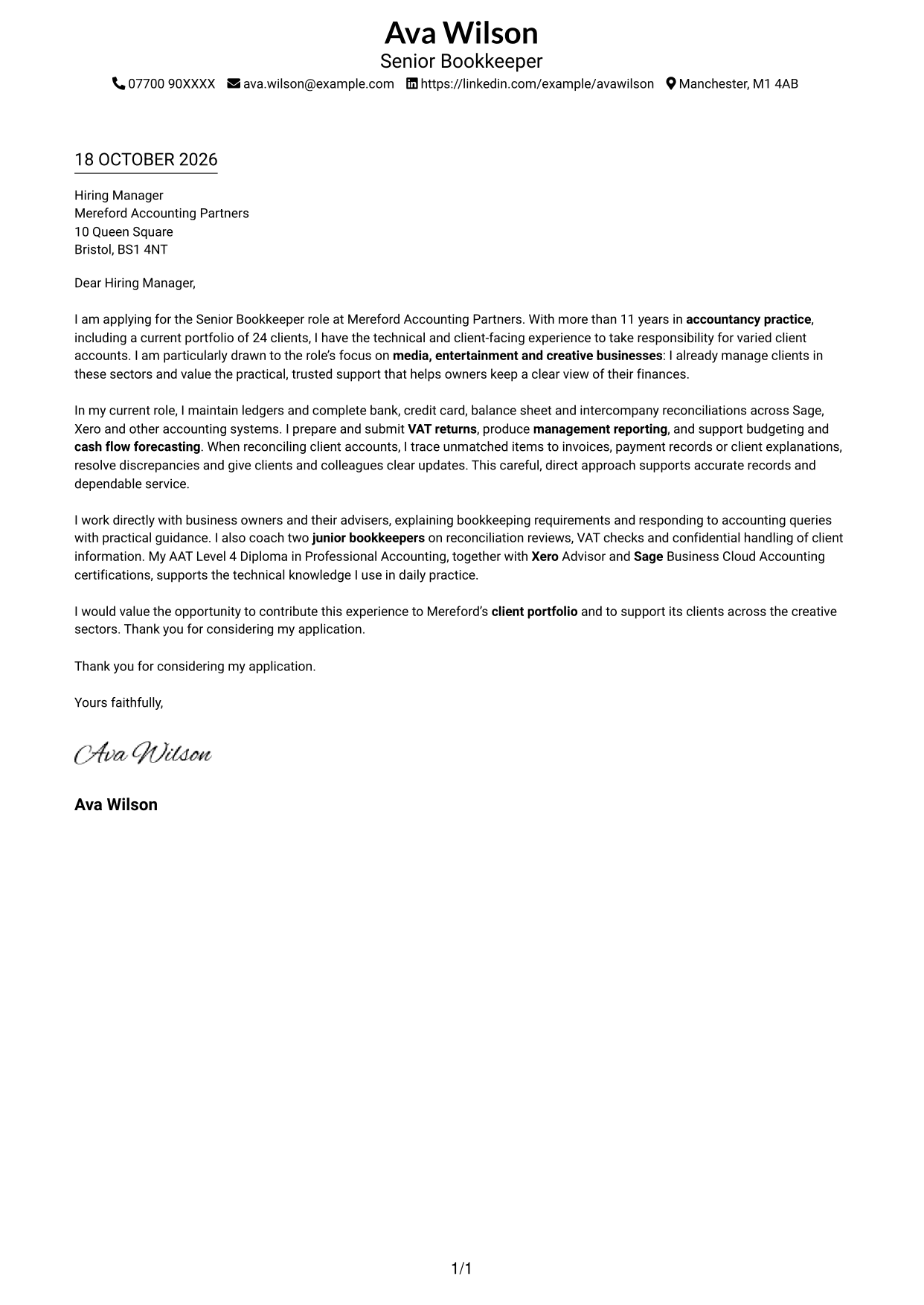
This practical guide helps you create a Senior Bookkeeper Media cover letter, with seven layouts to compare and a clear way to show your fit.
What Makes a Great Senior Bookkeeper Media Cover Letter in 2026
A strong letter connects careful bookkeeping with the needs of media clients, from accurate records and VAT returns to clear, dependable support. Open with your interest in the role and the value you can bring to a client portfolio.
Choose brief evidence, such as managing varied client accounts, resolving reconciliation issues or explaining bookkeeping needs to business owners. Link that evidence to the practice’s media focus and show why its client work interests you.
The featured example moves from interest in the role to practical bookkeeping evidence, client support and a clear close; adapt this focused progression while choosing a presentation suited to the employer and communication context.
#1 Simple One Column Format Cover Letter Example
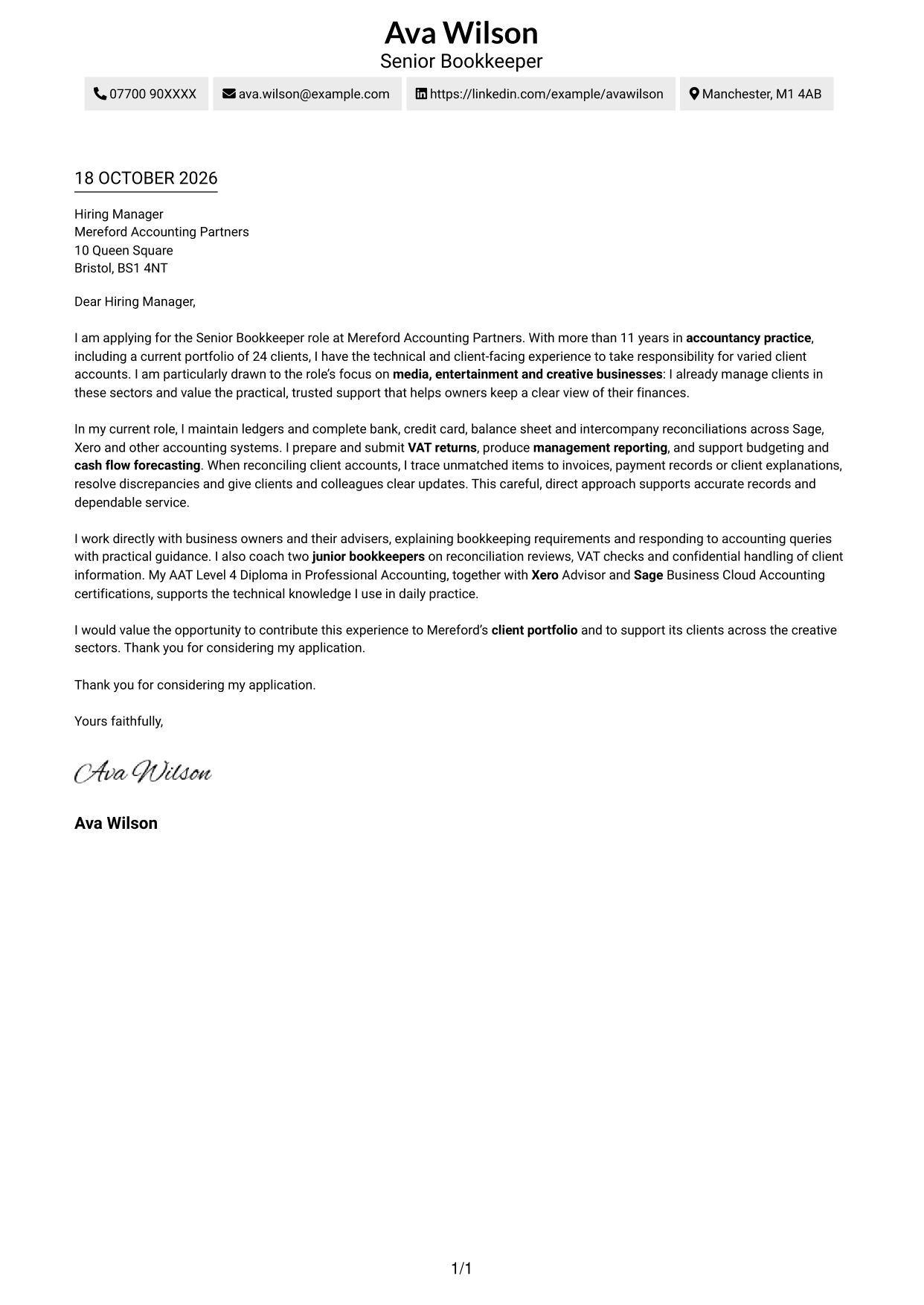
The Simple One Column Format keeps sender details in the header and the letter body in one column, suiting readers who prefer a direct page layout.
Why This Format Works
- Header details remain easy to find without interrupting the letter.
- The single reading path carries the reader from greeting through closing.
- Paragraphs without argument labels let the message develop as a letter.
Best For
- Single-column page preference
- Top-to-bottom letter reading
- Sender details in the header
- Paragraph-based applications
- Letters without body headings
#2 Two Column Format Cover Letter Example
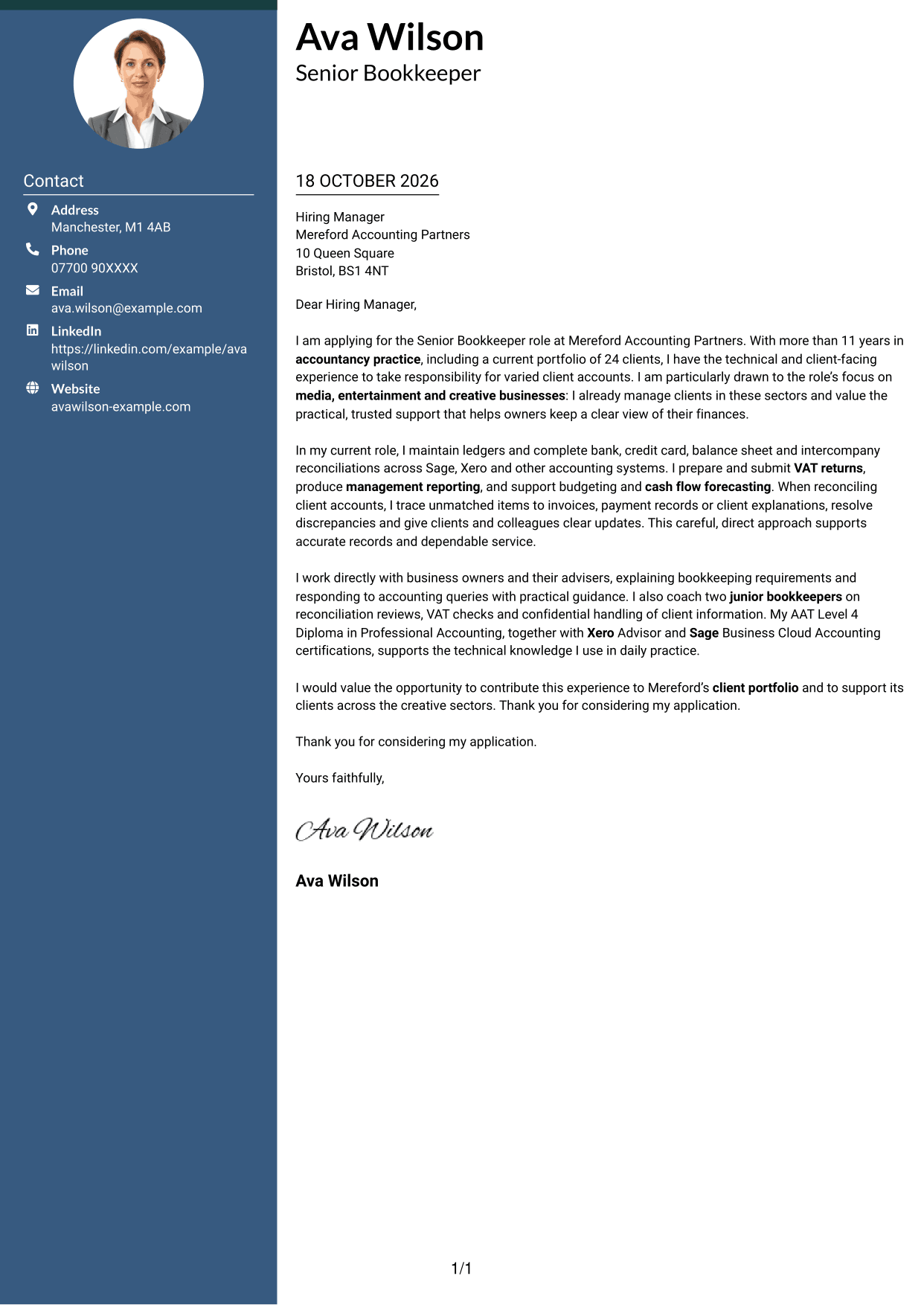
The Two Column Format sets a contact sidebar beside one continuous letter body, useful when sender details should remain separate from the message.
Why This Format Works
- The contact sidebar gives sender information a separate place beside the letter.
- One continuous body keeps the message together from greeting to closing.
- The absence of a portrait suits readers who prefer text-led correspondence.
Best For
- Side-by-side contact reference
- Continuous letter paragraphs
- Text-led correspondence
- Formal job applications
- Letters without argument headings
#3 Photo Header Two Column Format Cover Letter Example
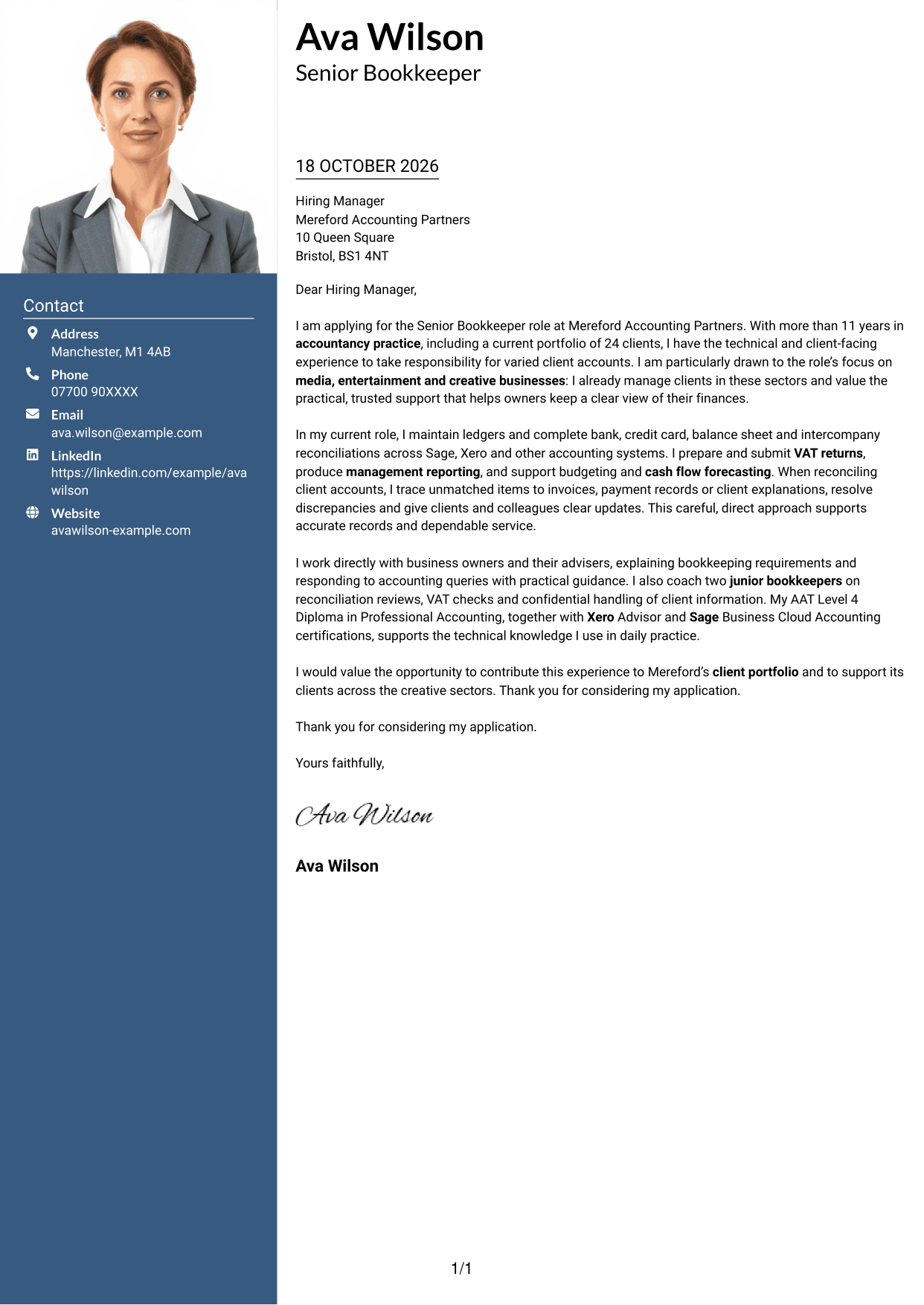
The Photo Header Two Column Format combines a portrait with a contact sidebar and one continuous letter body, for readers who want a visible personal image beside the message.
Why This Format Works
- The contact sidebar keeps sender details apart from the written message.
- One continuous body keeps the opening, supporting points and closing together.
- The portrait adds a visible personal element without dividing the letter text.
Best For
- Portrait-led application pages
- Separate sender contact details
- Continuous paragraph-based letters
- Formal hiring correspondence
- Client-facing role applications
#4 One Column Format with Photo Cover Letter Example
The One Column Format with Photo pairs a portrait with one continuous letter body, suiting readers who prefer a single-column message with a personal visual element.
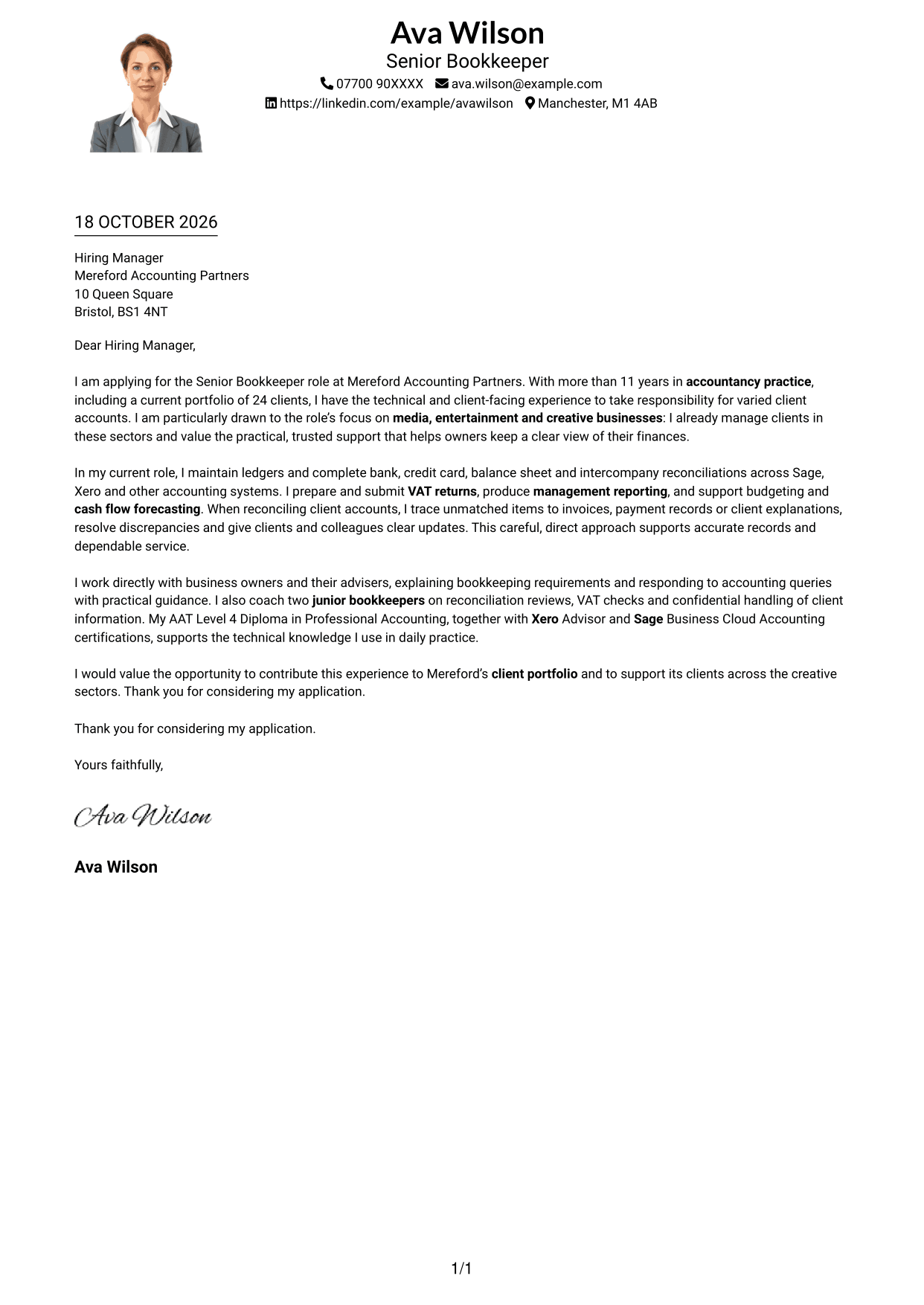
Why This Format Works
- Header contact details remain distinct from the single-column letter body.
- The portrait adds a personal visual element while the message stays in one column.
- One reading path carries the letter from greeting through its closing.
Best For
- Single-column correspondence
- Portrait in the page design
- Direct greeting-to-close reading
- Header-based contact details
- Formal application letters
#5 Simple Two Column Format Cover Letter Example
The Simple Two Column Format places contact details beside one continuous letter body, suiting readers who want sender information apart from the message.
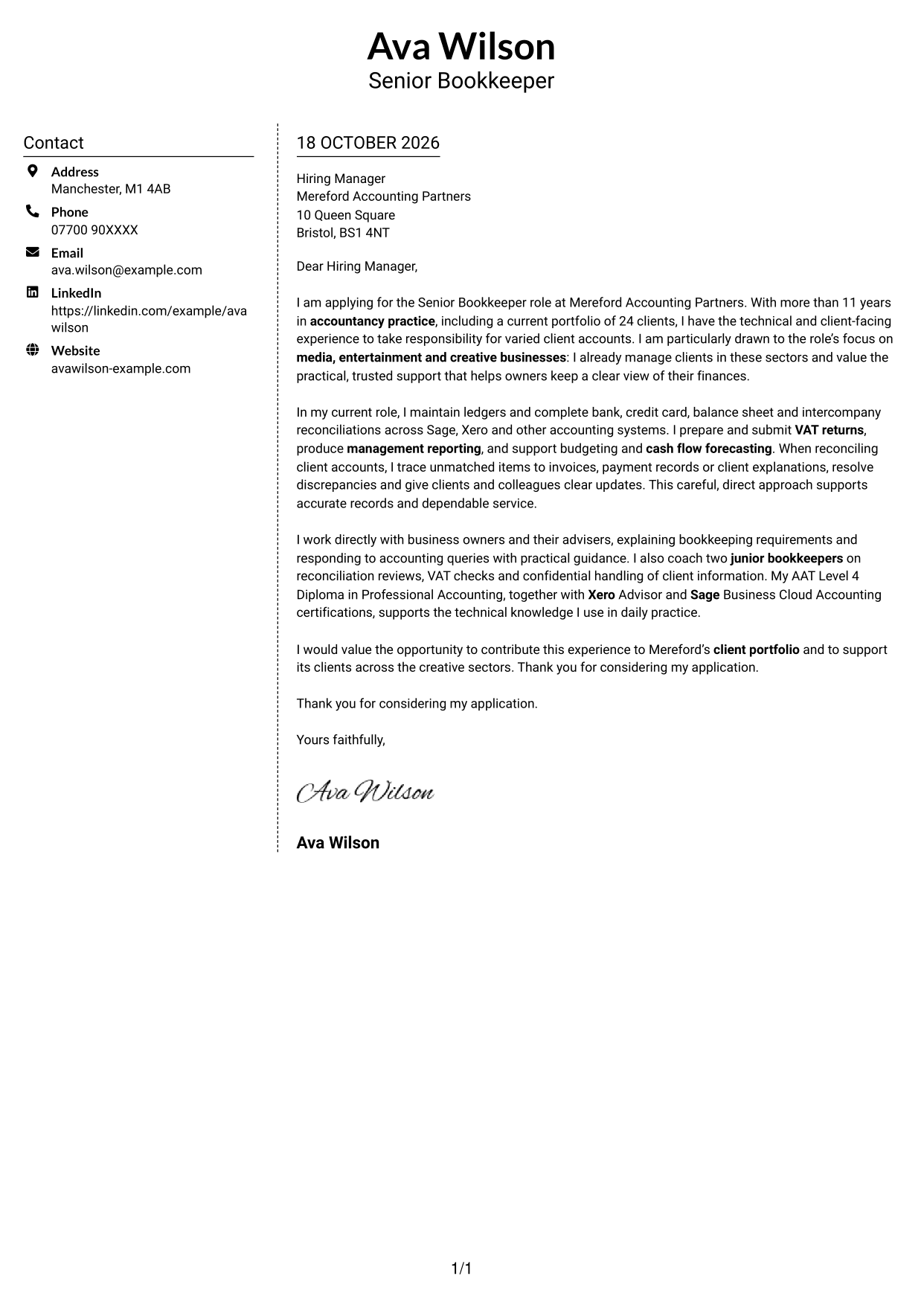
Why This Format Works
- Contact information has its own area beside the continuous letter body.
- Readers can follow the message in paragraph order from greeting to close.
- The photo-free layout suits readers who prefer a text-led page.
Best For
- Contact details beside the message
- Continuous paragraph-based letters
- Text-led application pages
- Letters without body headings
- Formal employer correspondence
#6 Modern Icon Format Cover Letter Example
The Modern Icon Format uses contact-detail cues in a two-column layout, helping readers identify sender information beside the uninterrupted letter.
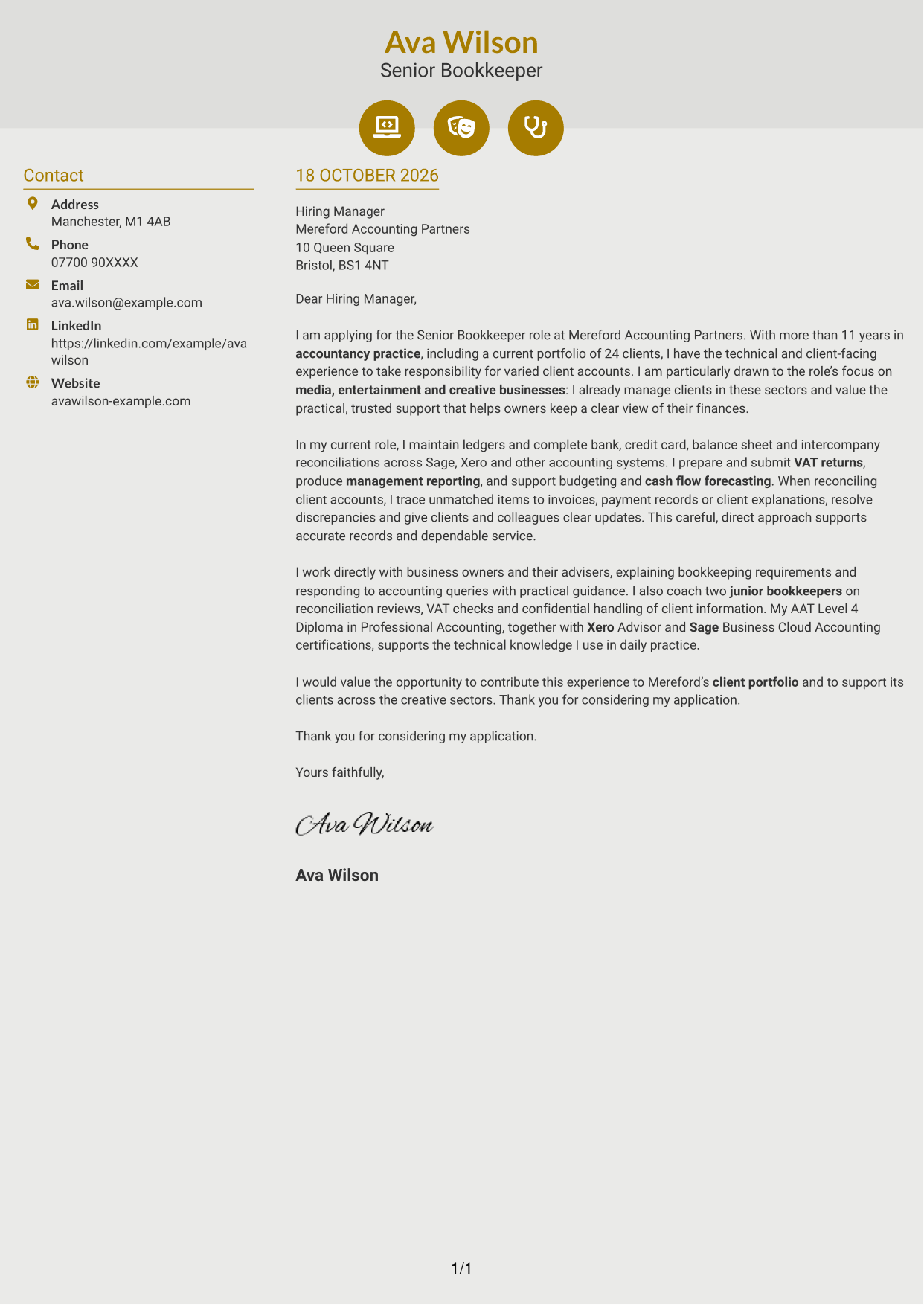
Why This Format Works
- Contact icons help readers identify sender details in the sidebar.
- The message stays continuous, keeping its points in paragraph order.
- Header accents remain distinct from the letter's motivation and evidence.
Best For
- Icon-led contact details
- Two-column page layouts
- Continuous letter paragraphs
- Quick sender-detail reference
- Letters without argument headings
#7 Creative Two Tone Format Cover Letter Example
The Creative Two Tone Format pairs a contact sidebar with one continuous letter body, giving sender details a separate place from the message.
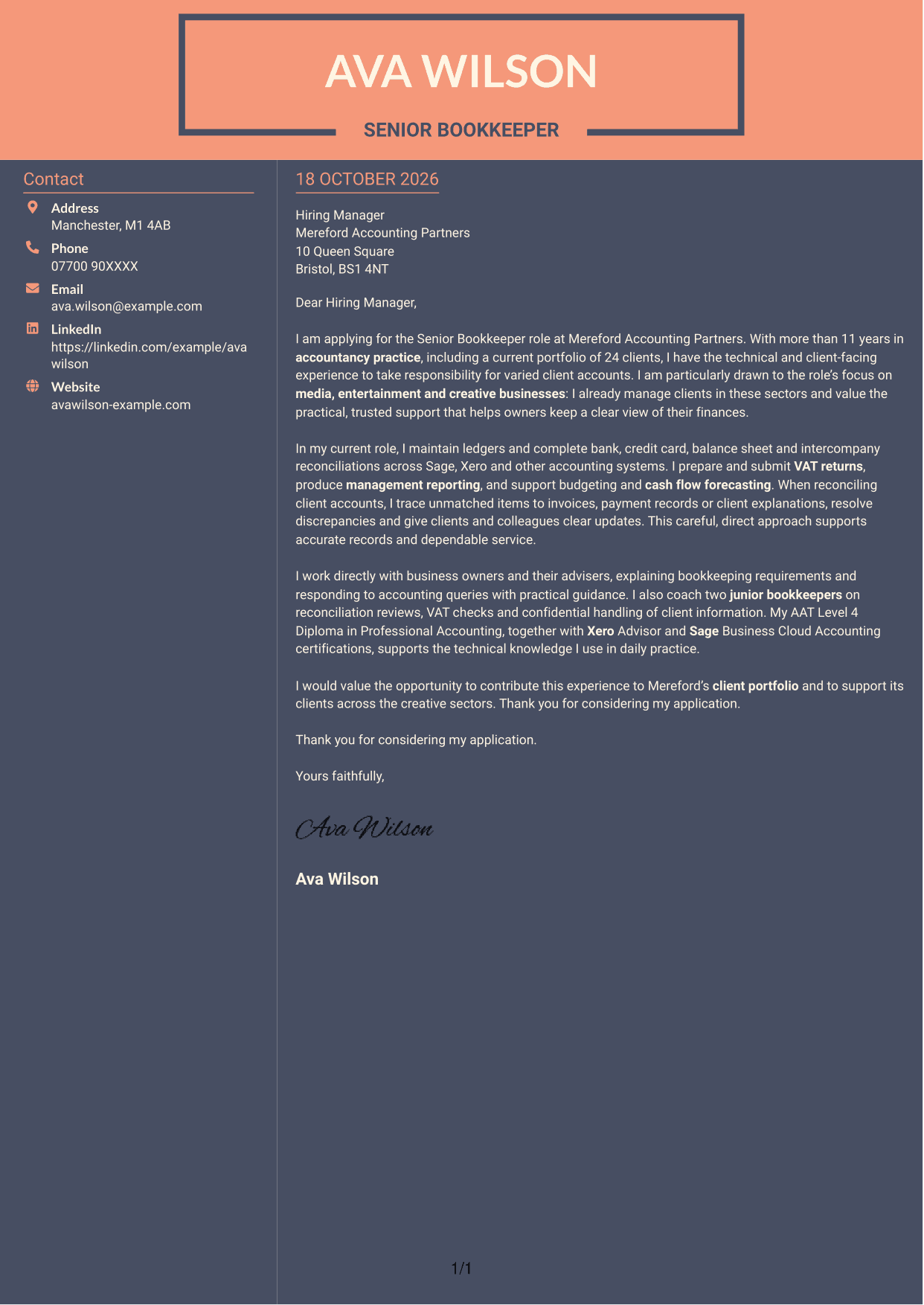
Why This Format Works
- Contact details sit beside, rather than within, the letter paragraphs.
- The continuous body keeps the opening, supporting points and close in sequence.
- The two-column arrangement distinguishes sender information from the written message.
Best For
- Side-by-side contact and message
- Uninterrupted letter paragraphs
- Separate sender information
- Formal application correspondence
- Client-facing practice applications
See Also
- 7 Senior Bookkeeper Media CV Templates with Example
- 7 HR Manager - Media Production CV Templates with Example
- 7 Apprentice Bookkeeper & Accounts Assistant - Client Accounts CV Templates with Example
- 7 Bookkeeper Apprentice - Client Accounts CV Templates with Example
- 7 Bookkeeper - Property Finance CV Templates with Example
- 7 Bookkeeper - VAT and Cloud Bookkeeping CV Templates with Example
- 7 Entry-Level Bookkeeper - Accounts Payable and Receivable CV Templates with Example
- 7 Business Tax Manager - Corporate Tax Compliance CV Templates with Example
- 7 HR Manager - Media Production Cover Letter Templates with Example
- 7 Apprentice Bookkeeper & Accounts Assistant - Client Accounts Cover Letter Templates with Example
Frequently Asked Questions
What should a Senior Bookkeeper Media cover letter highlight?
Show how your bookkeeping work supports accurate client records and helpful service. You could discuss portfolio management, reconciliations, VAT returns, reporting, forecasting or clear communication with clients.
How can I show that my experience fits media clients?
Use a relevant example of supporting clients in media, entertainment or creative sectors, if you have that experience. Explain what you did and how your clear, reliable support helped the client or practice.
How should I explain my interest in the employer?
Refer to the practice’s work with media, entertainment and creative businesses. Explain why that client focus appeals to you and how you would contribute through careful bookkeeping and responsive support.
How should I structure this cover letter?
Open by naming the role and giving a clear reason for applying. Use the body to share relevant bookkeeping, client service and communication evidence, then close by restating your interest.
Should I include every part of my work history?
No. Choose a few examples that best show your fit for this role. Focus on the work most relevant to managing client accounts and providing dependable support.




