
7 Senior Clinical Liaison Administrator - Clinical Skills Cover Letter Templates with Example
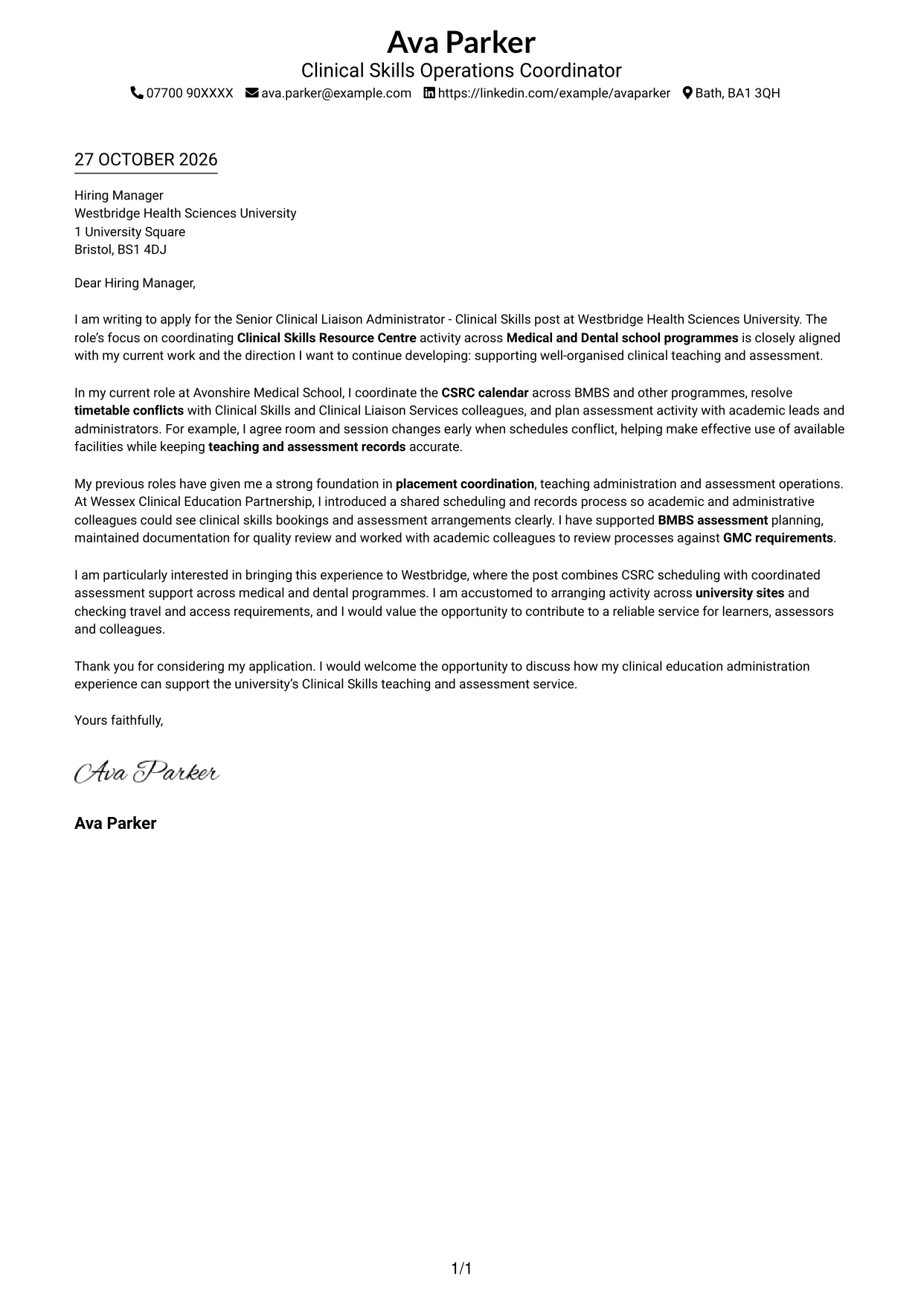
This practical guide to the Senior Clinical Liaison Administrator - Clinical Skills cover letter helps you present relevant experience clearly through seven layouts.
What Makes a Great Senior Clinical Liaison Administrator - Clinical Skills Cover Letter in 2026
A strong letter shows how your approach to clinical skills scheduling and assessment coordination fits the role. Make your opening clear about your interest and the support you can offer.
Choose evidence such as resolving timetable clashes, coordinating CSRC activity or supporting BMBS assessment planning. Link that experience to accurate records, GMC requirements and the needs of the teaching service.
The featured example moves from interest in the post to current scheduling evidence, broader assessment experience and a clear close; adapt this focused progression while choosing a presentation suited to the employer and communication context.
#1 Simple One Column Format Cover Letter Example
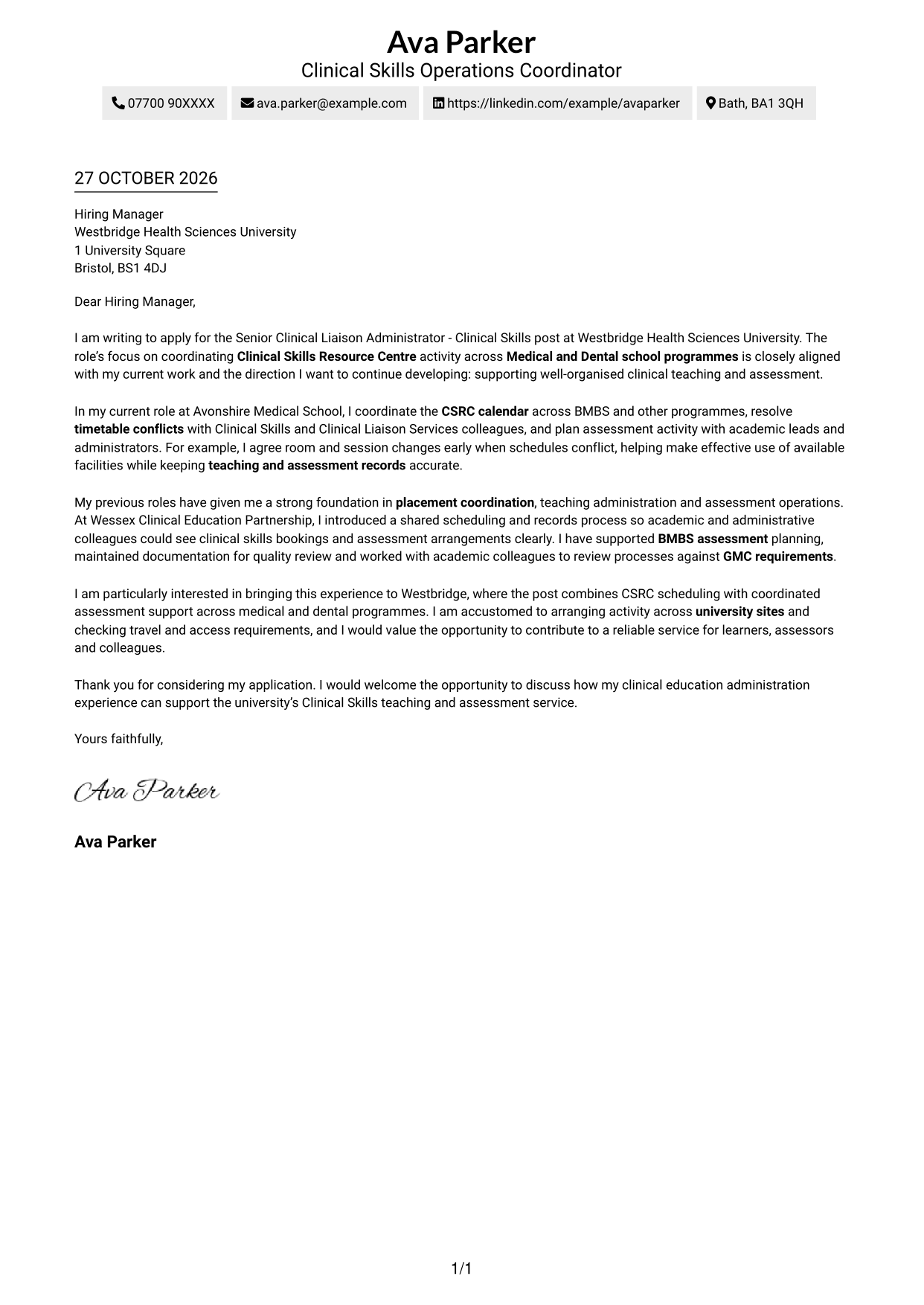
This one-column layout keeps sender details in the header and the letter in a single stream, suiting readers who prefer a direct, familiar reading path.
Why This Format Works
- Sender details stay in the header, leaving the letter body as the main focus.
- The single-column sequence lets readers follow the message from opening to close.
- Without a sidebar, the page keeps attention on the written case.
Best For
- Single-column reading preference
- Header-led contact details
- Continuous paragraph-based arguments
- Simple page organisation
- A clear opening-to-close sequence
#2 Two Column Format Cover Letter Example
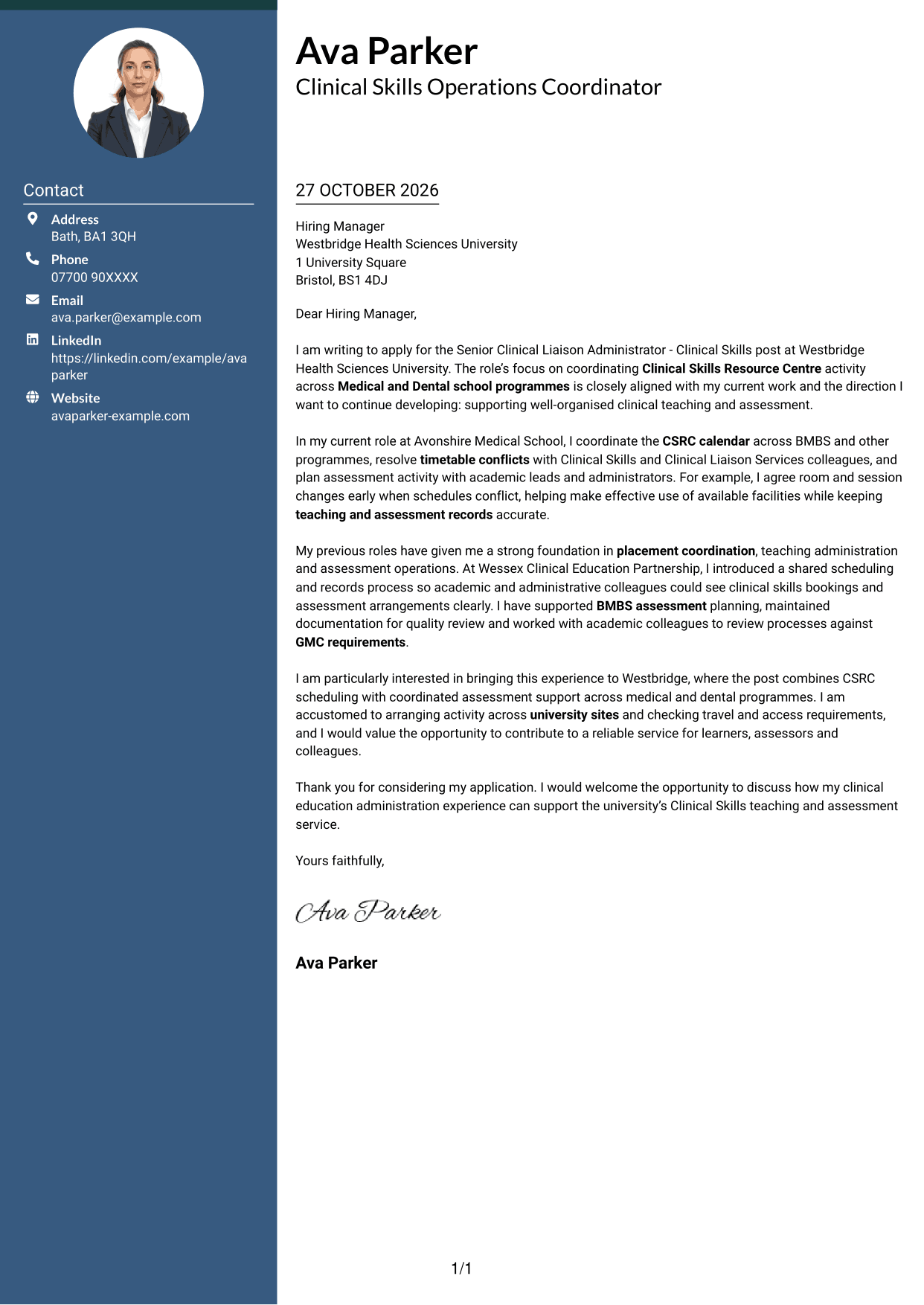
With contact details in a sidebar beside one continuous letter body, this two-column arrangement suits readers who want correspondence and sender information easy to distinguish.
Why This Format Works
- Contact details have their own sidebar, so readers can locate them quickly.
- The letter stays in one continuous body, preserving its natural progression.
- Readers can keep sender information in view while following the correspondence.
Best For
- Sidebar contact information
- A continuous letter message
- Sender details beside the correspondence
- Two-area page organisation
- Applications with paragraph-led arguments
#3 Photo Header Two Column Format Cover Letter Example
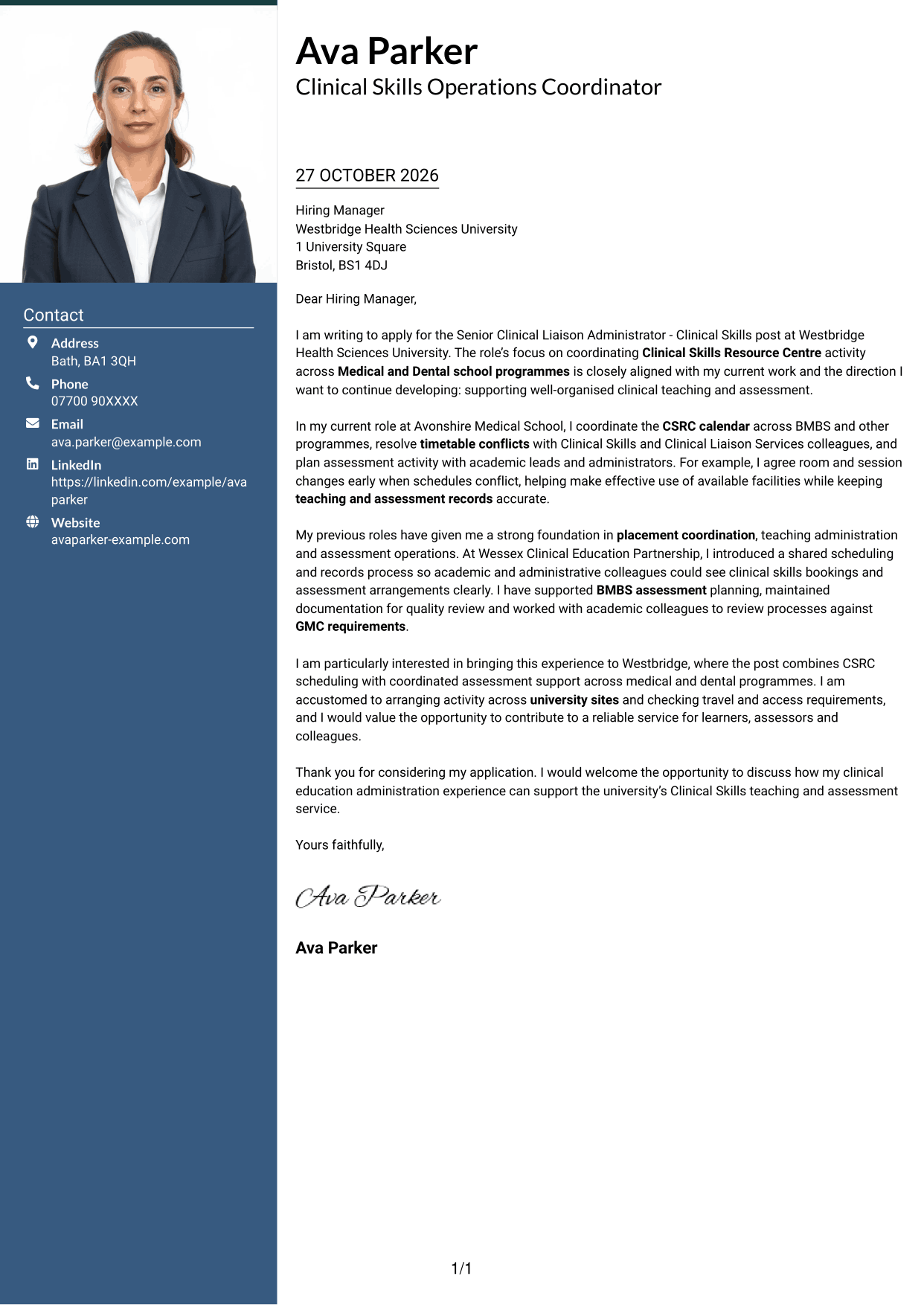
A photo accompanies the contact sidebar in this two-column format, offering a personal visual element while keeping the letter body together.
Why This Format Works
- The contact sidebar keeps sender information distinct from the letter's paragraphs.
- A continuous body lets readers follow the message without switching columns.
- The portrait adds a visible personal detail for applications where a photo is preferred.
Best For
- Portrait-inclusive applications
- Contact details apart from the message
- A continuous paragraph flow
- Side-by-side page organisation
- Photo-led personal presentation
#4 One Column Format with Photo Cover Letter Example
The one-column letter includes a photo while keeping the correspondence in a single reading path, for readers who prefer a personal visual detail without divided body text.
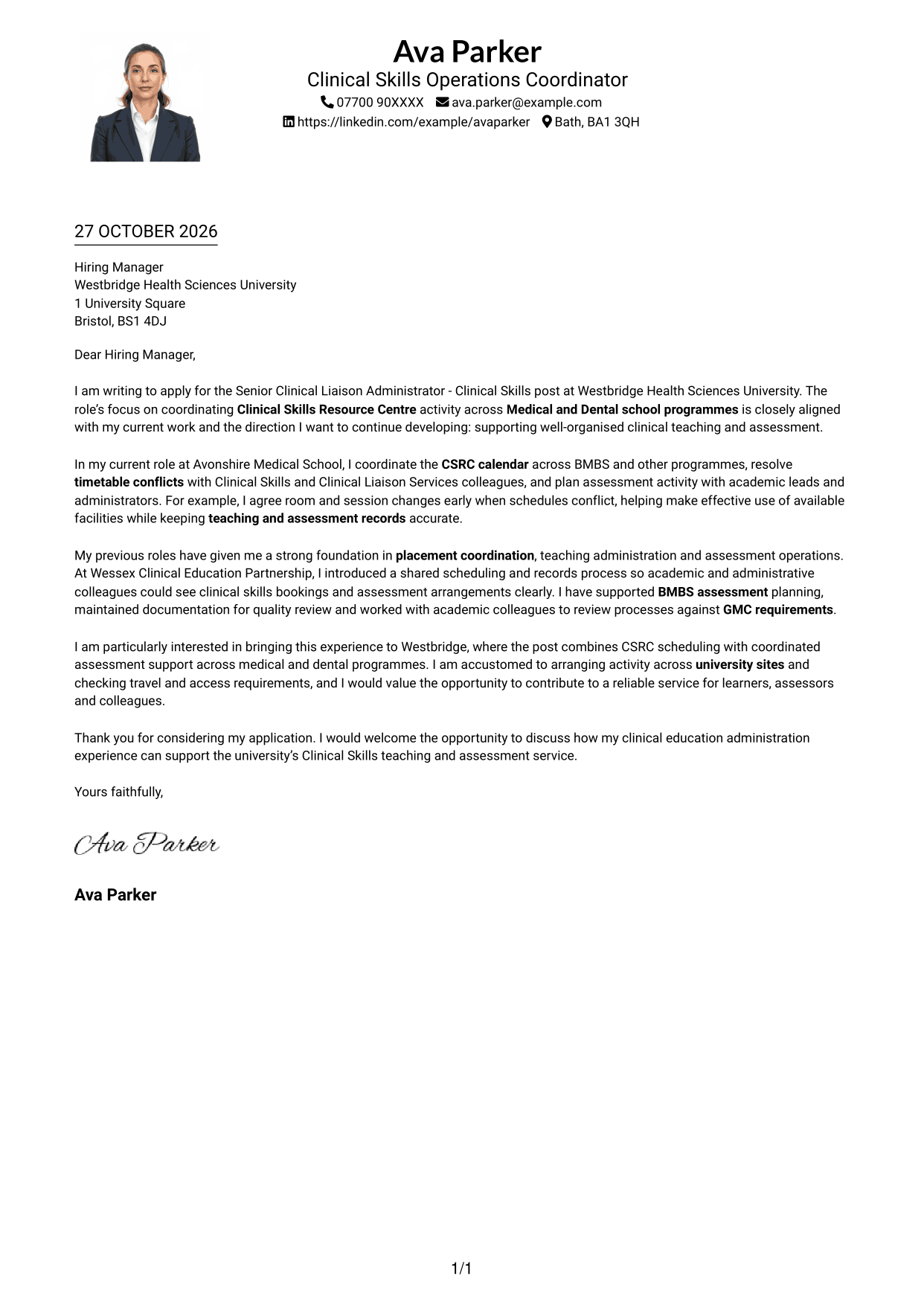
Why This Format Works
- One reading path carries the message from greeting through closing without column changes.
- The photo adds a personal visual element alongside the letter's written case.
- Sender details remain in the header, apart from the continuous letter paragraphs.
Best For
- A photo with one-column reading
- Header contact details
- Uninterrupted letter paragraphs
- A direct message sequence
- Applications where a portrait is preferred
#5 Simple Two Column Format Cover Letter Example
This simple two-column arrangement places a contact sidebar beside the letter, suiting applications where readers want sender details separate from the written message.
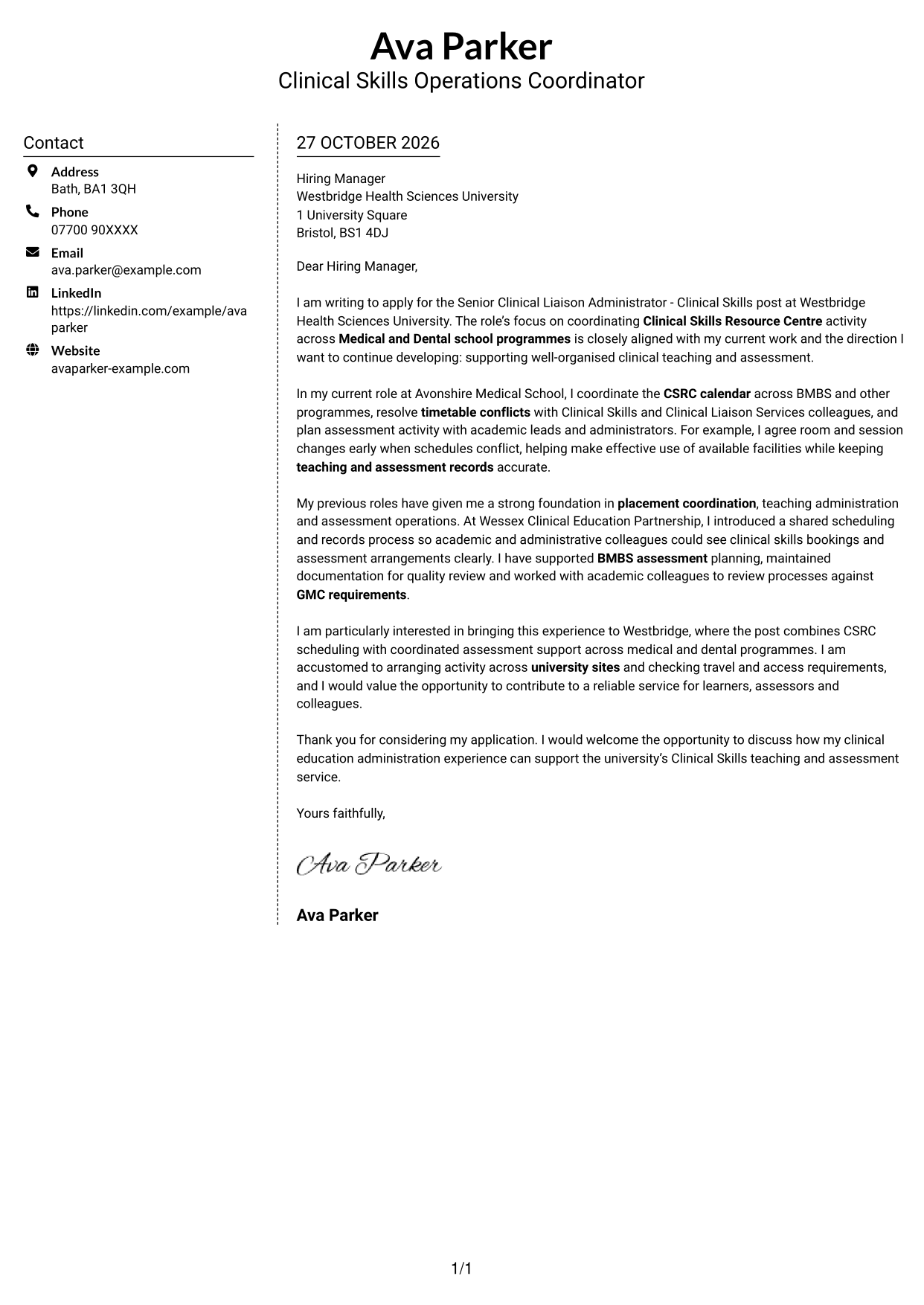
Why This Format Works
- The sidebar gives contact information a clear place beside the correspondence.
- A single letter body keeps the opening, evidence and closing together.
- Readers can refer to sender details without losing the message's reading order.
Best For
- Separate contact and letter areas
- A continuous written argument
- Easy access to sender details
- Two-column page organisation
- Applications without a portrait
#6 Modern Icon Format Cover Letter Example
Contact-detail icons accompany the sidebar in this two-column format, while the letter remains a continuous body for readers who want clear contact cues.
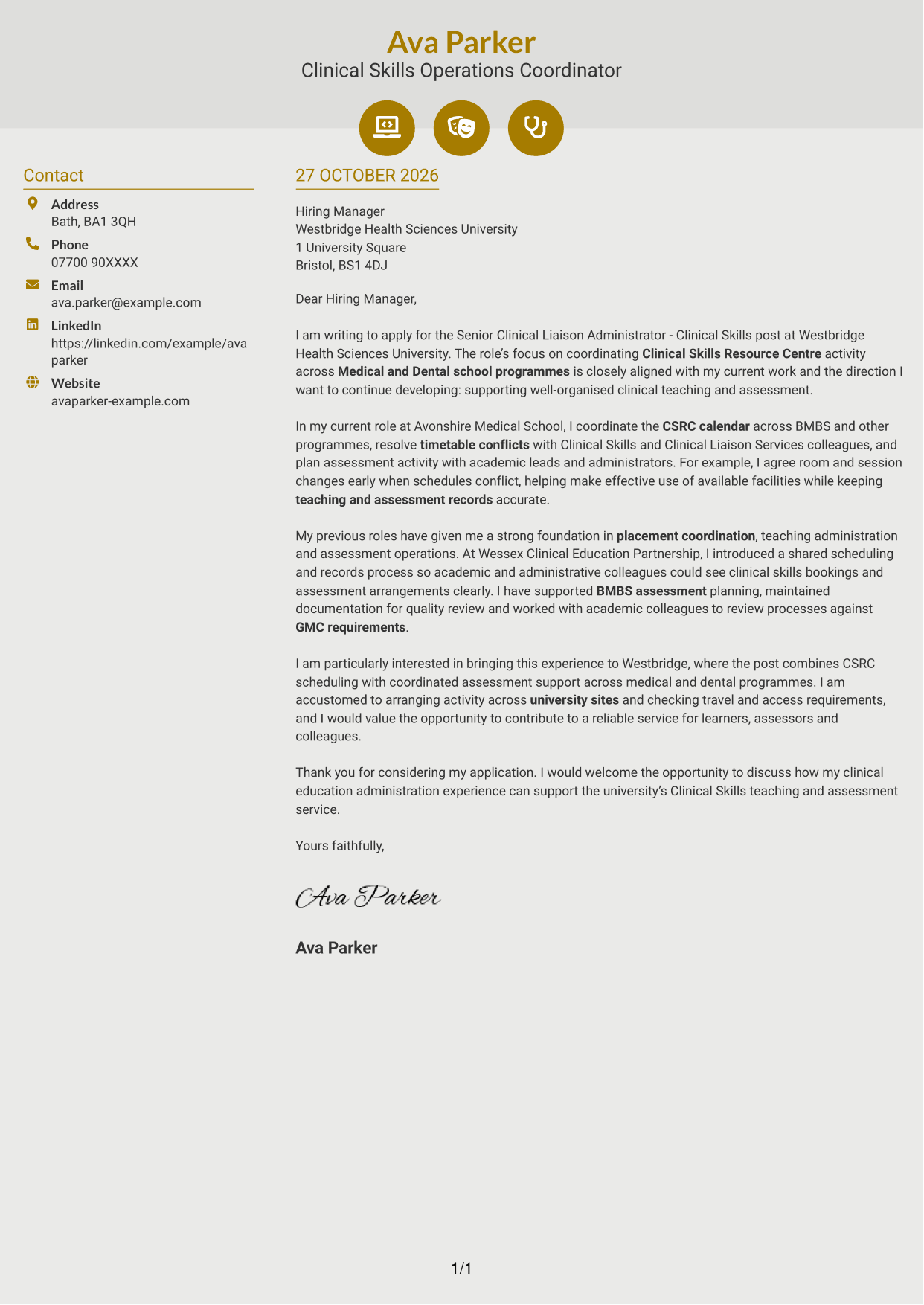
Why This Format Works
- Icons cue contact details without labelling motivation, evidence or the closing.
- The sidebar separates sender information from the continuous letter body.
- The message remains in one column, so its paragraphs keep a clear sequence.
Best For
- Icon-marked contact details
- A single-stream letter message
- Quickly located sender information
- Two-column correspondence layouts
- Applications without a photo
#7 Creative Two Tone Format Cover Letter Example
A contact sidebar sits beside the continuous letter body in this two-column format, suiting readers who want sender information set apart from the message.
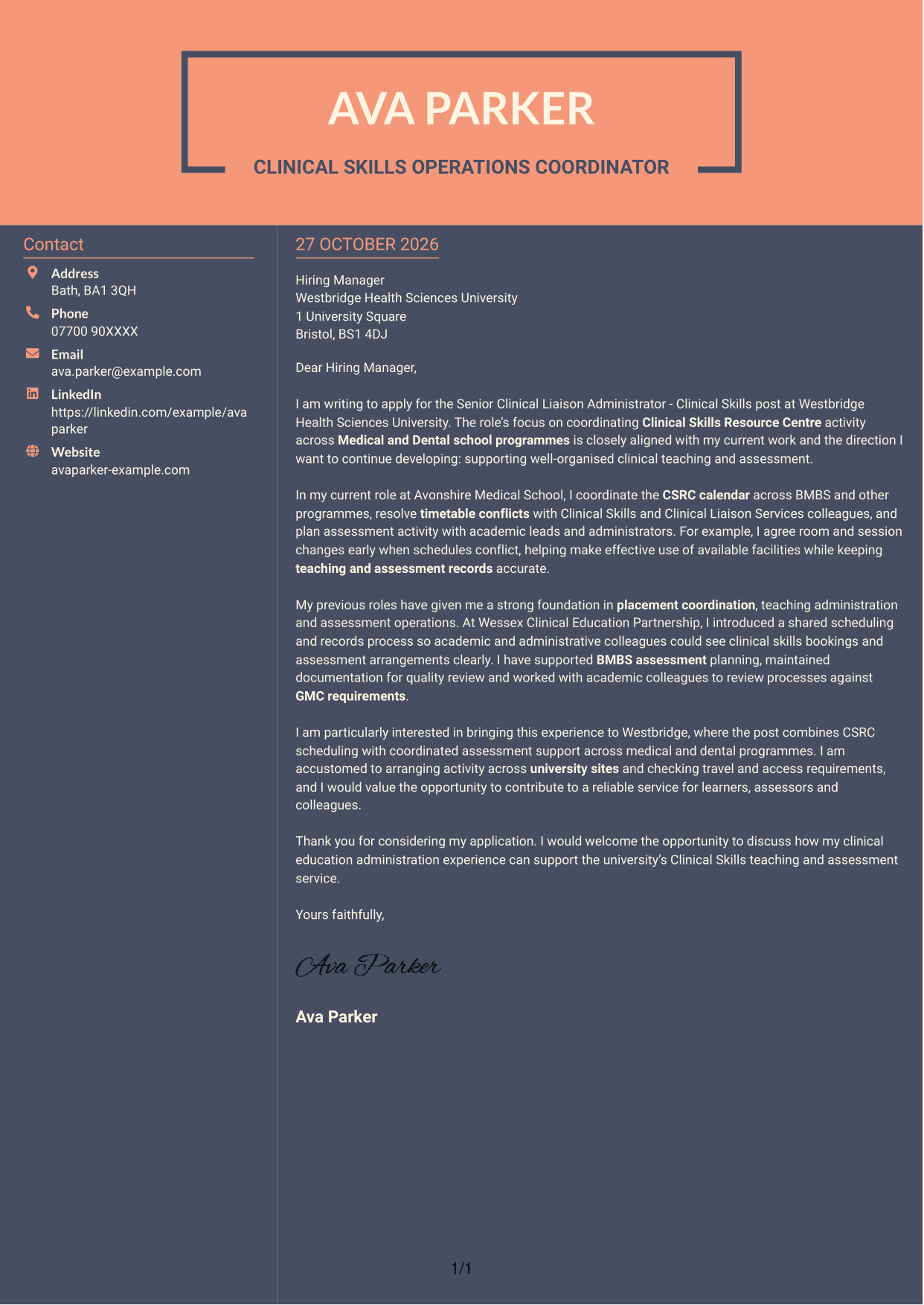
Why This Format Works
- The sidebar keeps contact information distinct while the letter stays in one body.
- Readers can follow the correspondence in order without parallel argument columns.
- Contact details remain available alongside the letter rather than within its paragraphs.
Best For
- Contact information beside the letter
- A single continuous message
- Distinct sender and message areas
- Two-column reading preference
- Paragraph-based application letters
See Also
- 7 Senior Clinical Liaison Administrator - Clinical Skills CV Templates with Example
- 7 Clinical Administrator CV Templates with Example
- 7 Attendance & Family Liaison Officer CV Templates with Example
- 7 Clinical Trainer - Robotic-Assisted Knee Surgery CV Templates with Example
- 7 Service Manager - Digital Clinical Services CV Templates with Example
- 7 Accounts Administrator - Accounts and Payroll CV Templates with Example
- 7 Accounts Administrator - Payroll and Finance CV Templates with Example
- 7 Accounts Payable Administrator - Supplier Payments CV Templates with Example
- 7 Clinical Administrator Cover Letter Templates with Example
- 7 Attendance & Family Liaison Officer Cover Letter Templates with Example
Frequently Asked Questions
What should a Senior Clinical Liaison Administrator - Clinical Skills cover letter highlight?
Show how your experience supports clinical placements, Clinical Skills Resource Centre scheduling and assessment activity. Useful examples can include accurate calendar management, resolving timetable clashes and supporting BMBS Clinical Skills assessments.
How can I show that I can manage competing schedules?
Describe a real timetable conflict, the people you worked with and the change you helped agree. Explain how early communication helped keep sessions and records organised.
How can I connect assessment experience to this role?
Give a specific example of planning assessment sessions, confirming resources or maintaining clear records. Where relevant, explain how you worked with academic colleagues to support robust processes and GMC requirements.
How should I explain my interest in the employer?
Refer to a genuine reason the post appeals to you, such as its focus on coordinating Clinical Skills teaching and assessment across Medical and Dental school programmes. Connect that interest to the contribution you would like to make.
What is a clear way to structure this cover letter?
Open with the role and your reason for applying. Use the body to give focused examples of scheduling and assessment coordination, then close by restating your interest and welcoming a discussion.
Should I include every part of my work history?
No. Select the experience that best shows your fit for this role, such as clinical skills administration, placement coordination or assessment operations. A few clear examples can make your case more effectively than a full list of duties.




