
7 Senior Finance Assistant - Research Finance Cover Letter Templates with Example
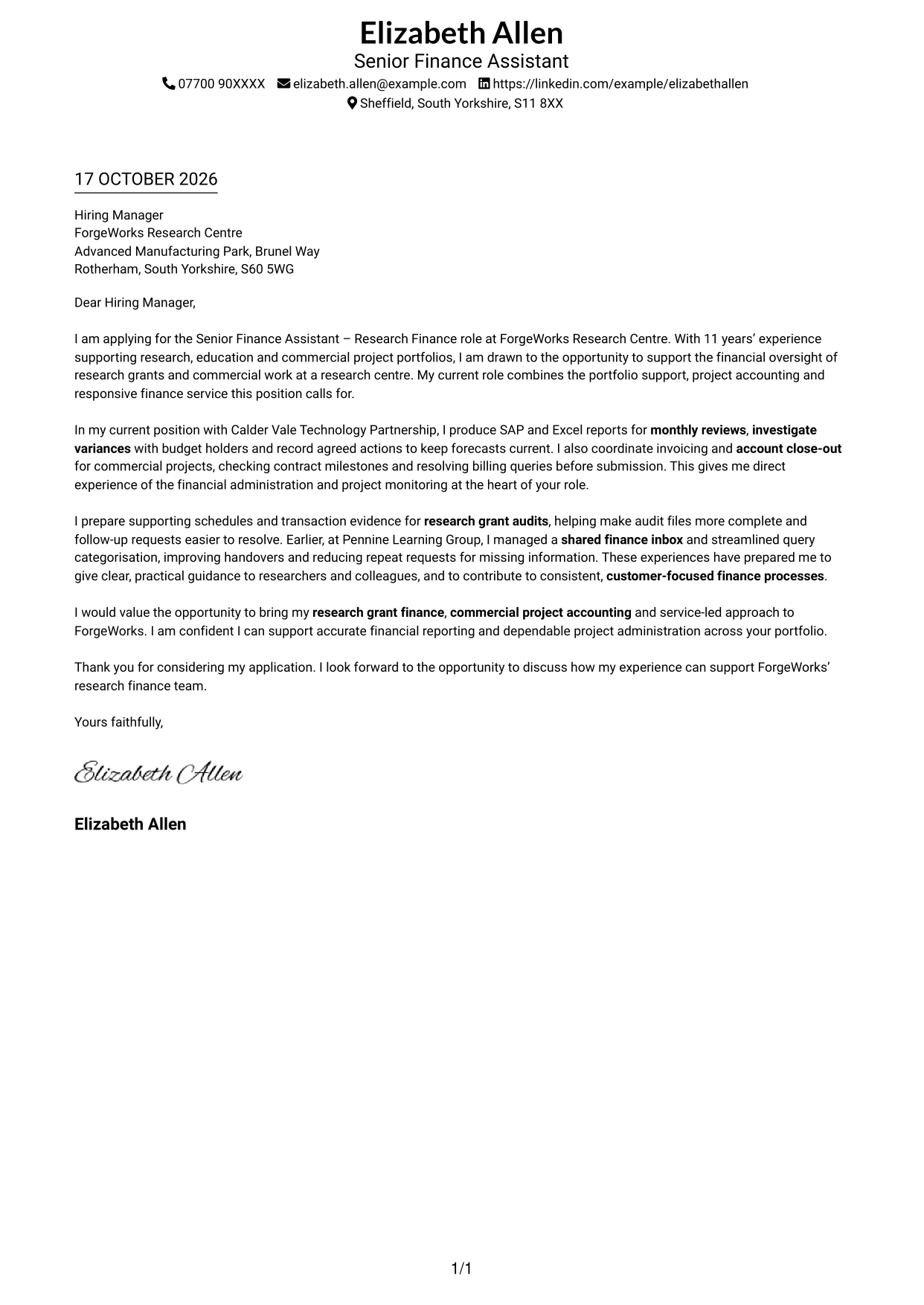
This guide helps you create a focused Senior Finance Assistant - Research Finance cover letter and compare seven layouts for presenting your role fit clearly.
What Makes a Great Senior Finance Assistant - Research Finance Cover Letter in 2026
A strong letter links your interest in the role to its work across research grants and commercial projects. Make your opening clear, then show how your finance experience fits the role's needs.
Use specific evidence, such as monitoring project forecasts, preparing grant audit records, handling invoices or responding to finance queries. Explain how your work supports clear advice, reliable financial control and good service for researchers and colleagues.
The featured example moves from interest in the role to relevant project and audit experience, then closes with a clear statement of contribution; adapt this focused progression and choose a presentation that suits the employer and communication context.
#1 Simple One Column Format Cover Letter Example
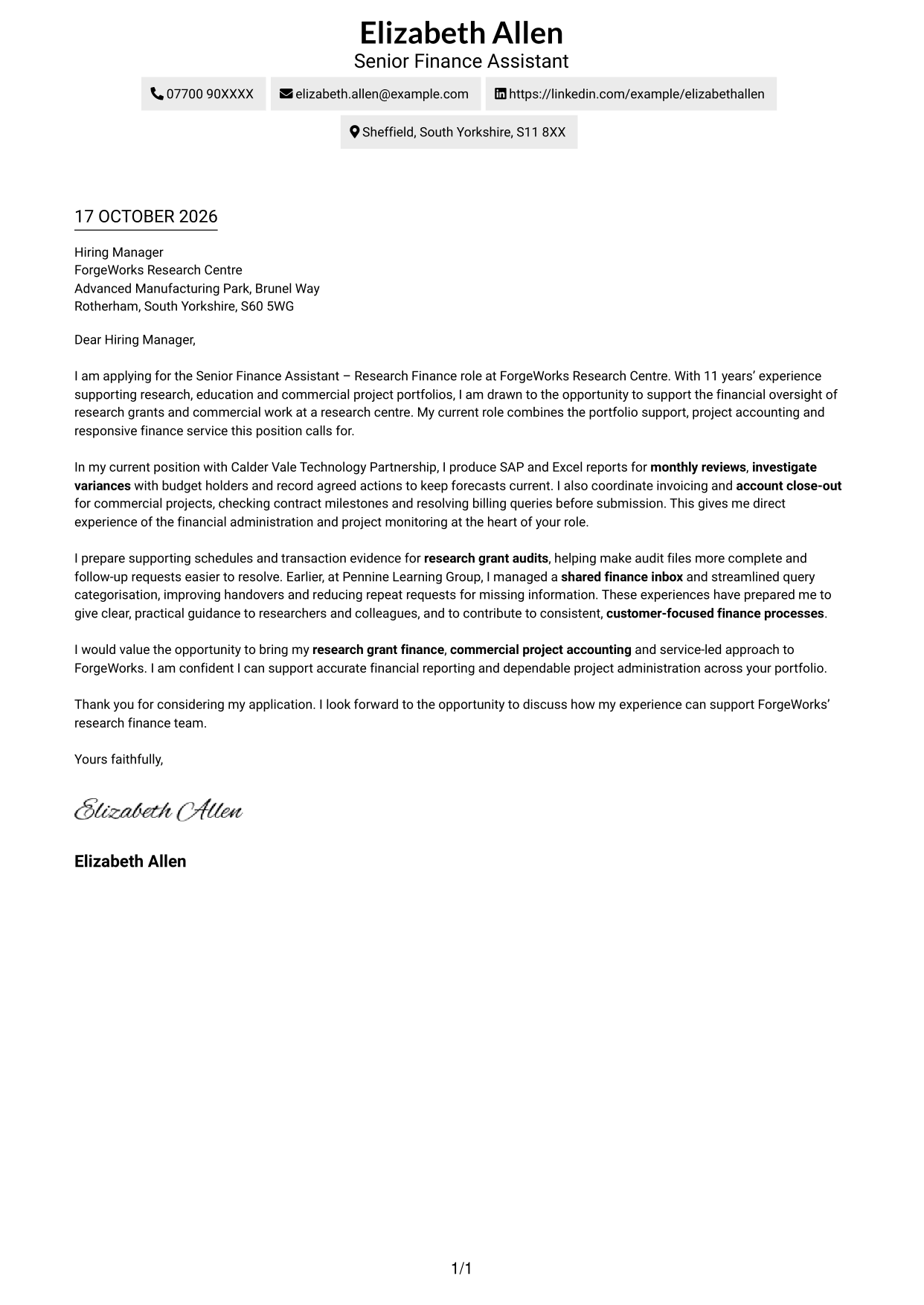
A single-column page places sender details in the header and keeps the letter body in one reading path, making it a good choice for a direct, uncluttered presentation.
Why This Format Works
- Sender details stay in the header, leaving the body focused on the application message.
- A single reading path lets reviewers follow each paragraph in order.
- With no contact sidebar, the letter's central message remains the main visual focus.
Best For
- Single-column letter layouts
- Header-based contact details
- Straight-through paragraph reading
- Photo-free applications
- Senior Finance Assistant applications
#2 Two Column Format Cover Letter Example
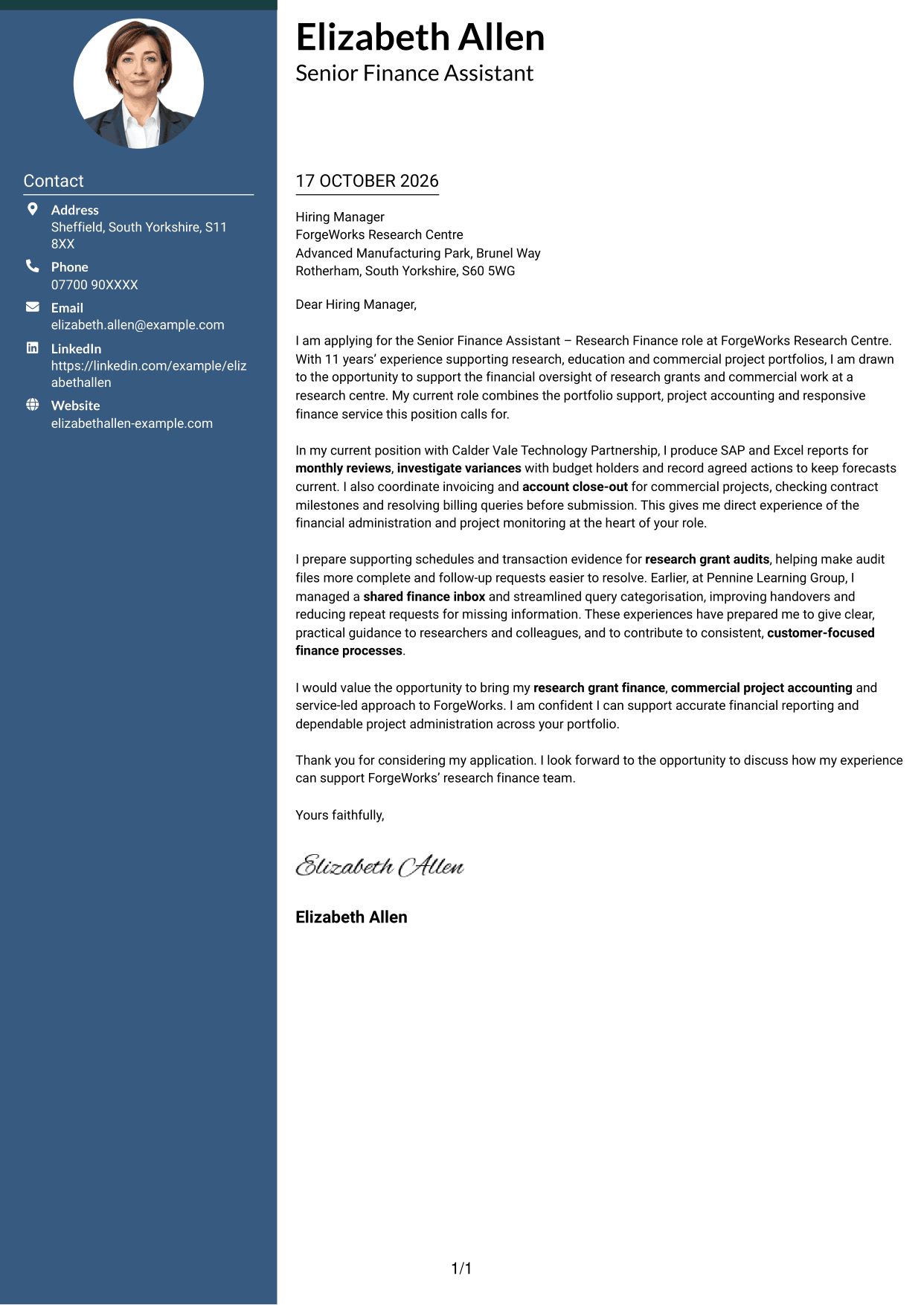
A contact sidebar sits beside one continuous letter body, keeping contact information apart from the message for readers who prefer clearly separated areas.
Why This Format Works
- The sidebar makes sender contact details easy to locate alongside the letter.
- The continuous body keeps motivation and supporting evidence together in paragraph order.
- A clear division between contact information and message helps reviewers move between them.
Best For
- Separate contact and message areas
- Sidebar-based contact lookup
- Continuous letter paragraphs
- Photo-free applications
- Detailed contact information
#3 Photo Header Two Column Format Cover Letter Example
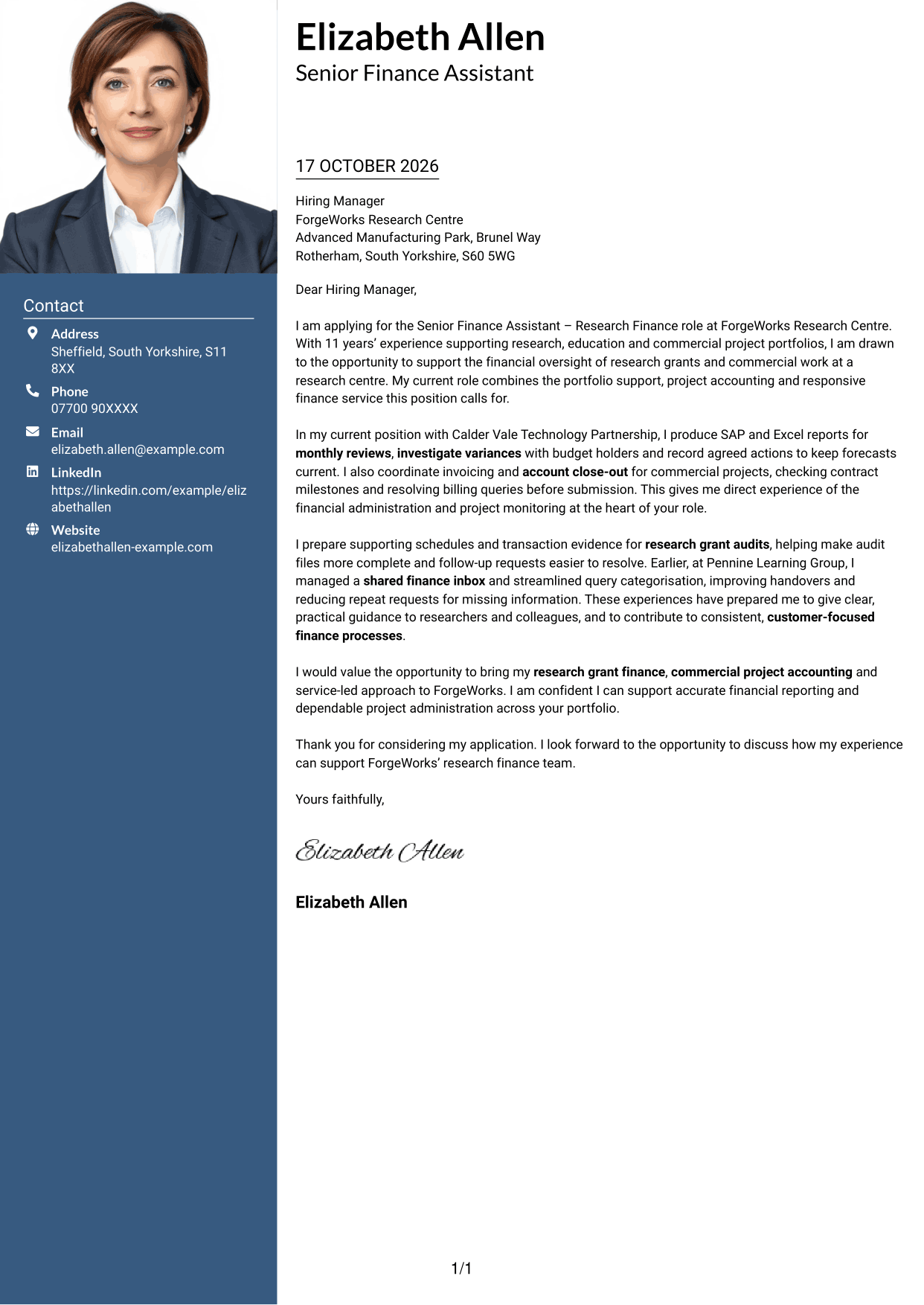
A photo appears with a two-column layout, where a contact sidebar sits beside one continuous letter body, suiting applications where a portrait is preferred.
Why This Format Works
- The contact sidebar keeps sender details separate from the letter's main text.
- The continuous body lets reviewers follow motivation and supporting evidence in paragraph order.
- The photo adds a personal visual detail while the written letter makes the case.
Best For
- Portrait-inclusive applications
- Separate contact and letter areas
- Continuous paragraph reading
- Quick access to sender details
- Applications where a photo is preferred
#4 One Column Format with Photo Cover Letter Example
A photo accompanies the single-column letter body, giving readers who prefer a portrait a direct paragraph sequence without a separate contact sidebar.
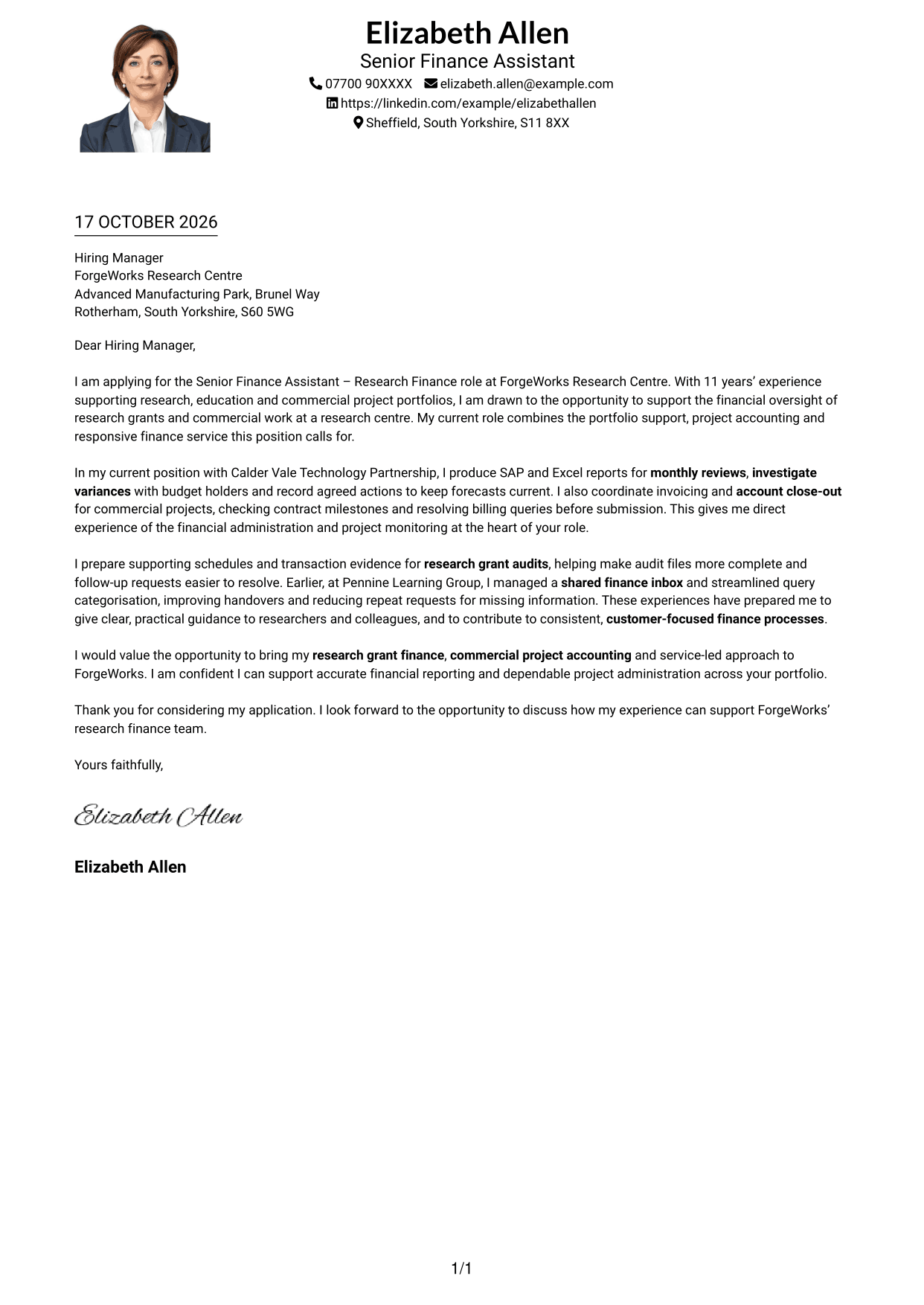
Why This Format Works
- Header contact details remain distinct from the paragraphs that make the application case.
- One-column reading keeps the letter's opening and closing in the same flow.
- The photo offers a portrait-led option without changing the letter's structure.
Best For
- Single-column letter reading
- Portrait-led page preference
- Header contact presentation
- Continuous opening-to-close text
- Applications where a photo is preferred
#5 Simple Two Column Format Cover Letter Example
A contact sidebar is set beside one continuous letter body, giving contact details their own area while the application message remains together.
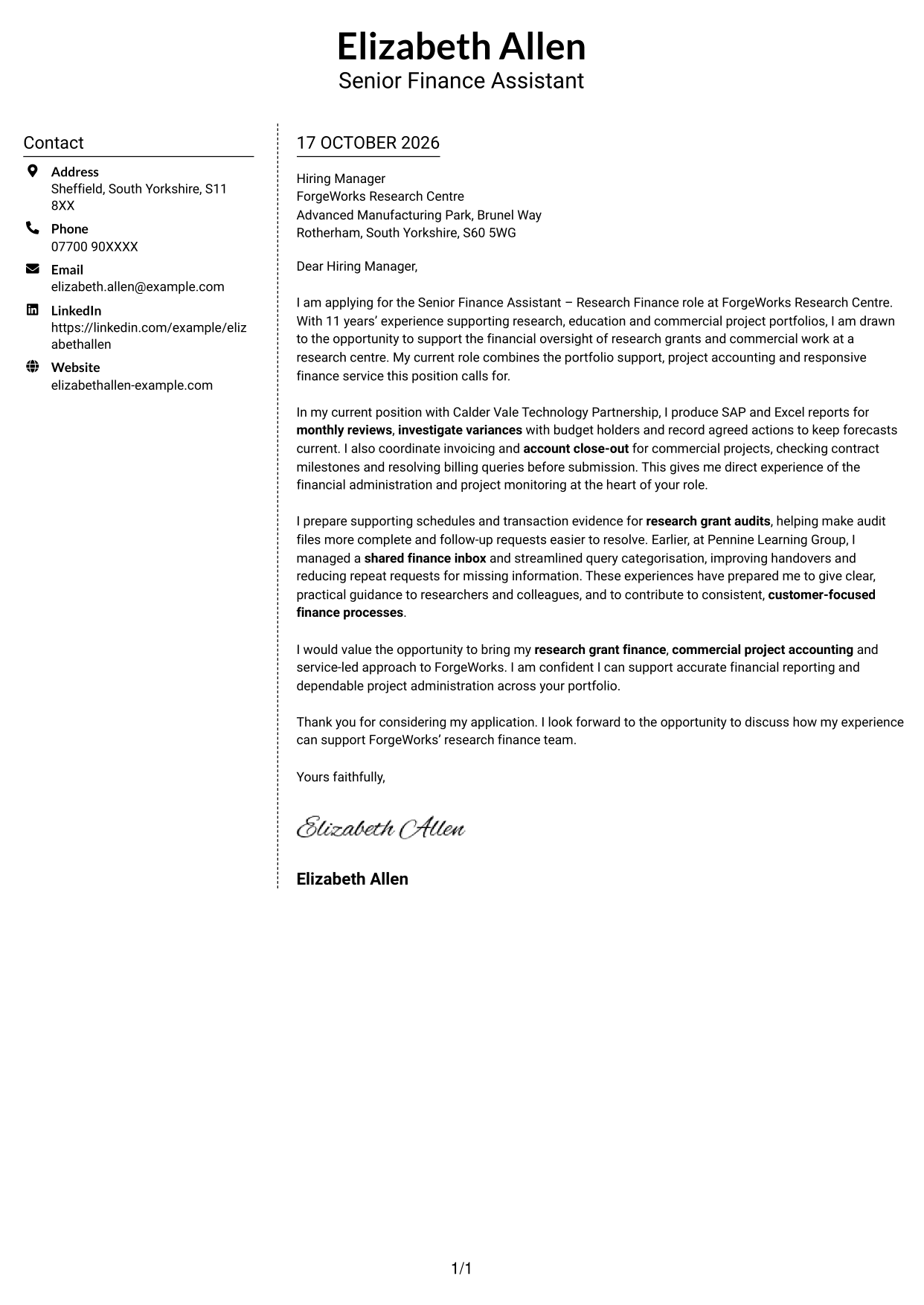
Why This Format Works
- The separate contact area makes the sender's details easy to find.
- Keeping the letter in one body preserves the sequence from opening to close.
- The two areas give contact information and the written message distinct places.
Best For
- Contact details beside the letter
- One continuous letter body
- Easy contact information lookup
- Photo-free page layouts
- Clear separation of page content
#6 Modern Icon Format Cover Letter Example
Contact icons and decorative header accents appear with a two-column layout, placing a contact sidebar beside one continuous letter body.
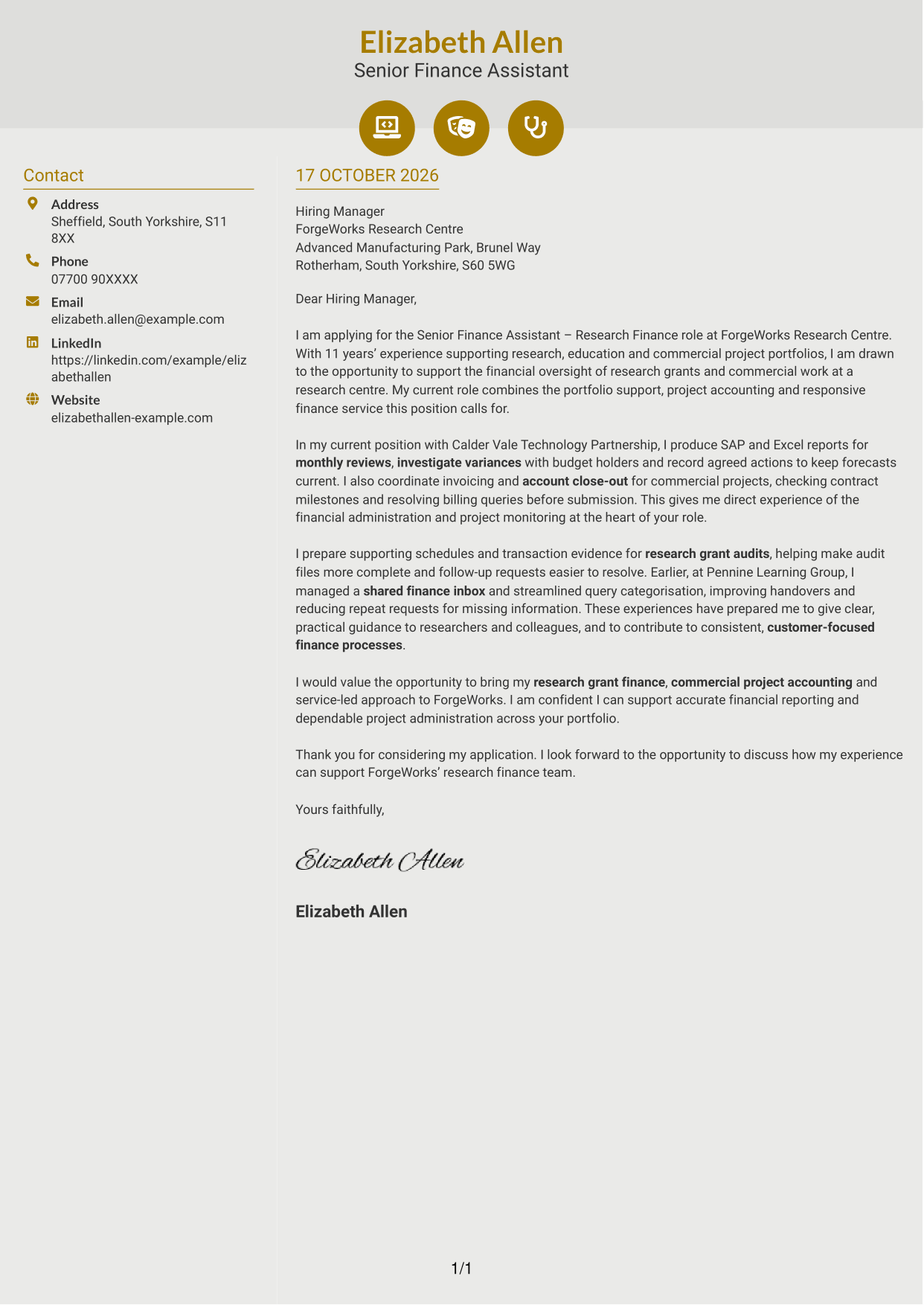
Why This Format Works
- Contact icons act as cues for sender details, not labels for letter arguments.
- The sidebar separates contact information from the continuous message.
- Paragraphs stay together, so the application case reads as one connected letter.
Best For
- Icon-led contact details
- Contact sidebar organisation
- One connected letter message
- Photo-free applications
- Visual contact cues
#7 Creative Two Tone Format Cover Letter Example
A contact sidebar sits beside one continuous letter body in this two-column layout, giving the contact information a separate place from the written message.
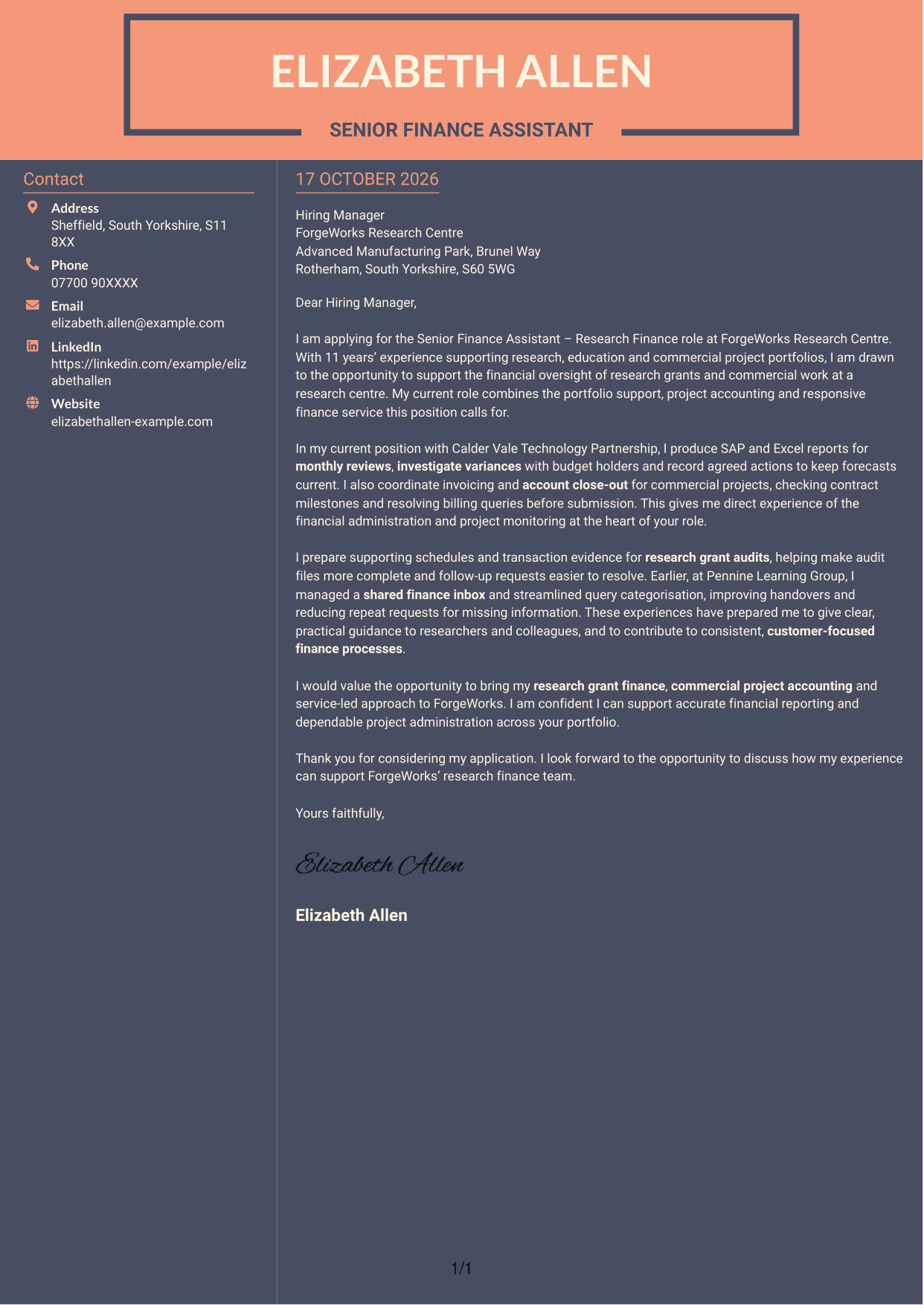
Why This Format Works
- Contact details have their own area, making them easy to locate.
- The letter remains in continuous paragraphs, keeping its message together.
- The photo-free page keeps attention on the written application and its contact details.
Best For
- Separate contact information
- Continuous letter paragraphs
- Photo-free page preference
- Sidebar-based page organisation
- A message kept together
See Also
- 7 Senior Finance Assistant - Research Finance CV Templates with Example
- 7 Administrative Assistant - School Administration CV Templates with Example
- 7 Assistant Banking Manager - Lending Administration CV Templates with Example
- 7 Assistant Manager - Digital and Cyber Governance CV Templates with Example
- 7 Audit Assistant Manager - Consumer Markets CV Templates with Example
- 7 Audit Assistant Manager - Real Estate CV Templates with Example
- 7 Cash Reconciliation Assistant - Retail and Wholesale Accounts CV Templates with Example
- 7 Optical Assistant Apprentice CV Templates with Example
- 7 Administrative Assistant - School Administration Cover Letter Templates with Example
- 7 Assistant Banking Manager - Lending Administration Cover Letter Templates with Example
Frequently Asked Questions
What should a Senior Finance Assistant - Research Finance cover letter highlight?
Show how your experience supports research and commercial project finance. Relevant evidence may include monitoring expenditure and forecasts, preparing grant audit information, coordinating invoices and close-out, and giving clear help with finance queries.
How can I make my experience relevant to this role?
Choose a few examples that match the work described in the advert. Explain how you used SAP or Excel to review project information, followed up a variance, prepared audit evidence or resolved an invoicing query, and state the result where you can.
How should I explain my interest in ForgeWorks Research Centre?
Connect your interest to the centre's mix of research grants and commercial projects. Explain why supporting sound financial oversight and responsive advice appeals to you, using a genuine reason that reflects your own interests.
What is a clear way to structure this cover letter?
Open by naming the role and giving a clear reason for applying. Use the body to connect your project monitoring, audit, invoicing or query support to the role, then close with the contribution you hope to make.
Should I include every part of my work history?
No. Focus on the experience that best supports your application, such as research grant finance, commercial project accounting, forecasting and customer service. A few clear examples are easier to follow than a full account of every duty.




