
7 Senior Java Full Stack Developer - Enterprise Applications Cover Letter Templates with Example
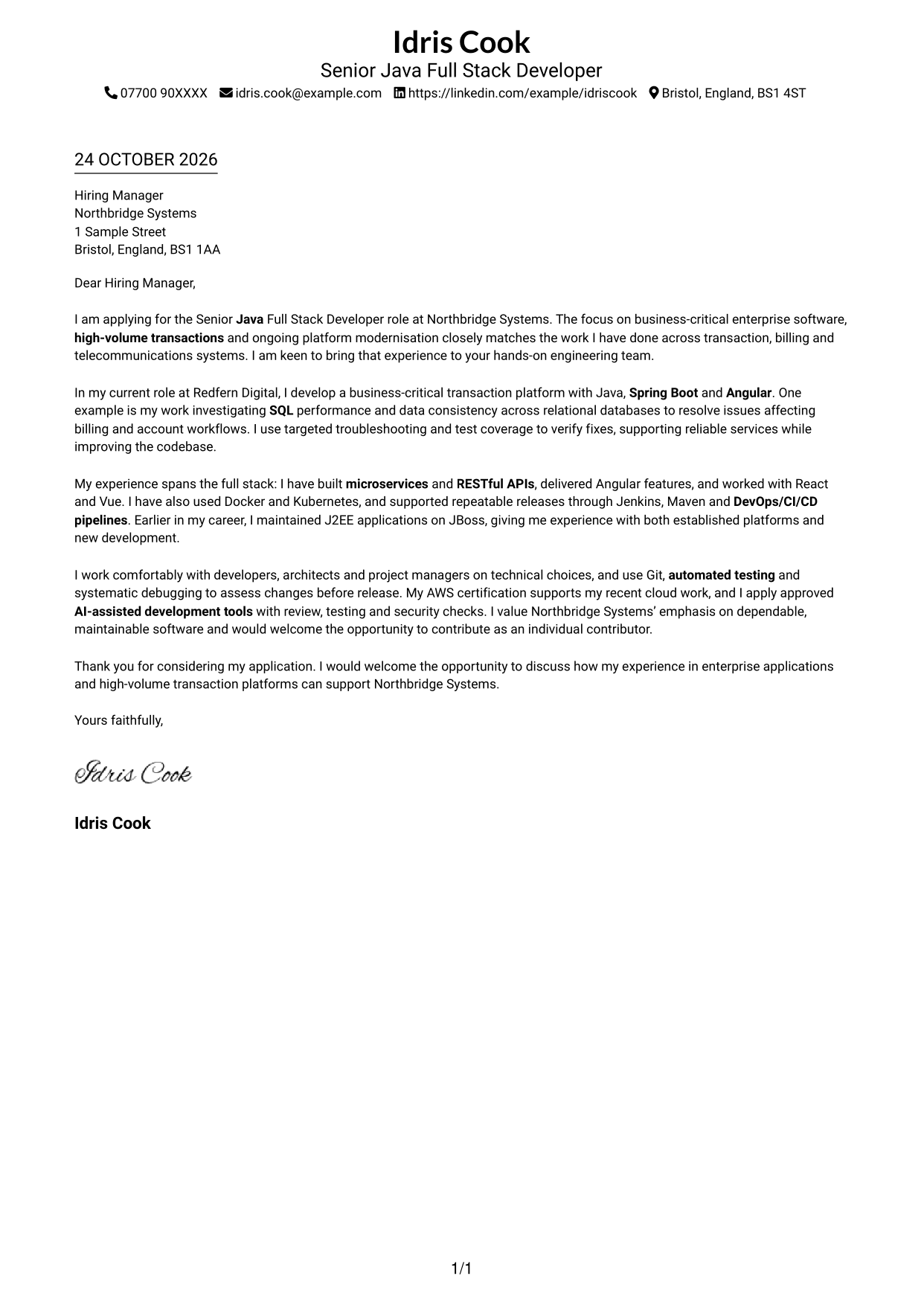
This practical guide helps you create a Senior Java Full Stack Developer - Enterprise Applications cover letter and compare seven layouts.
What Makes a Great Senior Java Full Stack Developer - Enterprise Applications Cover Letter in 2026
A strong letter connects your interest in the role with clear examples of building and maintaining enterprise applications. Keep the opening direct, then explain how your technical work supports reliable services.
Use relevant evidence, such as improving SQL performance in billing workflows or delivering Java, Spring Boot and Angular features. Show how your approach fits the employer’s focus on maintainable systems and clear teamwork.
The featured example moves from interest in the role to a specific technical contribution, broader full-stack experience and a direct close; adapt this focused progression while choosing a presentation suited to the employer and communication context.
#1 Simple One Column Format Cover Letter Example
The Simple One Column Format places sender details above a single letter column, giving the message a direct, familiar reading path.
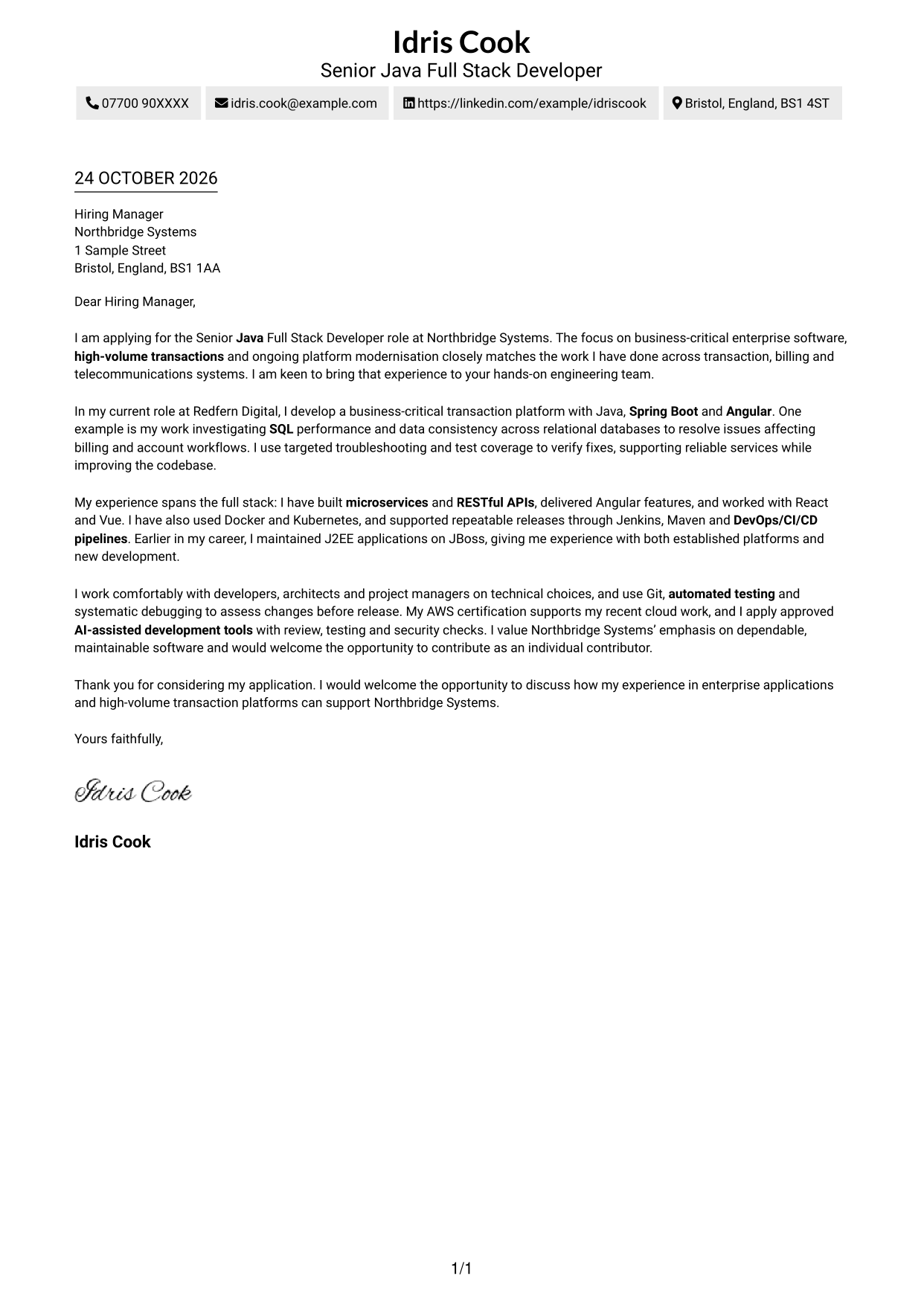
Why This Format Works
- Header-based contact details stay separate from the main letter message.
- Reviewers can follow the body paragraphs in their written order.
- Photo-free styling keeps attention on the written communication.
Best For
- Photo-free correspondence
- Traditional letter-page layouts
- Header-based contact details
- Single-column reading preference
- Formal job applications
#2 Two Column Format Cover Letter Example
The Two Column Format sets a contact sidebar beside one continuous letter column, making sender information easy to distinguish from the message.
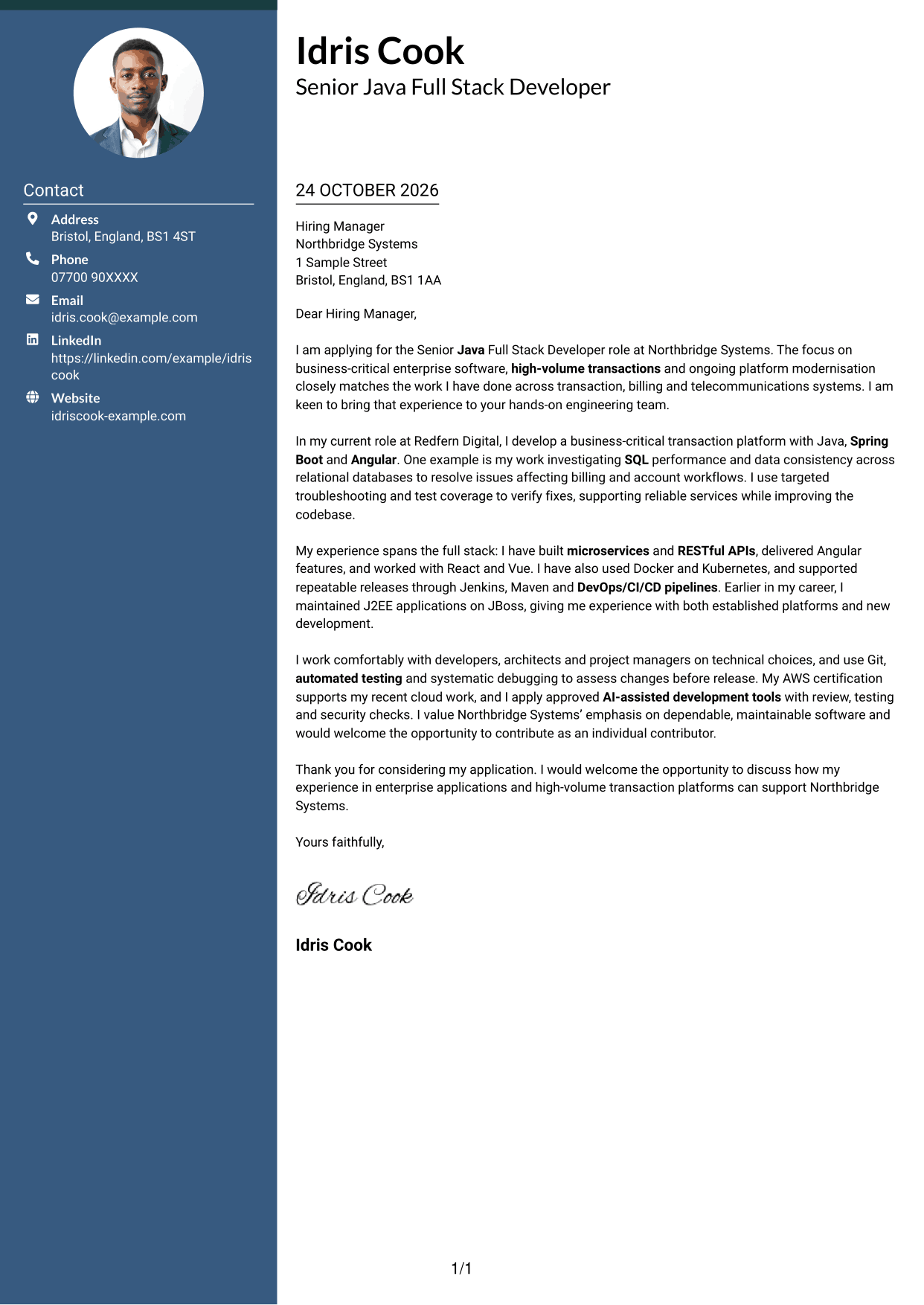
Why This Format Works
- The body remains in one column, keeping the paragraph sequence clear.
- Readers can locate contact details without searching through the letter.
- Photo-free styling suits those who prefer words over a portrait.
Best For
- Side-by-side page layouts
- Separate sender contact details
- Continuous letter paragraphs
- Photo-free applications
- Formal employer correspondence
#3 Photo Header Two Column Format Cover Letter Example
The Photo Header Two Column Format combines a header portrait with a contact sidebar beside the letter, a useful choice for readers who want both personal and practical details visible.
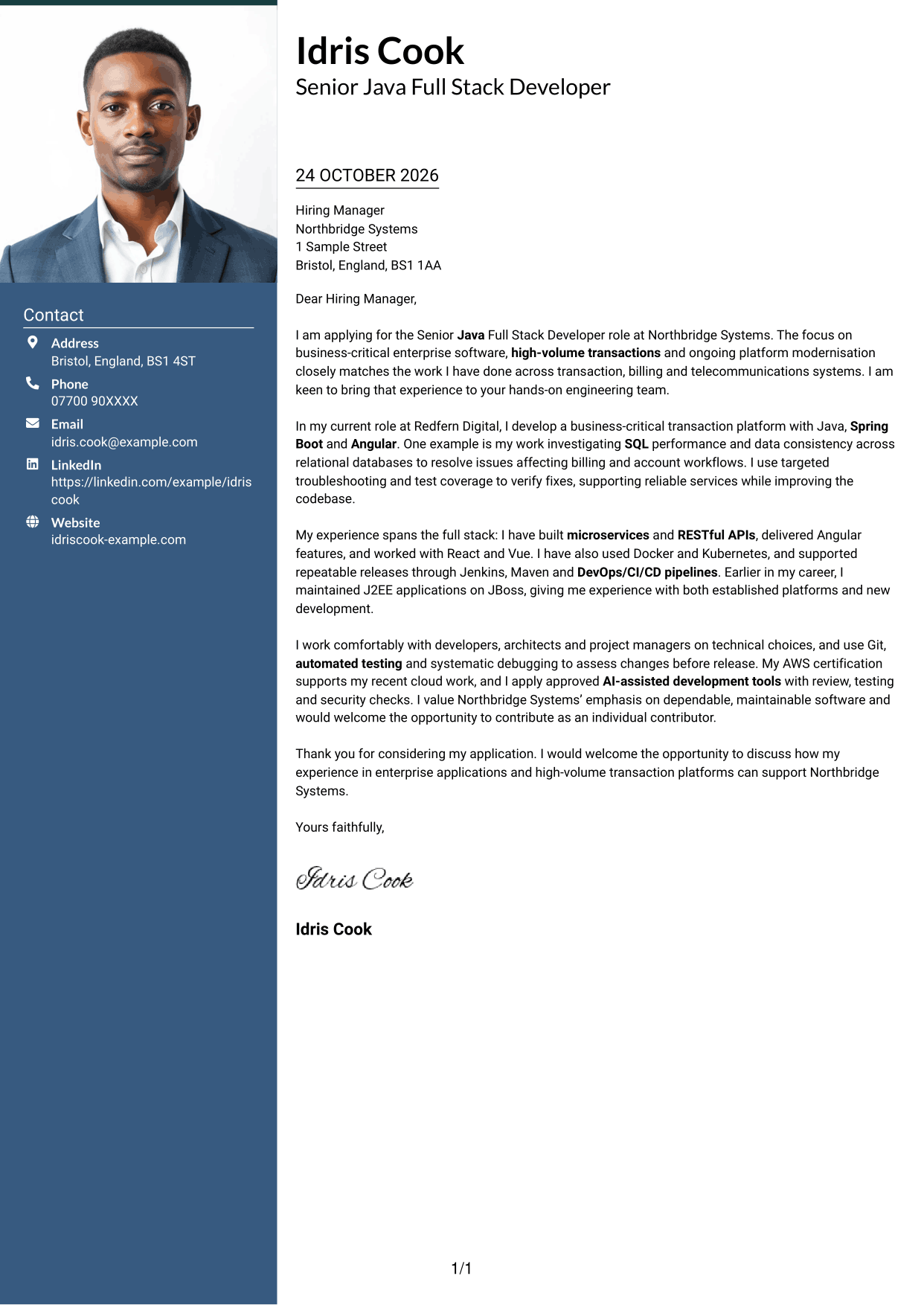
Why This Format Works
- The contact sidebar keeps practical details apart from the letter's message.
- A single body column preserves the order of each paragraph.
- The header portrait adds a personal visual element without splitting the letter.
Best For
- Header portrait preference
- Contact sidebar layouts
- Photo-inclusive applications
- Single-column letter bodies
- Formal employer correspondence
#4 One Column Format with Photo Cover Letter Example
The One Column Format with Photo places a portrait in the header above a single letter column, keeping the page's personal and written elements in one reading area.
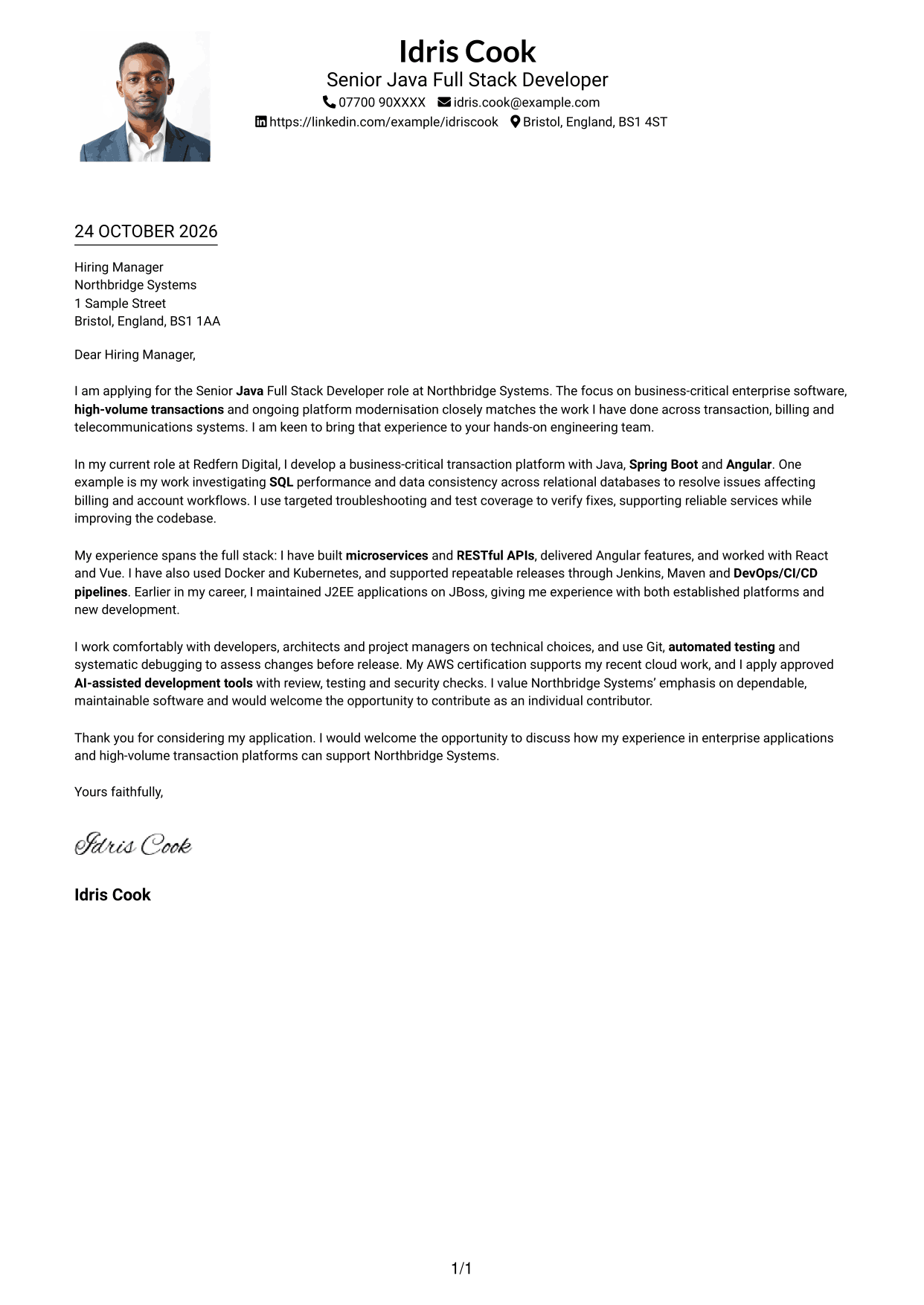
Why This Format Works
- Sender details and the portrait appear above the letter body.
- Reviewers can read each paragraph in sequence down the page.
- The portrait adds visual identity while the letter remains the main content.
Best For
- Portrait-led headers
- Single-column letter layouts
- Photo-inclusive correspondence
- Full sender details
- Multi-paragraph applications
#5 Simple Two Column Format Cover Letter Example
The Simple Two Column Format places sender details in a sidebar beside one continuous letter body, suiting readers who prefer contact information set apart from the message.
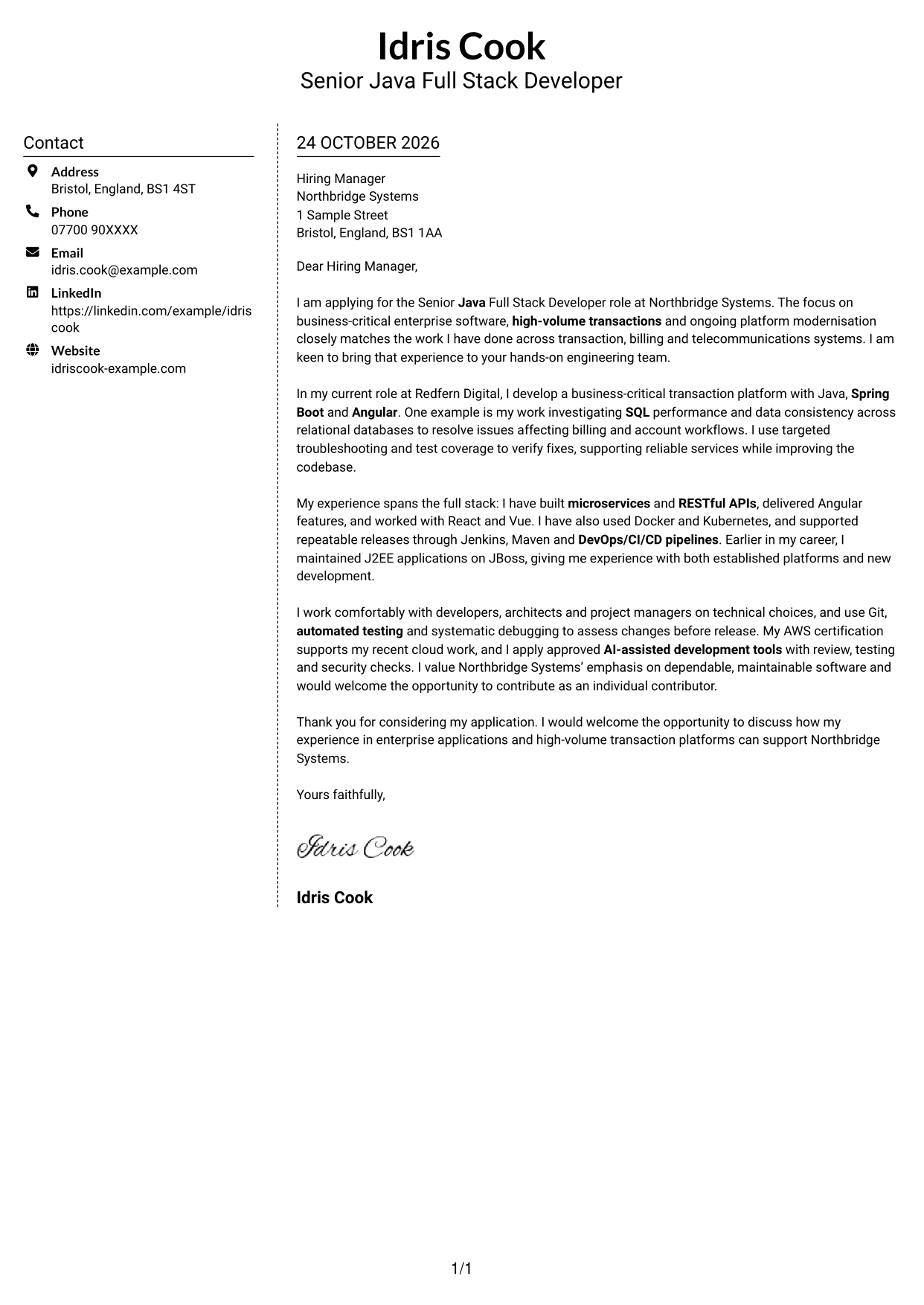
Why This Format Works
- Separate contact details make sender information easy to locate.
- One body column carries the letter from opening to closing.
- Without a portrait, the page keeps its attention on the written case.
Best For
- Side-by-side page layouts
- Separate sender contact details
- Photo-free correspondence
- Single-column letter bodies
- Letters with detailed arguments
#6 Modern Icon Format Cover Letter Example
The Modern Icon Format pairs a contact sidebar with one letter column, while small icons help identify contact details without labelling the letter's argument.
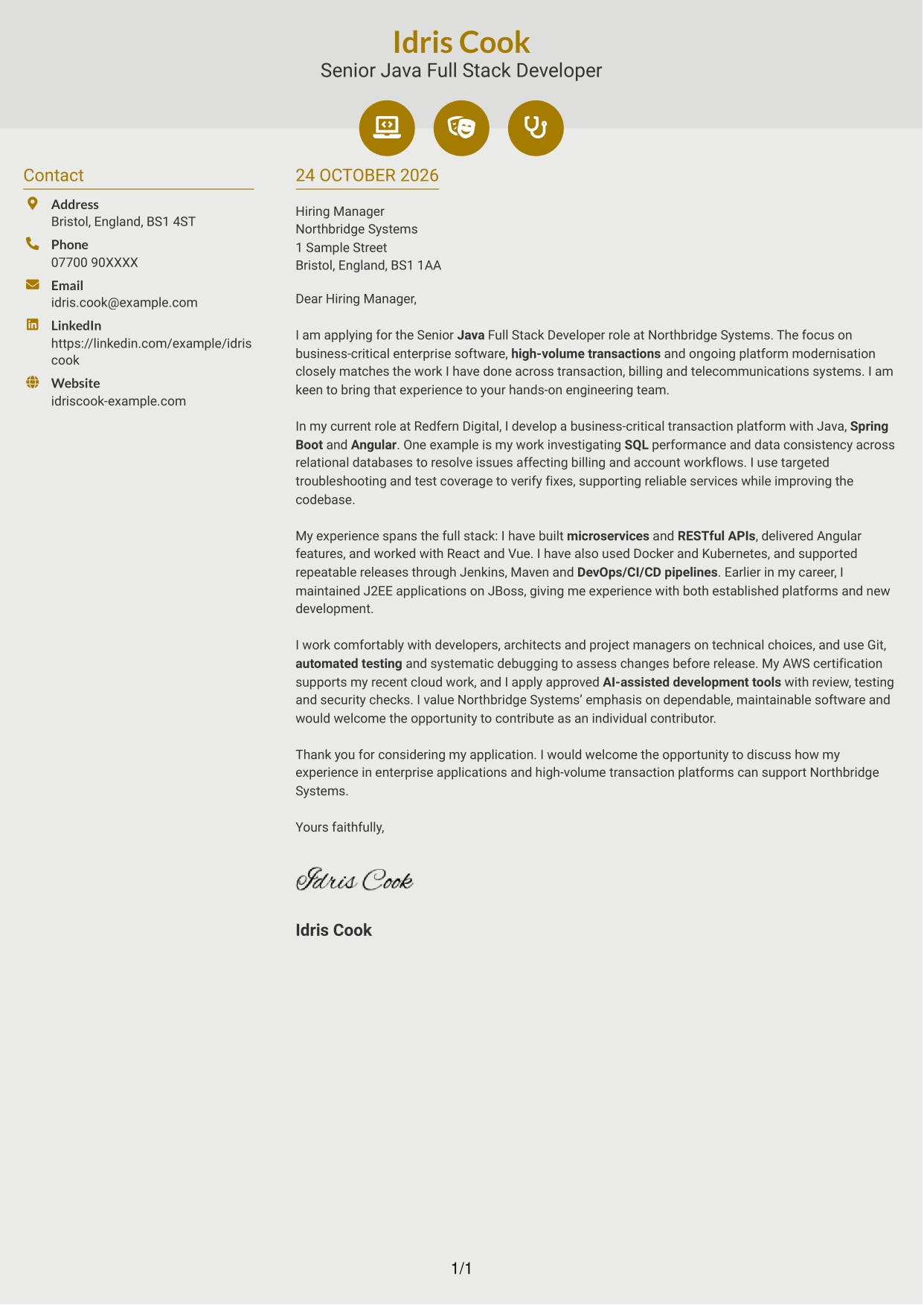
Why This Format Works
- Contact icons help distinguish details such as email or telephone.
- Sidebar contact information stays separate from the continuous letter body.
- Decorative header accents add visual character without dividing the argument.
Best For
- Contact icons
- Sidebar contact details
- Photo-free applications
- Light decorative details
- Letters with several paragraphs
#7 Creative Two Tone Format Cover Letter Example
The Creative Two Tone Format places a contact sidebar beside one continuous letter column, offering a side-by-side layout for readers who want sender details apart from the message.
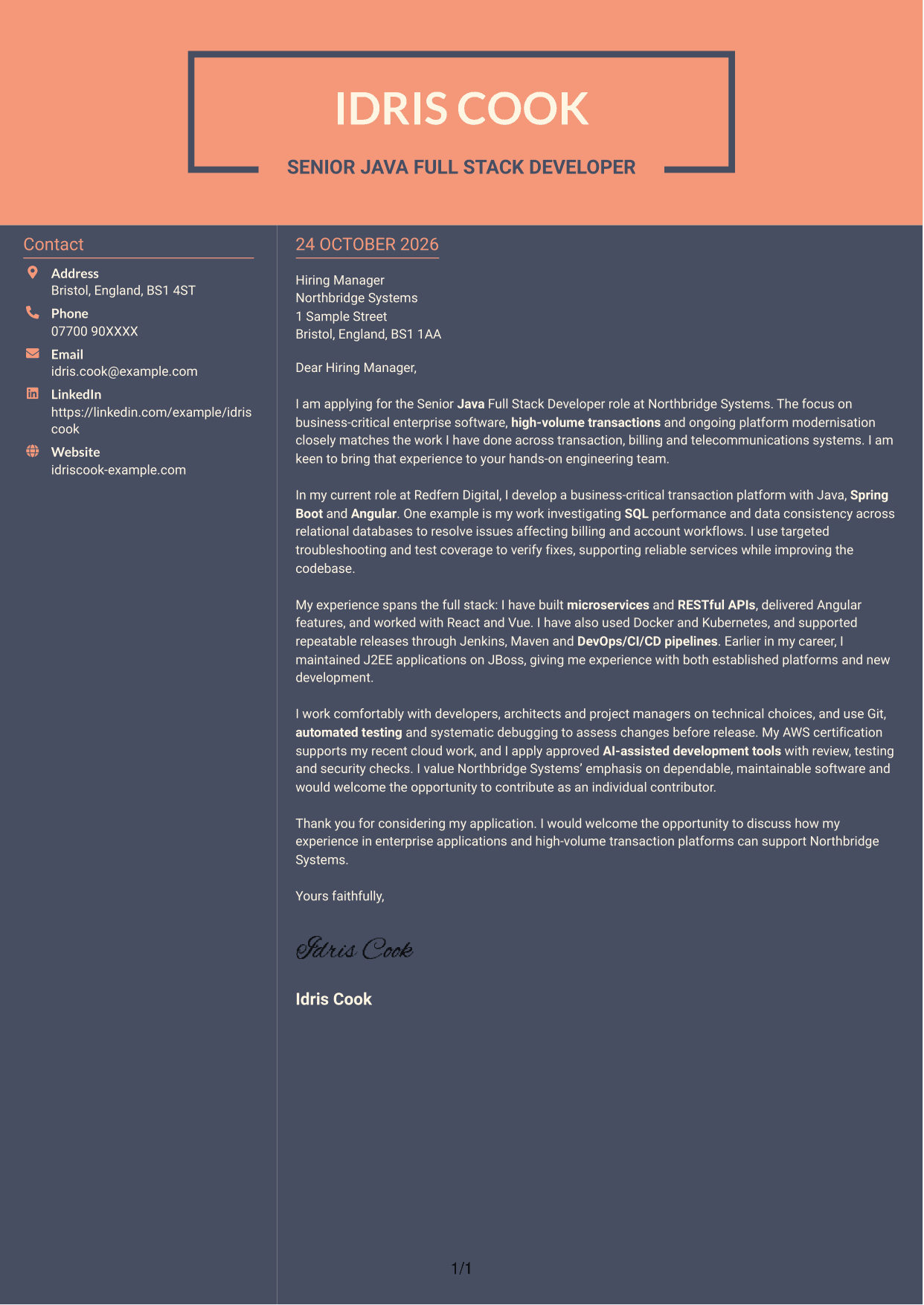
Why This Format Works
- Contact information sits beside the letter, not within its paragraphs.
- Readers can follow the body without shifting between argument columns.
- Photo-free styling leaves the page centred on the written message.
Best For
- Side-by-side page layouts
- Contact details beside the letter
- Photo-free correspondence
- Continuous letter paragraphs
- Formal application letters
See Also
- 7 Senior Java Full Stack Developer - Enterprise Applications CV Templates with Example
- 7 Graduate / Junior Developer - Python, Linux, C# and Java CV Templates with Example
- Java Developer Intern CV Guide (Example + Free PDF Download)
- 7 Java Developer - Retail Supply Chain CV Templates with Example
- 7 Java Developer - Secure Government Software CV Templates with Example
- Java Software Developer CV Guide (Examples + Free PDF Downloads)
- 7 Principal Java / Kotlin Developer - Telecommunications and Payments CV Templates with Example
- Senior Java Developer CV Guide (Examples + Free PDF Downloads)
- 7 Graduate / Junior Developer - Python, Linux, C# and Java Cover Letter Templates with Example
- 7 Java Developer - Retail Supply Chain Cover Letter Templates with Example
Frequently Asked Questions
What should a Senior Java Full Stack Developer - Enterprise Applications cover letter highlight?
Show how your Java and Spring Boot work supports complex enterprise applications. You can also describe relevant frontend delivery, microservices, RESTful APIs, SQL troubleshooting and steps you take to keep systems dependable.
How can I make my experience relevant to this role?
Choose a clear example that links your action to the work involved. For instance, explain how you investigated SQL performance or data consistency in billing workflows, then describe how testing helped you check the fix.
How should I explain my interest in Northbridge Systems?
Connect your motivation to the role’s stated focus on business-critical software, high-volume transactions and platform modernisation. Keep the reason specific to those details and avoid claims about the company that you cannot verify.
What is a clear way to structure this cover letter?
Open with the position and why its work interests you. Use the body to give a relevant technical example and explain your broader fit, then close by restating your interest and welcoming a discussion.
Should I include every part of my work history?
No. Select the experience that best shows your fit for this role, such as enterprise platform work, full-stack development or support for reliable releases. A few focused examples make your message easier to follow.




