
7 Senior Landscape Architect - Landscape Planning and Design Cover Letter Templates with Example
This practical guide helps you shape a Senior Landscape Architect - Landscape Planning and Design cover letter, with seven layouts to present your design and planning fit clearly.
What Makes a Great Senior Landscape Architect - Landscape Planning and Design Cover Letter in 2026
A strong letter connects landscape design and planning skills to the needs of the role. Use the opening to show your interest and give a clear reason for your fit.
Support your case with specific evidence, such as landscape proposals across RIBA Work Stages, an LVIA or TVIA, or a Landscape Management Plan. Link that work to the employer’s project needs and explain why its mix of development, infrastructure and public realm work interests you.
The featured example moves from a clear reason for applying to relevant project evidence, role alignment and a direct close. Adapt this focused progression, choosing a presentation suited to the employer and communication context.
#1 Simple One Column Format Cover Letter Example
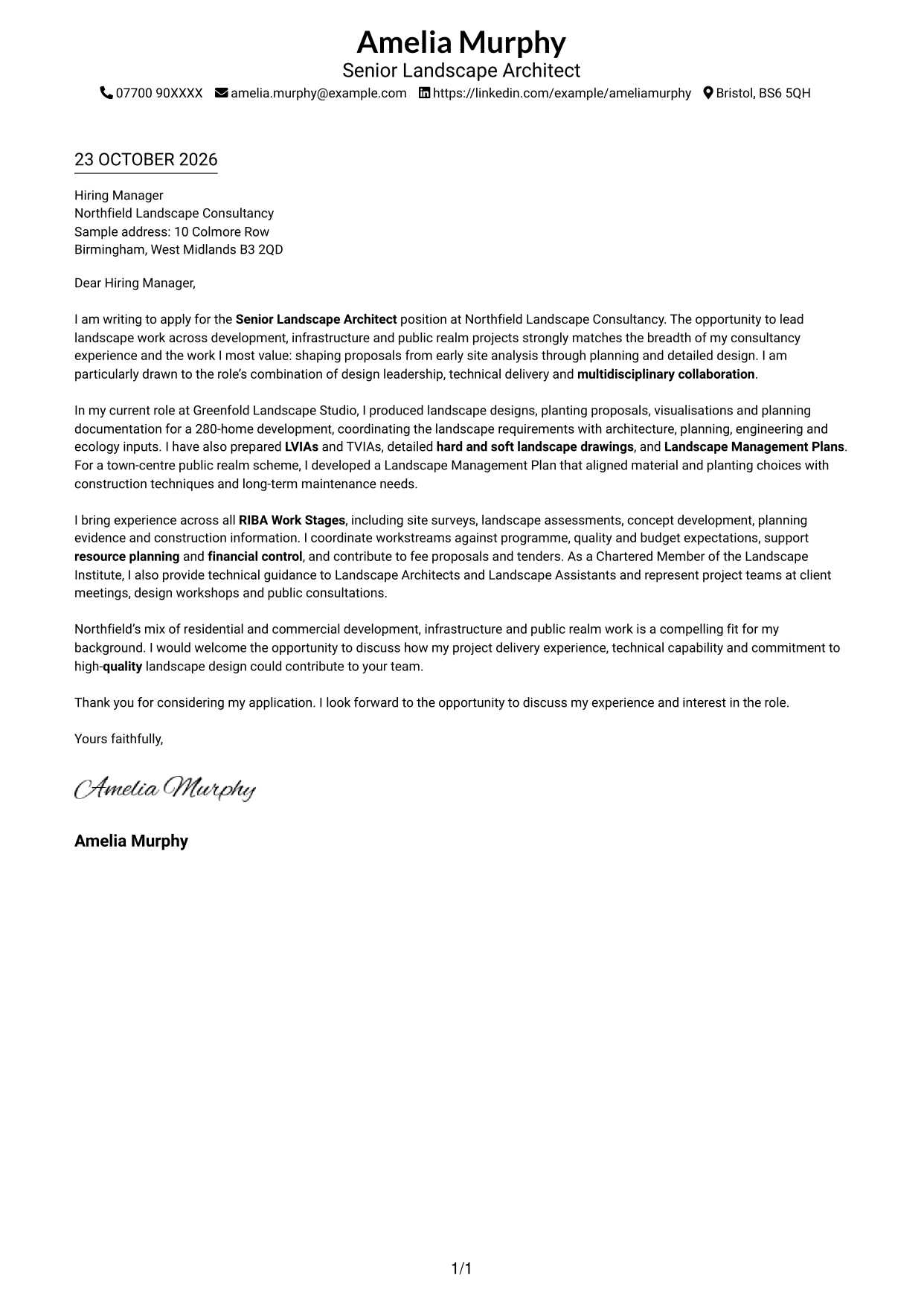
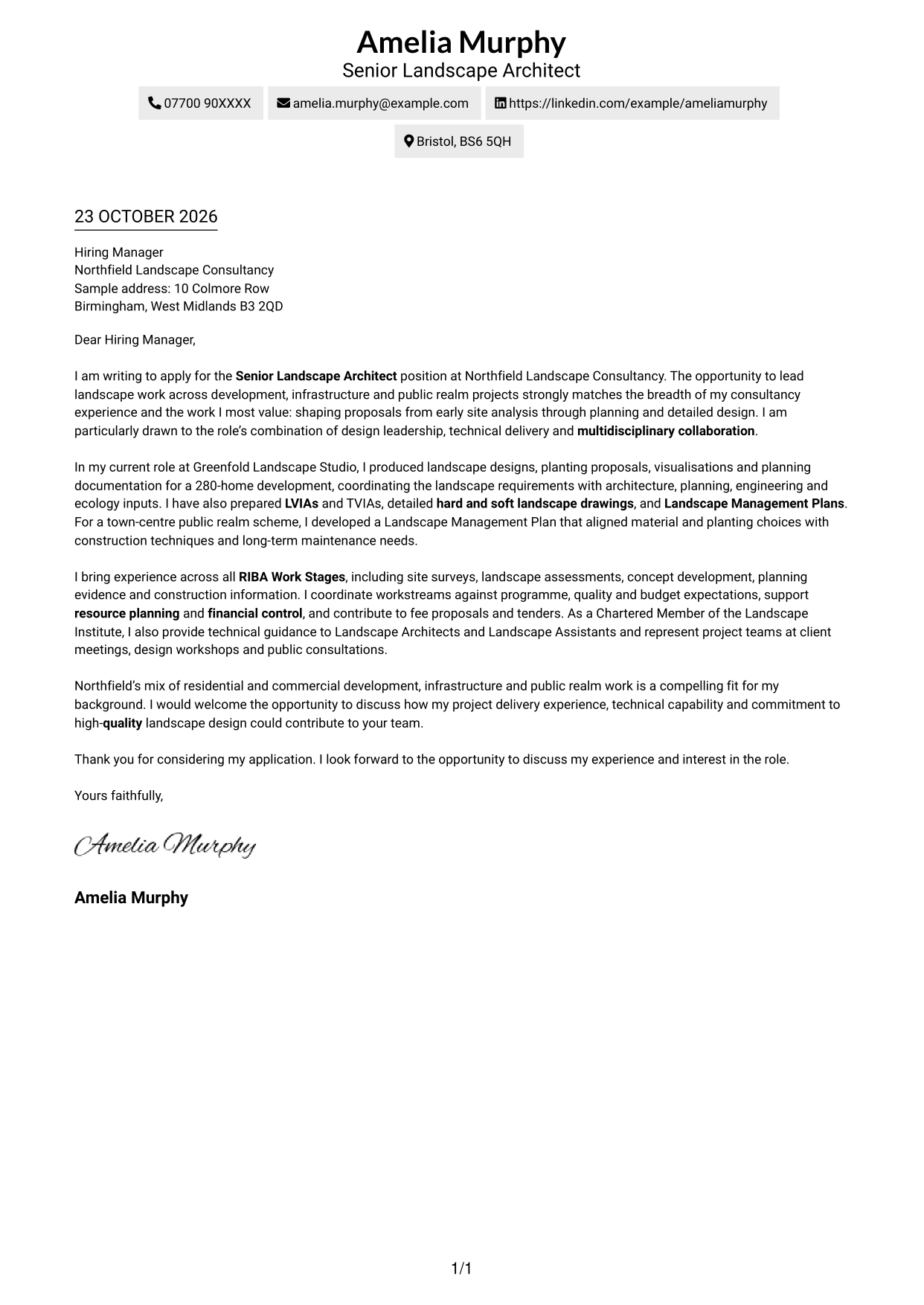
The Simple One Column Format keeps sender details in the header and the letter in one body column, a clear choice for readers who prefer a direct reading path.
Why This Format Works
- Sender details in the header give reviewers a clear place to find contact information.
- The single body column keeps the opening, evidence and closing in reading order.
- This direct arrangement suits letters where wording, not visual labels, carries the case.
Best For
- Single-column correspondence
- Paragraph-led persuasion
- Header-based contact details
- A direct reading path
- Simple letter presentation
#2 Two Column Format Cover Letter Example
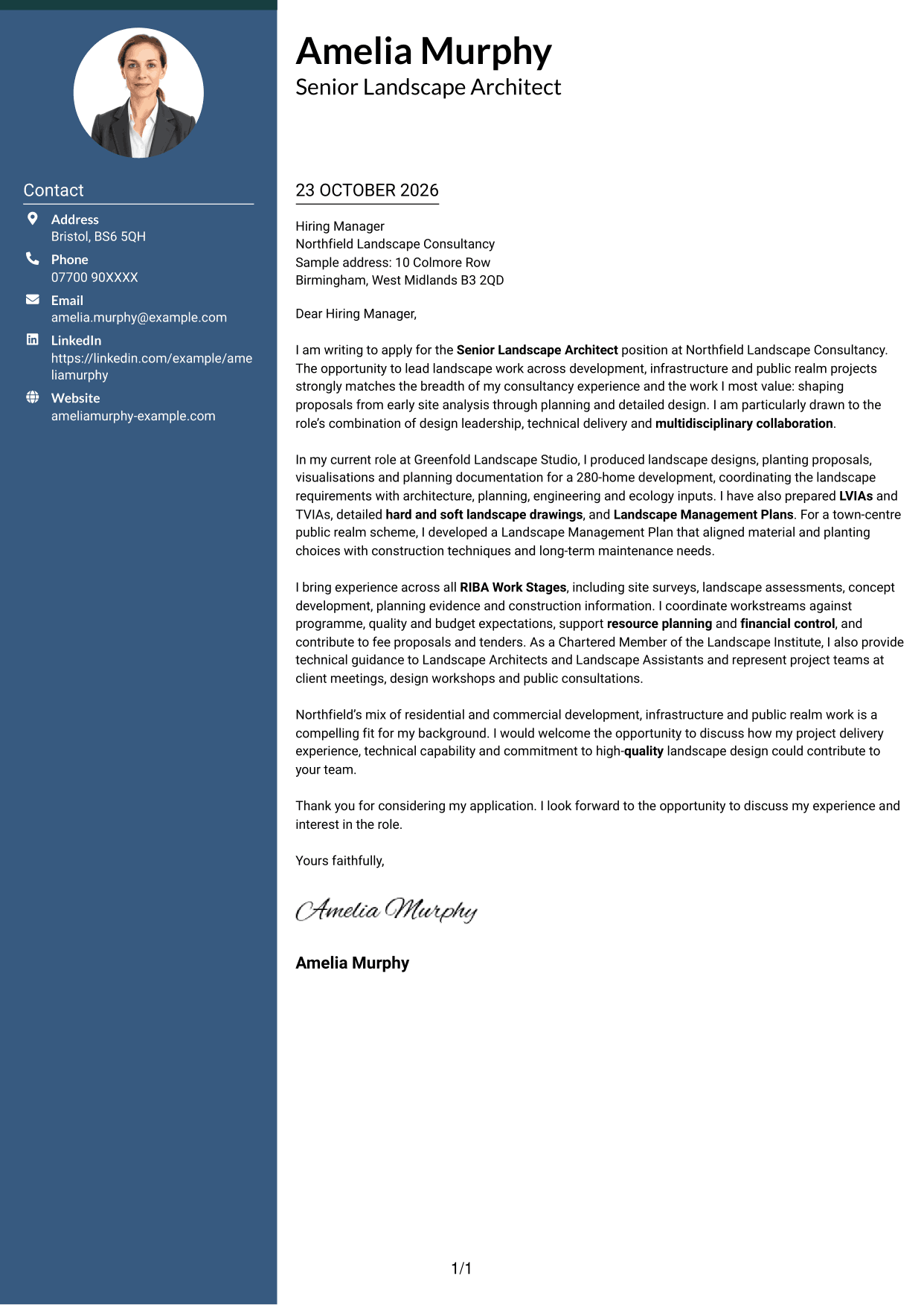
The Two Column Format places a contact sidebar beside one continuous letter body, making it a practical choice when contact details should remain separate from the message.
Why This Format Works
- The contact sidebar groups sender details for quick reference.
- The letter itself remains one column, giving its paragraphs a familiar reading path.
- Separate areas distinguish correspondence from the contact information beside it.
Best For
- Separate contact and message areas
- One-column letter-body flow
- Letters with several contact methods
- Sidebar contact navigation
- Photo-free two-column correspondence
#3 Photo Header Two Column Format Cover Letter Example
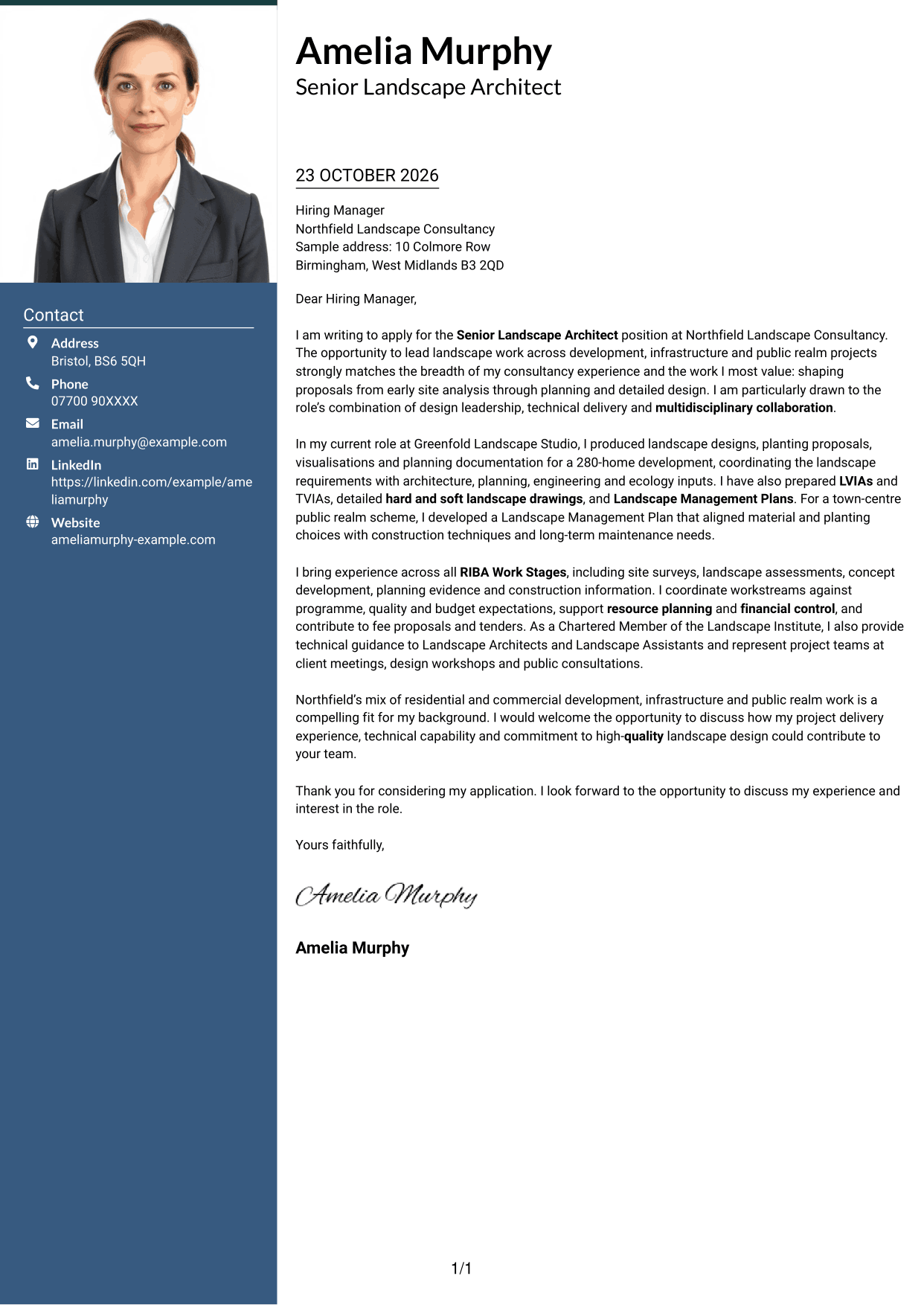
The Photo Header Two Column Format pairs a portrait with a contact sidebar and one continuous letter body, suiting readers who want a personal image alongside clear contact details.
Why This Format Works
- The portrait adds a personal visual element to the sender presentation.
- The sidebar keeps contact information distinct from the correspondence.
- A single-column letter body lets reviewers follow the message from opening to close.
Best For
- Portrait-led sender presentation
- Separate contact and message areas
- Continuous letter-body reading
- Letters with a visible sender profile
- Two-column correspondence with a portrait
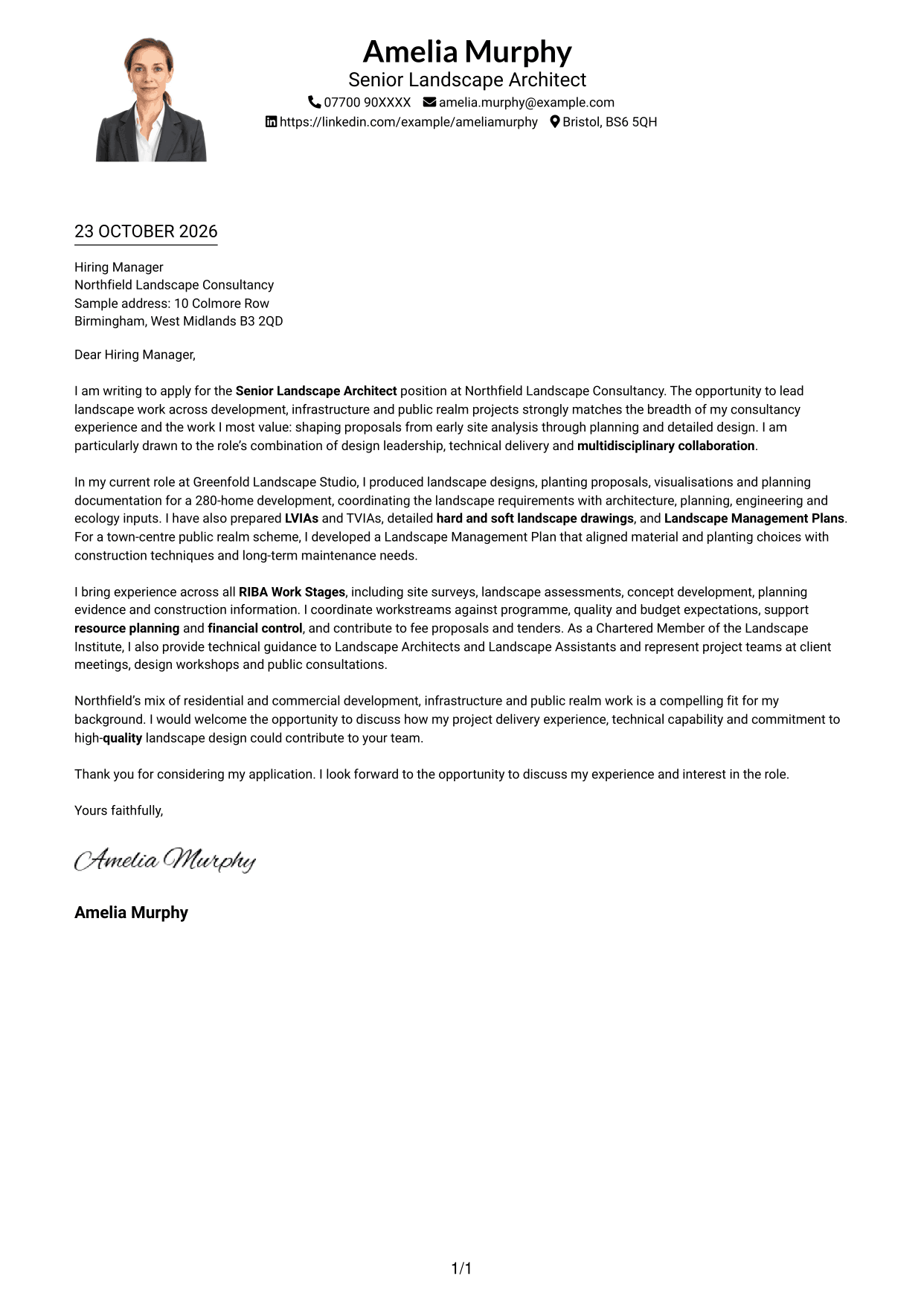
#4 One Column Format with Photo Cover Letter Example
The One Column Format with Photo includes a portrait while keeping the letter body in one column, a suitable choice for readers who want a personal image without splitting the message.
Why This Format Works
- The portrait adds a visual point of identification to the sender presentation.
- Sender details stay in the header, apart from the letter paragraphs.
- One body column keeps the message in a straightforward reading sequence.
Best For
- Single-column correspondence with a portrait
- A personal sender image
- Header-based contact details
- Paragraph-led letter messages
- Direct reading from opening to close
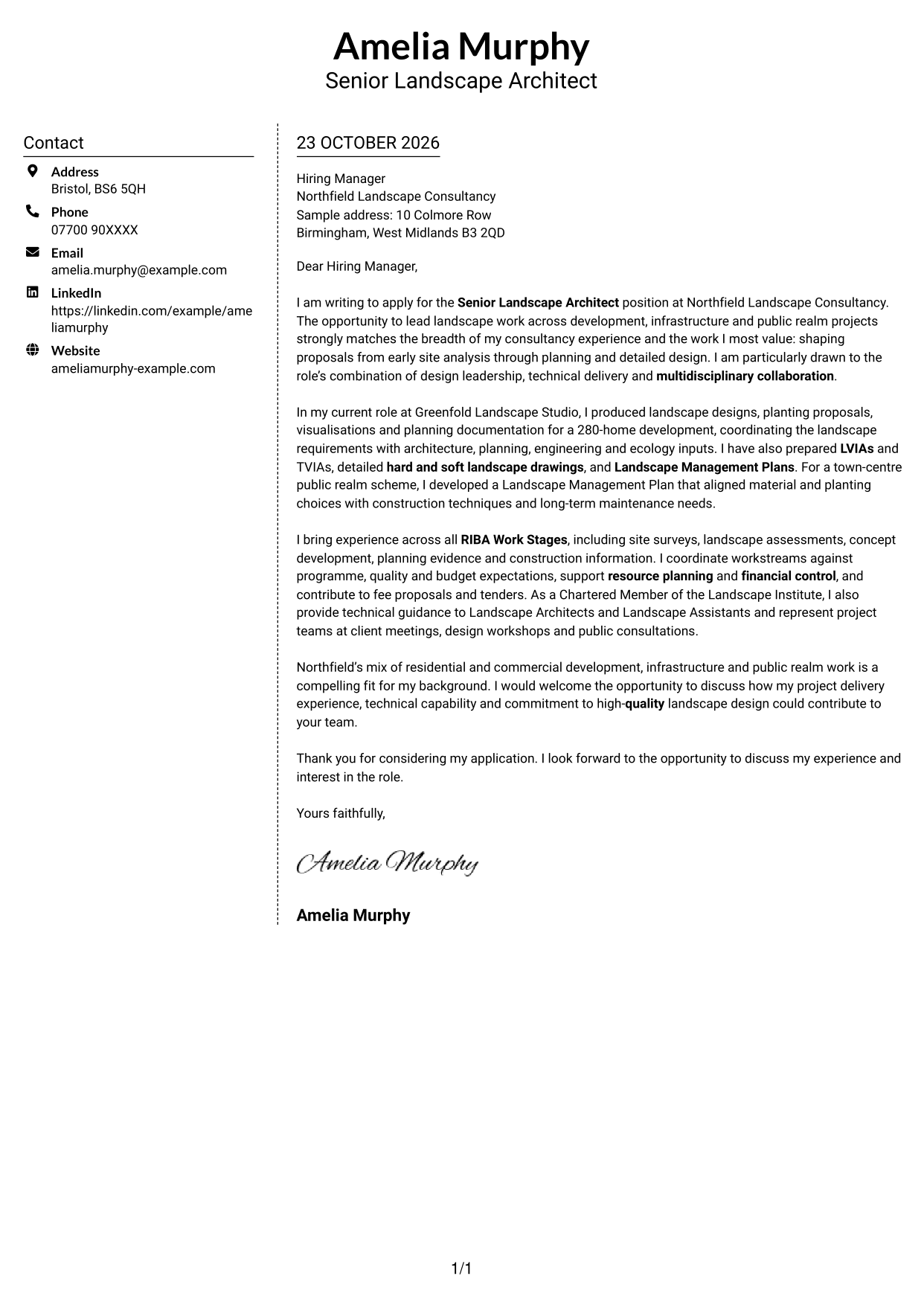
#5 Simple Two Column Format Cover Letter Example
The Simple Two Column Format sets a contact sidebar beside the continuous letter body, offering a clear way to keep sender information apart from the message.
Why This Format Works
- Sender information stays grouped in its own sidebar area.
- The letter remains a single body column rather than parallel text streams.
- Reviewers can focus on the correspondence without contact details interrupting its paragraphs.
Best For
- Contact details apart from letter text
- A single-column message
- Sidebar-based contact reference
- Paragraph-focused correspondence
- Photo-free letter layouts
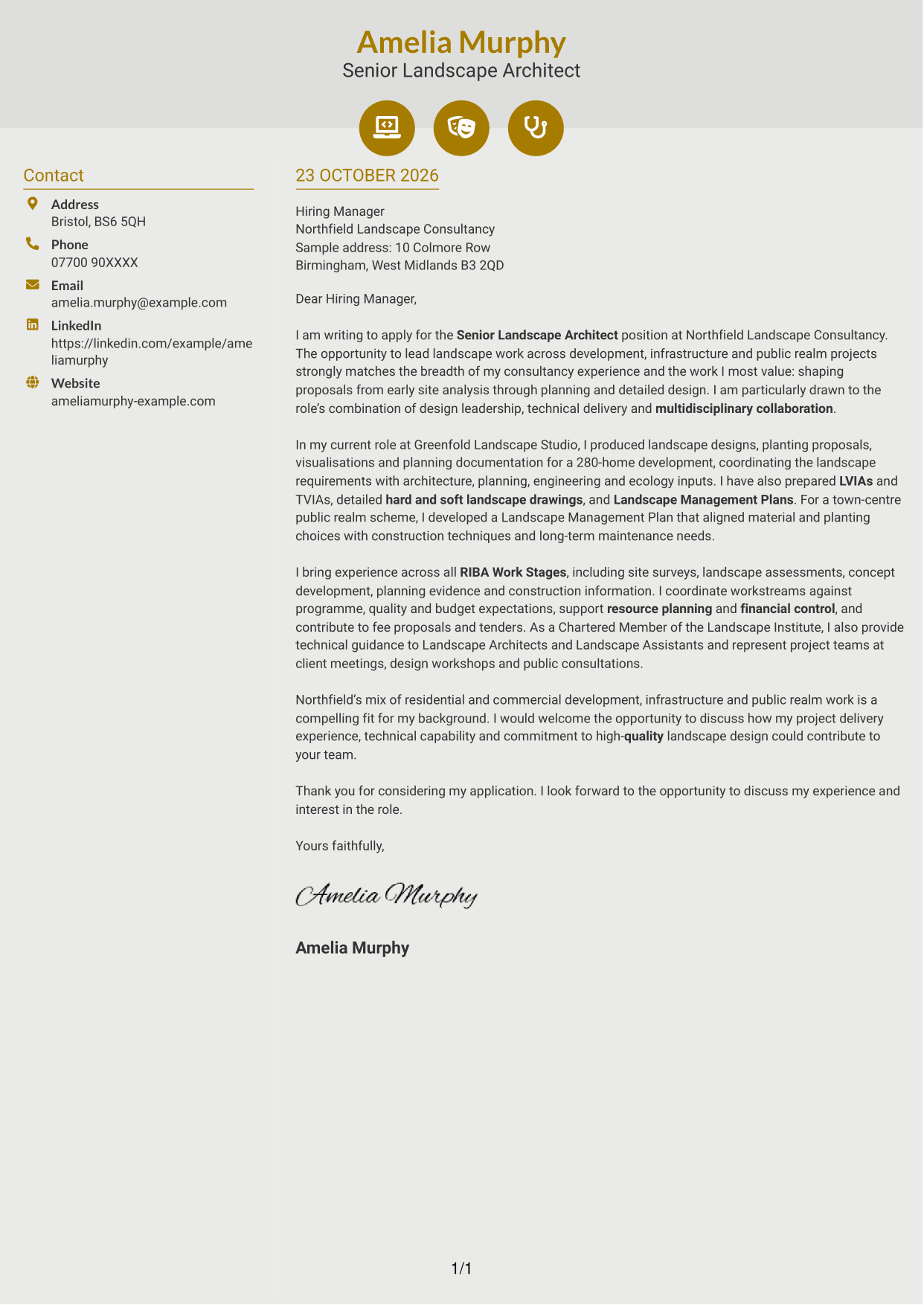
#6 Modern Icon Format Cover Letter Example
The Modern Icon Format uses contact-detail icons within a two-column layout, a useful choice when visual cues should identify contact information without dividing the letter body.
Why This Format Works
- Icons identify contact details without labelling parts of the letter argument.
- The sidebar separates sender information from the continuous letter body.
- One-column paragraphs preserve a clear path through the message.
Best For
- Icon-led contact cues
- Sidebar contact information
- Continuous letter-body reading
- Visual cues for sender details
- Two-column correspondence without a portrait
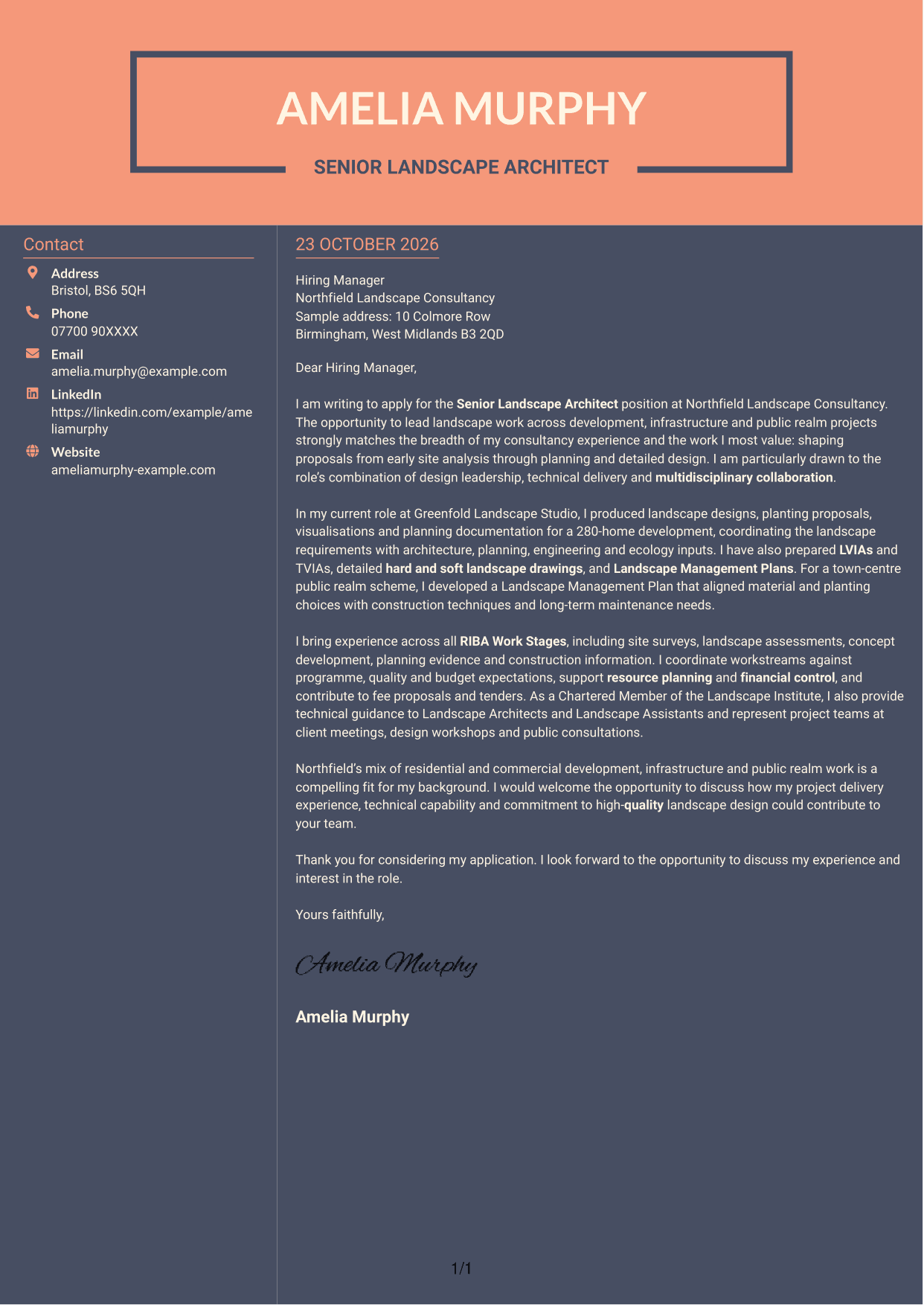
#7 Creative Two Tone Format Cover Letter Example
The Creative Two Tone Format places a contact sidebar beside one continuous letter body, a practical option for readers who prefer contact details grouped away from the message.
Why This Format Works
- Contact details have a distinct area beside the letter body.
- The correspondence stays in one column, keeping its paragraph sequence intact.
- Reviewers can move through the message without switching between parallel letter columns.
Best For
- Sidebar contact details
- A continuous letter message
- Clear separation of sender information
- One-column paragraph flow
- Two-column letters without a portrait
See Also
- 7 Senior Landscape Architect - Landscape Planning and Design CV Templates with Example
- 7 Junior Architect - Revit Design CV Templates with Example
- 7 AI Solution Architect - Agentic AI CV Templates with Example
- 7 AI Solution Architect - GCP / Agentic AI CV Templates with Example
- 7 Architect - Retail and Commercial CV Templates with Example
- 7 Associate Architect - Architectural Project Delivery CV Templates with Example
- 7 Associate Architect - Education and Healthcare CV Templates with Example
- 7 Business Architect - Capability and Operating Model CV Templates with Example
- 7 Junior Architect - Revit Design Cover Letter Templates with Example
- 7 AI Solution Architect - Agentic AI Cover Letter Templates with Example
Frequently Asked Questions
What should a Senior Landscape Architect - Landscape Planning and Design cover letter highlight?
Show how your landscape design and technical delivery experience fits the role. Useful evidence may include work across RIBA Work Stages, planning documentation, LVIAs or TVIAs, detailed drawings and Landscape Management Plans.
How can I make my project experience relevant?
Choose a project that matches the work in the role, then explain your contribution and its purpose. For example, describe how you coordinated planting proposals and planning documents, or prepared landscape evidence to support a planning application.
How should I explain my interest in an employer?
Refer to a genuine feature of its landscape work, such as its mix of development, infrastructure and public realm projects. Explain why that work appeals to you and how your experience could support the team.
What is a clear structure for this cover letter?
Start with the role and your reason for applying. Use the body to give focused evidence of design, planning and coordination work, then close by restating your interest and inviting a discussion.
Should I include every project in my cover letter?
No. Select the project evidence that best supports your fit for this role. A small number of clear, relevant examples will help the reader understand your contribution.




