
7 Senior Manager - Company Secretarial and Governance Advisory Cover Letter Templates with Example
This practical guide helps you write a Senior Manager - Company Secretarial and Governance Advisory cover letter and compare its seven layouts.
What Makes a Great Senior Manager - Company Secretarial and Governance Advisory Cover Letter in 2026
A strong letter links your interest in the role to clear advice, effective client work and team leadership. Give the opening a direct purpose, then show how your approach fits the position.
Use relevant evidence, such as leading governance reviews, coordinating work across jurisdictions or improving secretariat procedures. Explain how your experience supports the employer’s client service and team development needs.
The featured Senior Manager - Company Secretarial and Governance Advisory letter moves from role interest to client leadership, practical governance evidence and a courteous close; adapt this focused progression while choosing a presentation suited to the employer and communication context.
#1 Simple One Column Format Cover Letter Example
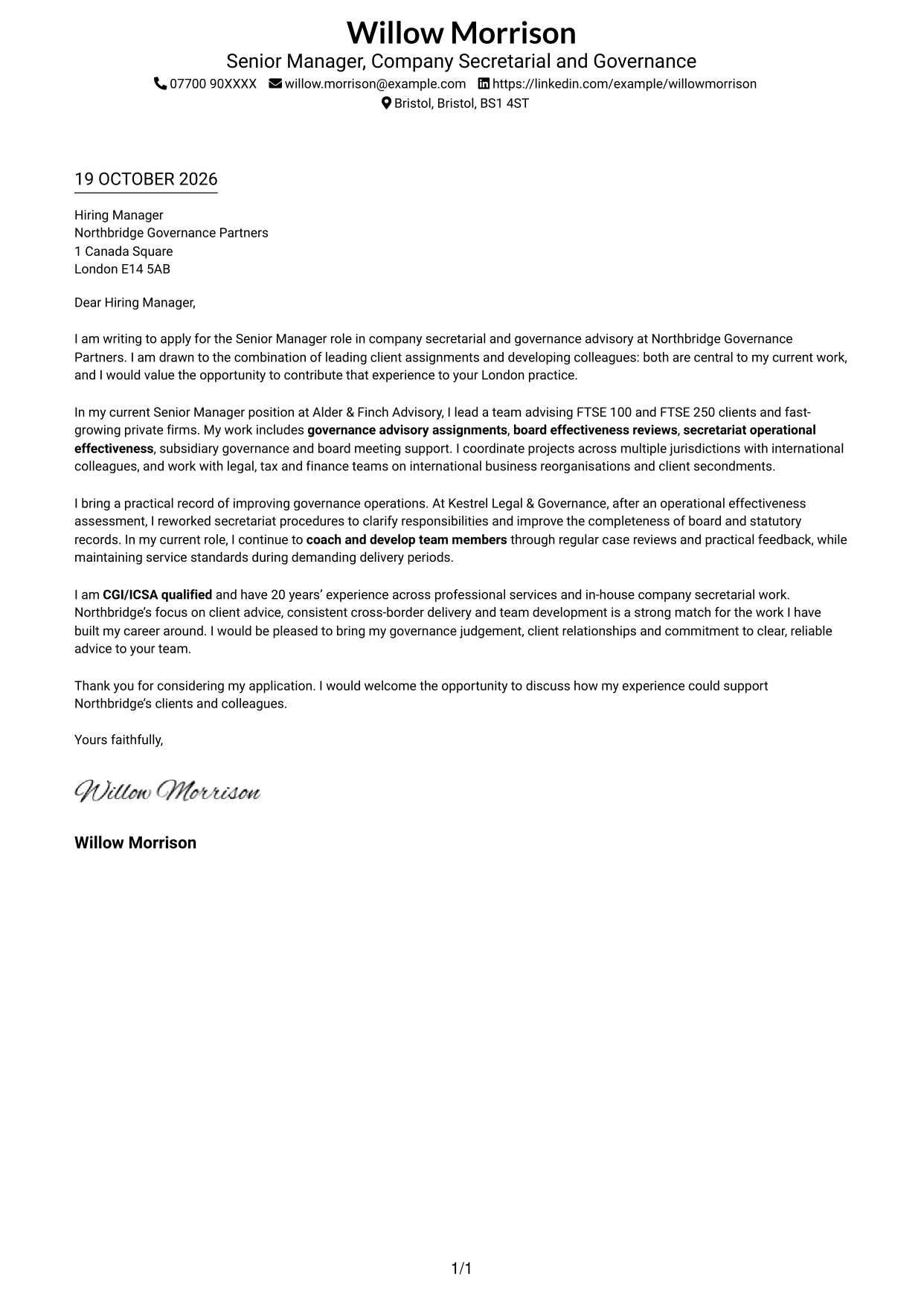
The Simple One Column Format keeps sender details in the header and the letter in one continuous body, giving the message a direct reading path.
Why This Format Works
- Header details stay apart from the letter, keeping contact information easy to find.
- The single body keeps motivation and supporting evidence in a clear sequence.
- Without a photo, the written message remains the visual focus.
Best For
- One-column reading preference
- Header-based contact details
- Letters with a clear argument
- Applications without a portrait
- Direct written communication
#2 Two Column Format Cover Letter Example
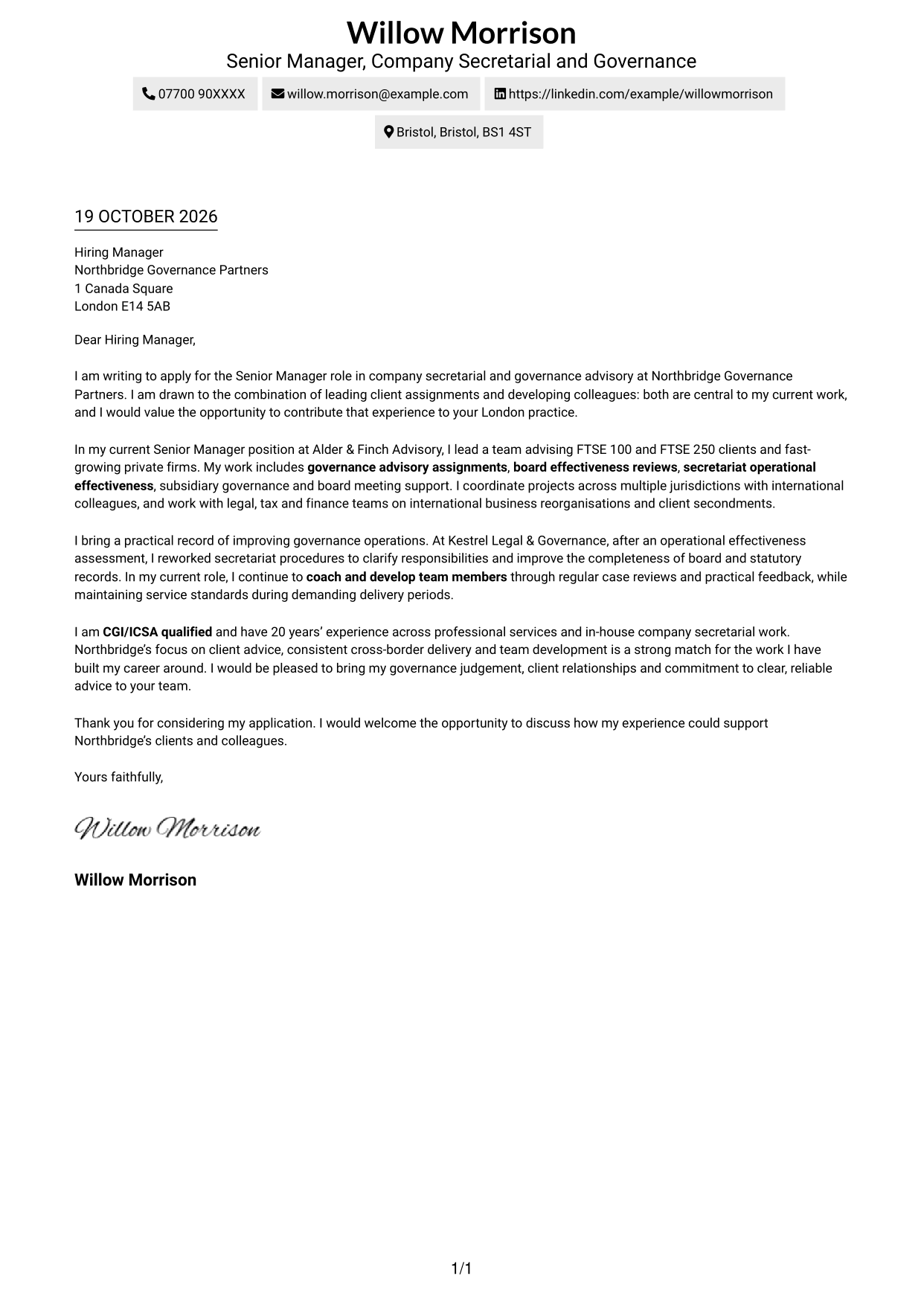
The Two Column Format places contact details in a sidebar beside one continuous letter body, separating practical information from the main message.
Why This Format Works
- The sidebar gives sender and recipient details a consistent place beside the letter.
- The body remains continuous, so motivation and evidence are read in sequence.
- Without a photo, the presentation keeps attention on written correspondence.
Best For
- Side-by-side contact access
- Single-body-column letters
- No-photo applications
- Separate contact reference
- Continuous persuasive text
#3 Photo Header Two Column Format Cover Letter Example
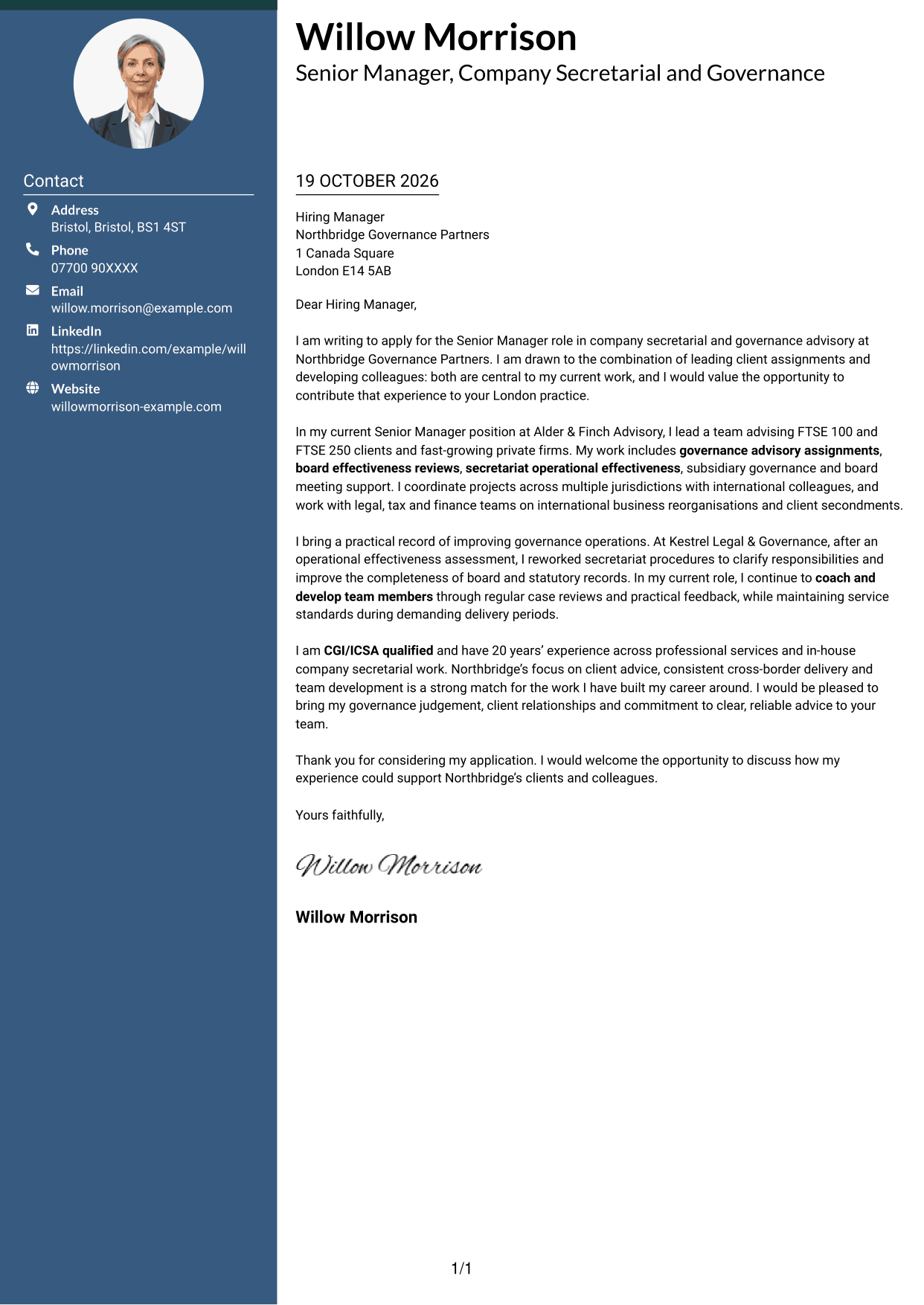
The Photo Header Two Column Format includes a photo and contact sidebar beside one continuous letter body, adding a personal image while keeping the message intact.
Why This Format Works
- Contact information has its own sidebar, separate from the letter paragraphs.
- One uninterrupted body lets the opening, evidence and close read in sequence.
- The included photo offers a visual choice without changing the letter's structure.
Best For
- Photo-inclusive applications
- Side-by-side contact reference
- Continuous persuasive paragraphs
- One-body-column reading
- Letters with full contact details
#4 One Column Format with Photo Cover Letter Example
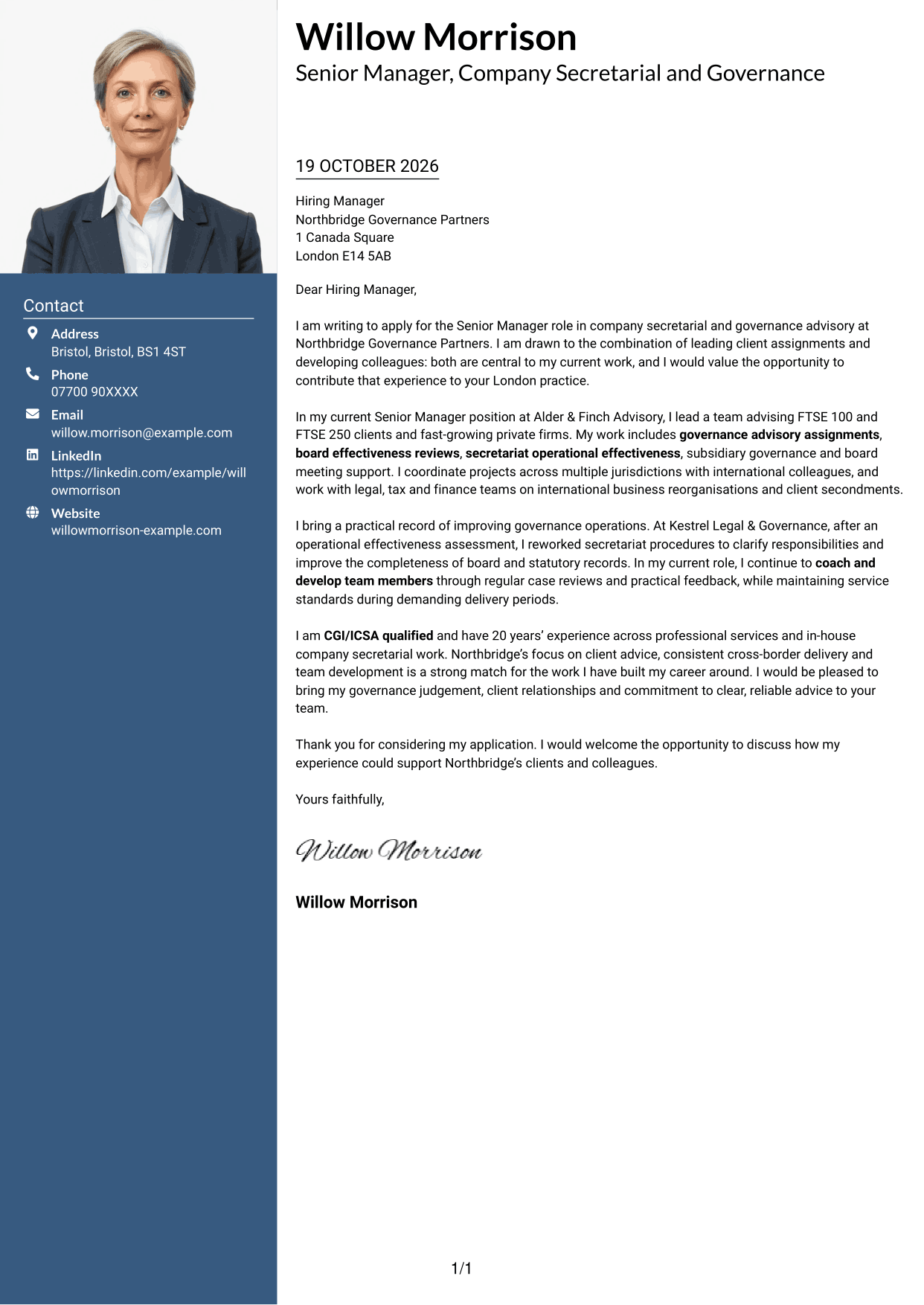
The One Column Format with Photo places a photo and sender details in the header above one continuous letter body, keeping the message together in a single reading path.
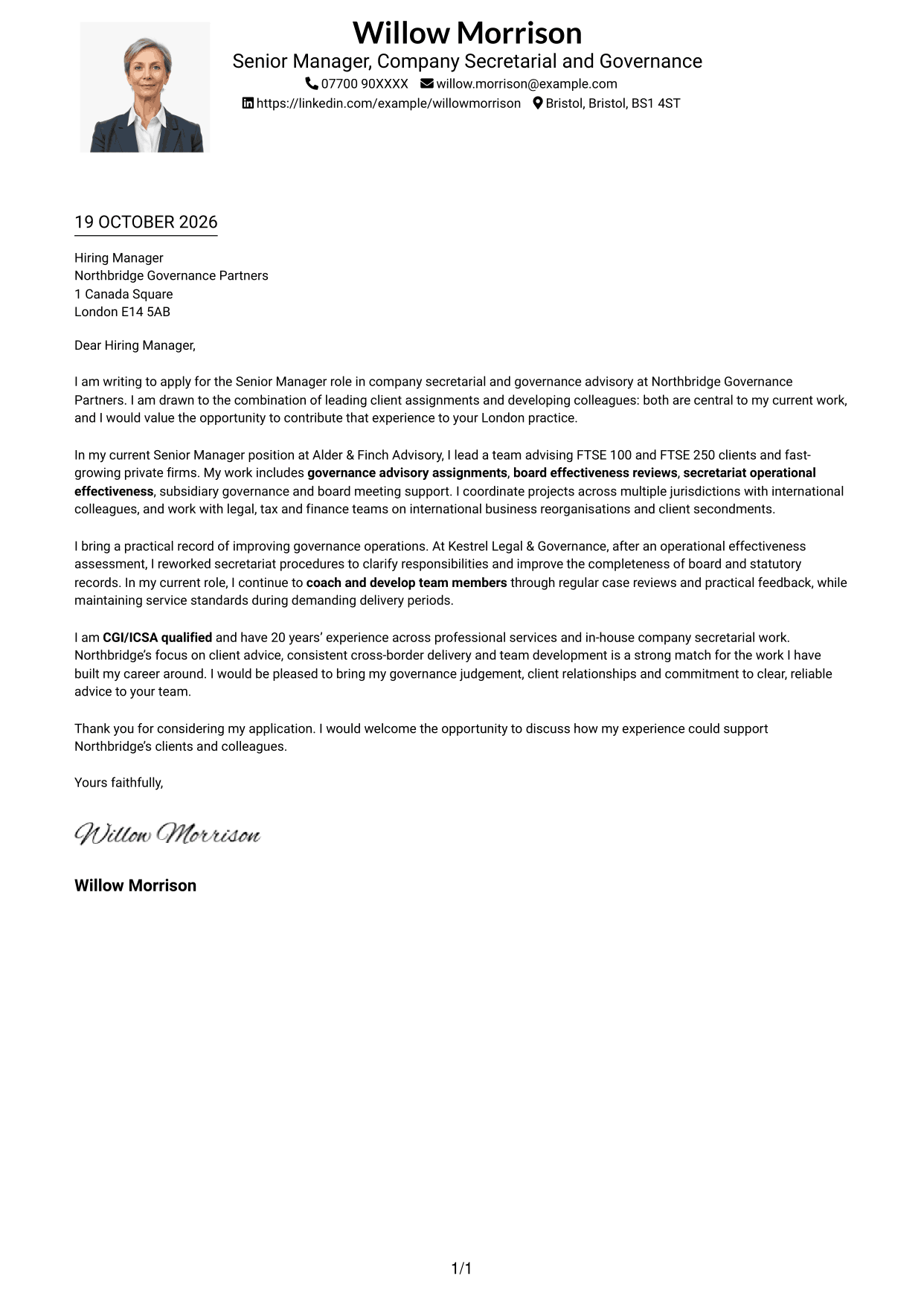
Why This Format Works
- Sender details remain in the header while the letter follows one body column.
- Paragraphs carry the application from motivation to evidence without parallel text.
- The photo adds a visible personal element while the argument stays in prose.
Best For
- Photo-inclusive correspondence
- Single-column letter reading
- Header-based contact details
- Letters with several contact details
- Continuous written arguments
#5 Simple Two Column Format Cover Letter Example
The Simple Two Column Format keeps contact details in a sidebar and the letter in one continuous body, giving readers separate places for reference information and correspondence.
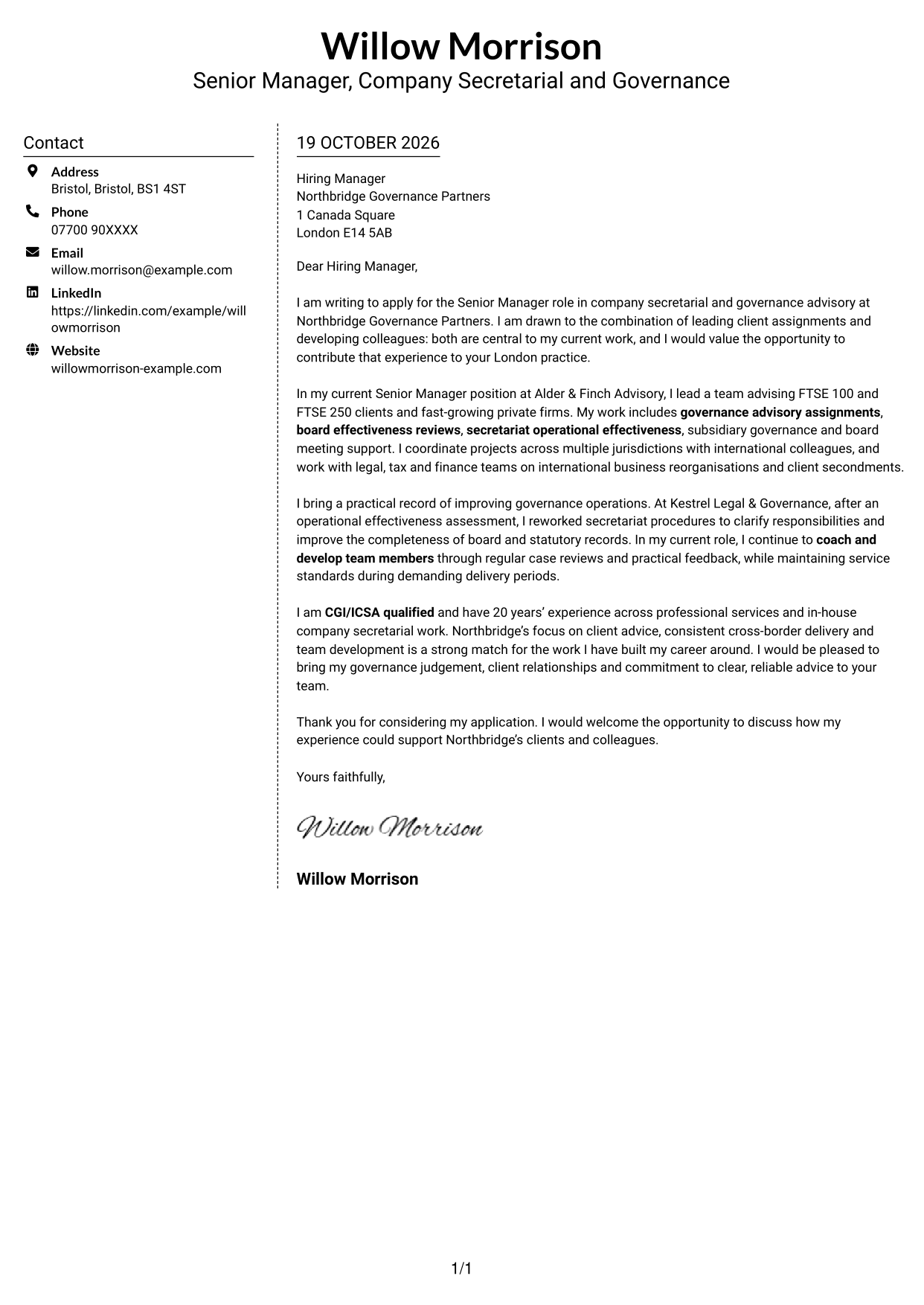
Why This Format Works
- Practical contact details sit beside, rather than inside, the letter text.
- One continuous body keeps the persuasive message in its intended reading order.
- The photo-free layout suits applications centred on written correspondence.
Best For
- Contact details beside correspondence
- One-column letter bodies
- Photo-free applications
- Clear paragraph progression
- Text-led applications
#6 Modern Icon Format Cover Letter Example
The Modern Icon Format uses contact cues in a sidebar beside one continuous letter body, making practical details distinct from the written message.
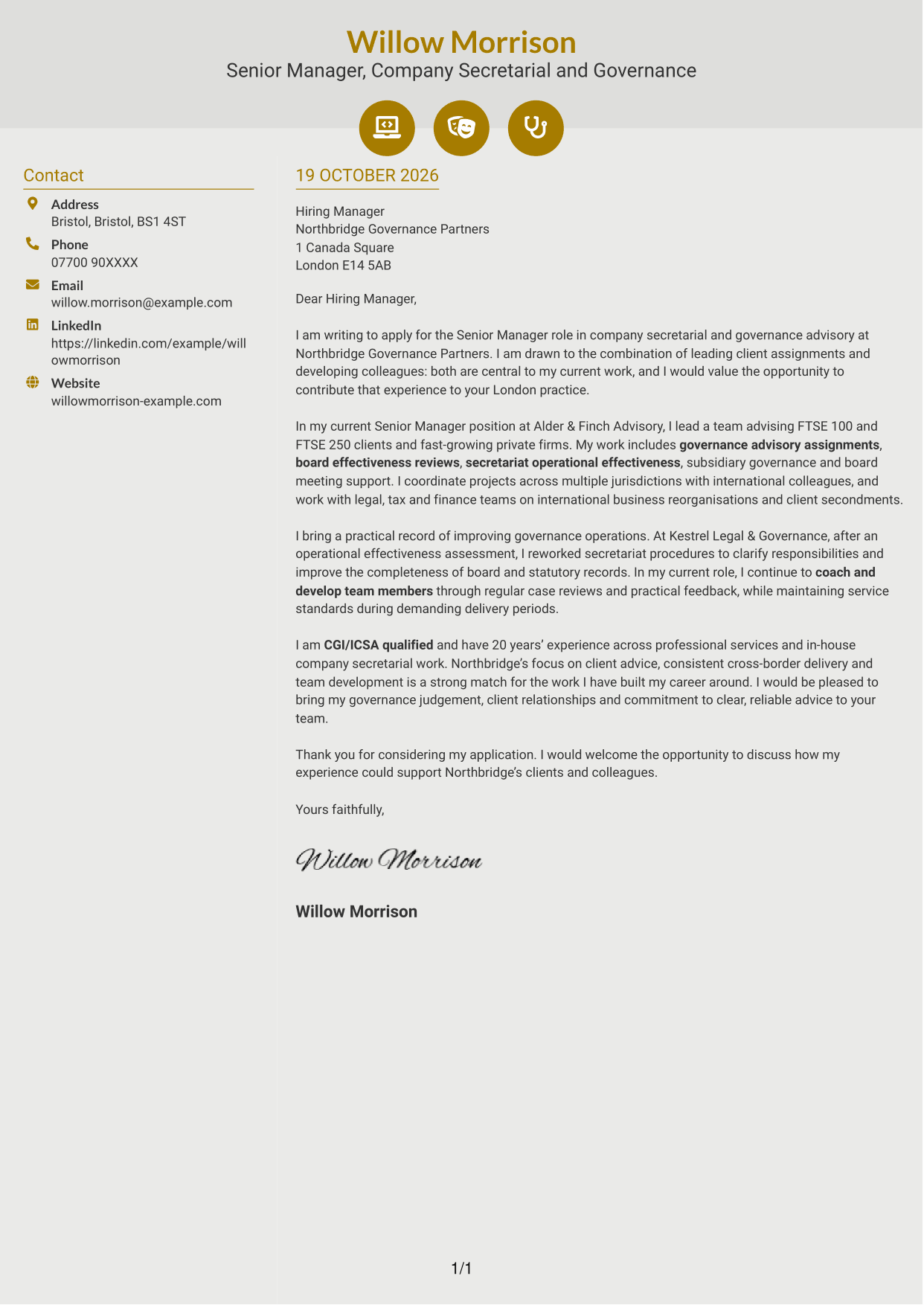
Why This Format Works
- Contact icons distinguish practical details from the letter itself.
- Separate columns keep contact information beside the single, continuous message.
- Without a photo, icons provide visual cues for contact details.
Best For
- Icon-based contact details
- Side-by-side contact reference
- Continuous letter paragraphs
- Photo-free correspondence
- Quick contact navigation
#7 Creative Two Tone Format Cover Letter Example
The Creative Two Tone Format places contact details in a sidebar beside one continuous letter body, keeping reference information separate from the main message.
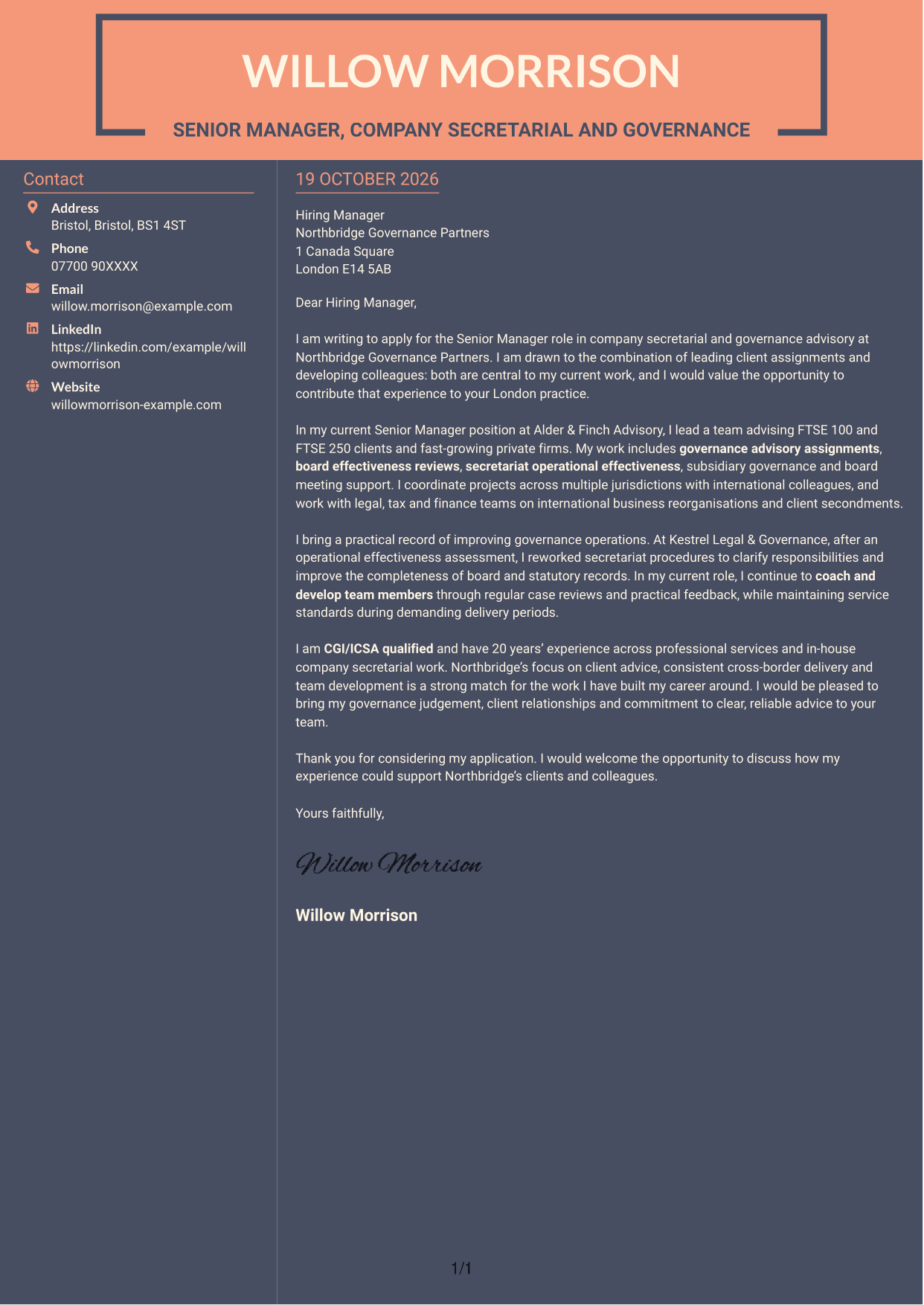
Why This Format Works
- Contact details stay in their own area beside the letter body.
- The continuous text keeps the application’s argument together from opening to close.
- Without a photo, the layout centres on the letter and contact information.
Best For
- Contact information beside the letter
- One-column body reading
- Uninterrupted persuasive writing
- Photo-free applications
- Separate reference details
See Also
- 7 Senior Manager - Company Secretarial and Governance Advisory CV Templates with Example
- 7 Assistant Manager - Digital and Cyber Governance CV Templates with Example
- 7 Finance Assistant Apprentice - Multi-Company Bookkeeping CV Templates with Example
- 7 Employment Tax Manager - Client Advisory and Compliance CV Templates with Example
- 7 Senior Manager - Indirect Tax Advisory, Financial Services CV Templates with Example
- 7 Head of Contracts - Erasmus+ Programme CV Templates with Example
- 7 Shift Manager - Bakery Retail Operations CV Templates with Example
- 7 Manager - Funds Tax CV Templates with Example
- 7 Assistant Manager - Digital and Cyber Governance Cover Letter Templates with Example
- 7 Finance Assistant Apprentice - Multi-Company Bookkeeping Cover Letter Templates with Example
Frequently Asked Questions
What should a Senior Manager - Company Secretarial and Governance Advisory cover letter highlight?
Show how you advise clients, lead governance assignments and support colleagues. Relevant examples may include board effectiveness reviews, secretariat operational work, subsidiary governance and projects across multiple jurisdictions.
How can I show that my experience fits this role?
Choose one or two examples that explain your actions and their value. You could describe how you improved secretariat procedures, guided a client assignment or helped a team deliver reliable governance support.
How should I explain my interest in the employer?
Connect your motivation to the employer’s client advice, cross-border work or team development focus. Be specific about why that work interests you and how you could contribute.
What is a clear structure for this cover letter?
Open with the position and your reason for applying. Use the body to connect your client and governance work to the role, then close by restating your interest and inviting a conversation.
Should I include every part of my work history?
No. Select the experience that best supports your fit for this position. A small number of clear, relevant examples will make your case easier to follow.




