
7 Senior Manager - Third Party Assurance Methodology, Reporting and Risk Management Cover Letter Templates with Example
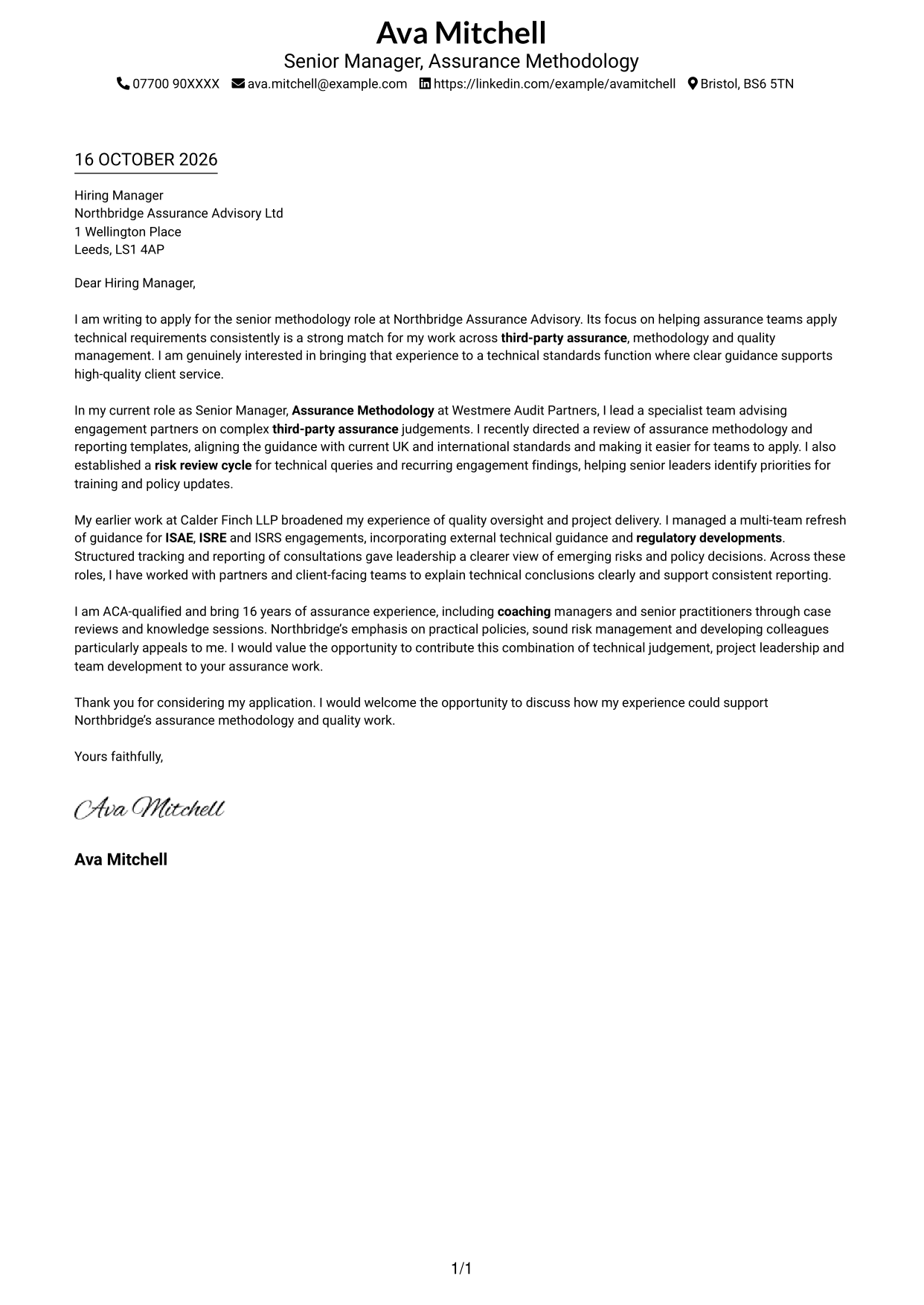
This practical guide to the Senior Manager - Third Party Assurance Methodology, Reporting and Risk Management cover letter shows how to shape your case across seven layouts.
What Makes a Great Senior Manager - Third Party Assurance Methodology, Reporting and Risk Management Cover Letter in 2026
A strong letter shows how your judgement and leadership can support consistent third-party assurance methodology, reporting and risk oversight. Make your opening clear about your interest in the role and the value you can offer.
Use specific evidence, such as improving methodology and reporting guidance, managing risk reviews or advising teams on ISAE, ISRE and ISRS matters. Link that evidence to the employer’s needs and explain why its focus on practical guidance and quality work appeals to you.
The featured example moves from role fit to evidence of methodology, reporting and risk work, then to employer alignment and a clear close; adapt this focused progression while choosing a presentation suited to the employer and communication context.
#1 Simple One Column Format Cover Letter Example
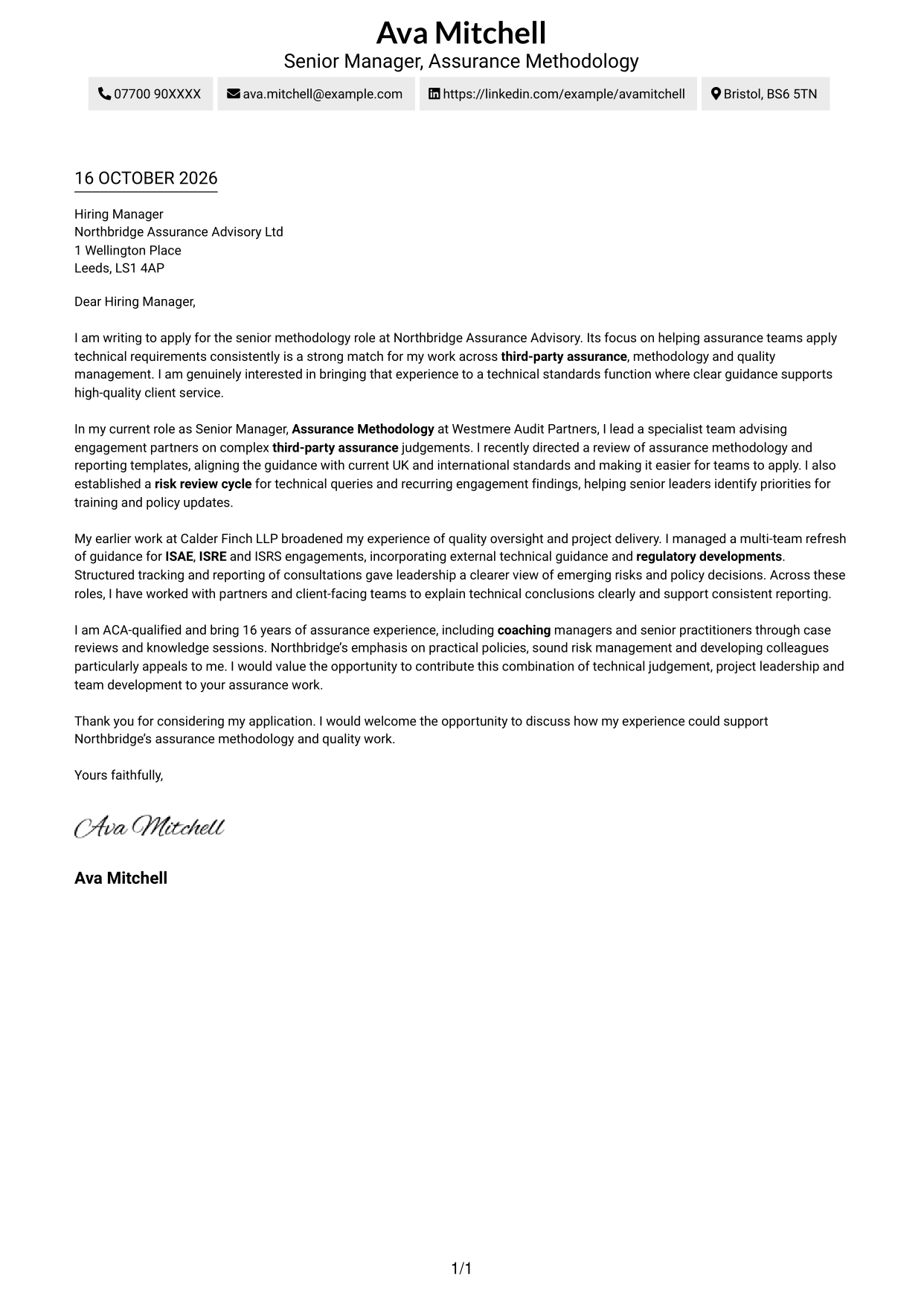
The Simple One Column Format keeps sender details in the header and the letter body in one column, giving the message a direct reading path.
Why This Format Works
- Sender details remain in the header, separate from the letter’s message.
- One column lets the opening, evidence and closing follow a clear sequence.
- Continuous paragraphs keep the argument together without section labels.
Best For
- Single-column letter reading
- Sender details in the header
- A connected paragraph sequence
- Text-led applications without a portrait
- Simple page organisation
#2 Two Column Format Cover Letter Example
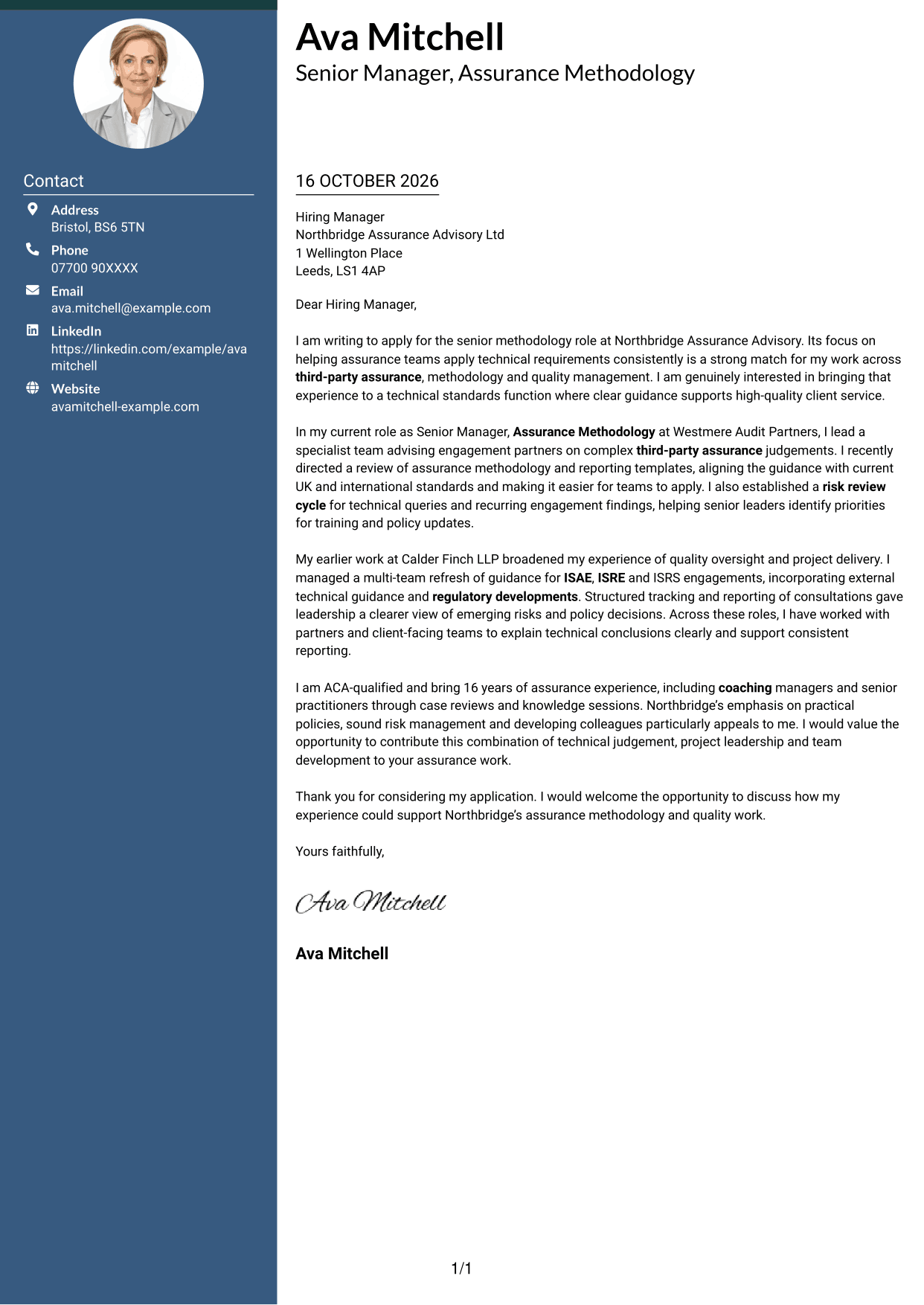
The Two Column Format places a contact sidebar beside one continuous letter body, keeping sender information distinct from the application message.
Why This Format Works
- The contact sidebar keeps sender details apart from the message.
- One letter-body column lets readers follow each paragraph in order.
- The argument stays together rather than splitting across parallel text columns.
Best For
- Contact details beside the message
- A single-column letter body
- Quick reference to sender information
- Applications with several supporting paragraphs
- Separate contact and message areas
#3 Photo Header Two Column Format Cover Letter Example
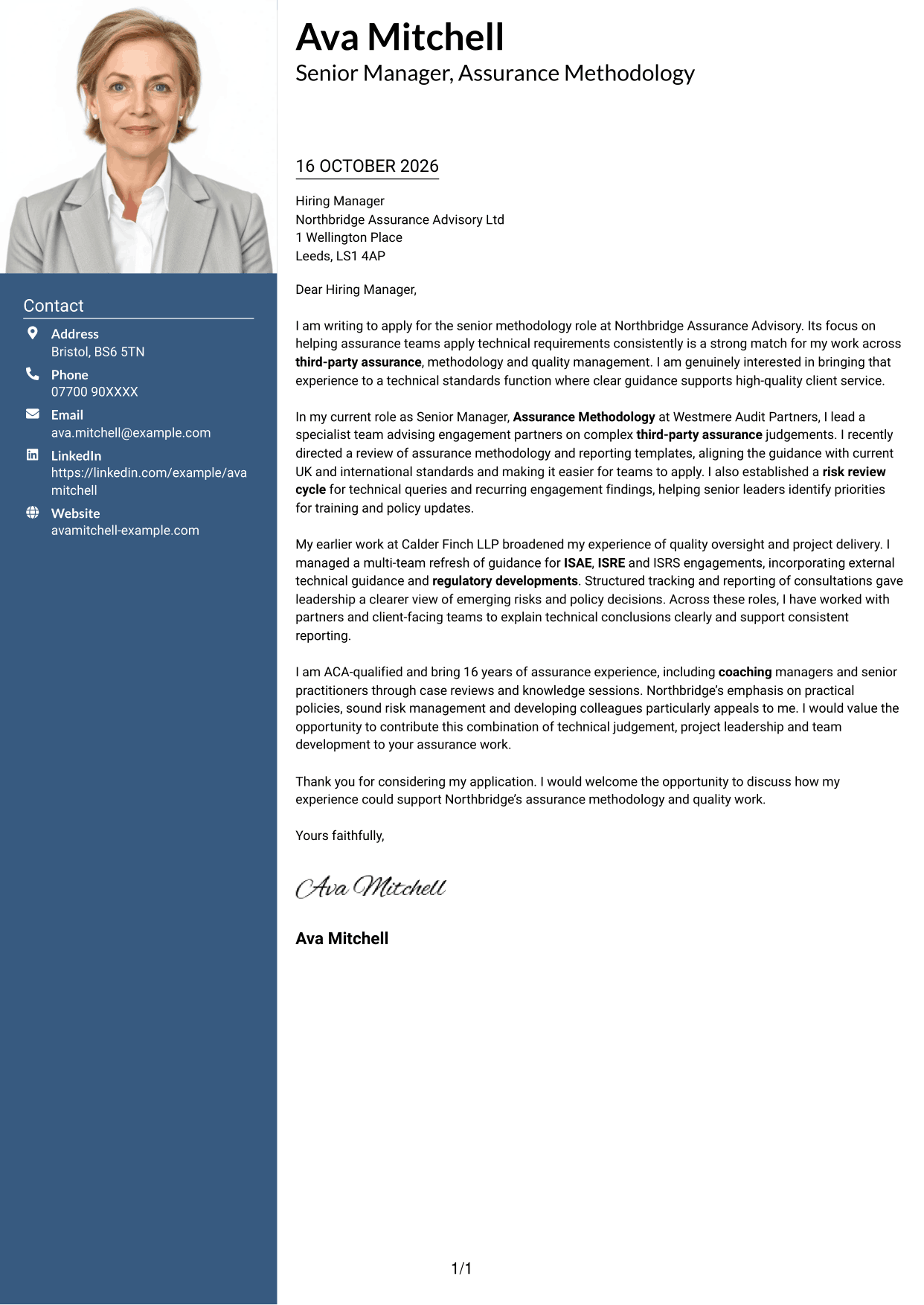
The Photo Header Two Column Format combines a photo with a contact sidebar, while keeping the letter body in one continuous column.
Why This Format Works
- The sidebar gives contact details a separate place beside the letter.
- A single body column keeps the application message in paragraph order.
- The photo adds a visual element for readers who prefer one.
Best For
- A portrait alongside contact information
- Contact details apart from the message
- A continuous letter-body column
- Applications with a personal visual element
- Paragraph-led application messages
#4 One Column Format with Photo Cover Letter Example
The One Column Format with Photo places the letter in one body column and includes a photo, offering a direct reading path with a personal visual element.
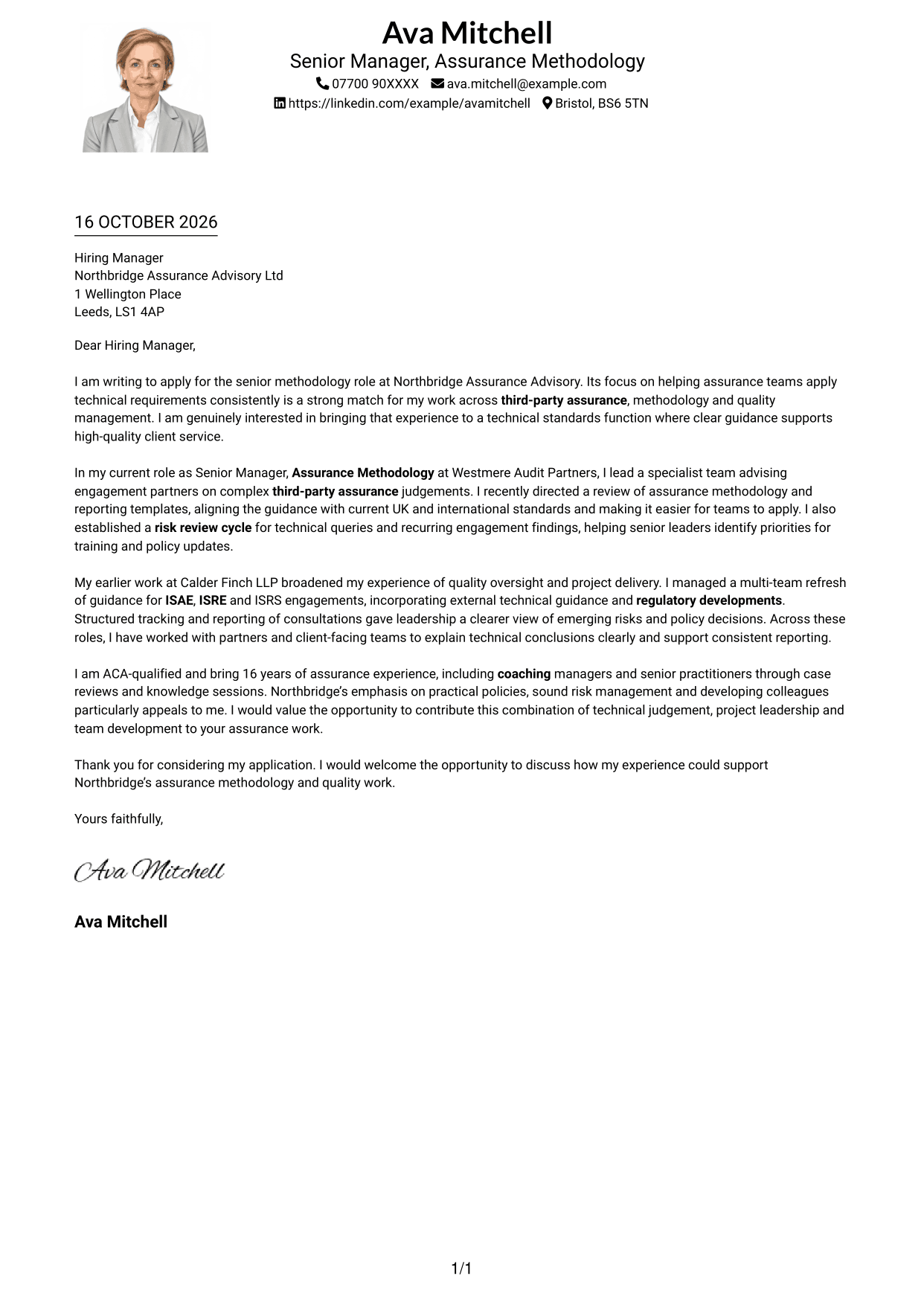
Why This Format Works
- One body column keeps the opening and closing in the same reading path.
- The photo adds a visual feature without dividing the letter’s paragraphs.
- Sender details in the header stay apart from the message.
Best For
- One-column letter reading
- A portrait with the letter
- Header-based contact details
- A continuous paragraph sequence
- Applications with a visual introduction
#5 Simple Two Column Format Cover Letter Example
The Simple Two Column Format sets a contact sidebar beside the continuous letter body, separating contact information from the message without splitting the argument.
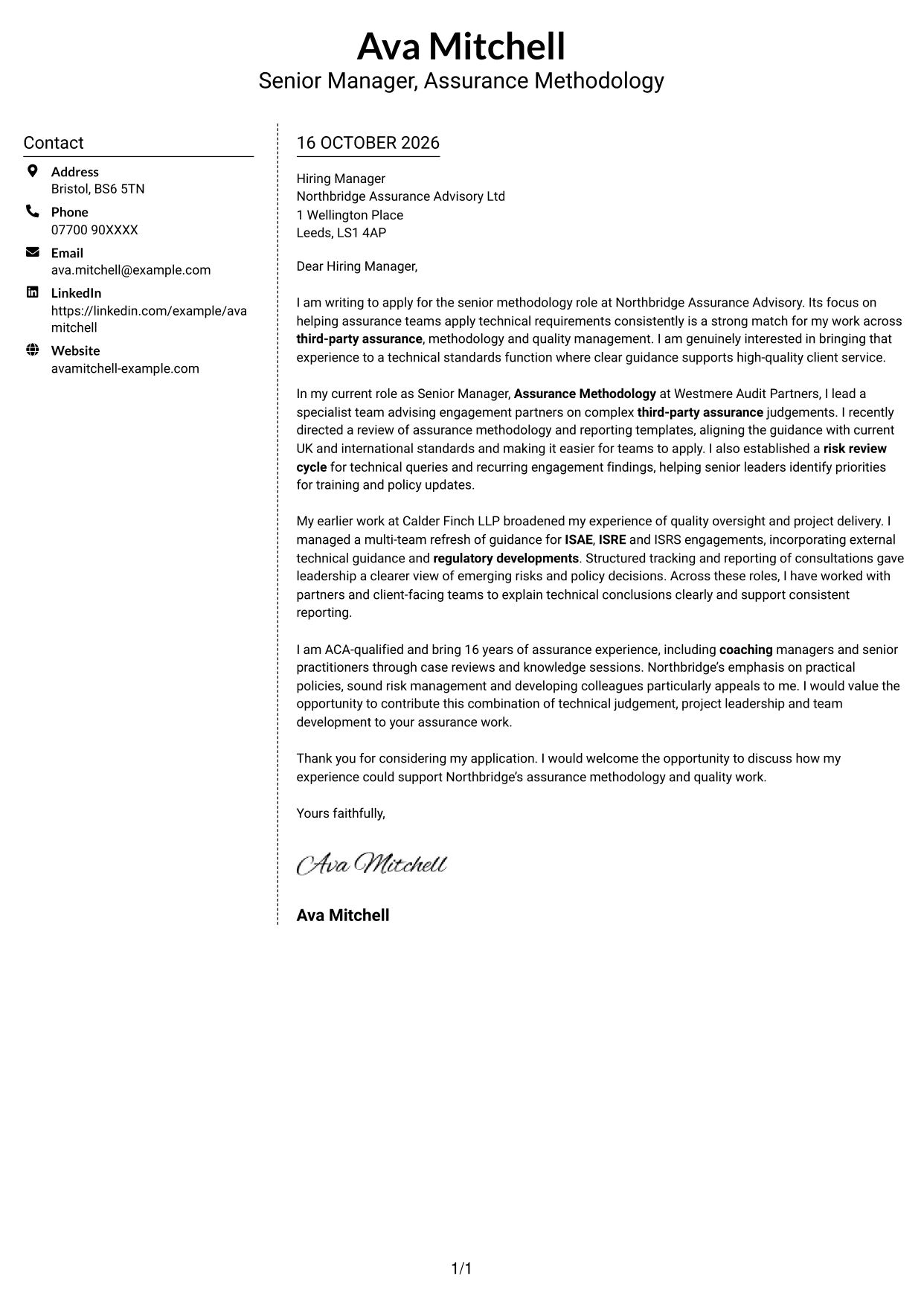
Why This Format Works
- A separate contact area makes sender information easy to locate.
- The letter remains in one body column from opening to close.
- Paragraphs can develop the application message without competing side-by-side text.
Best For
- A separate contact area
- One-column letter paragraphs
- Applications with a detailed message
- Clear distinction between sender and letter
- Readers who refer to contact details
#6 Modern Icon Format Cover Letter Example
The Modern Icon Format uses contact-detail icons in a two-column layout, distinguishing contact information from the continuous letter body.
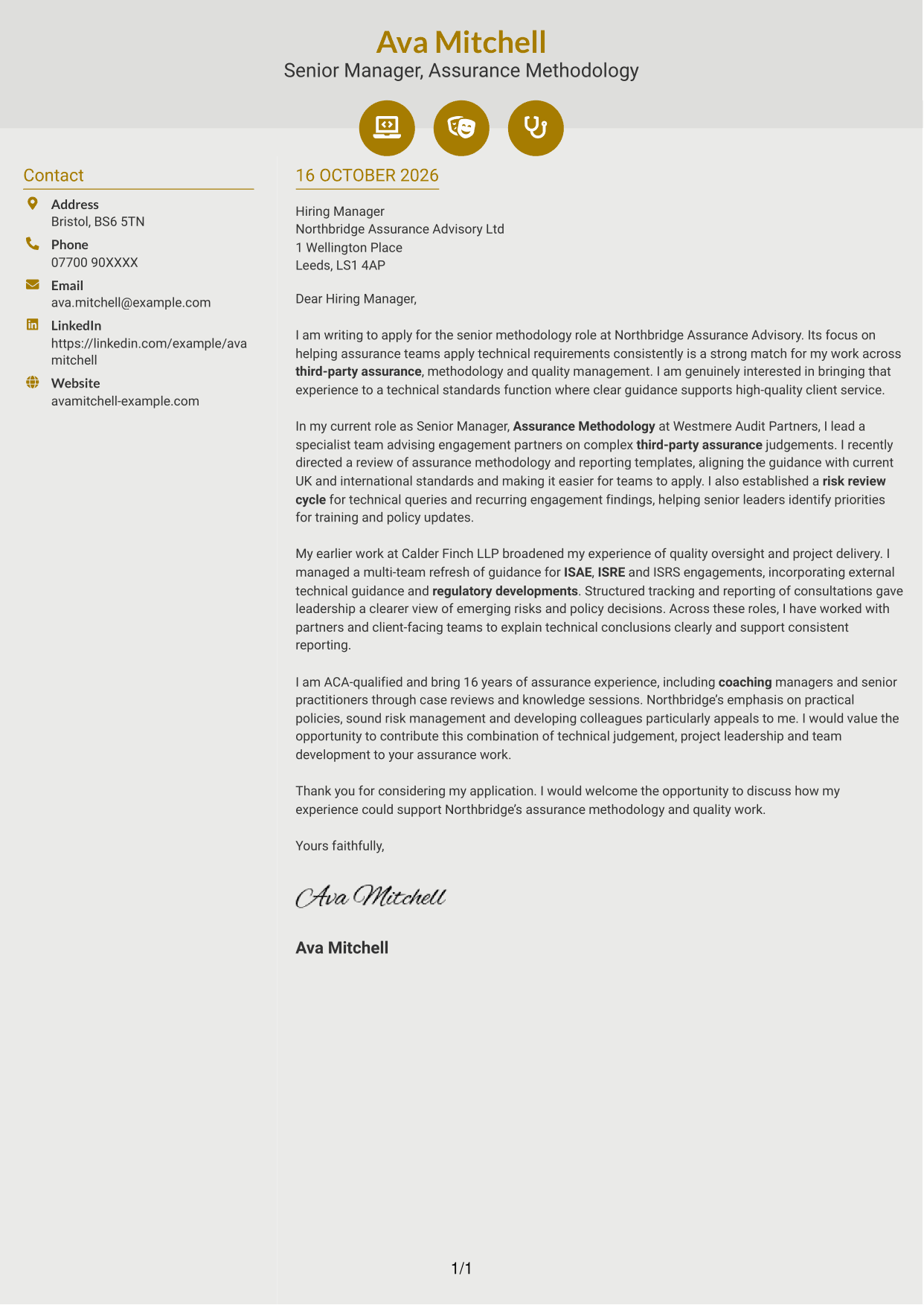
Why This Format Works
- Contact icons help readers identify the details they represent.
- The sidebar separates contact information from the application message.
- A single letter-body column keeps the paragraphs in a clear sequence.
Best For
- Icon cues for contact details
- A distinct contact sidebar
- One-column letter paragraphs
- Quick access to sender information
- A continuous application message
#7 Creative Two Tone Format Cover Letter Example
The Creative Two Tone Format places a contact sidebar beside one continuous letter body, keeping the sender details apart from the message.
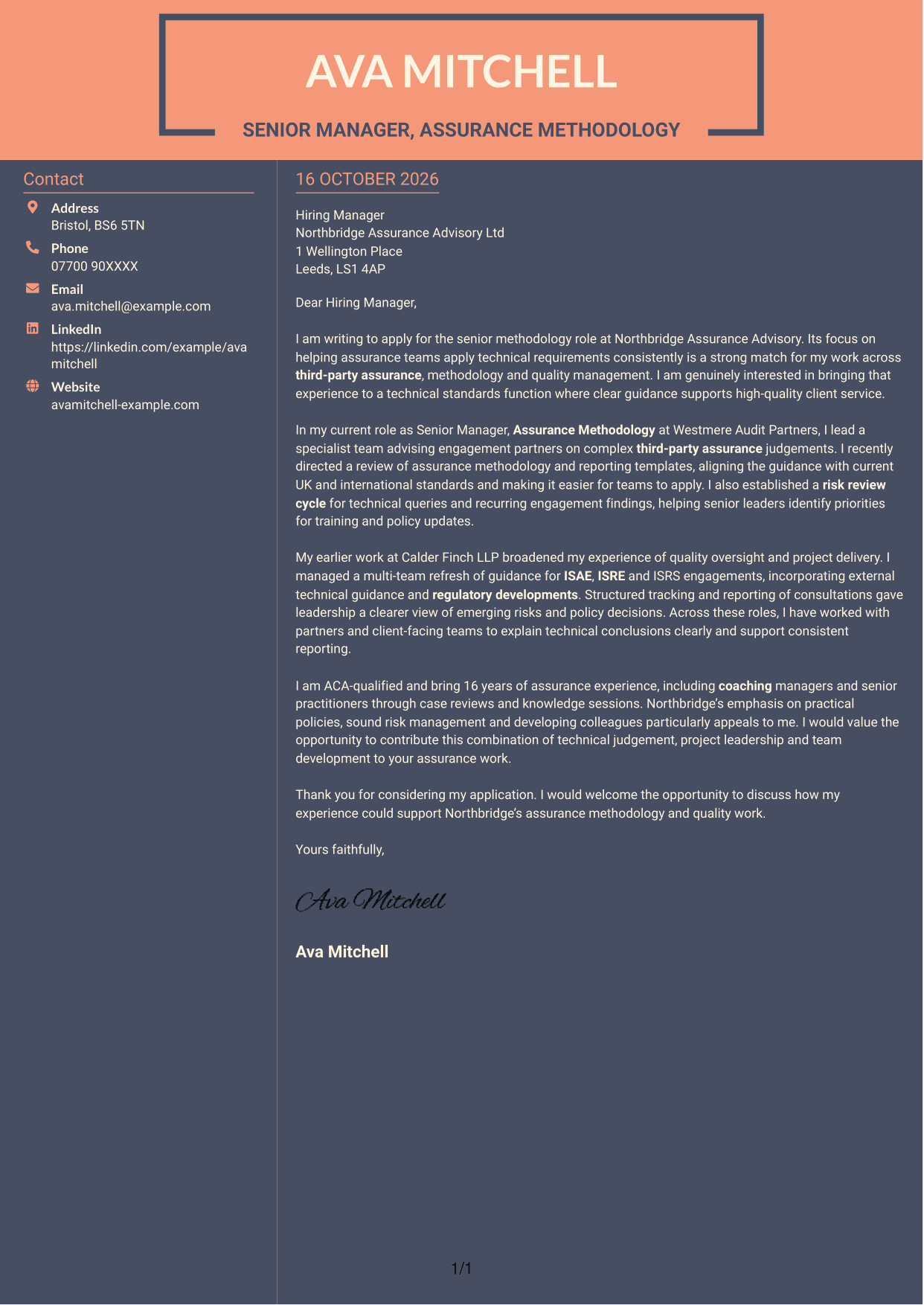
Why This Format Works
- Readers can find contact details separately from the letter’s main message.
- The body’s single column keeps the application paragraphs together.
- A continuous letter structure carries the message from opening to close.
Best For
- Contact details beside the letter
- A single-column message
- A connected opening and close
- Applications with several letter paragraphs
- Separate sender and message information
See Also
- 7 Senior Manager - Third Party Assurance Methodology, Reporting and Risk Management CV Templates with Example
- 7 New Business Senior Manager - Financial Sponsor Coverage CV Templates with Example
- 7 Assistant Manager - Digital and Cyber Governance CV Templates with Example
- 7 Content Editor - Digital Rewards CV Templates with Example
- 7 Sales Associate - Activewear and Womenswear CV Templates with Example
- 7 Strategic Finance Lead - Technical Finance CV Templates with Example
- 7 Store Manager - Retail Sales and Store Operations CV Templates with Example
- 7 Graduate Analyst - US Funds Tax CV Templates with Example
- 7 Stock Operative - Menswear CV Templates with Example
- 7 .NET Developer Wealth Management CV Templates with Example
Frequently Asked Questions
What should a Senior Manager - Third Party Assurance Methodology, Reporting and Risk Management cover letter highlight?
Show how your experience supports sound assurance methodology, clear reporting and careful risk oversight. Give focused examples of technical advice, policy or guidance work, and communication with senior colleagues.
How can I show my experience is relevant to this role?
Choose one or two examples that match the role’s main duties. You might describe a methodology update, a review of reporting templates, a risk review process or guidance you developed for assurance teams.
How should I explain my interest in the employer?
Connect your motivation to the employer’s stated focus on practical technical guidance, consistent assurance work and colleague development. Be specific about why this work interests you, and avoid claims about the organisation that you cannot support.
What is a clear structure for this cover letter?
Open by naming the role and explaining your main reason for applying. Use the body to support your fit with relevant examples, then close by restating your interest and welcoming a conversation.
How can I compare the cover letter examples?
Look at the PNG previews to compare each layout and how it presents the letter. You can open an example in the editor to view or customise it.




