
7 Senior Payments Solutions Architect - Payments & Treasury Cover Letter Templates with Example
This practical guide to a Senior Payments Solutions Architect - Payments & Treasury cover letter shows how to present role fit across seven layouts.
What Makes a Great Senior Payments Solutions Architect - Payments & Treasury Cover Letter in 2026
A strong letter opens with a clear reason for applying, then links architectural leadership to cash, payments and treasury platform renewal. It should show understanding of the payment lifecycle and the need to keep established banking services dependable.
Use focused evidence, such as shaping ISO 20022 adoption or designing event-driven payment flows with APIs and microservices. Connect these examples to the employer’s modernisation goals and explain your interest in the role.
The featured example follows a focused progression from role interest to payment architecture evidence and a clear close; adapt that flow while choosing a presentation suited to the employer and communication context.
#1 Simple One Column Format Cover Letter Example
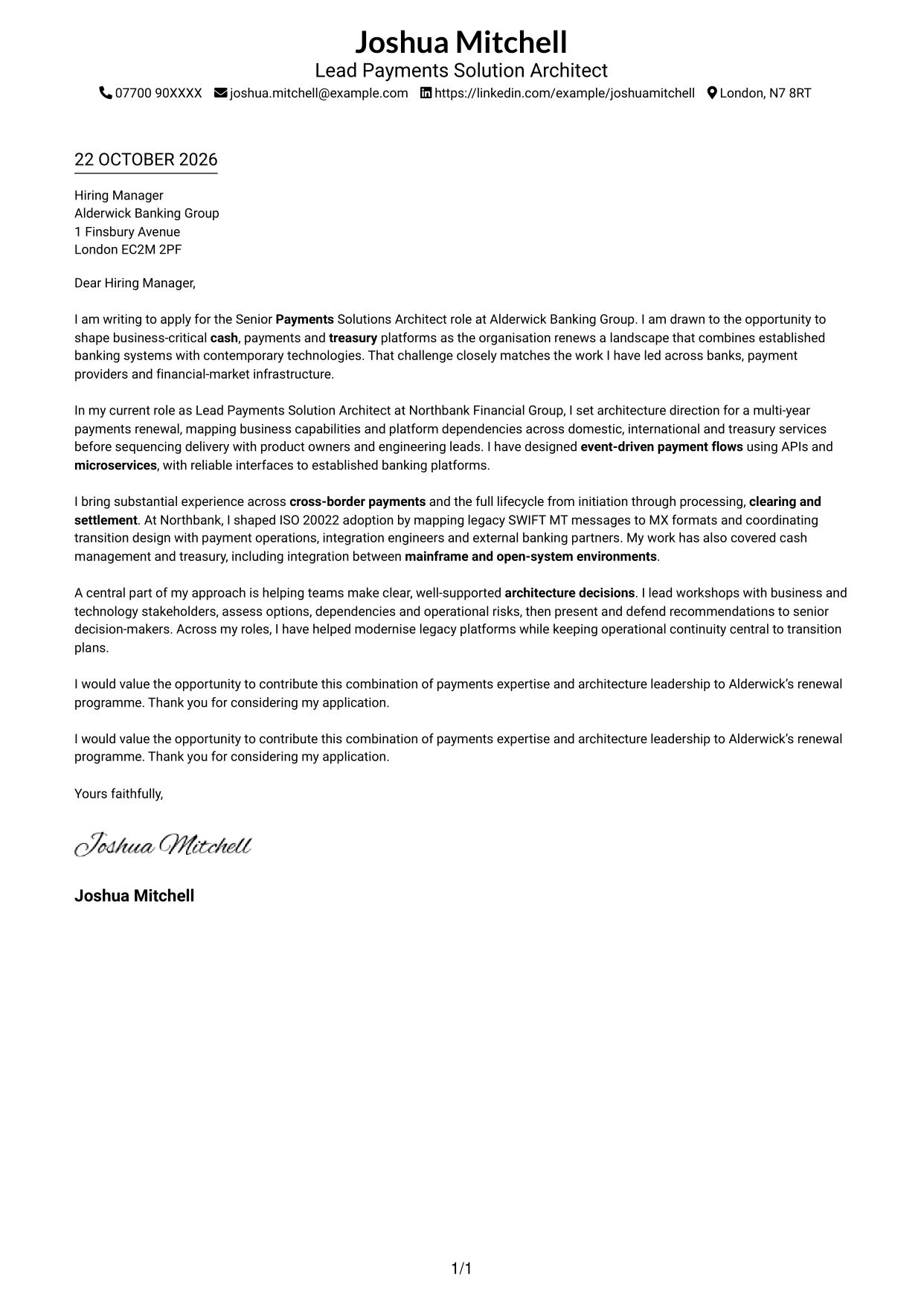
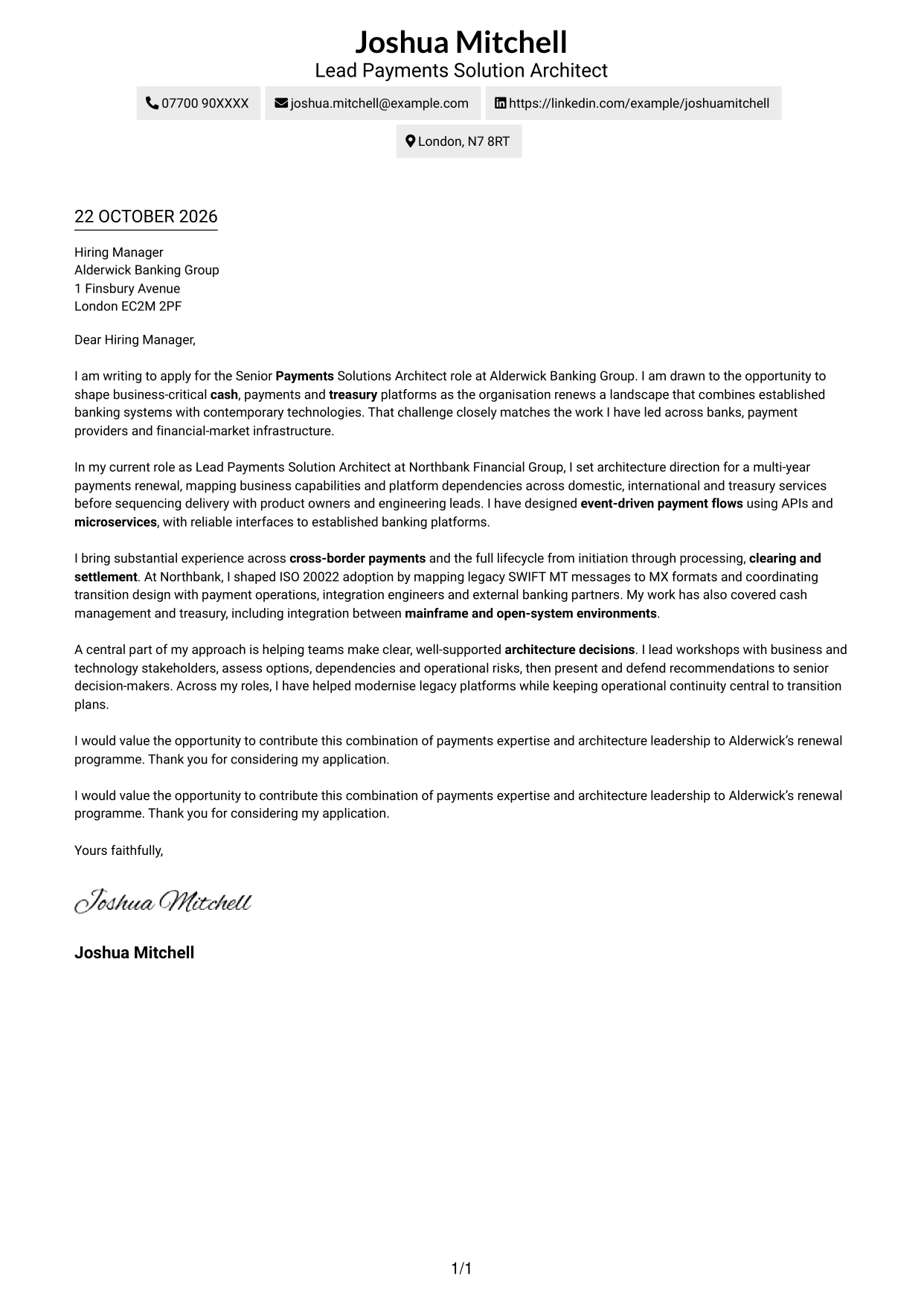
Sender details sit in the header above a single continuous letter column, keeping the message in a familiar reading order.
Why This Format Works
- Contact information stays apart from the message, making sender details easy to locate.
- The reader can follow motivation, evidence and closing in one clear sequence.
- A single column suits paragraph transitions that build a persuasive case.
Best For
- Letters centred on a direct personal message
- Applications with a simple contact header
- Persuasive cases built through linked paragraphs
- Readers who prefer familiar letter flow
- Messages with a concise, clear close
#2 Two Column Format Cover Letter Example
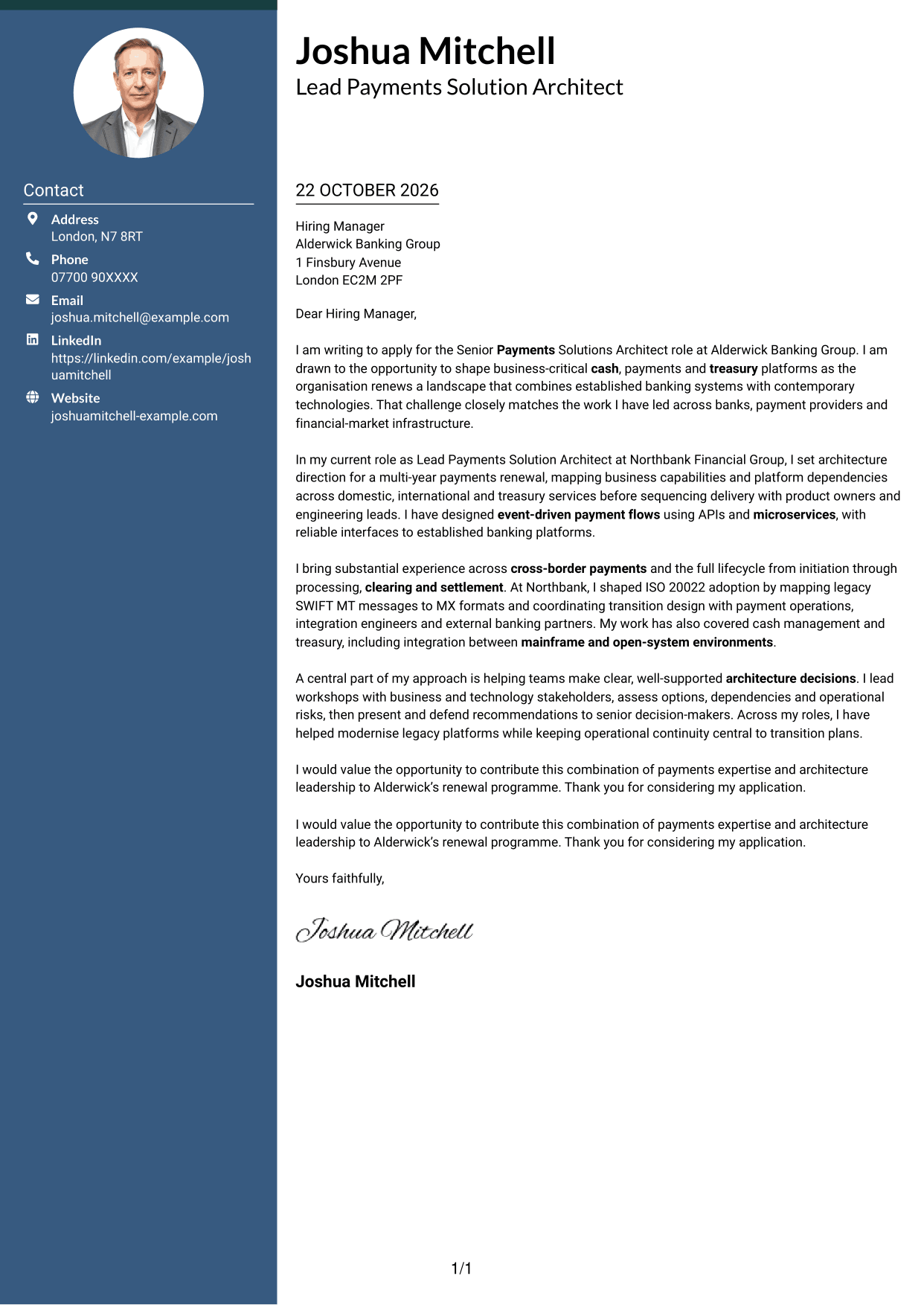
A contact sidebar sits beside one continuous letter body, keeping contact details separate from the written case.
Why This Format Works
- The sidebar gives address and contact details a defined place beside the letter.
- The continuous body keeps the opening, supporting points and close in reading order.
- Separate contact and letter areas help readers move between details and message.
Best For
- Letters with contact details beside the message
- Applications with several contact fields
- A continuous argument across multiple paragraphs
- Readers checking contact information while reading
- Messages that need distinct contact and writing areas
#3 Photo Header Two Column Format Cover Letter Example
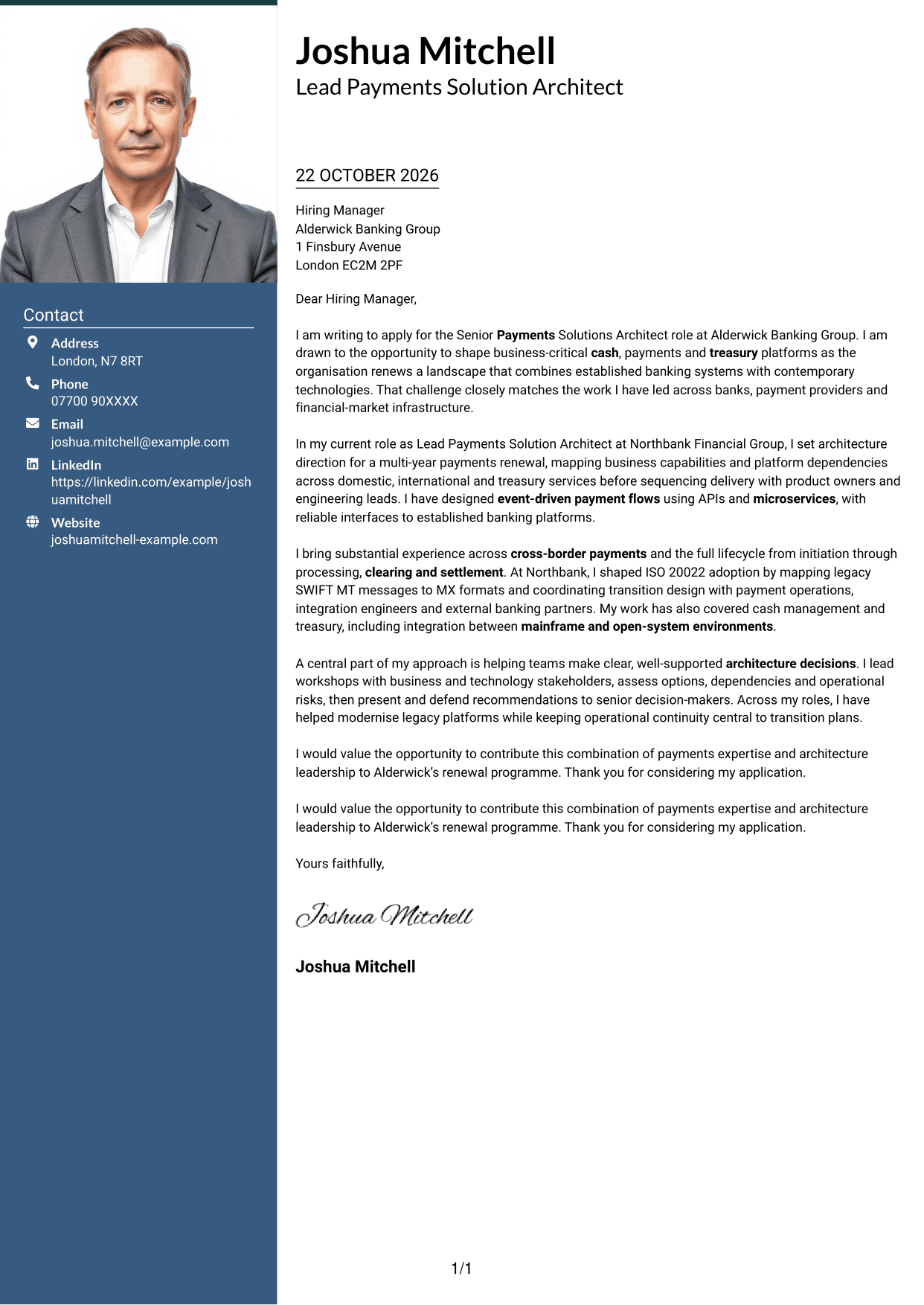
The two-column layout places contact details apart from the continuous letter body, while a photo adds a personal visual element.
Why This Format Works
- The photo offers a personal visual detail without breaking up the letter body.
- The contact sidebar keeps sender information separate from the written message.
- One continuous body lets the reader follow the case from opening to close.
Best For
- Applications where a portrait is preferred
- Letters with contact details kept to the side
- A personal visual touch alongside formal prose
- Messages that develop through several paragraphs
- Readers who value a clear separation of details and text
#4 One Column Format with Photo Cover Letter Example
A photo adds a personal visual element to the single-column letter, with sender details presented in the header.
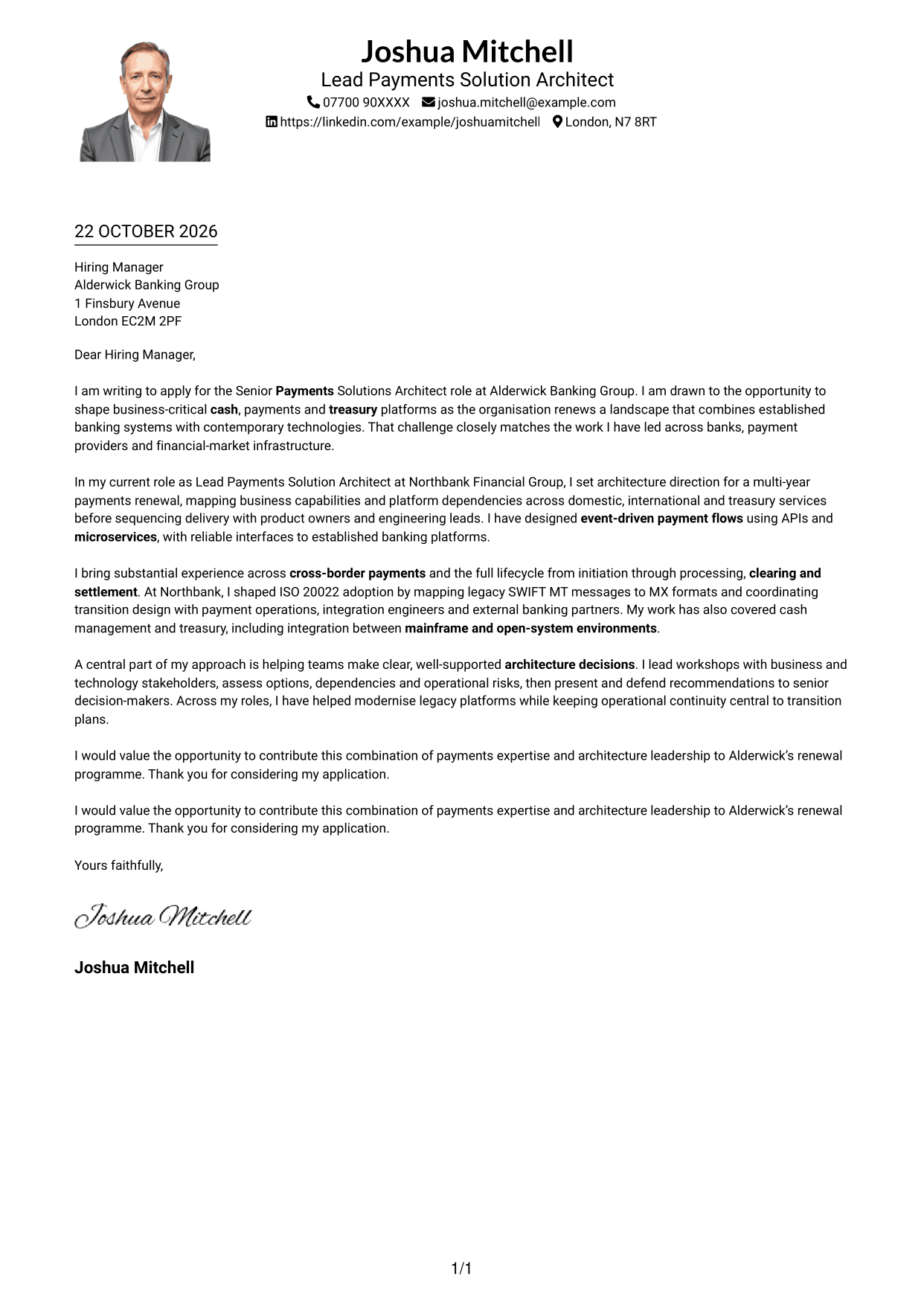
Why This Format Works
- The header keeps sender details visible before the reader reaches the letter.
- A single body column preserves a straightforward route through the message.
- The photo provides a personal visual choice without dividing the letter text.
Best For
- Single-column letters with a portrait
- Applications with sender details in the header
- Readers who prefer one clear text route
- Messages that move from motivation to a concise close
- A personal image alongside continuous prose
#5 Simple Two Column Format Cover Letter Example
A contact sidebar keeps sender details alongside, but distinct from, the continuous letter body.
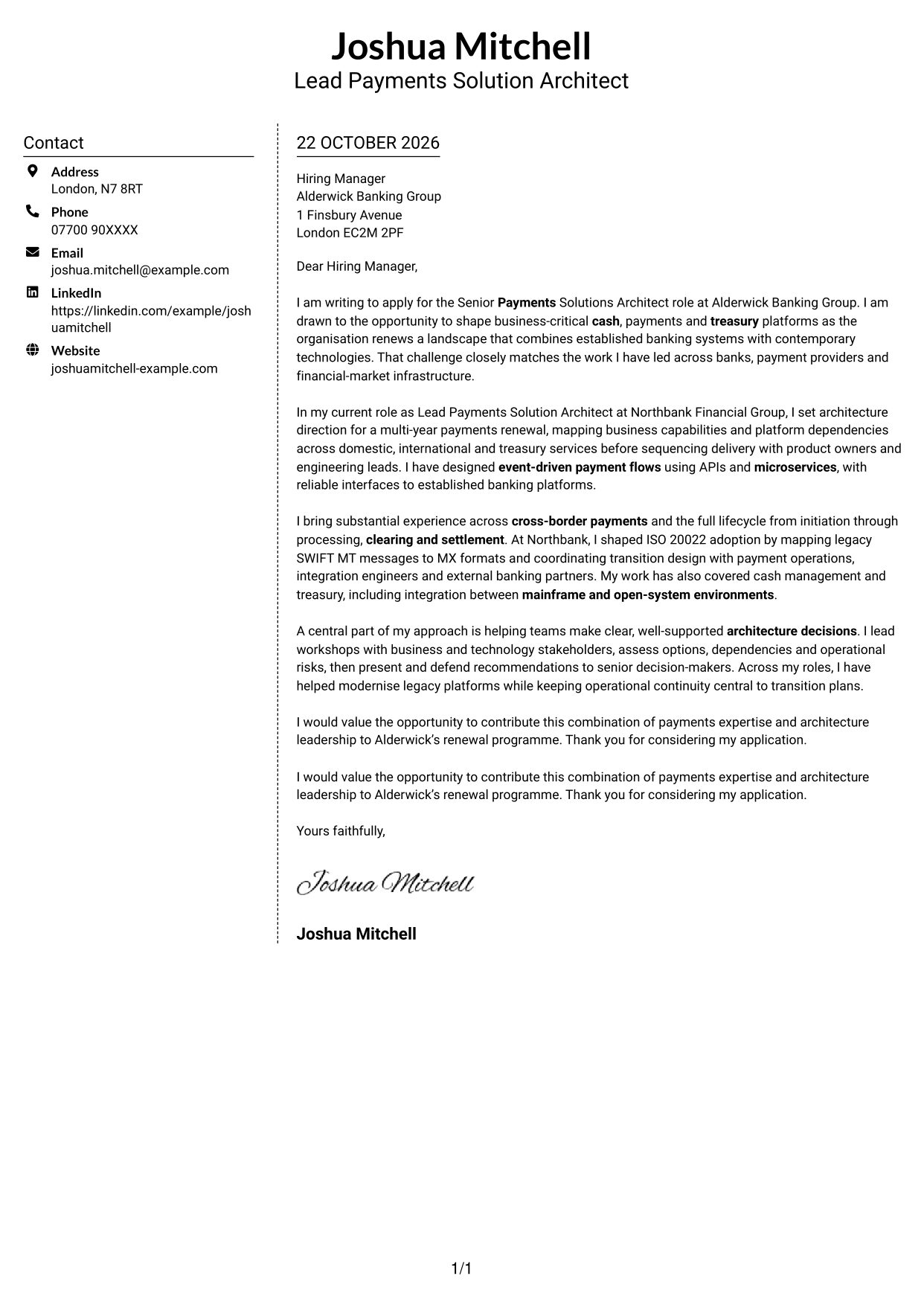
Why This Format Works
- Contact details remain easy to find without interrupting the letter's paragraphs.
- The body presents the opening, reasons and close as one connected message.
- The sidebar gives contact information its own space beside the prose.
Best For
- Letters with a separate contact area
- Applications with several sender details
- Connected paragraphs that make one clear case
- Readers who want contact details close at hand
- Messages that keep the argument in continuous prose
#6 Modern Icon Format Cover Letter Example
Contact icons help identify details in the sidebar, while the two-column layout keeps the letter body continuous.
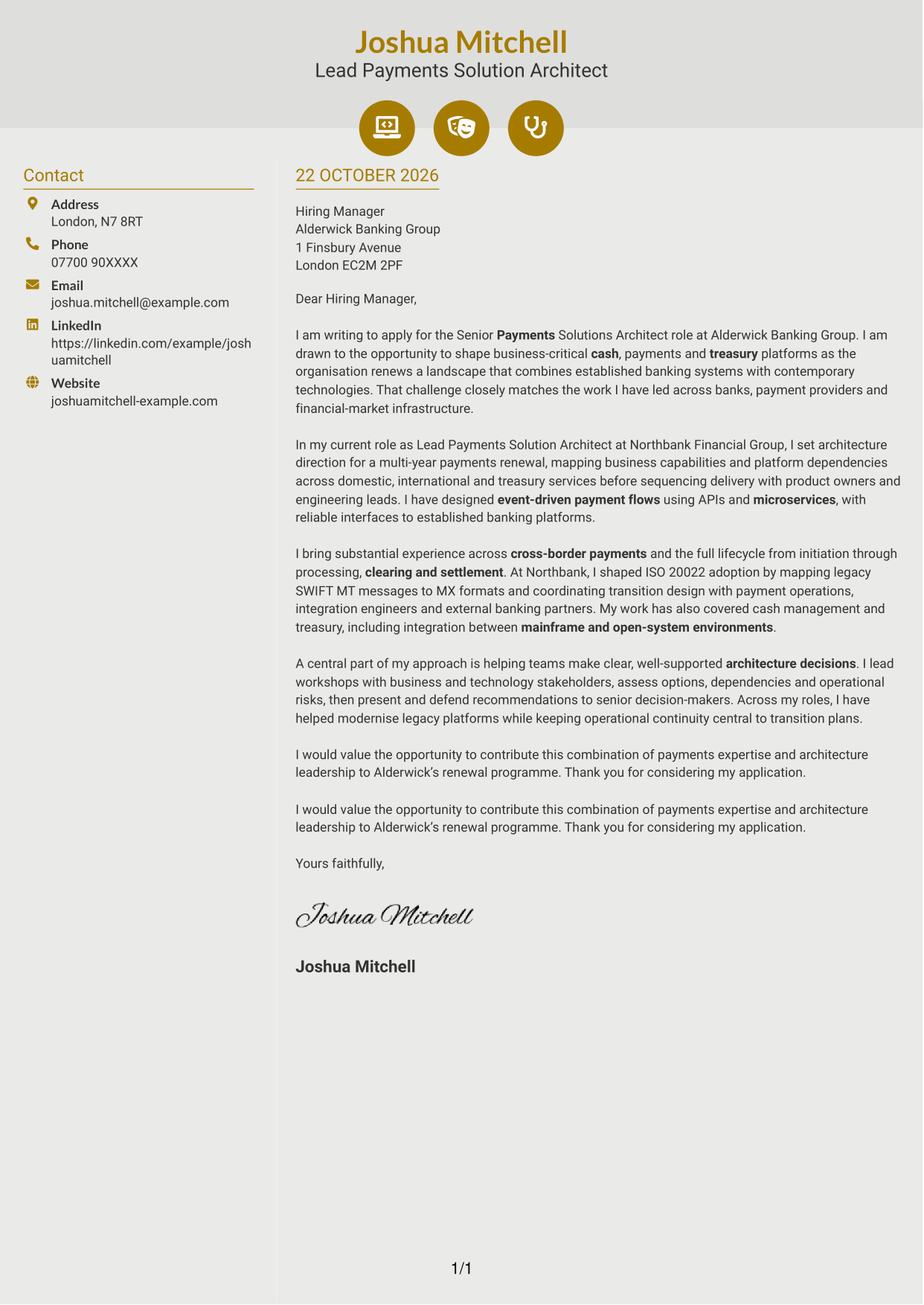
Why This Format Works
- Icons give contact details clear visual cues without labelling parts of the argument.
- The sidebar separates sender information from the body of the letter.
- A continuous body preserves the natural order of the message.
Best For
- Letters with icon-marked contact details
- Applications needing a distinct contact area
- Readers who value visual cues for sender information
- Messages built as continuous paragraphs
- A clear separation between contact details and prose
#7 Creative Two Tone Format Cover Letter Example
The contact sidebar sits apart from the continuous letter body, giving sender details a separate place in the two-column layout.
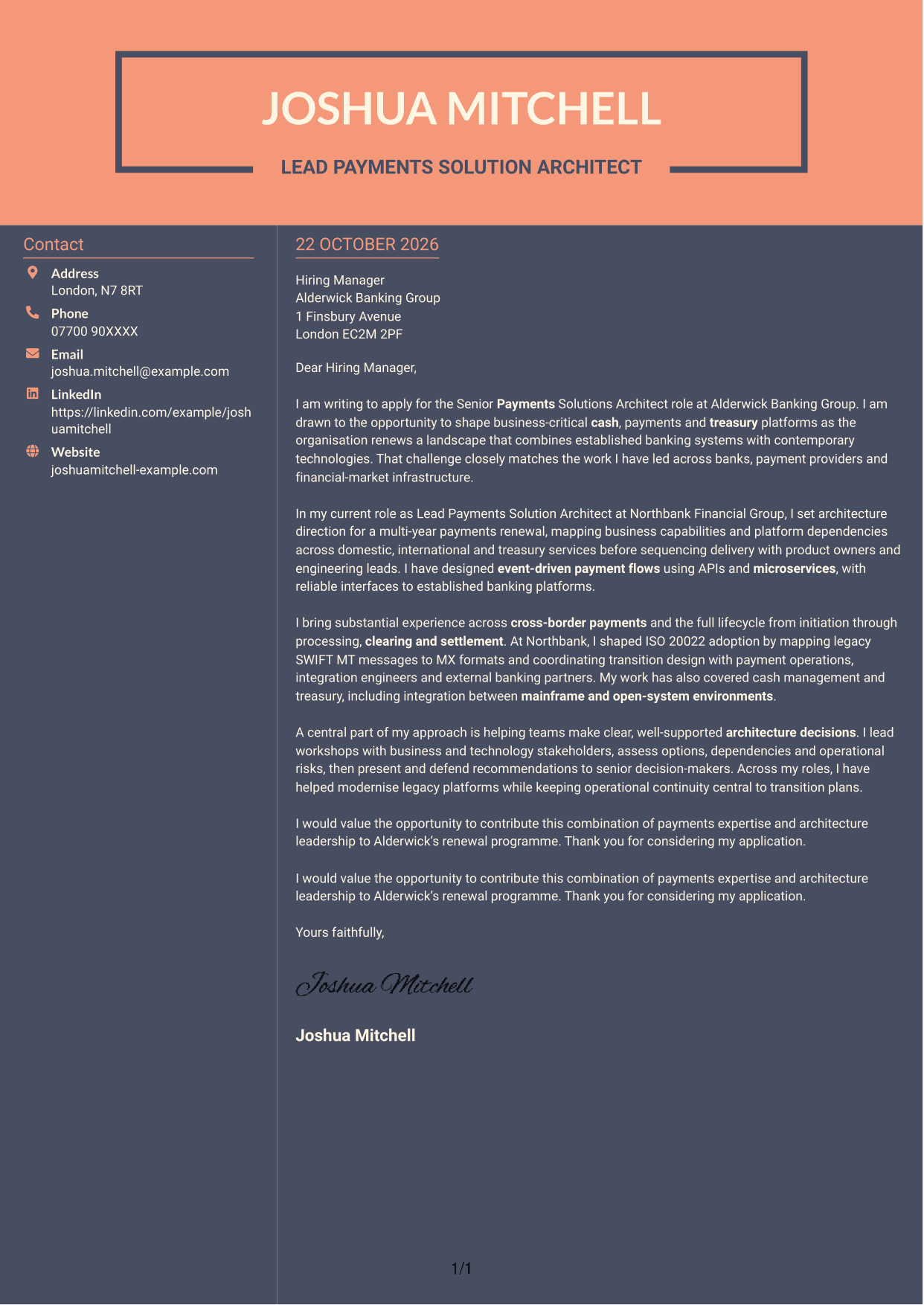
Why This Format Works
- The sidebar keeps contact information distinct from the letter's persuasive message.
- One continuous body lets the reader follow the argument without section breaks.
- The two-column arrangement places sender details beside the letter rather than within it.
Best For
- Letters with a distinct sender information area
- Applications where contact details should remain beside the message
- A connected case presented in paragraphs
- Readers who prefer separate contact and letter areas
- Messages with a clear opening and closing
See Also
- 7 Senior Payments Solutions Architect - Payments & Treasury CV Templates with Example
- 7 AI Solution Architect - Agentic AI CV Templates with Example
- 7 Commercial SAP Solution Architect CV Templates with Example
- 7 Data & Analytics Solution Architect - Cloud Data Platforms CV Templates with Example
- 7 Data Protection Solution Architect CV Templates with Example
- 7 Data & Solution Architect - Defence CV Templates with Example
- 7 Data Solution Architect - Reinsurance CV Templates with Example
- 7 Digital Solution Architect - Financial Services CV Templates with Example
- 7 AI Solution Architect - Agentic AI Cover Letter Templates with Example
- 7 Commercial SAP Solution Architect Cover Letter Templates with Example
Frequently Asked Questions
What should a Senior Payments Solutions Architect - Payments & Treasury cover letter highlight?
Show how your architecture work relates to cash, payments and treasury platforms. Useful evidence can include cross-border payment lifecycle design, SWIFT MT and MX transition work, ISO 20022 adoption, and integration across established and newer systems.
How can I show my fit for this payments architecture role?
Choose a clear example that explains the challenge, your design decision and its value. You might describe mapping payment flows, weighing platform options or planning a transition while protecting operational continuity.
How should I explain my interest in Alderwick Banking Group?
Connect your motivation to the stated renewal of cash, payments and treasury platforms. Explain why this work matters to you and how your approach to architecture can support dependable change.
What is a clear way to structure this cover letter?
Open with the role and your reason for applying. Use the body to explain relevant payment architecture work and how you guide decisions with stakeholders, then close with a concise statement of interest.
Should I include every part of my architecture experience?
No. Select the examples that best match this role, such as payment lifecycle design, messaging modernisation, treasury integration or stakeholder workshops. A few well-explained examples make your case easier to follow.




