
7 Senior Project Engineer - Rail and Civil Engineering Cover Letter Templates with Example
This practical guide to a Senior Project Engineer - Rail and Civil Engineering cover letter helps you show role fit through seven layouts.
What Makes a Great Senior Project Engineer - Rail and Civil Engineering Cover Letter in 2026
A strong letter links your interest in the role to client-side oversight across rail and civil engineering work. Make the opening clear, then show how your approach supports safe, compliant delivery.
Use relevant evidence, such as reviewing contractor submissions, resolving technical issues and assessing cost or programme effects under NEC contracts. Explain how this experience fits the employer’s needs and why its infrastructure programme interests you.
The featured example moves from role motivation to assurance responsibilities, a specific acceptance-review example and a clear close; adapt this progression while choosing a presentation suited to the employer and communication context.
#1 Simple One Column Format Cover Letter Example
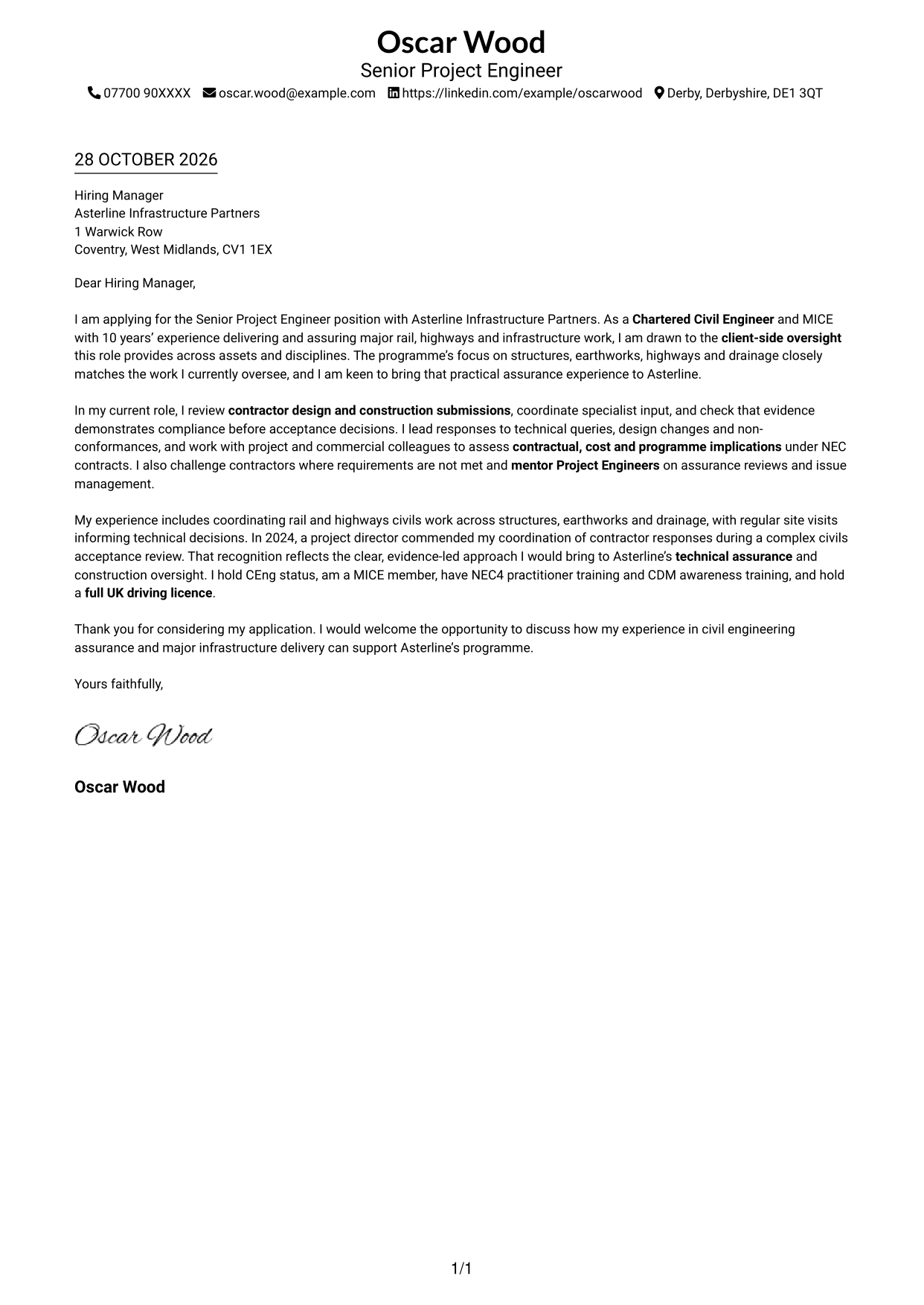
Sender details sit in the header above one continuous letter body, giving the message a direct reading path.
Why This Format Works
- The header keeps sender details together before the application message begins.
- One continuous text area lets the reviewer follow the case from opening to close.
- Paragraphs remain the focus, without a sidebar beside the letter.
Best For
- Single-column letter preference
- Sender details above the message
- Continuous paragraph reading
- Direct application correspondence
- No-sidebar page layout
#2 Two Column Format Cover Letter Example
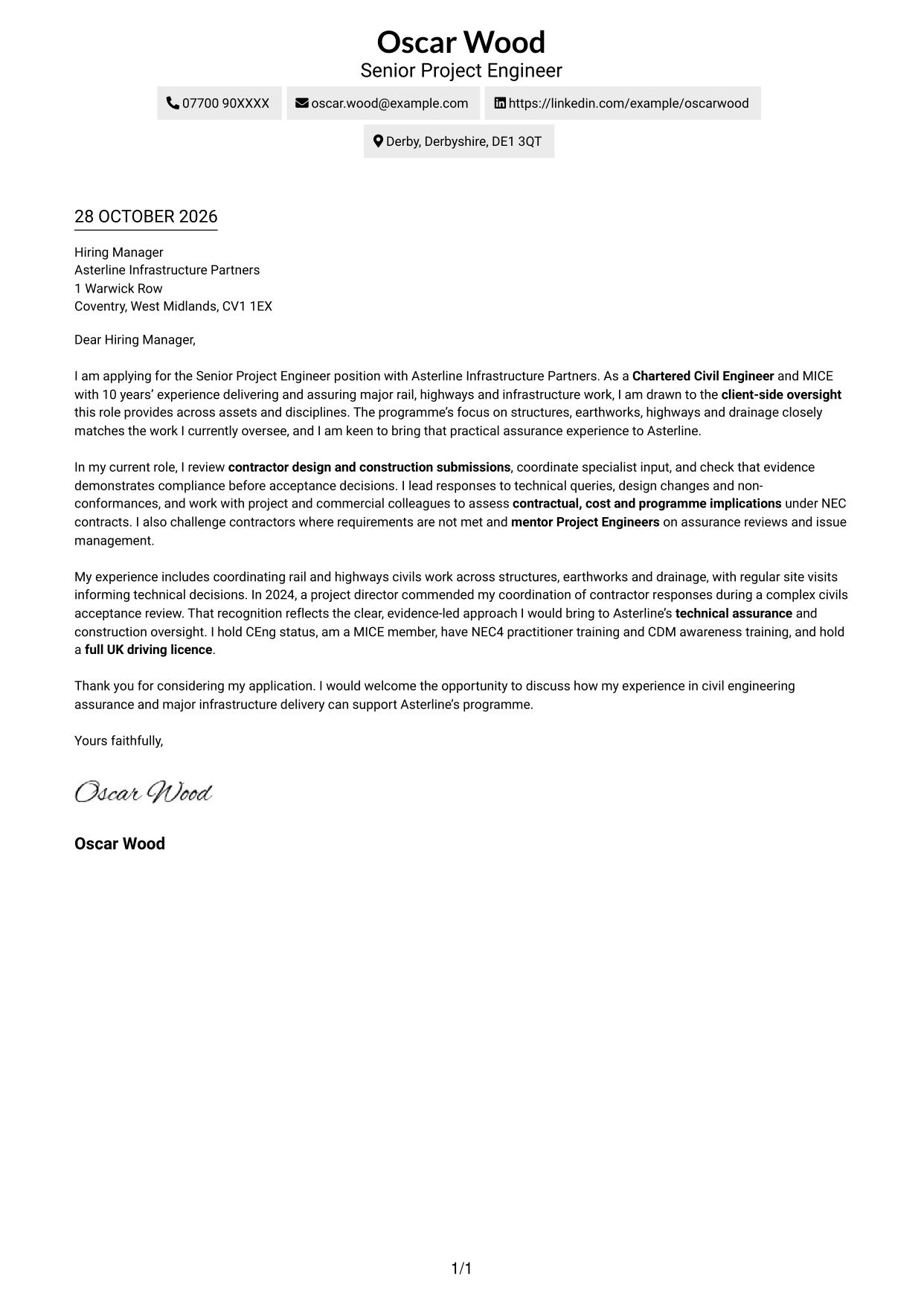
A contact sidebar sits beside the continuous letter body, keeping correspondence details separate from the message.
Why This Format Works
- The sidebar gives contact information a distinct place beside the main message.
- The letter itself remains a single sequence, from opening through closing.
- Readers can locate correspondence details without searching through the letter text.
Best For
- Contact details beside the message
- Continuous letter text
- Quick access to sender information
- Side-by-side document layout
- Clear separation of correspondence and message
#3 Photo Header Two Column Format Cover Letter Example
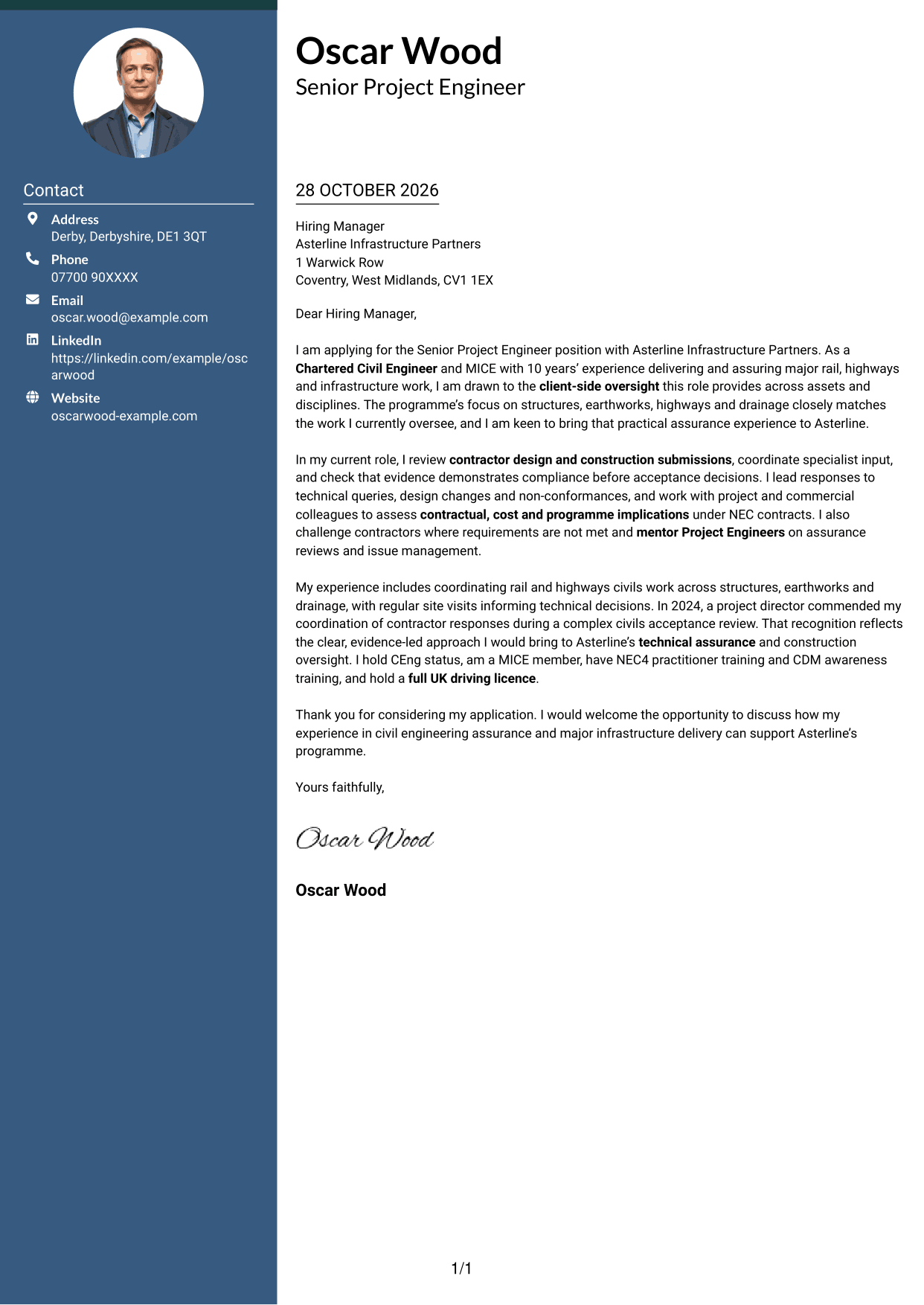
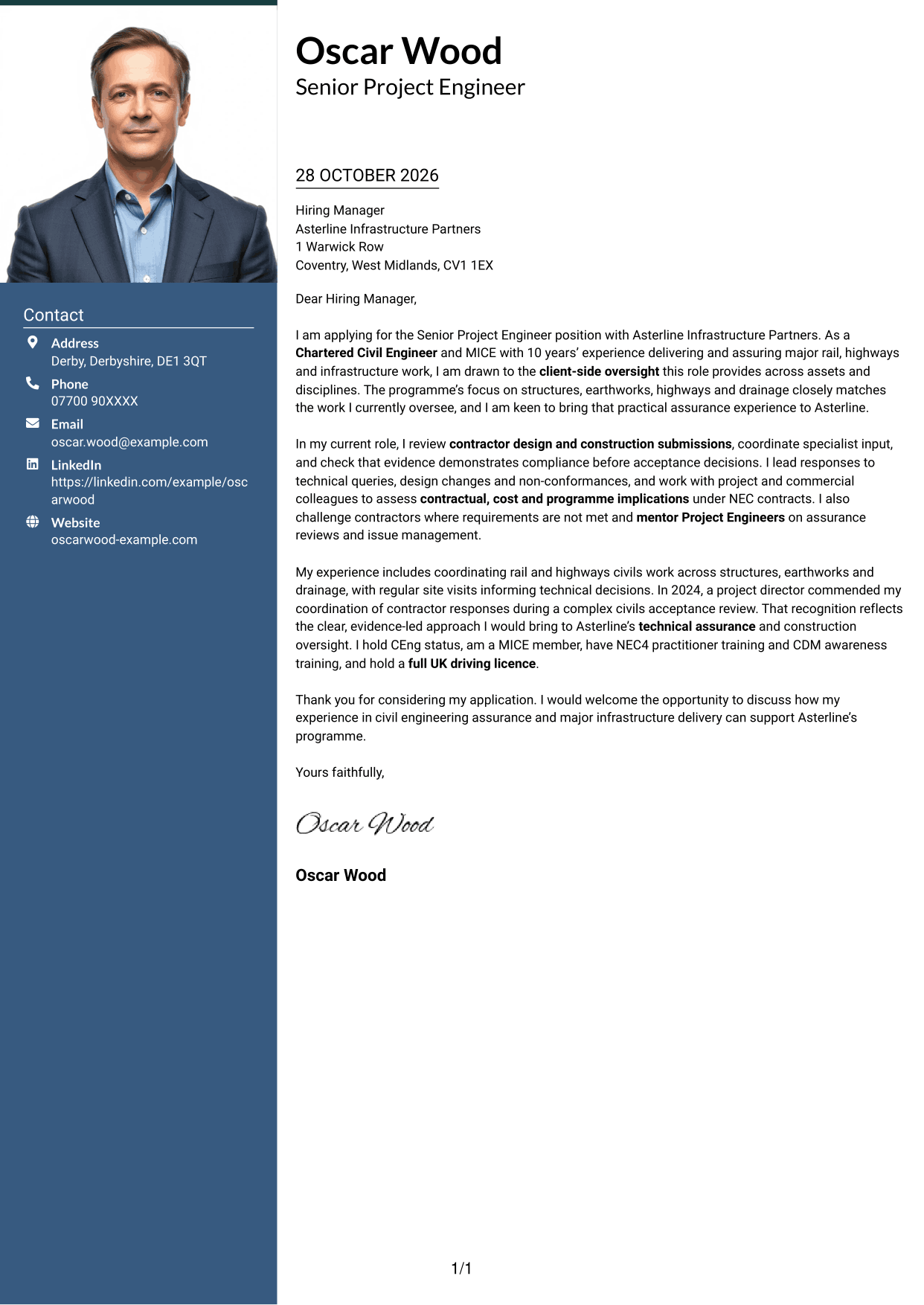
A photo in the header adds a visible personal detail, while the contact sidebar sits beside the continuous letter body.
Why This Format Works
- The header portrait adds a personal visual element without dividing the letter body.
- Contact details sit in a sidebar, apart from the message to the employer.
- One uninterrupted text area keeps the opening, evidence and closing in sequence.
Best For
- Header portrait preference
- Contact sidebar beside the message
- Continuous letter paragraphs
- Visible personal detail
- Separate sender and letter information
#4 One Column Format with Photo Cover Letter Example
A photo in the header gives this one-column letter a personal visual detail, with sender information above the continuous message.
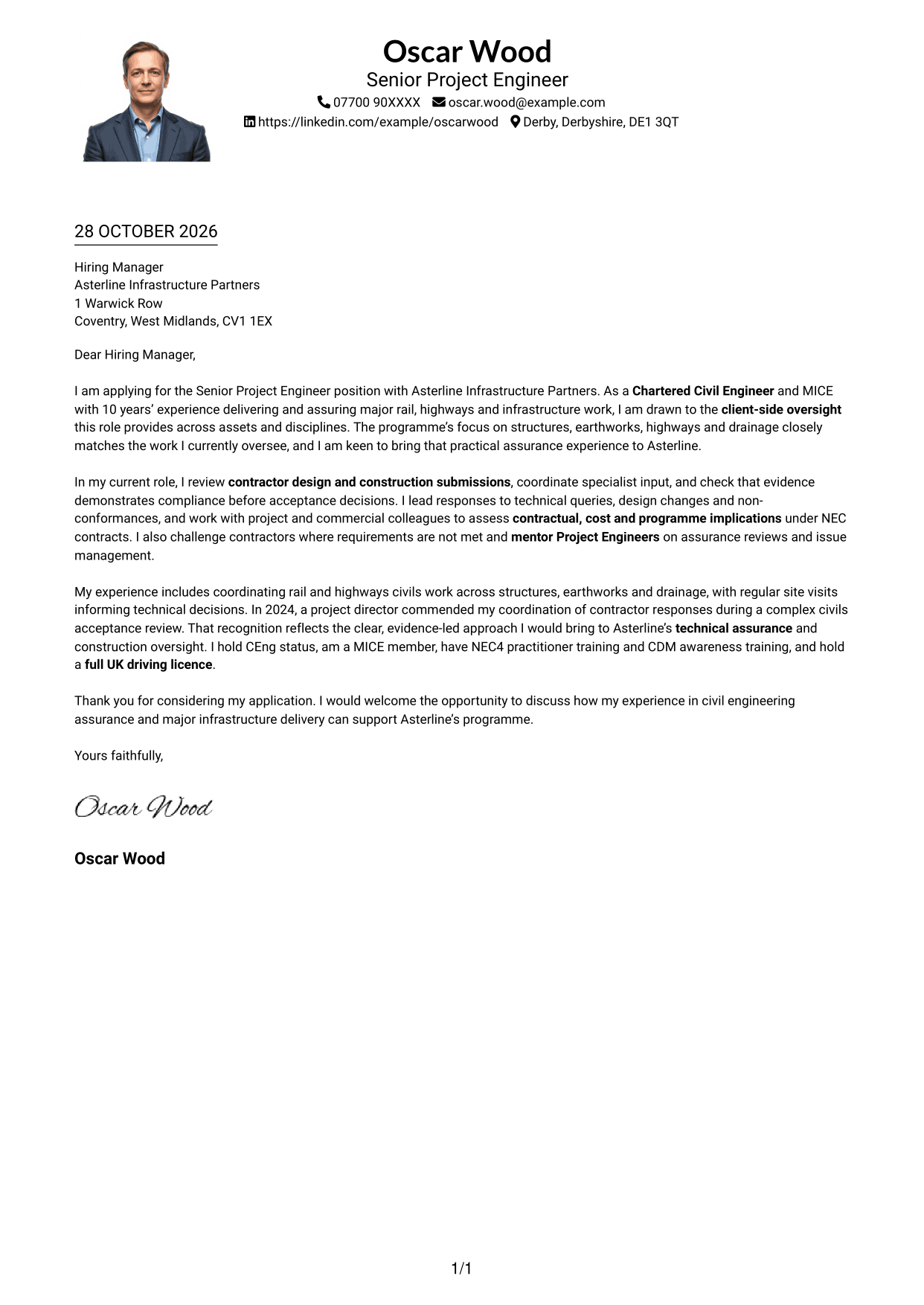
Why This Format Works
- The header portrait adds a visible personal touch without breaking up the letter text.
- Sender details appear above the message in the same overall reading path.
- Continuous paragraphs keep the opening, evidence and closing in order.
Best For
- One-column letter preference
- Portrait in the header
- Sender information above the message
- Continuous paragraph flow
- Personal visual detail
#5 Simple Two Column Format Cover Letter Example
The contact sidebar and the continuous letter body occupy separate columns, making their different purposes clear.
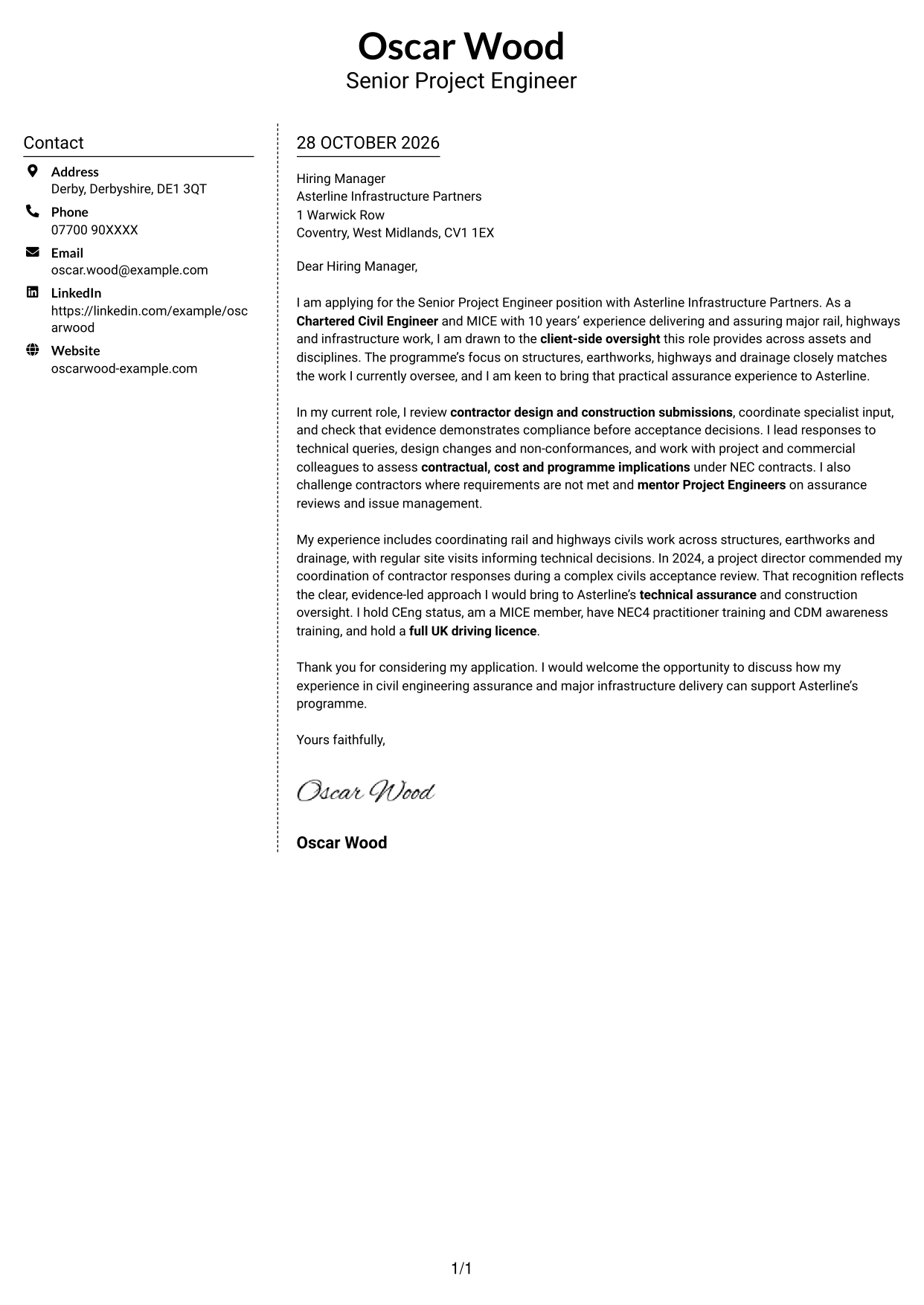
Why This Format Works
- The sidebar gives contact information a dedicated place outside the letter text.
- Opening, supporting points and closing stay together in one body area.
- The reviewer can refer to sender details while reading the message.
Best For
- Contact details in a sidebar
- One continuous letter body
- Sender information alongside the message
- Separate correspondence and application text
- Two-column page preference
#6 Modern Icon Format Cover Letter Example
Contact icons provide visual cues in the sidebar, while the letter remains one continuous body in the second column.
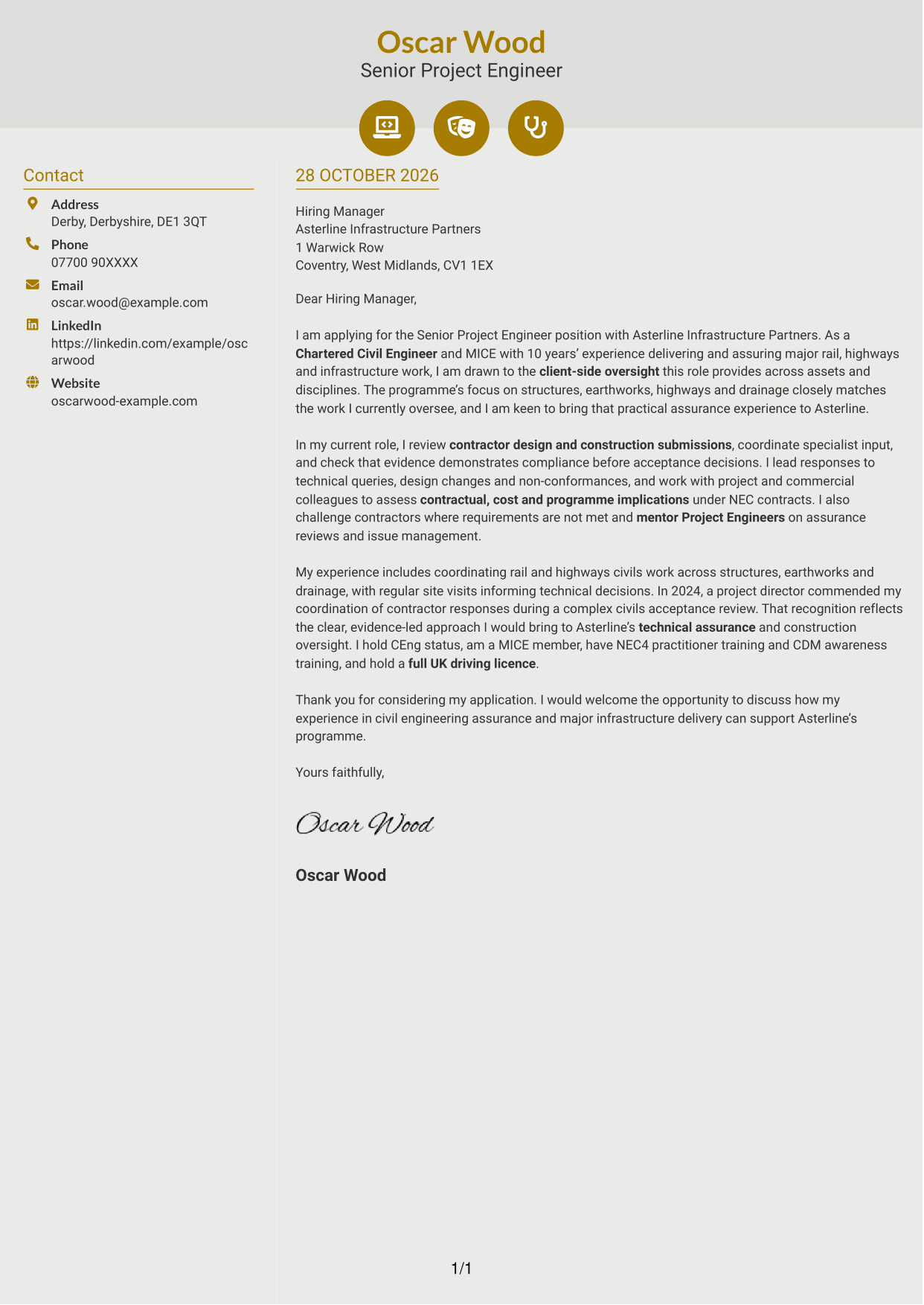
Why This Format Works
- Icons cue contact details, helping readers find correspondence information quickly.
- The sidebar keeps contact information apart from the uninterrupted letter body.
- Decorative header accents add visual detail without labelling parts of the argument.
Best For
- Icon cues for contact details
- Contact sidebar beside the message
- Continuous letter body
- Quick access to correspondence information
- Decorative header details
#7 Creative Two Tone Format Cover Letter Example
The two-column layout places contact information beside a continuous letter body, keeping sender details distinct from the message.
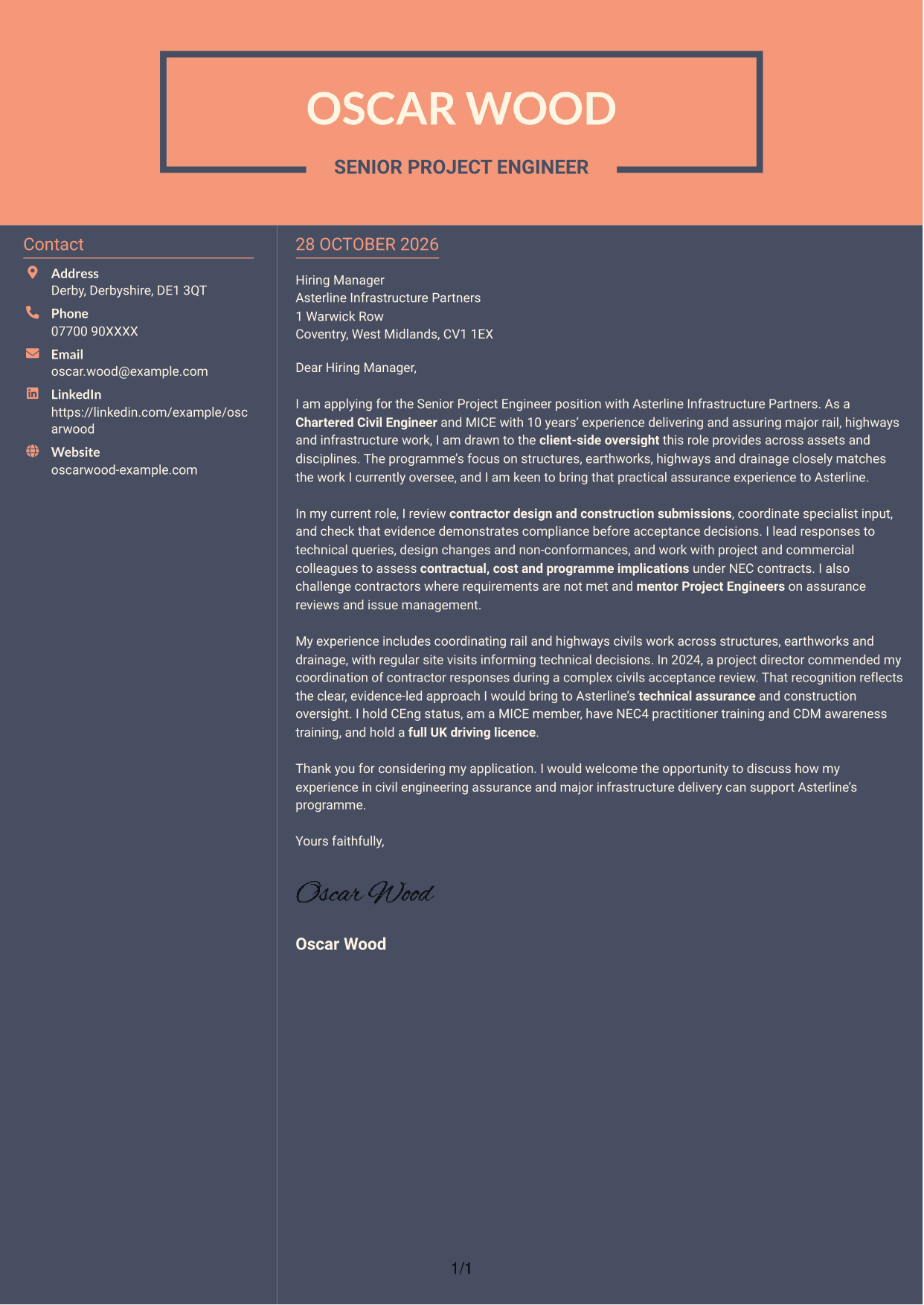
Why This Format Works
- A dedicated sidebar gives sender and contact details a clear place beside the letter.
- The message remains a continuous sequence from its opening to its closing.
- Side-by-side areas help distinguish correspondence information from the application text.
Best For
- Contact sidebar beside the letter
- Continuous application message
- Sender details separate from letter text
- Two-column reading preference
- Clear contact information placement
See Also
- 7 Project Engineer - Rail/Civil Engineering CV Templates with Example
- 7 Senior Project Engineer - Rail and Civil Engineering CV Templates with Example
- 7 Civil Project Engineer - Highways and Drainage CV Templates with Example
- 7 Graduate Civil Engineer - Rail Infrastructure Design CV Templates with Example
- 7 Assistant Civil Engineer - Highways and Drainage Design CV Templates with Example
- 7 Associate Director Civil Engineer - Water and Wastewater CV Templates with Example
- 7 Chartered Civil Engineer - Highways, Drainage and Flood Risk CV Templates with Example
- 7 Civil and Structural Engineer - Refinery Infrastructure CV Templates with Example
- 7 Project Engineer - Rail/Civil Engineering Cover Letter Templates with Example
- 7 Civil Project Engineer - Highways and Drainage Cover Letter Templates with Example
Frequently Asked Questions
What should a Senior Project Engineer - Rail and Civil Engineering cover letter highlight?
Show how your civil engineering experience supports technical assurance and construction delivery. Useful examples include reviewing contractor submissions, checking evidence for acceptance and resolving queries, design changes or non-conformances.
How can I make my experience relevant to this role?
Choose a clear example that shows what you did and why it mattered. You could describe how you coordinated specialist input, closed an assurance gap or helped resolve a complex civils acceptance issue.
How should I explain my interest in the employer?
Connect your interest to the advertised work across structures, earthworks, highways and drainage. Then explain how your approach to client-side oversight and evidence-led acceptance could support that programme.
What is a clear way to structure this cover letter?
Open with the role and your reason for applying. Use the body to show relevant assurance work and one specific example, then close by restating your interest and inviting a discussion.
Should I include every part of my work history?
No. Select the experience that best shows your fit for this role, such as coordinating civils work, reviewing evidence or assessing engineering decisions. Keep the focus on the contribution you can make.




