
7 Senior Python Developer - Cloud Automation Cover Letter Templates with Example
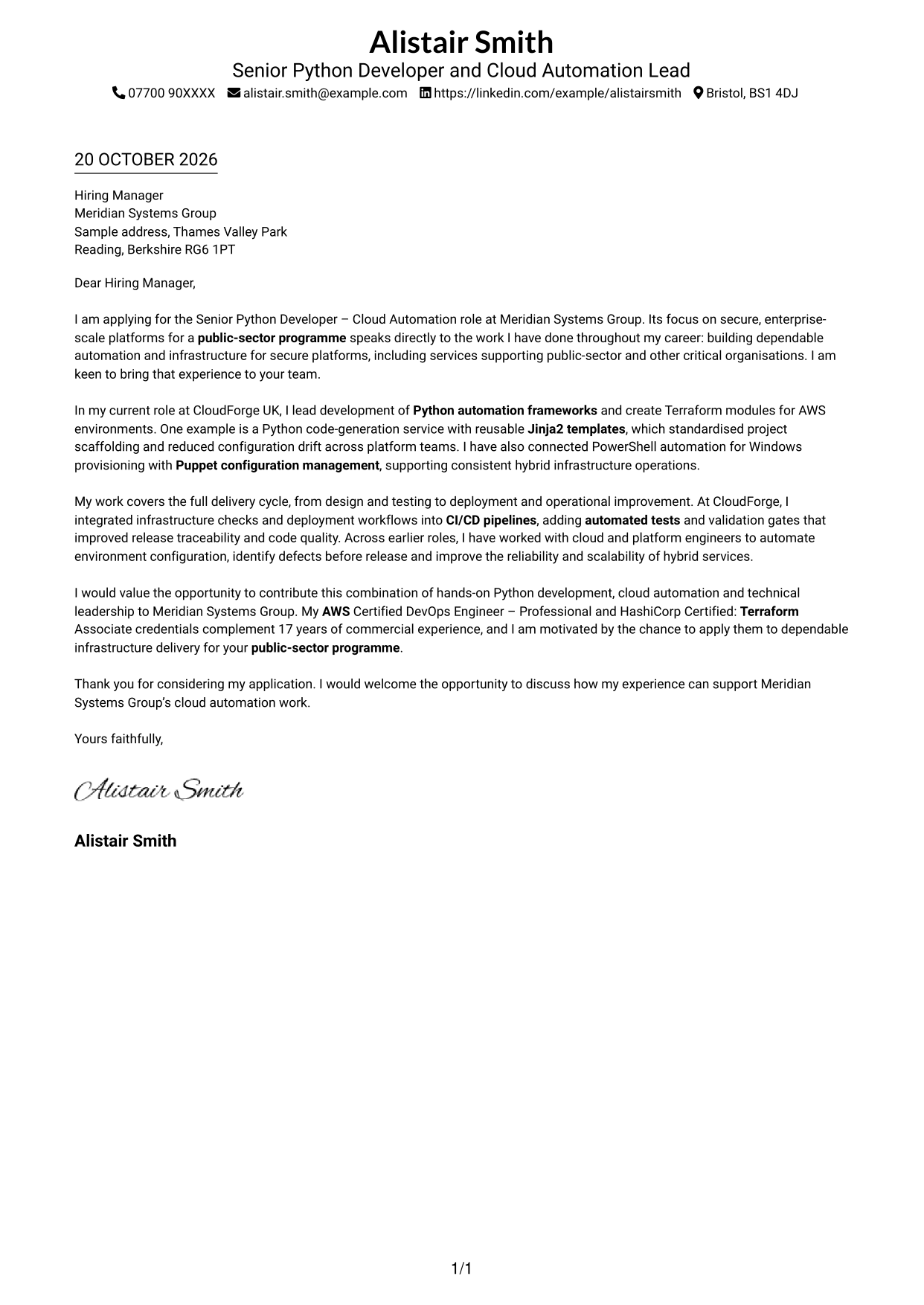
Use this practical guide to create a Senior Python Developer - Cloud Automation cover letter, compare seven layouts and present your role fit clearly.
What Makes a Great Senior Python Developer - Cloud Automation Cover Letter in 2026
A strong letter connects your Python automation and infrastructure work to the role’s needs. Open with a clear reason for applying and show how you can help deliver secure, dependable cloud services.
Choose relevant evidence, such as reusable Terraform modules, Jinja2 code generation or CI/CD checks, and explain the value it brought. Then link your experience to the employer’s public-sector platform work and the way its team delivers infrastructure.
The featured example moves from interest in the role to relevant Python and cloud automation evidence, then closes with a clear invitation to talk; adapt this focused progression while choosing a presentation that suits the employer and communication context.
#1 Simple One Column Format Cover Letter Example
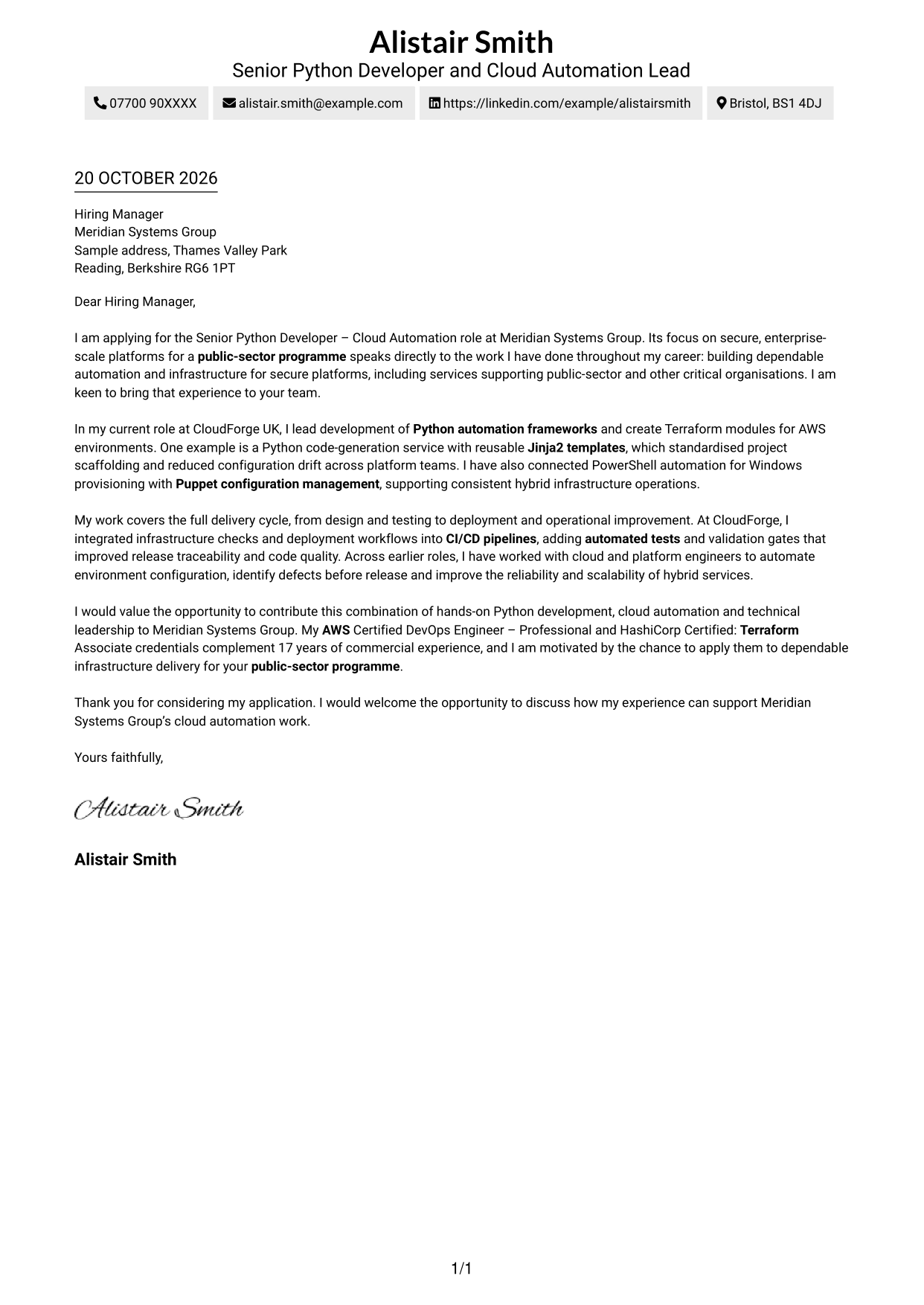
A single-column layout keeps sender details in the header and gives the continuous letter body one clear reading path.
Why This Format Works
- Sender details sit in the header, separate from the letter's central message.
- The continuous paragraphs carry the opening, supporting points and close in sequence.
- One reading column suits readers who prefer no contact sidebar.
Best For
- Single-column letter layouts
- Header-based contact details
- Continuous paragraph writing
- Straightforward top-to-bottom reading
- Letters without a contact sidebar
#2 Two Column Format Cover Letter Example
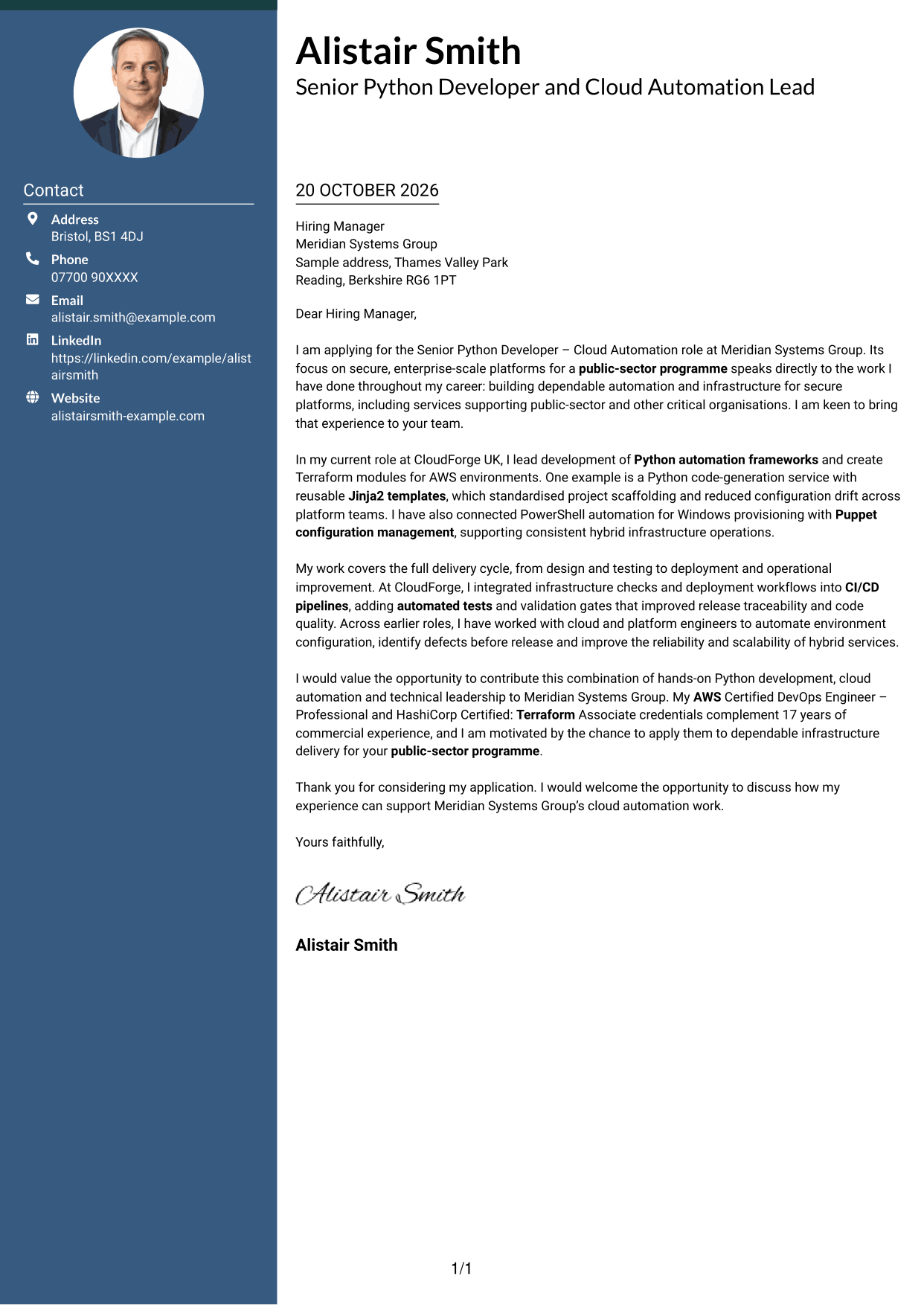
A contact sidebar sits beside the uninterrupted letter body, keeping contact information apart from the message.
Why This Format Works
- The sidebar gives sender details a separate place beside the letter body.
- One continuous text column carries the message without parallel argument sections.
- The side-by-side page suits readers who prefer a separate contact area.
Best For
- Two-column cover letter pages
- Contact details beside main text
- Unheaded letter prose
- Quick access to sender information
- Readers who prefer a sidebar
#3 Photo Header Two Column Format Cover Letter Example
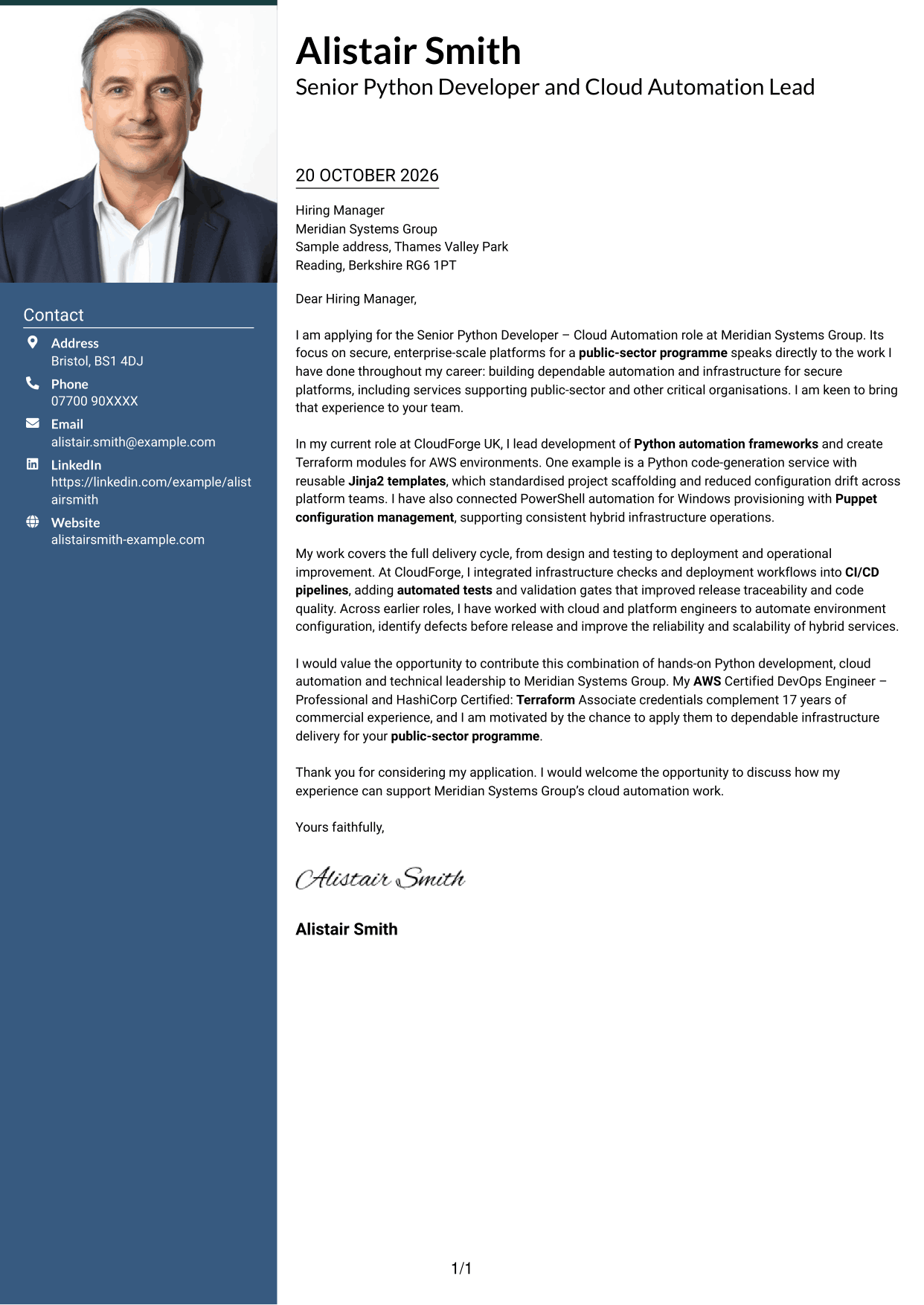
A photo header pairs with a contact sidebar and one continuous letter body for readers who want a portrait on the page.
Why This Format Works
- The sidebar keeps sender details apart from the continuous letter body.
- A single body column lets the message proceed from opening to close.
- The portrait offers a visible personal touch for readers who value a photo.
Best For
- Photo-header cover letters
- Contact details beside the message
- Continuous letter paragraphs
- Portrait-led page presentation
- Readers who want a photo
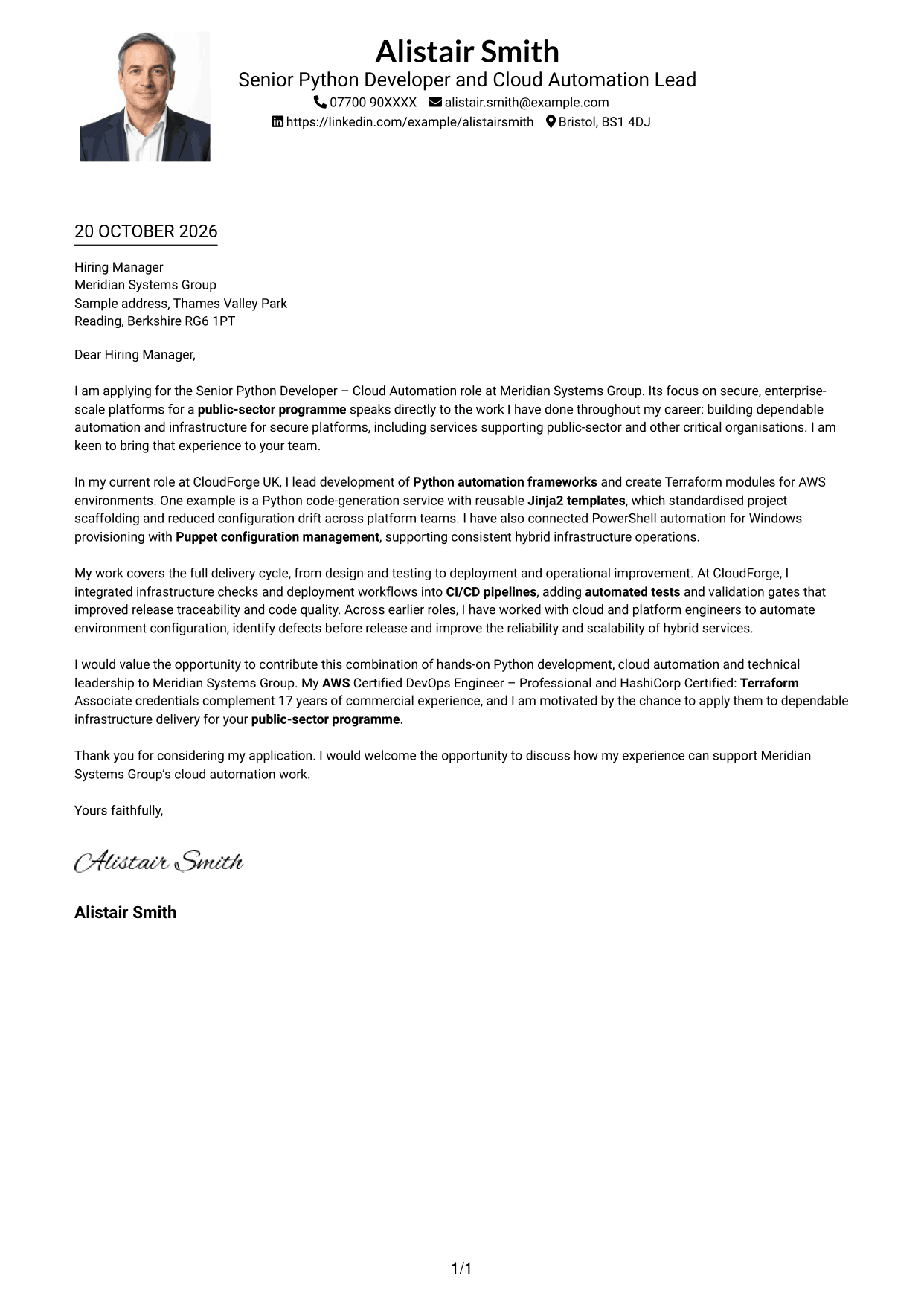
#4 One Column Format with Photo Cover Letter Example
A one-column letter pairs a photo with the continuous body, suiting readers who prefer a portrait on the page.
Why This Format Works
- Sender details remain in the header, apart from the continuous letter text.
- A single body column keeps the message moving from opening through closing.
- The photo adds a personal visual element for readers who favour portraits.
Best For
- One-column letter pages
- Photo-led personal presentation
- Header-based contact details
- Uninterrupted letter paragraphs
- Readers who prefer a portrait
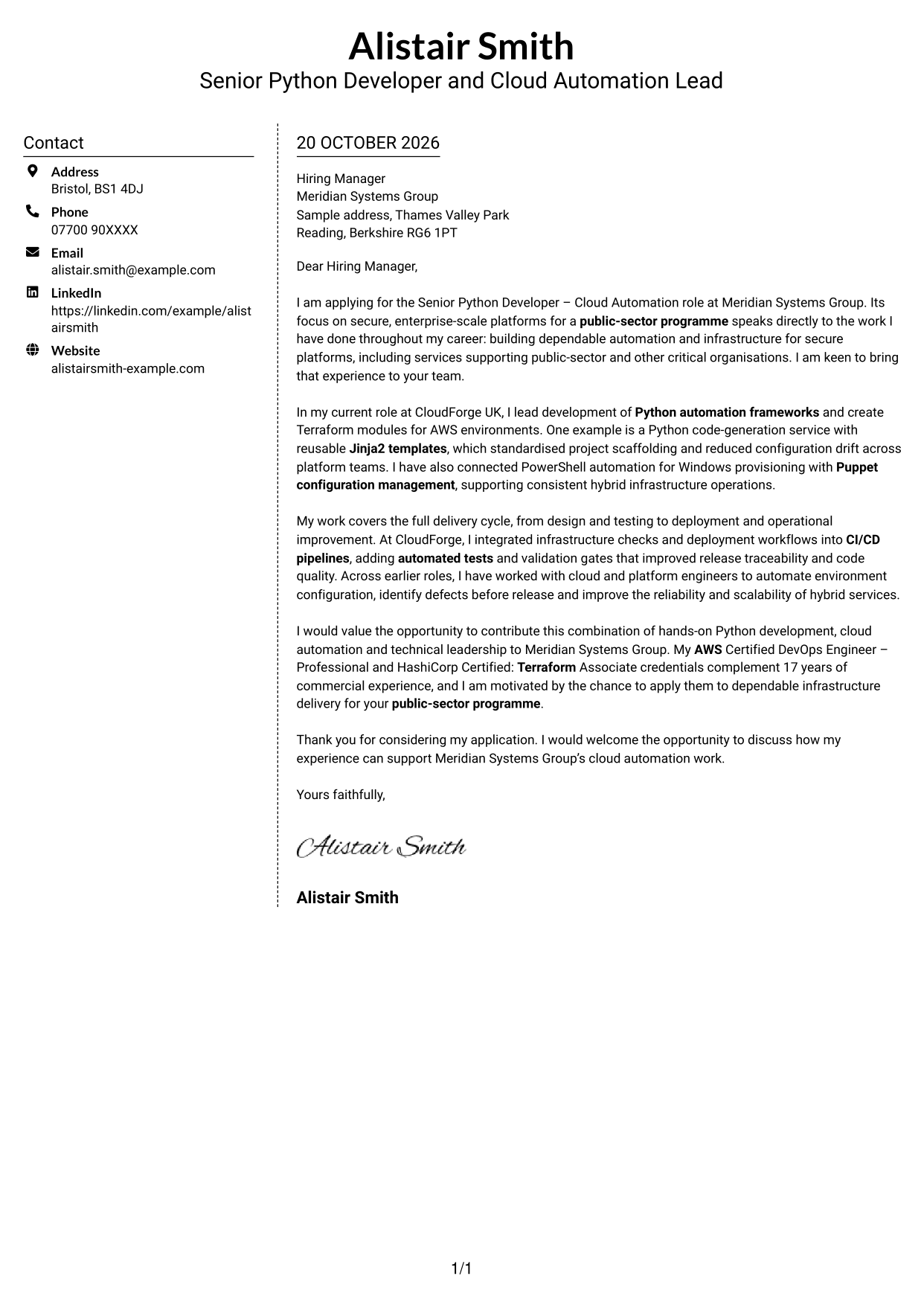
#5 Simple Two Column Format Cover Letter Example
A contact sidebar beside the continuous letter body gives this two-column layout a clear division between details and message.
Why This Format Works
- Contact information has its own area beside the letter's continuous paragraphs.
- The body stays in one column, keeping the message together from start to finish.
- A side-by-side arrangement suits readers who want contact details distinct from the letter.
Best For
- Side-by-side contact and message
- Contact details kept apart
- Unheaded letter paragraphs
- One-column message flow
- Readers preferring a contact sidebar
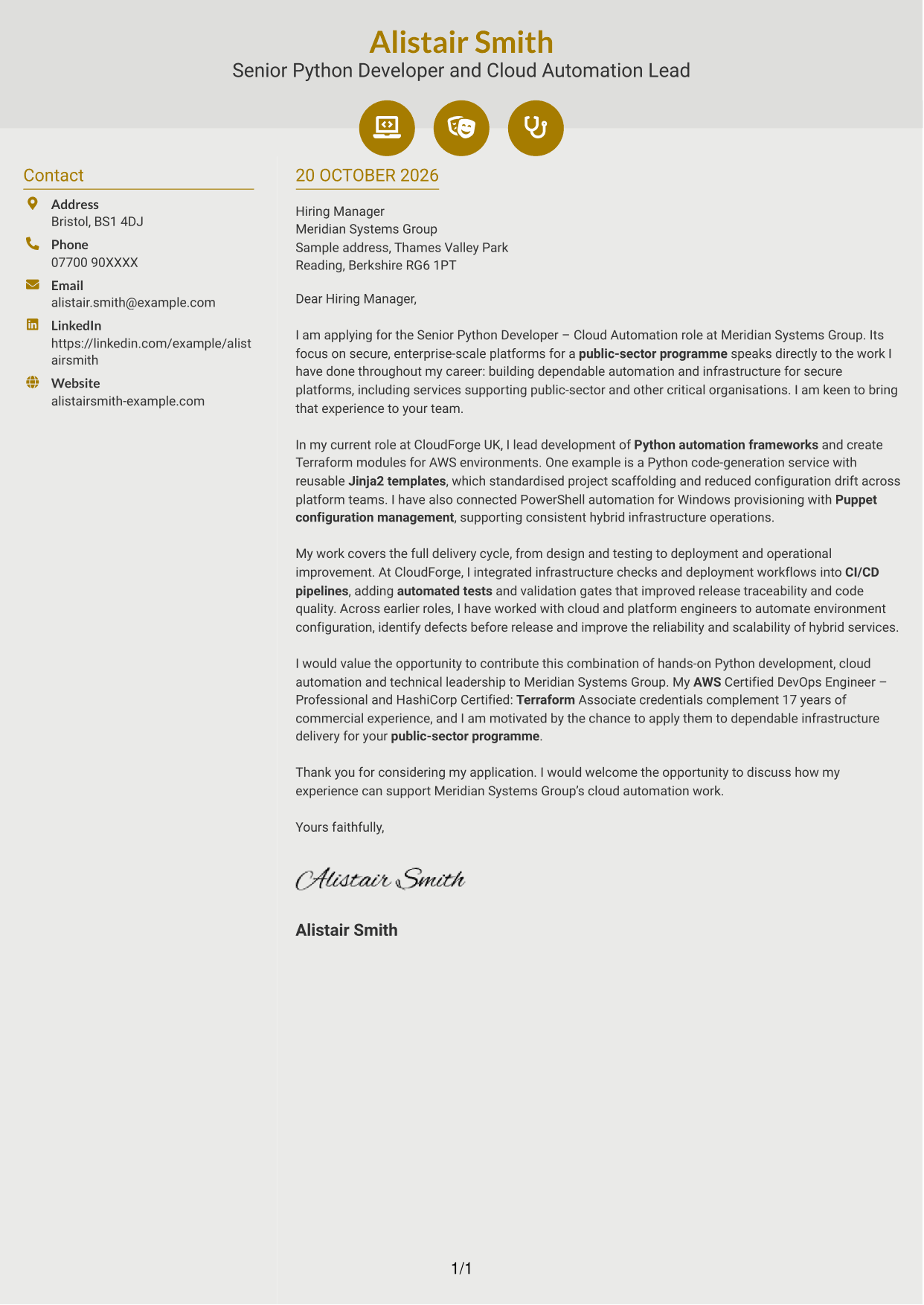
#6 Modern Icon Format Cover Letter Example
Contact icons and decorative header accents mark this two-column design, while the letter body remains continuous.
Why This Format Works
- Contact icons help readers locate sender details without labelling the letter's argument.
- Decorative header accents add visual detail without interrupting the letter's paragraphs.
- The continuous body keeps the message together in one column.
Best For
- Icon-led contact details
- Two-column letter pages
- Continuous letter paragraphs
- Decorative header accents
- Readers who like contact cues
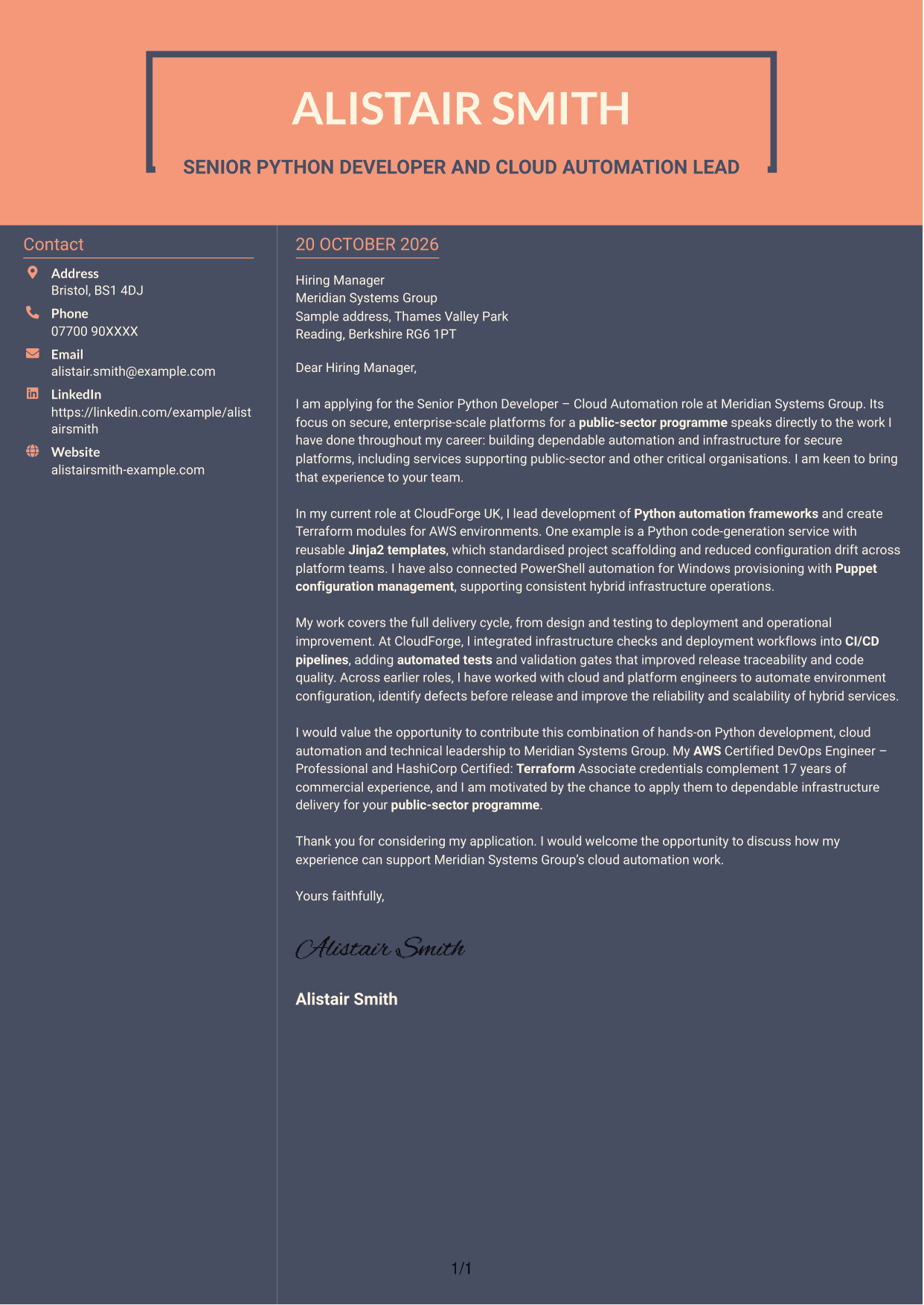
#7 Creative Two Tone Format Cover Letter Example
The contact sidebar sits alongside the continuous letter body, giving readers a separate place to find sender details.
Why This Format Works
- The sidebar separates sender details from the main letter text.
- A single body column keeps the opening, supporting points and close together.
- The side-by-side layout suits readers who prefer contact details beside the letter.
Best For
- Two-column letter layouts
- A separate contact area
- Continuous, unheaded prose
- Contact details beside the message
- Readers who prefer side-by-side pages
See Also
- 7 Senior Python Developer - Cloud Automation CV Templates with Example
- 7 Graduate / Junior Developer - Python, Linux, C# and Java CV Templates with Example
- 7 Infrastructure Python Developer CV Templates with Example
- 7 Junior Python Developer CV Templates with Example
- 7 Mid Python Developer - Reporting and API Engineering CV Templates with Example
- 7 Python Developer - AI / LLM Platform CV Templates with Example
- 7 Python Django Developer CV Templates with Example
- 7 Senior Python Developer CV Templates with Example
- 7 Graduate / Junior Developer - Python, Linux, C# and Java Cover Letter Templates with Example
- 7 Infrastructure Python Developer Cover Letter Templates with Example
Frequently Asked Questions
What should a Senior Python Developer - Cloud Automation cover letter highlight?
Show how your Python development supports reliable infrastructure delivery. Use relevant examples of automation frameworks, Terraform, AWS, CI/CD or hybrid environments, and explain how your work helped the team.
How can I make my technical experience relevant to this role?
Choose one clear example and describe what you built, the problem it addressed and the result. A reusable Jinja2 code-generation service or tested infrastructure workflow can show both practical skill and the value of your approach.
How should I explain my interest in the employer?
Refer to the role’s work on secure, enterprise-scale platforms for a public-sector programme. Explain why that work matters to you and how your approach to cloud automation could support the team.
What is a clear way to structure this cover letter?
Use the opening to name the role and explain your interest. In the body, give focused evidence of Python and infrastructure work, then close by restating how you could contribute and welcoming a discussion.
Should I include every technical skill in my cover letter?
No. Select the tools and examples that best match the role, such as Python, Terraform, AWS, PowerShell or Puppet. A few well-explained examples make your case easier to follow.




