
7 Senior Python Developer Cover Letter Templates with Example
This practical guide helps you create a Senior Python Developer cover letter and compare seven layouts.
What Makes a Great Senior Python Developer Cover Letter in 2026
A strong letter makes your interest clear and connects your Python work to the role’s reporting and API needs. Give the reader a clear reason to consider you.
Use specific evidence, such as SQLAlchemy query work, Pandas reporting or a FastAPI migration, and explain the value it brought. Link your experience to the employer’s needs and give a genuine reason for your interest.
The featured example follows a focused progression from interest in the role to relevant reporting and API evidence, then a clear close; adapt this flow while choosing a presentation suited to the employer and communication context.
#1 Simple One Column Format Cover Letter Example
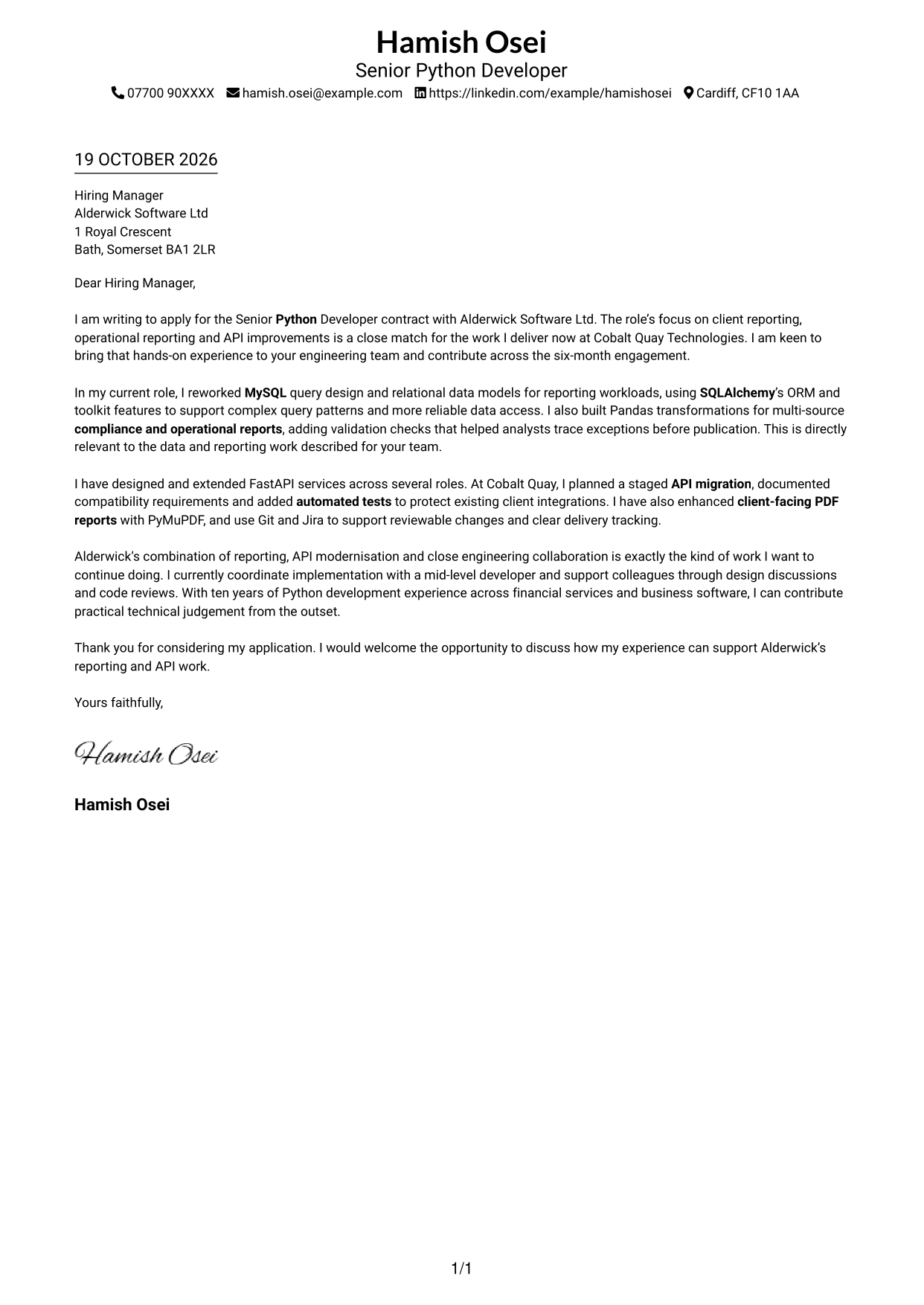
The photo-free, one-column layout gives the letter a direct reading path, a practical choice for readers who prefer a straightforward page.
Why This Format Works
- Contact information in the header is easy to locate before the message begins.
- Opening, evidence and closing paragraphs remain in a clear, uninterrupted sequence.
- Without argument headings, the letter reads as a direct message.
Best For
- Single-column letter reading
- Sender details in the header
- Uninterrupted application messages
- Photo-free correspondence
- Letters without argument headings
#2 Two Column Format Cover Letter Example
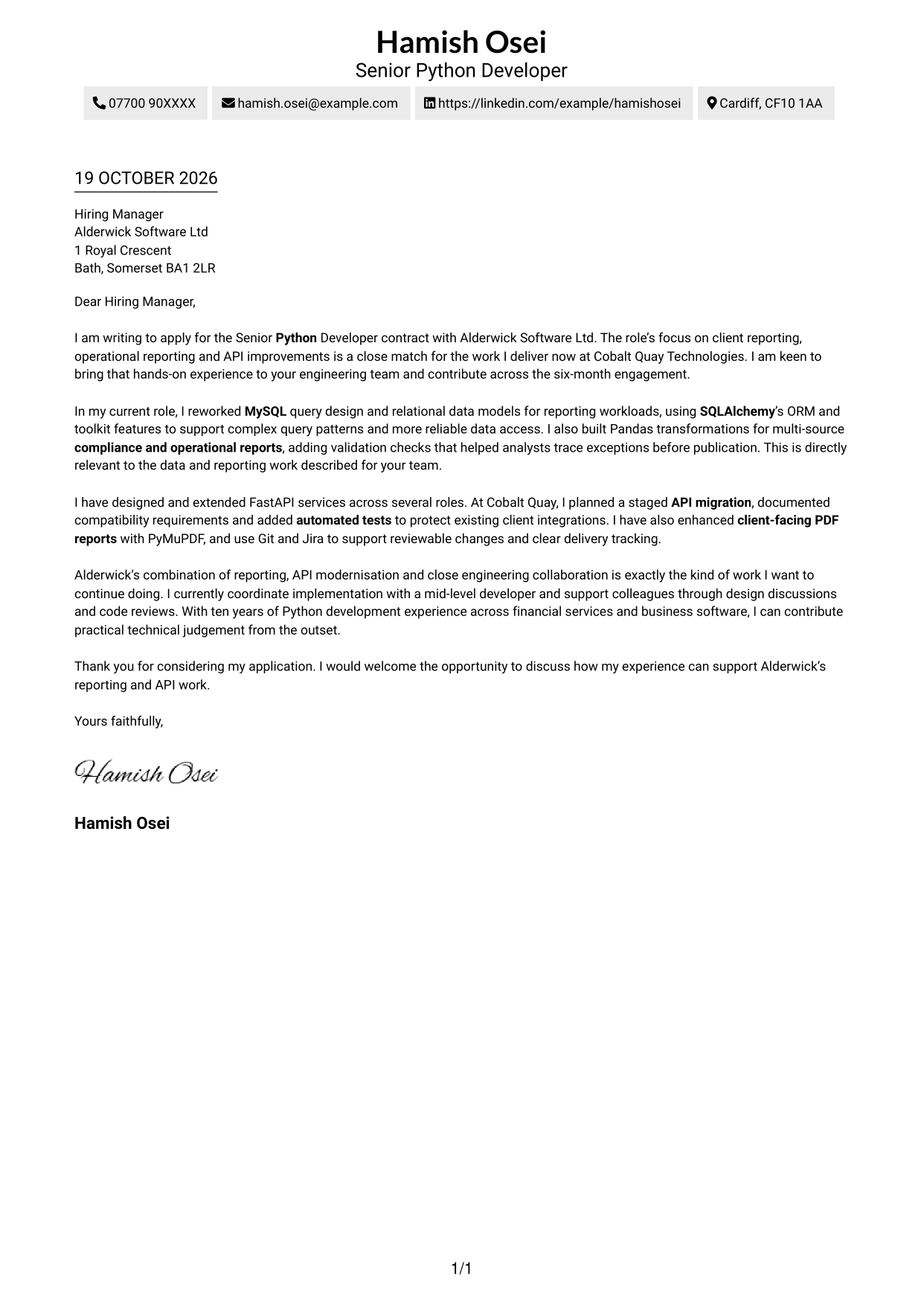
A contact sidebar sits beside one continuous letter body, suiting readers who want sender details set apart from the application message.
Why This Format Works
- A distinct contact area helps reviewers find correspondence details without entering the letter text.
- The message keeps its natural order from opening through evidence to closing.
- No argument headings let the prose carry the application directly.
Best For
- Separate contact and message areas
- Uninterrupted application narratives
- Photo-free application styling
- Letters with unheaded paragraphs
- Applications with several evidence paragraphs
#3 Photo Header Two Column Format Cover Letter Example
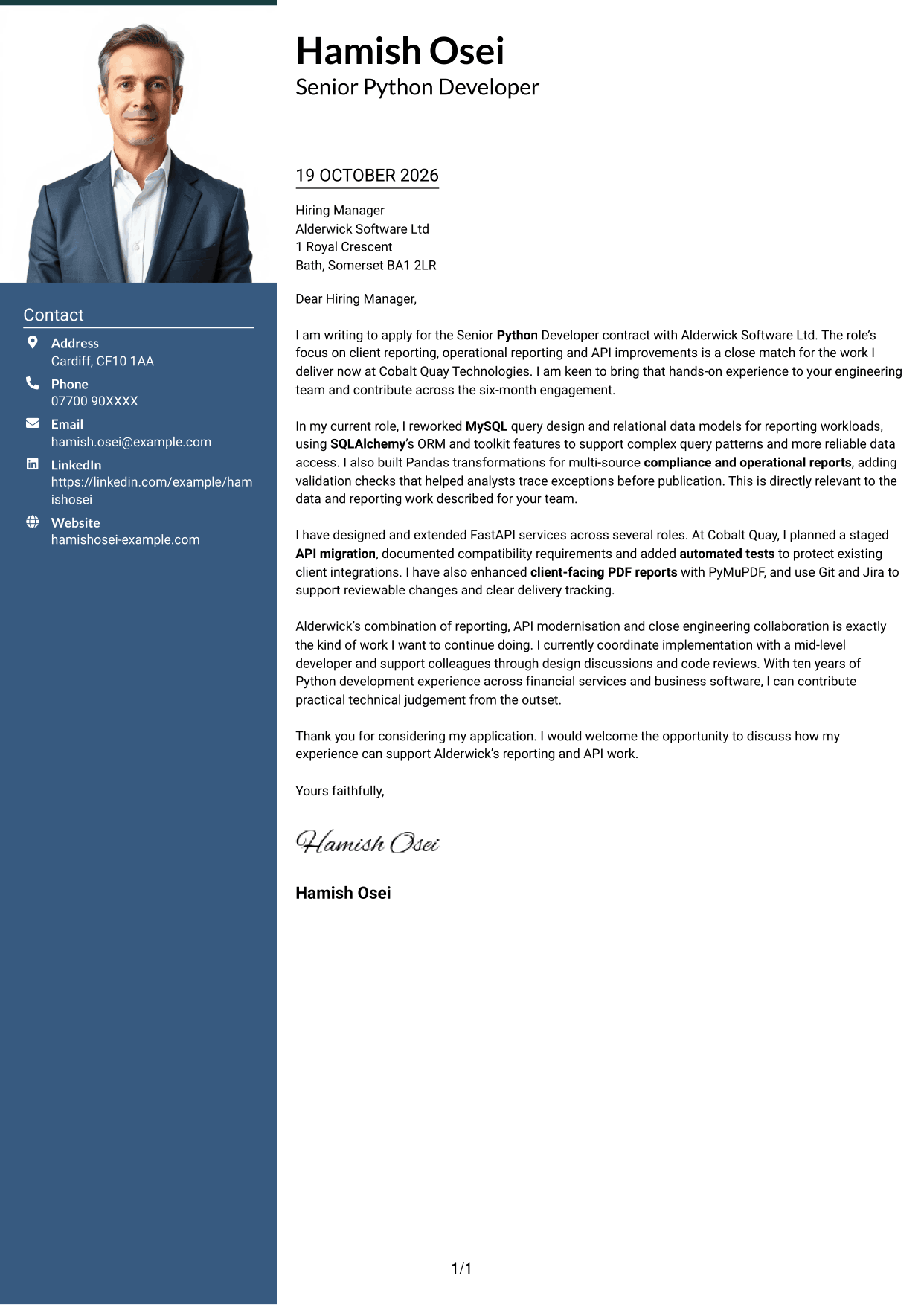
The two-column design includes a photo while keeping the letter body continuous, for readers who prefer a personal image alongside their message.
Why This Format Works
- Contact details have their own area, so they remain distinct from the application message.
- The uninterrupted body lets motivation and supporting evidence unfold in sequence.
- With no argument headings, the letter keeps a direct, personal tone.
Best For
- Portrait-inclusive letter design
- Contact details beside the message
- Continuous application prose
- Letters without body headings
- Applications balancing motivation and evidence
#4 One Column Format with Photo Cover Letter Example
A photo accompanies the single-column letter, a useful choice for readers who want an image while keeping the message in one reading path.
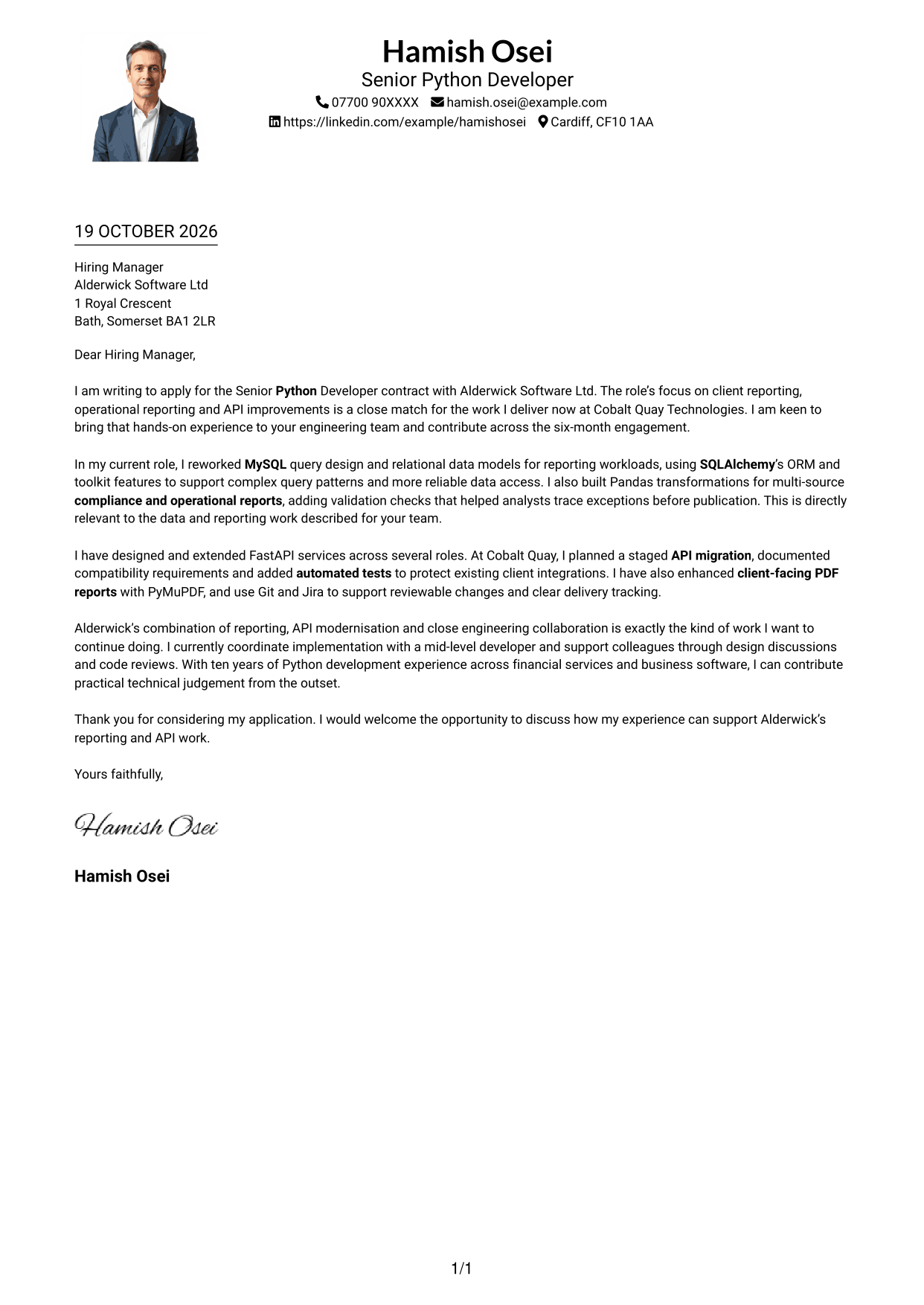
Why This Format Works
- Sender details in the header are easy to find before the reviewer reads the letter.
- The continuous body keeps the opening, evidence and close in order.
- No section headings allow the letter to sound like one joined message.
Best For
- Single-column letter reading
- A photo included in the document
- Header-based sender details
- Continuous motivation and evidence
- Unheaded application messages
#5 Simple Two Column Format Cover Letter Example
The contact sidebar and continuous letter body form two clear areas, a practical arrangement when readers want correspondence details apart from the message.
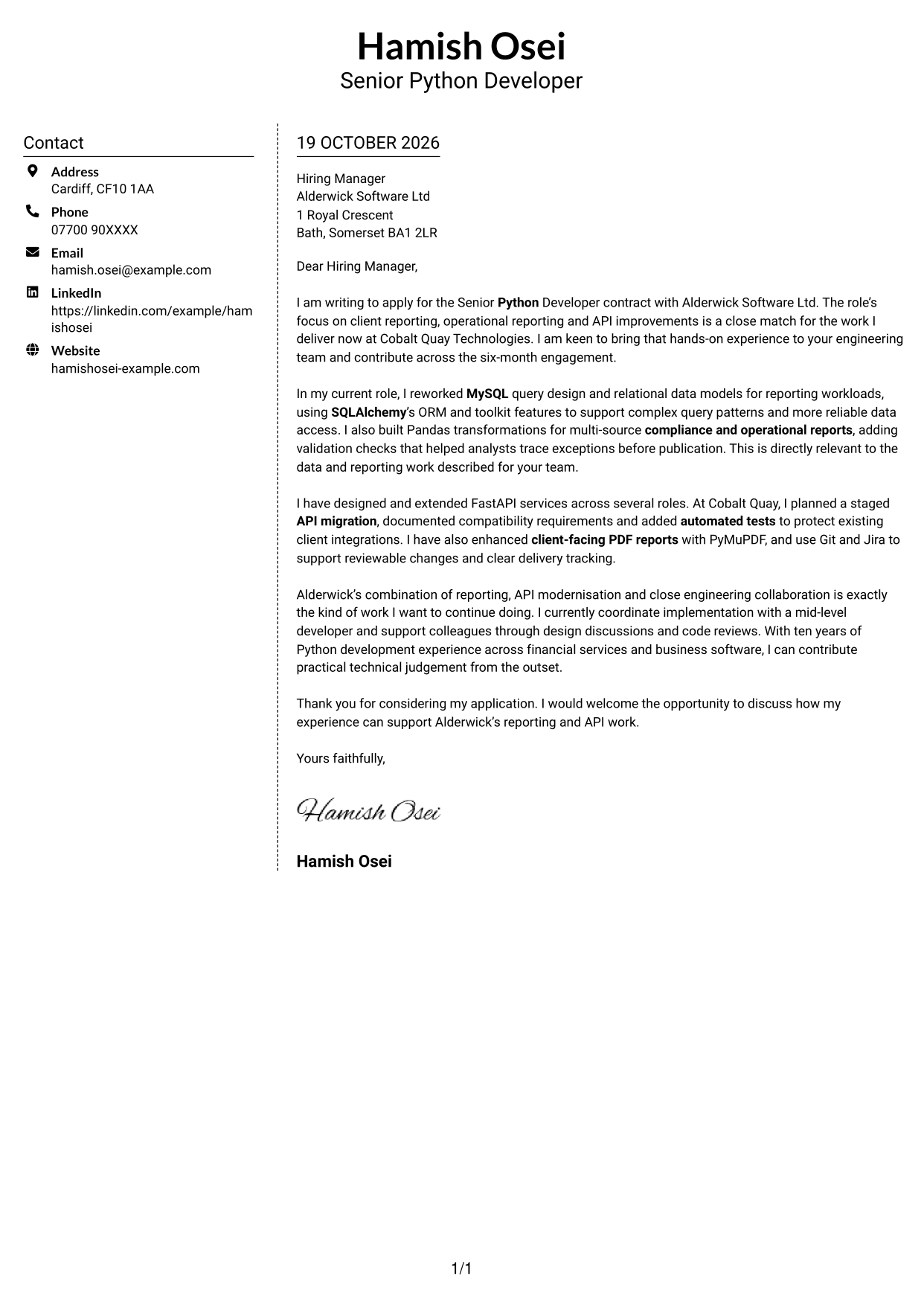
Why This Format Works
- The contact area gives reviewers a clear place to look for sender details.
- The letter’s paragraphs keep the opening, motivation and evidence together.
- Without headings for argument stages, the message reads naturally from start to close.
Best For
- A separate contact sidebar
- Photo-free letter design
- One continuous body of prose
- Application messages without section labels
- Letters with several evidence paragraphs
#6 Modern Icon Format Cover Letter Example
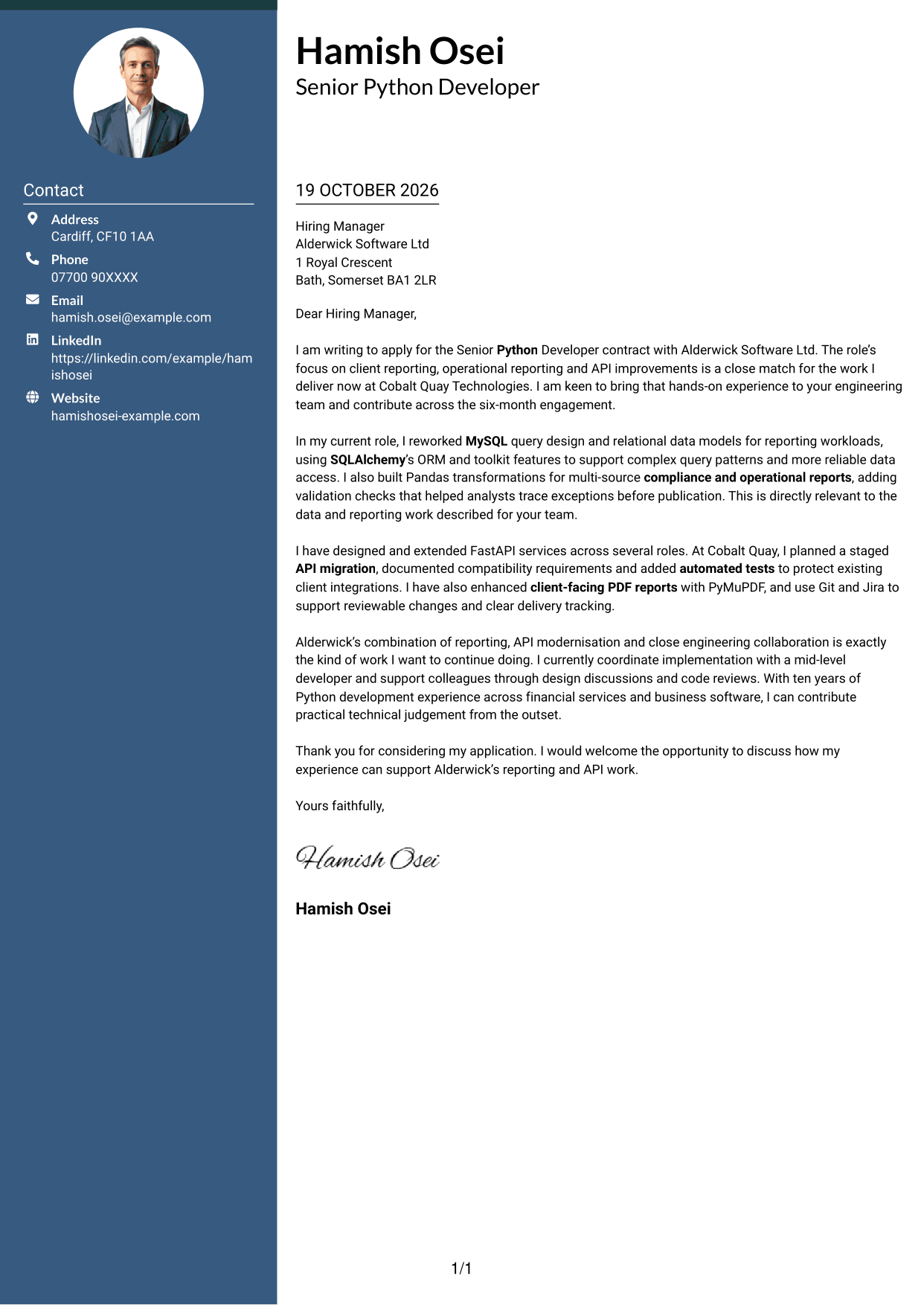
Contact icons accompany the two-column layout, a practical choice when visual cues should help distinguish contact details from the letter itself.
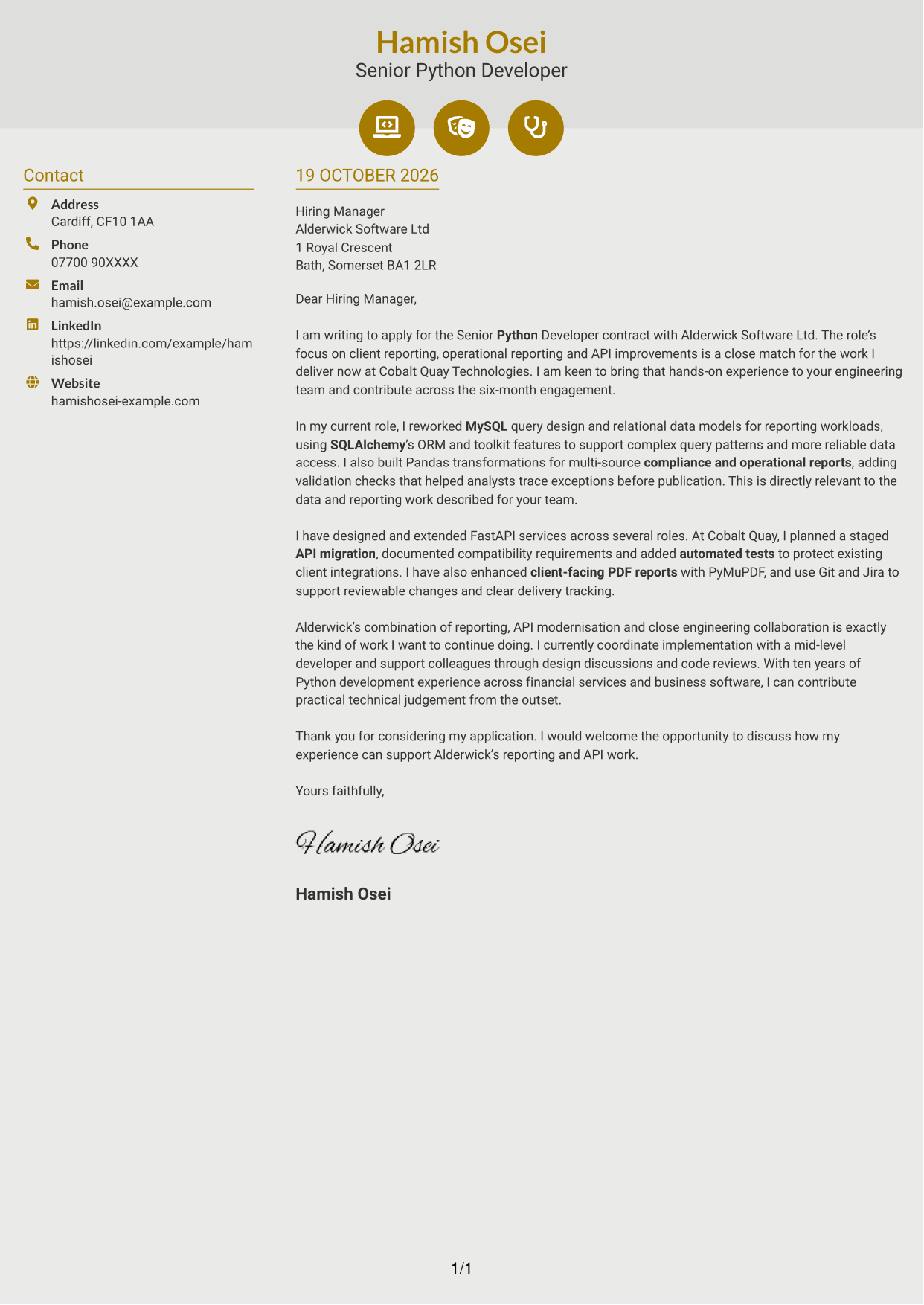
Why This Format Works
- The contact sidebar separates sender information from the message without splitting the letter body.
- Icons cue contact details only, leaving the letter’s argument to its paragraphs.
- A continuous message carries motivation and evidence through to the closing.
Best For
- Contact details with visual cues
- Two-column letter layouts
- Photo-free correspondence
- Continuous application prose
- Unheaded letter paragraphs
#7 Creative Two Tone Format Cover Letter Example
A contact sidebar sits alongside one continuous letter body, offering a clear choice for readers who prefer contact details separate from the message.
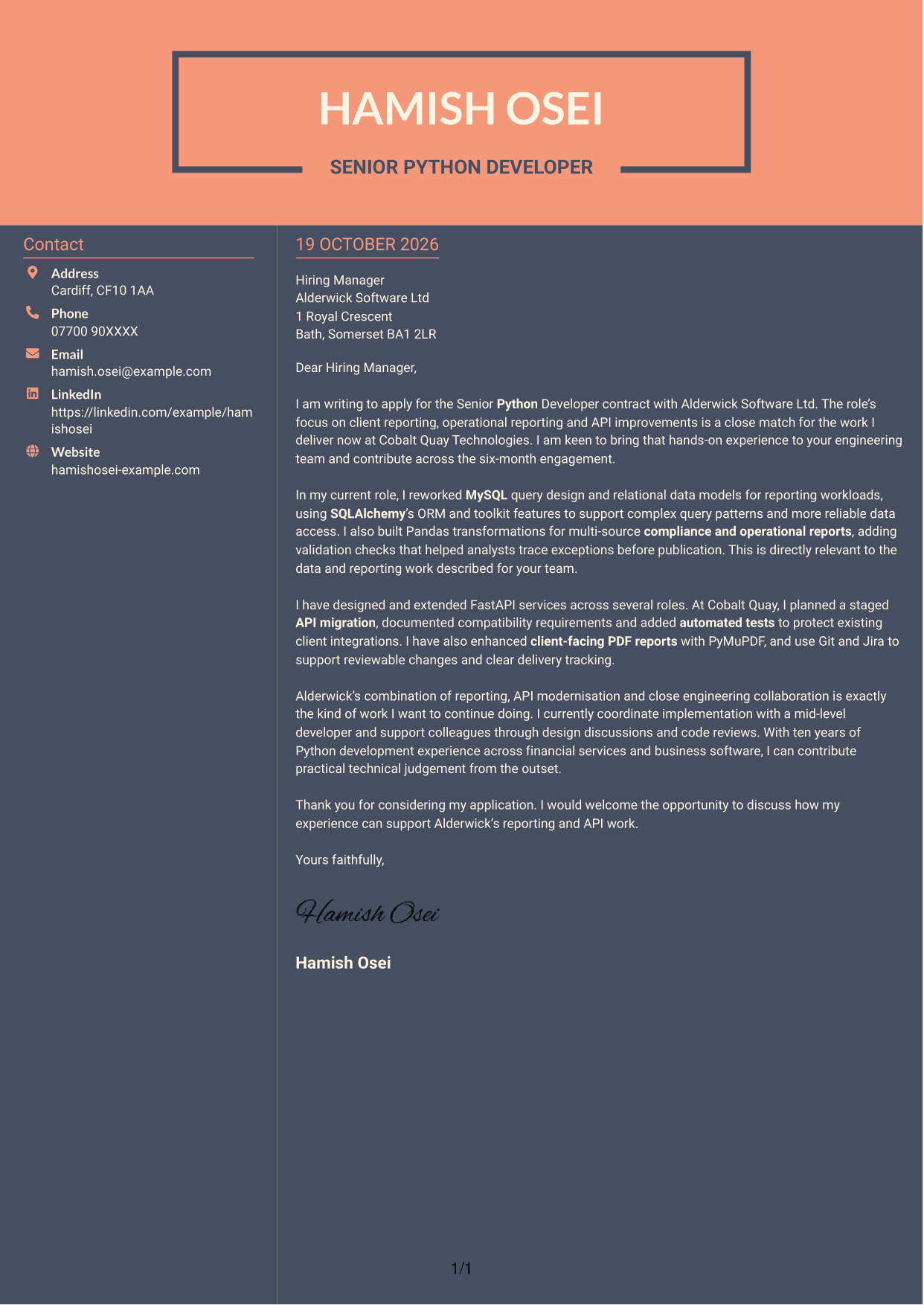
Why This Format Works
- Sender details remain in their own area rather than interrupting the letter’s paragraphs.
- The message follows one continuous path from its opening to its closing.
- Without headings for argument stages, the letter presents its case in natural prose.
Best For
- Contact details outside the letter body
- Photo-free application documents
- A single continuous message
- Unheaded persuasive correspondence
- Letters with distinct supporting paragraphs
See Also
- 7 Senior Python Developer CV Templates with Example
- Java Developer Intern CV Guide (Example + Free PDF Download)
- Java Software Developer CV Guide (Examples + Free PDF Downloads)
- 7 .NET Developer Wealth Management CV Templates with Example
- Senior Java Developer CV Guide (Examples + Free PDF Downloads)
- Top 15 Java Developer CV Examples for 2026 (Free PDF Downloads)
- 7 Software Engineer - Python and AI Solutions CV Templates with Example
- 7 Python Engineer - LLM Applications CV Templates with Example
- 7 Head of Contracts - Erasmus+ Programme CV Templates with Example
- 7 .NET Developer Wealth Management Cover Letter Templates with Example
Frequently Asked Questions
What should a Senior Python Developer cover letter highlight?
Show how your Python work fits the role’s reporting and API needs. Relevant examples may include MySQL query design, SQLAlchemy data models, Pandas reporting, FastAPI services, testing and team collaboration.
How can I make my experience relevant to this role?
Choose one or two clear examples and explain what you did and why it mattered. For instance, describe how you improved reporting data access or planned an API migration, then connect that work to the role’s needs.
How should I explain my interest in the employer?
Refer to the parts of the role that genuinely interest you, such as client reporting, API modernisation or working closely with an engineering team. Explain how these responsibilities connect with the work you want to continue doing.
What is a clear way to structure this cover letter?
Open by naming the role and giving a clear reason for applying. Use the body to share relevant evidence about reporting and API work, then close by restating your interest and inviting a conversation.
Should I include every part of my work history?
No. Focus on the experience that best supports your fit for this Senior Python Developer role. A few well-chosen examples make your case more clearly than a full account of every responsibility.




