
7 ServiceNow HRSD Solution Architect Cover Letter Templates with Example
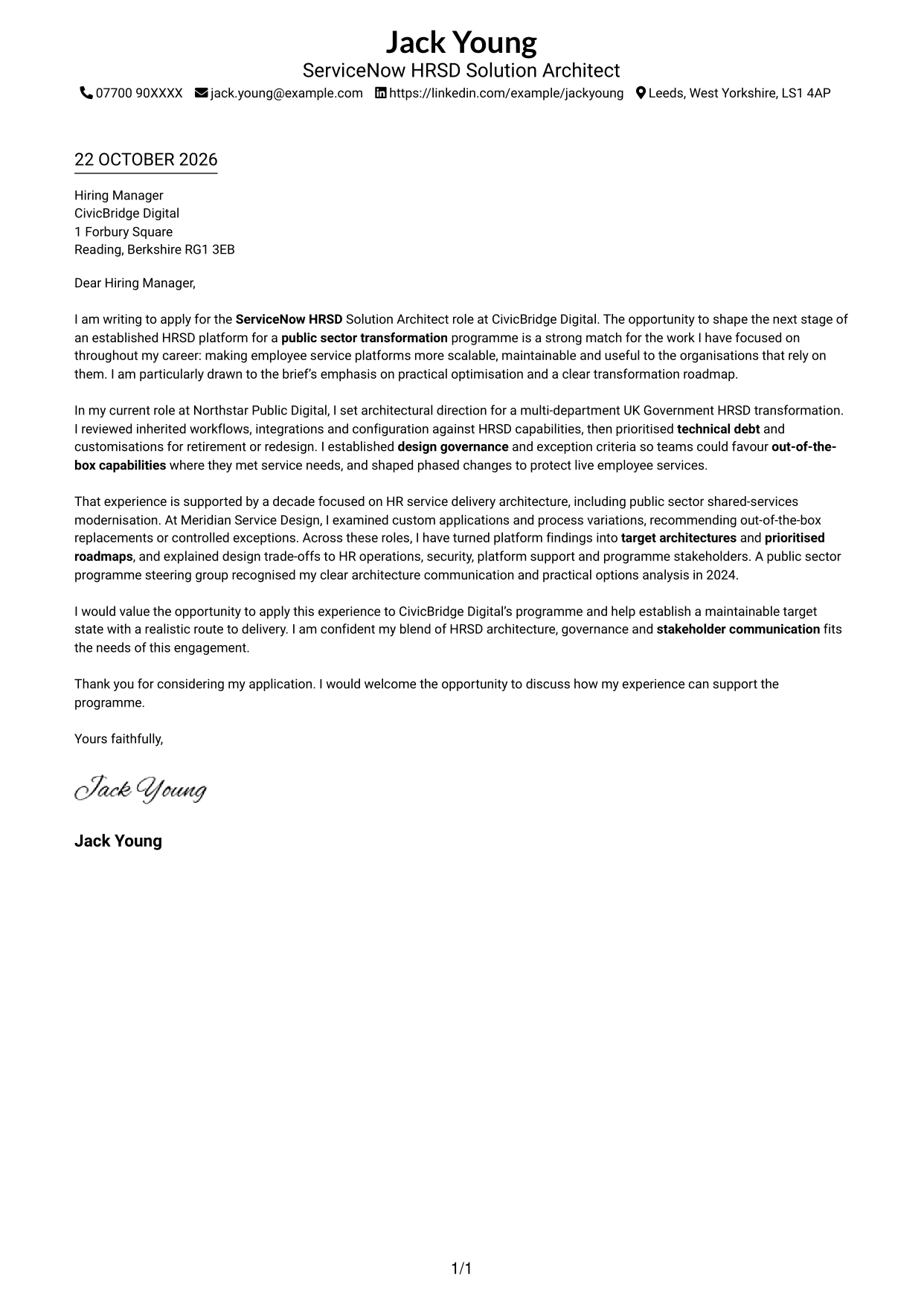
This practical guide to a ServiceNow HRSD Solution Architect cover letter shows how to present your role fit through seven layouts.
What Makes a Great ServiceNow HRSD Solution Architect Cover Letter in 2026
A strong letter connects your motivation to the work of improving an established HRSD platform. It should make a clear case for your approach to scalable architecture, platform optimisation and a practical transformation roadmap.
Use focused evidence of reducing technical debt, applying out-of-the-box capabilities and setting design governance. Show how you explain trade-offs to business and technical stakeholders, then link your approach to the employer’s programme.
The featured example follows a focused progression from interest in the HRSD transformation to relevant architecture evidence and a clear close; adapt this flow while choosing a presentation suited to the employer and communication context.
#1 Simple One Column Format Cover Letter Example
The Simple One Column Format places sender details and the continuous letter in one column for a direct page structure.
Why This Format Works
- The continuous body carries motivation, evidence and the closing in one sequence.
- Header-based sender details stay distinct from the letter’s persuasive message.
- The one-column page gives the correspondence a unified visual presentation.
Best For
- Single-column letter preference
- Motivation-led applications
- Paragraph-based supporting evidence
- Header-presented sender details
- Direct employer-specific letters
#2 Two Column Format Cover Letter Example
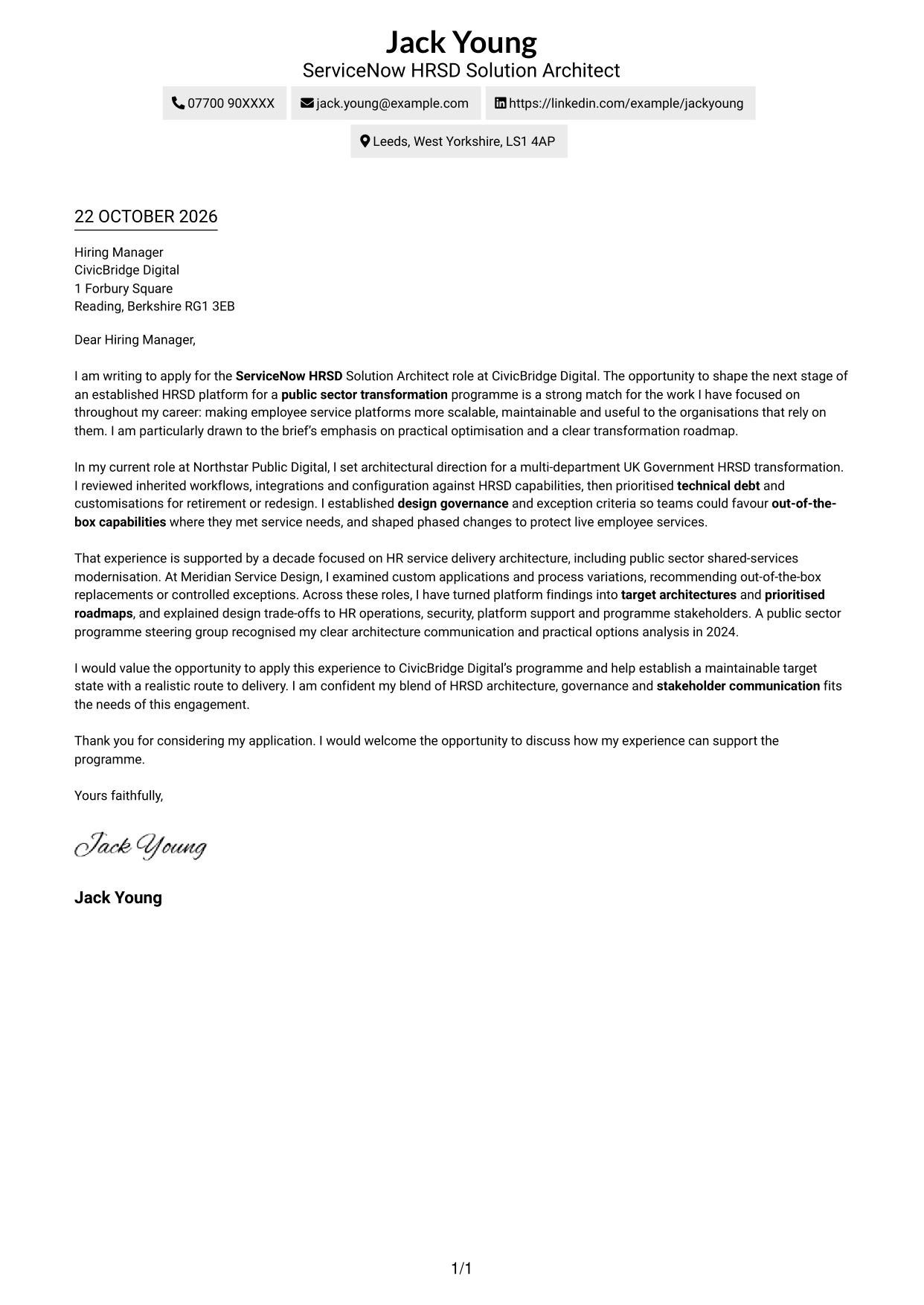
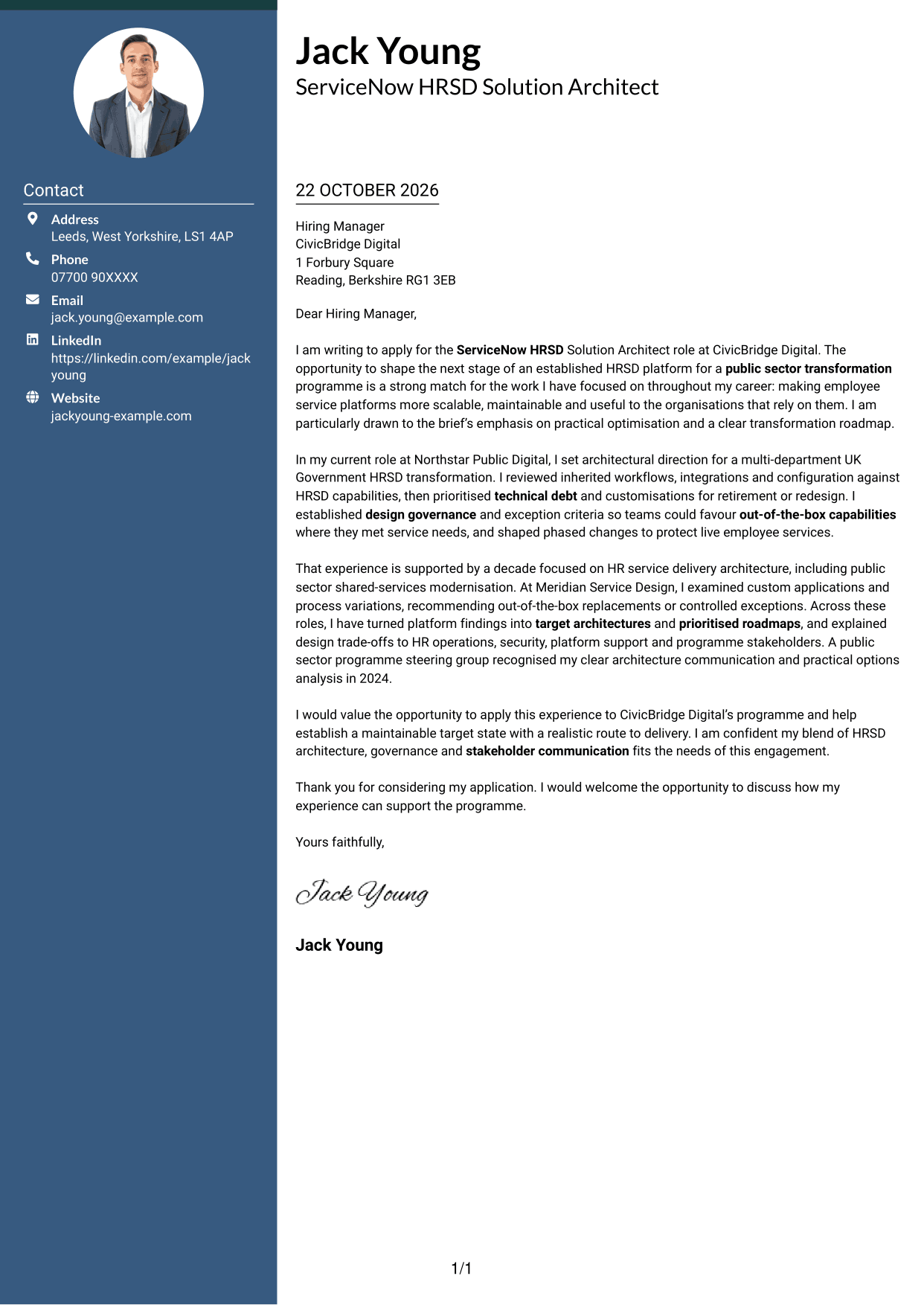
The Two Column Format sets a contact sidebar beside one continuous letter body, keeping correspondence and sender details visually distinct.
Why This Format Works
- The contact sidebar keeps sender information separate from the letter’s main message.
- The paragraphs remain together, letting the case develop from opening to close.
- Two distinct areas give the page a structured alternative to one column.
Best For
- Sidebar-based contact presentation
- Single-body correspondence
- Applications with detailed motivation
- Letters with several evidence paragraphs
- Two-column page preference
#3 Photo Header Two Column Format Cover Letter Example
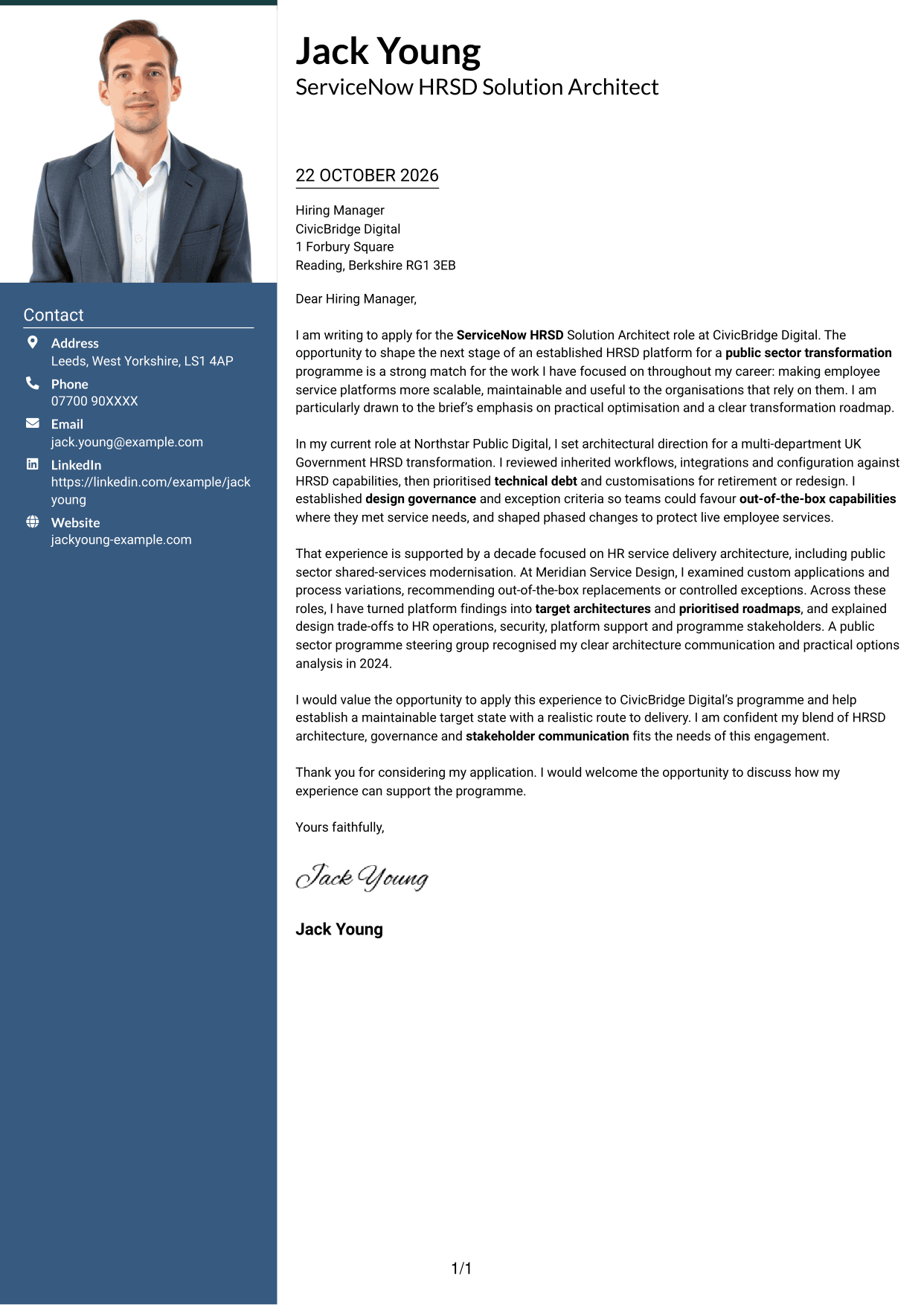
The Photo Header Two Column Format includes a photo alongside a contact sidebar and continuous letter body, suiting applications where a personal image is preferred.
Why This Format Works
- The photo adds a personal visual element without changing the letter’s argument.
- Contact details sit apart from the continuous paragraphs of the letter.
- A single letter body lets motivation and supporting evidence develop in sequence.
Best For
- Applications where a photo is preferred
- Contact details apart from the message
- Two-column page preference
- Motivation-led applications
- Evidence across several paragraphs
#4 One Column Format with Photo Cover Letter Example
The One Column Format with Photo combines a personal image with a single-column letter, for readers who prefer a direct page layout with a photo.
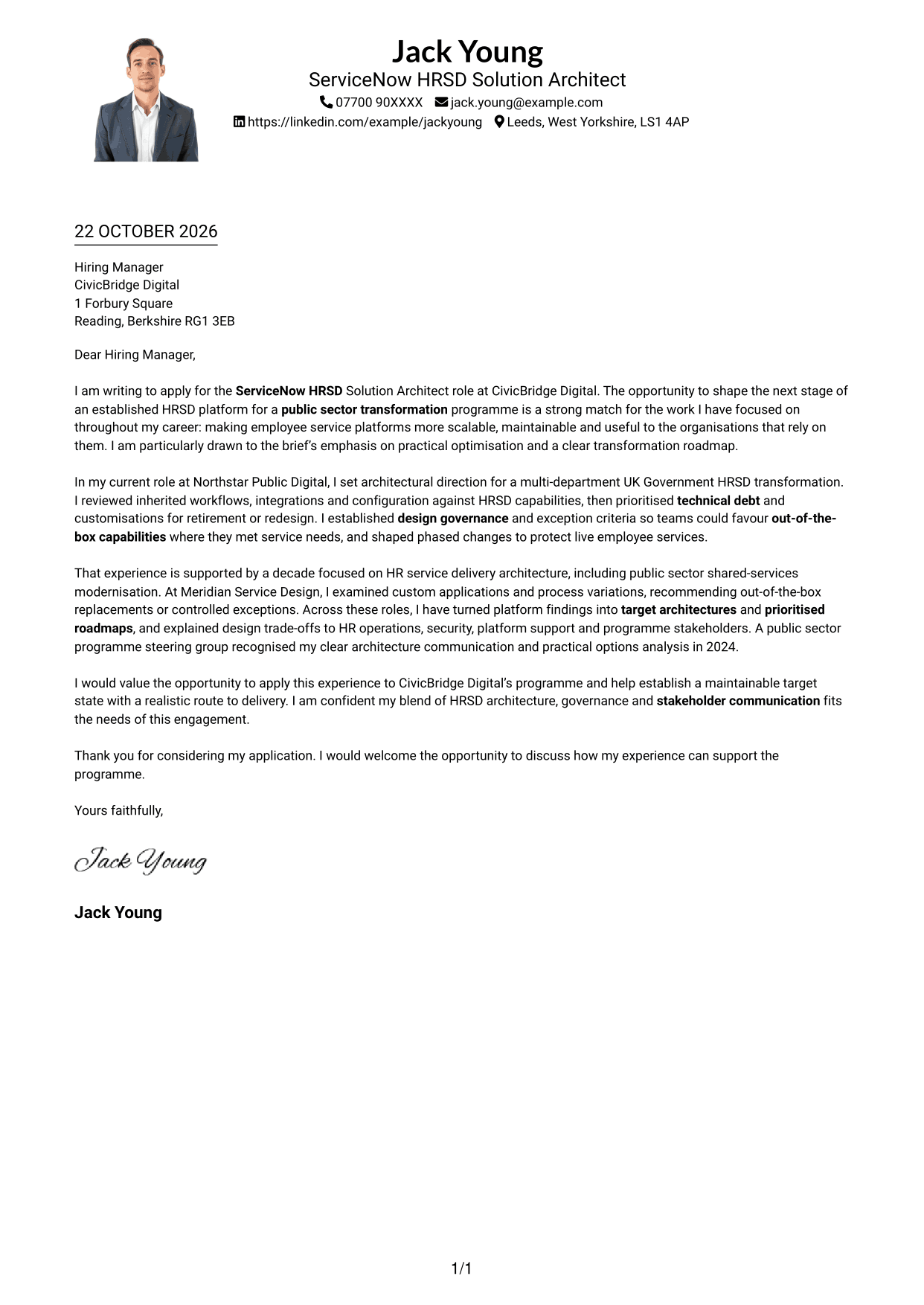
Why This Format Works
- Photo inclusion adds a personal visual element to the letter presentation.
- The continuous body keeps the opening, supporting case and close together.
- Sender details remain in the header, apart from the letter paragraphs.
Best For
- Photo-inclusive letter presentation
- Single-column reading preference
- Header-presented contact details
- Motivation-led applications
- Paragraph-based supporting evidence
#5 Simple Two Column Format Cover Letter Example
The Simple Two Column Format places contact details in a sidebar beside the uninterrupted letter, giving the page a clear division without splitting the argument.
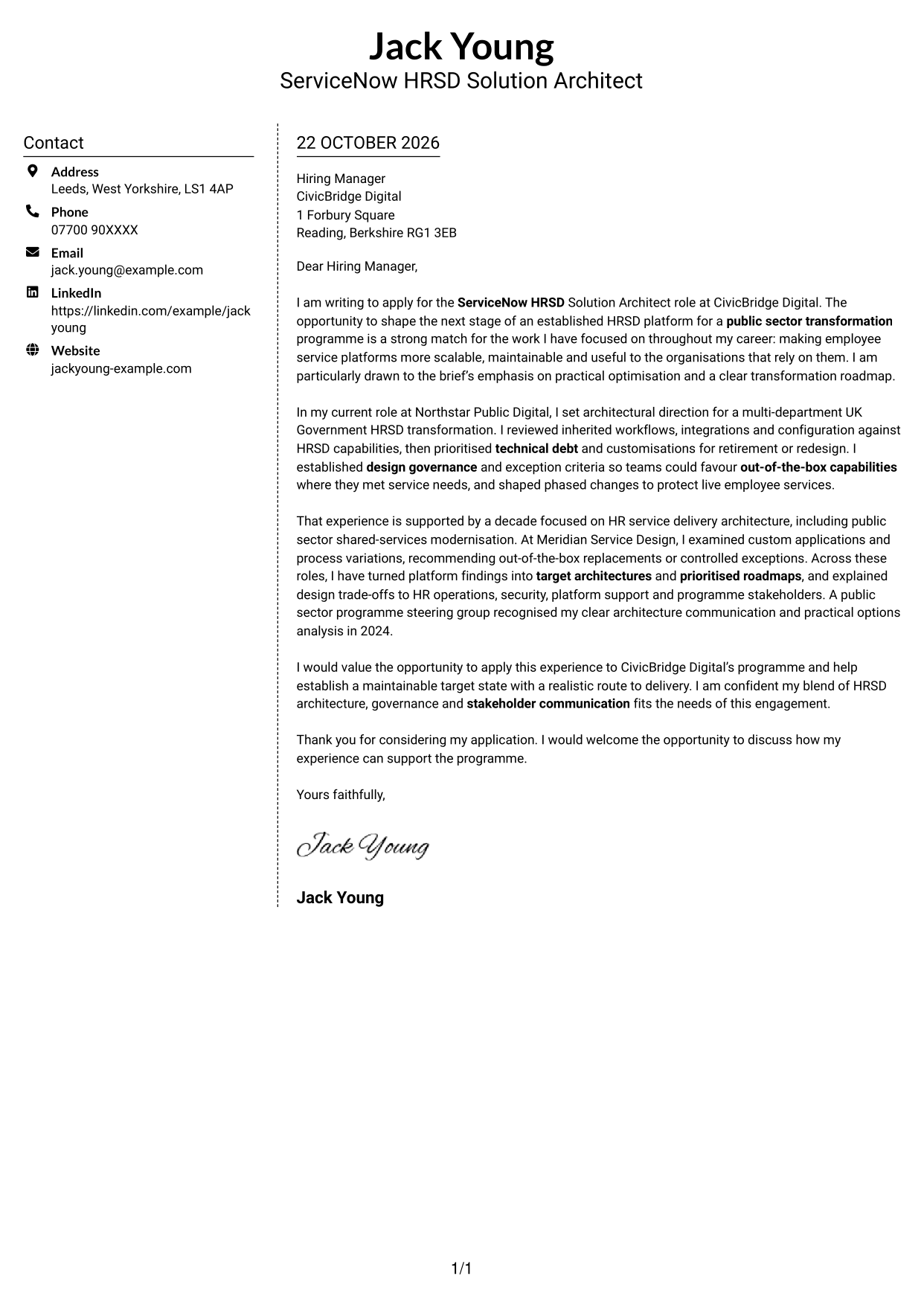
Why This Format Works
- The contact sidebar separates sender details from the message to the employer.
- The letter paragraphs remain in one body, preserving their natural progression.
- The two areas make contact information and correspondence easy to distinguish.
Best For
- Contact sidebar presentation
- Uninterrupted letter paragraphs
- Two-column page preference
- Employer-focused opening
- Evidence developed across the body
#6 Modern Icon Format Cover Letter Example
The Modern Icon Format uses a contact sidebar beside the continuous letter body, with icons serving as cues for contact details rather than argument stages.
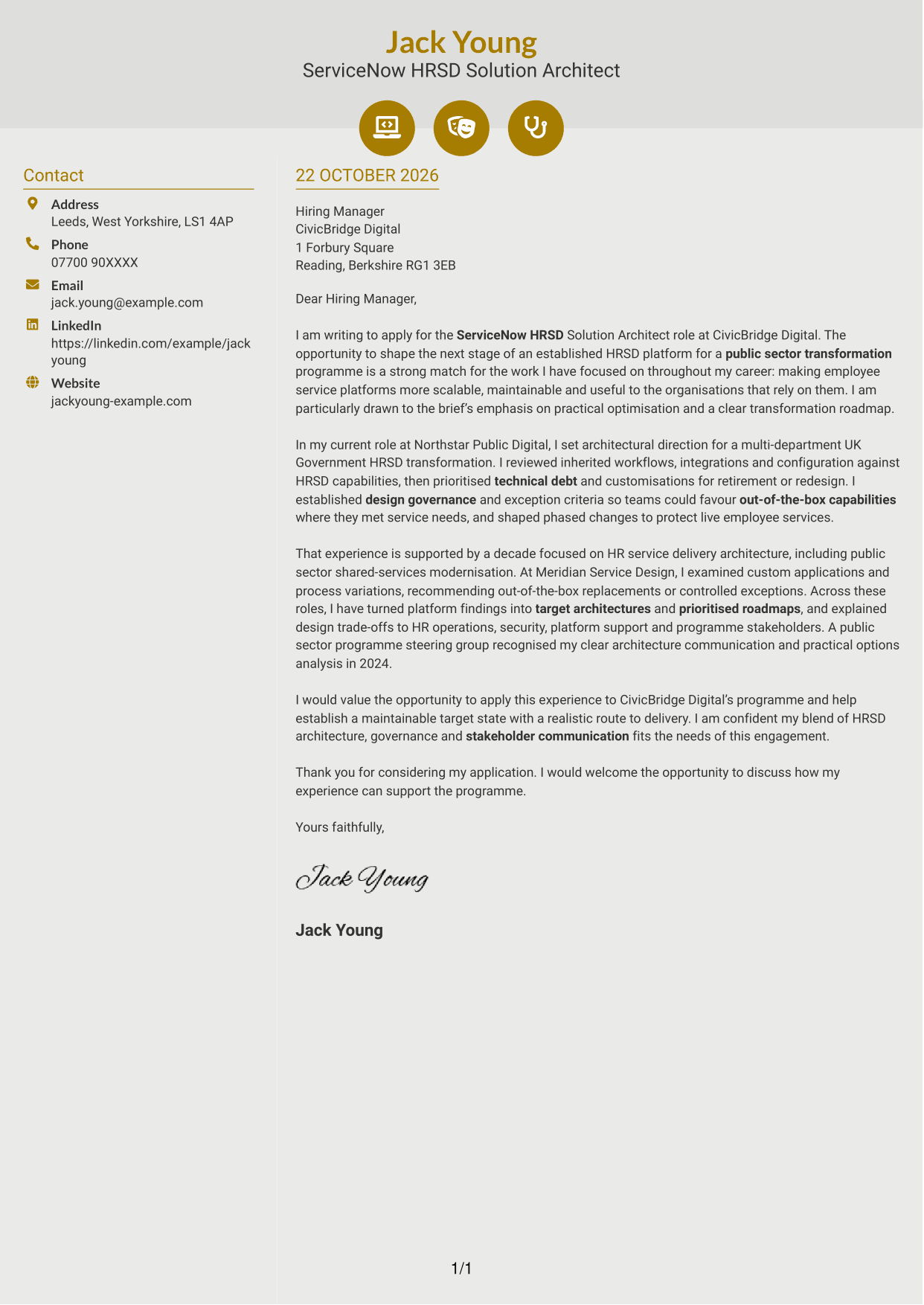
Why This Format Works
- Contact icons distinguish sender details without acting as labels for letter arguments.
- The letter remains a continuous body, so its persuasive case develops in sequence.
- Decorative header accents stay outside the opening, evidence and closing paragraphs.
Best For
- Icon-cued contact details
- Decorative header accents
- Two-column page preference
- Continuous argument paragraphs
- Letters with several evidence points
#7 Creative Two Tone Format Cover Letter Example
The Creative Two Tone Format pairs a contact sidebar with one continuous letter body, giving contact details and correspondence separate areas on the page.
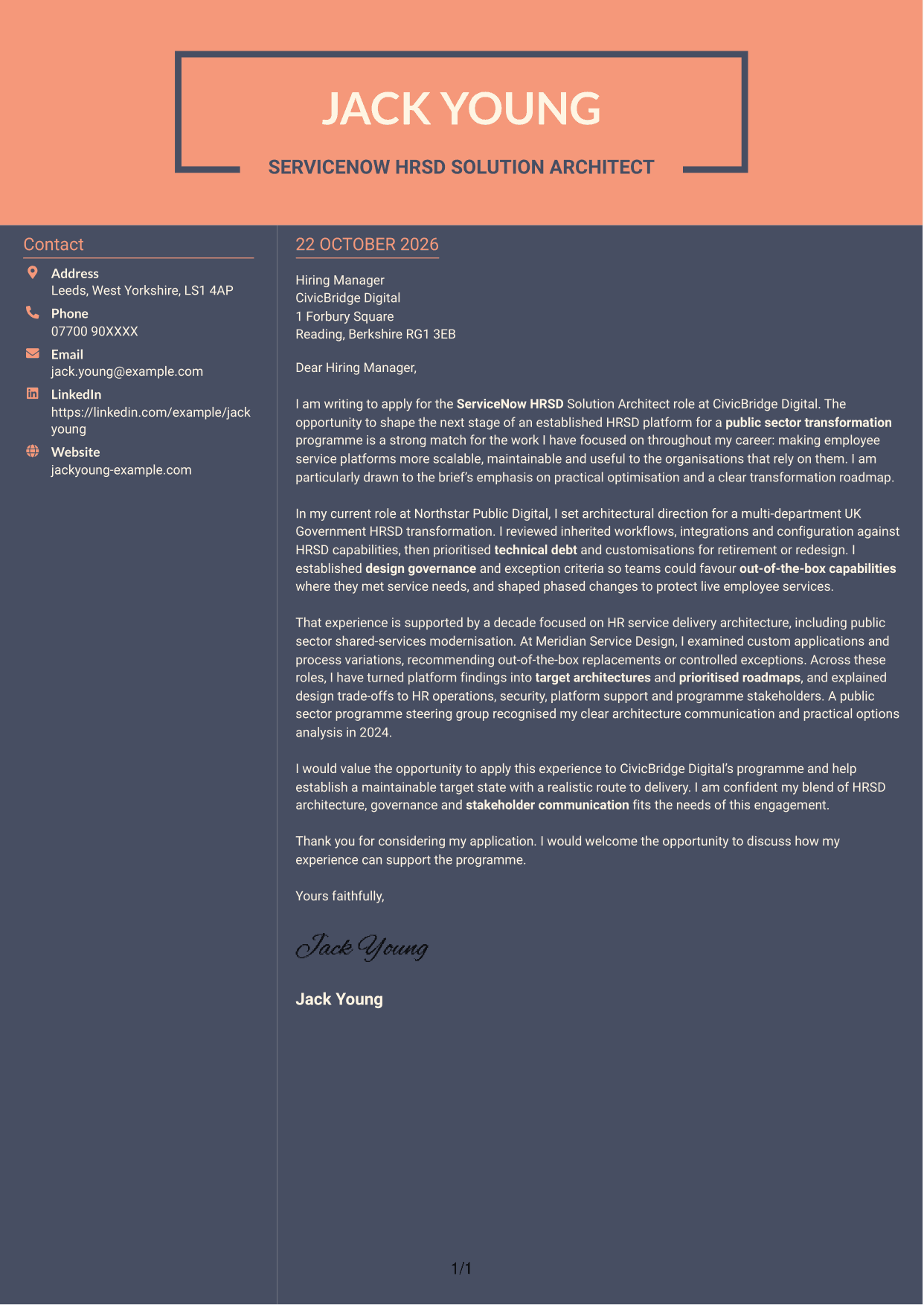
Why This Format Works
- The sidebar gives sender details a separate place beside the letter.
- One continuous body keeps the application’s case together from opening to close.
- The two-column arrangement creates a defined page structure for correspondence.
Best For
- Separate contact details
- Continuous body correspondence
- Two-column page preference
- Role-specific opening paragraphs
- Detailed supporting cases
See Also
- 7 ServiceNow HRSD Solution Architect CV Templates with Example
- 7 Senior ServiceNow Solution Architect - AI and Workflow Automation CV Templates with Example
- 7 AI Solution Architect - Agentic AI CV Templates with Example
- 7 Commercial SAP Solution Architect CV Templates with Example
- 7 Data & Analytics Solution Architect - Cloud Data Platforms CV Templates with Example
- 7 Data Protection Solution Architect CV Templates with Example
- 7 Data & Solution Architect - Defence CV Templates with Example
- 7 Data Solution Architect - Reinsurance CV Templates with Example
- 7 Senior ServiceNow Solution Architect - AI and Workflow Automation Cover Letter Templates with Example
- 7 AI Solution Architect - Agentic AI Cover Letter Templates with Example
Frequently Asked Questions
What should a ServiceNow HRSD Solution Architect cover letter highlight?
Explain how your architecture work can support platform optimisation and a maintainable target state. Relevant evidence may include reviewing workflows and configuration, reducing unnecessary customisations, setting governance and planning phased change.
How can I show that my experience fits this role?
Choose a clear example that links your actions to the programme’s needs. For instance, describe how you assessed an established HRSD platform, set priorities for technical debt and helped teams use out-of-the-box capabilities where they met service needs.
How can I show strong stakeholder communication?
Describe how you presented design options or delivery risks to both business and technical groups. Explain how clear communication helped people agree a direction or make a practical decision.
How should I explain my interest in CivicBridge Digital?
Refer to the role’s focus on the next stage of an established HRSD platform in a public sector transformation. Connect that work to your interest in scalable design, practical optimisation and a realistic route to delivery.
What is a clear structure for this cover letter?
Open with the role and a direct reason for applying. Use the body to present relevant architecture evidence and stakeholder impact, then close by restating your interest and welcoming a discussion.




