
7 Shift Manager - Bakery Retail Operations Cover Letter Templates with Example
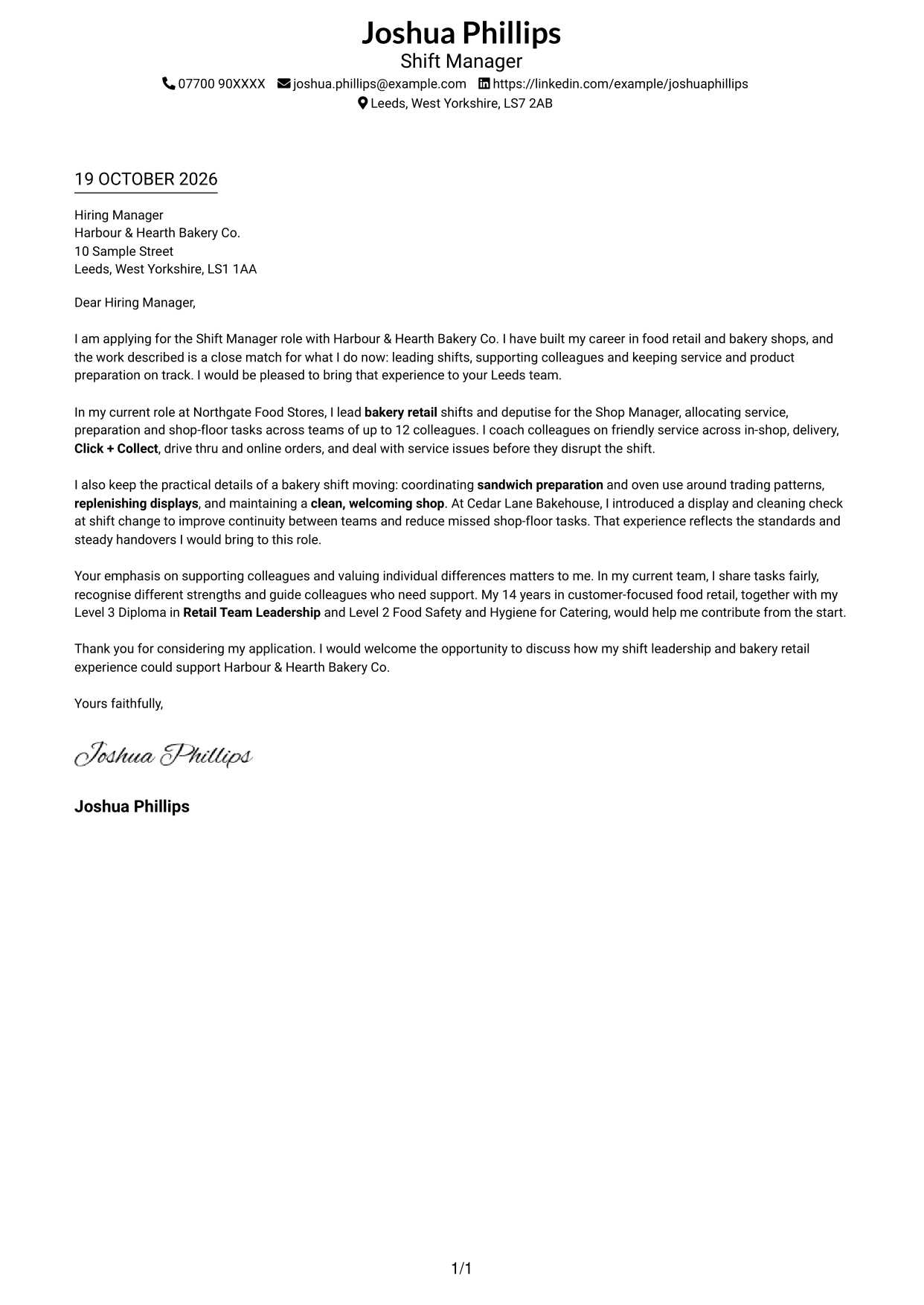
This practical guide to a Shift Manager - Bakery Retail Operations cover letter shares seven layouts to help you present your fit with clarity.
What Makes a Great Shift Manager - Bakery Retail Operations Cover Letter in 2026
A strong letter shows how you can lead a bakery shift while keeping service, product preparation and shop standards on track. Make your interest clear and connect it to the work of the role.
Use specific evidence, such as guiding a team of up to 12, serving customers across different order channels or improving shift handovers. Link your examples to the employer’s focus on reliable service, colleague support and an inclusive team.
The featured Shift Manager - Bakery Retail Operations example moves from role interest to current shift duties, practical evidence and a clear close; adapt this focused progression while choosing a presentation that suits the employer and communication context.
#1 Simple One Column Format Cover Letter Example
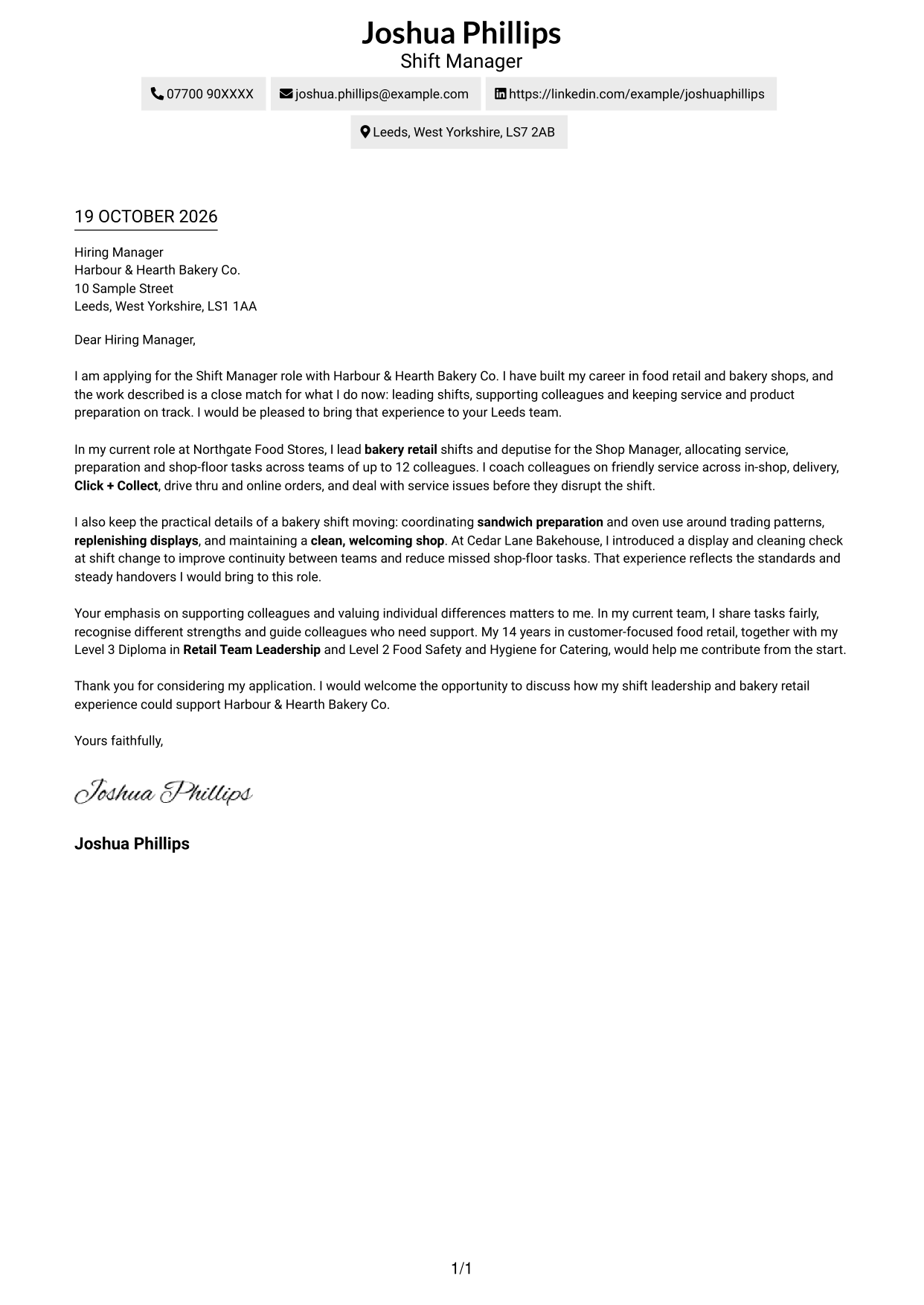
This format places sender details in the header above a single-column letter body, keeping contact information distinct from the message.
Why This Format Works
- Sender details in the header keep contact information apart from the letter's message.
- The opening, evidence and closing remain within one continuous letter body.
- A photo-free page suits applications where a portrait is not wanted.
Best For
- Single-column correspondence
- Header-based contact details
- Direct letter reading
- Paragraph-led persuasion
- Photo-free applications
#2 Two Column Format Cover Letter Example
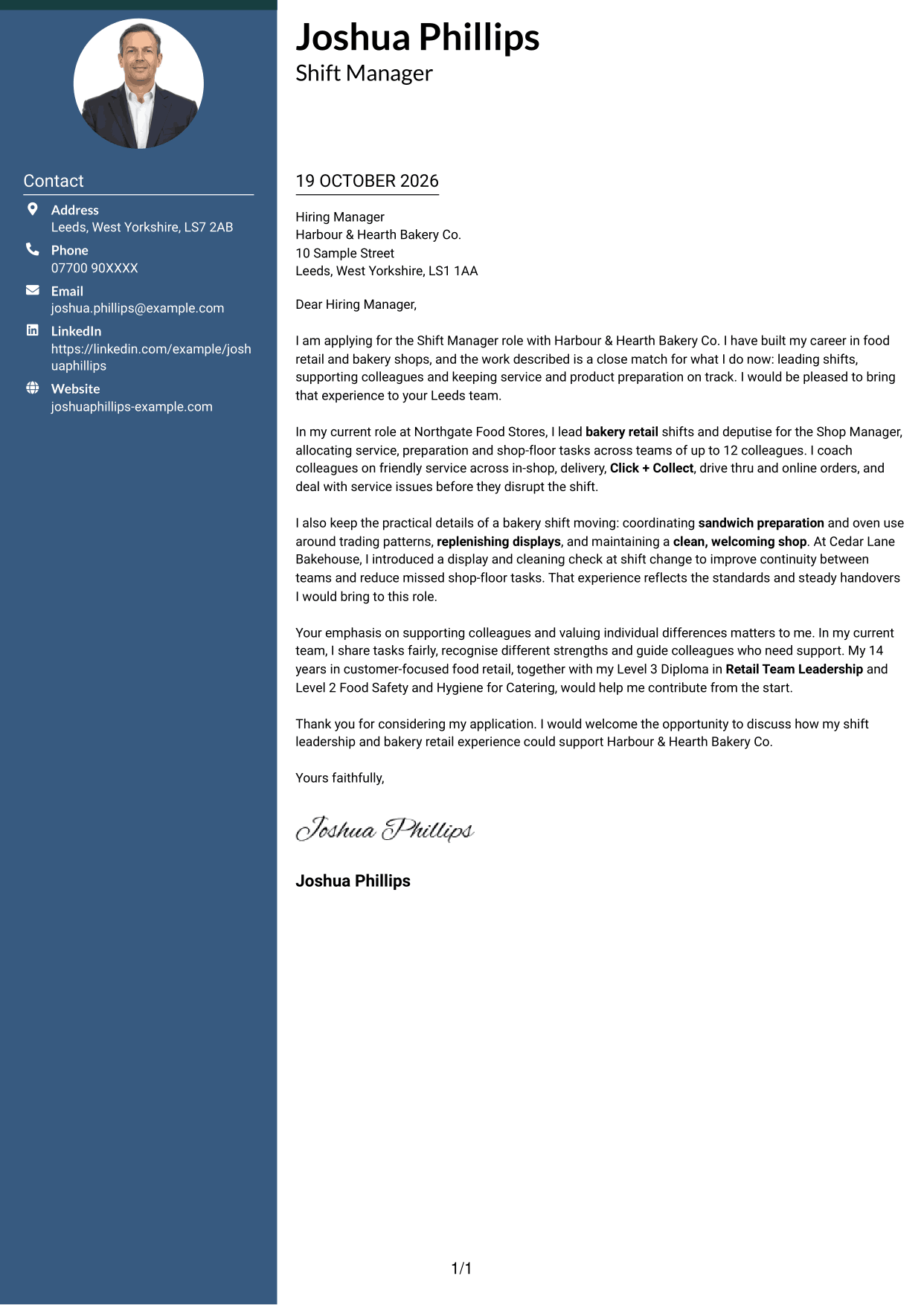
A contact sidebar sits beside one continuous letter body, making correspondence details easy to reference while keeping the message together.
Why This Format Works
- The letter remains a single body, so its argument does not split between columns.
- A separate contact area helps readers locate correspondence details directly.
- The absence of a photo suits applications where a portrait is not needed.
Best For
- Multiple contact methods
- Contact-sidebar layouts
- Continuous letter messages
- Two-column page preference
- Photo-free submissions
#3 Photo Header Two Column Format Cover Letter Example
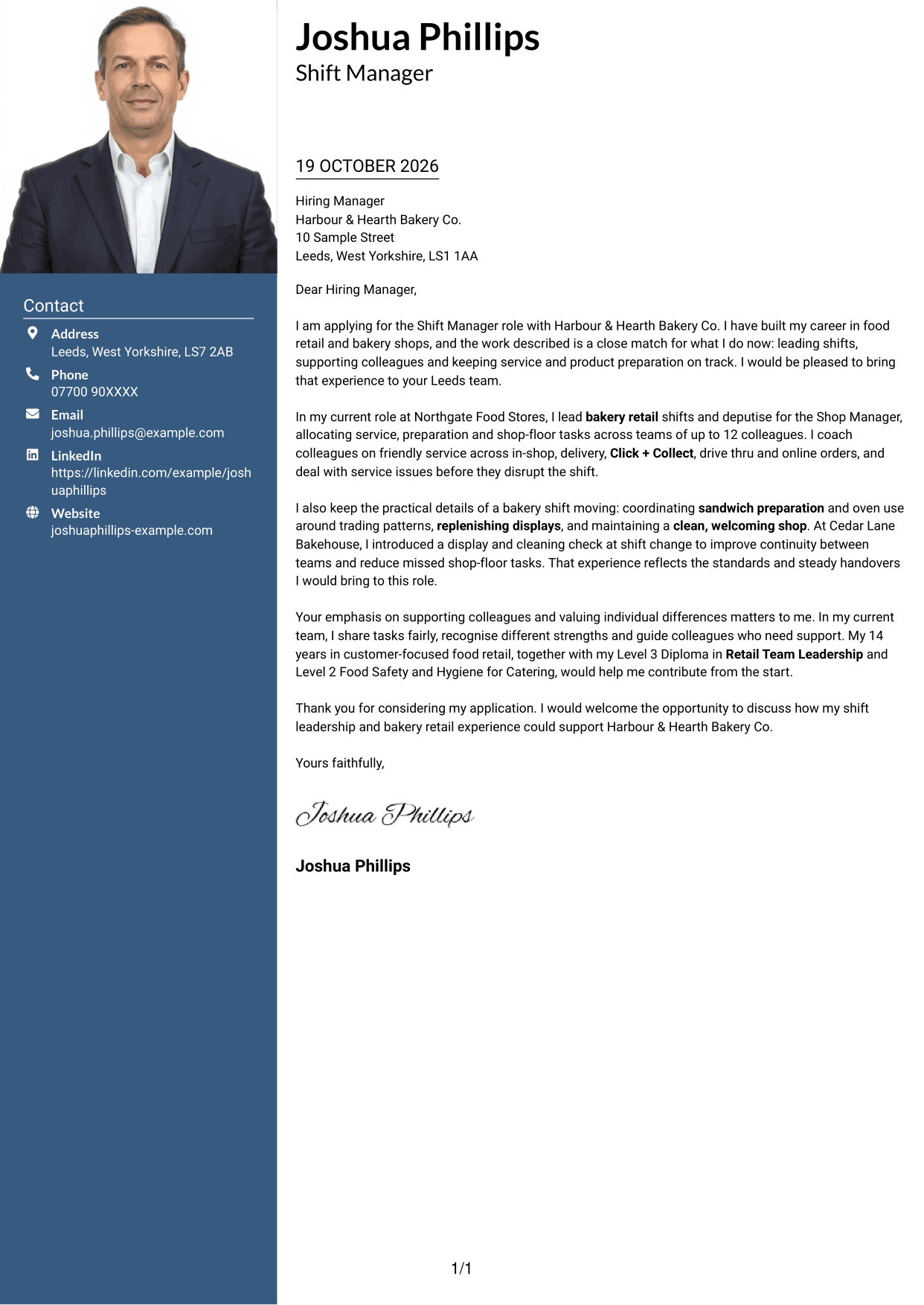
A portrait joins the contact sidebar beside a single letter body, adding a visible personal image while keeping the message in one column.
Why This Format Works
- The contact sidebar keeps correspondence details close to the letter without dividing its paragraphs.
- A single body lets the reviewer follow the message from opening to close.
- The portrait suits applicants who want a personal image included in the document.
Best For
- Portrait-inclusive applications
- Sidebar contact details
- Continuous letter messages
- Two-column page preference
- Visible personal image
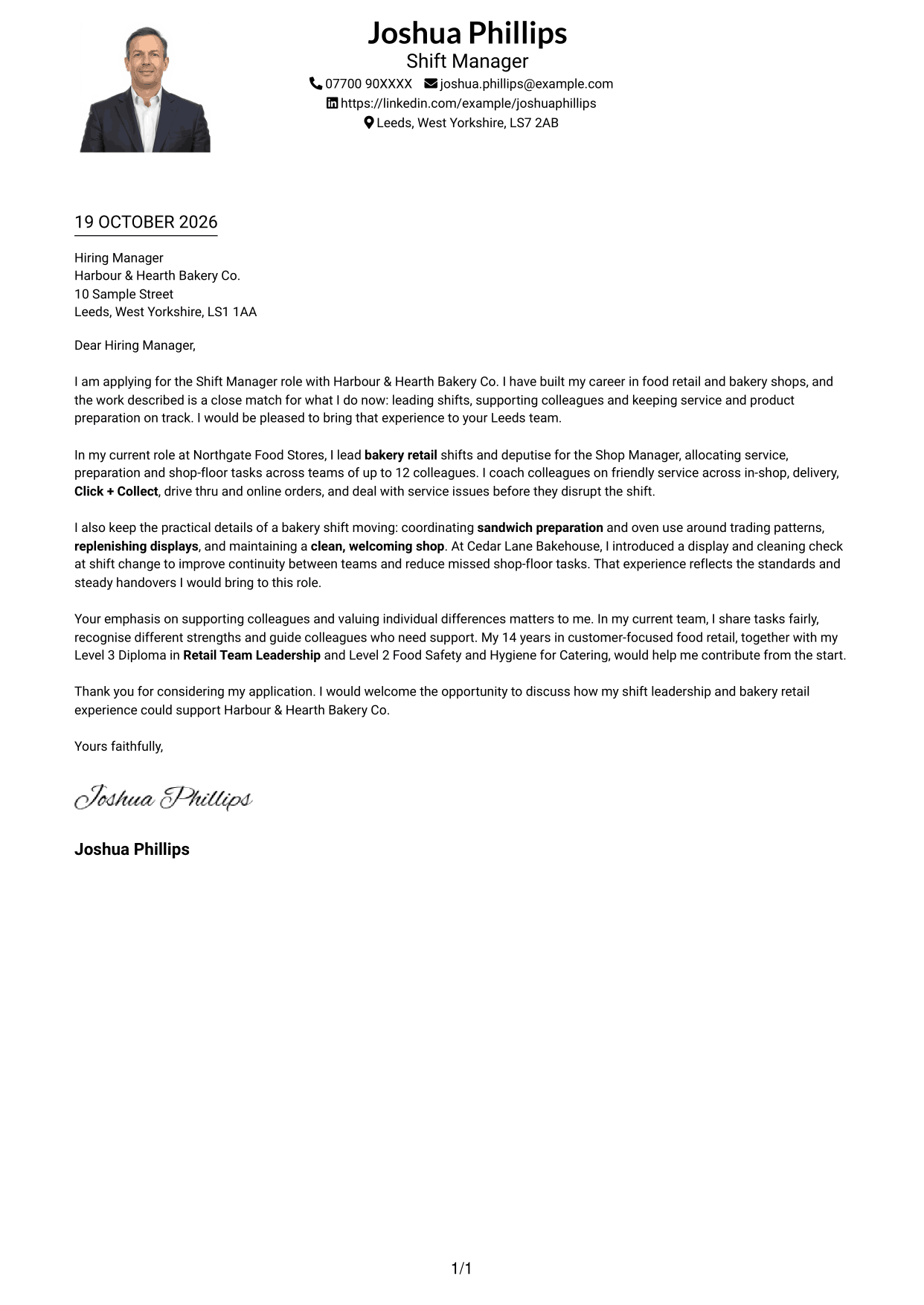
#4 One Column Format with Photo Cover Letter Example
The photo adds a visual element to this one-column format, while the letter itself remains a single, continuous message.
Why This Format Works
- Opening, supporting points and closing share one reading path through the letter.
- A portrait offers a visible personal element without splitting the body into columns.
- Header-based contact details remain distinct from the application message.
Best For
- Portrait-inclusive applications
- Single-column correspondence
- Header-based contact details
- Direct reading order
- One-column page preference
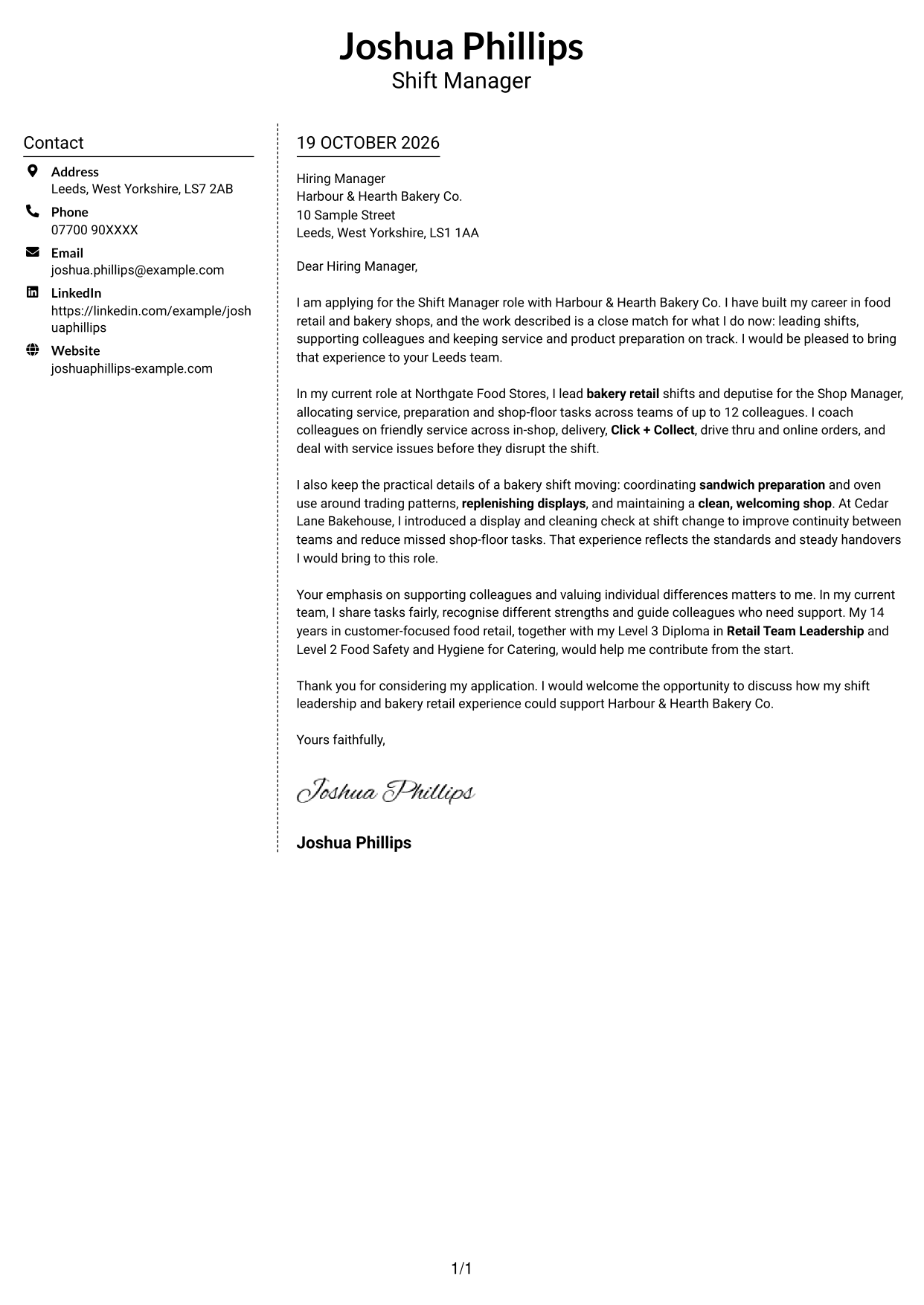
#5 Simple Two Column Format Cover Letter Example
The two-column page places a contact sidebar beside a single letter body, keeping correspondence details outside the continuous message.
Why This Format Works
- The letter's opening, evidence and close stay together in one body.
- Contact details have their own column beside, rather than within, the message.
- A photo-free layout suits applications where the written introduction stands alone.
Best For
- Separate contact reference
- One-body letter format
- Photo-free correspondence
- Two-column page preference
- Written introductions
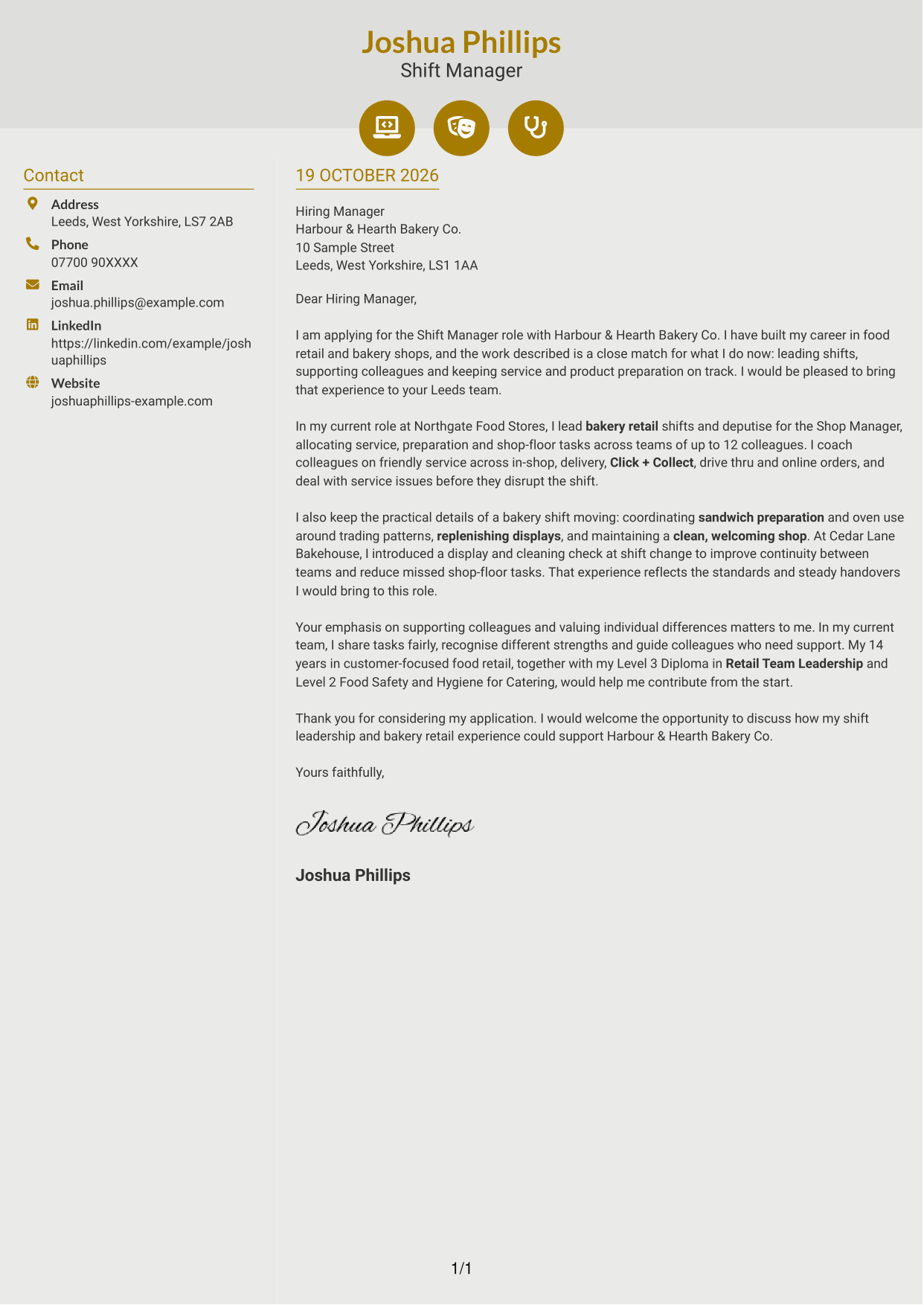
#6 Modern Icon Format Cover Letter Example
Contact icons sit in a sidebar beside the continuous letter body, giving correspondence details visual cues without marking stages of the message.
Why This Format Works
- Icons cue contact details, while the letter's paragraphs remain free of visual labels.
- The sidebar keeps correspondence information separate from the single letter body.
- A continuous message lets the reviewer follow the application from opening to close.
Best For
- Icon-marked contact details
- Sidebar contact layouts
- Continuous letter messages
- Two-column page preference
- Photo-free correspondence
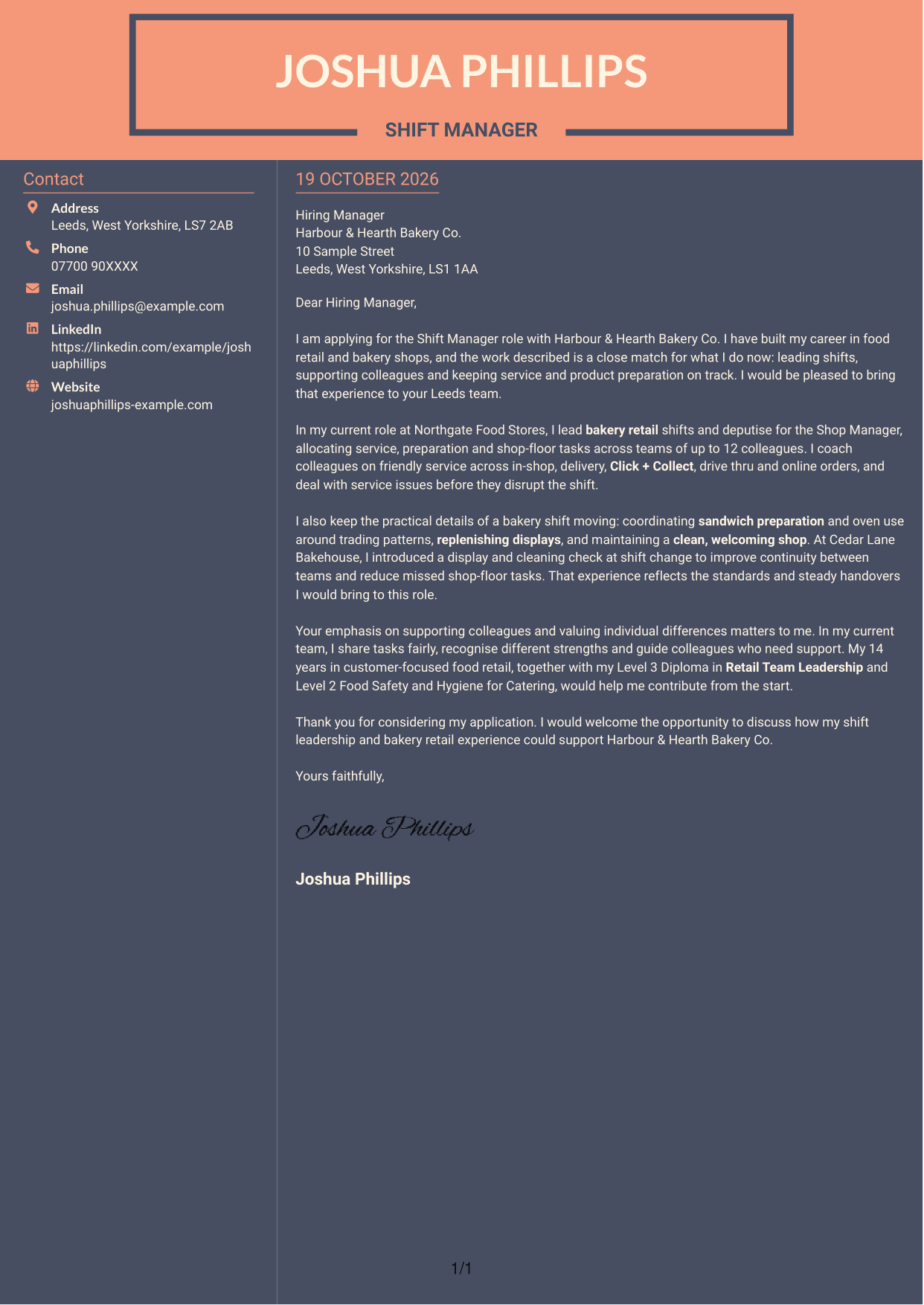
#7 Creative Two Tone Format Cover Letter Example
This two-column layout places contact details beside one continuous letter body, keeping reference information separate from the written message.
Why This Format Works
- Readers can locate correspondence details separately from the letter's main message.
- The letter keeps its opening, supporting points and close within one body.
- The photo-free layout suits applications that do not call for a portrait.
Best For
- Separate contact information
- One-body letter messages
- Photo-free applications
- Two-column page preference
- Paragraph-led applications
See Also
- 7 Shift Manager - Bakery Retail Operations CV Templates with Example
- 7 Head of Contracts - Erasmus+ Programme CV Templates with Example
- 7 Manager - Funds Tax CV Templates with Example
- 7 Area Manager - Multi-site Retail Operations CV Templates with Example
- 7 Process Operator - Laboratory Sample Preparation CV Templates with Example
- 7 Bar Operative - Barista and Food Service CV Templates with Example
- 7 Sales Team Member - Customer Service and Stock Operations CV Templates with Example
- 7 Attendance Officer - Student Attendance Administration CV Templates with Example
- 7 Production Manager - Continuous Manufacturing CV Templates with Example
- 7 Service Manager - Digital Clinical Services CV Templates with Example
Frequently Asked Questions
What should a Shift Manager - Bakery Retail Operations cover letter highlight?
Show how your shift leadership supports friendly service, food preparation and a clean, well-stocked shop. Useful examples can cover team coaching, sandwich preparation, oven use, replenishment and service across in-shop and online orders.
How can I show that my experience fits this bakery shift role?
Choose a clear example that shows what you handled and how it helped the shift. You could describe allocating work across a team, dealing with a service issue or setting a display and cleaning check for shift changes.
How should I explain my interest in the employer?
Connect your interest to the actual work and values described for the role. Explain why leading bakery retail shifts and supporting colleagues in an inclusive team appeal to you, without making claims you cannot support.
What is a clear way to structure this cover letter?
Open by naming the role and stating your fit. Use the body to connect your shift responsibilities and one relevant example to the shop’s needs, then close politely and invite a conversation.
How can I compare the cover letter examples?
Use the PNG image previews to compare how each letter presents its opening, supporting evidence and close. Choose a style that suits the employer and your message, then open an example in the editor to customise it.




