
7 Site Engineer - Civil Infrastructure Cover Letter Templates with Example
Use this guide to shape a focused Site Engineer - Civil Infrastructure cover letter, with seven layouts to help you present your fit clearly.
What Makes a Great Site Engineer - Civil Infrastructure Cover Letter in 2026
A strong letter links your interest in the role to safe, well-coordinated civil infrastructure delivery. Lead with a clear reason for applying, then show how your site engineering work supports the role.
Use relevant evidence, such as setting out with GPS or a total station, checking RAMS, coordinating site teams, or tracking progress and non-conformances. Explain how this experience fits the employer’s work and why the opportunity matters to you.
The featured Site Engineer - Civil Infrastructure example moves from role interest to relevant site evidence, key responsibilities and a clear close; adapt this focused progression while choosing a presentation suited to the employer and communication context.
#1 Simple One Column Format Cover Letter Example
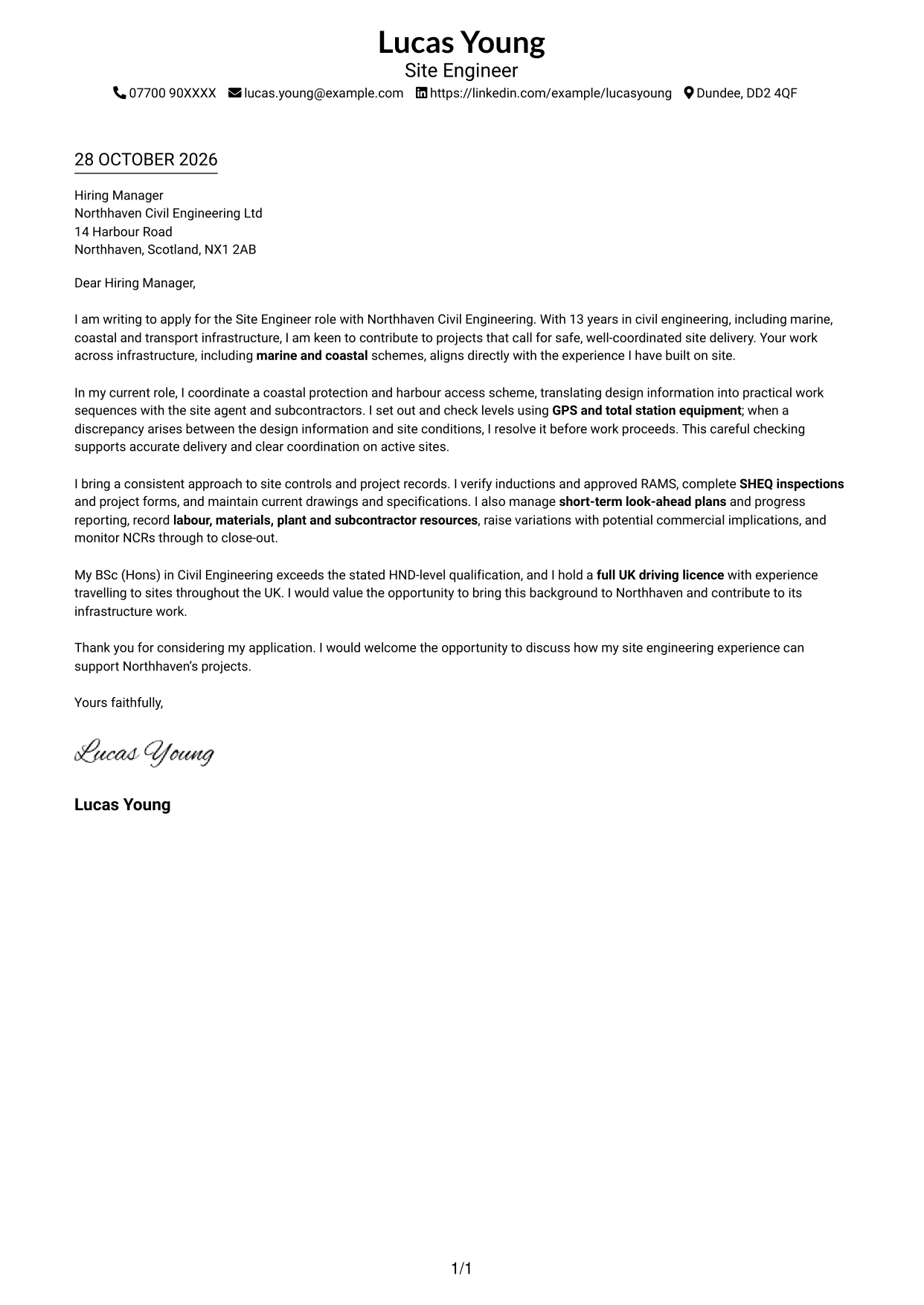
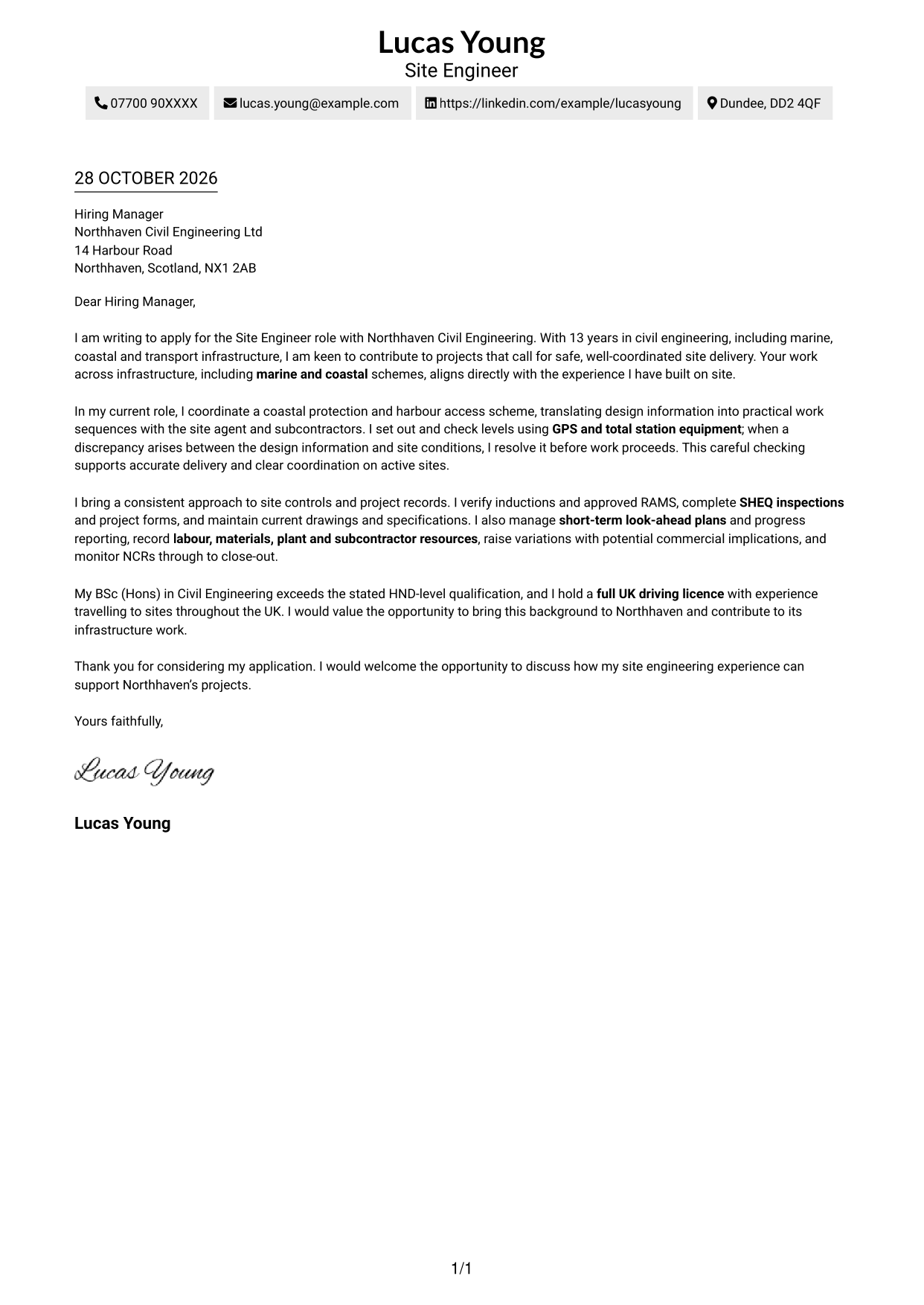
Sender details sit in the header above a single-column page, keeping the letter in one continuous reading sequence.
Why This Format Works
- Sender details in the header keep contact information separate from the letter’s argument.
- One continuous body lets the reader follow motivation, evidence and closing in sequence.
- Without a sidebar, the page keeps attention on the letter’s written message.
Best For
- Single-column letter pages
- Header-based contact details
- Continuous paragraph reading
- Text-led application materials
- Focused written introductions
#2 Two Column Format Cover Letter Example
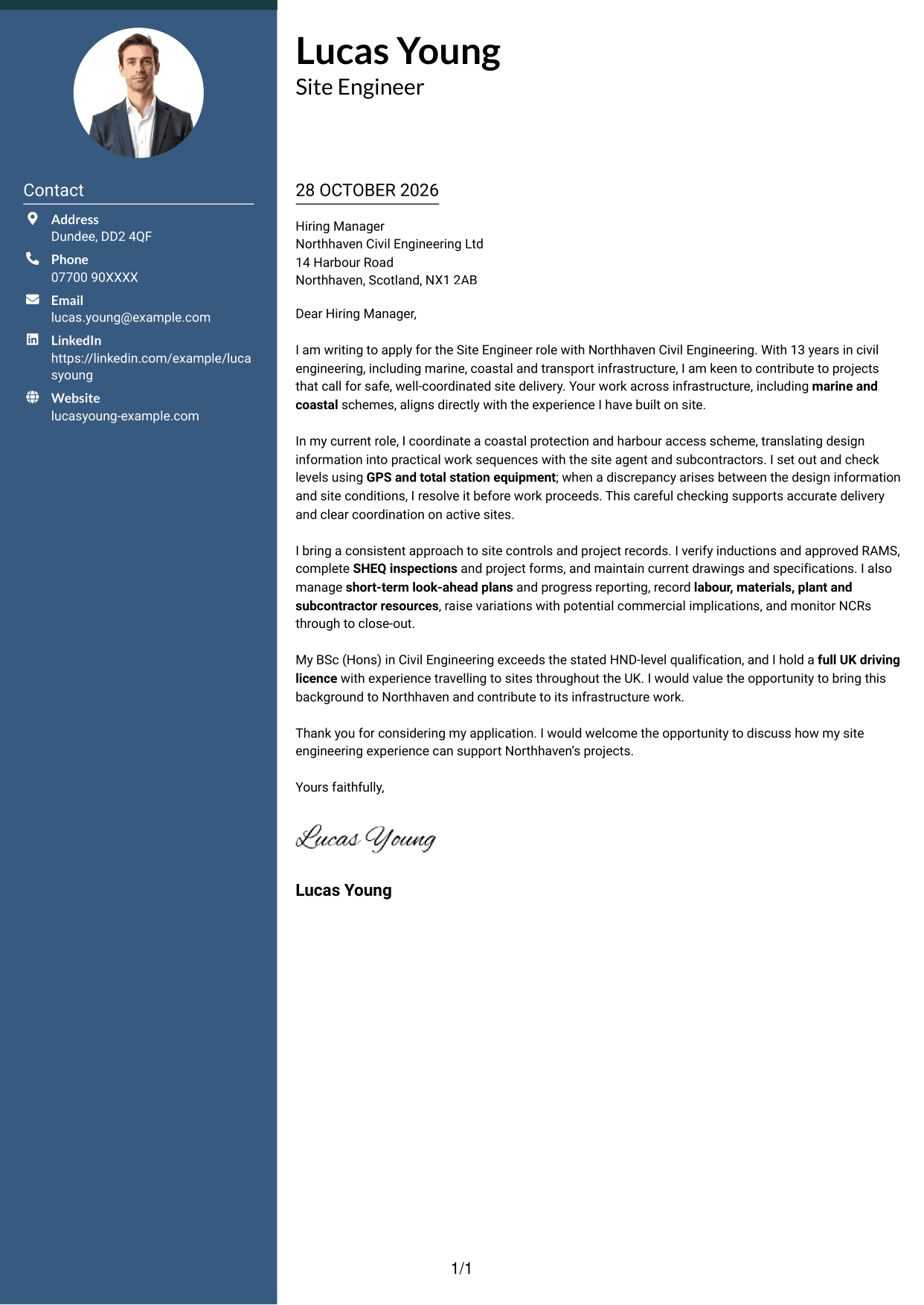
A contact sidebar sits beside one continuous letter body, keeping practical details apart from the message to the employer.
Why This Format Works
- The sidebar gives sender contact details a clear place beside the letter.
- The uninterrupted body keeps the application’s opening, evidence and closing in reading order.
- Readers can find contact information without breaking the flow of the written message.
Best For
- Contact details beside letter text
- Uninterrupted letter paragraphs
- Sidebar-based contact presentation
- Applications with linked contact details
- Separate message and contact areas
#3 Photo Header Two Column Format Cover Letter Example
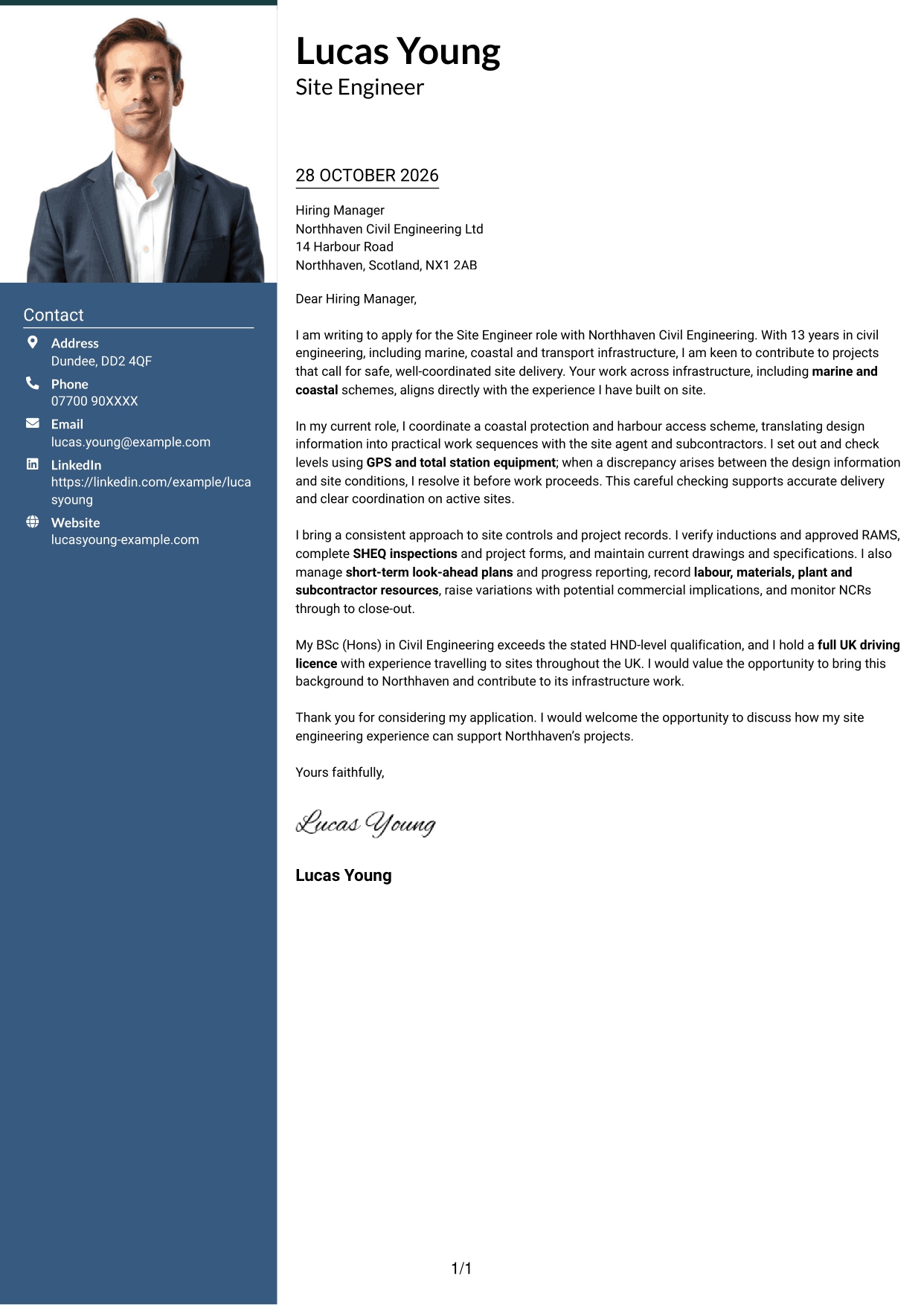
A photo accompanies the two-column layout, with contact details in a sidebar beside the continuous letter body.
Why This Format Works
- The portrait adds a personal visual element without changing the letter’s argument.
- Contact details stay apart while the letter body remains one continuous sequence.
- The single letter body lets motivation and supporting evidence read in order.
Best For
- Portrait-inclusive applications
- Contact details beside letter text
- Continuous letter paragraphs
- A personal visual element
- Distinct contact and message areas
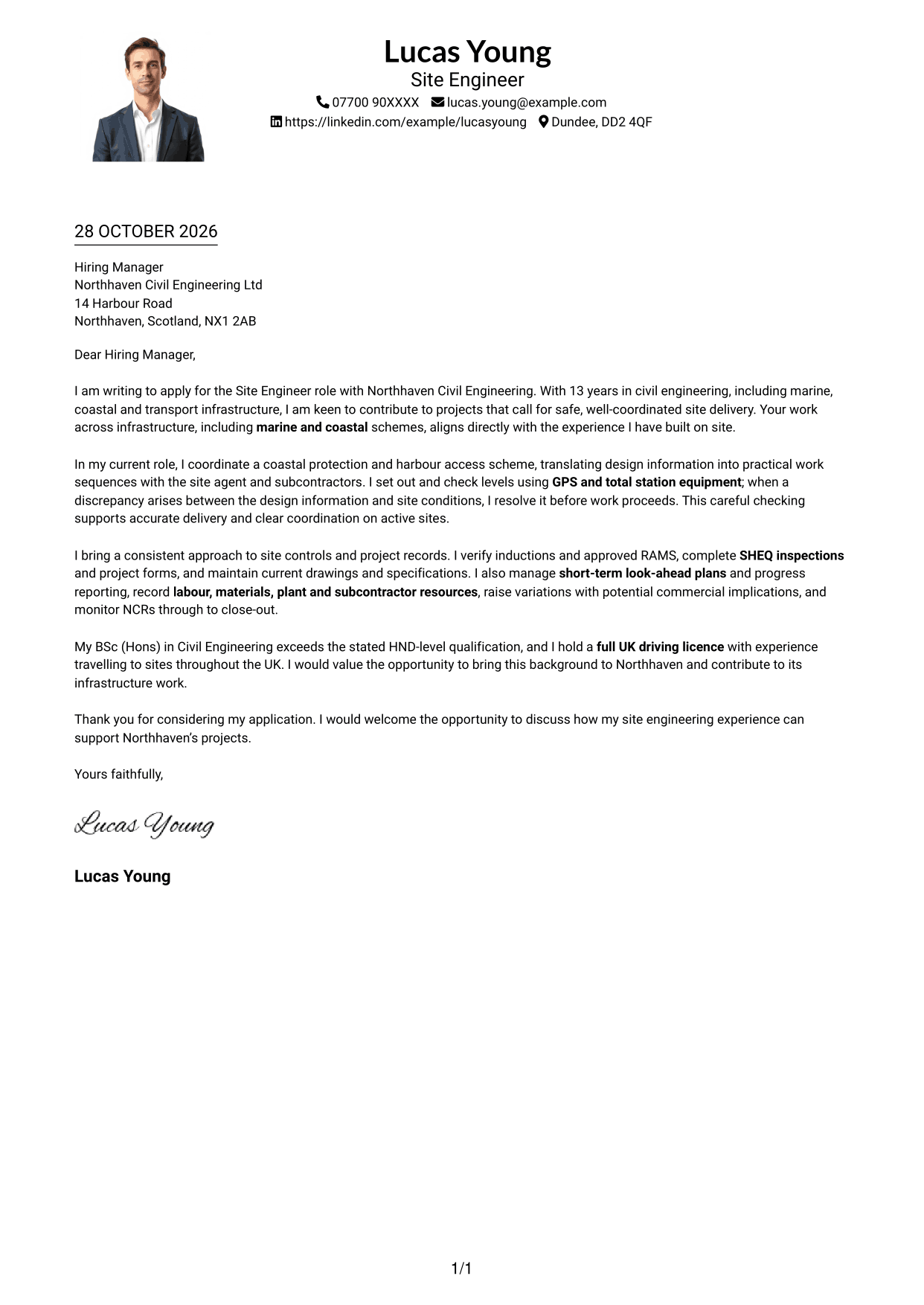
#4 One Column Format with Photo Cover Letter Example
A photo is included with the one-column presentation, while sender details remain in the header above the continuous letter body.
Why This Format Works
- The portrait offers a visual choice within a straightforward one-column page.
- Header details leave the letter body in one clear reading sequence.
- Continuous paragraphs keep motivation, evidence and closing together in the main text.
Best For
- One-column letter pages
- Portrait-inclusive applications
- Header-based contact details
- Continuous paragraph reading
- Photo-led personal presentation
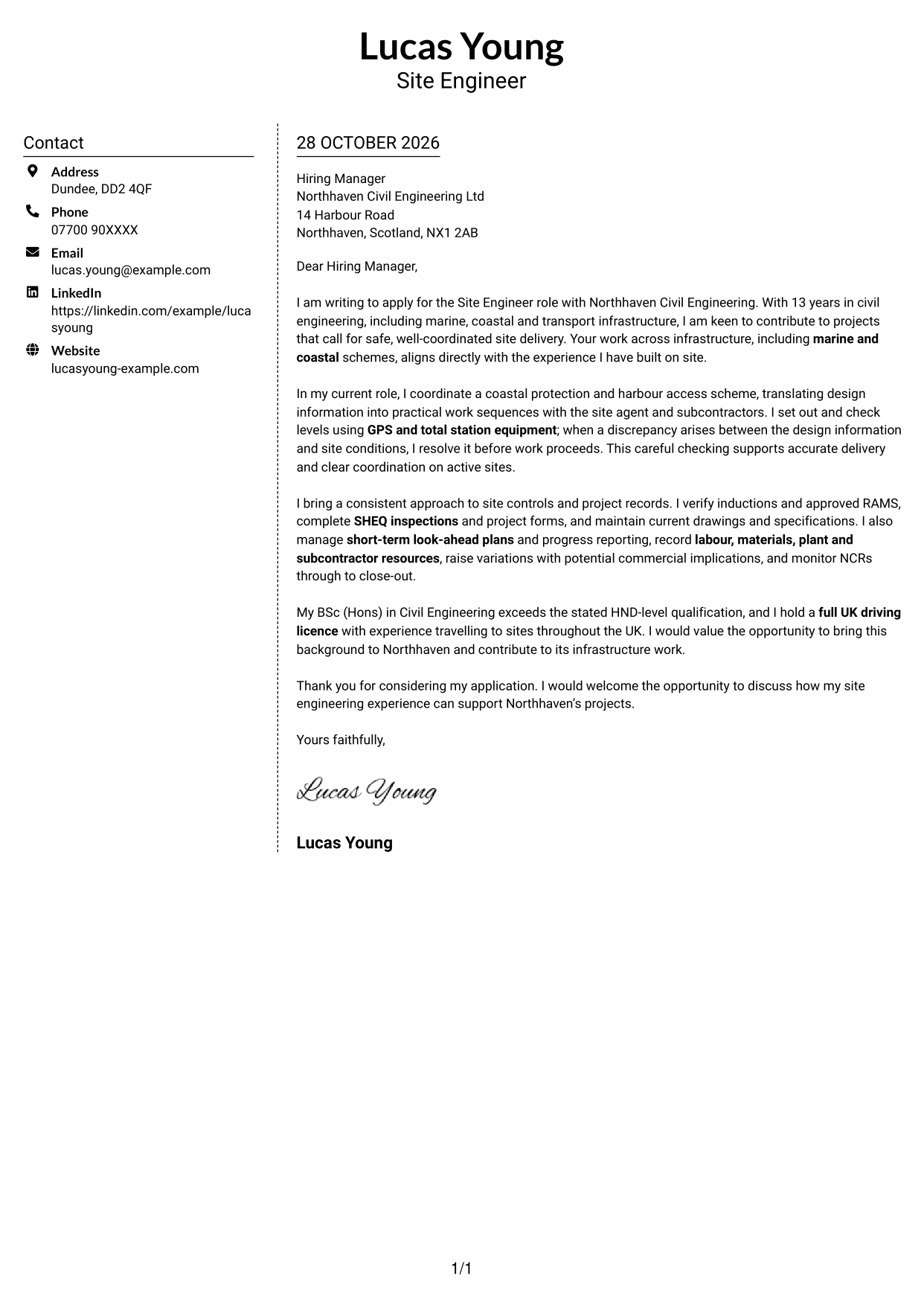
#5 Simple Two Column Format Cover Letter Example
The contact sidebar sits beside a single, uninterrupted letter body, giving practical details and the employer-facing message distinct areas.
Why This Format Works
- The contact area keeps practical details accessible during review.
- One uninterrupted body preserves the letter’s natural progression from interest to closing.
- A distinct sidebar separates sender information from the message to the employer.
Best For
- Sidebar-based contact presentation
- Continuous written messages
- Separate contact and letter areas
- Quick access to sender details
- Paragraph-led applications
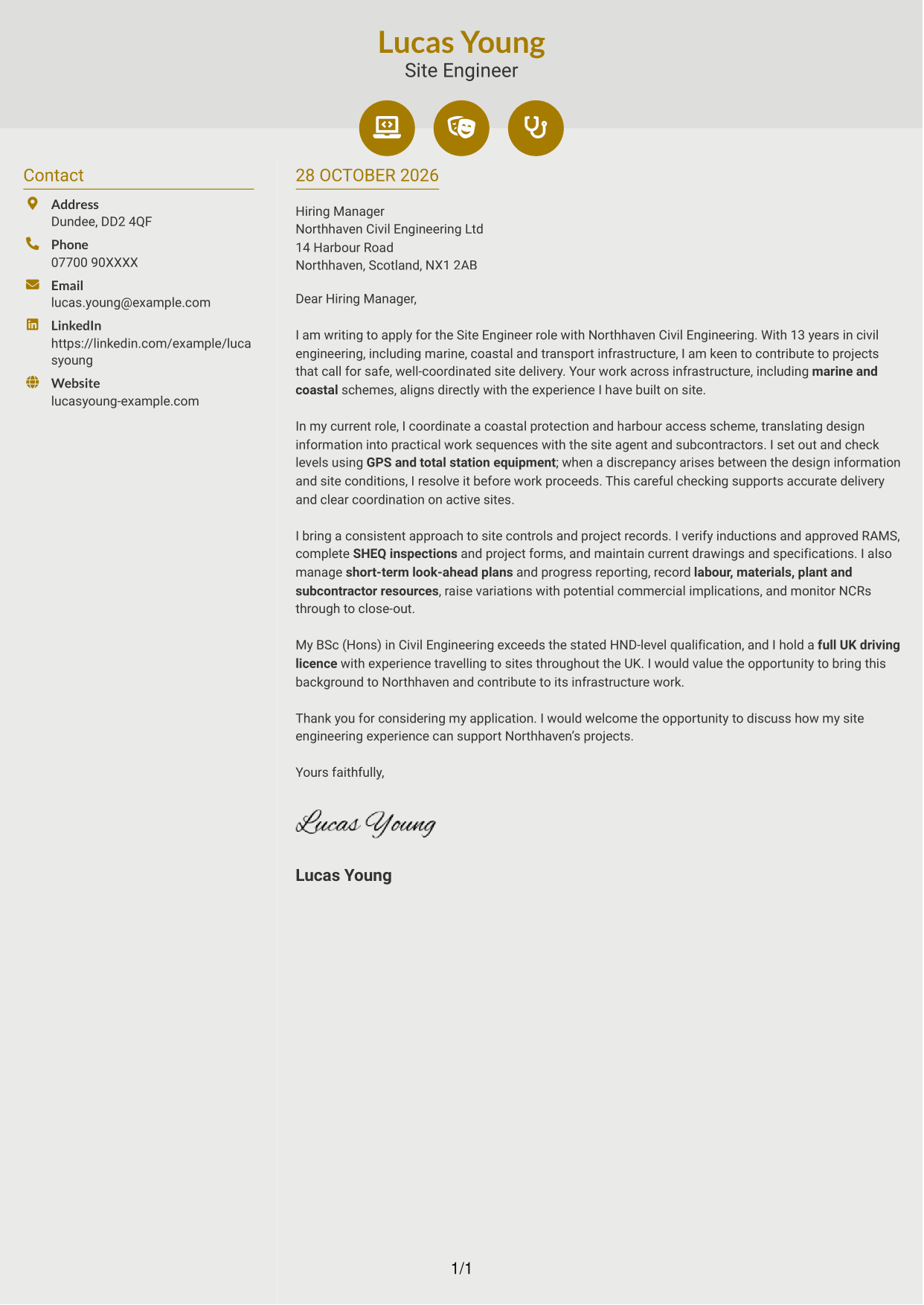
#6 Modern Icon Format Cover Letter Example
Contact icons provide visual cues in the sidebar, which sits beside one continuous letter body.
Why This Format Works
- Contact icons act as cues for sender details, not as labels for letter arguments.
- The sidebar keeps contact information apart from the continuous written case for fit.
- The reader can follow the opening, evidence and close within one letter body.
Best For
- Icon-cued contact details
- A continuous letter body
- Sidebar contact presentation
- Distinct contact and message areas
- Paragraph-based application letters
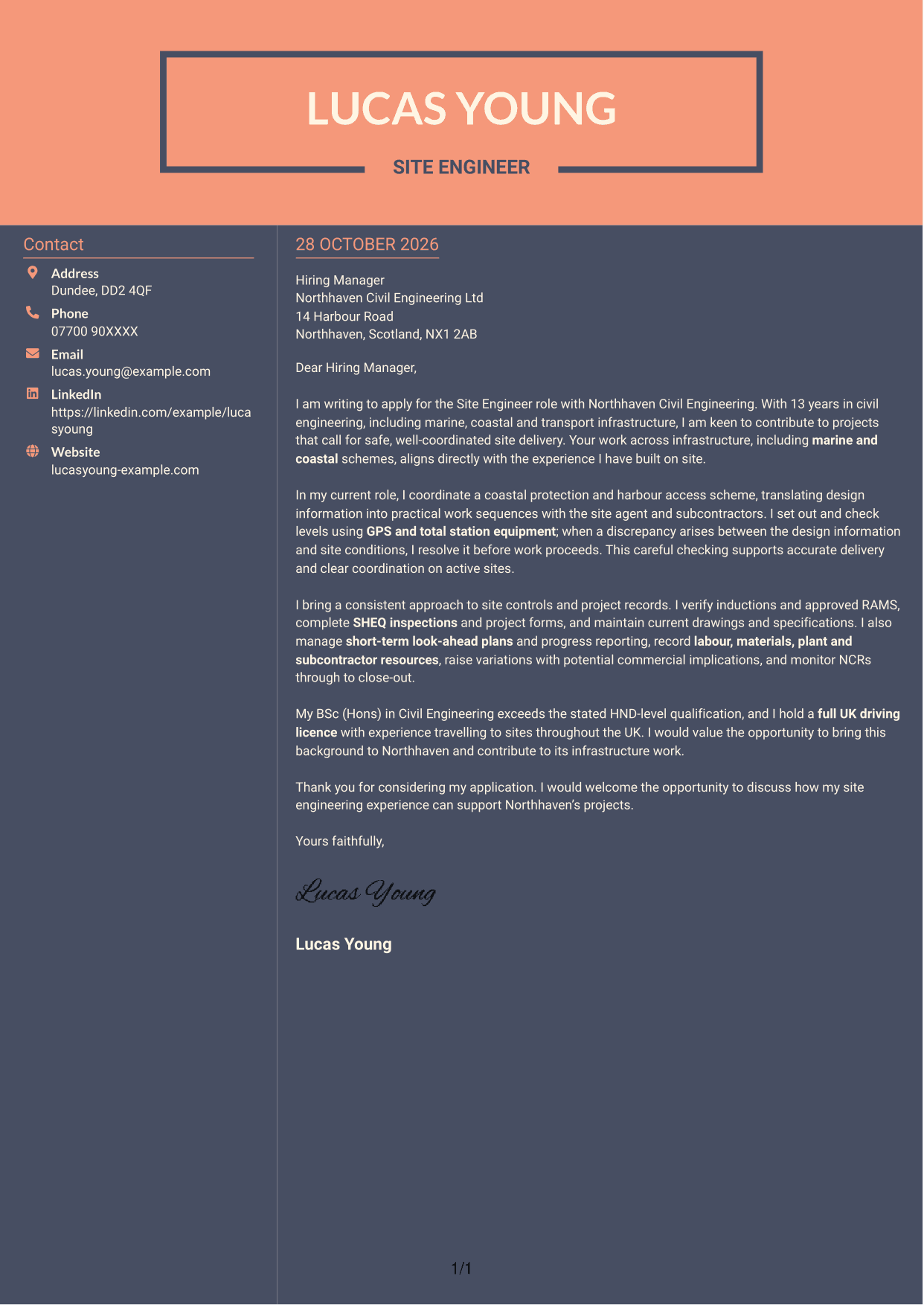
#7 Creative Two Tone Format Cover Letter Example
Contact information occupies a sidebar beside the continuous letter body, keeping practical details separate from the employer-facing message.
Why This Format Works
- The sidebar gives contact information its own place beside the letter.
- A continuous body carries the message from the opening through the closing.
- Separate contact details leave the written argument together in one reading sequence.
Best For
- Contact details beside letter text
- Continuous paragraph-based letters
- A distinct contact area
- Uninterrupted written messages
- Clear sender information
See Also
- 7 Site Engineer - Civil Infrastructure CV Templates with Example
- 7 Site Civil Engineer CV Templates with Example
- 7 Civil and Structural Engineer - Refinery Infrastructure CV Templates with Example
- 7 Civil Design Engineer - Water and Wastewater Infrastructure CV Templates with Example
- 7 Civil Engineer - Development Infrastructure CV Templates with Example
- 7 Civil Engineer - HV Infrastructure CV Templates with Example
- 7 Civil Engineer Lead - Drainage and Infrastructure Design CV Templates with Example
- 7 Civil Infrastructure Engineer - Nuclear New-Build CV Templates with Example
- 7 Site Civil Engineer Cover Letter Templates with Example
- 7 Civil and Structural Engineer - Refinery Infrastructure Cover Letter Templates with Example
Frequently Asked Questions
What should a Site Engineer - Civil Infrastructure cover letter highlight?
Show how your site work supports safe and organised project delivery. Relevant examples may include setting out and levelling, coordinating subcontractors, checking RAMS, completing inspections, maintaining records and monitoring non-conformance reports.
How can I make my site engineering experience relevant?
Choose a clear example that shows what you did and how it helped the work progress. For instance, explain how you used GPS or total station equipment to check setting-out information and resolved a discrepancy before work began.
How can I show interest in Northhaven Civil Engineering Ltd?
Refer to a genuine point about the employer’s civil infrastructure work, such as its marine and coastal schemes. Explain why that work interests you and how your experience could support safe, well-coordinated delivery.
How should I structure this cover letter?
Open by naming the role and giving a clear reason for applying. Use the body for focused evidence of site delivery and coordination, then close by restating your interest and welcoming a discussion.
Should I include every detail of my site engineering work?
No. Select a few examples that match the role, such as setting out, site controls, programme reporting or resource records. A focused letter helps the employer see your fit without repeating your full work history.




