
7 Software Engineering Graduate - 3D Radar Systems Cover Letter Templates with Example
This practical guide to a Software Engineering Graduate - 3D Radar Systems cover letter presents seven layouts and shows how to connect role motivation with clear evidence.
What Makes a Great Software Engineering Graduate - 3D Radar Systems Cover Letter in 2026
A strong letter links your interest in the role with relevant engineering study and practical work on radar systems. Make the opening clear, then show how your experience fits the programme’s focus on real systems and structured learning.
Use specific evidence, such as developing a 3D radar visualisation prototype and testing its outputs. Explain what you learned, then connect your approach to the employer’s work and the skills the programme values.
The featured Software Engineering Graduate - 3D Radar Systems example moves from role motivation to degree and capstone evidence, then radar research and programme fit before a clear close; adapt this progression while choosing a presentation suited to the employer and communication context.
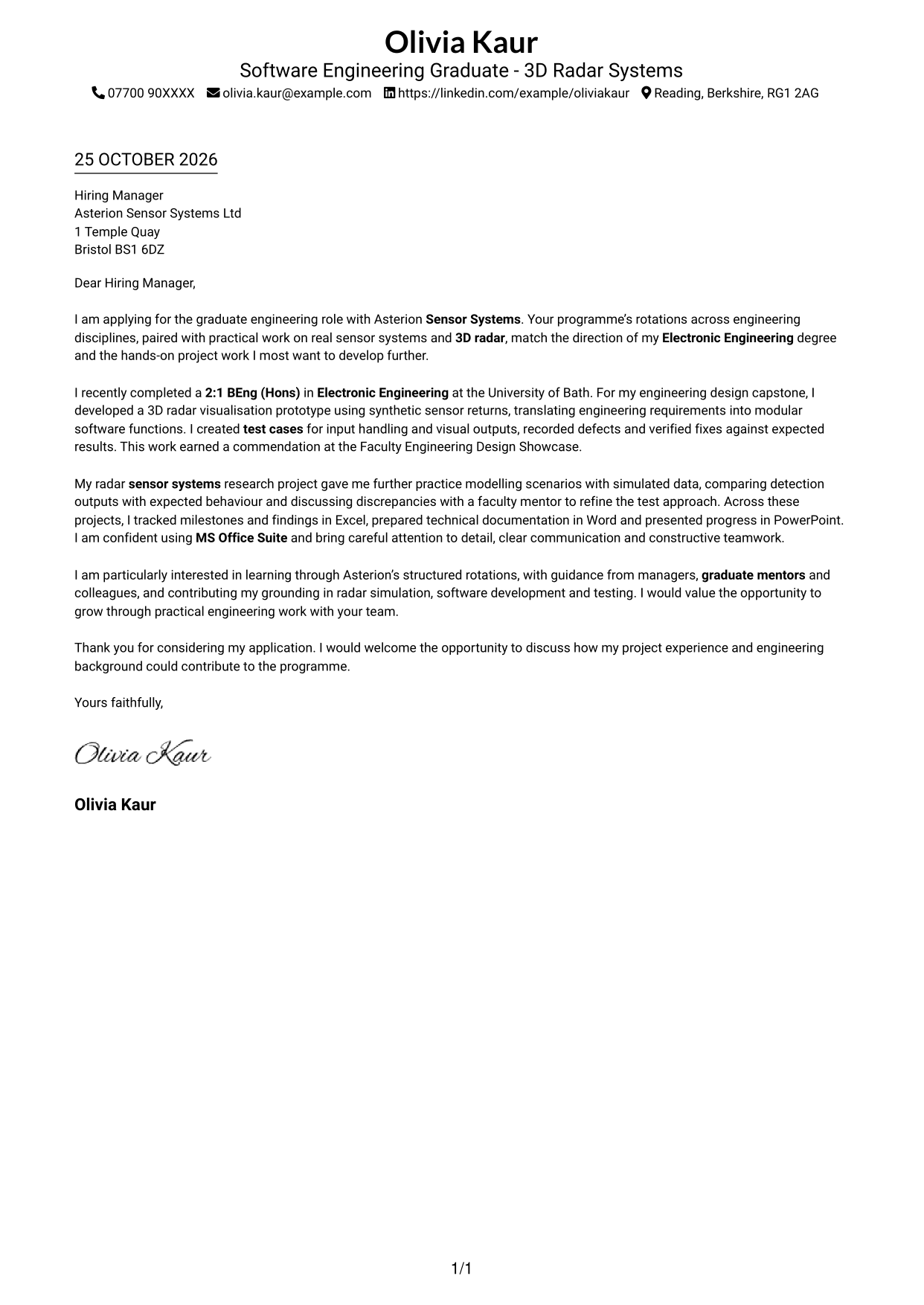
#1 Simple One Column Format Cover Letter Example
A single-column layout keeps the letter body in one reading path, suited to a direct, text-led presentation.
Why This Format Works
- A single column gives the greeting, motivation, evidence and closing one clear reading order.
- Sender details stay in the header, apart from the continuous letter body.
- Without a photo, the page suits applications centred on written communication.
Best For
- Single-column reading preference
- Contact details in the header
- Continuous letter paragraphs
- Applications without a portrait
- Text-led communication
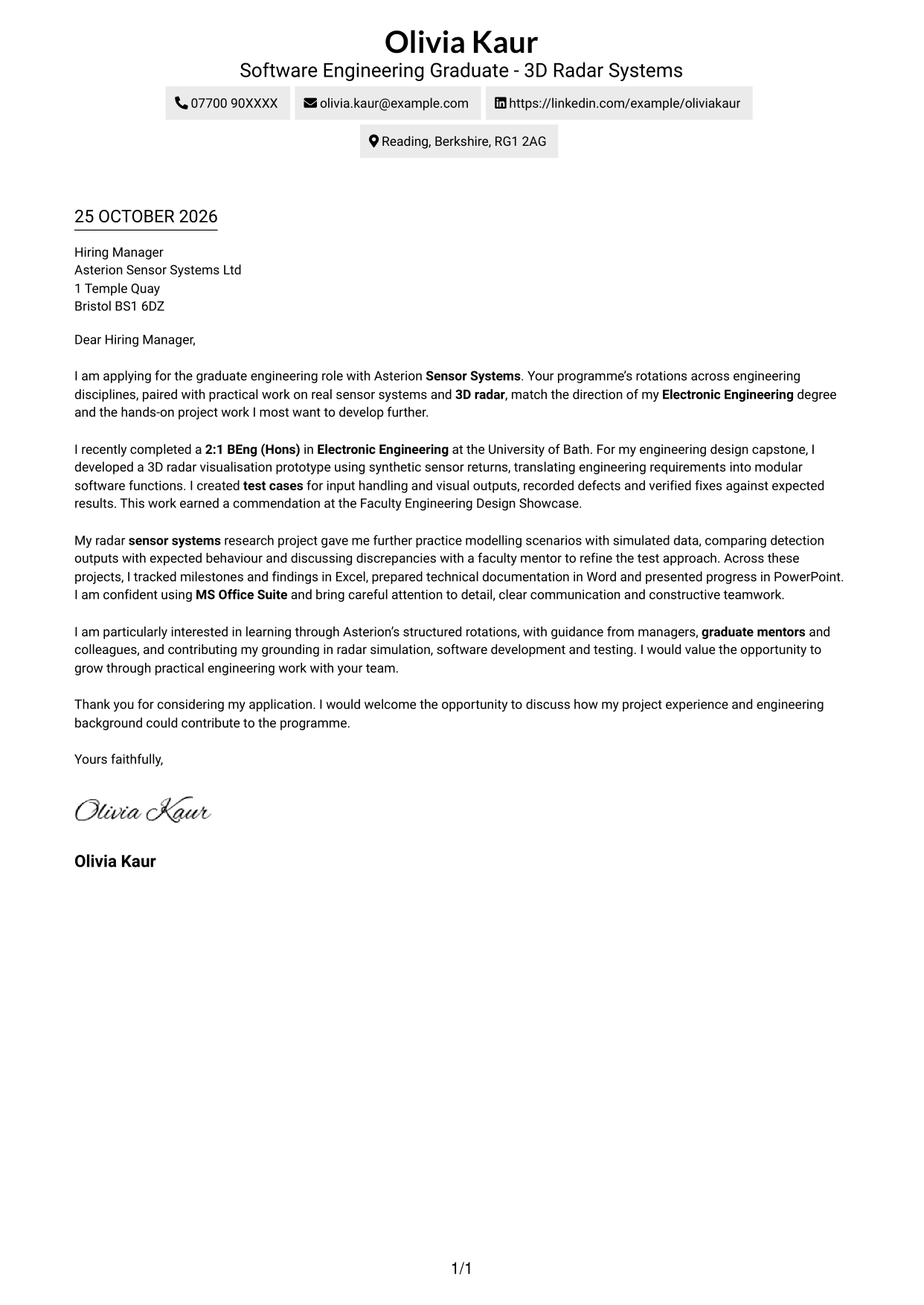
#2 Two Column Format Cover Letter Example
A contact sidebar beside a single-column letter body separates sender information from the application message.
Why This Format Works
- Contact details sit apart from the letter, keeping the argument together.
- One body column lets the opening, evidence and close read in sequence.
- The photo-free layout suits applications where the written message should lead.
Best For
- Two-column letter layouts
- Continuous body paragraphs
- Contact details beside the letter
- Photo-free applications
- Graduate engineering applications
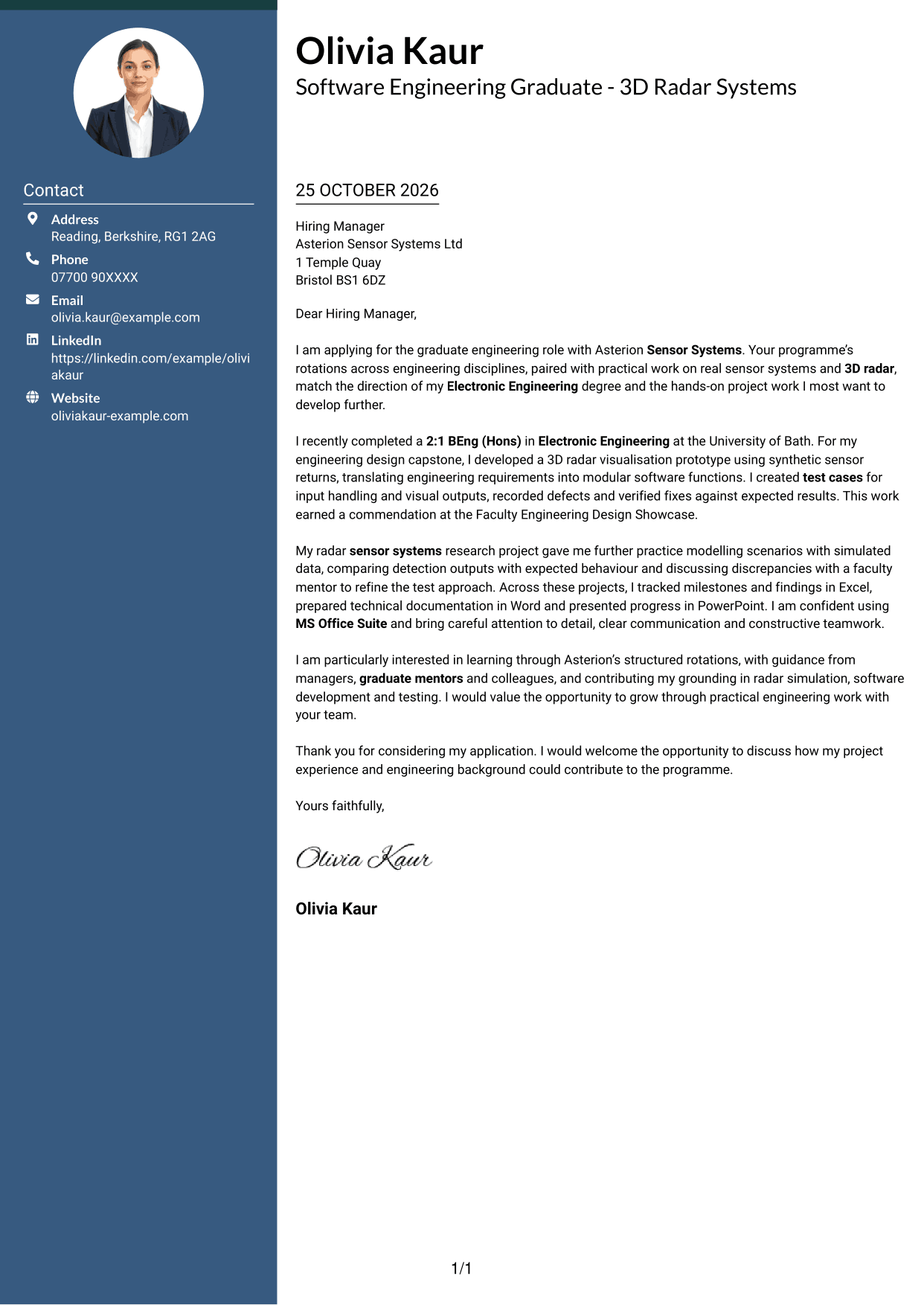
#3 Photo Header Two Column Format Cover Letter Example
A photo accompanies the contact sidebar and continuous letter body, for readers who want a portrait with their application.
Why This Format Works
- The contact sidebar keeps sender details separate from the letter's continuous argument.
- A single body column preserves the sequence from opening through evidence to closing.
- The included photo offers a portrait-led presentation without dividing the letter text.
Best For
- Two-column portrait layouts
- Separate contact information
- Continuous letter paragraphs
- Applications with a personal photo
- Graduate programme applications
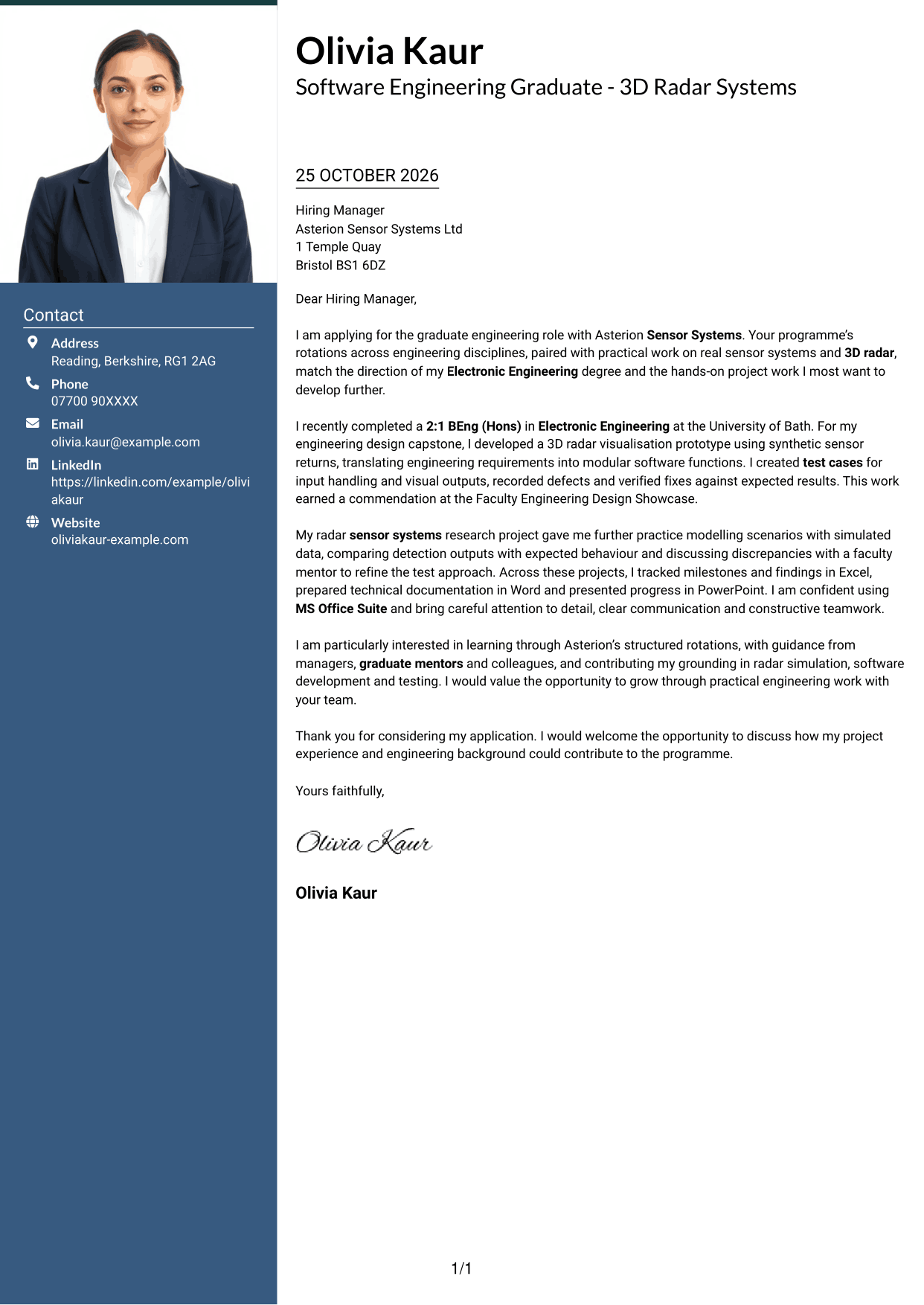
#4 One Column Format with Photo Cover Letter Example
A photo appears alongside a single-column letter body, offering a personal visual element while keeping the message together.
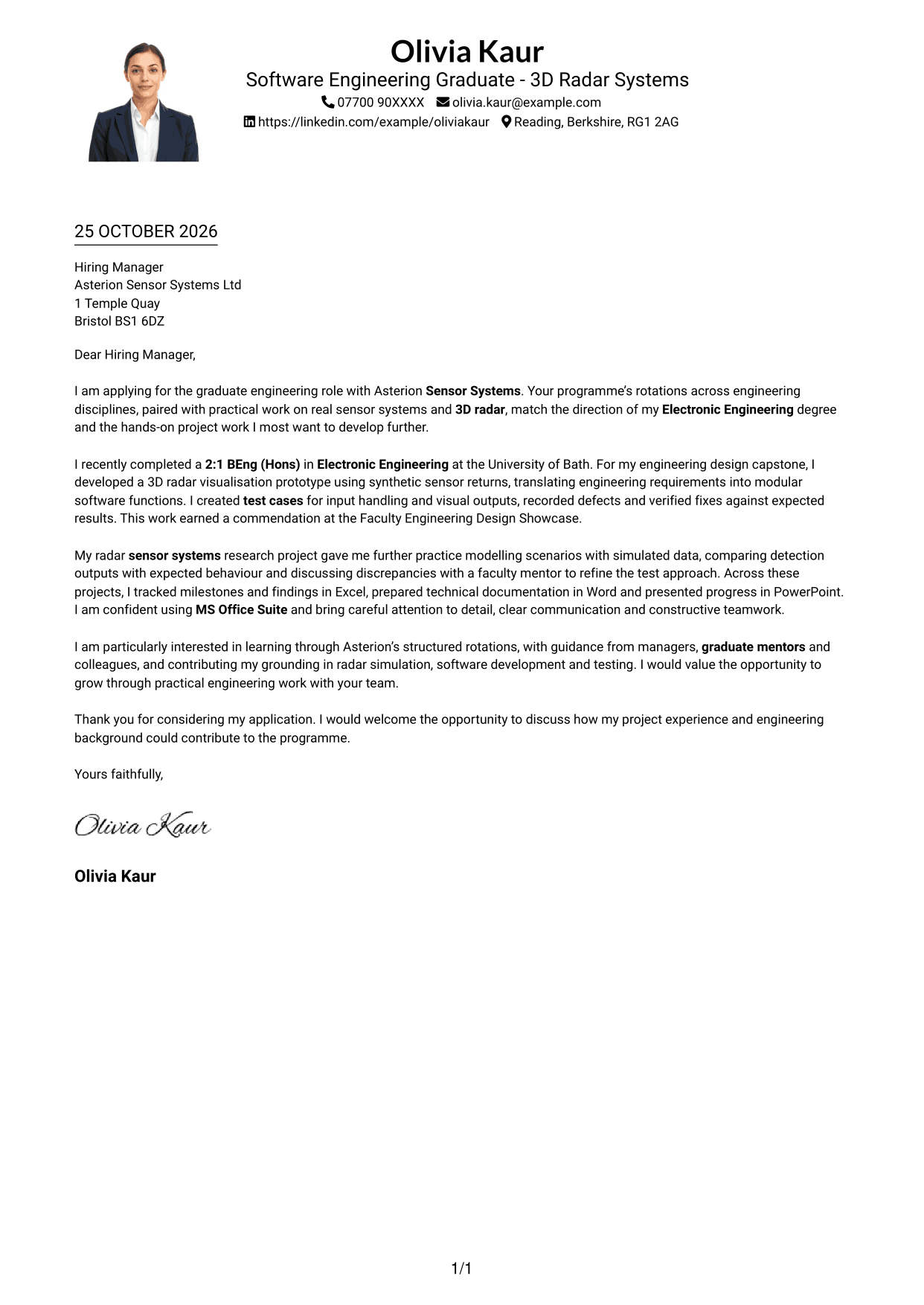
Why This Format Works
- A single body column keeps the full message in a direct reading sequence.
- The photo adds a personal visual element while leaving the argument in continuous paragraphs.
- Header-based contact details stay apart from the letter's opening and evidence.
Best For
- One-column page organisation
- Applications including a portrait
- Contact details in the header
- Continuous letter text
- Graduate engineering correspondence
#5 Simple Two Column Format Cover Letter Example
A contact sidebar sits beside one continuous letter body, giving sender details their own column without splitting the message.
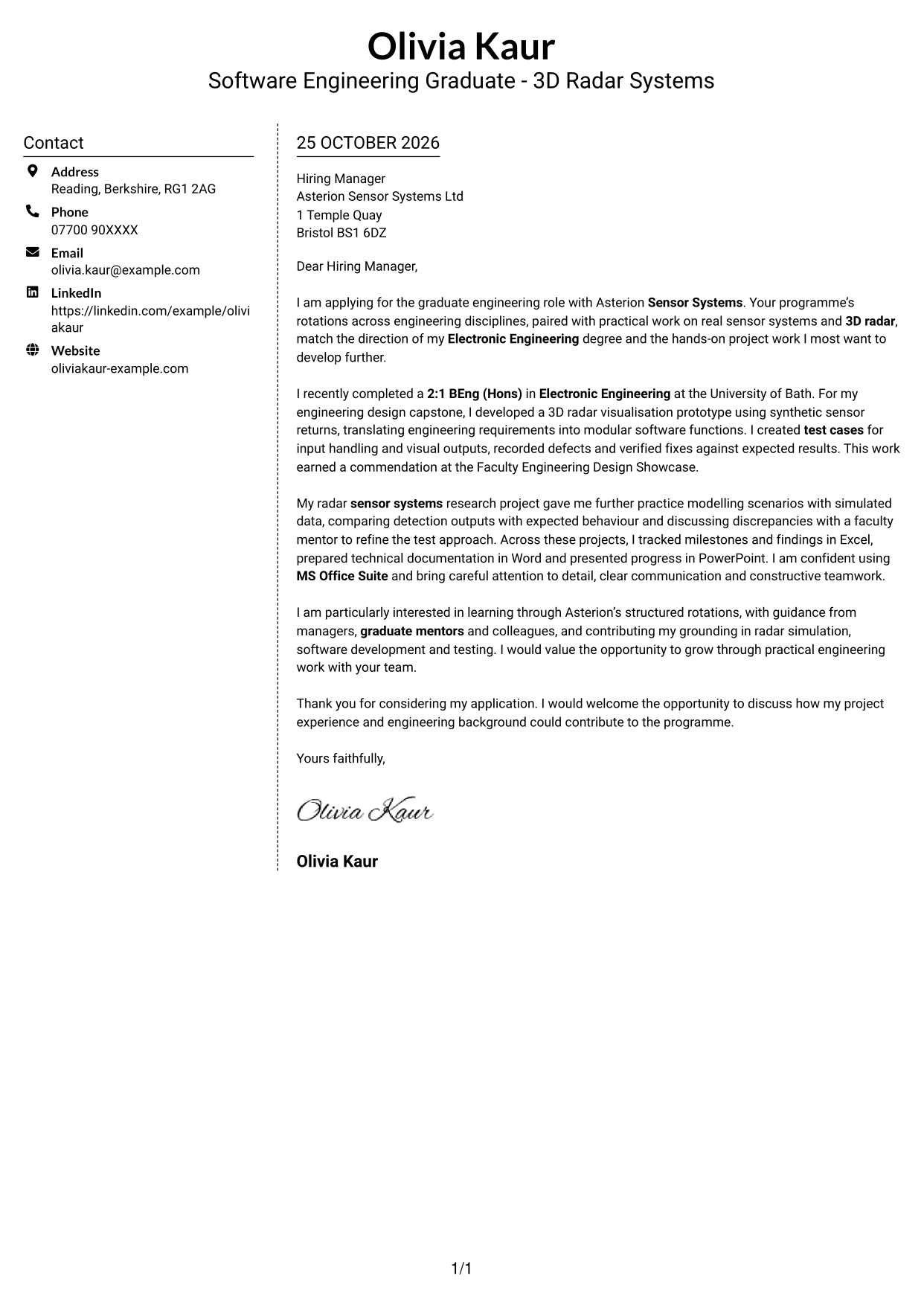
Why This Format Works
- A contact sidebar places sender information beside, rather than within, the letter body.
- The message remains in one column, keeping motivation and supporting evidence together.
- No photo keeps the visual emphasis on the written application.
Best For
- Two-column page layouts
- Contact sidebar details
- Continuous letter paragraphs
- Photo-free correspondence
- Text-led application materials
#6 Modern Icon Format Cover Letter Example
Contact icons cue the sidebar details beside a single-column letter body, adding visual markers without breaking up the message.
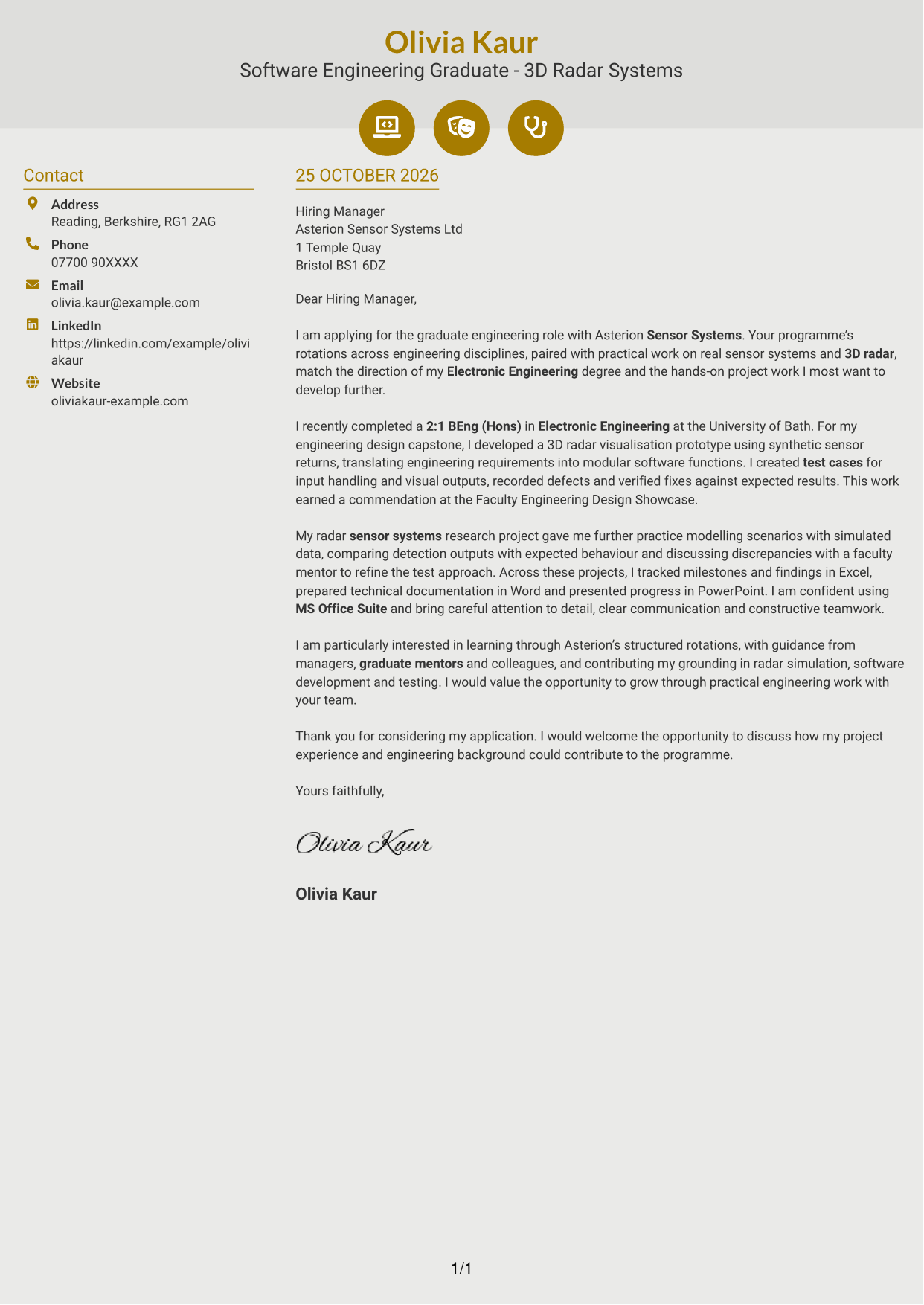
Why This Format Works
- Icons mark contact details so readers can identify them without treating them as argument labels.
- The body remains in one column, preserving the letter's opening-to-close sequence.
- Without a photo, the contact cues add visual detail without introducing a portrait.
Best For
- Icon-led contact presentation
- Two-column correspondence
- Uninterrupted letter text
- Photo-free applications
- Graduate application letters
#7 Creative Two Tone Format Cover Letter Example
A contact sidebar beside one continuous letter body gives the page a clear two-column organisation while keeping the message intact.
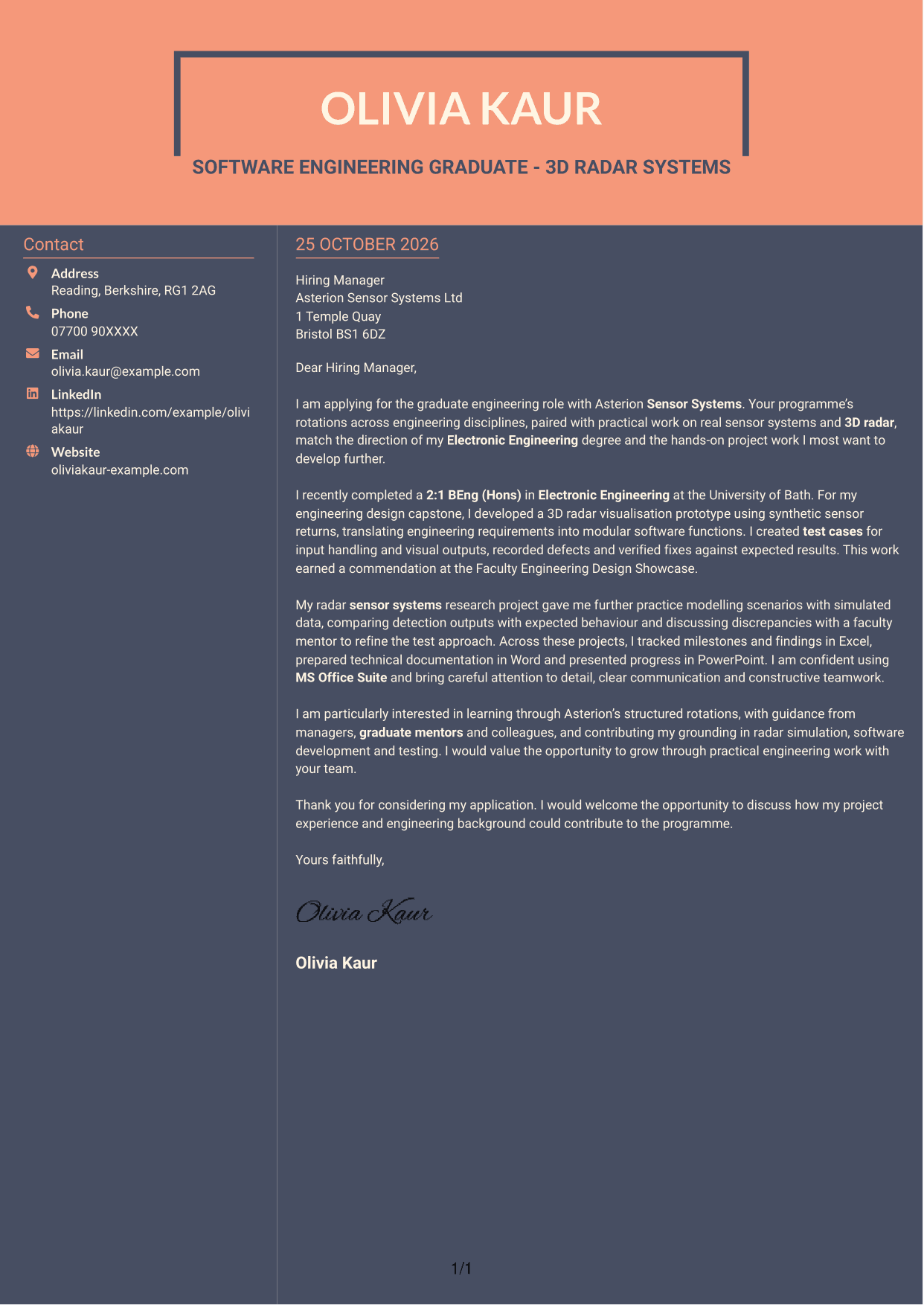
Why This Format Works
- Contact details occupy their own column while the letter remains a continuous body.
- One body column carries motivation, evidence and closing without parallel argument blocks.
- No photo keeps the visual emphasis on the written application.
Best For
- Two-column correspondence
- Contact sidebar layouts
- Continuous letter body
- Photo-free applications
- Graduate programme letters
See Also
- 7 Software Engineering Graduate - 3D Radar Systems CV Templates with Example
- Software Engineering Manager (Java) CV Guide (Examples + Free PDF Downloads)
- 7 Graduate Quantitative Developer - HFT / Low-Latency Systems CV Templates with Example
- 7 Graduate Analyst - US Funds Tax CV Templates with Example
- 7 Graduate Audit & Accounts Associate CV Templates with Example
- 7 Graduate Business Analyst - Treasury CV Templates with Example
- 7 Graduate / Junior Developer - Python, Linux, C# and Java CV Templates with Example
- 7 Engineering Intern - Maintenance Reliability and Asset Performance CV Templates with Example
- 7 Graduate Quantitative Developer - HFT / Low-Latency Systems Cover Letter Templates with Example
- 7 Graduate Analyst - US Funds Tax Cover Letter Templates with Example
Frequently Asked Questions
What should a Software Engineering Graduate - 3D Radar Systems cover letter highlight?
Show how your engineering background and relevant work connect with 3D radar and sensor systems. Specific evidence might include a radar visualisation prototype, test cases, simulated data or clear technical reporting.
How can I show relevant software engineering experience?
Choose one practical example and explain your contribution. For instance, describe how you turned requirements into modular functions, checked outputs against test cases and verified fixes.
How can I explain my interest in the graduate programme?
Refer to a genuine reason for wanting practical work with sensor systems and 3D radar. You can also explain why structured rotations and guidance from mentors fit your learning goals.
What is a clear structure for this cover letter?
Open with your reason for applying and the connection between your background and the role. Use the body for focused project and research evidence, then close by restating your interest and inviting a discussion.
Should I include every project in my cover letter?
No. Select the examples that best show your fit for this role, such as radar simulation, software development or testing. Explain the value of each example rather than listing every task.




