
7 Solution Architect - eCommerce Cover Letter Templates with Example
This practical guide to a Solution Architect - eCommerce cover letter shows how to present enterprise retail design evidence across 7 layouts.
What Makes a Great Solution Architect - eCommerce Cover Letter in 2026
A strong letter links your solution design to the needs of enterprise eCommerce. Open with clear interest, then show how you can shape connected commerce services and support sound delivery decisions.
Use specific evidence, such as designing headless storefronts and mobile journeys or presenting options at Design Authority forums. Explain how your approach balances delivery time, cost, quality and risk, and connect it to the employer’s retail goals.
The featured example follows a focused progression from interest in the role to relevant design evidence, stakeholder communication and a clear close. Adapt that flow while choosing a presentation suited to the employer and communication context.
#1 Simple One Column Format Cover Letter Example
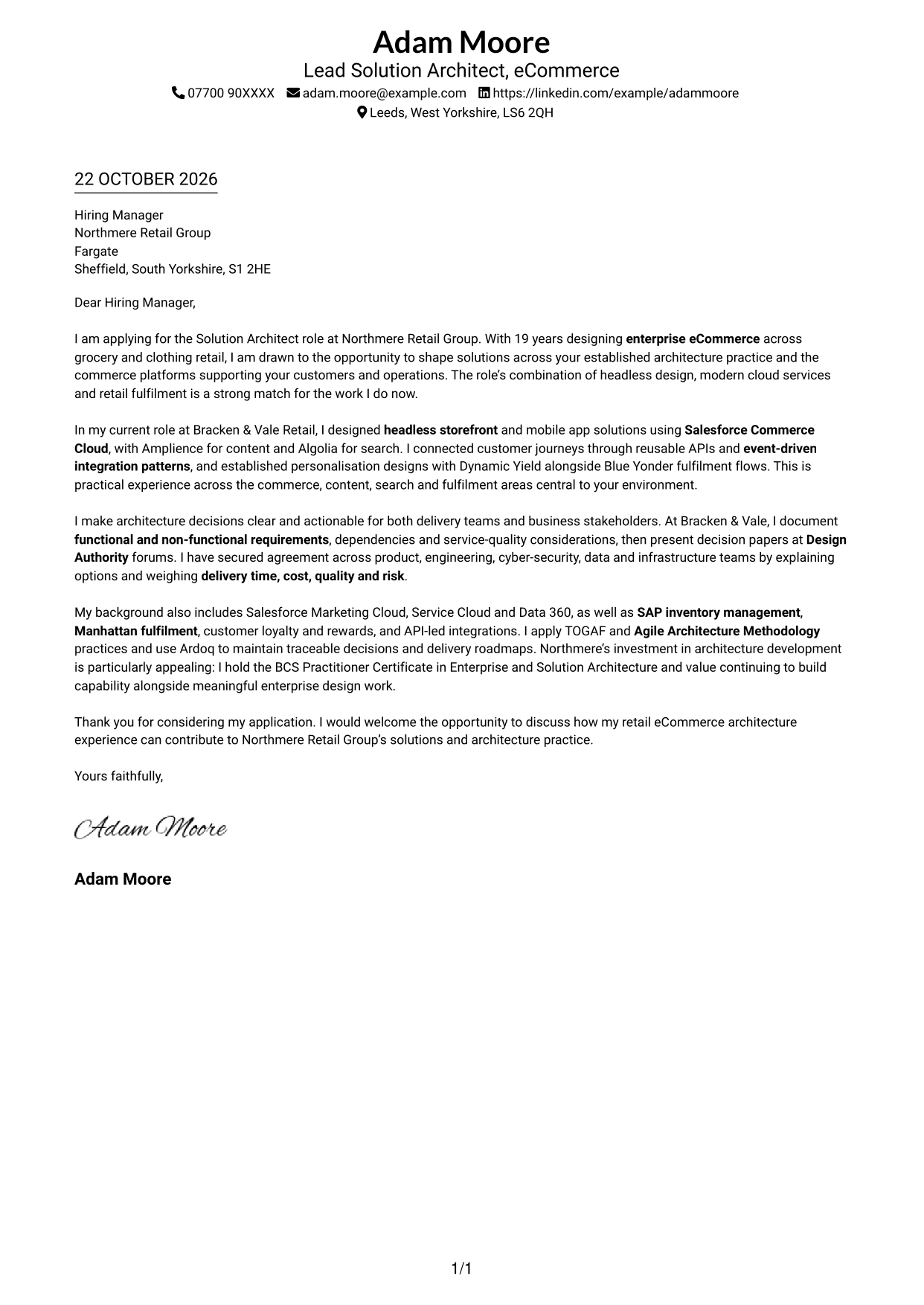
The Simple One Column Format places sender details in the header and keeps the letter body in one column, offering a direct reading path from opening to close.
Why This Format Works
- Sender details remain in the header, separate from the letter’s main message.
- One reading path keeps the opening, supporting points and close in sequence.
- The continuous body lets the motivation and supporting case read together.
Best For
- Single-column letter reading
- Header-based contact details
- A direct opening-to-close flow
- Continuous paragraph arguments
- Layouts without a photo
#2 Two Column Format Cover Letter Example
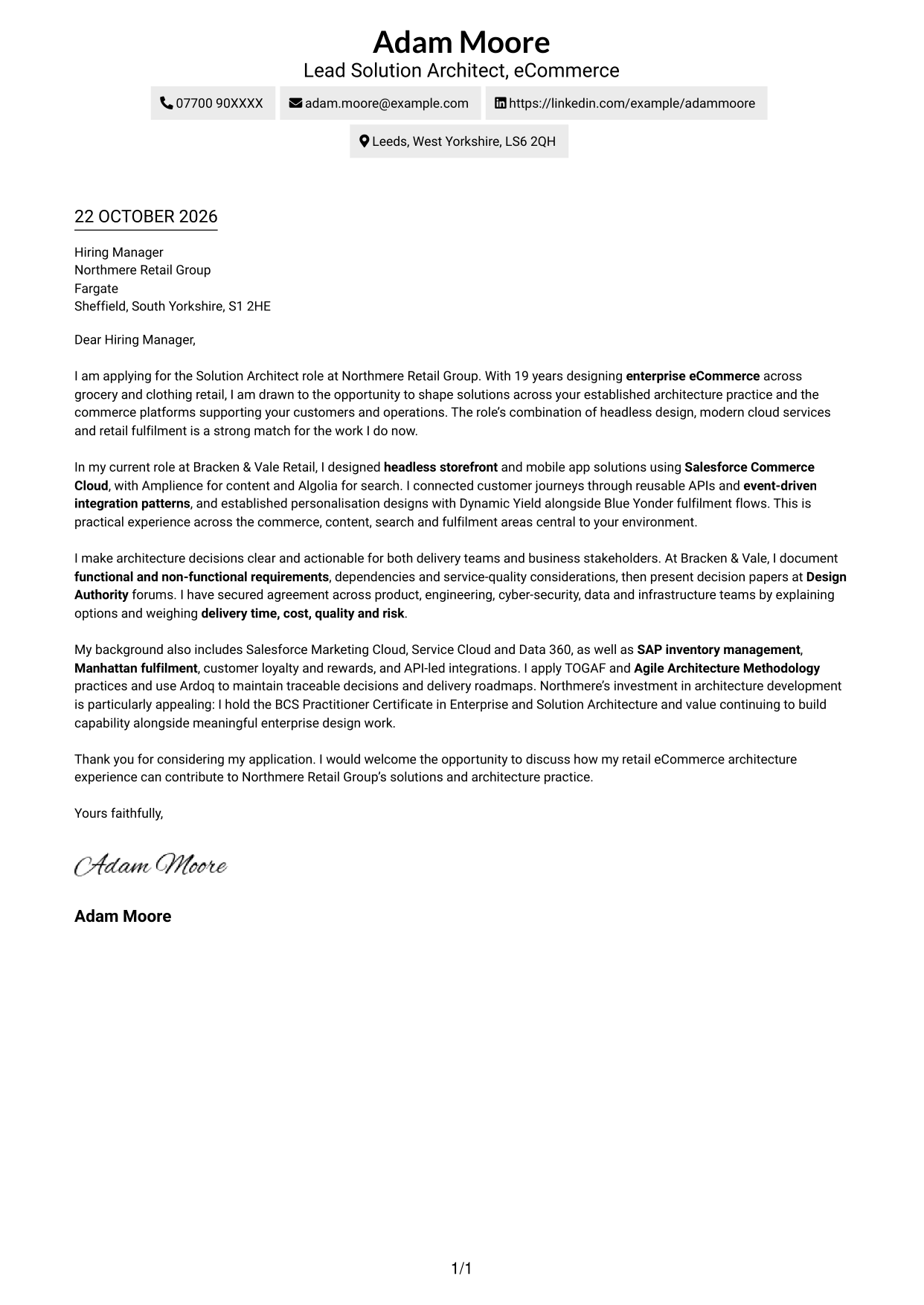
The Two Column Format places contact details in a sidebar beside one continuous letter body, keeping practical information separate from the persuasive message.
Why This Format Works
- The contact sidebar keeps essential details apart from the letter’s main text.
- A single body column preserves the order of the opening, evidence and close.
- The separate areas make contact information easy to locate without dividing the argument.
Best For
- Contact details beside the letter
- A separate contact area
- Uninterrupted argument paragraphs
- Quick access to sender information
- Photo-free two-column layouts
#3 Photo Header Two Column Format Cover Letter Example
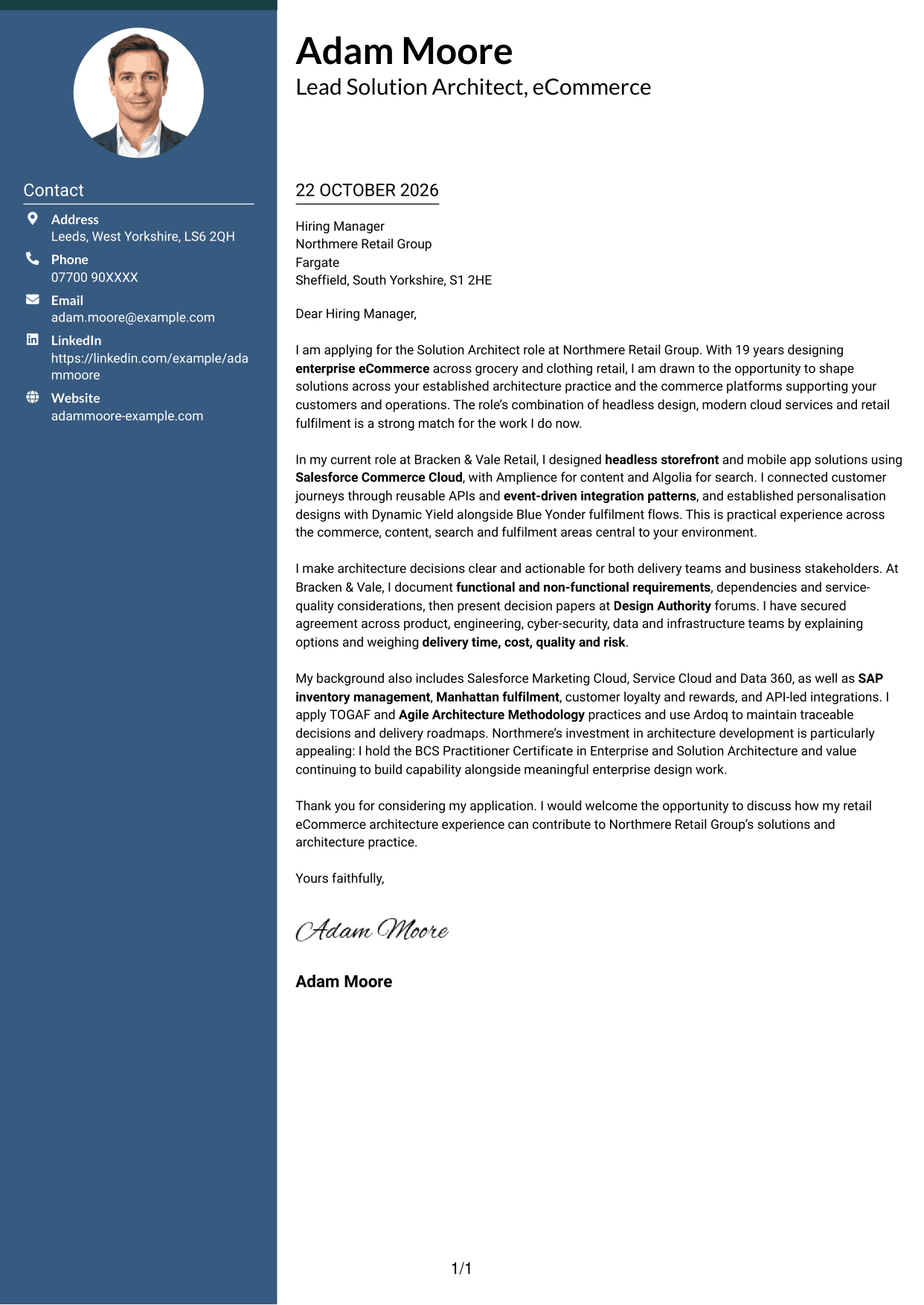
The Photo Header Two Column Format combines a photo with a contact sidebar and one continuous letter body, for readers who want a portrait alongside clear contact details.
Why This Format Works
- The contact sidebar gives sender information its own place beside the letter.
- One body column keeps the motivation and supporting case in reading order.
- A photo adds a personal visual element without splitting the letter text.
Best For
- A portrait with contact details
- Sidebar-based sender information
- One continuous letter argument
- Photo-inclusive application documents
- Clear separation of contact and letter
#4 One Column Format with Photo Cover Letter Example
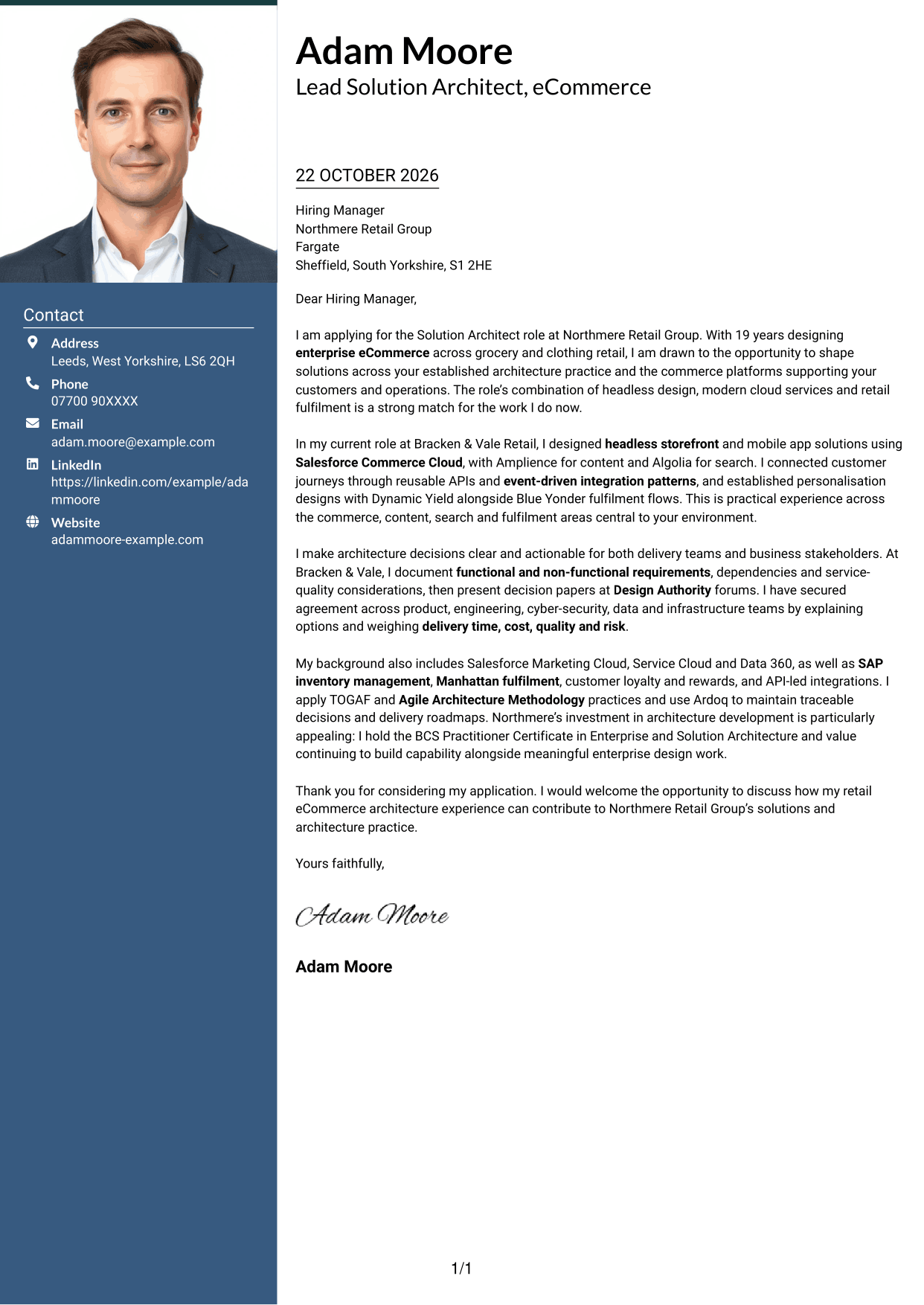
The One Column Format with Photo keeps sender details in the header and the letter body in one column, with a photo for a personal visual touch.
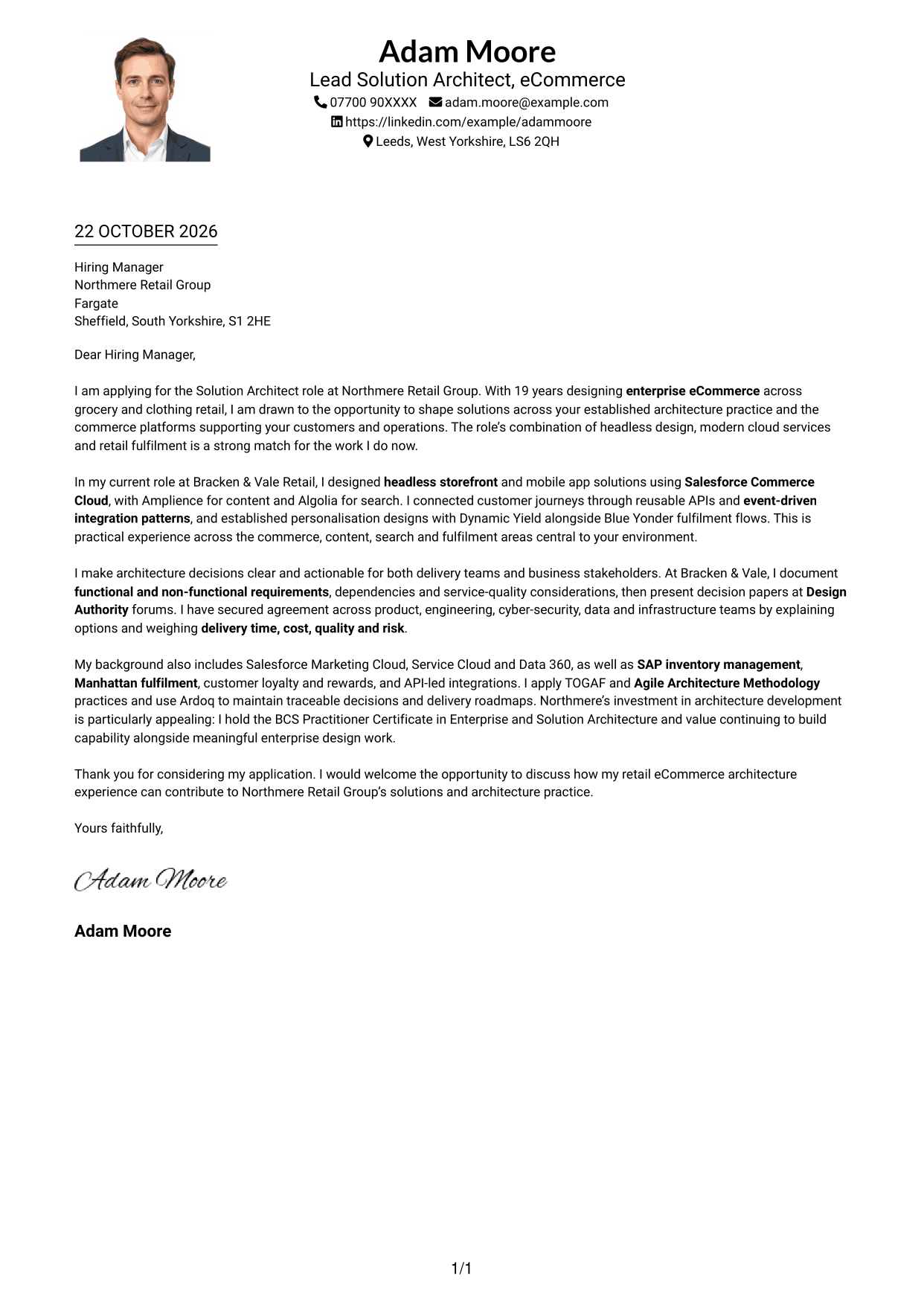
Why This Format Works
- Header-based contact details leave the letter body as the main reading area.
- The single-column body keeps each paragraph in a clear sequence.
- A photo provides a visual feature while the letter remains in one column.
Best For
- A photo with a single-column letter
- Header-based sender details
- Direct paragraph-to-paragraph reading
- A continuous letter body
- Portrait-inclusive applications
#5 Simple Two Column Format Cover Letter Example
The Simple Two Column Format sets contact details in a sidebar beside the continuous letter body, giving practical information a separate place.
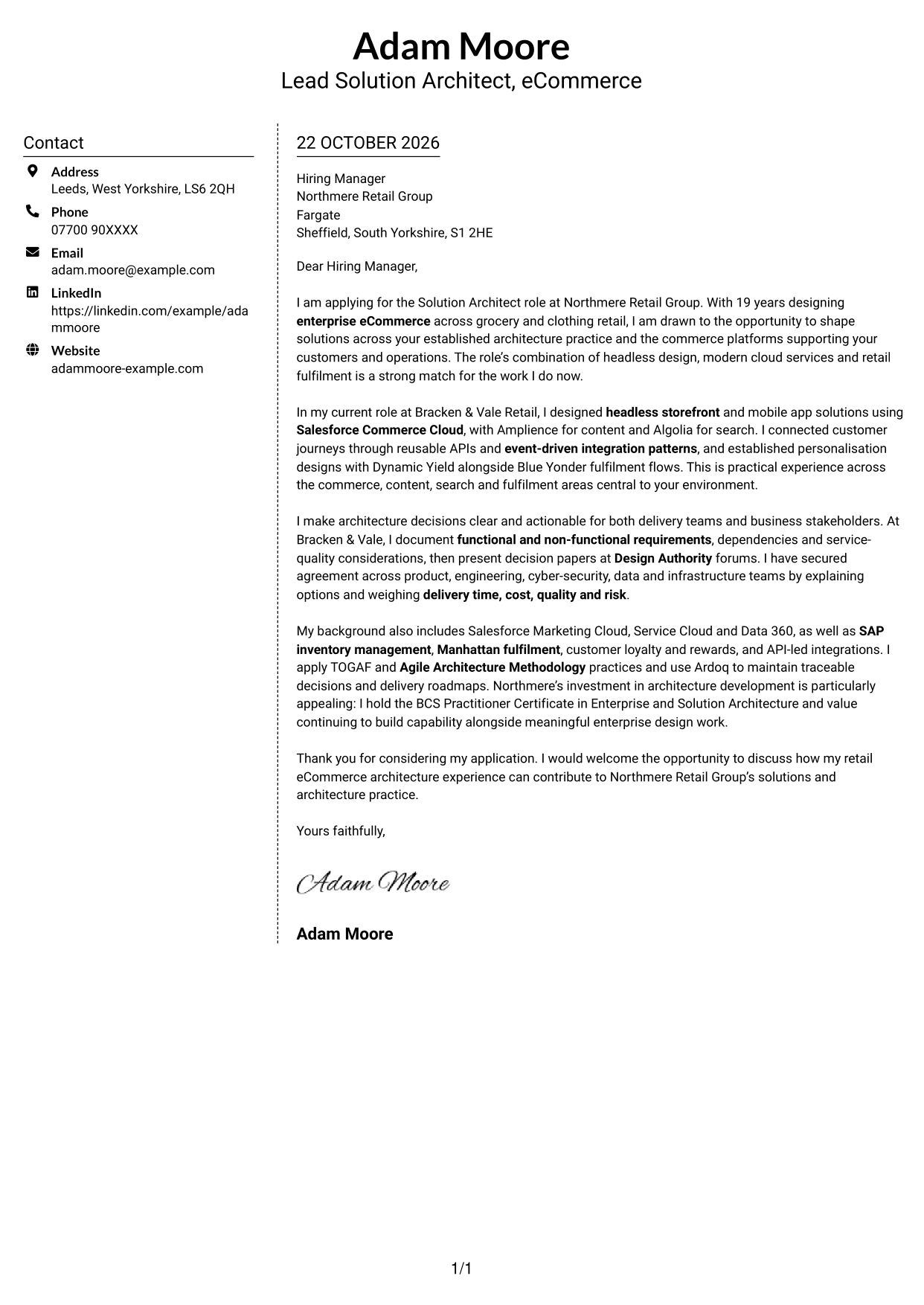
Why This Format Works
- A distinct contact area keeps sender details separate from the letter’s paragraphs.
- The one-column body carries the opening, supporting case and close in order.
- The sidebar makes contact information available without breaking the letter’s flow.
Best For
- A dedicated contact sidebar
- Letter text kept in one column
- Separate sender and message areas
- A steady paragraph sequence
- Two-column layouts without a photo
#6 Modern Icon Format Cover Letter Example
The Modern Icon Format uses two columns, with contact details in a sidebar and icons as contact cues or header accents, leaving the letter body continuous.
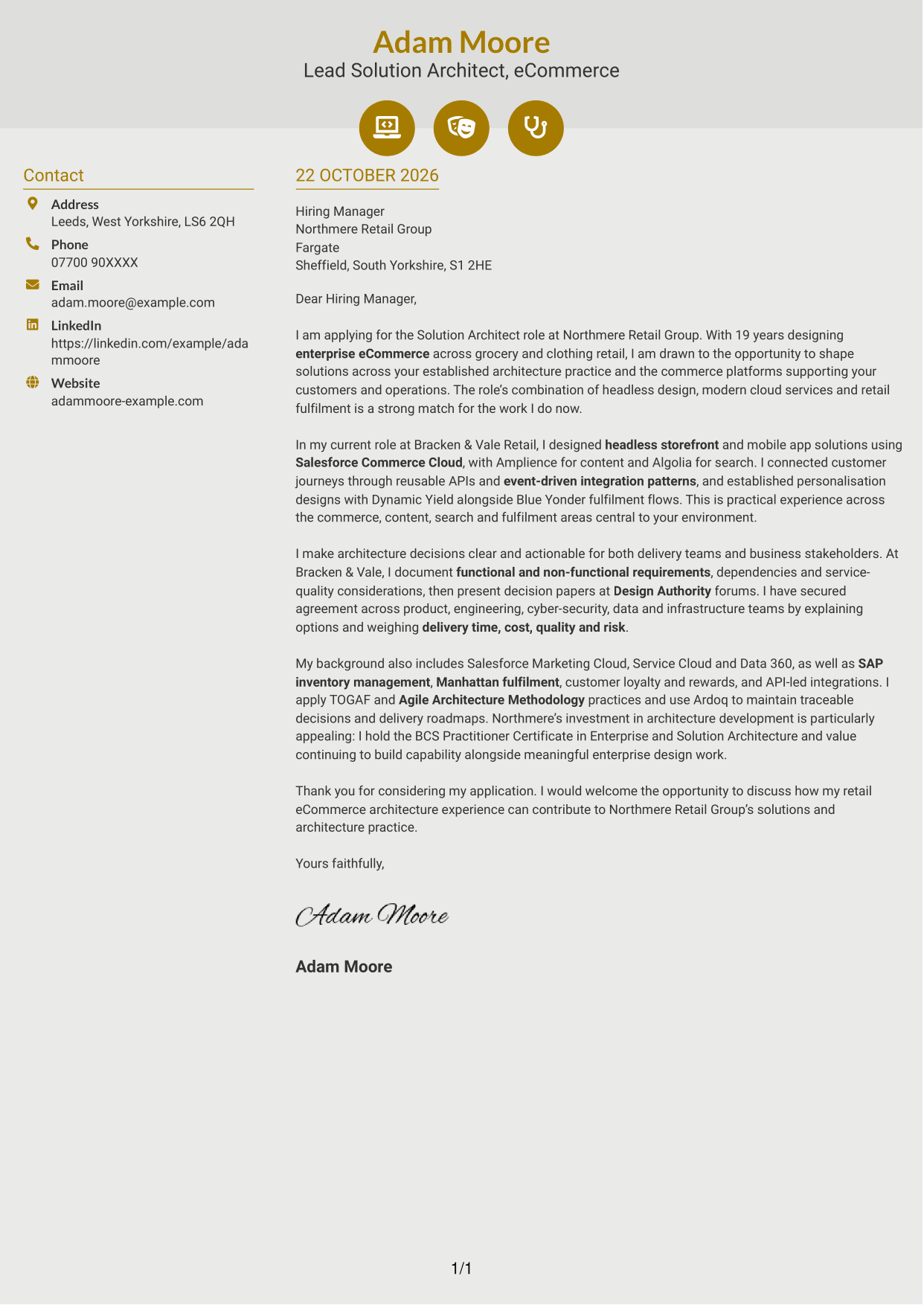
Why This Format Works
- The contact sidebar separates practical sender information from the main letter text.
- Icons can cue contact details without labelling parts of the letter argument.
- One continuous body keeps the opening and closing paragraphs in sequence.
Best For
- Contact cues beside sender details
- A separate letter and contact area
- Continuous persuasive paragraphs
- Decorative header icons
- Two-column reading order
#7 Creative Two Tone Format Cover Letter Example
The Creative Two Tone Format uses a contact sidebar beside one continuous letter body, keeping sender information distinct from the application message.
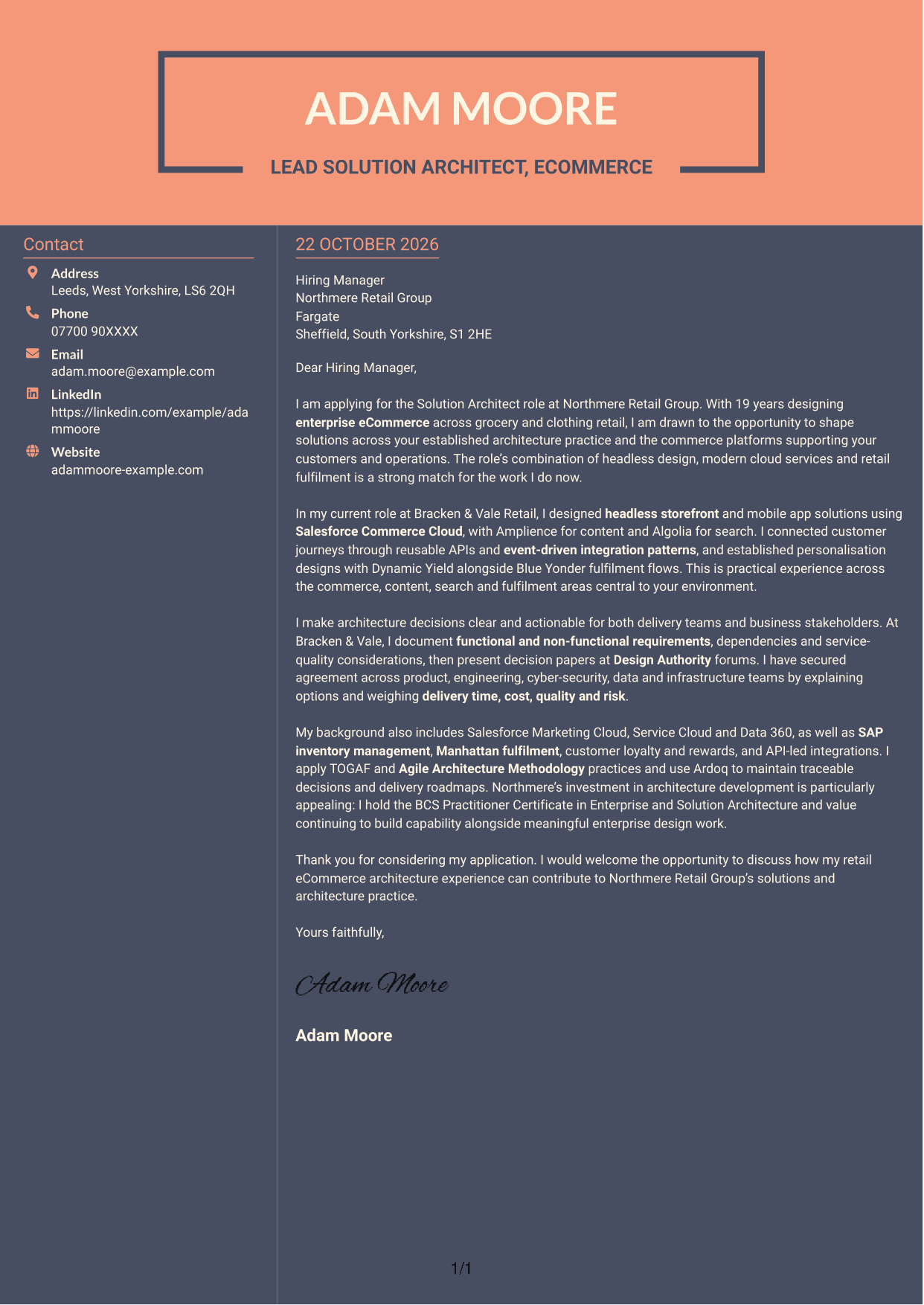
Why This Format Works
- Contact information has a separate area, so it does not interrupt the letter text.
- The single body column keeps the opening, supporting points and close together.
- The sidebar and letter remain distinct while the message follows one reading order.
Best For
- A separate contact area
- One-column letter text
- Contact details alongside the message
- An uninterrupted opening-to-close sequence
- Two-column layouts without a photo
See Also
- 7 Solution Architect - eCommerce CV Templates with Example
- 7 AI Solution Architect - Agentic AI CV Templates with Example
- 7 Commercial SAP Solution Architect CV Templates with Example
- 7 Data & Analytics Solution Architect - Cloud Data Platforms CV Templates with Example
- 7 Data Protection Solution Architect CV Templates with Example
- 7 Data & Solution Architect - Defence CV Templates with Example
- 7 Data Solution Architect - Reinsurance CV Templates with Example
- 7 Digital Solution Architect - Financial Services CV Templates with Example
- 7 AI Solution Architect - Agentic AI Cover Letter Templates with Example
- 7 Commercial SAP Solution Architect Cover Letter Templates with Example
Frequently Asked Questions
What should a Solution Architect - eCommerce cover letter highlight?
Show how your design decisions support enterprise commerce, customer journeys and retail operations. Evidence might include headless design, integration patterns, fulfilment links and clear communication with technical and business teams.
How can I show my fit for this eCommerce architecture role?
Choose one relevant design example and explain the problem, your approach and the result or decision it supported. For example, describe how you connected storefront, content and search services through reusable APIs, if that reflects your own work.
How should I explain my interest in Northmere Retail Group?
Refer to a real feature of the role, such as shaping enterprise eCommerce solutions across commerce platforms and retail operations. Explain why that work interests you and how your approach to architecture could support it.
How should I structure this cover letter?
Start with the role and a clear reason for applying. Use the body to show relevant design work, how you handle trade-offs and risks, and how you gain agreement. Close by restating your interest and inviting a discussion.
Should I include every platform and method I have used?
No. Focus on the tools and methods that best support your example and match the role. Explain what you achieved with them rather than listing everything in your background.




