
7 Solution Architect - ERP Cover Letter Templates with Example
This practical guide to a Solution Architect - ERP cover letter shows how to present role fit through seven layouts.
What Makes a Great Solution Architect - ERP Cover Letter in 2026
A strong letter shows how your architecture decisions can support ERP change across manufacturing, supply chain and engineering. Start with your interest in the role and the business outcomes you can help deliver.
Use clear evidence, such as shaping a multi-country Dynamics 365 implementation, integrating ERP with Azure and enterprise systems, or promoting standard platform capabilities. Link that evidence to the employer’s need for a secure, sustainable ERP roadmap.
The featured Solution Architect - ERP example moves from role motivation to evidence from a global implementation, then explains architectural choices before closing with a clear next step. Adapt this focused progression while choosing a presentation that suits the employer and communication context.
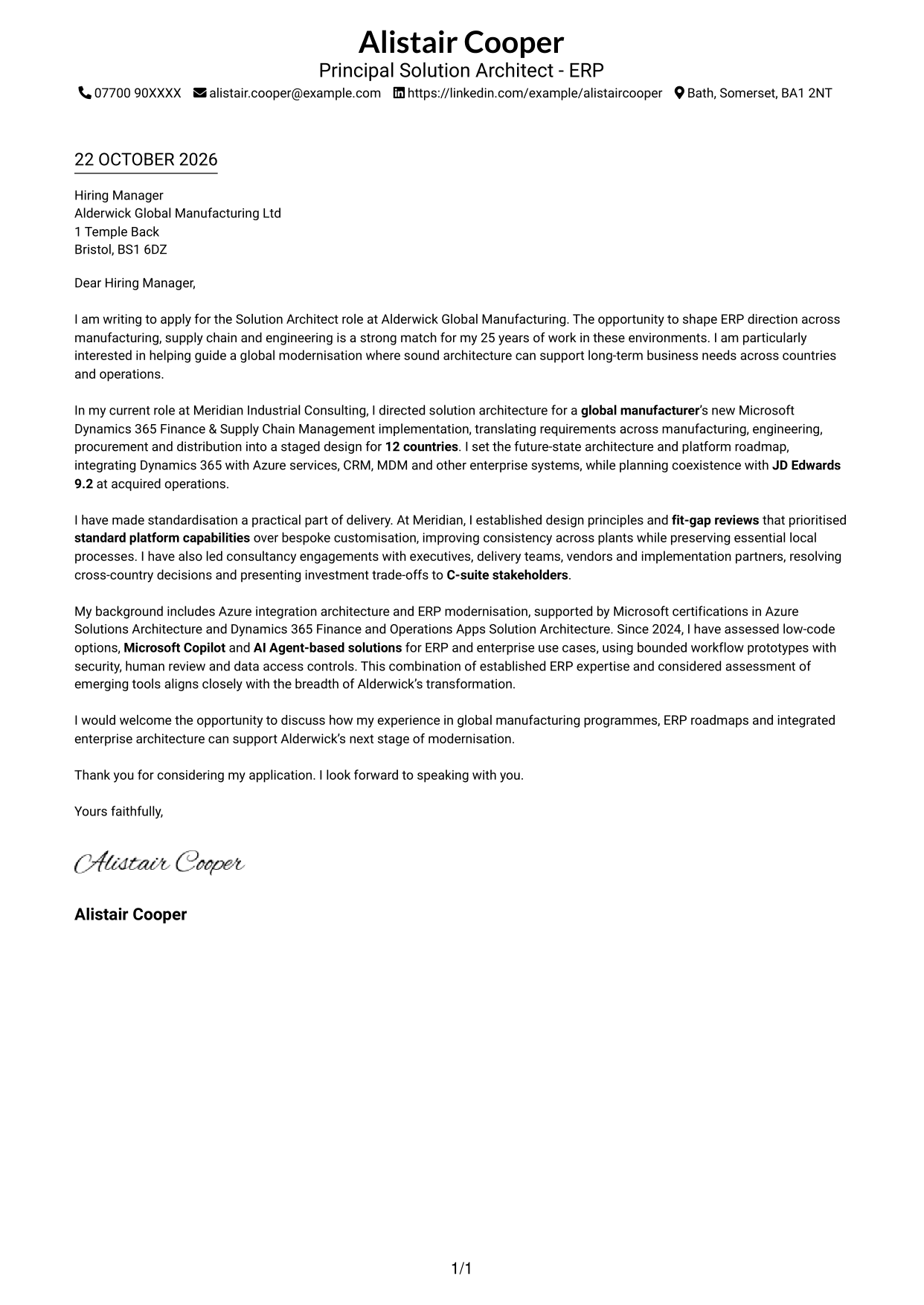
#1 Simple One Column Format Cover Letter Example
A single-column page keeps the letter in a familiar format for readers who prefer straightforward correspondence.
Why This Format Works
- Opening, motivation, evidence and closing stay in one continuous letter body.
- Sender details remain in the header, separate from the persuasive case.
- A single reading column suits reviewers who prefer familiar correspondence.
Best For
- Familiar letter reading order
- Continuous persuasive paragraphs
- Header-based contact details
- Detailed application letters
- Text-led correspondence
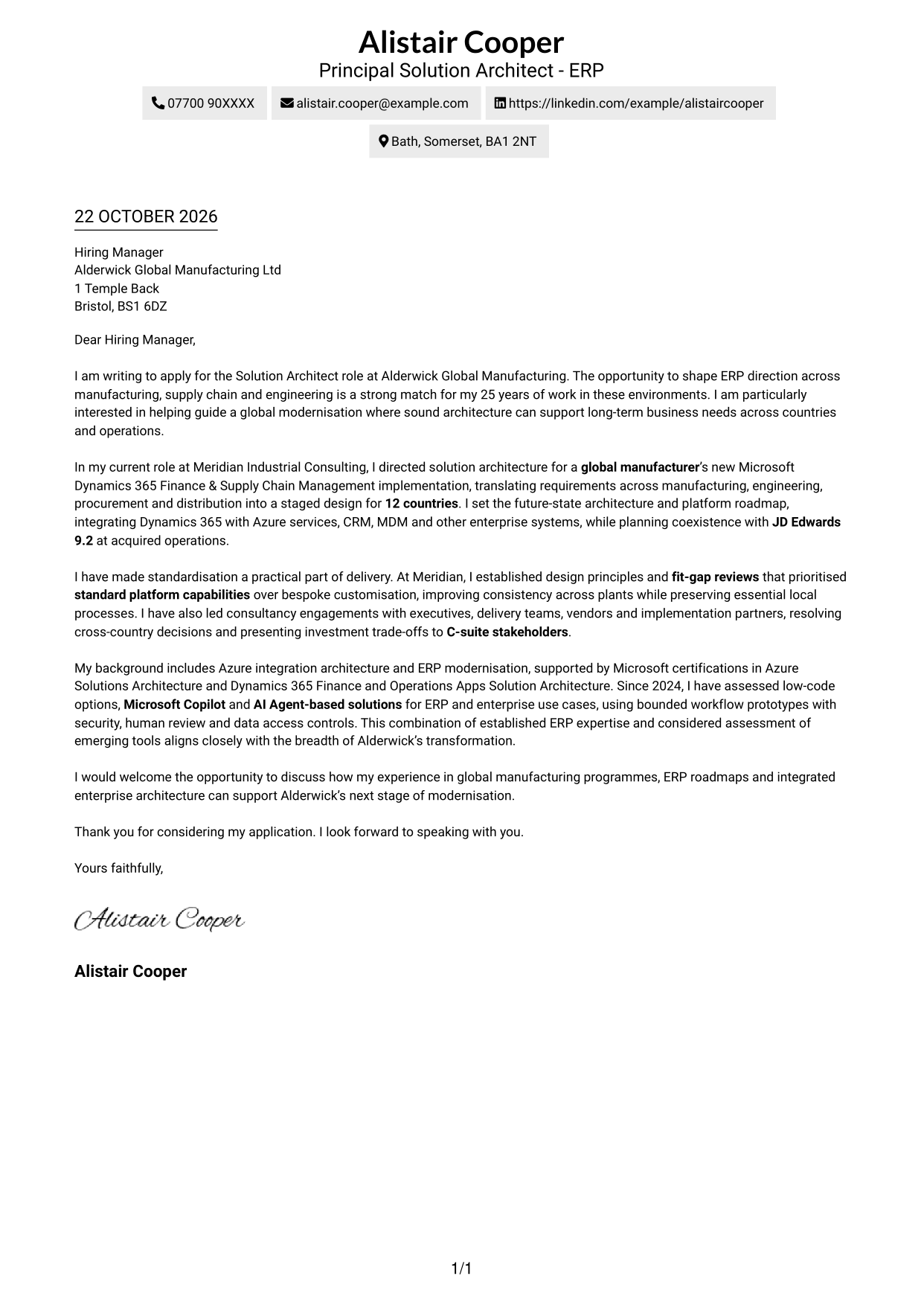
#2 Two Column Format Cover Letter Example
A contact sidebar sits beside the letter body, giving the page a clear division between reference details and correspondence.
Why This Format Works
- The uninterrupted body lets motivation and supporting evidence read as one connected case.
- The separate sidebar gives contact information a stable place for quick reference.
- One body column keeps the argument's reading order easy to follow.
Best For
- Side-by-side page organisation
- Single-thread letter narrative
- Quick contact reference
- Detailed motivation and evidence
- Two-column layout preference
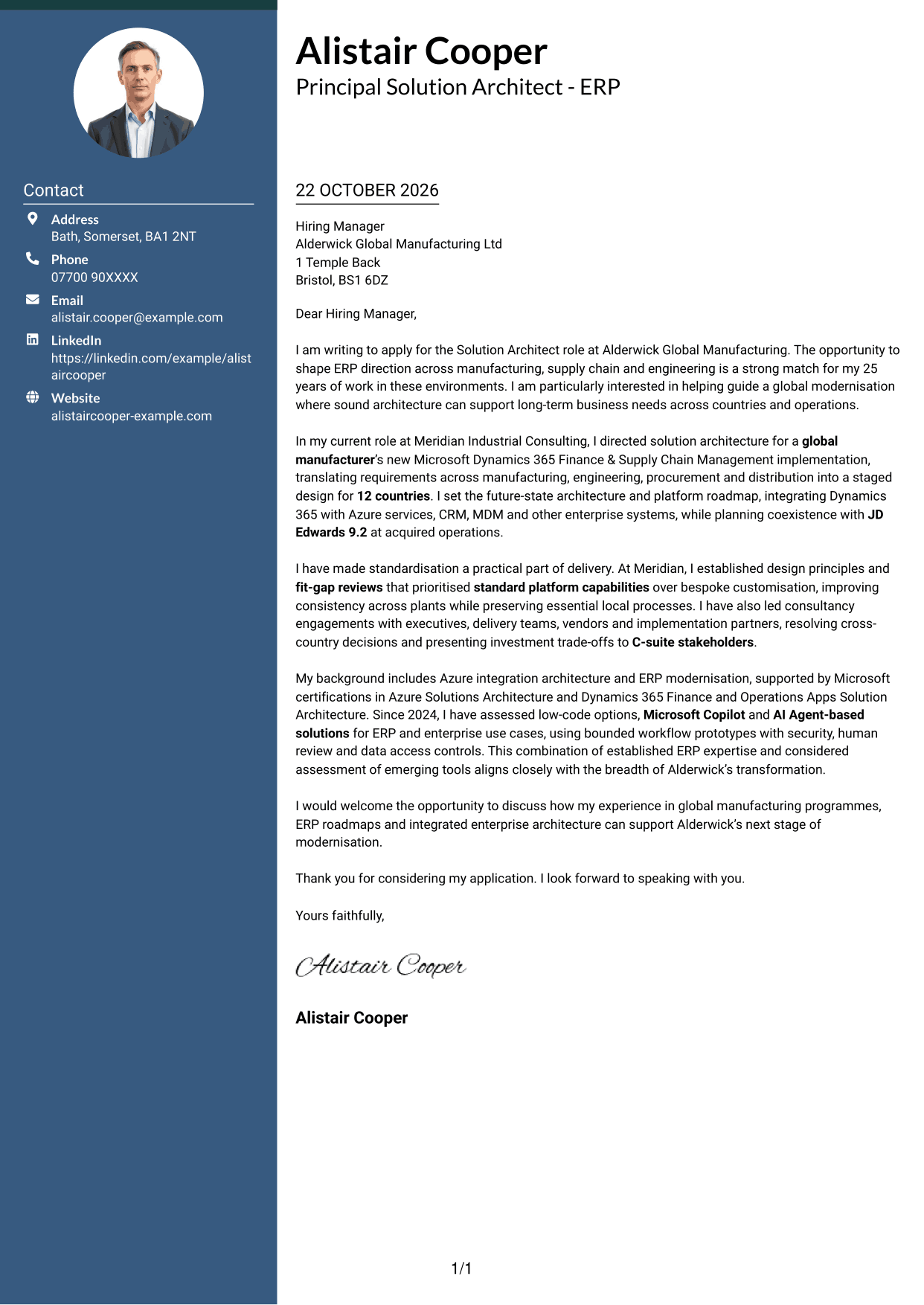
#3 Photo Header Two Column Format Cover Letter Example
A portrait appears with the contact details, adding a personal visual element while the letter remains in one continuous body column.
Why This Format Works
- The portrait gives the contact area a distinct visual point of identification.
- A separate sidebar keeps sender details apart from the letter's argument.
- The continuous body carries the case from opening through to closing.
Best For
- Portrait-led correspondence
- Sidebar contact lookup
- Continuous paragraph flow
- Two-column reading order
- Letters with detailed supporting evidence
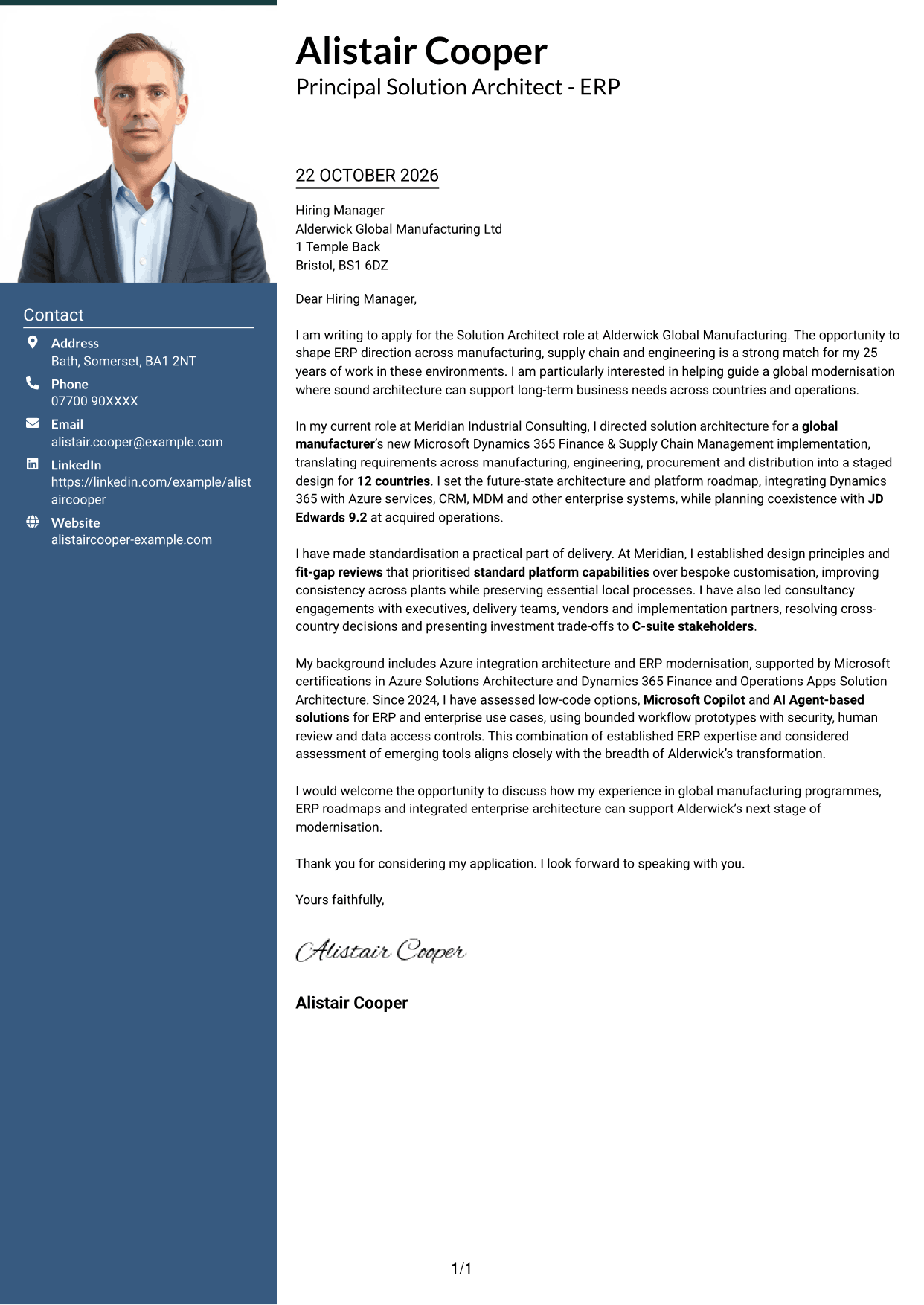
#4 One Column Format with Photo Cover Letter Example
The portrait sits in the header above a single-column letter, offering a photo-inclusive option without breaking the body's reading sequence.
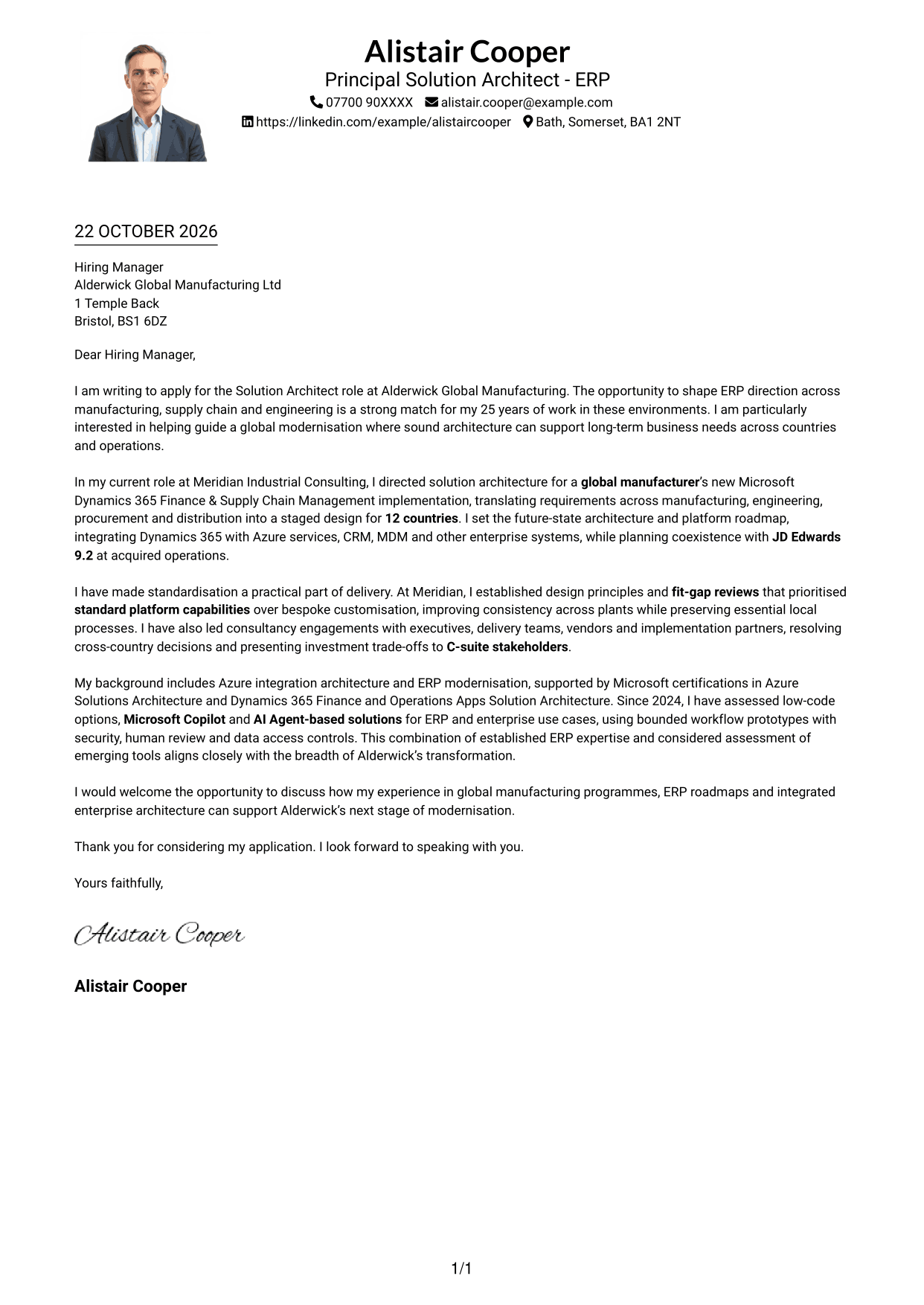
Why This Format Works
- The single body column keeps motivation and evidence in their natural sequence.
- Header-based contact details remain distinct from the continuous letter paragraphs.
- The portrait adds a visual point of identification without dividing the argument.
Best For
- Photo-inclusive correspondence
- Single-column letter flow
- Header-based contact details
- Continuous persuasive paragraphs
- Detailed application letters
#5 Simple Two Column Format Cover Letter Example
Contact details occupy a sidebar beside the uninterrupted letter, keeping reference information separate from the main message.
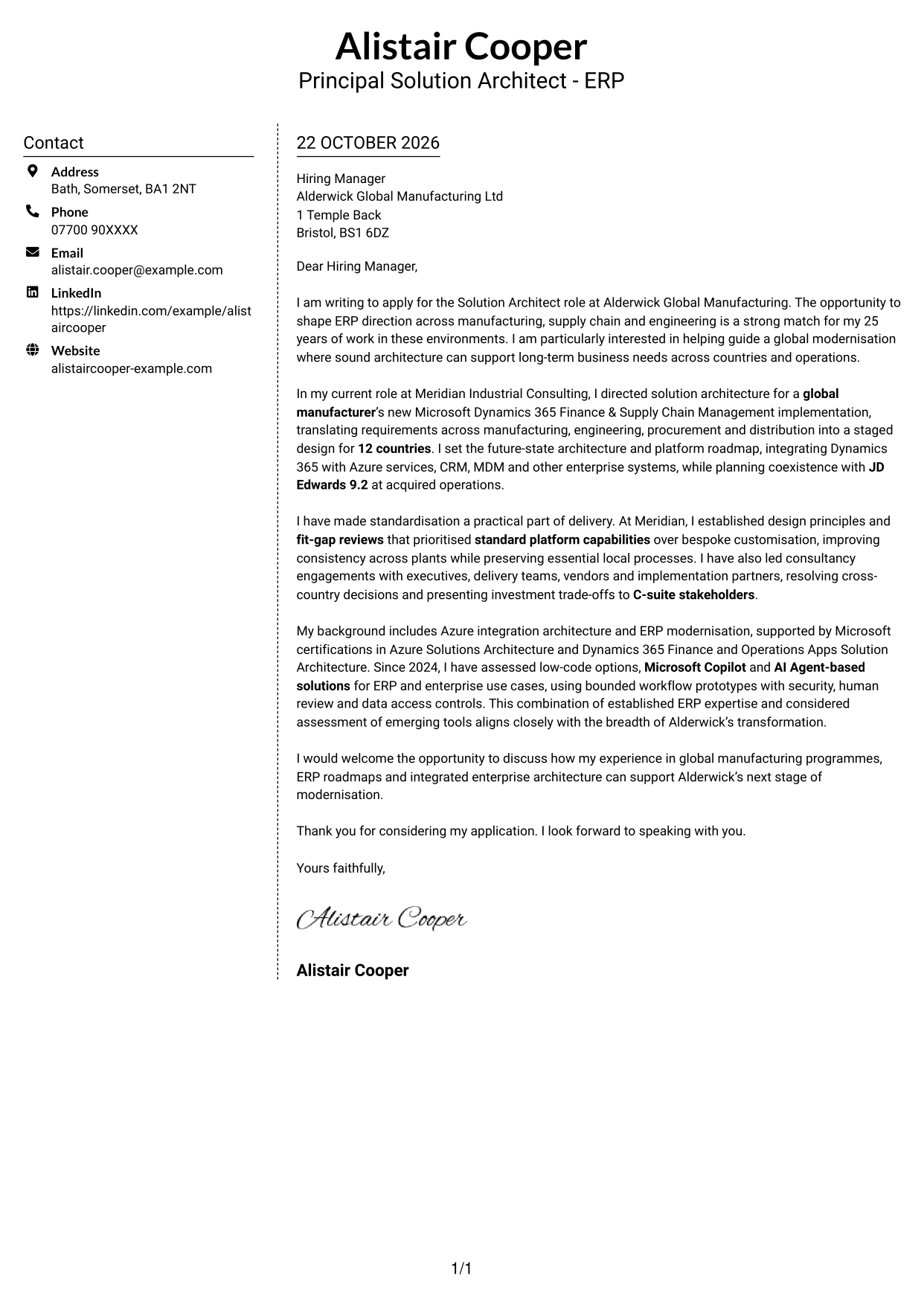
Why This Format Works
- A single letter body keeps the opening, evidence and closing in sequence.
- The sidebar places contact details outside the persuasive paragraphs.
- Readers can follow the argument without moving between separate body columns.
Best For
- Separate contact reference
- Unbroken letter narrative
- Two-column page structure
- Text-led correspondence
- Applications with detailed evidence
#6 Modern Icon Format Cover Letter Example
Contact icons sit alongside the letter body in a two-column layout, giving readers visual cues for finding sender details.
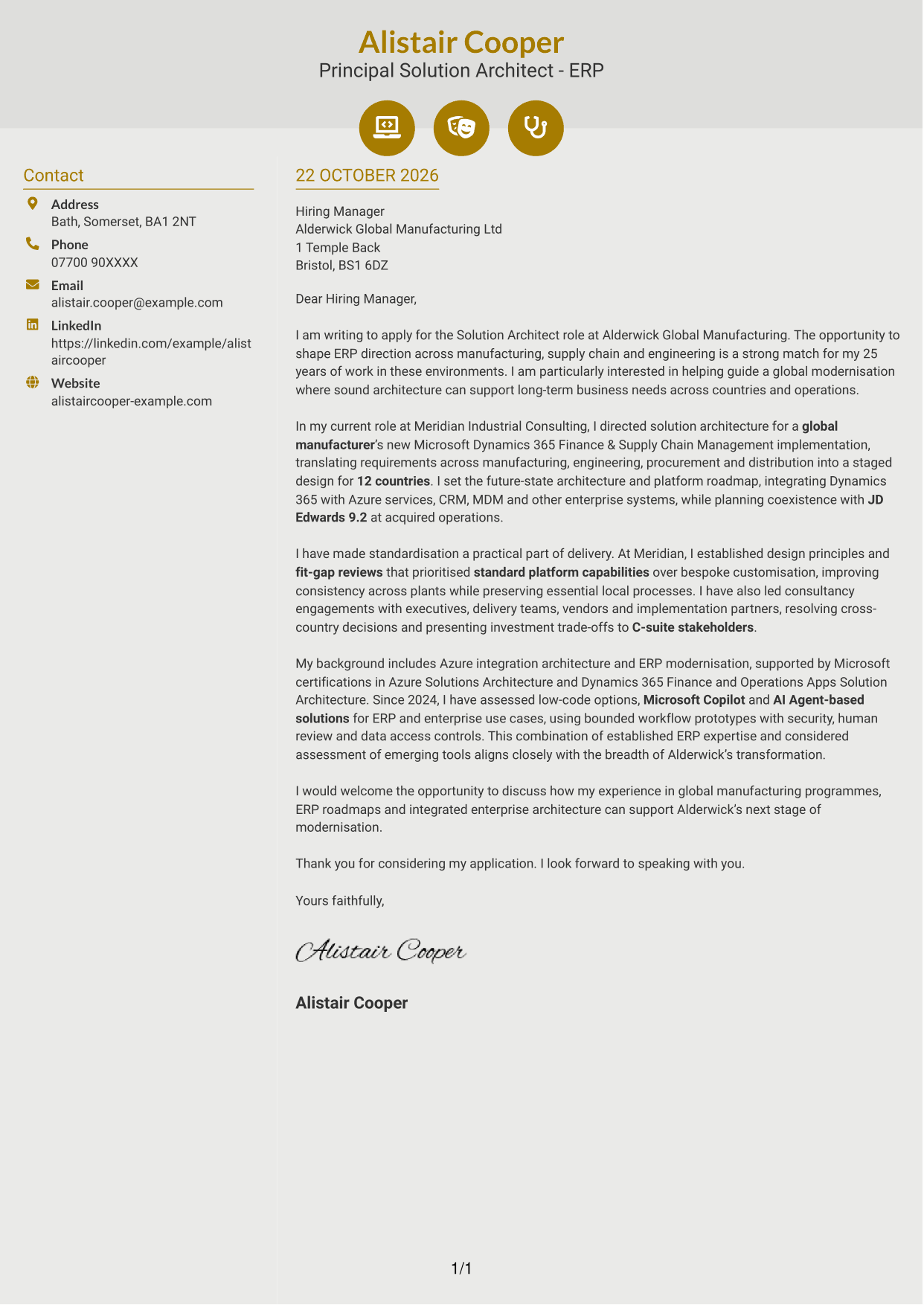
Why This Format Works
- Icons help distinguish contact details without labelling parts of the letter's argument.
- The continuous body keeps motivation and supporting points in a clear sequence.
- A dedicated contact sidebar leaves the main message uninterrupted.
Best For
- Icon-led contact cues
- Quick sender-detail lookup
- Continuous letter paragraphs
- Two-column reading order
- Applications with a clear written case
#7 Creative Two Tone Format Cover Letter Example
The contact sidebar sits alongside one continuous letter body, offering a two-column arrangement for readers who want details and correspondence kept distinct.
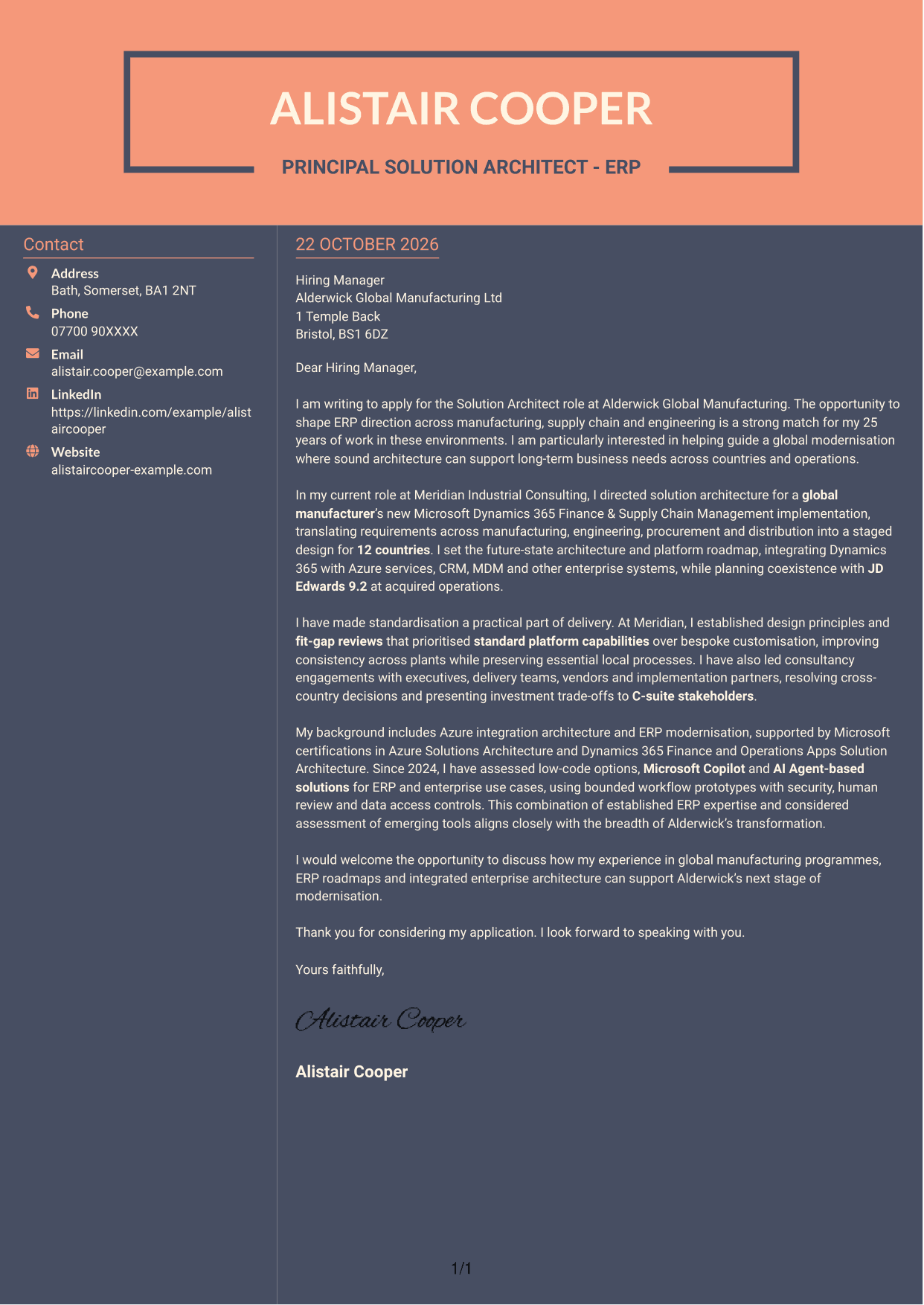
Why This Format Works
- The contact area remains separate while the letter presents one connected case.
- The body column preserves a direct route from motivation to closing.
- A two-column page gives contact details a distinct place beside the correspondence.
Best For
- Distinct contact and letter areas
- One connected written case
- Direct opening-to-closing flow
- Contact details beside correspondence
- Two-column layout preference
See Also
- 7 Solution Architect - ERP CV Templates with Example
- 7 AI Solution Architect - Agentic AI CV Templates with Example
- 7 Commercial SAP Solution Architect CV Templates with Example
- 7 Data & Analytics Solution Architect - Cloud Data Platforms CV Templates with Example
- 7 Data Protection Solution Architect CV Templates with Example
- 7 Data & Solution Architect - Defence CV Templates with Example
- 7 Data Solution Architect - Reinsurance CV Templates with Example
- 7 Digital Solution Architect - Financial Services CV Templates with Example
- 7 AI Solution Architect - Agentic AI Cover Letter Templates with Example
- 7 Commercial SAP Solution Architect Cover Letter Templates with Example
Frequently Asked Questions
What should a Solution Architect - ERP cover letter highlight?
Show how you turn business needs into secure, workable ERP architecture. Relevant evidence may include implementation leadership, platform roadmaps, Azure integration and design choices that support standardisation.
How can I make my ERP architecture experience relevant?
Choose a specific example and explain your part in the work and its business value. For instance, describe how you shaped a multi-country Dynamics 365 design or planned its connection with Azure, CRM and MDM.
How should I explain my interest in an ERP modernisation role?
Connect your interest to the work described in the role, such as setting long-term ERP direction across manufacturing, supply chain and engineering. Explain how sound architecture can help meet those business needs.
What is a clear structure for this cover letter?
Open with your interest in the role, then use the body to give focused evidence of implementation, integration and architectural decision-making. Close by linking your contribution to the employer’s plans and inviting a discussion.
Should I include every detail of my ERP work?
No. Select the examples that best show your fit for this position. A focused account of your role, decisions and business impact is easier to follow than a full list of responsibilities.




