
7 Solution Architect - Mobile App, Azure, IAM, Transformation Cover Letter Templates with Example
This practical guide to a Solution Architect - Mobile App, Azure, IAM, Transformation cover letter helps you present a clear case for your fit across seven layouts.
What Makes a Great Solution Architect - Mobile App, Azure, IAM, Transformation Cover Letter in 2026
A strong letter connects your architecture experience to the role’s B2B mobile app programme, Azure integration and IAM needs. Open with clear motivation, then show how you can guide an active programme.
Use specific evidence, such as designing an Azure orchestration layer with Event Grid and Service Bus or setting API security and governance. Link your examples to the employer’s customer-facing work and explain why the role interests you.
The featured example moves from interest in the role to relevant mobile and Azure evidence, programme leadership and a clear close; adapt this focused progression while choosing a presentation suited to the employer and communication context.
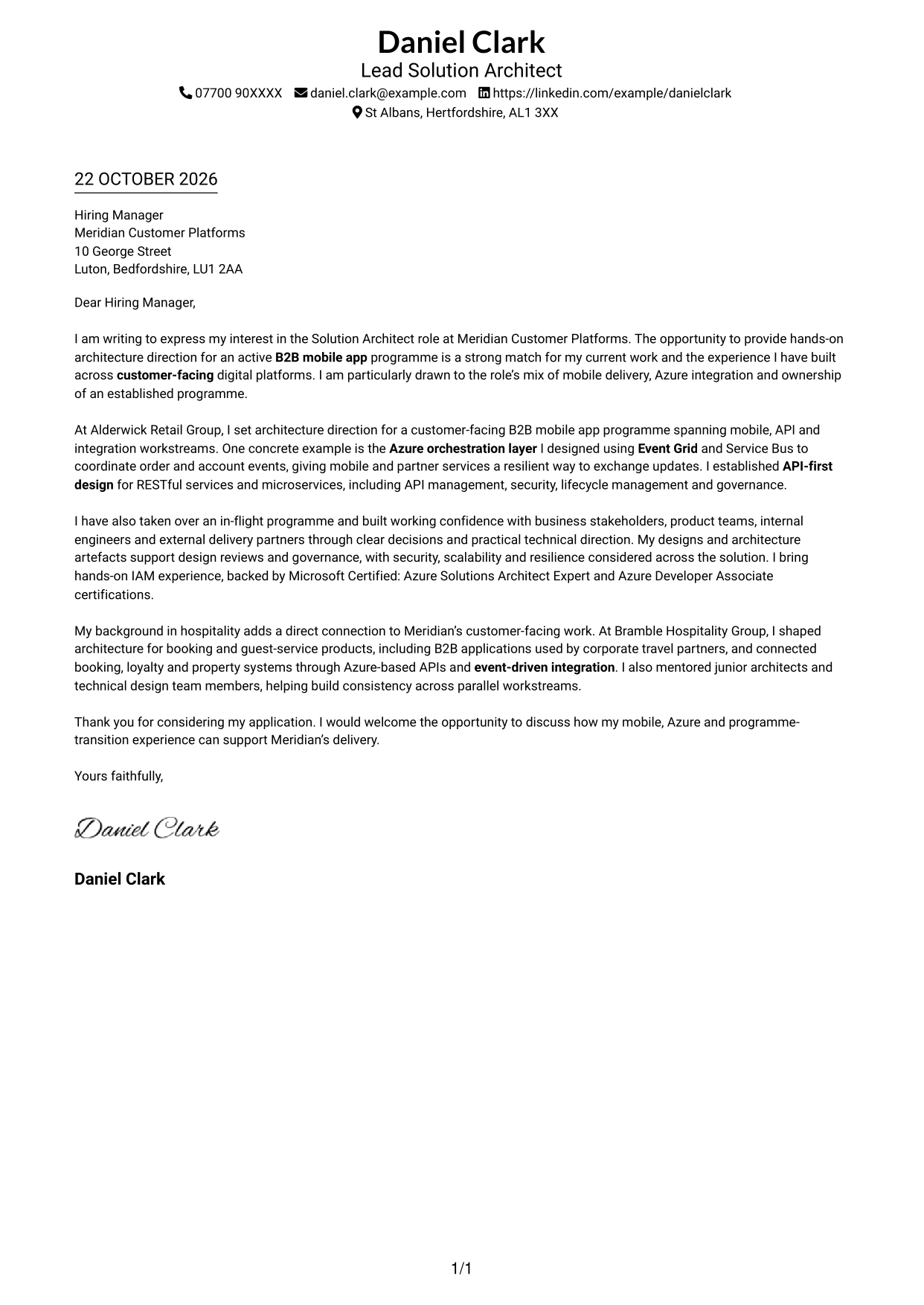
#1 Simple One Column Format Cover Letter Example
A single-column format gives sender details and the continuous letter body a straightforward presentation.
Why This Format Works
- Contact details in the header are easy for reviewers to find.
- The continuous paragraphs keep motivation, evidence and closing in reading order.
- Without a photo, visual attention stays on the written application.
Best For
- Single-column letter layouts
- Header-based contact details
- Text-led correspondence
- Photo-free document preference
- Direct paragraph-based applications
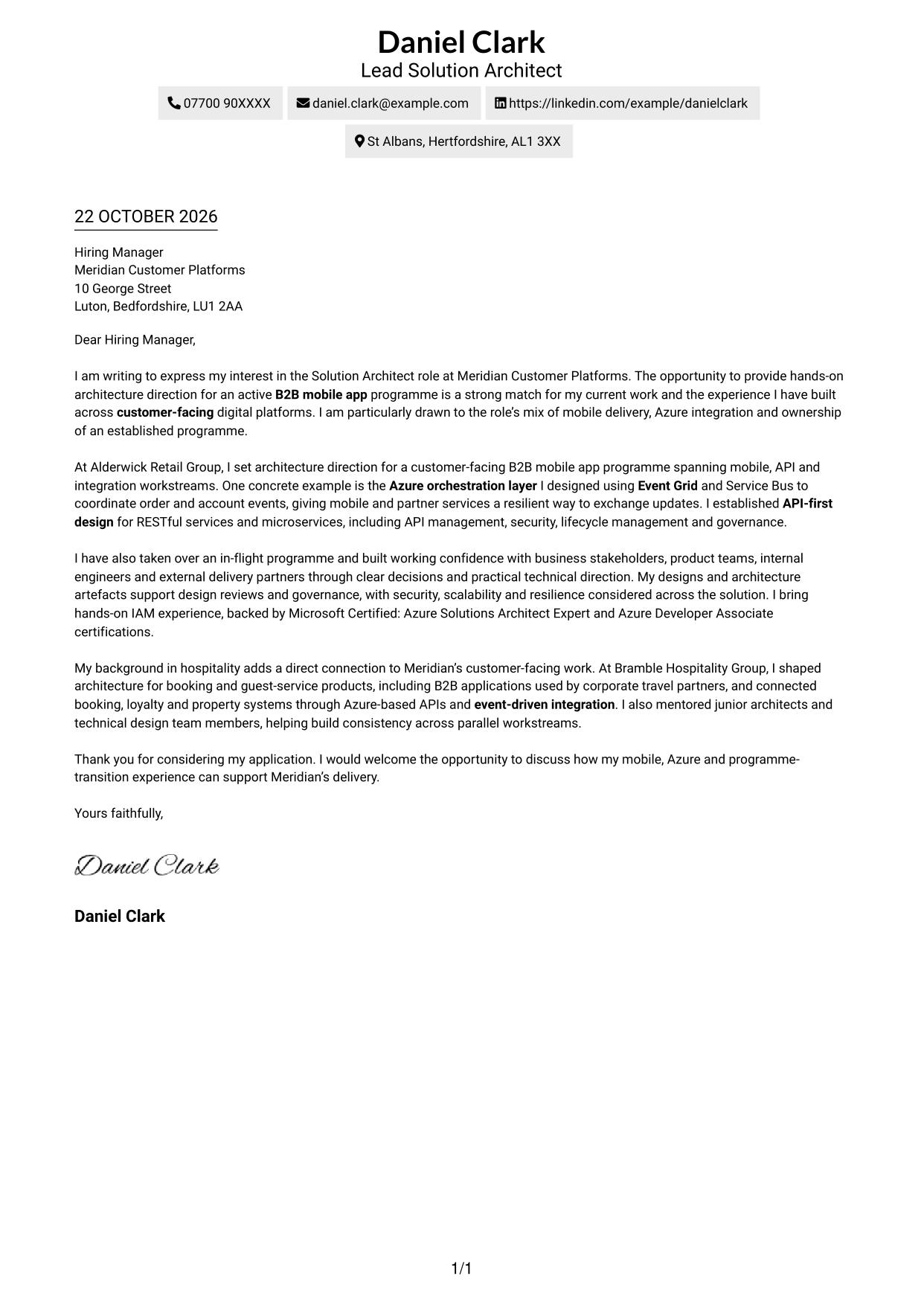
#2 Two Column Format Cover Letter Example
A contact sidebar sits beside one continuous letter body, keeping correspondence details distinct from the message.
Why This Format Works
- The sidebar keeps contact information separate from the letter’s main message.
- A single body lets reviewers follow the paragraphs from opening to close.
- The photo-free presentation suits readers who want the focus on written content.
Best For
- Sidebar-based contact details
- Two-column page preference
- Continuous letter paragraphs
- Photo-free applications
- Clear contact lookup
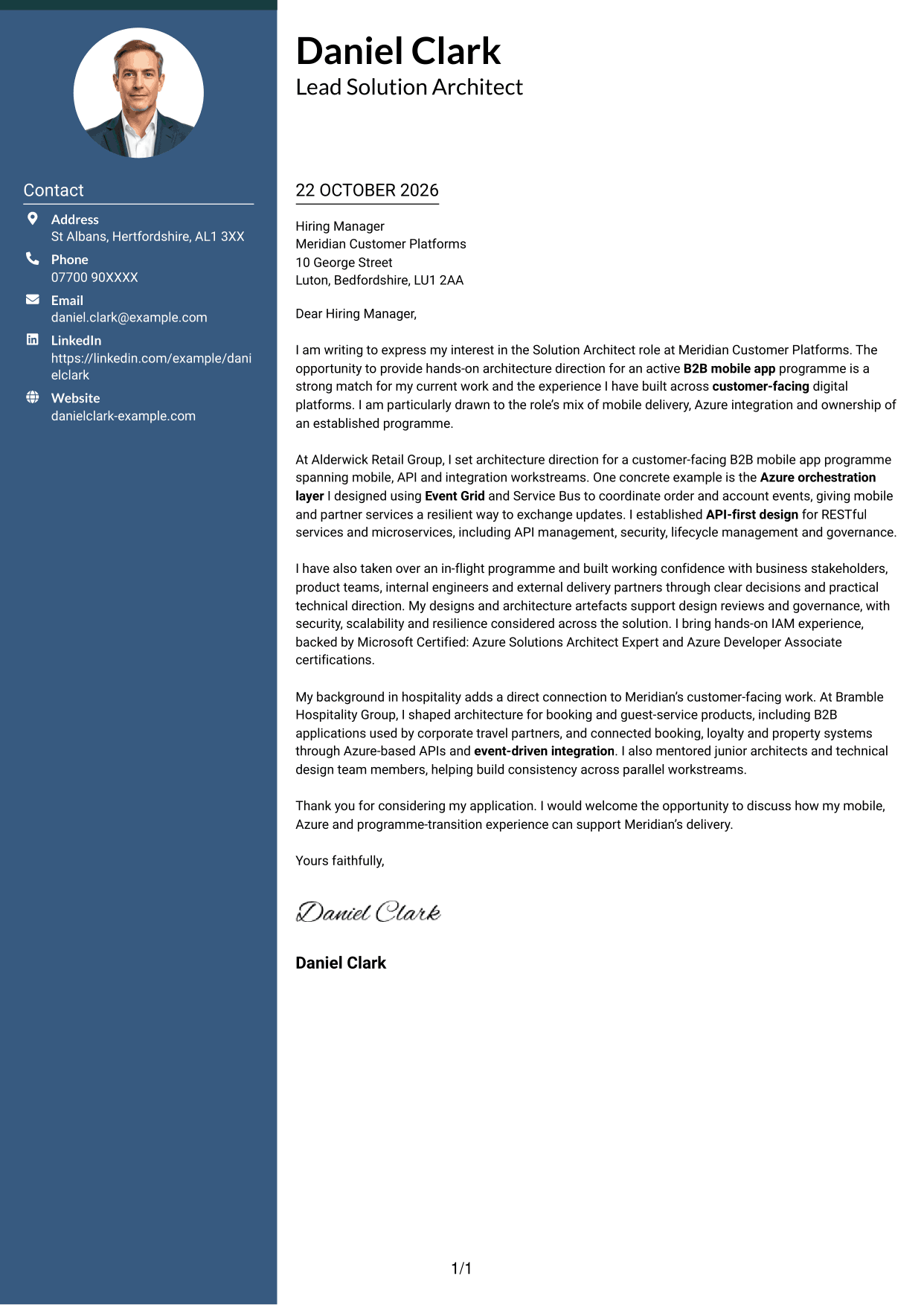
#3 Photo Header Two Column Format Cover Letter Example
This two-column layout combines a contact sidebar and a photo with one continuous letter body for a personal visual presentation.
Why This Format Works
- Contact details remain apart from the main message and easy to locate.
- The body’s continuous paragraphs preserve a clear sequence for the letter.
- The photo adds a personal visual element without dividing the letter text.
Best For
- Photo-inclusive correspondence
- Contact details set apart
- Two-column reading preference
- One continuous letter body
- Personal visual presentation
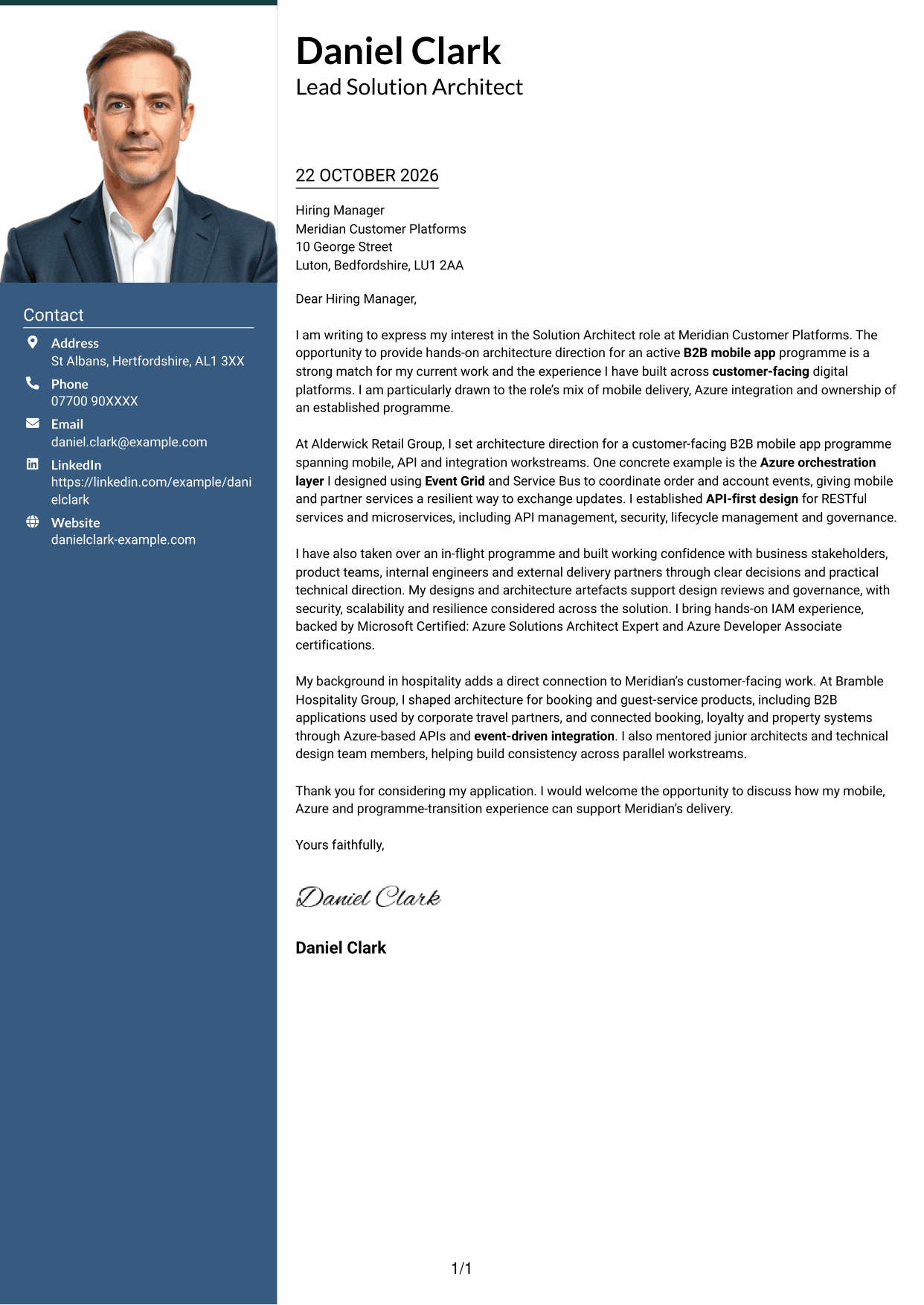
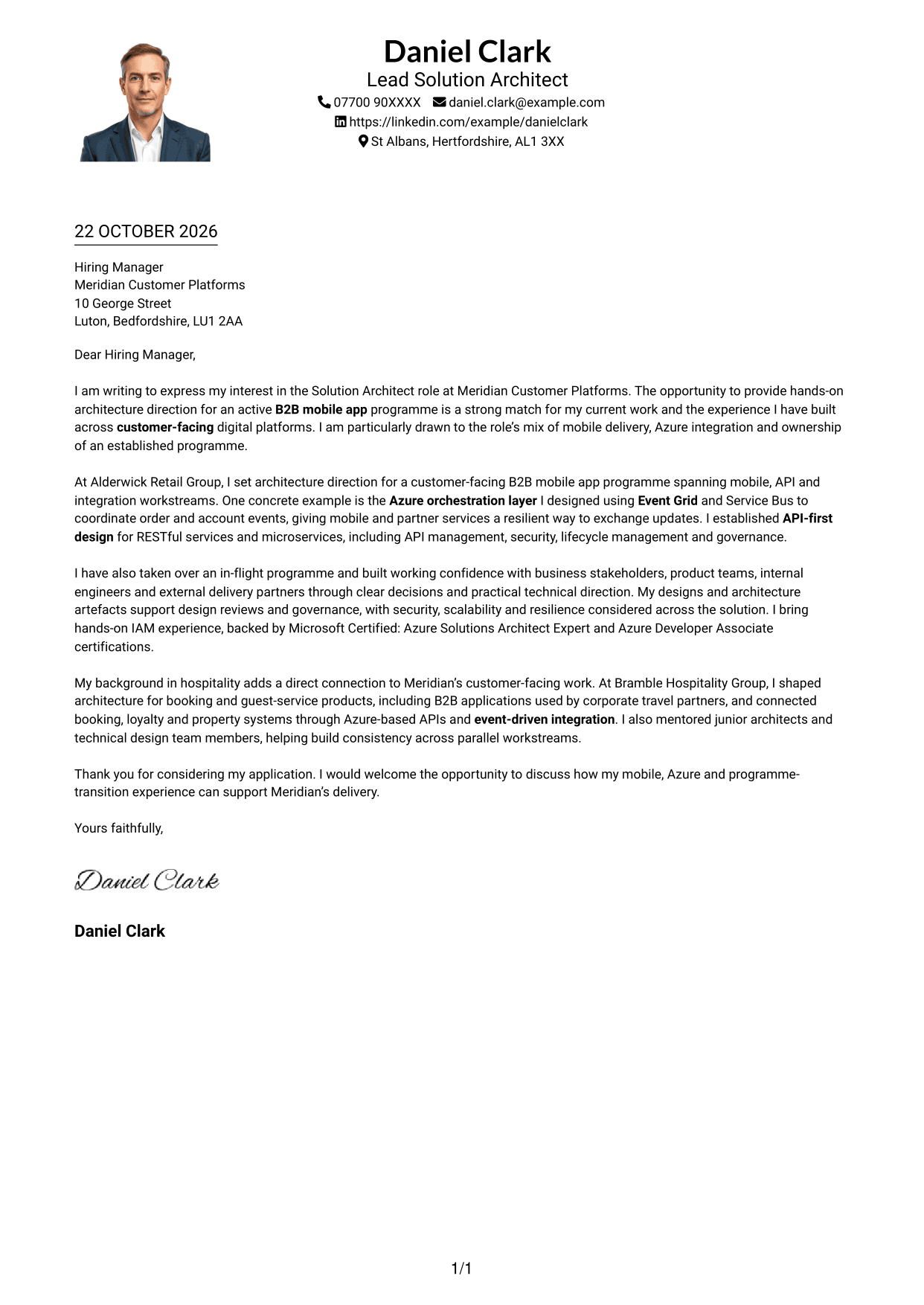
#4 One Column Format with Photo Cover Letter Example
A one-column letter with a photo keeps the page presentation unified while retaining a continuous body.
Why This Format Works
- Sender details and the letter body follow the same column on the page.
- Continuous paragraphs help reviewers follow the message in its intended order.
- The photo offers a personal visual detail within the one-column presentation.
Best For
- One-column page layouts
- Letters with a photo
- Unified page presentation
- Continuous paragraph correspondence
- Direct message flow
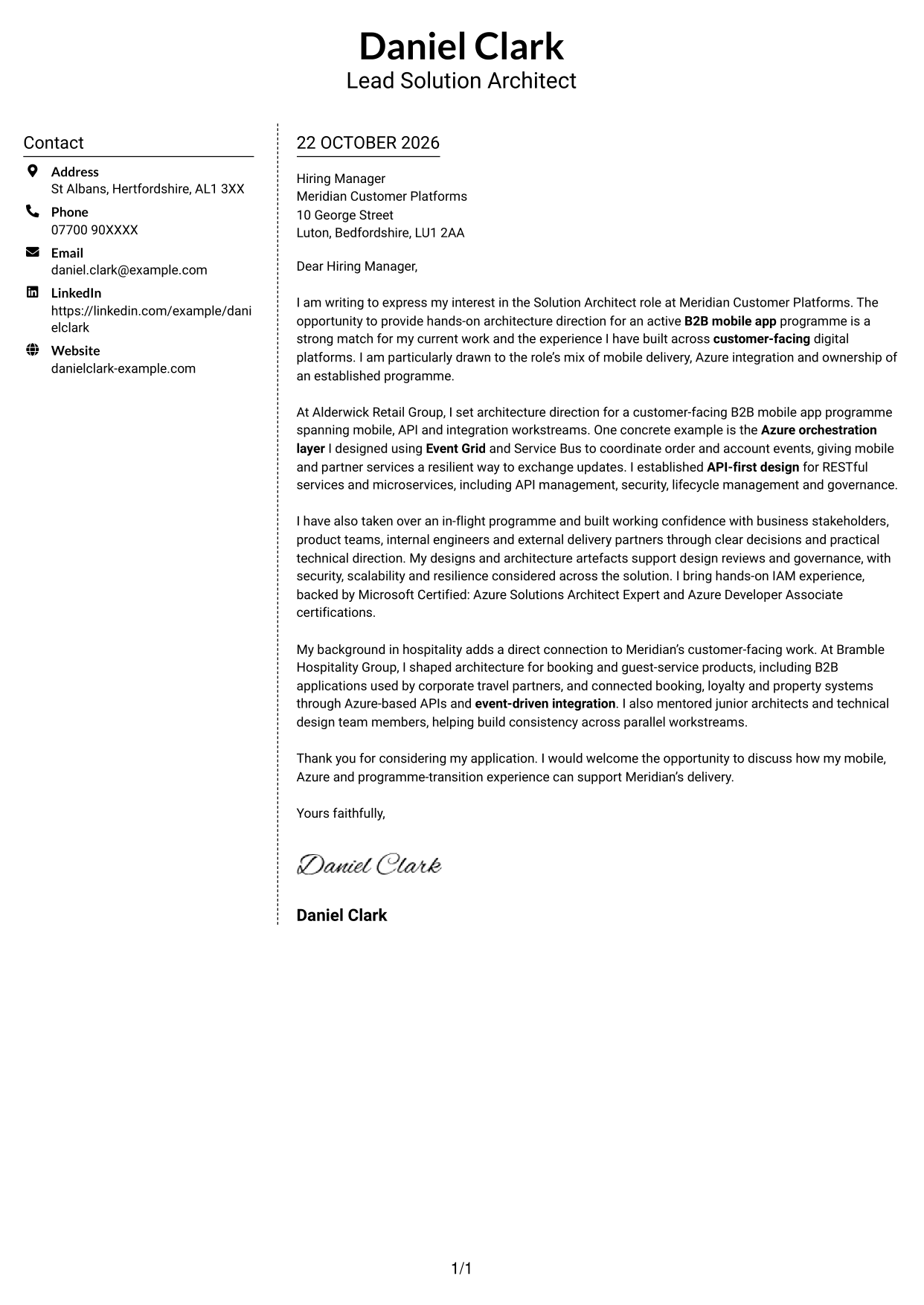
#5 Simple Two Column Format Cover Letter Example
A contact sidebar keeps sender details to one side, while the cover letter remains a single, continuous message.
Why This Format Works
- Reviewers can check contact details without searching through the letter text.
- The body remains one sequence of paragraphs rather than parallel text columns.
- The layout leaves the written message free of photo-based presentation.
Best For
- Separate contact information
- Two-column page organisation
- Single-body letters
- Photo-free correspondence
- Quick sender-detail checks
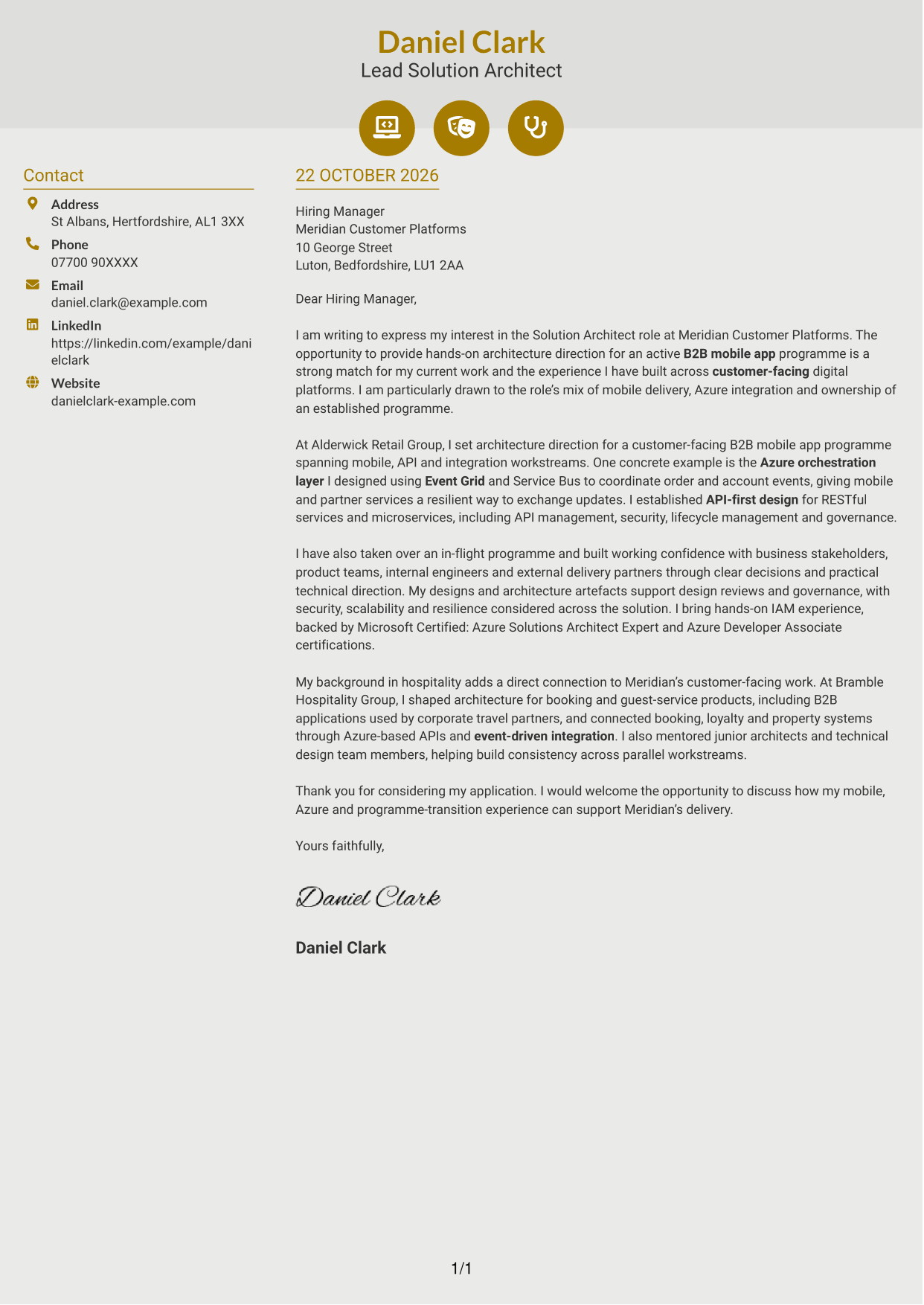
#6 Modern Icon Format Cover Letter Example
Two columns place contact details beside the continuous letter body, with icons used as cues for contact information.
Why This Format Works
- Contact icons help identify the details they accompany, not letter stages.
- A single continuous body keeps the message in a natural paragraph order.
- The photo-free page keeps attention on the letter and its contact cues.
Best For
- Icon-led contact details
- Two-column organisation
- Continuous letter paragraphs
- Photo-free page preference
- Quick contact reference
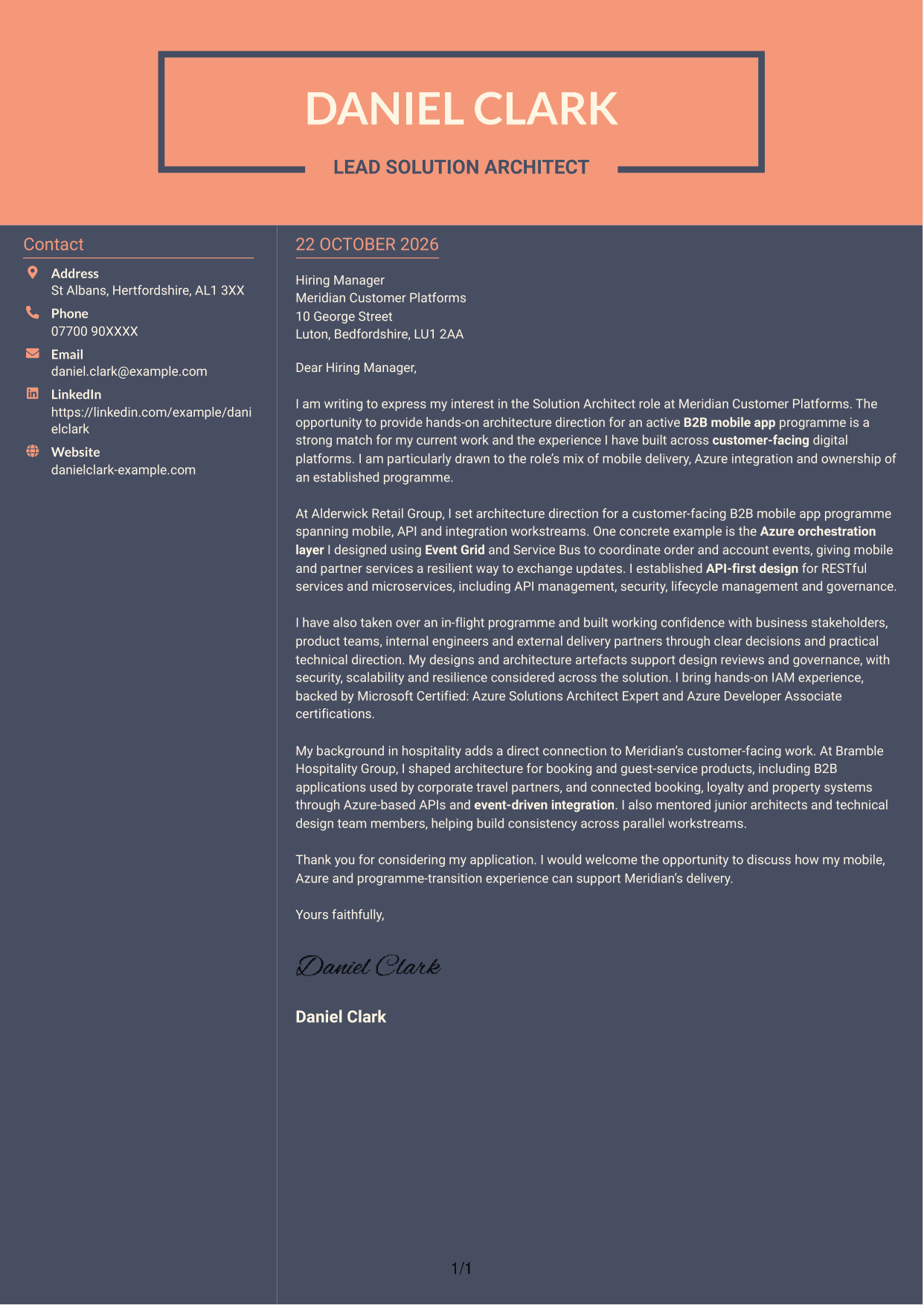
#7 Creative Two Tone Format Cover Letter Example
The two-column arrangement places contact information in a sidebar and keeps the letter itself as one continuous body.
Why This Format Works
- A separate contact area makes sender details easier to find at a glance.
- The uninterrupted body lets the reader move through the letter in order.
- With no photo, the page keeps its visual focus on the written message.
Best For
- Sidebar contact information
- Two-column page preference
- Uninterrupted letter text
- Photo-free presentation
- At-a-glance sender details
See Also
- 7 Solution Architect - Mobile App, Azure, IAM, Transformation CV Templates with Example
- 7 Solution Architect - Azure, .NET CV Templates with Example
- 7 AI Solution Architect - Agentic AI CV Templates with Example
- 7 Commercial SAP Solution Architect CV Templates with Example
- 7 Data & Analytics Solution Architect - Cloud Data Platforms CV Templates with Example
- 7 Data Protection Solution Architect CV Templates with Example
- 7 Data & Solution Architect - Defence CV Templates with Example
- 7 Data Solution Architect - Reinsurance CV Templates with Example
- 7 Solution Architect - Azure, .NET Cover Letter Templates with Example
- 7 AI Solution Architect - Agentic AI Cover Letter Templates with Example
Frequently Asked Questions
What should a Solution Architect - Mobile App, Azure, IAM, Transformation cover letter highlight?
Show how your architecture work relates to mobile applications, Azure, IAM and API-led integration. A specific example, such as using Event Grid and Service Bus to support resilient updates, can make your contribution clear.
How can I make my experience relevant to this role?
Choose examples that match the programme’s needs. Explain your part in shaping a B2B mobile app, setting API-first design or guiding an in-flight programme, then describe the outcome for teams or services.
How should I explain my interest in the employer?
Connect your motivation to the customer-facing B2B mobile app programme and the chance to guide its delivery. Explain why that mix of mobile architecture, Azure integration and stakeholder work suits the contribution you want to make.
What is a clear way to structure this cover letter?
Open with the role and your reason for applying. Use the body to show relevant architecture evidence and how you work with stakeholders, then close by restating your interest and inviting a discussion.
Should I include every part of my work history?
No. Focus on the examples that best support your fit for this role, such as customer-facing mobile work, Azure integration, IAM or programme leadership. A few clear examples are more persuasive than a full list of duties.




