
7 Solution Architect - Platform, Event and Domain-Driven Architecture Cover Letter Templates with Example
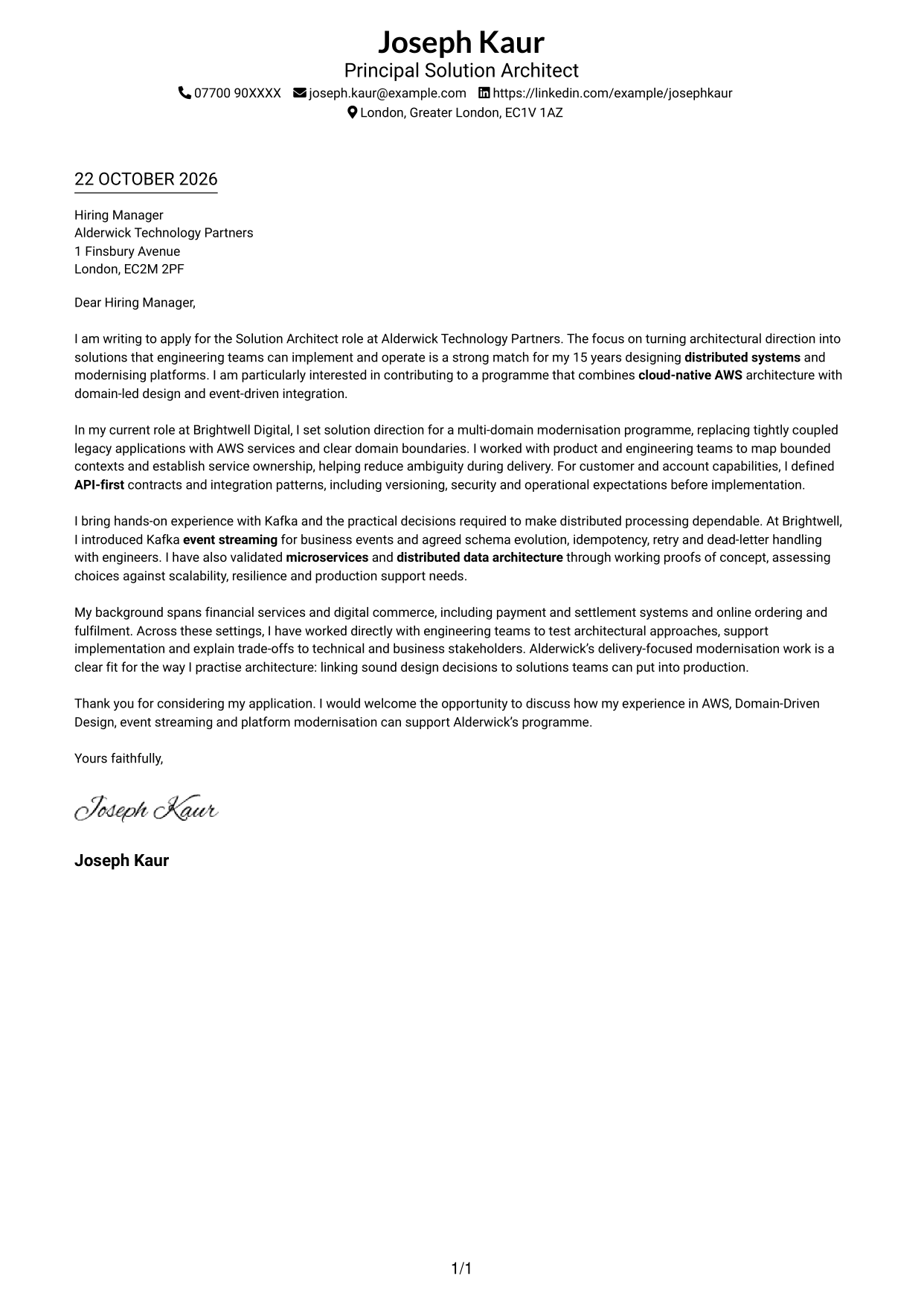
This practical guide helps you create a Solution Architect - Platform, Event and Domain-Driven Architecture cover letter, with seven layouts to help you present your fit clearly.
What Makes a Great Solution Architect - Platform, Event and Domain-Driven Architecture Cover Letter in 2026
A strong letter connects your interest in the role with clear examples of platform modernisation and architecture that engineering teams can put into practice. Keep the opening direct and show why this work matters to you.
Use relevant evidence, such as shaping AWS solutions, defining API-first contracts or introducing Kafka event streaming. Explain how your approach supports reliable delivery, and link your motivation to the employer’s focus on modernising platforms.
The featured example moves from clear role interest to platform modernisation, practical Kafka experience and a focused close; adapt this progression while choosing a presentation suited to the employer and communication context.
#1 Simple One Column Format Cover Letter Example
Simple One Column Format places sender details in the header above a continuous letter body, giving the Solution Architect application a direct reading path.
Why This Format Works
- Sender details in the header remain distinct from the continuous letter body.
- The single reading path helps reviewers follow the case from greeting to closing.
- With no parallel column, the message holds the page's main reading space.
Best For
- Single-path letter reading
- Header-based sender details
- Continuous persuasive paragraphs
- Direct formal correspondence
- Applications with concise supporting evidence
#2 Two Column Format Cover Letter Example
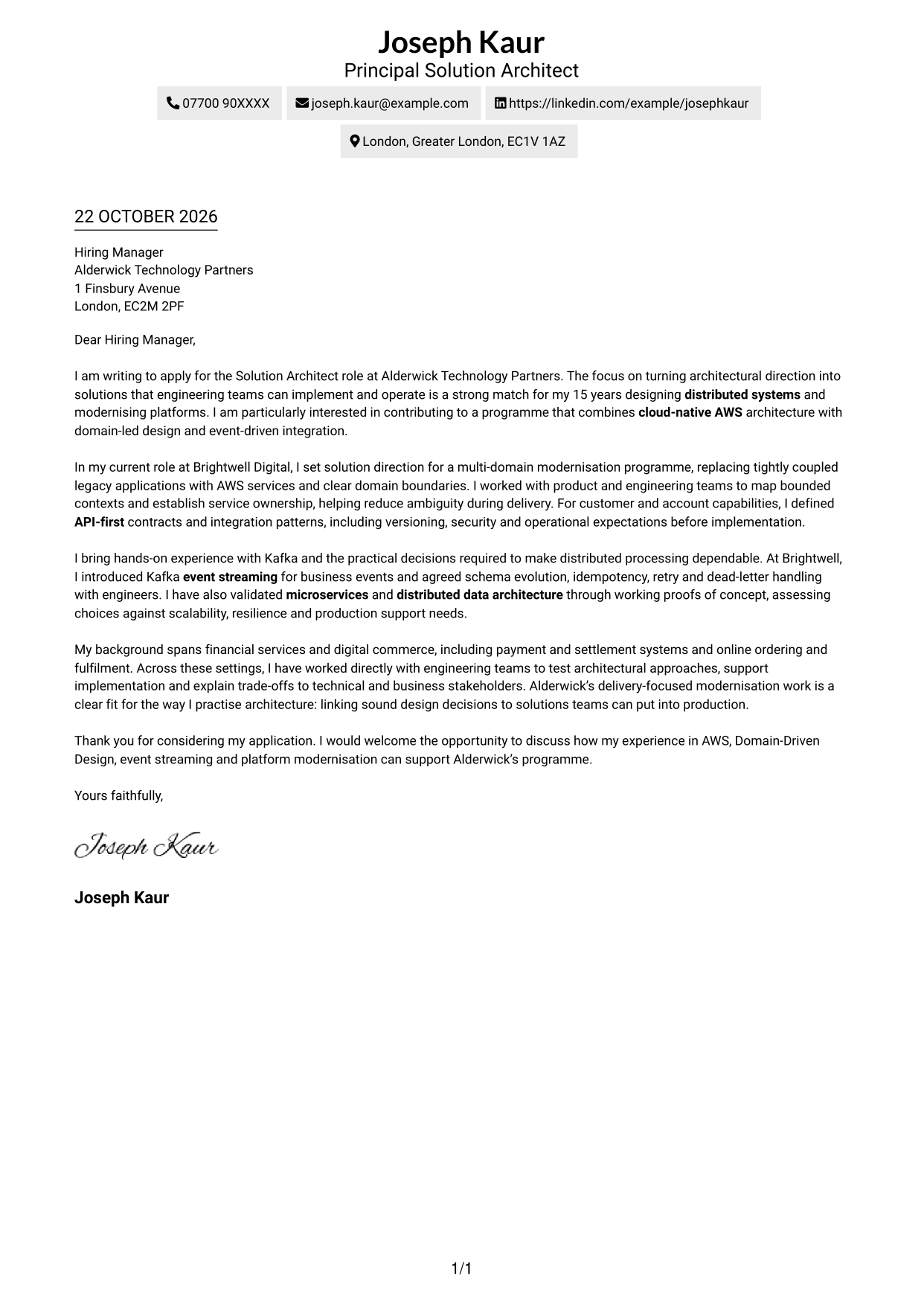
Two Column Format places a contact sidebar beside one continuous letter body, keeping practical details easy to find without dividing the message.
Why This Format Works
- The contact sidebar keeps sender details readily available beside the main text.
- One uninterrupted body carries the reader from the opening through the close.
- The two-column arrangement gives the message its own distinct reading area.
Best For
- Side-by-side contact and message
- A continuous letter argument
- Quick contact reference
- Formal employer applications
- Letters with several supporting paragraphs
#3 Photo Header Two Column Format Cover Letter Example
Photo Header Two Column Format includes a photo and places contact details beside one continuous letter body, for readers who prefer a personal visual element.
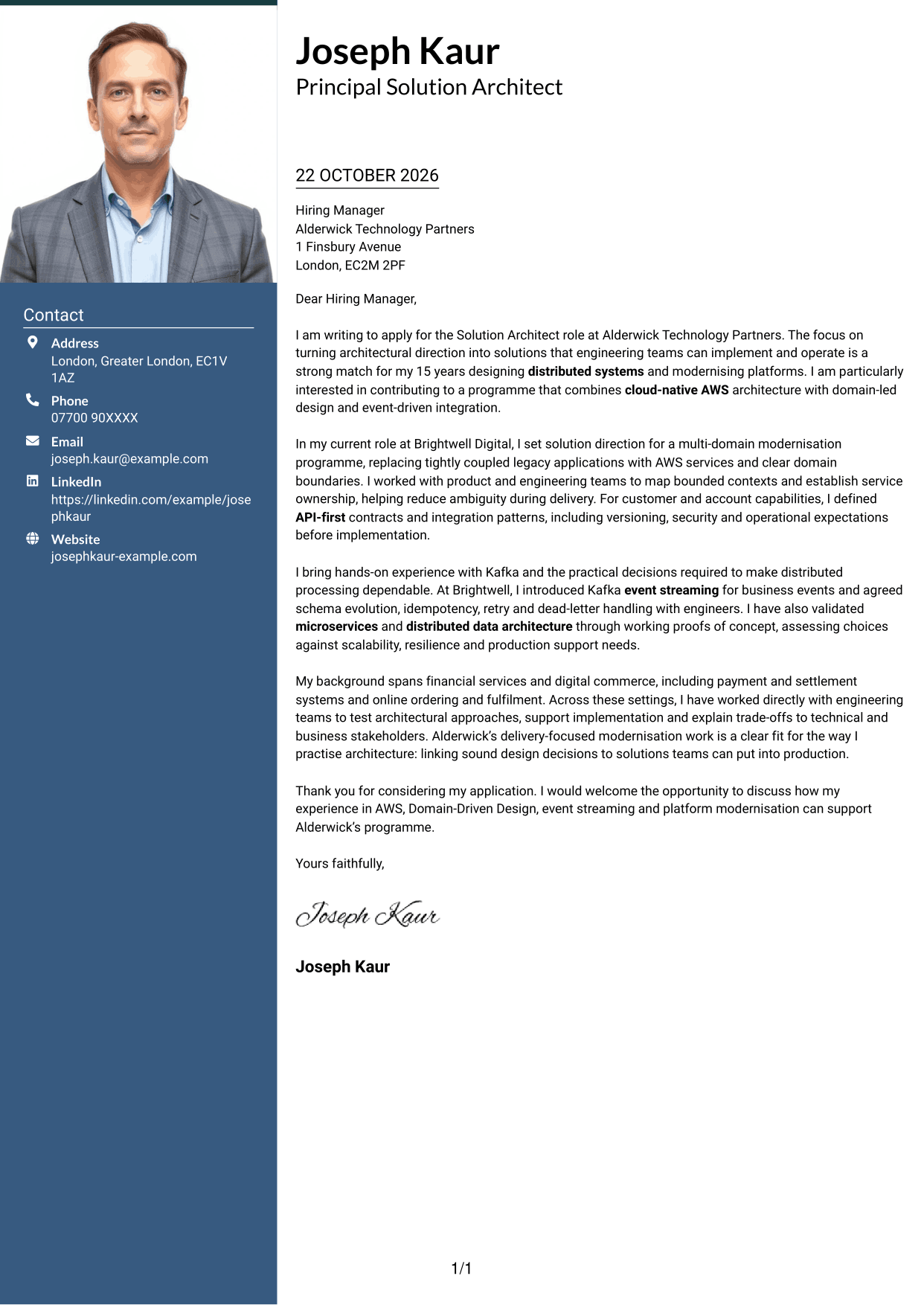
Why This Format Works
- The photo offers a visual option for applications where a portrait is preferred.
- Contact details have a separate place alongside the letter's main text.
- The continuous body keeps the opening, supporting case and close together.
Best For
- Photo-inclusive correspondence
- A separate contact reference
- A single letter argument
- Applications with a visual personal element
- Letters that keep evidence in paragraph form
#4 One Column Format with Photo Cover Letter Example
One Column Format with Photo combines a photo with a single-column page, keeping the header and continuous letter body on one reading path.
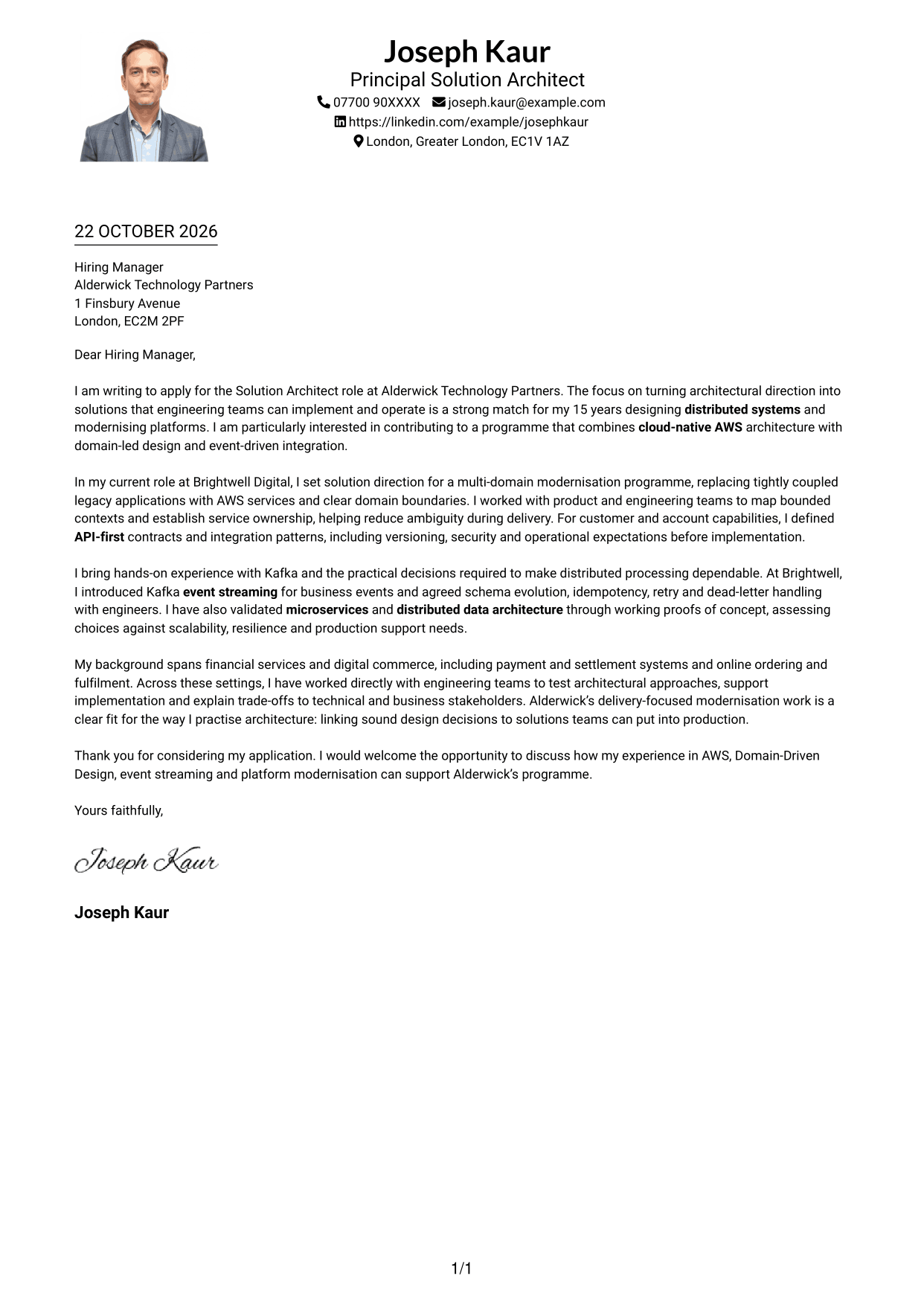
Why This Format Works
- The photo gives the header a visual element without splitting the letter text.
- Sender details appear in the header, separate from the letter's message.
- A single-column body keeps the letter's paragraphs in a clear sequence.
Best For
- Photo-led header preference
- One-path letter reading
- Header-based contact details
- Continuous application paragraphs
- Correspondence with a visual personal element
#5 Simple Two Column Format Cover Letter Example
Simple Two Column Format sets contact details beside a continuous letter body, offering a clear separation between practical information and the persuasive message.
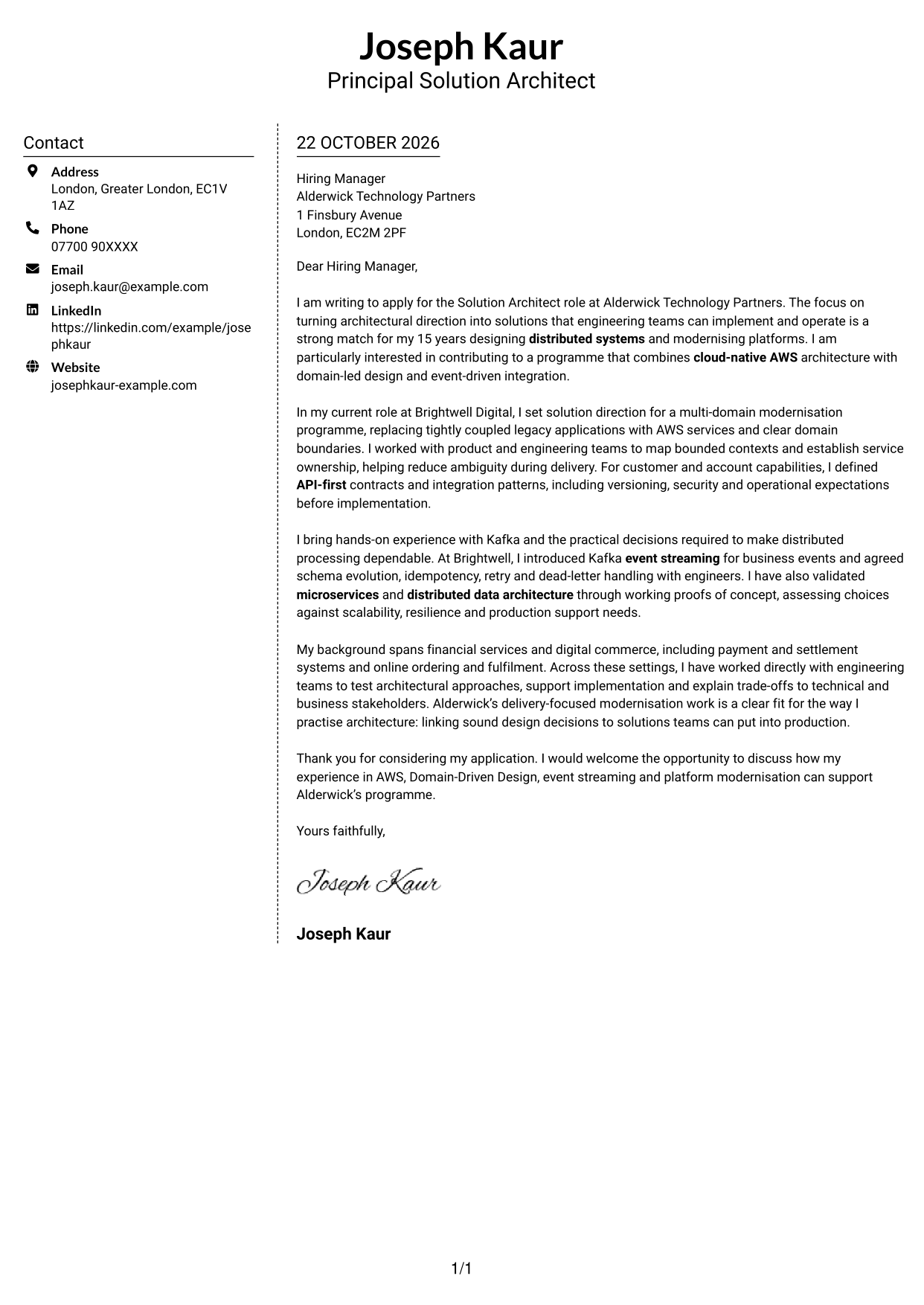
Why This Format Works
- A separate contact area makes sender information easy to locate at a glance.
- The message stays in one body, preserving its natural progression.
- Side-by-side content distinguishes practical details from the letter's appeal.
Best For
- Separate sender contact details
- A continuous persuasive message
- Side-by-side page organisation
- Applications with a clear opening and close
- Readers who value quick contact access
#6 Modern Icon Format Cover Letter Example
Modern Icon Format uses contact cues in a two-column layout, placing practical details beside a continuous letter body without using icons to label its argument.
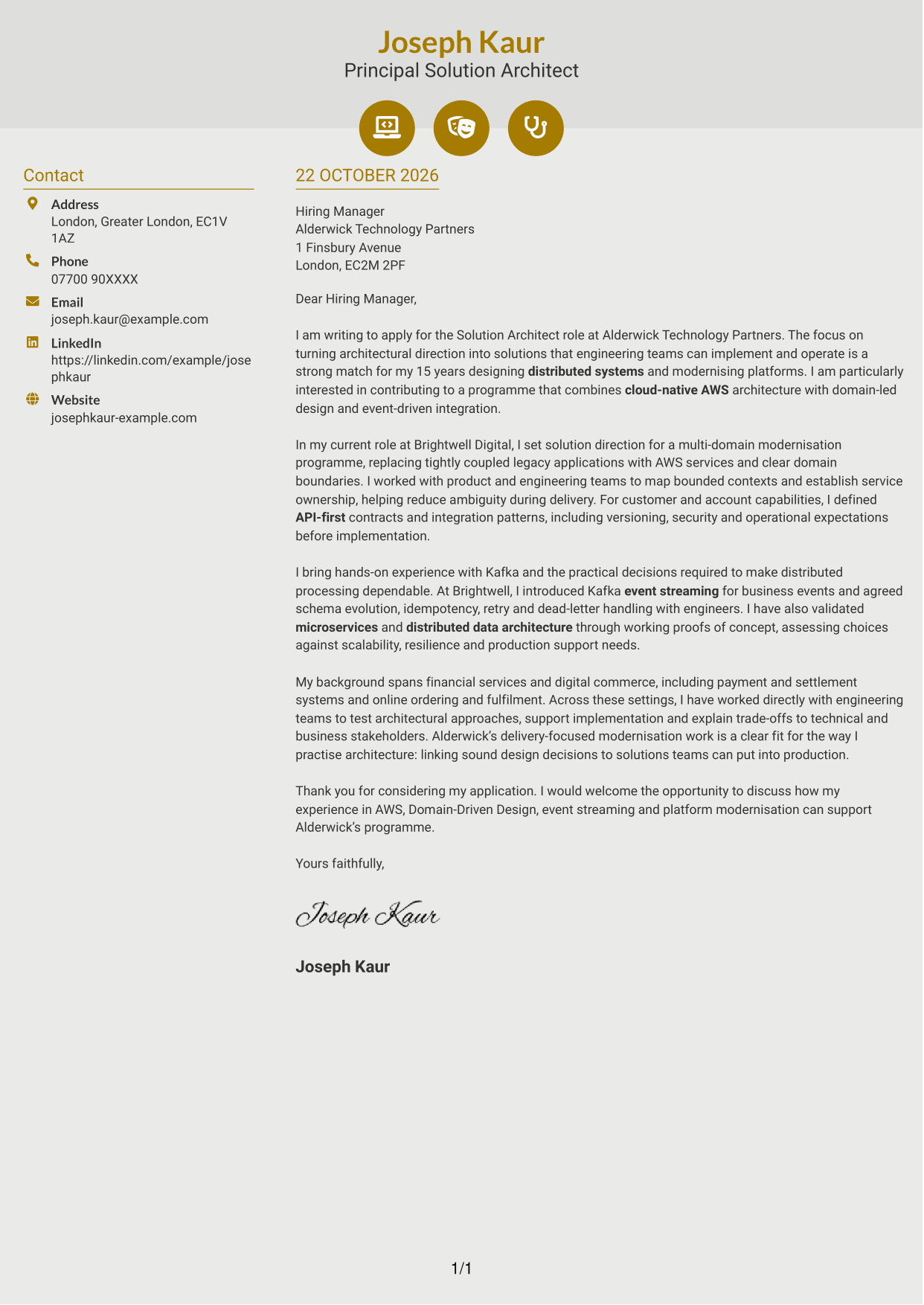
Why This Format Works
- Contact icons help distinguish practical details from the letter's main text.
- The two-column layout keeps contact information beside, not within, the message.
- One continuous body lets reviewers follow the case without argument-section labels.
Best For
- Icon-led contact details
- A separate contact area
- Uninterrupted letter paragraphs
- Side-by-side information
- Applications with a clear persuasive sequence
#7 Creative Two Tone Format Cover Letter Example
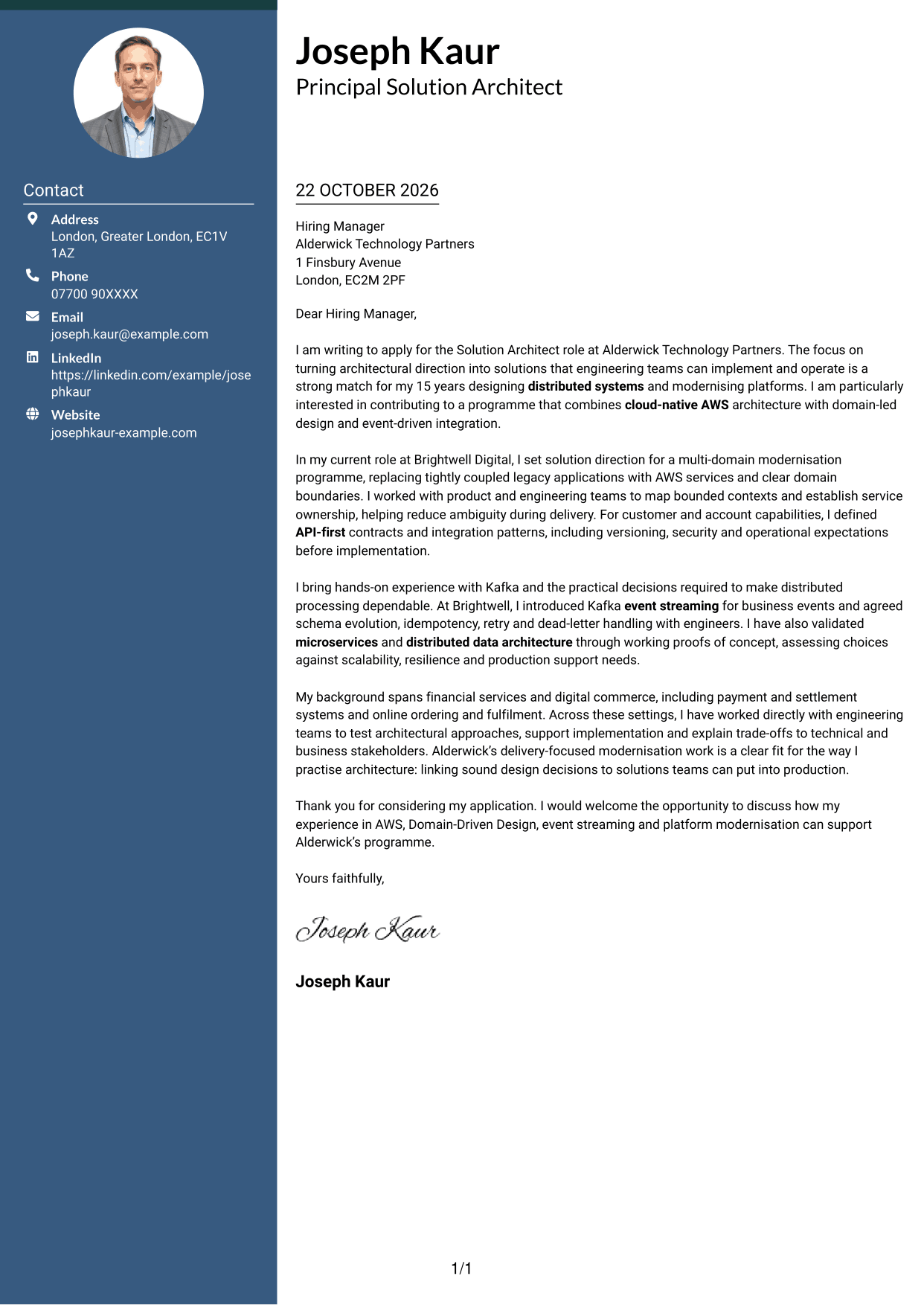
Creative Two Tone Format places contact details in a sidebar beside one continuous letter body, keeping the personal details distinct from the application message.
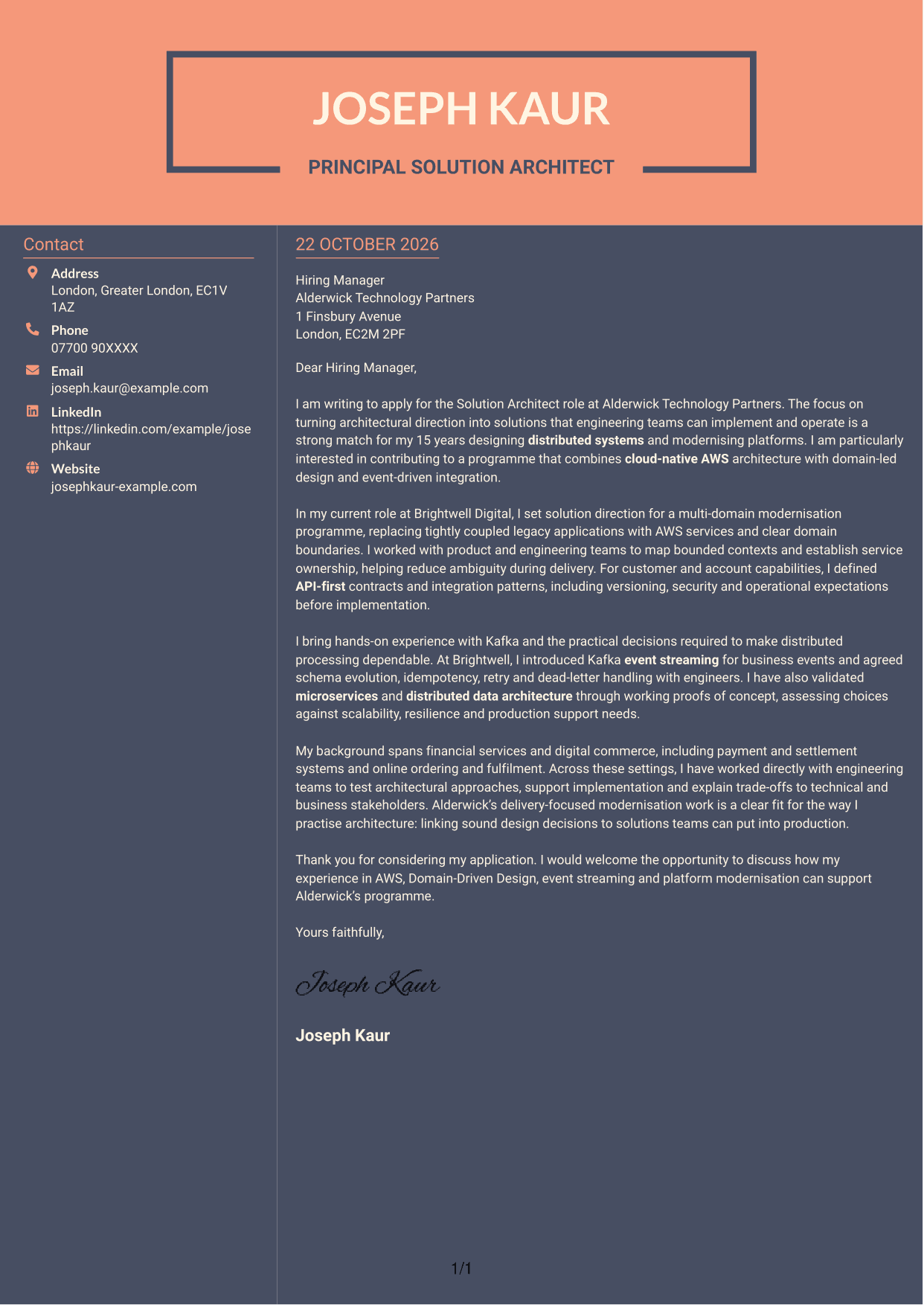
Why This Format Works
- The sidebar gives contact details a distinct place beside the main letter text.
- The continuous body lets the message move from its opening to its close.
- Separate columns help reviewers distinguish contact information from the letter's case.
Best For
- Contact details beside the message
- A single-flow letter body
- Distinct contact and text areas
- Applications with a clear sequence of ideas
- Readers who prefer a two-column layout
See Also
- 7 Solution Architect - Platform, Event and Domain-Driven Architecture CV Templates with Example
- 7 Senior Solutions Architect - Core Banking Architecture CV Templates with Example
- 7 Data & Analytics Solution Architect - Cloud Data Platforms CV Templates with Example
- 7 AI Solution Architect - Agentic AI CV Templates with Example
- 7 Commercial SAP Solution Architect CV Templates with Example
- 7 Data Protection Solution Architect CV Templates with Example
- 7 Data & Solution Architect - Defence CV Templates with Example
- 7 Data Solution Architect - Reinsurance CV Templates with Example
- 7 Senior Solutions Architect - Core Banking Architecture Cover Letter Templates with Example
- 7 Data & Analytics Solution Architect - Cloud Data Platforms Cover Letter Templates with Example
Frequently Asked Questions
What should a Solution Architect - Platform, Event and Domain-Driven Architecture cover letter highlight?
Show how you turn architecture decisions into solutions teams can build and operate. Choose relevant evidence about AWS, platform modernisation, Domain-Driven Design, API-first architecture or event streaming.
How can I show that my experience fits this role?
Describe one specific piece of work and your part in it. For example, explain how you set domain boundaries, defined an API contract or agreed Kafka reliability practices with engineers, then connect the result to the role’s delivery needs.
How should I explain my interest in the employer?
Connect your motivation to the programme described in the job advert, such as replacing legacy platforms with cloud-native, domain-oriented and event-driven solutions. Add a verified detail about the employer only if you know it to be accurate.
What is a clear way to structure this cover letter?
Open with the role and your reason for applying. Use the body to give focused examples of modernisation and architecture delivery, then close by restating your interest and inviting a conversation.
Should I include every part of my work history?
No. Select the experience that best supports your fit for this role. A small number of clear examples will help the reader understand your contribution and approach.




