
7 Systems Engineer - Defence Training Systems Cover Letter Templates with Example
This practical guide to a Systems Engineer - Defence Training Systems cover letter shows you how to present your fit across seven layouts.
What Makes a Great Systems Engineer - Defence Training Systems Cover Letter in 2026
A strong letter connects your interest in defence training systems with clear evidence of systems engineering delivery. Show how you can contribute from requirements work through supplier delivery, integration and acceptance.
Use a focused example, such as preparing a supplier scope of work and acceptance criteria or coordinating a simulator design and build. Link your evidence to the employer’s needs, and explain why its defence training work interests you.
The featured example moves from interest in the role to supplier delivery evidence, broader systems engineering strengths and a clear close; adapt this focused progression while choosing a presentation suited to the employer and communication context.
#1 Simple One Column Format Cover Letter Example
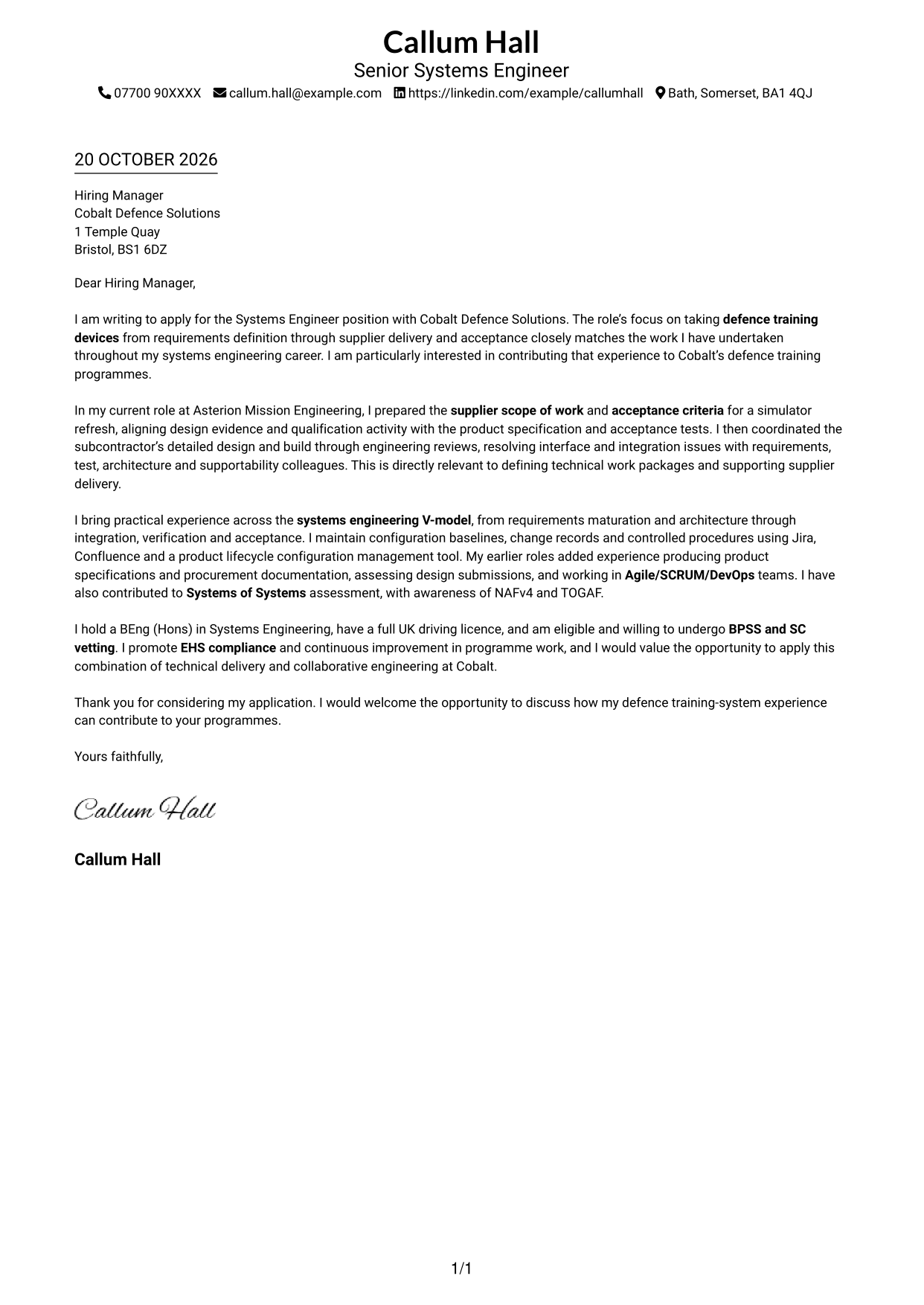
With sender details in the header and one continuous body column, this format keeps the application message direct and easy to follow.
Why This Format Works
- A single body column carries the greeting, case for fit and closing in sequence.
- Header-based sender details stay separate from the letter's persuasive message.
- Without body headings, the paragraphs read as one connected application.
Best For
- One-column letter reading
- Sender details in the header
- Continuous application prose
- Letters without body headings
- Direct opening-to-closing flow
#2 Two Column Format Cover Letter Example
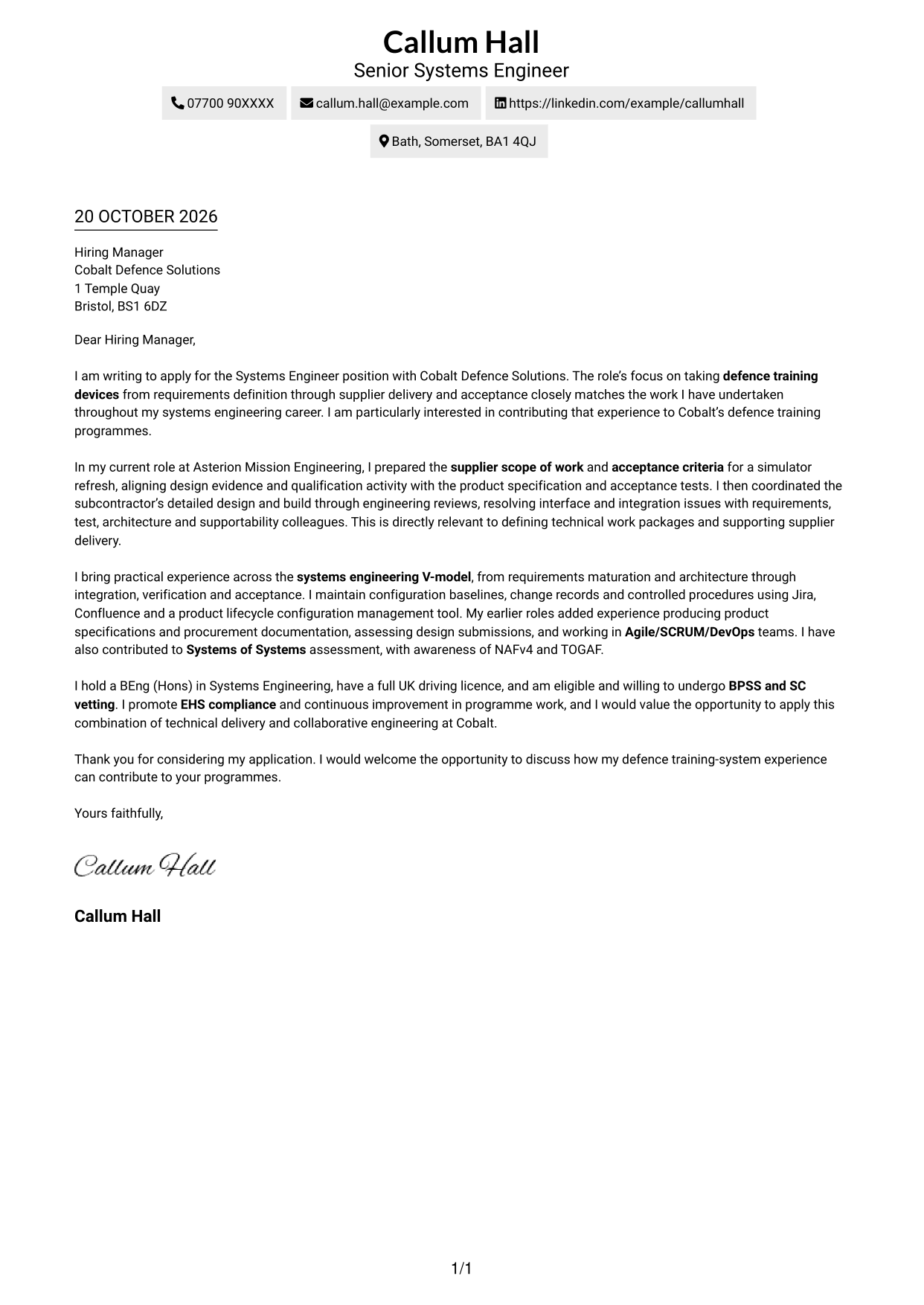
A contact sidebar sits beside one continuous letter column, keeping sender details apart from the application message.
Why This Format Works
- The sidebar gives sender details a distinct place beside the letter.
- A single text column lets readers follow the opening, evidence and closing in order.
- The letter remains one continuous argument rather than parallel blocks of prose.
Best For
- Separate sender details
- One-column letter reading
- Continuous application narrative
- Side-by-side contact and letter areas
- Clear contact access
#3 Photo Header Two Column Format Cover Letter Example
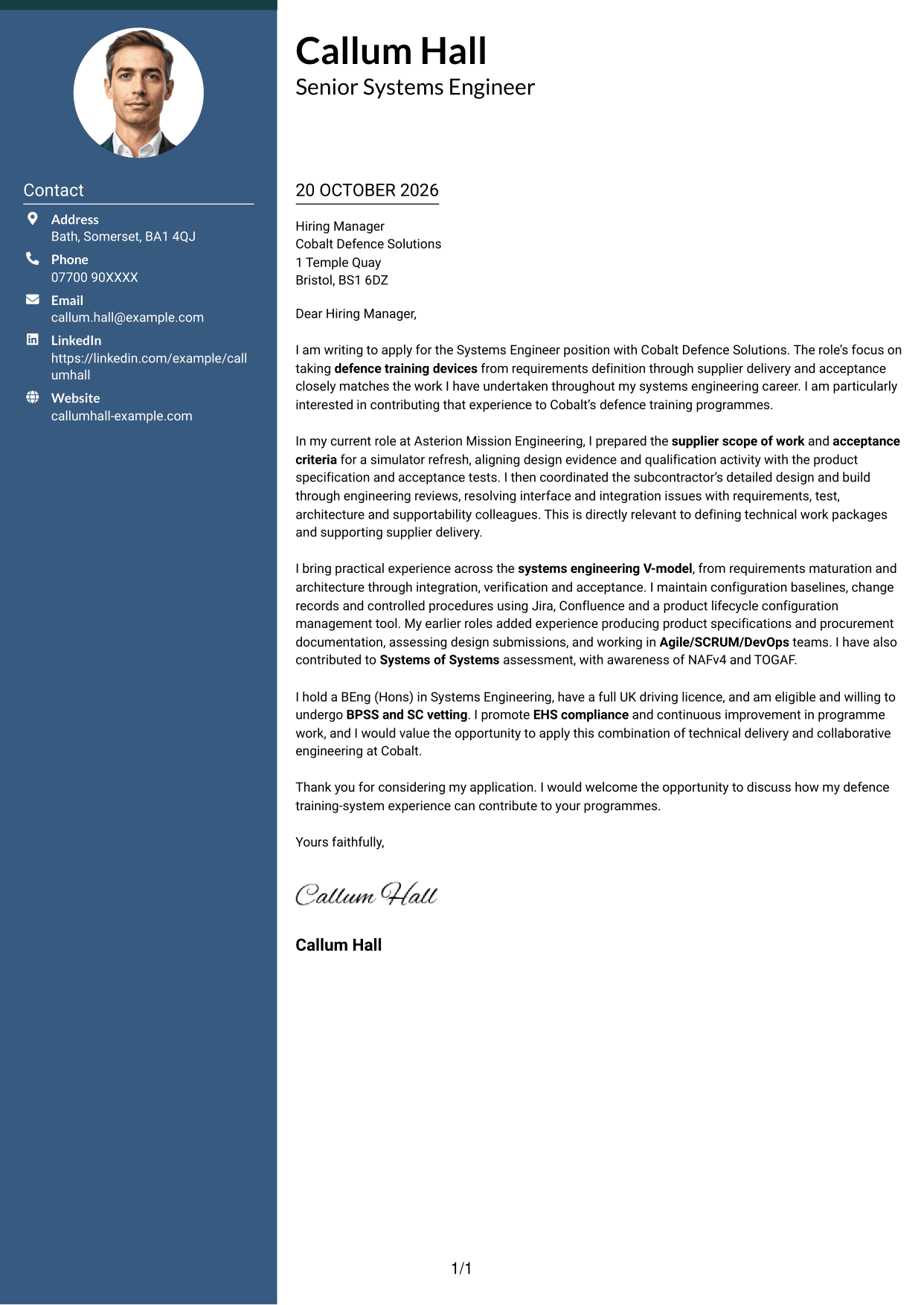
This two-column layout includes a portrait and a separate contact sidebar, while the letter stays together in one body column.
Why This Format Works
- Contact details have a distinct place beside the continuous letter text.
- One body column lets readers follow the application from opening to close.
- The portrait suits applications where including a personal image is preferred.
Best For
- Portrait-inclusive applications
- Separate contact and letter areas
- One-column letter reading
- Continuous application prose
- A visible personal image
#4 One Column Format with Photo Cover Letter Example
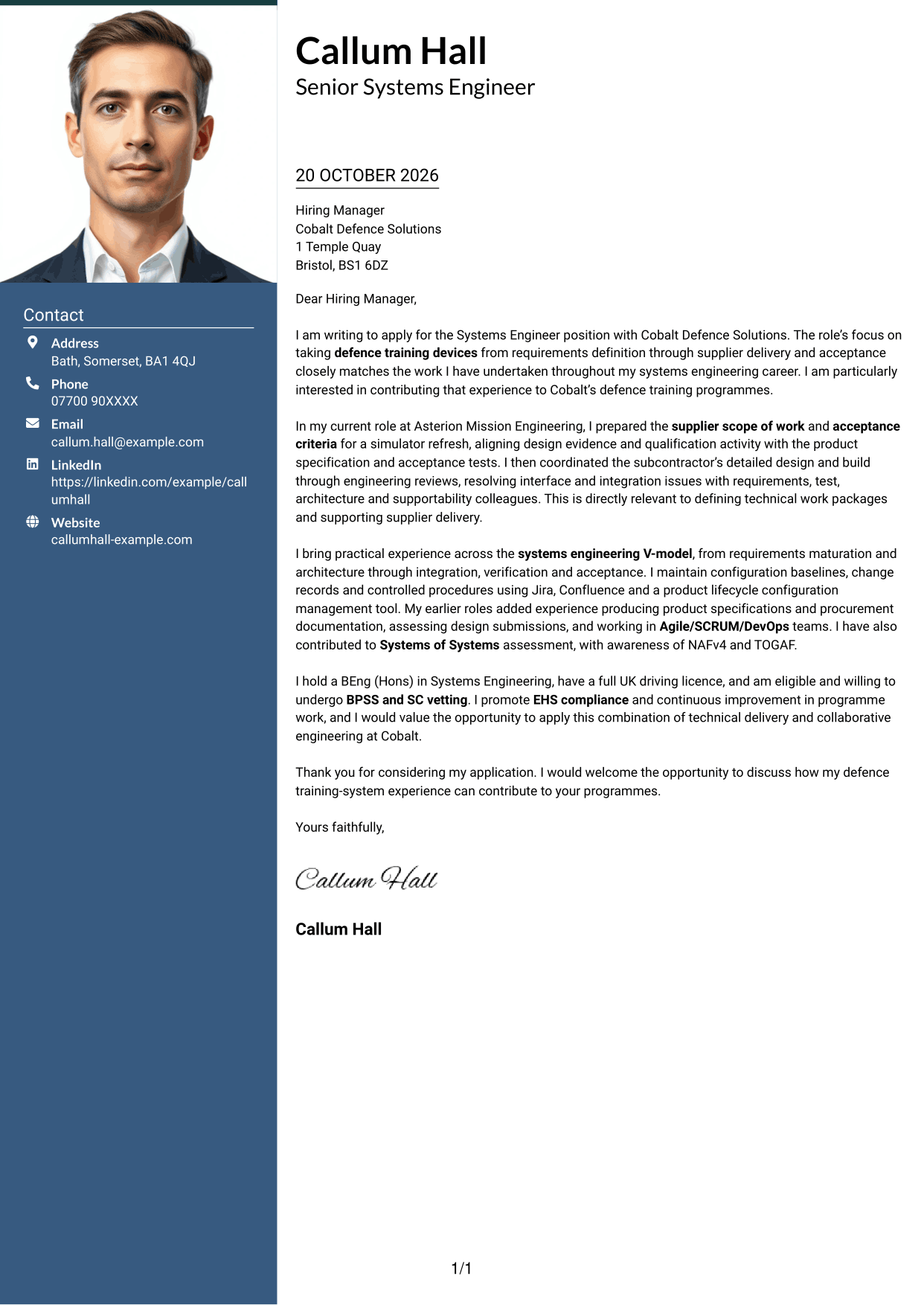
A portrait accompanies the single-column letter, giving readers a photo option while keeping the correspondence in one reading path.
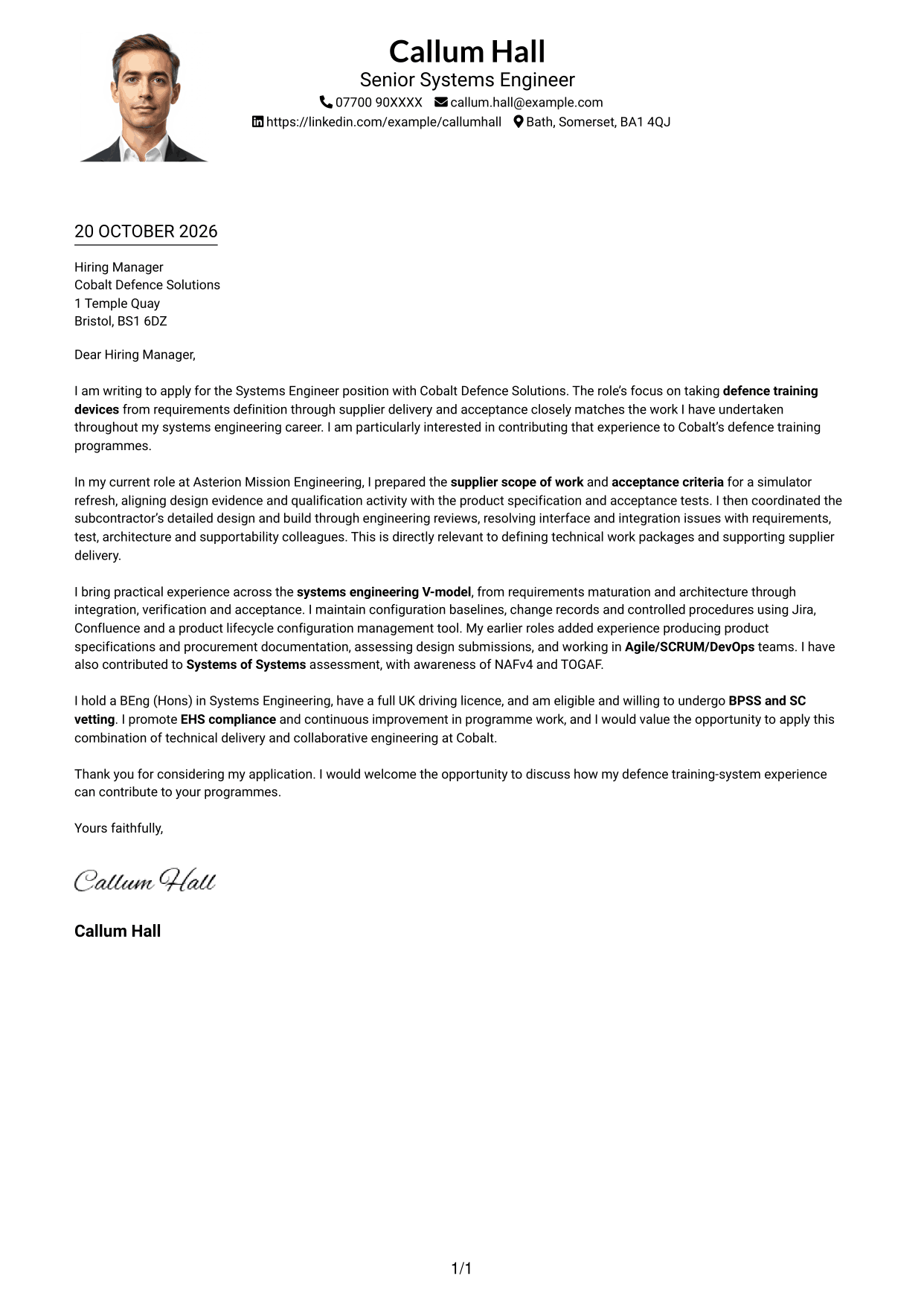
Why This Format Works
- The single body column keeps the greeting, case for fit and closing together.
- Sender details in the header remain apart from the letter's main message.
- The portrait adds a personal visual element for readers who prefer one.
Best For
- Single-column correspondence
- Applications including a portrait
- Header-based contact details
- Continuous letter paragraphs
- A direct reading path
#5 Simple Two Column Format Cover Letter Example
The contact sidebar and continuous letter body sit in separate columns, making the sender details easy to distinguish from the message.
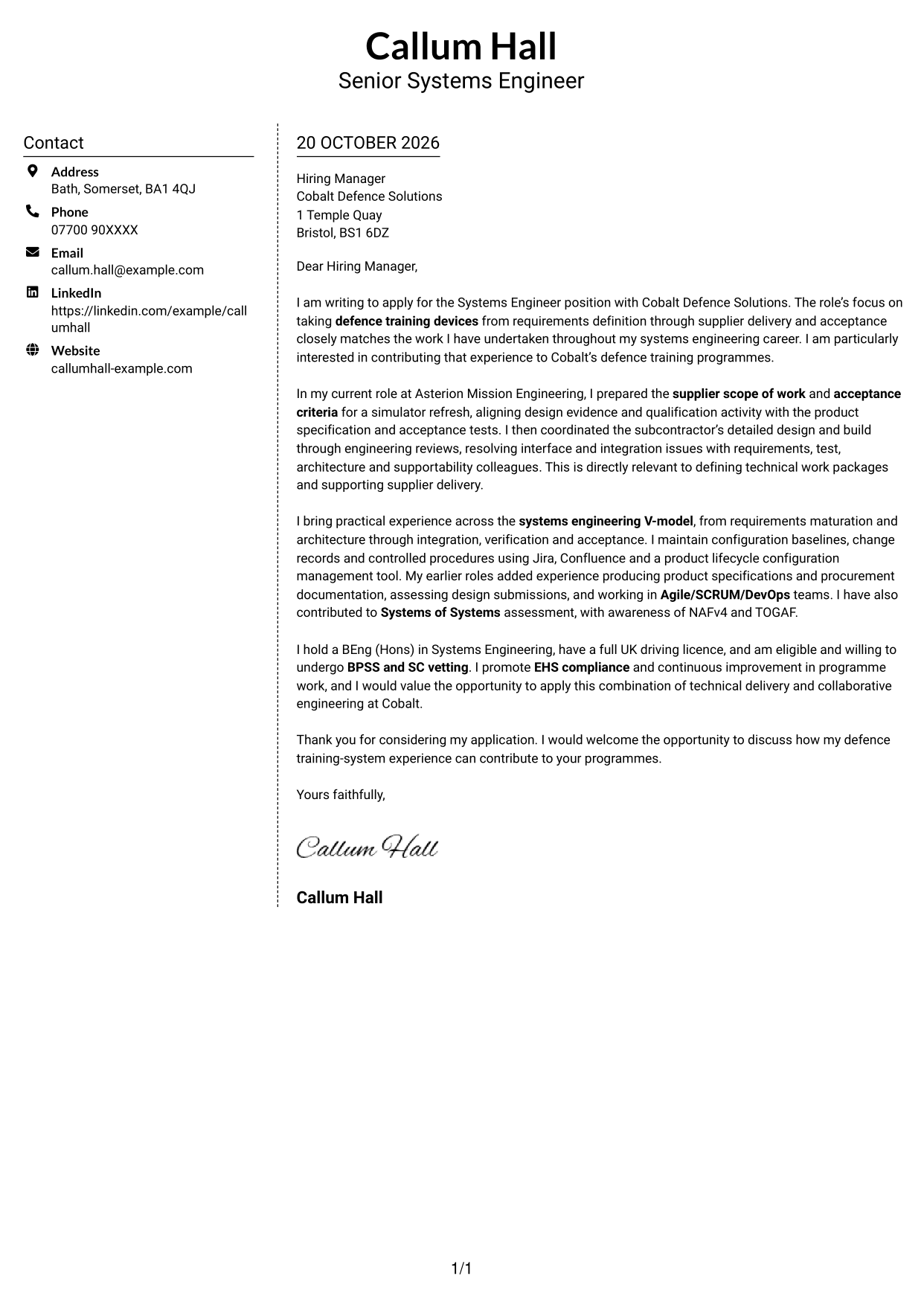
Why This Format Works
- The contact sidebar keeps sender information outside the letter's paragraphs.
- The body remains a single text column, preserving the letter's natural order.
- Separate areas help readers locate contact details without interrupting the application message.
Best For
- Sender information kept apart
- One-column letter body
- Contact details easy to locate
- Uninterrupted application message
- Side-by-side document organisation
#6 Modern Icon Format Cover Letter Example
Contact icons and a sidebar sit beside the single letter column, giving sender details a distinct place while the message stays together.
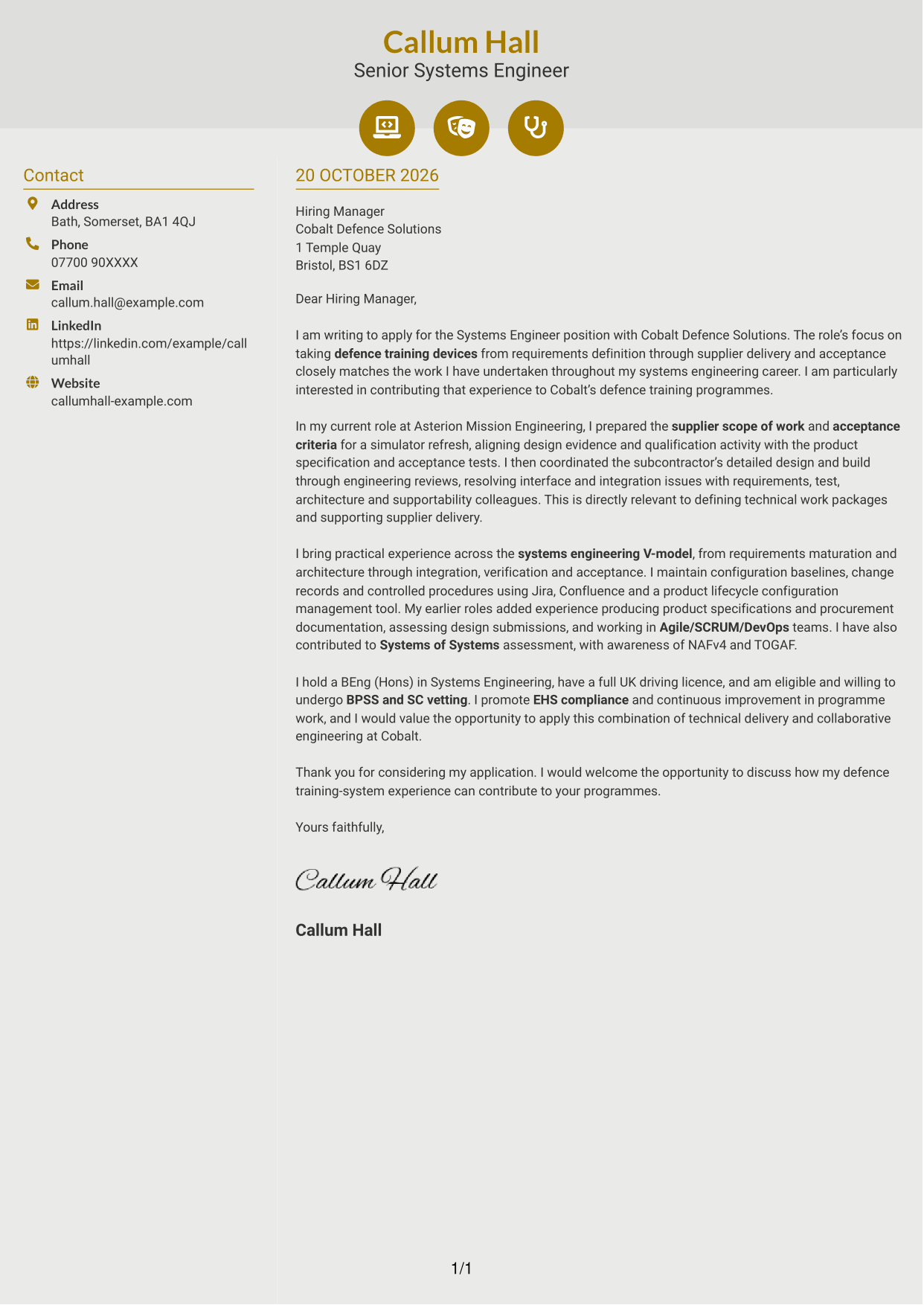
Why This Format Works
- Contact icons provide visual cues for sender details in the sidebar.
- The letter stays in one body column, keeping its paragraphs in sequence.
- A separate contact area leaves the application message uninterrupted.
Best For
- Icon-led contact details
- Separate sender information
- One-column letter text
- Continuous application paragraphs
- A visual contact sidebar
#7 Creative Two Tone Format Cover Letter Example
A contact sidebar alongside one continuous letter column separates sender details from the application without splitting the message into parallel sections.
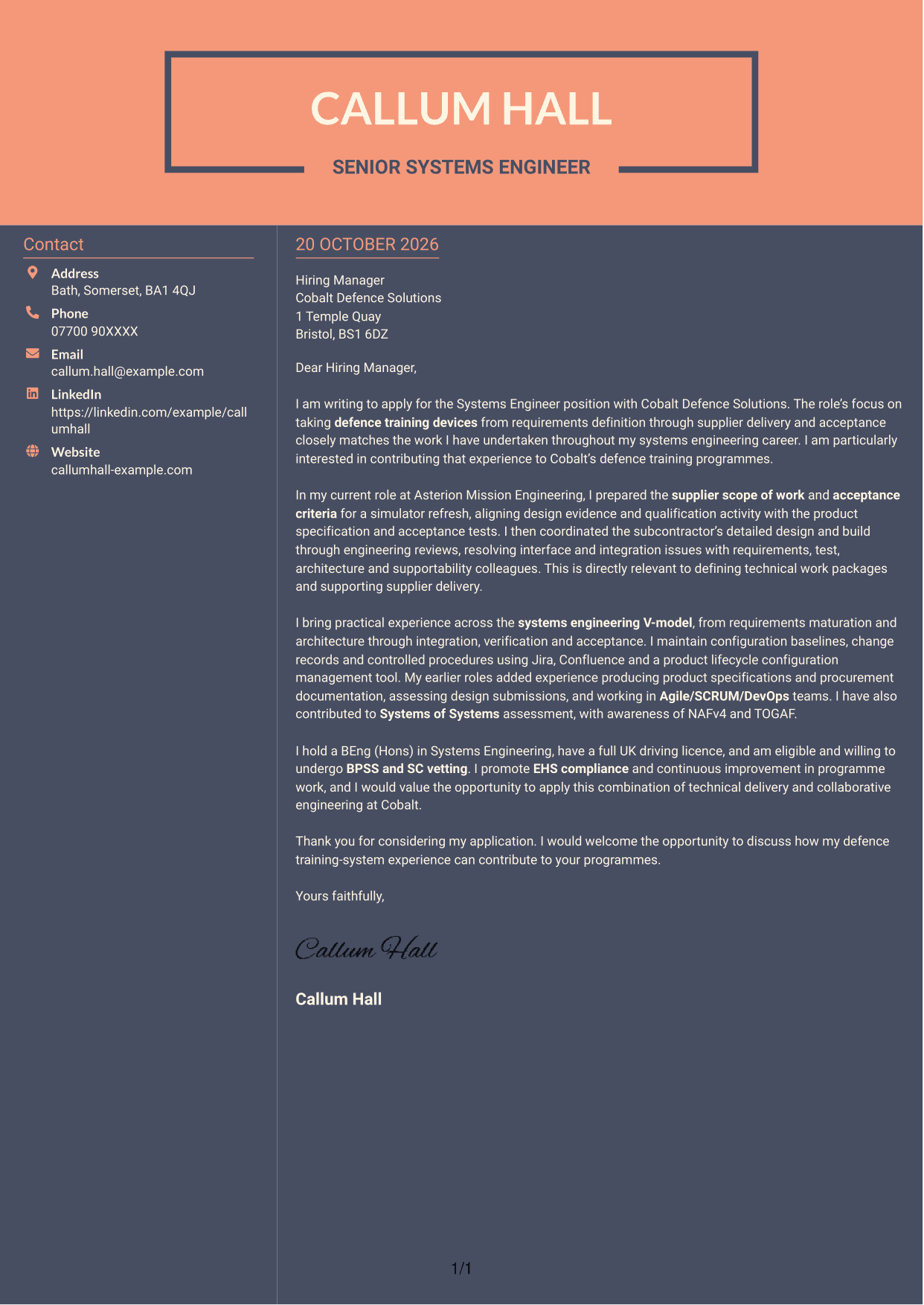
Why This Format Works
- Sender details have a separate area beside the letter's continuous text.
- The single body column keeps the opening, supporting case and close together.
- Readers can move through the application message without switching between text columns.
Best For
- Separate contact information
- One-column letter reading
- A continuous case for fit
- Side-by-side content areas
- Opening-to-closing correspondence
See Also
- 7 Systems Engineer - Defence Training Systems CV Templates with Example
- Full Stack Lead Software Engineer CV Guide (Java, Spring Boot, AWS) (Examples + Free PDF Downloads)
- 7 Junior AI Engineer - AI and Data CV Templates with Example
- 7 Principal Full-Stack Software Engineer - Python, Data and AI CV Templates with Example
- Principal Software Engineer CV Guide (Java, AWS) (Examples + Free PDF Downloads)
- 7 Python Engineer - LLM Applications CV Templates with Example
- 7 Software Engineer - Python and AI Solutions CV Templates with Example
- 7 Trainee AI Engineer - Generative AI and Machine Learning CV Templates with Example
- 7 Junior AI Engineer - AI and Data Cover Letter Templates with Example
- 7 Principal Full-Stack Software Engineer - Python, Data and AI Cover Letter Templates with Example
Frequently Asked Questions
What should a Systems Engineer - Defence Training Systems cover letter highlight?
Show how your systems engineering work relates to defence training devices and delivery from requirements to acceptance. Useful evidence may include a supplier scope of work, acceptance criteria, subcontractor coordination or configuration control.
How can I make my experience relevant to this role?
Choose one clear example that shows your actions and their purpose. For instance, explain how you aligned a simulator refresh with its product specification and acceptance tests, then connect that work to the role’s supplier delivery needs.
How should I explain my interest in the employer?
Connect your motivation to Cobalt Defence Solutions’ work on defence training systems. Explain why contributing to this work matters to you, and link that interest to the experience you can bring.
What is a clear way to structure this cover letter?
Open by naming the role and giving a clear reason for applying. Use the body to support your fit with relevant evidence, then close by restating your interest and inviting a discussion.
Should I include every part of my work history?
No. Focus on the experience that best shows your fit for this position. A focused example of requirements, supplier or acceptance work will be more useful than a full account of every duty.




