
7 Town Planner - Development Planning Cover Letter Templates with Example
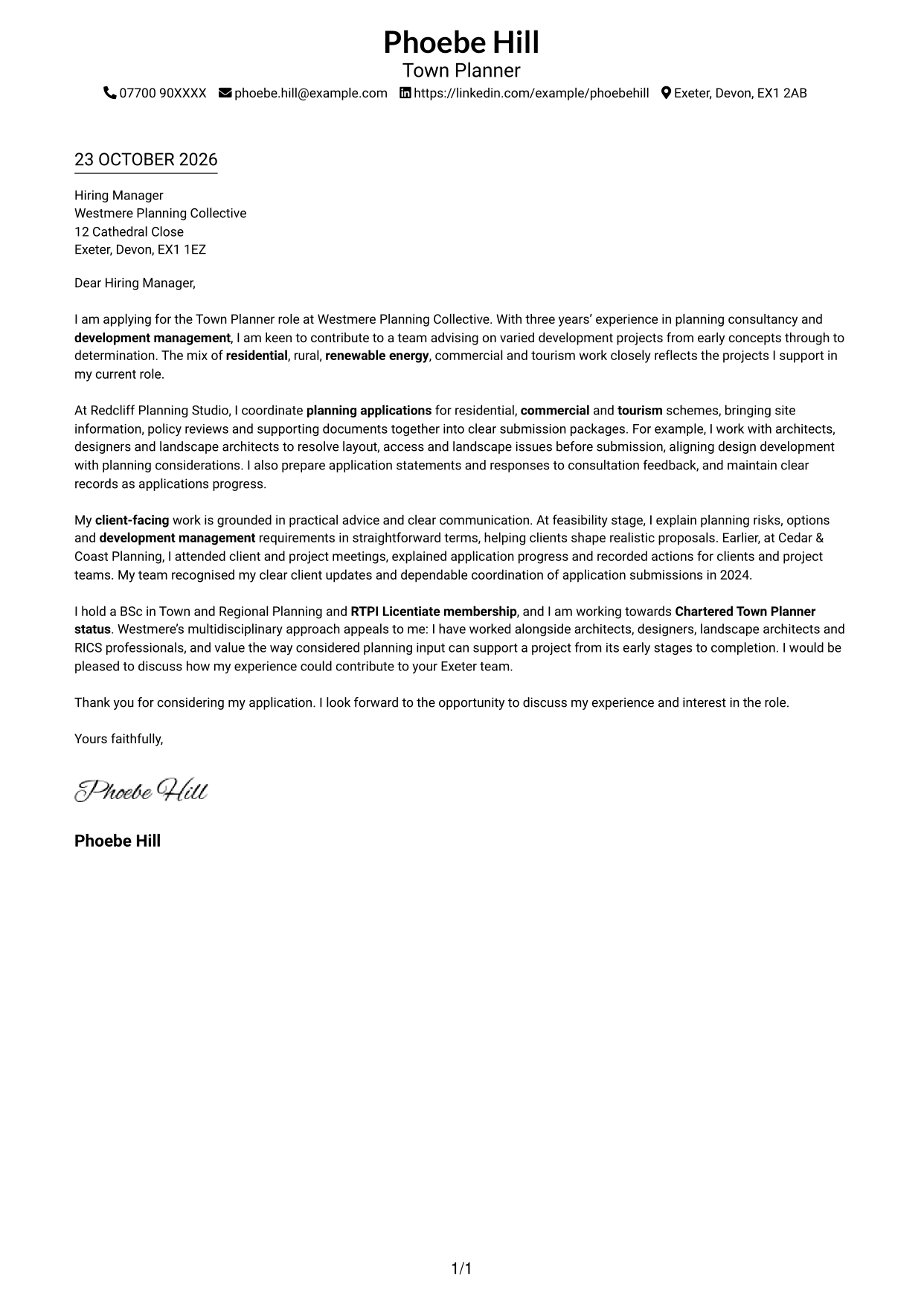
This practical guide helps you create a Town Planner - Development Planning cover letter and compare its presentation across seven layouts.
What Makes a Great Town Planner - Development Planning Cover Letter in 2026
A strong letter opens with clear interest in the role, then shows how your planning application work and development management experience fit the position. A focused close should invite a useful next conversation.
Choose evidence such as coordinating applications, explaining planning options to clients or working with design teams on site issues. Link those examples to the employer’s varied work and multidisciplinary approach.
The featured example moves from interest in the role to planning application experience, client communication and employer alignment before a clear close; adapt this focused progression and choose a presentation suited to the employer and communication context.
#1 Simple One Column Format Cover Letter Example
A single column keeps sender details in the header and the letter body on one direct reading path.
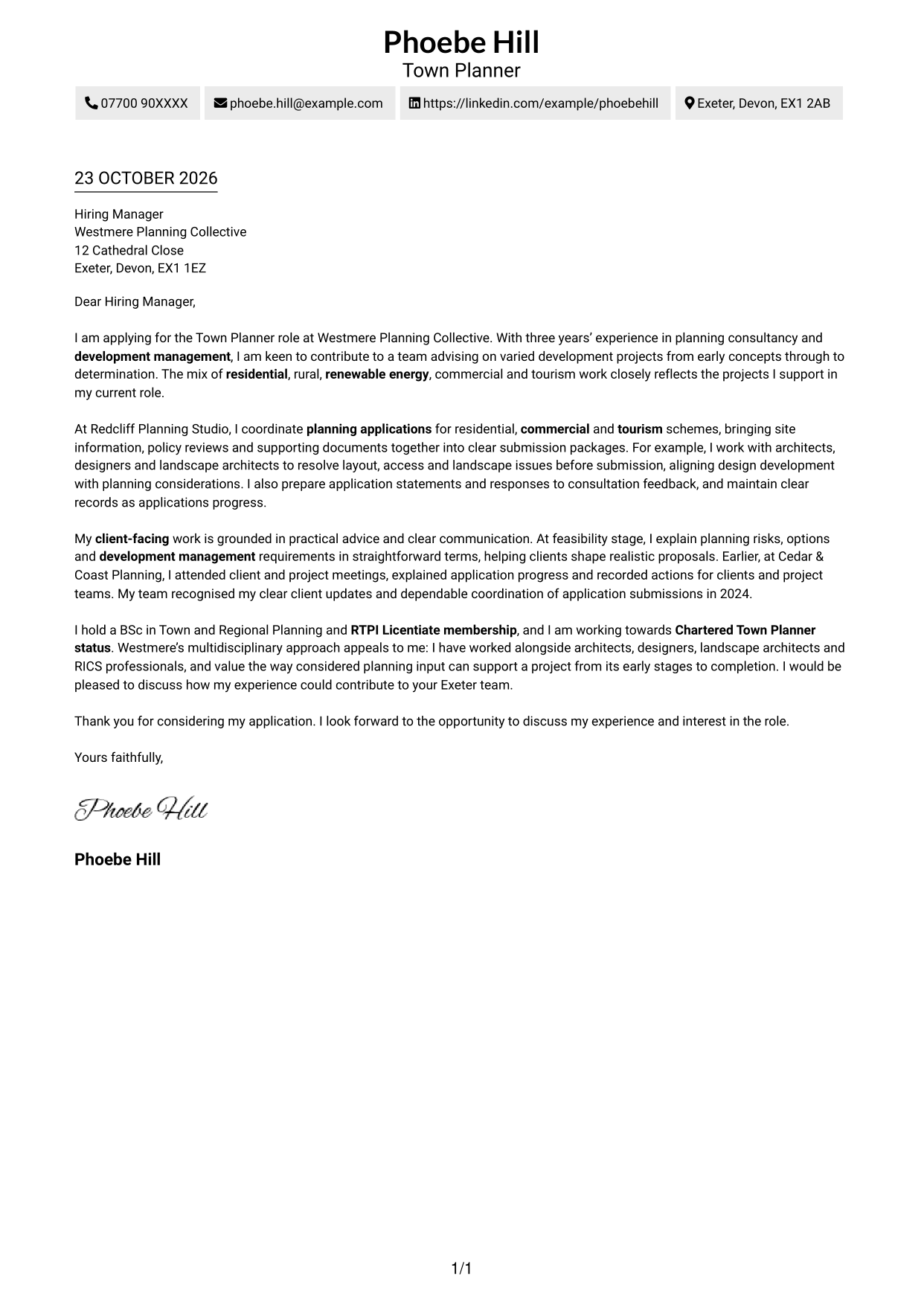
Why This Format Works
- Sender details in the header keep contact information apart from the letter body.
- One reading column keeps the opening, supporting points and closing in sequence.
- With no sidebar, the continuous paragraphs remain the central visual focus.
Best For
- Single-column correspondence
- Header-based contact details
- Text-led application letters
- Uninterrupted paragraph structure
- Straightforward letter organisation
#2 Two Column Format Cover Letter Example
A contact sidebar beside one continuous letter column keeps correspondence details separate from the message.
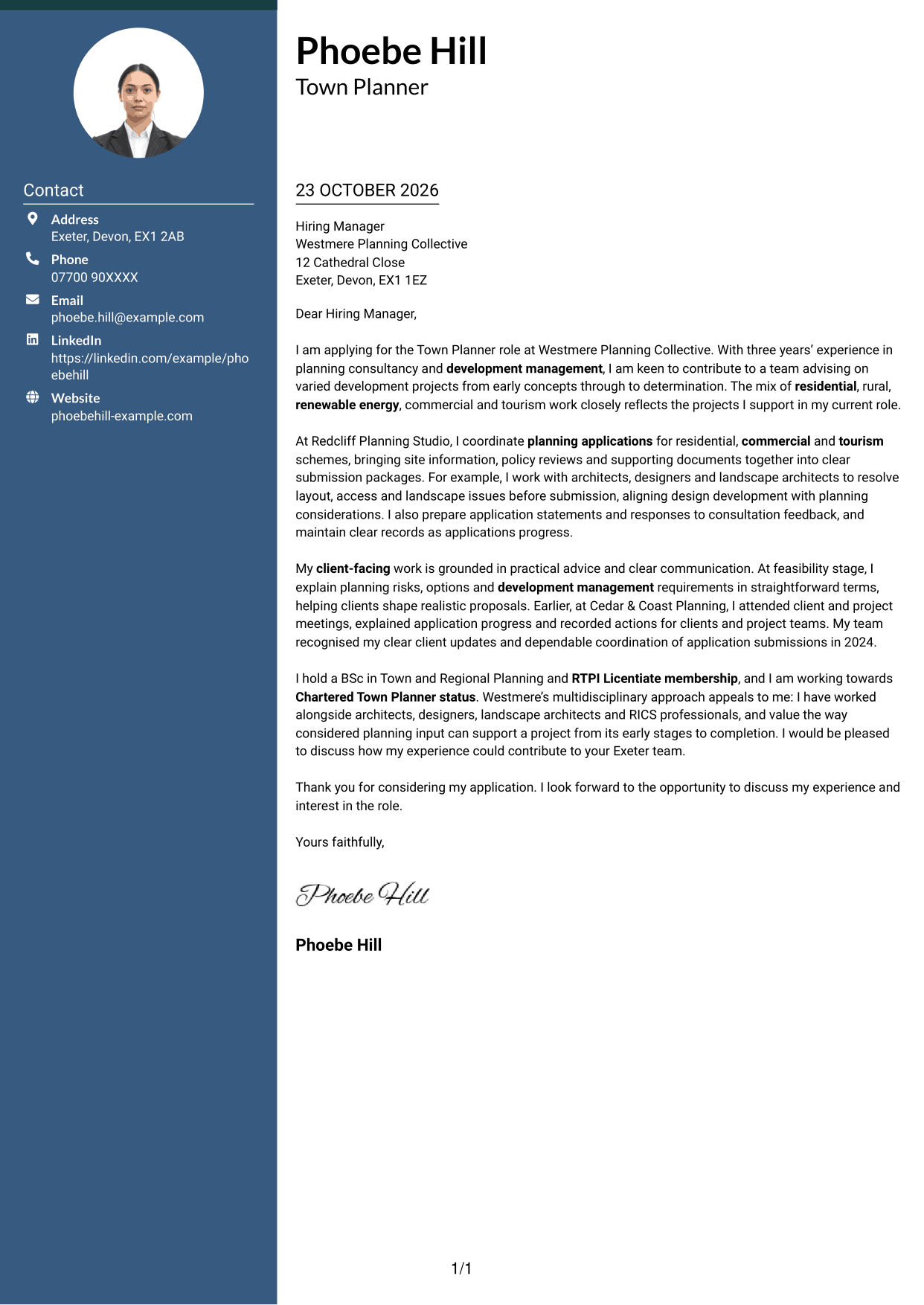
Why This Format Works
- Contact details occupy a sidebar, separate from the letter's continuous body.
- The single body column lets the reader follow the message from start to finish.
- No internal headings interrupt the progression between the letter's paragraphs.
Best For
- Side-by-side contact and message
- Letters with complete contact details
- Unheaded letter arguments
- Single-column message reading
- Continuous paragraph correspondence
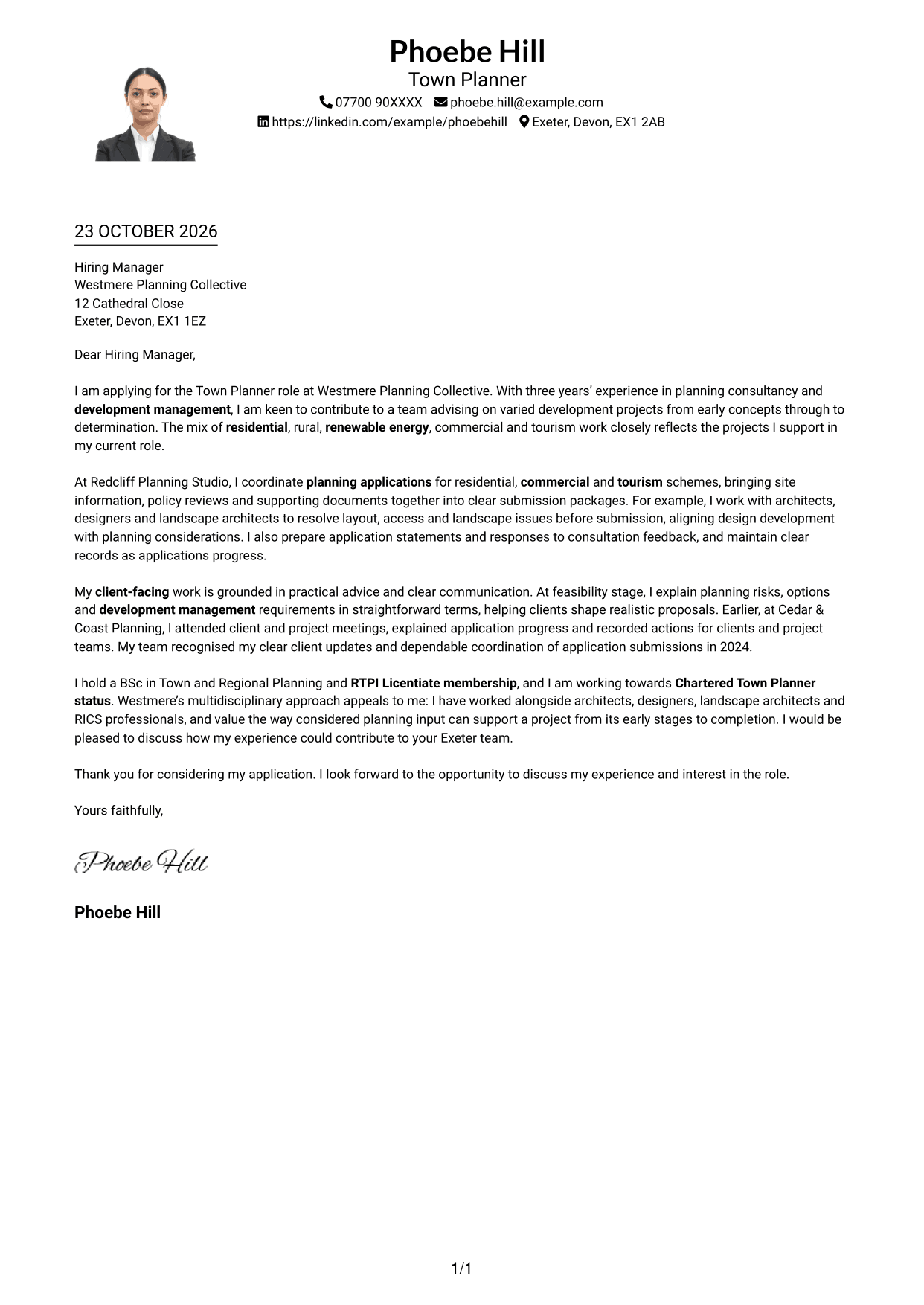
#3 Photo Header Two Column Format Cover Letter Example
A photo header and contact sidebar add a portrait while keeping the letter body in one column.
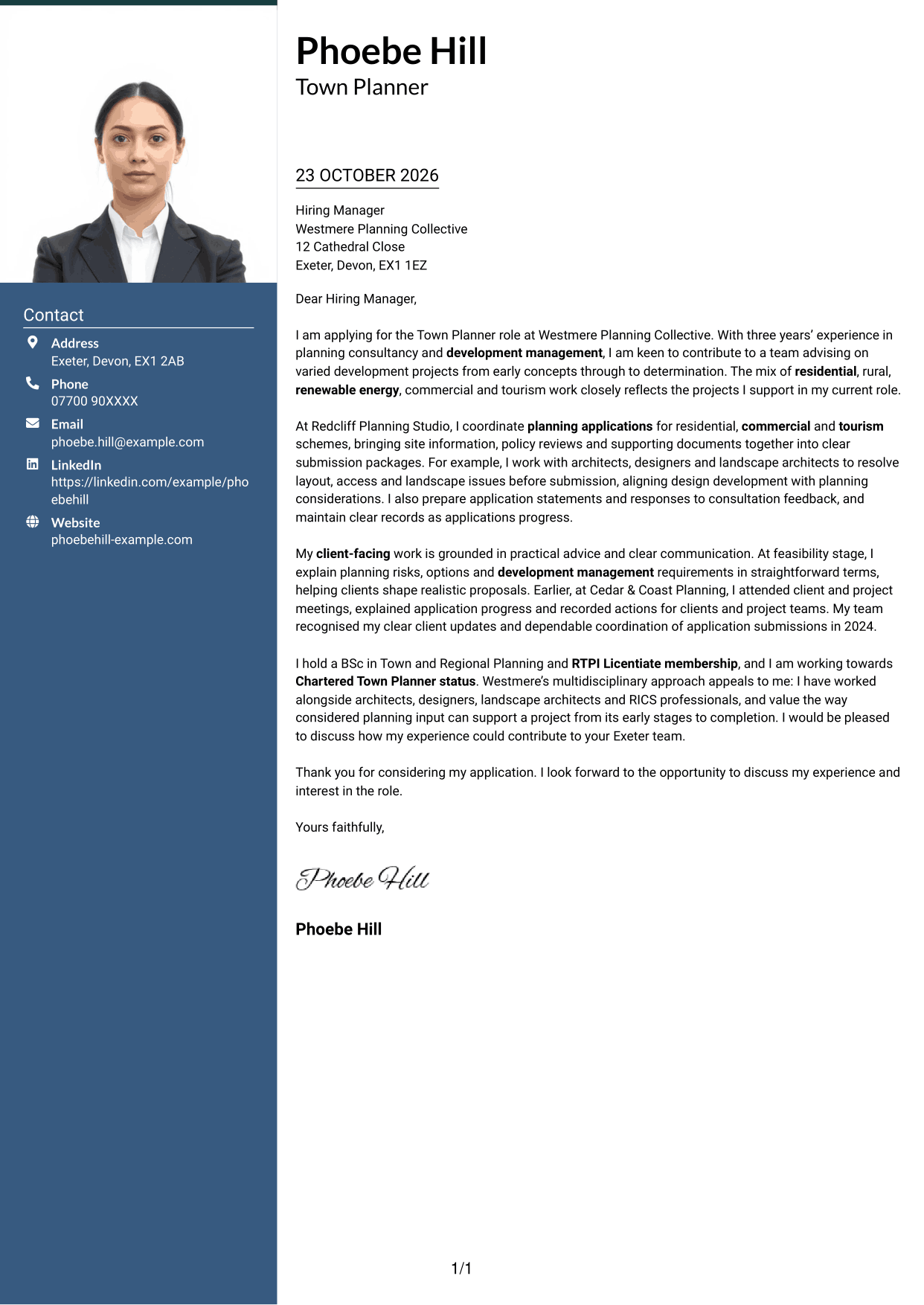
Why This Format Works
- Contact details sit apart from the letter, while the portrait adds a personal visual cue.
- One continuous body column keeps the argument in a clear opening-to-close order.
- The header portrait offers a visible point of recognition without changing paragraph structure.
Best For
- Photo-inclusive correspondence
- Contact sidebar organisation
- One-column letter messages
- Unheaded paragraph sequences
- Portrait-led visual preference
#4 One Column Format with Photo Cover Letter Example
The one-column layout includes a photo while keeping the letter's message together in a single reading path.
Why This Format Works
- An included photo gives the letter a personal visual element without dividing its message.
- Sender details and the continuous letter body share one reading column.
- Unbroken paragraphs let the reader follow the message in its intended order.
Best For
- Photo-inclusive letters
- Single-column message reading
- Header-based contact details
- Continuous paragraph writing
- Personal visual presentation
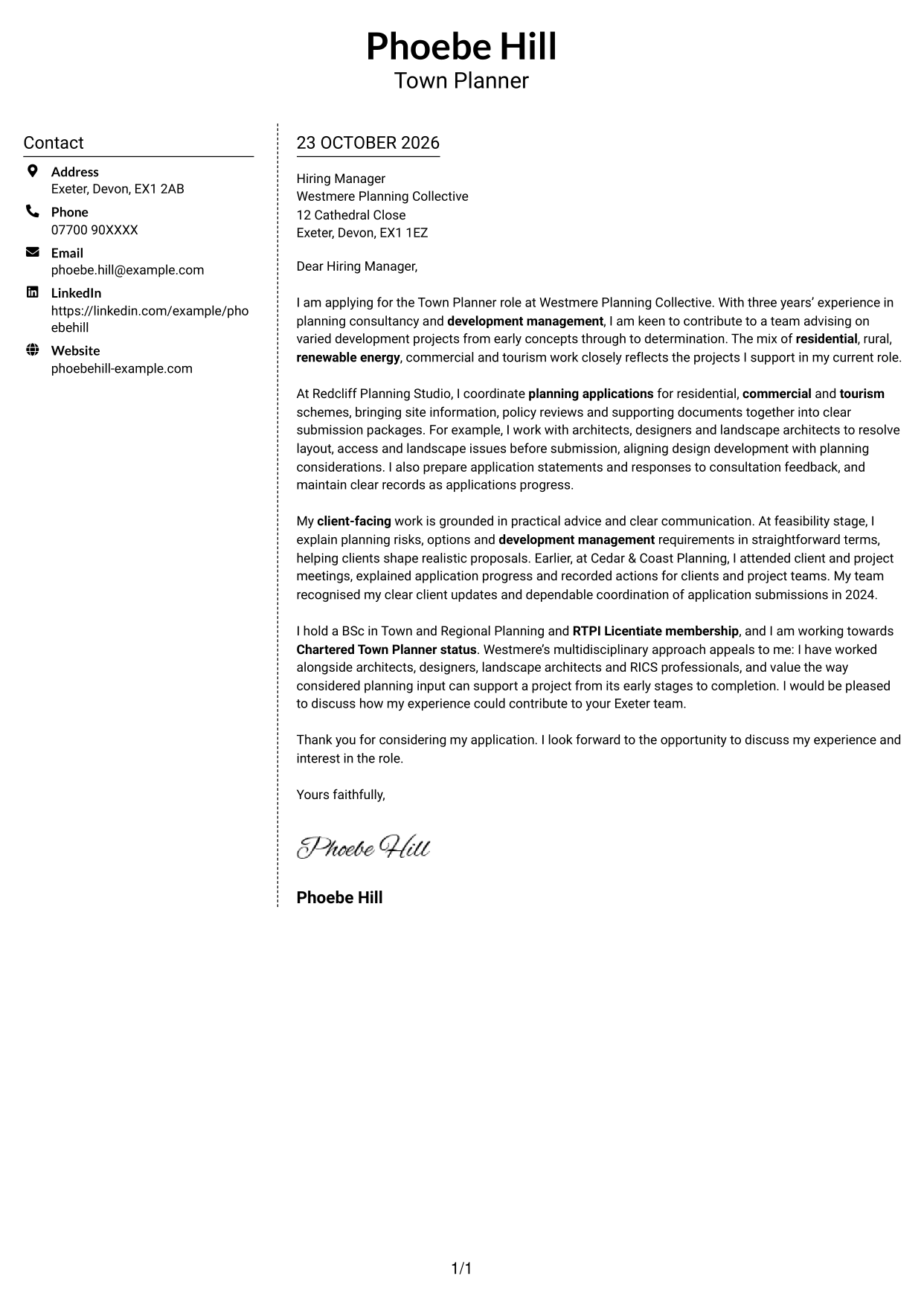
#5 Simple Two Column Format Cover Letter Example
A contact sidebar sits beside one continuous letter column, keeping details distinct from the message.
Why This Format Works
- A sidebar places contact details beside, rather than within, the letter's argument.
- One body column keeps the opening and closing within the same reading path.
- Continuous paragraphs preserve the message without visual labels dividing its argument.
Best For
- Contact details beside the message
- One-column letter text
- Letters without argument headings
- Clear contact reference
- Continuous persuasive writing
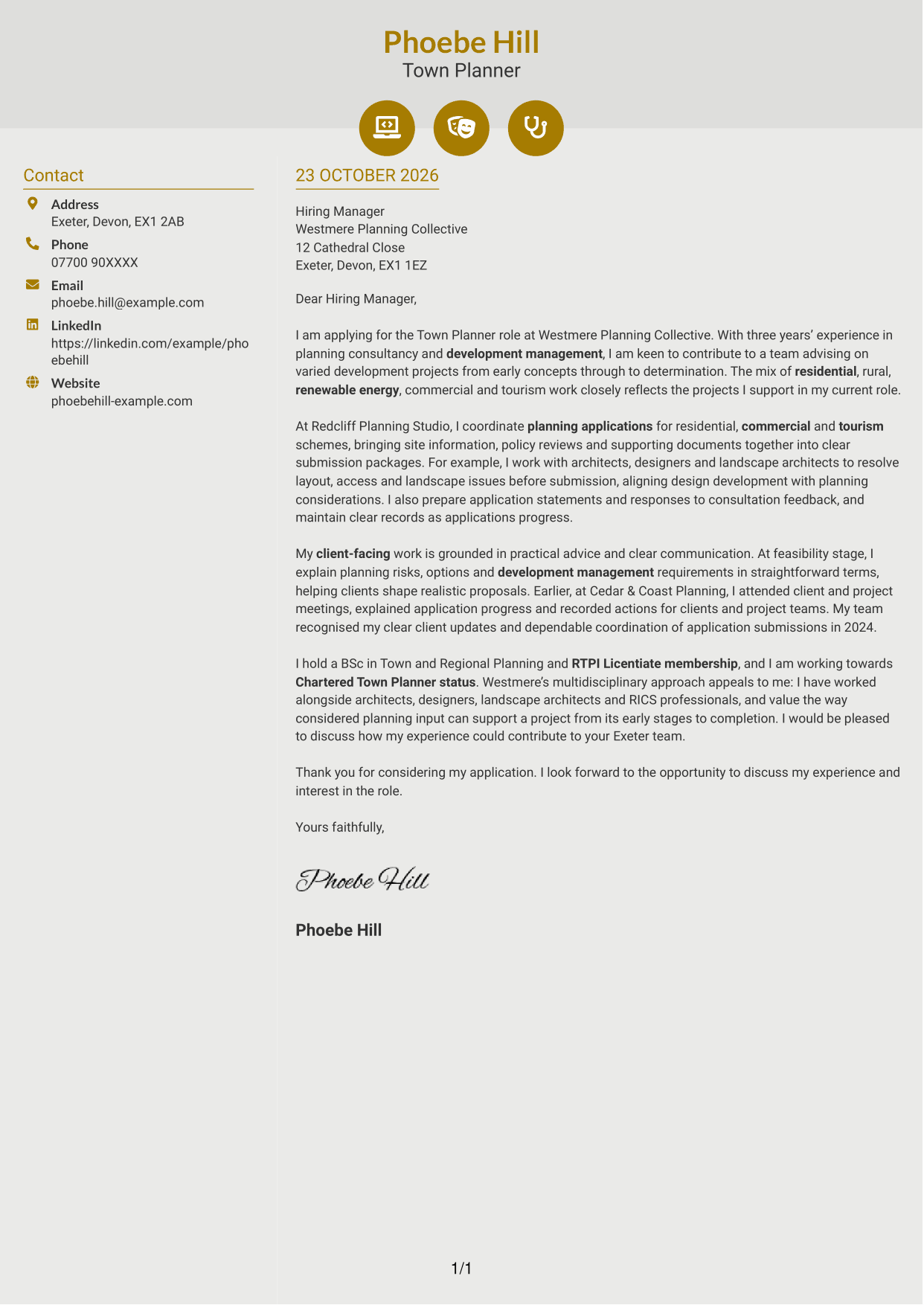
#6 Modern Icon Format Cover Letter Example
Contact icons add visual cues to a two-column layout, while the letter remains one continuous body.
Why This Format Works
- Contact icons help distinguish sender details without labelling parts of the argument.
- The sidebar keeps correspondence details apart from the continuous letter body.
- One body column preserves a direct reading path through the letter paragraphs.
Best For
- Icon-marked contact details
- Two-column correspondence layouts
- Uninterrupted letter messages
- Quick contact detail checks
- Single-column argument flow
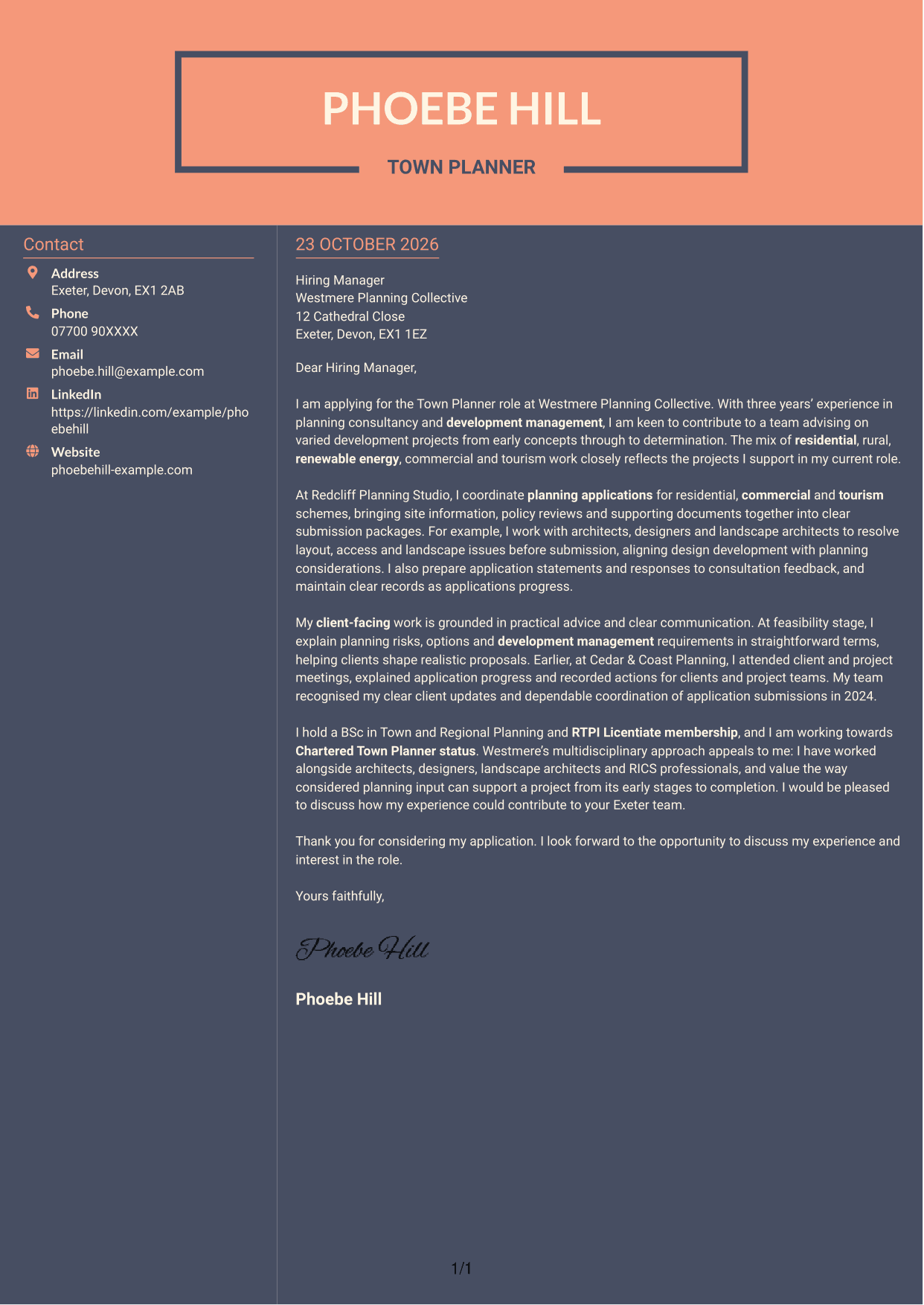
#7 Creative Two Tone Format Cover Letter Example
Two columns set contact details apart from the continuous letter body, giving each a clear place.
Why This Format Works
- Separate contact placement keeps correspondence details distinct from the application message.
- One uninterrupted body column carries the message from opening through closing.
- The letter remains free of section headings, so its paragraphs read as a connected message.
Best For
- Separate contact and message areas
- Continuous paragraph letters
- Unheaded application messages
- One-column letter reading
- Distinct contact details
See Also
- 7 Town Planner - Development Planning CV Templates with Example
- 7 AI Engineer Apprentice - Generative AI CV Templates with Example
- 7 AI Solutions Engineer CV Templates with Example
- 7 Data Scientist & Engineer - Legal Data Products CV Templates with Example
- 7 Yacht Designer - Exterior Systems CV Templates with Example
- 7 Projects Manager - Bespoke Joinery CV Templates with Example
- 7 Senior Project Manager - Premium Doors, Joinery and Installation CV Templates with Example
- 7 Marketing Executive - Luxury Furniture and Interiors CV Templates with Example
- 7 Façade Designer - Curtain Walling CV Templates with Example
- 7 Associate Architect - Education and Healthcare CV Templates with Example
Frequently Asked Questions
What should a Town Planner - Development Planning cover letter highlight?
Show how your planning application and development management work relates to the role. Useful examples may include preparing planning statements, reviewing policy, coordinating input from design teams and communicating with clients.
How can I show that my experience is relevant?
Choose a specific planning task and explain your contribution. For example, describe how you brought site information and supporting documents together, helped resolve a design issue or responded to consultation feedback.
How should I explain my interest in the employer?
Refer to a genuine feature of the consultancy’s work, such as its range of development projects or its work with architects and landscape professionals. Explain why that approach interests you and how you could contribute.
How should I structure this cover letter?
Start by naming the role and giving a clear reason for applying. Use the body to connect relevant planning work and client communication to the position, then close by restating your interest and inviting a discussion.
Should I include every example from my planning work?
No. Select a small number of examples that show your fit for this role. Relevant evidence about applications, client advice and teamwork will make a clearer case than a full list of duties.




