
7 Trainee AI Engineer - Generative AI and Machine Learning Cover Letter Templates with Example
This practical guide helps you shape a Trainee AI Engineer - Generative AI and Machine Learning cover letter and compare its key points across seven layouts.
What Makes a Great Trainee AI Engineer - Generative AI and Machine Learning Cover Letter in 2026
A strong letter explains why the programme suits your goals and shows how your practical work relates to AI engineering. Keep the opening direct, then make the connection between your interests and the programme clear.
Use specific evidence, such as testing a chatbot with retrieval-augmented generation or evaluating a machine learning model. Show how you considered responsible AI, and link your examples to the programme’s focus on applied learning.
The featured example moves from interest in the programme to focused evidence from chatbot and machine learning work, then closes with a clear invitation to discuss fit; adapt this progression while choosing a presentation suited to the provider and communication context.
#1 Simple One Column Format Cover Letter Example
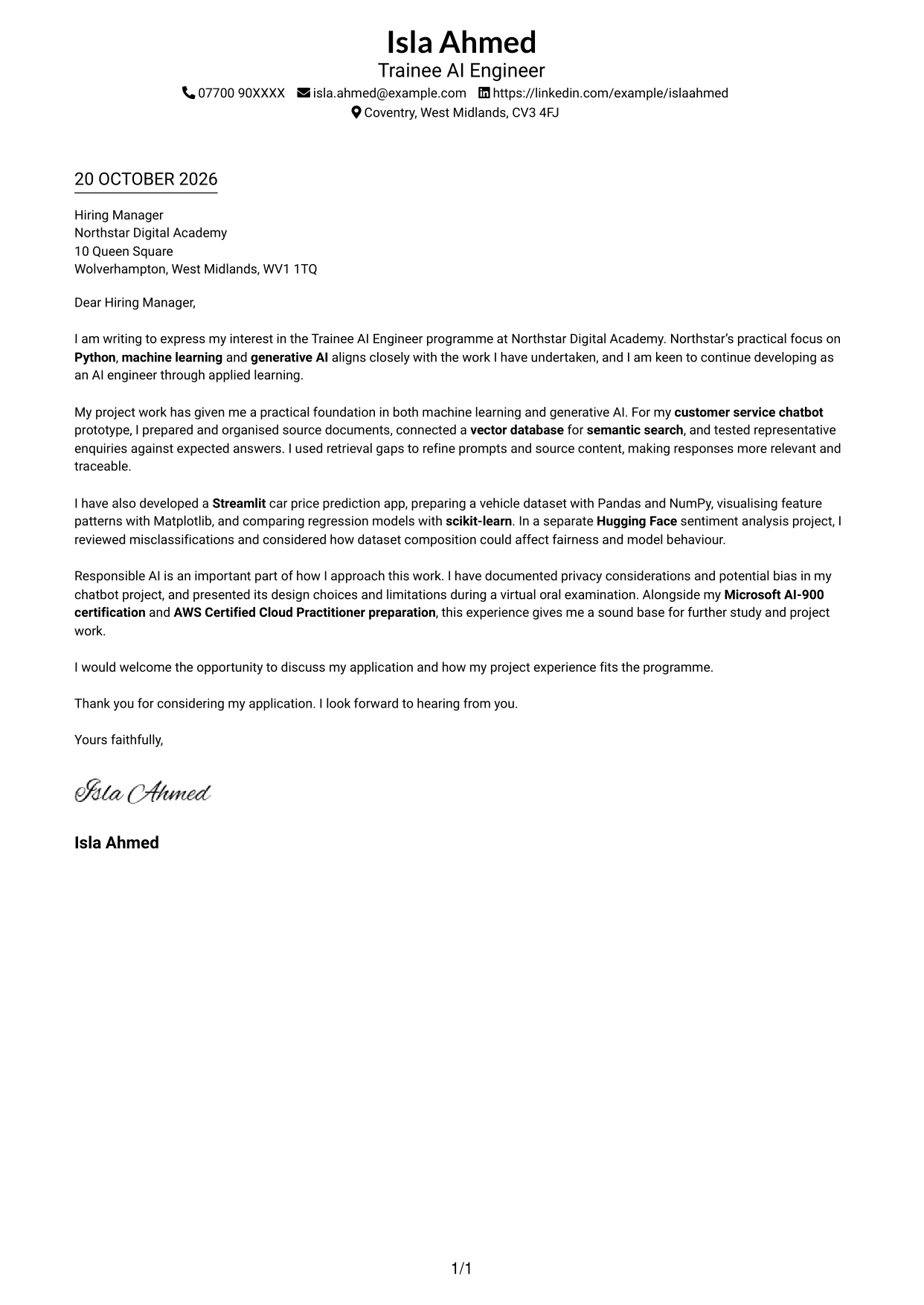
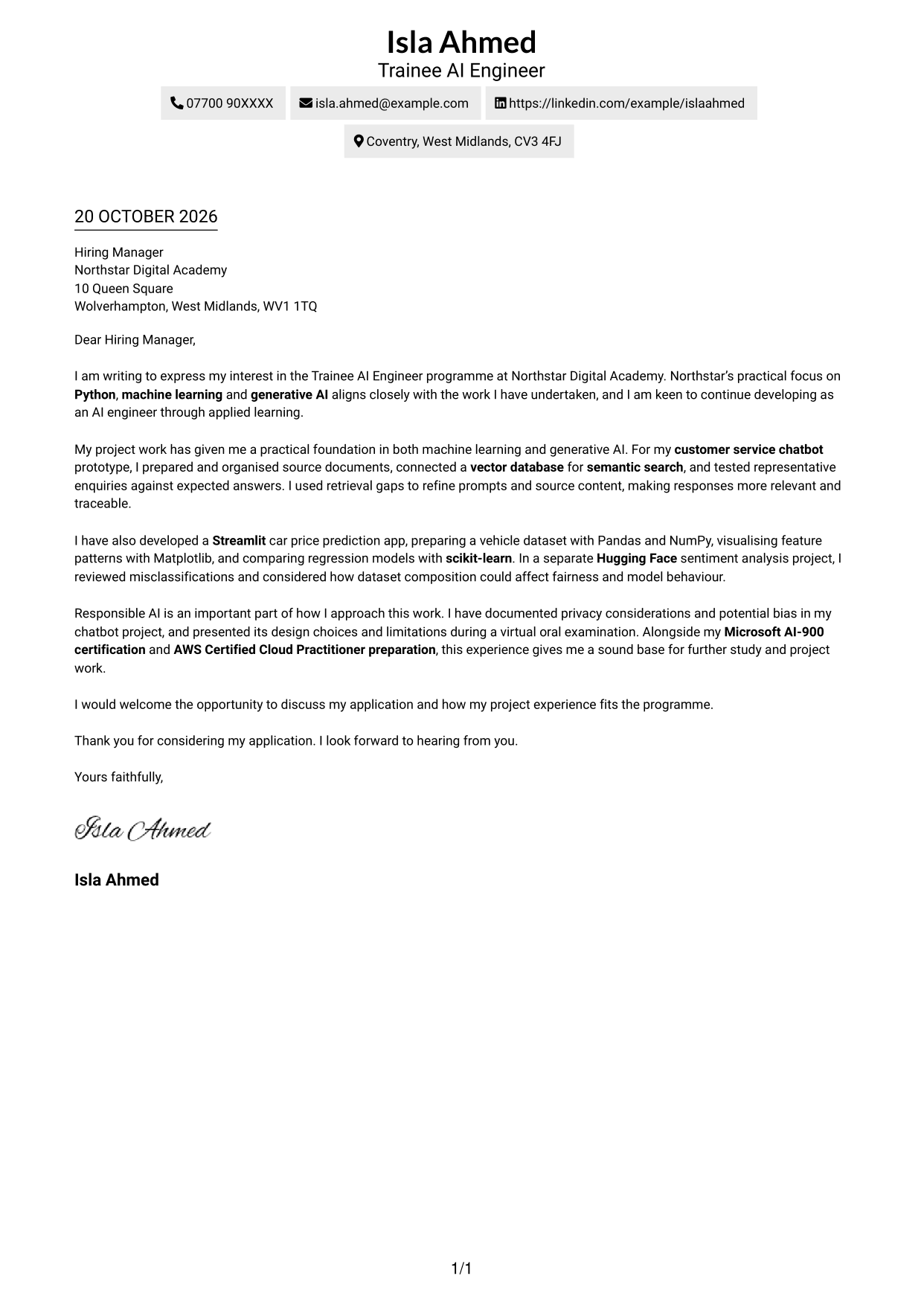
The Simple One Column Format places sender details in the header above one continuous letter body, giving the application a direct reading path.
Why This Format Works
- Sender details in the header keep contact information close to the opening.
- A continuous body keeps the application’s opening, evidence and closing in one reading sequence.
- A photo-free page suits readers who prefer a text-led letter.
Best For
- Single-column letter layouts
- Header-based sender details
- Continuous letter bodies
- Text-led page preferences
- Direct reading order
#2 Two Column Format Cover Letter Example
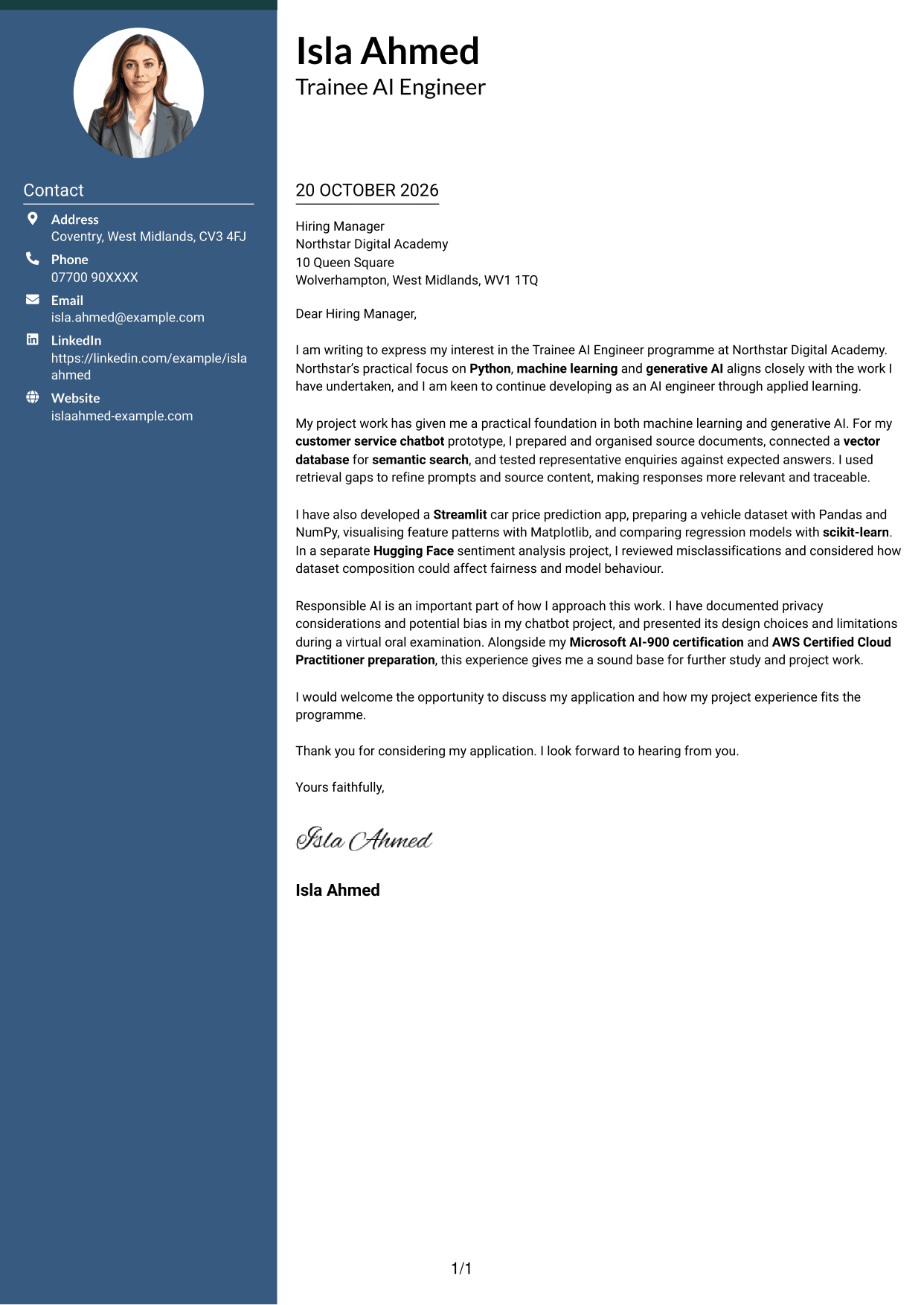
The Two Column Format places a contact sidebar beside one continuous letter body, keeping contact details distinct from the application’s message.
Why This Format Works
- Contact details sit in a separate sidebar, apart from the letter’s message.
- One continuous body lets readers follow the argument from opening to close.
- Without a photo, the page keeps its visual presentation focused on text.
Best For
- Contact details kept separate
- A single letter argument
- Two-column page preference
- Photo-free visual style
- Paragraph-led applications
#3 Photo Header Two Column Format Cover Letter Example
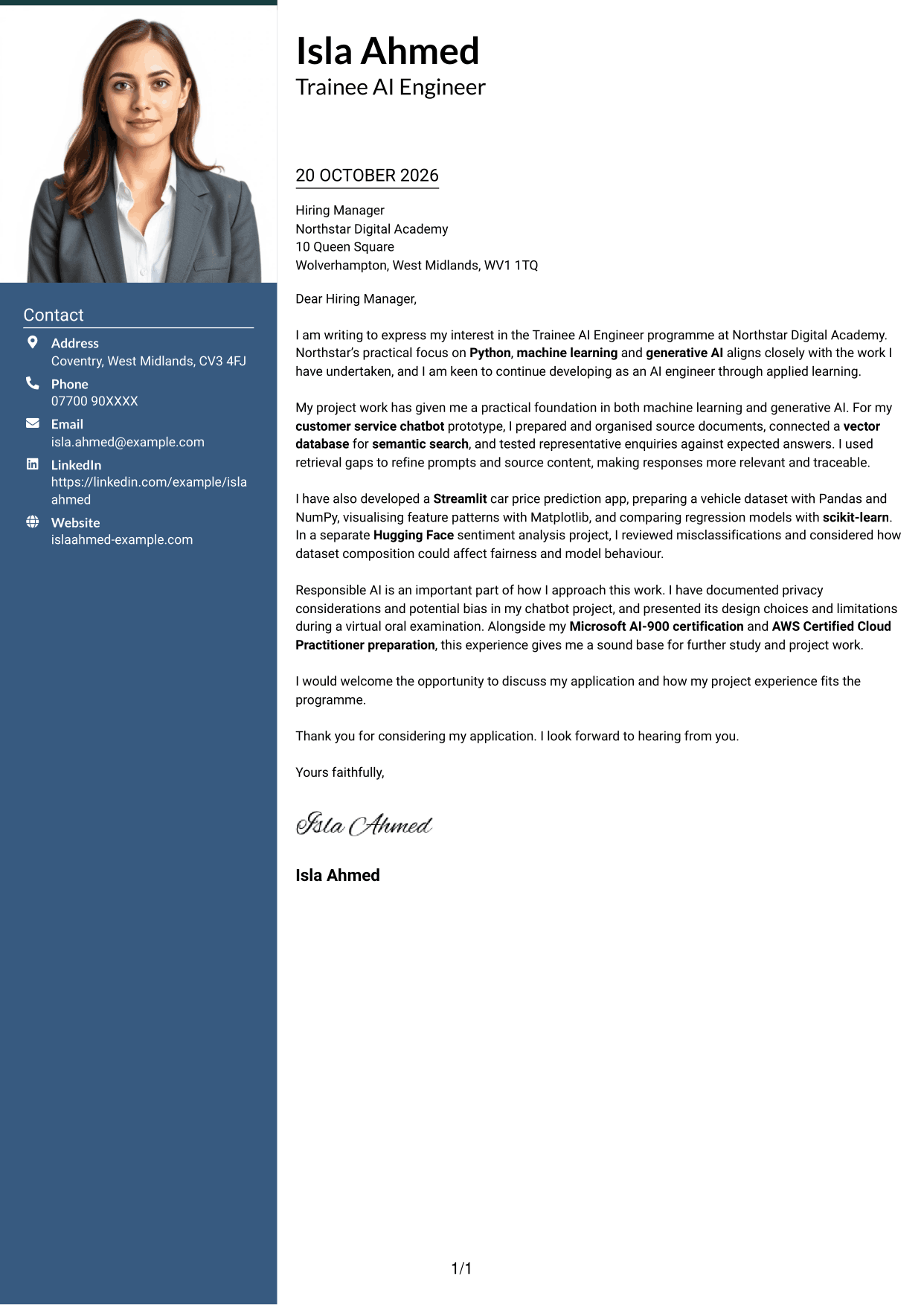
The Photo Header Two Column Format combines a contact sidebar and continuous letter body with a photo for readers who prefer a portrait.
Why This Format Works
- Contact details remain in the sidebar, distinct from the letter’s main message.
- One continuous body preserves the order of the application’s paragraphs.
- The photo provides a portrait option for readers who prefer that visual element.
Best For
- Portrait-inclusive letters
- Contact details in a sidebar
- One continuous message
- Two-column reading preference
- Paragraph-led application narratives
#4 One Column Format with Photo Cover Letter Example
The One Column Format with Photo combines a single letter column with a photo for a page that includes a personal visual element.
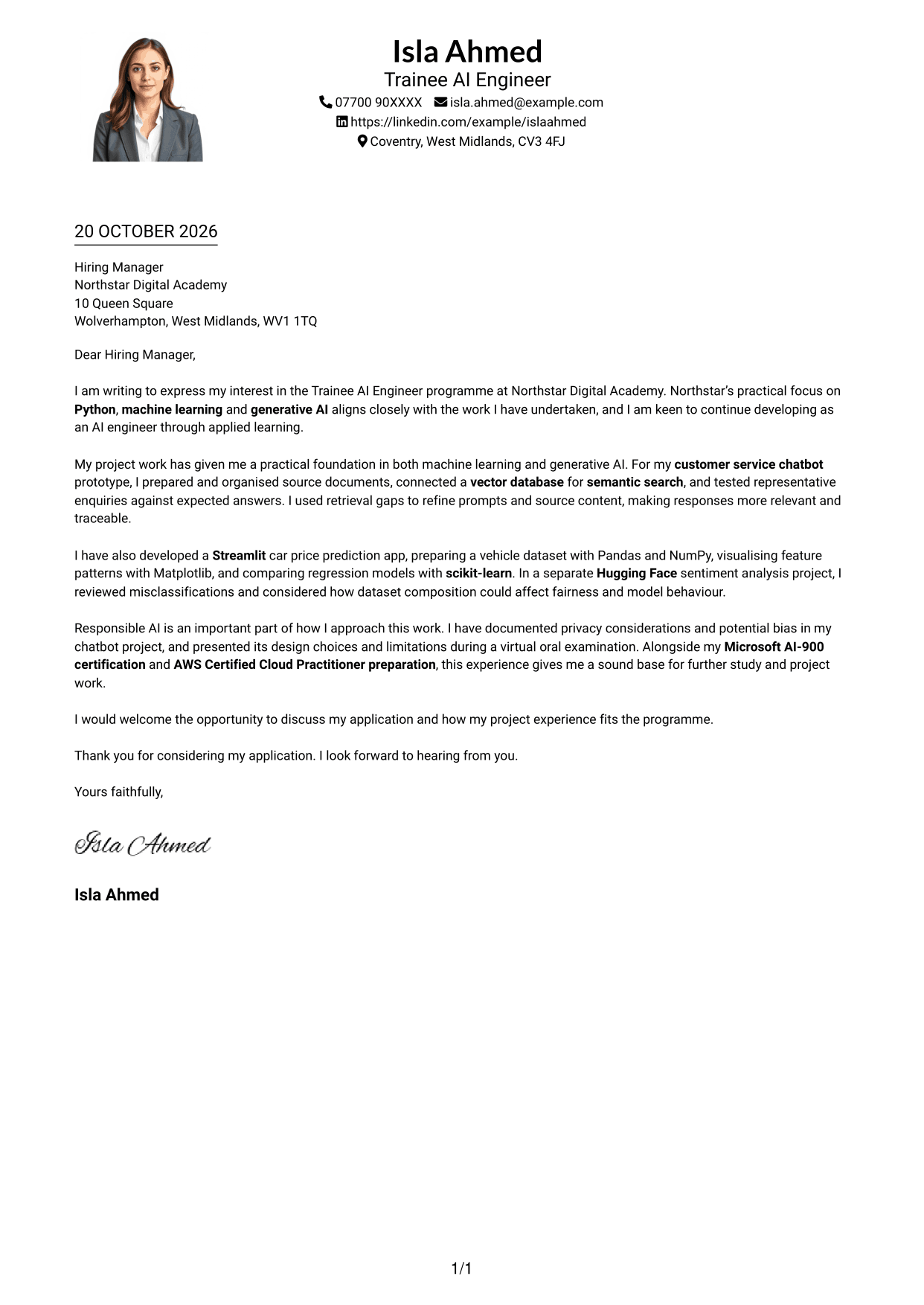
Why This Format Works
- Sender details sit in the header, with no sidebar beside the letter.
- One letter column keeps the application’s paragraphs in a single reading path.
- The photo adds a portrait to a layout with a continuous letter body.
Best For
- Single-column letter layouts
- Portrait-inclusive applications
- Header-based contact details
- Paragraph-led persuasion
- Text-first reading order
#5 Simple Two Column Format Cover Letter Example
The Simple Two Column Format keeps contact details in a sidebar beside the continuous letter body, separating practical details from the message.
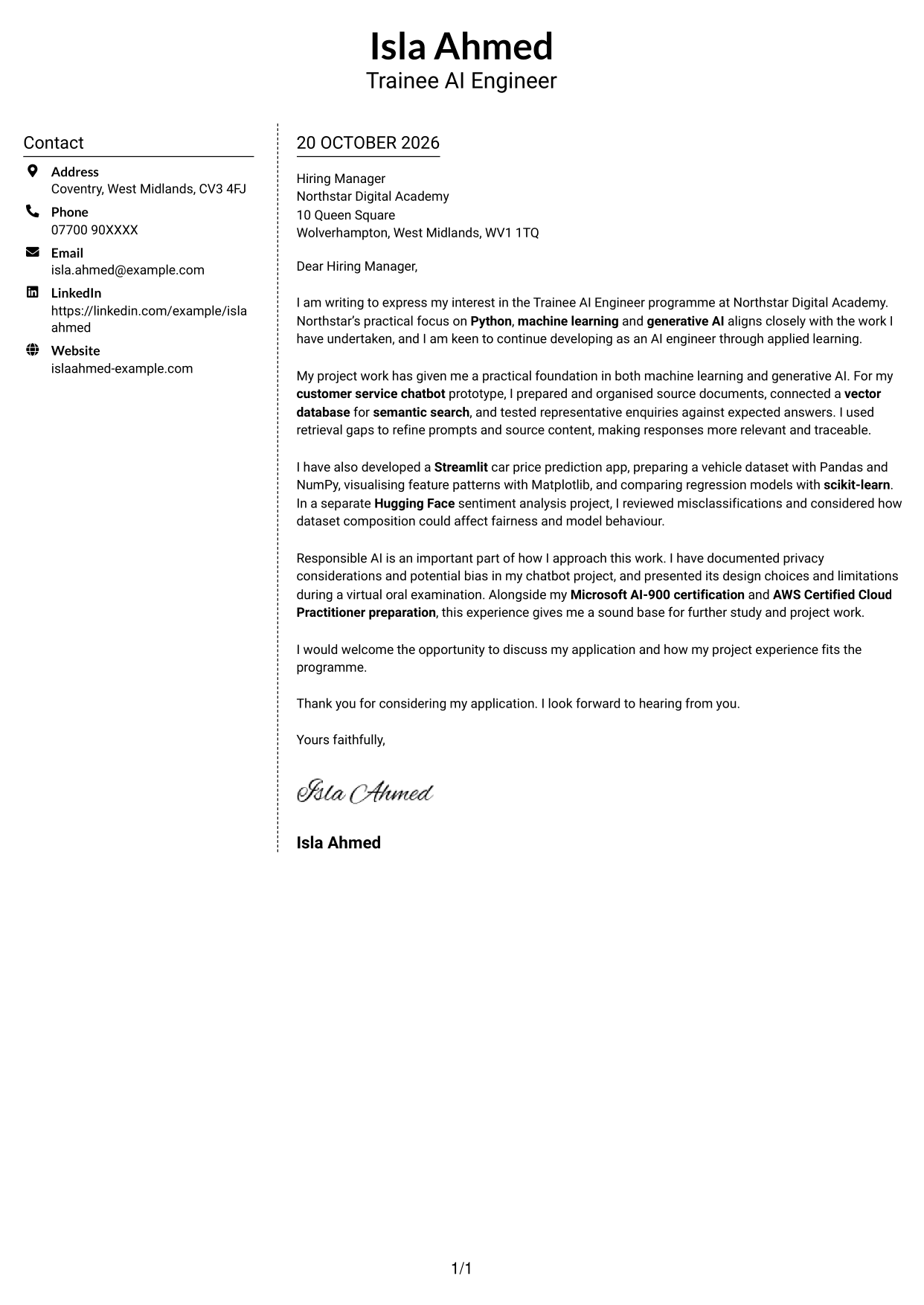
Why This Format Works
- Contact details in the sidebar remain separate from the persuasive letter text.
- One continuous body keeps the opening, supporting points and close in sequence.
- The photo-free design suits readers who prefer a text-led visual style.
Best For
- Sidebar contact information
- One-body letter structure
- Side-by-side page layouts
- Photo-free visual preference
- Applications with supporting paragraphs
#6 Modern Icon Format Cover Letter Example
The Modern Icon Format uses two columns, with contact-detail cues and decorative header accents alongside one continuous letter body.
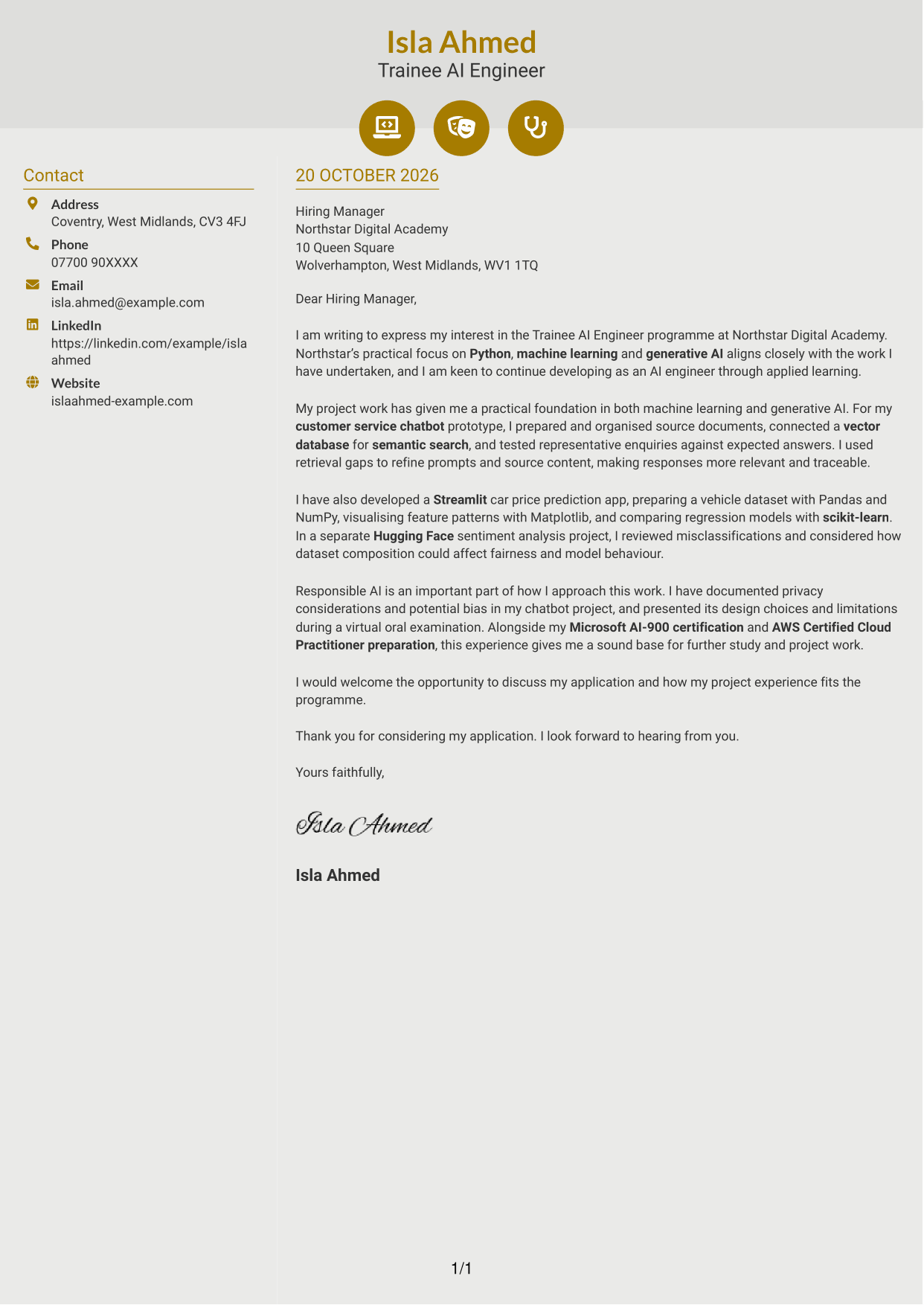
Why This Format Works
- Small icons identify contact details without labelling the letter’s paragraphs.
- One continuous body keeps the message in a single reading sequence.
- Two-column placement sets sender information beside, not inside, the letter.
Best For
- Icon cues for contact details
- Decorative header accents
- Single-body letters
- Two-column page preference
- Photo-free design
#7 Creative Two Tone Format Cover Letter Example
The Creative Two Tone Format places a contact sidebar beside one continuous letter body, keeping the letter in a single reading sequence.
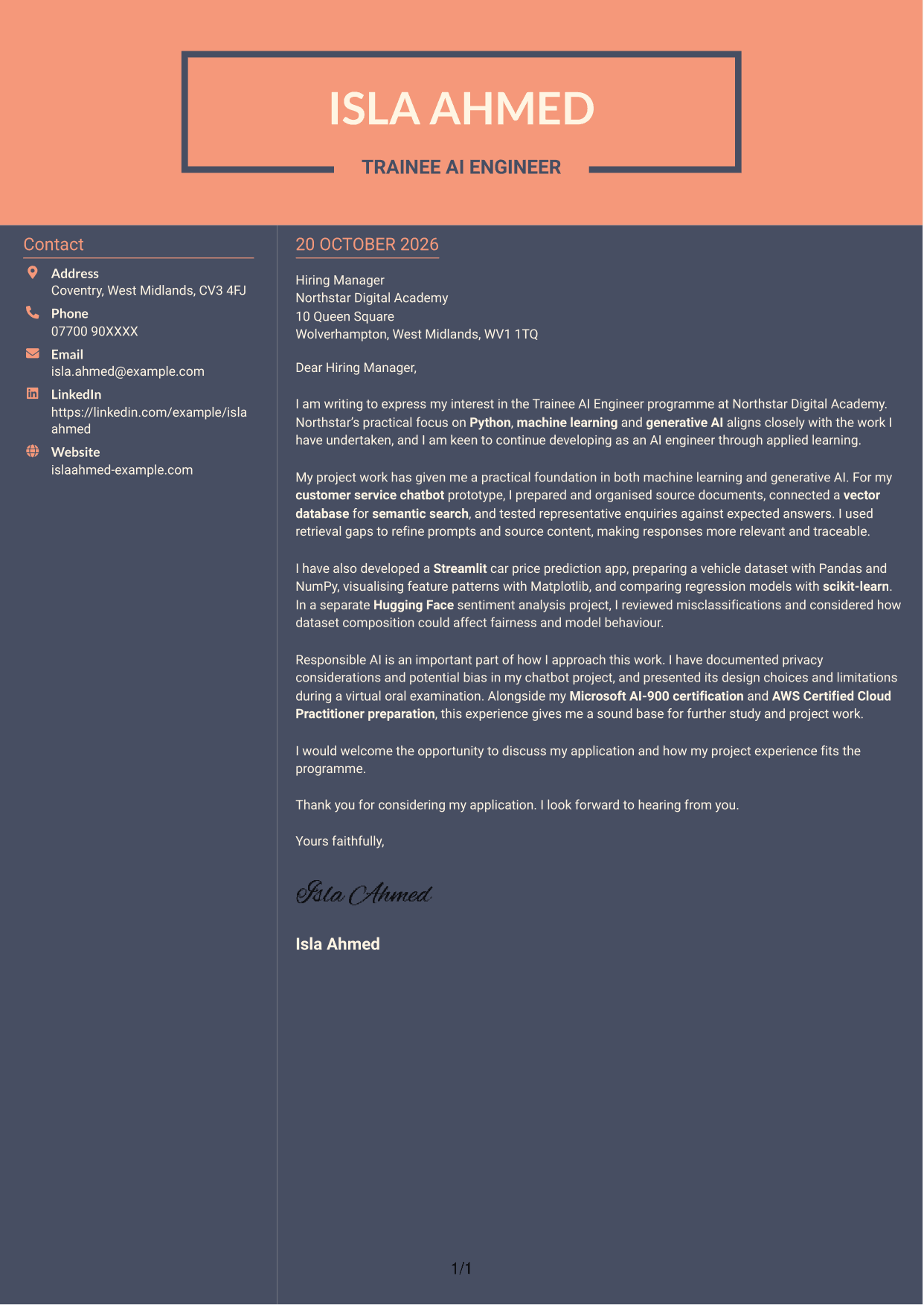
Why This Format Works
- The contact sidebar keeps practical details outside the letter’s message.
- A continuous body keeps the full argument together rather than splitting it across columns.
- Its photo-free presentation suits readers who prefer a page without a portrait.
Best For
- Contact sidebar layouts
- Single-body letters
- Two-column page preference
- Photo-free presentation
- Paragraph-led application messages
See Also
- 7 Trainee AI Engineer - Generative AI and Machine Learning CV Templates with Example
- 7 Junior AI Engineer - AI and Data CV Templates with Example
- 7 Principal Full-Stack Software Engineer - Python, Data and AI CV Templates with Example
- 7 Software Engineer - Python and AI Solutions CV Templates with Example
- Full Stack Lead Software Engineer CV Guide (Java, Spring Boot, AWS) (Examples + Free PDF Downloads)
- Principal Software Engineer CV Guide (Java, AWS) (Examples + Free PDF Downloads)
- 7 Python Engineer - LLM Applications CV Templates with Example
- 7 Systems Engineer - Defence Training Systems CV Templates with Example
- 7 Junior AI Engineer - AI and Data Cover Letter Templates with Example
- 7 Principal Full-Stack Software Engineer - Python, Data and AI Cover Letter Templates with Example
Frequently Asked Questions
What should a Trainee AI Engineer - Generative AI and Machine Learning cover letter highlight?
Explain your interest in developing AI engineering skills and give relevant examples of practical work. You could describe a Python chatbot prototype, a machine learning application or how you considered fairness and data privacy.
How can I connect my project work to the programme?
Choose one or two projects and explain what you did, what you learned and how the work relates to the programme. For example, describe preparing knowledge-base content, refining prompts or comparing model results.
How should I explain my interest in the training provider?
Refer to a real feature of the programme, such as its practical work in Python, machine learning or generative AI. Explain why that approach supports your learning goals without describing the programme as paid employment.
What is a clear way to structure this cover letter?
Open with the programme name and your reason for applying. Use the body to connect relevant project evidence to the training, then close by restating your interest and inviting a discussion.
Should I include every technical detail from my projects?
No. Select details that help explain your contribution and role fit. A clear example, such as testing chatbot responses or evaluating a classifier, is more useful than a long list of tools.




