
7 Trust Attendance Lead Cover Letter Templates with Example
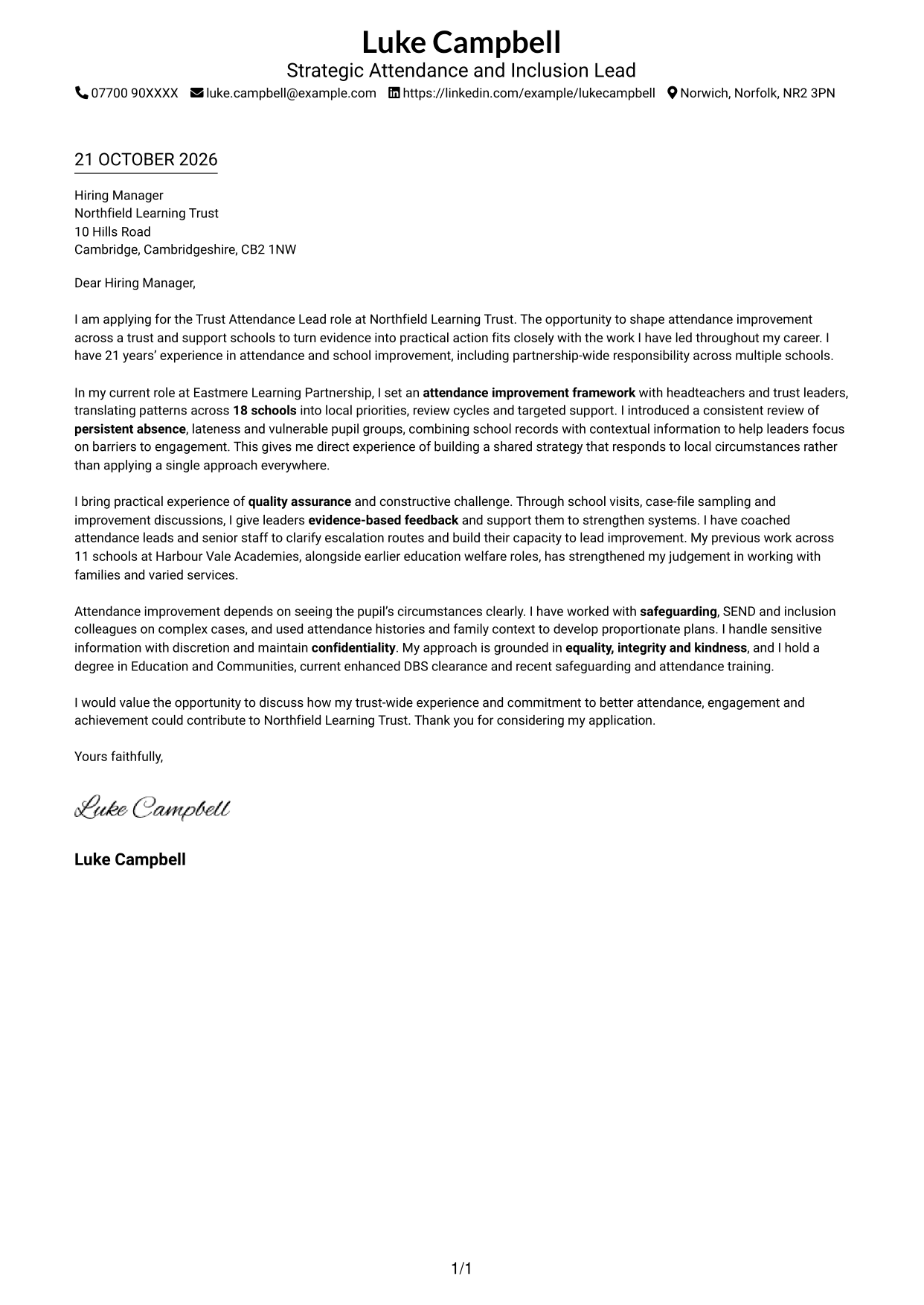
This practical guide helps you write a Trust Attendance Lead cover letter, with seven layouts to compare and advice on showing trust-wide attendance leadership clearly.
What Makes a Great Trust Attendance Lead Cover Letter in 2026
A strong letter links your interest in the Trust Attendance Lead role to clear evidence of trust-wide attendance improvement, quality assurance and support for school leaders. Keep the opening direct and explain the value you could bring.
Use a specific example, such as setting priorities across schools or coaching attendance leads. Show how your work considers safeguarding, inclusion and SEND, then connect your approach to the trust’s aims and the needs of its schools.
The featured example moves from interest in the Trust Attendance Lead role to trust-wide attendance work, leadership support and a clear close; adapt this focused progression while choosing a presentation suited to the employer and communication context.
#1 Simple One Column Format Cover Letter Example
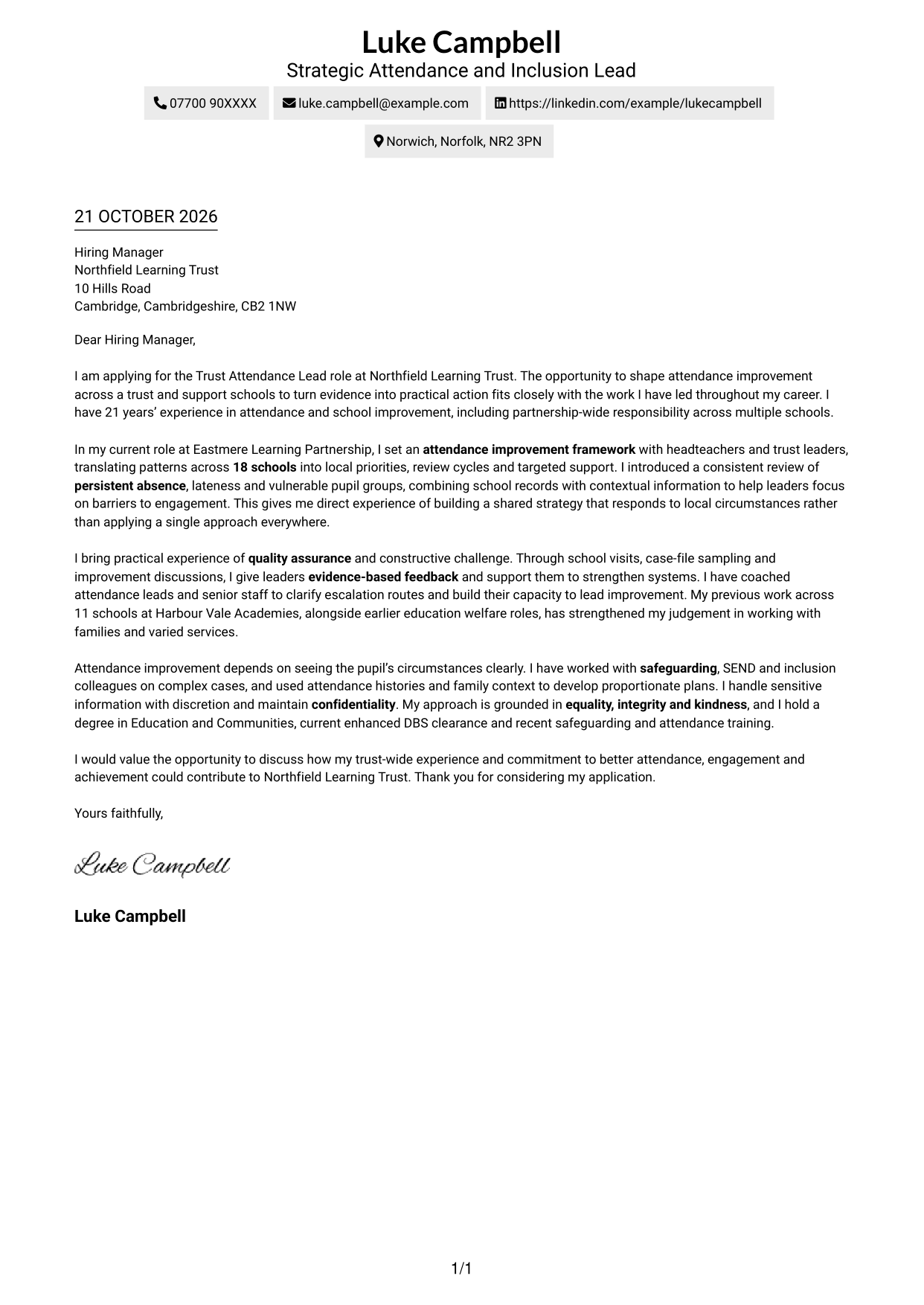
The Simple One Column Format keeps sender details in the header above one continuous letter body, giving the reader a direct route through the message.
Why This Format Works
- Sender details sit apart from the letter, making contact information easy to locate.
- One continuous body keeps the opening, supporting points and closing in sequence.
- A single-column layout offers a straightforward reading path without a sidebar.
Best For
- Direct letter reading
- Header-based contact details
- A familiar page layout
- Uninterrupted paragraph flow
- Minimal visual separation
#2 Two Column Format Cover Letter Example
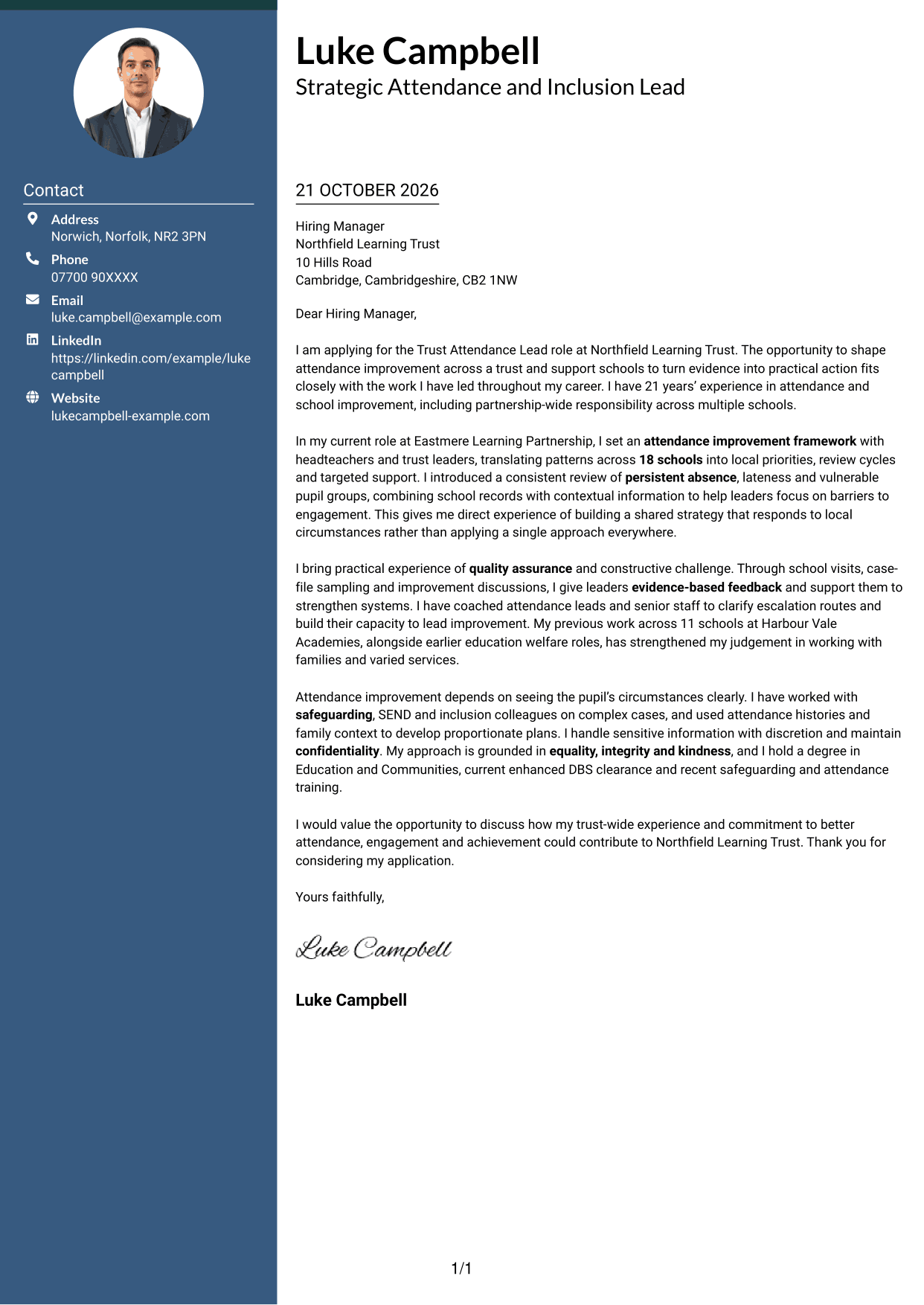
The Two Column Format places contact details in a sidebar beside one continuous letter body, keeping practical information distinct from the message.
Why This Format Works
- The contact sidebar lets readers find sender details without interrupting the letter.
- A single body column keeps motivation, evidence and the closing in order.
- Separate areas distinguish contact information from the letter’s persuasive content.
Best For
- Contact details kept to one side
- A continuous argument
- Fast access to sender information
- Clear separation of contact and message
- A defined reading order
#3 Photo Header Two Column Format Cover Letter Example
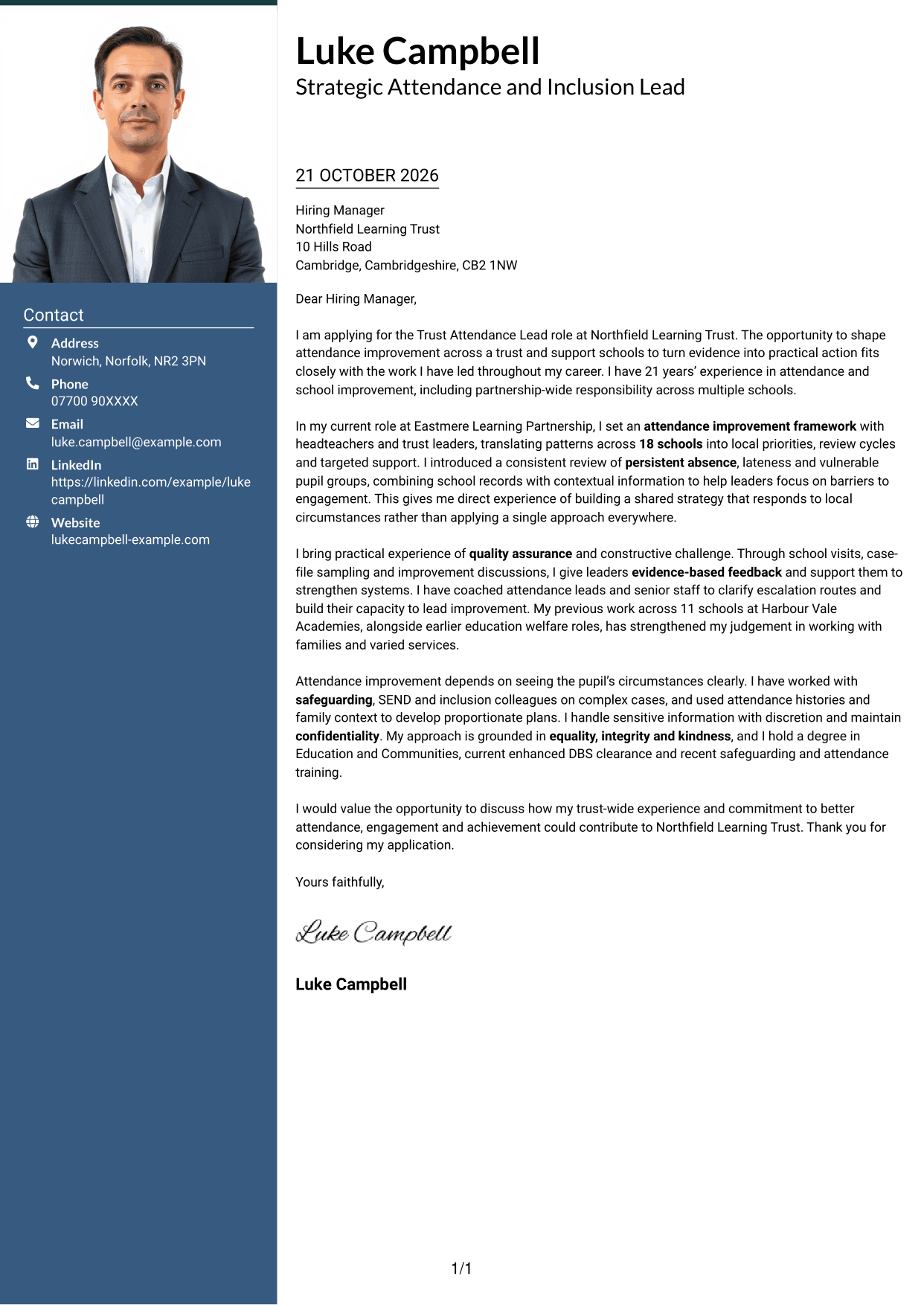
The Photo Header Two Column Format combines a photo header with a contact sidebar beside one continuous letter body, for readers who prefer a personal image alongside clear contact details.
Why This Format Works
- The photo header adds a personal visual element without dividing the letter body.
- Contact details remain separate from the message in the adjacent sidebar.
- One continuous body lets readers follow the letter from opening to close.
Best For
- A photo-led header
- Contact details in a sidebar
- A personal visual touch
- An uninterrupted letter body
- Distinct contact and message areas
#4 One Column Format with Photo Cover Letter Example
The One Column Format with Photo keeps the letter in a single column and includes a photo, suiting readers who want a direct layout with a personal visual element.
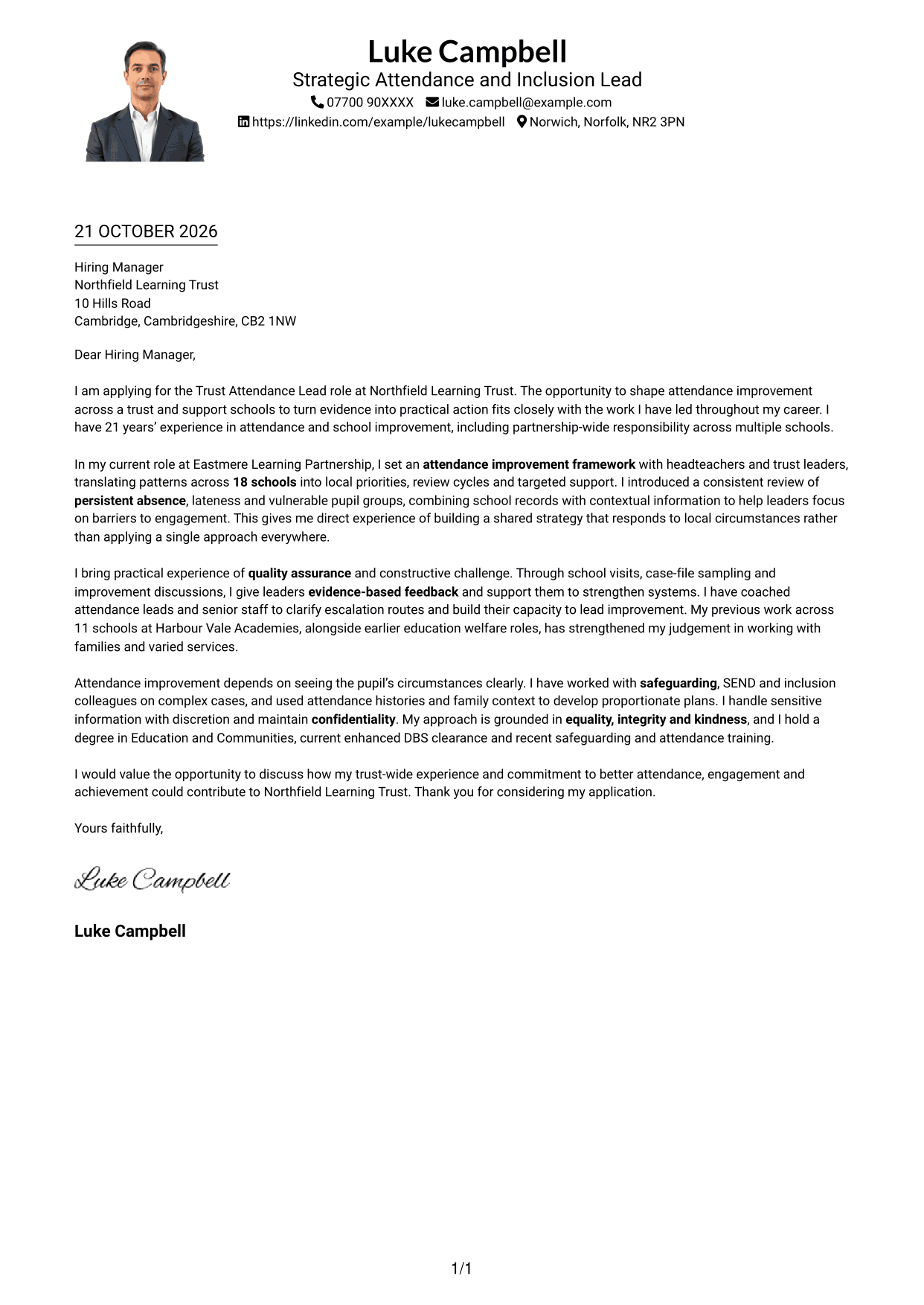
Why This Format Works
- The single-column body presents the letter as one continuous message.
- A photo adds a personal visual feature without splitting the body into columns.
- Sender details in the header keep contact information outside the letter paragraphs.
Best For
- A single-column letter
- A photo included in the design
- Header-based contact details
- A straightforward reading path
- Continuous paragraph structure
#5 Simple Two Column Format Cover Letter Example
The Simple Two Column Format sets a contact sidebar beside one continuous letter body, offering a clear division between contact details and the written case for fit.
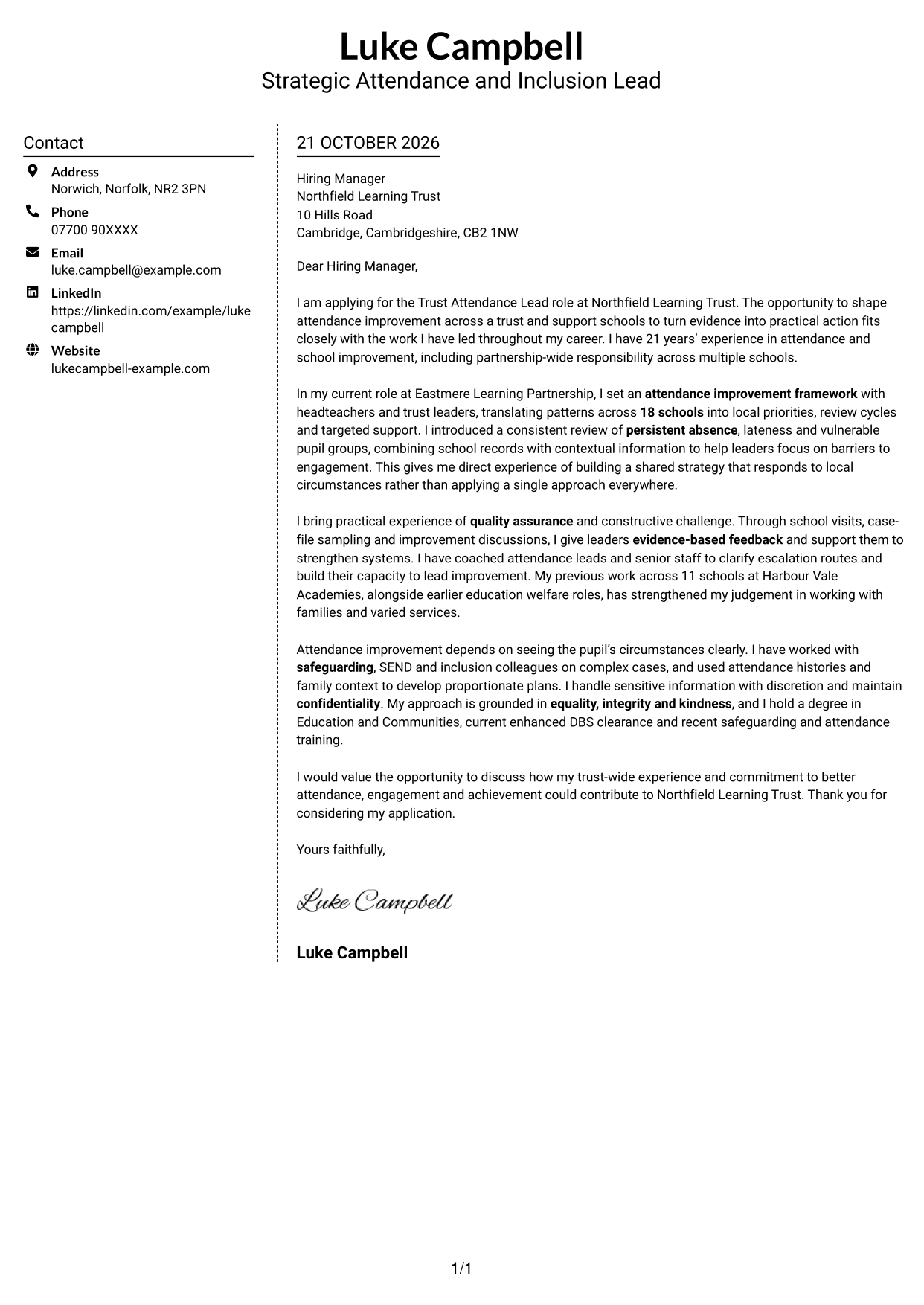
Why This Format Works
- A contact sidebar separates practical details from the letter’s central message.
- The letter body stays in one column, preserving the sequence of its paragraphs.
- Readers can move between contact information and the message without parallel text.
Best For
- A clear contact sidebar
- One-column letter paragraphs
- Separate contact and message areas
- A visible reading sequence
- Simple two-column organisation
#6 Modern Icon Format Cover Letter Example
The Modern Icon Format uses two columns for contact details and the continuous letter body, with icons serving as contact cues or header decoration rather than argument labels.
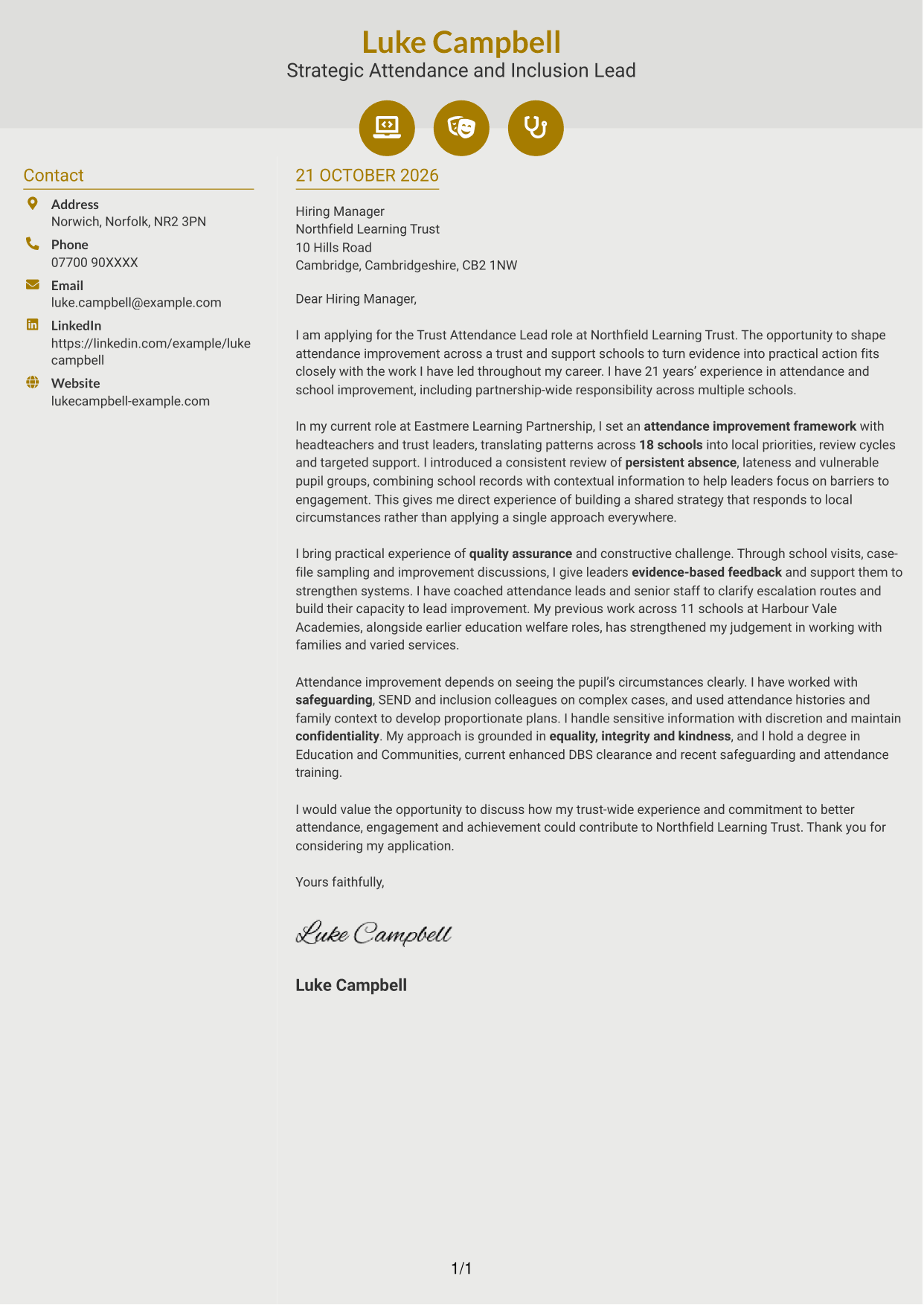
Why This Format Works
- Contact icons can help readers recognise practical details at a glance.
- The letter remains a continuous body rather than separate argument sections.
- Two columns keep contact information apart from the persuasive message.
Best For
- Icon-led contact details
- A continuous letter body
- Separate contact and message areas
- Quick recognition of contact cues
- A two-column reading order
#7 Creative Two Tone Format Cover Letter Example
The Creative Two Tone Format uses two columns for the contact sidebar and continuous letter body, suiting readers who want a distinct visual treatment while keeping the message in one sequence.
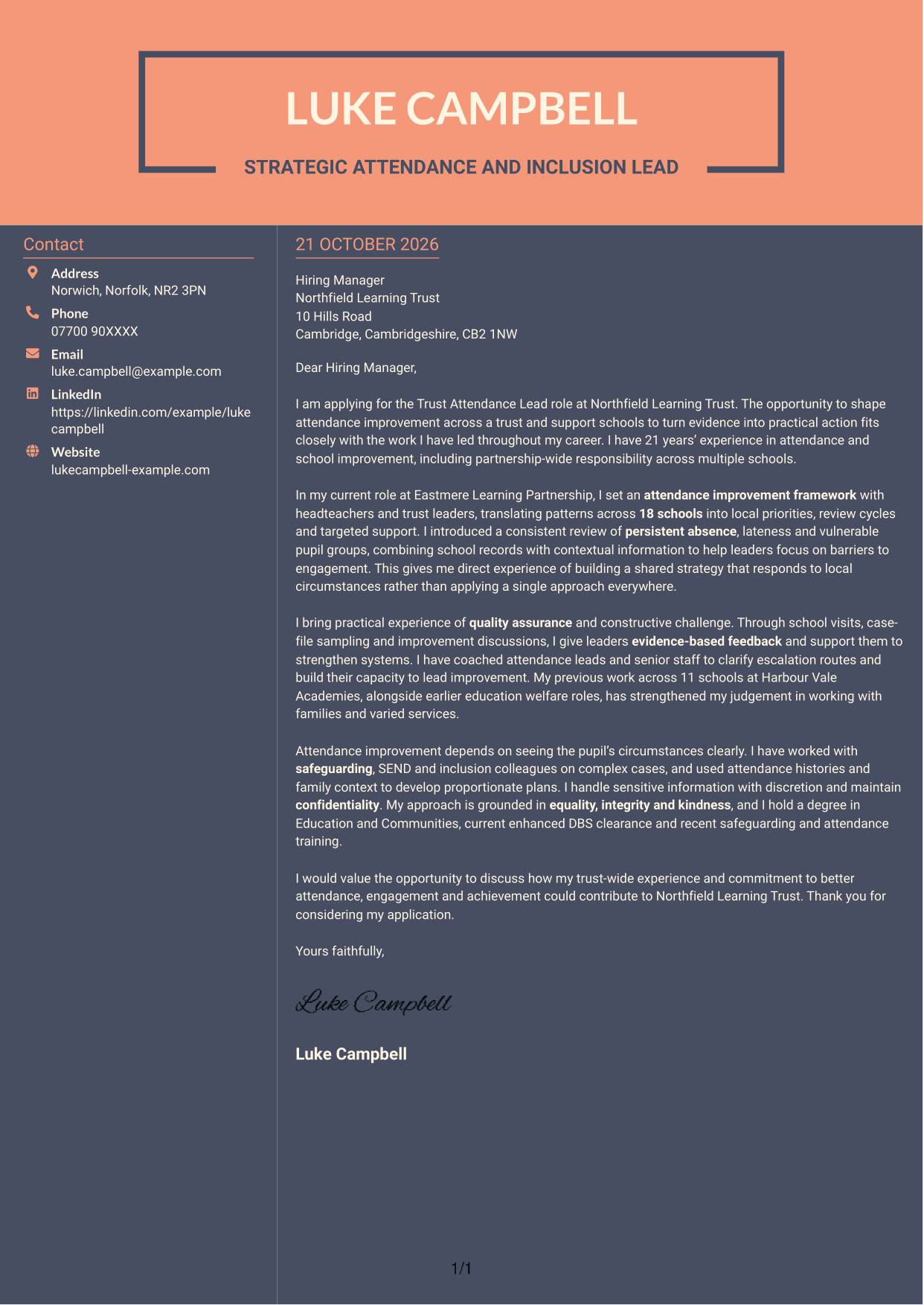
Why This Format Works
- The contact sidebar distinguishes sender information from the letter itself.
- One continuous body keeps the persuasive message in a clear sequence.
- Two columns provide separate areas for practical details and letter paragraphs.
Best For
- A two-tone visual style
- Contact details beside the message
- One continuous letter sequence
- A separate contact area
- A clearly divided page
See Also
- 7 Trust Attendance Lead CV Templates with Example
- 7 Attendance & Family Liaison Officer CV Templates with Example
- 7 Attendance Officer - Student Attendance Administration CV Templates with Example
- 7 School Office Administrator - Attendance and Pupil Administration CV Templates with Example
- 7 Treasury Analyst - Cash and Collateral Management CV Templates with Example
- 7 International Scholarships Administrator CV Templates with Example
- 7 Academic Resource Planning Coordinator - Workload Data CV Templates with Example
- 7 Regulatory Complaint Handler - Financial Services CV Templates with Example
- 7 Attendance & Family Liaison Officer Cover Letter Templates with Example
- 7 Attendance Officer - Student Attendance Administration Cover Letter Templates with Example
Frequently Asked Questions
What should a Trust Attendance Lead cover letter highlight?
Show how your work can support a trust-wide attendance strategy. Relevant evidence may include analysing attendance patterns, setting priorities across schools, quality-assuring practice and helping leaders improve their systems.
How can I show that I can support improvement across several schools?
Choose one example that explains the scale of your work and your actions. For instance, describe how you used attendance information to set local priorities, review progress and guide practical support for school leaders.
How should I discuss safeguarding, inclusion and SEND?
Explain how you work with colleagues to understand the factors affecting attendance for pupils and families. Give a brief example of how you used context and sound judgement to shape a suitable response, while protecting confidential information.
How can I make my interest in the trust clear?
Refer to the role’s focus on shared attendance improvement across schools. Then connect that focus to your own approach, such as using evidence, building leaders’ confidence and supporting consistent practice.
What is a clear structure for this cover letter?
Open with the role and your reason for applying. Use the body to give focused evidence of strategy, quality assurance and leadership support, then close by restating your interest and inviting a discussion.




